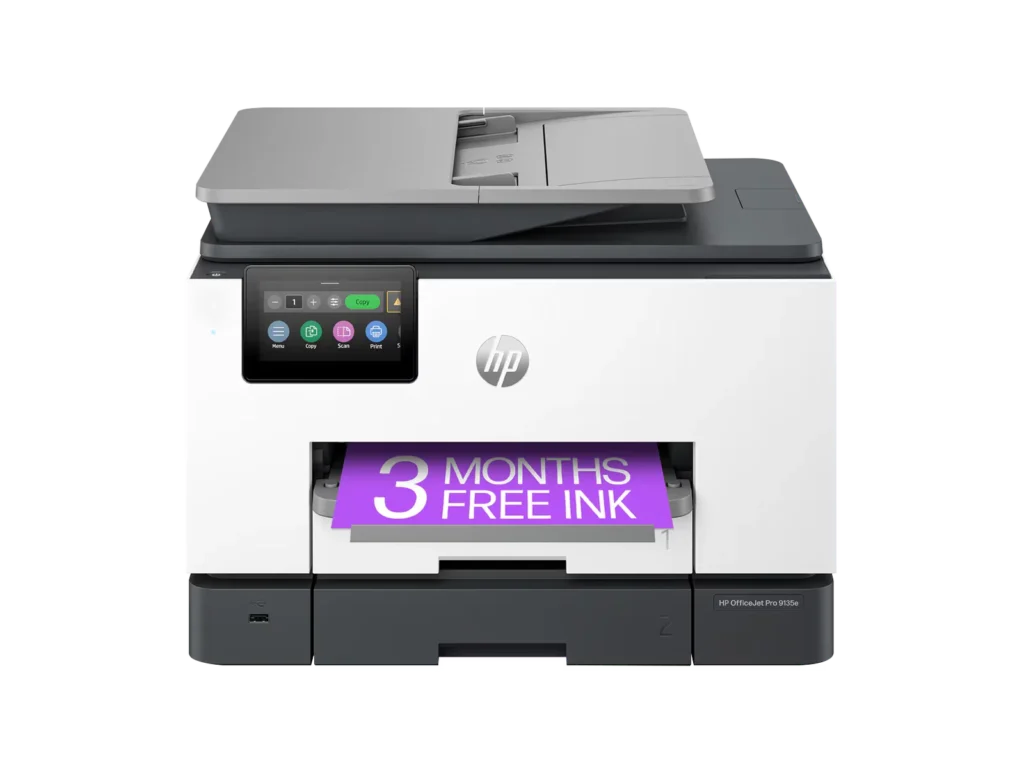
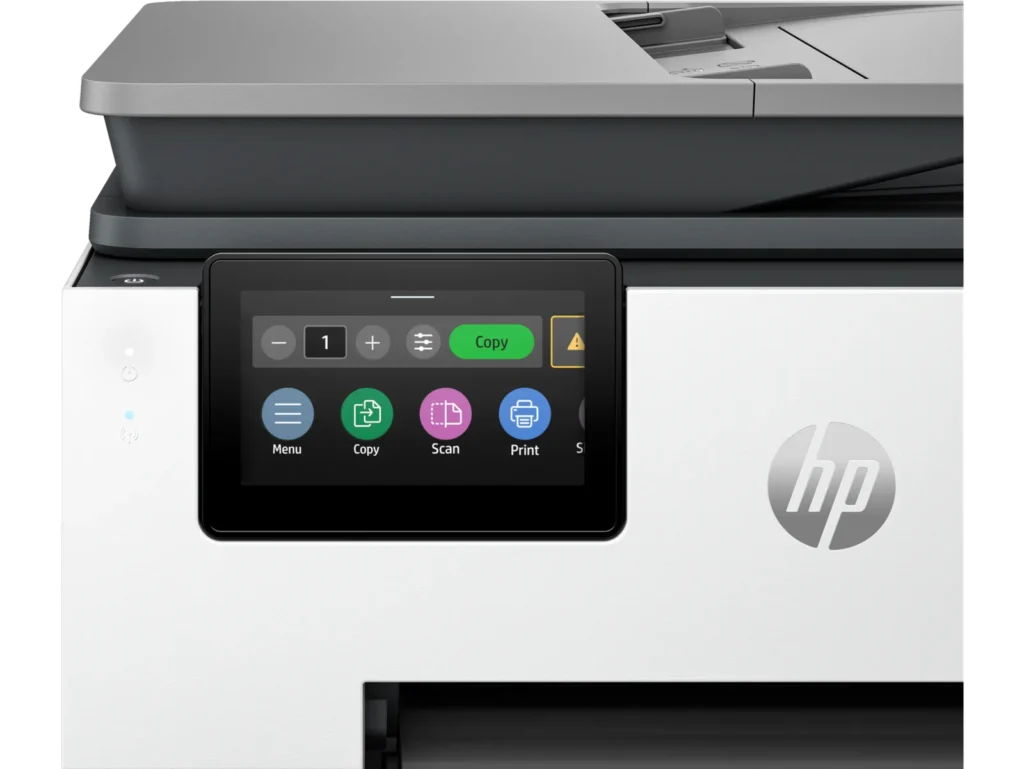
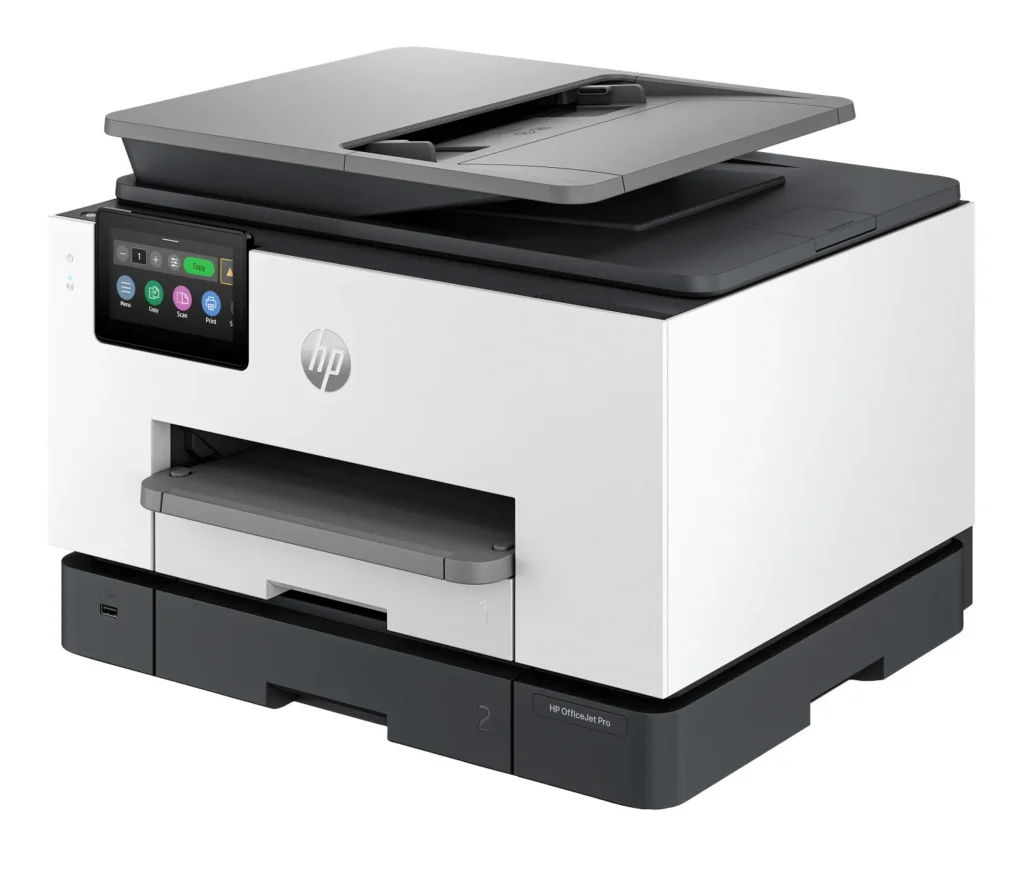
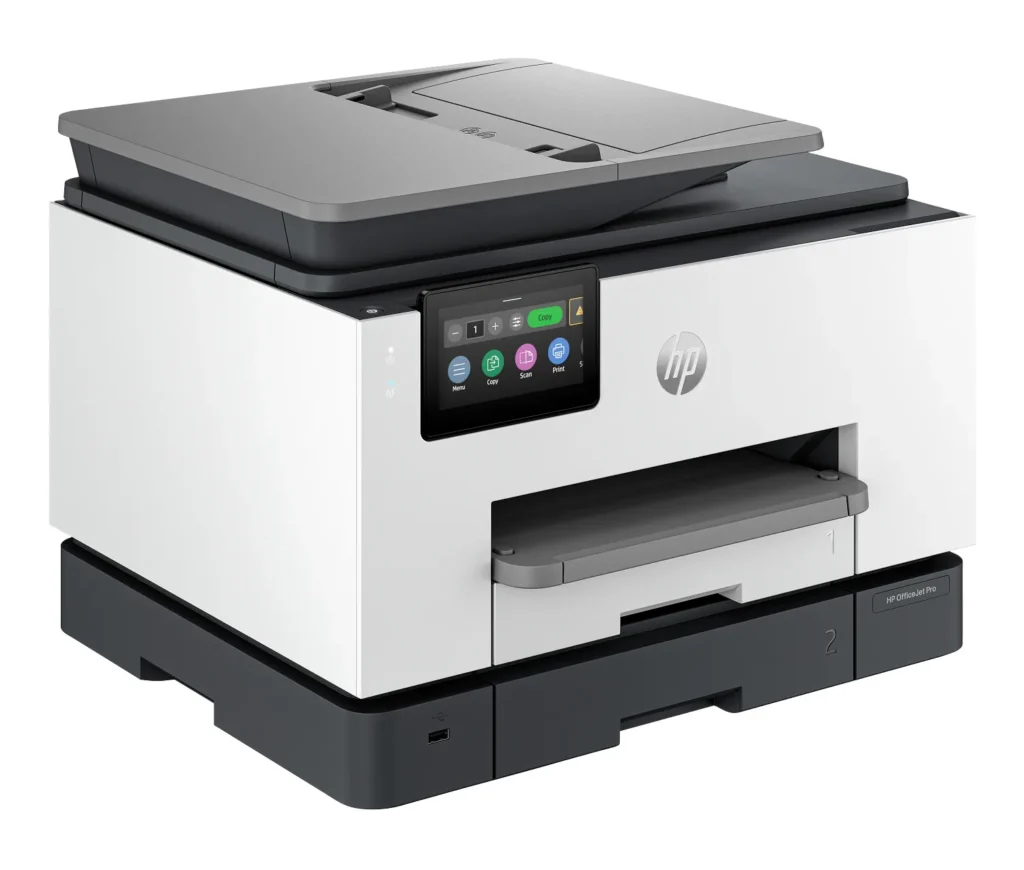
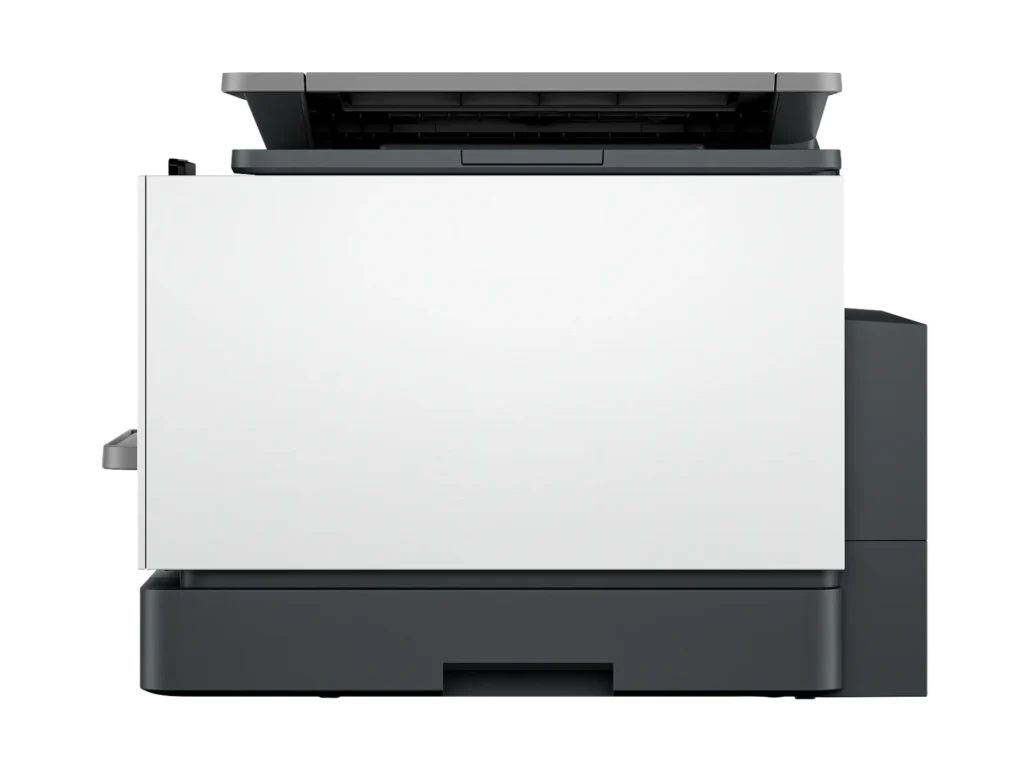
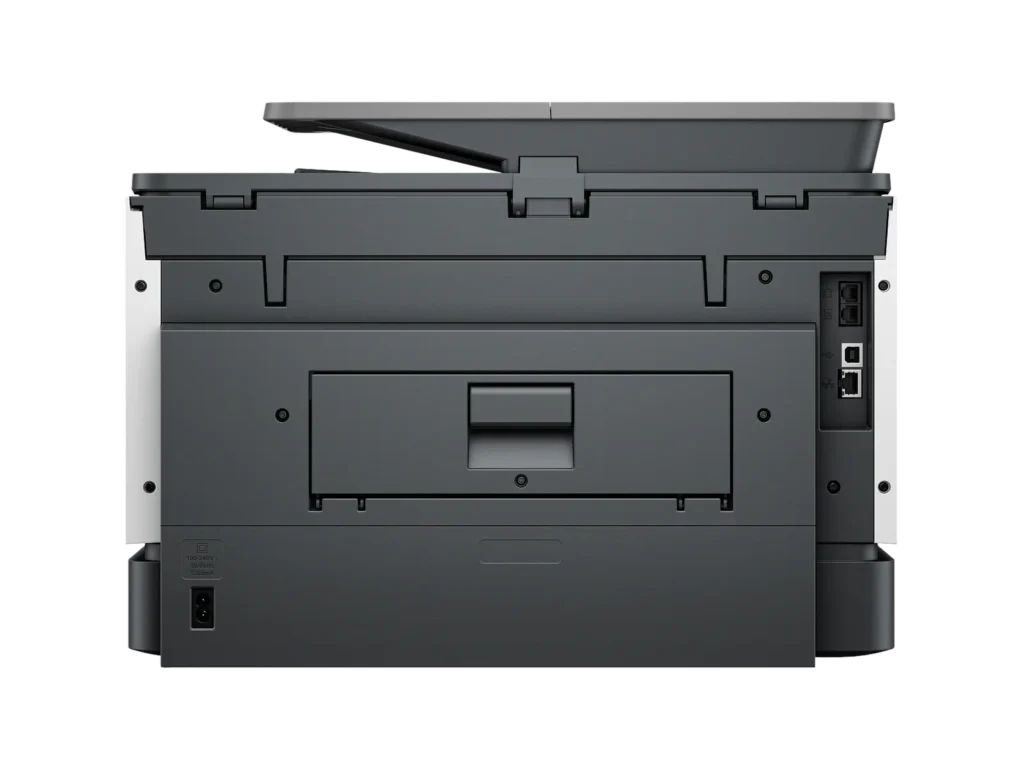
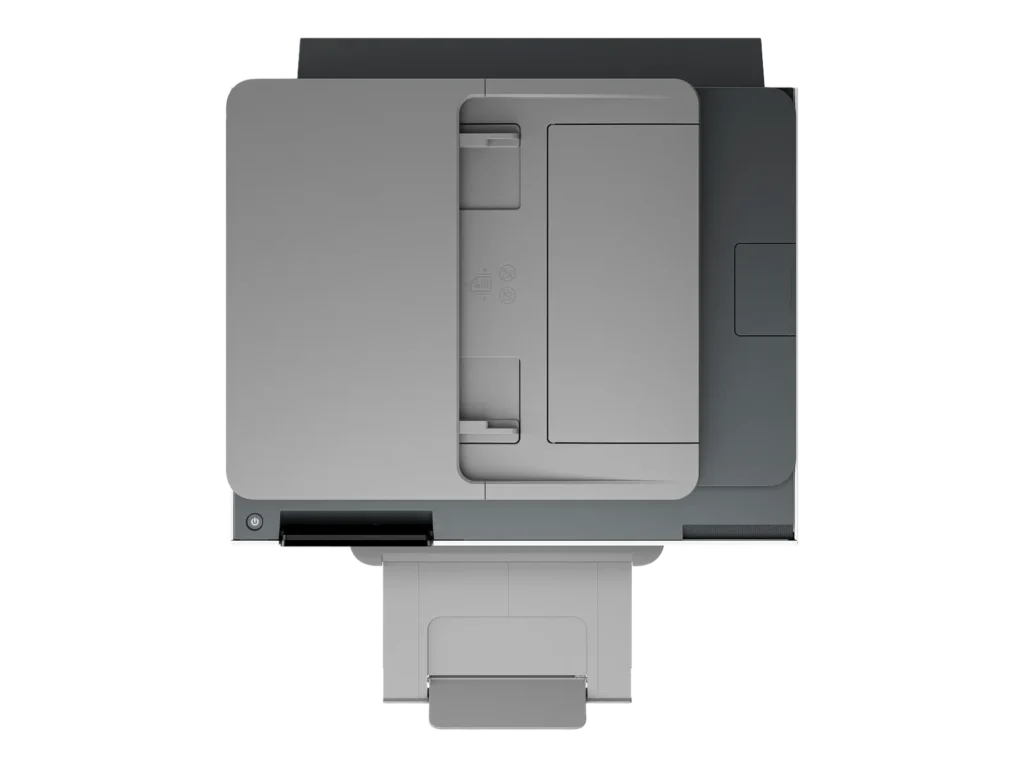
Customer Media
Highlights
| Blazing Fast Print Speeds | Experience rapid printing with speeds up to 25 pages per minute (ppm) for black and white documents and 20 ppm for color documents, ensuring efficient workflow for busy offices. |
|---|---|
| High Capacity & Automatic Duplexing | Equipped with a substantial 500-sheet paper capacity, split across two 250-sheet input trays, and featuring automatic two-sided printing and single-pass duplex scanning, this printer is designed for high-volume tasks and enhanced productivity. |
| AI-Enabled Smart Features | The HP OfficeJet Pro 9135e is AI-enabled to intuitively adapt to your workflow and offers perfectly formatted prints with HP AI, alongside seamless integration with HP's easy-to-use print app for cloud sharing and multi-device printing. |
| Reliable Connectivity & Robust Security | Stay connected with HP's self-healing dual-band Wi-Fi that automatically reconnects, and protect your network from cyberthreats with HP Wolf Pro Security, ensuring your multifunction printer stays up to date and secure. |
| Versatile All-in-One Functionality | This all-in-one inkjet printer provides comprehensive functionality, allowing you to print, copy, scan, and fax, making it a versatile solution for diverse office needs. |
Pros & Cons
Pros
- Excellent Print Quality: The printer consistently delivers crisp, clear, and vibrant prints for both documents and photos, with many reviewers noting its professional or laser-like quality.
- Fast Printing and Scanning: Users appreciate the high speed of printing, especially for basic jobs, and the efficiency of features like automatic two-sided printing and one-pass duplex scanning.
- Versatile All-in-One Features: The device is highly valued for its comprehensive functionalities including printing, scanning, copying, and faxing, along with practical features like dual paper trays and seamless mobile printing via the HP Smart app.
Cons
- Connectivity and Setup Challenges: Many customers found the initial setup complicated and time-consuming, often encountering difficulties with wireless connectivity, frequent disconnections, and the printer not being recognized by devices, sometimes requiring multiple reboots or extensive troubleshooting.
- High Ink Costs and Restrictive Policies: A major point of dissatisfaction is the high cost of HP's proprietary ink cartridges and the mandatory nature of the HP Instant Ink subscription, with some users reporting the printer becoming unusable if non-HP ink is detected or the subscription is cancelled.
- Noise and Mechanical Issues: Several reviewers noted the printer is considerably noisy during operation. Other mechanical problems include frequent paper jams, the output tray bending printed pages, and the scanner feeder being unreliable or slow.
Customer Fit
- Primary audience: Home-office professionals or small-business owners who need fast, dependable color printing and scanning for daily paperwork.
- Secondary audience: Families and remote workers printing homework, invoices, or photos who value easy wireless control and compact size.
- Ideal scenarios: Typical uses include home offices printing client files, scanning multi-page contracts, or producing marketing flyers and reports.
Customer Reviews
Showing reviews 211-220 of 729
-
Purchase Was A Big Mistake
Verified purchase Verified purchase: This reviewer bought the product.Wilbur M. Berry Jr. July 9, 2025Review source: AmazonThis printer does not work well with HP photographic paper. Constantly jams or will not feed the photographic paper. My HP 5200 does a much better job printing photos than this printer. The paper feed on this machine is too temperamental. If I had the purchase to do over, I would not purchase this printer, this was a big mistake. If you are printing black and white text and printing on both sides, this printer does a decent job. If you want to print photos, it is darn near impossible to print a photo and this is using HP photographic paper. You get a steady stream of error messages and paper jams.
-
she doesn’t want the cartridges.she said they were to expensive.
Verified purchase Verified purchase: This reviewer bought the product.margaret tullier July 8, 2025Review source: Amazonthis was a gift for my daughter and she fixed her old printer we didn’t open the box.thank you.sorry.
-
Nice Printer
Verified purchase Verified purchase: This reviewer bought the product. Incentivized Incentivized review: The reviewer received a benefit for sharing feedback.StacieP July 7, 2025Review source: BestbuyNice home use printer. Easy to set up and use within 30 min of unboxing
-
HP OFFICE JET 9135
Verified purchase Verified purchase: This reviewer bought the product. Incentivized Incentivized review: The reviewer received a benefit for sharing feedback.RhondaT July 4, 2025Review source: BestbuyEXCELLENT PRINTER, Does a great job! Turned out to be an excellent choice. So far so good
-
good Printer!
Verified purchase Verified purchase: This reviewer bought the product. Incentivized Incentivized review: The reviewer received a benefit for sharing feedback.JohnH July 4, 2025Review source: BestbuyWorks great! Was not that hard to set up when using the QR
-
Denise Brown
Verified purchase Verified purchase: This reviewer bought the product. Incentivized Incentivized review: The reviewer received a benefit for sharing feedback.DeniseBrown July 4, 2025Review source: BestbuyBest printer I have ever owned. Highly recommend this printer.
-
Delighted
Verified purchase Verified purchase: This reviewer bought the product. Incentivized Incentivized review: The reviewer received a benefit for sharing feedback.KermitT July 4, 2025Review source: BestbuyI’m really happy that I can print from my iPhone to this new printer.
-
Very Disappointed
R D Patterson July 3, 2025Review source: AmazonWhy did you pick this product vs others?:
I purchased a Photosmart 7520 thinking this was the last printer I would need for many years. I use it sparingly and it has great features and copies. The problem is it lasted less than 2 years and is considered obsolete by HP. It cost $759.00. I will not be buying anymore HP products! -
Cheaply made
Verified purchase Verified purchase: This reviewer bought the product.Amazon Customer July 2, 2025Review source: AmazonI have used HP for many years. Wanted a smaller version for my home office. This thing is constantly saying it is not connecting to wifi yet has a strong connection and signal when I check it. It is very loud and feels cheaper made than my others. Tells me I am out of paper when indeed BOTH trays have paper. Power it off and back on and it magically connects to wifi and finds the paper. It just seems to have alot of technical issues along with being loud. Not satisfied and honestly it has been 6 months and I have had it and will be looking to replace this thing.
-
Subscription required. Difficult setting up to network. Cant print back 2 back.
Verified purchase Verified purchase: This reviewer bought the product.Mary H June 29, 2025Review source: AmazonIt’s really disappointing that they force you to get on a subscription plan for ink. If you dont, they will remotely disconnect the printer to prevent using it until youbsign up again. The printer has difficulty connecting to wifi/network. Also, wont print back to back items in queue. If you do, 2nd job wont print. Stays in limbo.