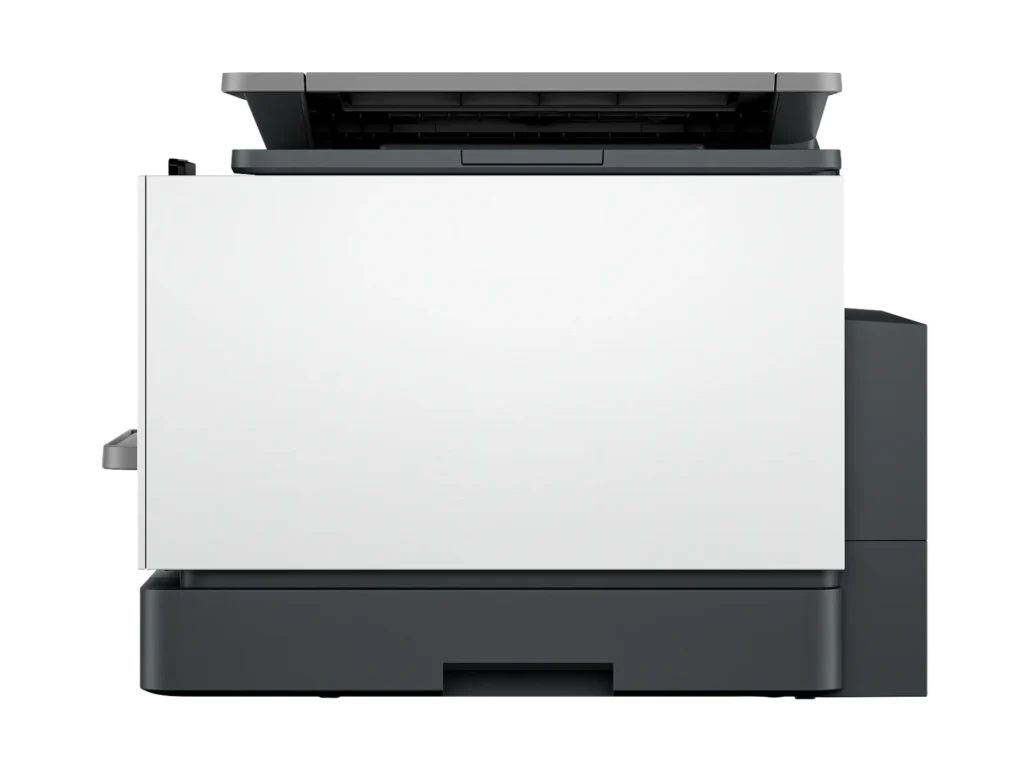
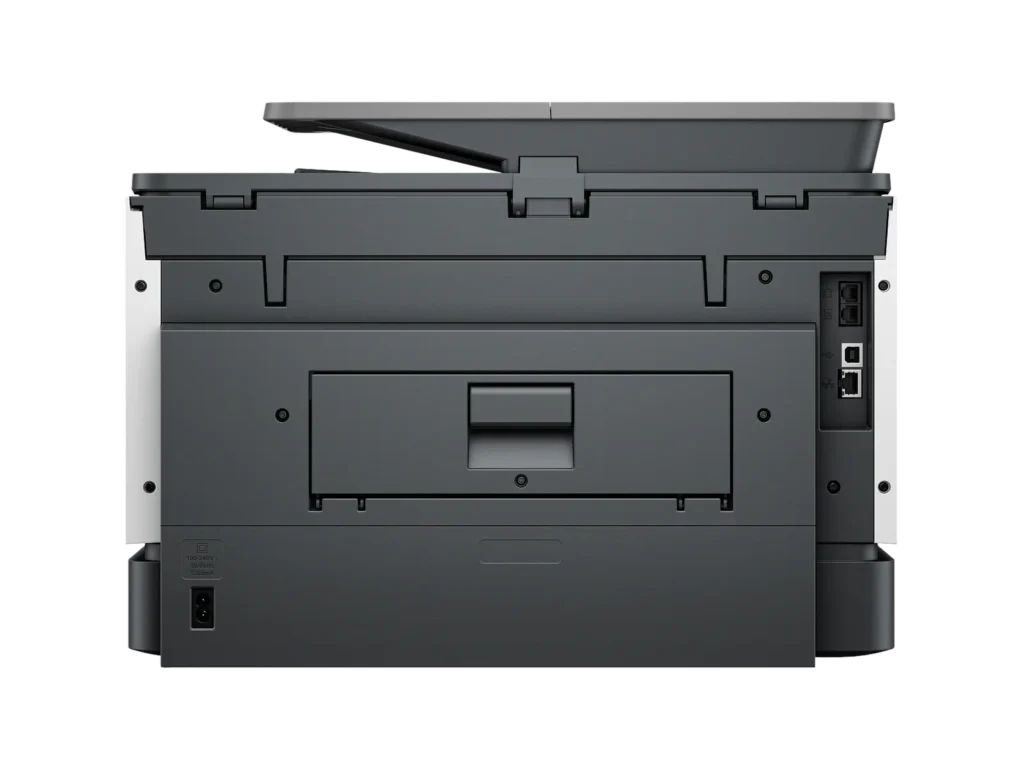
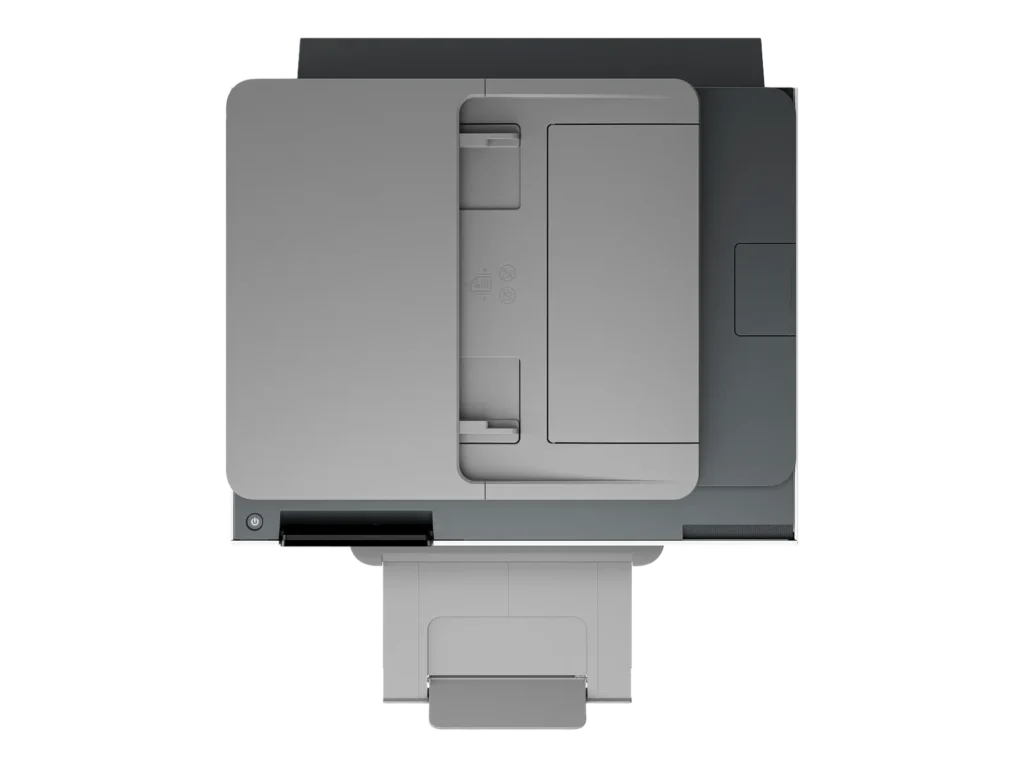
Customer Media
Highlights
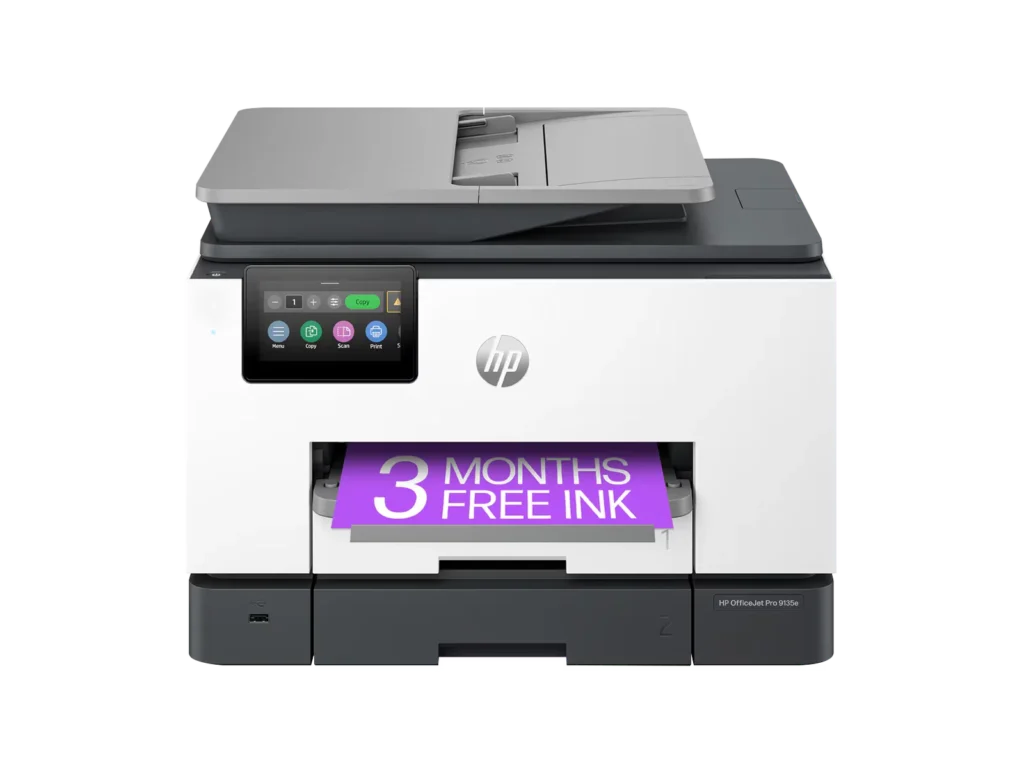
| Blazing Fast Print Speeds | Experience rapid printing with speeds up to 25 pages per minute (ppm) for black and white documents and 20 ppm for color documents, ensuring efficient workflow for busy offices. |
|---|---|
| High Capacity & Automatic Duplexing | Equipped with a substantial 500-sheet paper capacity, split across two 250-sheet input trays, and featuring automatic two-sided printing and single-pass duplex scanning, this printer is designed for high-volume tasks and enhanced productivity. |
| AI-Enabled Smart Features | The HP OfficeJet Pro 9135e is AI-enabled to intuitively adapt to your workflow and offers perfectly formatted prints with HP AI, alongside seamless integration with HP's easy-to-use print app for cloud sharing and multi-device printing. |
| Reliable Connectivity & Robust Security | Stay connected with HP's self-healing dual-band Wi-Fi that automatically reconnects, and protect your network from cyberthreats with HP Wolf Pro Security, ensuring your multifunction printer stays up to date and secure. |
| Versatile All-in-One Functionality | This all-in-one inkjet printer provides comprehensive functionality, allowing you to print, copy, scan, and fax, making it a versatile solution for diverse office needs. |
Pros & Cons
Pros
- Excellent Print Quality: The printer consistently delivers crisp, clear, and vibrant prints for both documents and photos, with many reviewers noting its professional or laser-like quality.
- Fast Printing and Scanning: Users appreciate the high speed of printing, especially for basic jobs, and the efficiency of features like automatic two-sided printing and one-pass duplex scanning.
- Versatile All-in-One Features: The device is highly valued for its comprehensive functionalities including printing, scanning, copying, and faxing, along with practical features like dual paper trays and seamless mobile printing via the HP Smart app.
Cons
- Connectivity and Setup Challenges: Many customers found the initial setup complicated and time-consuming, often encountering difficulties with wireless connectivity, frequent disconnections, and the printer not being recognized by devices, sometimes requiring multiple reboots or extensive troubleshooting.
- High Ink Costs and Restrictive Policies: A major point of dissatisfaction is the high cost of HP's proprietary ink cartridges and the mandatory nature of the HP Instant Ink subscription, with some users reporting the printer becoming unusable if non-HP ink is detected or the subscription is cancelled.
- Noise and Mechanical Issues: Several reviewers noted the printer is considerably noisy during operation. Other mechanical problems include frequent paper jams, the output tray bending printed pages, and the scanner feeder being unreliable or slow.
Customer Fit
- Primary audience: Home-office professionals or small-business owners who need fast, dependable color printing and scanning for daily paperwork.
- Secondary audience: Families and remote workers printing homework, invoices, or photos who value easy wireless control and compact size.
- Ideal scenarios: Typical uses include home offices printing client files, scanning multi-page contracts, or producing marketing flyers and reports.
Customer Reviews
Showing reviews 291-300 of 729
-
Worst setup, worst support – never again
Verified purchase Verified purchase: This reviewer bought the product.Scott May 3, 2025Review source: AmazonCrap. Brand new – ink cartridges won’t fit says I need new ones. Used those that came with printer. And of course no support open on a Saturday. Never again.
-
Easy setup
Verified purchase Verified purchase: This reviewer bought the product.Amazon Customer May 3, 2025Review source: AmazonVery easy to set up, easy wireless connection, does the job quickly and good value
-
Partial use review of hp all-in-one
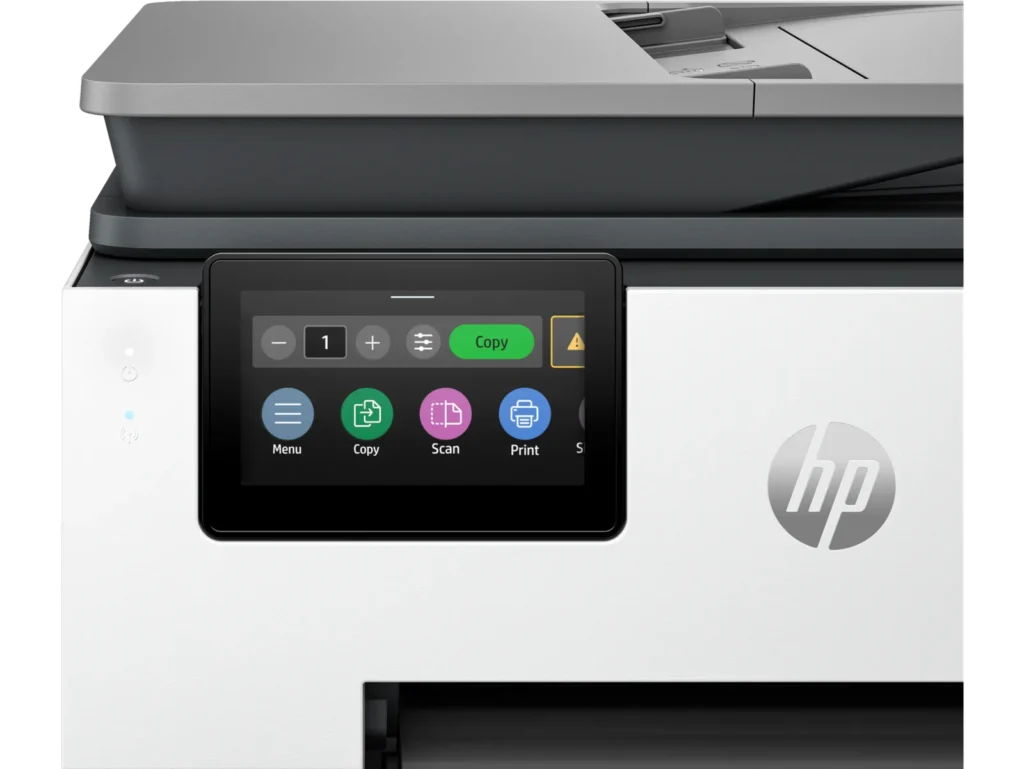
Verified purchase Verified purchase: This reviewer bought the product. Incentivized Incentivized review: The reviewer received a benefit for sharing feedback.user345813 May 3, 2025Review source: BestbuyFax and scan features not used yet. Copier & Printer output very good albeit a bit slower and noisier than expected….especially for 2 sided material. In comparison to 10 yr old hp this replaced, it seems a little less sturdy but it does perform as advertised. Control panel visibility a bit difficult if unit is placed at low level.
-
Great product.
Verified purchase Verified purchase: This reviewer bought the product. Incentivized Incentivized review: The reviewer received a benefit for sharing feedback.RudyW May 2, 2025Review source: BestbuyLove HP products. Upgrade ton this printer because the quality of print in our last printer. Haven’t use the fax option yet. Had an Officejet Pro a few years ago and loved the print quality for pictures. hoping this is the same quality.
-
MANAGER
Verified purchase Verified purchase: This reviewer bought the product. Incentivized Incentivized review: The reviewer received a benefit for sharing feedback.ClintonS May 2, 2025Review source: BestbuyEVERYTHING WAS OPK SO FOR ,WILL BUY ANOTHER/===============================================
-
Writing and Business Projects printer!
Verified purchase Verified purchase: This reviewer bought the product. Incentivized Incentivized review: The reviewer received a benefit for sharing feedback.NelsonB May 2, 2025Review source: BestbuyExcellent printer for both business and writing projects. I highly recommend this
-
Nightmare on HP Street
Verified purchase Verified purchase: This reviewer bought the product. Incentivized Incentivized review: The reviewer received a benefit for sharing feedback.SeanD May 1, 2025Review source: BestbuyWhat a nightmare. I purchased the 9135e on April 14. Got it home and set it up. I purchased it because I liked the 2-sided printing options and the 2-sided scanning function. Of course I couldn’t get them to work. When I tried 2-sided printing a prompt would come on my screen that I needed to wait until the 1 side was printed then reinsert the pages and select the 2nd side button. This printer should not have to have that happen. In any case that wouldn’t work either. The page would print the first page and have it in the position to flip to print the other side and just freeze. I could not pull the paper out to flip it or anything. After a few minutes, the printer would just spit out the paper and I could not figure out how to get it to do what I wanted. I went online and found a suggestion on something I might do through the app I needed to download to set the computer up. When I followed the instructions and selected the correct menu item, the page that I wanted would display for and instant and then disappear. I decided to contact HP for help. Every way to contact HP for help requires you to enter the serial number of your product. When I did that, the message back was that my serial number DID NOT EXIST! I checked it over and over. Took a picture of it and checked again. Nope. I finally found a phone number and called it. The auto attendant required a serial number. Again they said it DID NOT EXIST! I finally found some selections through the auto attendant that got me to a live body. I thought my nightmare was over, but alas no. Now I have to send an email with my proof of purchase and serial number. When they get it, they will make sure my serial number is in the system so I can start over again and be recognized. I was a little hesitant when I purchased this, so I became a Best Buy member. That allows me 60 days to return something instead of the usual 15. If this doesn’t get A LOT easier, I am going to return it and purchase something else.
-
Beware the cost of ink. It only uses HP Cartridges
Lynn Black April 28, 2025Review source: AmazonConstruction is very flimsy when I compare with my last HP printer. The starter ink was depleted after only 328 pages with low coverage. They may as well give these printers away free because they will make their money on ink. You cannot use refilled ink cartridges. If you subscribe to their instant ink then the cartridges are filed to the top. If you do not then you will be paying $ 122 + tax each time you need ink
-
Title of what?
Verified purchase Verified purchase: This reviewer bought the product. Incentivized Incentivized review: The reviewer received a benefit for sharing feedback.MelanieG April 27, 2025Review source: BestbuySo far so good! I am happy with the performance of my HP OfficeJet Pro 9135e. The color printing is Very Good. The black ink documents are a crisp, clear print. The speed of the printing is great. The scanner has worked easily. I got it at a Sale Price. And the photo’s have been fine quality. – – – My only complaint, so far, is that when you first turn the machine on, it takes quite a while to go “through” its noisy processing. All in all, it has been a “great deal”.
-
9136
Verified purchase Verified purchase: This reviewer bought the product. Incentivized Incentivized review: The reviewer received a benefit for sharing feedback.Turtle April 25, 2025Review source: BestbuyI like this printer because ihate refilling ink cartridges