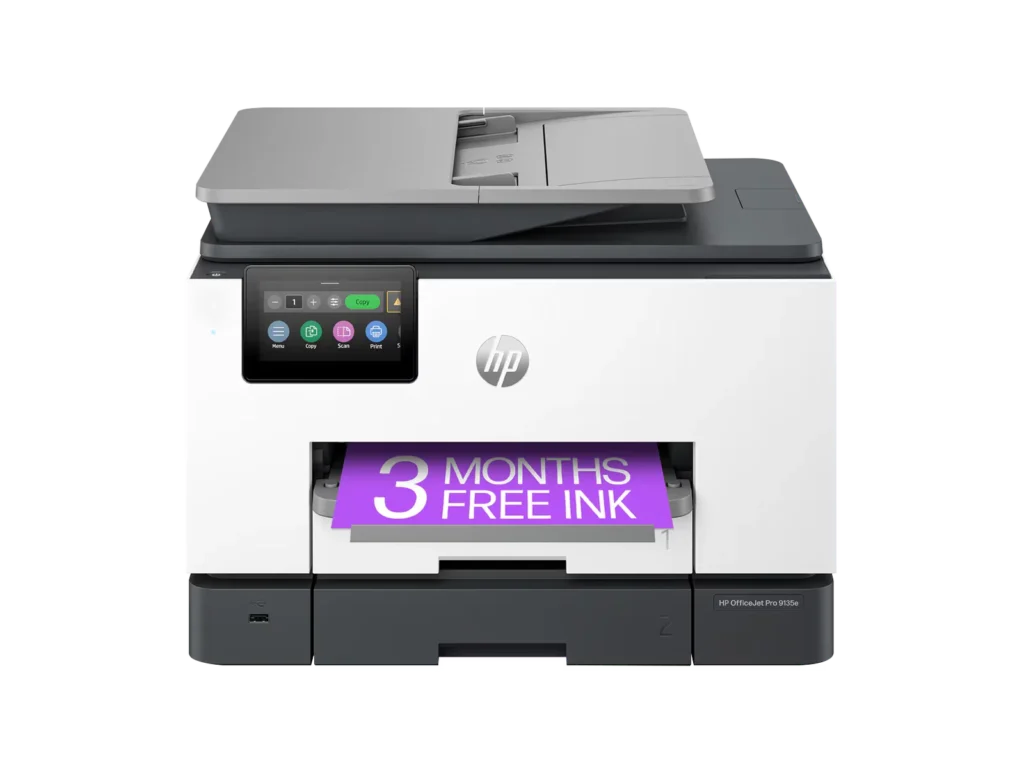
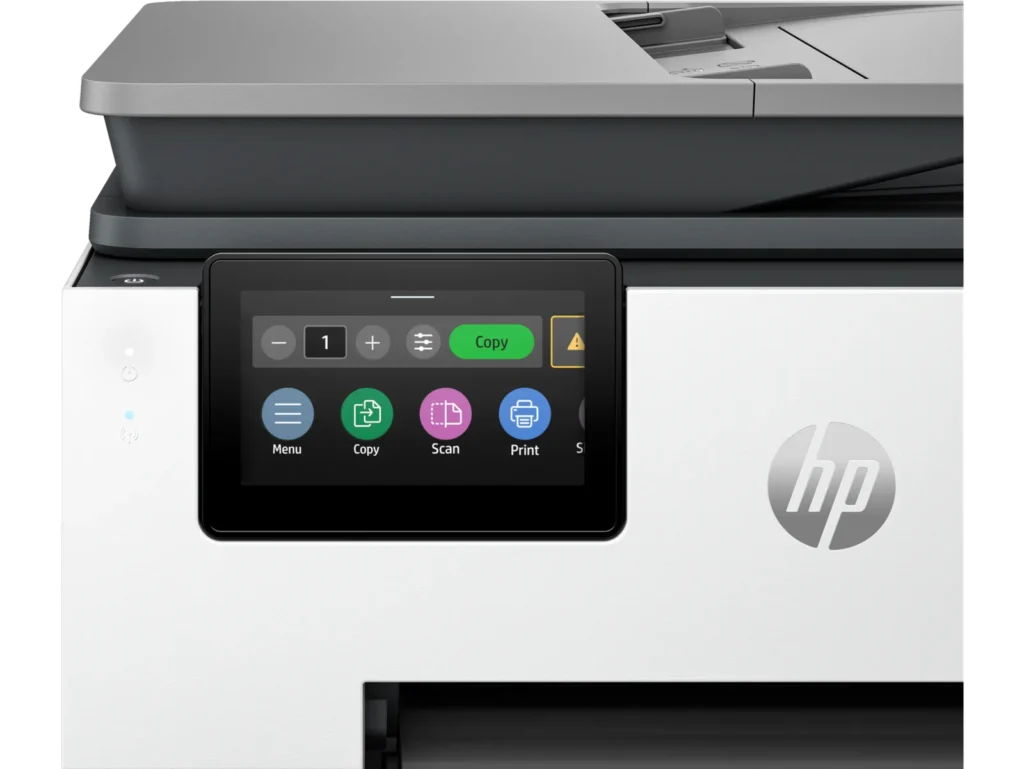
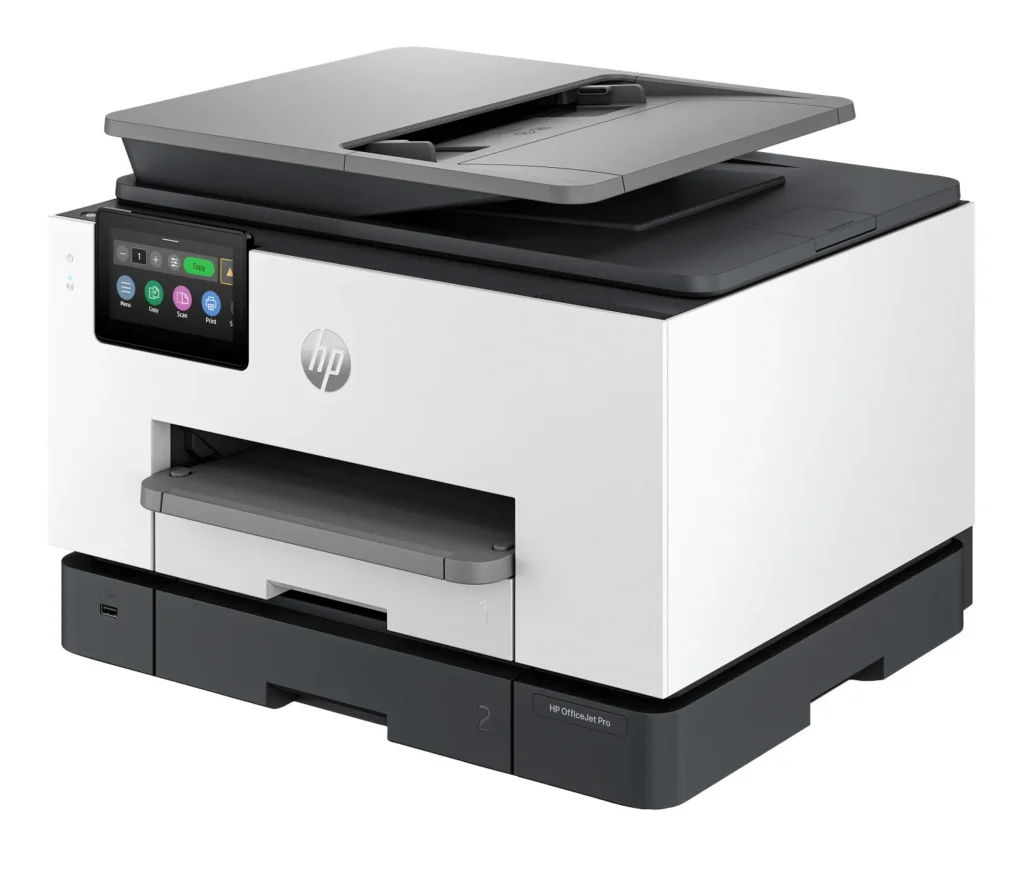
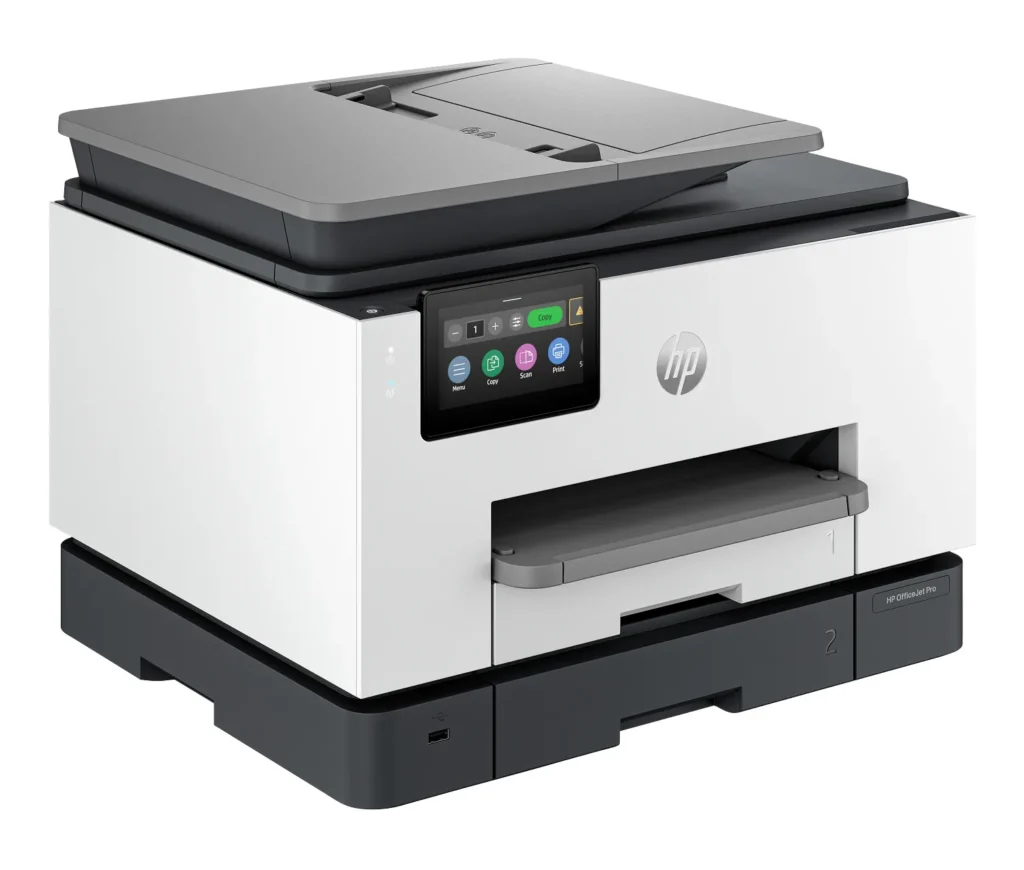
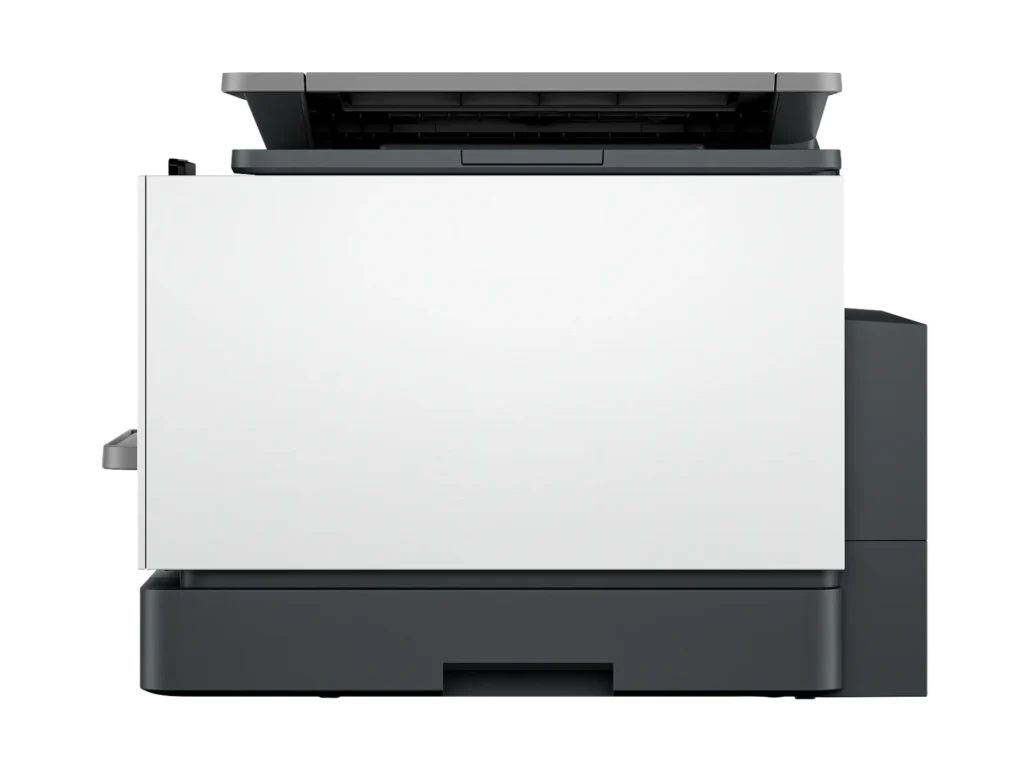
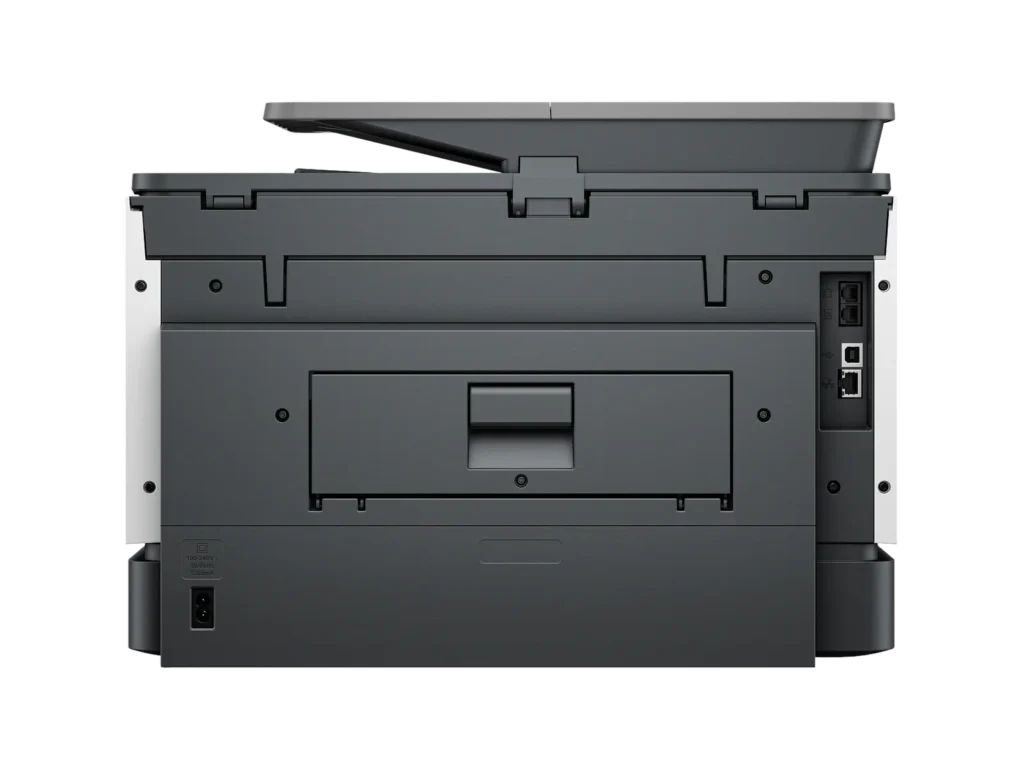
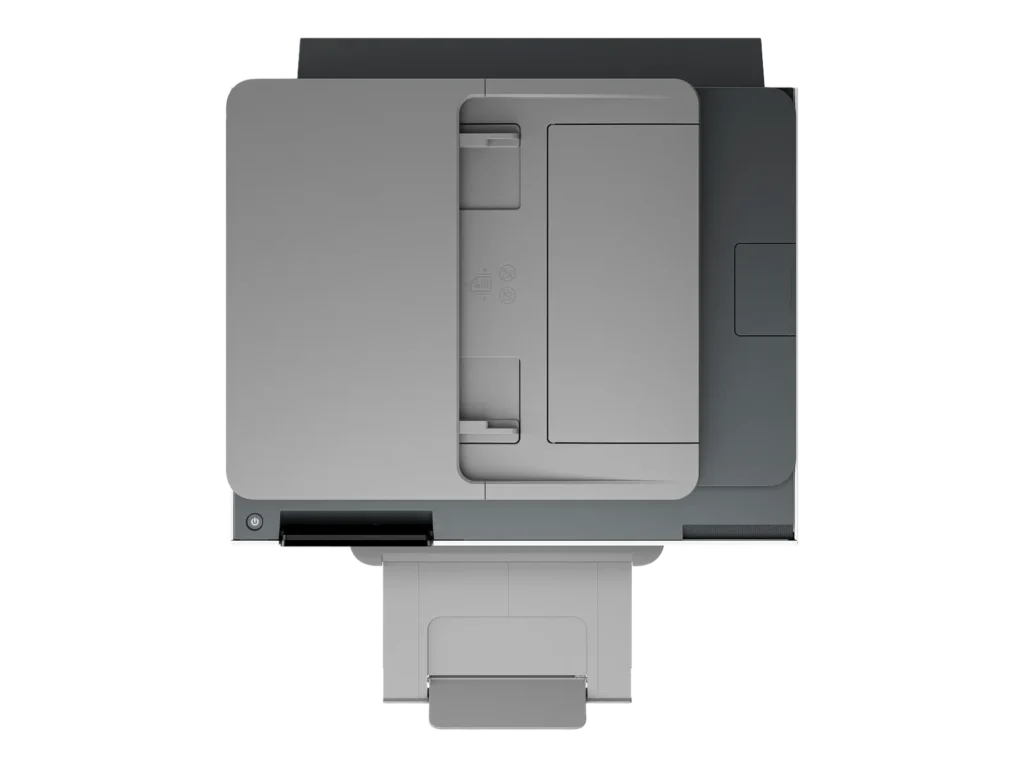
Customer Media
Highlights
| Blazing Fast Print Speeds | Experience rapid printing with speeds up to 25 pages per minute (ppm) for black and white documents and 20 ppm for color documents, ensuring efficient workflow for busy offices. |
|---|---|
| High Capacity & Automatic Duplexing | Equipped with a substantial 500-sheet paper capacity, split across two 250-sheet input trays, and featuring automatic two-sided printing and single-pass duplex scanning, this printer is designed for high-volume tasks and enhanced productivity. |
| AI-Enabled Smart Features | The HP OfficeJet Pro 9135e is AI-enabled to intuitively adapt to your workflow and offers perfectly formatted prints with HP AI, alongside seamless integration with HP's easy-to-use print app for cloud sharing and multi-device printing. |
| Reliable Connectivity & Robust Security | Stay connected with HP's self-healing dual-band Wi-Fi that automatically reconnects, and protect your network from cyberthreats with HP Wolf Pro Security, ensuring your multifunction printer stays up to date and secure. |
| Versatile All-in-One Functionality | This all-in-one inkjet printer provides comprehensive functionality, allowing you to print, copy, scan, and fax, making it a versatile solution for diverse office needs. |
Pros & Cons
Pros
- Excellent Print Quality: The printer consistently delivers crisp, clear, and vibrant prints for both documents and photos, with many reviewers noting its professional or laser-like quality.
- Fast Printing and Scanning: Users appreciate the high speed of printing, especially for basic jobs, and the efficiency of features like automatic two-sided printing and one-pass duplex scanning.
- Versatile All-in-One Features: The device is highly valued for its comprehensive functionalities including printing, scanning, copying, and faxing, along with practical features like dual paper trays and seamless mobile printing via the HP Smart app.
Cons
- Connectivity and Setup Challenges: Many customers found the initial setup complicated and time-consuming, often encountering difficulties with wireless connectivity, frequent disconnections, and the printer not being recognized by devices, sometimes requiring multiple reboots or extensive troubleshooting.
- High Ink Costs and Restrictive Policies: A major point of dissatisfaction is the high cost of HP's proprietary ink cartridges and the mandatory nature of the HP Instant Ink subscription, with some users reporting the printer becoming unusable if non-HP ink is detected or the subscription is cancelled.
- Noise and Mechanical Issues: Several reviewers noted the printer is considerably noisy during operation. Other mechanical problems include frequent paper jams, the output tray bending printed pages, and the scanner feeder being unreliable or slow.
Customer Fit
- Primary audience: Home-office professionals or small-business owners who need fast, dependable color printing and scanning for daily paperwork.
- Secondary audience: Families and remote workers printing homework, invoices, or photos who value easy wireless control and compact size.
- Ideal scenarios: Typical uses include home offices printing client files, scanning multi-page contracts, or producing marketing flyers and reports.
Customer Reviews
Showing reviews 321-330 of 729
-
Hp printer
Verified purchase Verified purchase: This reviewer bought the product. Incentivized Incentivized review: The reviewer received a benefit for sharing feedback.1234 April 11, 2025Review source: Bestbuyi like this printer is stable and very efficient for home use as well office, i like the customer service the guy was very friendly and advised me before decided to get mine for home use easy to set cartridge.
“Go get yours today”
-
Wrong…..
Verified purchase Verified purchase: This reviewer bought the product.Steve April 9, 2025Review source: AmazonI gave it 1 star the printer is OK but when you go to buy the ink for this printer it is crazy! the cost if you buy ink for it for the second time it will cost as much as you paid for the printer. Note: the ink will not last as long as you think it should have! That is the truth…..!!! This is wrong…..
-
Finally
Verified purchase Verified purchase: This reviewer bought the product. Incentivized Incentivized review: The reviewer received a benefit for sharing feedback.Humidifier April 7, 2025Review source: BestbuySo far so good. I ordered a previous hp printer and was not able to print remotely. Was only able to print if the device was on the same network as the printer. I bought the previous printer after speaking with HP personnel and no luck. Also it took an hour to set up. Well i bought this one from Best buy and the set up was 5 minutes and it prints remotely yyyyyyeeessss. Welcome back to being my favorite HP.
-
Doesn't connect to PC, laptop or tablet
Verified purchase Verified purchase: This reviewer bought the product.True Greener April 7, 2025Review source: AmazonWaste of serious time. Cannot keep it connected to PC, laptop, tablet. HP Smart doesn’t work. “Support” amounts to turning it off, turning off your PC, turning off your router. Plus HP increases pricing on its ink supply program. Scanner also disconnects itself.
-
Printer review
Verified purchase Verified purchase: This reviewer bought the product. Incentivized Incentivized review: The reviewer received a benefit for sharing feedback.KevinM April 6, 2025Review source: BestbuyAm very pleased with my new printer. Would definitely recommend this printer.
-
Great inexpensive office printer
Verified purchase Verified purchase: This reviewer bought the product. Incentivized Incentivized review: The reviewer received a benefit for sharing feedback.YM2025 April 4, 2025Review source: BestbuyGreat printer – fast, clean copies, easy to set up and scan.
-
HP Office Jet Printer
Verified purchase Verified purchase: This reviewer bought the product. Incentivized Incentivized review: The reviewer received a benefit for sharing feedback.Anonymous April 4, 2025Review source: BestbuyI love my new printer. It copies documents so fast.
-
HP Terrible tech support
Verified purchase Verified purchase: This reviewer bought the product.Samuel April 3, 2025Review source: AmazonHP Tech support is unreachable I getting rid of the unit
-
Printer
Verified purchase Verified purchase: This reviewer bought the product. Incentivized Incentivized review: The reviewer received a benefit for sharing feedback.Anonymous April 1, 2025Review source: BestbuyIve had a handful of printers so im hoping this will last me for awhile
-
Power cord does not stay connected. A
Verified purchase Verified purchase: This reviewer bought the product.Ashley Ledbetter March 31, 2025Review source: AmazonThe power cord does not stay connected- falls out. It is actually why I am replacing my old printer which is also HP. Thinking of switching brands altogether. Really annoying!