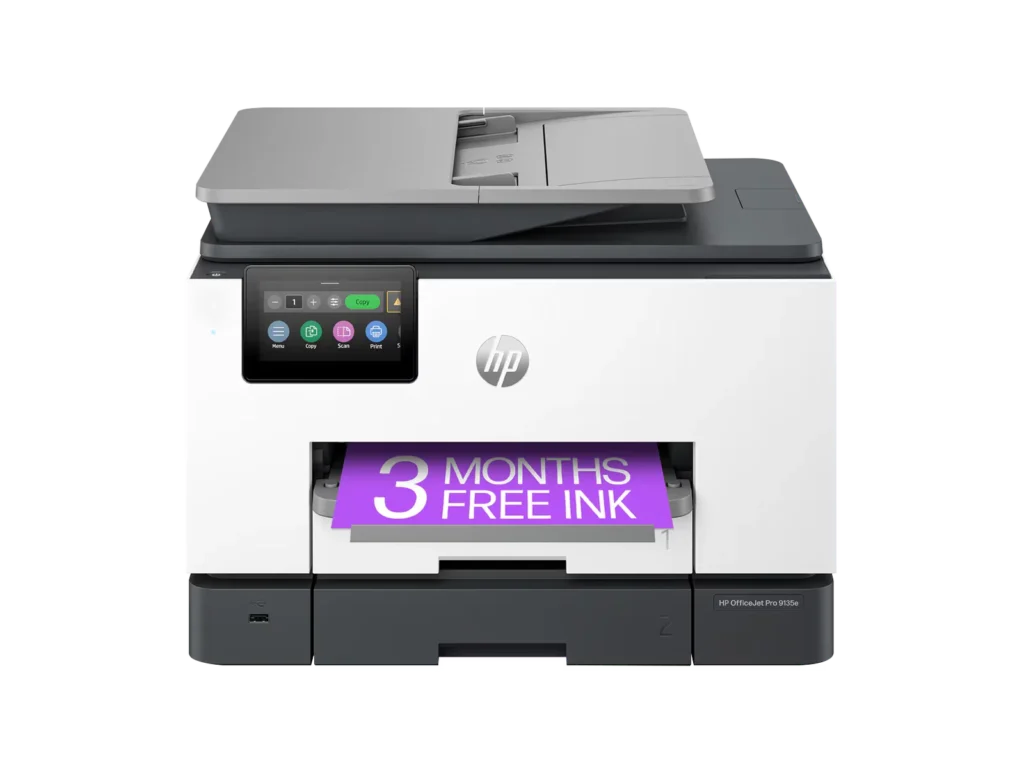
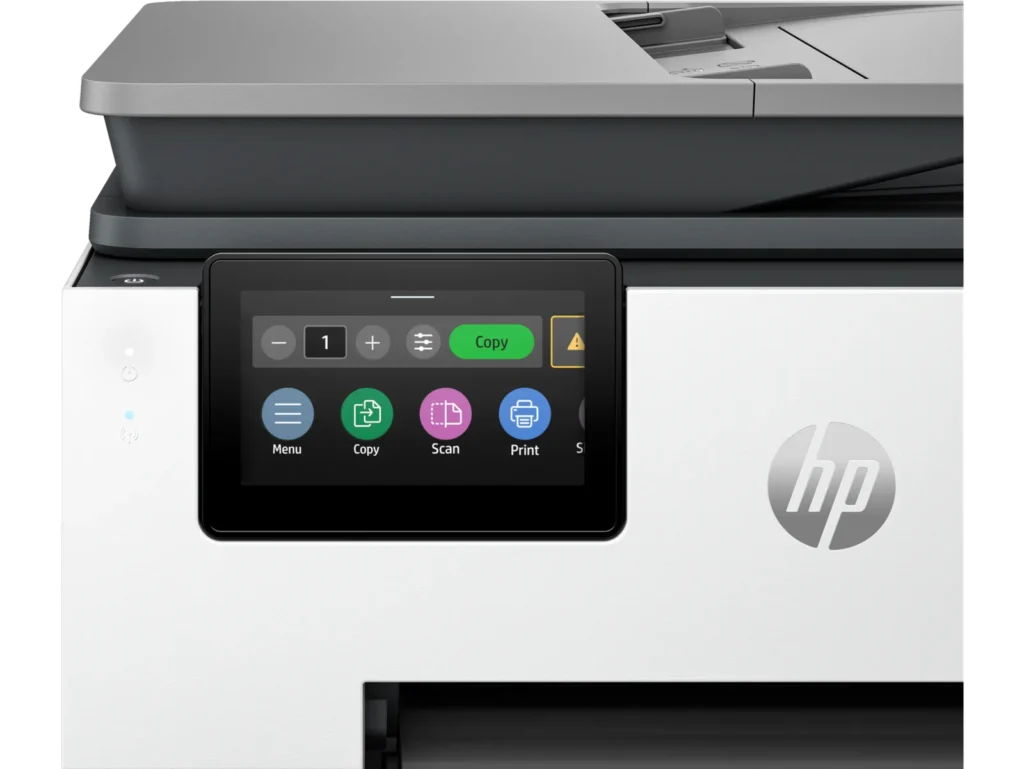
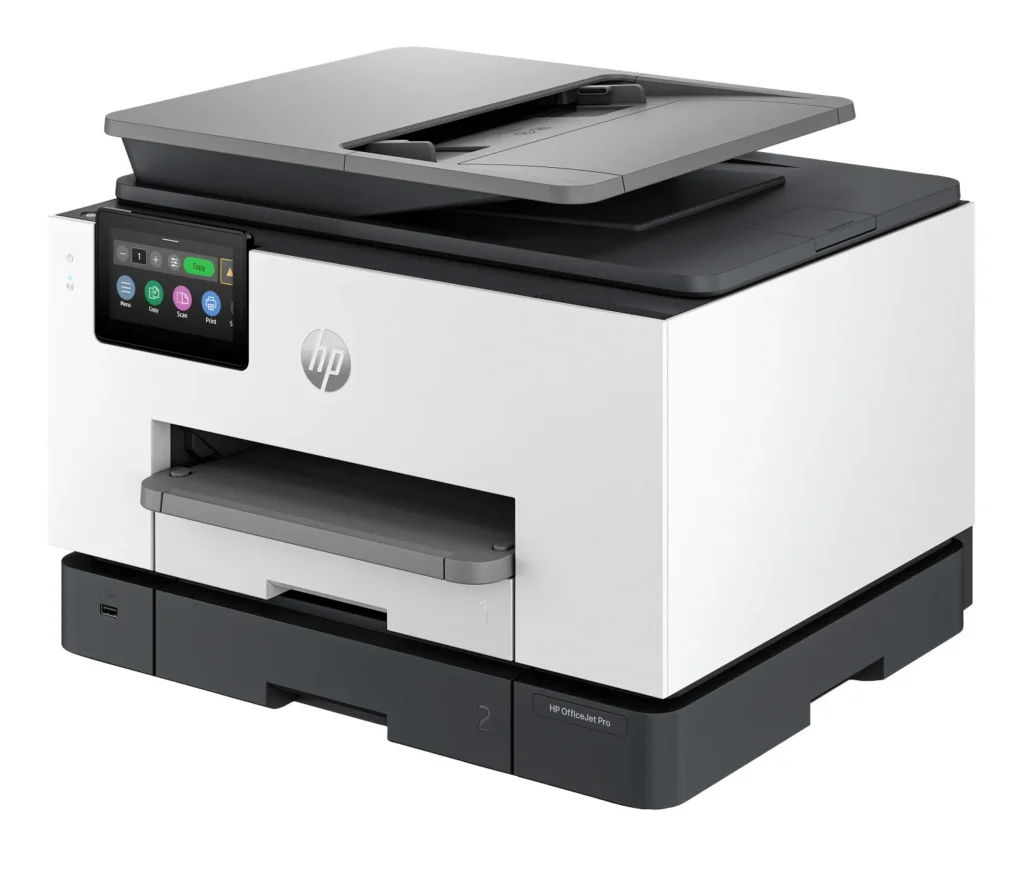
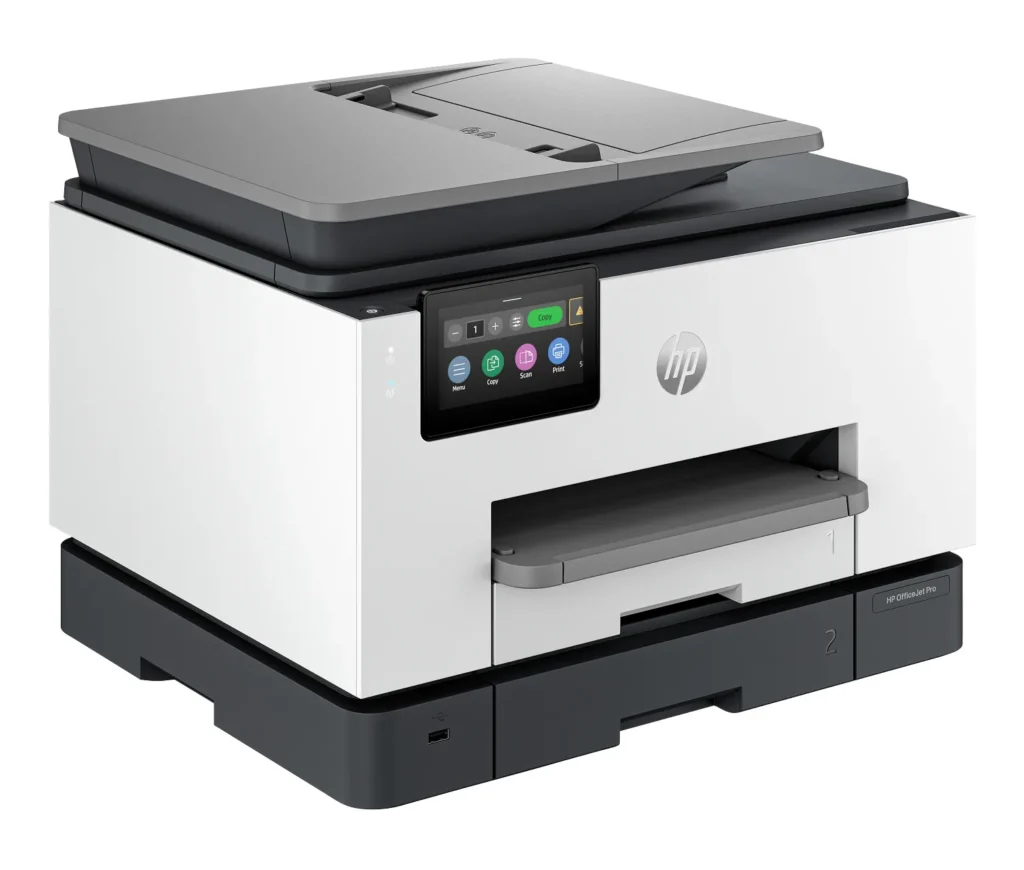
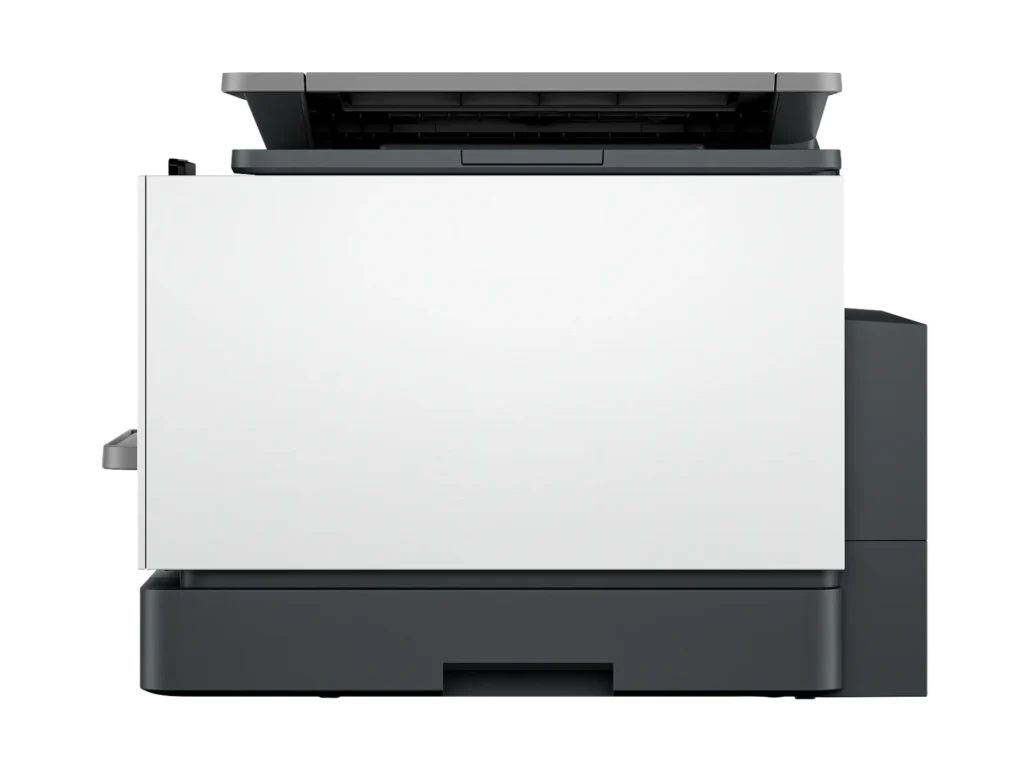
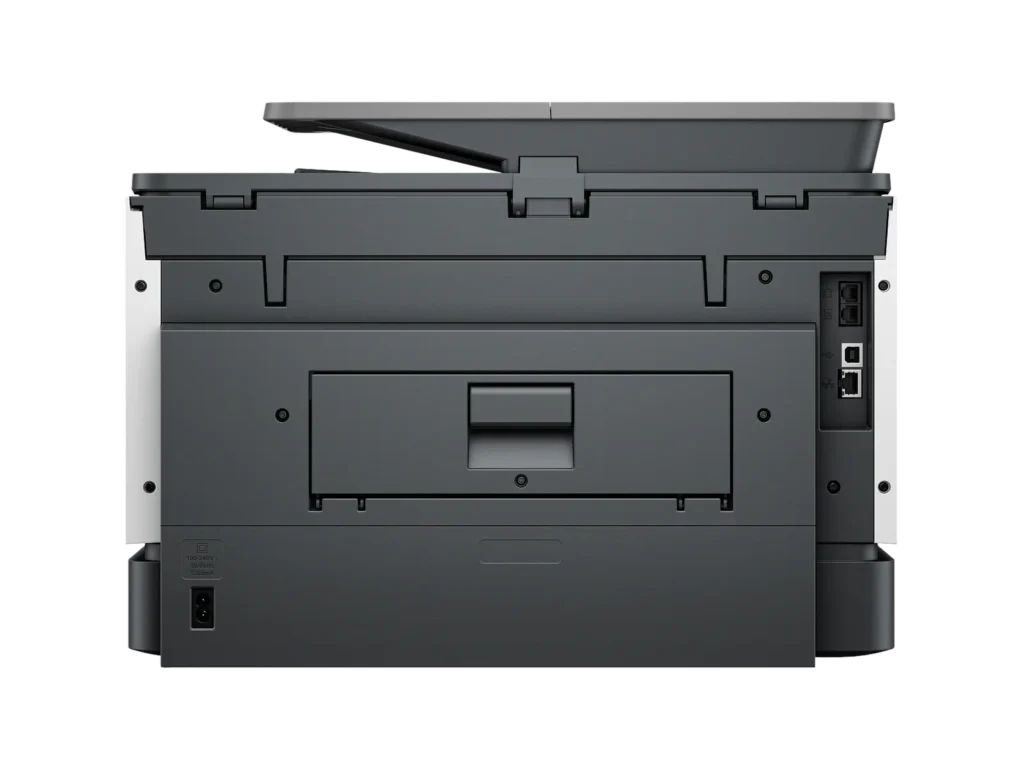
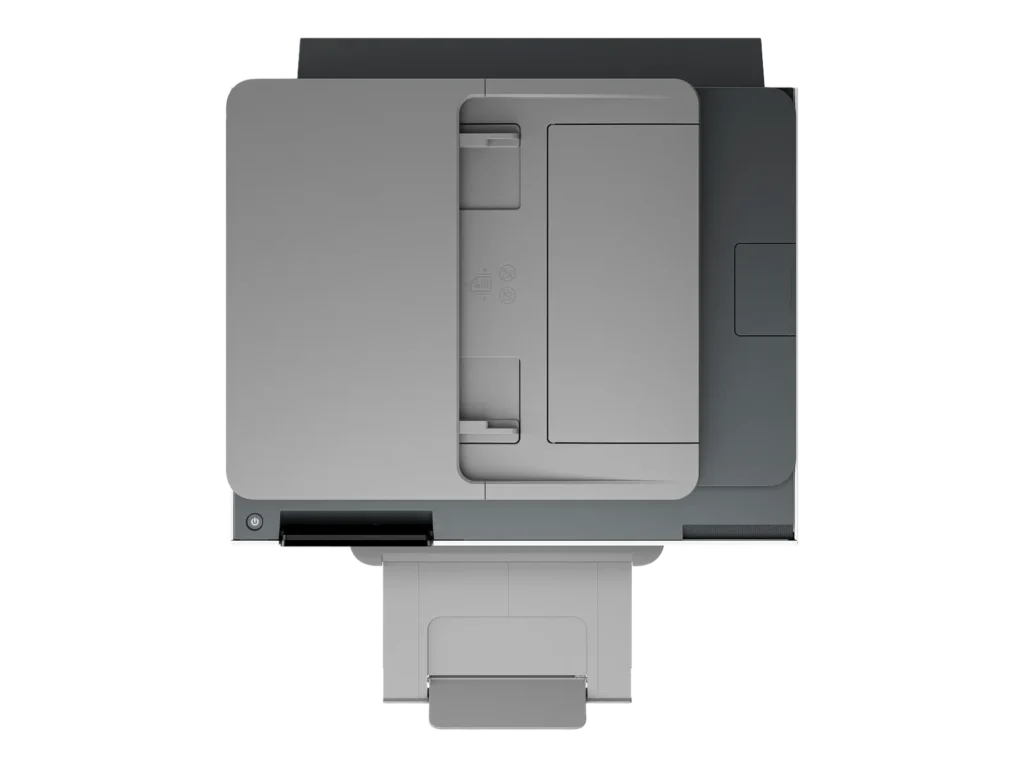
Customer Media
Highlights
| Blazing Fast Print Speeds | Experience rapid printing with speeds up to 25 pages per minute (ppm) for black and white documents and 20 ppm for color documents, ensuring efficient workflow for busy offices. |
|---|---|
| High Capacity & Automatic Duplexing | Equipped with a substantial 500-sheet paper capacity, split across two 250-sheet input trays, and featuring automatic two-sided printing and single-pass duplex scanning, this printer is designed for high-volume tasks and enhanced productivity. |
| AI-Enabled Smart Features | The HP OfficeJet Pro 9135e is AI-enabled to intuitively adapt to your workflow and offers perfectly formatted prints with HP AI, alongside seamless integration with HP's easy-to-use print app for cloud sharing and multi-device printing. |
| Reliable Connectivity & Robust Security | Stay connected with HP's self-healing dual-band Wi-Fi that automatically reconnects, and protect your network from cyberthreats with HP Wolf Pro Security, ensuring your multifunction printer stays up to date and secure. |
| Versatile All-in-One Functionality | This all-in-one inkjet printer provides comprehensive functionality, allowing you to print, copy, scan, and fax, making it a versatile solution for diverse office needs. |
Pros & Cons
Pros
- Excellent Print Quality: The printer consistently delivers crisp, clear, and vibrant prints for both documents and photos, with many reviewers noting its professional or laser-like quality.
- Fast Printing and Scanning: Users appreciate the high speed of printing, especially for basic jobs, and the efficiency of features like automatic two-sided printing and one-pass duplex scanning.
- Versatile All-in-One Features: The device is highly valued for its comprehensive functionalities including printing, scanning, copying, and faxing, along with practical features like dual paper trays and seamless mobile printing via the HP Smart app.
Cons
- Connectivity and Setup Challenges: Many customers found the initial setup complicated and time-consuming, often encountering difficulties with wireless connectivity, frequent disconnections, and the printer not being recognized by devices, sometimes requiring multiple reboots or extensive troubleshooting.
- High Ink Costs and Restrictive Policies: A major point of dissatisfaction is the high cost of HP's proprietary ink cartridges and the mandatory nature of the HP Instant Ink subscription, with some users reporting the printer becoming unusable if non-HP ink is detected or the subscription is cancelled.
- Noise and Mechanical Issues: Several reviewers noted the printer is considerably noisy during operation. Other mechanical problems include frequent paper jams, the output tray bending printed pages, and the scanner feeder being unreliable or slow.
Customer Fit
- Primary audience: Home-office professionals or small-business owners who need fast, dependable color printing and scanning for daily paperwork.
- Secondary audience: Families and remote workers printing homework, invoices, or photos who value easy wireless control and compact size.
- Ideal scenarios: Typical uses include home offices printing client files, scanning multi-page contracts, or producing marketing flyers and reports.
Customer Reviews
Showing reviews 331-340 of 729
-
Good printer. Fast, quality printing but …
Verified purchase Verified purchase: This reviewer bought the product. Incentivized Incentivized review: The reviewer received a benefit for sharing feedback.skyler March 29, 2025Review source: BestbuyOverall, this is a great printer. A big upgrade from the HP8028. Fast and great quality printing. Much better quality paper trays. Intuitive interface on PC. Scanning function works well and super fast….except that it seems to frequently drop the wireless connection for this function, requiring turning the printer off and back on to reconnect. Not sure if it’s a problem with our wireless connection but we don’t have this issue as frequently with other devices.
-
Someone complex instructions
Verified purchase Verified purchase: This reviewer bought the product.Sally Davey, Psy.D. March 26, 2025Review source: AmazonThat is difficult to marry up with a computer. I had to go digging for instructions on the two different trays and which one to use!
-
Junk!! Don’t buy this printer
Verified purchase Verified purchase: This reviewer bought the product.Mary Jane LaLonde March 25, 2025Review source: AmazonPiece of Junk!! Constantly says “paper is low”. Have to open and close the tray even though it’s full of paper. HP won’t help!!!
-
HP, shame on you!
Verified purchase Verified purchase: This reviewer bought the product. Incentivized Incentivized review: The reviewer received a benefit for sharing feedback.Dorgimom March 24, 2025Review source: BestbuyDOES NOT print cardstock, a straight up paper jammer and don’t get me started on the scanner. Ever since 2020 HP printers are no longer worth their weight, word and definitely not worth the money. I bought an older version in 2023 that never printed cardstock from day one and it started to jam regular HP printer paper last year. I replaced it with this newer upgraded version that does THE EXACT SAME THING including paper jamming right from the moment I set it up. Spent 4 hours on the phone with tech support and that got me nowhere, instead it made me more doubtful of their knowledge and competence. I’ve been a loyal HP customer for 2 decades and it’s so disappointing that I can no longer count on HP’s quality and longevity. For the first time in my life I’m moving onto another company.
-
Crappy printer not worth getting.
Verified purchase Verified purchase: This reviewer bought the product.jasonkirk March 23, 2025Review source: AmazonGot it and returned it the next day. And now I’m doing a review. Enough said?
The first thing I did was insert the toner cartridges into the toner caddy. I was afraid I was going to break the caddy and not completely sure the toner cartridges were in place. And then they started shooting out at me, literally shooting out at me, but I managed to catch them before they ended up on the floor. Apparently it was a press to click into place and a press to remove. But definitely didn’t feel like that and didn’t sound like that. After I put them into place, I jiggled them to make sure they stayed in place because if they shot out while in the printer I was, what’s a polite word to use? This put me off right away but I continued to try to use it.
Being a old computer tech, I’m used to installing the software, connecting the device, and you’re good to go. I assume their process is “simpler” but I could never get it to work. Had to install a app off of the Windows store, and then tried to connect to my printer, but it never did. I manually added the printer to the Wi-Fi to try to help things but every time I turn the printer off and on it told me it could not connect to the Wi-Fi. And the computer app never connected.
And I’m sure the ink cartridges are a complete money burner. I’ve had a brother black and white laser printer for literally a decade that I’ve had to replace the toner once or twice. I would never have intentionally bought a inkjet but I thought it was a laser printer. And by the time I received it and unboxed it, I figured I would give it a try instead of going through the process of returning it. My mistake.
-
Fails to stay ethernet connected with an assigned IP address.
Verified purchase Verified purchase: This reviewer bought the product.SJGibbs March 23, 2025Review source: AmazonBecomes a brick after it continuously loses the assigned IP address used for its ethernet connection. Reboot fixes for about 2 minutes and then “poof” it is offline again. I think they broke it with a firmware update. It was okay initially, but as soon as the 1 year warranty period expired it started to never be reachable. Pointless to have a network printer that will not stay on the network. Sigh.
Such a piece of garbage.
I would not give this printer to my enemies. No one deserves such a poor quality device. -
Good hp printer
Verified purchase Verified purchase: This reviewer bought the product. Incentivized Incentivized review: The reviewer received a benefit for sharing feedback.Artimus March 21, 2025Review source: BestbuyIn was looking for a printer online and most sites have this 4.5 out of 5 stars. And they were right. It works well with my printing needs and did a great job in printing some photos.
-
Garbage printer
Verified purchase Verified purchase: This reviewer bought the product.Gordon March 21, 2025Review source: AmazonThis printer is a pain to set up has software issues that make it impossible to use and the print quality was just a bunch of faded lines dont wast your money buy somthing else
-
NAME BRANDS ARE IMPORTANT
Verified purchase Verified purchase: This reviewer bought the product.Peri Stitzel March 21, 2025Review source: AmazonWORKS GREAT
-
New Epson printer!
Verified purchase Verified purchase: This reviewer bought the product. Incentivized Incentivized review: The reviewer received a benefit for sharing feedback.CherylF March 21, 2025Review source: BestbuyI’m very excited to start using this Epson printer since I had bought a new HP printer before this and was disappointed with what it could not do in comparison.