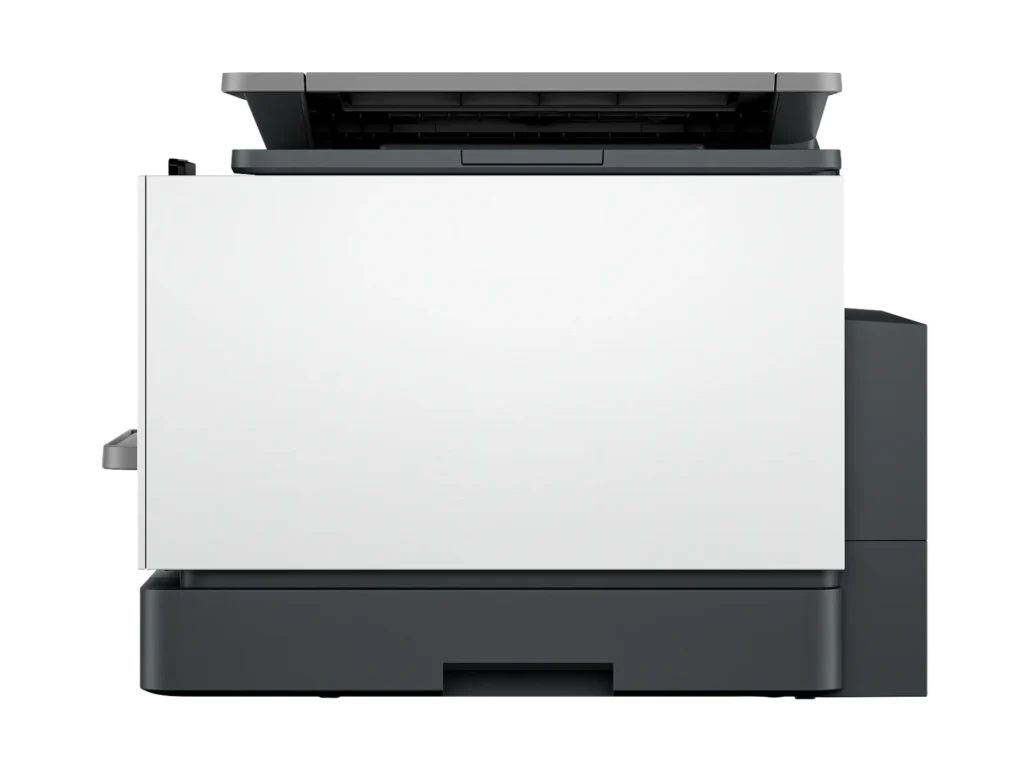
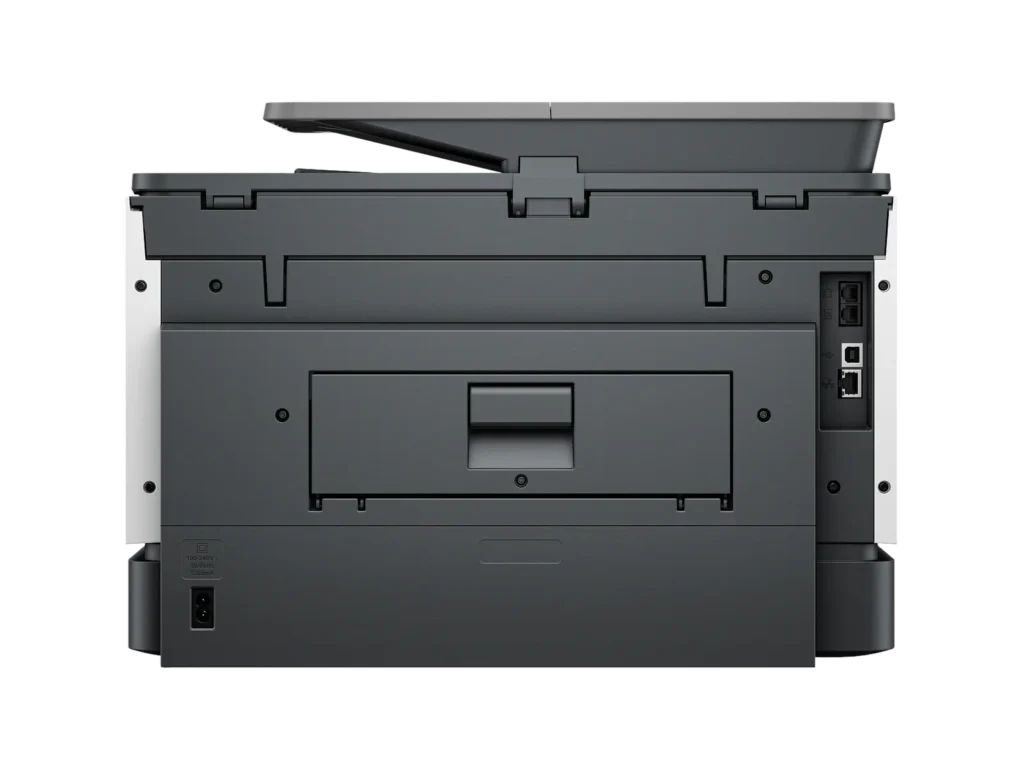
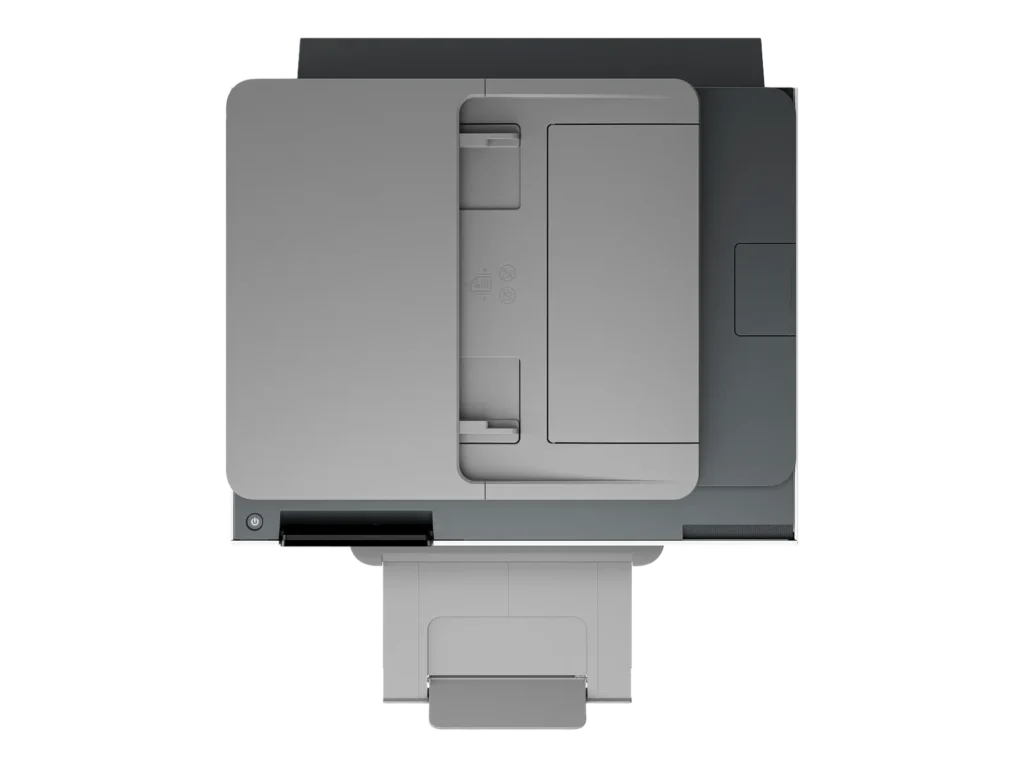
Customer Media
Highlights
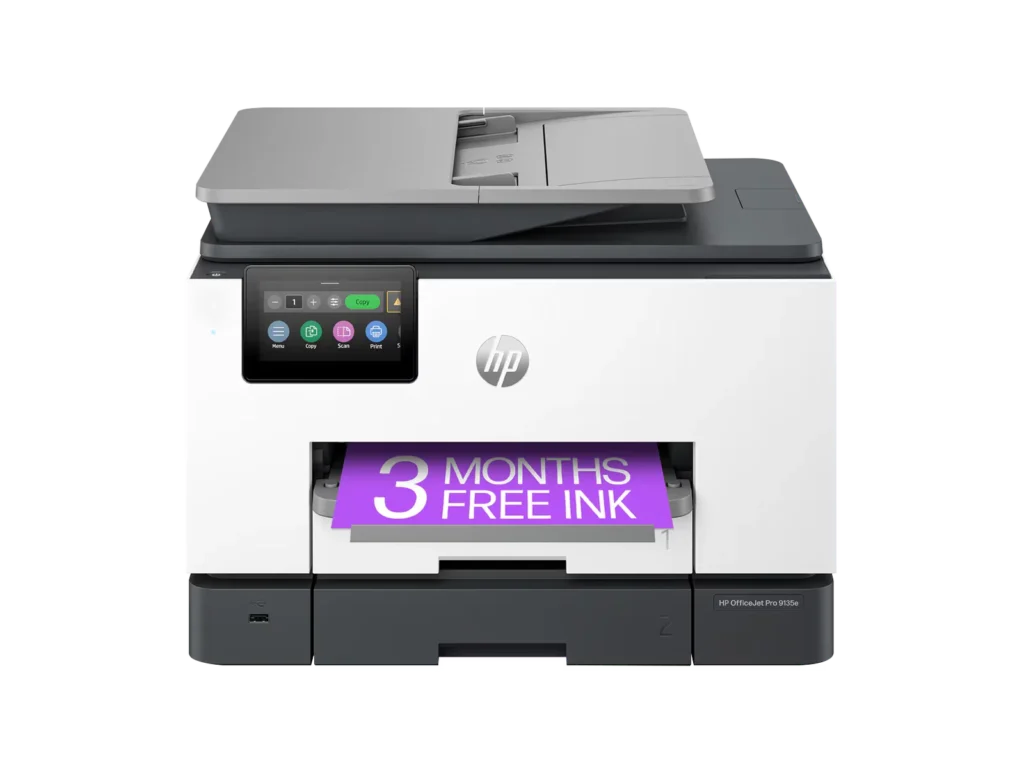
| Blazing Fast Print Speeds | Experience rapid printing with speeds up to 25 pages per minute (ppm) for black and white documents and 20 ppm for color documents, ensuring efficient workflow for busy offices. |
|---|---|
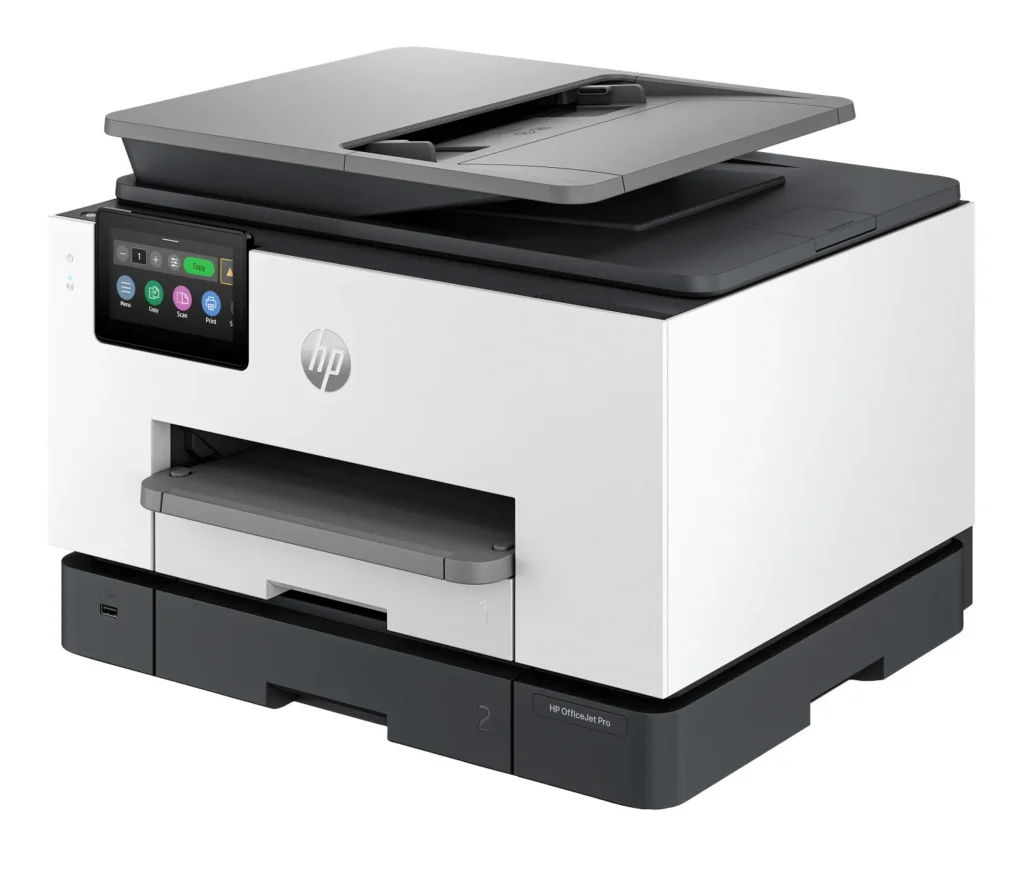
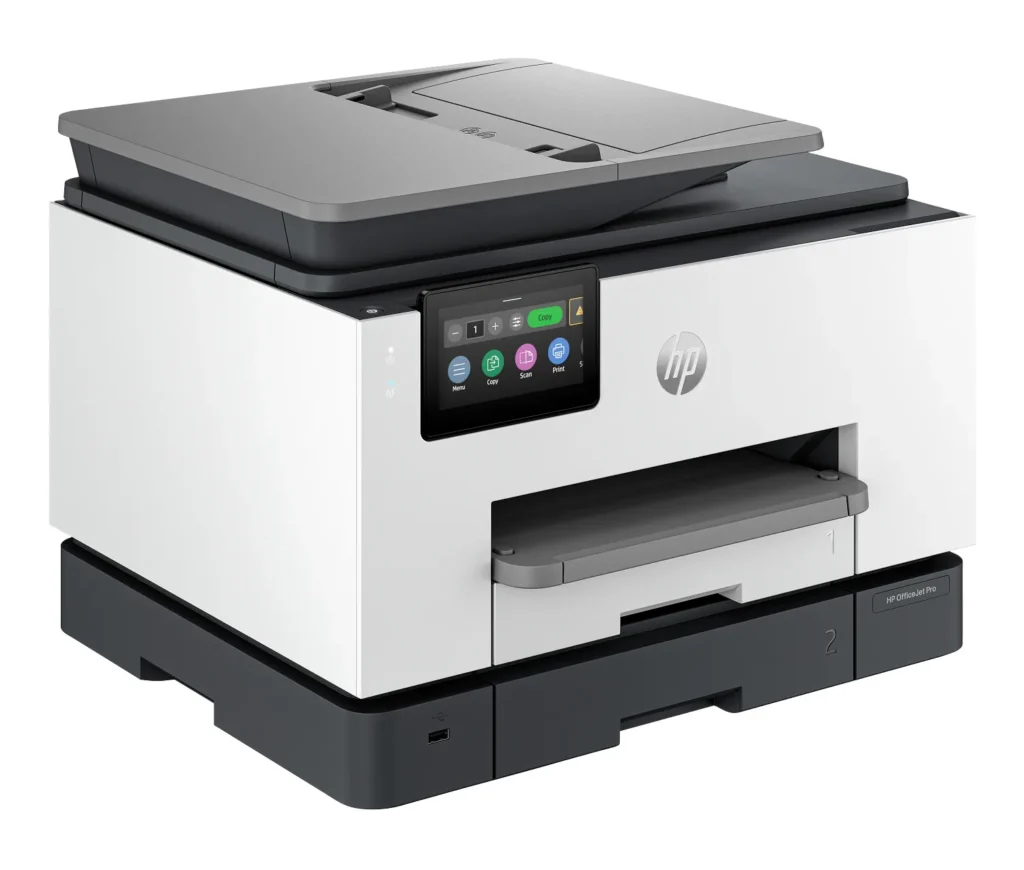
| High Capacity & Automatic Duplexing | Equipped with a substantial 500-sheet paper capacity, split across two 250-sheet input trays, and featuring automatic two-sided printing and single-pass duplex scanning, this printer is designed for high-volume tasks and enhanced productivity. |
| AI-Enabled Smart Features | The HP OfficeJet Pro 9135e is AI-enabled to intuitively adapt to your workflow and offers perfectly formatted prints with HP AI, alongside seamless integration with HP's easy-to-use print app for cloud sharing and multi-device printing. |
| Reliable Connectivity & Robust Security | Stay connected with HP's self-healing dual-band Wi-Fi that automatically reconnects, and protect your network from cyberthreats with HP Wolf Pro Security, ensuring your multifunction printer stays up to date and secure. |
| Versatile All-in-One Functionality | This all-in-one inkjet printer provides comprehensive functionality, allowing you to print, copy, scan, and fax, making it a versatile solution for diverse office needs. |
Pros & Cons
Pros
- Excellent Print Quality: The printer consistently delivers crisp, clear, and vibrant prints for both documents and photos, with many reviewers noting its professional or laser-like quality.
- Fast Printing and Scanning: Users appreciate the high speed of printing, especially for basic jobs, and the efficiency of features like automatic two-sided printing and one-pass duplex scanning.
- Versatile All-in-One Features: The device is highly valued for its comprehensive functionalities including printing, scanning, copying, and faxing, along with practical features like dual paper trays and seamless mobile printing via the HP Smart app.
Cons
- Connectivity and Setup Challenges: Many customers found the initial setup complicated and time-consuming, often encountering difficulties with wireless connectivity, frequent disconnections, and the printer not being recognized by devices, sometimes requiring multiple reboots or extensive troubleshooting.
- High Ink Costs and Restrictive Policies: A major point of dissatisfaction is the high cost of HP's proprietary ink cartridges and the mandatory nature of the HP Instant Ink subscription, with some users reporting the printer becoming unusable if non-HP ink is detected or the subscription is cancelled.
- Noise and Mechanical Issues: Several reviewers noted the printer is considerably noisy during operation. Other mechanical problems include frequent paper jams, the output tray bending printed pages, and the scanner feeder being unreliable or slow.
Customer Fit
- Primary audience: Home-office professionals or small-business owners who need fast, dependable color printing and scanning for daily paperwork.
- Secondary audience: Families and remote workers printing homework, invoices, or photos who value easy wireless control and compact size.
- Ideal scenarios: Typical uses include home offices printing client files, scanning multi-page contracts, or producing marketing flyers and reports.
Customer Reviews
Showing reviews 31-40 of 729
-
Instant ink thumbs down
Verified purchase Verified purchase: This reviewer bought the product.JohnHunter December 26, 2025Review source: BestbuyLove the printer but hate HP trying to force you to use instant ink. I want to buy my own cartridges and print as much as I want when ever I want without a monthly fee.
-
Printer purchase
Verified purchase Verified purchase: This reviewer bought the product.MarkM December 26, 2025Review source: BestbuyThis printer is very good. It holds a lot of paper and prints very fast. The fax machine works flawlessly. It makes copies very fast even in color. Im very happy with my purchase.
-
Absolute garbage
Verified purchase Verified purchase: This reviewer bought the product.R. Hopple December 24, 2025Review source: AmazonAll of the new “e” line of HP Officejet printers are absolute garbage. You can literally feel how cheap and poorly built they are the moment you take it out of the box. Compare it to something from the 8600 series. Those were solid workhorses. These are cheap trash built entirely around trying to con you into wasting as much money on ink as possible. They even have a redesigned software suite that will literally shut down the printer if there’s an Internet outage. The scanning interface used to have the kind of smarts that would create new scans and increment the file name up numerically if there was already a file in that folder with the default name. Not any more. Now it just wants to overwrite or prompt you to rename each file, each scan. The paper eject tray also sucks. If you use labels that partially used and the next paper catches, it shoves each page onto the floor be there’s no longer a paper stop. Just a sloped bit that pushes the page up a little on its way to the floor. I’ve been an HP guy since the 90s. I’ve literally never owned another brand. But this new e series has completely turned me around on HP in one single horrible experience. Do not buy this garbage, or be ready to return it.
-
A great product for our use case.
Verified purchase Verified purchase: This reviewer bought the product.Joseph Or December 23, 2025Review source: AmazonOur previous home HP printer was long in the tooth and showing its age. We purchased this one to replace it. We like the features offered by this printer. We especially like the small footprint it takes up on the desk. We’ve gone through two sets of ink cartridges, and it is performing flawlessly.
-
bad item
Verified purchase Verified purchase: This reviewer bought the product.Charles Y. December 23, 2025Review source: AmazonStopped printing 7.5 moths since receiving.
-
Great HP printer.
Verified purchase Verified purchase: This reviewer bought the product.StuMc December 21, 2025Review source: BestbuyWe are really happy with this printer. Does everything we need to do. Definitely works as advertised.
-
HP 9135e compared to HP 8600
Verified purchase Verified purchase: This reviewer bought the product.Chris December 20, 2025Review source: BestbuyReplaced our old 2012 HP Pro 8600 plus printer (which worked great until we had to replace HP black ink after updating to Windows 11 and it gives ink error) with this HP Pro 9135e printer.
1) This new one is noisy in comparison. Each page printing sounds like recalibration after inserting new ink.
2) During setup, the 9135e printer kept popping out the ink cartridges that came with printer. I called HP and was connected to Ai which gave me choice man or woman’s voice & told me to talk to it like it was human. It answered every question and remained on the call until I was able to print. 5 star rating for Ai. But I remain concerned that I may have future problems with inserting ink cartridges.
3) I declined the 3 months instant ink and future ink after reading reviews. I prefer to buy HP catridges local as needed.
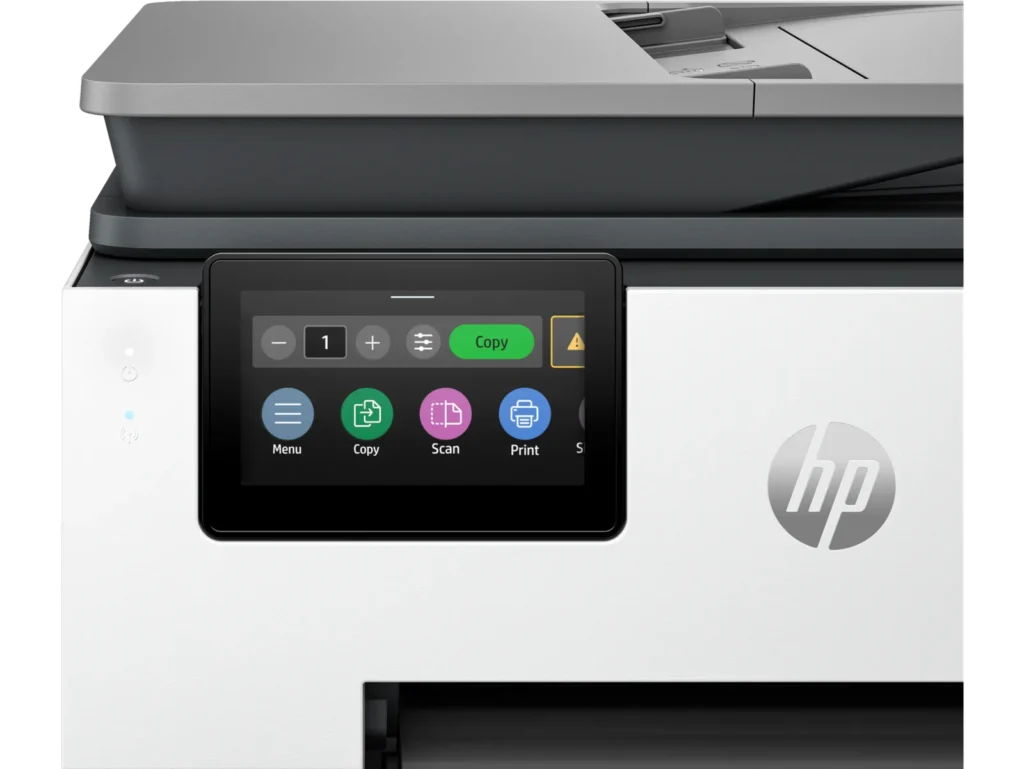
4) I have not tried using the second tray. The only reason I selected 9135e over 9125e was for larger size of the Touchscreen.
5) Duplex printing worked when I selected it.
6) I have not tried scanning yet, so cannot comment on it.
7) The quality of typed print and pictures on my old HP 8600 were definately better ( sharper letters & images) than this new HP 9135e. This was a disappointment. I hesitate to set default to Best since it will use more ink. So I will have to remember, to change this setting whenever I print important documents with inserted pictures.
8) I haven’t used it long enough to know if the connection will be there when needed or drop off like other reviewers noted. The 8600 constantly had the connectivity problem.
9) I haven’t tried the feeder yet. That was another issue with the 8600 ( the feeder quit working after 1 year). I’m hoping the 9135e feeder will work and last longer.
In summary, I hope HP will put their Ai to work to improve quality of HP printers. This printer is definately a step backwards. HP needs to put less emphasis on instant ink. I’m sure that is the only reason my 8600 no longer works ( some bad coding- since many other HP owners had same problem with ink errors even though reloading with official HP ink).Read More -
Great Machine
Verified purchase Verified purchase: This reviewer bought the product.MarleneB December 20, 2025Review source: BestbuyWorks very well, no issues so far. I like that it does double sides if needed. Also, like that it’s not bulky—plus it’s a nice-looking machine.
-
Great printer for home or school
Verified purchase Verified purchase: This reviewer bought the product.KieraG December 20, 2025Review source: BestbuyThis is my second HP printer I have bought. I use this for my school classroom, very easy to set up and straight forward to use. Quiet when printing and has a great range if you print from another room or your phone, Quality is excellent.
-
`HP OFFICEJET PRO 9135E
Verified purchase Verified purchase: This reviewer bought the product.FranciscaM December 20, 2025Review source: Bestbuy1. The electrical connection cable does not stay plugged in, so the printer turn off while printing.
2. 5x 14′ legal paper is not detected or listed as option
Never have this experience with HP printers
3. Don’t like this model .