Customer Media
Highlights
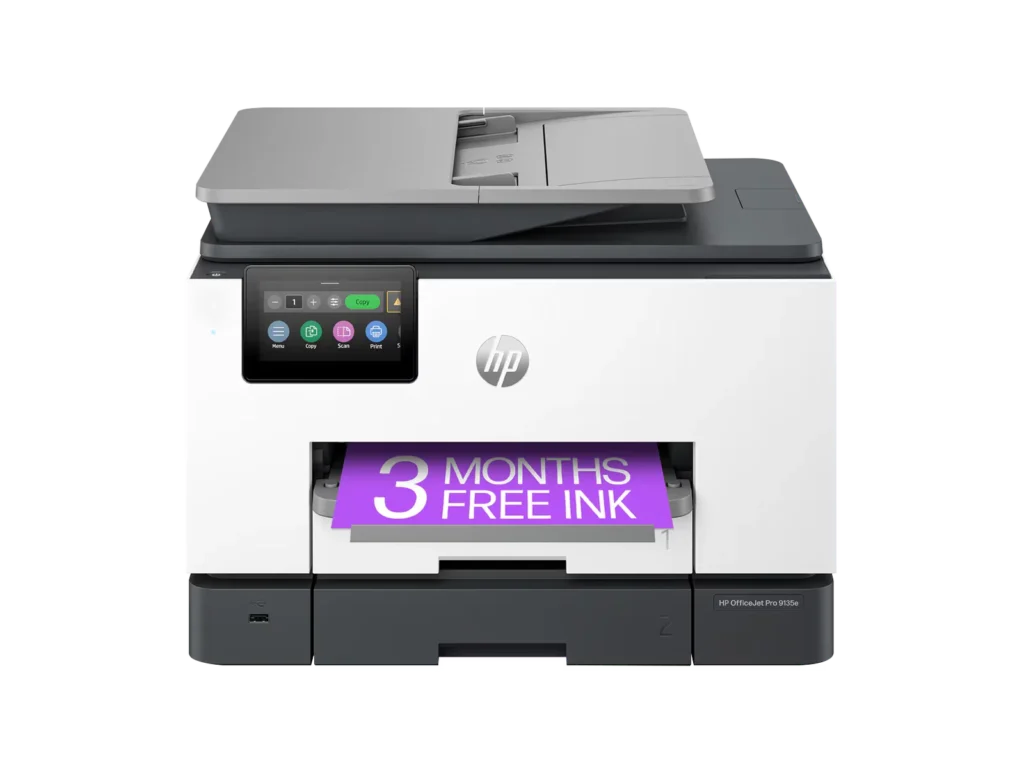
| Blazing Fast Print Speeds | Experience rapid printing with speeds up to 25 pages per minute (ppm) for black and white documents and 20 ppm for color documents, ensuring efficient workflow for busy offices. |
|---|---|
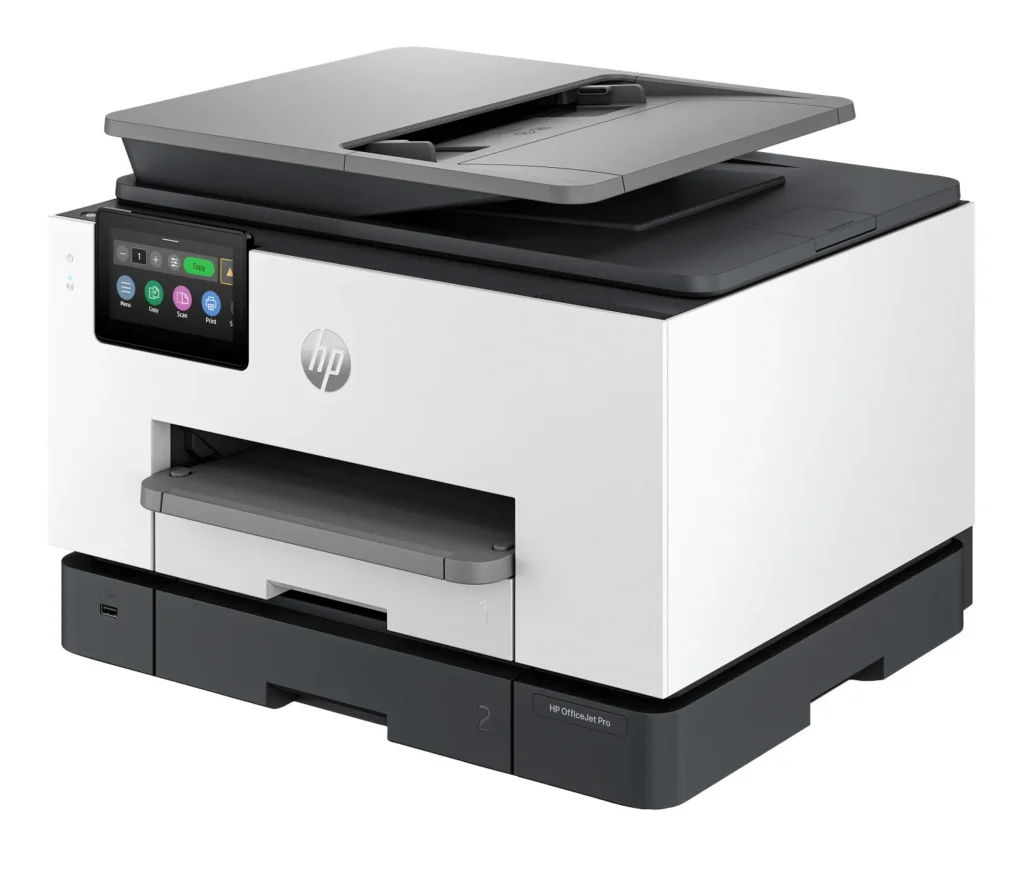
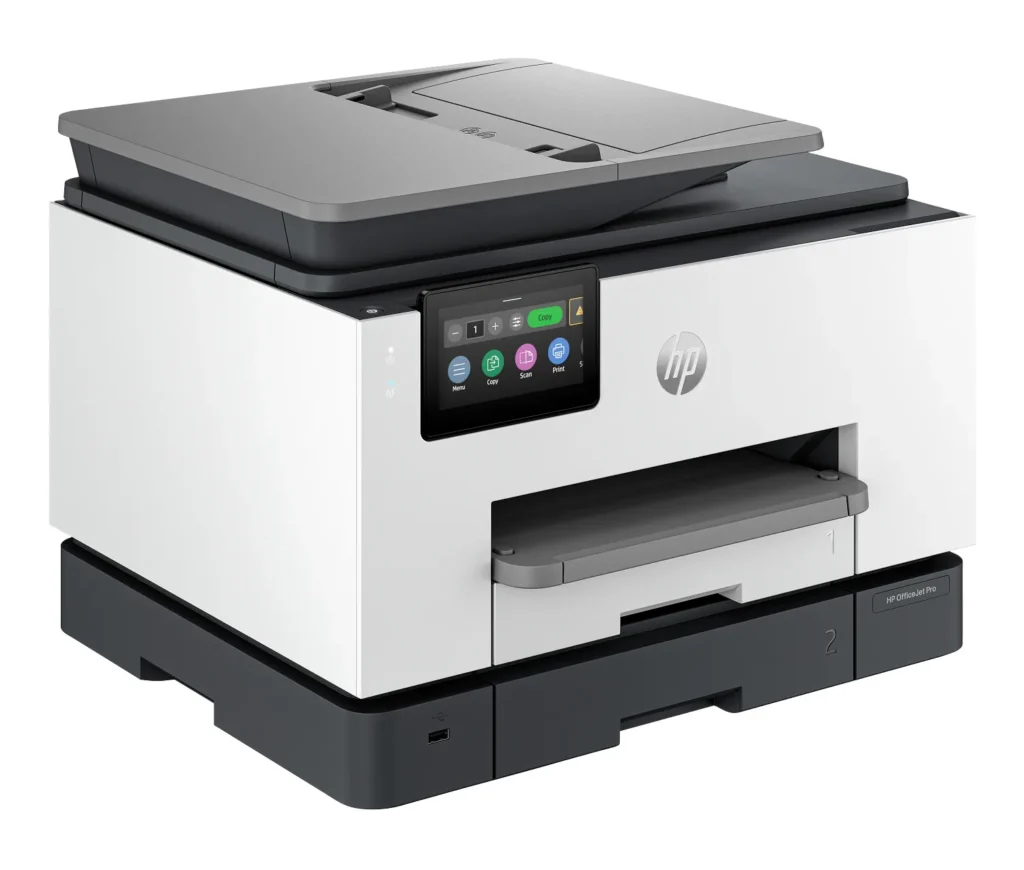
| High Capacity & Automatic Duplexing | Equipped with a substantial 500-sheet paper capacity, split across two 250-sheet input trays, and featuring automatic two-sided printing and single-pass duplex scanning, this printer is designed for high-volume tasks and enhanced productivity. |
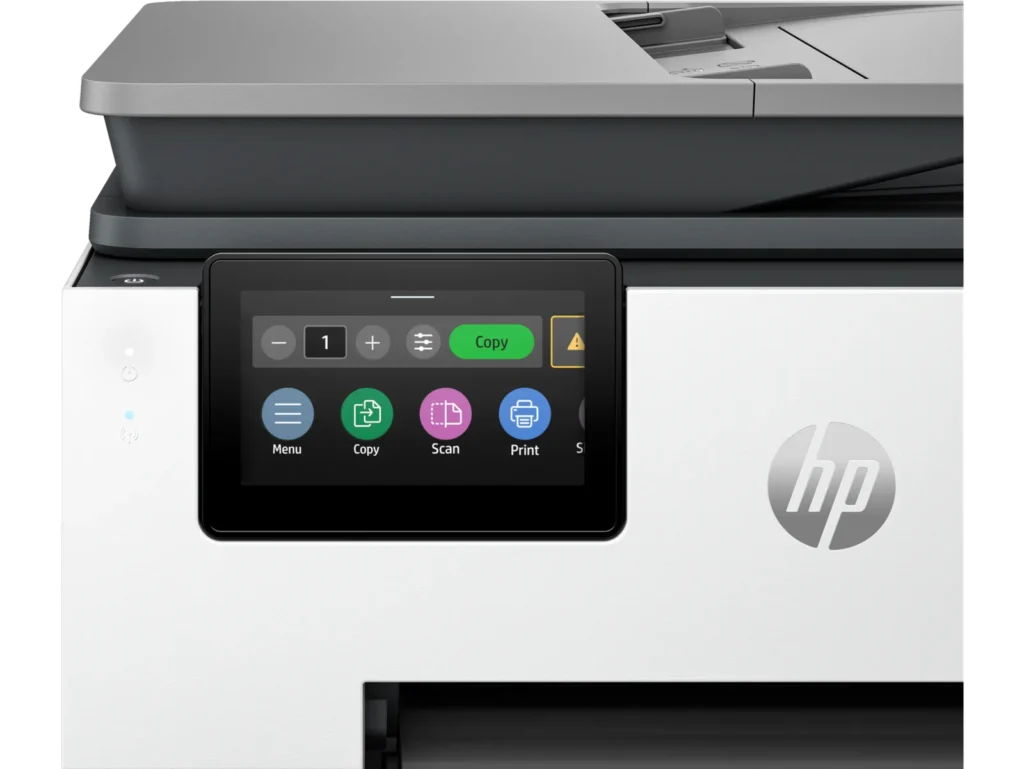
| AI-Enabled Smart Features | The HP OfficeJet Pro 9135e is AI-enabled to intuitively adapt to your workflow and offers perfectly formatted prints with HP AI, alongside seamless integration with HP's easy-to-use print app for cloud sharing and multi-device printing. |
| Reliable Connectivity & Robust Security | Stay connected with HP's self-healing dual-band Wi-Fi that automatically reconnects, and protect your network from cyberthreats with HP Wolf Pro Security, ensuring your multifunction printer stays up to date and secure. |
| Versatile All-in-One Functionality | This all-in-one inkjet printer provides comprehensive functionality, allowing you to print, copy, scan, and fax, making it a versatile solution for diverse office needs. |
Pros & Cons
Pros
- Excellent Print Quality: The printer consistently delivers crisp, clear, and vibrant prints for both documents and photos, with many reviewers noting its professional or laser-like quality.
- Fast Printing and Scanning: Users appreciate the high speed of printing, especially for basic jobs, and the efficiency of features like automatic two-sided printing and one-pass duplex scanning.
- Versatile All-in-One Features: The device is highly valued for its comprehensive functionalities including printing, scanning, copying, and faxing, along with practical features like dual paper trays and seamless mobile printing via the HP Smart app.
Cons
- Connectivity and Setup Challenges: Many customers found the initial setup complicated and time-consuming, often encountering difficulties with wireless connectivity, frequent disconnections, and the printer not being recognized by devices, sometimes requiring multiple reboots or extensive troubleshooting.
- High Ink Costs and Restrictive Policies: A major point of dissatisfaction is the high cost of HP's proprietary ink cartridges and the mandatory nature of the HP Instant Ink subscription, with some users reporting the printer becoming unusable if non-HP ink is detected or the subscription is cancelled.
- Noise and Mechanical Issues: Several reviewers noted the printer is considerably noisy during operation. Other mechanical problems include frequent paper jams, the output tray bending printed pages, and the scanner feeder being unreliable or slow.
Customer Fit
- Primary audience: Home-office professionals or small-business owners who need fast, dependable color printing and scanning for daily paperwork.
- Secondary audience: Families and remote workers printing homework, invoices, or photos who value easy wireless control and compact size.
- Ideal scenarios: Typical uses include home offices printing client files, scanning multi-page contracts, or producing marketing flyers and reports.
Customer Reviews
Showing reviews 411-420 of 729
-
Superb Printer
Verified purchase Verified purchase: This reviewer bought the product. Incentivized Incentivized review: The reviewer received a benefit for sharing feedback.DavidR1977 January 24, 2025Review source: BestbuyI had to replace my 12 year old printer and it was an HP also. So i went back with another HP wireless printer. Super easy to set up.
-
keeps losing wireless
Verified purchase Verified purchase: This reviewer bought the product.AnnaLee January 18, 2025Review source: AmazonOnly had this for a few days, and was hoping for the best, but as others mentioned, it keeps losing wifi connection. Like every single time we print we have to go through connecting it again. Are you kidding me??
-
Won't duplex (double side) print with Linux
Verified purchase Verified purchase: This reviewer bought the product.WHD January 17, 2025Review source: AmazonI bought this in part for it’s ability to print both sides.. But HP only supports Microsoft and Apple, not linux. So the dublex, both side feature does not work. I contacted support at HP and they were not helpful. This was the most important feature for my work. I can print, just not both sides, and the fact that there is no manual option on the fancy touch screen is mind boggling. All this high tech and nothing ever works as advertised.
-
Get Professional help
Verified purchase Verified purchase: This reviewer bought the product. Incentivized Incentivized review: The reviewer received a benefit for sharing feedback.TEP0 January 17, 2025Review source: BestbuyDifficult to install. Get professional help. Cheaper construction than my HP Officejet Pro 8625
-
Noisy but HIGHLY EFFICIENT!
Verified purchase Verified purchase: This reviewer bought the product. Incentivized Incentivized review: The reviewer received a benefit for sharing feedback.COSMO January 17, 2025Review source: BestbuyA little too noisy when printing documents. Other than that, print speed is SUPER FAST!!!
-
LOVE this printer!
Verified purchase Verified purchase: This reviewer bought the product.Deborah A January 16, 2025Review source: AmazonI have always bought HP printers. this one is a step up with 2 paper trays and accepts larger paper.
-
Not impressed
Verified purchase Verified purchase: This reviewer bought the product. Incentivized Incentivized review: The reviewer received a benefit for sharing feedback.WfromTX January 12, 2025Review source: BestbuyWe upgraded from an older HP Officejet model and have had nothing but problems with the new 9135e. In fact, I am so over it that the printer is being returned tomorrow. I have battled connectivity issues from the start and have chatted with HP online, plus personal research to figure out the problem. Still, there seems to be no lasting solution other than using an ethernet cord. However, that disables wifi printing from our personal devices, which is necessary for our business. Maybe the Officejet we purchased was defective, but my patience has worn thin.
-
dc
Verified purchase Verified purchase: This reviewer bought the product. Incentivized Incentivized review: The reviewer received a benefit for sharing feedback.DJnow January 10, 2025Review source: BestbuyPrints quality sheets and easy to change program when your printing different size paper and small cards
-
This printer is SO FRUSTRATING!!! Keeps saying it's offline.
Verified purchase Verified purchase: This reviewer bought the product.vrgal January 10, 2025Review source: AmazonThis printer would be nice if it just would print. It tells me it’s offline and it’s not. It seems that no matter what I do, it will not consistently print. I have to go through many gyrations of unplugging, restarting laptop, resetting router, etc.
Does anyone have any suggestions — other than pitching and buying another brand? I haven’t even had this a year!!!! -
Love it
Verified purchase Verified purchase: This reviewer bought the product. Incentivized Incentivized review: The reviewer received a benefit for sharing feedback.Yany January 8, 2025Review source: BestbuyIn love with my new printer. HP always surprise me Easy installation, the best quality.