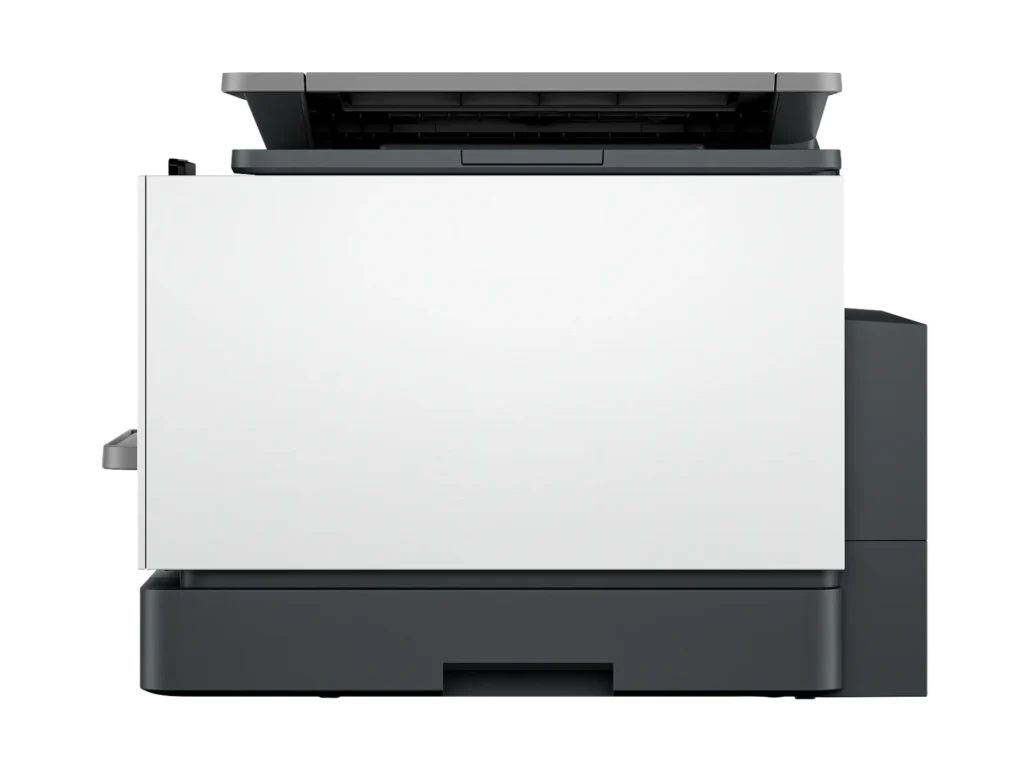
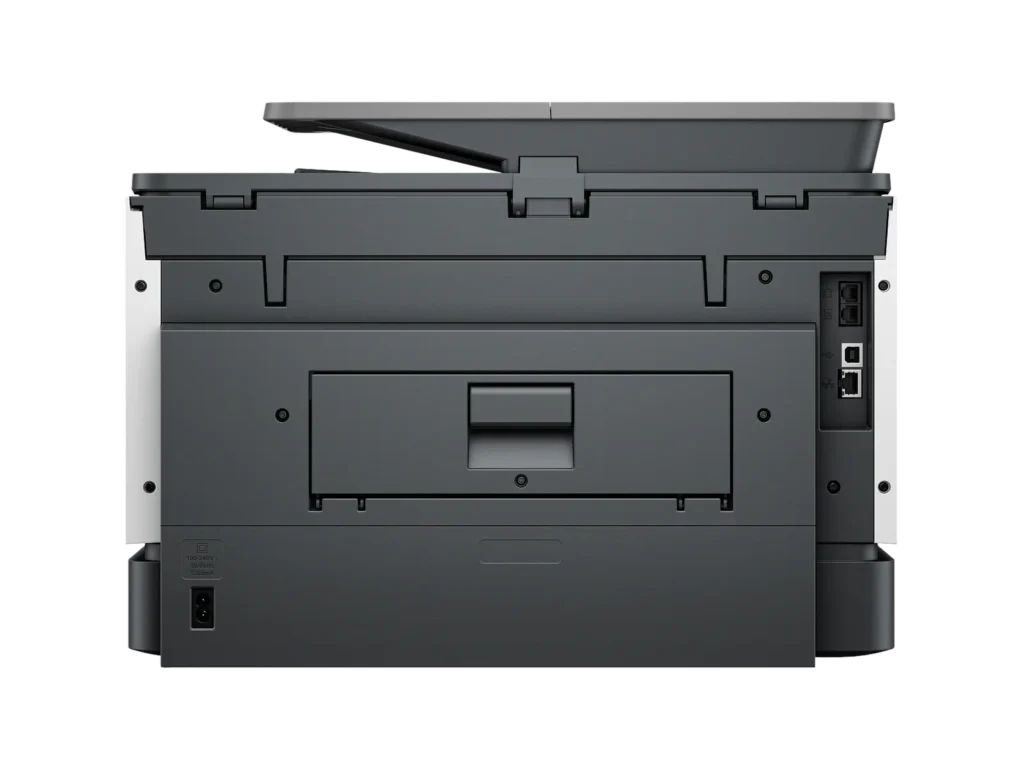
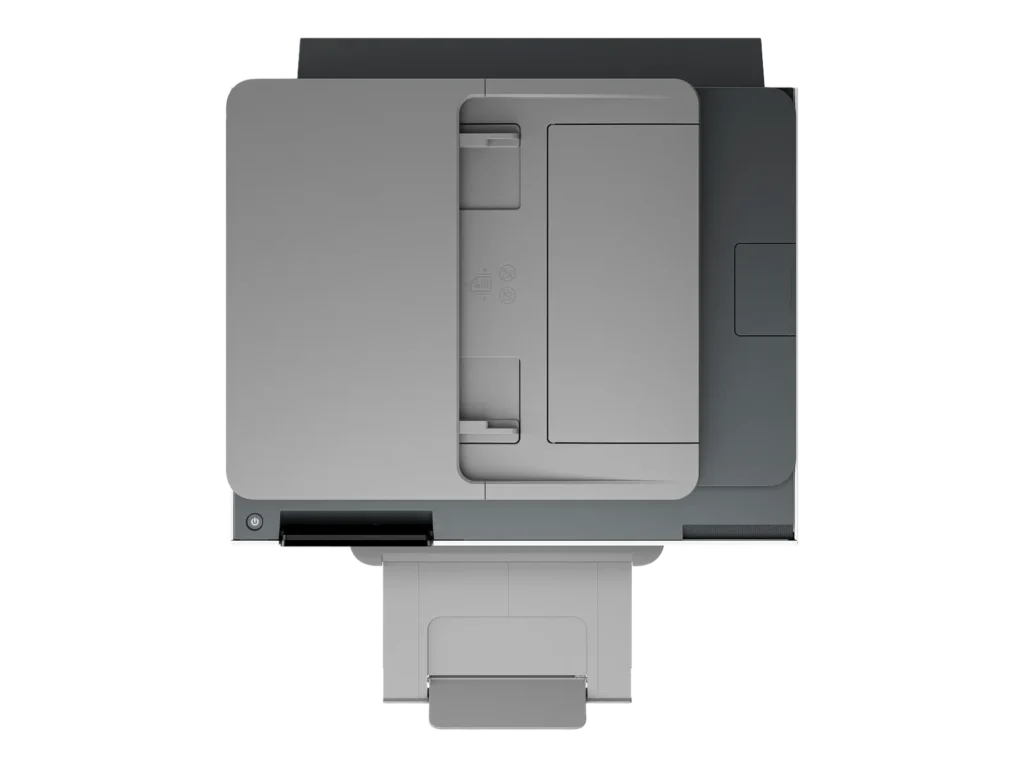
Customer Media
Highlights
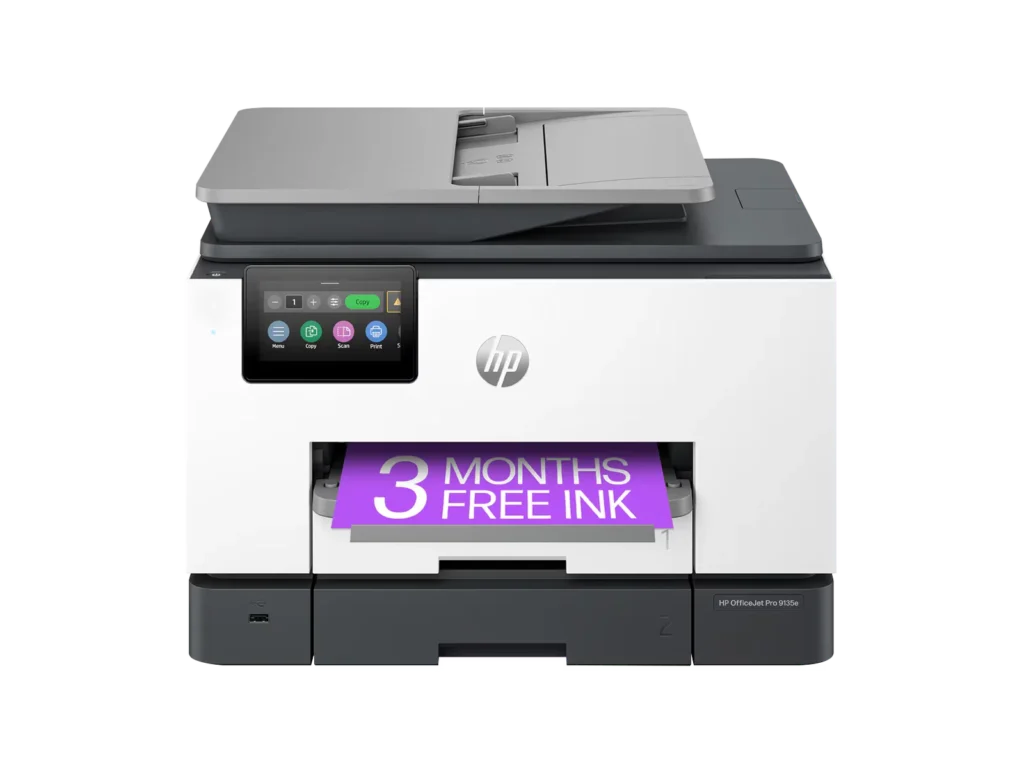
| Blazing Fast Print Speeds | Experience rapid printing with speeds up to 25 pages per minute (ppm) for black and white documents and 20 ppm for color documents, ensuring efficient workflow for busy offices. |
|---|---|
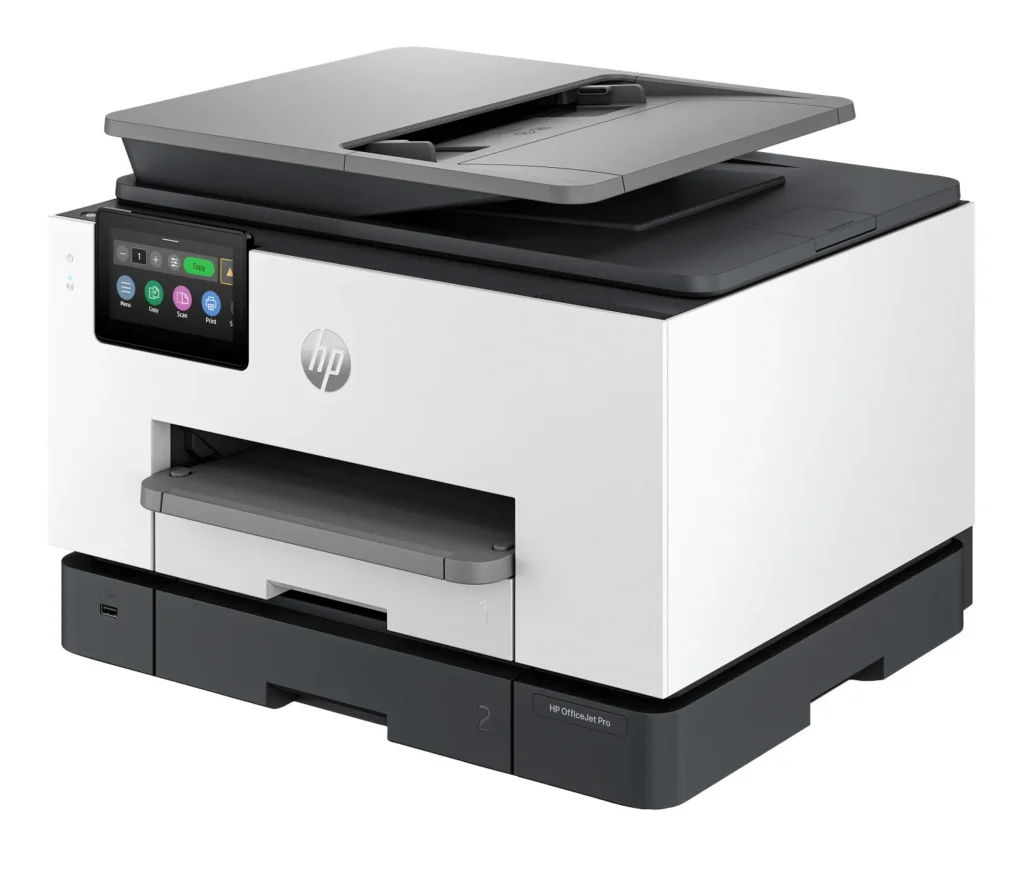
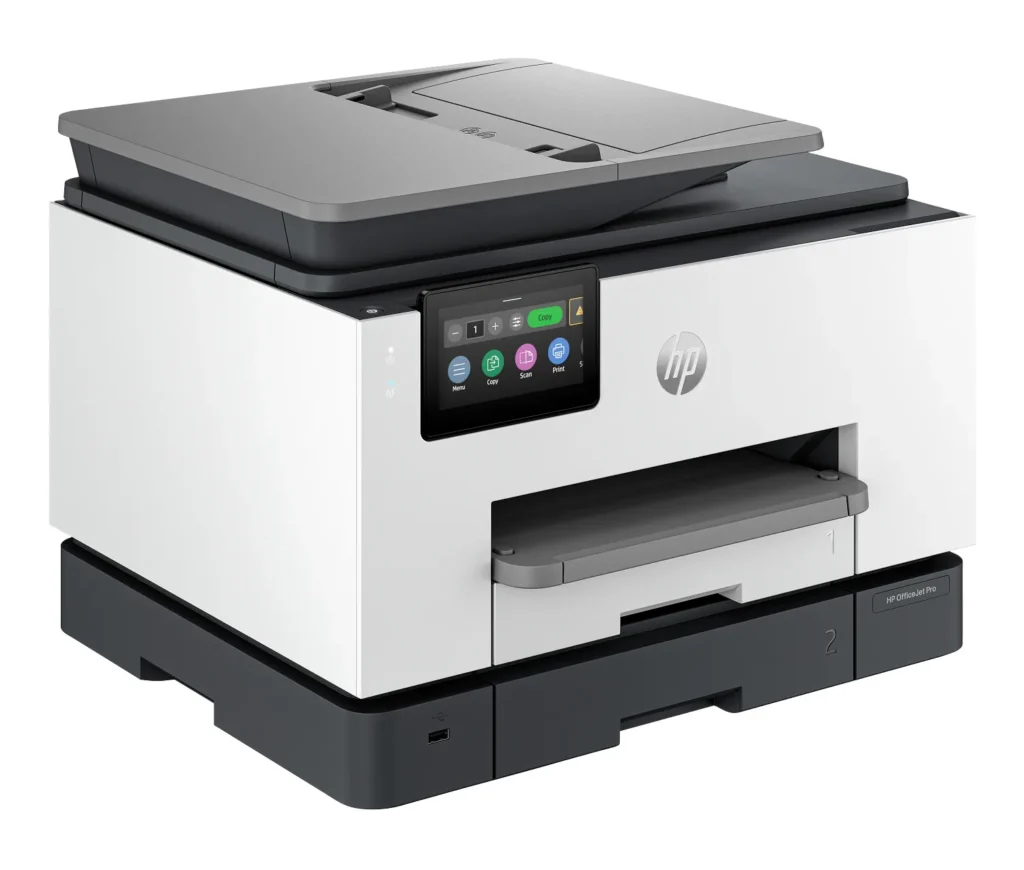
| High Capacity & Automatic Duplexing | Equipped with a substantial 500-sheet paper capacity, split across two 250-sheet input trays, and featuring automatic two-sided printing and single-pass duplex scanning, this printer is designed for high-volume tasks and enhanced productivity. |
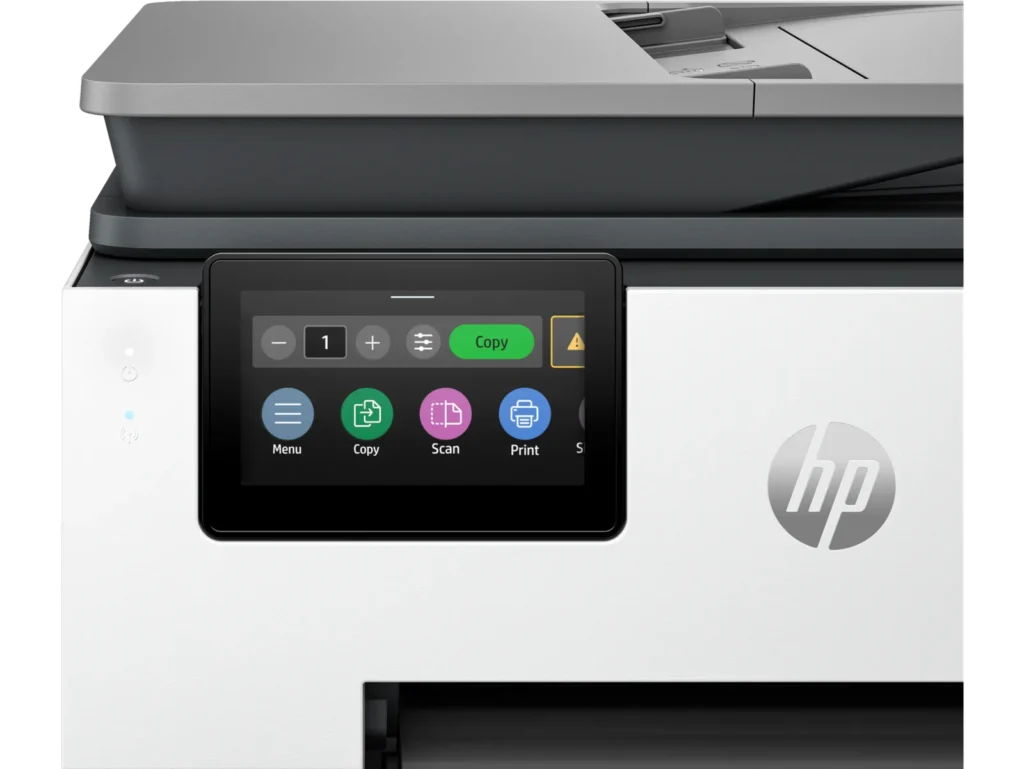
| AI-Enabled Smart Features | The HP OfficeJet Pro 9135e is AI-enabled to intuitively adapt to your workflow and offers perfectly formatted prints with HP AI, alongside seamless integration with HP's easy-to-use print app for cloud sharing and multi-device printing. |
| Reliable Connectivity & Robust Security | Stay connected with HP's self-healing dual-band Wi-Fi that automatically reconnects, and protect your network from cyberthreats with HP Wolf Pro Security, ensuring your multifunction printer stays up to date and secure. |
| Versatile All-in-One Functionality | This all-in-one inkjet printer provides comprehensive functionality, allowing you to print, copy, scan, and fax, making it a versatile solution for diverse office needs. |
Pros & Cons
Pros
- Excellent Print Quality: The printer consistently delivers crisp, clear, and vibrant prints for both documents and photos, with many reviewers noting its professional or laser-like quality.
- Fast Printing and Scanning: Users appreciate the high speed of printing, especially for basic jobs, and the efficiency of features like automatic two-sided printing and one-pass duplex scanning.
- Versatile All-in-One Features: The device is highly valued for its comprehensive functionalities including printing, scanning, copying, and faxing, along with practical features like dual paper trays and seamless mobile printing via the HP Smart app.
Cons
- Connectivity and Setup Challenges: Many customers found the initial setup complicated and time-consuming, often encountering difficulties with wireless connectivity, frequent disconnections, and the printer not being recognized by devices, sometimes requiring multiple reboots or extensive troubleshooting.
- High Ink Costs and Restrictive Policies: A major point of dissatisfaction is the high cost of HP's proprietary ink cartridges and the mandatory nature of the HP Instant Ink subscription, with some users reporting the printer becoming unusable if non-HP ink is detected or the subscription is cancelled.
- Noise and Mechanical Issues: Several reviewers noted the printer is considerably noisy during operation. Other mechanical problems include frequent paper jams, the output tray bending printed pages, and the scanner feeder being unreliable or slow.
Customer Fit
- Primary audience: Home-office professionals or small-business owners who need fast, dependable color printing and scanning for daily paperwork.
- Secondary audience: Families and remote workers printing homework, invoices, or photos who value easy wireless control and compact size.
- Ideal scenarios: Typical uses include home offices printing client files, scanning multi-page contracts, or producing marketing flyers and reports.
Customer Reviews
Showing reviews 421-430 of 729
-
The Office Workhorse That Does It All
Danny January 7, 2025Review source: AmazonThe HP OfficeJet Pro 9135e isn’t just a printer—it’s like the overachiever in your office, handling printing, scanning, copying, and faxing with a calm, can-do attitude. Designed for small to medium businesses, it’s packed with features like two-sided printing and scanning, wireless connectivity, and even 3 months of Instant Ink to keep your workflow uninterrupted.
Setting it up was a breeze. Within minutes, it was churning out crisp color documents and clear black-and-white text, all while sipping ink like a responsible coworker watching the budget. I particularly loved the two-sided scanning feature, which turned my stack of contracts into a tidy PDF in no time, saving both paper and my patience.
The wireless connectivity means no more fumbling with cables, and the Instant Ink program feels like having a personal assistant who refills your ink before you even realize you’re running low. For any office—or even a busy home—it’s the ultimate multitasker that earns its desk space every day.
-
Ink issue
Verified purchase Verified purchase: This reviewer bought the product.Heather Miller January 5, 2025Review source: AmazonOnce the ink is used up, that comes in it, you have to buy a sub subscription for ink and if you don’t and you try to buy regular HP ink it says that you don’t have HP ink.. I bought two of these and neither one of them work
-
Dissapointed
Verified purchase Verified purchase: This reviewer bought the product.NMacleod January 4, 2025Review source: AmazonTwo months old and stuck on its boot screen. No documented troubleshooting has made a difference so far and (of course) return policy is 30 days. If I get it working I will update the review but as it stands, I would avoid this printer.
-
Do not purchase this printer
Verified purchase Verified purchase: This reviewer bought the product.Amazon Customer December 31, 2024Review source: AmazonFrom the beginning it had a paper jams, then the paper jam notice would come on but no paper was stuck in the printer, and it wouldn’t copy or print. A few days ago, same problem. It wouldn’t copy, print or scan. Called customer service, twice. Not a very good phone connection to the philappines. I’ve had the printer for 2 months and they only offer refurbished printers as a replacement. I will not even get the same value for the money I originally spent.
-
Quit working after 3 months.
Verified purchase Verified purchase: This reviewer bought the product.Diane December 31, 2024Review source: AmazonThis is the first review I have ever written. If product support were at all helpful, I probably wouldn’t take the time to write this. I spent 1 hour and 30 minutes on the phone doing the same thing over and over. (All of which I had tried before I called). The support person was clearly googling it as we tried the same things over and over. He would tell me to try something and then wait minutes before he spoke again! It was infuriating!!! Eventually he says “this is a common problem with this printer” and offers to send me a replacement. However, I will need to remove the print head of the old one and put it in the shell they are sending. WHAT IF IT IS THE PRINT HEAD THAT IS THE PROBLEM? Ugh. Do not buy this printer!!
-
Somewhat disappointed
Verified purchase Verified purchase: This reviewer bought the product.Carl R December 29, 2024Review source: AmazonGood clean printing.
Slower to store info from p.c. Will even STOP printing when it decides that it has enough work to do. Fortunately, it does not delete items in the cue. BUT in order to get the remaining items to print one must go to Control Panel and find the cue; then one-by-one must restore the print request for each.
ALSO, the “come on” of THREE months of “free” ink”: within TWO WEEKS of ownership, I got the first of my notices that I was running low on ink [ultimately including BLACK]. Not a credible bit of information on the box. -
Avoid this Printer (and HP Generally)
Verified purchase Verified purchase: This reviewer bought the product.PK December 28, 2024Review source: AmazonHopefully others will avoid my mistake in purchasing this printer. I’ve had the printer for about 10 months. And regret the purchase for multiple reasons.
First, the printer’s performance is sub-standard. It regularly loses WiFi connection and the only way to restore the connection is to restart the printer. The startup is tedious. The print quality isn’t any better than my previous ink jet for black-and-white text. (I don’t print photographs etc.) Overall, I was happier with an ink jet printer that was less than half the price.
Second, HP instant ink is a rip off. At least the version I supposedly signed up for. You’re billed every month whether you need ink or not. And the charges are exorbitant.
Third, the service is abysmal. I tried for hours to get issues with the HP instant ink resolved. No one could give me a basic explanation for the charges.
I would avoid this printer and HP generally.
-
Be careful! – cartridges are more expensive than printer
Verified purchase Verified purchase: This reviewer bought the product.Dra. Raquel December 26, 2024Review source: AmazonI have a cannon that is tank refill.
I like how this HP gives me less trouble to print; however; I think I made a mistake; ink is almost same price as printer; now I’m not shure if I should buy another printer or ink for this printer …Los cartuchos para esta impresora son carísimos; casi el mismo costo de la misma impresora. Ya no se si mejor comprar una impresora nueva o los cartuchos para esta impresora…
-
HP OfficeJet Pro 9135e Wireless All-In-One Inkjet
Verified purchase Verified purchase: This reviewer bought the product. Incentivized Incentivized review: The reviewer received a benefit for sharing feedback.Simihome December 25, 2024Review source: BestbuyThis is the best of all Hp series. I use it everyday, very convenient.
-
Trash
Verified purchase Verified purchase: This reviewer bought the product. Incentivized Incentivized review: The reviewer received a benefit for sharing feedback.Unhappy December 24, 2024Review source: BestbuyJammed every third page. Would not buy this again, waste of money.