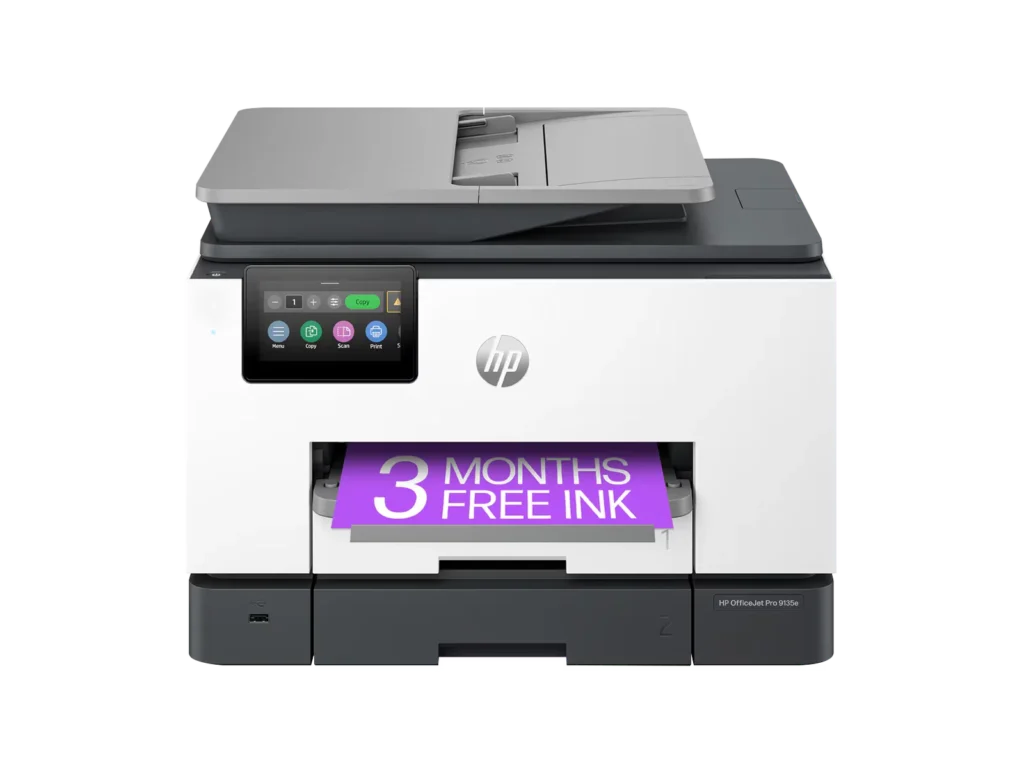
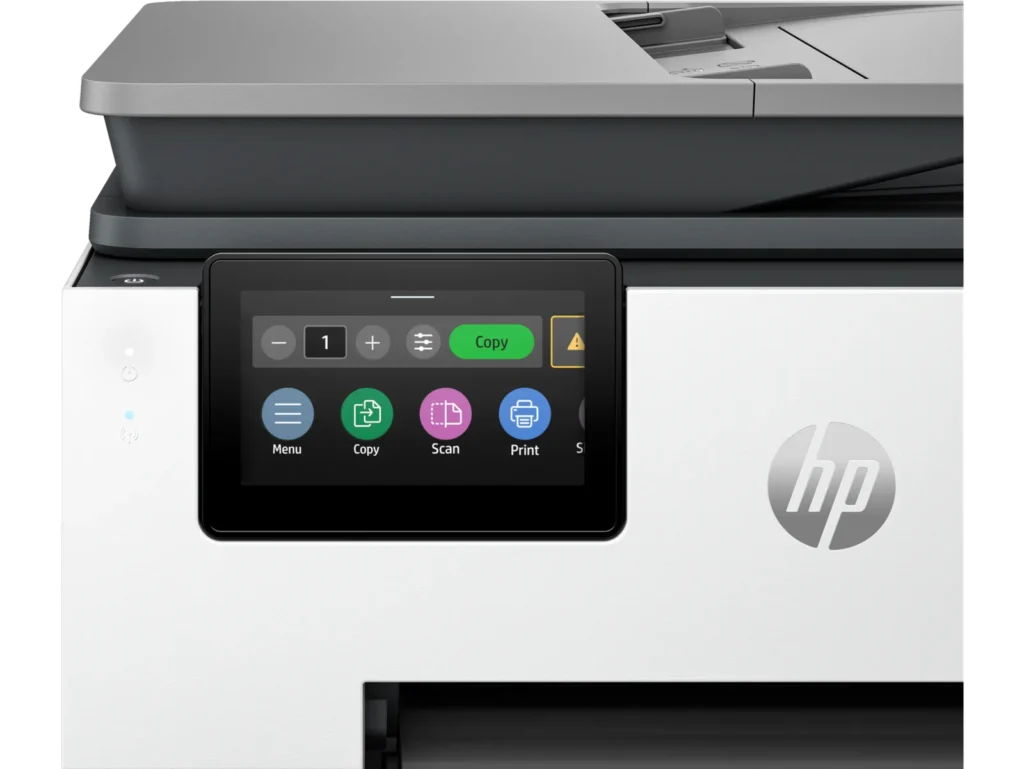
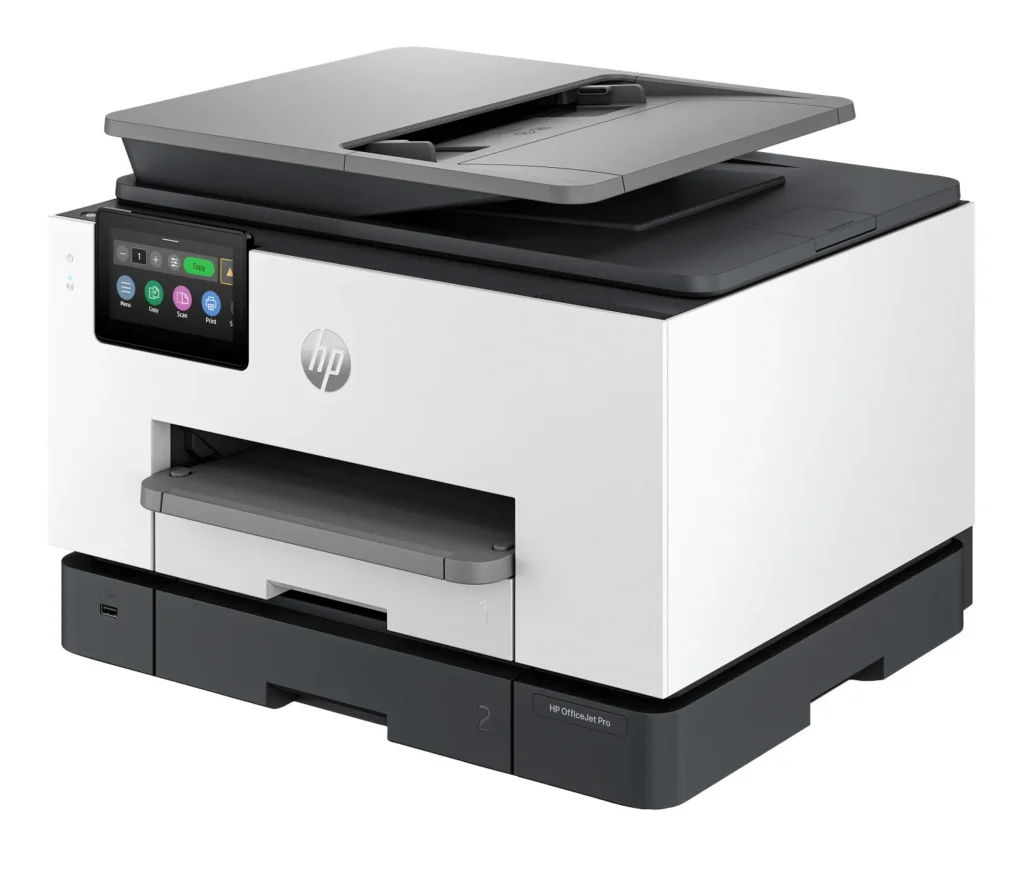
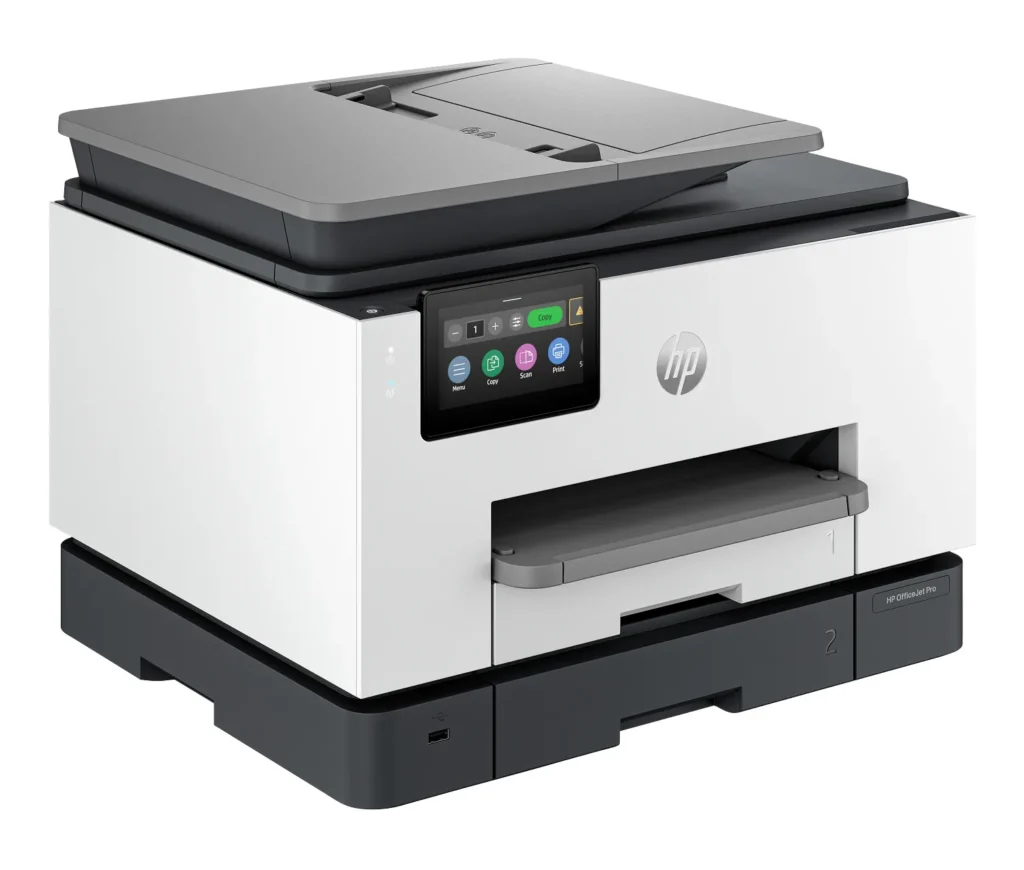
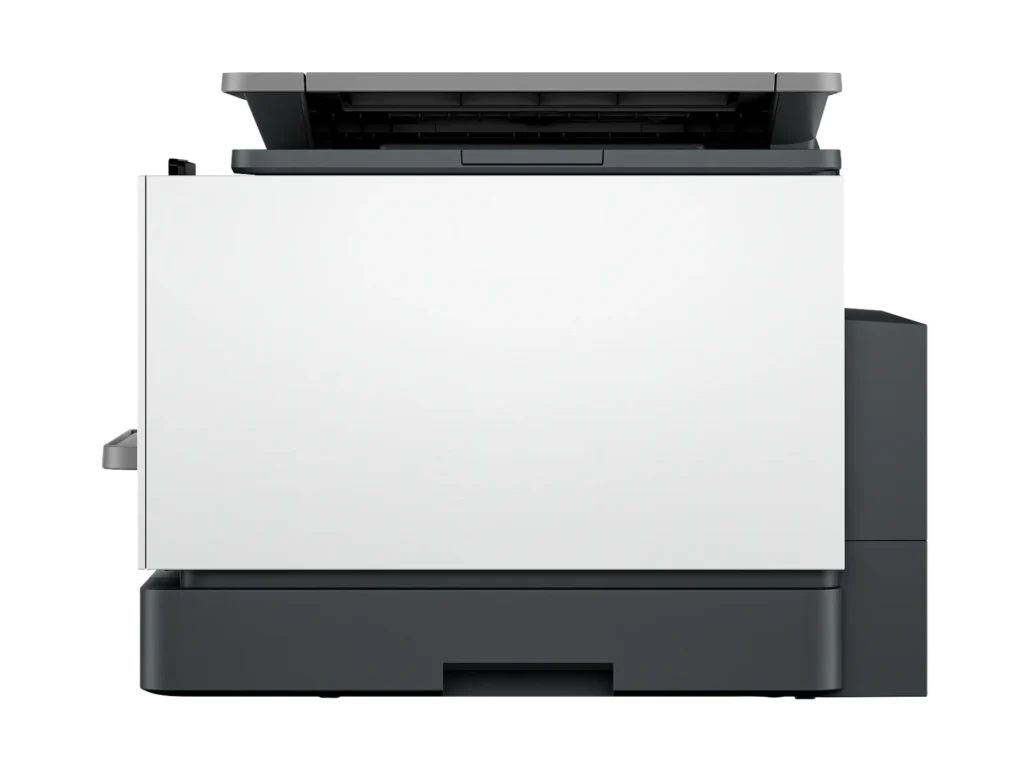
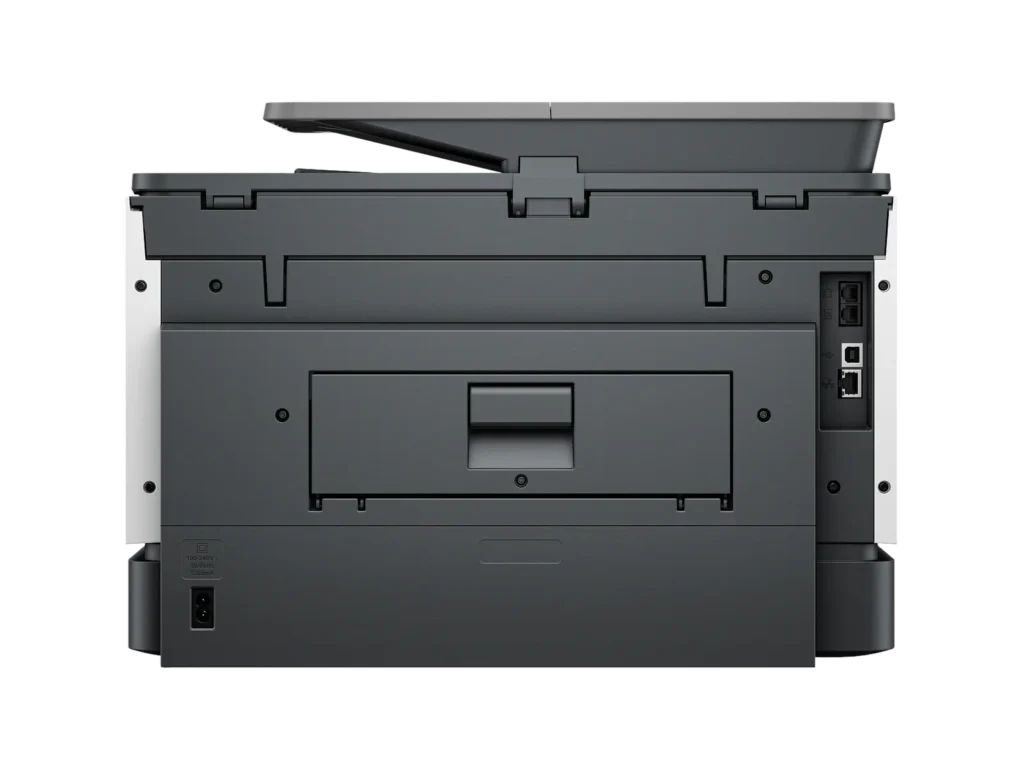
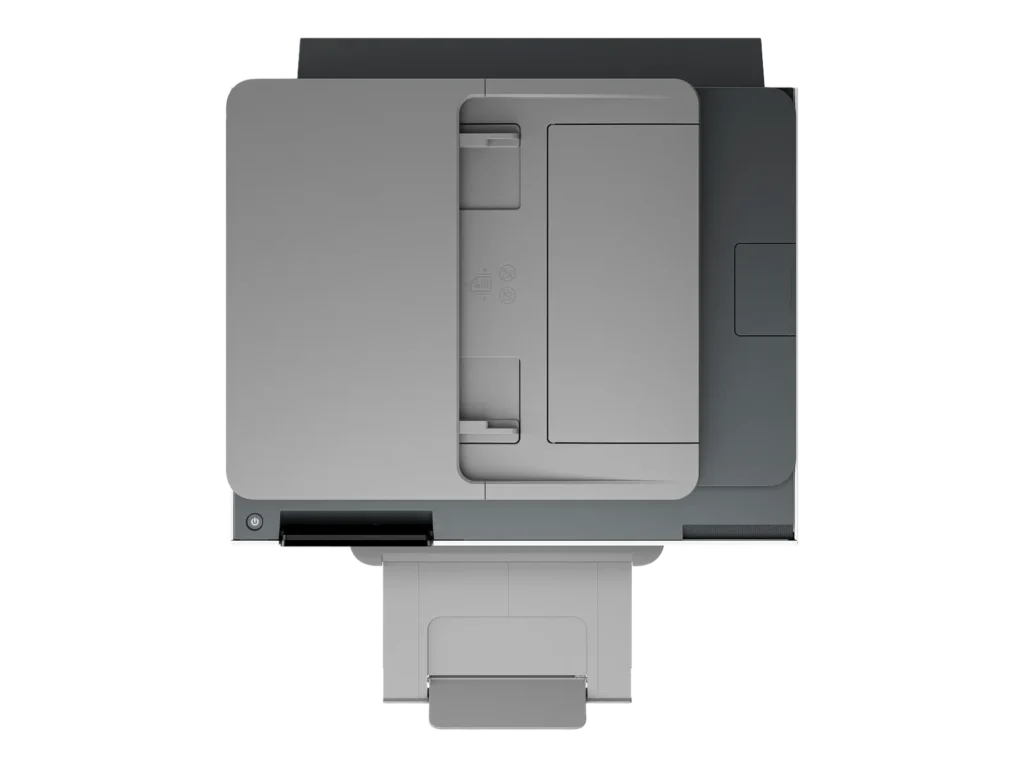
Customer Media
Highlights
| Blazing Fast Print Speeds | Experience rapid printing with speeds up to 25 pages per minute (ppm) for black and white documents and 20 ppm for color documents, ensuring efficient workflow for busy offices. |
|---|---|
| High Capacity & Automatic Duplexing | Equipped with a substantial 500-sheet paper capacity, split across two 250-sheet input trays, and featuring automatic two-sided printing and single-pass duplex scanning, this printer is designed for high-volume tasks and enhanced productivity. |
| AI-Enabled Smart Features | The HP OfficeJet Pro 9135e is AI-enabled to intuitively adapt to your workflow and offers perfectly formatted prints with HP AI, alongside seamless integration with HP's easy-to-use print app for cloud sharing and multi-device printing. |
| Reliable Connectivity & Robust Security | Stay connected with HP's self-healing dual-band Wi-Fi that automatically reconnects, and protect your network from cyberthreats with HP Wolf Pro Security, ensuring your multifunction printer stays up to date and secure. |
| Versatile All-in-One Functionality | This all-in-one inkjet printer provides comprehensive functionality, allowing you to print, copy, scan, and fax, making it a versatile solution for diverse office needs. |
Pros & Cons
Pros
- Excellent Print Quality: The printer consistently delivers crisp, clear, and vibrant prints for both documents and photos, with many reviewers noting its professional or laser-like quality.
- Fast Printing and Scanning: Users appreciate the high speed of printing, especially for basic jobs, and the efficiency of features like automatic two-sided printing and one-pass duplex scanning.
- Versatile All-in-One Features: The device is highly valued for its comprehensive functionalities including printing, scanning, copying, and faxing, along with practical features like dual paper trays and seamless mobile printing via the HP Smart app.
Cons
- Connectivity and Setup Challenges: Many customers found the initial setup complicated and time-consuming, often encountering difficulties with wireless connectivity, frequent disconnections, and the printer not being recognized by devices, sometimes requiring multiple reboots or extensive troubleshooting.
- High Ink Costs and Restrictive Policies: A major point of dissatisfaction is the high cost of HP's proprietary ink cartridges and the mandatory nature of the HP Instant Ink subscription, with some users reporting the printer becoming unusable if non-HP ink is detected or the subscription is cancelled.
- Noise and Mechanical Issues: Several reviewers noted the printer is considerably noisy during operation. Other mechanical problems include frequent paper jams, the output tray bending printed pages, and the scanner feeder being unreliable or slow.
Customer Fit
- Primary audience: Home-office professionals or small-business owners who need fast, dependable color printing and scanning for daily paperwork.
- Secondary audience: Families and remote workers printing homework, invoices, or photos who value easy wireless control and compact size.
- Ideal scenarios: Typical uses include home offices printing client files, scanning multi-page contracts, or producing marketing flyers and reports.
Customer Reviews
Showing reviews 441-450 of 729
-
Title: This printer is a disaster
Verified purchase Verified purchase: This reviewer bought the product.WilliamPeyser December 14, 2024Review source: AmazonFirst the good news. The HP OfficeJet Pro 9135e is fast. Now the bad news. This printer is so poorly designed that it shouldn’t even be on the market.
It’s a cheap looking, ugly, square-cornered box. It’s noisy unless you use Quiet Mode, which slows it down. Worst of all, there’s no way to stop a print job in progress.
You can’t leave envelopes or labels in Tray 1. If you do, the printer will grab them every time it runs out of letter paper in Tray 2, creating a huge paper jam.
If Tray 1 is empty when the paper in Tray 2 runs out, the printer ought to continue printing when more paper is loaded. It won’t. The user has to intervene by pressing buttons on the control panel.
1. Printer runs out of paper in Tray 2 and stops printing. Control panel displays an “Out of paper” message. DO NOT press “OK.”
2. Load paper into Tray 2, and close the drawer.
3. The message on the control panel changes to, “Did you change the paper?” Press “OK.” This message persists for only a few seconds, so be sure to press “OK” immediately. If the message doesn’t appear, open and close the paper drawer until it does.
4. Control panel displays the “Out of paper” message again. This time, press “OK.” Printing will resume.
If the user fails to follow this procedure exactly, the printer will stop printing after the current job completes and won’t print anything more. The control panel will continue to display an “Out of paper” message even though paper has been fully loaded. The only way to get the printer to start printing again is to reset it by unplugging it and plugging it back in or by turning it off with the power button and waiting for it to boot.
The same remedy applies when it refuses to print after a software update. Unplug it and plug it back in, or turn it off and wait for it to boot.
It shouldn’t need updates in the first place. The product should have been finished before it was brought to market. The updates improve the printer’s performance not one iota anyway.
This printer turns pressing an application’s Print button into an adventure. The user never knows whether it’s going to print or not. When it doesn’t, no explanatory message appears on either the control panel or the computer screen. Nothing will print, but the user doesn’t know why. The baffled user has no recourse but to reset the printer. When he/she presses the power button to turn it off, the notification, “Error printing” may appear. How helpful!
Sometimes, it loses contact with the wireless network. When it does, and the user tries to print, the notification, “Printer offline” appears on the computer screen. In this case, pressing the power button to reset it won’t work. The power button has no effect at all. The printer has to be unplugged and plugged back in to get it to print.
You can avoid the wireless connectivity problem by connecting the printer to your router by an Ethernet cable or to your computer by a USB cable (neither supplied). Do this after the initial WiFi setup.
However, even after the printer is connected to the router or computer, it frequently refuses to print. There’s never any apparent reason except that the software controlling the printer is defective. Every time the printer balks, the user has to press the power button and wait while the printer shuts down and reboots before it finally starts to print again.
HP’s warranty is worthless. If you’re fed up with struggling with this printer, and you think you’ll get a better one if you return it to HP, you’ve never been more mistaken. The “replacement” you’ll receive will have no ink and no printhead. If you try to install the ink and printhead from your original printer in the “replacement,” you’ll find that you can’t. The “replacement” lacks not just ink cartridges and printhead. It’s also missing the mechanism that holds them in place. It’s a useless shell.
If you purchase this printer, be sure to buy it form a retailer that offers a generous return window.
-
Not up to par for a business printer
Verified purchase Verified purchase: This reviewer bought the product.Gina December 13, 2024Review source: AmazonI had a 9015e for my small business and it was fast and had good quality printing. But I used after- market ink and ruined it. I tried to replace with the same model but could not find one so I went with this new and improved 9035e. DON’T BE FOOLED PEOPLE!! Although the print quality is good, the machine takes forever just to think about printing and then it has to stop and think between every page on a multi page job. It’s very annoying. My $60.00 printer at home does a faster job..
-
Are you kidding me?
Verified purchase Verified purchase: This reviewer bought the product.LANCE L. TAYLOR December 13, 2024Review source: AmazonIn this day and age we have AI, Quantum computing, Self driving cars, plug and play devices, and I cannot get a HP 9135e printer mated with an HP laptop less than 1 yr old to Register itself online with HP. I have been at it for 2 hours now and no luck. It is a boat anchor if I can not get it registered. I am not a newb to systems, etc. but this one has me stymied. If you buy I hope you have better luck than I.
-
Very disappointed in HP
Verified purchase Verified purchase: This reviewer bought the product.Alek Beri Jr December 13, 2024Review source: AmazonWe had a HP 9600 Pro before this printer and it worked great, never a problem.
This 9135 every time you use it there is a jam and printing envelopes is a nightmare.
9135 trays do not switch properly or not a all. Construction is all plastic and new ink prices are out of sight.
Today I get an email about the HP extensions not being compatible with my iMac.
Just not what I expected for HP.
-
Nice printer
Verified purchase Verified purchase: This reviewer bought the product. Incentivized Incentivized review: The reviewer received a benefit for sharing feedback.ChristinaM December 13, 2024Review source: BestbuyIt’s a great printer and I recommend it for someone who uses the printer daily. I will be returning mine though as I don’t need something so big, that holds so much paper. I only need it for periodic minimal use.
-
Very pleased
Verified purchase Verified purchase: This reviewer bought the product. Incentivized Incentivized review: The reviewer received a benefit for sharing feedback.user245807 December 13, 2024Review source: BestbuyI can’t believe I waited so long to purchase a new printer, I had multiple machines in my office to do what this one does. I would definitely recommend this printer.
-
HP “smart” printer isn’t so smart
Verified purchase Verified purchase: This reviewer bought the product. Incentivized Incentivized review: The reviewer received a benefit for sharing feedback.AngelaM December 13, 2024Review source: BestbuyI’ve had issues with this printer since day 1. It’s directly connected to a desktop that can only see it sometimes. It very rarely has a “remote status” meaning you can’t print from any device. I’ve spent hours with this thing HP says there’s nothing wrong but once you agree to the “instant ink”membership you can only print through their app and even then it can’t find the printer more often than not. My next printer will NOT be HP
-
Ok
Verified purchase Verified purchase: This reviewer bought the product.Franklin Fields December 12, 2024Review source: AmazonVery good
-
Ink very exspensive
Verified purchase Verified purchase: This reviewer bought the product.The body source holistic cente… December 12, 2024Review source: AmazonInk to exspensive
-
Replaced Our 8600
Verified purchase Verified purchase: This reviewer bought the product.Curmudgeon December 9, 2024Review source: AmazonAfter approximately ten years our HP Office Jet 8600 gave up the ghost and could not be revived. We had been happy with the 8600 serving as the only printer in our home for all our scanning, copying, and printing needs. The new 9135 seems to be a worthy replacement and I only hope it will have the same longevity. It seems well made, is significantly heavier than the 8600 but is quieter when printing and prints much more quickly. Two paper trays (we use both for 8 1/2 x 11 inch paper) means we load the trays less frequently. Scans are clean and fast (they had begun to degrade a bit on the 8600). We did not sign up for the HP ink program as part of the program requires the printer always has access to the internet and communicates with HP and I did not want the going outside of our network as I do not know what vulnerabilities that might introduce. We are very happy with the printer and how quickly Amazon was able to get it to us given how suddenly our old printer died.