Customer Media
Highlights
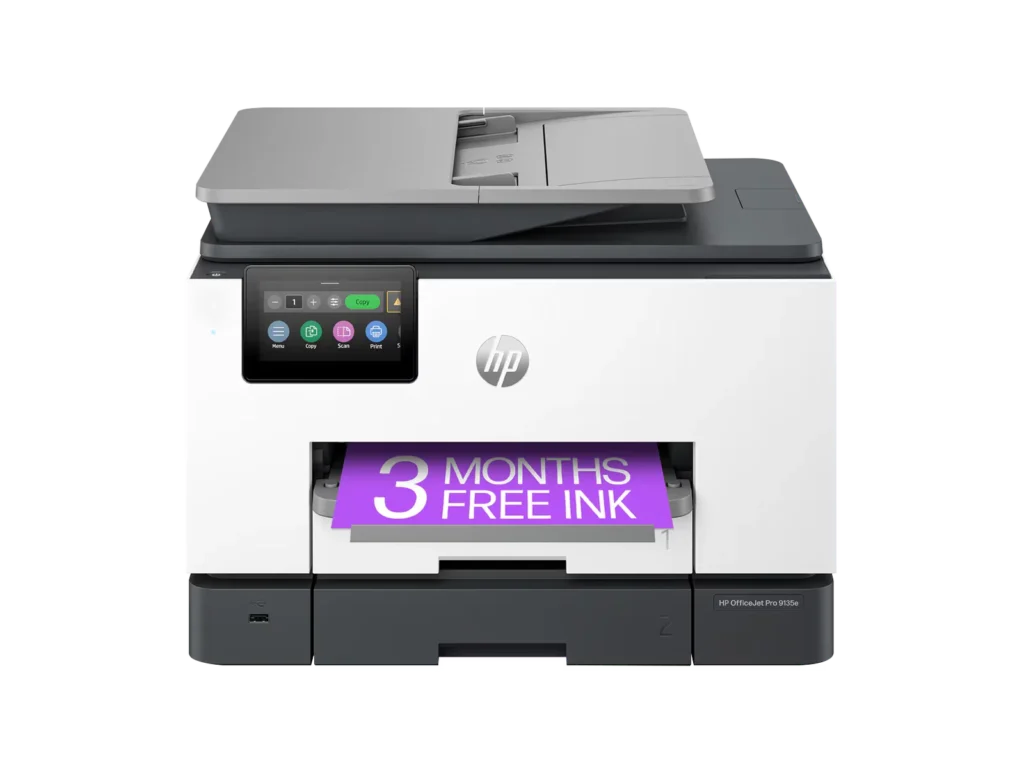
| Blazing Fast Print Speeds | Experience rapid printing with speeds up to 25 pages per minute (ppm) for black and white documents and 20 ppm for color documents, ensuring efficient workflow for busy offices. |
|---|---|
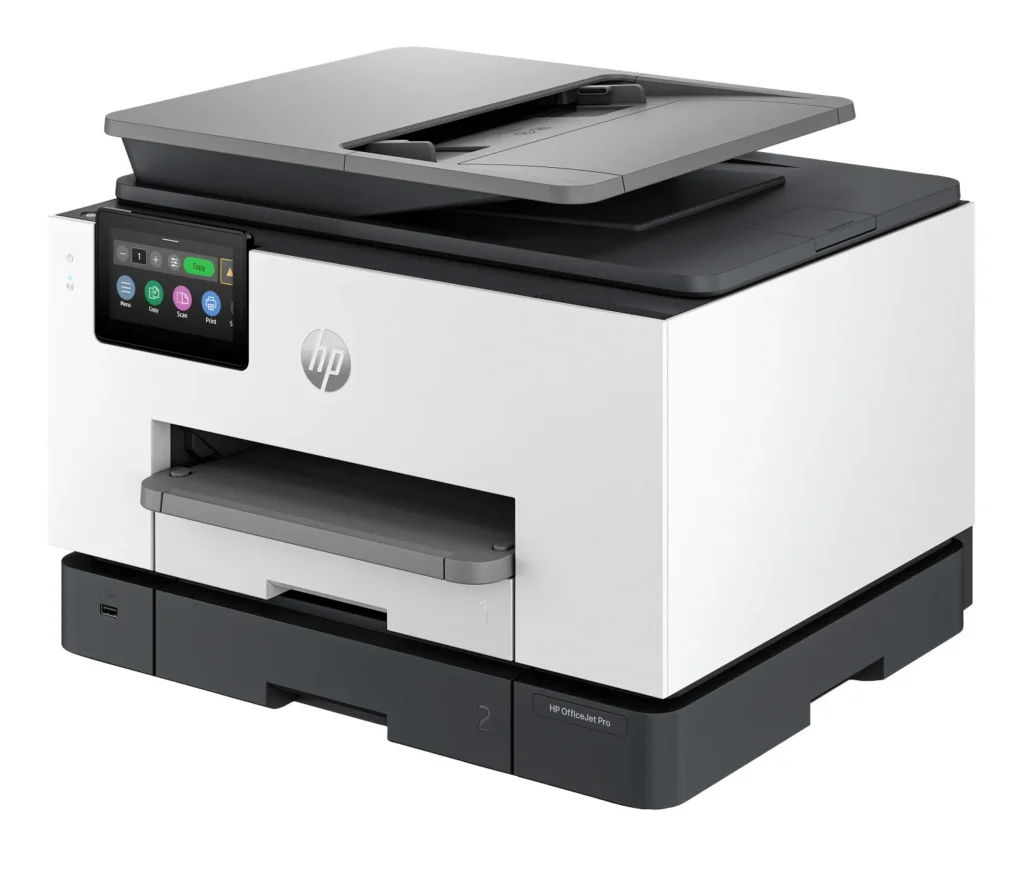
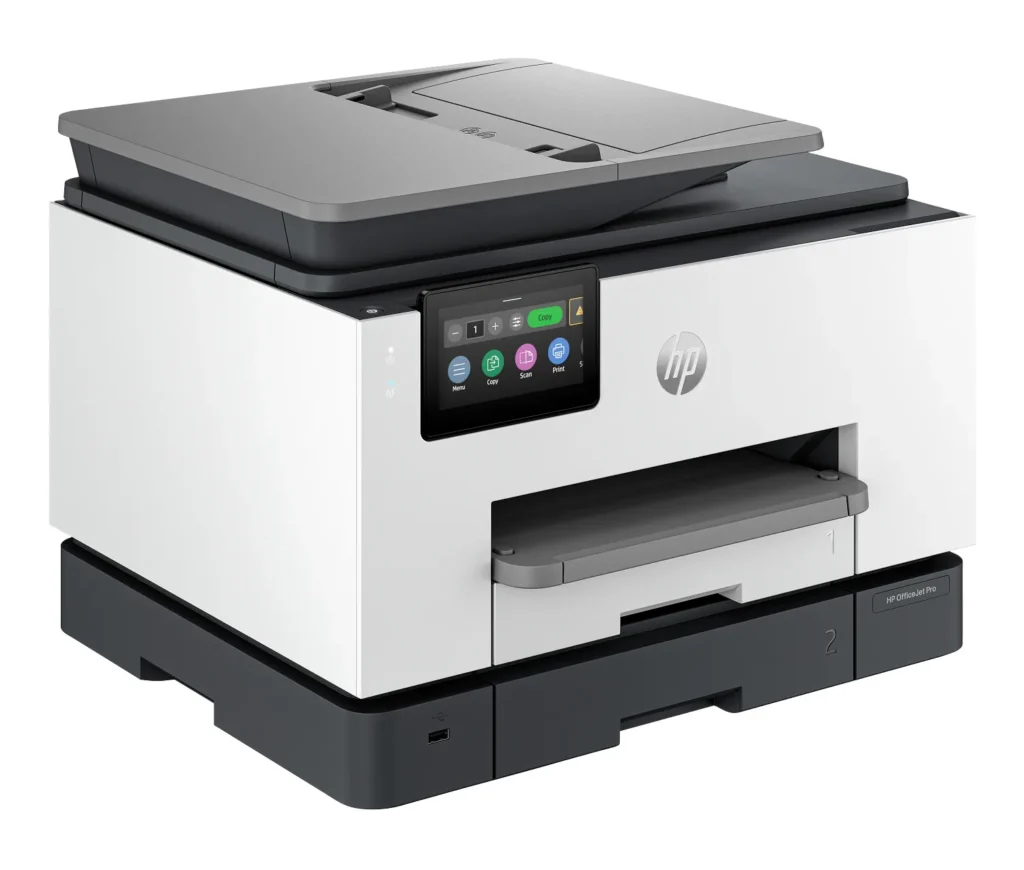
| High Capacity & Automatic Duplexing | Equipped with a substantial 500-sheet paper capacity, split across two 250-sheet input trays, and featuring automatic two-sided printing and single-pass duplex scanning, this printer is designed for high-volume tasks and enhanced productivity. |
| AI-Enabled Smart Features | The HP OfficeJet Pro 9135e is AI-enabled to intuitively adapt to your workflow and offers perfectly formatted prints with HP AI, alongside seamless integration with HP's easy-to-use print app for cloud sharing and multi-device printing. |
| Reliable Connectivity & Robust Security | Stay connected with HP's self-healing dual-band Wi-Fi that automatically reconnects, and protect your network from cyberthreats with HP Wolf Pro Security, ensuring your multifunction printer stays up to date and secure. |
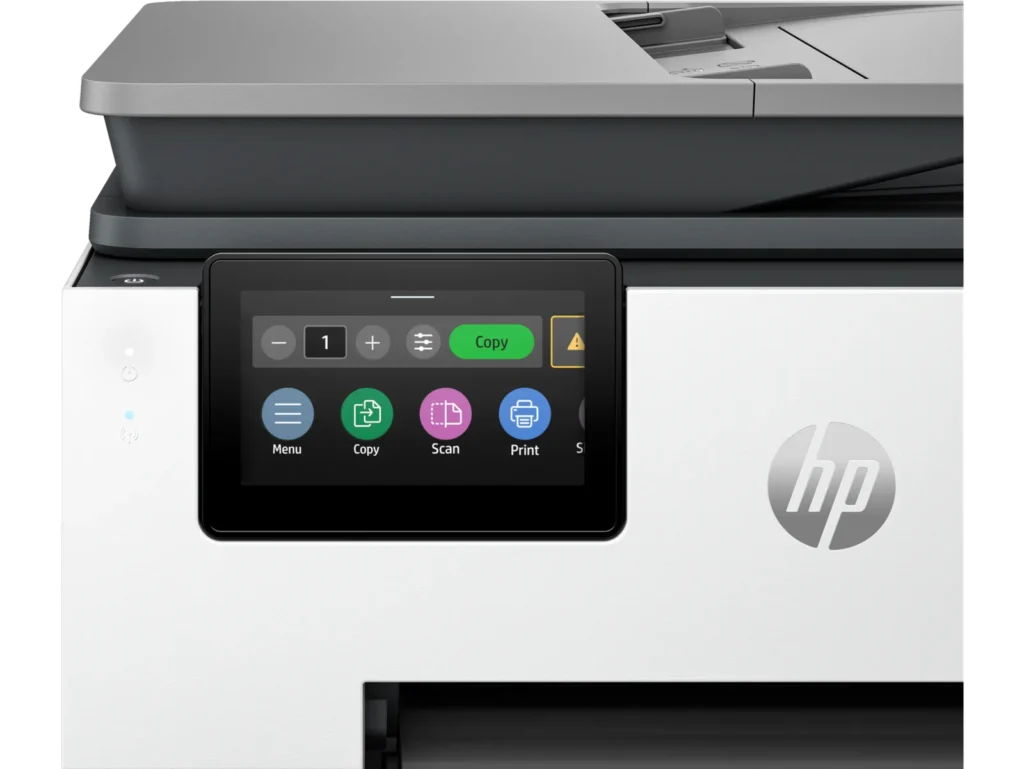
| Versatile All-in-One Functionality | This all-in-one inkjet printer provides comprehensive functionality, allowing you to print, copy, scan, and fax, making it a versatile solution for diverse office needs. |
Pros & Cons
Pros
- Excellent Print Quality: The printer consistently delivers crisp, clear, and vibrant prints for both documents and photos, with many reviewers noting its professional or laser-like quality.
- Fast Printing and Scanning: Users appreciate the high speed of printing, especially for basic jobs, and the efficiency of features like automatic two-sided printing and one-pass duplex scanning.
- Versatile All-in-One Features: The device is highly valued for its comprehensive functionalities including printing, scanning, copying, and faxing, along with practical features like dual paper trays and seamless mobile printing via the HP Smart app.
Cons
- Connectivity and Setup Challenges: Many customers found the initial setup complicated and time-consuming, often encountering difficulties with wireless connectivity, frequent disconnections, and the printer not being recognized by devices, sometimes requiring multiple reboots or extensive troubleshooting.
- High Ink Costs and Restrictive Policies: A major point of dissatisfaction is the high cost of HP's proprietary ink cartridges and the mandatory nature of the HP Instant Ink subscription, with some users reporting the printer becoming unusable if non-HP ink is detected or the subscription is cancelled.
- Noise and Mechanical Issues: Several reviewers noted the printer is considerably noisy during operation. Other mechanical problems include frequent paper jams, the output tray bending printed pages, and the scanner feeder being unreliable or slow.
Customer Fit
- Primary audience: Home-office professionals or small-business owners who need fast, dependable color printing and scanning for daily paperwork.
- Secondary audience: Families and remote workers printing homework, invoices, or photos who value easy wireless control and compact size.
- Ideal scenarios: Typical uses include home offices printing client files, scanning multi-page contracts, or producing marketing flyers and reports.
Customer Reviews
Showing reviews 511-520 of 729
-
HP 9135
Verified purchase Verified purchase: This reviewer bought the product. Incentivized Incentivized review: The reviewer received a benefit for sharing feedback.Cathiesboy September 27, 2024Review source: BestbuyThis was an easy set up and the printer works great! When you hit print, it has a little delay before it starts, but if you are printing multiple pages, it prints fast.
I like the printer and it has a nice appearence although it may be a little large. The software download was easy and works very well. I had a different brand printer before and it was difficult to use due to the software.
Very nice printer!! I am well pleased!! -
Terrific Printer for Personal, Family Use
Verified purchase Verified purchase: This reviewer bought the product. Incentivized Incentivized review: The reviewer received a benefit for sharing feedback.Louie September 24, 2024Review source: BestbuyThis printer is fabulous. The print quality and speed is perfect for personal, family or a very small office. It took a bit of effort to initially set it up to print on a computer – and that was because you need download the HP SmartPrint app – and then agree that future cartridge purchases will be only original HP ones. I also signed up for the subscription service with the lowest usage level. I was sent a set of new cartridges yet have not received paper yet. I am still checking the subscription out and have not fully decided to continue or not only because I am not printing many documents.
-
Great product!
Verified purchase Verified purchase: This reviewer bought the product.Kimberly Rikard September 23, 2024Review source: AmazonThis printer works great in our home office. It prints quickly, set up is easy, WiFi connection is stable, and paper loads with no problems.
-
Mixed feelings because I'm getting old
Verified purchase Verified purchase: This reviewer bought the product.Dee September 21, 2024Review source: AmazonI’m an elder millenial who still regularly uses a printer for various tasks, but mostly crafts.
I had a Canon Laser jet printer for around 8 years. The last year or so it’s been giving me nothing but problems with print quality. I was making a card last night for a wedding today and struggled getting a good print.
In a rush, I came to Amazon to see what I could get overnight.
This isn’t like me, usually I spend weeks researching a large purchase, especially with tech products.
I saw instant ink but didn’t research, instead just bought the printer, it arrived today.Start to set it up, with my A/B cable in hand… there’s no port for it. That’s ok, it’s time I get with the cool kids and have a wireless printer.
Power the bad boy on and I’m immediately presented with an error that my print head is bad or not installed correctly.
Great, I’m thinking I got a dud and I’m not getting this card done. Start to watch the on screen instructions, follow step one to open the door. I now have a notice that the door is open, and I can no longer read the steps to fix the print head. This is stupid and annoying.
So I go on the website to read the instructions. I had to remove the entire unit that holds the cartridges, pop it back in, error is gone.
I have to install an app, which I hate, but I need this printer so I do it. If I had known that, I wouldn’t have bought this printer.
I go on HP’s site to look up how I do the instant ink and get my free 3 months. It says it’s $13 a month. I start to check out and can’t find how to redeem my first 3 months.
Now that’s on me for not reading the card that came with the printer. There’s a totally different website you have to go to. I sign up for the instant ink at $4.99 a month for 50 pages. Not too bad considering what I was spending on toner annually.
Get everything set up on my phone and I’m good to go there.
Go on my HP desktop and on the drivers site, this printer is unknown. I have to open HP help on my desktop. It can’t find the printer, check the printer and it’s doing a firmware update.
Cool, I get some fresh air, I’ll try again in a bit.
About 10 minutes later the printer is online and my PC sees it. I’m good to go.
It took about 45 minutes from unboxing to being able to print from my PC.I guess I’m ok with this instant ink thing because it’s not too expensive and it’ll be nice to always have the brand ink and support. Though we will see.
Anyway, I got the card done and I’ve learned to not procrastinate because you end up with a $300 printer and subscription for ink and yet another app to do one thing.
Print quality is good, and the unit is smaller than my Canon.
Will update as I use it more.Update February 2025:
Printer quality has gone downhill. There are lines through all my prints. Went through all the troubleshooting available in the printer and nothing worked. I gave in and opened a ticket with HP.
I’m really unhappy with HP support. They don’t seem to understand the problem you describe. They asked me to print and send them a picture. I do, and it’s clear the quality is bad, and they ask me if the quality is bad. They then ask me if the printer is plugged in and connected to my computer. Sigh.
I work in IT, so I get having to ask basic questions, but I just printed and sent it to them, it’s definitely plugged in.
They connected to my phone and made me turn my camera on, and after 2 hours of going through all the same troubleshooting I had already done, they are sending me a new print head.
Not really happy to have these issues after only 5 months.Update March 2025 – received the new print head and it resolved the quality issues.
-
Unable to print quickbooks check in reverse order
Verified purchase Verified purchase: This reviewer bought the product.Yilmaz September 20, 2024Review source: AmazonThis printer works for basic printing needs however, it was unable to print QuickBooks checks (in reverse order) and as such was unsuitable for our needs.
-
Model Improved
Verified purchase Verified purchase: This reviewer bought the product. Incentivized Incentivized review: The reviewer received a benefit for sharing feedback.Minnesotan September 20, 2024Review source: BestbuyI replaced a 4 year HP that kept eating the paper on the document feeder. This is same model but upgraded and seems to be excellent with good wifi connectivity.
-
Prints ok, but always thinks it's out of paper
Verified purchase Verified purchase: This reviewer bought the product.Matt Harmer September 18, 2024Review source: AmazonThe printer works fine, and I appreciated the convenience of getting one the same day through Amazon when my old one died. But over 90% of the time, when I try to print anything I get a prompt that it’s out of paper, even though there is plenty of good quality, unfolded, clean paper in the printer. Looking online this appears to be a pretty common issue, something HP should fix. It’s not a huge issue, but basically anytime I print anything I have to open the paper drawer and close it again to get the printer to realize that it’s got plenty of paper.
-
Quality of printer
Verified purchase Verified purchase: This reviewer bought the product.lidia September 18, 2024Review source: AmazonHP printers are no longer the quality they once were. Menu for different paper selection was limited as well as size. Quality of photo print not good, had streaks.
-
When it works its great
Verified purchase Verified purchase: This reviewer bought the product.Teresa Kaylor September 17, 2024Review source: AmazonI ordered this printer because it was the replacement/upgrade to what we had and we just wanted the same thing. This one has been dropped or something. It jams constantly, disconnects from wifi daily. I spend an average of 20 minutes every day just trying to get the thing to work. I seriously wonder what it went thru to make it to me. Sad not as good as the old one.
-
Awesome Printer
Verified purchase Verified purchase: This reviewer bought the product. Incentivized Incentivized review: The reviewer received a benefit for sharing feedback.Bubbles September 16, 2024Review source: BestbuyAs my HP printer was over 9 years old…still printing and scanning, I decided to upgrade and not sorry, Love the chrisp, sharp printing.