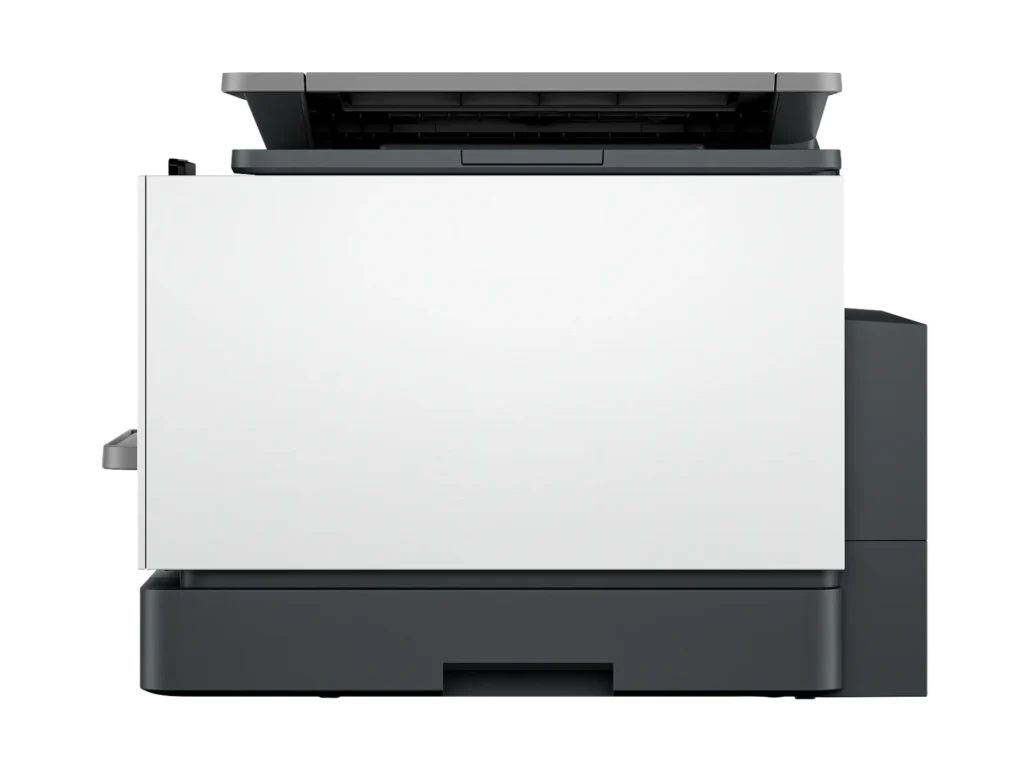
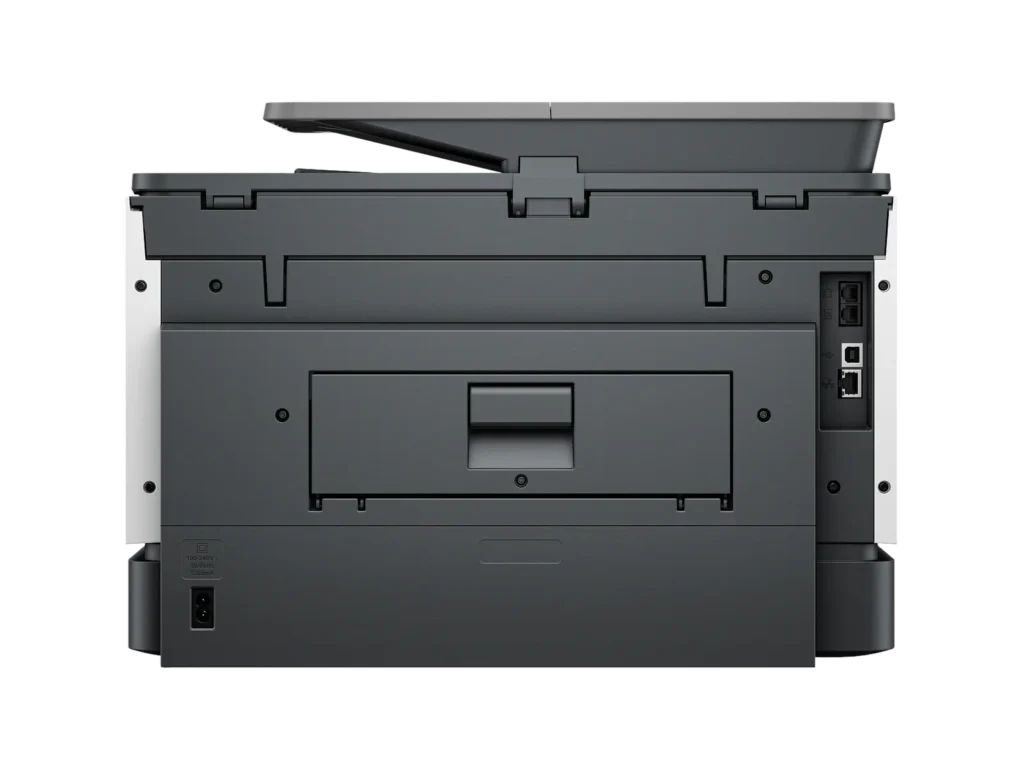
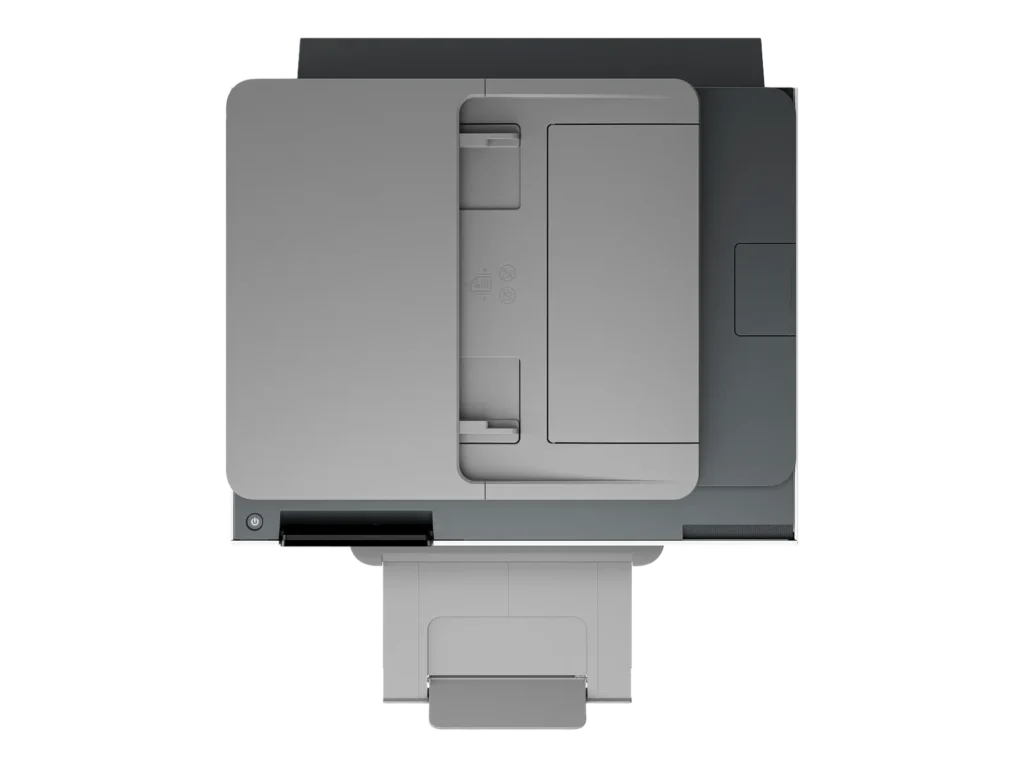
Customer Media
Highlights
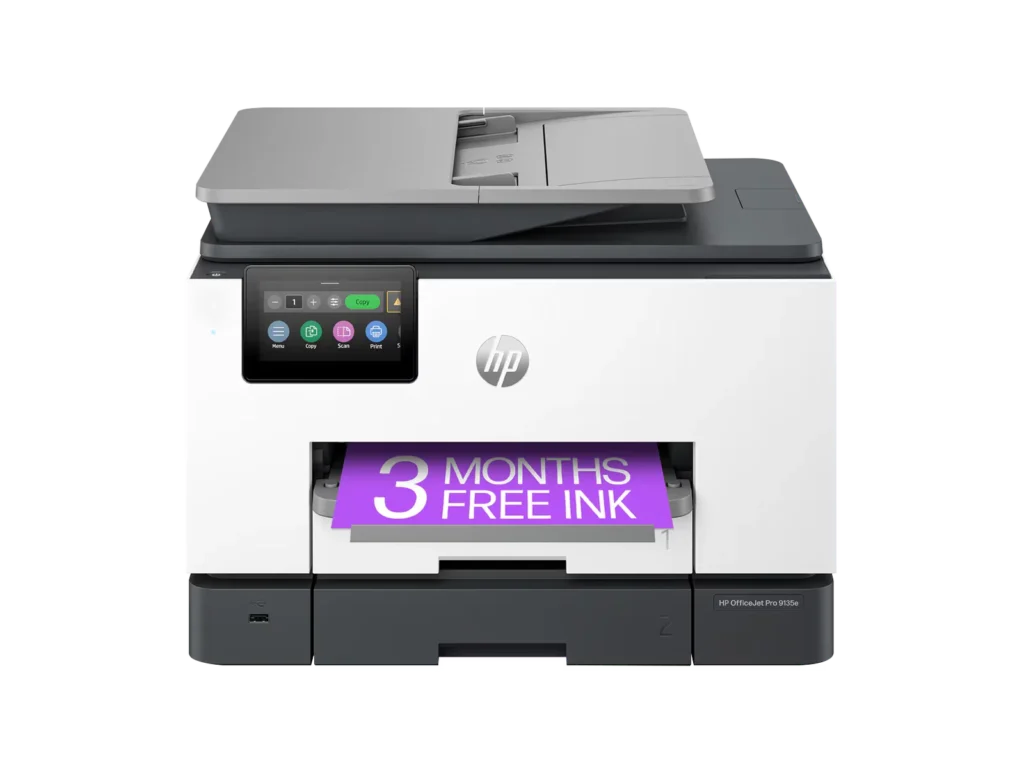
| Blazing Fast Print Speeds | Experience rapid printing with speeds up to 25 pages per minute (ppm) for black and white documents and 20 ppm for color documents, ensuring efficient workflow for busy offices. |
|---|---|
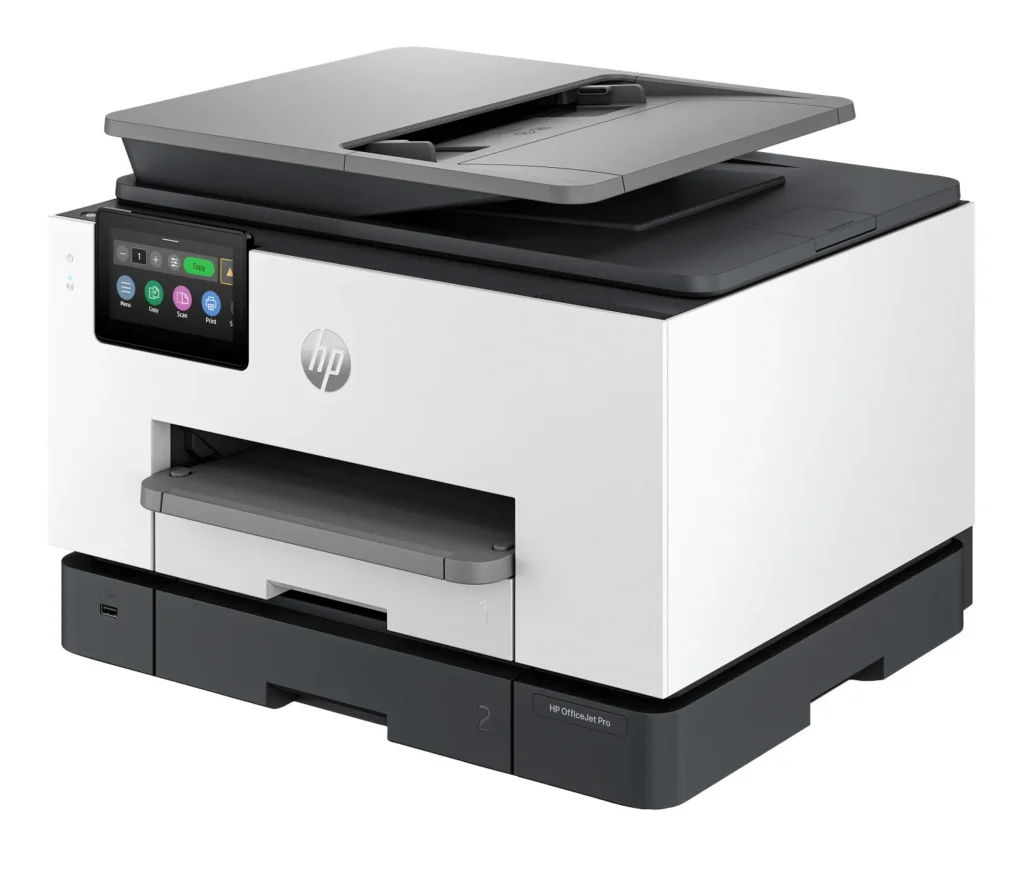
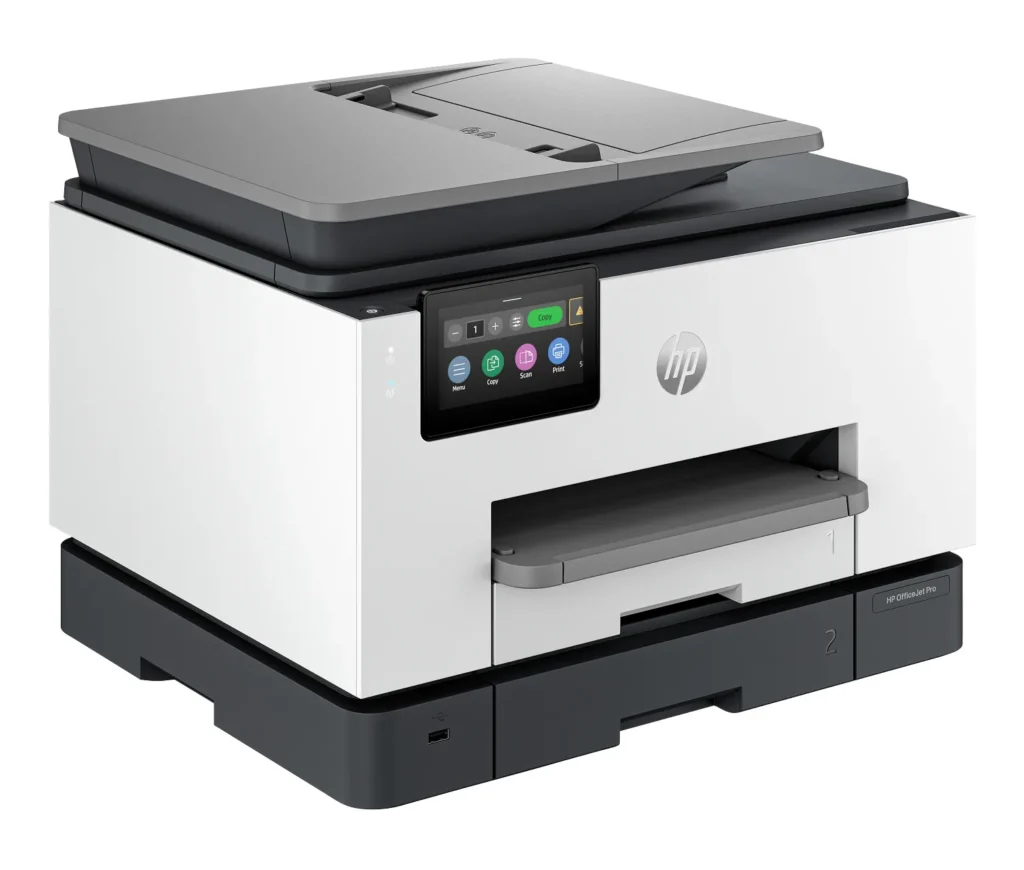
| High Capacity & Automatic Duplexing | Equipped with a substantial 500-sheet paper capacity, split across two 250-sheet input trays, and featuring automatic two-sided printing and single-pass duplex scanning, this printer is designed for high-volume tasks and enhanced productivity. |
| AI-Enabled Smart Features | The HP OfficeJet Pro 9135e is AI-enabled to intuitively adapt to your workflow and offers perfectly formatted prints with HP AI, alongside seamless integration with HP's easy-to-use print app for cloud sharing and multi-device printing. |
| Reliable Connectivity & Robust Security | Stay connected with HP's self-healing dual-band Wi-Fi that automatically reconnects, and protect your network from cyberthreats with HP Wolf Pro Security, ensuring your multifunction printer stays up to date and secure. |
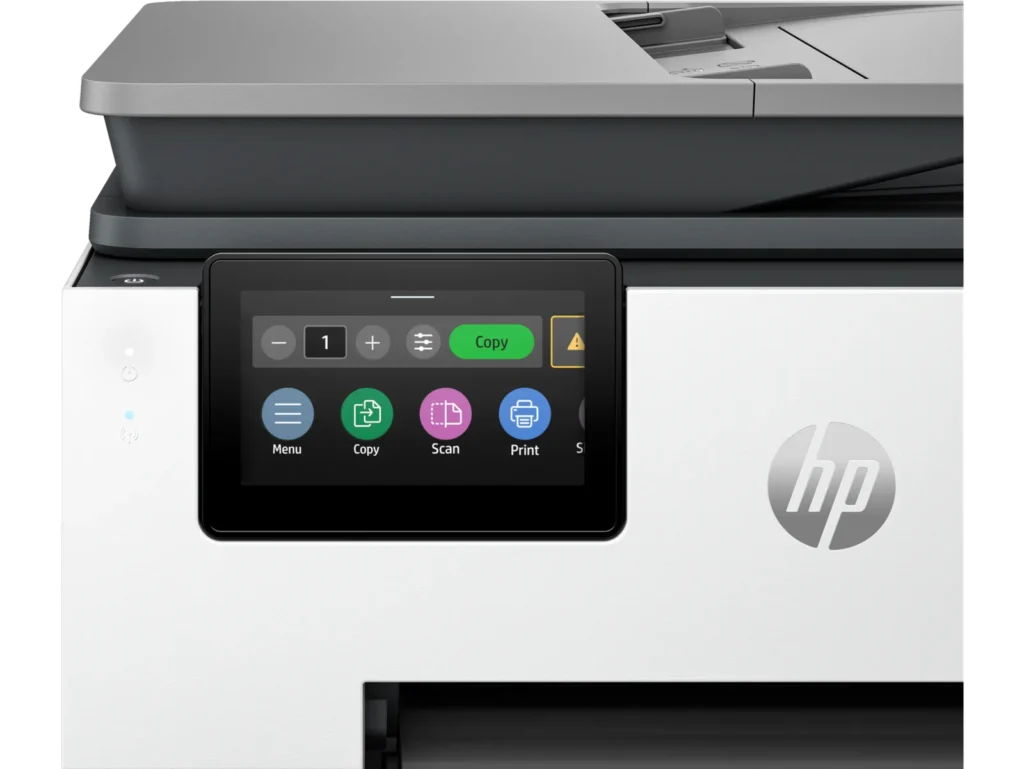
| Versatile All-in-One Functionality | This all-in-one inkjet printer provides comprehensive functionality, allowing you to print, copy, scan, and fax, making it a versatile solution for diverse office needs. |
Pros & Cons
Pros
- Excellent Print Quality: The printer consistently delivers crisp, clear, and vibrant prints for both documents and photos, with many reviewers noting its professional or laser-like quality.
- Fast Printing and Scanning: Users appreciate the high speed of printing, especially for basic jobs, and the efficiency of features like automatic two-sided printing and one-pass duplex scanning.
- Versatile All-in-One Features: The device is highly valued for its comprehensive functionalities including printing, scanning, copying, and faxing, along with practical features like dual paper trays and seamless mobile printing via the HP Smart app.
Cons
- Connectivity and Setup Challenges: Many customers found the initial setup complicated and time-consuming, often encountering difficulties with wireless connectivity, frequent disconnections, and the printer not being recognized by devices, sometimes requiring multiple reboots or extensive troubleshooting.
- High Ink Costs and Restrictive Policies: A major point of dissatisfaction is the high cost of HP's proprietary ink cartridges and the mandatory nature of the HP Instant Ink subscription, with some users reporting the printer becoming unusable if non-HP ink is detected or the subscription is cancelled.
- Noise and Mechanical Issues: Several reviewers noted the printer is considerably noisy during operation. Other mechanical problems include frequent paper jams, the output tray bending printed pages, and the scanner feeder being unreliable or slow.
Customer Fit
- Primary audience: Home-office professionals or small-business owners who need fast, dependable color printing and scanning for daily paperwork.
- Secondary audience: Families and remote workers printing homework, invoices, or photos who value easy wireless control and compact size.
- Ideal scenarios: Typical uses include home offices printing client files, scanning multi-page contracts, or producing marketing flyers and reports.
Customer Reviews
Showing reviews 561-570 of 729
-
Good Office Printer
Verified purchase Verified purchase: This reviewer bought the product. Incentivized Incentivized review: The reviewer received a benefit for sharing feedback.Frank July 12, 2024Review source: BestbuySo far, the printer has worked great in the Office. Easy to set up and good quality prints. Printer is assigned to at least three people in the office and is used as the main fax into the Office.
-
An excellent office printer!
Verified purchase Verified purchase: This reviewer bought the product. Incentivized Incentivized review: The reviewer received a benefit for sharing feedback.Prudy July 9, 2024Review source: BestbuyThe HP – OfficeJet Pro 9135e is a really good printer. I love the fact that it can automatically scan documents double-sided. This was one of the main features I bought it for. It is a great printer for a business. Unfortunately, there are a few extra steps needed for one person to use it for everyday printing at home.
-
Not ready for Win 11- Snapdragon
Verified purchase Verified purchase: This reviewer bought the product. Incentivized Incentivized review: The reviewer received a benefit for sharing feedback.MarkS July 6, 2024Review source: BestbuyTotal nightmare – stay away from Windows Snapdragon and HP. Between MS-HP, someone screwed up a driver and I’ve spent hours online on tech and chat support. One person said, “The device doesn’t support 2 sided auto printing’ and, yet, it says it right in the BestBuy listing. There’s a reason I buy Apple – US based English speaking and phone support. Good riddance, Snapdragon not ready for prime time. Oh, HP, you tried to upcharge me with your friend service on the weekend, yeah, that’s a hard ‘no’,, I’ll be switching to Mac and Epson/Canon. Peace, out.
-
Mrs.
Verified purchase Verified purchase: This reviewer bought the product. Incentivized Incentivized review: The reviewer received a benefit for sharing feedback.DAnn July 5, 2024Review source: BestbuyThis is a great printer but I am having a problem getting it to automatically print double sided from pages on my Mac computer. With my old 8600, I was given a choice of single or double sided when I went to print in pages. On this new printer, I have no choice to print double sided from my Mac pages but my husband is given a double sided choice when he prints from his PC. I just can’t figure out how to get that choice from my Mac when I am in another room and sending it to the printer.
-
This is the printer that does everything you need and more!!!
Dawn C July 1, 2024Review source: AmazonThis is a powerful printer that is a little workhorse. It is very fast and connects wirelessly so you can work efficiently. It is very easy to use and it’s compatible with all your devices. This is an excellent value for the money especially if you have a small business or you are always printing things.
#FoundItOnAmazon -
Great update for a “late adapter”
Verified purchase Verified purchase: This reviewer bought the product. Incentivized Incentivized review: The reviewer received a benefit for sharing feedback.AngieAndTom June 30, 2024Review source: BestbuyI needed a new printer because my previous one was no longer supported after 10 years. Although I had been accustomed to laser jet I didn’t want to spend the extra; duplex printing & scanning were more important to me this time around. And I’m not disappointed! Speed of printing is faster than I expected & two-sided scanning in one pass is awesome. Both are huge time savers over what it replaced. What was I waiting for?!
-
This is great for the price
Verified purchase Verified purchase: This reviewer bought the product.Garfield Norris III June 30, 2024Review source: AmazonI love this printer and for the price it is AWESOME. It does everything the latest model does, for $100.00 less!
-
Worth it
Verified purchase Verified purchase: This reviewer bought the product. Incentivized Incentivized review: The reviewer received a benefit for sharing feedback.Bigghurt5499 June 28, 2024Review source: BestbuyFast and easy set-up. Great print quality. Fast printing speed.
-
Worst Printer Ever
Verified purchase Verified purchase: This reviewer bought the product. Incentivized Incentivized review: The reviewer received a benefit for sharing feedback.RaquelC June 25, 2024Review source: BestbuyThe worst printer you could ever buy. I have been having issue after issue since I bought it. Don’t waste your money or time getting this printer.
-
Device Software Issues during setup
Verified purchase Verified purchase: This reviewer bought the product. Incentivized Incentivized review: The reviewer received a benefit for sharing feedback.Jason June 23, 2024Review source: BestbuyI recently purchased the HP OfficeJet Pro 9135e, and was greatly disappointed in HP. I researched almost every printer brand and settled on an HP brand and model based on HP’s reputation (I previously had the HP OfficeJet Pro 8600 which worked flawlessly for several years) and the 9135e model was on the higher end of the inkjet models. Unfortunately, this was both of these assumptions were incorrect. First, the first model I purchased both had a paper jam during the setup and could not complete the setup due to an error within the devices software. Frustrated but not dissuaded, I allow for a little grace for HP and returned the unit and exchanged it for another unit of the same model. However, encountered the same sofware error on the second device. This is disappointing in that I have to assume feom having the same issue occur on two different HP devices of the same model, that HP knowingly sold devices they knew had software issues, and assume they expect the customer to spend hours of their time ( instead of HP fixing the issue) to call the customer service to figure out how to solve. Appalling!