Customer Media
Highlights
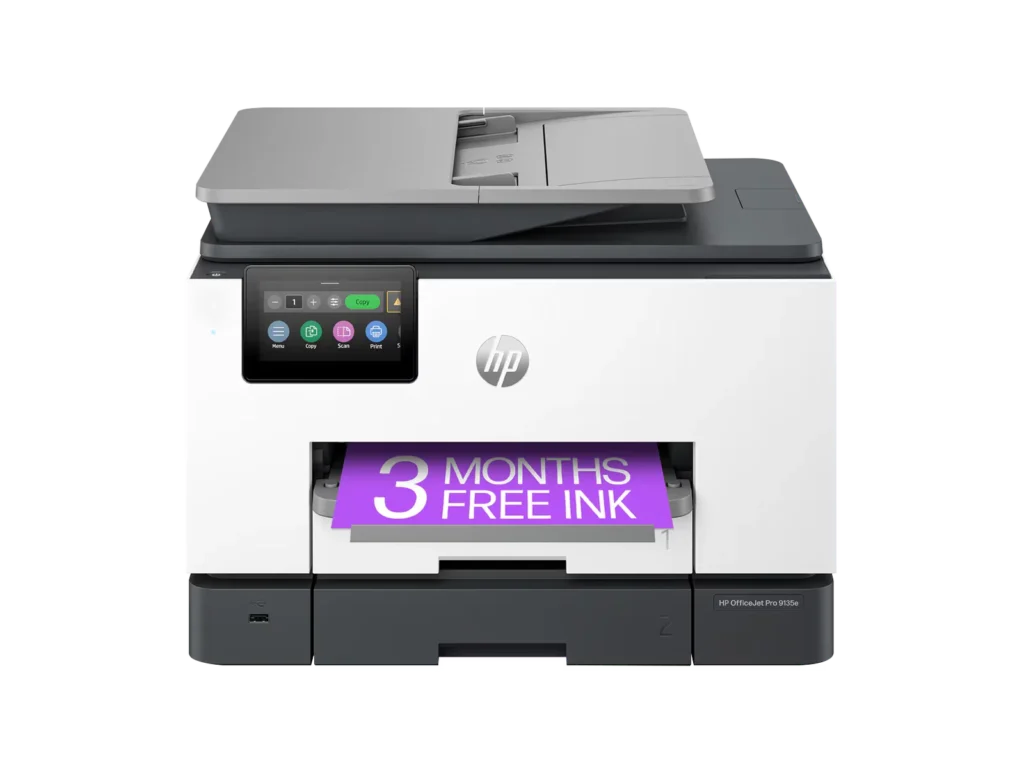
| Blazing Fast Print Speeds | Experience rapid printing with speeds up to 25 pages per minute (ppm) for black and white documents and 20 ppm for color documents, ensuring efficient workflow for busy offices. |
|---|---|
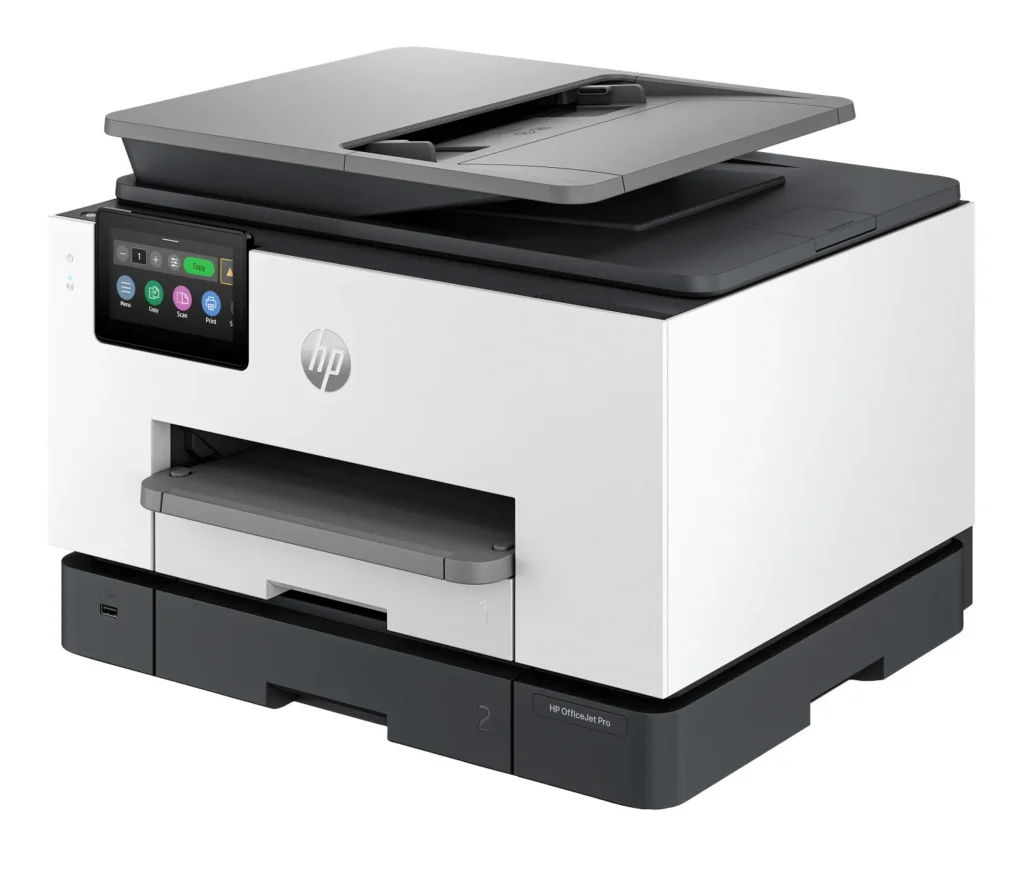
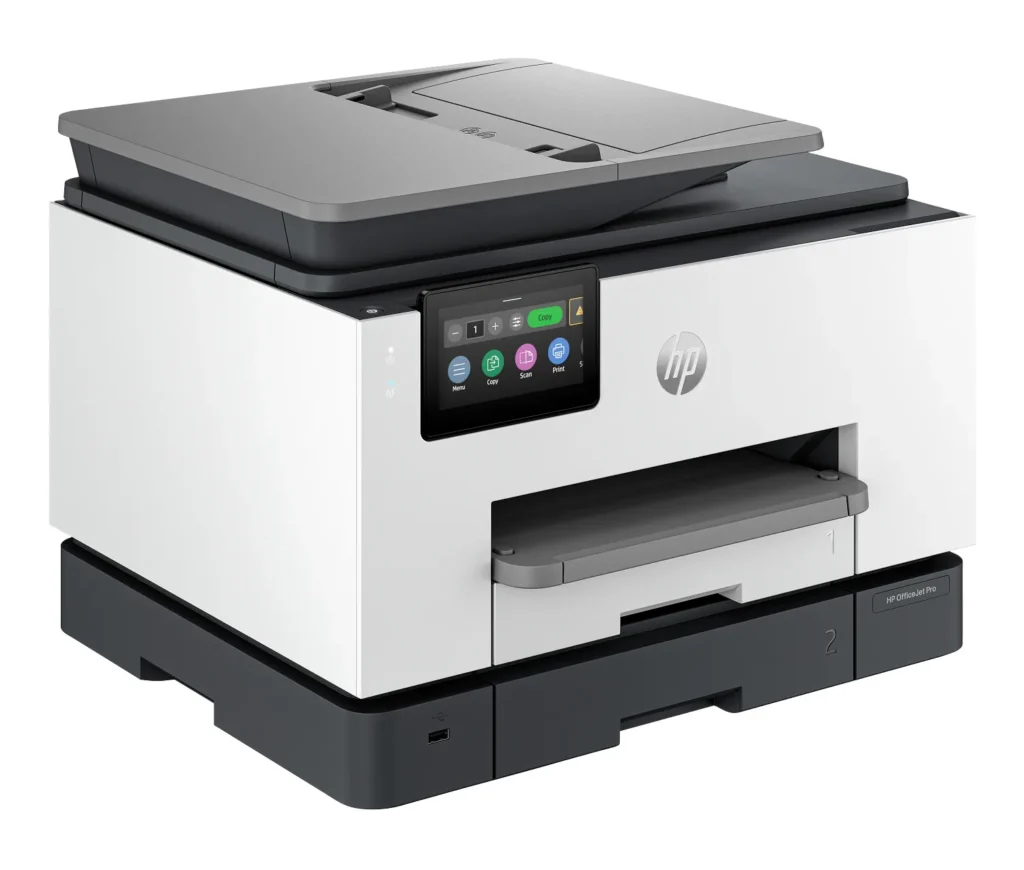
| High Capacity & Automatic Duplexing | Equipped with a substantial 500-sheet paper capacity, split across two 250-sheet input trays, and featuring automatic two-sided printing and single-pass duplex scanning, this printer is designed for high-volume tasks and enhanced productivity. |
| AI-Enabled Smart Features | The HP OfficeJet Pro 9135e is AI-enabled to intuitively adapt to your workflow and offers perfectly formatted prints with HP AI, alongside seamless integration with HP's easy-to-use print app for cloud sharing and multi-device printing. |
| Reliable Connectivity & Robust Security | Stay connected with HP's self-healing dual-band Wi-Fi that automatically reconnects, and protect your network from cyberthreats with HP Wolf Pro Security, ensuring your multifunction printer stays up to date and secure. |
| Versatile All-in-One Functionality | This all-in-one inkjet printer provides comprehensive functionality, allowing you to print, copy, scan, and fax, making it a versatile solution for diverse office needs. |
Pros & Cons
Pros
- Excellent Print Quality: The printer consistently delivers crisp, clear, and vibrant prints for both documents and photos, with many reviewers noting its professional or laser-like quality.
- Fast Printing and Scanning: Users appreciate the high speed of printing, especially for basic jobs, and the efficiency of features like automatic two-sided printing and one-pass duplex scanning.
- Versatile All-in-One Features: The device is highly valued for its comprehensive functionalities including printing, scanning, copying, and faxing, along with practical features like dual paper trays and seamless mobile printing via the HP Smart app.
Cons
- Connectivity and Setup Challenges: Many customers found the initial setup complicated and time-consuming, often encountering difficulties with wireless connectivity, frequent disconnections, and the printer not being recognized by devices, sometimes requiring multiple reboots or extensive troubleshooting.
- High Ink Costs and Restrictive Policies: A major point of dissatisfaction is the high cost of HP's proprietary ink cartridges and the mandatory nature of the HP Instant Ink subscription, with some users reporting the printer becoming unusable if non-HP ink is detected or the subscription is cancelled.
- Noise and Mechanical Issues: Several reviewers noted the printer is considerably noisy during operation. Other mechanical problems include frequent paper jams, the output tray bending printed pages, and the scanner feeder being unreliable or slow.
Customer Fit
- Primary audience: Home-office professionals or small-business owners who need fast, dependable color printing and scanning for daily paperwork.
- Secondary audience: Families and remote workers printing homework, invoices, or photos who value easy wireless control and compact size.
- Ideal scenarios: Typical uses include home offices printing client files, scanning multi-page contracts, or producing marketing flyers and reports.
Customer Reviews
Showing reviews 601-610 of 729
-
Great Printer
Verified purchase Verified purchase: This reviewer bought the product. Incentivized Incentivized review: The reviewer received a benefit for sharing feedback.Washer May 3, 2024Review source: BestbuyGreat printer. It is easy to set up and is easy to use. We love the instant ink process. Perfect for home & small business.
-
Rough start with difficult install
Verified purchase Verified purchase: This reviewer bought the product. Incentivized Incentivized review: The reviewer received a benefit for sharing feedback.redheadedstranger May 1, 2024Review source: BestbuyI just installed this printer and it was a difficult process. I spent 2 hours on it and then spent 2 hours with HP Support on the phone. No install instructions were included in the box and the on screen messages referred me to sites online that were not adequate to complete the install. The need to install all sorts of apps was not clear – HP Smart, HP Scan, HP Easy Start. Also no where did it say where to find the password for the printer, which is a critical piece to the installation.
The Scan to Computer function was the most difficult one to get working and when it finally did work the quality of the scan was terrible. I will have to process the scanning from the computer since the results using the option directly from the printer to the computer is poor.
I have only had it working for one day and it appears to work okay; however, it is much noisier than my previous HP LaserJet printer.
I will add that after 2 hours with HP Support a supervisor took over and he was very good, finally determining what needed to be done. HP Support called today to find out if it was working and since I have only had it up for less than a day, I told them I would know more next week. He has scheduled to call back next week to check. I find that to be extraordinary service.
I will say “yes” to recommending; however, that could change.
-
Quite the upgrade!
Amanda Leigh Grandon April 29, 2024Review source: AmazonI ordered this for my home office as I work exclusively at home and this has been amazing! It did take me a second to get the app and printer configured but it has done an incredible job ever since. We’ve been printing labels and materials on card-stock and it hasn’t had any problem. Best printer I’ve ever had.
-
Great printer
Verified purchase Verified purchase: This reviewer bought the product. Incentivized Incentivized review: The reviewer received a benefit for sharing feedback.AnitaG April 29, 2024Review source: BestbuyVery good printer very quick and quiet. Easy to set up.
-
Tech Support Stinks!
Charles C. Watson III April 28, 2024Review source: AmazonWhen it prints, it does a great job. But I’ve had the printer for 3 months and for 2 of those, I’ve been unable to print because of technical issues. First, 3/4 of the ink cartridges shipped with the printer and bought directly from HP in the printer box were apparently faulty. One of the replacement cartridges purchased from the HP site was also faulty. THP replaced them, but it took a few days and hours of waiting on tech support and wading through a non-helpful website to make that happen. Then the printer wouldn’t connect to the computer software, even when I used a wired connection. Then it decided to just throw up “Printer Cannot Print” error messages and none of the multiple diagnostic software tools suggested by the HP website could diagnose the problem. Then more than 1/2 of the HP support website pages started throwing up “Error 404 error messages” or not being able to load information.
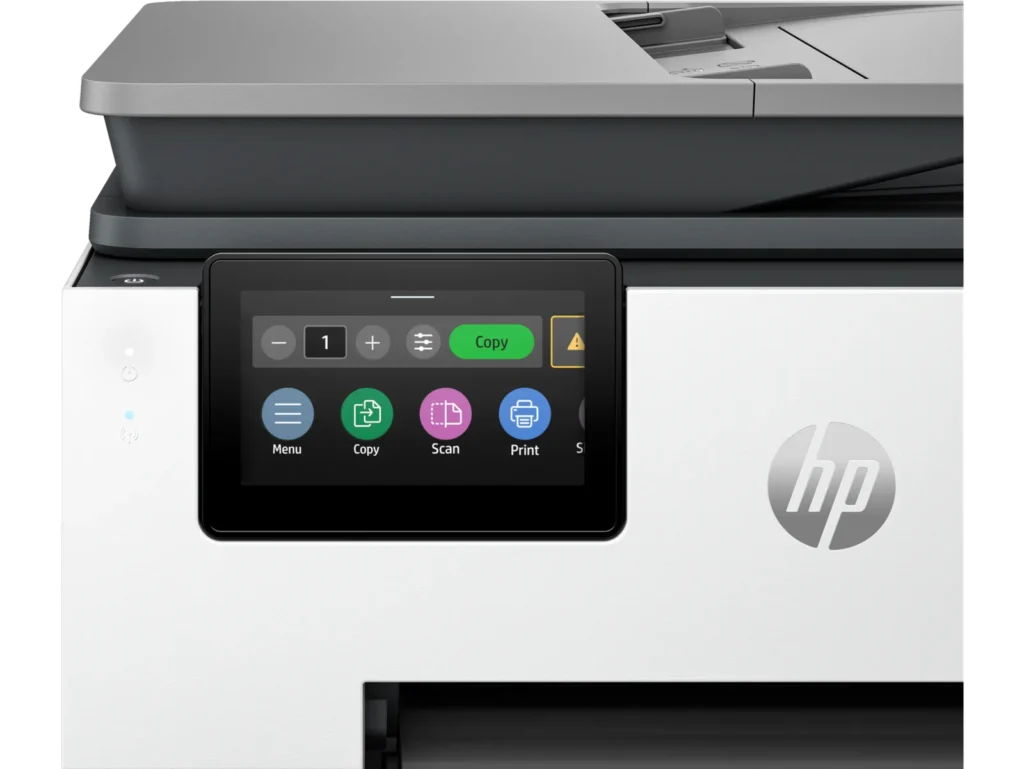
So… when it works, it works beautifully. When it doesn’t…. it’s an overpriced paperweight and good luck getting it fixed, even when you have months left on the warranty.The touch screen is small and the icons are tiny… I had to use a stylus to select things and I am a fairly small woman. My husband said he felt like Dumbo the Useless Giant trying to use it.
-
Very capable printer in today’s time.
Verified purchase Verified purchase: This reviewer bought the product. Incentivized Incentivized review: The reviewer received a benefit for sharing feedback.GregoryT April 27, 2024Review source: BestbuyVery capable printer with a lot of options no matter what your situation.
-
Terrible Printer.
Verified purchase Verified purchase: This reviewer bought the product. Incentivized Incentivized review: The reviewer received a benefit for sharing feedback.TerriH April 27, 2024Review source: BestbuyIt it not user friendly. It does not scan properly and only does one page at a time into a USB. And it prints the second side page upside down. Not a good printer.
-
Good all-in-one printer, very good HP customer service experience
M.D. April 27, 2024Review source: AmazonWe got this printer to replace a previous HP printer that was our home office for many years. It was well packaged, we did need two people to take it out of the box. There are starter/calibrate inkjet cartridges that come with, during the setup instructions, the printer was not able to recognize the starter cartridges. I started with HP support chat, was escalated to phone agent, who then escalated me to their hardware support. He was able to determine the printer most likely had a bad print head, and immediately placed an order for a replacement printer for me. It came after about a week and included return postage for the first printer. The replacement printer worked perfectly, no issues with the starter cartridges.
I tested the autofeeder for the scanner, I got straight, normal scans (I have had trouble with autofeeders on other all-in-ones producing slightly rotated scans). The printer connected to our wi-fi without any difficulty, I was able to print from both my phone and laptop while connected to the same wi-fi network.
-
Nice printer
Verified purchase Verified purchase: This reviewer bought the product. Incentivized Incentivized review: The reviewer received a benefit for sharing feedback.bigfan April 26, 2024Review source: BestbuyVery nice printer I like that it has 2 paper trays. Seems to be very good quality and fast
-
HP
Verified purchase Verified purchase: This reviewer bought the product. Incentivized Incentivized review: The reviewer received a benefit for sharing feedback.TammyN April 26, 2024Review source: BestbuyEasy to use. Good price. Good quality. Good value.