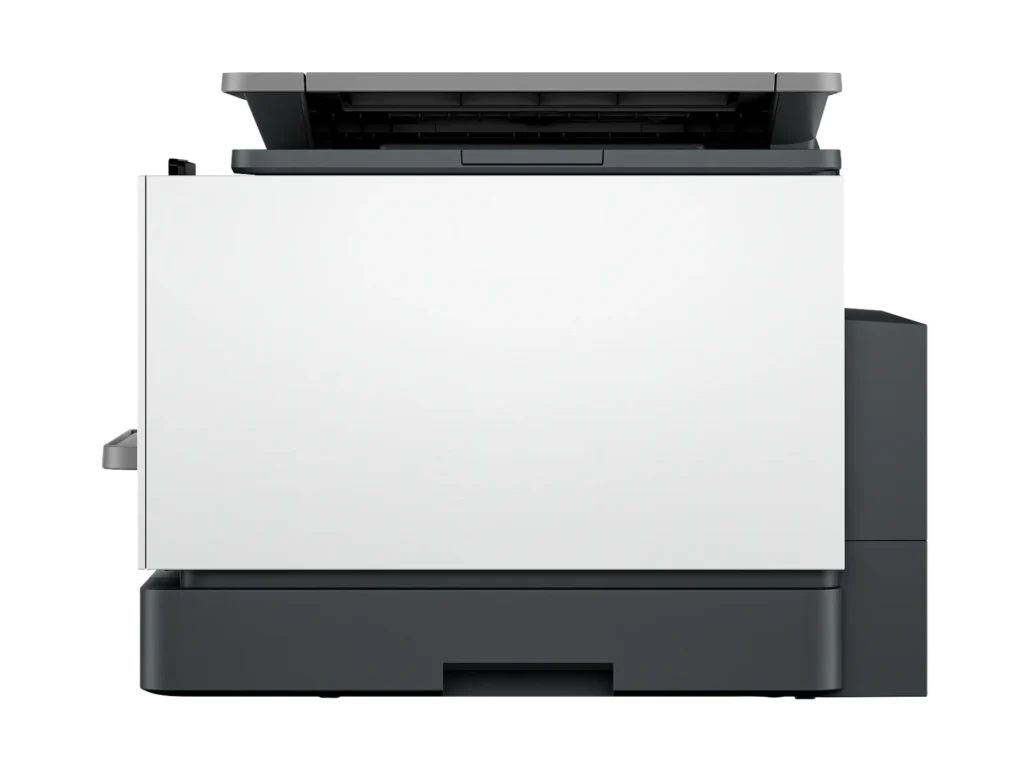
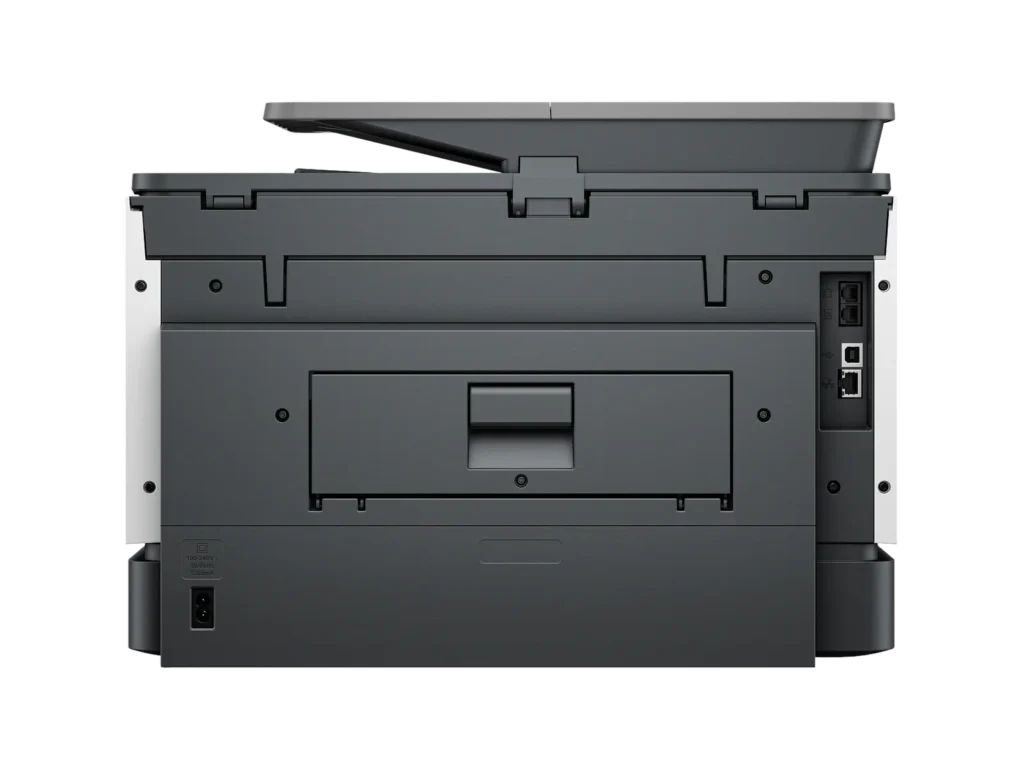
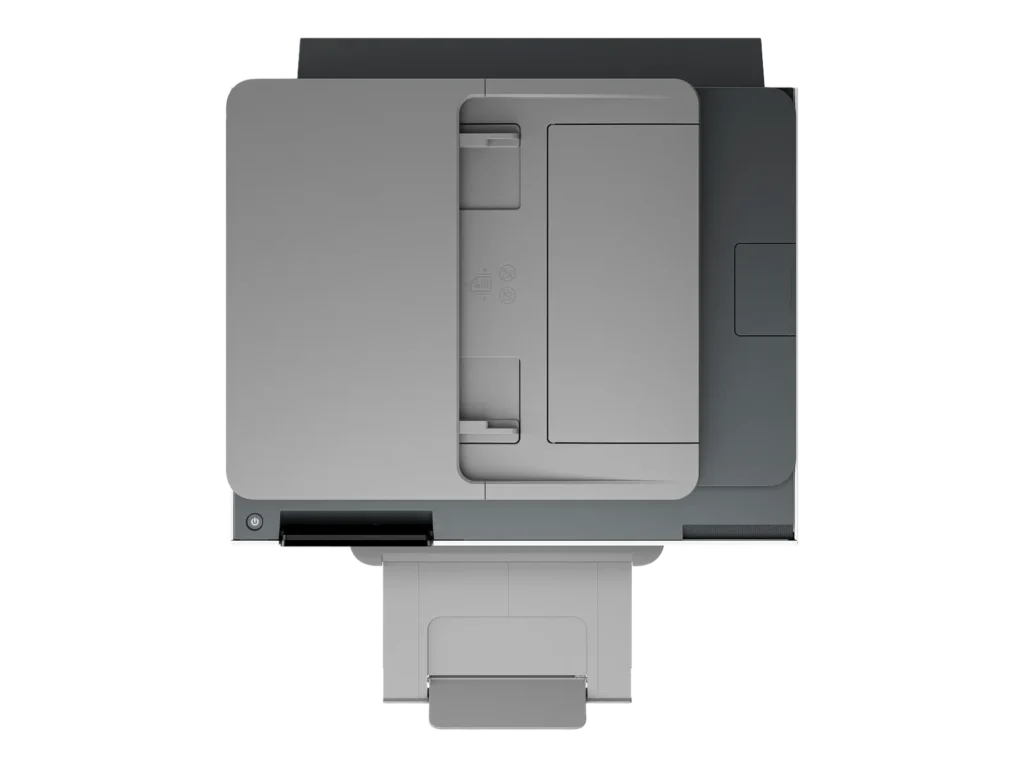
Customer Media
Highlights
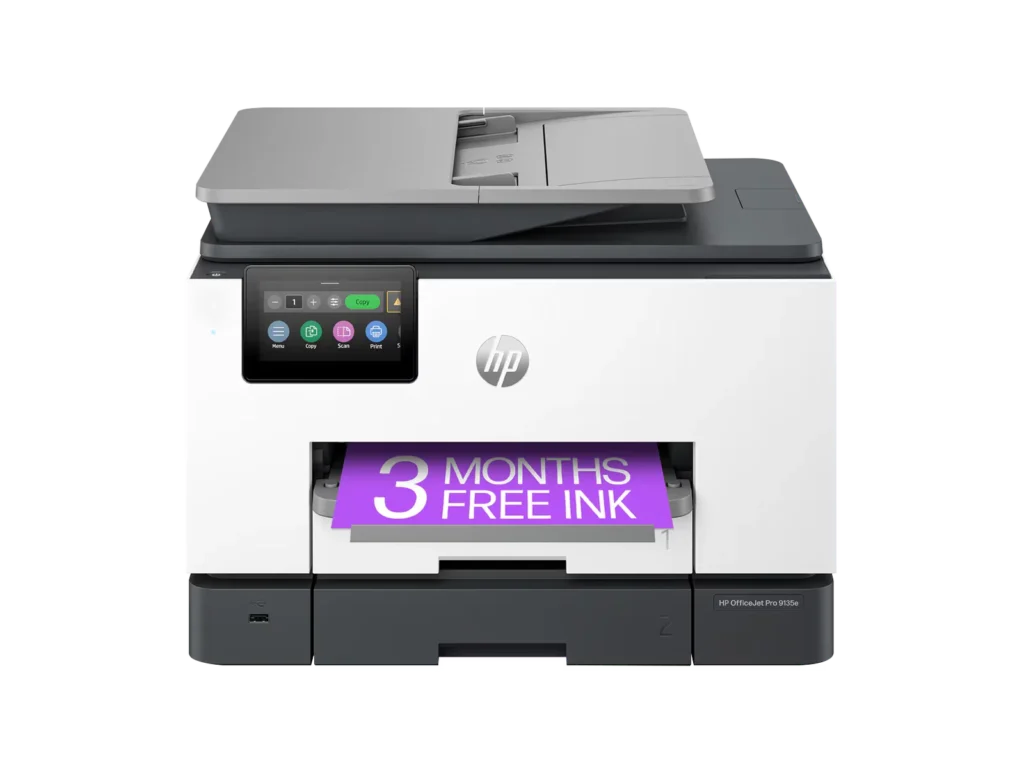
| Blazing Fast Print Speeds | Experience rapid printing with speeds up to 25 pages per minute (ppm) for black and white documents and 20 ppm for color documents, ensuring efficient workflow for busy offices. |
|---|---|
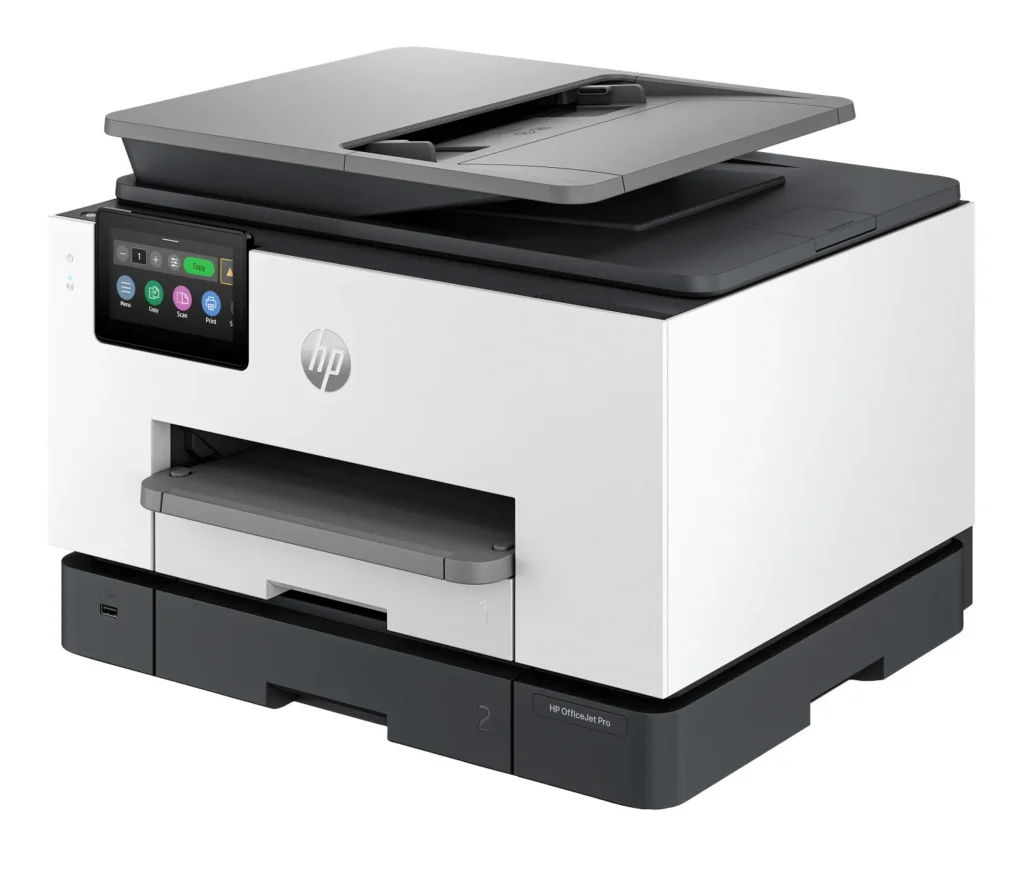
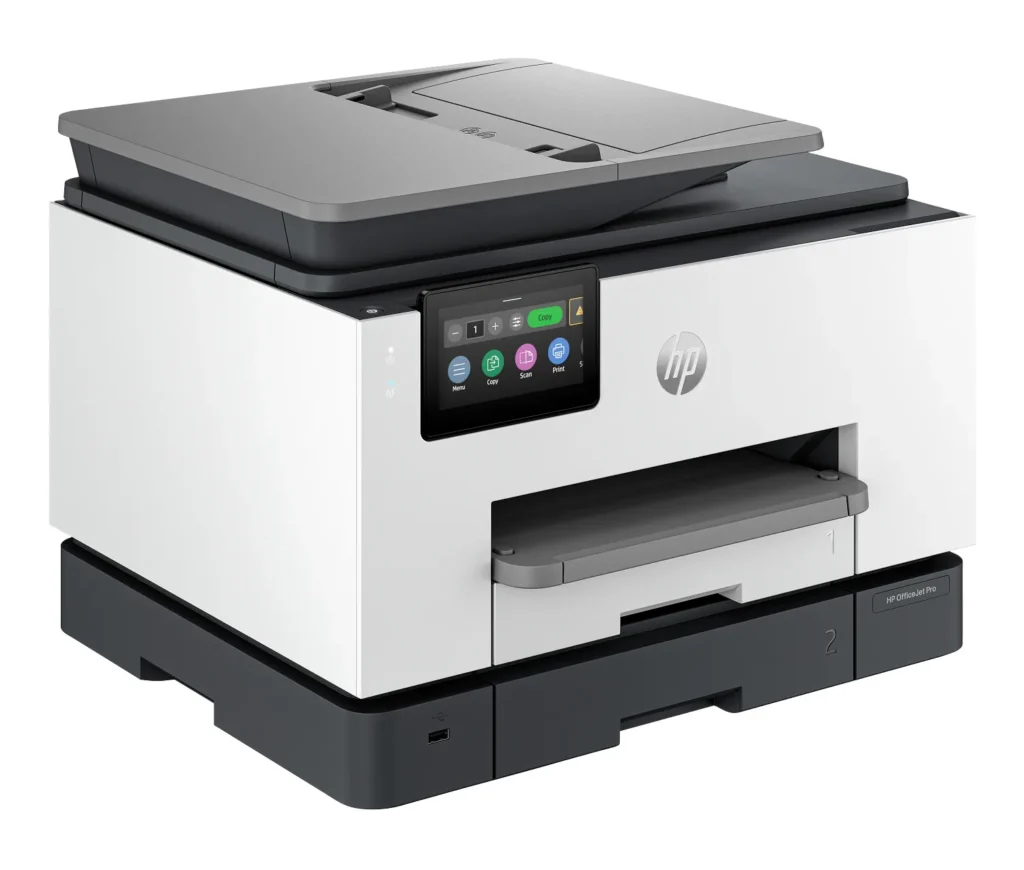
| High Capacity & Automatic Duplexing | Equipped with a substantial 500-sheet paper capacity, split across two 250-sheet input trays, and featuring automatic two-sided printing and single-pass duplex scanning, this printer is designed for high-volume tasks and enhanced productivity. |
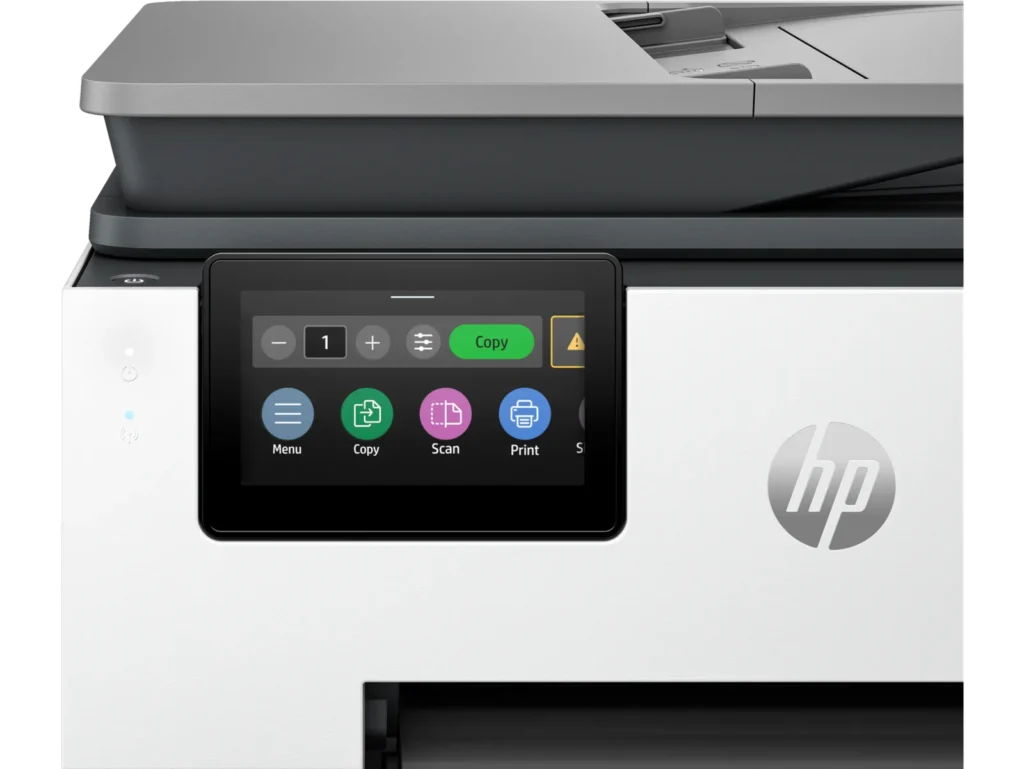
| AI-Enabled Smart Features | The HP OfficeJet Pro 9135e is AI-enabled to intuitively adapt to your workflow and offers perfectly formatted prints with HP AI, alongside seamless integration with HP's easy-to-use print app for cloud sharing and multi-device printing. |
| Reliable Connectivity & Robust Security | Stay connected with HP's self-healing dual-band Wi-Fi that automatically reconnects, and protect your network from cyberthreats with HP Wolf Pro Security, ensuring your multifunction printer stays up to date and secure. |
| Versatile All-in-One Functionality | This all-in-one inkjet printer provides comprehensive functionality, allowing you to print, copy, scan, and fax, making it a versatile solution for diverse office needs. |
Pros & Cons
Pros
- Excellent Print Quality: The printer consistently delivers crisp, clear, and vibrant prints for both documents and photos, with many reviewers noting its professional or laser-like quality.
- Fast Printing and Scanning: Users appreciate the high speed of printing, especially for basic jobs, and the efficiency of features like automatic two-sided printing and one-pass duplex scanning.
- Versatile All-in-One Features: The device is highly valued for its comprehensive functionalities including printing, scanning, copying, and faxing, along with practical features like dual paper trays and seamless mobile printing via the HP Smart app.
Cons
- Connectivity and Setup Challenges: Many customers found the initial setup complicated and time-consuming, often encountering difficulties with wireless connectivity, frequent disconnections, and the printer not being recognized by devices, sometimes requiring multiple reboots or extensive troubleshooting.
- High Ink Costs and Restrictive Policies: A major point of dissatisfaction is the high cost of HP's proprietary ink cartridges and the mandatory nature of the HP Instant Ink subscription, with some users reporting the printer becoming unusable if non-HP ink is detected or the subscription is cancelled.
- Noise and Mechanical Issues: Several reviewers noted the printer is considerably noisy during operation. Other mechanical problems include frequent paper jams, the output tray bending printed pages, and the scanner feeder being unreliable or slow.
Customer Fit
- Primary audience: Home-office professionals or small-business owners who need fast, dependable color printing and scanning for daily paperwork.
- Secondary audience: Families and remote workers printing homework, invoices, or photos who value easy wireless control and compact size.
- Ideal scenarios: Typical uses include home offices printing client files, scanning multi-page contracts, or producing marketing flyers and reports.
Customer Reviews
Showing reviews 631-640 of 729
-
excellent color
Verified purchase Verified purchase: This reviewer bought the product.wayne partlow April 10, 2024Review source: AmazonEasy to install, color is excellent!
-
Scanner does not work well at all
Jeffrey Hollander April 10, 2024Review source: AmazonThe auto feeder on the scanner is very poor. It takes multiple attempts to scan all pages. I ended up just dumping this all in one printer. If you scan documents, do not buy this product.
-
⭐⭐
A S April 10, 2024Review source: AmazonPrints ok but will not connect to the wifi
-
Top of the line color inkjet printer
Prosumer April 8, 2024Review source: AmazonReally surprised to see HP going out of their way and still have innovated within the ink jet printer realm. The proverbial HP style printer is no more, this unit is yet, another slim and sleek new design which appeases the eye way more than the previous models. At first I thought I was looking at a legacy-like printer, and for an ink-jet, there aren’t much “new” you can get. But this printer really did me in. I think if Apple were to make an ink jet printer, it won’t be too far from this model, maybe just bigger fillet edges and a more subtle contrast in color selection.
The printer came with everything necessary to get me going. Upon taking it out of the box, the quick installation guide is very easy to follow, typical HP stuff as they have been for years. After setting it up, my unit has an auto-alignment sequence and a little bit of ink jet calibration pages to get through, after that, it’s up and running. Both Ethernet and USB connections work well enough. I mounted it on my Ethernet router, offering it for networked connectivity and shared printing. Works well right out the box. I did try the wifi option using my laptop, but I spent hours configuring it for wifi and couldn’t get it to work at all. It connects, but after the connection my laptop just couldn’t identify the printer at all. So I gave that up and shut the laptop down. After dinner, I decided to try it again and upon starting up the laptop the printer is now green lit and ready for wifi printing. Okay, so all I had to do is reboot the laptop after configuring the wifi and it’ll work afterwards. Makes sense since most times after a new device is installed, a reboot is usually the right move. I totally didn’t realize it until this restart event.
The printer prints well, it’s got laser-like printing quality out of an ink jet. The included cartridge has very vibrant color jets and the colors are highly accurate and really stands out more than what my Bro’s laser color printer is capable of achieving; granted my Bro’s color laser jet is nearly 10 years old and still running, this new ink jet clearly redefines a new standard for color printing. And it does it fast. I tallied about 2 seconds per page coming out of the printer, which is unheard of in my days. I’ll have to say though, the very last time I’ve ever used a colored ink jet printer was back in college in early 2000’s with some under 100 bucks Lexmark ink jet printer. And if those jets are idle for more than 30 days, the ink jet starts to have many issues, drying out, stuck jets, dirty print head, etc. I’m on day 30 with this printer and only printed it once during startup. Last night I had to print an installation procedure from a BMW ISTA software, the colors are still vibrant and accurate. I had zero issues using this color printer to bring some accurate prints. I didn’t have the opportunity to try out the scanner nor printing over odd size pages and envelopes. So once I have a chance to do those and if there are anything out of the ordinary, I’ll come back and update this review. So far, this has been a good month with the printer, it’s sleek, works well, prints fast, all connectivity features are streamlined. There’s a 3-month ink jet program for free, but I don’t have that many print jobs to do in my little automotive garage in the weekends, so I doubt I’ll ever need to refill the ink by then. Anyways, overall, very pleased with HP products, and this printer does not disappoint, actually I’m caught by surprise by how far ink jet has come along and still are some of the best options for color printing.
-
Excellent Printer!
Verified purchase Verified purchase: This reviewer bought the product. Incentivized Incentivized review: The reviewer received a benefit for sharing feedback.Anthony April 8, 2024Review source: BestbuyThis printer is awesome so far! It was super easy to set up and get started with and it functions exactly like it should, which, from my experience, has been a pretty rare occurrence with printers lately. I am very happy with this purchase and may even get another one for my parents who have had a lot of printer problems lately.
Well done HP! -
Quality Printer
Verified purchase Verified purchase: This reviewer bought the product. Incentivized Incentivized review: The reviewer received a benefit for sharing feedback.DeMarta April 7, 2024Review source: BestbuySo far so good! A little glitchy for wireless function, but I believe that is due to the DECO I have added to my network. Prints beautifully, is fast & easy to set up!
-
Great all in one printer for a small office
Customer Dee April 6, 2024Review source: AmazonI work from home and need a good all in one printer that I can quickly copy, print, fax, and scan and this is a great option. It is rather large so you will need some space set aside for it. It prints quickly for a cartridge style and is easy to use. The app is great and allows you to scan or print from anywhere.
-
Unknown
Verified purchase Verified purchase: This reviewer bought the product. Incentivized Incentivized review: The reviewer received a benefit for sharing feedback.CrysG April 5, 2024Review source: BestbuyThere was a problem with the printer and the ink was producing an error that resulted in an hour setup and call with hp. Hp is sending another printer but it will take 7-10 days and I had to pay a $1 deposit. Hopefully, second time is a charm.
-
Dud. Let's see if HP comes through
Verified purchase Verified purchase: This reviewer bought the product. Incentivized Incentivized review: The reviewer received a benefit for sharing feedback.APCUPS April 5, 2024Review source: BestbuyDuring set up it wouldn’t recognize the yellow print cartridge. By the end of my 45 minutes on the phone with tech support it wouldn’t recognize any of the cartridges. Now HP is sending me a new one. But it won’t arrive until 3 weeks from now. This is on top of a disastrous set up attempt with the 7301 Eco Tank model. I’m either cursed or HP printers are something to run away from.
-
Anonymous
Verified purchase Verified purchase: This reviewer bought the product. Incentivized Incentivized review: The reviewer received a benefit for sharing feedback.Anonymous April 5, 2024Review source: BestbuyTook 2 hours with HP tech support to set up. Slow to print.