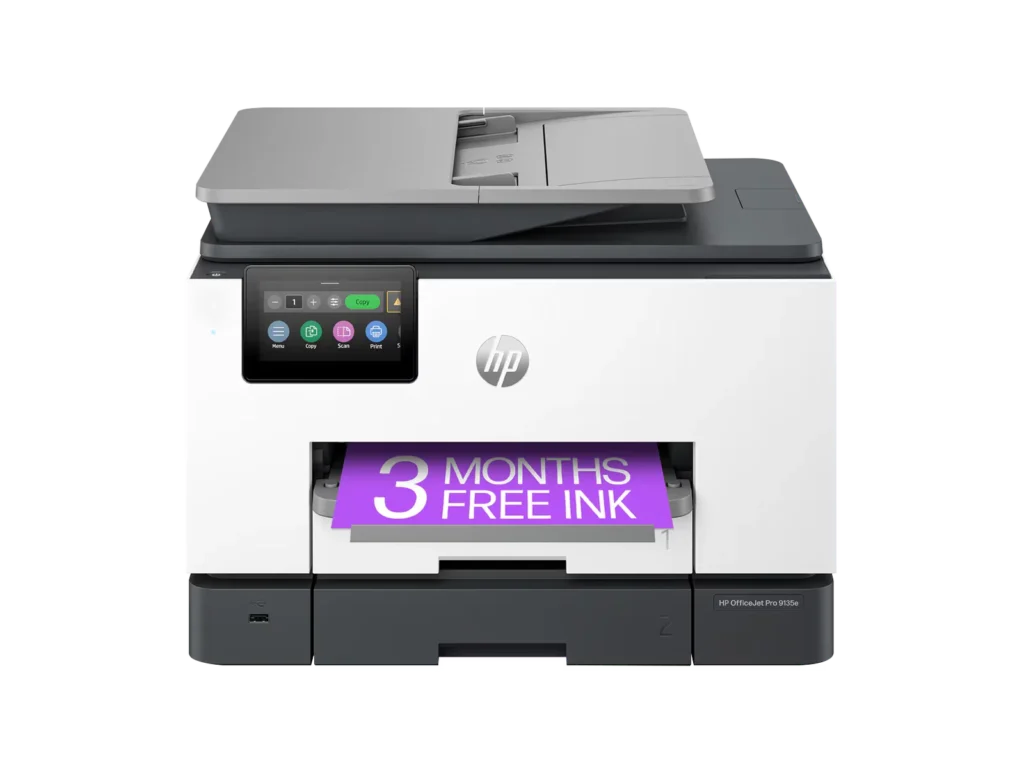
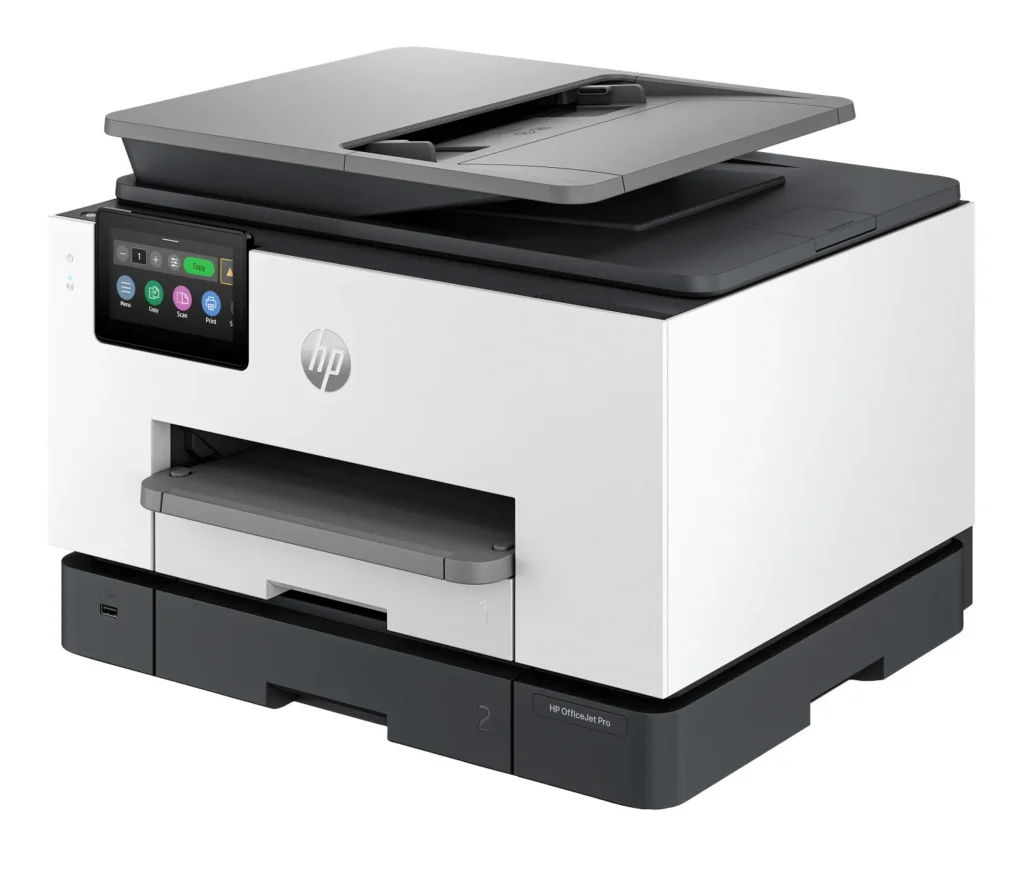
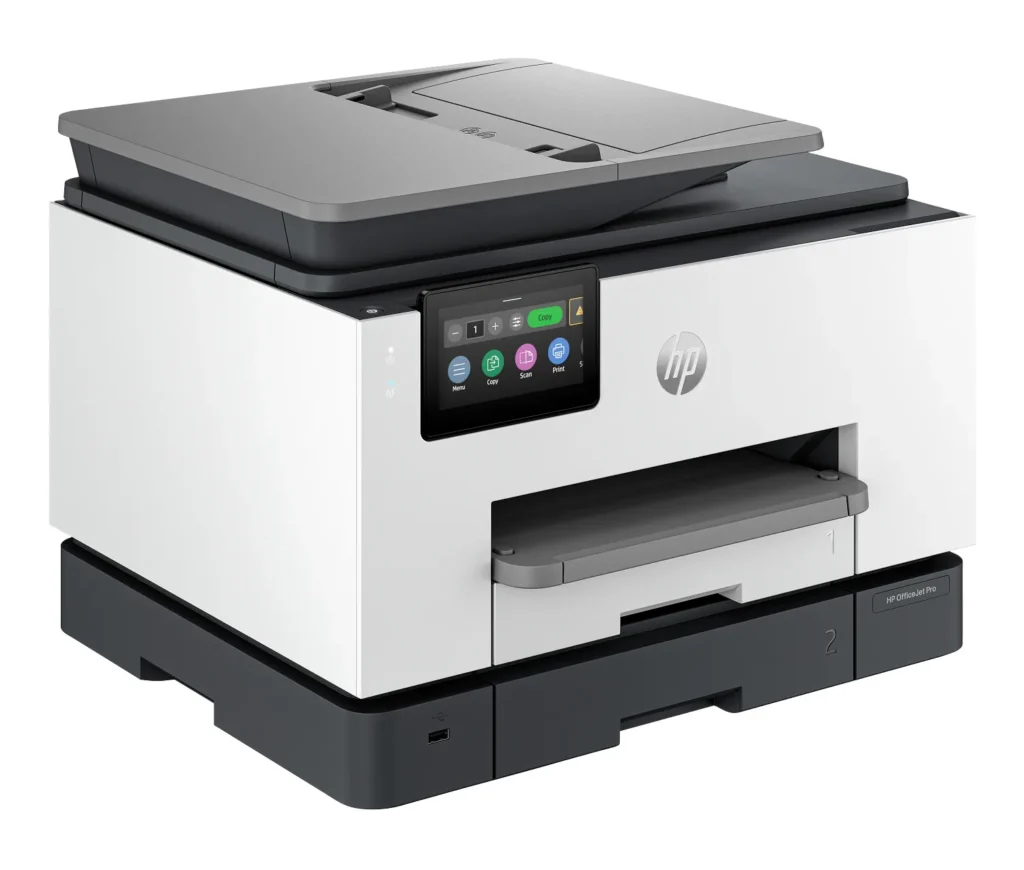
Customer Media
Highlights
| Blazing Fast Print Speeds | Experience rapid printing with speeds up to 25 pages per minute (ppm) for black and white documents and 20 ppm for color documents, ensuring efficient workflow for busy offices. |
|---|---|
| High Capacity & Automatic Duplexing | Equipped with a substantial 500-sheet paper capacity, split across two 250-sheet input trays, and featuring automatic two-sided printing and single-pass duplex scanning, this printer is designed for high-volume tasks and enhanced productivity. |
| AI-Enabled Smart Features | The HP OfficeJet Pro 9135e is AI-enabled to intuitively adapt to your workflow and offers perfectly formatted prints with HP AI, alongside seamless integration with HP's easy-to-use print app for cloud sharing and multi-device printing. |
| Reliable Connectivity & Robust Security | Stay connected with HP's self-healing dual-band Wi-Fi that automatically reconnects, and protect your network from cyberthreats with HP Wolf Pro Security, ensuring your multifunction printer stays up to date and secure. |
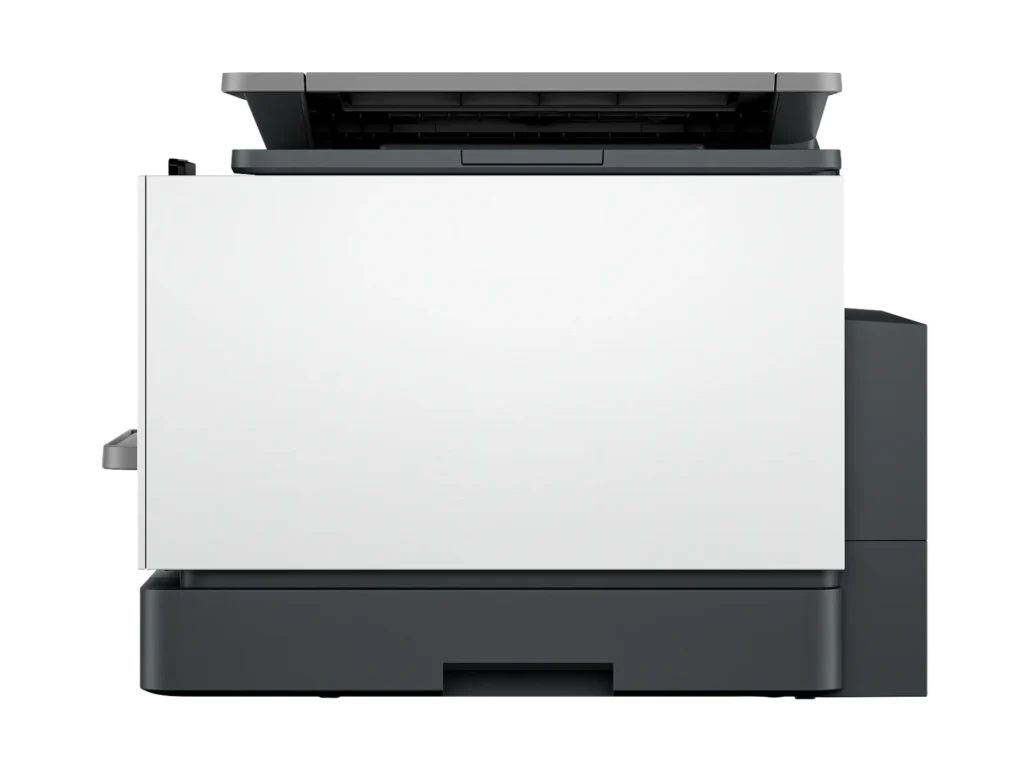
| Versatile All-in-One Functionality | This all-in-one inkjet printer provides comprehensive functionality, allowing you to print, copy, scan, and fax, making it a versatile solution for diverse office needs. |
Pros & Cons
Pros
- Excellent Print Quality: The printer consistently delivers crisp, clear, and vibrant prints for both documents and photos, with many reviewers noting its professional or laser-like quality.
- Fast Printing and Scanning: Users appreciate the high speed of printing, especially for basic jobs, and the efficiency of features like automatic two-sided printing and one-pass duplex scanning.
- Versatile All-in-One Features: The device is highly valued for its comprehensive functionalities including printing, scanning, copying, and faxing, along with practical features like dual paper trays and seamless mobile printing via the HP Smart app.
Cons
- Connectivity and Setup Challenges: Many customers found the initial setup complicated and time-consuming, often encountering difficulties with wireless connectivity, frequent disconnections, and the printer not being recognized by devices, sometimes requiring multiple reboots or extensive troubleshooting.
- High Ink Costs and Restrictive Policies: A major point of dissatisfaction is the high cost of HP's proprietary ink cartridges and the mandatory nature of the HP Instant Ink subscription, with some users reporting the printer becoming unusable if non-HP ink is detected or the subscription is cancelled.
- Noise and Mechanical Issues: Several reviewers noted the printer is considerably noisy during operation. Other mechanical problems include frequent paper jams, the output tray bending printed pages, and the scanner feeder being unreliable or slow.
Customer Fit
- Primary audience: Home-office professionals or small-business owners who need fast, dependable color printing and scanning for daily paperwork.
- Secondary audience: Families and remote workers printing homework, invoices, or photos who value easy wireless control and compact size.
- Ideal scenarios: Typical uses include home offices printing client files, scanning multi-page contracts, or producing marketing flyers and reports.
Customer Reviews
Showing reviews 671-680 of 729
-
Printer review
Verified purchase Verified purchase: This reviewer bought the product. Incentivized Incentivized review: The reviewer received a benefit for sharing feedback.TammyN March 15, 2024Review source: BestbuyThis printer is awesome
It is performing better than I anticipated -
Love it
Verified purchase Verified purchase: This reviewer bought the product. Incentivized Incentivized review: The reviewer received a benefit for sharing feedback.Jillian March 15, 2024Review source: BestbuyLove it. Had to upgrade my other printer and I picked this one. Love the wireless printing and being able to copy pages as well.
-
HP Printer
Verified purchase Verified purchase: This reviewer bought the product. Incentivized Incentivized review: The reviewer received a benefit for sharing feedback.JamesO March 15, 2024Review source: BestbuyGreat for a small office or busy home office. Best Buy best price and in stock.
-
Classy Printer
Verified purchase Verified purchase: This reviewer bought the product. Incentivized Incentivized review: The reviewer received a benefit for sharing feedback.Anniee March 15, 2024Review source: BestbuyExcellent printer! Very quiet and I would buy it, again.
-
Mixed bag of Feelings, but HP always does highest quality printing
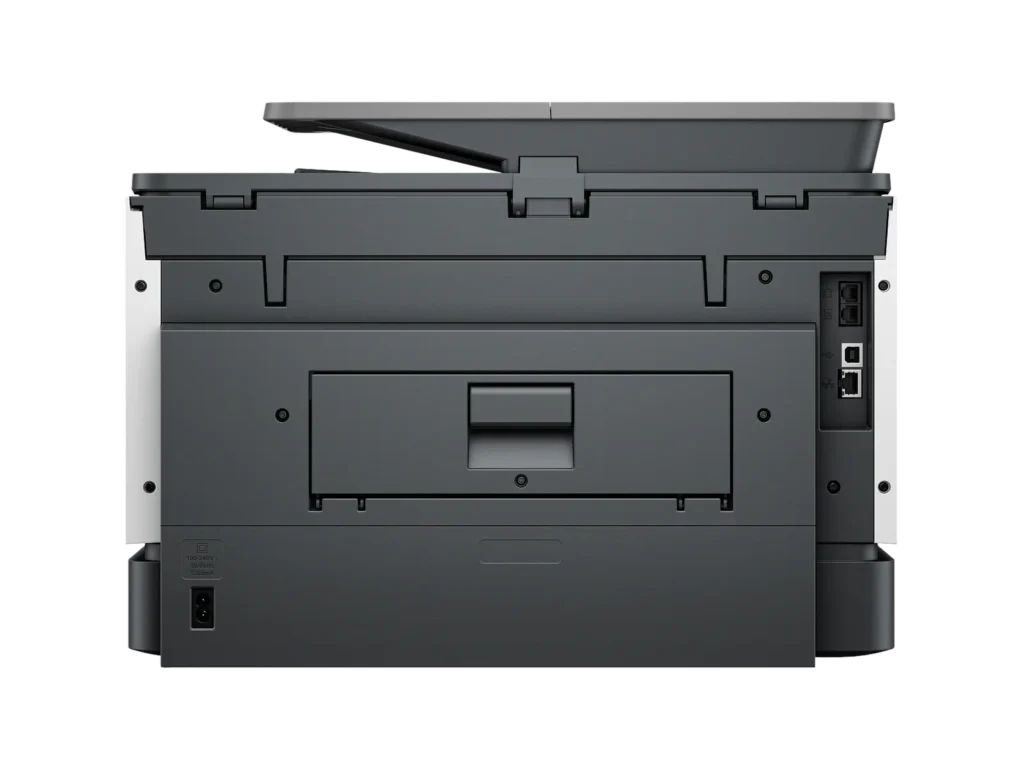
Migs March 13, 2024Review source: AmazonWhy HP? Because they know printing, and they know office needs, and they can do it for a decent price. However, I found installation of this particular printer challenging, and it took me close to three hours to get it working. Having spent tens of thousands of dollars in the last 20 years buying HP products, I’m familiar with their processes so I was able to go around the setup and get it installed. After installation, printing was a breeze and it produced some high quality documents. Scanning appears to be limited to 300 dpi, but that’s all right because this is meant for a home or small office. It has ports for a phone line, ethernet, plus a regular USB-B connection (good luck finding that cable) in case you want to plug it straight into a workstation. Once installed I ran into a bunch of marketing and bloatware that while I expect to see on HP machines, this was a bit too much. Almost every feature talked about a “trial period”, and the crown of trial periods was definitely taken by the Instant Ink program. Upon reading closer, it appears that I have to return the ink cartridges that came with the printer after a certain amount of time, as they will simply stop working even if they have ink left in them. I have no sense of when this will happen, so I have to figure out a way to find HP-compatible cartridges and have them ready before then. Does it make sense to buy a printer and immediately have to worry about a planned break-down in the future? It makes no sense. Nevertheless, HP does make great products and my printer cabinet with printers as old as 2010 speaks for itself. I’m sure this Instant Ink situation will eventually settle into something useful for both consumers and HP.
-
Nice
Southbaydude March 12, 2024Review source: AmazonMy HP printer finally stopped working and it was a workhorse for my personal computer at home in my office. So I decided to try the HP 9135e and am happy to say so far that this thing is working great. Has two paper trays and a paper feeder on top that is working well so far. I say so far because many times in my past the printers feeders have jammed almost every other print to stopped working altogether. The colors come out fantastic and clear. The only gripe I think I have so far is that the price for toner on this thing is EXPENSIVE!!!!. I have not found remanufactured ink toners for this device and we all know that the toner that comes with the printer is just a small amount just to get it in working order. But for me right now in my little office. This is top notch for me. My other HP Printer lasted 5 years. I hope this can do that. If so, it’s a win win for me. I’ll update later if any issues come up. Oh yeah, the other thing I forgot to mention is When printing from my phone outside of my wifi area. I have to subscribe to Hp. Which I do sometimes but not often.
-
Yes!
T. Wehner March 11, 2024Review source: AmazonI was looking to replace my old printer. And this one is absolutely perfect. It is a little bit bigger than my old one, but I love this 1. It was easy to set up and it works like a charm
-
Easy set-up
Verified purchase Verified purchase: This reviewer bought the product. Incentivized Incentivized review: The reviewer received a benefit for sharing feedback.badgergirl March 10, 2024Review source: BestbuyOnly had it for a couple weeks, but it was easy setup and the printing I’ve done so far on it has been great.
-
Hp 9135e printer
Verified purchase Verified purchase: This reviewer bought the product. Incentivized Incentivized review: The reviewer received a benefit for sharing feedback.AndrewS March 10, 2024Review source: BestbuyLove it! Period. Very easy to set up on my galaxy s22 smart phone, then my fiance set it up to her i-phone then i set it up to my lenova laptop i got from best buy also. Very easy hp app to use to print from all three and i did sign up for the ink subscription but not the paper one and will see how that goes.
-
Great for Small Businesses
Incentivized Incentivized review: The reviewer received a benefit for sharing feedback.Aaronxx7 March 9, 2024Review source: BestbuyThis multi-function printer has everything a small business needs to get work done including fax, print, scan and copy.
If you subscribe to HP’s Instant Ink program, you can also add remote printing and mobile faxing to the list, 2 features that are essential for anyone on the go.
With that stuff said, I’m going to get the cons out of the way right now. This printer does come with a notice that states that this printer only works with New or Reused(remanufactured) HP chipped ink cartridges. So, most likely 3rd party inks will be rejected by the printer. This is not a deterrent for me as I subscribe to the Instant Ink so that I can use those added features, which are more than worth it to me. A lot of other companies charge high prices to use their software and servers to print remotely, and subscribing to a VPN to get the same thing accomplished is sometimes just as pricey.
With the HP Smart app (available on PC, Android, and Apple) I can literally print from any device at any time to the specific printer I need, no matter my physical location. The HP Smart app can work with as many HP “print anywhere” capable printers that you own. Just make note that not all HP printers offer this feature. A list of the compatible printers can be found on their website. The list is important as for some reason it is not clear when buying some HP printers if this feature is available. Even HP’s own support gets this wrong. I was directed to a few models by HP support that were not compatible
that I needed to point out to them that the “print anywhere” feature does not work with.The second issue that I have come across is with the scanner. This issue, like the other is kind of moot. I have noticed that some print when scanned in the landscaped position at any resolution over 300dpi results in distorted words and symbols. (I will include a picture of the distortion.) I even tried turning off the enhanced scan features and got the same result.
This again is not a breaker for me as I hardly ever have a need to scan something like
that at a high resolution. The scanner and ADF scanner work great for everything else in portrait mode at any resolution with both text and images.The third issue is that the printer is capable of holding 500 papers, but the output tray only holds 100 standard papers. A lot of the jobs I send to the printer are over 100 pages. While this could be inconvenient, I did figure a work around. (I will include a picture.) If the printer is on a stand, you can let the output papers fall into a box. The box has to be butted up to the printer and the output tray can be extended out of the printer about an inch or two. The printed papers will slide off the tray into the box,
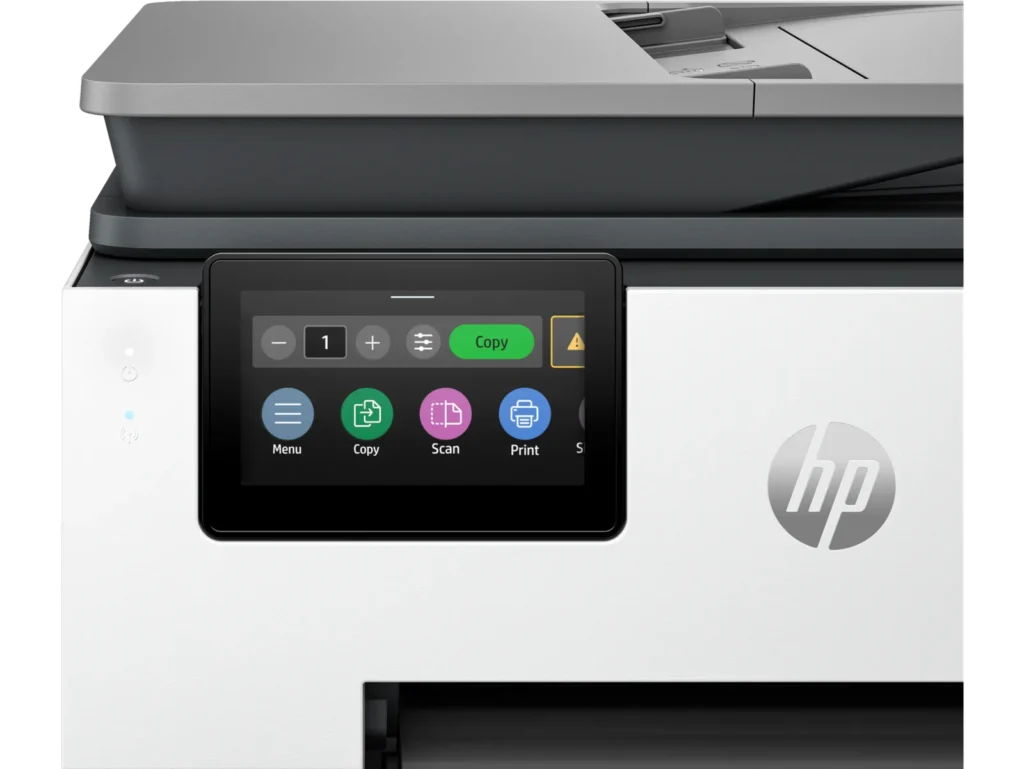
which can be retrieved at any point. Instead of standing by the printer waiting to grab the first 100 papers so the rest can print correctly without jamming. So far the box trick has worked great with no problems.The next thing is more of a pet peeve. If you accidentally send the wrong print job to the printer, and it starts printing. The cancel feature is a bit hidden. You have to scroll on the LCD all the way to the right, which is past about 8 different icons to find the “Print Jobs” icon. Select that icon and then select the print job, and then press on the three lines for additional options and press cancel job. Unfortunately this takes a bit of time, and a few additional pages might print while you are navigating the menu icons.
With all the cons out of the way, this is still a great printer.
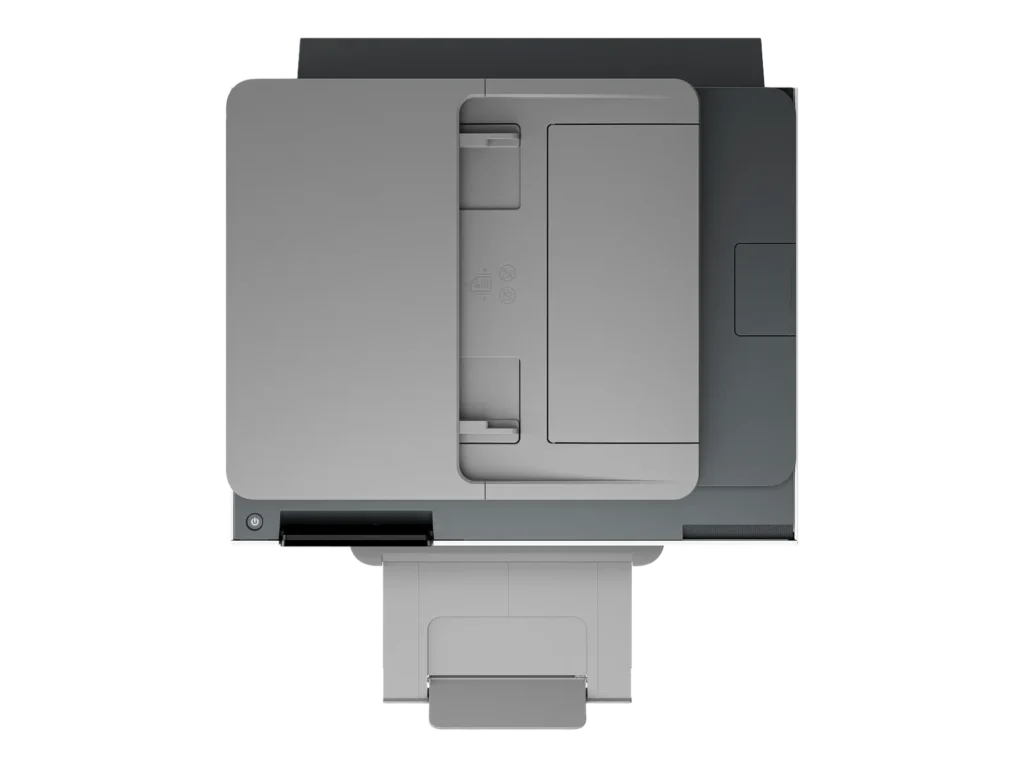
The 9135e has 2 separate paper trays capable of holding 250 pages each. The trays can be set to hold the same type of media or different.
The print quality is great at any level of dpi. I have printed and scanned a few examples of the three different quality options – 300dpi, 600dpi, and 1200dpi. Obviously the 1200dpi print gives the darkest print and finest lines, and is the closest to a laser print as this gets. However, the draft quality is a faster print and still looks great for all intensive purposes. Plus you will save a bit on ink at the lower dpi.
The 1.2ghz processor seems to work great, I have yet to see the printer lag down from lack of processing power. It has been very snappy to respond to all print jobs.
I printed two full page borderless photos on photo paper, both were printed at the finest quality and took approximately 1minute and 30seconds to print. The color is accurate and rich, with excellent clarity and definition. (scans of these at 1200dpi are attached)
Pretty much all other printing and scanning specs are as claimed by HP, and listed in the specs description for the printer.
Printing my larger print jobs on the draft setting yields print speeds closer to higher end and more expensive business printers.
Overall this printer has worked great. While it’s not perfect, the pros definitely outweigh the cons.