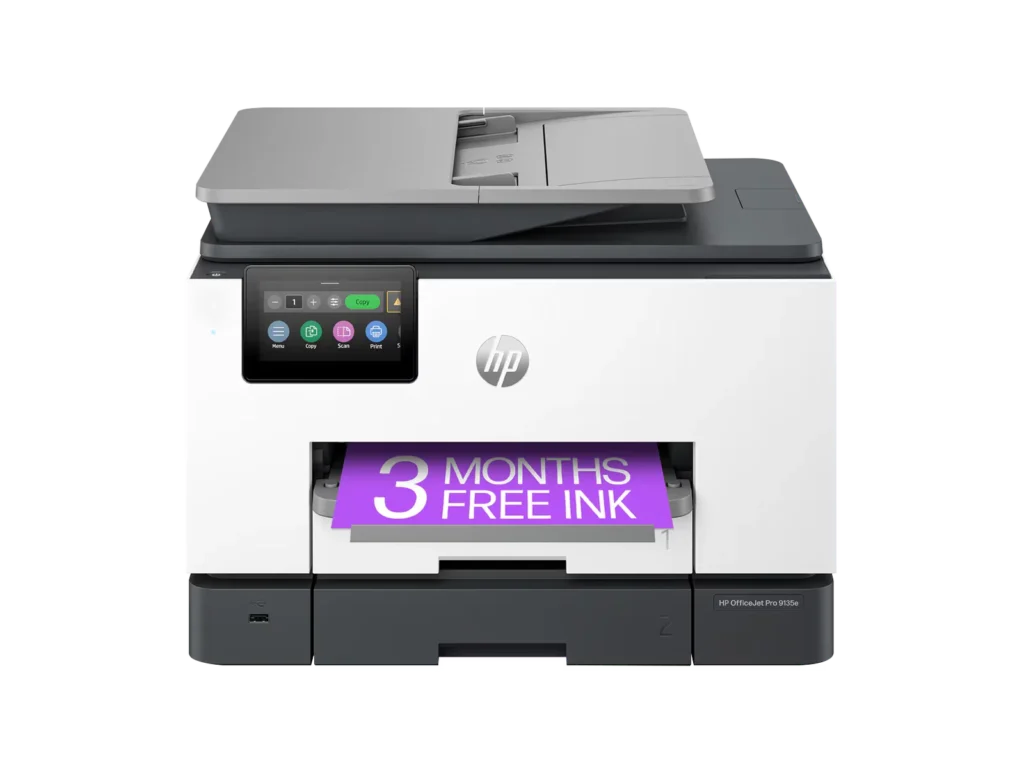
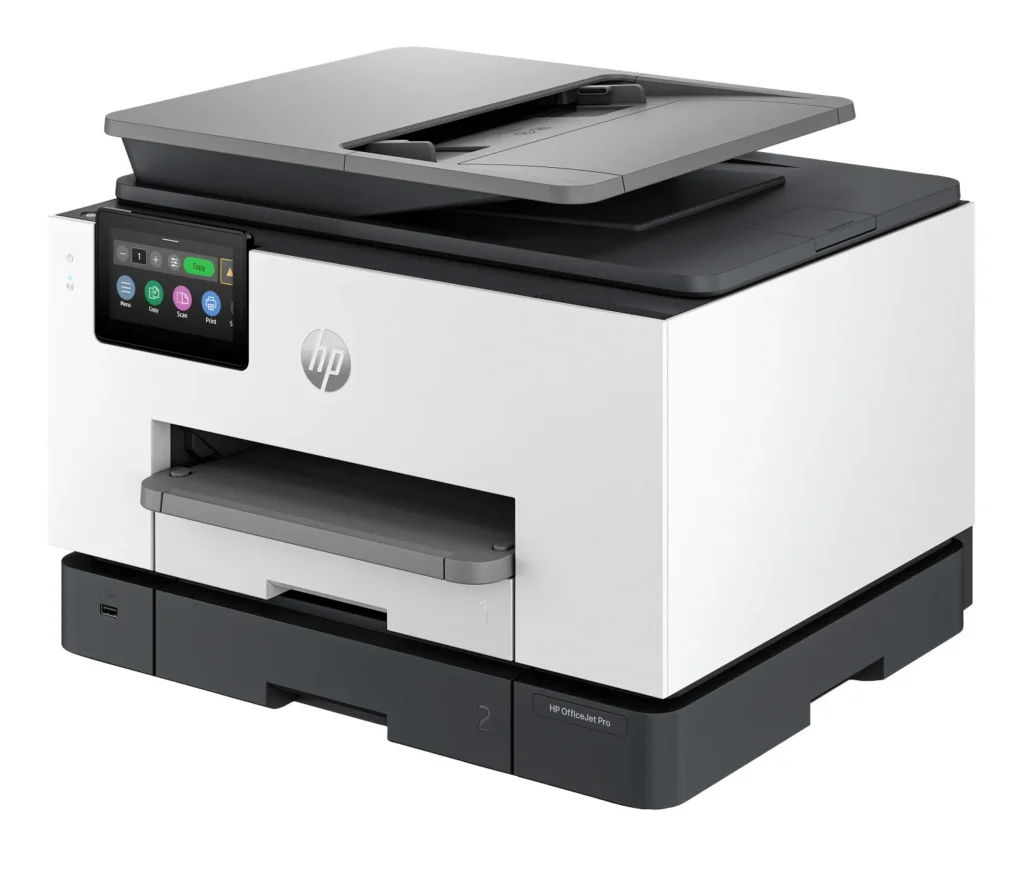
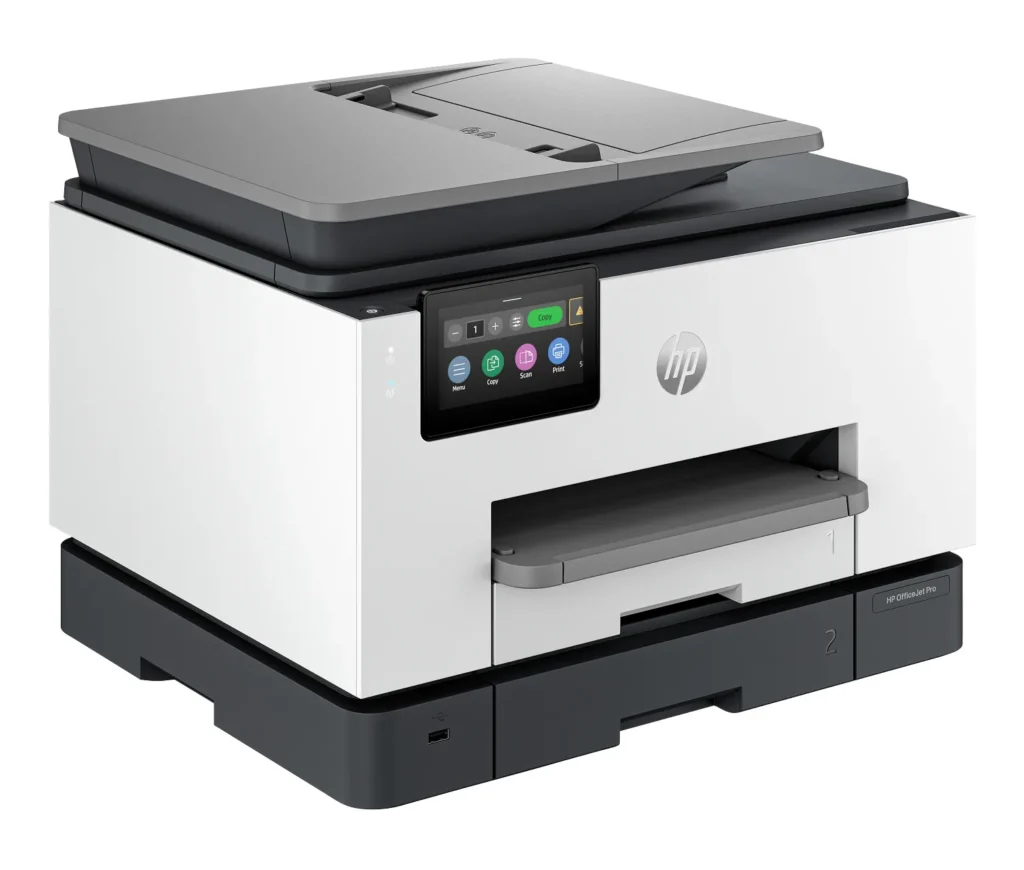
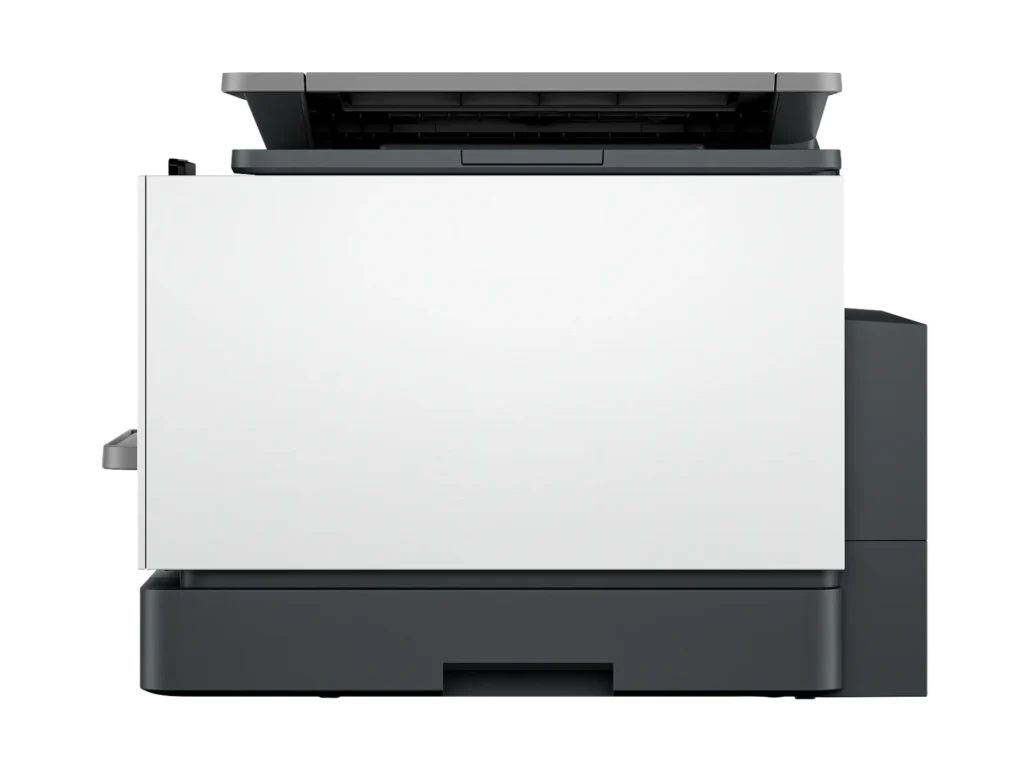
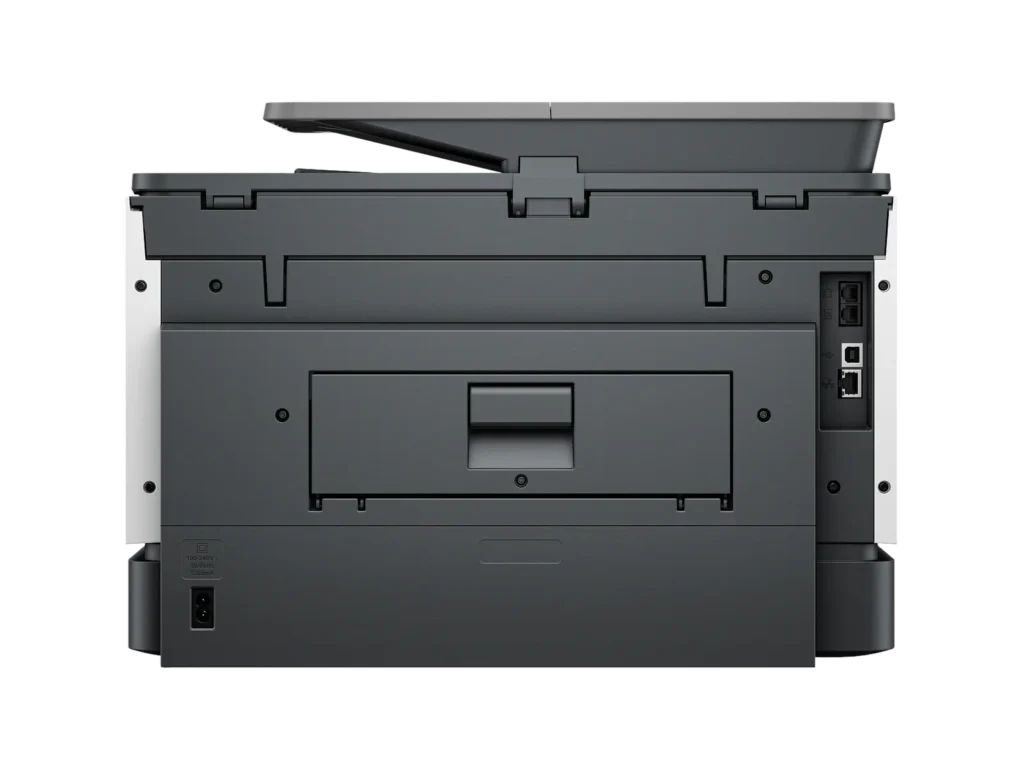
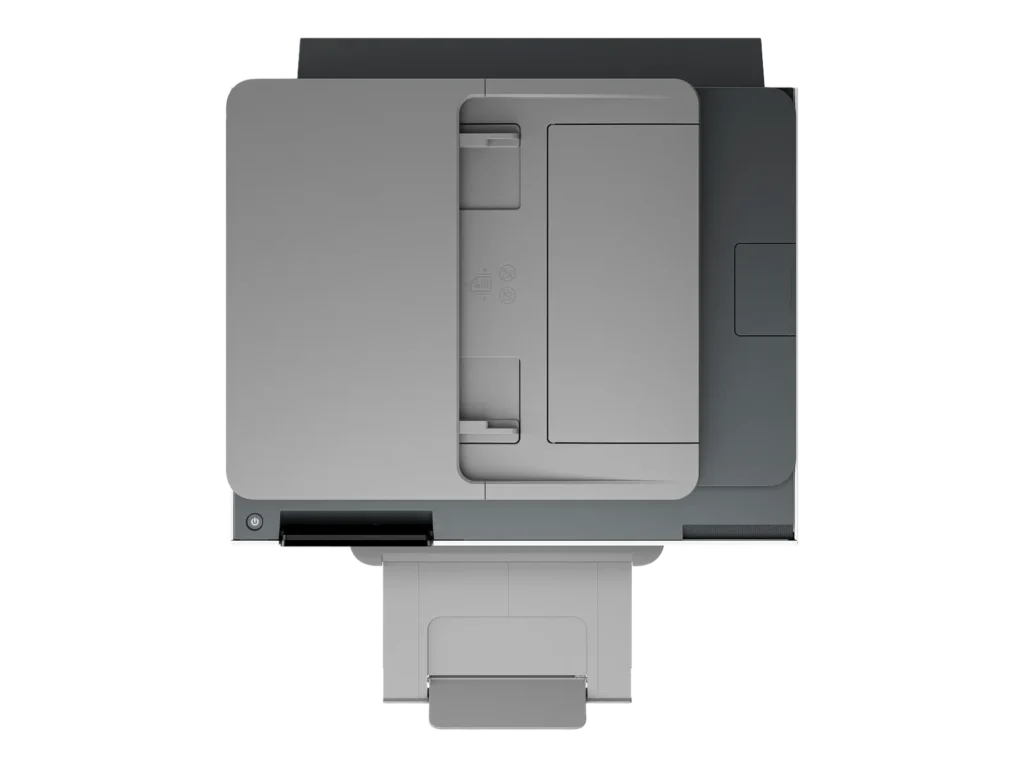
Customer Media
Highlights
| Blazing Fast Print Speeds | Experience rapid printing with speeds up to 25 pages per minute (ppm) for black and white documents and 20 ppm for color documents, ensuring efficient workflow for busy offices. |
|---|---|
| High Capacity & Automatic Duplexing | Equipped with a substantial 500-sheet paper capacity, split across two 250-sheet input trays, and featuring automatic two-sided printing and single-pass duplex scanning, this printer is designed for high-volume tasks and enhanced productivity. |
| AI-Enabled Smart Features | The HP OfficeJet Pro 9135e is AI-enabled to intuitively adapt to your workflow and offers perfectly formatted prints with HP AI, alongside seamless integration with HP's easy-to-use print app for cloud sharing and multi-device printing. |
| Reliable Connectivity & Robust Security | Stay connected with HP's self-healing dual-band Wi-Fi that automatically reconnects, and protect your network from cyberthreats with HP Wolf Pro Security, ensuring your multifunction printer stays up to date and secure. |
| Versatile All-in-One Functionality | This all-in-one inkjet printer provides comprehensive functionality, allowing you to print, copy, scan, and fax, making it a versatile solution for diverse office needs. |
Pros & Cons
Pros
- Excellent Print Quality: The printer consistently delivers crisp, clear, and vibrant prints for both documents and photos, with many reviewers noting its professional or laser-like quality.
- Fast Printing and Scanning: Users appreciate the high speed of printing, especially for basic jobs, and the efficiency of features like automatic two-sided printing and one-pass duplex scanning.
- Versatile All-in-One Features: The device is highly valued for its comprehensive functionalities including printing, scanning, copying, and faxing, along with practical features like dual paper trays and seamless mobile printing via the HP Smart app.
Cons
- Connectivity and Setup Challenges: Many customers found the initial setup complicated and time-consuming, often encountering difficulties with wireless connectivity, frequent disconnections, and the printer not being recognized by devices, sometimes requiring multiple reboots or extensive troubleshooting.
- High Ink Costs and Restrictive Policies: A major point of dissatisfaction is the high cost of HP's proprietary ink cartridges and the mandatory nature of the HP Instant Ink subscription, with some users reporting the printer becoming unusable if non-HP ink is detected or the subscription is cancelled.
- Noise and Mechanical Issues: Several reviewers noted the printer is considerably noisy during operation. Other mechanical problems include frequent paper jams, the output tray bending printed pages, and the scanner feeder being unreliable or slow.
Customer Fit
- Primary audience: Home-office professionals or small-business owners who need fast, dependable color printing and scanning for daily paperwork.
- Secondary audience: Families and remote workers printing homework, invoices, or photos who value easy wireless control and compact size.
- Ideal scenarios: Typical uses include home offices printing client files, scanning multi-page contracts, or producing marketing flyers and reports.
Customer Reviews
Showing reviews 691-700 of 729
-
Easy Setup
Verified purchase Verified purchase: This reviewer bought the product. Incentivized Incentivized review: The reviewer received a benefit for sharing feedback.iceman March 1, 2024Review source: BestbuySo far so good. Easy setup. HP printers are always dependable, support is great.
-
Very nice printer!
Verified purchase Verified purchase: This reviewer bought the product. Incentivized Incentivized review: The reviewer received a benefit for sharing feedback.JohnS February 26, 2024Review source: BestbuyI have had this printer for about 2 weeks now, and I like it a lot. Very nice quality prints. I haven’t used the scan yet, but I can update this review later to add my comments on that. One thing I have noticed is that if you turn it off and start it up later, it seems to have problem finding the paper in the tray. All I have to do is slide the paper tray out a few inches, then push it back into place, and the printer immediately clears that error message. I didn’t get the Instant Ink option, as I probably will not go through that much ink, and also based on some previous reviews I read. But overall, I am very pleased with this printer and would buy it again. I would advise potential buyers to read some of the detailed reviews where people talk about how they set it up. I found it pretty easy to set up and get running. It took maybe an hour to work through everything. Oh, and HP really did some nice thinking on the packaging. I was a little worried about lifting this pretty heavy printer out of the box, but found that HP had already thought of that and the printer was inside a plastic bag that had nice handles, so it was very easy to remove from the box. Thanks to HP’s packaging engineers!
-
Great Features, Several Issues
Incentivized Incentivized review: The reviewer received a benefit for sharing feedback.MoGJ February 26, 2024Review source: BestbuyHP’s latest 9135e printer is a fast, medium-sized capacity printer in a smaller package.
HP’ 9135e comes in a great size for as many features it has. It prints quickly (most pages in a couple of seconds), in good quality prints (the ink displays vibrant colors and dries relatively quickly compared to other printers I’ve owned), and has nifty features like automatic double sided printing & scanning, wifi direct printing, NFC device recognition, Apple AirPrint, and more. The setup was also easy and the printer’s small display helped guide me through the setup. As for scanning, photos and receipts were able to scan relatively quick and at a good resolution.
What I loved the most aside from the quick printing, were the dual trays and ability to print up to legal size. Having the extra storage space helped me avoid finding out something didn’t print due to running out of pages midway through a packet of worksheets and having to refill the trays often.
When everything works well, it really is a great printer. The problem I’ve had is that I’ve had constant issues when trying to print from Android devices and at times from Windows computers. I did not have any issues printing from Apple devices (looks like it is targeted for Apple devices). After spending some time troubleshooting, changing settings, and resetting the printer, I continued to have issues printing from my Android phone (as well as other Android devices).
Overall, I wanted to like this printer but with the several issues I encountered, I ended up continuing to use an older printer. The HP 9135e has many neat features and was easy to use on my Apple devices. I wish I was able to use it on all of my devices though.
-
Decent for a small office
Incentivized Incentivized review: The reviewer received a benefit for sharing feedback.ravedave February 25, 2024Review source: BestbuyI have a small home office, all in one room. I currently use a canon printer for my home office.
Out of the box, it looks akward but this printer slides out of the side of the box. The top of the box does not come off from the top.
As with most printers this has a decent setup. Make sure your phone is on the WiFi you want the printer to connect to. I always use a “guest” type WiFi for security. Out of the box for setup, have your own paper on hand. There is another new version of the ink cartridges you will need to install. You press them in, watch out the printer can spit them back out at you.
This did take several tries for the app and printer to connect to my WiFi. My phone was connected and the app says it was. It is still frustrating.
One thing I noticed, this is super noisy. If you have a small home office you will definitely notice as the printer figures out what it wants to do.
The basic functions are on the printer. You can print pretty fast in black. I have not priced the cost per page. But you should always look this up.
Once again there is another new printer cartridge. I didn’t see the chips that block you from refilling these. But I didht take the cartridge apart. It looks like a full replacement for ink is about $125 -
Good
Verified purchase Verified purchase: This reviewer bought the product. Incentivized Incentivized review: The reviewer received a benefit for sharing feedback.Anonymous February 24, 2024Review source: BestbuyWorks very well, just not built as sturdy as past printers
-
HP 9135e
Verified purchase Verified purchase: This reviewer bought the product. Incentivized Incentivized review: The reviewer received a benefit for sharing feedback.Anonymous February 24, 2024Review source: BestbuyThis is perfect for the at Home office. I just wish the Ink was cheaper.
-
Easy Setup, Great Software, Tricky Ink Cartridge
Incentivized Incentivized review: The reviewer received a benefit for sharing feedback.TechTux February 21, 2024Review source: BestbuyI have always enjoyed HP printers and was looking forward to upgrade my legacy printer to the Pro 9135e. It was packaged very well and pretty light to make it easy installation. I went through using my phone for the setup which is recommended through the start up guide. However you are able to use the HP software for PC setup if preferred. Upon starting the printer it does force you to use the online setup so there is not an option to setup through the printer screen menu directly. My only concern during the setup was insertion of the ink cartridges. I did not like how flimsy the casing was and how you have to push the ink cartridges into the spring. You must be vary careful to make a direct insert and not wobble the cartridge too much. My concern is that over time that ink cartridge container is going to wear/warp and break.
Printer is quick and not as load as other legacy printers. The ink quality for pictures and papers look really great and did not see any signs of smudges or skips. The scan is also quick and has picked up everything I scanned without issues. Speaking of scanning , the pc software for the HP Scan has a larger user interface in this latest version. It is really nice to be able to read and navigate however would have loved the ability to change the window size.
My only issue is the forced sending Data collection settings during setup along with the HP cartridge chip to only allow approved HP ink cartridges for use. I can understand the HP ink cartridges as you would not want to damage your new printer with a bad 3rd party ink cartridge. However there is no reason you should be forced to allow data collection and cannot opt out during setup. Luckily you can go back into the HP Scanner Assistance software > Data Collection Settings and disable.
Overall this is a great printer with easy install , setup and easy to use software. Have to be careful with that data collection and worry that ink cartridge frame is going to wear. However time will tell if that ink cartridge is durable after long usage.
-
Easiest/Fastest printer I have ever used – period
Incentivized Incentivized review: The reviewer received a benefit for sharing feedback.Exander February 21, 2024Review source: BestbuyTHIS…. Is the HP Office Jet Pro 9135e and has proven to me that printing….doesn’t have to be so bad after all. From opening the box to printing my documents, I spent no more than 10 minutes! A fraction of the time, and better yet, absolutely zero curse words involved!
Taking the printer out of the box, you are instructed through a simple paper to go online using a QR code which takes you step by step in the manual setup process such as inserting the ink and removing the protective bits and pieces. Once the manual work is done, you are prompted to download the HP app if you don’t already have it and BOOM it pops up in the app and almost instantly connects to your network. I was easily able to immediately print papers and photos as well as scan and copy documents through the touch screen interface. Seriously, this printer has… a nice snappy screen?
As far as printing on your desktop/laptop, there is a dedicated desktop app that is as effortless as the app and gives you some more options but…none that I was missing in the mobile app.As far as metrics are concerned, it prints at 25 ppm black and 20 ppm color which translates to fast enough. I didn’t clock the time on it but it printed faster than I could find the next document to print and allows you to que prints if it is a rather involved print. It printed photos well, and only showed some scanning lines on full page images. I really enjoyed the large 250pg storage and double sided printing and scanning for my lecture notes and slides.
HP touts their built in wolf pro security features, which is not something that I am nessicarly worried about. That being said, apparently, HP will brick your printer if you don’t use HP branded ink moving forward for reasons that are not entirely logical. This bums me out as paying $50 every couple months when I am currently paying around half or less of that for ‘security’ features I am not interested in. This is at home in my office, HP states that the reason is that non HP branded ink is banned is due to the fact that you can have a security breach on unauthorized cartridges containing malware….sure. Anyways, back on track here, the printer does use 40% recycled plastic making this printer which is something I want to see more of.
To round this out, I would look at the cost for ink vs the amount you use the printer to see if this one is cost effective for you…if it is then I have to say this is by far the best printer I have ever used with a screen that is exceptionally way to good for this printer. Seriously, the engineers and app devs are on a MISSION at HP to make the best printer ever, and it is obvious they use the products they make as every bug or flaw that could pop up…just doesn’t exist. The best part of the whole thing is, when you buy this at best buy… you never have to worry about getting a bad product, Best Buy has an excellent return policy and even better customer service, so you never have to worry about buying a product that you don’t like… so why not test it out?!
-
Productivity Powerhouse with a Twist
Incentivized Incentivized review: The reviewer received a benefit for sharing feedback.jailoliv February 20, 2024Review source: BestbuyFirst, this HP OfficeJet Pro 9130e is a feature-packed all-in-one printer designed for busy professionals and small businesses. If you don’t print a lot, it may not be for you. I am giving you a breakdown of its key strengths and weaknesses to help you decide if it’s the right fit for you:
Pros:
• Sharp text and vibrant colors. Perfect for making a lasting impression.
• Impressive speed for a non-laser printer: black/white documents at speeds of 25 ppm and color documents at up to 20 ppm. That’s a full color page in 3 seconds.
• Go beyond printing with copy, fax and scanning capabilities with an automatic document feeder for multi-page tasks.
• Auto 2-sided printing. This is one of my favorite features in a printer.
• Two 250-sheet input trays. That’s 500 hundred sheets and up to 1000 pages.
• Supports dual-band Wi-Fi (2.4Gh and 5Ghz). Most wireless printers usually support only 2.4Ghz, thus affecting performance.
• Print, scan and fax directly from your smartphone using the HP Smart app. You can also print using just iOS which can find the printer automatically.
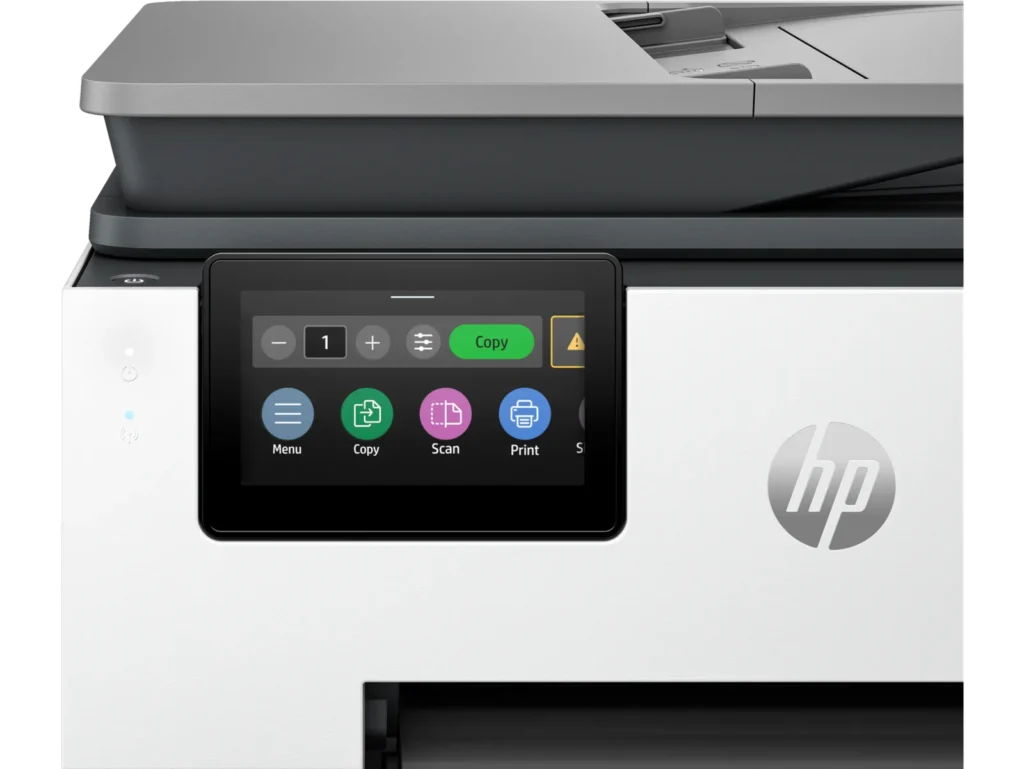
• 4.3-inch touchscreen is a very good size as it allows you to easily navigate the menu options. Try that with a smaller size and you’ll notice how important that is.
• Instant Ink convenience: only worth it if you print a lot, but when you do, it can save you a lot.
Cons:
• Somewhat high initial cost: the printer itself might be a significant investment upfront compared to some competitors, although it is not excessively expensive, and I like the quality compared to others. Current discounts make it a lot more affordable.
• Cartridge restrictions: HP’s policy of blocking non-HP cartridges can be a drawback for some users seeking lower-cost alternatives.
• Somewhat large footprint: Consider the size and weight of the printer before purchasing. However, I’ve seen the competition with a much larger footprint for the same features.
Overall, the HP OfficeJet Pro 9130e is a powerful and versatile all-in-one printer ideal for professionals and small businesses demanding high-quality output, fast printing speeds, and convenient features. However, its slightly high initial cost and cartridge restrictions might deter budget-conscious buyers. If sustainability and ink convenience are priorities, the included Instant Ink subscription can be a valuable perk, especially if you print a lot. But if you’re on a tight budget or prefer flexibility with ink cartridges, consider exploring alternative models. Since I tend to print a lot, the subscription will work well for me. -
Solid Printer, But Still An Inkjet
Incentivized Incentivized review: The reviewer received a benefit for sharing feedback.Balthazar2k4 February 20, 2024Review source: BestbuyHP has been a mainstay in the area of printers for just about as long as I have been using a computer. They have had their ups and downs, but generally they always make a solid product. I am a big fan of their LaserJet series and am a big proponent of laser over inkjet in nearly every case. The new OfficeJet 9135e intrigued me because it was designed for heavier use and speed. So, I gave it a try.
The unit is relatively compact (smaller than my LaserJet anyways) multifunction printer. It was easy to setup and install the four ink cartridges. All told it probably took five minutes from opening the box to printing my first page so setup was a breeze. The unit seems well built and is fairly heavy so keep that in mind if you are going to place this on a shelf. The full color capacitive display is responsive and allowed me to get the printer online quickly. It has two paper trays so you can easily swap between paper stock or size depending on need. The scanner is pretty standard for a multifunctional printer in this class and works quickly with great output. I scanned a few documents both manually and through the auto document feeder to my MacBook Pro and desktop PC without issue. It just works and works well so that shouldn’t be a concern. Actual print output is FAST. It is laser fast which is really impressive when you consider the difference in technology. I didn’t actually measure speed, but HP claims 22ppm and I believe it absolutely could do it. Also, it was fast whether printing black or color and output was razor sharp.
So why only three stars you might ask. Well, first off the unit is LOUD. I mean so loud it sounded like it is in my office from the other side of my house. Granted, my house is a pretty open floor plan so there aren’t a ton of walls between me and the unit, but it is several orders of magnitude louder in print operation than my LaserJet. So be cognizant of that if you plan to put it where something like that might matter. I spend a lot of time in meetings as I work from home so a super loud printer isn’t great. Next, despite how great the output looks it still has the same problem every inkjet has: paper saturation. Unless you use a heavier paper stock (think 80lb+) your paper is going to be a little wrinkled looking when it comes out. The ink even might bleed through a little so be mindful that it has many of the same traits one might expect from any inkjet based printer. Last, but not least, HP has DRMed their ink tanks. While they provide a convenient plan to send refills on a regular basis based on usage just remember that it isn’t the Wild West anymore with third party cartridges and refills. So you will be an HP customer for the life of the printer whether you want to be or not. I get much more use out of a set of toner cartridges and little worry about ink drying out with laser.
For me, the OfficeJet doesn’t bring much to the table over my current laser printer. For the price, one could find a color laser that would be nearly as adept as what HP is offering. The single advantage that the OfficeJet has is photo printing. With photo stock inkjets are still king, but that isn’t something I do so it is back to my trusty laser for now.