Customer Media
Highlights
| Blazing Fast Print Speeds | Experience rapid printing with speeds up to 25 pages per minute (ppm) for black and white documents and 20 ppm for color documents, ensuring efficient workflow for busy offices. |
|---|---|
| High Capacity & Automatic Duplexing | Equipped with a substantial 500-sheet paper capacity, split across two 250-sheet input trays, and featuring automatic two-sided printing and single-pass duplex scanning, this printer is designed for high-volume tasks and enhanced productivity. |
| AI-Enabled Smart Features | The HP OfficeJet Pro 9135e is AI-enabled to intuitively adapt to your workflow and offers perfectly formatted prints with HP AI, alongside seamless integration with HP's easy-to-use print app for cloud sharing and multi-device printing. |
| Reliable Connectivity & Robust Security | Stay connected with HP's self-healing dual-band Wi-Fi that automatically reconnects, and protect your network from cyberthreats with HP Wolf Pro Security, ensuring your multifunction printer stays up to date and secure. |
| Versatile All-in-One Functionality | This all-in-one inkjet printer provides comprehensive functionality, allowing you to print, copy, scan, and fax, making it a versatile solution for diverse office needs. |
Pros & Cons
Pros
- Excellent Print Quality: The printer consistently delivers crisp, clear, and vibrant prints for both documents and photos, with many reviewers noting its professional or laser-like quality.
- Fast Printing and Scanning: Users appreciate the high speed of printing, especially for basic jobs, and the efficiency of features like automatic two-sided printing and one-pass duplex scanning.
- Versatile All-in-One Features: The device is highly valued for its comprehensive functionalities including printing, scanning, copying, and faxing, along with practical features like dual paper trays and seamless mobile printing via the HP Smart app.
Cons
- Connectivity and Setup Challenges: Many customers found the initial setup complicated and time-consuming, often encountering difficulties with wireless connectivity, frequent disconnections, and the printer not being recognized by devices, sometimes requiring multiple reboots or extensive troubleshooting.
- High Ink Costs and Restrictive Policies: A major point of dissatisfaction is the high cost of HP's proprietary ink cartridges and the mandatory nature of the HP Instant Ink subscription, with some users reporting the printer becoming unusable if non-HP ink is detected or the subscription is cancelled.
- Noise and Mechanical Issues: Several reviewers noted the printer is considerably noisy during operation. Other mechanical problems include frequent paper jams, the output tray bending printed pages, and the scanner feeder being unreliable or slow.
Customer Fit
- Primary audience: Home-office professionals or small-business owners who need fast, dependable color printing and scanning for daily paperwork.
- Secondary audience: Families and remote workers printing homework, invoices, or photos who value easy wireless control and compact size.
- Ideal scenarios: Typical uses include home offices printing client files, scanning multi-page contracts, or producing marketing flyers and reports.
Customer Reviews
Showing reviews 701-710 of 729
-
Compact Powerhouse for Home and Small Offices
Incentivized Incentivized review: The reviewer received a benefit for sharing feedback.VangTfz February 19, 2024Review source: BestbuyIntroduction
The HP OfficeJet Pro 9135e is a versatile wireless all-in-one inkjet printer designed for home and small office users. It stands out for its fast color printing, duplex (two-sided) printing, copying, faxing, and duplex scanning capabilities.Design and Aesthetics
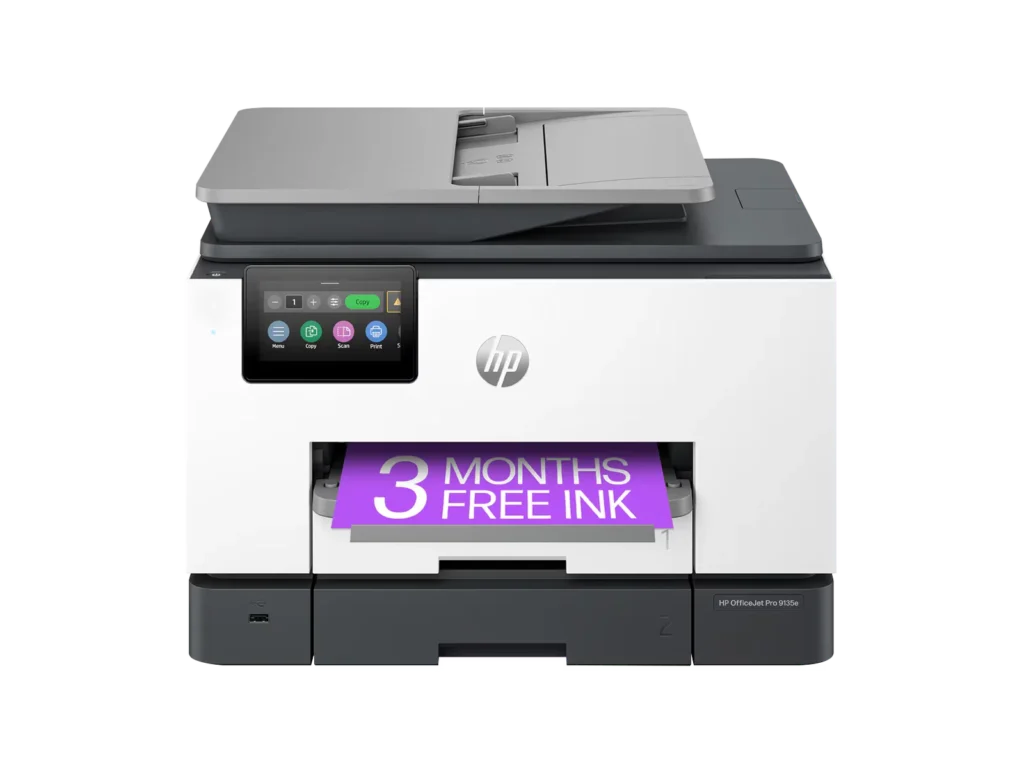
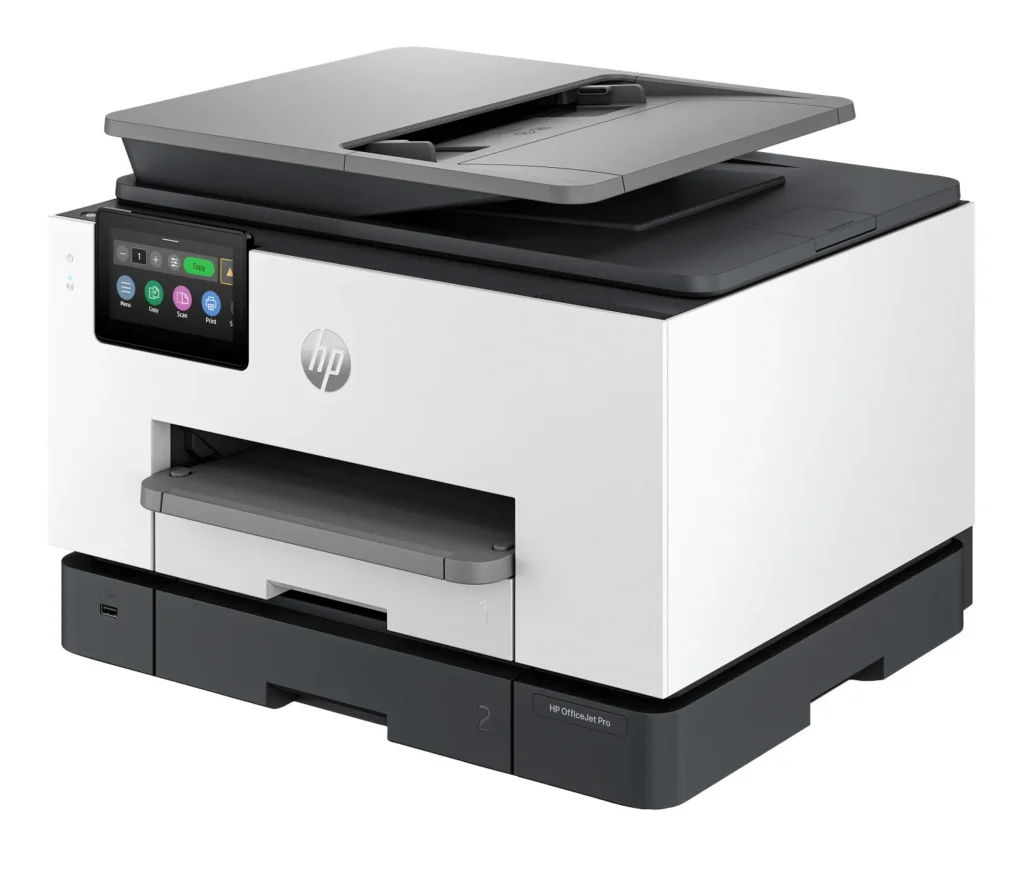
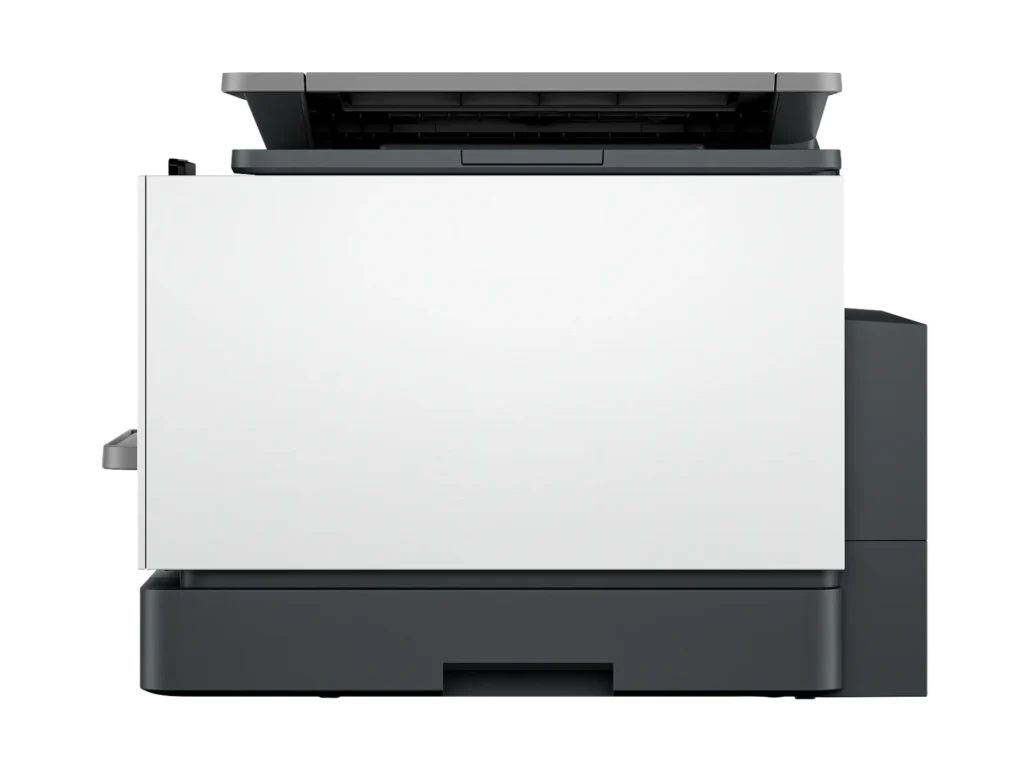
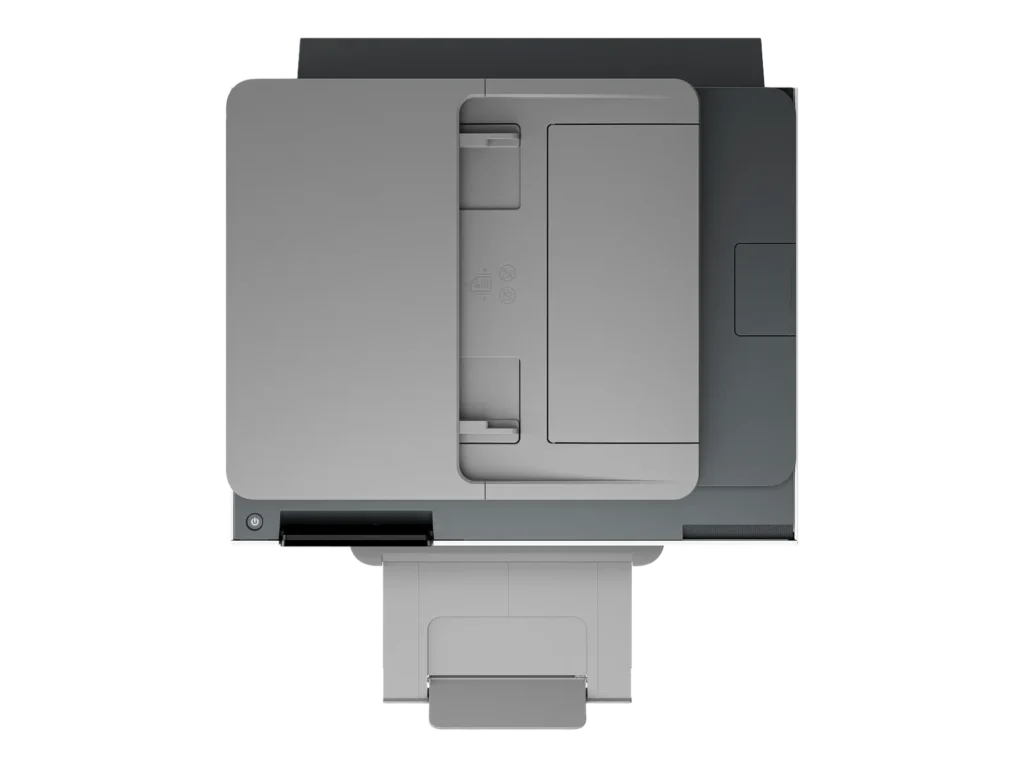
Sporting a boxy design with curved edges, the printer measures 12.5 inches in height, 17 inches in width, and 15.5 inches in depth. Its color scheme combines white and dark gray with light gray accents, creating a professional look. Weighing 26 pounds, it’s relatively easy to set up and move. The build quality is premium, making it compact yet robust for an all-in-one device.Setup and Connectivity
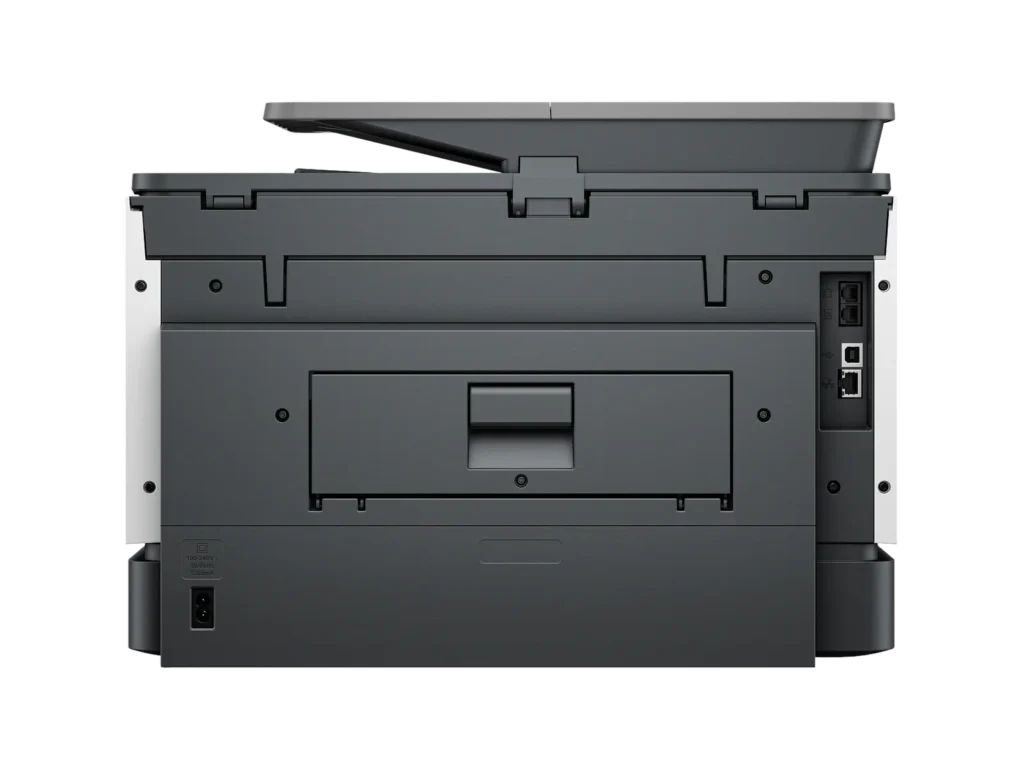
Unboxing was straightforward, thanks to the solid styrofoam packaging, with the physical setup taking less than five minutes. Wireless connectivity via Wi-Fi is seamless, especially with the HP Smart App, enabling quick connection within minutes. I’ve effortlessly connected the printer to various devices, including PCs, laptops, Android devices, iPhones, iPads, and MacBooks. An Ethernet port is also available for direct network connections, enhancing its versatility.Print Quality and Speed
The printer excels in both black and white and color printing, delivering clear, detailed outputs. Its printing speed is impressive, averaging around 20 pages per minute, which aligns with competing printers. This speed, combined with high-quality outputs, makes it ideal for demanding home and office environments.Multifunction Capabilities
Scan quality is sharp, supporting up to 1200 DPI, and the duplex scanning feature streamlines scanning double-sided pages. Copy quality is commendable, producing nearly identical replicas. The faxing function adds to its comprehensive feature set, making it a multifaceted tool for any office.User Interface and Software
While the printer’s user interface could benefit from enhancements, it remains functional for daily operations. The HP Smart App’s performance varies; when operational, it significantly contributes to the printer’s ease of use, although it can be prone to occasional loading issues.Pros and Cons
Pros:Fast and high-quality printing.
Robust multifunction capabilities including duplex printing and scanning.
Seamless wireless connectivity and diverse device compatibility.
Compact and premium build.
Cons:User interface and software experience can be inconsistent.
Heavier than some competitors, which may affect portability.
Price and Value
The HP OfficeJet Pro 9135e offers a compelling feature set at a competitive price point. When compared to similar models, it provides excellent value for money, thanks to its comprehensive capabilities and performance.Conclusion
The HP OfficeJet Pro 9135e is highly recommended for those in need of a reliable, feature-rich all-in-one printer for home or small office settings. Its combination of speed, quality, and multifunctionality, paired with competitive pricing, makes it an excellent choice for a wide range of users. -
Great!
Patchwork Girl February 19, 2024Review source: AmazonTitle – Nice Printer
Review – This is a printer that ready to use out of the box. You just need to add the ink cartridge and set up the WiFi. It was very easy to connect to WiFi. It is a color printer and prints great and fast. I have always had slow printers and love that this is so quick. It is not super heavy and actually smaller than I thought it would be. Fits perfect on my printer table next to my desk. It seems to be made very well. HP has always been a reliable brand and this printer doesn’t disappoint. -
Great Printing! Easy Setup!
Incentivized Incentivized review: The reviewer received a benefit for sharing feedback.TheStump February 19, 2024Review source: BestbuySo far the printing ability of this printer is fantastic. It prints extremely fast black and white and color, prints two sided, and works perfectly when printing from computers, phones, and tablets. The major bonuses for me are the additional tray that allows me to keep legal paper in the bottom tray and letter sized paper in the top tray and the fast scanning and two sided scanning.
Set up was easy using the HP app. I do have a few notes about set up though. First, you do not need the app on every device like it says you do. It’s easy to add the printer to any PC and once connected to wifi, the printer shows up on phones and tablets with no need to have the app installed on everything. Second, and this may be why the try to get you to install the app on every device, is you are going to be hounded about HP plus and an Instant Ink subscription. The bombardment of reminders and begging to sign up for those paid subscriptions is constant throughout setup. We are using this as a family printer and we do not print a ton, so after reading through the fine print, the Instant Ink subscription appears to be rip off for us. If you plan on printing ALOT, then you may want to consider a subscription as it appears to be a good deal for heavy printer users.
Now, hopefully this printer will last longer than our previous printer that was a Brother.
-
Fast, Vivid prints still tied to expensive ink.
Incentivized Incentivized review: The reviewer received a benefit for sharing feedback.Dan0Sterling February 18, 2024Review source: BestbuyThe HP 9135e printer creates bright, clear, colorful printouts quickly from many different devices. The ink dries quickly, allowing for double sided printing nearly as fast as single sided. There was only a 5 second difference between a double sided page and 2 single sided pages. Scanning speed is good as well. This model scans images from both sides at same speed as the last model did a single side. Print speed is in line with what is promised on the box, which was a pleasant surprise. I could easily print from multiple devices including different PCs, my phone, and my iPad. The phone already had HPs app from a previous printer. The PC & the iPad didn’t even need anything set up in advance of connecting to the printer. In both cases, I could easily set double sided and color options to my liking.
Not all is rosy however: The printer ships with a couple of short cuts set up on it’s LCD screen for copying. If you want to scan, you have to accept that HP has access to your device storage and the printer directly. HP seems to have a decent privacy policy, but like most large companies it’s subject to unilateral change at any time. There’s no option to have the printer send directly to a local device to bypass HP’s servers.
Set up was fairly straightforward. There were two minor issues I encountered: A friend tried printing using WiFi direct and it took quite a while to have the driver installed. Once it was installed, it didn’t print right away. After rebooting the PC, everything worked fine. The initial print job started coming out. One note: You must install the HP app on a phone or navigate to the web site on your PC in order to configure the printer on your network. The printer has an Ethernet port for those who are running with wires at your office or home.
Just like every other printer maker, HP sells its own ink. They want you to buy it. They note during set up they may disable 3rd party ink cartridges that aren’t “authorized” by HP. If you know how much you regularly print, you can save by prepaying for your ink using HP Instant Ink. That said, I’ve used 3rd party consumables in other printers and it doesn’t always work out well, so HP may be saving you some trouble in the long run.
-
Quirky
Incentivized Incentivized review: The reviewer received a benefit for sharing feedback.Cipher469 February 18, 2024Review source: BestbuyMy primary all-in-one printer is an HP OfficeJet Pro 9025e, and after almost 3 years of use it is still performing well. Having an opportunity to try out the new 9130e, I anticipated a new, upgraded model. Well, it does have a larger screen. The 9130e may be new; but, otherwise, my “old” 9025e is the winner.
With one exception the Initial setup of the 9130e is easy using HP Smart. If you don’t already have the app loaded, it can be downloaded from HP. The site URL is provided in the instructions that come with the printer. The exception mentioned was getting connected to 2.5 wi-fi. My default network is via eero Pro 7 tri-band mesh wi-fi, which includes 2.5 and works very well with all other 2.5 devices in my house. After several annoying attempts, I tried my old dual band network, and that worked. Go figure! The rest was then easy.
Printing: Initially, printing was a slow process. On the first couple of trials, the printer would make a loud (kerchunk) noise, then jerk as if it were having a spasm of some sort. That continued several times until the printed item was completed. The next day, the kerchunk was gone and the printing process was much improved. It still shakes a bit when printing, but it’s no more than you might expect. Other than photos, print quality is particularly good. From my experience with HP printers, photos are not done well anyway. For document printing, HP consistently does well.
Scanning (Duplex): This is the function that is most important to me, because I do a lot of scanning. Eliminating paper files is cleaner and doesn’t require a filing cabinet. The 9130e’s duplexing is seamless and quick, as it should be. Rather than the document being fed through and then pulled back to get the other side, both sides are done in one pass. Then, the scanned document is easily saved to file.
Copying: This function is done well and reasonably quick. Plus, the copy is an excellent match to the original. That is if you copy using the printer’s touch screen. Often, it won’t copy using HP Smart. You get a message that the printer is offline. The problem with that is you can scan and print with HP Smart, so obviously the printer is online. Otherwise, HP Smart would show it to be offline. Other than copying one or two single page items, this “offline” quirk makes copying an awful chore.
On the third day of use, after booting up, a message appeared on the printer’s screen. It said it was performing maintenance and it should not be interrupted. After almost 20 minutes of waiting, I shut it down. When I turned it back on after a couple of minutes, it was up and running. What was that about?
Working with the new 9130e made me appreciate my “old” 9025e, which has never let me down. Possibly, this particular printer is a “lemon” and not typical of the 9130e series, but I am not impressed by it. The 9025e is still on the market, and that’s the one I’d recommend.
-
Defective unit and poor shipping from Best Buy.
Verified purchase Verified purchase: This reviewer bought the product. Incentivized Incentivized review: The reviewer received a benefit for sharing feedback.JohnB February 18, 2024Review source: BestbuyPoor shipping, defective unit.
Shakes violently when printing.
-
The time to install, verify, & fix the HP OfficeJet Pro 9135e might be more significant than planned
Verified purchase Verified purchase: This reviewer bought the product.Ralph of Memphis February 17, 2024Review source: AmazonThe HP OfficeJet Pro 9135e is a network device. The printer contains many features where some may not be used. My initial installation did NOT test well. Some features worked some did not. I did not test those features that would not be used. When there is a problem, the vendor provides an APP that evaluates the device for known issues and report potential solutions. I have not seen this APP complete without another issue. When I tried to remove the installation APPS from my computer, the process did not complete and forced me to rebuild my computer.
I extended the rebuilding effort to the new printer. After factory reset completed, the printer was unplugged. Later, I repeated the installation process with some prior experience and to my happy surprise the testing almost completed as expected.
There are some functional issues that might be addressed by the vendor. The function, Scan to USB does not include a flash drive eject button. I have removed the flash before the transfer has completed and the document file was not usable. I found that another Scan to USB request with no document corrects the issue. Another issue is that the ADF has a capacity limit. There is no querry from the printer to insert more pages into the ADF then select CONTINUE or select DONE. I assume large documents will need to be manualy scanned. The CONTINUE function does exists for the flatbed scanning. There are more issues from my testing. There may be more issues within those features that I did not test because I do not intend to use, such as the FAX feature.
I find the HP OfficeJet Pro 9135e has met my objectives. I never had any issue with the printing options. My print requirements are simple. The scanning features have been invaluable to me in the past. My testing of some scanning options have been most acceptable. The existing scanning issues have ways arround. -
Easy to set up and use and HP quality is the best!
Incentivized Incentivized review: The reviewer received a benefit for sharing feedback.recruiter89 February 17, 2024Review source: BestbuyHP Printers are the top echelon printer with some competition but not much holds up against them. I have used other printers like Epson and Brother but non compare to HP. Plus with the HP subscription ink program, its even better. This is my third HP printer, in the past I have owned a laser jet, but this printer stands alone, due to its compact size and versatility and print quality. It has a built in scanner capability and the on screen commands along with the companion app and the print from anywhere capability make this ahead of its time and staying current with the latest trends. This was very easy to set up and calibrate and it was ready to go within 10 minutes since I already had the app downloaded. The print quality and the use of ink jet instead of a larger laser toner catridge helped ot make this an ideal every day printer for my office and one that I can say I will get much use out of being that it is quality and HP reputation,. I would highly recommend this printer to anyone looking for quality and ease of use.
-
Good printer, better support!
Verified purchase Verified purchase: This reviewer bought the product. Incentivized Incentivized review: The reviewer received a benefit for sharing feedback.LearJet55 February 17, 2024Review source: BestbuyThis was an upgrade from a 9025.
The printer and associated software were easy to install. HP did a good job on the drivers.
It sends and receives faxes efficiently. -
Same Reliability and Functionality with a Facelift
Incentivized Incentivized review: The reviewer received a benefit for sharing feedback.TechBuyer February 16, 2024Review source: BestbuyI love HP OfficeJet Pro printers. I’ve used some kind of HP InkJet Printer for as long as I can remember after dot matrix went away, and once they went to Mulfi-Function Printers with Scanners, Fax and Feed Copying, they really did everything I needed as a student, young professional and now head of household.
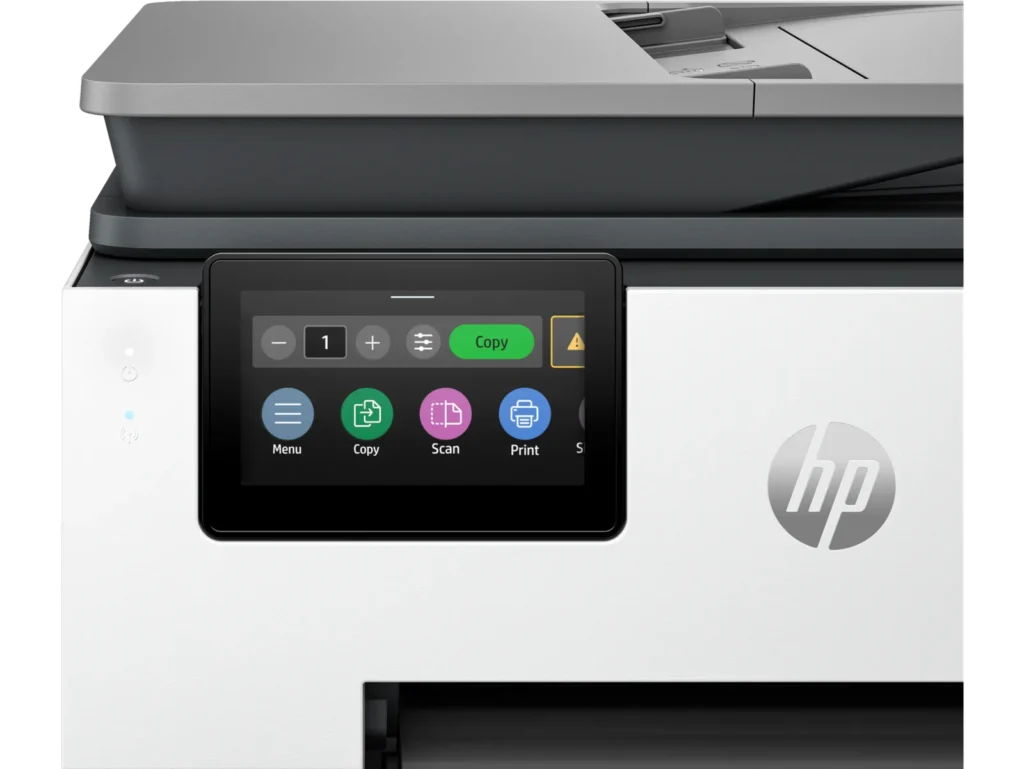
The OfficeJet Pro 9135e is a solid update to the 9025e I have been using the last few years. There’s not a whole lot of difference in appearance other than the LCD screen is quite a bit larger and it feels and looks snappier and more vibrant.
The other major improvement I saw was the set-up experience. They’ve really updated the onboarding experience by making it Phone App driven with the HP Smart App. It very much feels like a smart device experience now. Once you download the app, it automatically finds your local WiFi and sends the password you type in via BlueTooth. Then it does all the IP and network discovery from Printer to Phone App and lets you control and monitor the Printer with useful info like paper and ink levels.
After connecting the Printer to WiFi, provided you have network discovery enabled on your home PCs, the Printer was detected and added in seconds without any need to download printer drivers (thank you HP for FINALLY making a universal driver package that works!).
If you need to, you can still access the admin console by punching the printer’s IP address into a browser address bar. if you try to access anything you will be asked to enter the PIN# in the cartridge access area of the printer which serves as its default password. Again, you’ll notice here there’s a bit of a facelift in the GUI compared to older interfaces. This is also where you’ll want to set up more advanced features like scan to email if you are using this as an office printer instead of a home office printer.
The only negative thing I ran into is that HP really tries to push you into signing up for HP+ and prompts you to set something up about 10x which is pretty annoying. It’s one of those subscriptions that are free at first, but auto-bill you if you don’t cancel, so that’s kind of annoying. This could be great for folks who print a lot, but I really don’t, if anything I print to PDF as much as possible and store or email documents digitally. But, sometimes you do need to print and I usually just buy 936 cartridges (same as my 9025e) every few years. HP does also say if you don’t use genuine HP cartridges and chips, your chips may stop working after firmware updates, so keep that in mind.
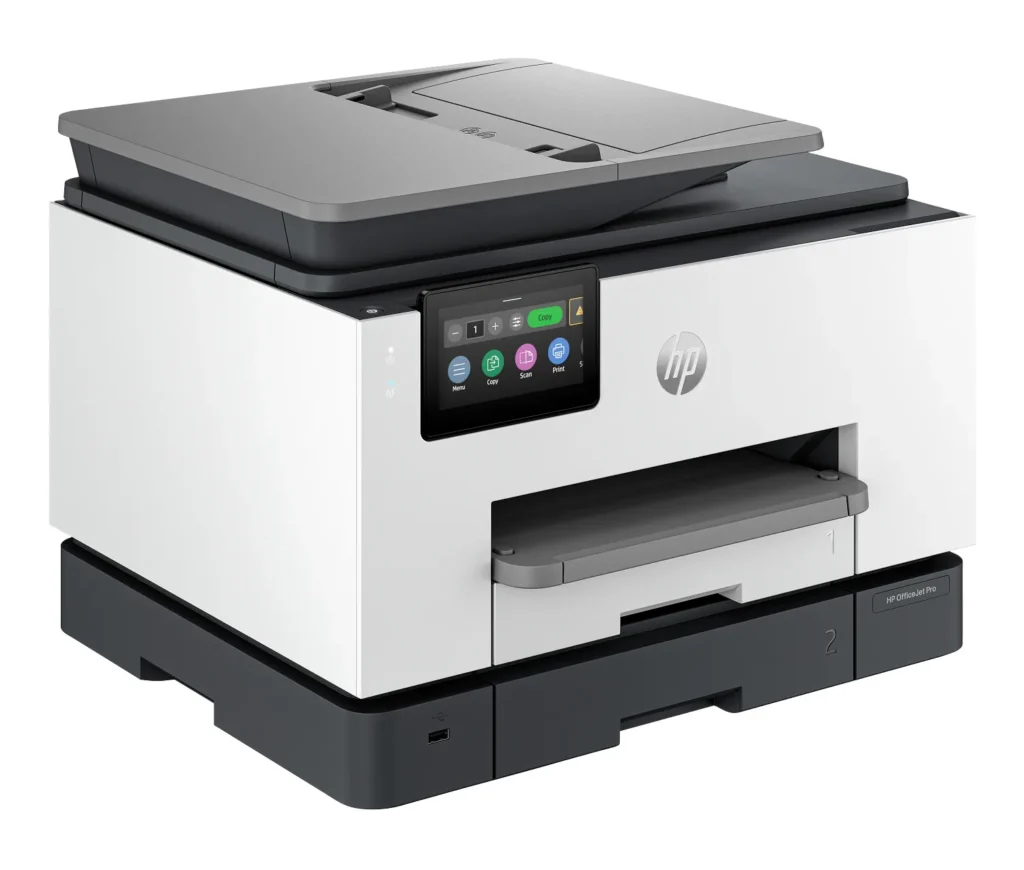
Again, minor issue given I print so infrequently but something to be aware of. Otherwise, the scanner is great, the copy function works great so everything else feels familiar and probably slightly improved. Oh and the build quality is slightly better I’d say than the 9025e, which I thought was slightly more flimsy than the 9025. The printer trays also have a lock in place type mechanism too which is nice.
So again, no major surprises here, if you love HP OfficeJet products this is the best one under $500 yet, even better remote and mobile functionality and feels faster than before. I’m using it connected only wirelessly with no hard wire connected to my mesh network and it works great, really enjoying it and even during set-up, I didn’t need to connect a network cable.