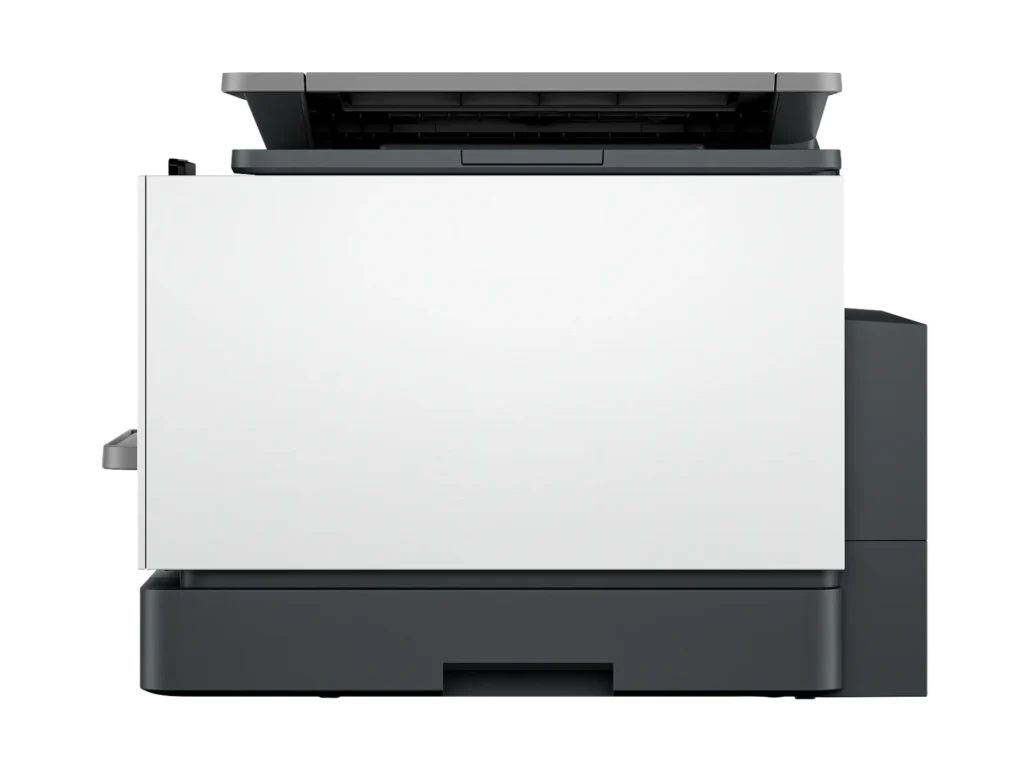
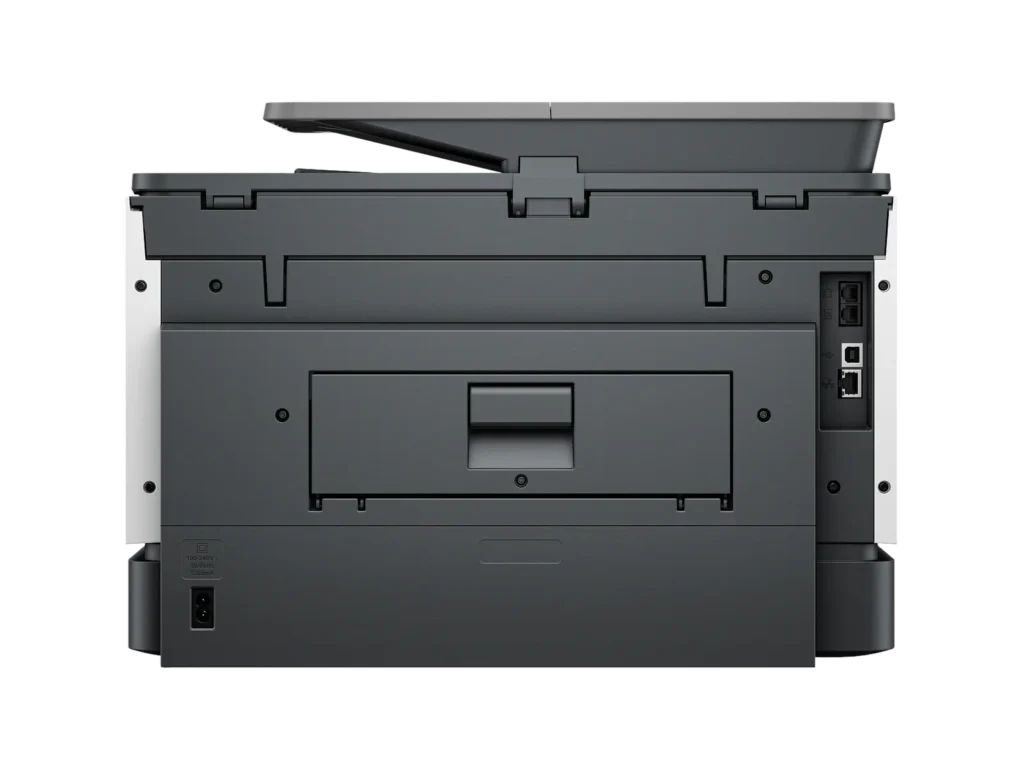
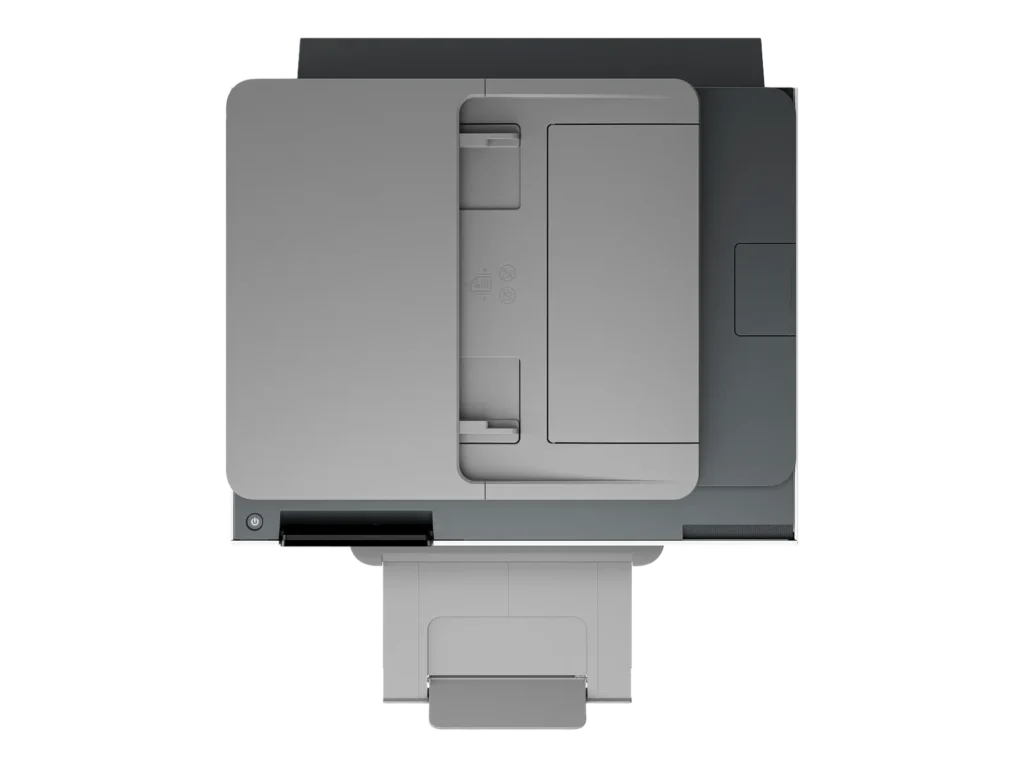
Customer Media
Highlights
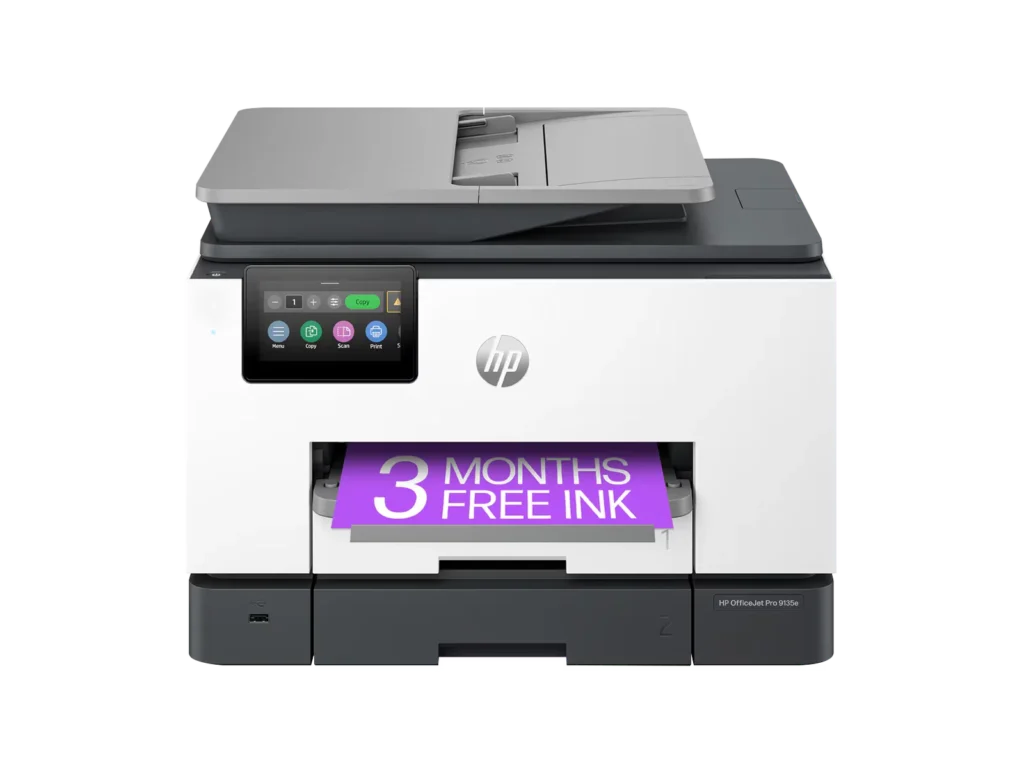
| Blazing Fast Print Speeds | Experience rapid printing with speeds up to 25 pages per minute (ppm) for black and white documents and 20 ppm for color documents, ensuring efficient workflow for busy offices. |
|---|---|
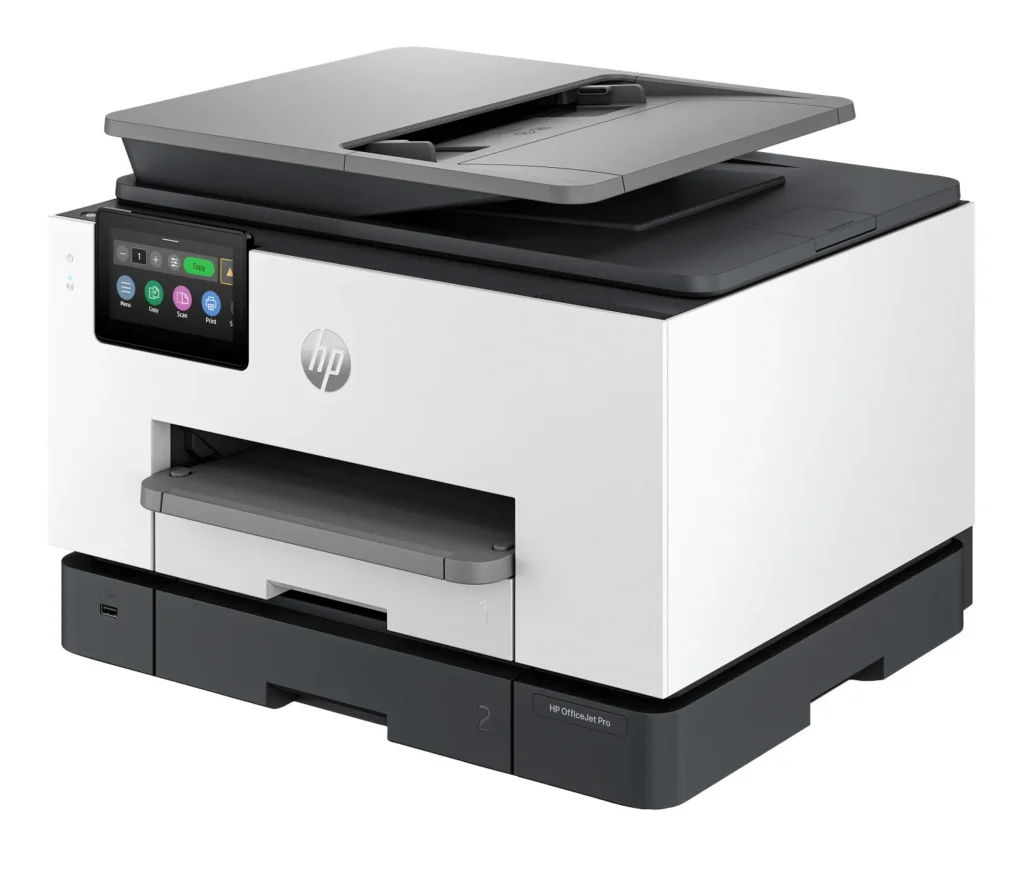
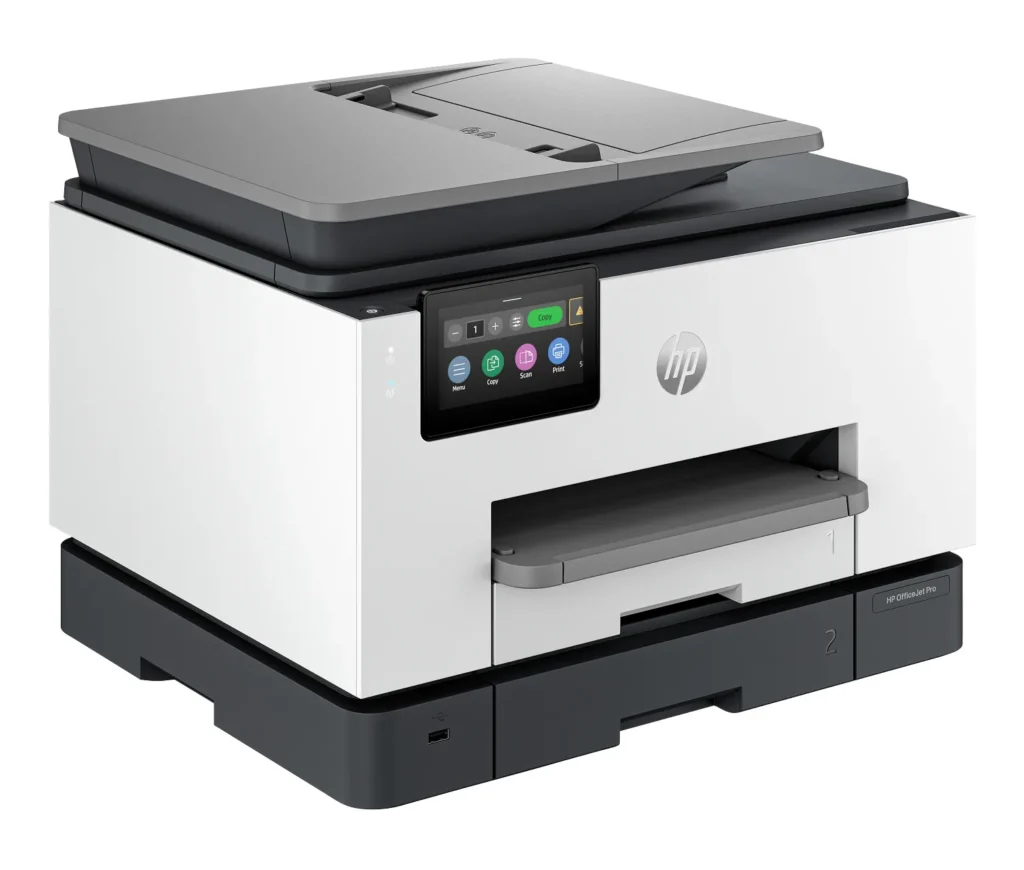
| High Capacity & Automatic Duplexing | Equipped with a substantial 500-sheet paper capacity, split across two 250-sheet input trays, and featuring automatic two-sided printing and single-pass duplex scanning, this printer is designed for high-volume tasks and enhanced productivity. |
| AI-Enabled Smart Features | The HP OfficeJet Pro 9135e is AI-enabled to intuitively adapt to your workflow and offers perfectly formatted prints with HP AI, alongside seamless integration with HP's easy-to-use print app for cloud sharing and multi-device printing. |
| Reliable Connectivity & Robust Security | Stay connected with HP's self-healing dual-band Wi-Fi that automatically reconnects, and protect your network from cyberthreats with HP Wolf Pro Security, ensuring your multifunction printer stays up to date and secure. |
| Versatile All-in-One Functionality | This all-in-one inkjet printer provides comprehensive functionality, allowing you to print, copy, scan, and fax, making it a versatile solution for diverse office needs. |
Pros & Cons
Pros
- Excellent Print Quality: The printer consistently delivers crisp, clear, and vibrant prints for both documents and photos, with many reviewers noting its professional or laser-like quality.
- Fast Printing and Scanning: Users appreciate the high speed of printing, especially for basic jobs, and the efficiency of features like automatic two-sided printing and one-pass duplex scanning.
- Versatile All-in-One Features: The device is highly valued for its comprehensive functionalities including printing, scanning, copying, and faxing, along with practical features like dual paper trays and seamless mobile printing via the HP Smart app.
Cons
- Connectivity and Setup Challenges: Many customers found the initial setup complicated and time-consuming, often encountering difficulties with wireless connectivity, frequent disconnections, and the printer not being recognized by devices, sometimes requiring multiple reboots or extensive troubleshooting.
- High Ink Costs and Restrictive Policies: A major point of dissatisfaction is the high cost of HP's proprietary ink cartridges and the mandatory nature of the HP Instant Ink subscription, with some users reporting the printer becoming unusable if non-HP ink is detected or the subscription is cancelled.
- Noise and Mechanical Issues: Several reviewers noted the printer is considerably noisy during operation. Other mechanical problems include frequent paper jams, the output tray bending printed pages, and the scanner feeder being unreliable or slow.
Customer Fit
- Primary audience: Home-office professionals or small-business owners who need fast, dependable color printing and scanning for daily paperwork.
- Secondary audience: Families and remote workers printing homework, invoices, or photos who value easy wireless control and compact size.
- Ideal scenarios: Typical uses include home offices printing client files, scanning multi-page contracts, or producing marketing flyers and reports.
Customer Reviews
Showing reviews 721-729 of 729
-
Exceptional print quality!
Verified purchase Verified purchase: This reviewer bought the product.Amazon Customer February 10, 2024Review source: AmazonEase of setup and print quality.
-
Fast but otherwise just okay
A. Snyder February 10, 2024Review source: AmazonNo, I didn’t buy this at Amazon. I bought it at an office supply store because Amazon didn’t have it at the time. (And unfortunately I should have waited, as Amazon has it for $100 less at the moment, and the office supply store doesn’t price match for online purchases.)
The printing is much faster than I’m used to, but this was much harder to set up than the Officejet Pro 8600 that I had before it.
Among other things, I could not get the printer to connect to wi-fi using the recommended HP Smart software. My desktop would “see” the printer, but at some point during the wi-fi setup it would just fail.
The directions don’t tell you that it’s possible, nor is it obvious from the printer screen itself (which continually wants to push you to use the atrocious HP “Smart” software to continue set up), but I was able to finally get it to connect to wi-fi using the touchscreen on the printer itself.
Additionally, sure, the printer can scan at resolutions higher than 300dpi *and* there’s a document feeder to make scanning multiple documents easier. *But*…you can’t do those things together. If you want to scan at higher dpi, you need to individually place each document page on the flatbed. Simply garbage.
It works, and it’s fast, but would I recommend it at this price? Absolutely not. (And definitely not for the price I paid for it at the office supply store.)
-
Easy set-up, Fast Printing, Ink Concerns
Incentivized Incentivized review: The reviewer received a benefit for sharing feedback.David February 9, 2024Review source: BestbuyThe HP OfficeJet Pro 9135e is incredibly simple to set up onto your network using the HP Smart application for MacOS. I did not trial this product out on a Windows machine so I don’t have much to offer for that operating system. Set up is easy – take the machine out of the box, attach the power cord & plug into an outlet, open system up to install four (4) ink cartridges – standard magenta, cyan, yellow, and black. The wifi set up process was all done through the HP Smart application on my computer and went relatively seamlessly.
For an inkjet printer, this machine actually spits out prints fairly quickly – it’s rated to be able to produce 20-25 pages/minute for color and monochromatic printing, respectively. Printer resolution can be changed but the maximum is 1200×1200 for monochromatic and 4800×1200 for color printing. These are plenty sufficient specifications for a simple printer. I should note that I don’t intend to use this for photo printing, so super high quality printing isn’t of important to me. I’m only using one of the two paper trays available but it’s nice that there are options as you can load two different sizes of paper and choose between the two, as necessary. There’s also an auto feeder on top for quick copying. The printer is equipped to be able to do double-sided printing as well, which is a convenient feature for a printer this small in stature.
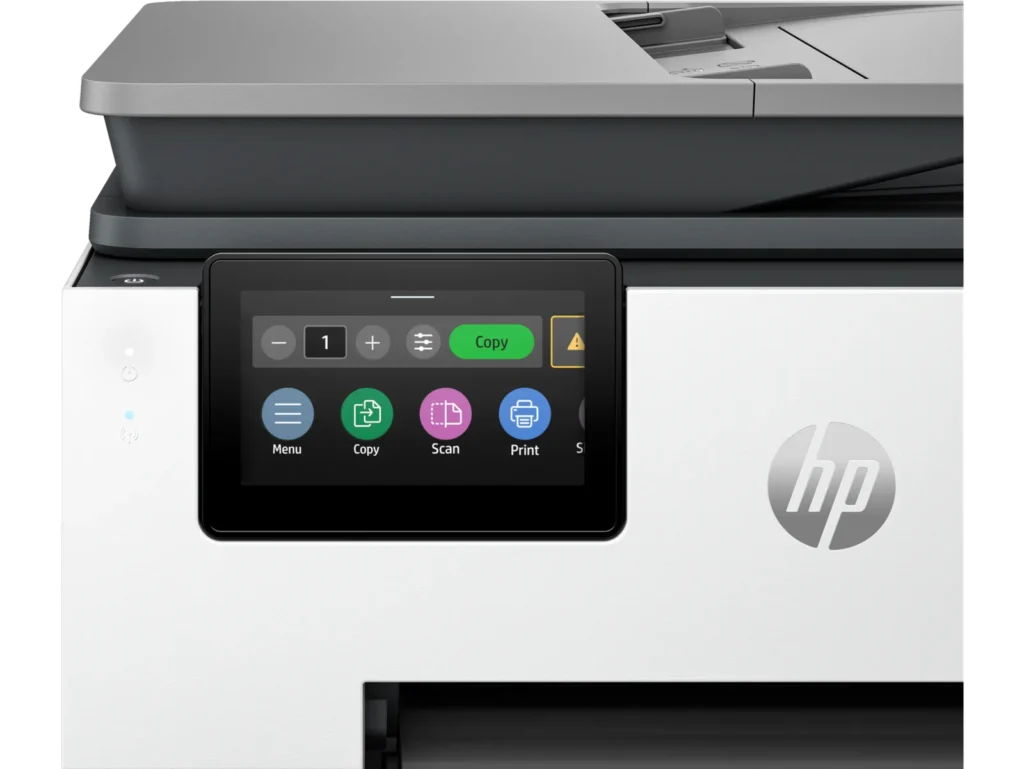
There’s a small 4.3″ LCD screen on the printer itself to navigate through various settings and to use the scanner/fax options. There’s also a USB port available to print directly from an external storage device.
My main concern came up when I opened up the (included) ink cartridges – HP offers 3 months of Instant Ink included with the HP+ subscription plan – a monthly payment plan that starts getting charged after 3 months. I believe the perk is that you get ink delivered (within 10 days) when you run low on ink. Though, the supposed benefit is that you “only pay for pages printer, not the amount of ink you use. Color costs the same as black & white.” Something about this feels odd and changes my mindset of HOW I want to pay for ink- if anything, it sort of forces you to look at the quantity and frequency of your printing to better estimate if the subscription service is right for you or if you should purchase the refills a la carte. Taking a quick look at prices online for ink refills – a full set (all four colors) is currently going for $125 (February 2024), with the black being capable of 1450 pages and 800 pages per color. The recommended subscription is for 100 pages/mo at $6.99/mo, which comes out to be more affordable. For example 800 pages of color printing would cost $125 (all four cartridges) vs. 800 pages of color printing on the subscription would be $56 (for whichever cartridges need refilling). What I personally don’t want is to add on ANOTHER subscription service in my life so I’d probably opt for the a la carte option, which would theoretically be at a higher cost to me; though, I won’t have to worry about ongoing payments.
-
Great Printer!
Verified purchase Verified purchase: This reviewer bought the product.Hal Hinote February 8, 2024Review source: AmazonOrdered this printer for home use and it has more than meet our expectations. It does everything it’s suppose to do and it does it well. I really love the blue tooth feature, nice to print right from your phone!
-
Amazing multifunctional printer
Incentivized Incentivized review: The reviewer received a benefit for sharing feedback.Zaid February 7, 2024Review source: BestbuyA new addition has joined my HP collection, and this all-in-one model stands out from the others I currently own. While I have the Pro, Tango, and NeverStop versions, this new model surpasses them all in performance. It carries a professional design, with each component crafted from high-quality materials, 40% of which are recycled plastic. The 4.3-inch touchscreen display is vibrant, high-resolution, and remarkably smooth to navigate, providing a phone-like experience without any lag.
Equipped with two adjustable paper trays, accommodating various paper sizes, including envelopes. The printing speed is impressive, delivering vibrant colors. In comparison to my non-HP brand all-in-one printer, which constantly disconnects from Wi-Fi, this HP model has dual-band Wi-Fi capability, has addressed my issues related to the 2.4GHz frequency. The setup process, facilitated through the HP app, was straightforward, requiring the PIN code located behind the front cover for printer identification.
Noteworthy features include Print from Anywhere functionality and enhanced security through the HP Wolf Pro system, ensuring the protection of the network. The HP app offers valuable perks and services, including a cost-effective Instant Ink option and tools for calibration, enhancement, and troubleshooting. The Print from Anywhere feature operates seamlessly, exemplified by my flawless experience printing a label from my office for retrieval at home. Overall, this all-in-one printer is a fantastic addition, combining printing, scanning, copying, and faxing capabilities in a single, efficient machine. Highly recommended. -
Much needed upgrade
Verified purchase Verified purchase: This reviewer bought the product. Incentivized Incentivized review: The reviewer received a benefit for sharing feedback.DeevolH February 6, 2024Review source: BestbuySuch a wonderful machine. This all in one was like a breath of fresh air. The difference in speed,quality, and simplicity were instantly noticeable. And the 3 months free instant ink was the cherry on top! Definitely satisfied with this machine to say the least!!
-
Hp 9135e Amazing
Verified purchase Verified purchase: This reviewer bought the product.@JBTechfanatic February 4, 2024Review source: AmazonMeet the new HP 9135e all-in-one printer. This beautiful printer is feature-packed and is incredibly powerful. When looking for a printer, I need something that prints fast, is easy to use, and can be a workhorse for my business. Ink supplies need to be readily available and affordable. The 9135e exceeds my expectations in all of these categories. Here are some highlights that I found important and I needed in a printer.
– Fastest color print, copy, scan, and fax; features faster scan; mobile/wireless
– Professional-quality color for presentations, brochures, and flyers
– Ink subscription ready
– HP Wolf Security
– Print Speed: Black: Up to 24 pages per minute; Color: Up to 20 pages per minute
– Equipped with two 250-page input trays
– Upgraded 4.3” Touchscreen control panel.
One I can actually see whats going on Inky sharp display That allows on board Controller as well as Mobile app controls. The ability to print from anywhere with a data connection is Great and extremely useful for business purposes. I actually owned the last generations variation. I have found that everything feels more polished and fluid. So if you are looking to upgrade but wonder if you should? My recommendation is absolutely upgrade as you will definitely notice the difference. The build quality feels superb. It has a removable power cord. And that might seem silly to care about a power cord? But it really matters if you have ever had your cat decide to chew your cord lol. Simply replace it and you are ready to go. Bottom line is at this point I highly recommend This new printer from HP. It has all the features I need. Most importantly they work Flawlessly. It has beautiful Inky printing capabilities. Whether you want to print documents or photos. It all looks great. With many more options available. If you are in the market for a new printer? You need one that can literally be used for anything? Whether it be Simple everyday printing? Or printing for a small business? I say Look no further Then the new HP 9135e all-in-one printer. If you decide to buy it you will be happy you did. -
Hp 9135e Amazing
Verified purchase Verified purchase: This reviewer bought the product. Incentivized Incentivized review: The reviewer received a benefit for sharing feedback.JBTechfanatic February 4, 2024Review source: BestbuyMeet the new HP 9135e all-in-one printer. This beautiful printer is feature-packed and is incredibly powerful. When looking for a printer, I need something that prints fast, is easy to use, and can be a workhorse for my business. Ink supplies need to be readily available and affordable. The 9135e exceeds my expectations in all of these categories. Here are some highlights that I found important and I needed in a printer.
– Fastest color print, copy, scan, and fax; features faster scan; mobile/wireless
– Professional-quality color for presentations, brochures, and flyers
– Ink subscription ready
– HP Wolf Security
– Print Speed: Black: Up to 24 pages per minute; Color: Up to 20 pages per minute
– Equipped with two 250-page input trays
– Upgraded 4.3” Touchscreen control panel.
One I can actually see whats going on Inky sharp display That allows on board Controller as well as Mobile app controls. The ability to print from anywhere with a data connection is Great and extremely useful for business purposes. I actually owned the last generations variation. I have found that everything feels more polished and fluid. So if you are looking to upgrade but wonder if you should? My recommendation is absolutely upgrade as you will definitely notice the difference. The build quality feels superb. It has a removable power cord. And that might seem silly to care about a power cord? But it really matters if you have ever had your cat decide to chew your cord lol. Simply replace it and you are ready to go. Bottom line is at this point I highly recommend This new printer from HP. It has all the features I need. Most importantly they work Flawlessly. It has beautiful Inky printing capabilities. Whether you want to print documents or photos. It all looks great. With many more options available. If you are in the market for a new printer? You need one that can literally be used for anything? Whether it be Simple everyday printing? Or printing for a small business? I say Look no further Then the new HP 9135e all-in-one printer. If you decide to buy it you will be happy you did. -
Not for my small business.
Verified purchase Verified purchase: This reviewer bought the product. Incentivized Incentivized review: The reviewer received a benefit for sharing feedback.LarryH February 2, 2024Review source: BestbuyMost Printers allow Microsoft Word to set up the type of Document being used. You have to assign a tray and the type of paper, envelope size, etc that you are using. Lot of effort that should not be necessary. Jammed several times. purchased another printer for back up. I think I will have to return and buy something less cumbersome to work with.