Customer Media
Highlights
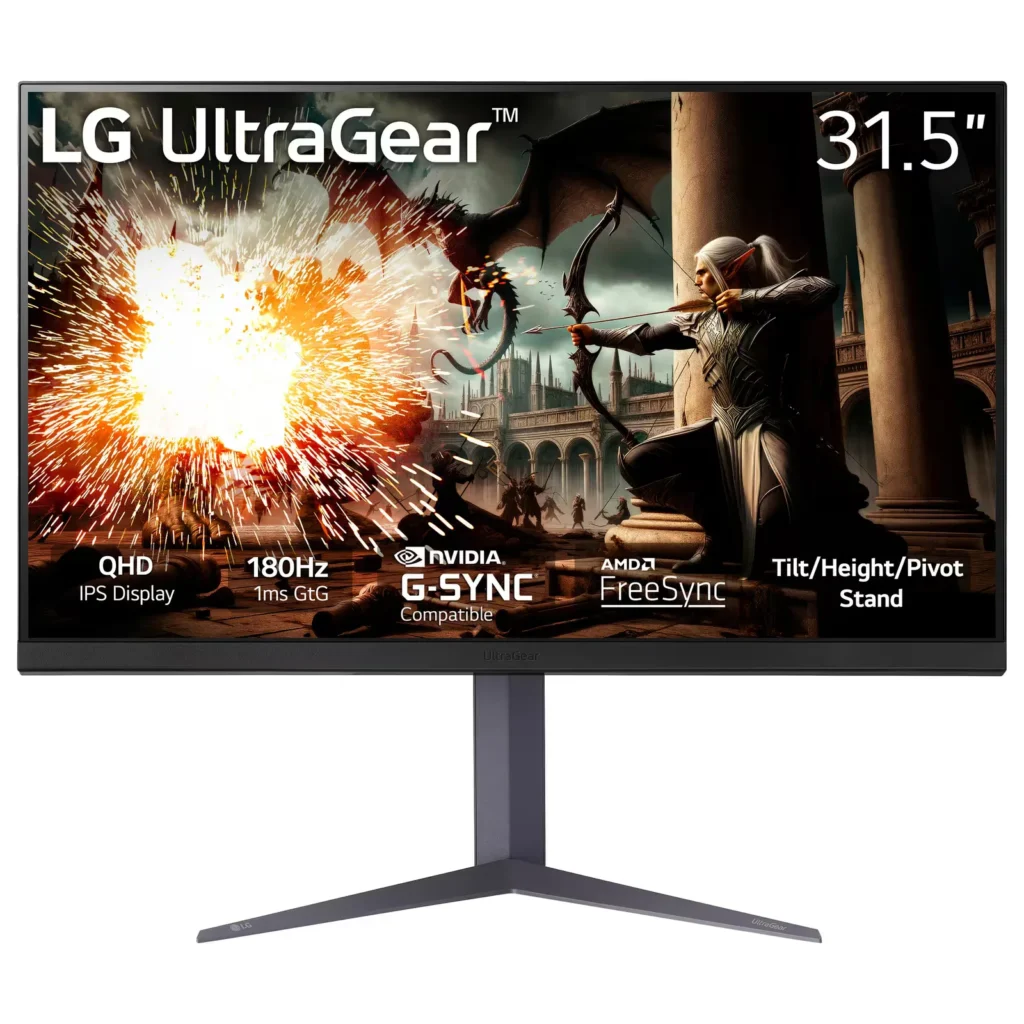
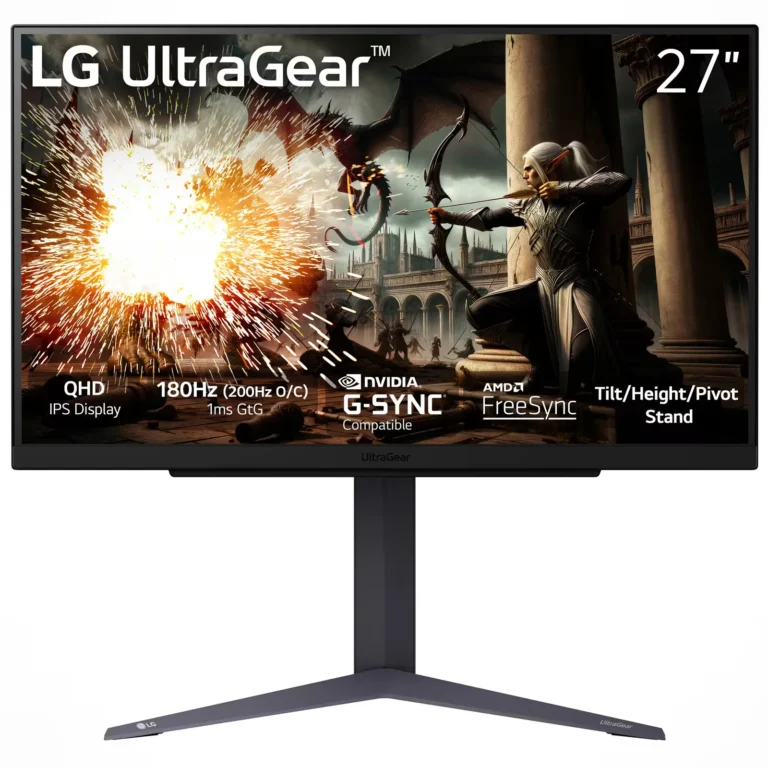
| High-Speed 180Hz Refresh Rate | Experience ultra-smooth motion and liquid-clear visuals with a 180Hz refresh rate that minimizes motion blur and input lag during fast-paced gaming. |
|---|---|
| 1ms (GtG) Response Time | The IPS 1ms Gray-to-Gray response time ensures rapid pixel transitions, reducing ghosting and providing the responsiveness needed for competitive play. |
| Vibrant QHD IPS Display | The 32-inch 2560 x 1440 QHD resolution combined with IPS technology delivers sharp details, consistent colors, and wide 178-degree viewing angles. |
| VESA DisplayHDR™ 400 & sRGB 99% | Certified with DisplayHDR™ 400 and covering 99% of the sRGB color gamut, this monitor provides high-fidelity color accuracy and enhanced contrast for immersive visuals. |
| G-Sync Compatible & AMD FreeSync™ | Officially validated by NVIDIA as G-Sync Compatible and supporting AMD FreeSync technology, it eliminates screen tearing and stuttering for a seamless gaming experience. |
Pros & Cons
Pros
- Impressive Display Quality: Users frequently highlight the crisp 1440p resolution, vibrant colors, and high brightness that enhance gaming, cinema, and professional design work.
- Smooth Gaming Performance: The 180Hz refresh rate and 1ms response time provide a fluid experience for fast-paced gaming, with many users noting the 'buttery-smooth' motion and G-SYNC compatibility.
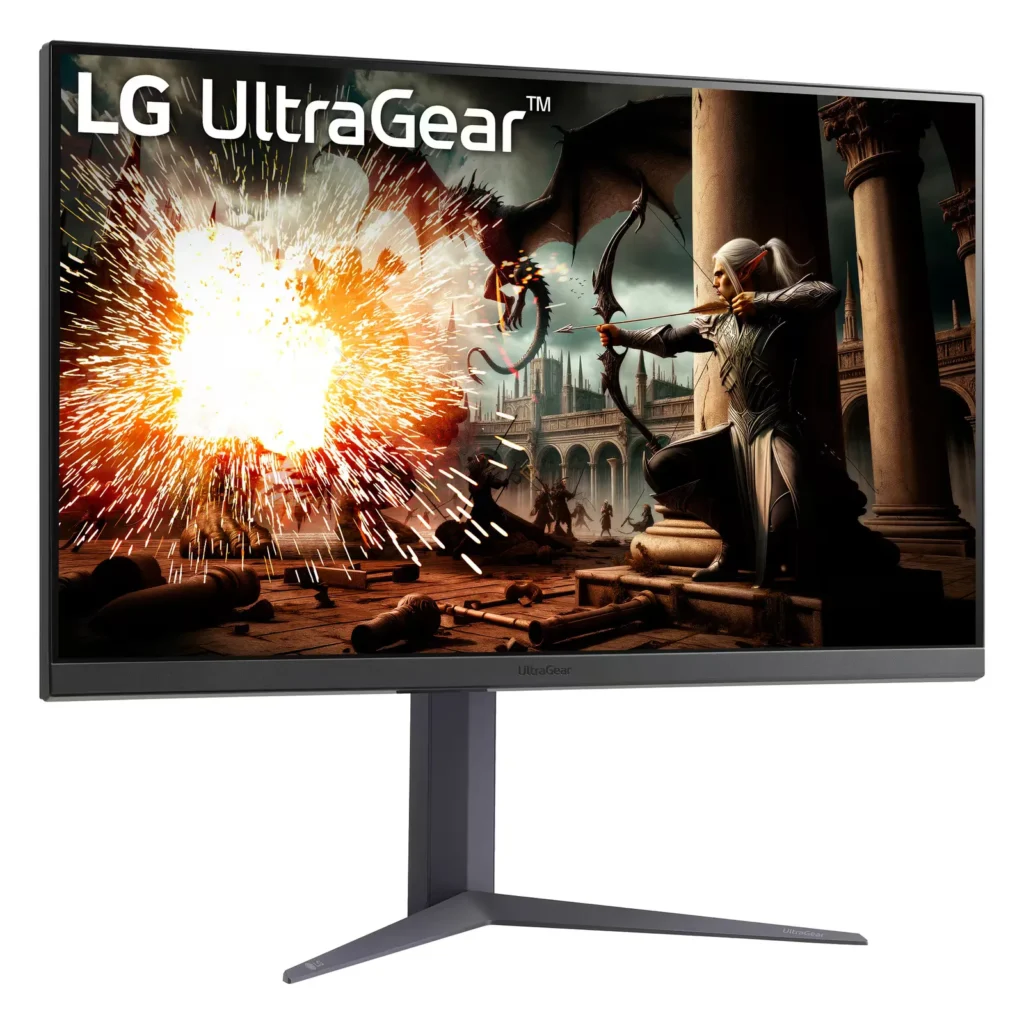
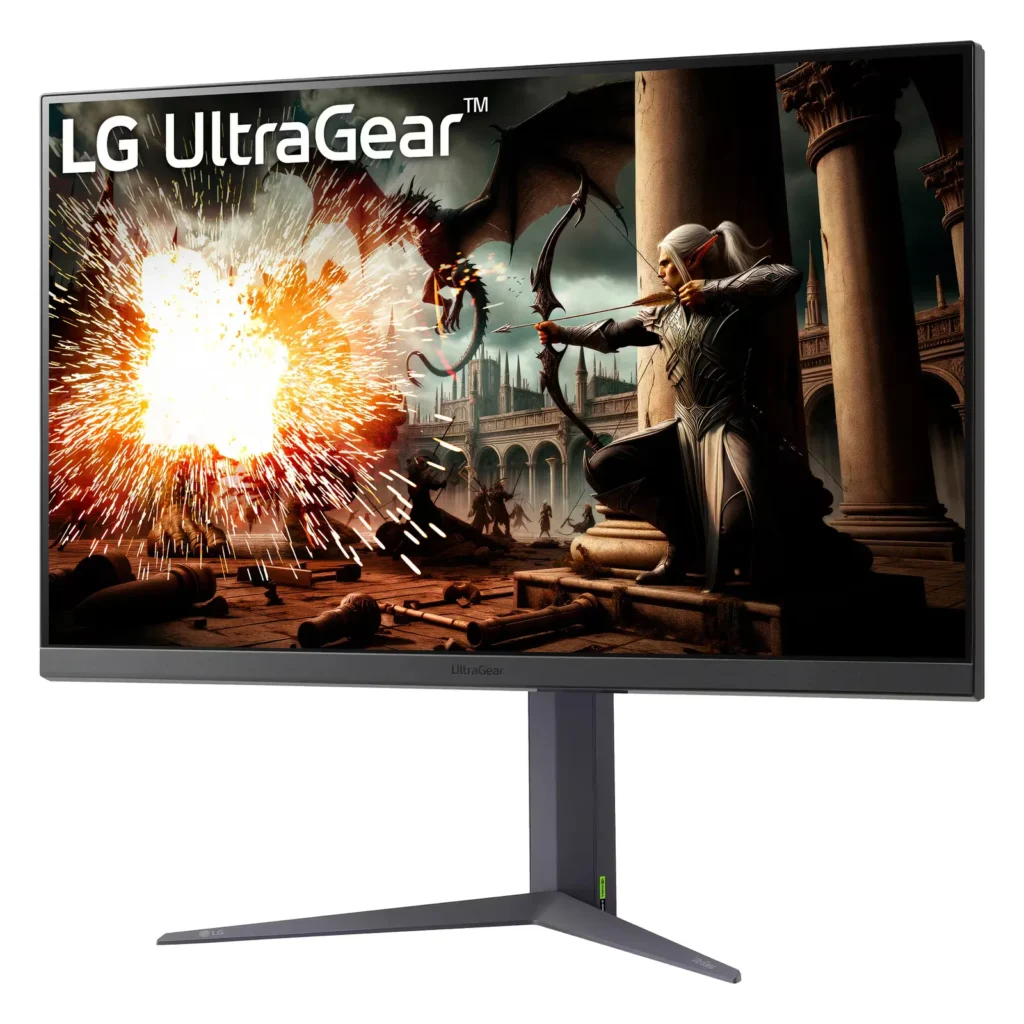
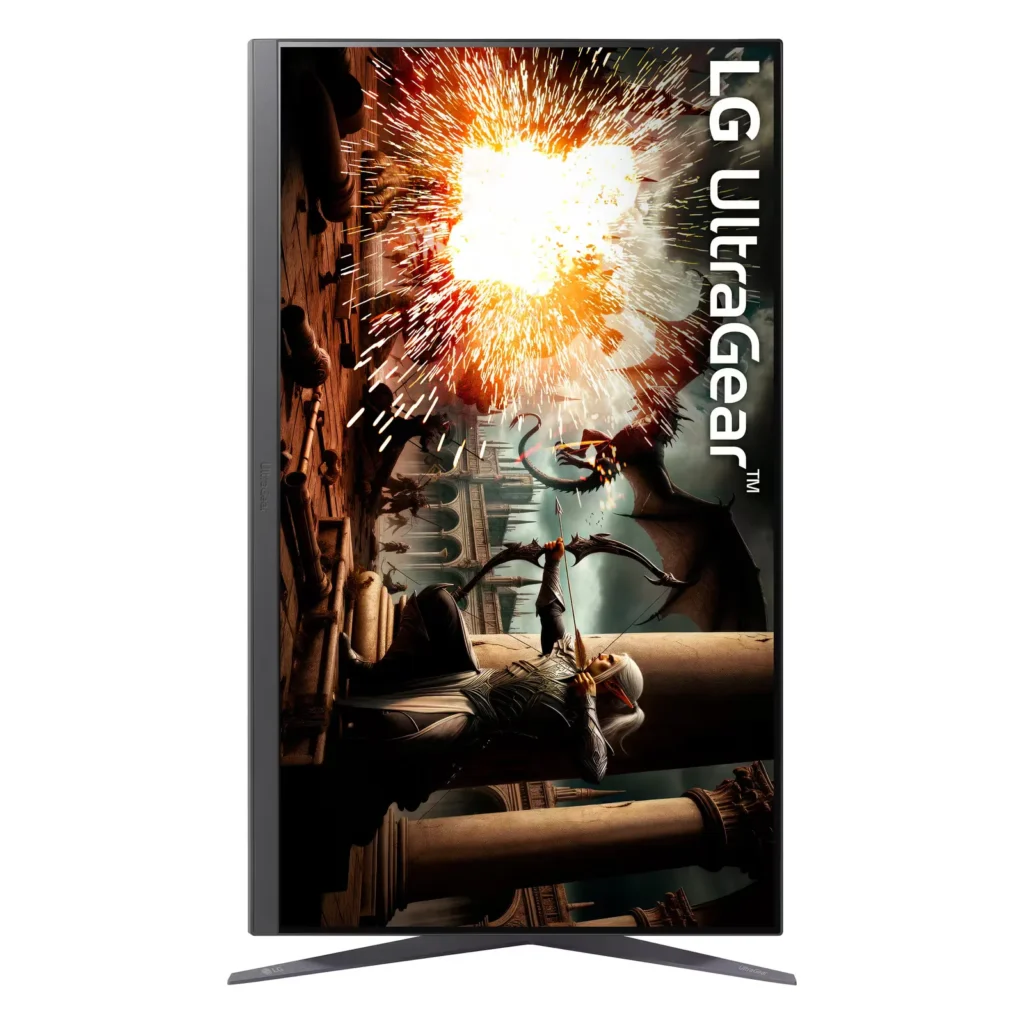
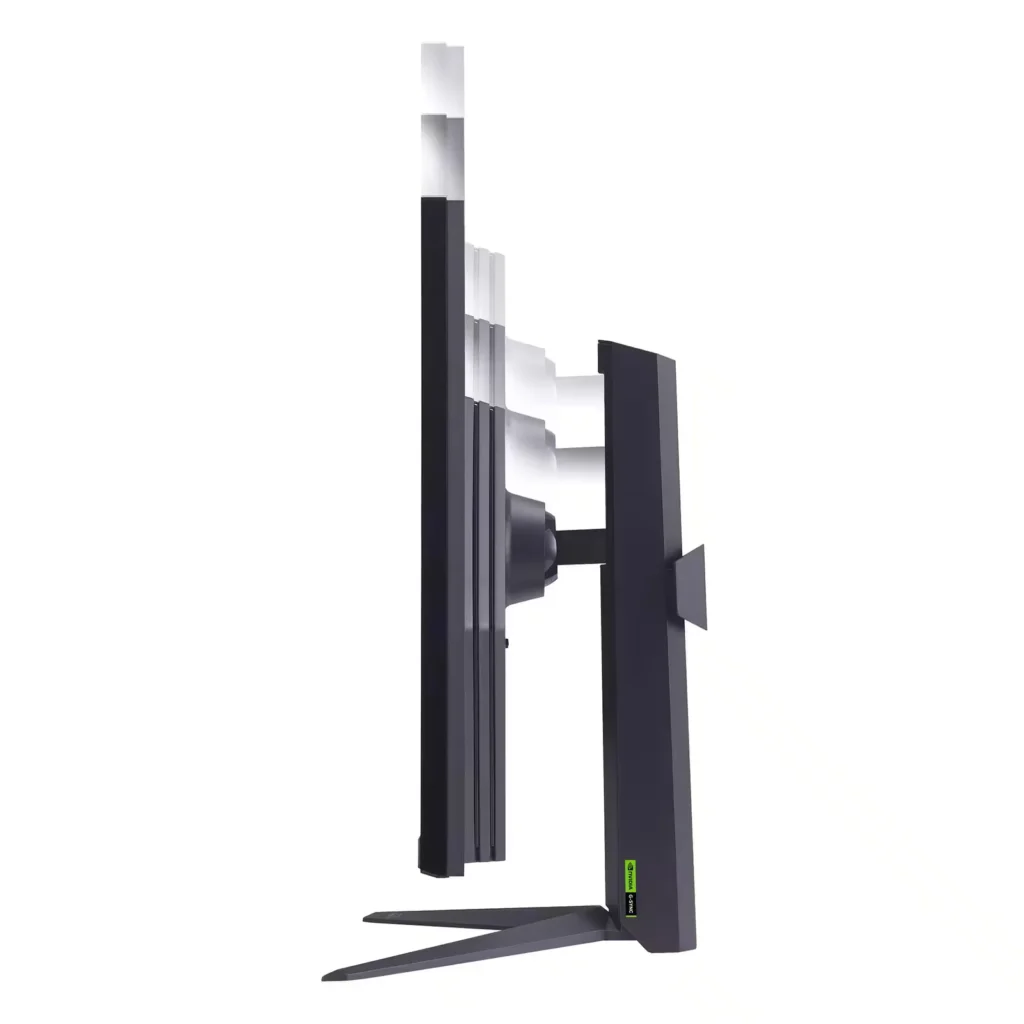
- Versatile and Sturdy Stand: The included stand is praised for being easy to assemble and highly adjustable, offering height, tilt, and pivot options to accommodate various desk setups.
Cons
- Quality Control Issues: Several reviewers reported receiving units with dead or stuck pixels, as well as noticeable backlight bleed that is particularly visible in dark rooms or during dark scenes.
- Refresh Rate and Software Limitations: Some users struggled to reach the advertised 180Hz, reporting that the monitor was capped at 60Hz due to the automatic 'DAS mode' or specific response time settings that caused screen blackouts.
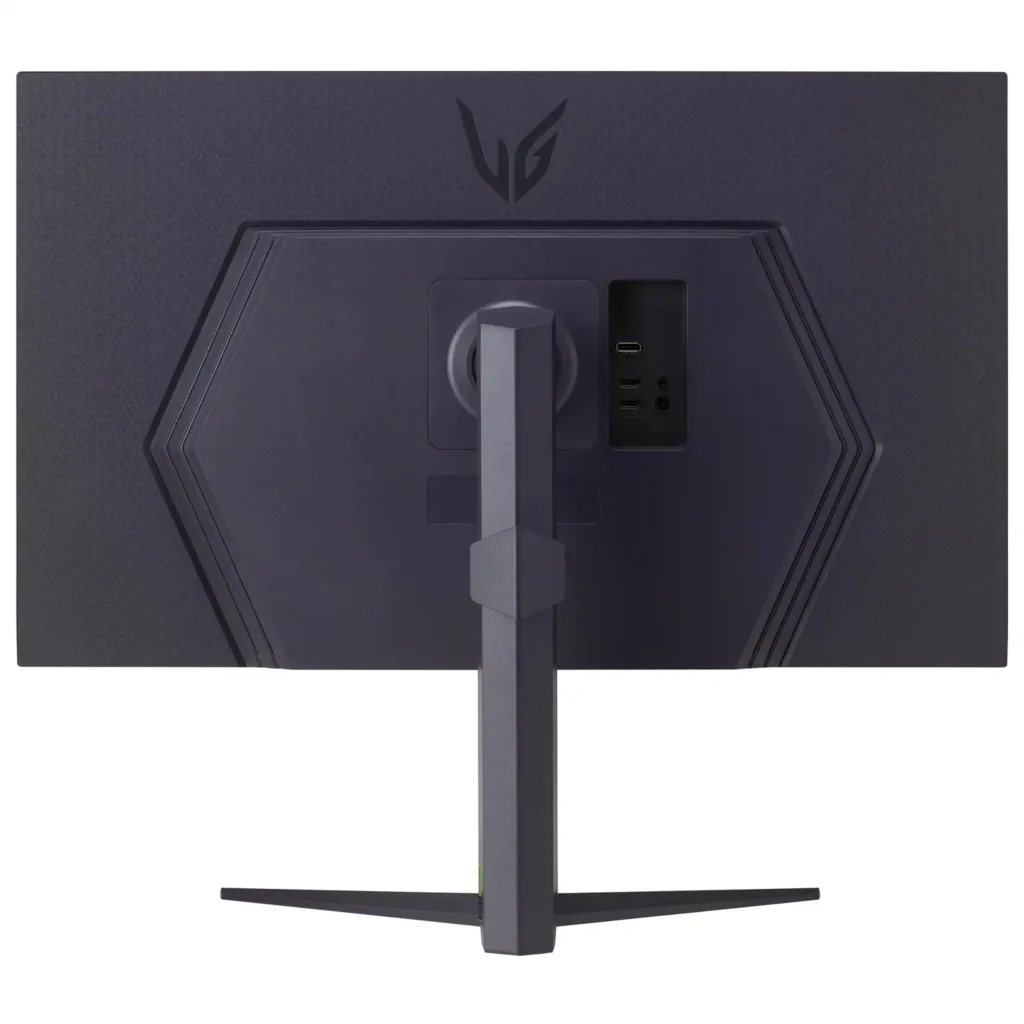
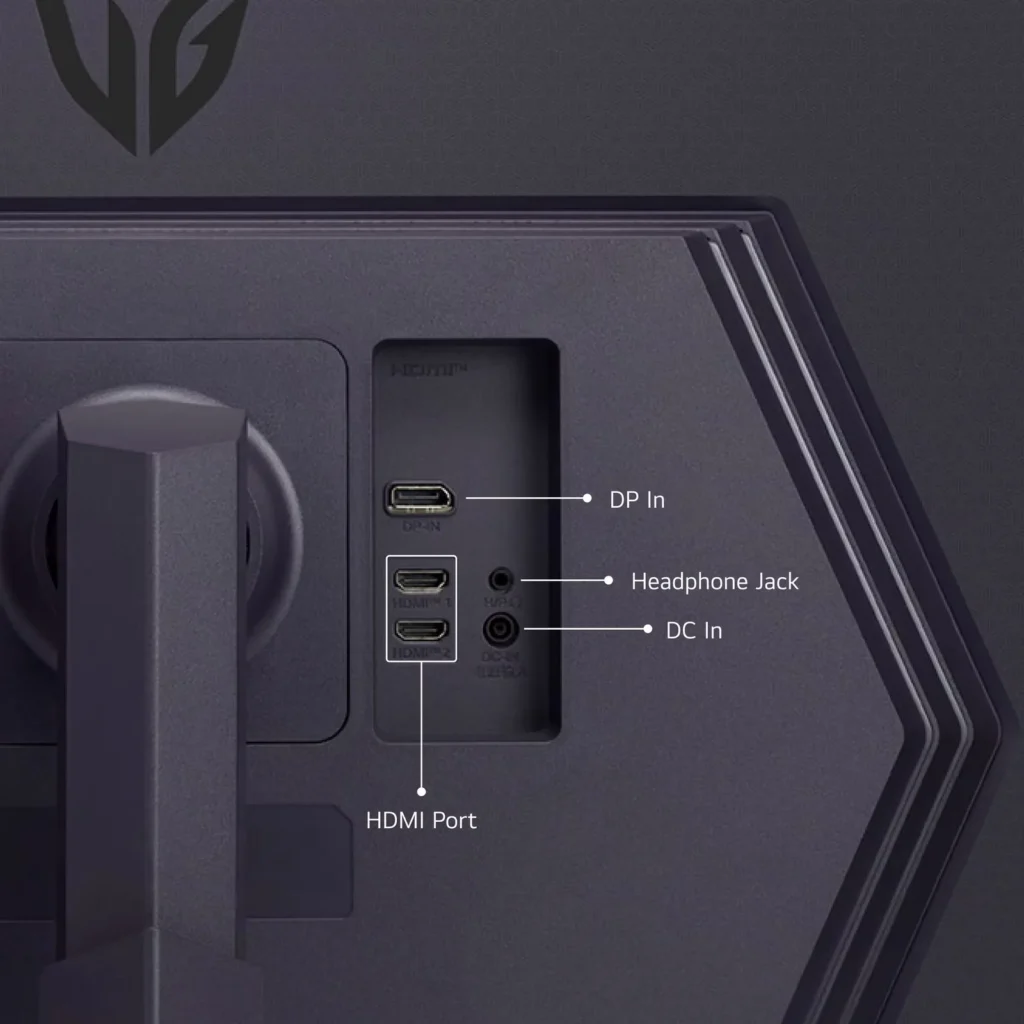
- Audio and Mounting Constraints: The monitor lacks effective built-in speakers, requiring external hardware for sound, and the recessed VESA mount design can make it difficult to attach to standard monitor arms without extra spacers.
You might also like
Customer Reviews
Showing reviews 81-90 of 114
-
Lg monitor
Verified purchase Verified purchase: This reviewer bought the product. Incentivized Incentivized review: The reviewer received a benefit for sharing feedback.WilliamM February 21, 2025Review source: BestbuyLooks and runs great with my ps5 pro.really lile the hdr.
-
Not worth it
Chloe February 15, 2025Review source: AmazonScreen is not as shown in the pictures, and customer service is horrible. They have only partial hours and they lie to you.
-
Great monitor
Verified purchase Verified purchase: This reviewer bought the product. Incentivized Incentivized review: The reviewer received a benefit for sharing feedback.ChrisL February 2, 2025Review source: BestbuyLove the size, price was right! Great for gaming and work
-
Monitor is Amazing.
Verified purchase Verified purchase: This reviewer bought the product.Sean McDougall January 30, 2025Review source: AmazonI have 2 of the older versions of this monitor, and needed another. Specifically I wanted this one for portrait mode, to be the side monitor. It can fit the bill to be the main, or secondary screen very easily.
I have not tested it over 300 FPS, because I typically game capped at 120FPS.
I cant notice the difference, and power consumption at the crazy end of the spectrum is not worth it. At least for those of us that are actually paying the utility bills.This monitor displays 4K just fine at reduced frame rates. It would probably not take 350fps at 4K. But again that’s not my cup of tea. When I game, I actually prefer playing at 1080P 120fps.
For windows or Netflix, I bump it up to 4K 120hz. It looks stunning.Historically, I have been all Sony (pre-2000), followed by all Samsung(pre-2020). With this family of ultragear, specifically those with G-sync, I am now all LG. I still love the other 2 brands, but their value is slipping. LG is still what I would consider to be a good price point for workstations and armature gamers on a budget.
You will want to note, that if you are an Nvidia GPU user, you need to make sure the one you pick has G-Sync. If you are an ATI GPU used, you will need to make sure the one you pick has V-Sync. I think that they are planning on making the next generation of screens with both. But in the end G-sync is better because Nvidia is better then ATI. (which is junk IMO)
I have been a network administrator for 30+ years. And have purchased somewhere north of 1000 CRT’s, LED’s and LCD’s over the years. These are not Premium OLED screens. But for the price point, they are superb. If money was not an option, OLEDs are the way to go. Faster, brighter, less prone to glare. a 10% boost for a 300% price increase. I highly recommend these screens. Also 32″ is the new minimum size. I stopped buying 27″ about 5 years ago. All of my employees thank me for it.
-
High refresh rate for good deal
Verified purchase Verified purchase: This reviewer bought the product. Incentivized Incentivized review: The reviewer received a benefit for sharing feedback.JonathanS January 29, 2025Review source: BestbuyGood monitor. Best had a good deal for less than 300 bucks.
-
Perfect Upgrade
Verified purchase Verified purchase: This reviewer bought the product. Incentivized Incentivized review: The reviewer received a benefit for sharing feedback.Erick January 24, 2025Review source: BestbuyHaven’t had a new monitor in years and this is the perfect upgrade, great colors and adjustable stand is just what I needed. Going for an hd 27″ to a uhd 32″ is amazing.
If you’re a gamer, or an artist, I think this monitor would be great for you, I got this during the last winter sale, I recommend it the next time it’s on sale whenever it’s under $300 -
Excellent product
Verified purchase Verified purchase: This reviewer bought the product.Ken Payne January 19, 2025Review source: AmazonGreat resolution, excellent quality for development.
-
Nice monitor!
Verified purchase Verified purchase: This reviewer bought the product. Incentivized Incentivized review: The reviewer received a benefit for sharing feedback.Switch January 18, 2025Review source: BestbuyThis monitor is beautiful. It was easy to set up and the size is amazing. It is adjustable up and down and it also can tilt forward and back. Everything looks better on this thing and I can’t recommend it enough. LG for the win!
-
Beware of Response Time Setting!
Verified purchase Verified purchase: This reviewer bought the product. Incentivized Incentivized review: The reviewer received a benefit for sharing feedback.KevinD January 18, 2025Review source: BestbuyFirst off I want to say that this monitor has been awesome and a great step up from the 2 27″ Dell monitors I was using previously. I knocked one star because I had a very difficult issue that required hours of troubleshooting to figure out. My PC had g-sync enabled, 180hz, and hdr enabled. Whenever I played a game with a capped framerate (usually 120hz or below) both of my screens would go black for a few seconds repeatedly and then go back to normal. Definitely a frustrating problem since it seems to happen at random. If I disabled g-sync I wouldn’t have an issue but I didn’t buy a g-sync/freesync monitor just to have it disabled. Turns out the issue was that my response time setting was either set to “faster” or “fast”. The OSD mentions that there can be issues on “faster” if under 120hz but the issue seems to also happen when set to “fast”. I have the setting set to “normal” with g-sync and HDR still enabled and it looks to have fixed my issue. Just wanted to share this in case anyone else runs into the same issue. And also want to point out that I did change out my displayport cables. I even bought fiber optic displayport cables to reduce interference and the issue still persisted.
Note that fast and faster response times does work properly if you’re playing a game over 120hz (I played CS2 for hours with no issues) but the issue would arise for me with 2 games that cap the framerate to 120hz.. DMC5 and the new Armored Core.
Also knocking a point for features since it appears as though DAS mode can’t be disabled. Not a big issue but seems like an oversight.
-
Great monitor for gaming.
Verified purchase Verified purchase: This reviewer bought the product. Incentivized Incentivized review: The reviewer received a benefit for sharing feedback.JohannaRdz1 January 17, 2025Review source: BestbuyI got this monitor for my boyfriend. We both love it! Everything looks really clear on it. It’s a great size and easy to build. We loved it so much we ended up buying another for me.