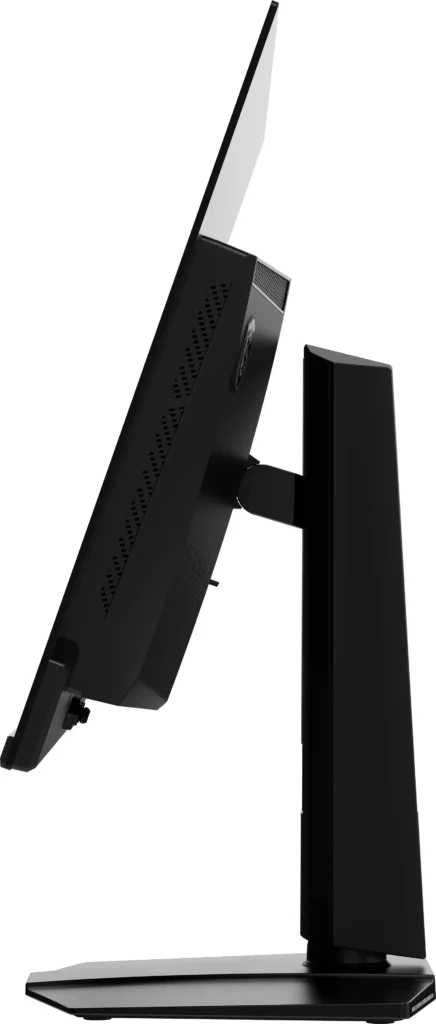

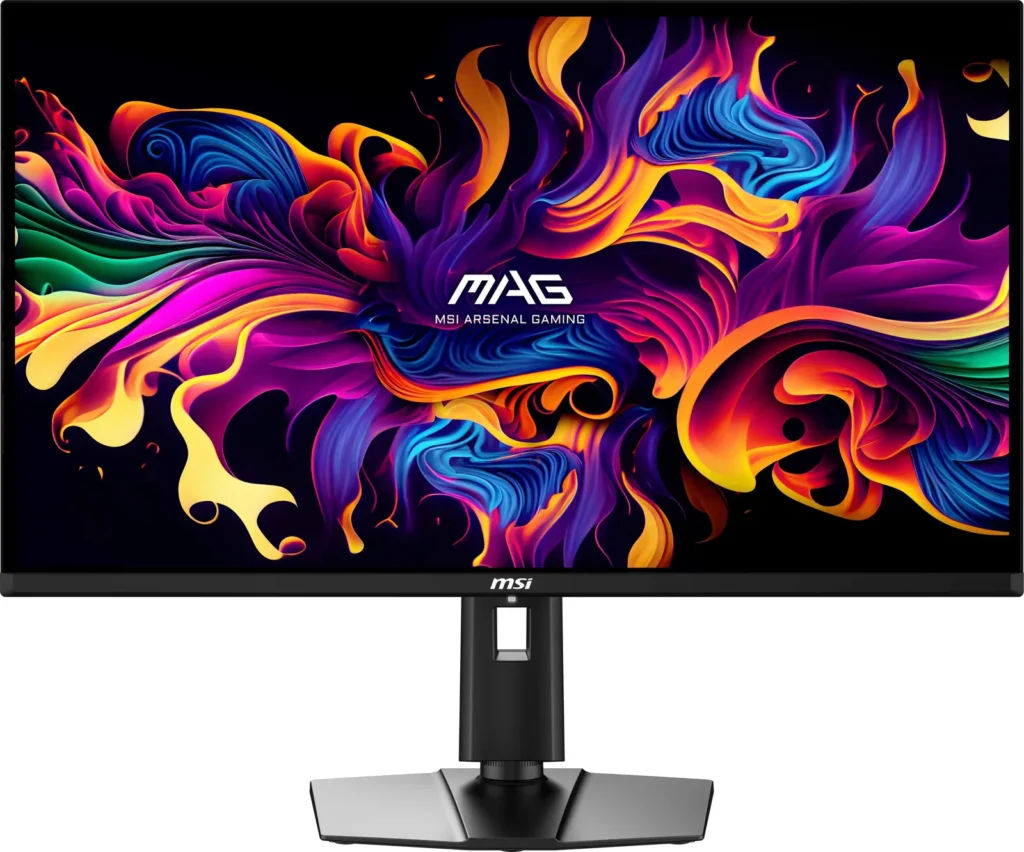
Customer Media
Highlights
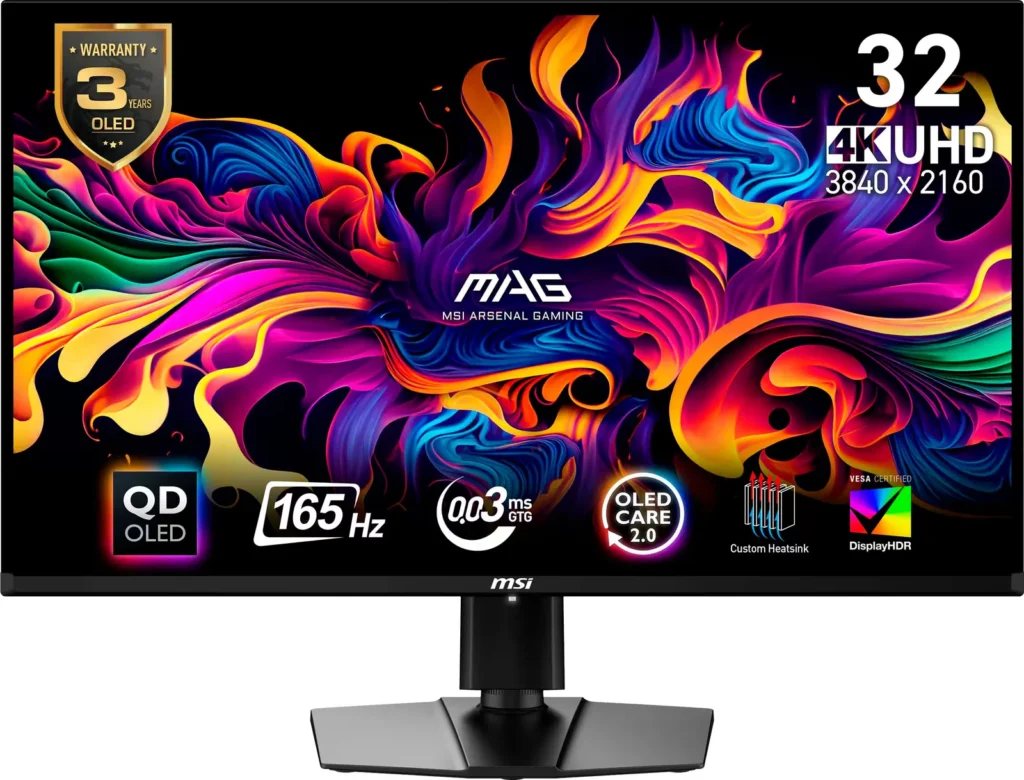
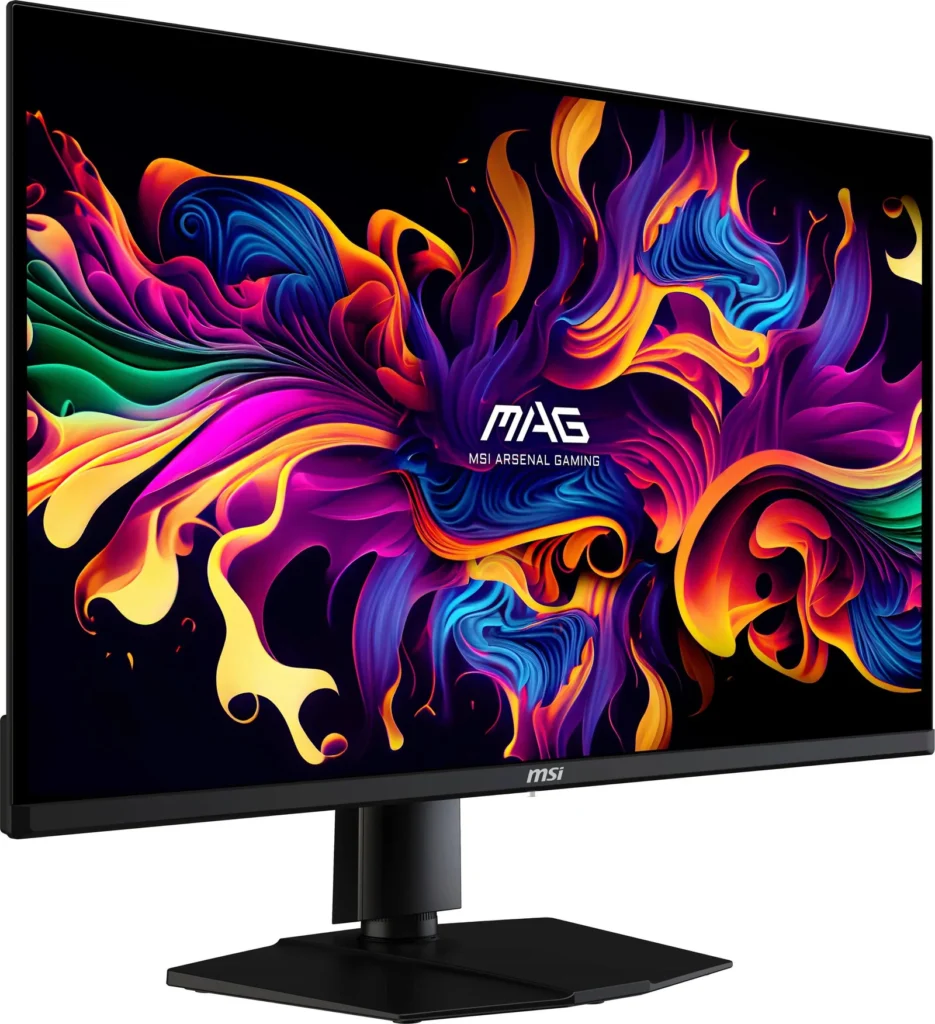
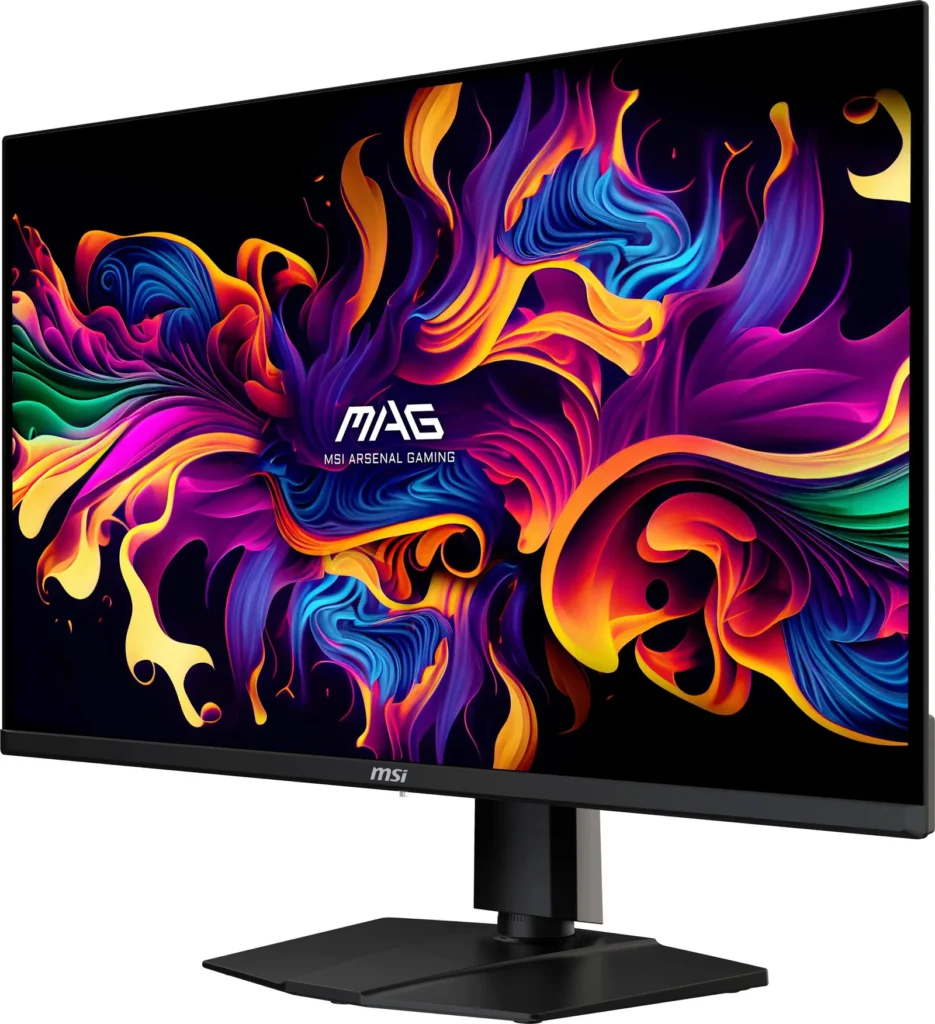
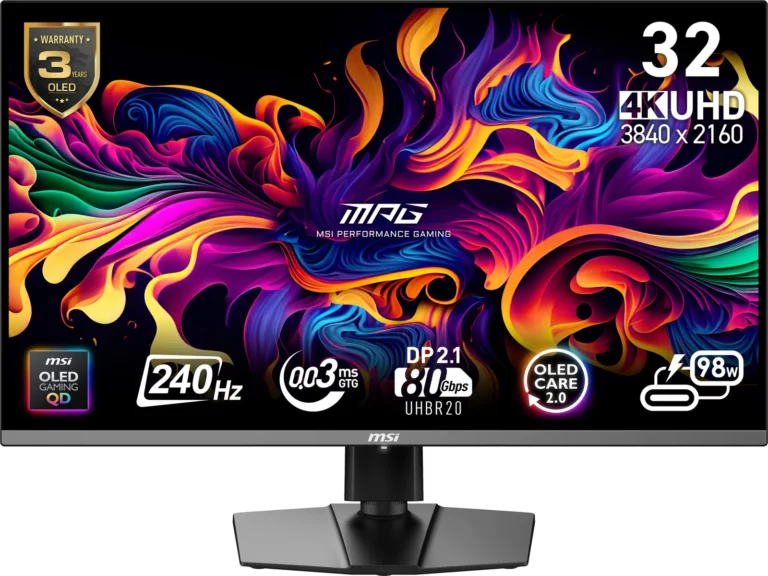
| QD-OLED Panel | Features a next-gen QD-OLED panel for stunning image quality and vibrant colors. |
|---|---|
| High Refresh Rate and Response Time | Equipped with a 165Hz refresh rate and a rapid 0.03ms GtG response time for smooth and responsive performance in fast-moving games. |
| VESA ClearMR 9000 and DisplayHDR True Black 400 | VESA ClearMR 9000 and DisplayHDR True Black 400 certifications ensure exceptionally vivid images and reduced motion blur. |
| Comprehensive Burn-in Prevention | OLED Care 2.0 reduces the risk of OLED burn-in with multiple screen protection optimization mechanisms. |
| Console Compatibility | Provides HDMI 2.1 ports with 48Gbps bandwidth, 120Hz support, VRR, and ALLM for the best gaming experience on consoles. |
Pros & Cons
Pros
- Stunning Picture Quality: Reviewers consistently highlight the monitor's exceptional picture quality, vibrant colors, and deep blacks, thanks to its QD-OLED panel. Many users describe the visual experience as 'amazing,' 'gorgeous,' and a significant upgrade from IPS panels, making games and movies more immersive and enjoyable.
- Great Value for Price: Many customers feel this monitor offers excellent value, especially when purchased on sale. They appreciate that it delivers high-end QD-OLED performance at a more affordable price point compared to other monitors in its class, making it accessible to a wider range of users.
- Smooth Gaming Performance: The monitor's 165Hz refresh rate and fast response time contribute to a smooth and responsive gaming experience. Gamers report minimal screen tearing and stuttering, making it well-suited for fast-paced games and providing a competitive edge.
Cons
- OLED Care Intrusiveness: Several reviewers find the MSI OLED Care feature, designed to prevent burn-in, to be somewhat intrusive. The periodic pop-up and mandatory maintenance cycle can interrupt gameplay or work, and some users wish there was an option to disable or schedule it more conveniently.
- Glare Issues: The monitor's glossy screen can cause glare in brightly lit environments. Some users find the reflections distracting, especially when there is direct ambient light on the screen, which can diminish the deep blacks.
- Inconsistent Quality Control: A few reviewers reported issues such as dead pixels, blemishes on the screen, or the monitor failing shortly after purchase. These experiences highlight potential quality control concerns and the inconvenience of dealing with warranty claims and returns.
You might also like
Customer Reviews
Showing reviews 21-30 of 104
-
This is not a paid review I promise
Verified purchase Verified purchase: This reviewer bought the product.PatrickG November 10, 2025Review source: BestbuySuch an amazing monitor and for it to be a we oled it’s incredible!
-
So far, so PERFECT (MSI MAG 321UP)
Verified purchase Verified purchase: This reviewer bought the product.jmrconcept November 4, 2025Review source: AmazonDay One Review – MSI MAG 321UP
This is my day one review of the MSI MAG 321UP. I’ll update it if anything changes—or if I remember—in a few months or years.
First impression: this thing is beautiful. I got it mainly for 3D work using programs like Maya, ZBrush, Substance Painter, Photoshop, etc., but also to watch series, YouTube, and play the F1 game.
I’m comparing it to my LG 27GP850-B (27″ 1440p), which is now my secondary monitor. The real estate and size of a 32″ 4K screen for 3D workflows is amazing. I can have all four views (front, side, top, perspective) open at once without everything feeling cramped.
I’m using it in Adobe RGB mode with brightness at 40 and scale at 150%. I was initially worried about the scaling—thought maybe to really take advantage of the monitor, it should be set to 100%. But the truth is, I didn’t even realize it was at 150%, and everything feels just right. Icons look slightly larger and much more defined at 4K/150% than at 1440p/100%.
To be clear, in my opinion, it’s mostly the 32″ size plus the 4K resolution that make the biggest difference compared to the 27″ 1440p. The contrast and colors of the OLED are also better than IPS, but not always dramatically so. That said, it’s probably true that going back to IPS would feel like a downgrade—especially in darker scenes, where IPS tends to look washed out due to brightness bleed (something I noticed even before comparing it to OLED).
The screen is super thin, and the ergonomics are great. So far, there’s nothing I don’t like about this monitor—which I kind of expected, hence why I bought it.
As for the “purple blacks” some people mention, I honestly have no idea what they’re talking about. I just don’t shine any light directly on the screen. There is a reviewer saying he could believe the panel is an IPS but 100% sure he is using sRGB mode, wich for some reason is like it caps darks don’t allowing the pixels to go off.
I’ll add some pictures later, mostly to show the real estate for 3D programs—there’s always someone curious about that.Edit: I added two photos comparing a pure black document with an IPS display. I didn’t realize how bad the IPS was until I used the OLED. The photos exaggerate the glow and reflections compared to what I see in real life, but the gray on the IPS is just like that.
Edit after three weeks: Everything great but two things 1_Give 125% scaling a try instead of the 150% by default. 150% scaling makes the 32 4k panel to be a glorified 27″ 1440p, meaning you don’t get extra real state, just a bigger screen with hight PPI (which is good already). Not everyone will need the extra real estate and will prefer the bigger text at 150%. All I’m saying is that people should give it a try at least (I’m using 125%). 2_These glossy panels are very unforgiving when it comes to dirt or spits (if you talk facing the monitor), I spray the microfiber with a mix of ethanol96% and destiled water (or you can use ethanol 70% for example) and then I clean the panel. The results are great as far as I can tell, and this is the method suggested in some youtube videos. Don’t use tap water, don’t spray directly on the screen, don’t use normal rag. Use microfiber sprayed (or poured I guess) with a mix of ethanol and destiled water or ethanol around 70%. -
Great Monitor
Verified purchase Verified purchase: This reviewer bought the product.Kevin F. Burns November 1, 2025Review source: AmazonBeautiful picture. 32″ is not overwhelming on the desktop. Easy set-up.
-
Such a crisp experience
Verified purchase Verified purchase: This reviewer bought the product.Amazon Customer October 29, 2025Review source: AmazonPicture is amazing, the blacks are just beautiful and pictures do not do it justice. I debated for quite a while and decided to give it a shot and it was worth it. Hard to go back to 1440p now. Bf6 looks amazing on it. The only thing I dont like is how thin the monitor is on the edges, I was like I was going to for sure break something getting it out of the box. Glare is not bad at all for me and I would recommend this monitor. I’ll update if anything happens or goes out
-
Awesome Oled
Verified purchase Verified purchase: This reviewer bought the product.AlexanderV September 5, 2025Review source: BestbuyGreat QD Oled Monitor, perfect brightness and colors.
-
Amazing monitor, would buy again.
Verified purchase Verified purchase: This reviewer bought the product.Floody Fontana August 22, 2025Review source: AmazonIncredible picture quality and latency, I was worried that the 165Hz wouldn’t be enough but it’s amazing for 4k gaming. Coming from a 1080P 144Hz IPS monitor, this monitor makes every game look like the game trailer. Incredibly smooth picture in every game I’ve played including Red Dead 2, GTA V, Arma 3, Kingdom Come Deliverance 2, forza Horizon 5.
I’m glad I didn’t spend the extra money for the MSI 31UPX, I only game with the monitor and don’t need a built in KVM switch since I don’t run dual monitors. Also I get more than enough bandwidth out of the DP1.4 for 4k gaming over 165 FPS. I’m running a 9800X3D and RX7900XTX and I couldn’t be happier with this monitor.
OLED Pros:
– Amazing picture quality, color, and latency
– Great price for a major upgrade (sub $800)
– 3 year factory burn warranty
– You can decide when to do the OLED care to avoid burn in, only takes a few minutes and you can skip it if you’re in the middle of important tasks or games.
OLED Cons:
– I have to turn up the brightness in some games, the true black on this monitor is TRULY BLACK, if you’re in a dark game you may have to turn up your gamma or your brightness, I think the newer generation OLEDs are slightly brighter but it isn’t bad and actually adds to the intensity of certain games like KCD2 when you’re sneaking around at night.
– Controls on the back underside of monitor, I wish they would add a cheap remote so I don’t have to reach underneath to skip the OLED care. I gamed all day on this thing and the OLED care came up twice, it’s very easy to skip or you can just take bathroom/food breaks and let it do its thing when you want. People made the OLED care out to be some kind of major issue and it’s not. (Maybe for MLG guys it might be an issue but if you like semi competitive gaming or story driven games it’s not an issue)
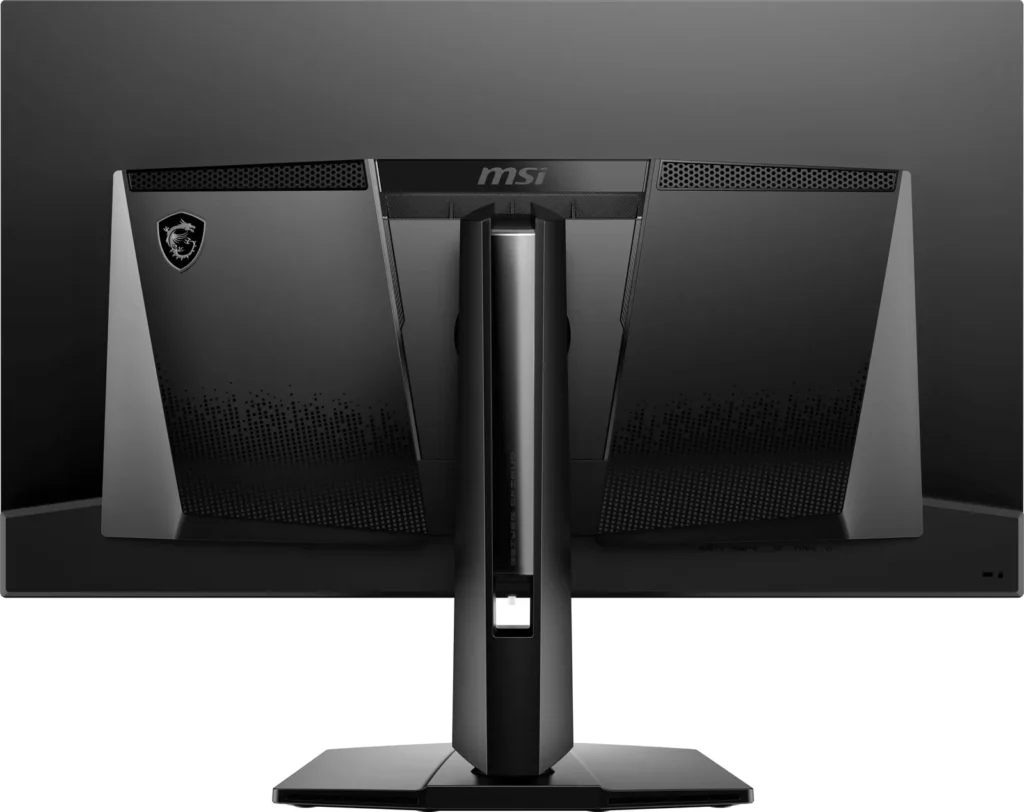
– Very short power cable (2.5 Feet long)
-
Disappointing
Verified purchase Verified purchase: This reviewer bought the product.Consumer 007 August 18, 2025Review source: AmazonIf someone told me this wasn’t OLED, I’d believe them. Blacks aren’t deep and colors don’t pop. Games look dull and dingy. It works fine but is no better looking than the old, cheap IPS monitor it replaced. QD-OLED TVs are on a whole different level. Not worth the money at all.
-
Oled es increíble
Verified purchase Verified purchase: This reviewer bought the product.Jairo Gómez August 16, 2025Review source: AmazonPasar de IPS A OLED es un salto enorme se ve increíble los colores y negros totales, también sus 165hz para mí son suficientemente fluidos. En general una compra recomendada.
-
Oled
Verified purchase Verified purchase: This reviewer bought the product.Rodel August 9, 2025Review source: AmazonCheapest 4k qd-oled, nice picture and HDR quality,wall mounted fits great on my table
-
It stopped working, sent in for warranty at my expense, was told it wasn't covered. Beware.
Verified purchase Verified purchase: This reviewer bought the product.Kyle Patrick July 28, 2025Review source: AmazonWorked for 2 months, then one day just wouldn’t turn on, was mounted to a desk arm so I know it wasn’t physically damaged. Spent $75 to send it in for warranty. Received a photo of a flashlight pointing at the screen (whiich had no visible damange or cracks) and was told it had physicial damage and wasn’t covered under warranty. Save your money by something else. I was dumb enough to by a second one thinking when this one came back I’d have dual monitors. Buyer beware. I attached the image they sent me of the ‘damage ‘looks like dust on the monitor, or something happened inside the panel. No clue wasn’t on my end. Thanks MSI.