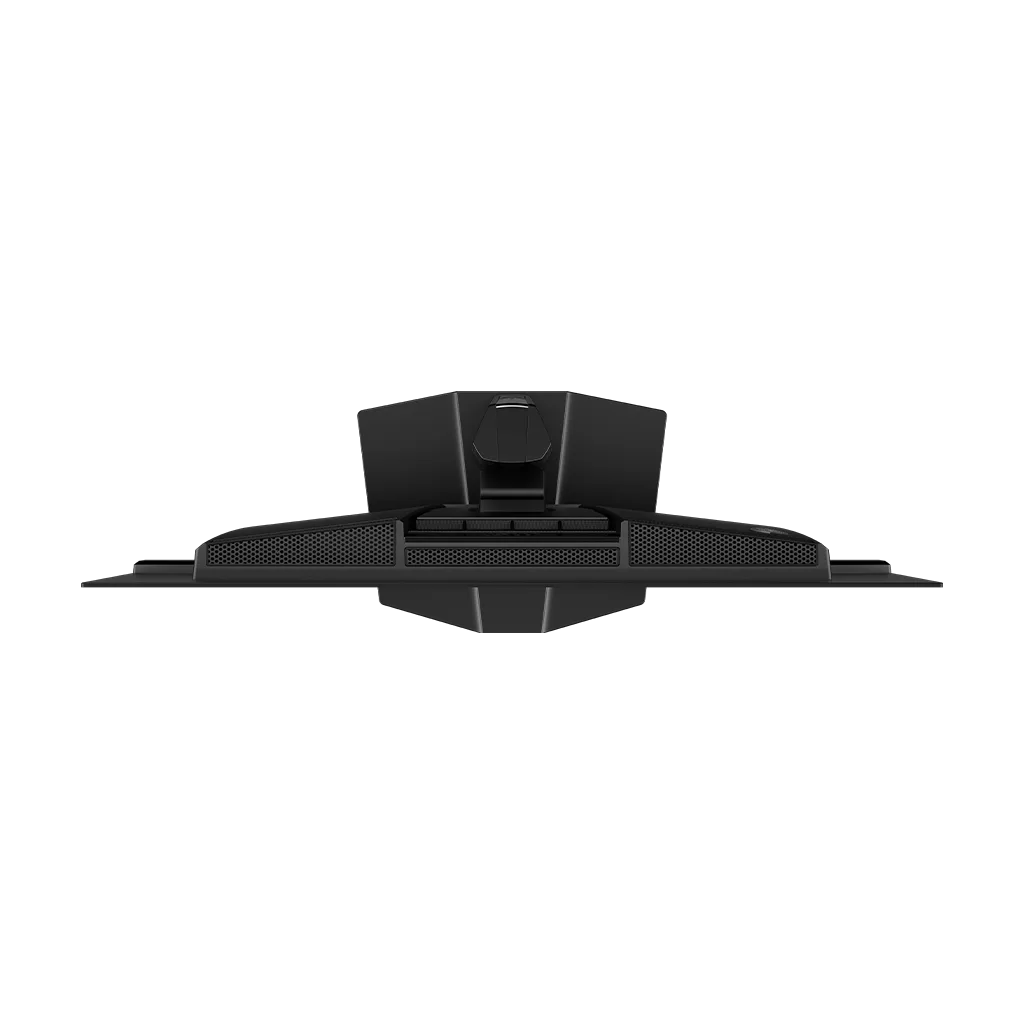
Customer Media
Highlights
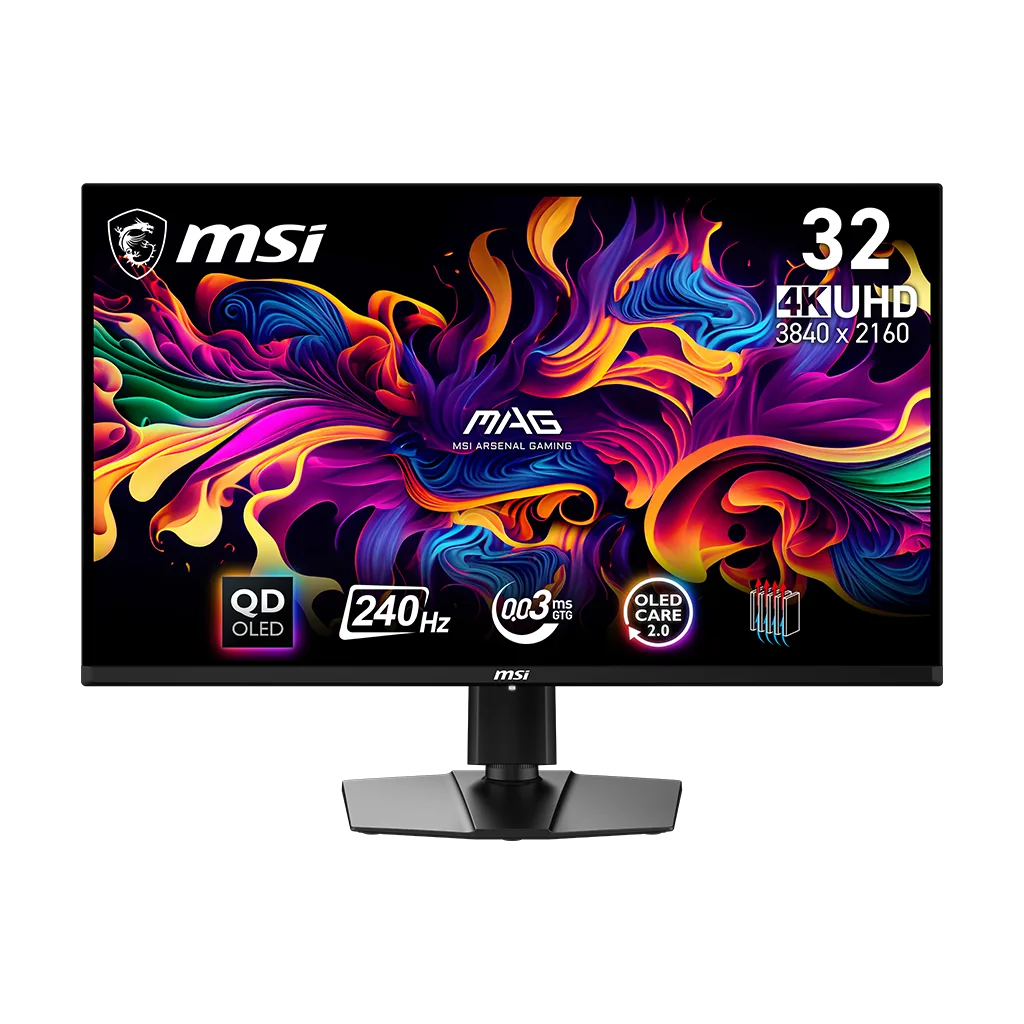
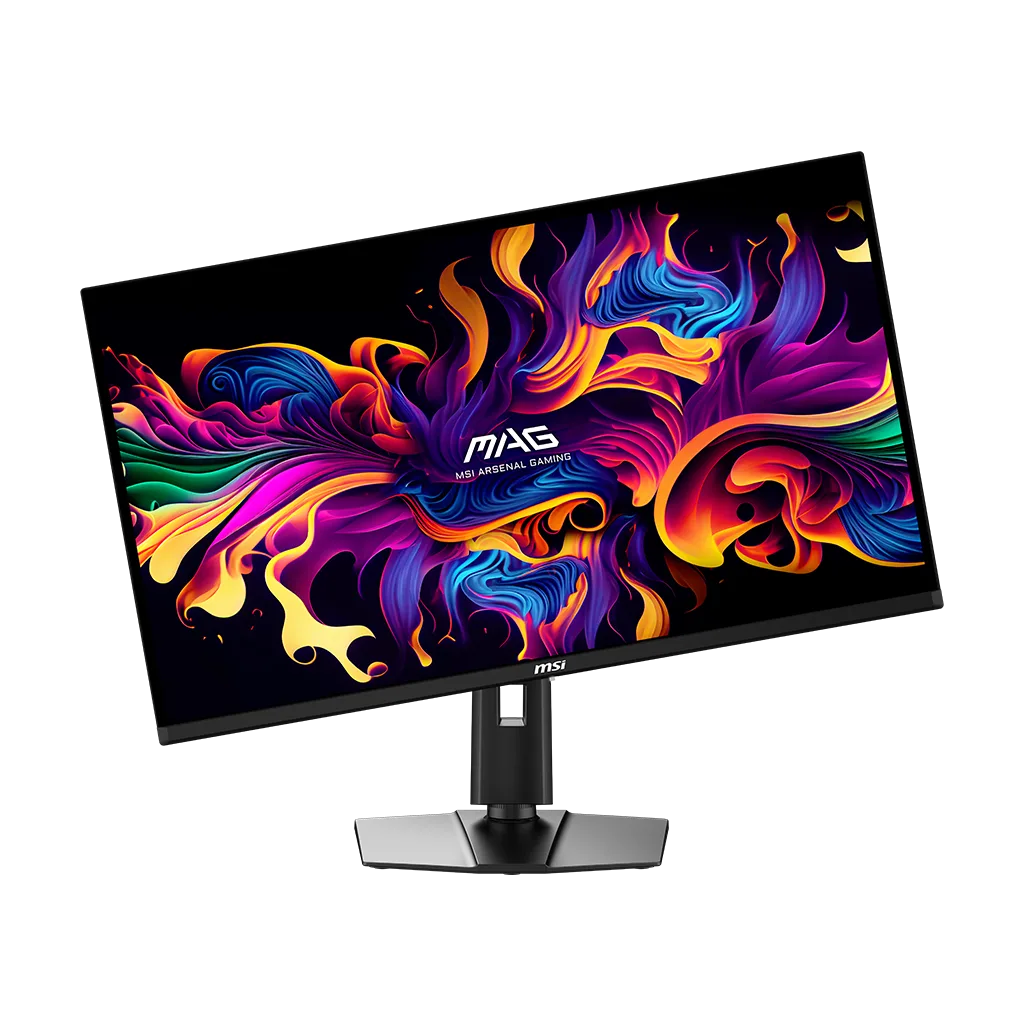
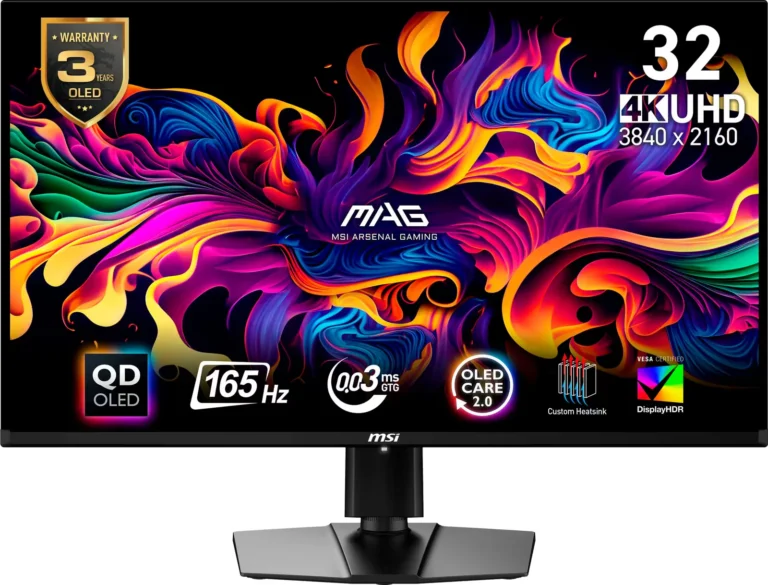
| Next-Gen 4K QD-OLED Panel | Features a 31.5-inch UHD (3840 x 2160) Quantum Dot OLED display that delivers breathtaking 4K visuals with deep blacks, vibrant colors, and a sub-pixel arrangement designed for sharper text and finer details. |
|---|---|
| Ultra-Fast 240Hz Refresh Rate | Engineered for competitive gaming with a blazing-fast 240Hz refresh rate and a near-instant 0.03ms (GtG) response time, virtually eliminating motion blur and ghosting in high-speed titles. |
| MSI OLED Care 2.0 & Fanless Cooling | Equipped with advanced burn-in protection features and a graphene film with a custom heatsink for efficient, fanless heat dissipation, backed by a 3-year warranty that includes burn-in coverage. |
| Vivid HDR & Color Precision | Certified with VESA DisplayHDR True Black 400 and featuring an elite color gamut of 99% DCI-P3 with factory-calibrated Delta E ≤ 2 for professional-grade color accuracy and realistic dynamic contrast. |
| Full HDMI 2.1 & Console Optimization | Includes dual HDMI 2.1 ports with full 48Gbps bandwidth to support 4K 120Hz gaming on the latest consoles, alongside VRR, ALLM, and a USB Type-C port with DisplayPort Alt mode. |
Pros & Cons
Pros
- Exceptional Picture Quality: The QD-OLED panel provides deep, inky blacks, vibrant colors, and high contrast that significantly outperforms IPS and VA panels. The glossy coating is frequently praised for making the image 'pop' and maintaining superior clarity in dark rooms.
- High-End Gaming Performance: With a 4K resolution and a 240Hz refresh rate, the monitor offers incredible motion clarity and responsiveness. Users report a 'buttery smooth' experience with near-instant response times that are ideal for both competitive and immersive single-player games.
- Competitive Pricing and Value: It is widely regarded as one of the most affordable 4K 240Hz OLED monitors on the market. Reviewers noted it provides the same high-quality Samsung panel as much more expensive competitors, making it a 'steal' for the specs provided.
Cons
- Intrusive OLED Care Maintenance: The 'Panel Protect' feature frequently interrupts users with un-dismissible pop-ups or forced shutdowns during active gaming or work sessions. Users report that the monitor remains unusable for 7-15 minutes during the cycle and often fails to turn back on automatically afterward.
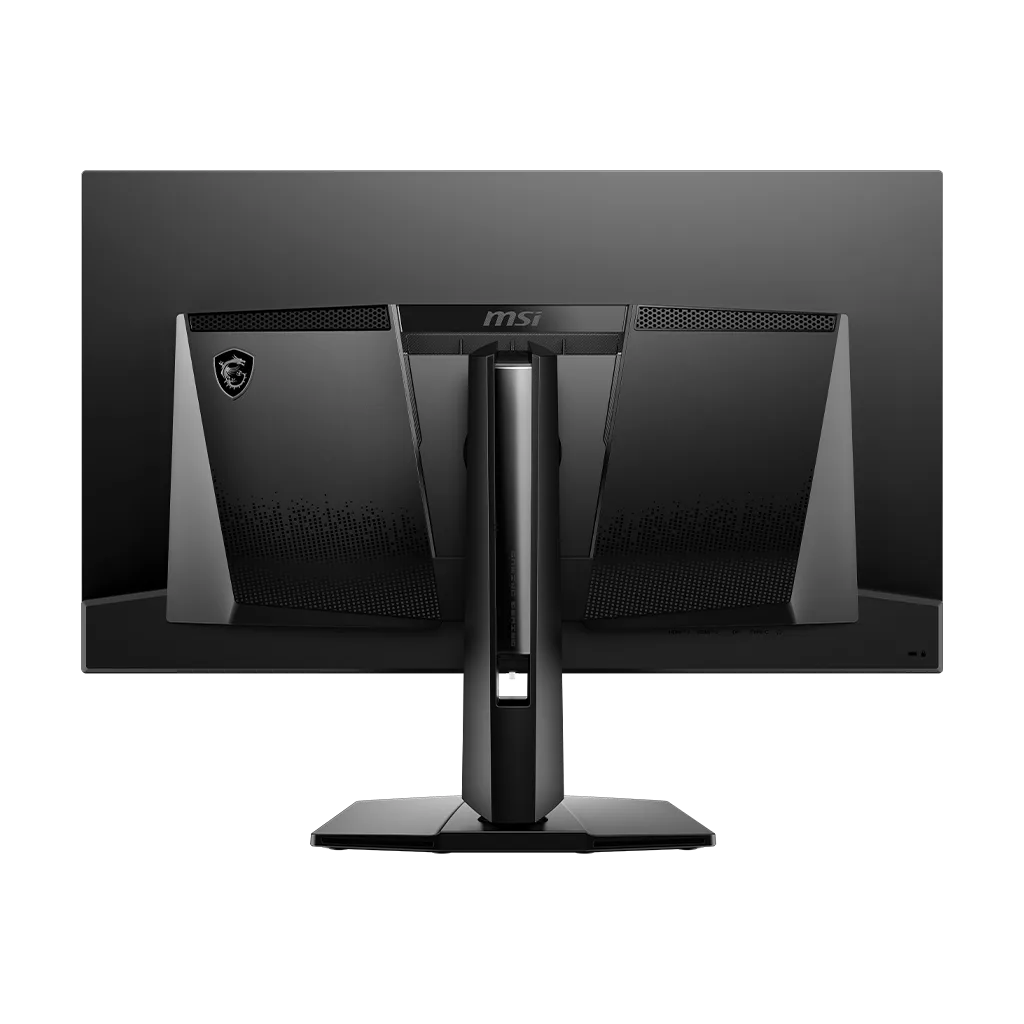
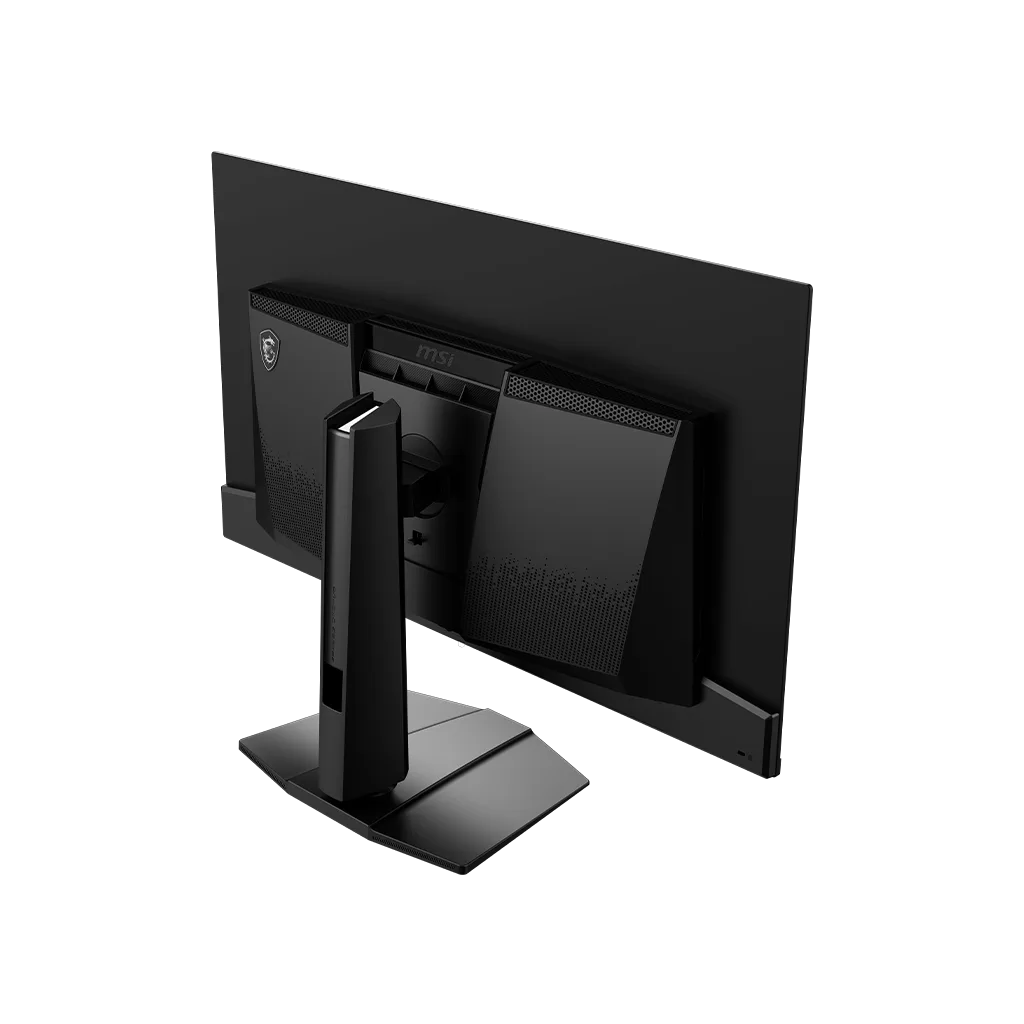
- Limited Connectivity and Features: Compared to the URX model, this version lacks a KVM switch and only provides 15W power delivery over USB-C, which is insufficient for charging most laptops. Some users also found the power cord to be too short and the joystick controls on the back difficult to navigate by feel.
- Fragile Build and Slow Wake-up: The screen coating is reported to be extremely fragile and prone to micro-scratches even when cleaned with a microfiber cloth. Additionally, the monitor has a notably slow wake-up time from sleep mode, often taking 5-10 seconds to display an image.
You might also like
Customer Reviews
Showing reviews 1-10 of 113
-
If you buying a used one beware
Verified purchase Verified purchase: This reviewer bought the product.Alfonso cervantes December 3, 2025Review source: AmazonBought a used one and the monitor didn’t work returned it and got a refund and just bought a new one
-
Flickering Horizontal lines at the buttom of the screen.
Verified purchase Verified purchase: This reviewer bought the product.Thegkman December 2, 2025Review source: AmazonMSI MAG 321UPX QD-OLED, 32″ Flickering horizontal lines. This is a known issue on these monitors. Right out of the box, flickering lights. unrelated to software updates, DP, or settings. Happens everyday, some days its worse primarely on the buttom of the screen sometimes other places. The only way to temporary fix it is hard reset. If it wasn’t for this issues its an amazing monitor. its feels quality, beautiful display, great price $750 on black friday. I wish it worked because everything about it is great except it doesnt work as it should.
-
Should be better at this price
Verified purchase Verified purchase: This reviewer bought the product.d B December 1, 2025Review source: AmazonOled screen are beautiful but some gripe with this monitor led in the Bottom screen are annoying and power cord are too short.
-
Oled
Verified purchase Verified purchase: This reviewer bought the product.Armando Villarreal November 13, 2025Review source: AmazonThe panel itself is beautiful, but the OLED Care features are extremely disruptive when I’m playing games.
Imagine being in the middle of a match and suddenly a full-screen message pops up telling you that you must run an OLED Care pixel refresh — and you can’t cancel it. You’re forced to stop everything and execute it.
-
Nice monitor but BIG!
Verified purchase Verified purchase: This reviewer bought the product.KyleB October 21, 2025Review source: AmazonNice monitor but I regret not getting the 27″. It’s too big for me and my space.
Other reviews complained about the oled care but it’s not a big deal. Can play music while doing it. Go brush your teeth, fix a sandwich or stretch.
-
MSI oled care will definitely be a deal breaker, wish I returned this monitor when i had the chace
Verified purchase Verified purchase: This reviewer bought the product.HOANG VU HAI October 17, 2025Review source: AmazonMsi oled care more annoying than Windows update
-No warning
-No timer
-Can’t delay nor cancel
What kind of “gaming” monitor is this when it interrupts you mid session -
Great Screen, inconvenient controls and preservation cycle…
Verified purchase Verified purchase: This reviewer bought the product.Michael W. September 19, 2025Review source: AmazonI like this monitor, use it as a design / business monitor and the colors and blacks are great, but I absolutely hate the screen preservation cycle and controls which you will have to memorize and use frequently. While I understand the preservation cycles necessity, my monitor always picks the worst time to do it and, while yes you can tell it to wait, with the controls on the back of the display you might accidentally execute it as I have a tendency to do with the pre smart-phone era joystick that they utilize for their on screen menus and UI. Keep in mind this means your monitor will be unusable for 15+ minutes unless you turn it on and off canceling the cycle. The cycle also automatically turns off the monitor when its done even though you initialized it, and are sitting there so you will have to manually turn it on once the orange status light stops blinking. I have had to interact with this monitor more then any other monitor I have had in my life, it needs a lot of input and its controls are basically blind to you unless you can see the back of the display and are supposed to be manages by feel. I have never had this design issue before as most monitors have buttons on the bottom bezel or front. Supposedly the new versions of this line of monitors have a camera to see when your looking at it so it will run the cycle automatically when it senses you aren’t there. That might be an improvement.. though I don’t personally like electronics that spy on me with cameras and would prefer something like a proximity sensor over computer vision. Not sure what the best solution is here, its just annoying and I wish it was better at picking when to run its cycle, and wish its controls easier to access and not mess up.
-
Just Perfect!!!
Verified purchase Verified purchase: This reviewer bought the product.Naji K. September 16, 2025Review source: AmazonMy first Oled Monitor for my PC with an Rtx 4080 Super, Great price, works like a charm, works great with my Xbox SX and Playstation 5 Pro too. Perfect colors, amazing for watching 4k movies. Best price ever, its an Oled with perfect black, you don’t need to spend more $$ for different fancier options.
-
All gamers need this
Nb September 13, 2025Review source: AmazonIf you love gaming and technology, you need to get yourself a 4k 240hz OLED monitor. I truly believe the monitor is the most important part of any gaming build.
I upgraded to this from a 42 inch lg c2 and the c2 was amazing but this MSI is just next level in every way.
Sharper image (better pixel desity), insanely smooth… makes 120hz feel slow!!!!!!! super responsive!!!! its almost like the monitor moves before you do lol!!!! you just feel sooooo in tune with the game!!!
overall this is just the heavenly piece of equipment. absolutely wonderful!!!! bravo to the humans who create such fascinating things from metal and palstics!!!! iwhen i first got this thing i was so hooked i stayed up playing games for 18 hours straight lmfao!!
get this now!!!!!!
-
MSI OLED Care display in the way of vision.
Verified purchase Verified purchase: This reviewer bought the product.Daytripperdave August 3, 2025Review source: AmazonI have owned this monitor for two months as I write this and it is a great except for one irritating feature. The MSI OLED care pops up in the middle of the screen and you can’t get rid of it until it is finished. It even popped up while I was typing this review. There is no reason for any monitor to destroy your vision for anything. The monitor has an orange blinking LED at the bottom that tells when the OLED care is functioning and that is all that it needed. Imaging playing your online games and this stupid monster of a screen pops up, you could lose the battle in that several seconds and you can’t turn it off. It always seems to pop up when I am using it even though I selected a non-movement screen to run. I lot of times I am analyzing the screen and there is no movement. It didn’t know that I was typing and using the screen. How difficult would it be for MSI to not display the screen when running OLED care? I have tried just about every selection possibility and it still shows the popup. Other than that it is great for fast moving games, that’s why I gave it a four. They could do an update and change this problem easily.