
Customer Media
Highlights
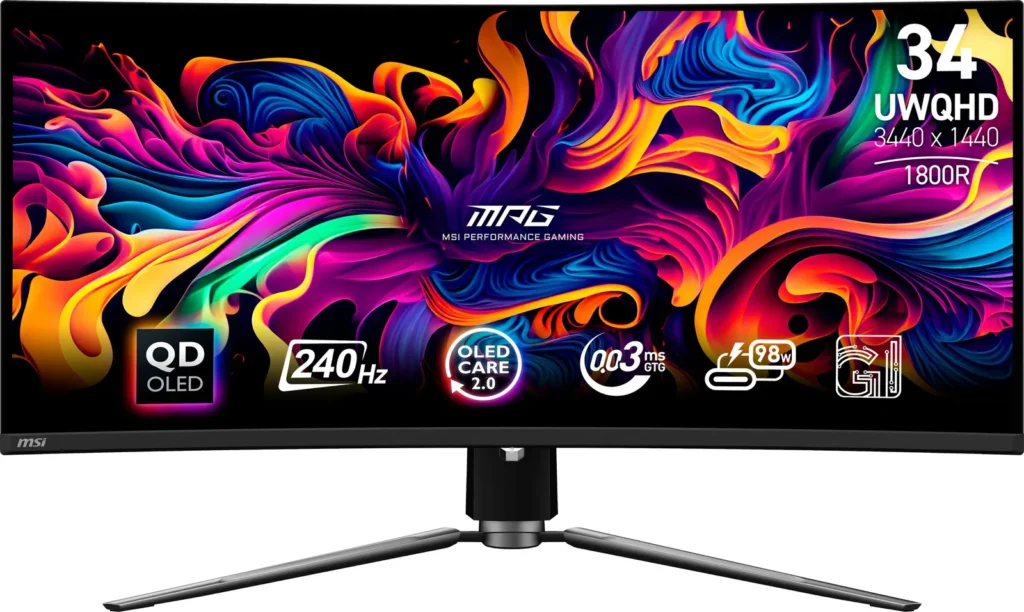
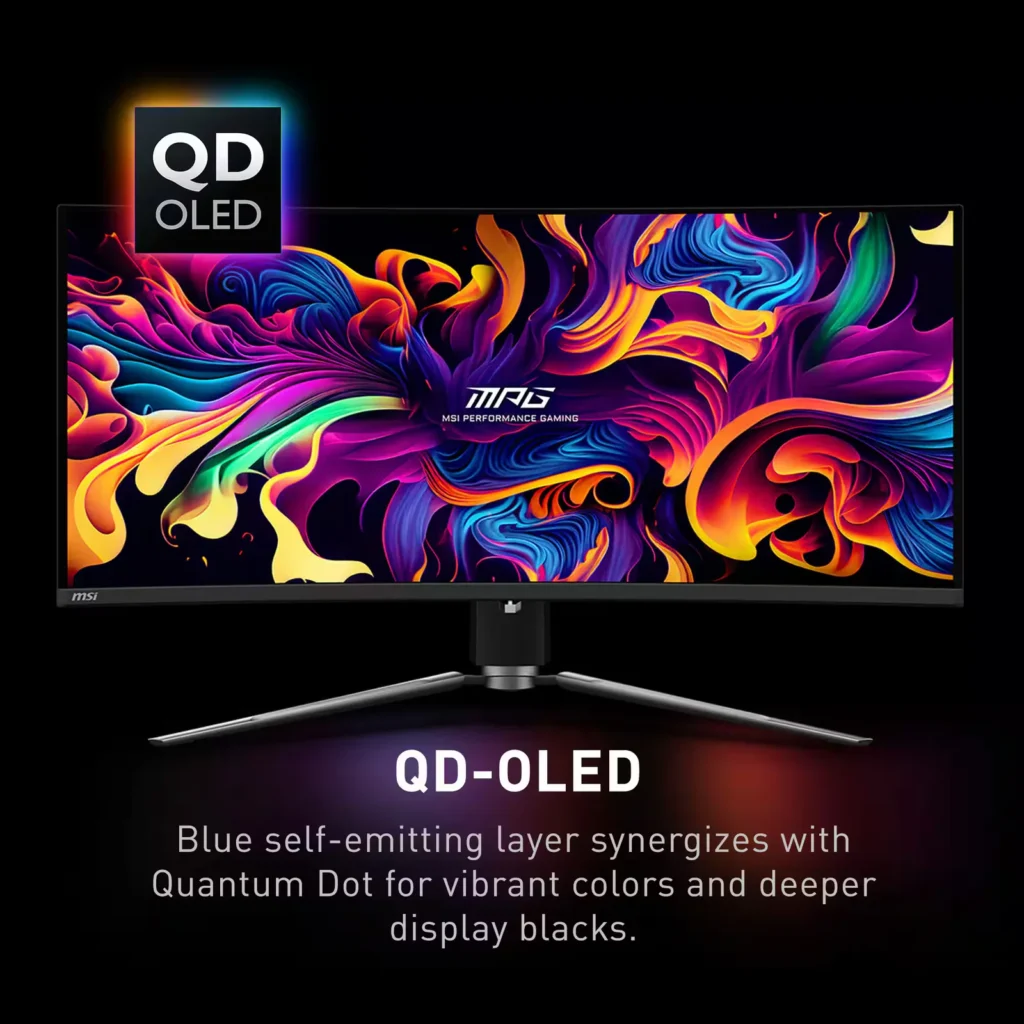
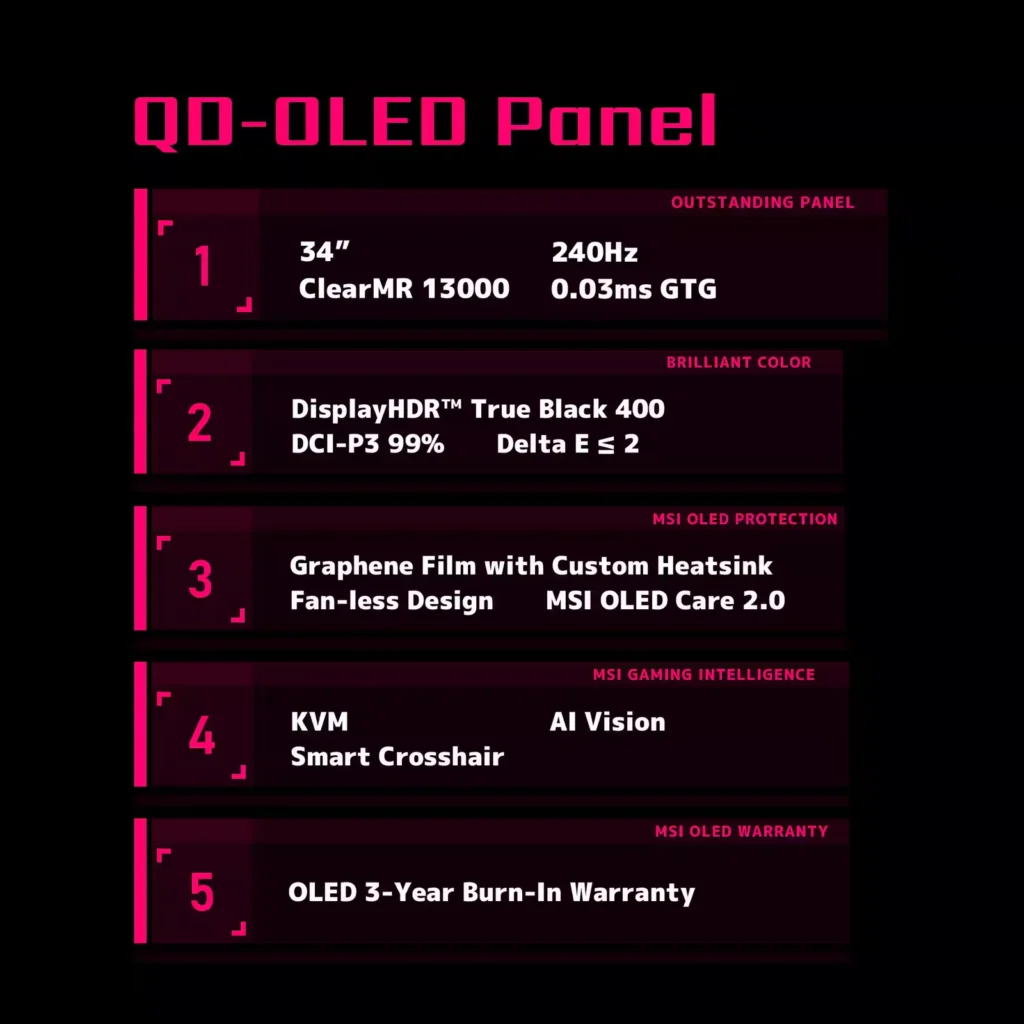
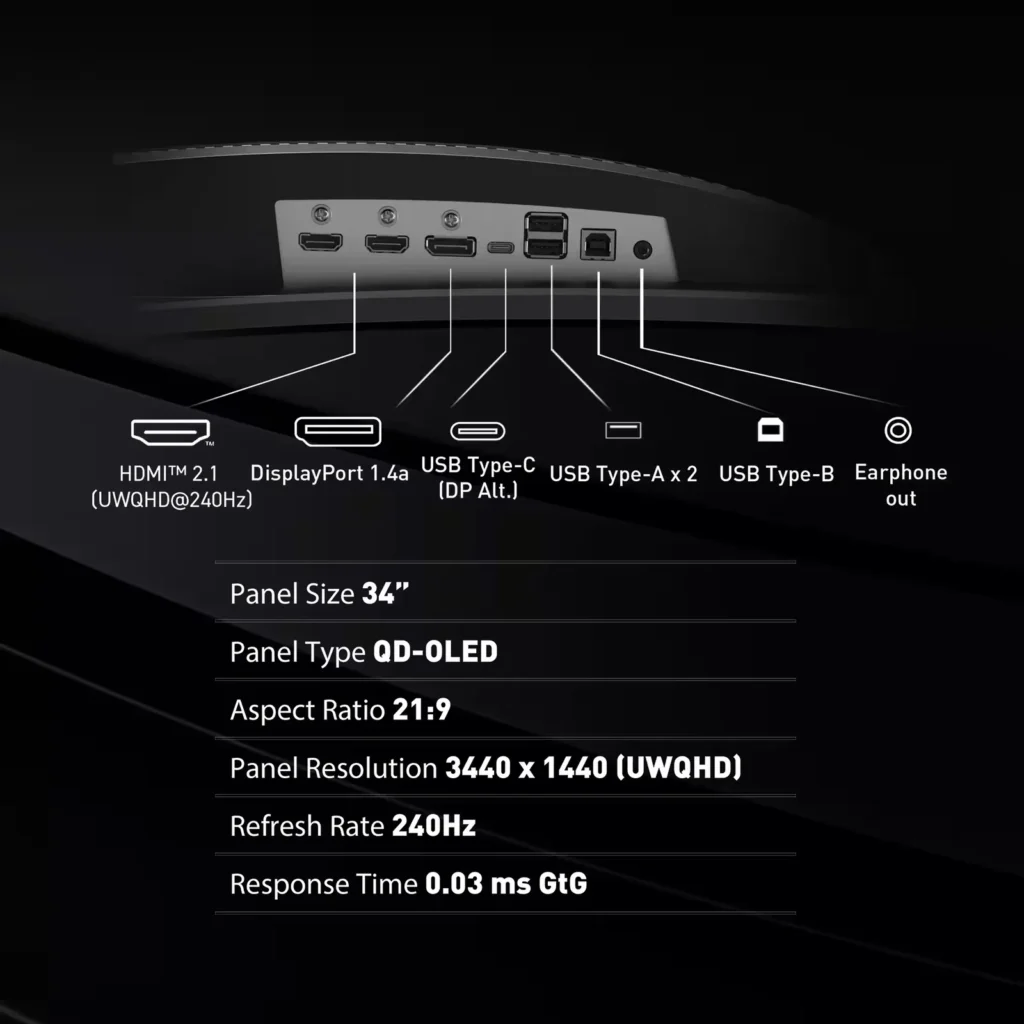
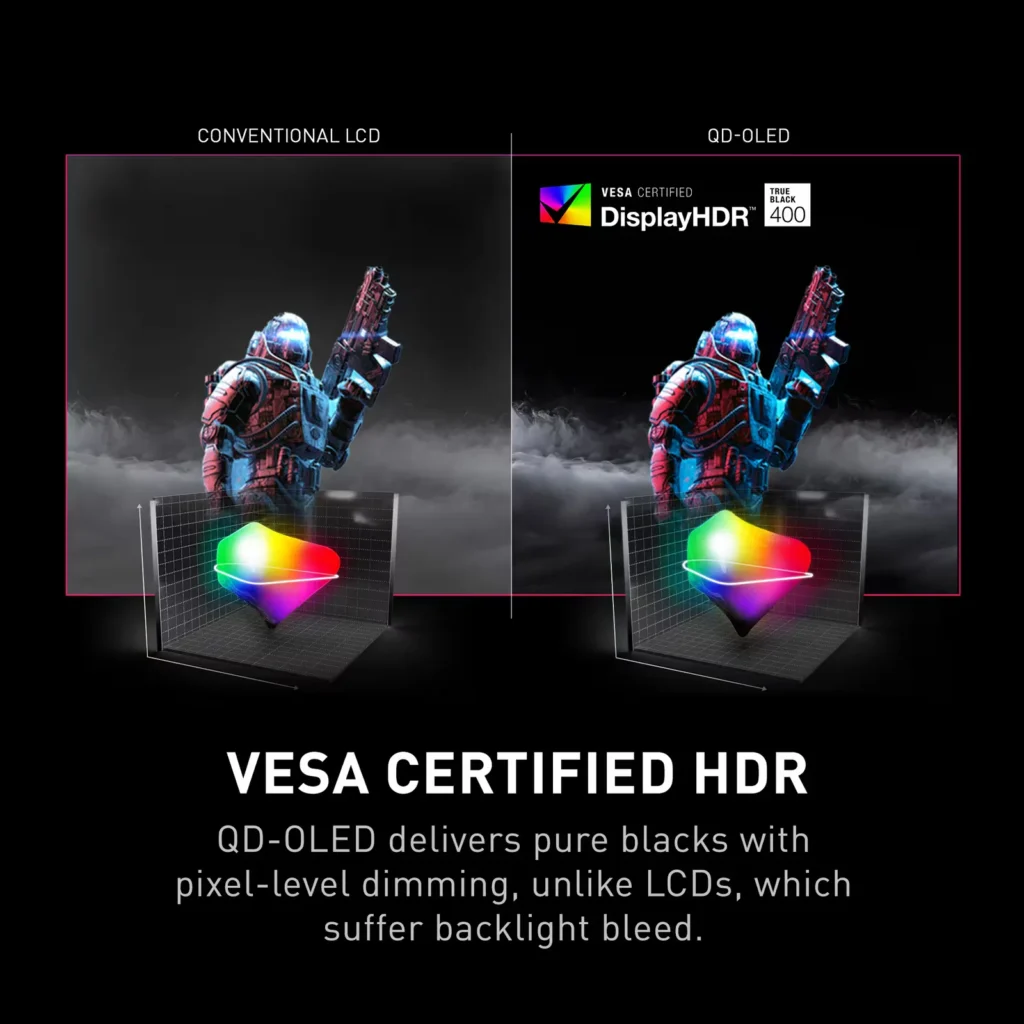
| QD-OLED Panel Technology | Features the latest MSI QD-OLED panel, delivering exceptional picture quality for gaming with a super-fast 0.03ms response time. Quantum Dot technology ensures accurate, vivid, and lifelike colors. |
|---|---|
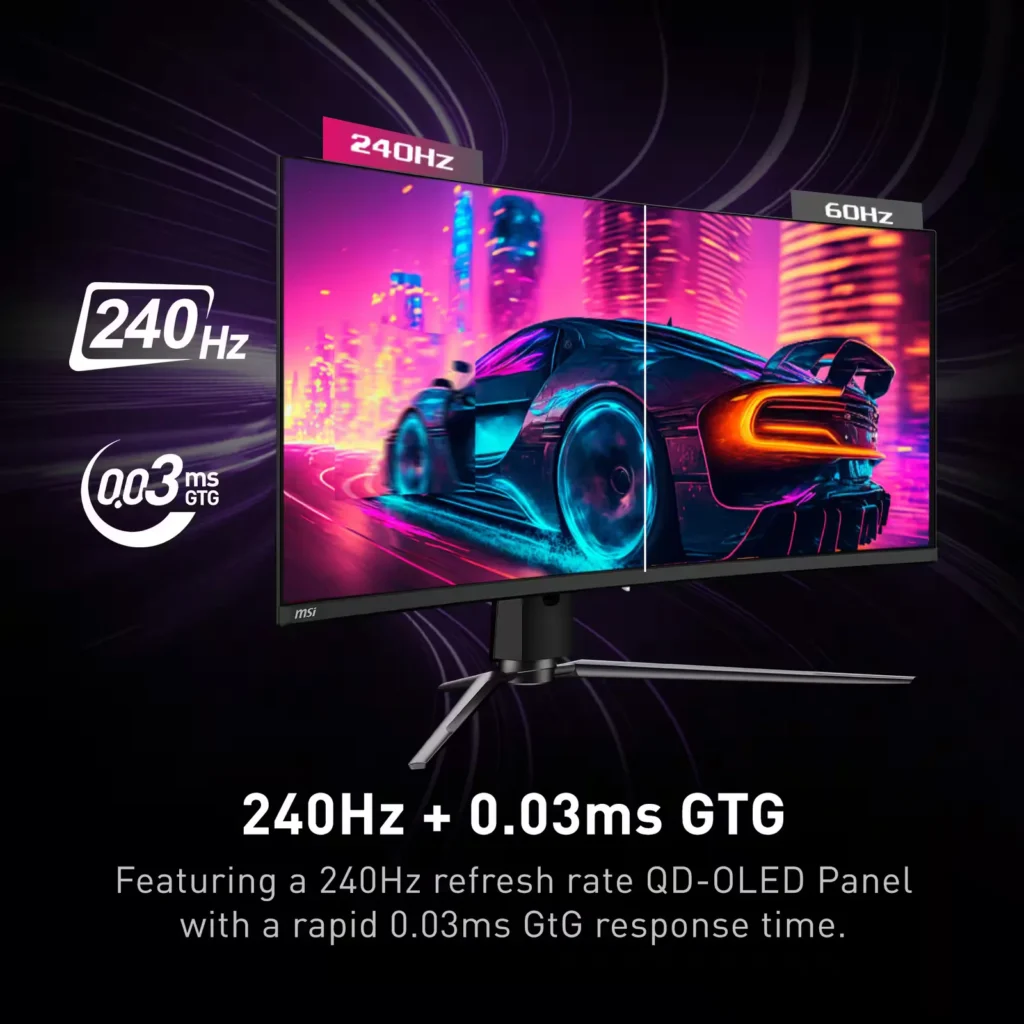
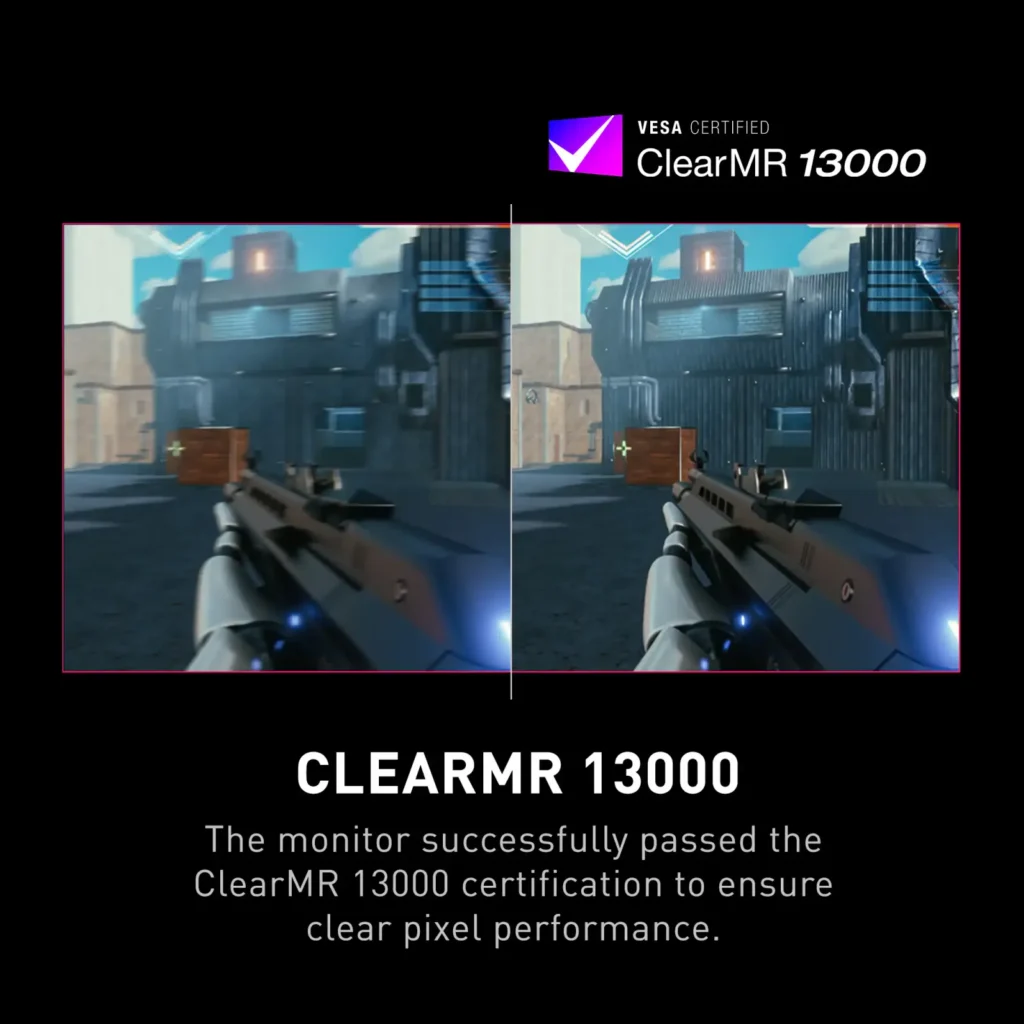
| Ultra-Fast Refresh Rate and Response Time | Equipped with a 240Hz refresh rate and 0.03ms GtG response time, providing a competitive edge in fast-paced games requiring precise movements. |
| UWQHD Resolution with Curved Display | Offers a 3440×1440 (UWQHD) resolution on a 34.18-inch, 1800R curved screen, immersing you in fantastical open worlds. |
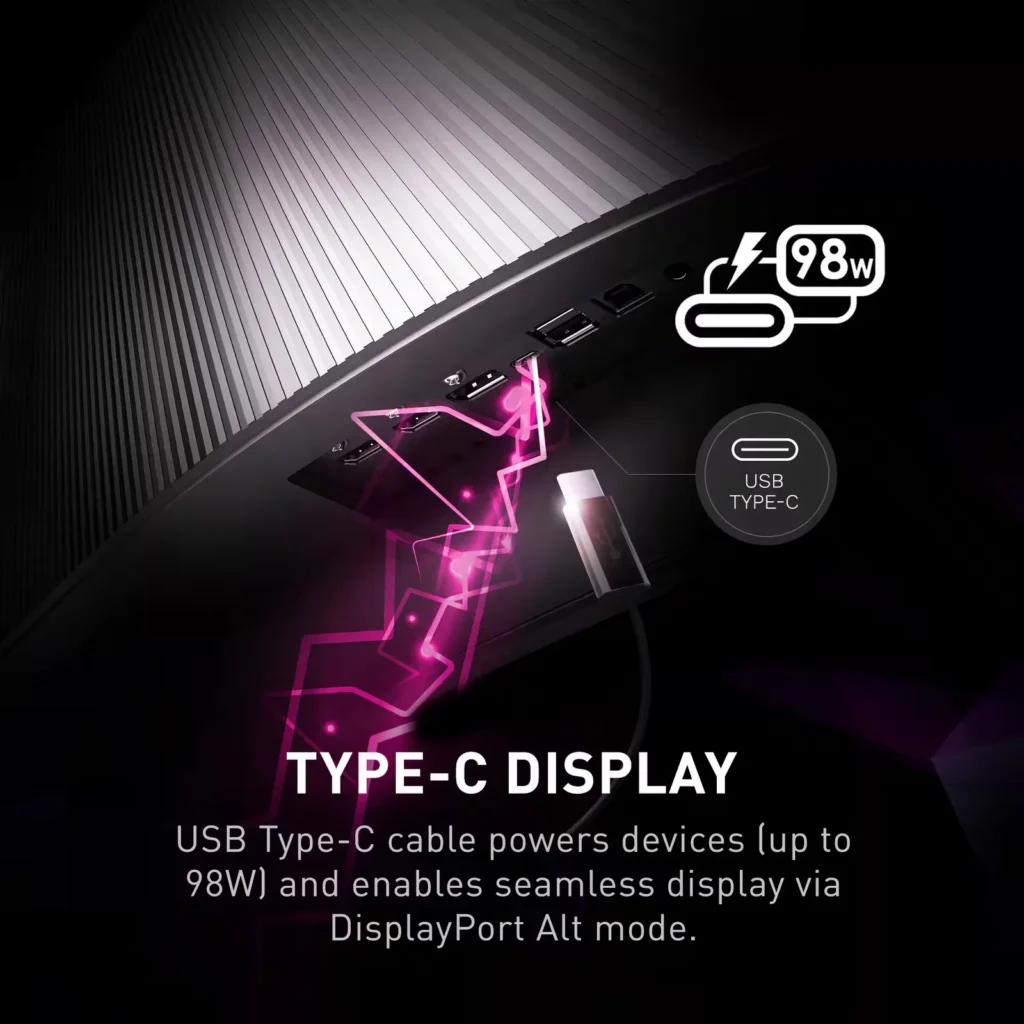
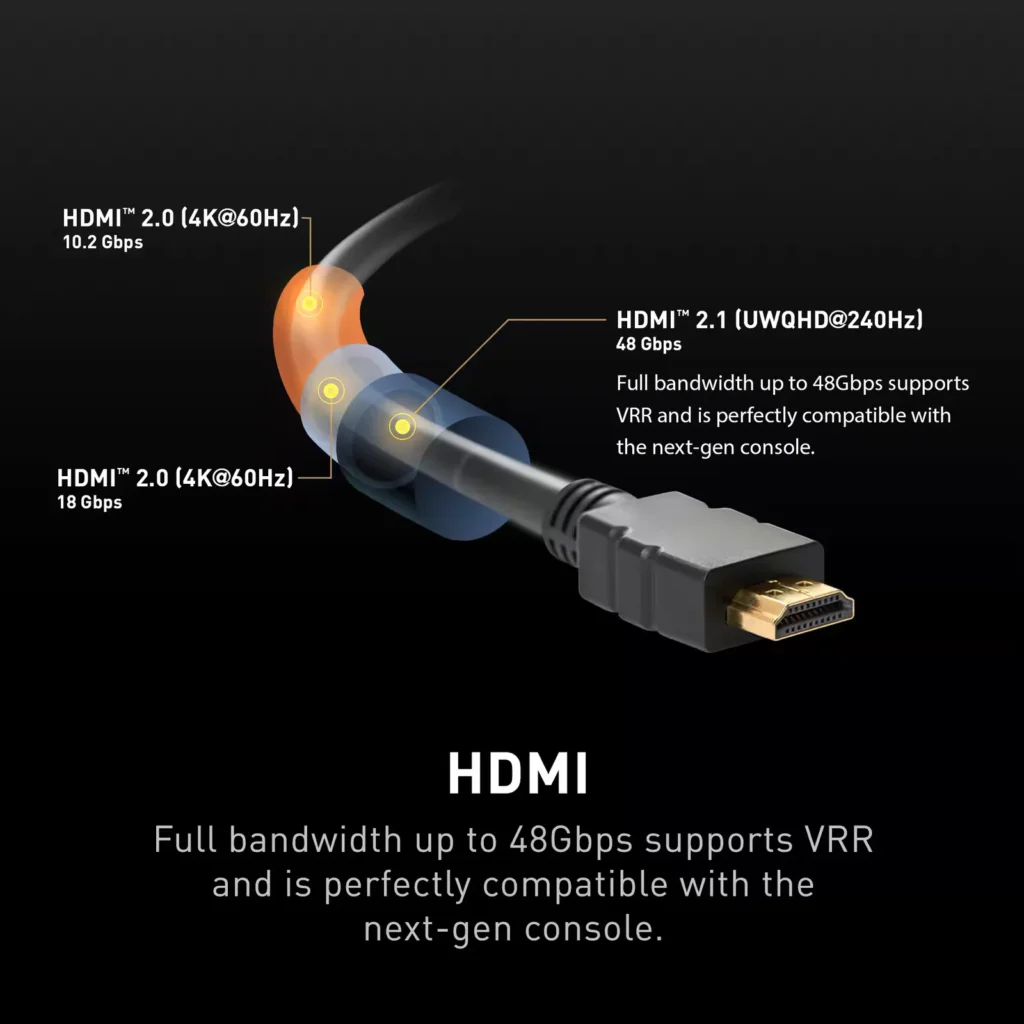
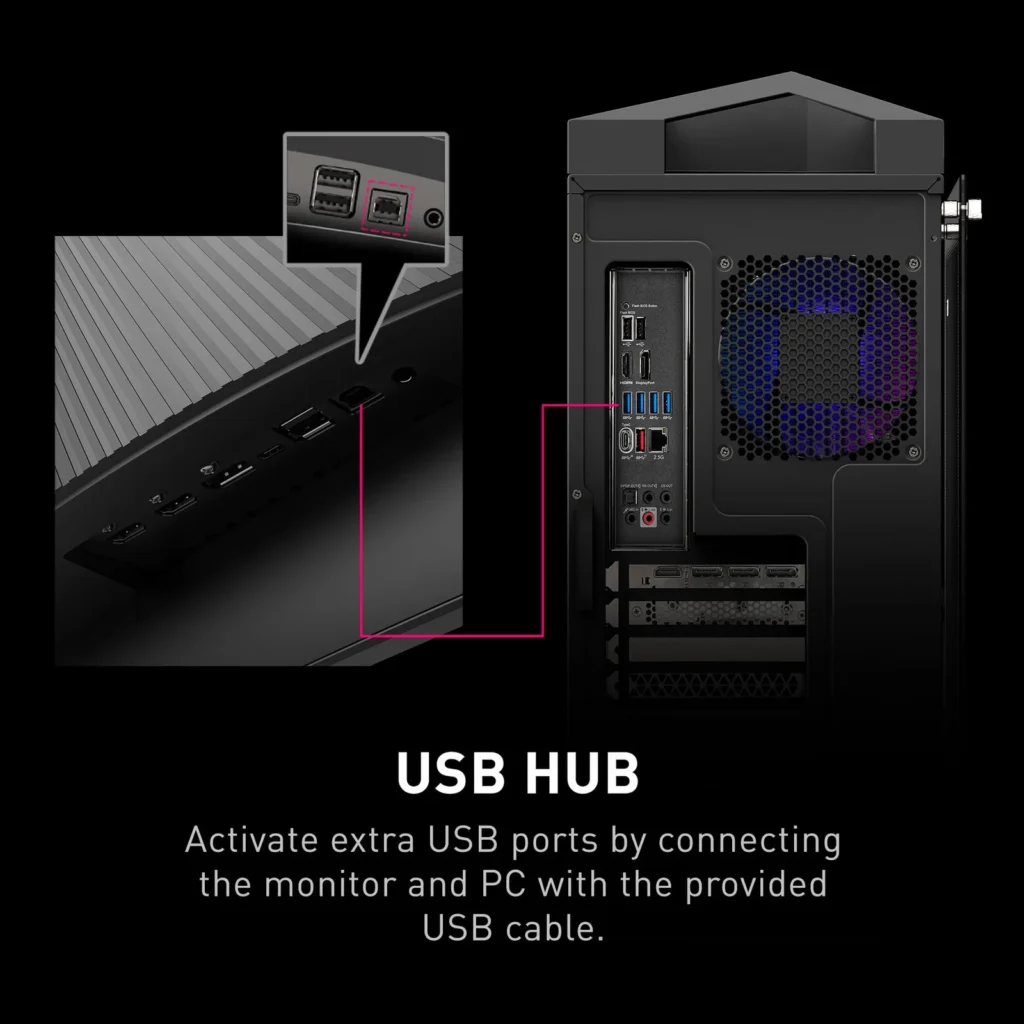
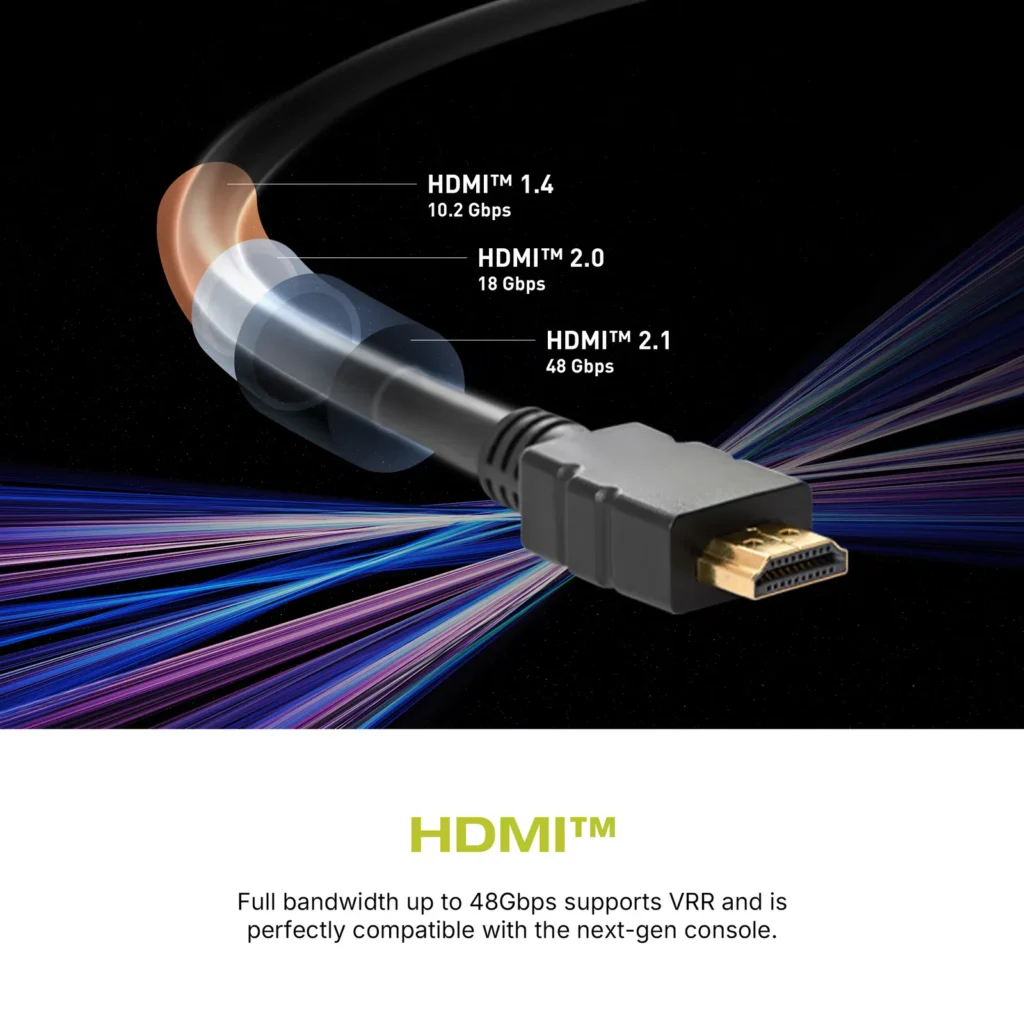
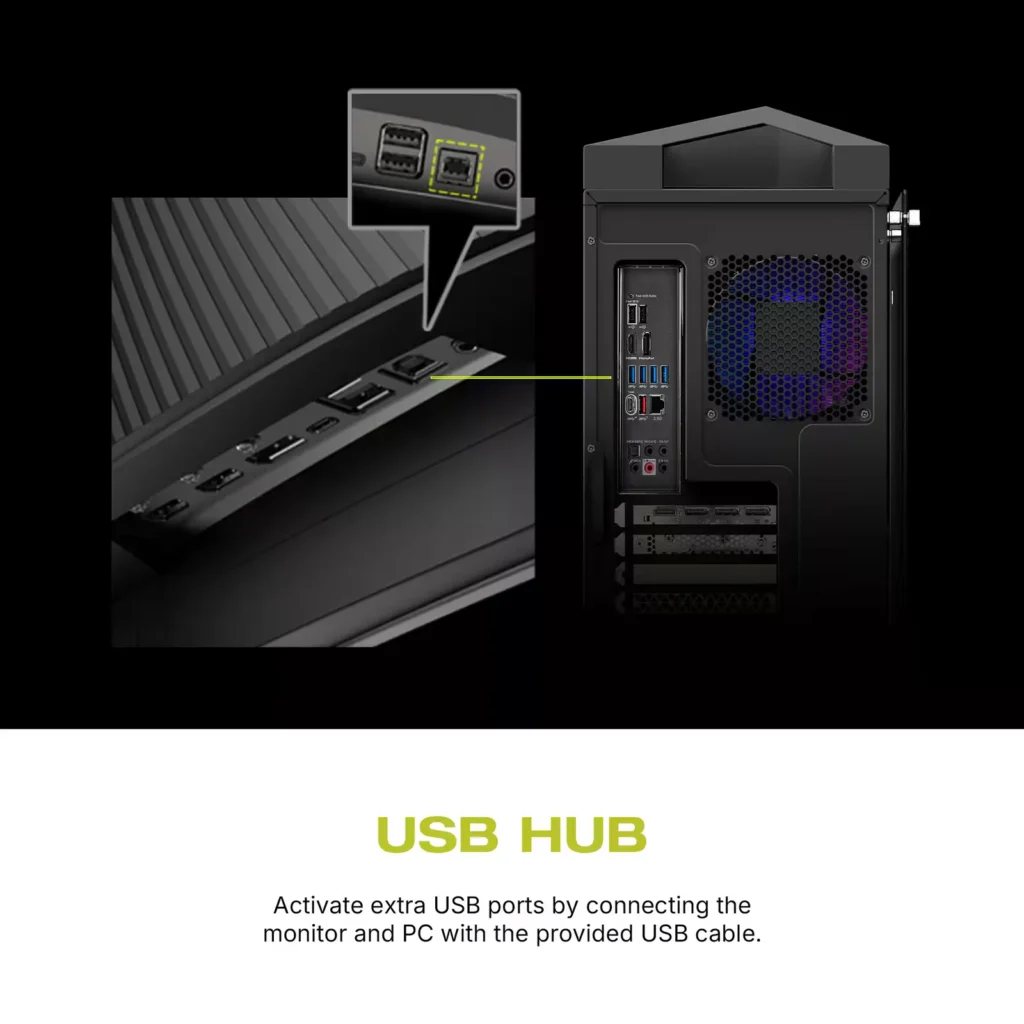
| Comprehensive Connectivity | Includes multiple ports such as HDMI 2.1, DisplayPort 1.4, and USB-C with 98W Power Delivery and DP Alt Mode, offering versatile connectivity for various devices. |
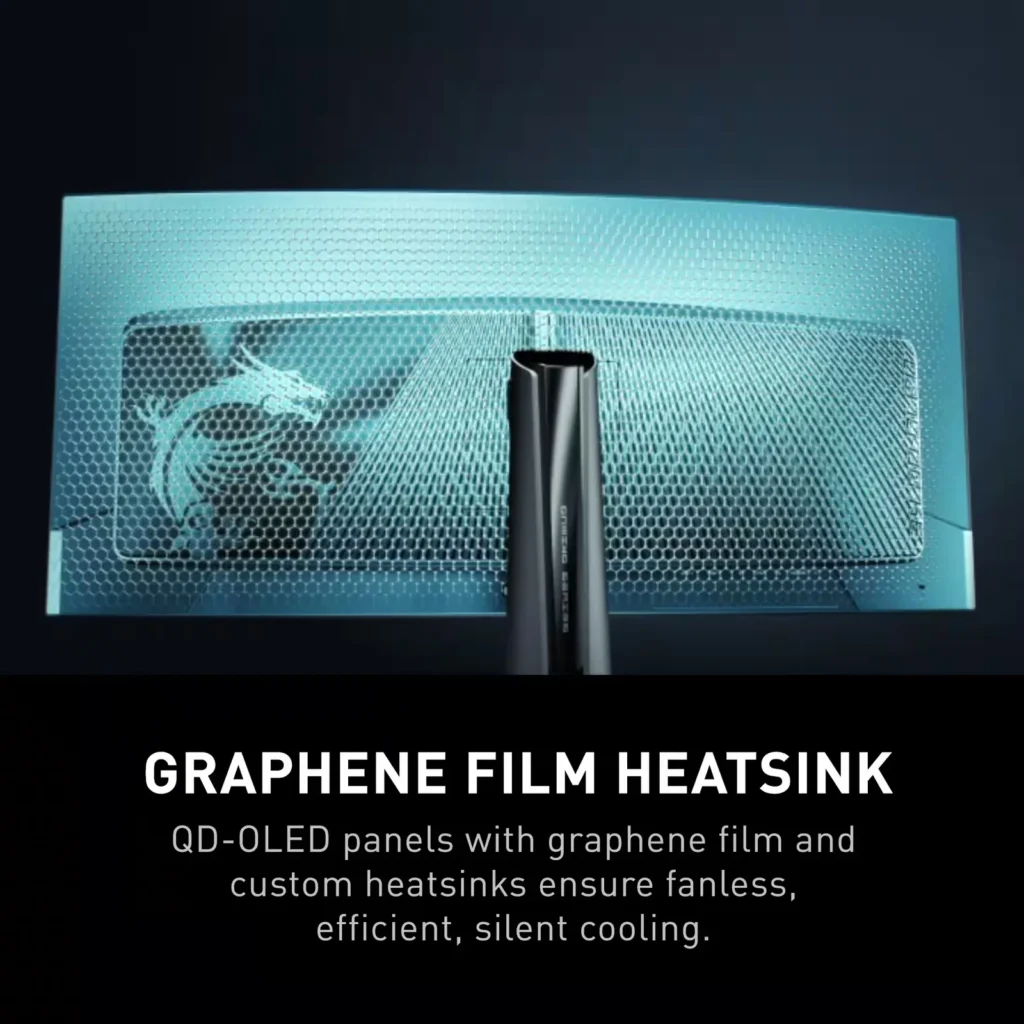
| OLED Care 2.0 | Implements OLED Care 2.0 with features like Graphene film with custom heatsink, Boundary Detection, Taskbar Detection, and Multi-logo Detection to reduce the risk of OLED burn-in. |
Pros & Cons
Pros
- Stunning Visual Quality: The QD-OLED panel delivers exceptional color vibrancy, deep blacks, and high contrast that significantly enhances gaming and media consumption, often described as a 'night and day' upgrade over IPS or VA panels.
- High-Speed Performance: A 240Hz refresh rate combined with near-instantaneous response times ensures buttery smooth motion and a highly responsive feel, which is particularly beneficial for competitive gaming.
- Useful Connectivity Features: The inclusion of a built-in KVM switch and a 90W USB-C Power Delivery port allows users to easily switch peripherals between a gaming PC and a work laptop while keeping devices charged.
Cons
- Intrusive Maintenance Feature: The 'Panel Protect' function forcibly initiates a 5-10 minute maintenance cycle that cannot be easily postponed or scheduled for off-hours, often interrupting users during critical gaming moments or important meetings.
- Poor Port Placement: The input ports are located very low on the back of the monitor, causing cables to hang visibly below the screen and making clean cable management difficult without the use of specialized 90-degree adapters.
- Technical Artifacts: Some users report issues with VRR flickering in dark scenes and 'black crush,' where fine details in shadows are lost to pure black, though some of these issues have been addressed in recent firmware updates.
You might also like
Customer Reviews
Showing reviews 91-100 of 158
-
Great monitor
Verified purchase Verified purchase: This reviewer bought the product.JustinP March 4, 2025Review source: BestbuyExcellent monitor and I use it as a second setup for my pc gaming. Great picture quality.! Very happy with it
-
Excellent quality
Justcp March 4, 2025Review source: AmazonGreat product and amazing picture quality, very happy with it
-
The Best OLED Monitor I’ve Ever Used
Verified purchase Verified purchase: This reviewer bought the product.Julie W. March 4, 2025Review source: AmazonThis is without a doubt the best OLED Monitor I’ve used so far. Amazing image quality, colors look very accurate on sRGB mode and the HDR Peak 1000 setting is the best I’ve seen from any OLED display. Setup was simple and the display slotted right into my VESA 100×100 monitor arm. To my surprise, the VRR function on this display is almost flawless as well, with flickering only occurring in the loading screens of same games; during gameplay there is no noticeable flicker, even with large frame-rate fluctuations in the games I tested. My only gripe with this monitor is that you need to update the firmware upon receiving it to the latest version to get the HDR Peak 1000 fixes, and the cables you get with the display (HDMI, DisplayPort) are not high quality. Before buying this monitor, please purchase VESA certified DisplayPort/HDMI Cables; I was getting crashes in some games when I hooked up this monitor and switching the DisplayPort cable solved the issue. Otherwise, if you’re in the market for a new OLED, you can’t go wrong here. MSI is leading the game in monitors right now.
-
Falls on its face with software, firmware, and BLOATWARE requirements.
One-Liner Dad March 4, 2025Review source: AmazonFalls on its face with software, firmware, and BLOATWARE requirements.
This is my 3rd pass at a 34” monitor (trying LG and Alienware as well). This one ranks the lowest. It has a sturdy build and good pic quality. BUT, it requires a firmware upgrade, that requires a proprietary software install, that prompts you to install bloatware (like Norton), and which in and of itself runs as a background process and noticeably bogs down your machine.
-
Great Monitor
Verified purchase Verified purchase: This reviewer bought the product.Jim March 3, 2025Review source: AmazonIt’s a great monitor, I like it more than my alienware and benq.
-
Great Monitor
Verified purchase Verified purchase: This reviewer bought the product.Edwin March 3, 2025Review source: AmazonI used to run a 27″ monitor but this MSI 34″ is a huge game changer. I love the picture quality and design of the monitor.
-
Amazing quality OLED and size
Verified purchase Verified purchase: This reviewer bought the product.FearSpratan March 2, 2025Review source: AmazonI love how colorful and cinematic the monitor feels with the 34′ screen and the OLED panel.
The image quality is very vibrant and overall more clear when playing video games, it completely changes my experience with games now and I will recommend this to anyone who wants a great quality monitor.
-
240hz!
Verified purchase Verified purchase: This reviewer bought the product.Potato234 March 1, 2025Review source: AmazonExcellent monitor that is very easy to set up! The colors are great, and I love the pixel protection features! The 240Hz refresh rate is amazing and feels fantastic in all the games I play!
-
One of the best gaming ultrawides on the market!
Verified purchase Verified purchase: This reviewer bought the product.DennyD February 28, 2025Review source: AmazonThis monitor is a beast! Incredible color and image quality, OLED gaming is next level. I upgraded from an Alienware AW3420DW and this monitor completely blows it out of the water. I do wish that the monitor had a USB3.0 hub instead of USB2.0 but that’s a small gripe. I do appreciate the included 90w USB-C port that allows me to connect my work laptop easily.
Some cons to be aware of:
– VRR flicker can show up in dark scenes if your framerate isnt stable
– Firmware upgrade process is a bit clunky if you use HDMI as your main connection interface (it only works w/ DisplayPort)
– Cable management could be better, especially if you’re not using the included standPros:
– Great color reproduction
– Deep contrast
– 240HZ + Freesync/Gsync
– Response times are fast enough for competitive shootersOverall a great ultrawide monitor!
-
Easy to setup
Verified purchase Verified purchase: This reviewer bought the product.Ian February 27, 2025Review source: AmazonColors and settings were good out of the box.