Customer Media
Highlights
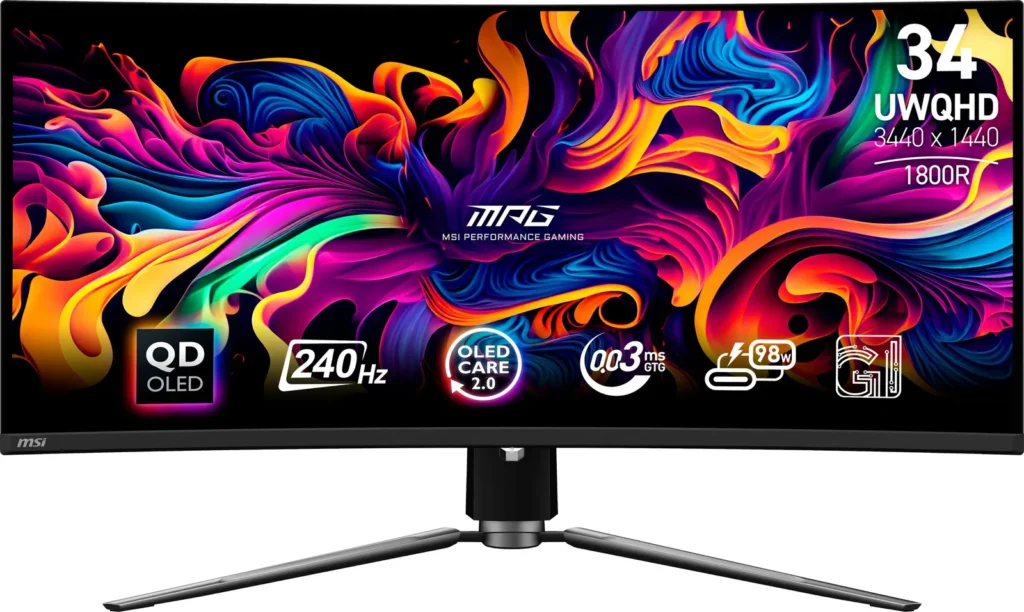
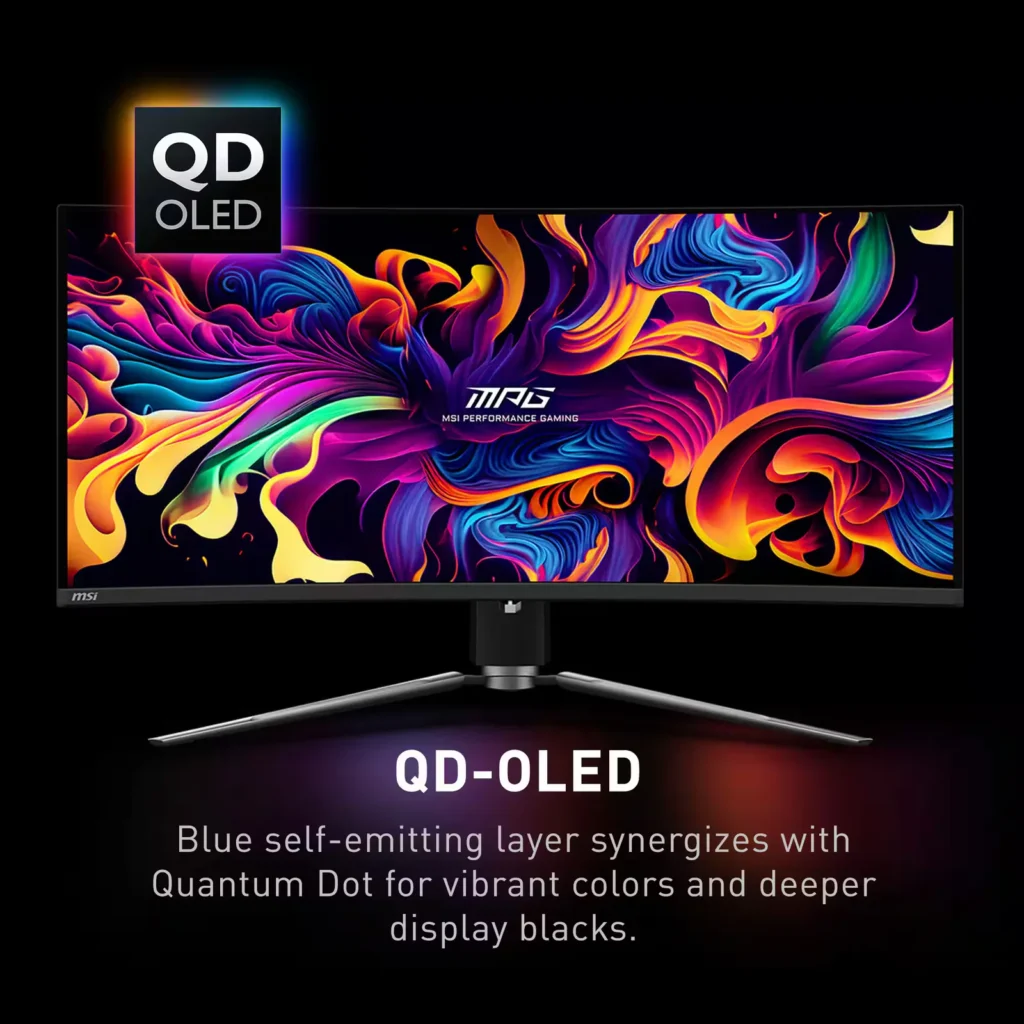
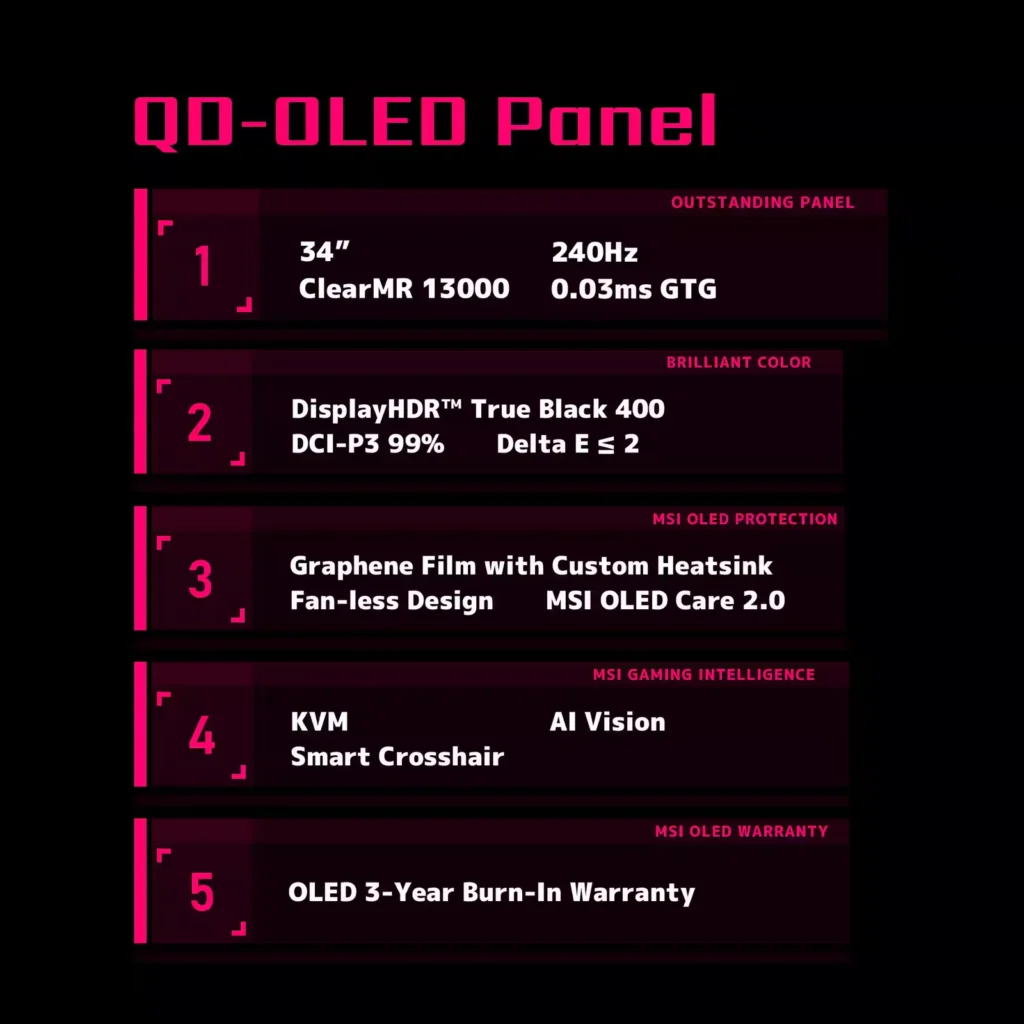
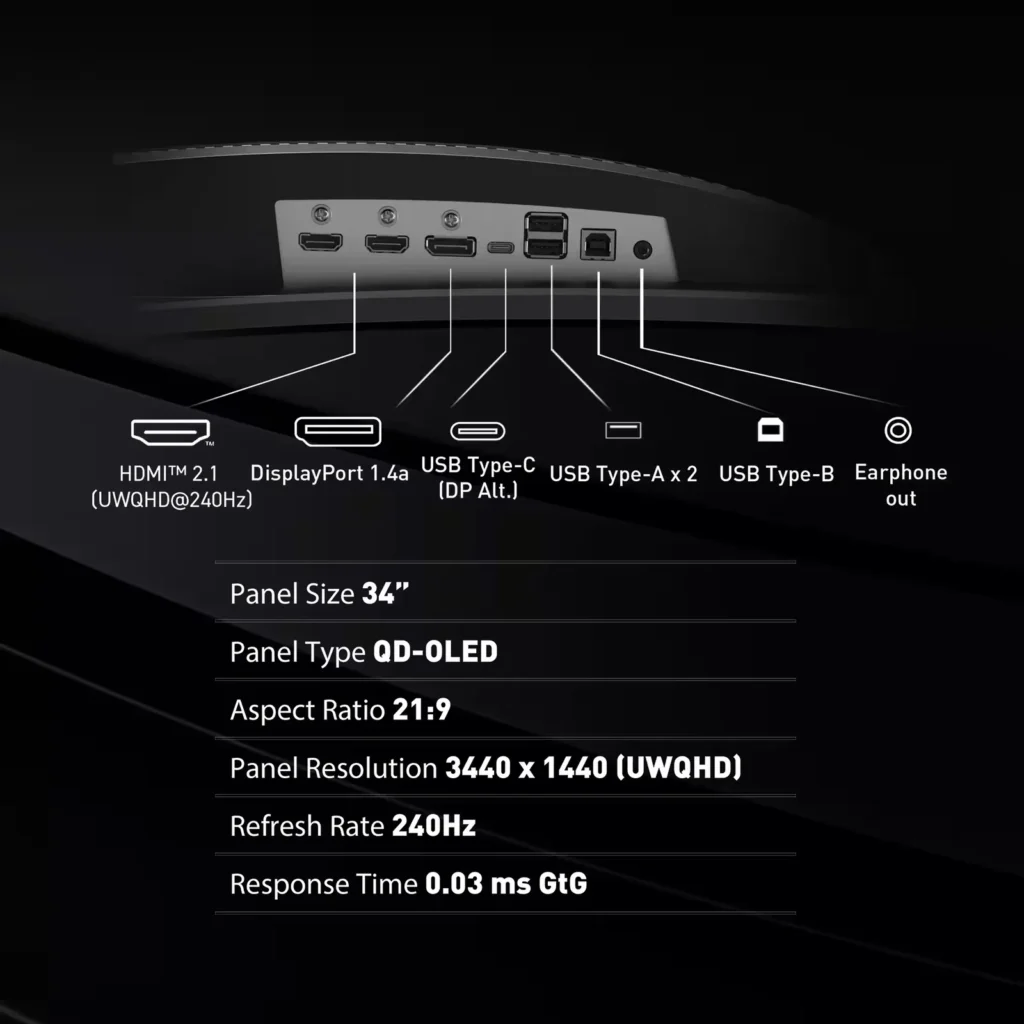
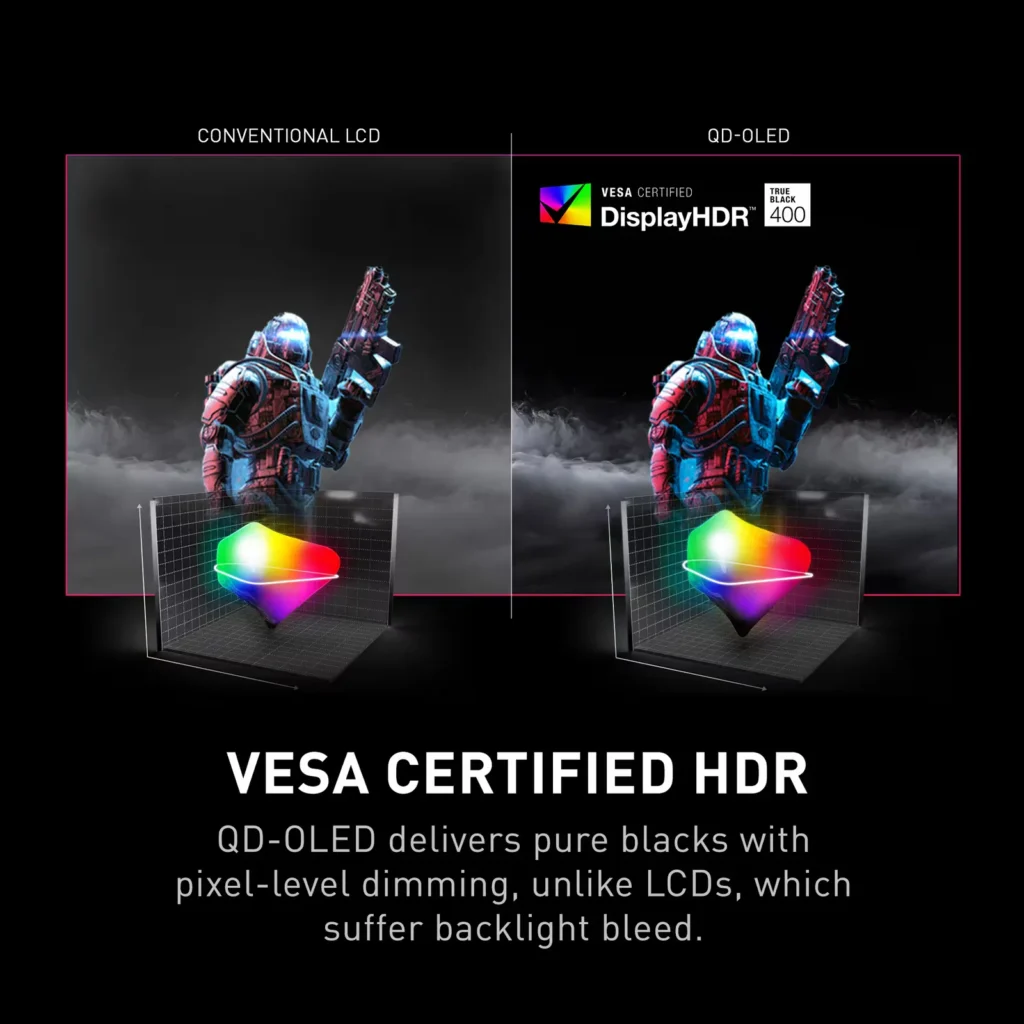
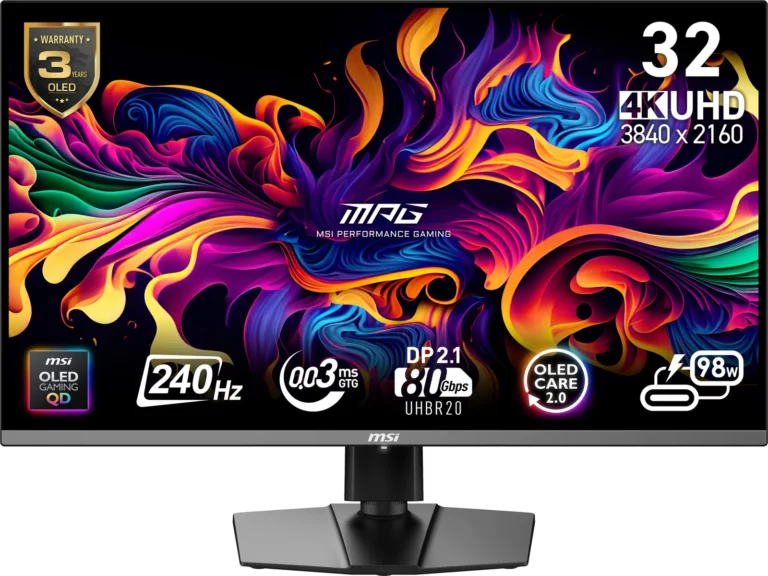
| QD-OLED Panel Technology | Features the latest MSI QD-OLED panel, delivering exceptional picture quality for gaming with a super-fast 0.03ms response time. Quantum Dot technology ensures accurate, vivid, and lifelike colors. |
|---|---|
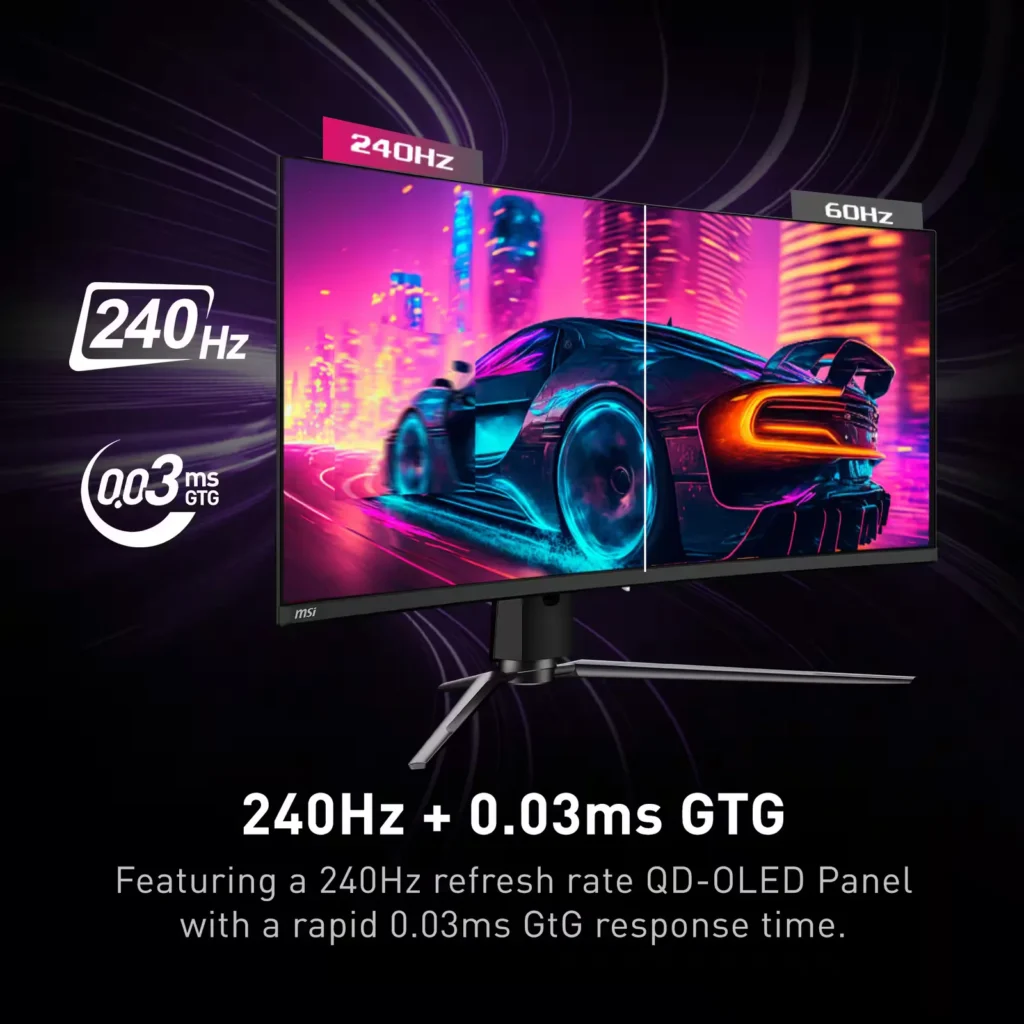
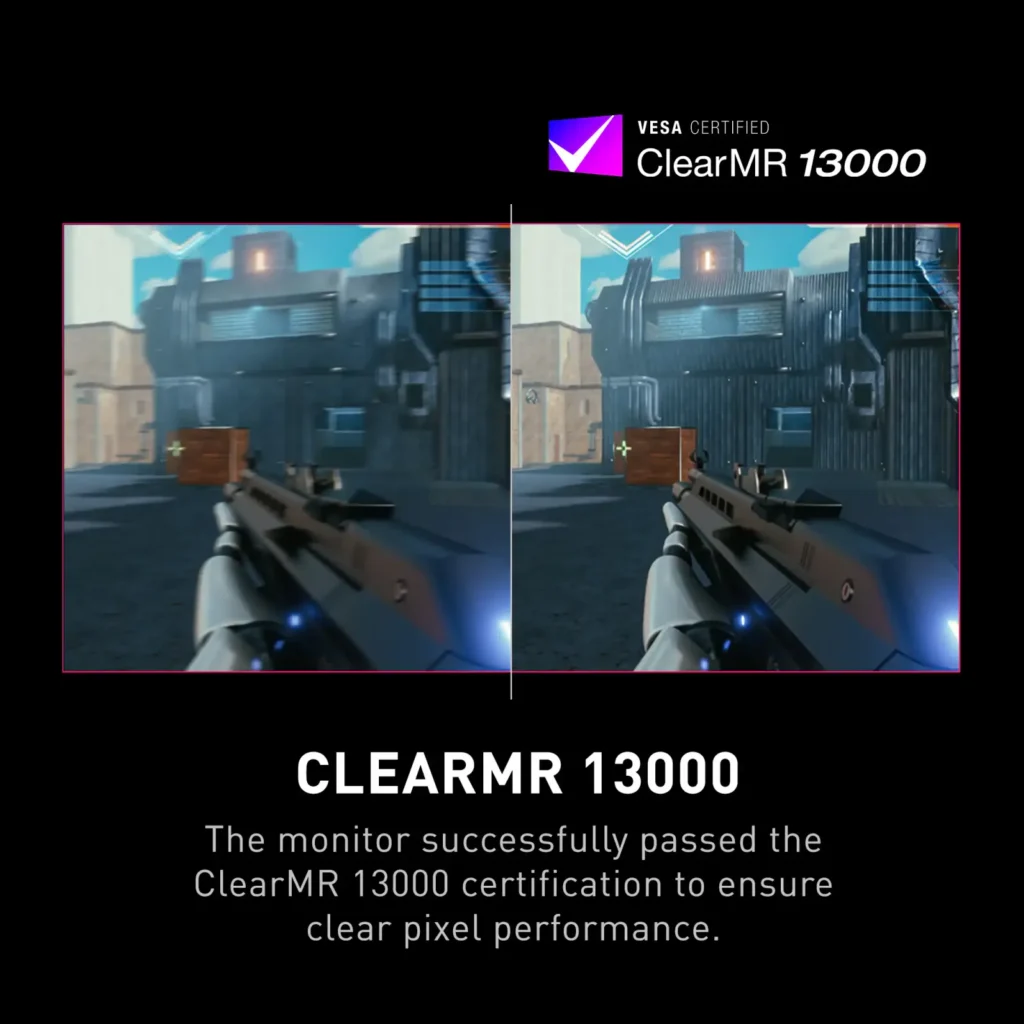
| Ultra-Fast Refresh Rate and Response Time | Equipped with a 240Hz refresh rate and 0.03ms GtG response time, providing a competitive edge in fast-paced games requiring precise movements. |
| UWQHD Resolution with Curved Display | Offers a 3440×1440 (UWQHD) resolution on a 34.18-inch, 1800R curved screen, immersing you in fantastical open worlds. |
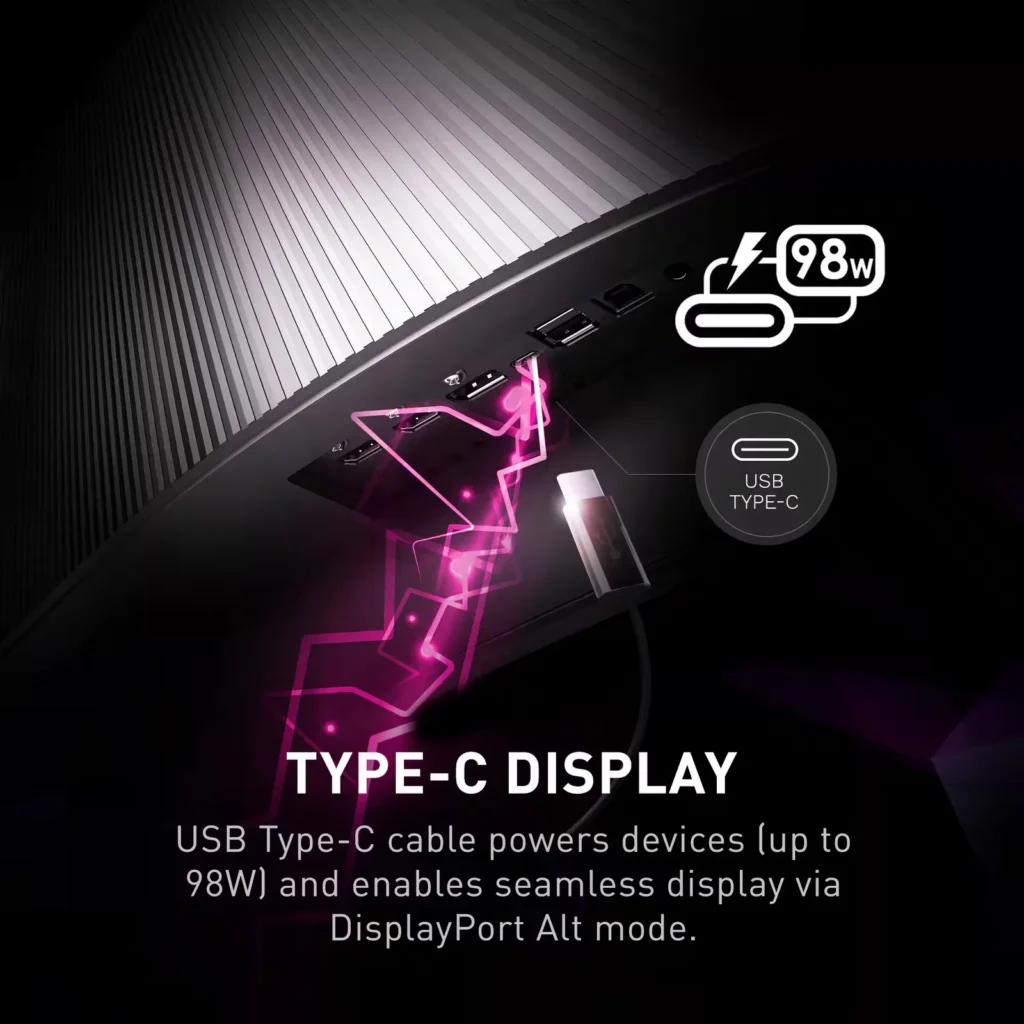
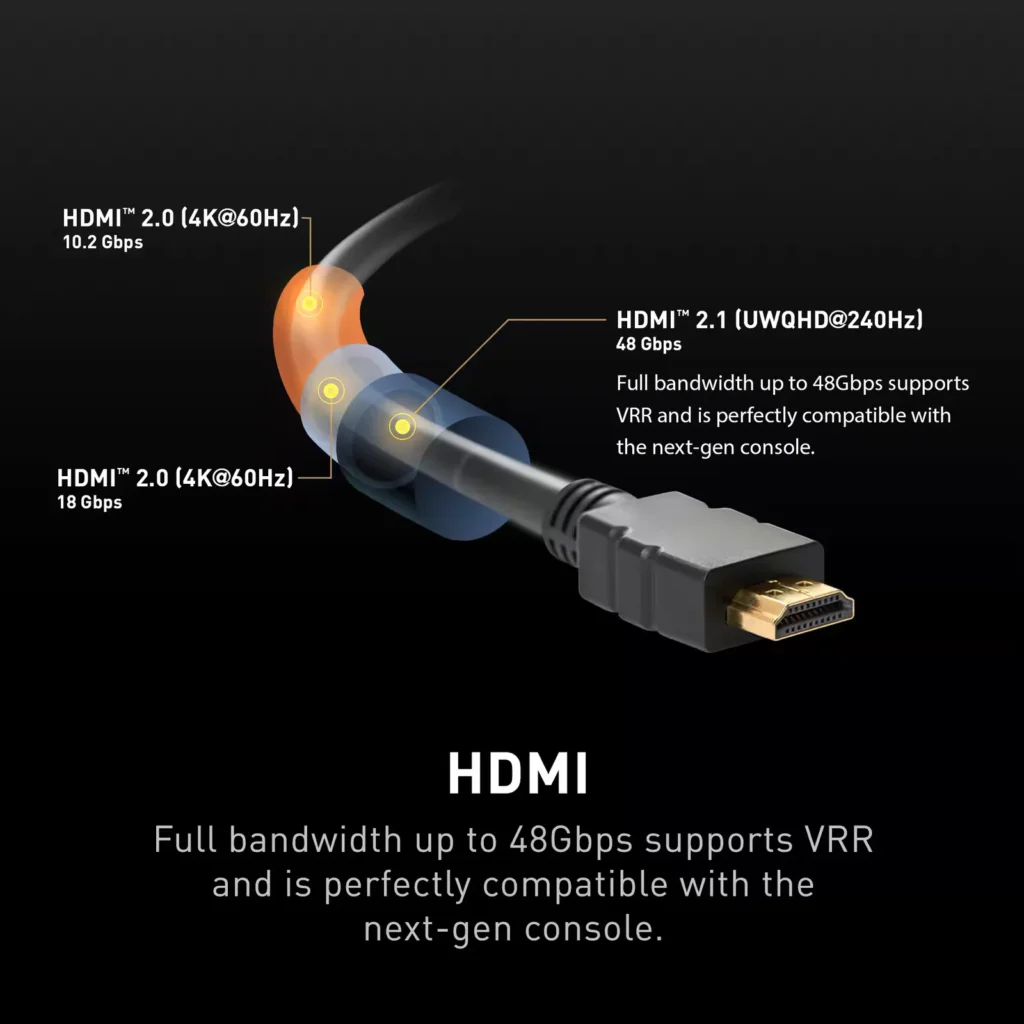
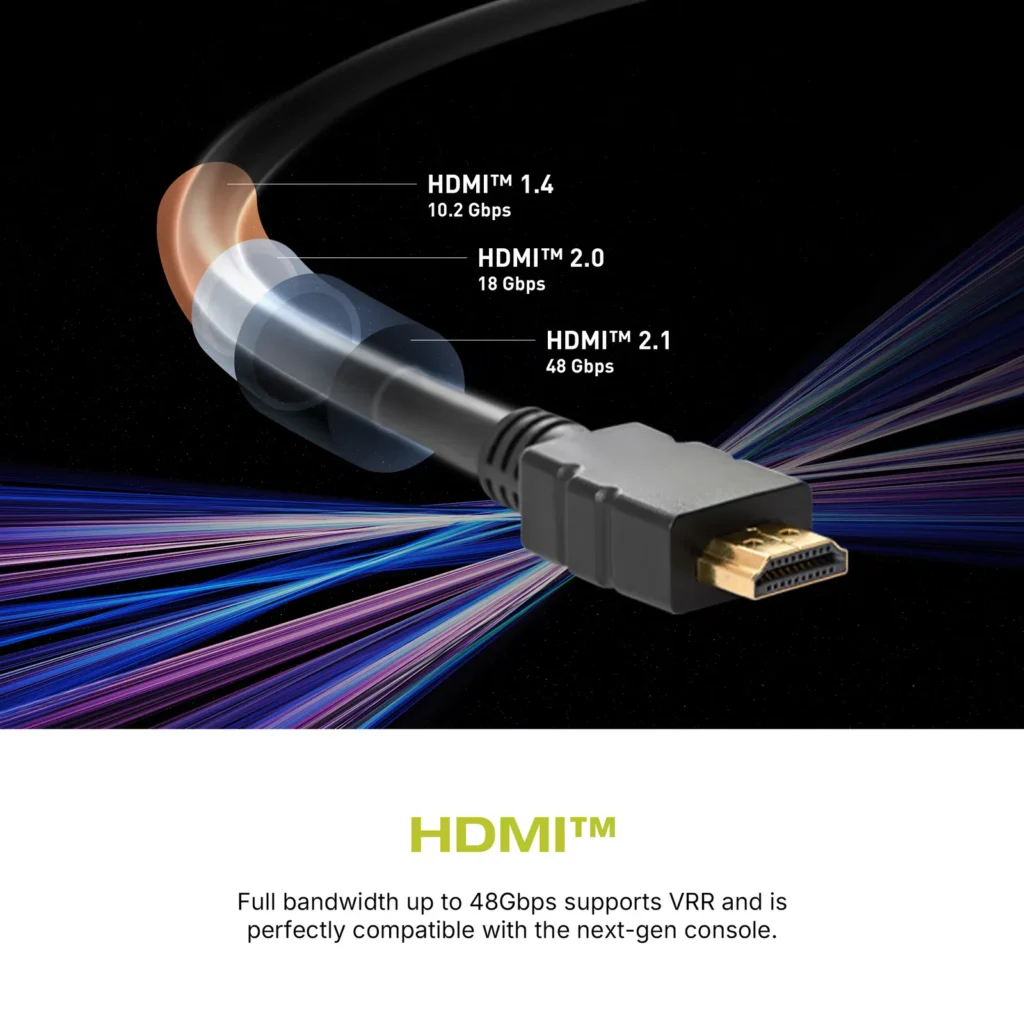
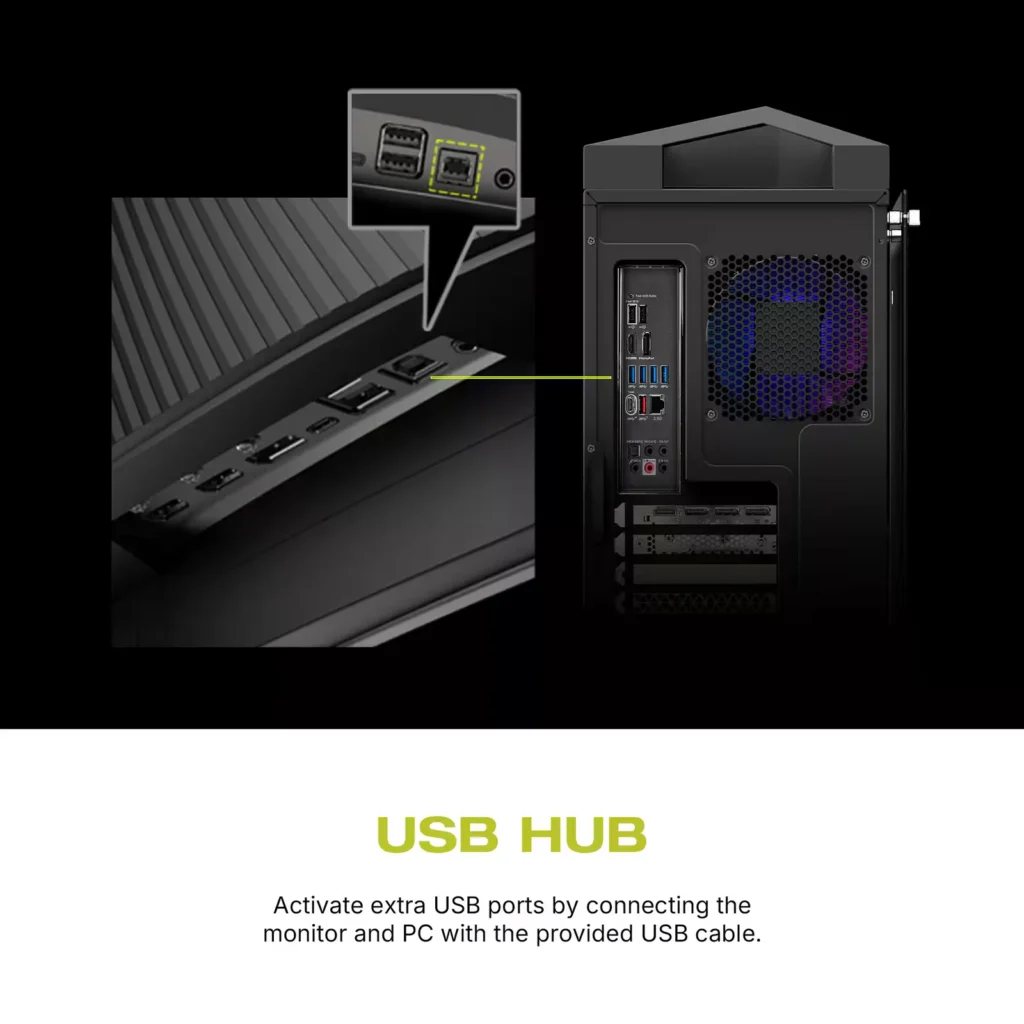
| Comprehensive Connectivity | Includes multiple ports such as HDMI 2.1, DisplayPort 1.4, and USB-C with 98W Power Delivery and DP Alt Mode, offering versatile connectivity for various devices. |
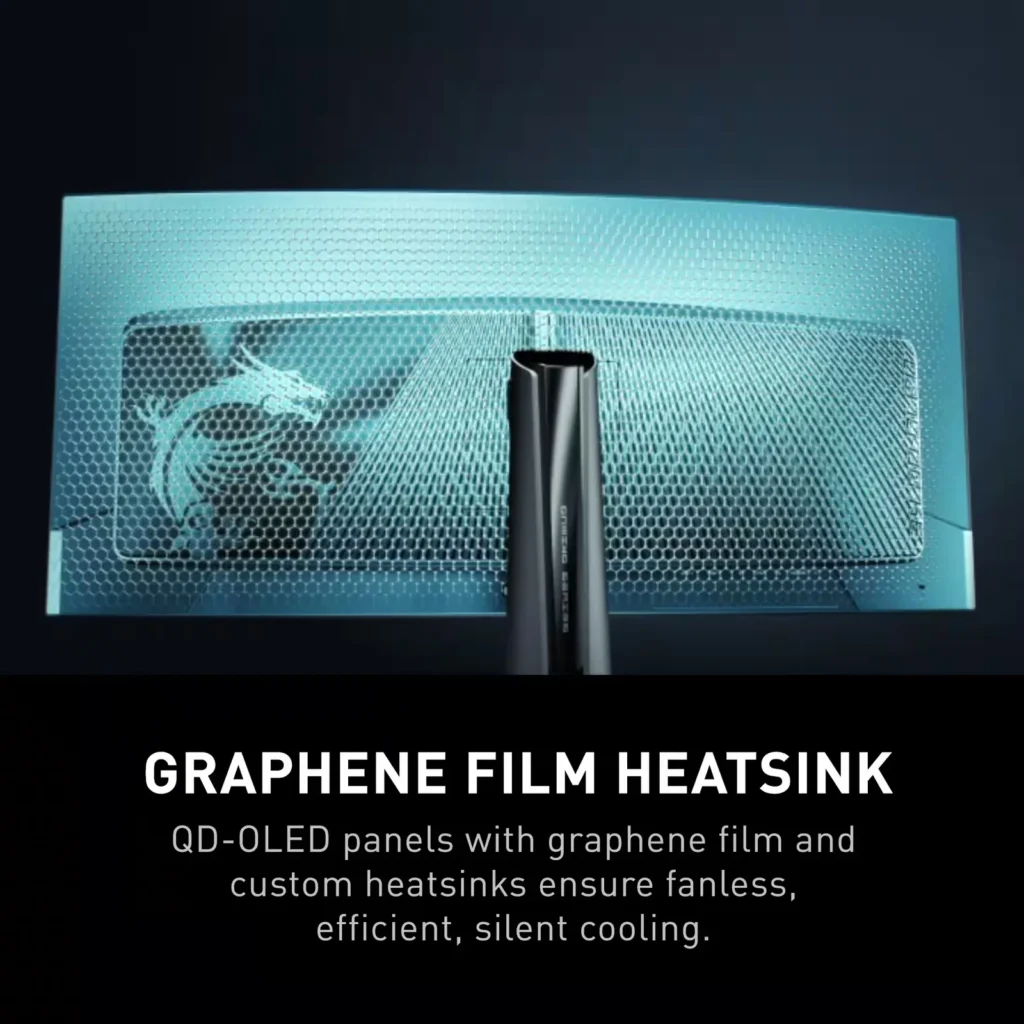
| OLED Care 2.0 | Implements OLED Care 2.0 with features like Graphene film with custom heatsink, Boundary Detection, Taskbar Detection, and Multi-logo Detection to reduce the risk of OLED burn-in. |
Pros & Cons
Pros
- Stunning Visual Quality: The QD-OLED panel delivers exceptional color vibrancy, deep blacks, and high contrast that significantly enhances gaming and media consumption, often described as a 'night and day' upgrade over IPS or VA panels.
- High-Speed Performance: A 240Hz refresh rate combined with near-instantaneous response times ensures buttery smooth motion and a highly responsive feel, which is particularly beneficial for competitive gaming.
- Useful Connectivity Features: The inclusion of a built-in KVM switch and a 90W USB-C Power Delivery port allows users to easily switch peripherals between a gaming PC and a work laptop while keeping devices charged.
Cons
- Intrusive Maintenance Feature: The 'Panel Protect' function forcibly initiates a 5-10 minute maintenance cycle that cannot be easily postponed or scheduled for off-hours, often interrupting users during critical gaming moments or important meetings.
- Poor Port Placement: The input ports are located very low on the back of the monitor, causing cables to hang visibly below the screen and making clean cable management difficult without the use of specialized 90-degree adapters.
- Technical Artifacts: Some users report issues with VRR flickering in dark scenes and 'black crush,' where fine details in shadows are lost to pure black, though some of these issues have been addressed in recent firmware updates.
You might also like
Customer Reviews
Showing reviews 131-140 of 158
-
Fantastic Monitor
Verified purchase Verified purchase: This reviewer bought the product.Jonathon December 19, 2024Review source: BestbuyPerfect for work from home and gaming setup. I love this monitor. Would note to others looking at this monitor, it does have a panel protect feature where it does stuff with the pixels after 16 hours of use, it will give you a notice every 4 hours and you can turn that notification off, but at the 16 hour mark it gives you a final notice and will operate the panel protect function no matter what. Takes usually 5-10 minutes, I made it my routine to run it at the end of my work day so it doesn’t bother me at all. Would get this on sale if possible. Overall great
-
Great monitor overall with high quality parts
Verified purchase Verified purchase: This reviewer bought the product.AverageConsumer December 19, 2024Review source: AmazonJust set my monitor up a couple days ago and couldn’t be happier with it. The build quality is top notch and monitor stand was very easy to attach. I bought this monitor mainly for the high refresh rate and picture quality and I must say it looks amazing in person all the colors really pop. The 34 inch screen with a 1800R curve really lets me become fully immersed into whatever game I am playing. Overall, this is my first 3440 x 1440p QD OLED monitor and it has fully lived up to my expectations so far, but if anything changes I’ll be sure to update.
-
Really bad VRR Flickering at most hz
Verified purchase Verified purchase: This reviewer bought the product.D Ngo December 17, 2024Review source: AmazonKeywords here Adaptive Sync and VRR flickering. It’s pretty bad for most the low frame rate games and does decently for high paced games.
Anything with dark scenes and quick speed is a horrible combination.
Disabling VRR is fine but what’s the point of getting a high refresh rate and a decent GPU if not to go insane on the frames.
Reading reviews it’s hit and miss, and depends on hardware and the game. This is in firmware 0.20, AMD 7700X with a 1080 Ti thru DP cable.
-
Great monitor
Verified purchase Verified purchase: This reviewer bought the product.RyanF December 14, 2024Review source: BestbuyGreat monitor, love the build quality MSI has always been a company I buy parts from because of their quality. This monitor has a screen that really enhances games the colors and the deep black makes games pop. It also has a fast response time and refresh rate. I picked this monitor because of the refresh rate, qd OLED panel, and MSI great warranty. This monitor blew my mind the OLED makes such a big difference in playing games and having a USB type c built-in is great. Also, all the great built-in tech they have, like AI vision and smart crosshair is great. This monitor will not disappoint, i can’t even think of a negative thing to say about it because it has everything I wanted in a monitor.
-
Peak OLED Gaming, but be sure OLED is right for you
Mitchell December 12, 2024Review source: AmazonThis monitor is incredible. I believe this form factor is the best on the market period for gaming: OLED + 21:9 + 1440p + 240hz. The richness of content on this display has blown me away, when everything works. With that being said, there are some serious comprises for any OLED panel and they are not for everyone.
I personally use this monitor for gaming/content consumption, and a second 4k IPS display for office work. If you do any amount of regular office work, I would really recommend a non-OLED panel.
General OLED problems:
-Burn in is still a risk, and even with a good warranty you should take some steps to protect your panel. It is still not recommended to use OLED for constant office work. I recommend disabling/using auto-hide for the taskbar. Get a browser extension for ambient lighting for 16:9 youtube. Use dark mode. Do some research.
-Color fringing is a real problem. I can’t speak to the 3rd gen/4k OLED panels out there (this is 2nd gen) which are supposed to improve things. Most text and some other content has red/green color fringing. This is very noticeable to me, some people don’t notice. Text can be hard to read/blurry.
-Content consumption is hard on desktop. In 2024 this shouldn’t be a problem, but the streamers really don’t like desktop. Many only stream in 720/1080p. Not all support ultrawide. Jump through hoops to get HDCP working. It is workable, but I am planning on getting a streaming device of some sort to avoid these problems. Note that Roku does not support ultrawide. You may consider one of the Samsung models with the built in smart tv functionality.Even with the cons, there is a reason OLED is so popular. Things just pop in a way that they don’t on IPS. I am mostly happy with the monitor’s construction. My biggest complaint here is the stand is very large. The stand adjustments are appreciated. Upgradeable firmware is a big plus.
Overall, I really recommend this display. I think MSI has a good package here with a good price. If this is in your budget and you have considered the OLED problems, go for it.
Tips to get started on windows:
-Note there is a power button next to the nub, don’t freak out if it doesn’t turn on when you plug it in.
-Enable HDR in windows settings (don’t enable Auto HDR)
-Download and use the Windows HDR Calibration app from the microsoft store
-Install the various codecs (AV1, HEVC, VP8/9, H264), research how to do this
-Grab an ambient light extension for 16:9 content (prevents harsh burn in lines where the black bars start) -
Black crush
Verified purchase Verified purchase: This reviewer bought the product.AlexB December 11, 2024Review source: BestbuyI have both this monitor and the 175hz version (MAG341CQP). They are supposedly the same panel, and this one is a minor upgrade. However, the blacks are very crushed and the ABL is overpowering. When there are shadows in the image, it is impossible to make out any detail. It just looks straight black. In dark scenes, this causes certain objects to disappear almost entirely. The 341CQP (non-X) that I have does not have this issue and looks stunning. Other than the black crushing, it looks just as fantastic and the motion clarity is top-notch. Unfortunately, they either ruined the product with this “upgrade” or I received a bad batch.
-
Excellent ultrawide monitor
Verified purchase Verified purchase: This reviewer bought the product.Reuben December 10, 2024Review source: BestbuyThis monitor is excellent. I mainly looked to get this monitor to keep up with competitive FPS titles while maintaining an ultrawide resolution. Compared to the other OLED panel competitors, this one enticed me over the others because of its USB-C PD. I’m able to charge my iPhone 16 Pro relatively quickly. In addition, the OLED panel care and 3 year OLED manufacturer warranty gives me ease of mind, knowing that this monitor will still be good for the next 3 years, so long as I take proper care of it. The HDR on this monitor is excellent as well, as I can utilize HDR400 or HDR1000, depending on the content. I currently keep it solely on HDR1000 and increase the brightness where needed.
-
Beautiful Monitor!
Verified purchase Verified purchase: This reviewer bought the product.Joe Weiss December 6, 2024Review source: AmazonGorgeous HDR, Smooth 3440X1440 resolution. Highly recommended!
-
Great Gaming Monitor
Verified purchase Verified purchase: This reviewer bought the product.Carl November 30, 2024Review source: BestbuyMy fist ultrawide HDR monitor I’m impressed with the contrast with HDR on in every game even older games look stunning, Running at full refresh rate I can’t see any ghosting or smearing, the response times are amazing. Great monitor I hope it lasts without any issues.
-
Beautiful screen
Verified purchase Verified purchase: This reviewer bought the product.ErikW November 30, 2024Review source: BestbuyQD-Oled Tech has beautiful colors & deep inky blacks, also has great response time’s, I’ve been using Nvidia’s HDR conversion for SDR content and it does a great job for that content with some tweaking with great specular highlights 10/10 would buy it again