
Customer Media
Highlights
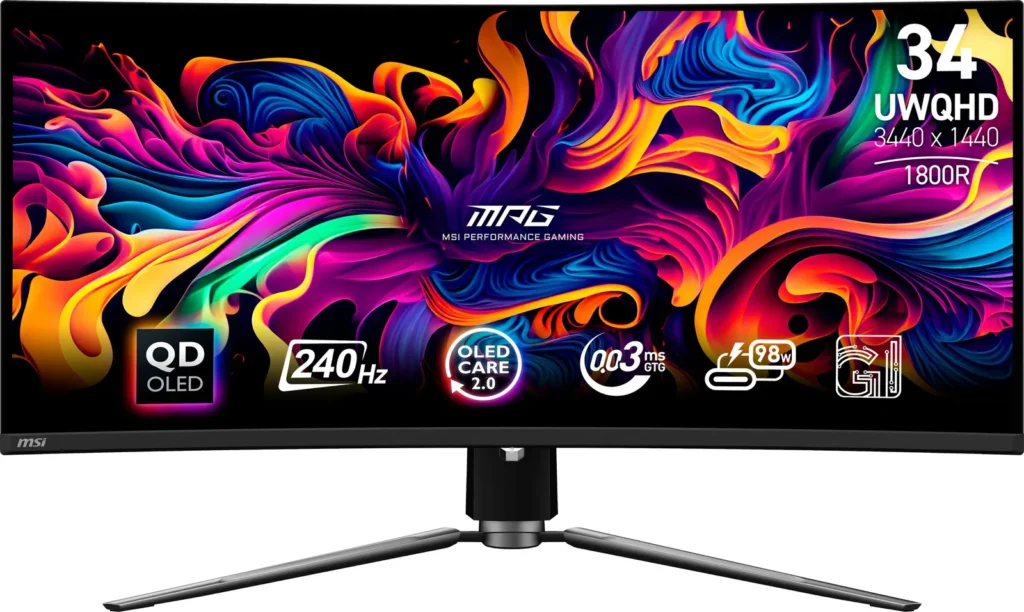
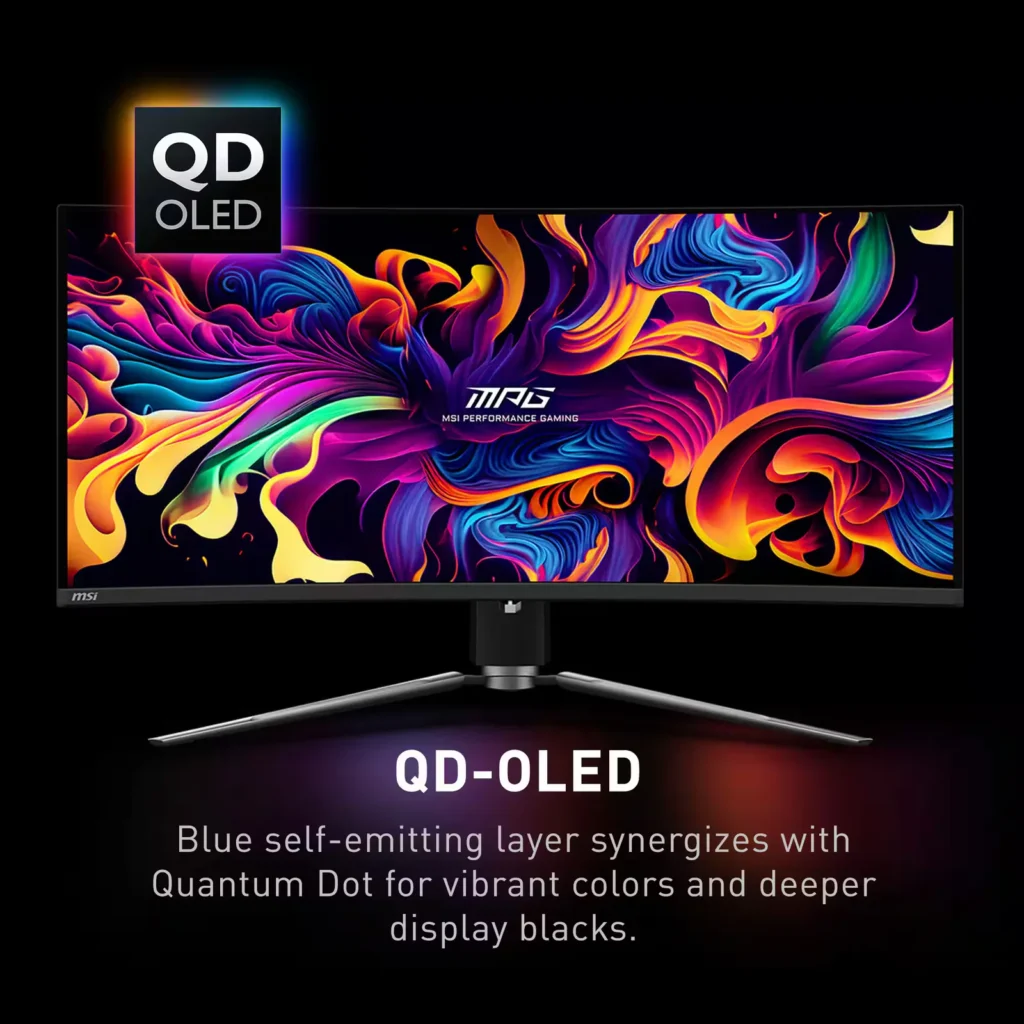
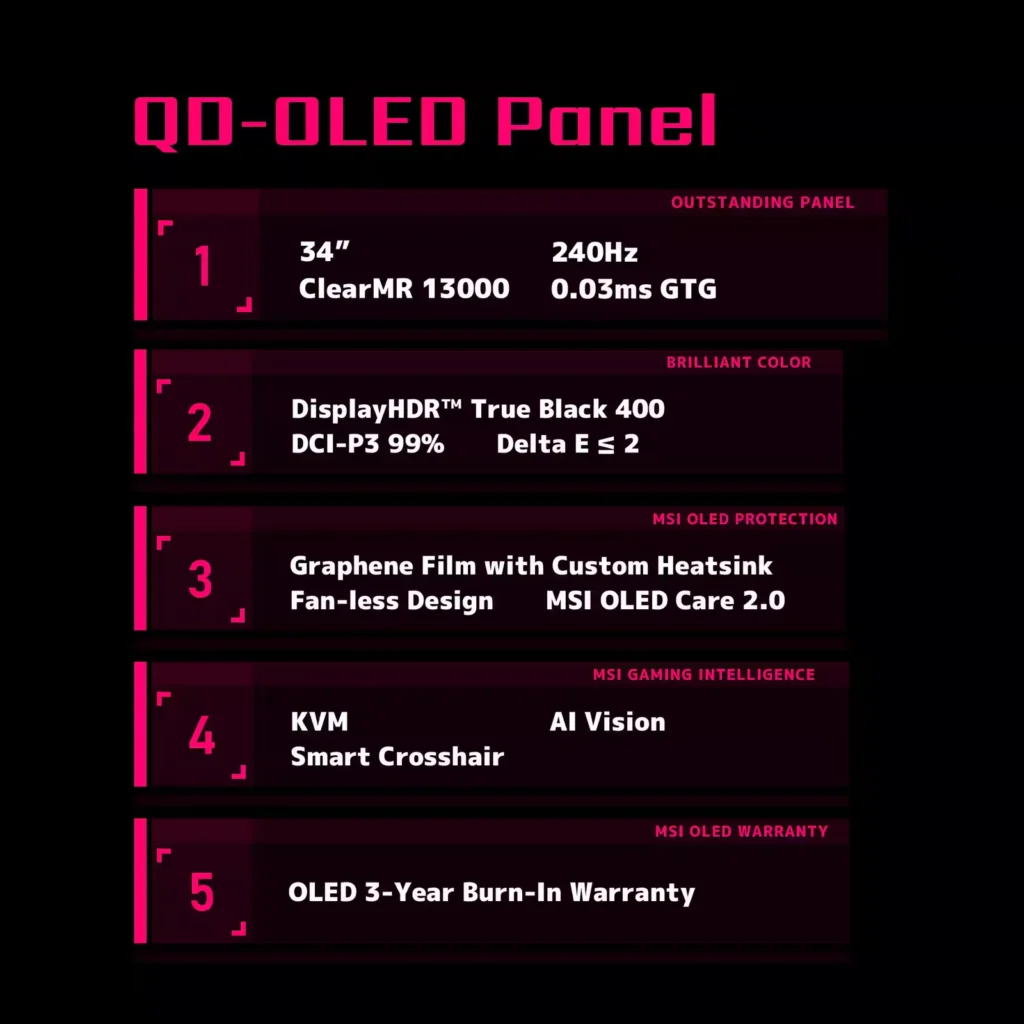
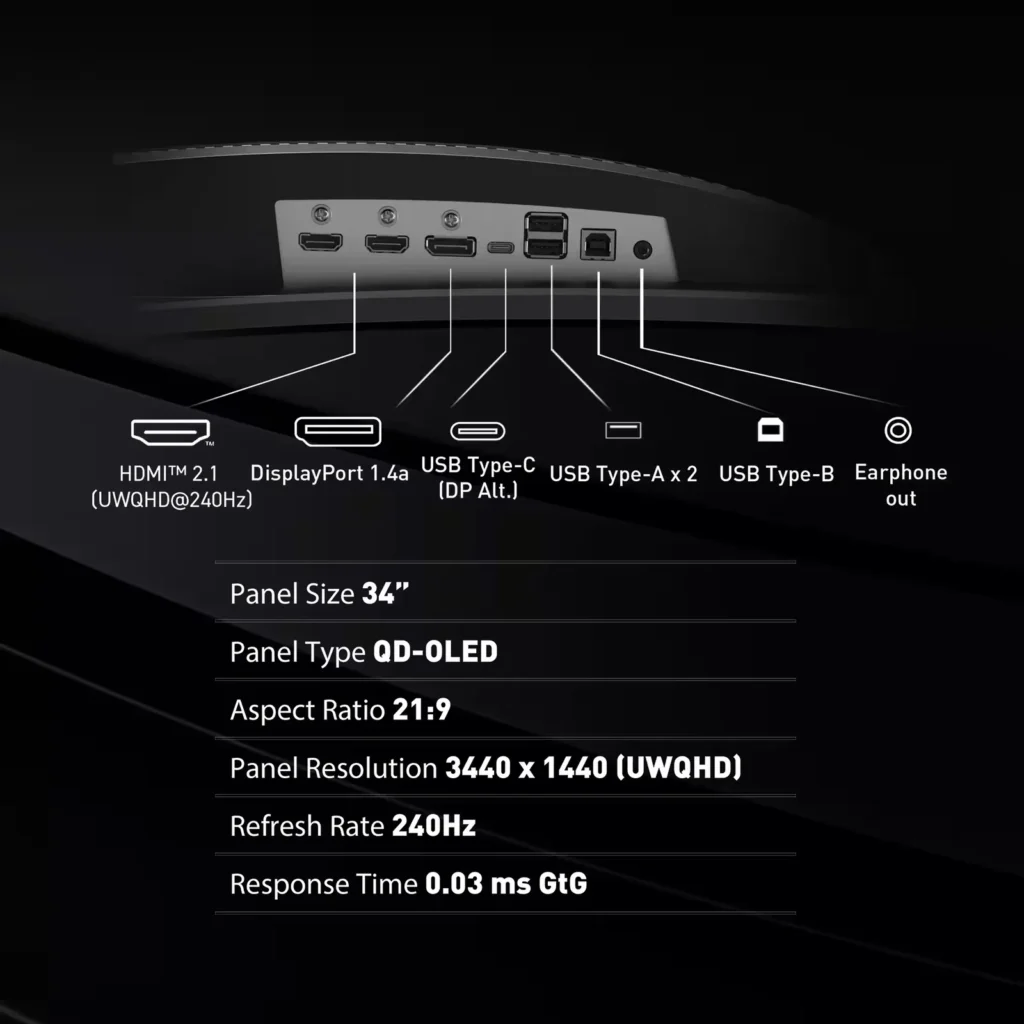
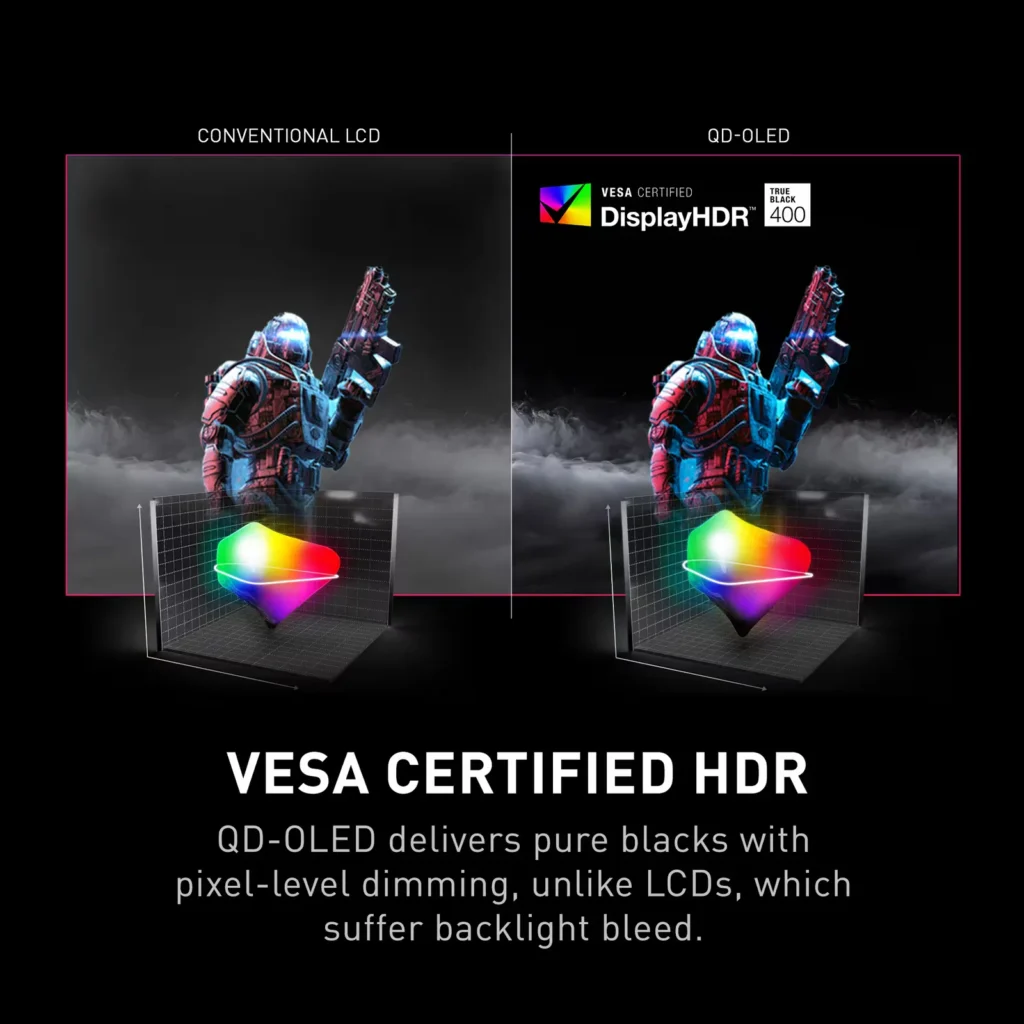
| QD-OLED Panel Technology | Features the latest MSI QD-OLED panel, delivering exceptional picture quality for gaming with a super-fast 0.03ms response time. Quantum Dot technology ensures accurate, vivid, and lifelike colors. |
|---|---|
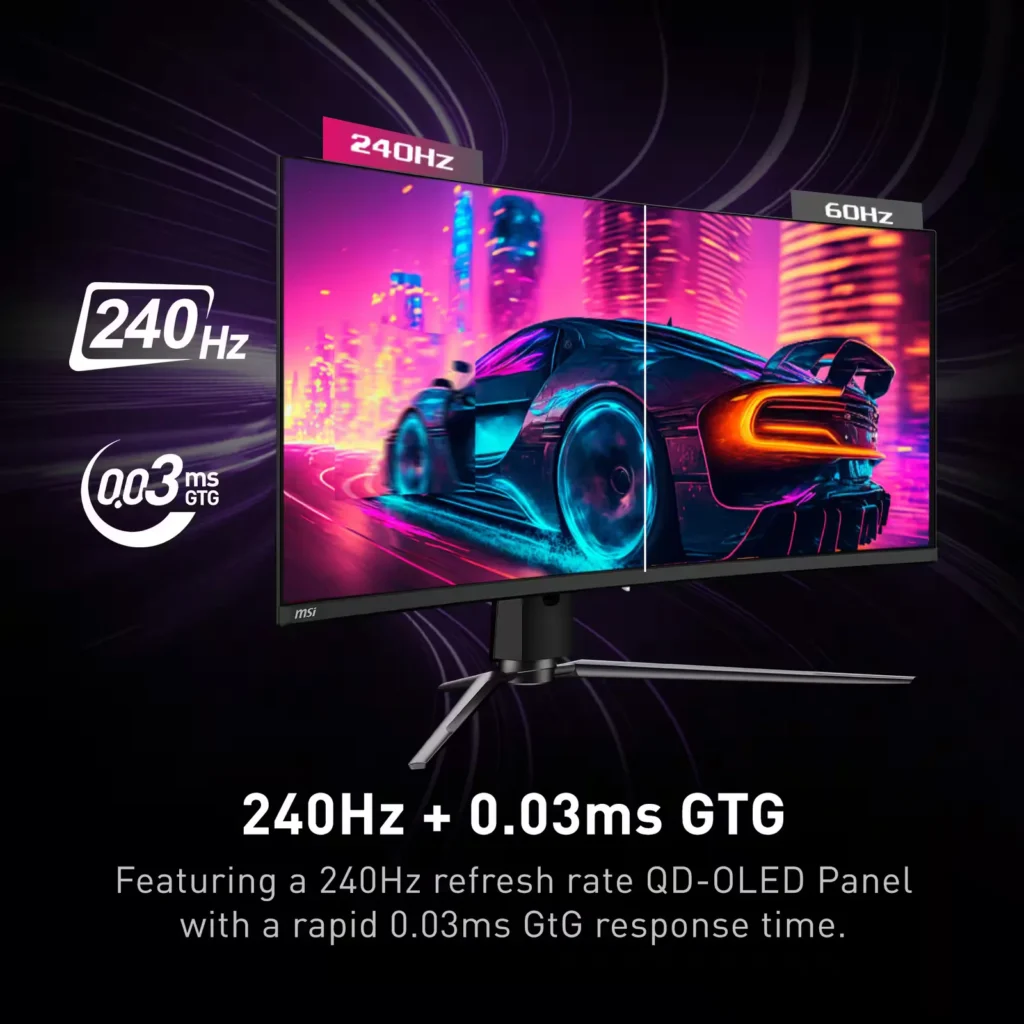
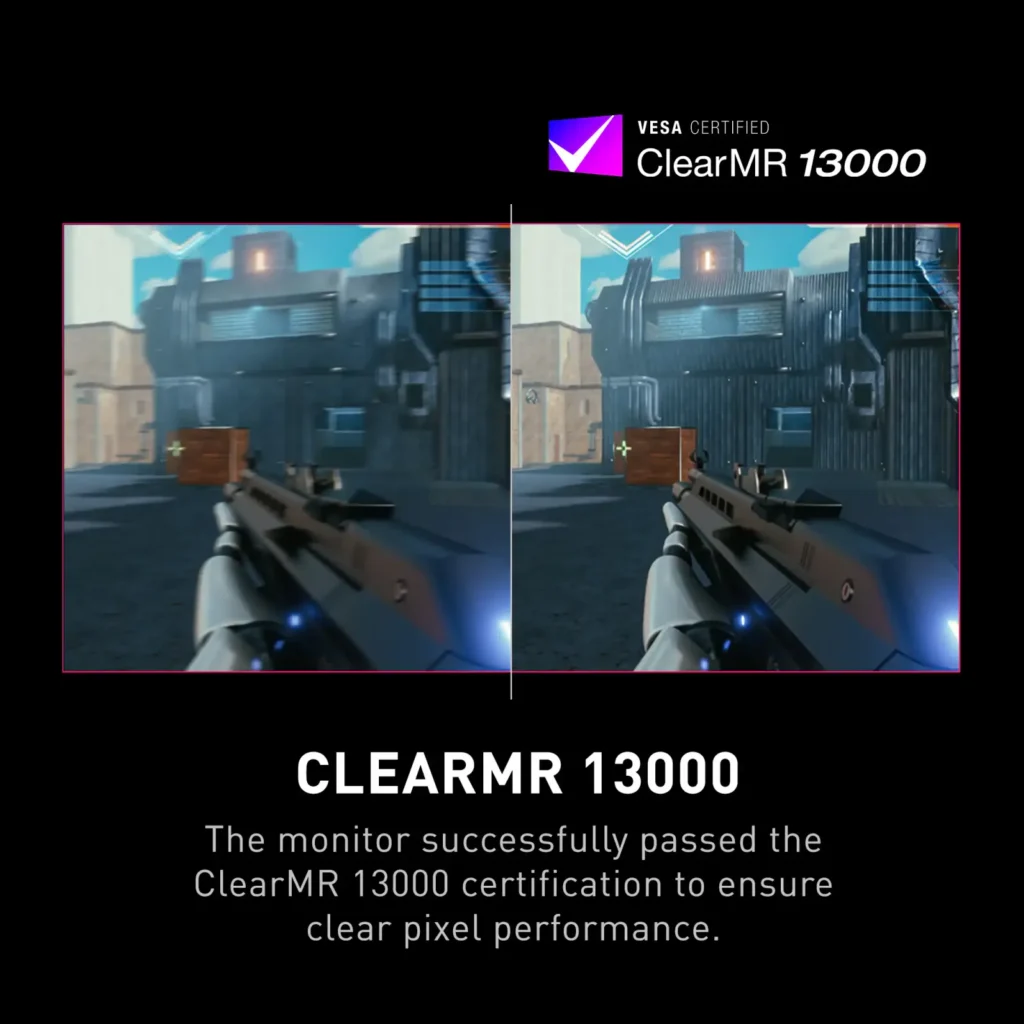
| Ultra-Fast Refresh Rate and Response Time | Equipped with a 240Hz refresh rate and 0.03ms GtG response time, providing a competitive edge in fast-paced games requiring precise movements. |
| UWQHD Resolution with Curved Display | Offers a 3440×1440 (UWQHD) resolution on a 34.18-inch, 1800R curved screen, immersing you in fantastical open worlds. |
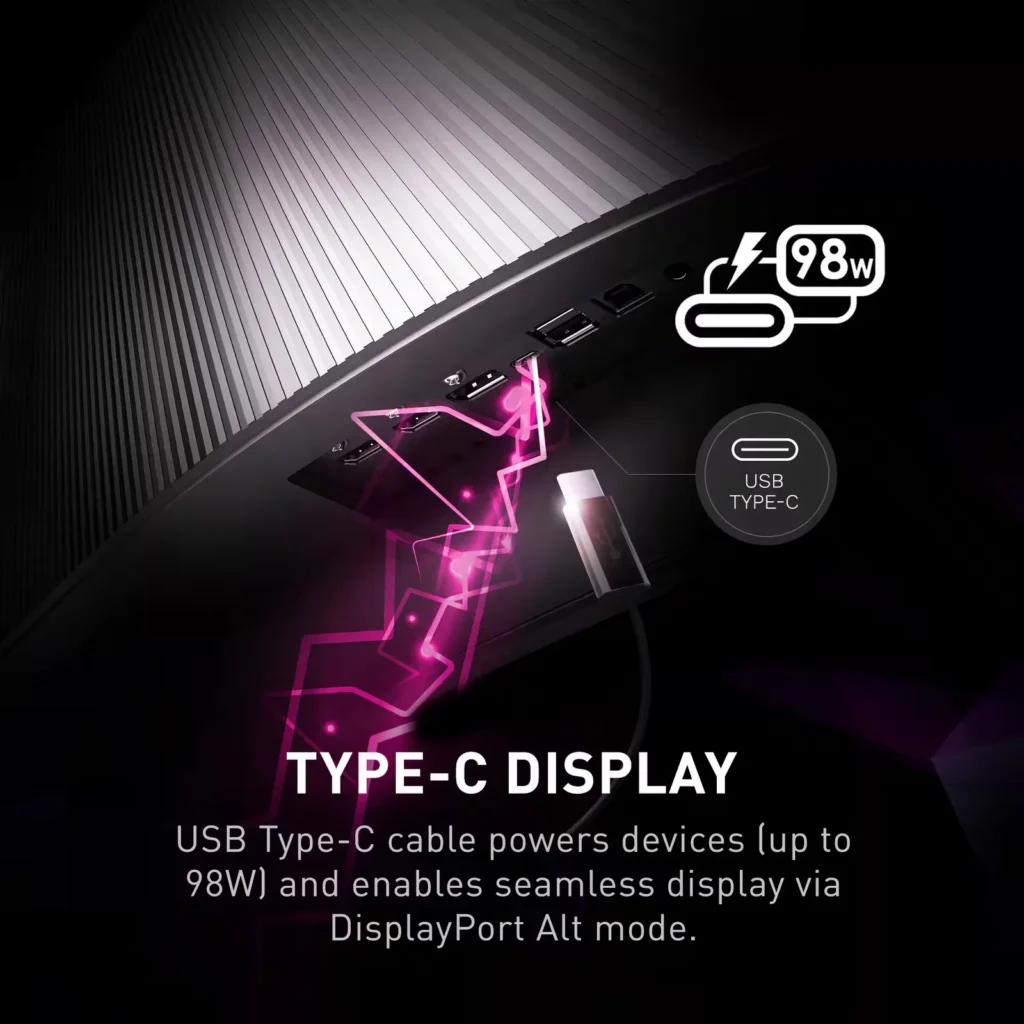
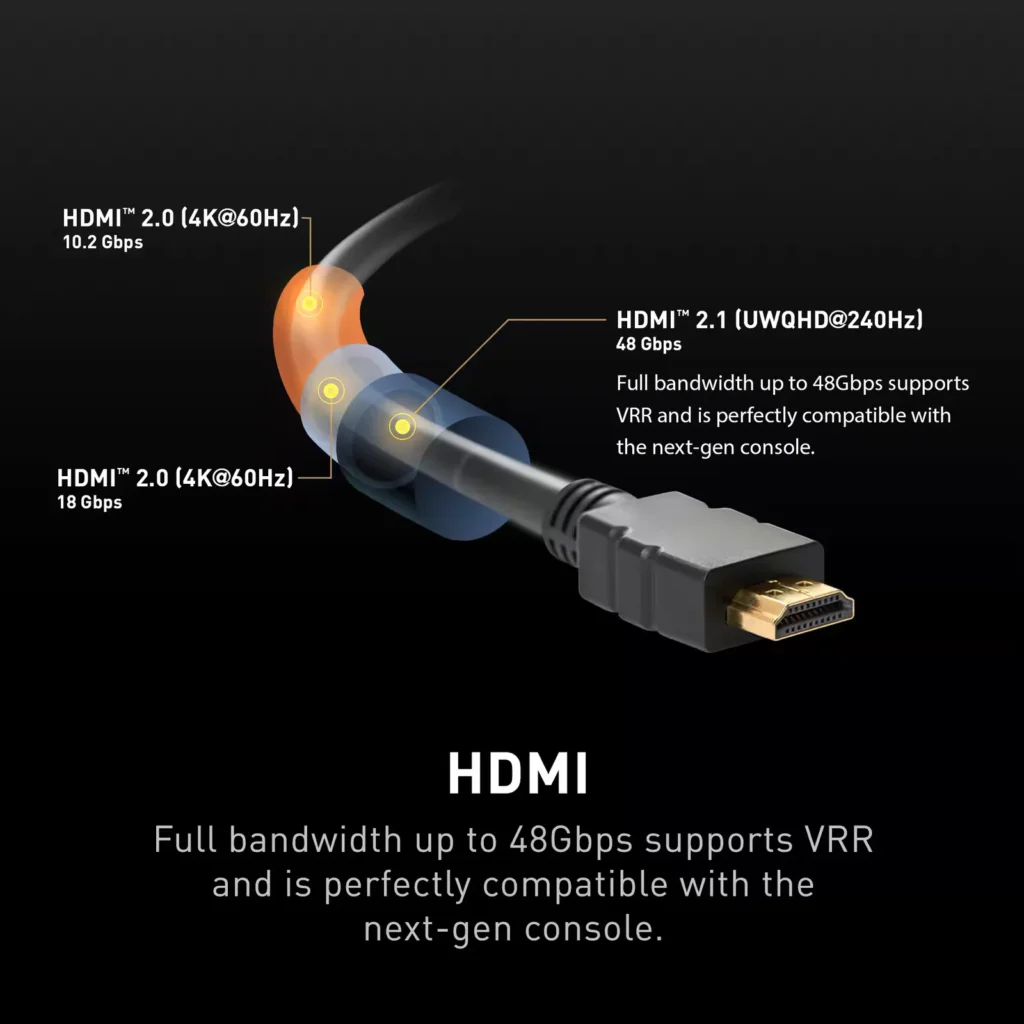
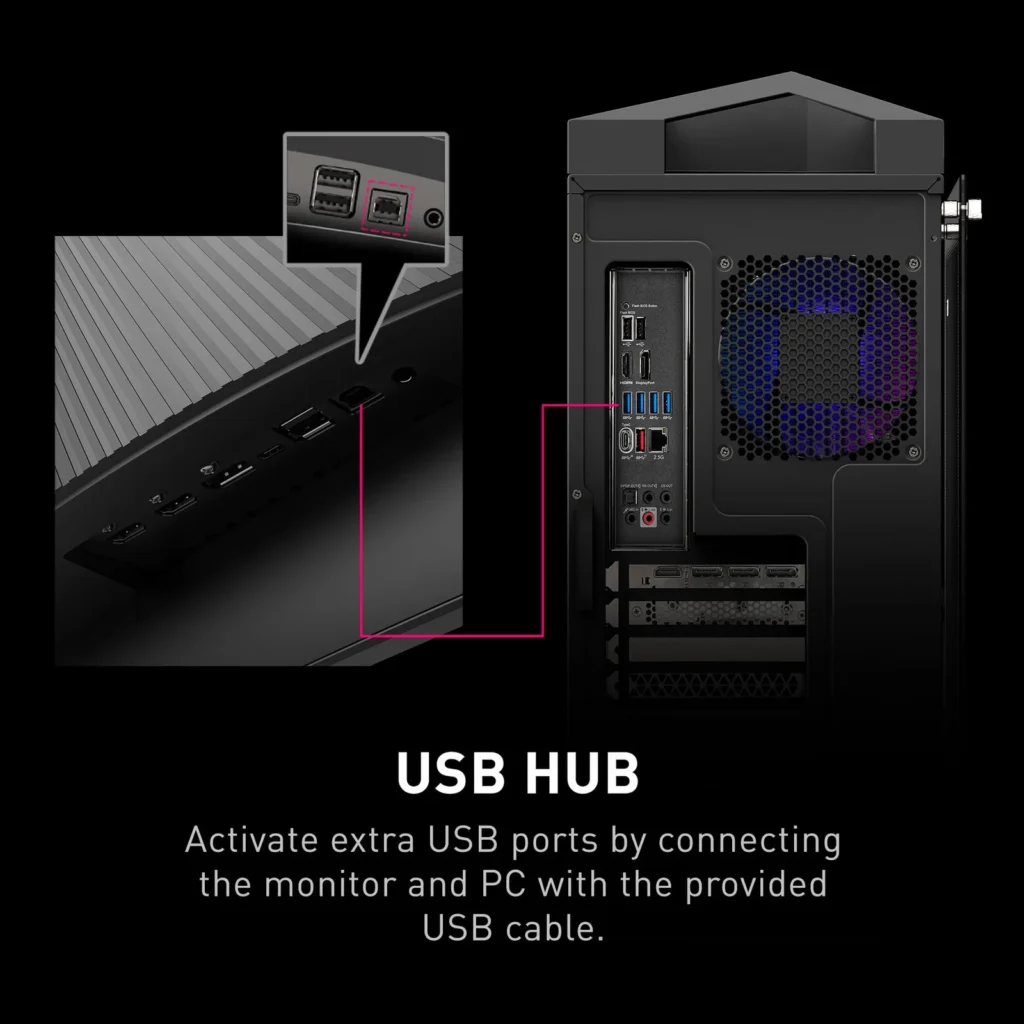
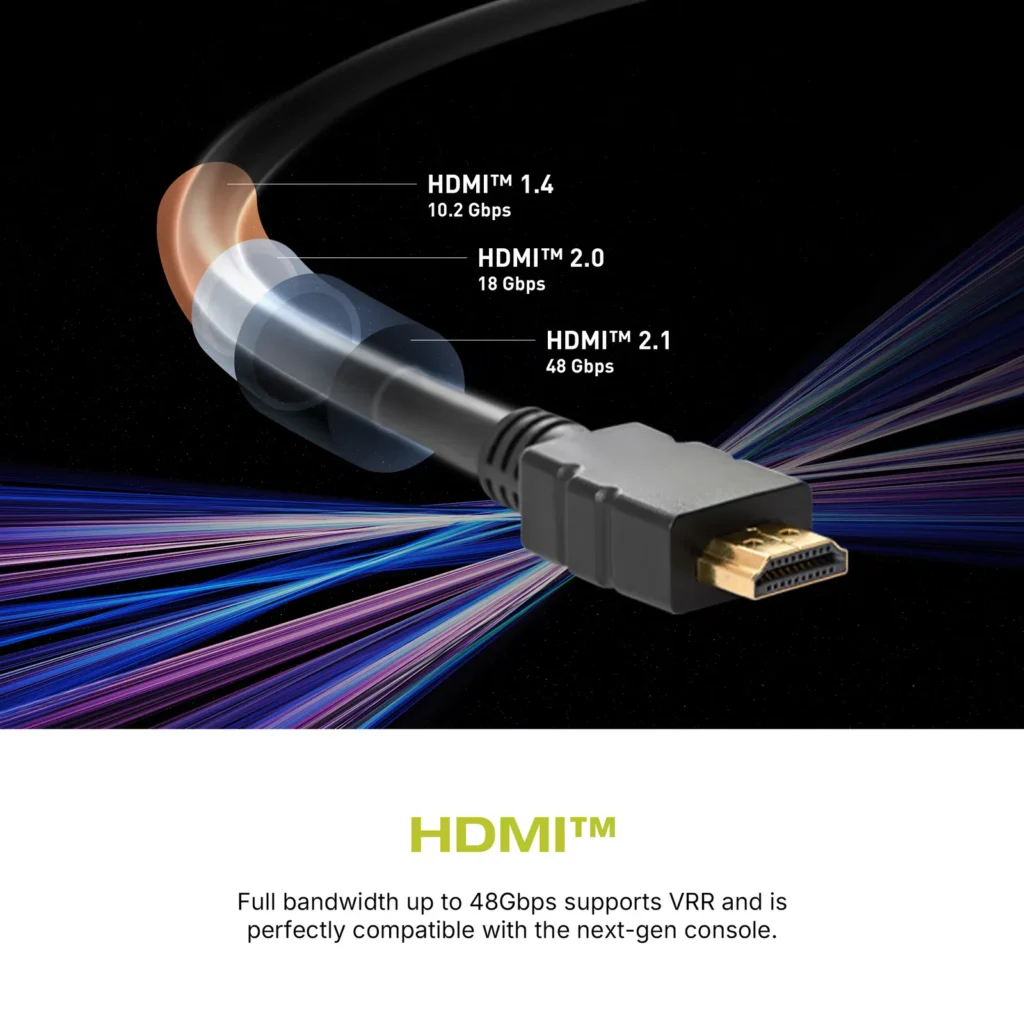
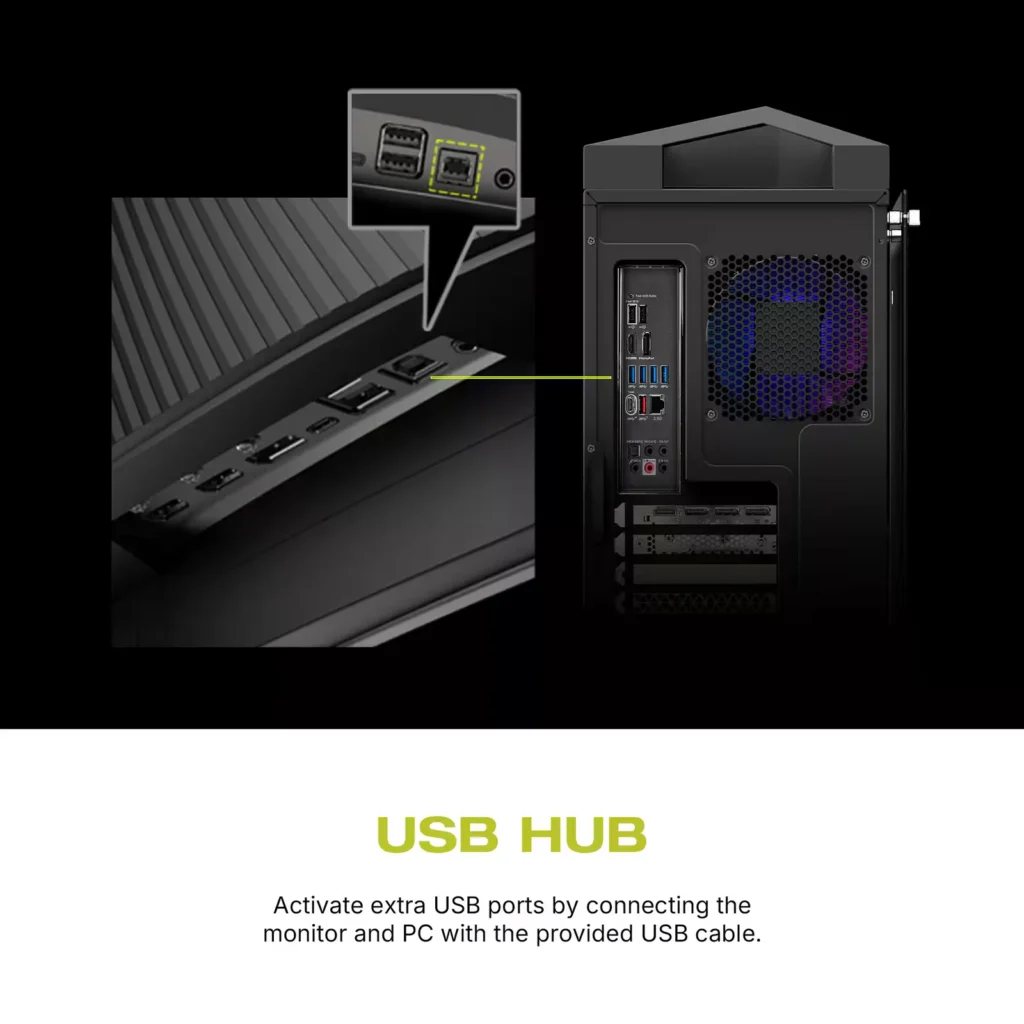
| Comprehensive Connectivity | Includes multiple ports such as HDMI 2.1, DisplayPort 1.4, and USB-C with 98W Power Delivery and DP Alt Mode, offering versatile connectivity for various devices. |
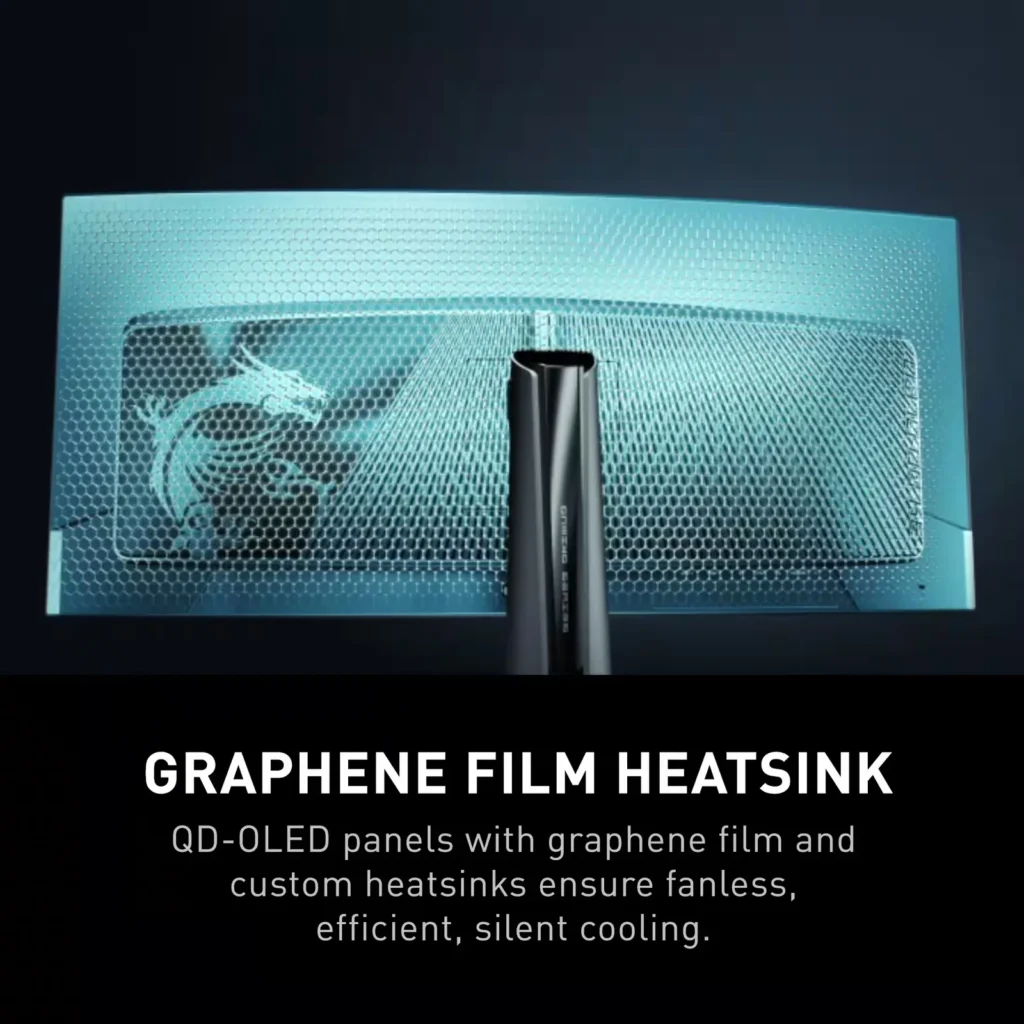
| OLED Care 2.0 | Implements OLED Care 2.0 with features like Graphene film with custom heatsink, Boundary Detection, Taskbar Detection, and Multi-logo Detection to reduce the risk of OLED burn-in. |
Pros & Cons
Pros
- Stunning Visual Quality: The QD-OLED panel delivers exceptional color vibrancy, deep blacks, and high contrast that significantly enhances gaming and media consumption, often described as a 'night and day' upgrade over IPS or VA panels.
- High-Speed Performance: A 240Hz refresh rate combined with near-instantaneous response times ensures buttery smooth motion and a highly responsive feel, which is particularly beneficial for competitive gaming.
- Useful Connectivity Features: The inclusion of a built-in KVM switch and a 90W USB-C Power Delivery port allows users to easily switch peripherals between a gaming PC and a work laptop while keeping devices charged.
Cons
- Intrusive Maintenance Feature: The 'Panel Protect' function forcibly initiates a 5-10 minute maintenance cycle that cannot be easily postponed or scheduled for off-hours, often interrupting users during critical gaming moments or important meetings.
- Poor Port Placement: The input ports are located very low on the back of the monitor, causing cables to hang visibly below the screen and making clean cable management difficult without the use of specialized 90-degree adapters.
- Technical Artifacts: Some users report issues with VRR flickering in dark scenes and 'black crush,' where fine details in shadows are lost to pure black, though some of these issues have been addressed in recent firmware updates.
You might also like
Customer Reviews
Showing reviews 151-158 of 158
-
Arrived broken
Verified purchase Verified purchase: This reviewer bought the product.Joe September 2, 2024Review source: Amazon800.00 and arrived open and broken and open
-
Amazing monitor, love it!
Verified purchase Verified purchase: This reviewer bought the product.Jaime August 20, 2024Review source: BestbuyAmazing monitor. I already owned the 341CQP prior, so I already knew what I was in for:
+Amazing accurate color
+Overall great design (clean bezel, fanless design)
+Amazing low input lag and latency (after updating Firmware to .018
+Amazing refresh rate
+Great inputs and definitely nice to have higher USB C PD port wattage over the original CQP for alternative devices I want to plug in for work and keep powered with one less cable to worry about when I need it, such as my Surface LaptopThis monitor, even at MSRP is appropriately priced. $899 is quite a bit of money, don’t get me wrong. Thankfully, I got it at close to cost of the regular CQP and am really happy Best Buy honored that! The monitor is amazing for what it offers compared to a huge slew of the competitors. If you’re someone who does both a lot of work and gaming, this panel (Samsung) is the one to use, with it’s subdued (but still noticeable in a good way) curve as opposed to a ridiculous 800R curve for a 34″. If you’re going to have that strong a curve, you might as well buy a larger display.
Design (especially if mounted on a wall) is elegant and clean on the front face. People will complain that the cables are harder to hide with this panel and the CQP given how low they are located on the back…but you can literally buy high quality angle adapters or cables with a built in angle to mitigate this. If you’re dropping this much on a monitor already, you’d think you’d have the means to go that extra mile for a clean setup if it really does bother you.
All-in-all, I love this monitor. I already knew what to expect use case wise owning a CQP also, but that extra kick in refresh rate, and slightly higher peak brightness than the CQP is nice, especially the even higher refresh rate for playing Apex and League. Likewise, color for this product and the CQP were some of THE BEST in overall accuracy compared to its competitors.
-
Beautiful, but with an Imperfection
Nick A August 11, 2024Review source: AmazonFirst off I got this monitor from BB which honored the price on Amazon(729.99) (which has gone down twice since release. (769 and 729))
Monitor is stunning. (Phone did the colors terribly) This is my first ultra wide and first oled. I’ve been waiting on a mini-led for a while to not have to worry about burn in but this came out sooner and became quite a bit cheaper for all the features I was looking at compared to other brands and technologies.
This x model is the newer version with a higher refresh rate. It still has the gen 1 oled panel (huge bummer because it was originally implied to be a gen 2 or gen 2.5.) again, I can’t get over how great everything looks with this monitor. I finally just reached a point I’d rather turn off FPS meters and just play as beautiful as I can while gaming still feels smooth as crisp since I don’t play and more super competitive FPS.
I do have one issue/imperfection (well 6 really). As shown in one of my images the flim coating is missing in 6 spots. At first it was noticeable in black screens, but now not as much compared to full bright white screens. I’m tempted to return and get a new monitor, but I am wondering if all early production models have the same issue and that’s why it’s on sale. Or just trying to beat out competition.
If you’ve been on the fence about picking up a new monitor with all the features but price has been a problem. Now is the time. Gen 2/gen 3 screens are out but super expensive still. More will be released in 2025, but at what cost? I doubt you’ll find a feature stacked ultra wide for 729. The curve to me is hardly
Noticeable, which I should have also mentioned this is my first curved monitor.Monitor is only used for gaming or a browse online with a bit of code work here and there. So if you do a bunch of production stick with IPS, or settle for the VA mini-LEDs with 2000 dimming zones or more. (It’s what my tv is and what I was gonna get for a monitor). It won’t be as good but it will be darn close if you get a good screen.
Specs for pc
CPU – AMD 5900x
Mobo- Asus C8H
Ram – team group 3200 bdie
GPU – Tuf 4080 Super (3080 12GB died while monitor was on order)
PSU – Corsair hx1500i
Monitor – this one (bottom in image), 27” LG nano IPS (top in image) -
Very Dark
Verified purchase Verified purchase: This reviewer bought the product.Venez August 6, 2024Review source: BestbuyThe colors on this monitor look amazing but it does a poor job with dark games. I’ve owned just about every OLED you can buy (including the MAG 341CQP 175hz version of this monitor) and with all of those monitors, if I decided to leave any kind of black equalizer/shadow enhancing settings off, games would be dark but still playable. Trying games like Resident Evil 4 on this monitor was not enjoyable because it felt like I would have to turn the Night Vision setting up to at least the third setting before I could see things and move around comfortably in dark areas, which ruins the purpose of buying OLED and the ambience of horror games. I played around with every setting and I could not make dark games look playable without ruining the blacks or some other details of the games.
-
BEST oled for PC and Console Gaming
Verified purchase Verified purchase: This reviewer bought the product.OLED48CX August 3, 2024Review source: BestbuyTHIS is the best Ultrawide on the market. Use HDMI (i had black screens with DP for some reason). EXCELLENT color and motion clarity. Deep blacks (of course). Has super low lag even at 60hz (if you use for console- i use for PC -rtx 4090/ console bc of the low lag.) Use HDR True Black 400 and run Adobe RGB for best color accuracy in SDR and HDR. ENJOT god tier!
-
Really great monitor after tweaking settings!!
Verified purchase Verified purchase: This reviewer bought the product.ZenovoidTTV August 1, 2024Review source: BestbuyA lot of people are talking about seeing weird partical and issues with brightness, but honestly, I’ve found out the perfect settings to make sure it’s not too dark and feel just right. Honestly, the monitor has great finishes and looks to it and has no issues. Tho the softwear is doo doo so i honestly wouldent recomened MSI Intelligence. Do not use the HDR 1000. Just stay SDR and increase the red, blue, and greed temps to 100. Then enable the nightvision to high. ONLY use User Mode as it’s the most calibrated and allows the most config. And common sence not to use adaptive sync if ur on a nividia as it can cause studders or flickers. Make sure not to use sharpening as it creates those “flares.” Then, for bightness if you want more, then utilize the sofwear like adrenaline (amd) or control panel (nividia) to get the final result on color, brightness, and saturation levels. Hope that helps, but yes, it’s a great monitor for price per pixel!
-
Not good
Verified purchase Verified purchase: This reviewer bought the product.Gcg1 July 30, 2024Review source: BestbuyI dont know if mine was bad, but i was having some really bad white partical effect on every setting . Also not very bright at all.
-
240hz 10bit with DP + DLSDR!?!?!
Verified purchase Verified purchase: This reviewer bought the product.milesk182 July 26, 2024Review source: BestbuyAbsolutely amazing and best 34-inch ultrawide oled i have dealt with! This model pulls no punches. You can get the full 10-bit 240hz over Display port, HDMI isn’t needed for that. The icing on the cake is that you can set NVidias DLDSR keeping the 240hz and 10-bit color…unbelievable!!!
You get HDR400 or HDR1000 with versatility to change the colors, not a set HDR profiles. I had the Gigabyte competitor to this, and it was lacking in all the features I mentioned above and for $300 more…. Just no! If you’re looking for a future rich ultrawide this is the model to get. The colors pop and has great brightness with other competitors.