Customer Media
Highlights
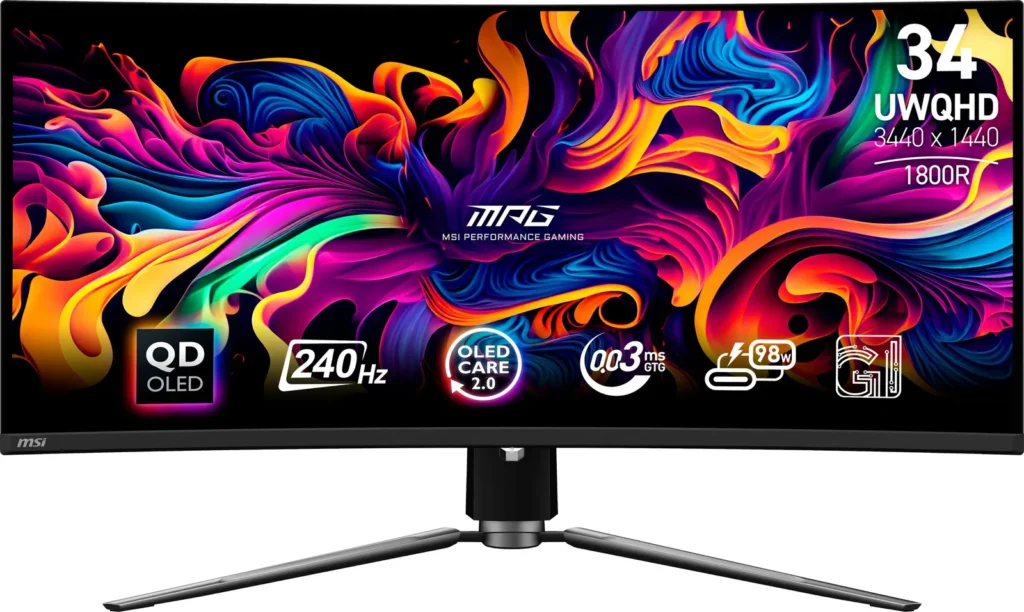
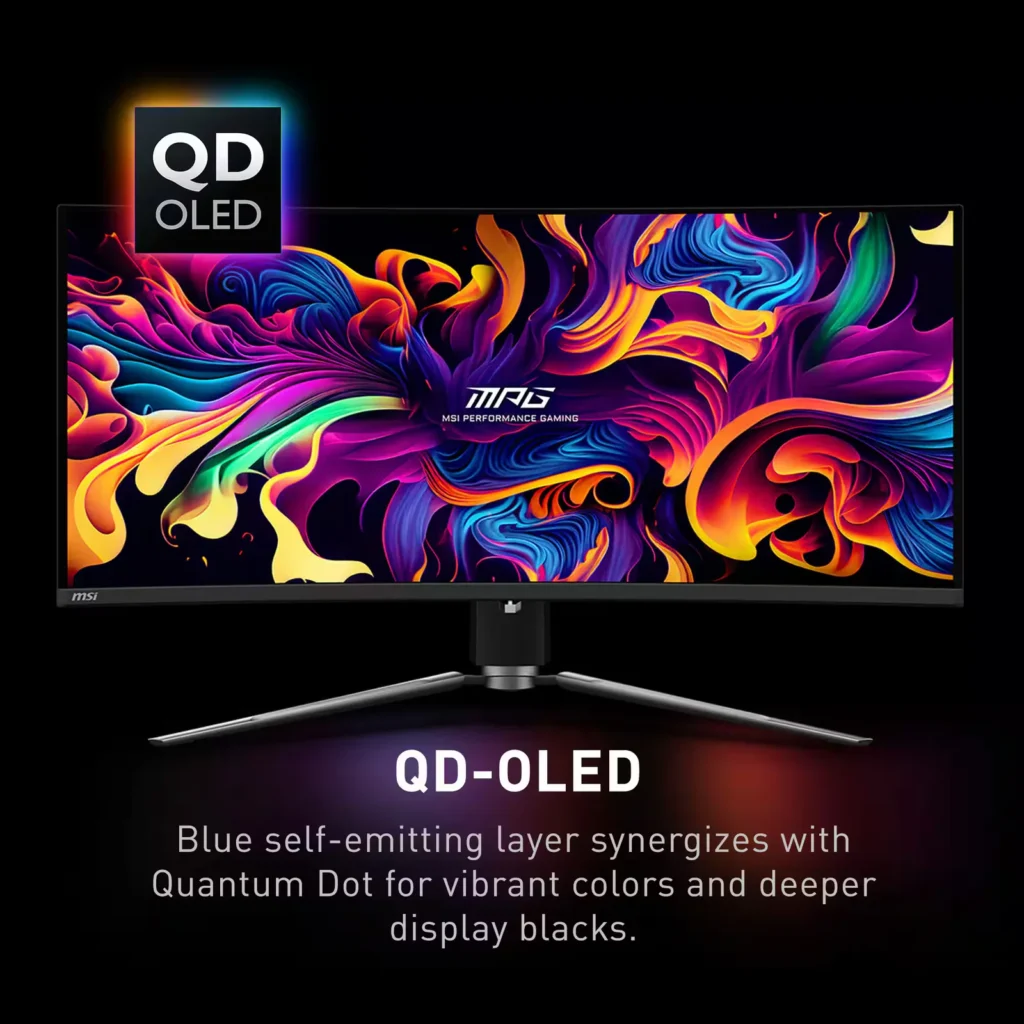
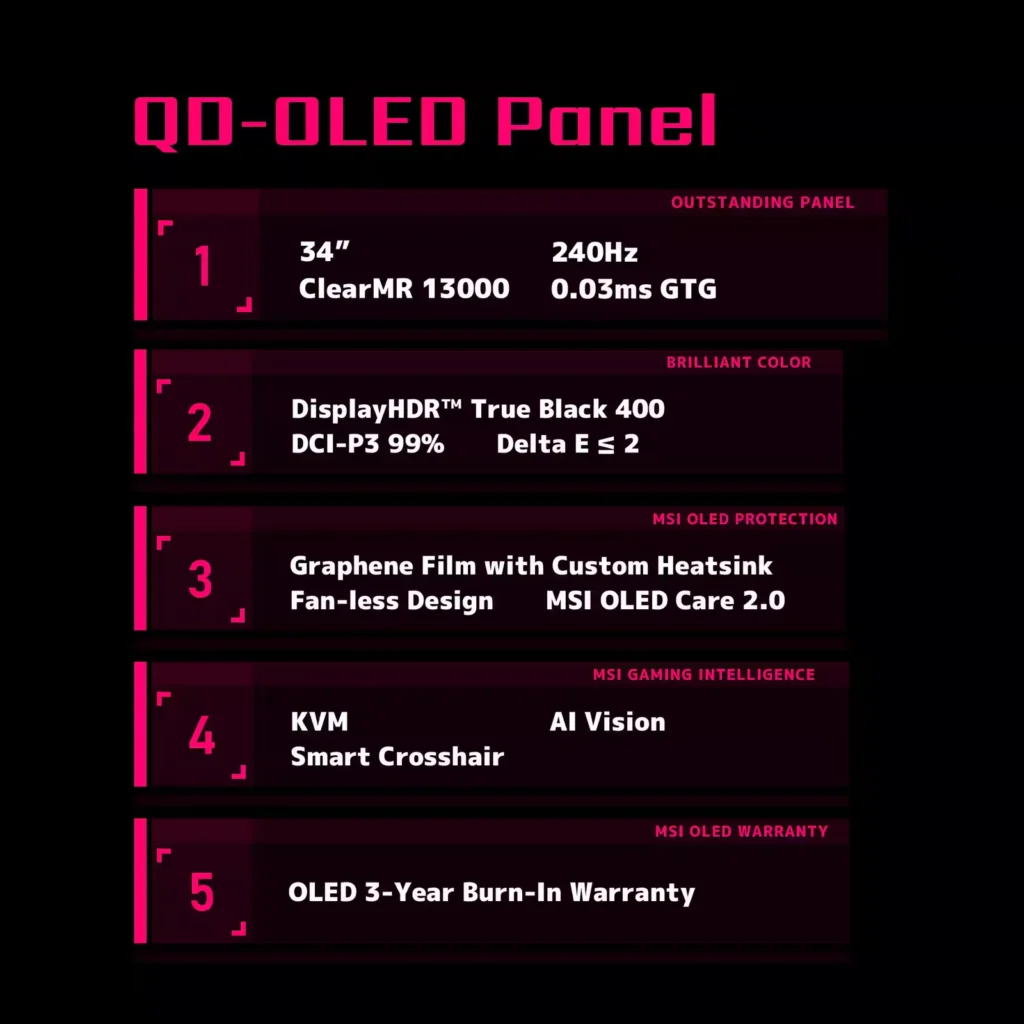
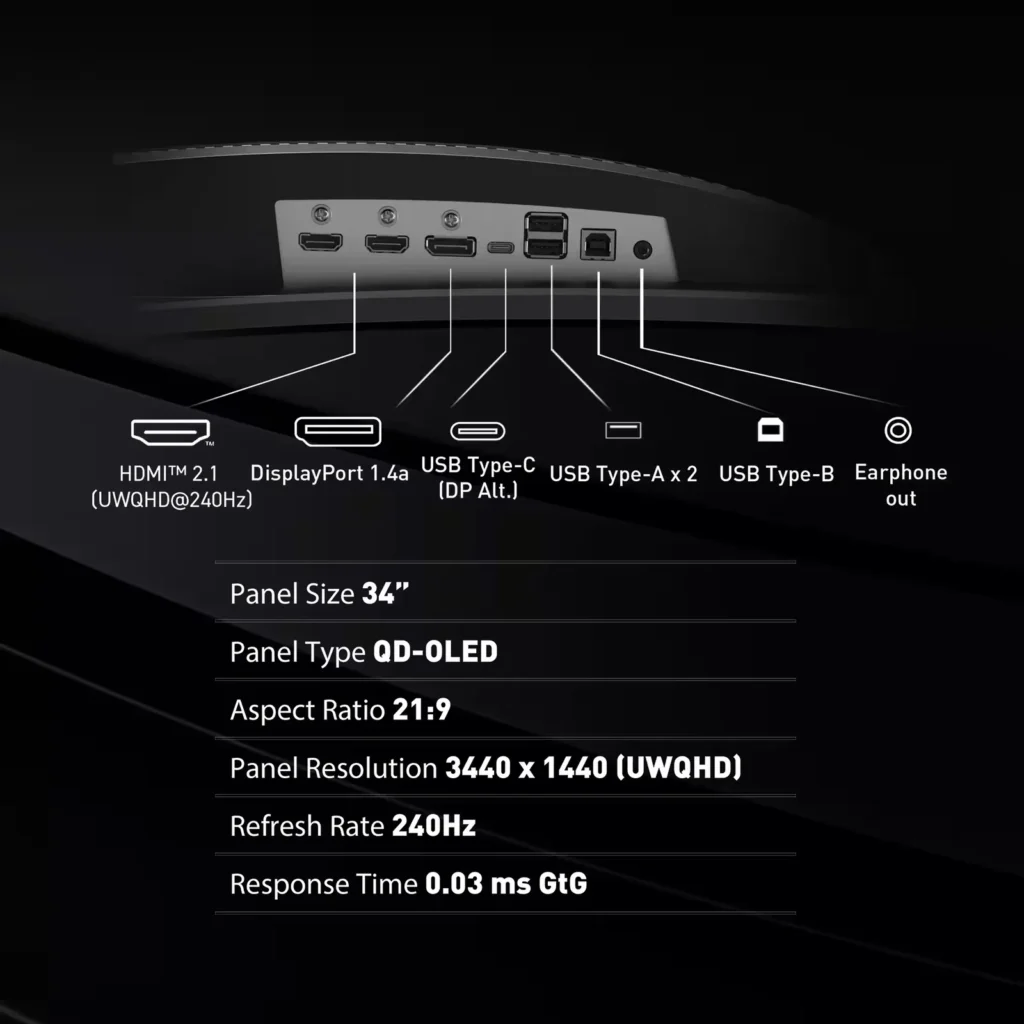
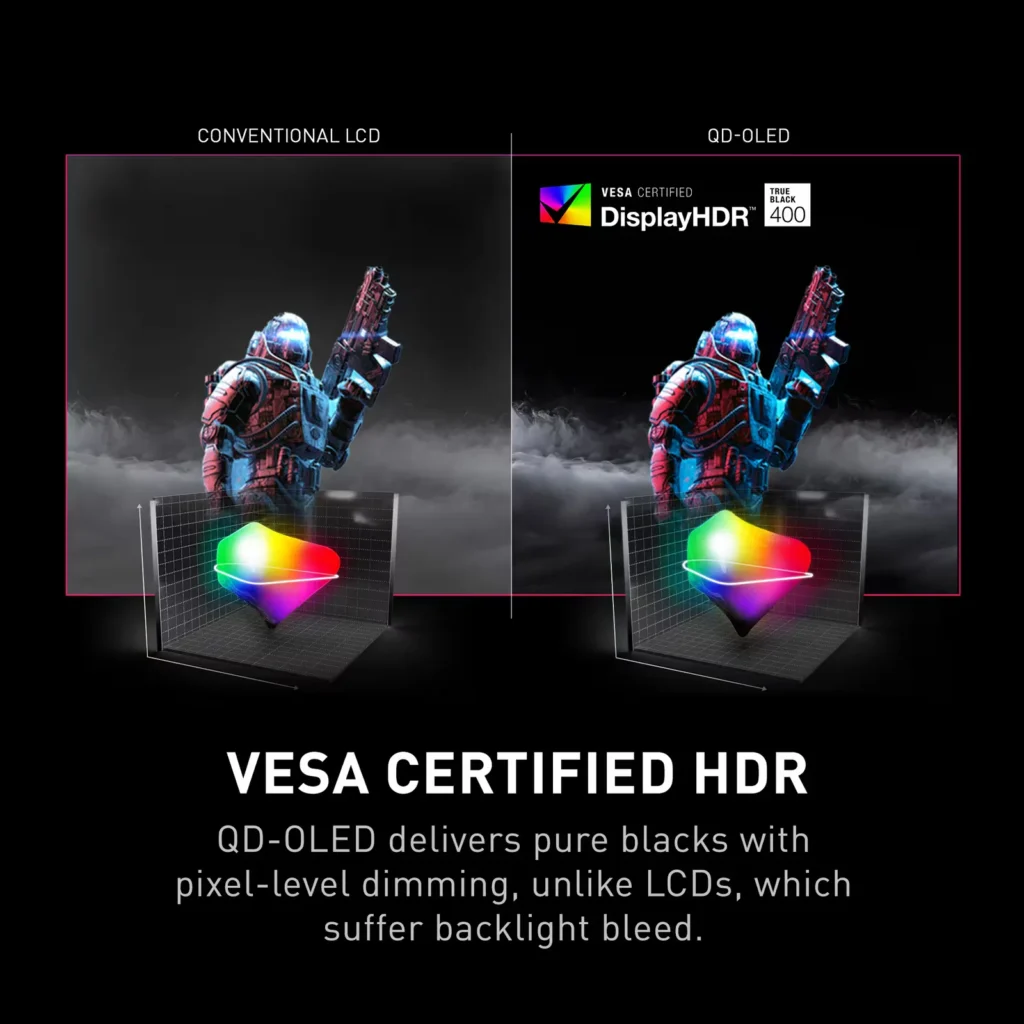
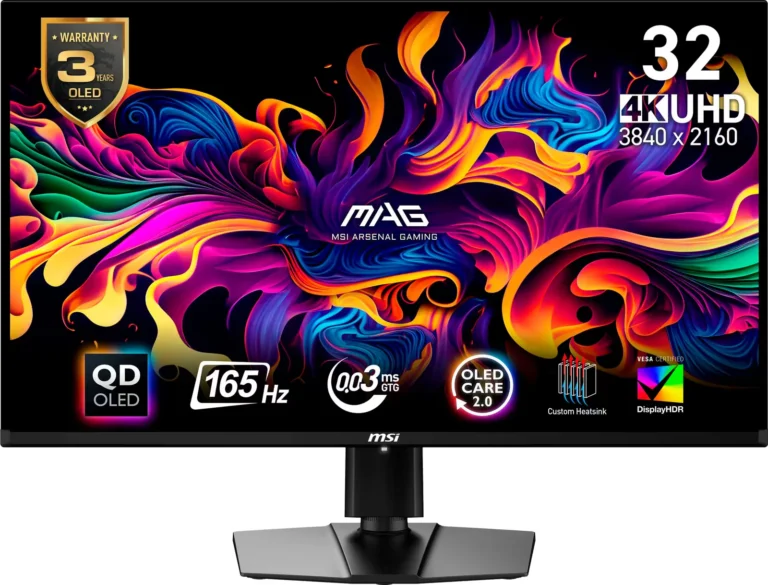
| QD-OLED Panel Technology | Features the latest MSI QD-OLED panel, delivering exceptional picture quality for gaming with a super-fast 0.03ms response time. Quantum Dot technology ensures accurate, vivid, and lifelike colors. |
|---|---|
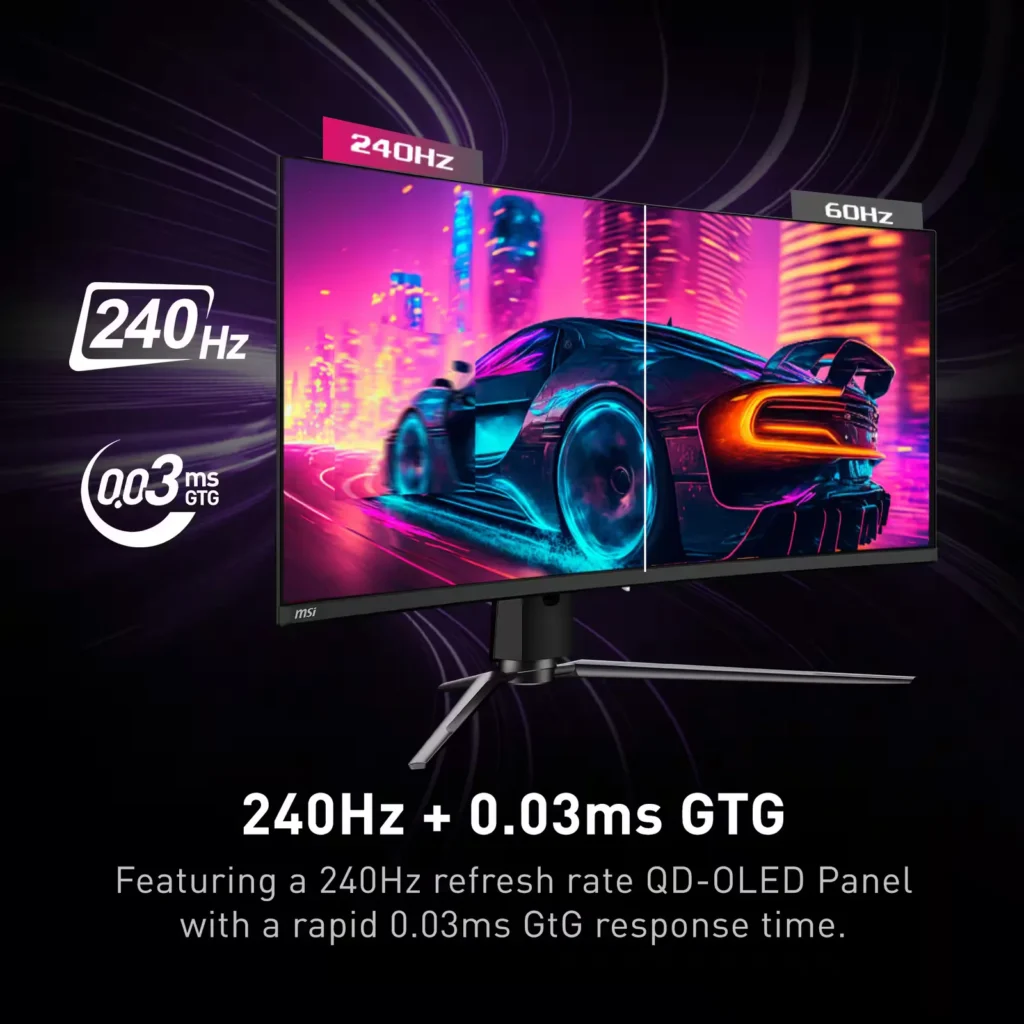
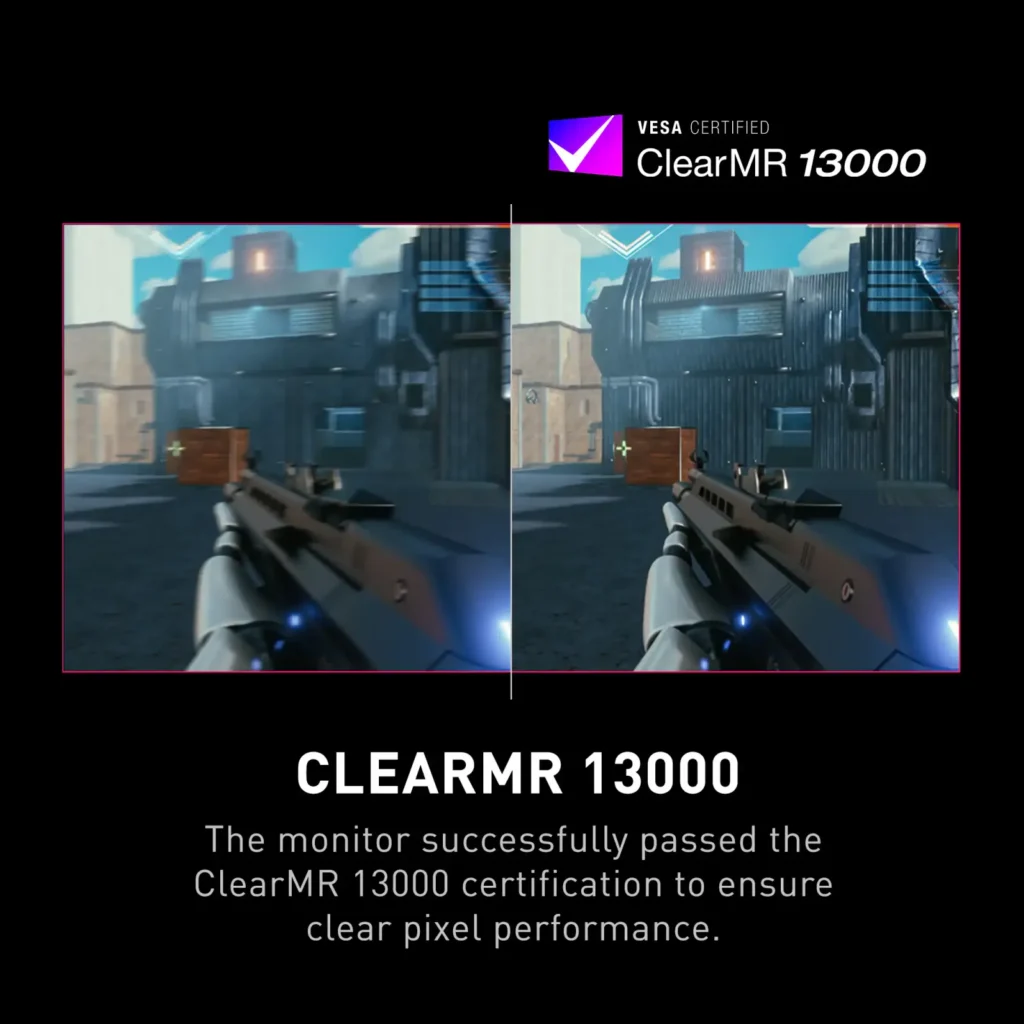
| Ultra-Fast Refresh Rate and Response Time | Equipped with a 240Hz refresh rate and 0.03ms GtG response time, providing a competitive edge in fast-paced games requiring precise movements. |
| UWQHD Resolution with Curved Display | Offers a 3440×1440 (UWQHD) resolution on a 34.18-inch, 1800R curved screen, immersing you in fantastical open worlds. |
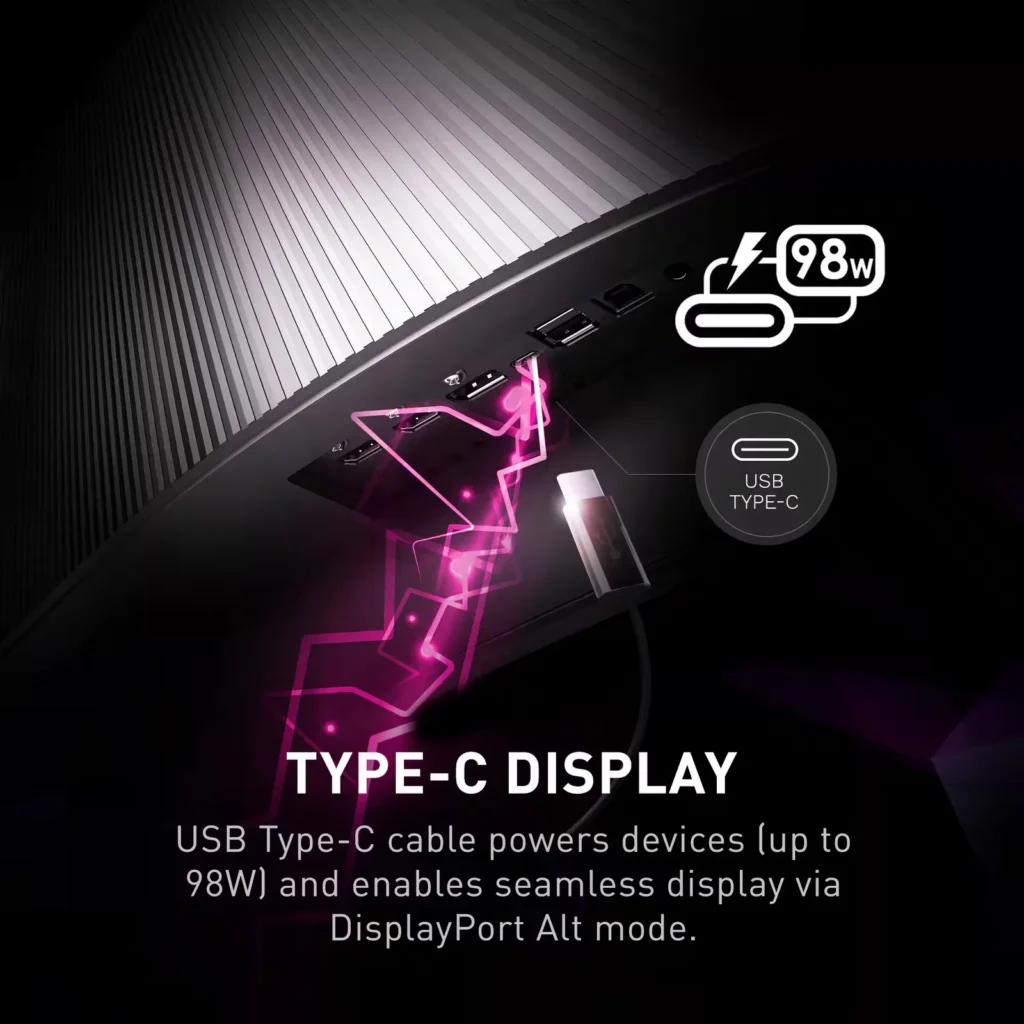
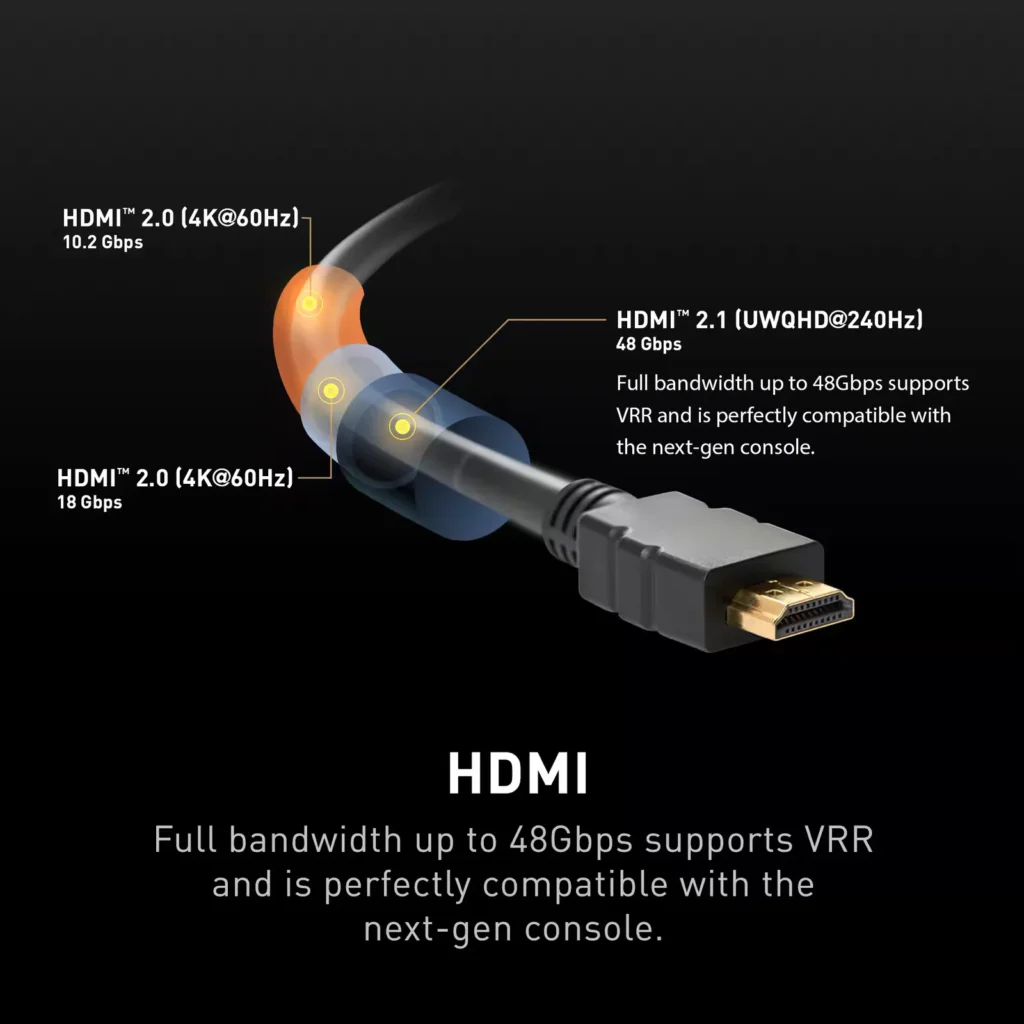
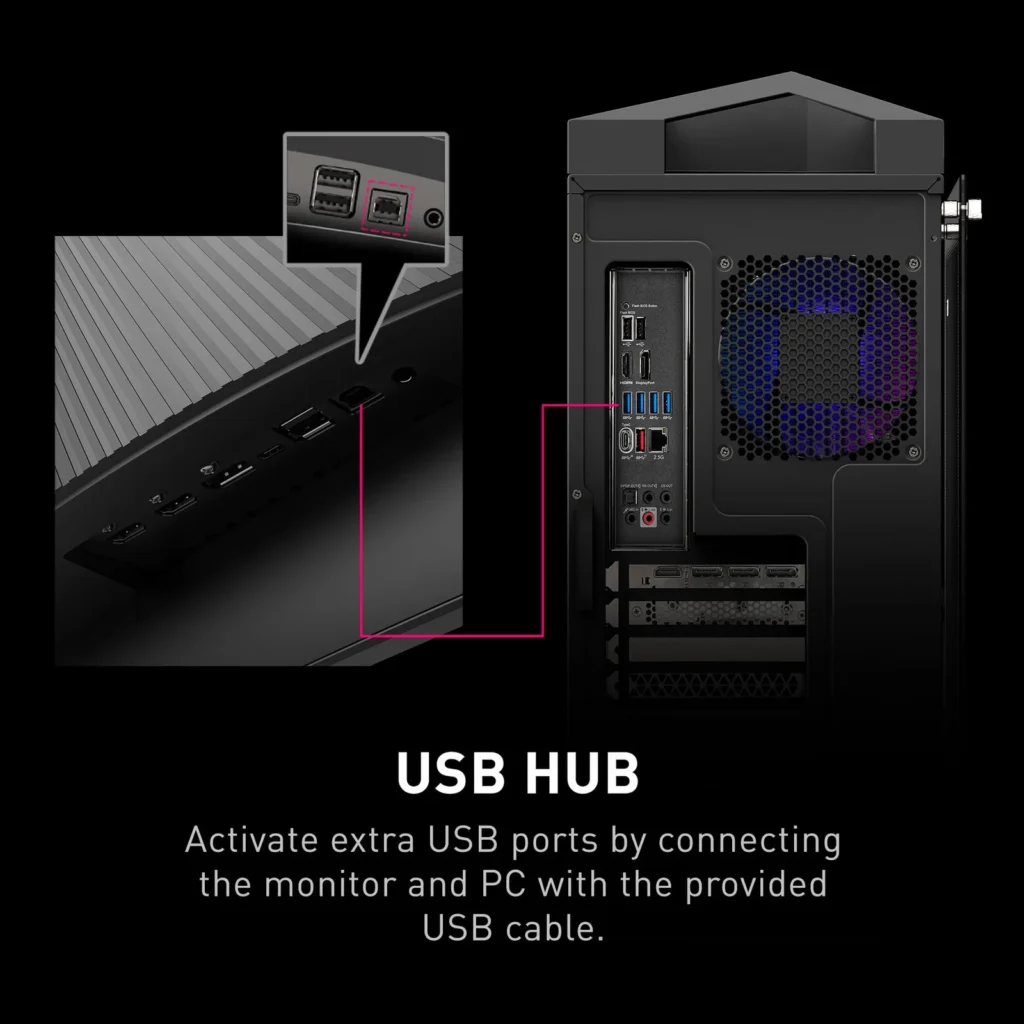
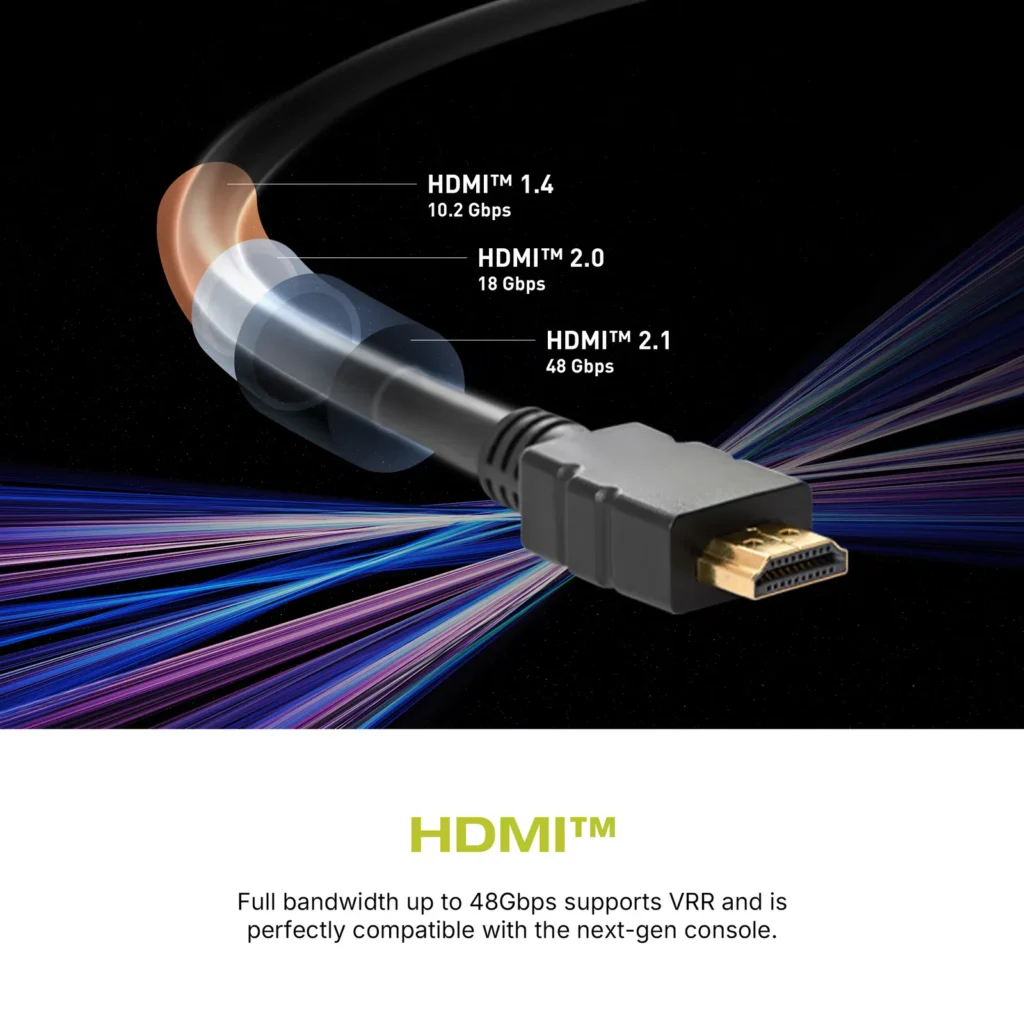
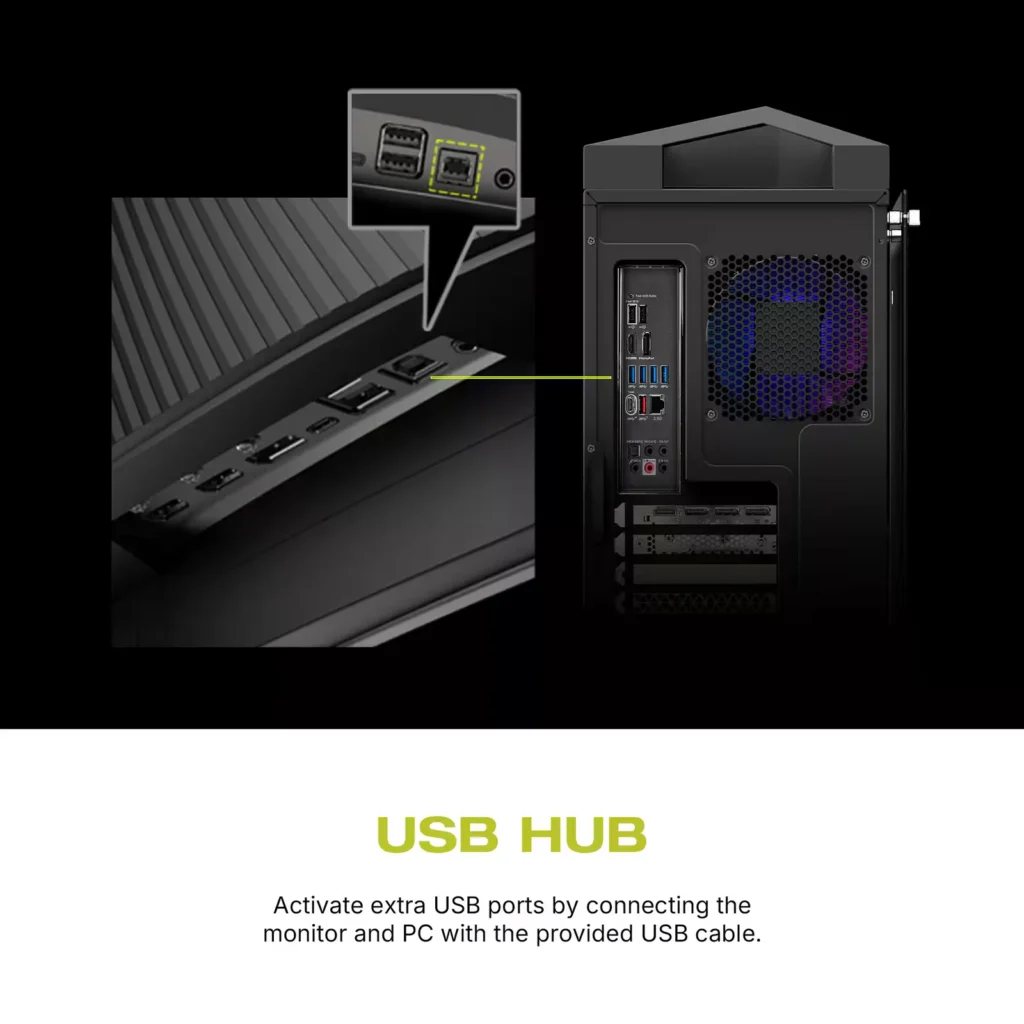
| Comprehensive Connectivity | Includes multiple ports such as HDMI 2.1, DisplayPort 1.4, and USB-C with 98W Power Delivery and DP Alt Mode, offering versatile connectivity for various devices. |
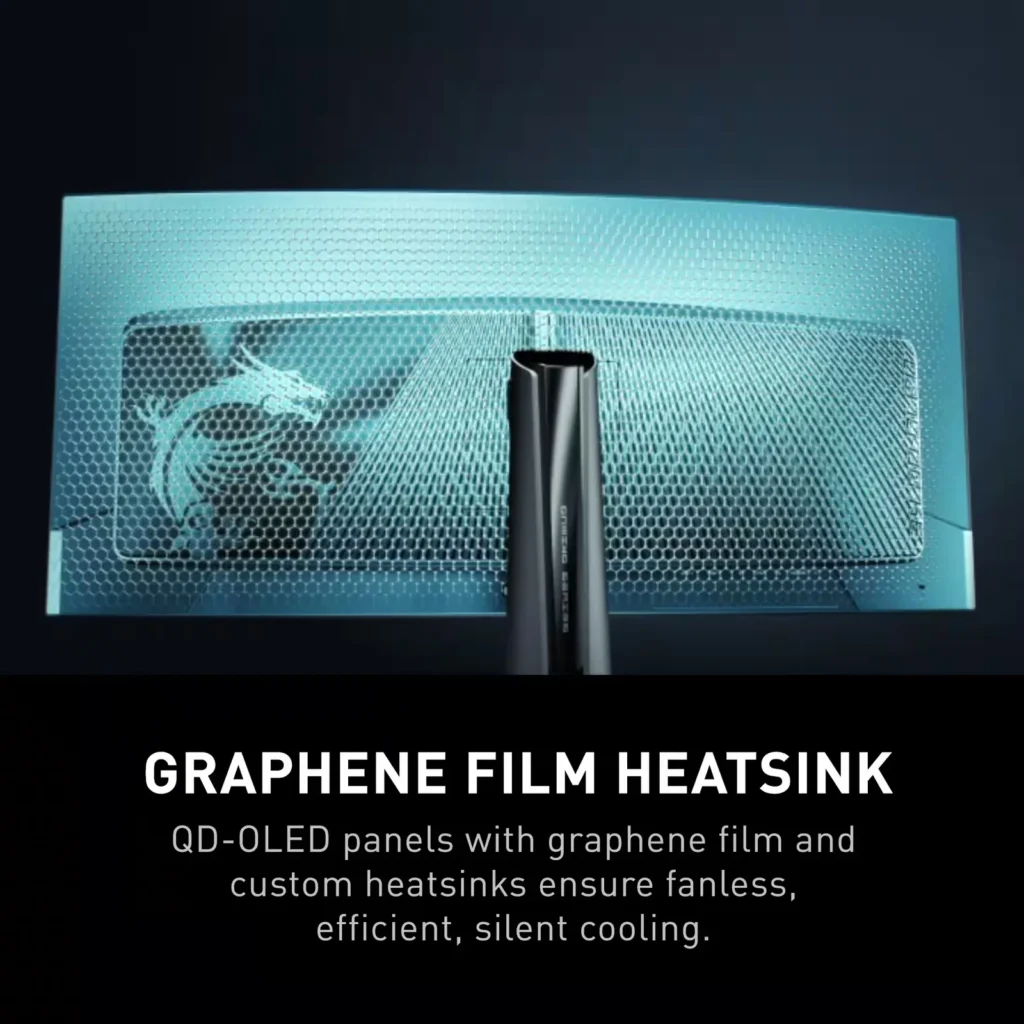
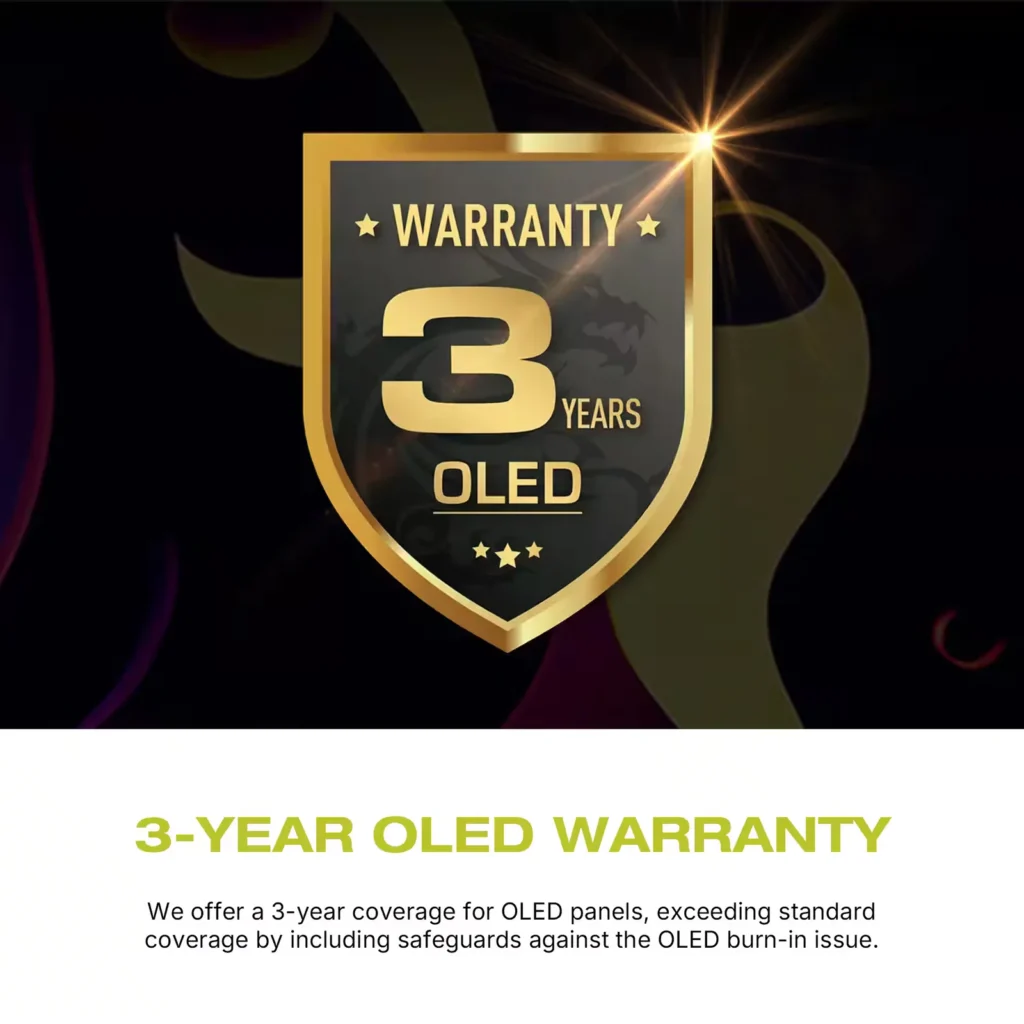
| OLED Care 2.0 | Implements OLED Care 2.0 with features like Graphene film with custom heatsink, Boundary Detection, Taskbar Detection, and Multi-logo Detection to reduce the risk of OLED burn-in. |
Pros & Cons
Pros
- Stunning Visual Quality: The QD-OLED panel delivers exceptional color vibrancy, deep blacks, and high contrast that significantly enhances gaming and media consumption, often described as a 'night and day' upgrade over IPS or VA panels.
- High-Speed Performance: A 240Hz refresh rate combined with near-instantaneous response times ensures buttery smooth motion and a highly responsive feel, which is particularly beneficial for competitive gaming.
- Useful Connectivity Features: The inclusion of a built-in KVM switch and a 90W USB-C Power Delivery port allows users to easily switch peripherals between a gaming PC and a work laptop while keeping devices charged.
Cons
- Intrusive Maintenance Feature: The 'Panel Protect' function forcibly initiates a 5-10 minute maintenance cycle that cannot be easily postponed or scheduled for off-hours, often interrupting users during critical gaming moments or important meetings.
- Poor Port Placement: The input ports are located very low on the back of the monitor, causing cables to hang visibly below the screen and making clean cable management difficult without the use of specialized 90-degree adapters.
- Technical Artifacts: Some users report issues with VRR flickering in dark scenes and 'black crush,' where fine details in shadows are lost to pure black, though some of these issues have been addressed in recent firmware updates.
You might also like
Customer Reviews
Showing reviews 51-60 of 158
-
DO NOT BUY THESE.
Verified purchase Verified purchase: This reviewer bought the product.Dolemite September 21, 2025Review source: AmazonThese monitors would be amazing if they didn’t have the worst panel protect function on them. You literally cannot cancel it or postpone it even if it is a life and death situation. I would absolutely never buy these again for that single reason. It makes everything good about these obsolete.
-
OLED is not overhyped.
Verified purchase Verified purchase: This reviewer bought the product.StraightOuttaInnsmouth September 13, 2025Review source: BestbuyI’m using this next to a nice VA panel and the difference is amazing. Totally worth it. Sharp picture, great black levels, everything you expect of OLED this screen brings it.
-
Possibly defective Poor Experience
Verified purchase Verified purchase: This reviewer bought the product.ChangP September 12, 2025Review source: BestbuyMaybe it’s just mines that has a defect, but my other monitor side by side doesn’t have issues. If I try to do multiple displays/dual monitors with this, the dpi port doesnt work and the screen go will go black on and off. When plugged alone, the 240hz keeps reverting back to 50hz. My other 175hz doesn’t do that. I did notice when picking up the order the box was somewhat damaged, like it was dragged on on the ground (all sides). Maybe that caused some internal damage to the monitor. Sad because this was out of stock for months and this was the experience I got.
-
Panel Protect was designed by sadistic engineers intent on ruining your life
Verified purchase Verified purchase: This reviewer bought the product.J. Rolfe August 4, 2025Review source: AmazonI loved this monitor. And then I hated it. It’s beautiful, colors and contrast are amazing, the size is amazing, the fact that the same display port/cable can be used for display and charging, awesome. The multiple monitor/split setup, really cool.
And then came “Panel Protect.” A feature that forcibly runs maintenance on your monitor, without any ability to postpone, right in the middle of you using it – for roughly 10 minutes, during which time you can’t use the monitor. In the middle of an intense game? Too bad. Important meeting? Sucks to be you. With the number of meetings I’ve been in where the monitor shuts down at the most inopportune time, I’d send this thing back in a heartbeat if still in the return period.
I get it. OLED needs maintenance. MSI is trying to help you protect your monitor. But their implementation of this feature is atrocious. Believe me, I’ve tried every possible setting on this to get it to do it when I’m NOT using the monitor. Run your stupid Panel Protect every single day at 2am for all I care, I’ll leave it on for you! Or let me postpone it at least for a few hours when I can run it when it’s convenient. Nope. You get “Auto” or “Every 16 hours.” And as much as it seems like “Auto” would be intelligent enough to say, “Looks like the user has stepped away for a bit, the monitor’s gone into standby mode, maybe now I’ll run my 10 minute panel protect process” it doesn’t do that. It seems that “auto” means, I’ll detect when you are actively using this and shove the panel protect warning in your face for 10 seconds then start my 10 minute maintenance process. The other issue I keep seeing that the “auto” setting resets back to “Every 16 hours” at random. And every 16 hours is just that. Doesn’t matter what you are doing. At 16 hours since last run, it’s going to run. It’s a nightmare. I can’t remember the last time I’ve had as much loathing for a piece of technology.
I see the positive reviews here and assume there’s just something I’m missing. And I’ve scoured the Internet for solutions but have only found angry people like me ranting about this monitor, with proposed solutions from the community that don’t seem to work. After having this go into its maintenance schedule for the umpteenth time during an important meeting, I’m done with this thing. The problem is, I can’t in good conscience even sell this to someone. I would hate to inflict that punishment on a fellow human being.
-
Screen turns black randomly
Verified purchase Verified purchase: This reviewer bought the product.william August 3, 2025Review source: AmazonWas pretty nice while it lasted… screen started going black randomly after 1 year of use. Don’t recommend.
-
The picture is the thing!
Verified purchase Verified purchase: This reviewer bought the product.Walt July 25, 2025Review source: AmazonThis one hit all my hot spots: under $800, curved 32″ OLED with the best picture quality ever! Office use with no gaming and for me the 165 refresh rate is fine and doubt if paying more for 240 would be noticed, yet alone worth the hefty price increase. While not an expert, i have a $2,500 77″ OLED at home and can’t wait to get to the office as this MSI is more than i even hoped for! (First tried a 34″ ultra wide without knowing they are 2″ shorter in height.) Dispense with the factory stand and get the WALI Single Monitor Mount for $25 to position exactly where you want it.
The picture is the thing and has many adjustments for those who are patient and wish to tinker to dial in to the ultimate! I run windows 11 and did not accept the default driver. Go to MSI support to get the “real” driver. And while there you can download the manual and install the MSI Display Kit as that app has many settings. Perhaps MSI software will one day catch up with the hardware as it could be so much better:
1. Put EVERYTHING in the app to avoid the joystick!!!!!!!! (Navi Key according to MSI.)
2. OLED monitors have burn in issues but if you give us the chance, we could run the MSI OLED Care from the app, avoid the joystick, at far more convenient times – for me, at the end of the day on the way home or perhaps set to run at 2:00 am every other day. (Anyone at MSI listening? If you can’t think of these things yourself, then at least listen to the end user!!!)
3. Those who designed the hardware are SO GOOD, that i have decided to keep the monitor despite the software shortcomings as those at MSI in software were likely made to wear “dunce” hats when they were in grammar school – yeah, the word for the software/firmware is “oafish.” A prime example: being able to view with a number of video setups but if you want to upgrade the firmware: “It is required to use either a AMD or NVIDIA discrete graphics card.” That is beyond stupid that the monitor works but you have to have a specific card to do a firmware upgrade? For only $99, I went with: MSI Gaming NVIDIA GeForce GT 1030. In my mind, the monitor is so good I put up with moderate annoyance.
Those who designed and brought to market a great monitor should also be in charge of the software/firmware!
I mentioned earlier dialing in the settings despite the software quirks. If it helps, here are my settings/recommendations as i adjusted BOTH the joystick AND the Display Kit APP:
MSI Display Kit APP Color Setting:
Gamma 45
Level 60
Brightness 65
Contrast 100
Joystick>Image:
Brightness: 80
Contrast: 70
Sharpness: 5
Color Temperature: Normal
Display HDR: peak EOTF Boost
It makes no sense but here goes: add the MSI DisplayKit to your startup folder so it launches each time you start your PC: start>run>shell:startup. THEN, once the PC has loaded everything, close the MSI DisplayKit application as that is what it takes to invoke the settings listed above. For me, the ultimate display albeit with tedious settings to get there! -
Beautiful Display
Verified purchase Verified purchase: This reviewer bought the product.Stonefish July 22, 2025Review source: AmazonI’ve had an OLED TV in my theater room since ~2016, so I’ve known for a long time it’s simply the best display technology. I was hesitant to dive into it for PC use though due to concerns over burn in with the much more common static elements on a desktop UI. I finally decided to go for it once companies like MSI started offering fairly comprehensive burn-in coverage in their standard warrantees, and wow and I happy I did. The black levels are unbeatable, response times nearly perfect, and colors just pop. I use mine for both my gaming desktop and my work laptop via a good KVM and it works awesome for both gaming and coding. I did notice some text fringing for the first few days, but then my brain must have compensated, because I can’t see it anymore, even if I look.
My only (minor) complaint is also the reason I was finally willing to buy it – alongside the burn-in coverage is a fairly aggressive “monitor care” program built into the firmware. It will force you to run the pixel refresh periodically. It’s typically good about finding downtimes, and you can delay it once or twice, but eventually it’s going to force the issue no matter what you’re doing at the time. Luckily for me I actually run dual 1440p ultrawides stacked on top of each-other, so when that happens I just move whatever I’m doing to the other one, but if this is your only monitor be prepared for the occasional ~10-15 minute black screen.
-
Great Product
Verified purchase Verified purchase: This reviewer bought the product.Amazing July 19, 2025Review source: BestbuyGreat monitor. I never really believed that there was a difference between 1440p and 1440p OLED, but lemme tell you that it’s a massive difference. All the colors just pop so much more and I love how wide the screen is.
-
So far so good
Verified purchase Verified purchase: This reviewer bought the product.H long June 10, 2025Review source: Amazon1440p oled wow really coming from a IPS to oled it’s okay I’m not amazed but it’s a Gen 2 oled MSI backed 3 year Warrenty each Gen burnin Is lest likely the only real negative was the condition of the boxes it look like it was a used monitor the way it looked but the seal never been broken and all items appeared to be new in box. Took Away a star for the looks of the box.
-
Favorite OLED monitor.
Verified purchase Verified purchase: This reviewer bought the product.Collin hicks May 26, 2025Review source: AmazonAwesome monitor. The performance is great and the screen looks amazing. The refresh rate going from 144h to 240hz is so easy to notice. The only thing you gotta get used to is the screen protection, every so often the screen wants to reboot which can take 5mins just to make sure you don’t get OLED burn in. This takes getting used to but definitely worth the quality.