Customer Media
Highlights
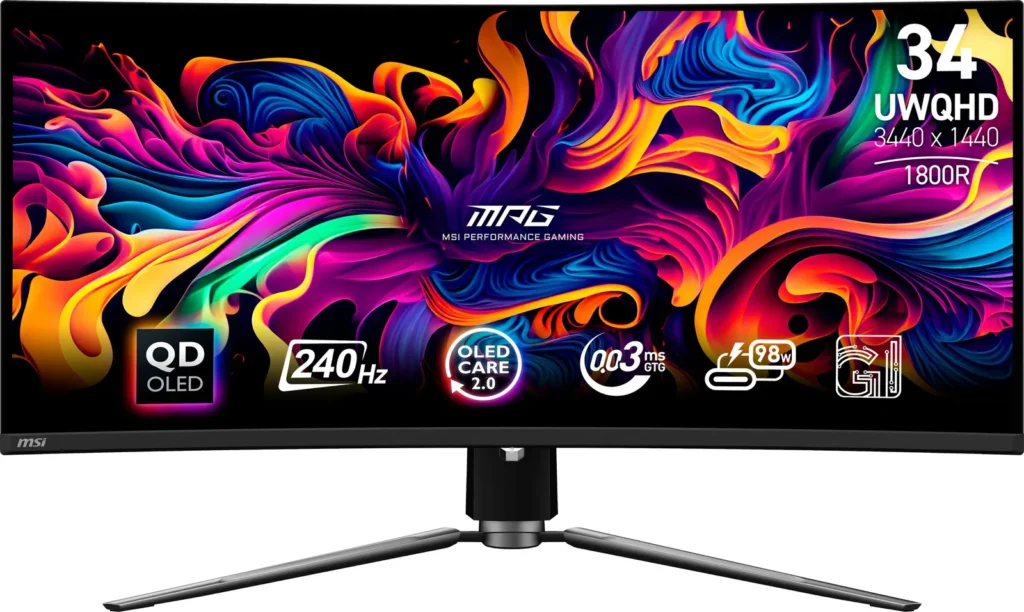
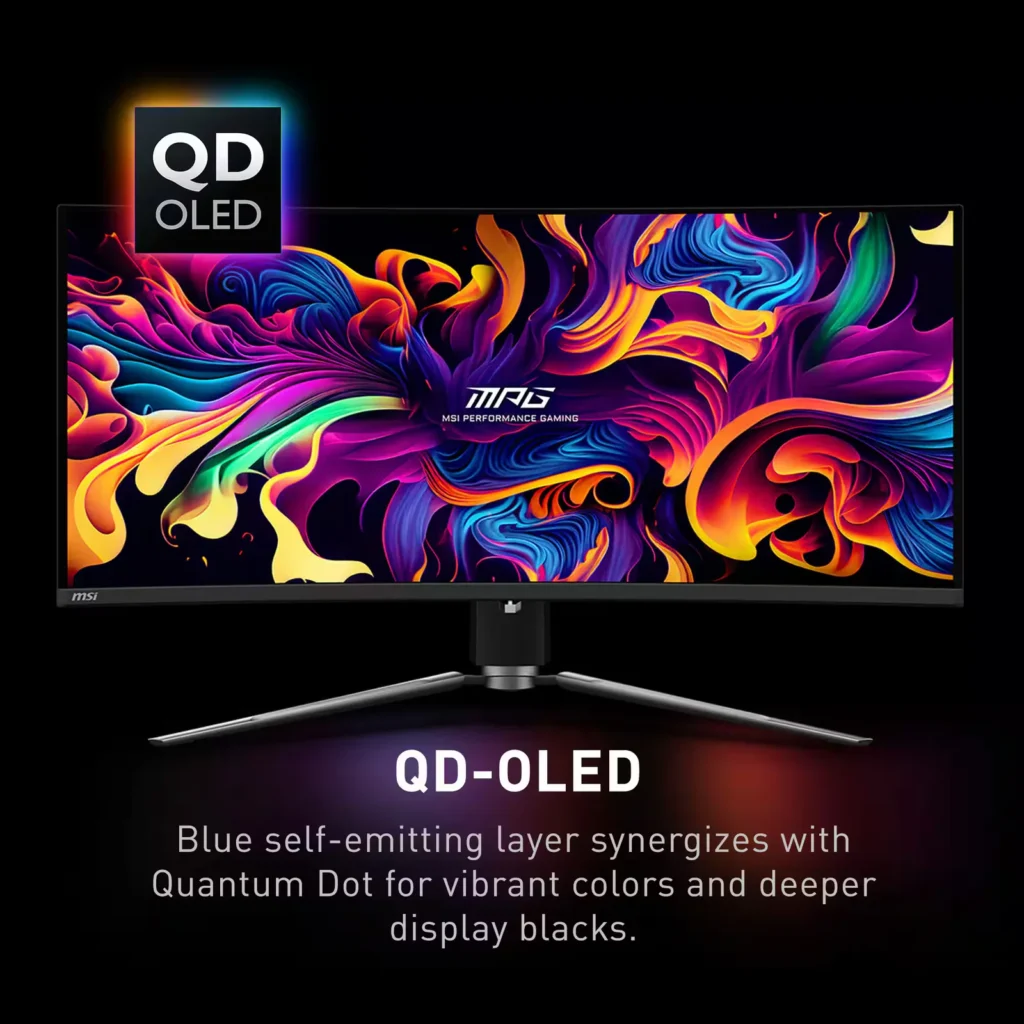
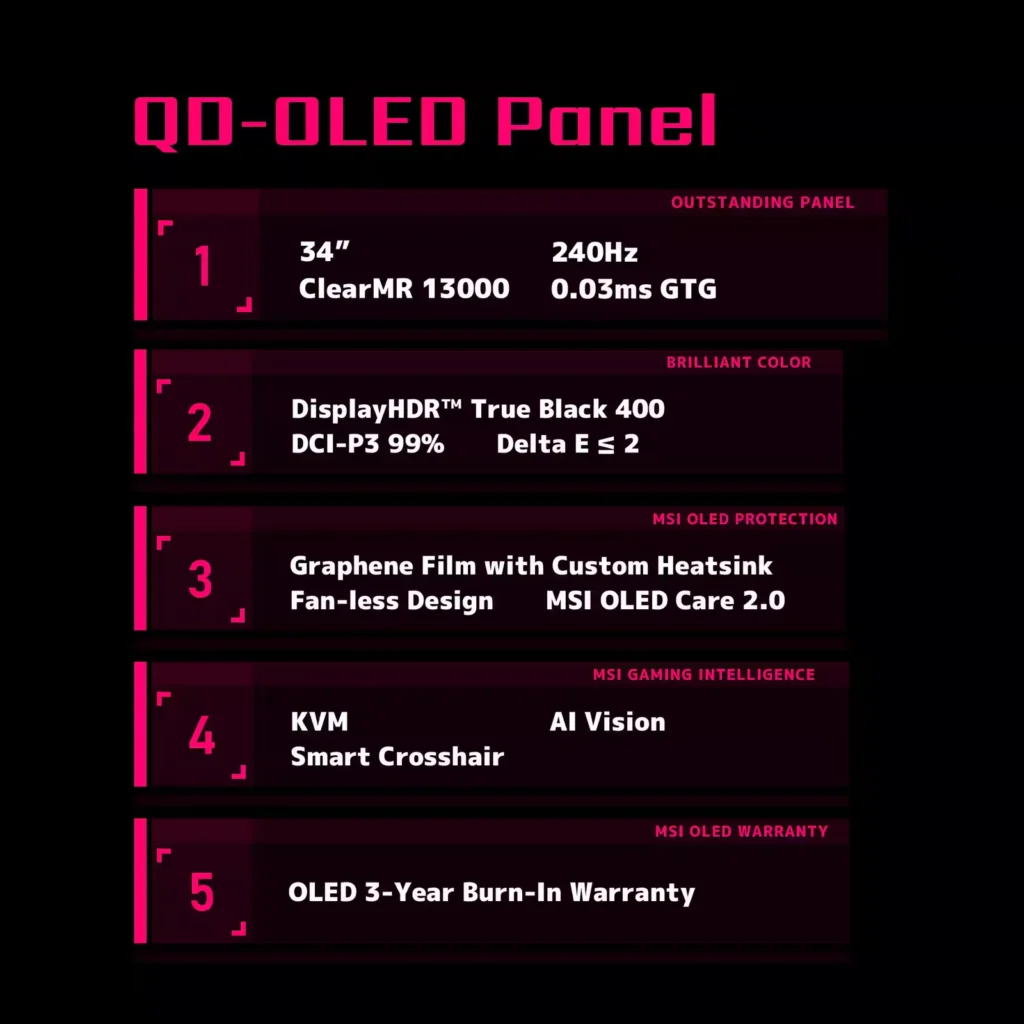
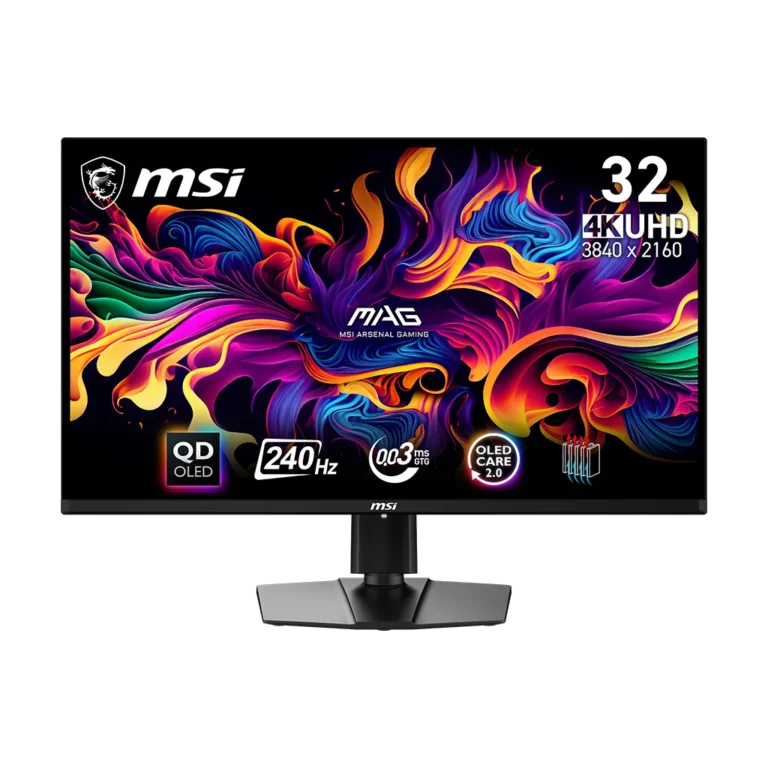
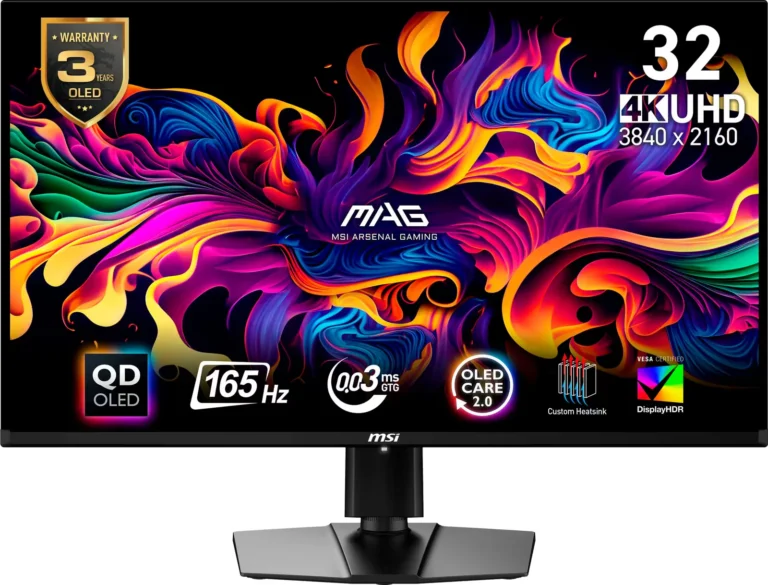
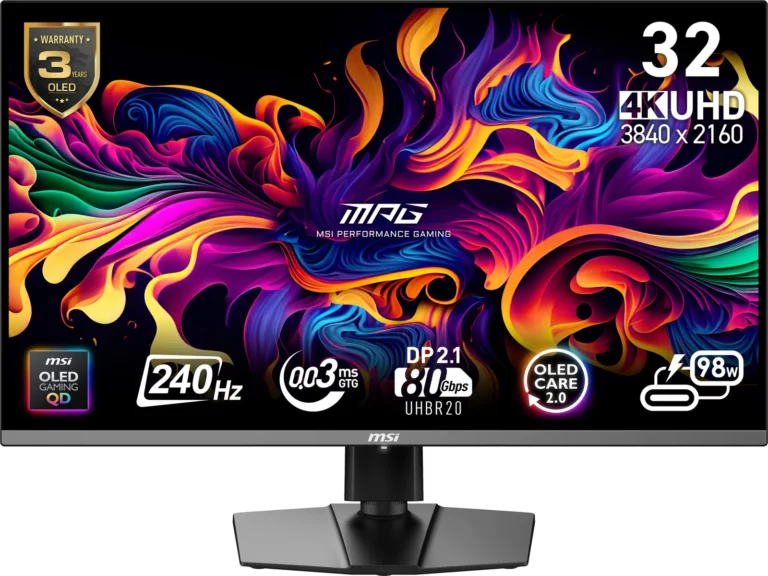
| QD-OLED Panel Technology | Features the latest MSI QD-OLED panel, delivering exceptional picture quality for gaming with a super-fast 0.03ms response time. Quantum Dot technology ensures accurate, vivid, and lifelike colors. |
|---|---|
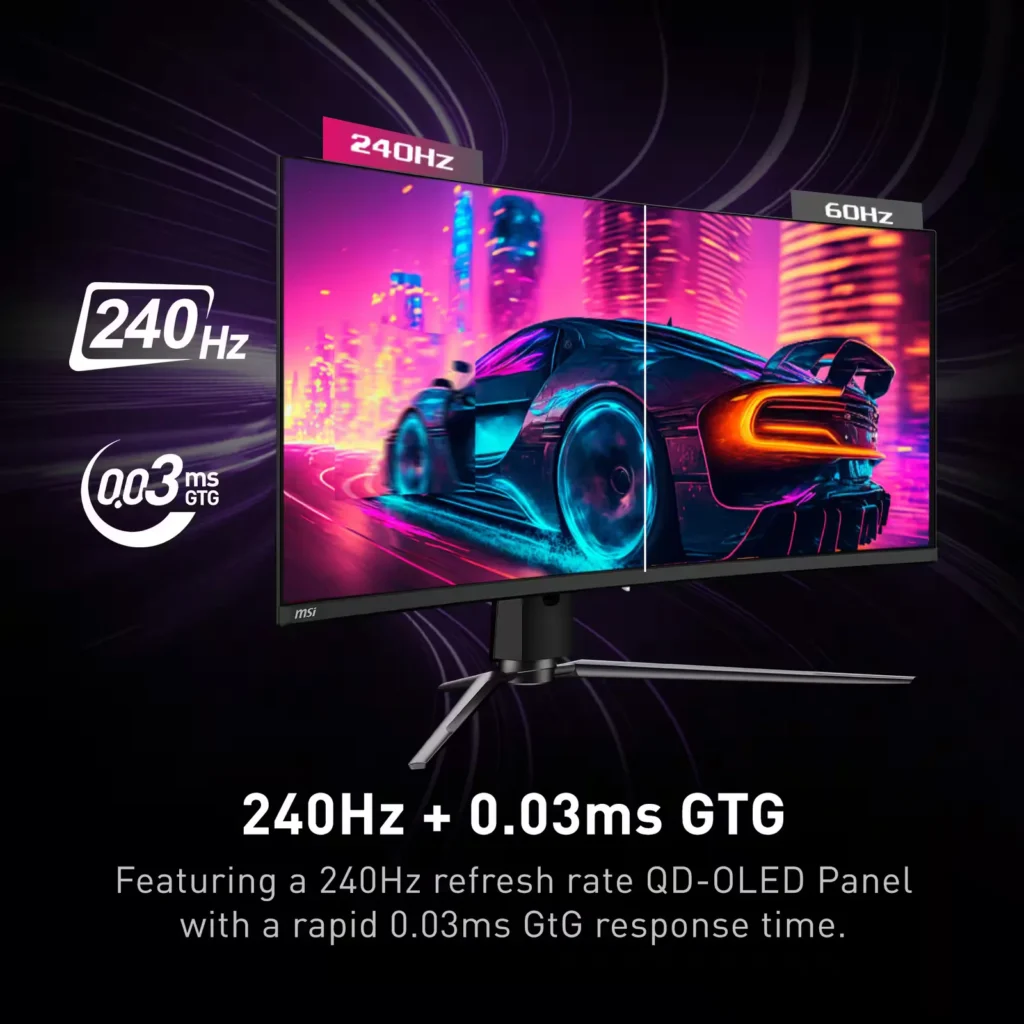
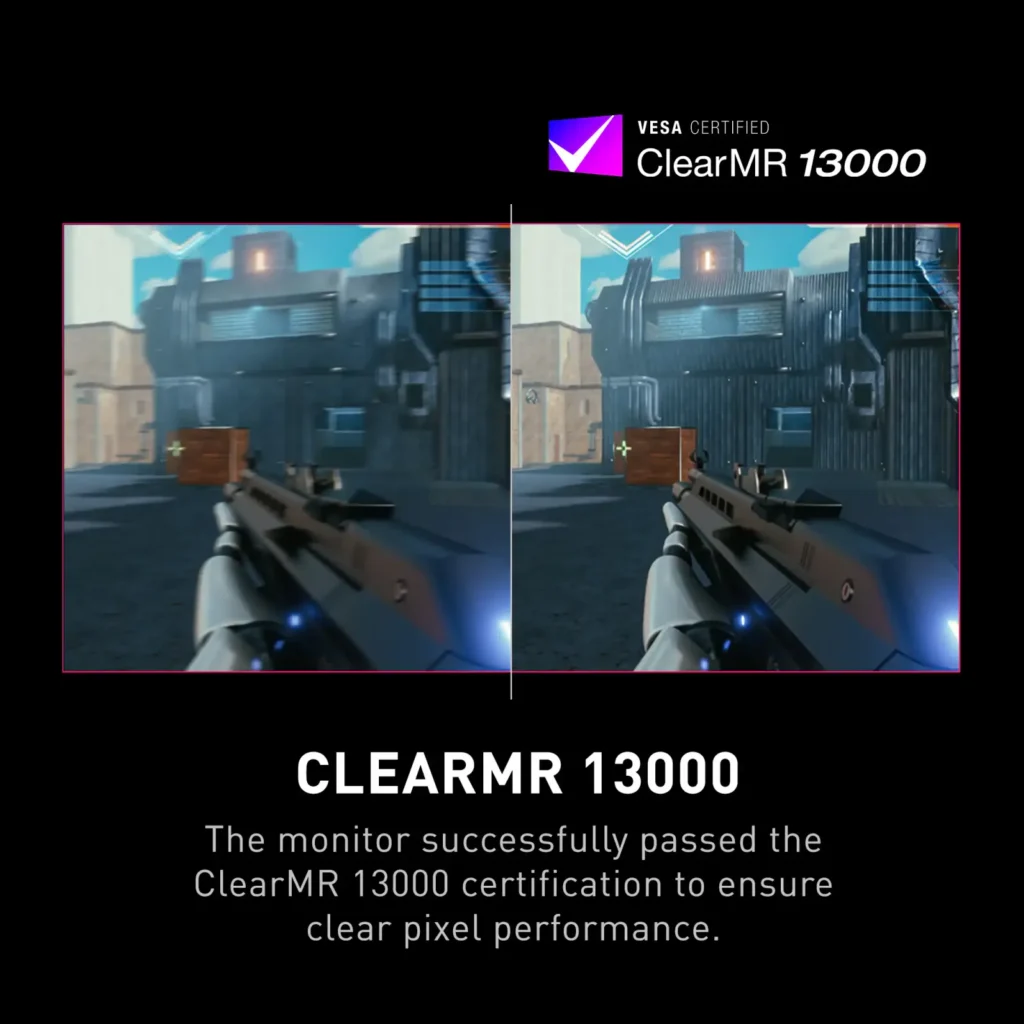
| Ultra-Fast Refresh Rate and Response Time | Equipped with a 240Hz refresh rate and 0.03ms GtG response time, providing a competitive edge in fast-paced games requiring precise movements. |
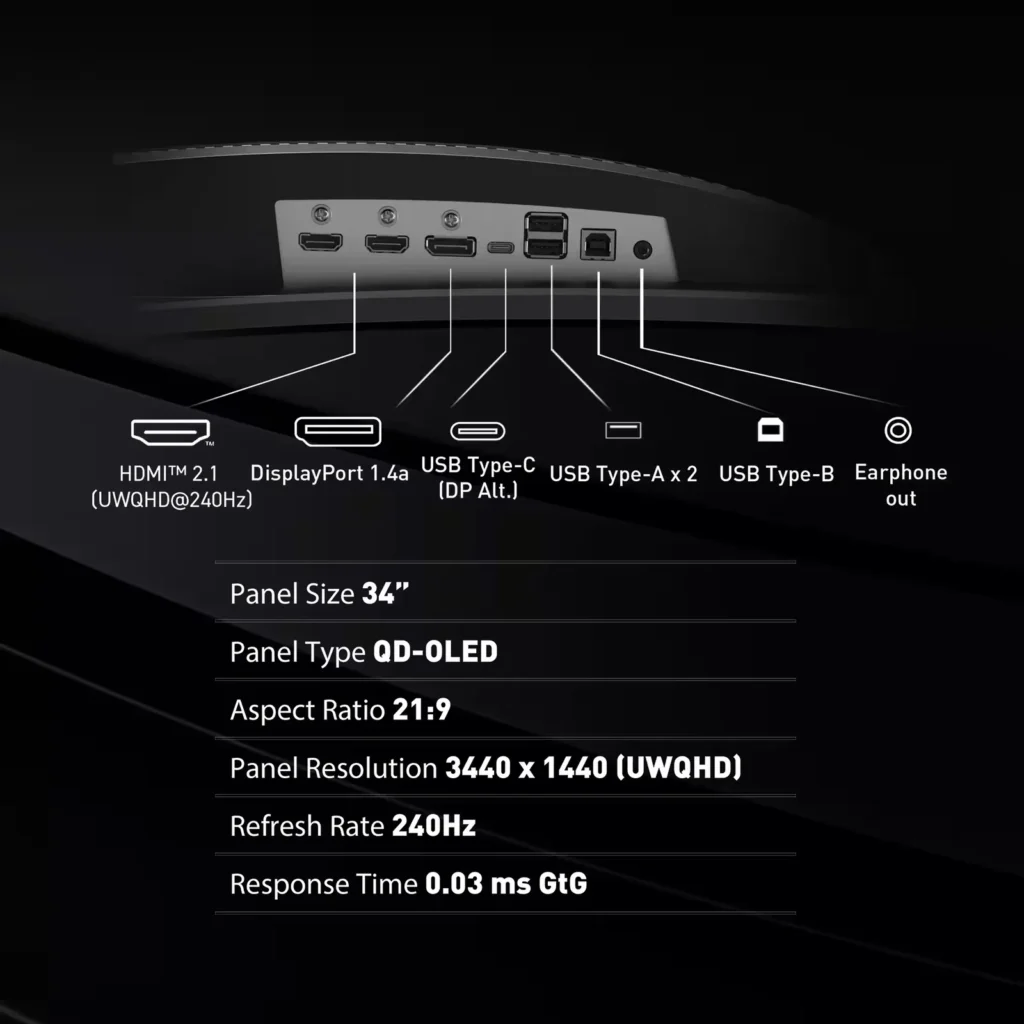
| UWQHD Resolution with Curved Display | Offers a 3440×1440 (UWQHD) resolution on a 34.18-inch, 1800R curved screen, immersing you in fantastical open worlds. |
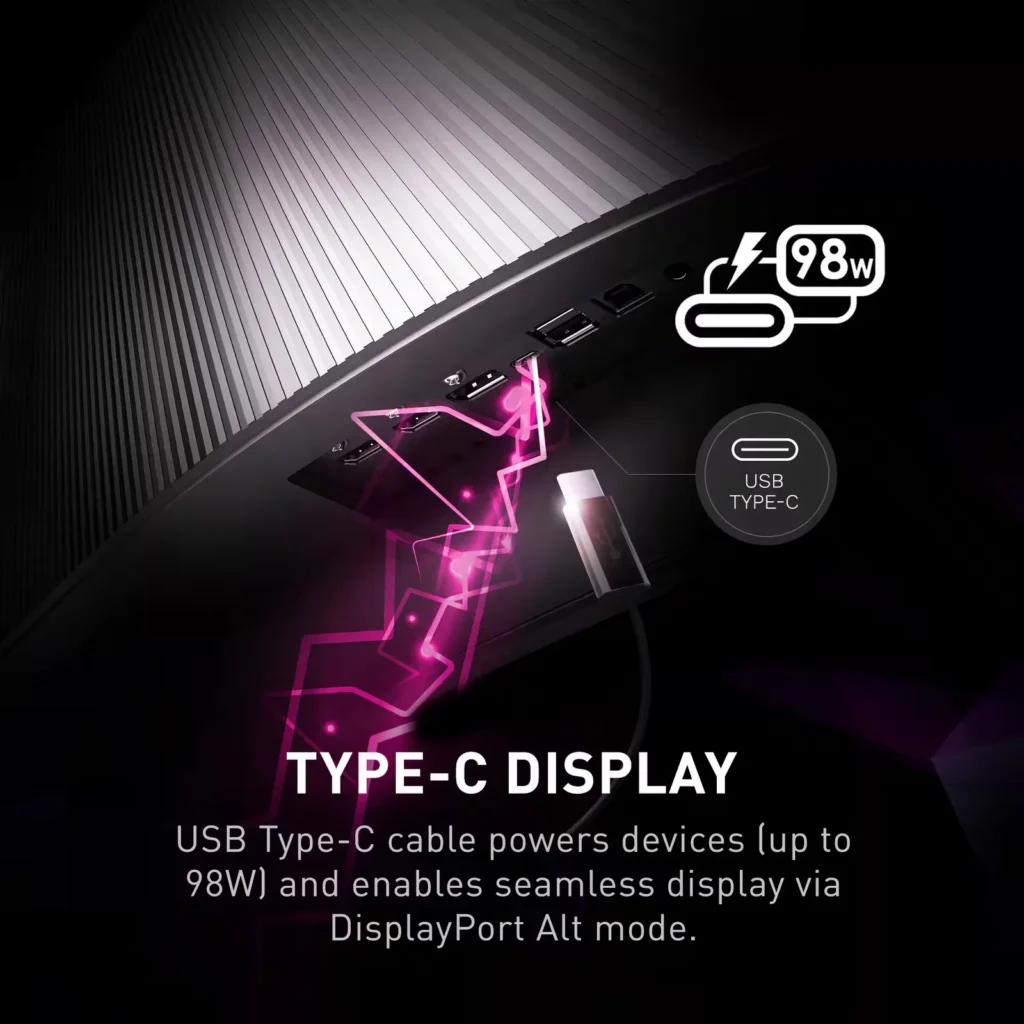
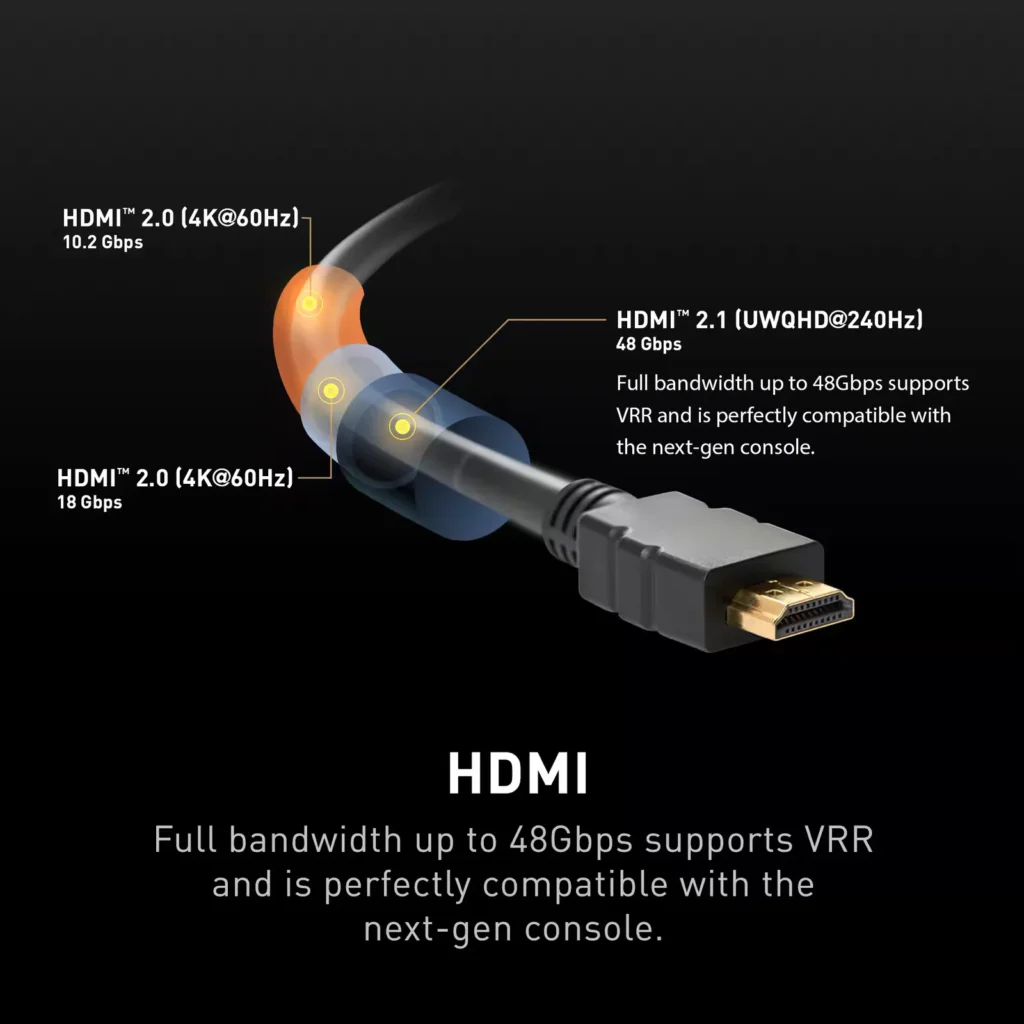
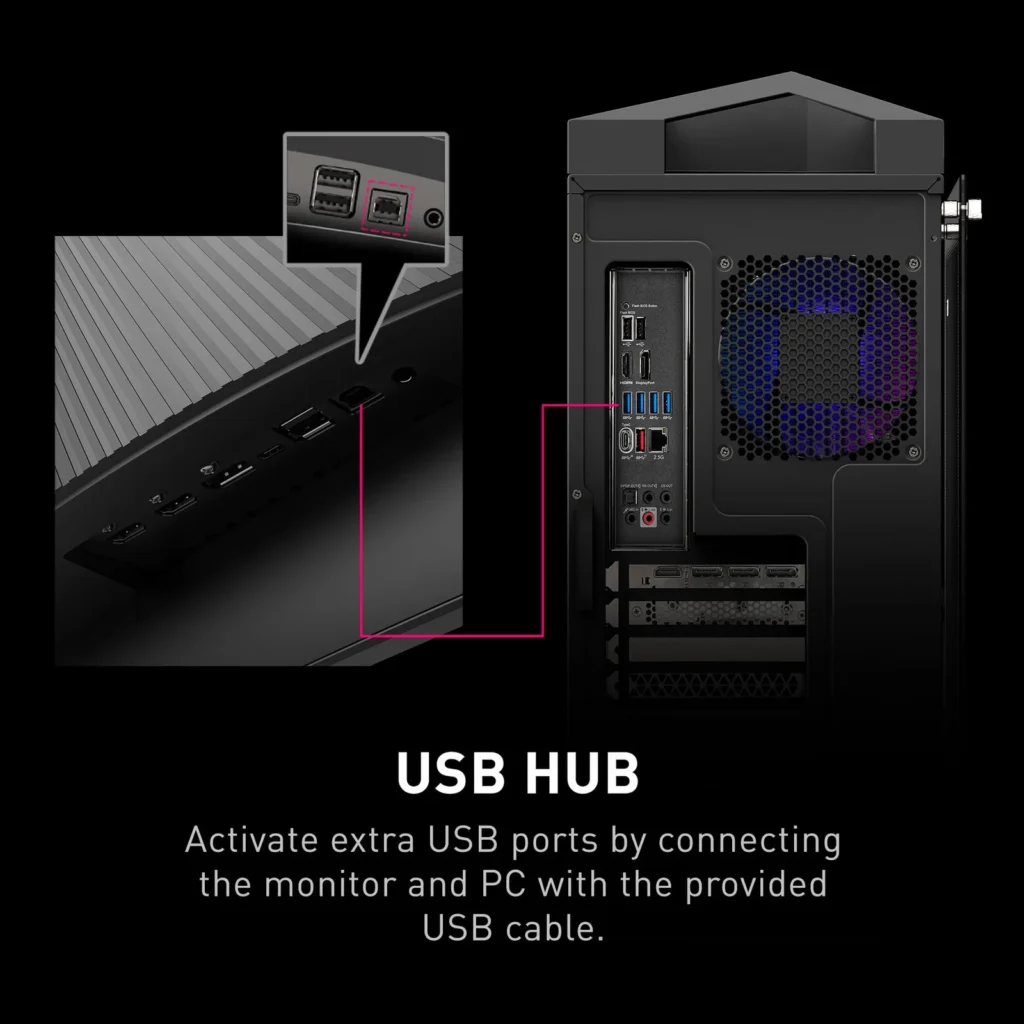
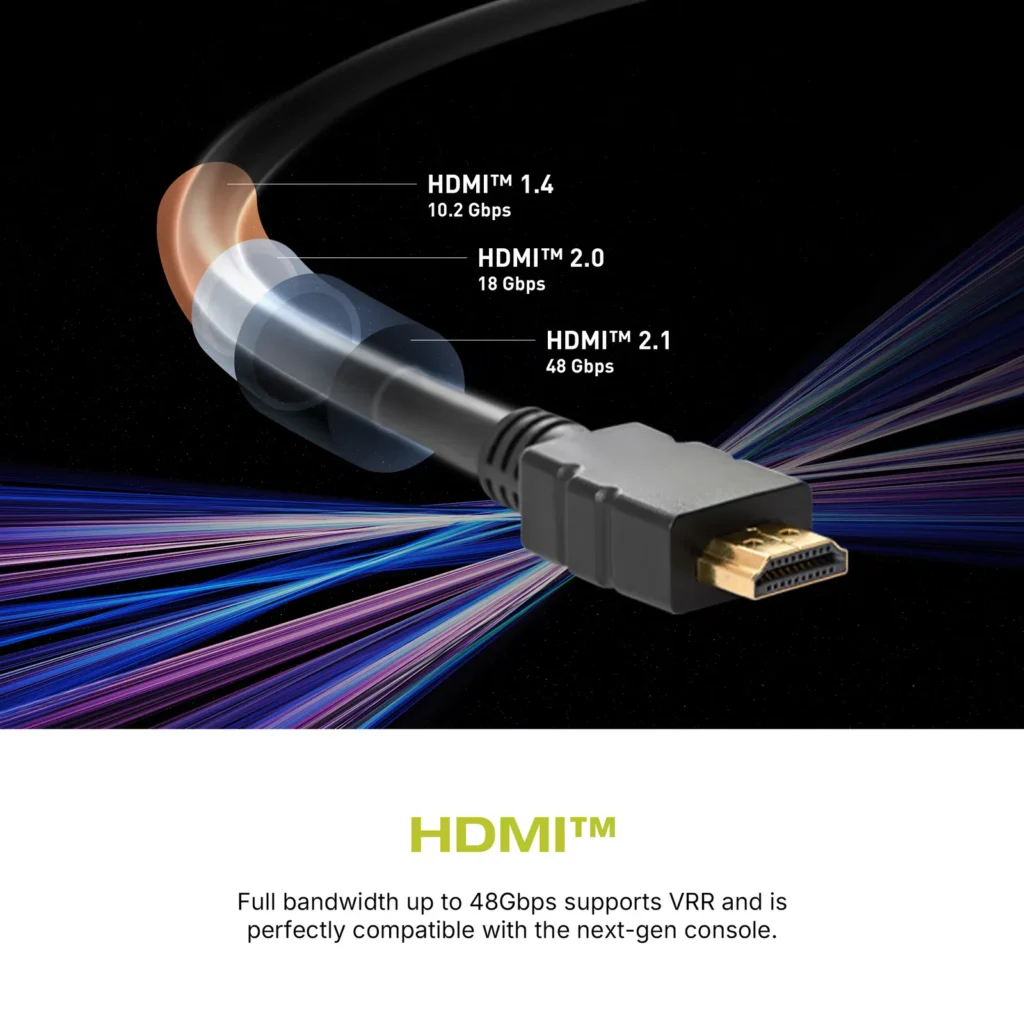
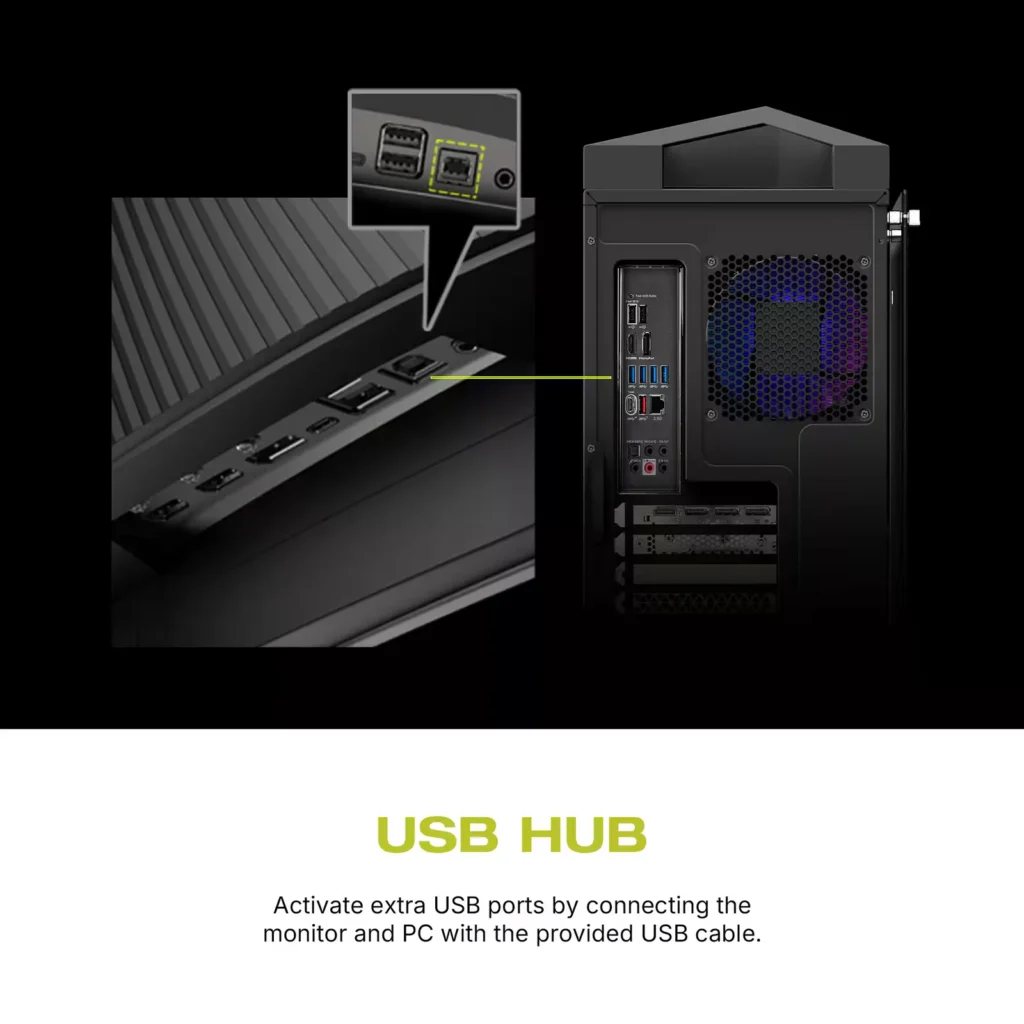
| Comprehensive Connectivity | Includes multiple ports such as HDMI 2.1, DisplayPort 1.4, and USB-C with 98W Power Delivery and DP Alt Mode, offering versatile connectivity for various devices. |
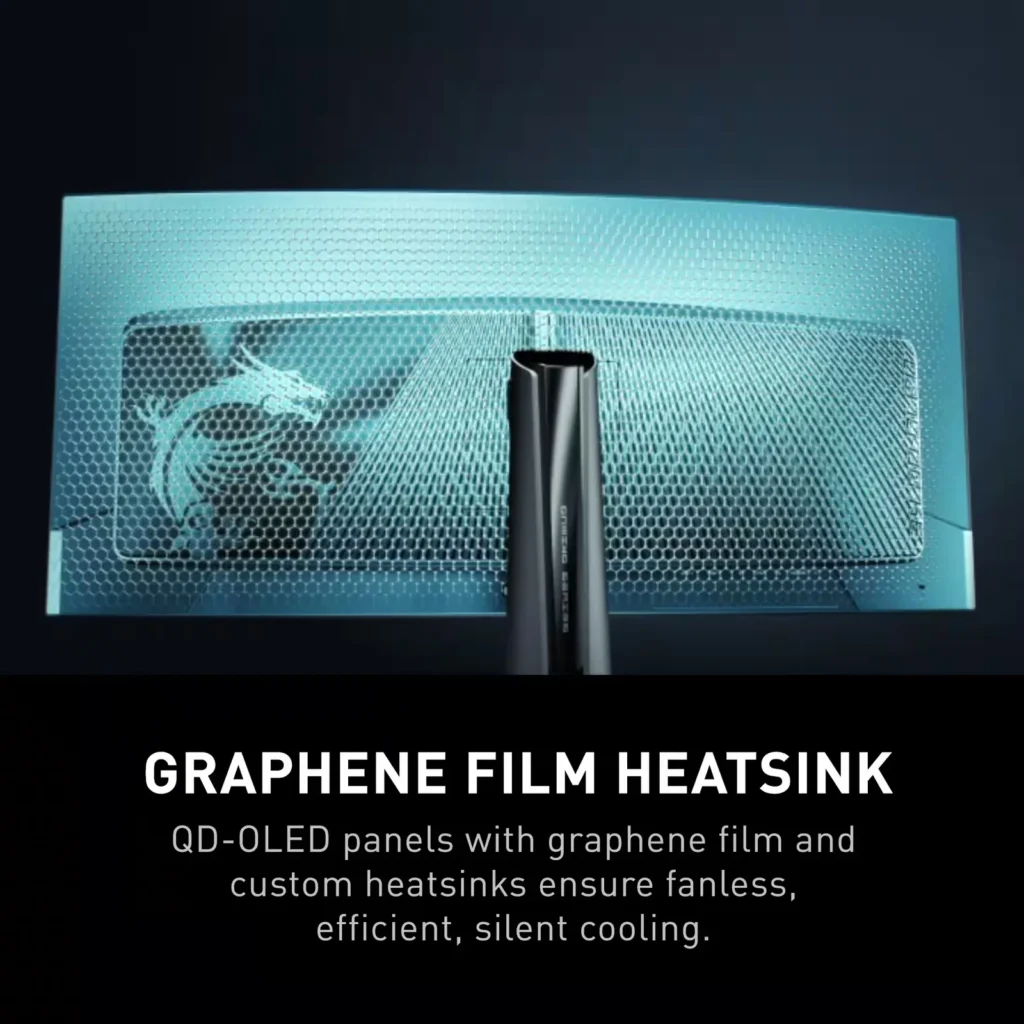
| OLED Care 2.0 | Implements OLED Care 2.0 with features like Graphene film with custom heatsink, Boundary Detection, Taskbar Detection, and Multi-logo Detection to reduce the risk of OLED burn-in. |
Pros & Cons
Pros
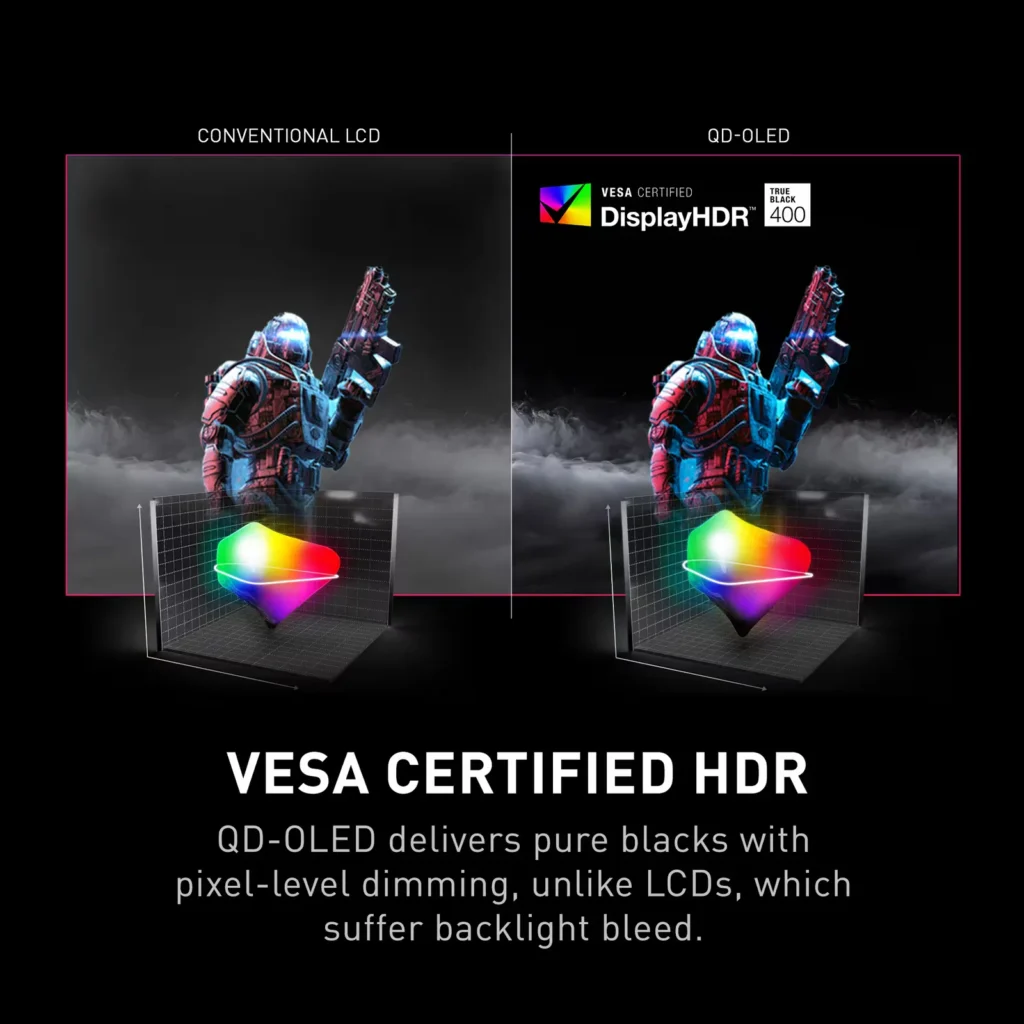
- Stunning Visual Quality: The QD-OLED panel delivers exceptional color vibrancy, deep blacks, and high contrast that significantly enhances gaming and media consumption, often described as a 'night and day' upgrade over IPS or VA panels.
- High-Speed Performance: A 240Hz refresh rate combined with near-instantaneous response times ensures buttery smooth motion and a highly responsive feel, which is particularly beneficial for competitive gaming.
- Useful Connectivity Features: The inclusion of a built-in KVM switch and a 90W USB-C Power Delivery port allows users to easily switch peripherals between a gaming PC and a work laptop while keeping devices charged.
Cons
- Intrusive Maintenance Feature: The 'Panel Protect' function forcibly initiates a 5-10 minute maintenance cycle that cannot be easily postponed or scheduled for off-hours, often interrupting users during critical gaming moments or important meetings.
- Poor Port Placement: The input ports are located very low on the back of the monitor, causing cables to hang visibly below the screen and making clean cable management difficult without the use of specialized 90-degree adapters.
- Technical Artifacts: Some users report issues with VRR flickering in dark scenes and 'black crush,' where fine details in shadows are lost to pure black, though some of these issues have been addressed in recent firmware updates.
You might also like
Customer Reviews
Showing reviews 61-70 of 158
-
Intrusive OLED protection
Verified purchase Verified purchase: This reviewer bought the product.bperk May 14, 2025Review source: AmazonIncredible color and fluid response rate. However, it’s incredibly dim compared to other OLEDs and it has a terrible “OLED protection” pop-up (that can’t be disabled). If you miss the 10 second window to quickly click the ignore button, your monitor shuts off for 5-10 minutes. Too bad if you have an important meeting to get to- your OLED needs to rest. Ended up returning it.
-
This monitor has been kind of a pain but not a bad monitor spec wise.
Verified purchase Verified purchase: This reviewer bought the product.Gabriel P May 13, 2025Review source: AmazonIt’s a nice monitor, don’t get me wrong. The OLED ultrawide display is the cherry on top, but I’ve had issues with it from the start. I read online that to get G-Sync working, you need to use a DisplayPort cable, right? Since this monitor uses DisplayPort 1.4, I bought the appropriate cable. Unfortunately, I kept experiencing flickering and glitches on the screen, both while gaming and just doing regular desktop tasks. The flickering was incredibly distracting.
A friend of mine later mentioned that DisplayPort 1.4 can be problematic, so I switched to HDMI 2.1. Instantly, the glitches, flickering, and stuttering disappeared. Thankfully, I can still enable G-Sync using HDMI 2.1. I’m not entirely sure why that works—it might be due to a recent firmware update—but I found conflicting advice online that insisted on using DisplayPort 1.4. My advice: skip it and go with HDMI 2.1 instead.
Another important tip: look up the recommended settings for this monitor to avoid screen burn-in. As an OLED gaming monitor newbie, I didn’t do this, and my screen suffered burn-in within the first month. I highly recommend watching the YouTube video titled “Best Settings Guide for the MSI MAG 341CQP” by TFTCentral to get it right.
Regarding refresh rate, I use 120 Hz with HDMI 2.1, but I’m sure the 144 Hz and 175 Hz options work just as well. Personally, I’m not too concerned about higher refresh rates, but the visual quality of this monitor is incredible, especially for graphically demanding AAA games.
One more tip: don’t throw away the included cables. One is for firmware updates (which you don’t necessarily need to install), and the other is an HDMI cable. After owning this monitor for a year, I can say it’s not a bad product, but it has been a bit of a headache. Once I switched to HDMI 2.1, though, I had no more problems.
In summary, it’s a nice monitor, but to get the most out of it, you’ll need advice from fellow users. The issues I faced seem to affect only a small group of owners, and reliable solutions can be hard to find online.
-
Not for gaming, poor quality, poor design
Verified purchase Verified purchase: This reviewer bought the product.ODBs Pawned Teeth May 13, 2025Review source: AmazonThe picture quality is absolutely amazing. The colors are rich and the black levels are deep without turning HDR on.
That’s where the positives end. As many have noted, white spots have been popping up on the monitor. The spots are basically the anti-reflective coating peeling or chipping off and there is no way to repair it other than sending it in for an RMA. While it is not very noticeable with bright colored images, it is very pronounced when in dark settings which is worsened by the fact that I have a large spot in the center of the monitor.
It is also highly annoying that the screen need to run the screen protection often. Sometimes, it runs without having to initiate the process which made me think something was wrong with my PC. No notification at all, the monitor just decides it is time to run screen protection and goes blank. Worst part of it is that you cannot run the screen protection on a schedule or with your computer turned off. It would have made too much sense to allow you to program a time frame for maintenance but it likes to be in your face that you cannot use your computer because the screen needs to undergo maintenance every 16 hours of use.
I did not use the stand that came with the monitor and bought a VESA mount instead. The factory stand takes up too much real estate on my desk.
In sum:
Great picture (best picture I’ve seen which is why 2 stars)
Spotty screen quality
Screen protection/maintenance is highly annoyingI’m past the return window but I may just buy a new IPS monitor to replace this.
-
Excellent monitor
Verified purchase Verified purchase: This reviewer bought the product.JUNIOR JULIEN May 7, 2025Review source: AmazonJust buy and experience it u will love it
-
Bang for buck, color depth and quality are second to none.
Verified purchase Verified purchase: This reviewer bought the product.Kyle Schindler May 4, 2025Review source: AmazonIncredibly beautiful color and sharpness. OLED is unreal, compared to led. The pixels just turn off when displaying a dark enough color. When gaming, I can’t perceive any input lag at all, and it gives a great ultra wide view.
Overall, the functionality, quality, and value for money are second to none. You won’t find a better OLED monitor at this price point.
-
Blacks So Black, My Cursor Needs a Headlamp! (Stunning QD-OLED)
Verified purchase Verified purchase: This reviewer bought the product.Tim April 29, 2025Review source: AmazonI ascended to the glory of QD-OLED thanks to some fortunate sibling synergy – built my brother a PC, he paid me extra, I gifted him my old monitor, and boom, upgrade time! Best. Justification. Ever.
First impressions firing this MSI MPG 341CQPX up in a dark room? Absolute wow factor. The blacks are so black, they blend seamlessly into the bezel and quite possibly the 4th dimension. I genuinely couldn’t tell where the screen ended. My poor cursor looked like it needed a tiny hard hat and a searchlight just to navigate the void.
Coming from another MSI ultrawide (an Artymis 34″) whose aggressive 1000R curve made spreadsheets look like funhouse mirrors, I was initially worried this monitor’s 1800R curve wouldn’t feel immersive enough for gaming. Then I worried it might still be too much for work. Happy to report MSI nailed it – this curve is the Goldilocks zone. It’s fantastic for gaming immersion, but doesn’t make Windows feel like it’s melting. Pro Tip: Do yourself a favor and mount this beauty on a decent monitor arm. Being able to effortlessly pull it closer when I adopt my ‘maximum recline’ gaming posture is essential.
The colors and HDR are where this thing really shines (literally). My old monitor technically had HDR, but seeing Night City in Cyberpunk 2077 on this QD-OLED? It’s a revelation. Colors pop, highlights gleam, and shadows are properly dark, not just murky grey. It’s ruined all other monitors for me.
Now, about that speed… confession time. My 7900 XT is more than capable, but I’m usually that guy cranking eye-candy settings to ‘Ultra Nightmare Sparkle Pony’ mode in single-player epics. Am I fully utilizing 240Hz? Probably not often. Is it smoother than a greased otter sliding down a glacier? Absolutely. Knowing the speed is there if I ever decide to get serious is comforting, like having a race car for your daily commute.
The only potential ‘quirk’ is the built-in OLED care / burn-in protection reminder that pops up every four hours. Honestly? I’ve reframed it. It’s not an interruption; it’s my scheduled “Get up, Tim! Stretch! Eat something! For the love of all that is holy, FEED THE CAT!” reminder. Thanks, MSI, for looking out for my well-being (and my cat’s).
Bottom Line: This monitor is phenomenal. Stunning picture quality, perfect curve (for me), speed for days, and HDR that actually works. Yes, it’s pricey, but if you appreciate visual fidelity and maybe need an automated cat-feeding reminder, it’s worth every penny (especially if some of those pennies came from your brother). Highly recommended!
-
Welcome OLED
Verified purchase Verified purchase: This reviewer bought the product.Claudiu April 29, 2025Review source: AmazonThis is my first ever oled monitor and let me tell you, the difference is incredible. As you can see the color difference is night and day in the picture between my laptop display and the monitor. Brightness does not disappoint.
Because this is a ultra wide monitor sometimes I find myself moving my head from left to right (depending how close you are to your monitor)
Every time I turn on my laptop I have to turn off and then turn on the monitor in order for the image to show. I do not know if this is from the settings or not, but anyone knows how to fix it, let me know (it is annoying 😅)
There will be at one point when the monitor needs to refresh/shift the pixels to prevent burning images and it will give you the option to do it now or later on (you can choose that in the settings). Personally I always choose to do it on the spot and not wait.
I do consider this deserves 5 stars and I am happy with my purchase
-
Just wow
Verified purchase Verified purchase: This reviewer bought the product.Jhon M April 25, 2025Review source: AmazonWow just incredibly pretty screen with near instant response time it’s actually amazing to use for competitive games. I play primarily the finals a game with lots of bright solid colors and it’s a unbelievable sight to behold so good looking in this screen
-
Nice monitor HORRIBLE customer service
Verified purchase Verified purchase: This reviewer bought the product.L G April 12, 2025Review source: AmazonUpdate to review: had to RMA because it developed a line through the center of the screen. RMA center returned to me a monitor that did not match my serial number, and the box it was sent in looked like it went through a car wash. I will not recommend this product or the company. The picture quality of the refurbished item is not at all as good as the one I had originally delivered when purchased. Paid the shipping on my monitor to go for repairs and was sent 2nd hand trash. Buy at your own risk.
-
Very unfortunate
Verified purchase Verified purchase: This reviewer bought the product.AlsterSpot April 11, 2025Review source: AmazonReally wanted to enjoy this monitor and the display looked great from what I could tell… alas it arrived damaged, since the damage is in no fault of the product I cannot give it a bad rating based off my unfortunate experience, but I can’t give it 5 stars either