Customer Media
Highlights
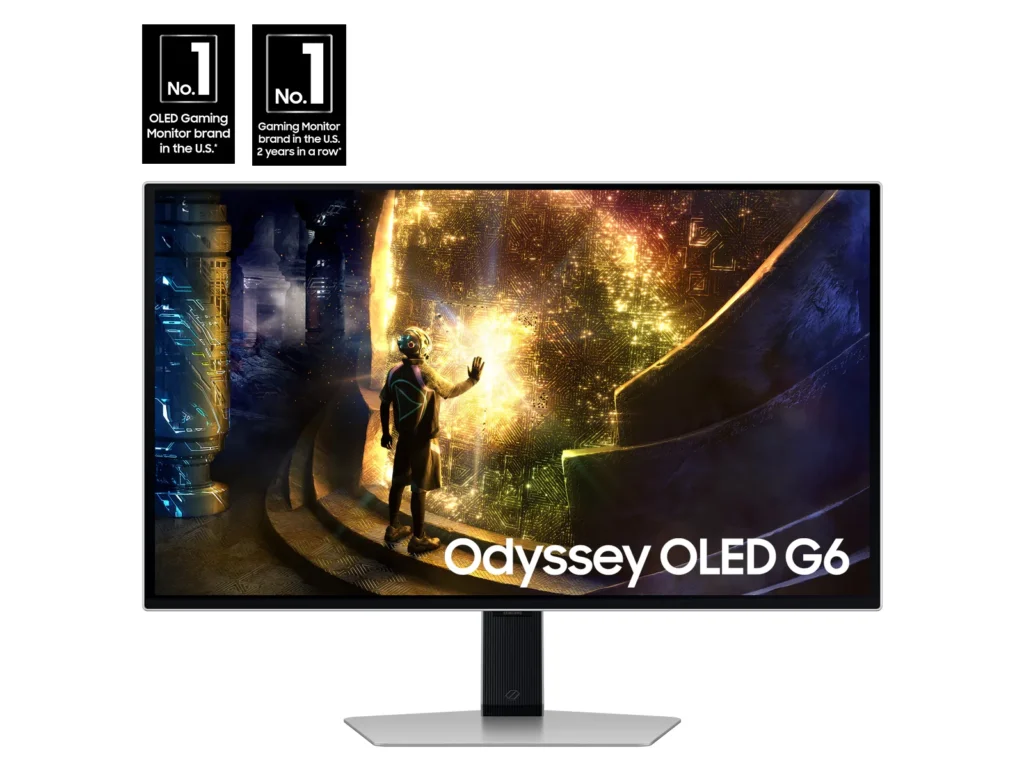
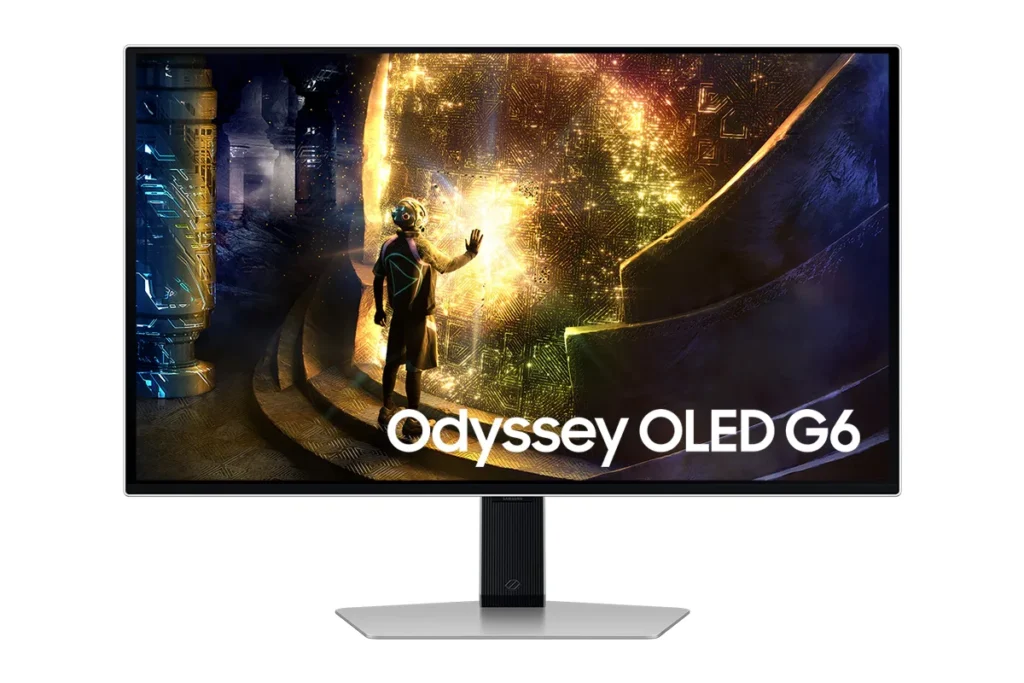
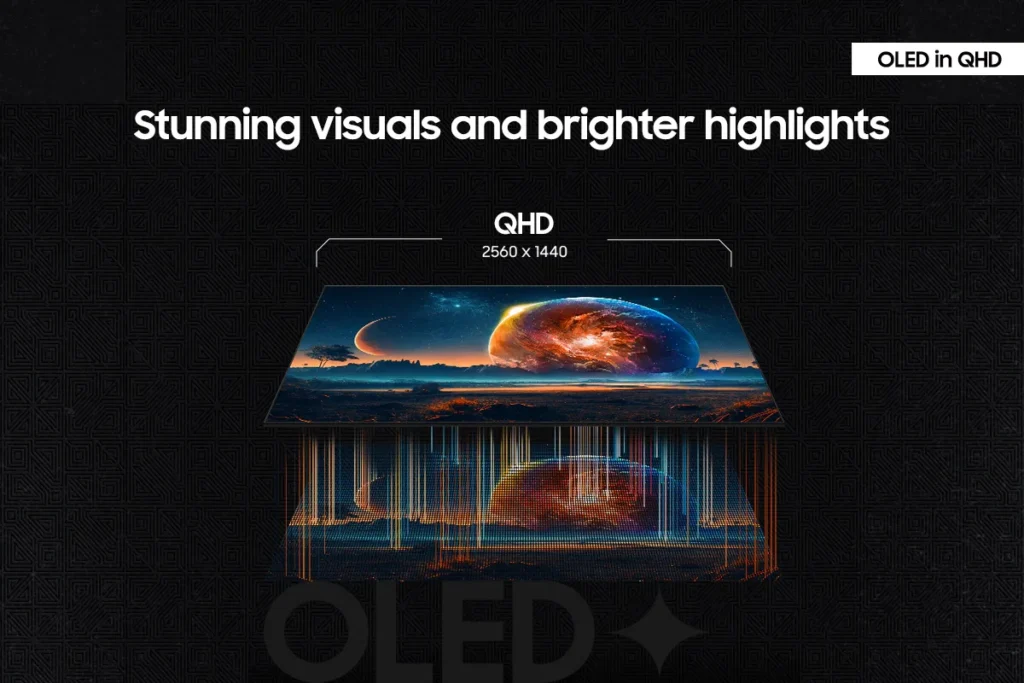
| Unrivaled QD-OLED Visuals | Experience breathtaking brightness, ultra-deep blacks, and true-to-life colors thanks to the advanced QD-OLED panel technology, delivering lifelike contrast and vibrant imagery. |
|---|---|
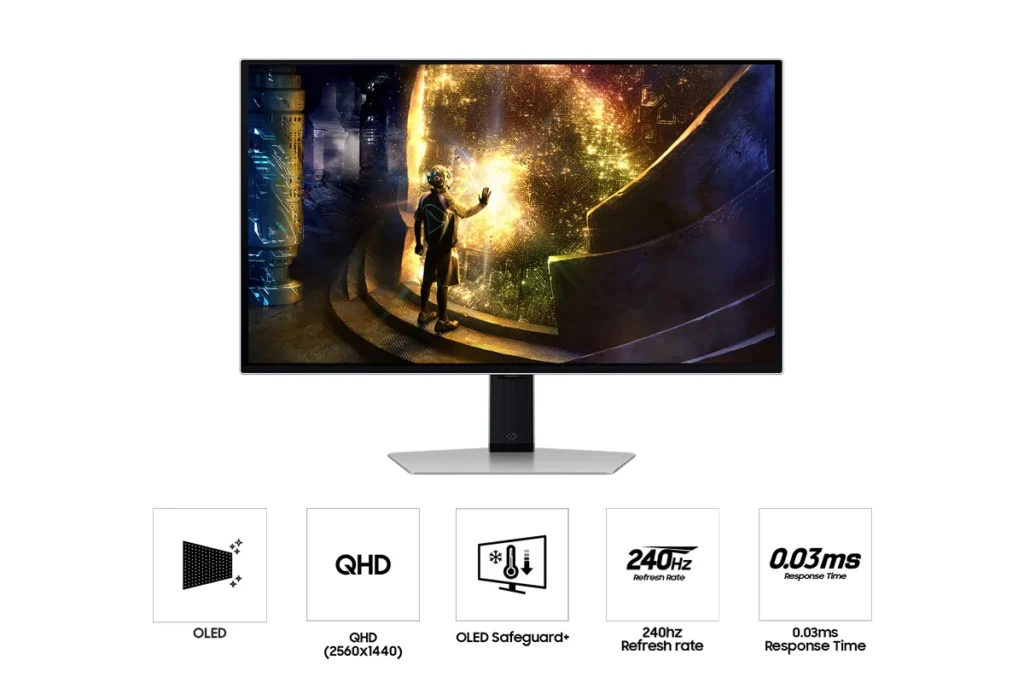
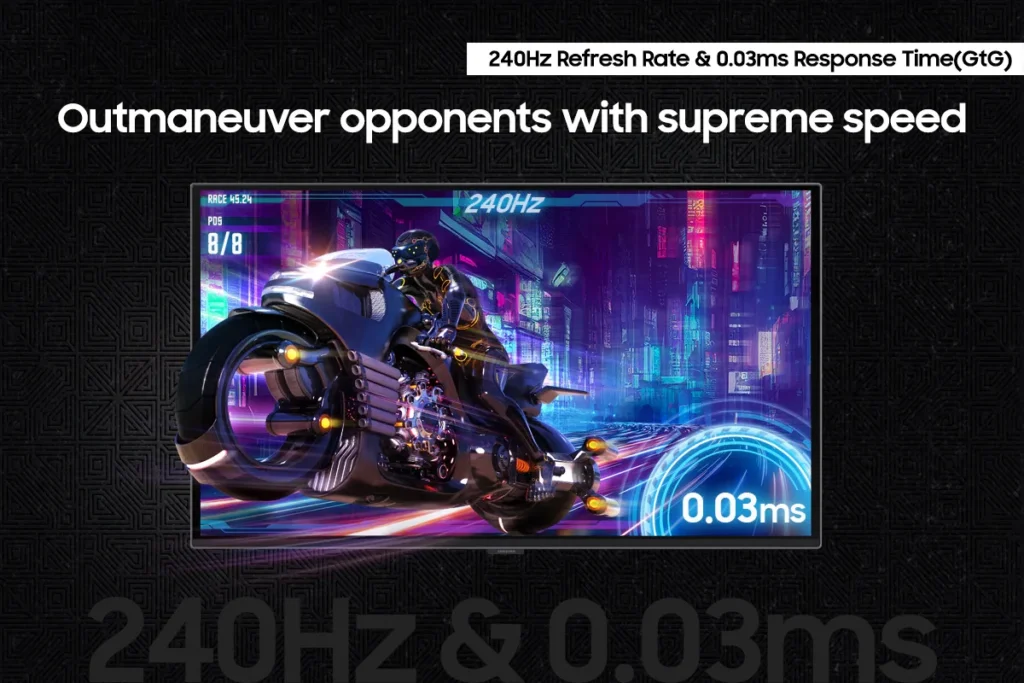
| Blazing-Fast Performance | Gain a competitive edge with a lightning-fast 240Hz refresh rate and an ultra-low 0.03ms (GtG) response time, ensuring incredibly smooth, tear-free gameplay with virtually no motion blur or input lag. |
| Immersive HDR True Black 400 | Dive into incredibly immersive worlds with VESA DisplayHDR True Black 400 certification, guaranteeing vibrant contrast and deep, inky blacks for supreme color and depth expression in every game. |
| Seamless Adaptive Sync | Enjoy fluid, tear-free gaming sessions with AMD FreeSync Premium Pro support, which synchronizes the GPU and panel to eliminate choppiness, screen lag, and image tears. |
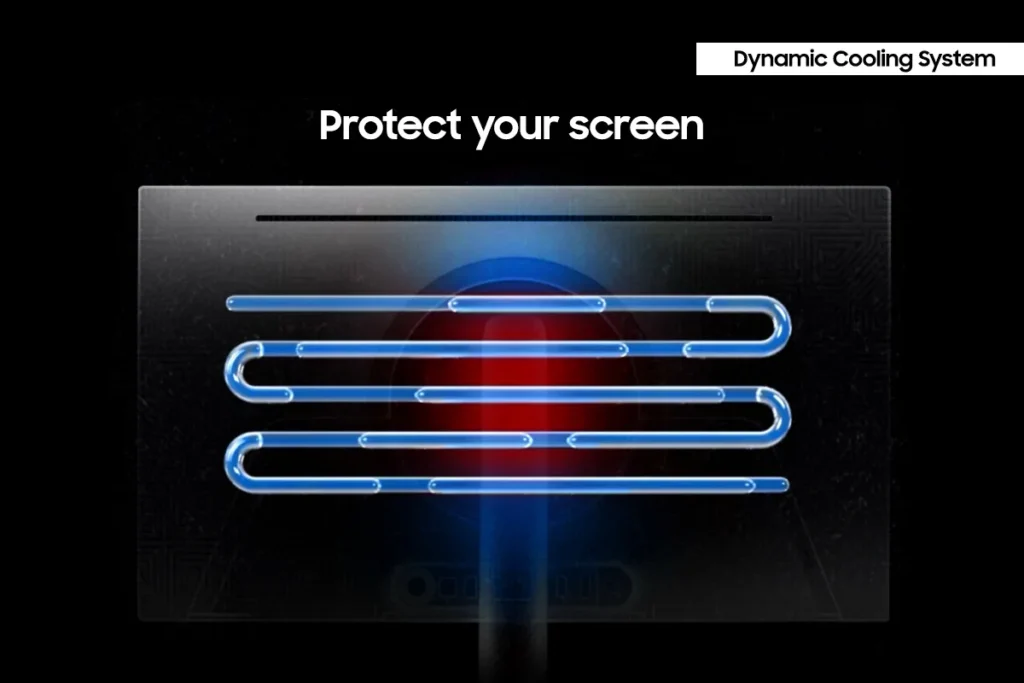
| Advanced OLED Care Features | Protect your display with Samsung's innovative OLED Safeguard+ features, including a Dynamic Cooling System, Thermal Modulation System, and Logo/Taskbar Detection, designed to prevent burn-in and ensure long-term performance. |
Pros & Cons
Pros
- Stunning OLED Picture Quality: The monitor consistently receives high praise for its OLED display, delivering vibrant colors, deep, inky blacks, and exceptional contrast. Many reviewers describe the visuals as 'gorgeous,' 'breathtaking,' and a significant upgrade from previous monitor technologies, making games and movies 'pop.'
- High Refresh Rate and Fast Response Time: Gamers particularly appreciate the 240Hz refresh rate and 0.03ms response time, which provide an ultra-smooth and lag-free experience. This performance is noted to be a 'game-changer' for fast-paced titles, eliminating motion blur and ghosting.
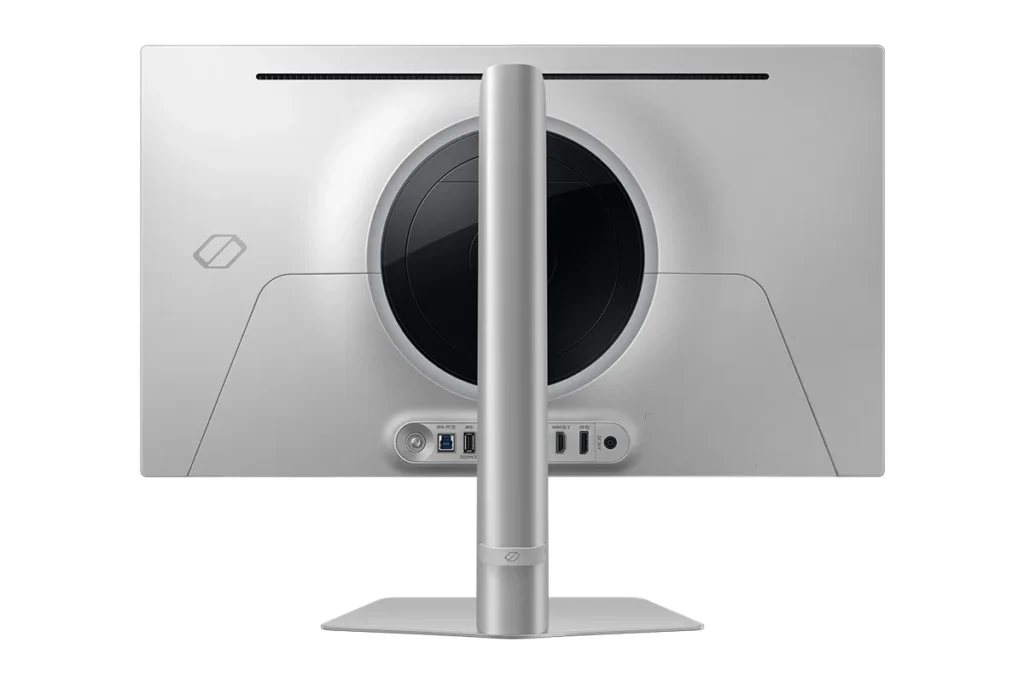
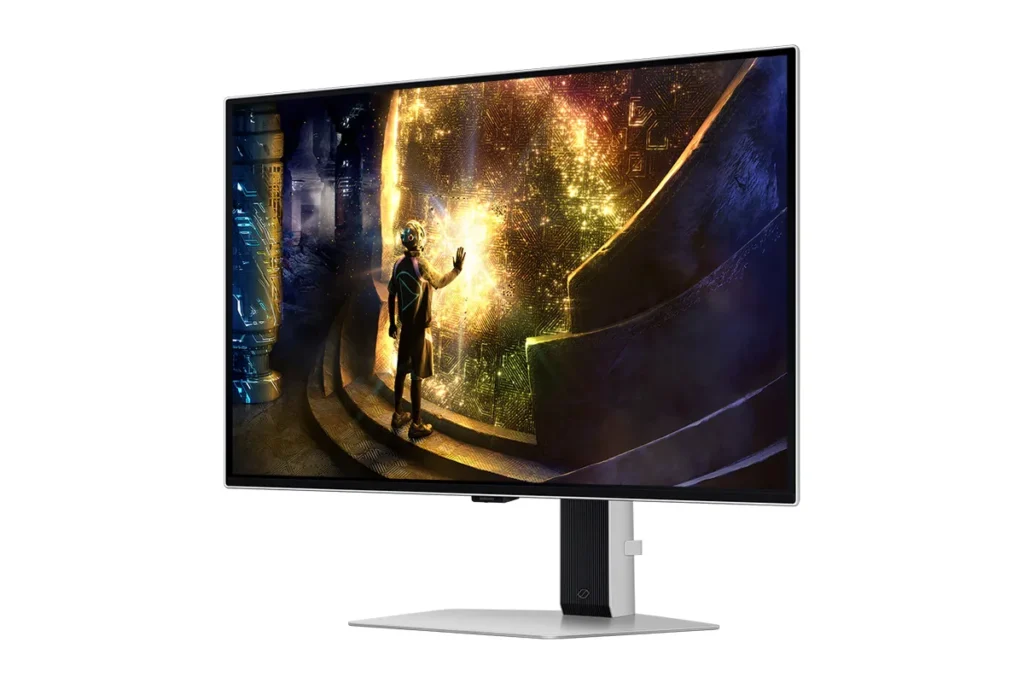
- Sturdy and Adjustable Stand: The included stand is frequently highlighted for its robust and sturdy build, offering a wide range of adjustability. Users also found the monitor easy to set up, with the stand allowing for quick and secure attachment right out of the box.
Cons
- Fragile Power Button/Joystick: A recurring and critical complaint is the poor build quality of the power button, which also functions as a joystick for menu navigation. Multiple users reported it breaking or crumbling off after only a few months of use, rendering the monitor's settings almost unusable and leading to frustration with Samsung's repair policies.
- Pixel Shift and Image Cut-off: The monitor's 'pixel shift' feature, intended to prevent burn-in, is a significant annoyance for many. It causes the displayed image to shift off the screen by several pixels, cutting off UI elements and creating noticeable 'gaps' or a 'micro stutter' that users find distracting and impossible to disable.
- Annoying Firmware/Software Features: Several users experienced frustrating software issues, including frequent and intrusive 'screen optimizer' pop-ups that interrupt usage, automatic dimming of the screen during inactivity, and unreliable auto-detect input switching. Some also noted that HDR functionality did not work well with certain devices like Macs or Xbox Series X.
Customer Fit
- Primary audience: Competitive / enthusiast gamers: Players who want high frame rates, instant response, and “cheating-level” clarity in shooters and fast titles. Many upgraded from IPS or older LCD and describe the jump as huge.
- Secondary audience: Visual quality seekers: People who care about cinematic color, inky blacks, and HDR for story games, movies, and general desktop use (including console and Switch players). Several say it’s “the best monitor I’ve ever owned.”
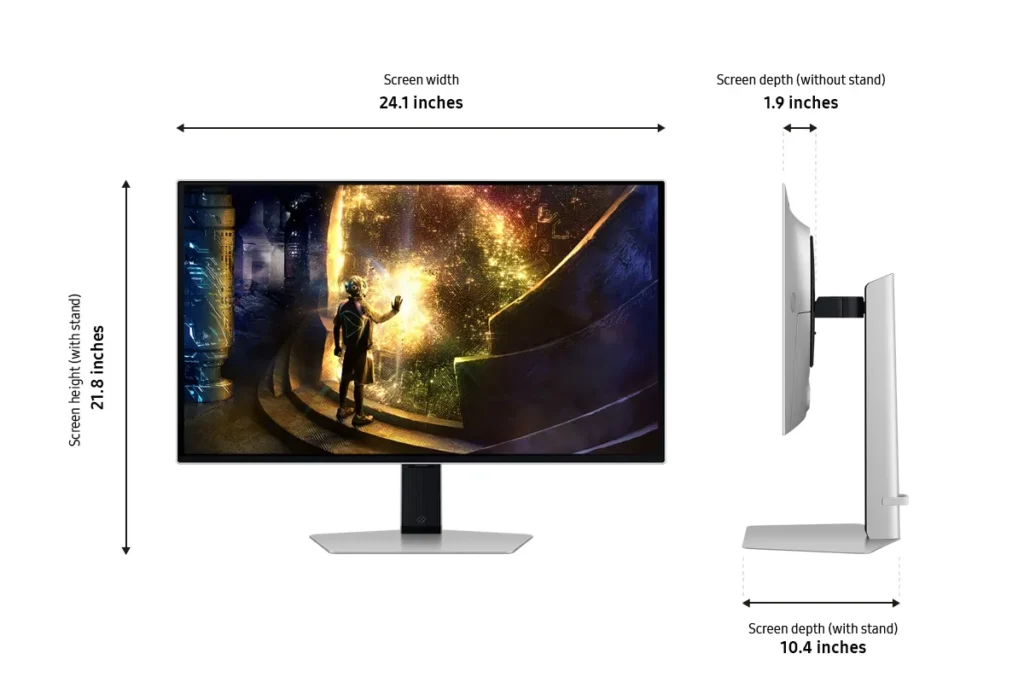
- Ideal scenarios: Gaming setups (PC, PS5, Switch), home desks used for both work and play, and small home “battle stations” where adjustability, 27" size, and clarity at 1440p matter. Some buyers gift it to students or family for school and gaming.
You might also like










Customer Reviews
Showing reviews 101-110 of 149
-
Muy bien pero
Verified purchase Verified purchase: This reviewer bought the product.José April 14, 2025Review source: AmazonLa pantalla está muy bien, se nota su calidad, lo único que me dejó inconforme es que el cable DisplayPort que incluye, no es el correcto para disfrutar de freeSync.
-
Fantastic colors and lighting!
Verified purchase Verified purchase: This reviewer bought the product.Rui Daniel April 14, 2025Review source: AmazonI bought this monitor to replace my old 22-inch Samsung monitor, which has a TN panel that I’ve had for 5 years, and I must say it was totally worth it. It’s true that the investment isn’t for everyone, but if you’re willing to pay the money, I don’t think you’ll be disappointed. Everything to do with the colors, the brightness, the viewing angles, the fact that the back isn’t as robust… I’m sure you’ll appreciate it.
-
awesome monitor
Nathean Meadows April 12, 2025Review source: AmazonSuch a great item. How can you go wrong with 27″ monitor with excellent color reproduction. Has all the inputs I need to connect to my system. Great for whatever task you throw at it whether it’s at work or for video games, or video editing, etc. Well constructed as you would expect with a Samsung product. Quite pricey if you purchase it full price and you can probably find something to compare at a lower cost. Weight is not too bad for a large monitor like this. Set up is easy with simple plug n play.
-
I finally got it!!!
Verified purchase Verified purchase: This reviewer bought the product.Paul Carman April 6, 2025Review source: AmazonI’ve been wanting an OLED monitor forever. I finally have a monitor that can produce black and be easy on my eyes. Picture is very nice. Brightness is easy to control. My only complaint is the on/off button because it is difficult to use. A simple on/off button would be better than the joy stick button whose anti-jitter settings combined with on response delay make the button hard to use.
-
sharp image quality, bright display. poor black levels in a lit room.
Coveted Carrot April 6, 2025Review source: Amazoni have been using this monitor for 2 months daily.
it has nice colors and has a driver download on Samsung’s website. while the colors look nice to me in the 2 default modes (eco and original) and some of the other modes, they definitely look different and i don’t really know which is more accurate.
in this driver install it also installs an sdr color profile, doesn’t seem to make any difference though.
it also has excellent brightness, even on the lowest of the three brightness settings, and the image clarity is sharp enough to burn your eyes on the top brightness setting which seems to be 1000 nits.
hdr looks off, there is at times a purple hue instead of the blue colors, and issue that only happens on nvidia gpus and is fixed by changing to reference mode colors in nvc. even when this issue is not there, the hdr looks oversaturated. windows hdr calibration and in game calibration hasnt fixed it for me.
there are also plenty of other issues with it, there is a very large bezel, even larger digital bezel. the pixel shift is obnoxious and seemingly cant be turned off. the light handing for reflections is great but the entire display turns from an inky black to bright magenta when any bit of light is introduced. this makes the blacks worse then the VA monitor next to it in almost every scenario except a pitch black room.
the text clarity issue on qd-oled isn’t noticeable to me. the monitor also has a blinking red light that remains on whenever the monitor is in sleep mode (pc turned off) and only turns off when the monitor is manually powered off.
other issues involve the lacking osd firmware with minimal features and the cheap plastic joystick used to control the osd that is bound to break.
this monitor is highly priced for its list price of USD $799 and seems to sell for $549.
it seems likely that this model is using the discarded panels from the Samsung g60sd binning process, which looks identical aside from the led panel in the back. the g60sd is 360hz and this is 240hz. in which case its possible that everything about the color accuracy, brightness and picture modes are identical between the 2 and the only difference is the refresh rate.
the 3 images i shared
image 1- showing the issue (bug) of purple hue instead of blue colors when in hdr mode (both screens showing pure blue)
image 2- showing the black levels compared to a va monitor (right) and this monitor (left) in a lit room
image 3- showing the large bezel and large area turned off for pixel shift
-
Nice OLED 27' monitor for HD gaming PC to run games at 240hz
Verified purchase Verified purchase: This reviewer bought the product.Speed711 March 30, 2025Review source: AmazonThis Samsung G6 Odyssey QD-OLED is a nice OLED Monitor for HD gaming and home computer use. I recently purchased a new gaming pc with a 5080, so i wanted to upgrade my Asus 60hz IPS screen. I initially purchased an MSI MAG 321upx 32″ OLED, but I was not sure about the move from 27 to 32. Well, the OLED maintenance on the MSI was so terrible it would pop up & interrupt you several times a day every day, even in the middle of a game. That was a deal breaker, so i decided to try a 27″ OLED. That’s when I found this Samsung G6 Odyssey 27″ OLED & I am very happy with it so far. The colors are vibrant & sharp & running at 240hz through the 8k displayport cable makes for very smooth gameplay with high detail settings & high FPS. The OLED maintenance is also unintrusive as it runs when it goes into standby & if it happens to popup that I interrupted it I set the timeout to 5 seconds so it clears on its own quickly. I’m not sure how OLED screens will hold up over time but I am very happy with this purchase & very happy I made the swap from the MSI MAG 32′ OLED to this Samsung G6 27″ OLED.
-
DONT LISTEN TO OTHER REVIEWS
Verified purchase Verified purchase: This reviewer bought the product.Kylee Y. March 27, 2025Review source: AmazonFANTASTIC, VIBRANT, BEAUTIFUL MONITOR.
This is my response to most negative reviews:
Listen, I have owned MANY different monitors over the last 10 or so years, from VA to IPS all the way to OLED. And this monitor my friend, is gorgeous.BEZELS: Now, I see a LOT of people complaining about the black “bezels” around the monitor, which “make it appear smaller”. This is nothing but placebo, yes, there are ‘gaps’ between the bezels of the chassis of the monitor and the actual panel itself (See pictures). So it LOOKS like it might be smaller than a traditional IPS 27″ screen. But I’ve done measurements and the screen itself is about 26.6 inches. Whereas my old 27″ Samsung IPS monitor screen is about ~26.7 inches. THIS IS MINIMAL AND NOT NOTICEABLE. Good luck trying to find an OLED without it.. ALSO TURN OFF THE LIGHTS IN YOUR ROOM IF THIS REALLY BOTHERS YOU THAT MUCH
COLOR FRINGING WITH HIGH-CONTRAST TEXT(See pictures): Color fringing in QD-OLED monitors occurs due to their unique triangular subpixel layout, unlike the traditional RGB stripe pattern found in IPS displays. This layout improves brightness and color accuracy but can cause text clarity issues since most text rendering algorithms are optimized for RGB stripes. As a result, fine text may appear with colored edges or slight blurring, especially at smaller sizes or high-contrast settings. And because you are buying a 1440p monitor, this is close to unavoidable. And like what a lot of reviewers said, its really a personal thing whether is bothers you are not. For me, this was something I noticed ever so slightly at first, and then after using this monitor for a few days, I had to actively look for it to notice it. (If you plan to just use this as a gaming monitor, then you will never notice this in games) don’t forget you’re supposed to be 2ft away from your screen. And if you can’t afford the 4k version that’s okay, don’t leave negative reviews about color fringing when you’re talking about a 1440p qd-oled.
Display: Oh. My. Gosh. Does this monitor not look absolutely stunning. The vibrant popping colors, the inky deep blacks, the responsiveness, the refresh rate. This display feels almost too good to own. You can go to the review for the G60SD on Rtings.com and get the ICC profile (color calibration file) for this panel. And once you get your HDR and colors right, this monitor just pops out at you. High-contrast scenes in video games/ movies pop out at you in a realistic way. I noticed this especially with flashlights in video games, it almost tricks your brain more into looking like real life. It’s SO hard to describe without seeing it in person. I TRULY believe most people who have complained about this have not calibrated correctly, or are just blind to a certain degree, which is okay too.. (Also if you are an editor, I don’t care what people say, this is a great monitor for you too…) INSANELY accurate colors, I do some color-grading and this next to my studio monitor looks close to identical color-wise, but, of course, the vibrancy isn’t comparable to QD-OLED.
Don’t let the negative reviews fool you, most times its either snobby or ignorance.
You will most likely be blown away by this screen and love it.Enjoy!
-
Not as bright as I'd want
Verified purchase Verified purchase: This reviewer bought the product.Benjamin Grelk March 26, 2025Review source: AmazonOverall it’s a very good monitor, with the true blacks of OLED, the high refresh rate, and the color customization. The one thing that leaves room to be desired is the brightness. 250 nits is certainly usable in my cave of a room, but I think the HDR would be so much more impactful if it could get much brighter.
-
Does everything advertised with no issue
Verified purchase Verified purchase: This reviewer bought the product. Incentivized Incentivized review: The reviewer received a benefit for sharing feedback.MrPlague March 20, 2025Review source: BestbuyI like the crisp oled screen and high refresh rate allowing me to enjoy high fps games and also the graphical beauty of story games. Perfect size monitor for me and easy control panel.
-
Awesome
Incentivized Incentivized review: The reviewer received a benefit for sharing feedback.Gavin March 19, 2025Review source: BestbuyPretty good on sale , gets brighter than expected.