Customer Media
Highlights
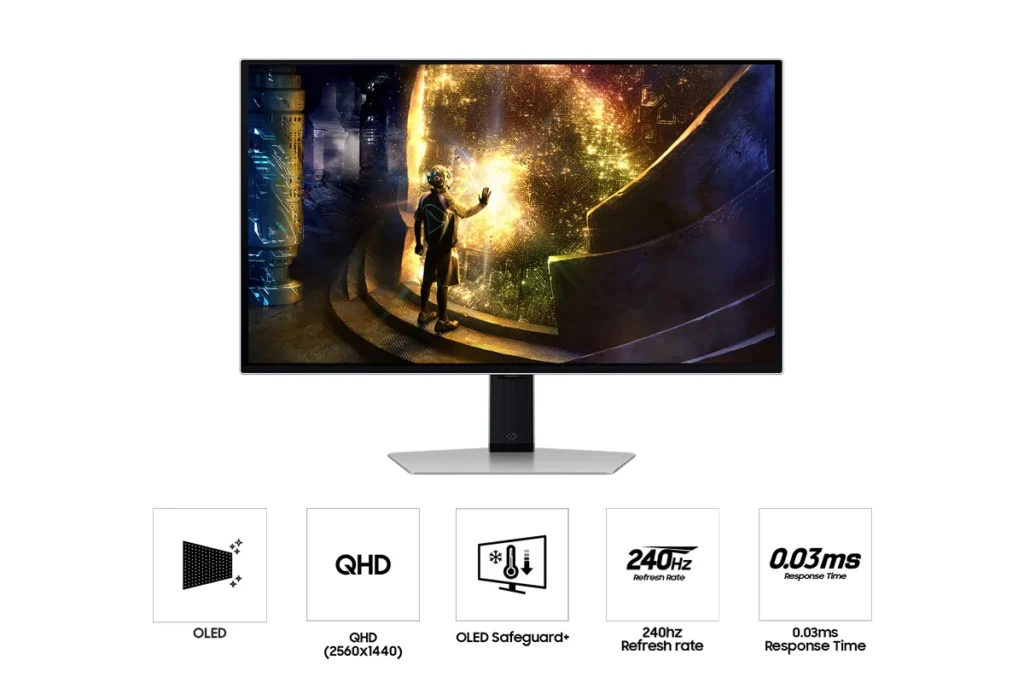
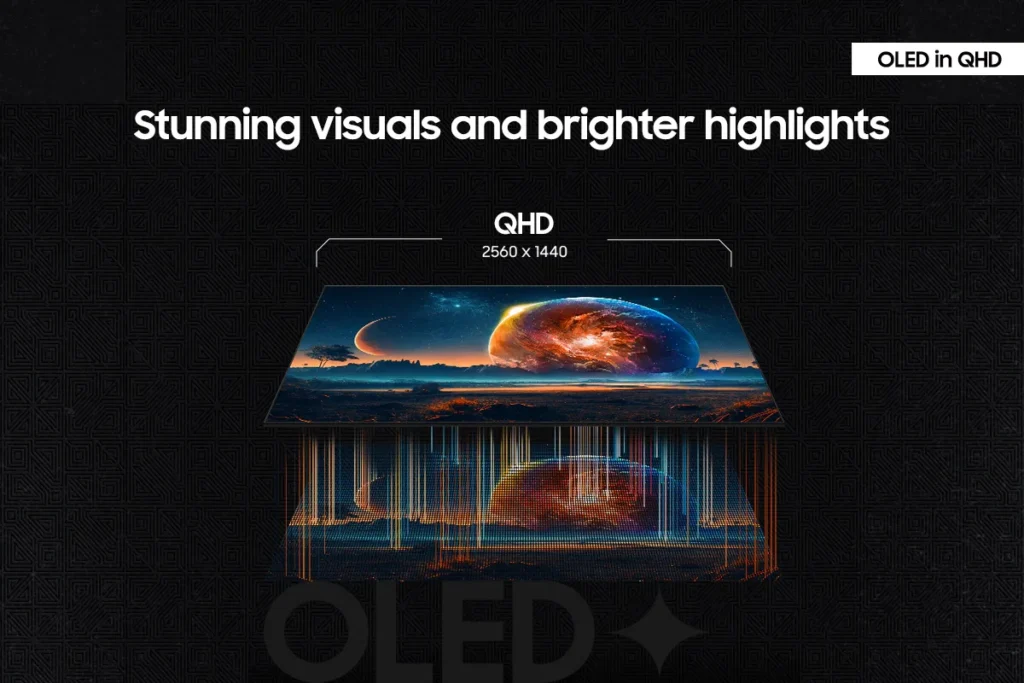
| Unrivaled QD-OLED Visuals | Experience breathtaking brightness, ultra-deep blacks, and true-to-life colors thanks to the advanced QD-OLED panel technology, delivering lifelike contrast and vibrant imagery. |
|---|---|
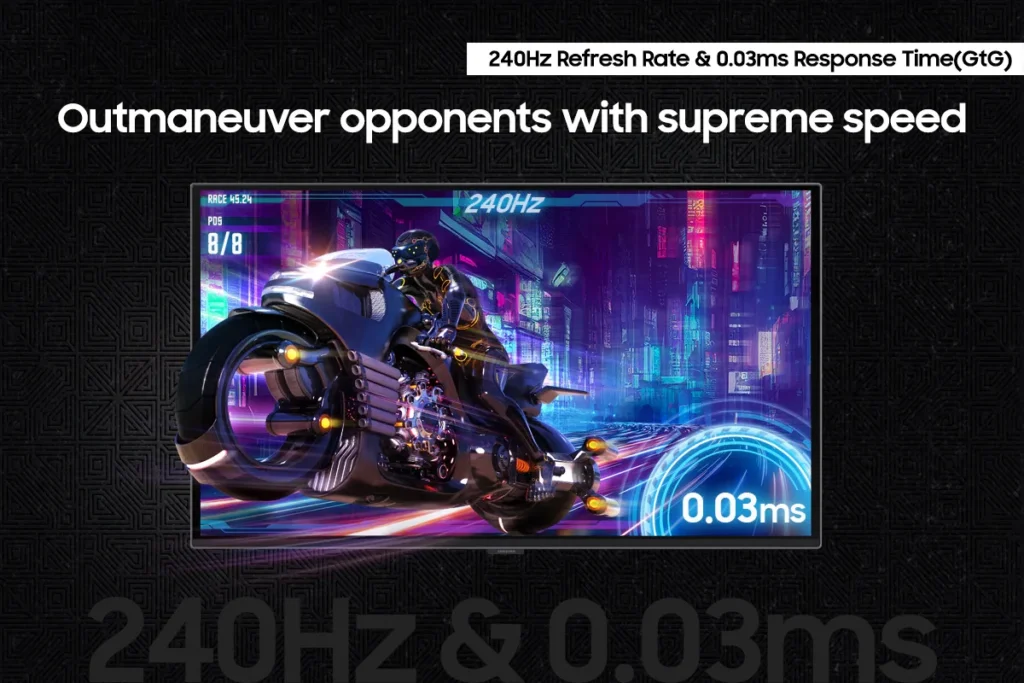
| Blazing-Fast Performance | Gain a competitive edge with a lightning-fast 240Hz refresh rate and an ultra-low 0.03ms (GtG) response time, ensuring incredibly smooth, tear-free gameplay with virtually no motion blur or input lag. |
| Immersive HDR True Black 400 | Dive into incredibly immersive worlds with VESA DisplayHDR True Black 400 certification, guaranteeing vibrant contrast and deep, inky blacks for supreme color and depth expression in every game. |
| Seamless Adaptive Sync | Enjoy fluid, tear-free gaming sessions with AMD FreeSync Premium Pro support, which synchronizes the GPU and panel to eliminate choppiness, screen lag, and image tears. |
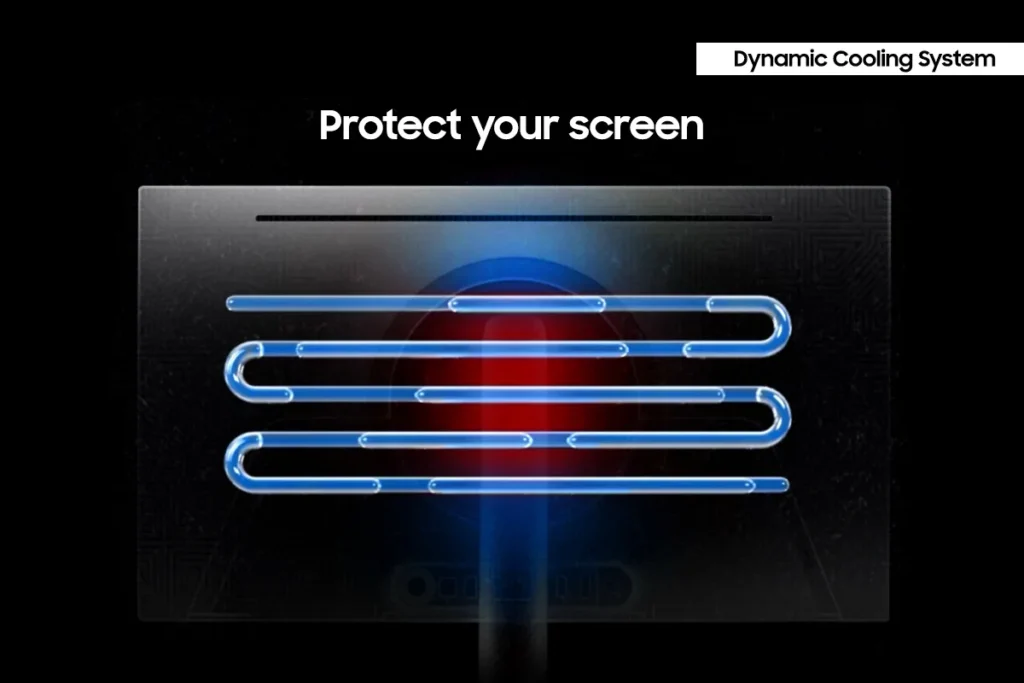
| Advanced OLED Care Features | Protect your display with Samsung's innovative OLED Safeguard+ features, including a Dynamic Cooling System, Thermal Modulation System, and Logo/Taskbar Detection, designed to prevent burn-in and ensure long-term performance. |
Pros & Cons
Pros
- Stunning OLED Picture Quality: The monitor consistently receives high praise for its OLED display, delivering vibrant colors, deep, inky blacks, and exceptional contrast. Many reviewers describe the visuals as 'gorgeous,' 'breathtaking,' and a significant upgrade from previous monitor technologies, making games and movies 'pop.'
- High Refresh Rate and Fast Response Time: Gamers particularly appreciate the 240Hz refresh rate and 0.03ms response time, which provide an ultra-smooth and lag-free experience. This performance is noted to be a 'game-changer' for fast-paced titles, eliminating motion blur and ghosting.
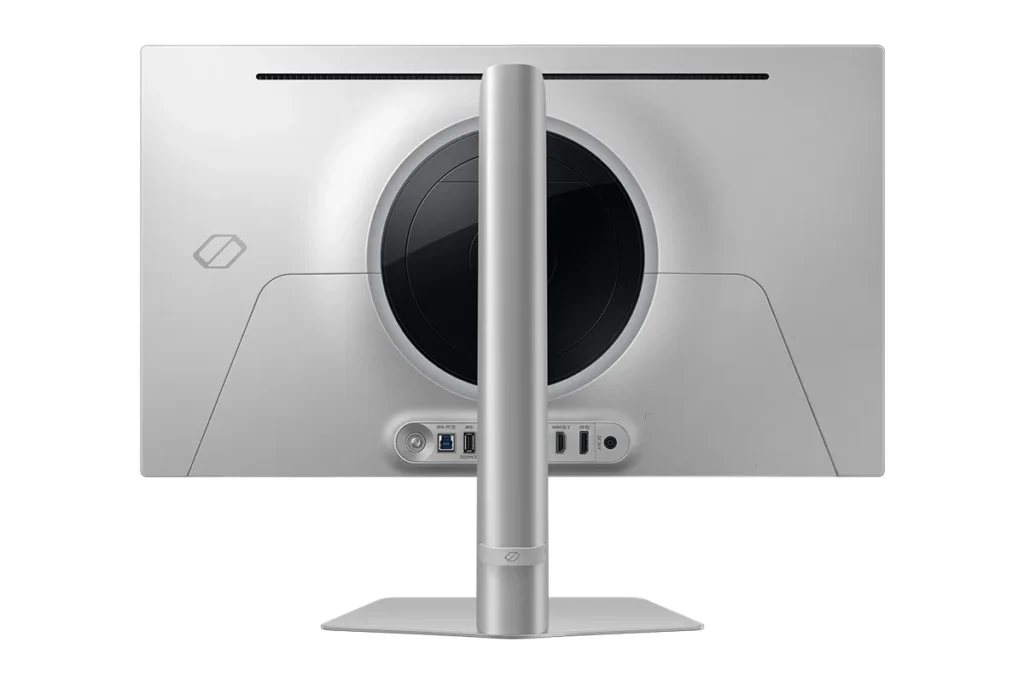
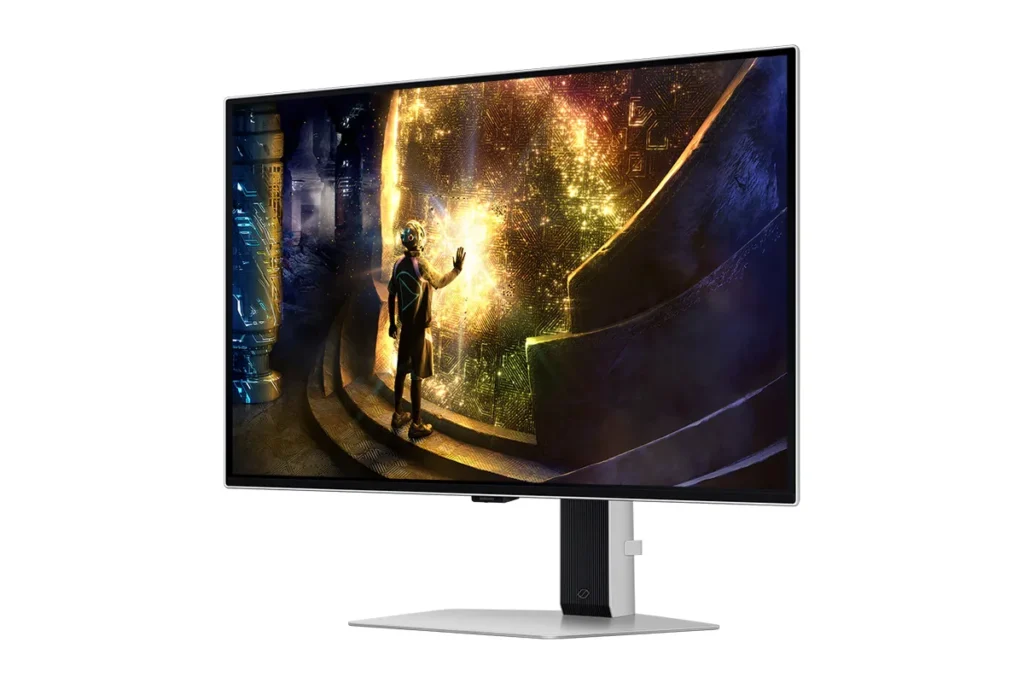
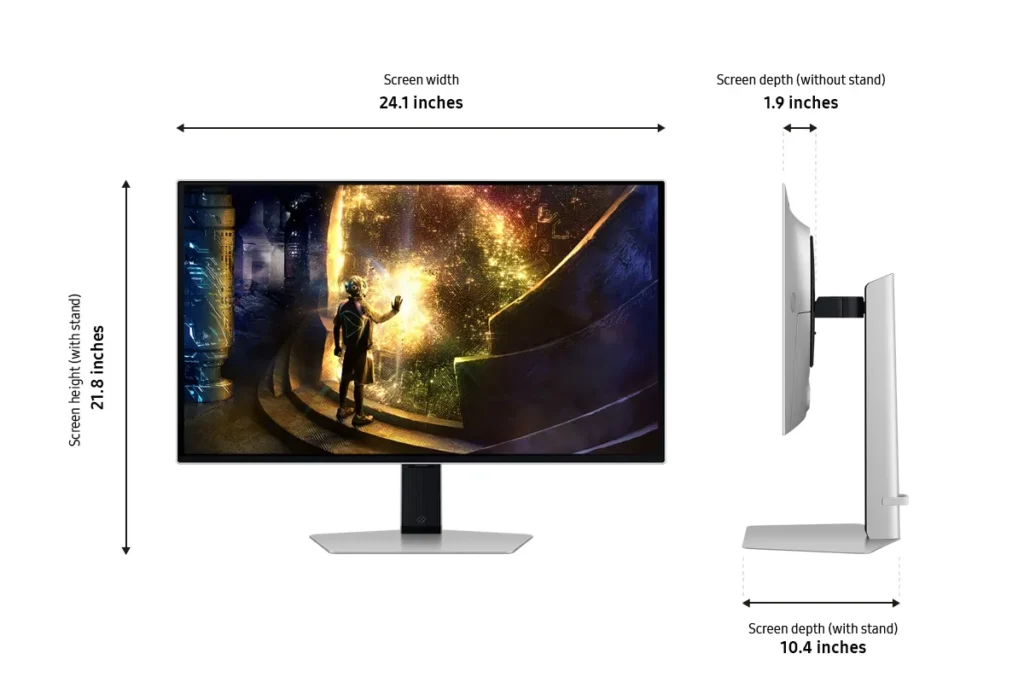
- Sturdy and Adjustable Stand: The included stand is frequently highlighted for its robust and sturdy build, offering a wide range of adjustability. Users also found the monitor easy to set up, with the stand allowing for quick and secure attachment right out of the box.
Cons
- Fragile Power Button/Joystick: A recurring and critical complaint is the poor build quality of the power button, which also functions as a joystick for menu navigation. Multiple users reported it breaking or crumbling off after only a few months of use, rendering the monitor's settings almost unusable and leading to frustration with Samsung's repair policies.
- Pixel Shift and Image Cut-off: The monitor's 'pixel shift' feature, intended to prevent burn-in, is a significant annoyance for many. It causes the displayed image to shift off the screen by several pixels, cutting off UI elements and creating noticeable 'gaps' or a 'micro stutter' that users find distracting and impossible to disable.
- Annoying Firmware/Software Features: Several users experienced frustrating software issues, including frequent and intrusive 'screen optimizer' pop-ups that interrupt usage, automatic dimming of the screen during inactivity, and unreliable auto-detect input switching. Some also noted that HDR functionality did not work well with certain devices like Macs or Xbox Series X.
Customer Fit
- Primary audience: Competitive / enthusiast gamers: Players who want high frame rates, instant response, and “cheating-level” clarity in shooters and fast titles. Many upgraded from IPS or older LCD and describe the jump as huge.
- Secondary audience: Visual quality seekers: People who care about cinematic color, inky blacks, and HDR for story games, movies, and general desktop use (including console and Switch players). Several say it’s “the best monitor I’ve ever owned.”
- Ideal scenarios: Gaming setups (PC, PS5, Switch), home desks used for both work and play, and small home “battle stations” where adjustability, 27" size, and clarity at 1440p matter. Some buyers gift it to students or family for school and gaming.
You might also like










Customer Reviews
Showing reviews 121-130 of 149
-
Not a smartphone
Grumpy Spud January 29, 2025Review source: AmazonImagine if the sleek and futuristic spaceship from your favorite sci-fi movie decided to take a break from intergalactic battles and chill on your desk – that’s the SAMSUNG 27” Odyssey OLED G6 for you. It’s like Samsung peered into the future and brought back this gem to make our gaming lives infinitely better.
With a display so crisp you’ll feel like you’re looking out a window, and a refresh rate so fast that even the Flash would be impressed. Gamers, rejoice! Your lag days are behind you, and now you can blame only your reflexes for missed shots. FreeSync Premium Pro ensures smooth, tear-free experiences, so the only thing breaking is your opponent’s spirit.
As for the design? This monitor is cooler than the other side of the pillow. Its sleek look makes it look like it belongs in Tony Stark’s lab. If monitors could strut down fashion runways, this one would have all the cameras flashing.
-
Looks great, and works great next to the larger G8 29" Samsung, but hung in portrait mode
Customer StC January 28, 2025Review source: AmazonLooks great, and works great next to the larger G8 29″ Samsung, but hung in portrait mode
My daughter’s PC already has the 29″ G8 version of this same line of monitors. We set up this G6 next to the G8 in dual monitor config, but with the G6 in portrait mode, which it adapted to easily. During the physical configuration, I noticed the stand on the G6 is a different design and easier to work with.
Once setup next to each other Windows set them up enabling them to show HDR, then we used Samsung’s app for color matching. Both the G8 and G6 came with defaults for color that look saturated to my daughter’s preference (though I like it). Getting them matched and color temp turned down was all a breeze.
On our other multi-monitor configurations I just kind of deal with the fact that they aren’t color matched. Seeing hers side by side I get why it’s more important.
During the unboxing we both commented that Samsung’s build quality was evidently superior to low-cost competitors but it can be hard to justify such a steep cost.
And of course, this is sold as a gaming monitor and this is setup on her gaming rig, but was meant to be an extra when she plays on the larger monitor. For fun though, we played a few games in portrait mode just to make sure they were cool. Inquisition and Stardew Valley both have native portrait output, while any game can theoretically be rescaled by the Nvidia app by faking the resolution. I wanted to play Pinball FX in portrait, but it wasn’t installed on her machine while I was reviewing it. Yes, you can game in portrait mode!
-
Expensive
Verified purchase Verified purchase: This reviewer bought the product. Incentivized Incentivized review: The reviewer received a benefit for sharing feedback.Yadiron January 16, 2025Review source: BestbuyIt not worth it, the price is too expensive for less components
-
Absolute powerhouse
Beth January 14, 2025Review source: AmazonPros:
-Stunning OLED display combined with the QHD resolution, its super vibrant and sharp. Everything is smooth and sharp for an immersive viewing experience.
-Ultra fast refresh rate and response time. Seemless and lag-free. No more freezing mid game!
-Vivid and consistent.
Cons:
-Price
-No built-in speakersTested on WoW – Causal player. 🙂
-
False advertising
Verified purchase Verified purchase: This reviewer bought the product.Alex January 12, 2025Review source: AmazonThe actual screen size is definitely not 27 inches, it’s smaller than my old ips monitor, with wider screen border, the page states it has built in speakers which is not true. The image quality is slightly better than my old monitor but hard to notice in most cases, for this price I expect something better.
-
Incredible color depth and resolution
BourneFan42 January 11, 2025Review source: AmazonThe first thing I noticed after connecting this monitor was the incredibly vivid colors. The first time I used this I just connected it to my computer for regular use, not gaming. Even doing day to day tasks, the difference in color depth and resolution was noticeable, almost to distraction.
After that experience, I connected it to a gaming system (Xbox One S). I fired up an old game – one of the Call of Duty games – and WOW! What a difference in detail! The colors and resolution put my old setup to shame. I eventually had to turn down the color depth when I played Tiny Tina’s Wonderland. The colors were so vivid it distracted from the game.
I can’t comment on the speed since I haven’t done any online gaming against live opponents with this system, but as noted above, I can definitely say with conviction that you will notice a difference between this monitor and regular monitors or TV’s in terms of color and resolution. I have no comparison to other high-end monitors, but compared to garden variety monitors, this is a big improvement. -
Great Monitor
Draknus January 9, 2025Review source: AmazonAs expected from the getgo, Samsung has always made extremely high quality displays. This one, is very much a flagship model. Setup was absolutely silky smooth; packaging was very secure, nice closed cell foam securing all pieces inside and a nice thick protective layer over the screen itself to keep it pristine. The included power brick is a bit larger than I expected, but given the feature set of this screen, I can understand the higher power draw for it. Cooling for the screen that is whisper quiet, HDR, Freesync and GSync compatibility, built in speakers that are surprisingly good (albeit lacking bass – but given their size, that is understandable). The in system menu for setup is very clear as well. While coming pre-set to Eco mode, switching it to Game Standard or Entertainment gives a VERY bright and clear display. Connected with the included Displayport cable, the screen is able to attain the advertised resolution and response speed of 240hz. Grey to Grey response time advertised is 0.03ms, however on my unit I am getting closer to a 0.09 to 0.07 response, but this is possible due to the cable or other system settings. This is still WELL beyond what even the most demanding gamers would need. Color accuracy out of the box is pretty good with 96.2% coverage of sRGB, after tinkering I was able to bring it to 98.1% coverage of the sRGB colorspace; meaning that this display will be quite good for prosumer content creators who are wanting to do color accurate work. It’s quite impressive, but given the price, I would have expected it to be better calibrated out of the box.
-
Great monitor
BK January 6, 2025Review source: AmazonThis is OLED and noticeably brighter than my other monitor in the dual setup. Works great with my work setup but I don’t do gaming so cannot say how that works. It does fine with video though through Netflix.
-
Image quality is very poor
Verified purchase Verified purchase: This reviewer bought the product.Jason Zwolak January 5, 2025Review source: AmazonI just got this today and will be returning it tomorrow. The image quality is comparable to a sub $200 monitor. I find myself asking why this monitor cost so much when it looks so bad compared to my LG 27″ from years ago. I have the same Insignia thunderbolt to displayport cable as I used with my LG and it’s connected to my MacBook Pro. Text comes up blurry and everything looks grainy. The on board display (for the menus) has the same problem suggesting it isn’t the cable or the MacBook Pro. I went through all the settings and see nothing that would help.
-
Great Gift for a Teenage Gamer
Car1y December 30, 2024Review source: AmazonMy son got a new computer and has been looking to upgrade his monitor for a while. When I saw the SAMSUNG 27” Odyssey OLED G6 I knew that with the make and build of Samsung I would be getting a top quality product, and I was not disappointed. it looks and feels sleek and everything turns and revolves seamlessley. Setting it was easy a screw here and it’s done. I love how this thing turns and swivels in variety of positions, even from portrait to landscape. The bracket is smooth and soundless. Once on the picture quality was amzing. The colors are really bright and vivid and their are enought controls that you can enhance your experience. My son says that is is quick something about flash rates being excellent, I wouldn’t have a clue. I asked him if it has everything needed for him to play his x-box. He said it has everything and more including a cooling system. He’s happy with his screen and its performance, and so am I. Another stellar product from Samsung.