Customer Media
Highlights
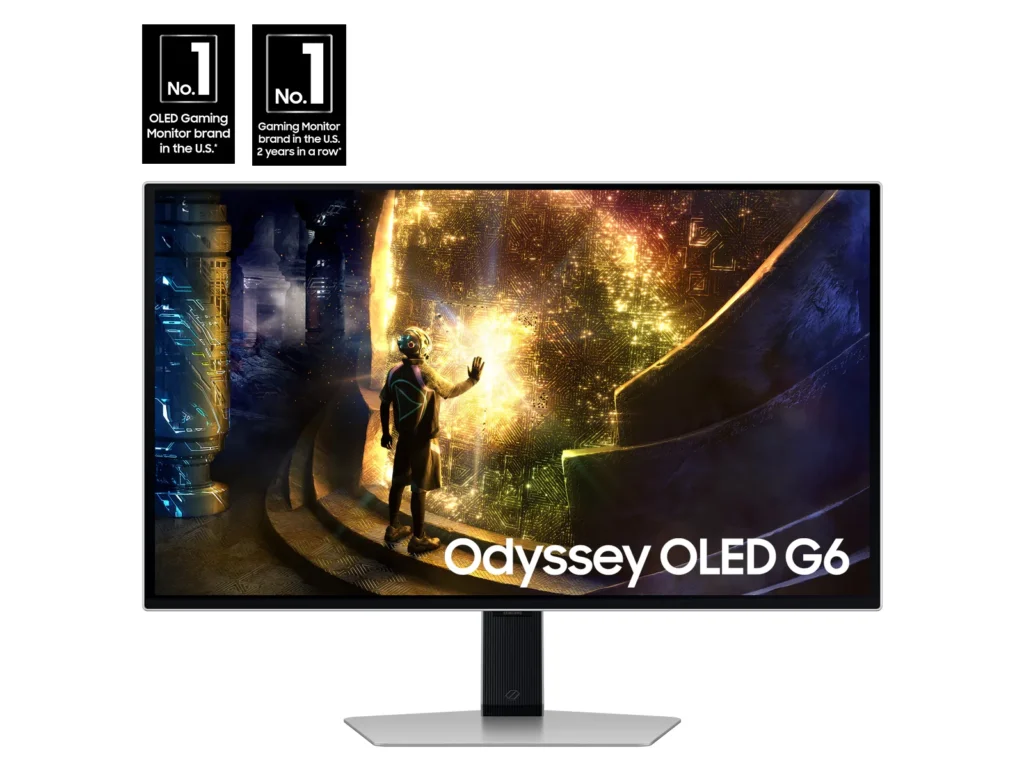
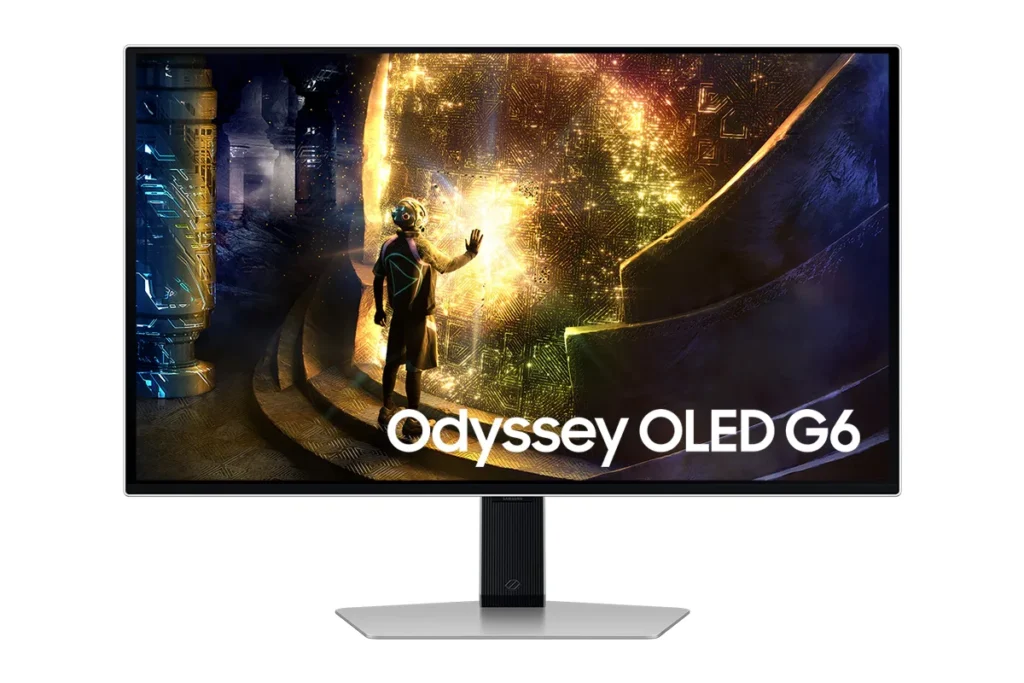
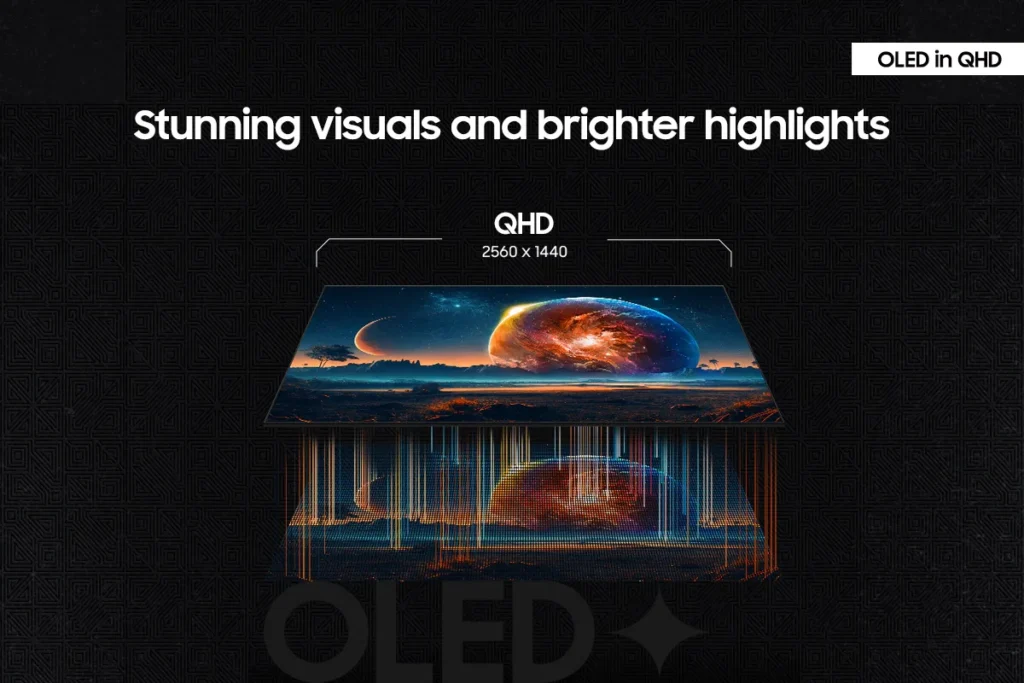
| Unrivaled QD-OLED Visuals | Experience breathtaking brightness, ultra-deep blacks, and true-to-life colors thanks to the advanced QD-OLED panel technology, delivering lifelike contrast and vibrant imagery. |
|---|---|
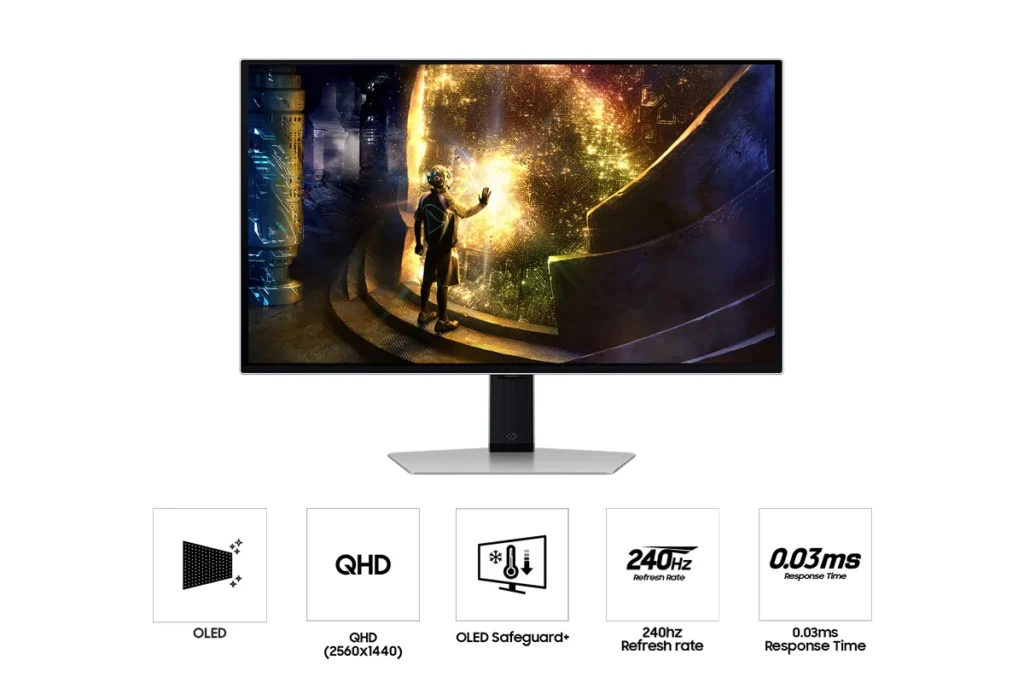
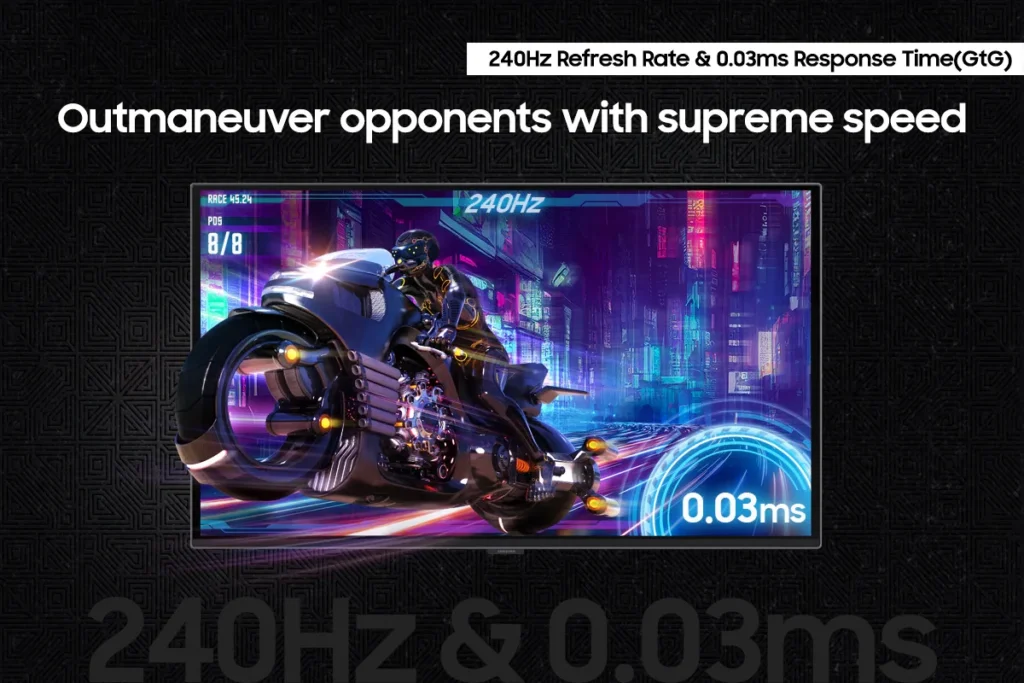
| Blazing-Fast Performance | Gain a competitive edge with a lightning-fast 240Hz refresh rate and an ultra-low 0.03ms (GtG) response time, ensuring incredibly smooth, tear-free gameplay with virtually no motion blur or input lag. |
| Immersive HDR True Black 400 | Dive into incredibly immersive worlds with VESA DisplayHDR True Black 400 certification, guaranteeing vibrant contrast and deep, inky blacks for supreme color and depth expression in every game. |
| Seamless Adaptive Sync | Enjoy fluid, tear-free gaming sessions with AMD FreeSync Premium Pro support, which synchronizes the GPU and panel to eliminate choppiness, screen lag, and image tears. |
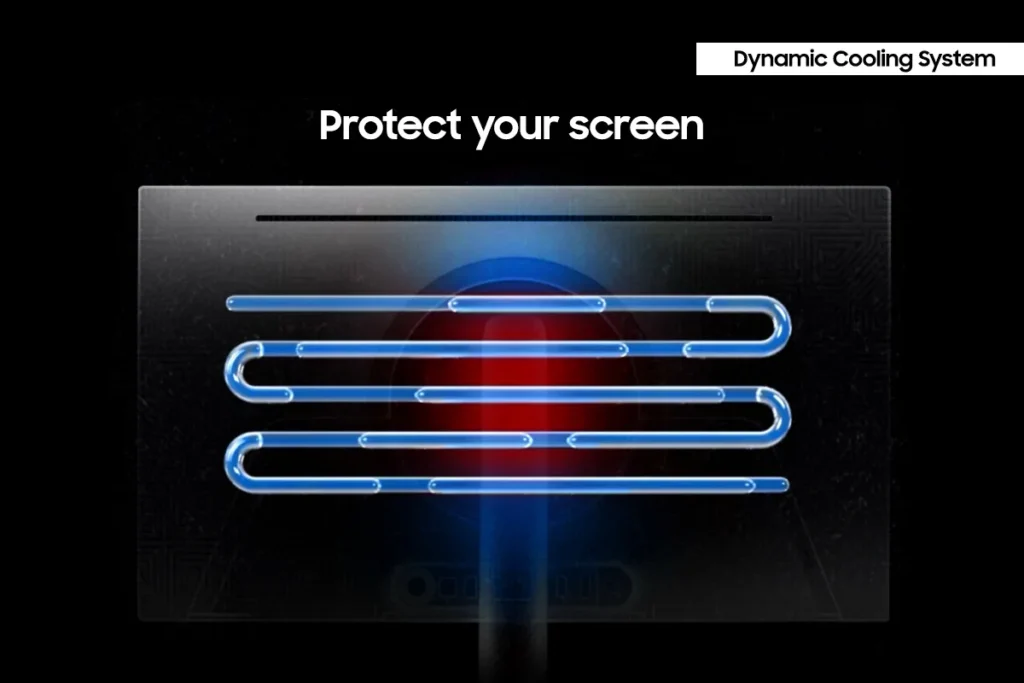
| Advanced OLED Care Features | Protect your display with Samsung's innovative OLED Safeguard+ features, including a Dynamic Cooling System, Thermal Modulation System, and Logo/Taskbar Detection, designed to prevent burn-in and ensure long-term performance. |
Pros & Cons
Pros
- Stunning OLED Picture Quality: The monitor consistently receives high praise for its OLED display, delivering vibrant colors, deep, inky blacks, and exceptional contrast. Many reviewers describe the visuals as 'gorgeous,' 'breathtaking,' and a significant upgrade from previous monitor technologies, making games and movies 'pop.'
- High Refresh Rate and Fast Response Time: Gamers particularly appreciate the 240Hz refresh rate and 0.03ms response time, which provide an ultra-smooth and lag-free experience. This performance is noted to be a 'game-changer' for fast-paced titles, eliminating motion blur and ghosting.
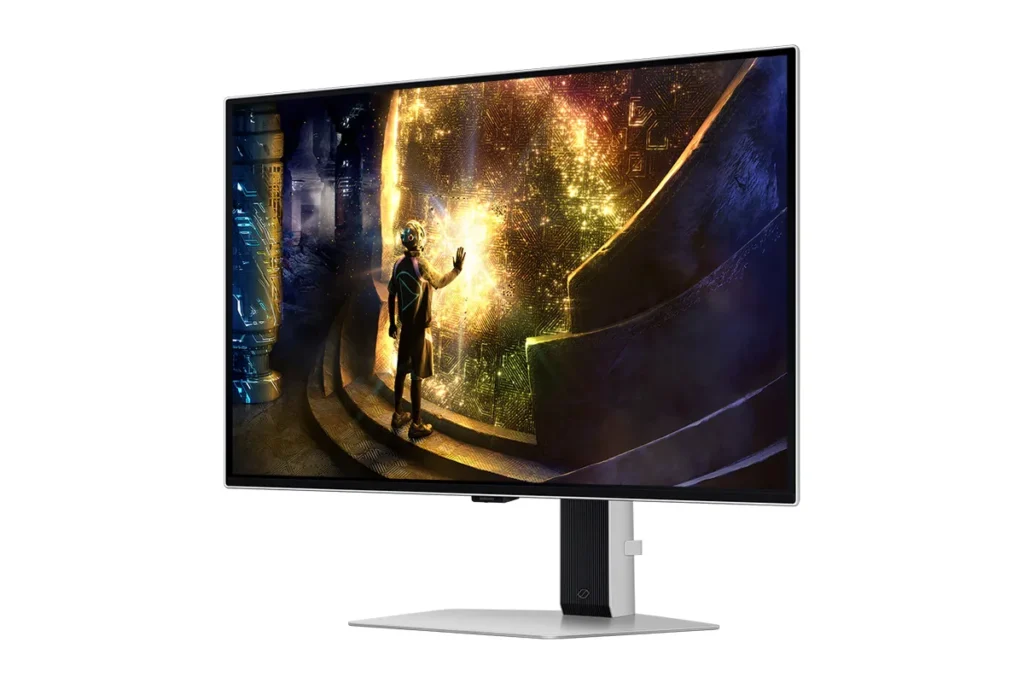
- Sturdy and Adjustable Stand: The included stand is frequently highlighted for its robust and sturdy build, offering a wide range of adjustability. Users also found the monitor easy to set up, with the stand allowing for quick and secure attachment right out of the box.
Cons
- Fragile Power Button/Joystick: A recurring and critical complaint is the poor build quality of the power button, which also functions as a joystick for menu navigation. Multiple users reported it breaking or crumbling off after only a few months of use, rendering the monitor's settings almost unusable and leading to frustration with Samsung's repair policies.
- Pixel Shift and Image Cut-off: The monitor's 'pixel shift' feature, intended to prevent burn-in, is a significant annoyance for many. It causes the displayed image to shift off the screen by several pixels, cutting off UI elements and creating noticeable 'gaps' or a 'micro stutter' that users find distracting and impossible to disable.
- Annoying Firmware/Software Features: Several users experienced frustrating software issues, including frequent and intrusive 'screen optimizer' pop-ups that interrupt usage, automatic dimming of the screen during inactivity, and unreliable auto-detect input switching. Some also noted that HDR functionality did not work well with certain devices like Macs or Xbox Series X.
Customer Fit
- Primary audience: Competitive / enthusiast gamers: Players who want high frame rates, instant response, and “cheating-level” clarity in shooters and fast titles. Many upgraded from IPS or older LCD and describe the jump as huge.
- Secondary audience: Visual quality seekers: People who care about cinematic color, inky blacks, and HDR for story games, movies, and general desktop use (including console and Switch players). Several say it’s “the best monitor I’ve ever owned.”
- Ideal scenarios: Gaming setups (PC, PS5, Switch), home desks used for both work and play, and small home “battle stations” where adjustability, 27" size, and clarity at 1440p matter. Some buyers gift it to students or family for school and gaming.
You might also like










Customer Reviews
Showing reviews 131-140 of 149
-
Crisp pictures
Charlyn Gee December 27, 2024Review source: AmazonThis OLED monitor is a huge upgrade from non OLED monitors. The picture is extra sharp. The blacks are very black so the colors really pop. The monitor has a very thin bezel. Gaming with is great because it feels like a graphics upgrade. The monitor size is great, but I think it would have been great if I ordered a larger one. I think the only negative is that there are no guilt in speakers. Otherwise, an OLED display would be an upgrade for anyone and is a must get.
-
Fps gaming Game changer
dontaj47 December 14, 2024Review source: Amazona powerhouse for gamers and content creators, offering exceptional performance, stunning visuals, and a sleek design. With its QHD resolution, 240Hz refresh rate, and 0.03ms response time, this monitor is designed to provide a smooth and immersive gaming experience, paired with FreeSync Premium Pro support for tear-free gameplay is its OLED panel, which provides vibrant colors, deep blacks, and exceptional contrast. The QHD resolution (2560×1440) strikes an ideal balance between Full HD and 4K, delivering sharp, clear images while not being as demanding on your GPU as a 4K display. The result is crisp, detailed visuals with plenty of screen real estate, making it perfect for both gaming and multimedia content.
In terms of gaming performance, the 240Hz refresh rate and 0.03ms response time make this monitor incredibly responsive and fluid, which is ideal for fast-paced, competitive gaming. Whether you’re playing FPS (first-person shooters), racing games, or MOBA titles, you’ll experience virtually no motion blur or ghosting, even during the most intense action sequences. The high refresh rate ensures that every frame is rendered smoothly, providing a huge advantage in fast-reflex gaming. -
You can do better, Samsung
Verified purchase Verified purchase: This reviewer bought the product.Randomness December 12, 2024Review source: AmazonBought the new (there are no Rtings reviews yet for it) G61SD model, installed it today and used for some time. Overall the image quality is good and Samsung’s matte screen is much better than any glossy display if you have less-than-completely-dark room, however there’s a very major, very noticeable (to me) issue. The displayed image does not cover the whole surface of physical OLED display (I don’t count bezels of a case as a part of display) – even at a native resolution there are ALWAYS noticeable “gaps” on at least 2 sides of the image, due to “Pixel Shift” feature needing to use that display space to “shift” the image without cutting off any visible parts. What’s worse, there is no way to turn off “Pixel Shift”, at least on this particular model – yes, I know that this is supposed to prevent “burn-in” over time, but I am perfectly ok with increasing the chance of “burn-in” as long as I can fully utilize the whole surface of OLED display at all times. It should ALWAYS be my, the user’s, choice whether enable or disable such option.
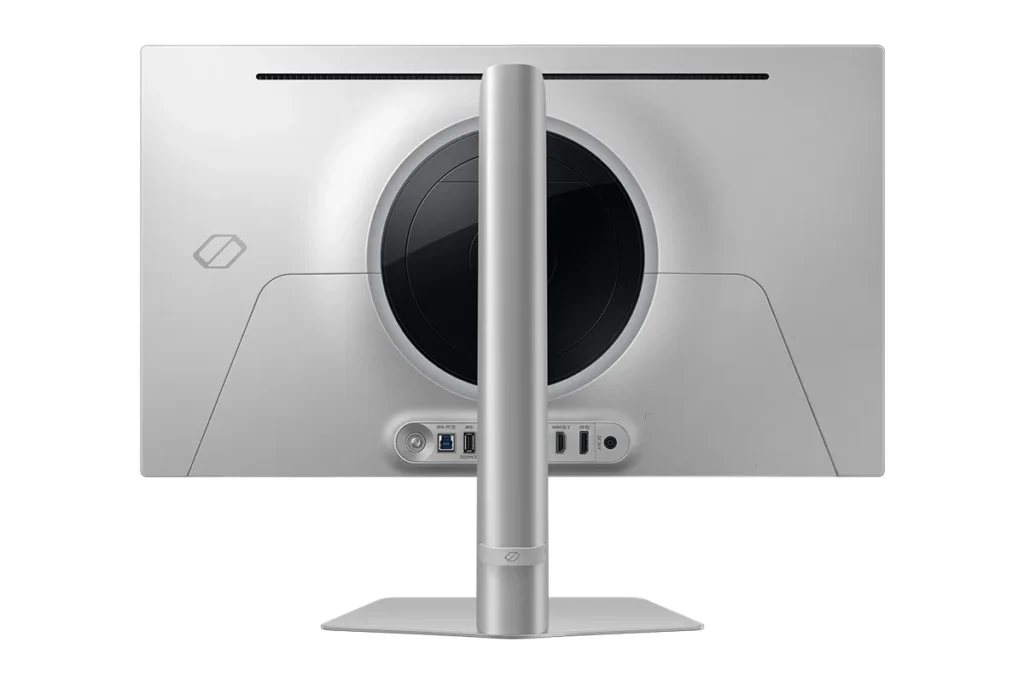
In an addition to this, the silver metal frame edge of display’s case is also very noticeable at all times and provides a very “non-immersive” experience, be it either playing games or watching movies/videos. Samsung should’ve anodized it with black color, or covered it with black plastic. Oh, and I should also probably mention the very, very flimsy “JOG button” on its back which controls the OSD and turns the monitor on/off – it hasn’t broken yet but after using it a couple of times it really feels like it won’t last for long time.
All in all, it was a pretty disappointing experience with it and this will definitely be going back.
-
Fantastic widescreen gaming monitor!
Jack Chang December 11, 2024Review source: AmazonThis is a standout gaming monitor that combines stunning visuals with top-tier performance. OLED panel delivers vibrant colors, deep blacks, and an impressive contrast ratio, offering an immersive gaming and media experience. Great 0.03ms response time and my eyes are in love with the 240hz refresh rate that provides buttery-smooth gameplay even in fast-paced games, movies and any videos.
The sleek, futuristic design fits seamlessly into any gaming setup, and the ultra-thin bezels add a premium touch. The monitor also supports AMD FreeSync Premium and NVIDIA G-Sync, reducing screen tearing and providing a fluid experience across different games.
While it’s on the higher end of the price spectrum, the Odyssey OLED G6 justifies its cost with its exceptional display quality, innovative features, and build reliability. If you’re looking for a high-performance monitor for gaming or creative work, this is an excellent choice.
-
Top notch
Lauren December 1, 2024Review source: AmazonThis monitor has amazing visuals. It has superior brightness Has setting to detect surface temperature and automatically control brightness accordingly to reduce heat. The screen dims itself after 10 minutes of inactivity and comes back to regular brightness with any input.
-
Works well right out the box
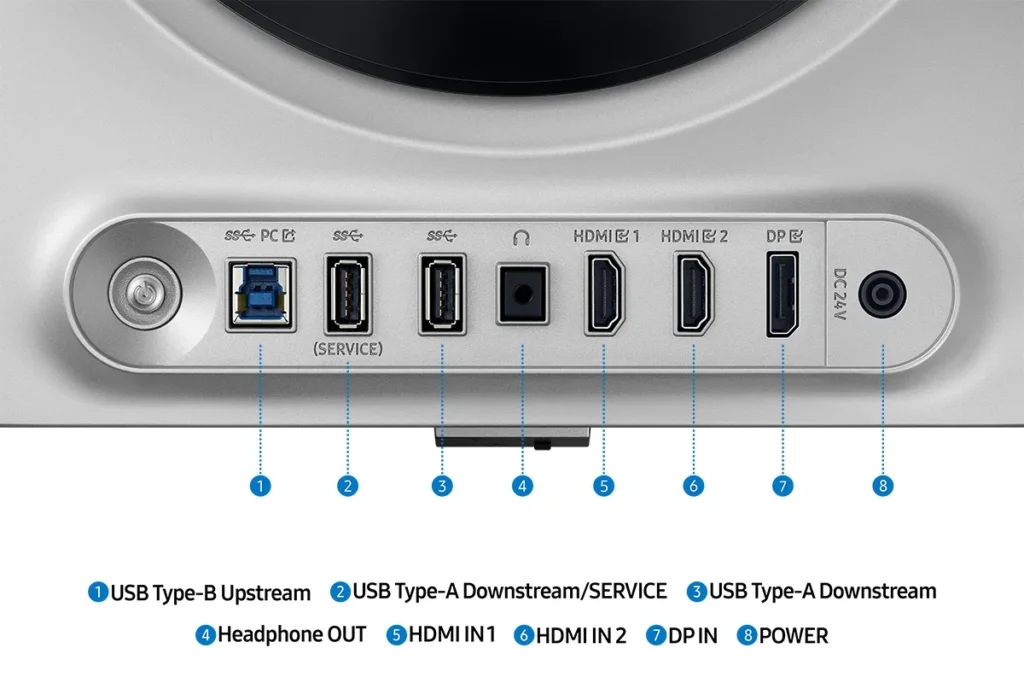
Amy November 30, 2024Review source: AmazonEasy to setup, has two HDMI ports and a display port. The color is amazing. Had no problems keeping up with any of the games I play.
-
Gorgeous screen, high refresh rate goodness
JQuery November 28, 2024Review source: AmazonThis monitor is a beauty to look at. Compared to my IPS 27″, the picture pops out and absolutely glows at you.
Pros:
1 – Beautiful OLED. Colors were clear and vibrant and blacks were so black.
2 – VRR for your gaming. Attached to my minipc, i was able to eliminate stuttering in my games.Cons:
1 – Port placement kind of stinks. Why would you put ports exactly in front of the monitor stand. its fine if you’re wall or desk mounting it, but with the monitor stand, some of the ports are simply blocked.
2 – The G6 doesn’t include the remote.
3 – Power button behind the monitor. So ergos stink on this. -
I am in heaven
Stewart November 19, 2024Review source: AmazonThis monitor is gorgeous!! The image quality is extremely bright out of the box. Once I tweaked the contrast and brightness a bit to suit my tastes, it is my go to monitor. Sadly now I need to replace the other monitors with more of this. The blacks are exquisite and HDR content is beyond words. I absolutely love gaming on this with the 240hz refresh rate, though I found the happy spot is 120hz for me. Movies and even just text pop without being too contrasty or sharp. It has a nice clean look and while the bezels are really the only downside, they are not enough to drop a star!
-
Nice, overall, but with some minor issues
Ambi November 19, 2024Review source: AmazonStarting with the good:
– Beautiful colors
– Great resolution
– Solid stand with some adjustability
– Easy to install to stand
– Very smooth 240Hz visuals
– Built-in settings menu is easy enough to use
– Comes with DisplayPort cableThe issues:
– The colors don’t look as accurate as I’d like out of the box. Maybe I’m just used to them looking different, but it took some color adjustments before it felt correct with different test images.
– HDR does NOT work well with my computer (MB: X570 Aorus Elite, CPU: AMD Ryzen 9 3900X, GPU: NVIDIA 4070, Windows 10).
– There is a black border around the screen, which, as I understand it, is standard for OLED. I’m fine with that, but it does look a little smaller than my old 27″ monitor because of it.
– The image does do a micro shift by one pixel every once in a while (which I gather is standard for OLED as well). While I did notice it (I’ve maybe noticed it happening 8 times over the last 3 weeks), it didn’t really bother me and I don’t think many would notice it at all.When I had HDR on, I ran into many issues, including the monitor not receiving signal when waking up (I’d have to unplug and replug in the DisplayPort cable into the monitor), notifications of “Screen Optimization Not Complete,” and very long blackout times when switching out of fullscreen games. I should also note that I have a second monitor that is not HDR, so perhaps that was causing issues (sometimes the second monitor also would not receive signal when waking).
Turning HDR off seems to have fixed those issues though, so if you’re having similar issues, try turning it off in Display Settings (Windows 10). My friend did note that, for him, HDR worked poorly in Windows 10, but much better in Windows 11, so that may be of note.
Overall though, I’m happy with this screen, despite not being able to use HDR. Honestly, if the above issues persisted without HDR on, I would have returned it and given it 2 or 3 stars. The above issues have persuaded me to dock it a star, but it still works well otherwise and looks great, I just wish it worked perfectly out of the box. I’m happy with this monitor, if a little disappointed in not being able to use HDR.
-
Amazing color
Saving with Selena November 17, 2024Review source: AmazonThis monitor was an excellent upgrade to my pc. The color is amazing and clear. It did take a while to set it up. Upon the first startup, it did take a while to update the software and load up. After that though, it works just like any other monitor. The clarity of movies and games is amazing.