Customer Media
Highlights
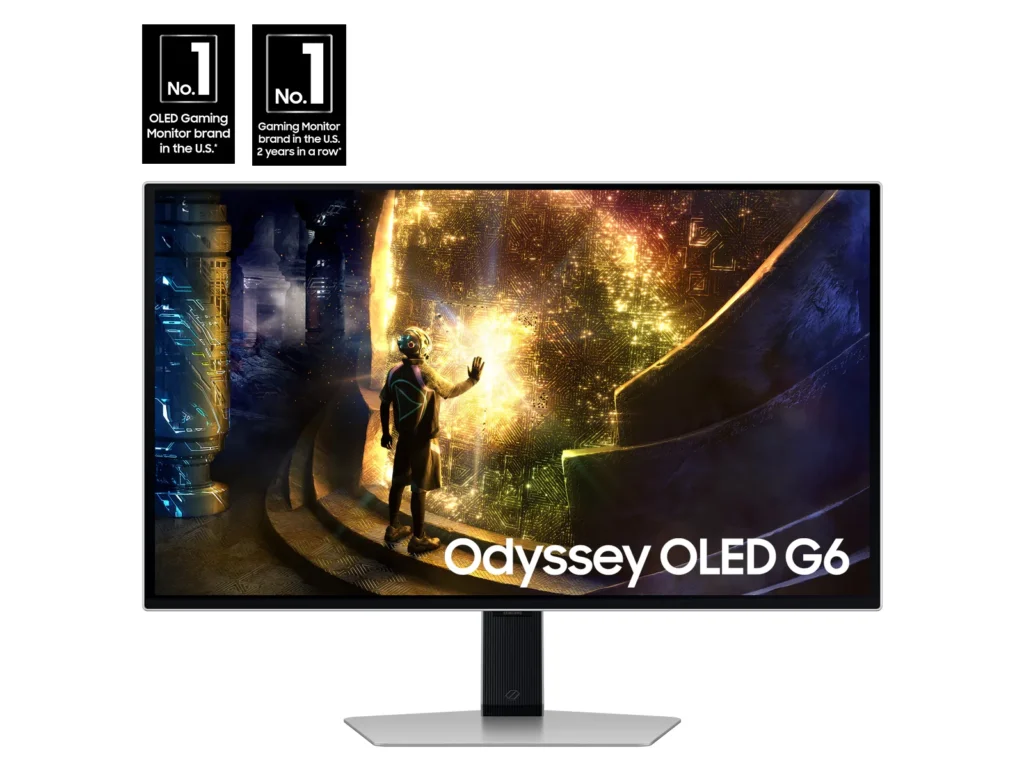
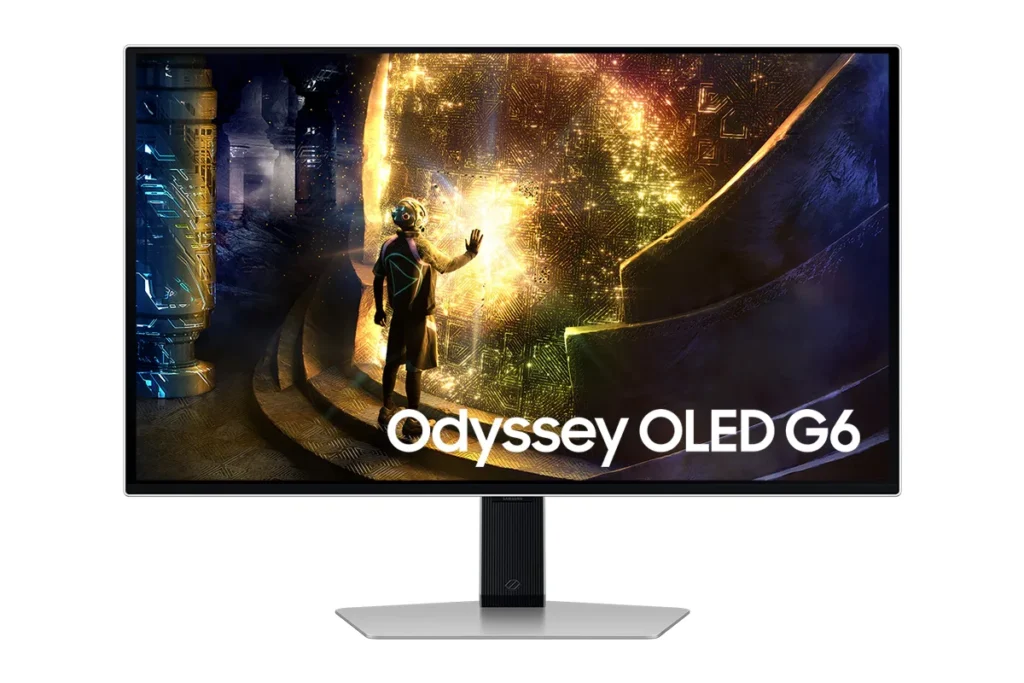
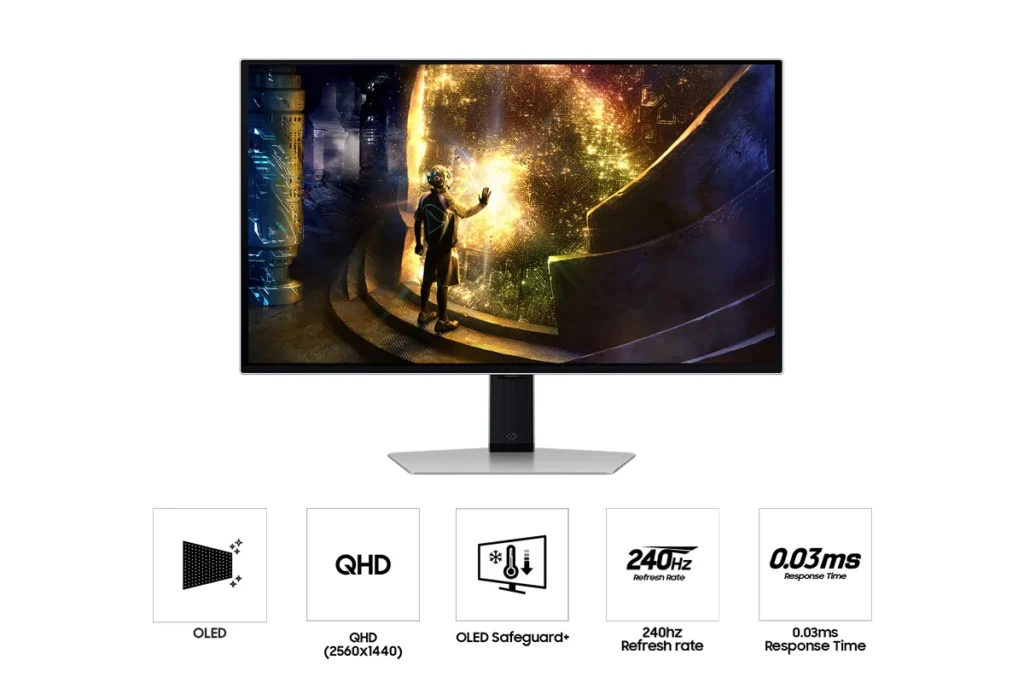
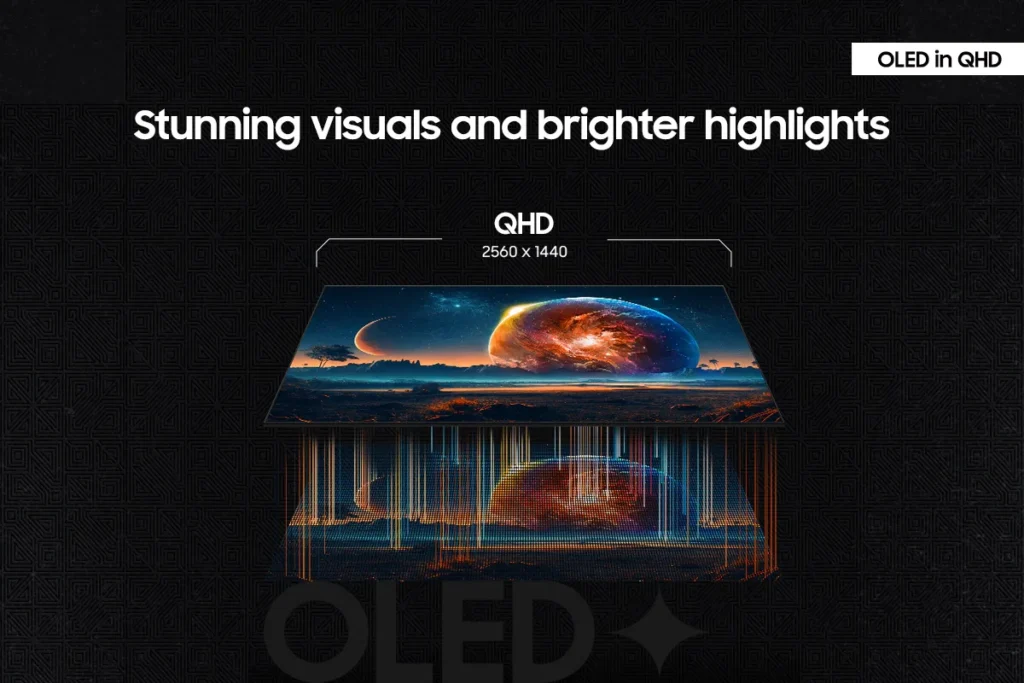
| Unrivaled QD-OLED Visuals | Experience breathtaking brightness, ultra-deep blacks, and true-to-life colors thanks to the advanced QD-OLED panel technology, delivering lifelike contrast and vibrant imagery. |
|---|---|
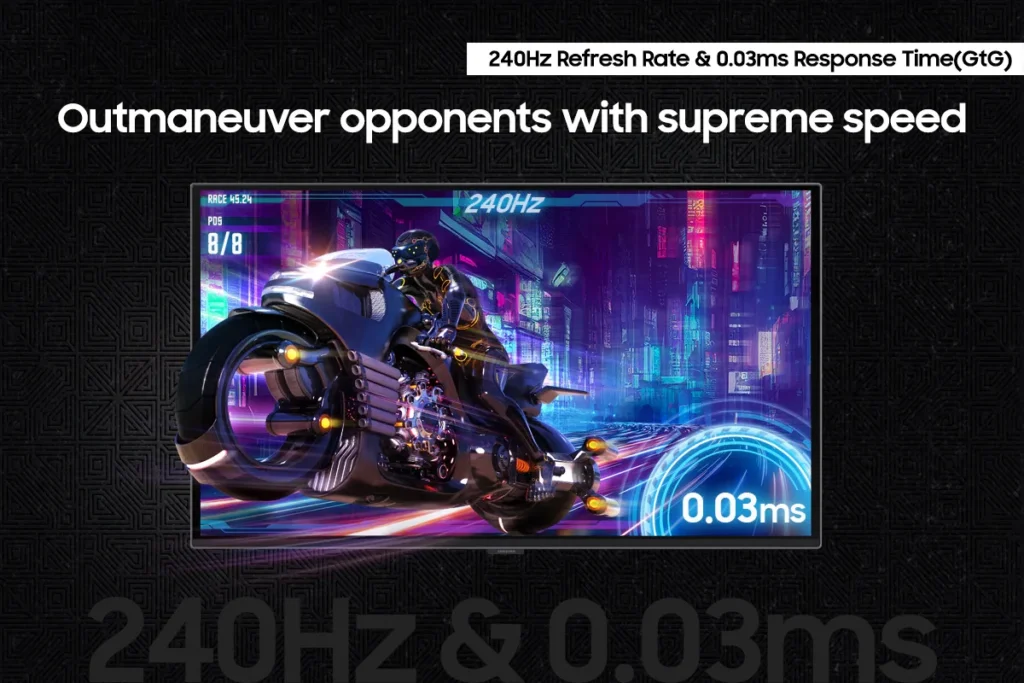
| Blazing-Fast Performance | Gain a competitive edge with a lightning-fast 240Hz refresh rate and an ultra-low 0.03ms (GtG) response time, ensuring incredibly smooth, tear-free gameplay with virtually no motion blur or input lag. |
| Immersive HDR True Black 400 | Dive into incredibly immersive worlds with VESA DisplayHDR True Black 400 certification, guaranteeing vibrant contrast and deep, inky blacks for supreme color and depth expression in every game. |
| Seamless Adaptive Sync | Enjoy fluid, tear-free gaming sessions with AMD FreeSync Premium Pro support, which synchronizes the GPU and panel to eliminate choppiness, screen lag, and image tears. |
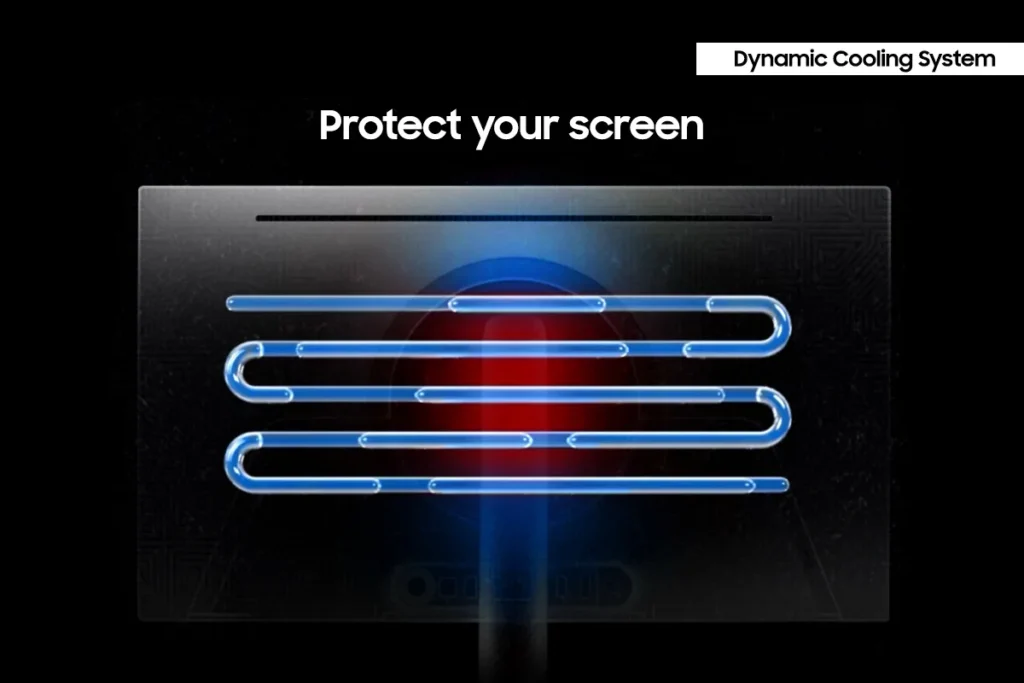
| Advanced OLED Care Features | Protect your display with Samsung's innovative OLED Safeguard+ features, including a Dynamic Cooling System, Thermal Modulation System, and Logo/Taskbar Detection, designed to prevent burn-in and ensure long-term performance. |
Pros & Cons
Pros
- Stunning OLED Picture Quality: The monitor consistently receives high praise for its OLED display, delivering vibrant colors, deep, inky blacks, and exceptional contrast. Many reviewers describe the visuals as 'gorgeous,' 'breathtaking,' and a significant upgrade from previous monitor technologies, making games and movies 'pop.'
- High Refresh Rate and Fast Response Time: Gamers particularly appreciate the 240Hz refresh rate and 0.03ms response time, which provide an ultra-smooth and lag-free experience. This performance is noted to be a 'game-changer' for fast-paced titles, eliminating motion blur and ghosting.
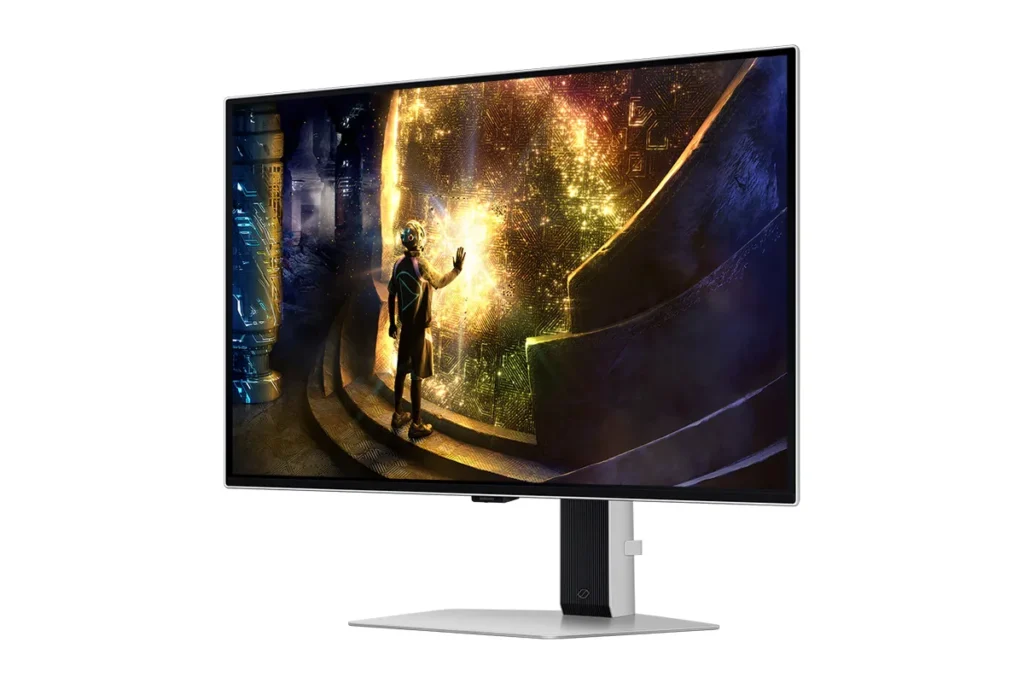
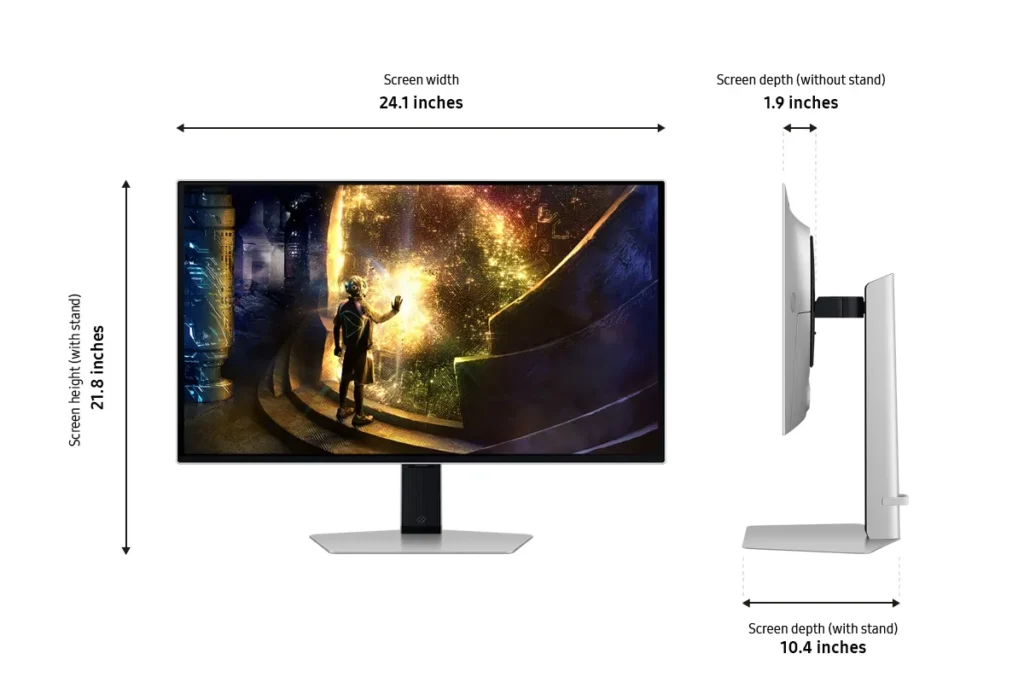
- Sturdy and Adjustable Stand: The included stand is frequently highlighted for its robust and sturdy build, offering a wide range of adjustability. Users also found the monitor easy to set up, with the stand allowing for quick and secure attachment right out of the box.
Cons
- Fragile Power Button/Joystick: A recurring and critical complaint is the poor build quality of the power button, which also functions as a joystick for menu navigation. Multiple users reported it breaking or crumbling off after only a few months of use, rendering the monitor's settings almost unusable and leading to frustration with Samsung's repair policies.
- Pixel Shift and Image Cut-off: The monitor's 'pixel shift' feature, intended to prevent burn-in, is a significant annoyance for many. It causes the displayed image to shift off the screen by several pixels, cutting off UI elements and creating noticeable 'gaps' or a 'micro stutter' that users find distracting and impossible to disable.
- Annoying Firmware/Software Features: Several users experienced frustrating software issues, including frequent and intrusive 'screen optimizer' pop-ups that interrupt usage, automatic dimming of the screen during inactivity, and unreliable auto-detect input switching. Some also noted that HDR functionality did not work well with certain devices like Macs or Xbox Series X.
Customer Fit
- Primary audience: Competitive / enthusiast gamers: Players who want high frame rates, instant response, and “cheating-level” clarity in shooters and fast titles. Many upgraded from IPS or older LCD and describe the jump as huge.
- Secondary audience: Visual quality seekers: People who care about cinematic color, inky blacks, and HDR for story games, movies, and general desktop use (including console and Switch players). Several say it’s “the best monitor I’ve ever owned.”
- Ideal scenarios: Gaming setups (PC, PS5, Switch), home desks used for both work and play, and small home “battle stations” where adjustability, 27" size, and clarity at 1440p matter. Some buyers gift it to students or family for school and gaming.
You might also like










Customer Reviews
Showing reviews 141-149 of 149
-
Awesome high-res, high refresh rate monitor
D.hogan November 16, 2024Review source: AmazonAbsolutely would recommend. This is an awesome monitor for online fast-paced, first person shooter type games where the milliseconds can make a difference. This high refresh rate monitor fits the bill. Just make sure you have a graphics card that can handle it.
-
Physically nice looking monitor with a great picture to match
SC November 16, 2024Review source: AmazonThe monitor looks expensive. Its build is very nice. It is not borderless. It does not have VESA mounts, so you will need to use the stand provided (which is also very solid). It comes with a display port-to display port cable only, so if your device does not have a display port output, make sure you have an HDMI cable. With its 2560×1440 resolution, the detail is incredibly sharp. If you are planning on using this primarily as a work display, I would recommend saving your money and going with LED, but if you are looking for that incredibly smooth resolution and contrast, this is worth the extra money.
-
If you have never experienced OLED, you don't know what you're missing!
M. Schroeder November 16, 2024Review source: AmazonWoah! There is nothing else quite like a good LED monitor. I have used LED monitors and I thought those were great but these things are amazing. The black is the deepest black I have ever seen. I didn’t realize it at first but the color black on any other screen is nothing more than a deep grey. Colors are vivid and the refresh rate is as good as anything else that I have ever seen. If you’re using your computer for more than just email and internet, this is probably your next luxury buy. Next to a high-spec gaming card, this is probably the best smiles-per-dollar you are going to get with your computer. This turns your machine into a pleasure. Even if you don’t have a gaming computer, this will accept any HDMI stick such as ROKU so you can stream video right to it. It’s been one of my best buys this year.
-
Gorgeous Screen
Spencer November 15, 2024Review source: AmazonI love this monitor so much. The image is the beautiful OLED you expect, with a refresh rate that makes everything look buttery smooth. I can’t recommend this monitor enough, and I have had friends immediately make the decision to buy it after seeing mine. You won’t be disappointed.
-
Wow, looks amazing!
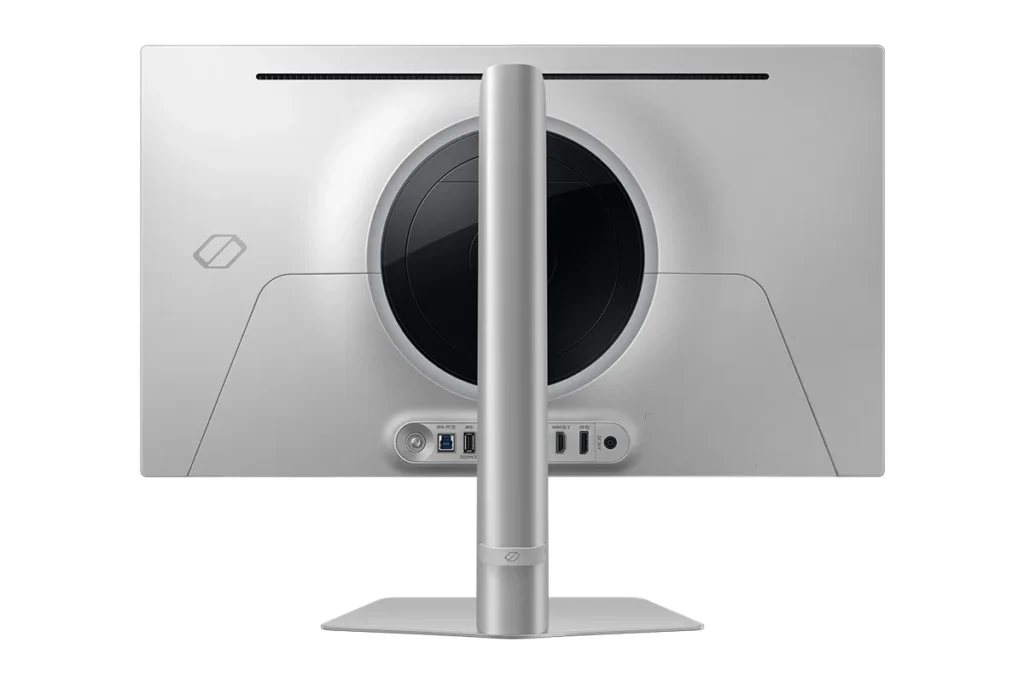
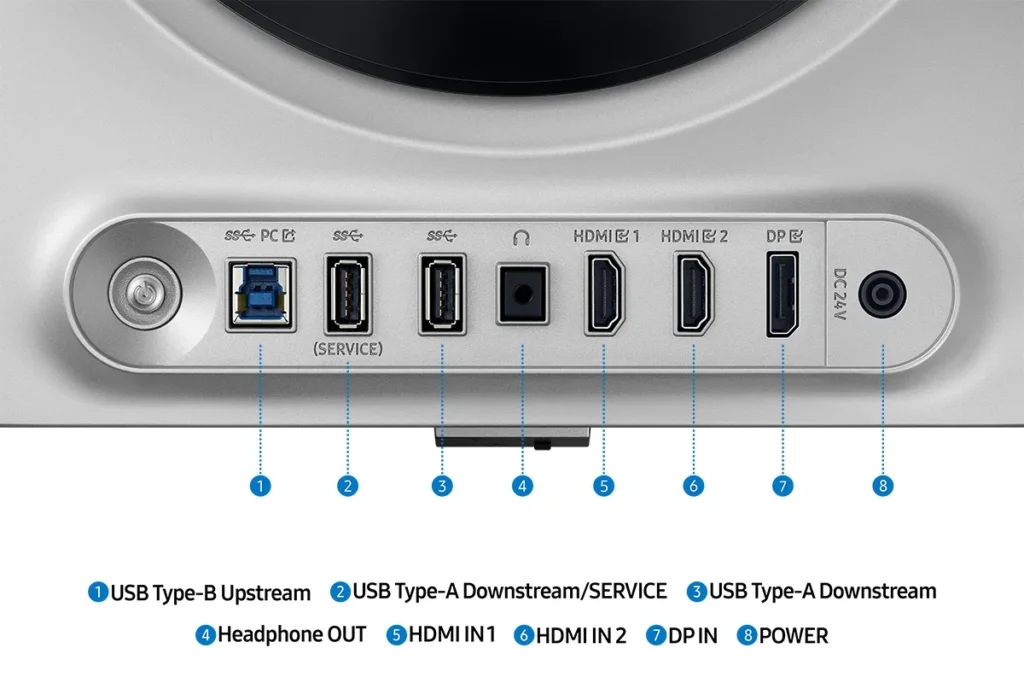
gh057 November 12, 2024Review source: AmazonI am a casual gamer, nothing crazy, but wow this monitor looks great! The response time is incredible – no motion blur at all. This is a flat, 27″ OLED screen with both HDMI and DisplayPort ports. The HDMI is 2.1 (with HDCP 2.2; ~48Gbps bandwidth/~42Gbps max data) and DisplayPort 1.4 (~32Gbps bandwidth/~26Gbps max data) – that said, you should achieve better results with a proper HDMI 2.1 cable. This is by no means a “cheap” monitor but you’re really getting what you pay for with this, and that’s an excellent monitor with an awesome gaming experience.
-
Beautiful monitor + Pro's & Con's.
nima bean November 12, 2024Review source: AmazonI tested this with my xps13 laptop and internal GPU for productivity as well as my gaming PC with a 3060Ti for gaming. Using the laptop I was able to run 1440/120hz flawlessly and had no issues with normal office related productivity, using my gaming PC I was able to run 1440/240hz using older games of course since that card is not uber powerful. In both scenarios I enjoyed a beautiful display that was easy on the eyes yet vibrant.
Pros: Being OLED means perfect black so in a dark room black scenes actually look black instead of washed out gray. Insanely quick grey to grey resposne time. OLED specs in real world use are much more impressive. That super black background also gets you a screen that can get much brighter than its specs would suggest. You don’t need a ton of nits when the background is ink black. Text is clear, essentially a great dual duty monitor for productivity as well as gaming, of course it’s design intention is gaming so its text is not as clear as a higher end $800 LED but when it comes to gaming it excels, colors are vibrant without being over saturated, images have pop while being easy on the eyes, overall a very beautiful display.
Caveats: At this price I expect a near boardlerless display, as you can see in the marketing images the monitor does have a bit of a deadzone/boarder that’s slimmer at the top and bottom but slightly thicker on the sides, not a huge deal but worth mentioning. The bigger caveat is the pixel shift, most OLED displays do this to protect the display from burn-in, all the pixels will shift the display content over by 1, it’s very minor and most people will never notice its happening. BUT!! Some people like myself notice it and find it distracting, to my eyes it’s a micro stutter that randomly happens and its very obvious to my eyes. It’s not a deal breaker for me but again worth mentioning.
OLED Basics: OLEDS truly are the superior screen technology if you value pure black and natural colors. I own 6 OLED devices now, 3 of them being flagship TV’s so I certainly have put my money where my mouth is. If you like eye pearcing sharp colors & extreme brightness you may prefer a high NIT LED instead, OLED is about being beautiful and easy on the eyes at the same time so the colors certainly can get vibrant, but not eye piercing the way a 1500+ NIT LED will. For me personally that’s a pro! Also keep in mind for the most part burn-in isn’t a real problem anymore. This display will protect itself with pixelshift, dimming static portions of the screen like taskbars or logos, and even dimming the whole screen if its not used for a few minutes. A quick mouse movement gets you back to full brightness.
TLDR: beautiful monitor, beautiful colors, high refresh rate, great I/O options, pixel shift might bother some, go to a store and try to stare at it for 5 minute or so and see if you notice maybe? Overall 5 stars as long as your eyes don’t notice the pixel shift, if they do then it’s really up to you.
-
Best monitor I've ever owned
Dave B November 10, 2024Review source: AmazonHoly cow, sometimes it’s hard to know what you’ve been missing until you see it, and that’s the case with this Samsung 27″ OLED monitor. This is my first OLED product, and holy crap is it an immediate difference compared to my LCD screens. I have a three-screen setup, and looking at “black” on one of my existing screens compared to this is so depressing now. I never thought I was looking at grey until this monitor came into my life, and now I know what Spinal Tap was talking about with their album cover.
Refresh rate and functionality have been great. I don’t game as much as I’d like, but I’ve played a bit of Rocket League since picking this up and it’s been so smooth. I actually haven’t lost a match since installing this, but that’s gotta be a coincidence, right? :p
Installation was super easy. Windows 11 grabbed proper drivers for this immediately and recognized it by model number. I also have monitor arms and it installed cleanly without needing to do any adjustments whatsoever.
This is not a cheap monitor by any means, but if you’re looking for a great monitor with amazing picture, great color, quick refresh, and super simple setup, I can’t recommend this one enough.
-
Inky blacks, so fast
jbc November 10, 2024Review source: AmazonComing from IPS, this is a game changer. The viewing angles are incredible and the monitor feels so fast. If you can find this at a good price, splurge a little and get something nice. It is excellent if you use your pc alot at night and everything around you is dark. Everything pops!
-
OLED, when you want awesome color
Country November 9, 2024Review source: AmazonThe monitor was packed well in the box. The instructions are pretty basic but I had a small issues getting the arm connected to the base. That was resolved when I actually read the simple directions.
The features that are included are too much to list. I really like the Aim Dot feature for gaming. Using the included DP cable, I was able to achieve 240 Hz. Using an HDMI cable yielded 120 Hz.
The color range is awe inspiring. The deepest blacks, even in the dark, make the content really stand out. Multiple options are available to adjust the color presets. The monitor is also a USB hub but I didn’t get a USB cable with the monitor.
When you want to really game and enjoy content, step it up a notch and get an OLED monitor.