Customer Media
Highlights
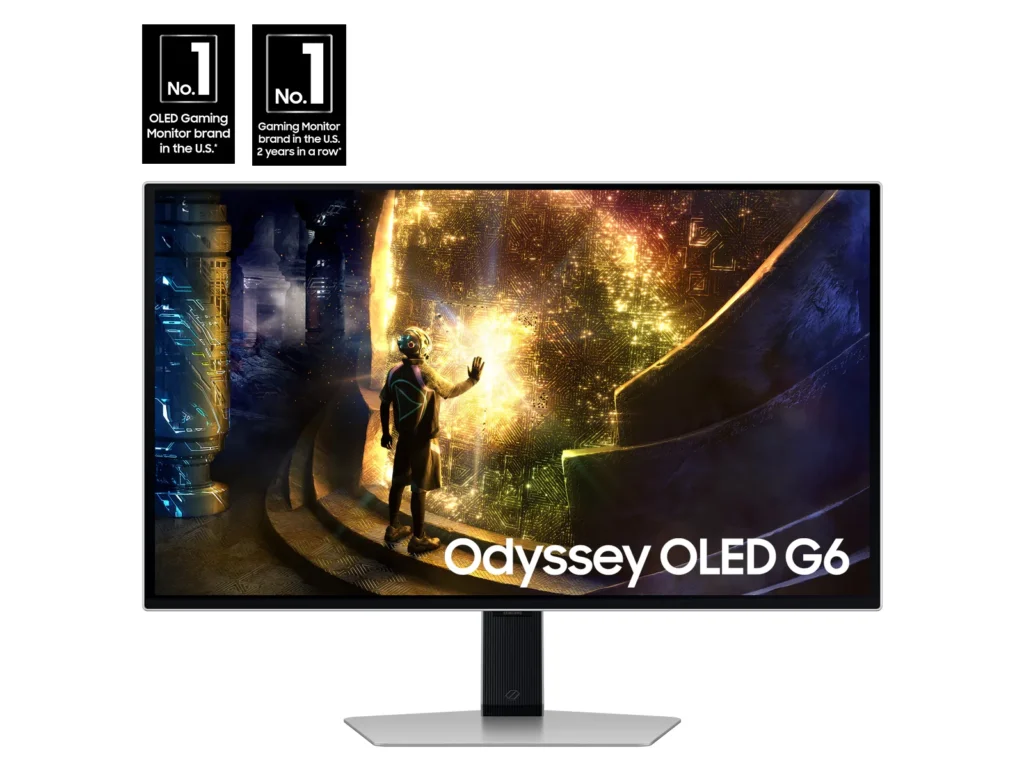
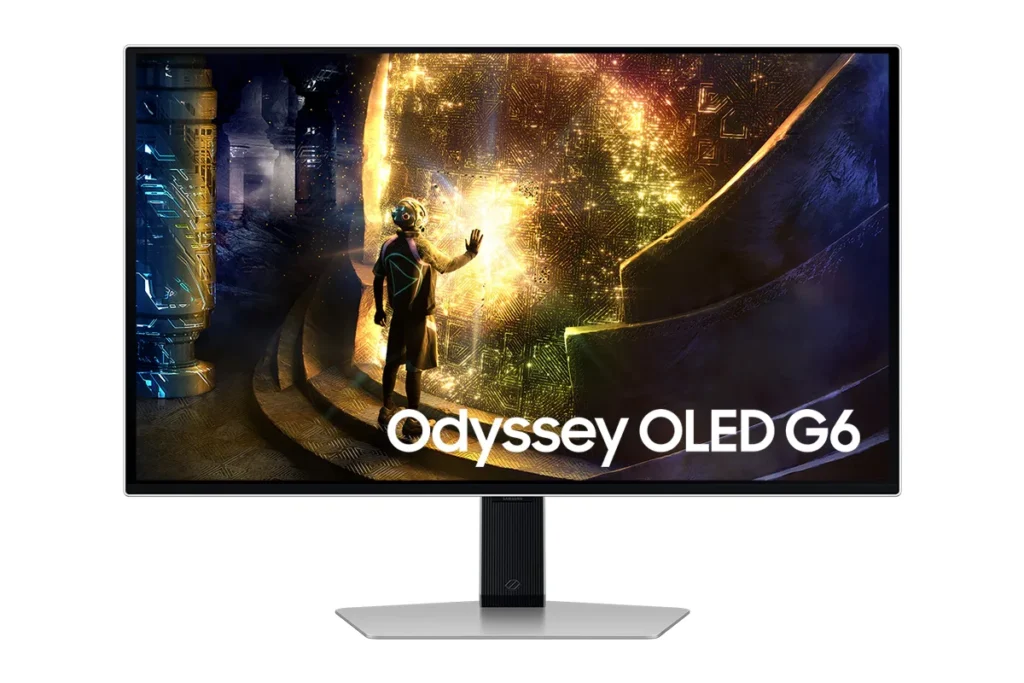
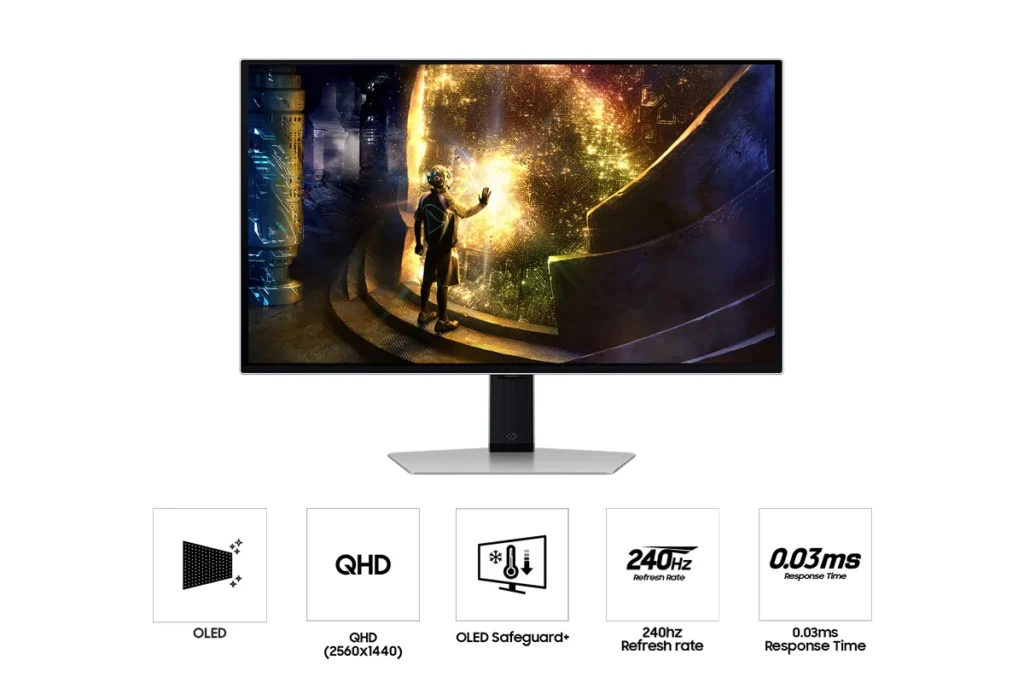
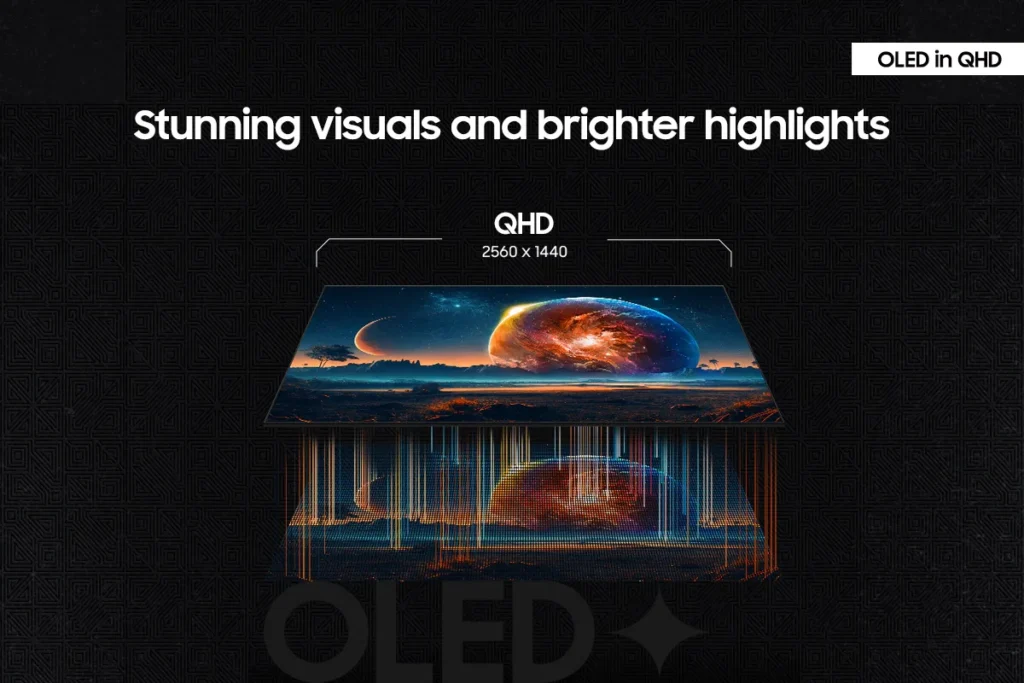
| Unrivaled QD-OLED Visuals | Experience breathtaking brightness, ultra-deep blacks, and true-to-life colors thanks to the advanced QD-OLED panel technology, delivering lifelike contrast and vibrant imagery. |
|---|---|
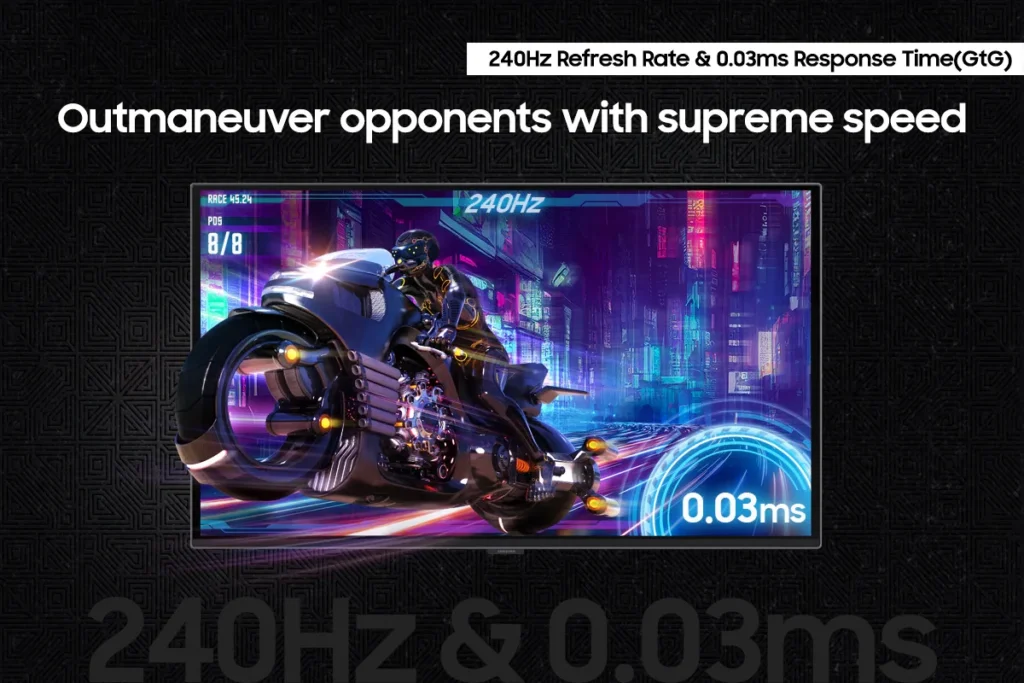
| Blazing-Fast Performance | Gain a competitive edge with a lightning-fast 240Hz refresh rate and an ultra-low 0.03ms (GtG) response time, ensuring incredibly smooth, tear-free gameplay with virtually no motion blur or input lag. |
| Immersive HDR True Black 400 | Dive into incredibly immersive worlds with VESA DisplayHDR True Black 400 certification, guaranteeing vibrant contrast and deep, inky blacks for supreme color and depth expression in every game. |
| Seamless Adaptive Sync | Enjoy fluid, tear-free gaming sessions with AMD FreeSync Premium Pro support, which synchronizes the GPU and panel to eliminate choppiness, screen lag, and image tears. |
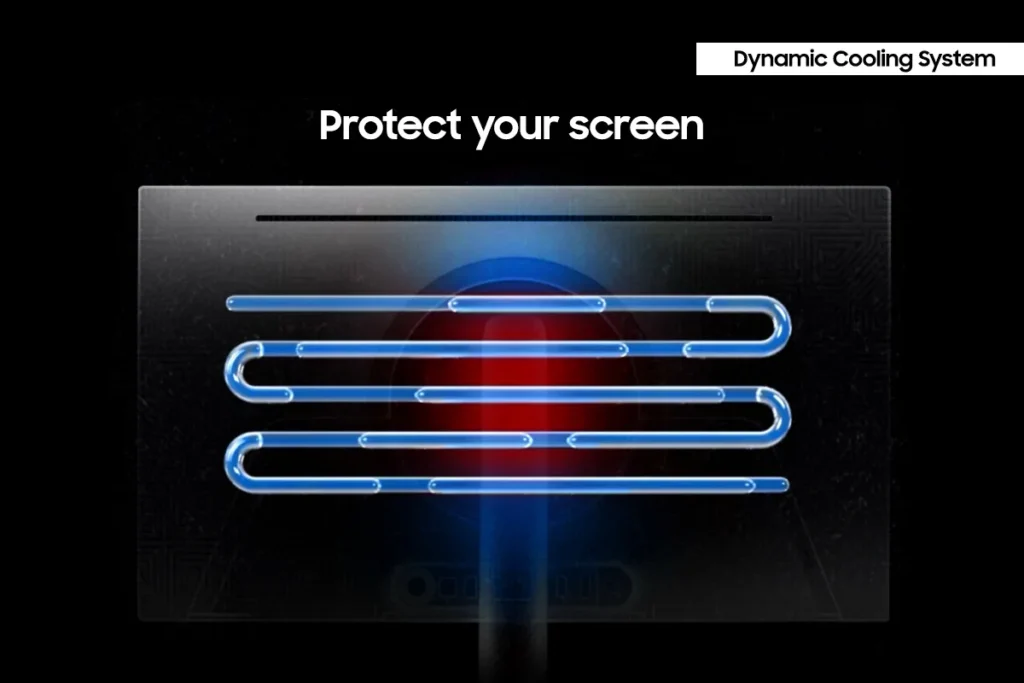
| Advanced OLED Care Features | Protect your display with Samsung's innovative OLED Safeguard+ features, including a Dynamic Cooling System, Thermal Modulation System, and Logo/Taskbar Detection, designed to prevent burn-in and ensure long-term performance. |
Pros & Cons
Pros
- Stunning OLED Picture Quality: The monitor consistently receives high praise for its OLED display, delivering vibrant colors, deep, inky blacks, and exceptional contrast. Many reviewers describe the visuals as 'gorgeous,' 'breathtaking,' and a significant upgrade from previous monitor technologies, making games and movies 'pop.'
- High Refresh Rate and Fast Response Time: Gamers particularly appreciate the 240Hz refresh rate and 0.03ms response time, which provide an ultra-smooth and lag-free experience. This performance is noted to be a 'game-changer' for fast-paced titles, eliminating motion blur and ghosting.
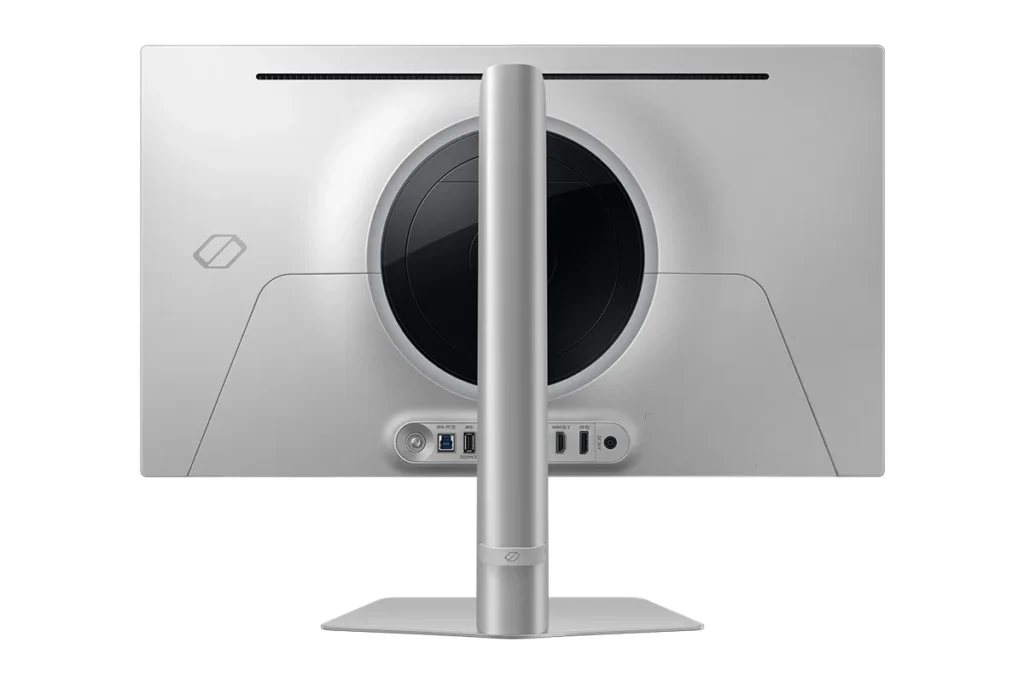
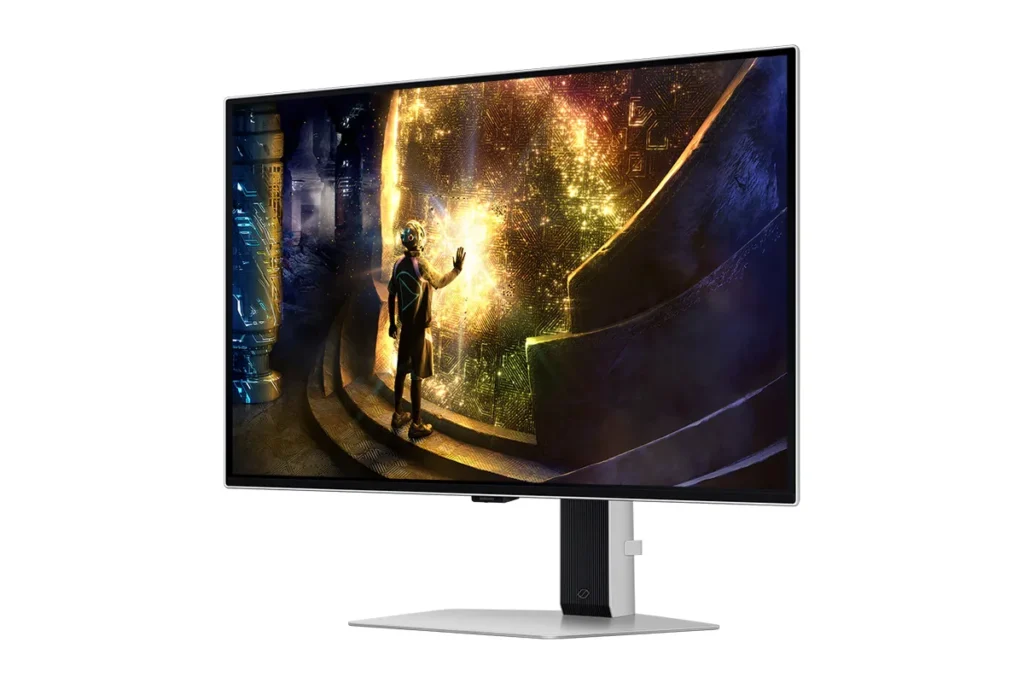
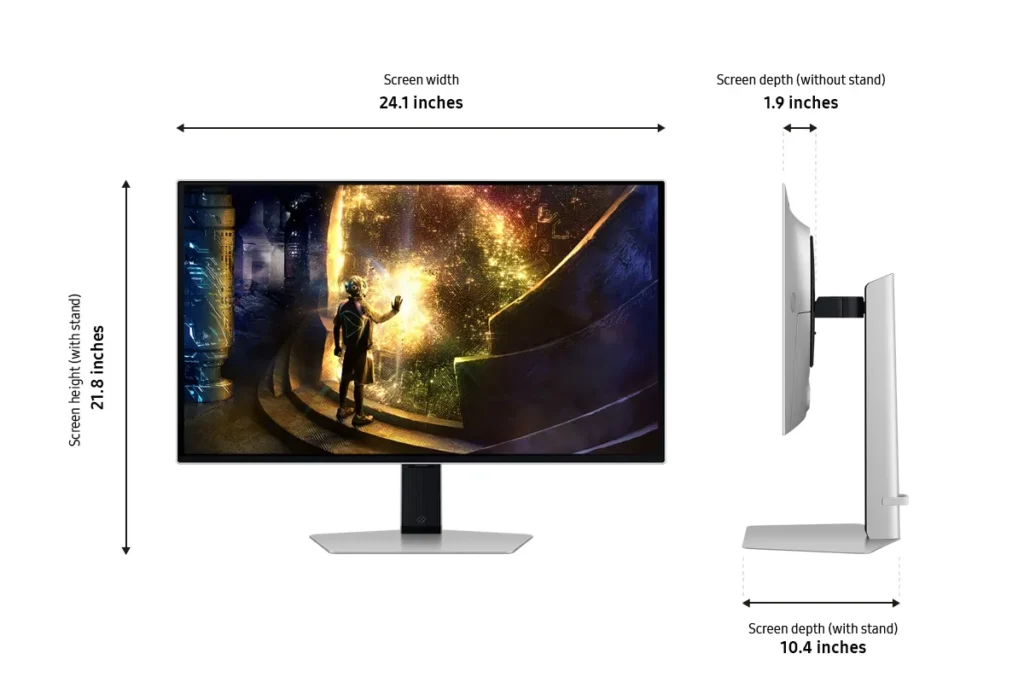
- Sturdy and Adjustable Stand: The included stand is frequently highlighted for its robust and sturdy build, offering a wide range of adjustability. Users also found the monitor easy to set up, with the stand allowing for quick and secure attachment right out of the box.
Cons
- Fragile Power Button/Joystick: A recurring and critical complaint is the poor build quality of the power button, which also functions as a joystick for menu navigation. Multiple users reported it breaking or crumbling off after only a few months of use, rendering the monitor's settings almost unusable and leading to frustration with Samsung's repair policies.
- Pixel Shift and Image Cut-off: The monitor's 'pixel shift' feature, intended to prevent burn-in, is a significant annoyance for many. It causes the displayed image to shift off the screen by several pixels, cutting off UI elements and creating noticeable 'gaps' or a 'micro stutter' that users find distracting and impossible to disable.
- Annoying Firmware/Software Features: Several users experienced frustrating software issues, including frequent and intrusive 'screen optimizer' pop-ups that interrupt usage, automatic dimming of the screen during inactivity, and unreliable auto-detect input switching. Some also noted that HDR functionality did not work well with certain devices like Macs or Xbox Series X.
Customer Fit
- Primary audience: Competitive / enthusiast gamers: Players who want high frame rates, instant response, and “cheating-level” clarity in shooters and fast titles. Many upgraded from IPS or older LCD and describe the jump as huge.
- Secondary audience: Visual quality seekers: People who care about cinematic color, inky blacks, and HDR for story games, movies, and general desktop use (including console and Switch players). Several say it’s “the best monitor I’ve ever owned.”
- Ideal scenarios: Gaming setups (PC, PS5, Switch), home desks used for both work and play, and small home “battle stations” where adjustability, 27" size, and clarity at 1440p matter. Some buyers gift it to students or family for school and gaming.
You might also like










Customer Reviews
Showing reviews 21-30 of 149
-
Gorgeous, deep, like a jewel….
Verified purchase Verified purchase: This reviewer bought the product.InfoSciGuy December 13, 2025Review source: AmazonFinally got hold of an OLED monitor due my gaming PC! I’ve had 27″ and 32″ Samsung LED monitors, and they were ok, fine, good, and all, but…
My Steam Deck has an OLED screen. My Switch (1st version) has an OLED screen. For my purposes there’s just nothing that can compare visually to an OLED monitor.
At 27″, this Samsung OLED monitor looks like a deep jewel. Black is deep, velvety deep. Colors are rich, fine details are beautiful.
I don’t play shooters, and I’m not a fan of games requiring fast twitch responses, so I can’t speak to response time. It might be decent, but I just don’t know; it’s not relevant.
But for turn-based RPGs, for visual novels, this Samsung OLED monitor blows everything eye I’ve used right out of the water. It was a little spendy, but I waited for a sale. The patience paid off.
But now, I’ll never go back to plain LED.
-
samsung odyssey oled g6
Verified purchase Verified purchase: This reviewer bought the product.Cole Edison December 10, 2025Review source: Amazonbought one and it came with a singular pixel in the screen messed up
-
Bad joystick quality
Verified purchase Verified purchase: This reviewer bought the product.Andrii Okhrimchuk December 2, 2025Review source: AmazonI purchased this monitor on November 21, and initially, I was very pleased with it. The OLED display looks absolutely stunning, with deep blacks and vibrant colors. Switching from Full HD to 2K made a huge difference in sharpness and overall experience.
But after less than two weeks, on December 1, the joystick for controlling the monitor broke during normal use. I was switching the input source, and half of the joystick ended up in my hand. For a $500 monitor, this is just unacceptable: now it’s basically unusable since you need the joystick for any settings.
The picture quality itself is excellent, but the joystick’s build quality is terrible. Because of this weak and crucially important part, my impression of this monitor is totally ruined. I can’t recommend it until the manufacturer seriously improves the reliability of the controls.
-
Does not support HDMI 2.1
Verified purchase Verified purchase: This reviewer bought the product.Amazon Customer November 29, 2025Review source: AmazonI was led to believe this came with HDMI 2.1 compatibility and that was the only reason I went for this monitor. It does not, which is a huge let down. Beautiful display otherwise.
-
Producto de muy buena calidad.
Devon November 28, 2025Review source: AmazonAmazing quality. Outstanding performance easy to set it up
-
Constant issues
Verified purchase Verified purchase: This reviewer bought the product.Amazon Customer November 27, 2025Review source: AmazonI’ve tried to be open minded with this monitor but the longer i’ve had it the less i’ve liked it. Although the picture is great on this monitor I had multiple pop ups while actively using the monitor that destroys any visuals that any monitor, including this one, could provide; now as I write this review on my second monitor (Since this was supposed to be my main, best looking, monitor. It has some setting that’s causing it to dim unless it’s ACTIVELY being used. It’s a possibility all the issues i’ve had are just user error, I would rebuttal that with “how can a MONITOR need these instructions?” Highly recommend looking into other monitors.
-
Samsung g6 oled 27
Verified purchase Verified purchase: This reviewer bought the product.Luis November 24, 2025Review source: AmazonLo ame negros puros Samsung es otro nivel con el panel mate lo ame
-
OLED Monitor Worth Buying!
Verified purchase Verified purchase: This reviewer bought the product.Scuba November 23, 2025Review source: AmazonI’ve owned this monitor for a few months and I’ve had zero real complaints. Picture Holds to the Standards of oled. 240hz function works. Settings can be adjusted from the back. Overall quality and gaming capabilitys is setting the standards for Oled Panels. Nothing broken yet.
-
Great Monitor
Verified purchase Verified purchase: This reviewer bought the product.Tristan November 19, 2025Review source: AmazonGreat picture quality, really inky dark blacks and really good response time. Overall the best monitor I’ve ever used. The joystick for the controls is perfectly fine, I saw some people complaining about it but I don’t see any issues.
-
Fantastic Picture
Verified purchase Verified purchase: This reviewer bought the product.absolriven November 16, 2025Review source: AmazonIncredible monitor – just be sure to adjust the settings so you don’t burn your eyes out. Enjoy the peak gaming experience.