Customer Media
Highlights
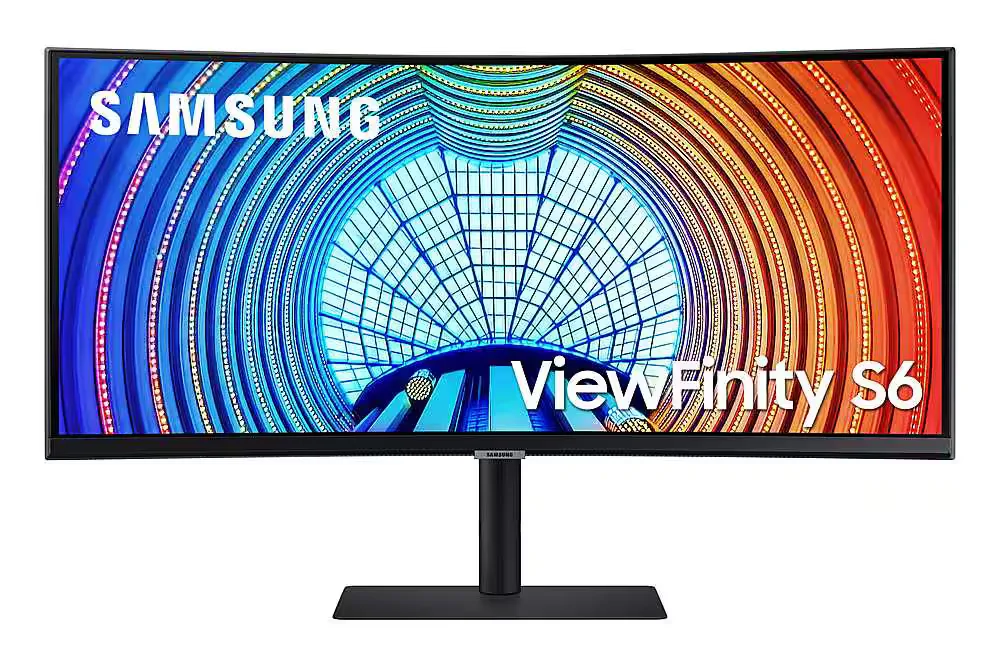
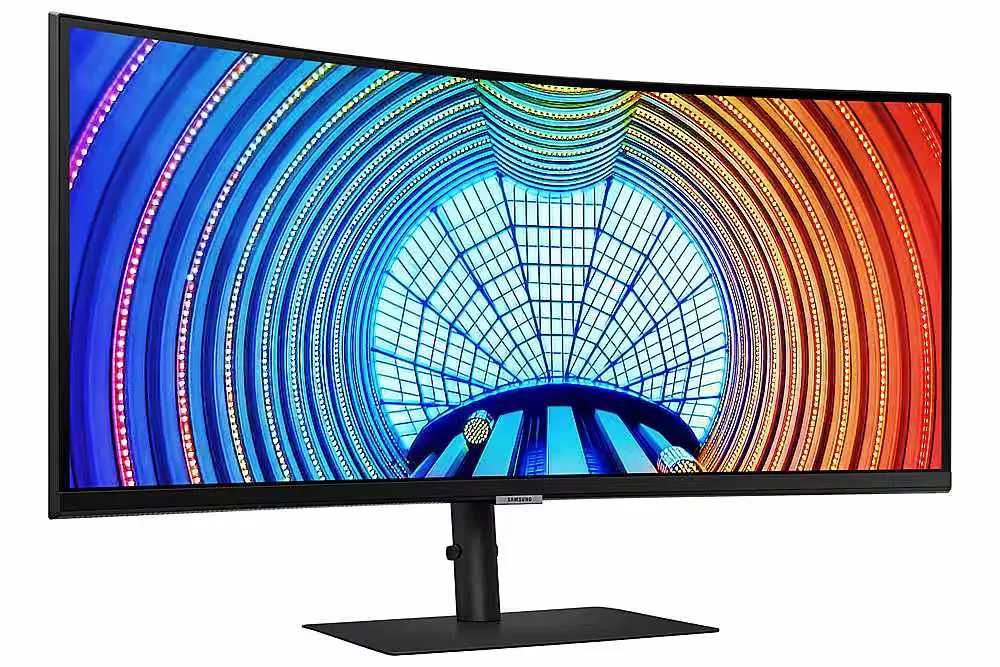
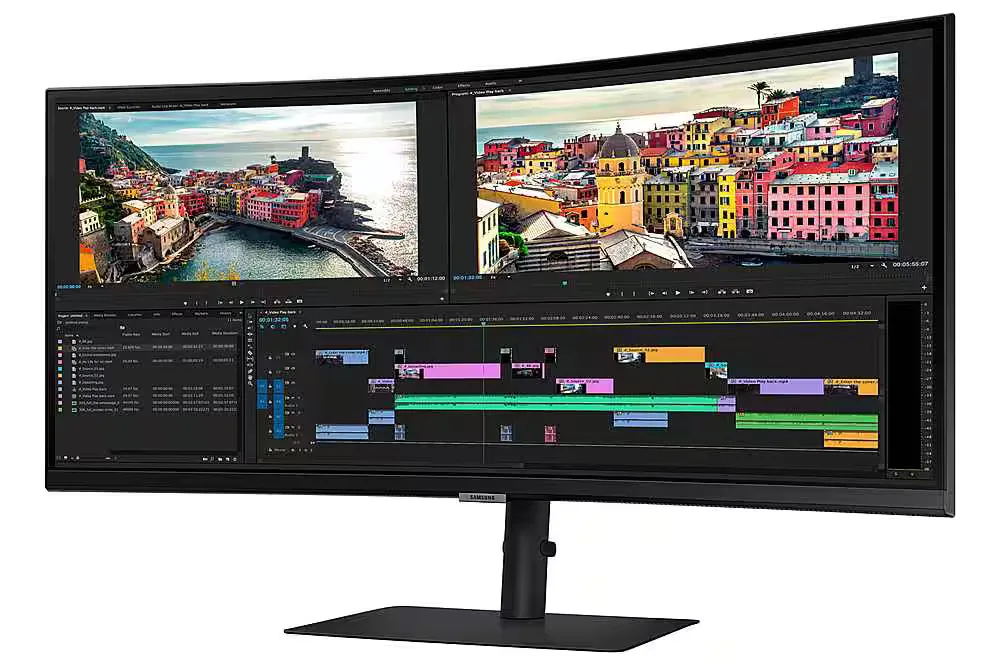
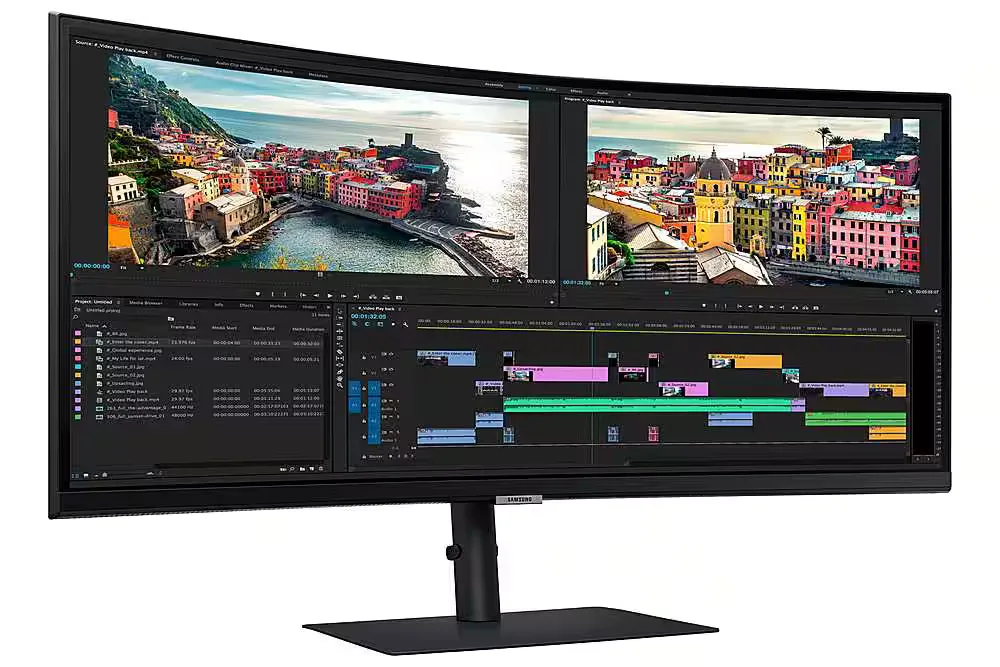
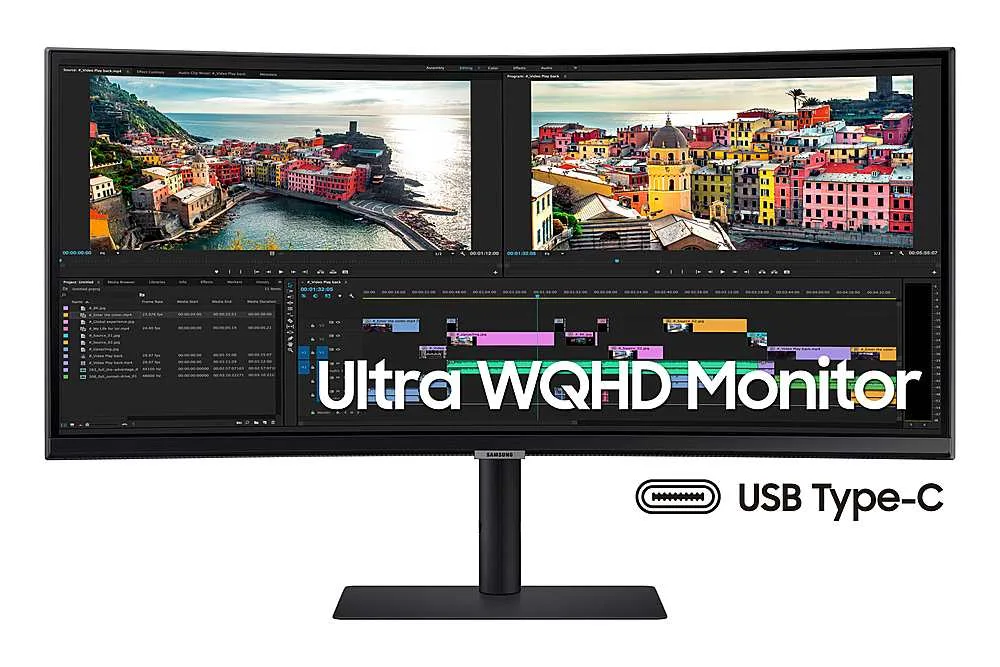
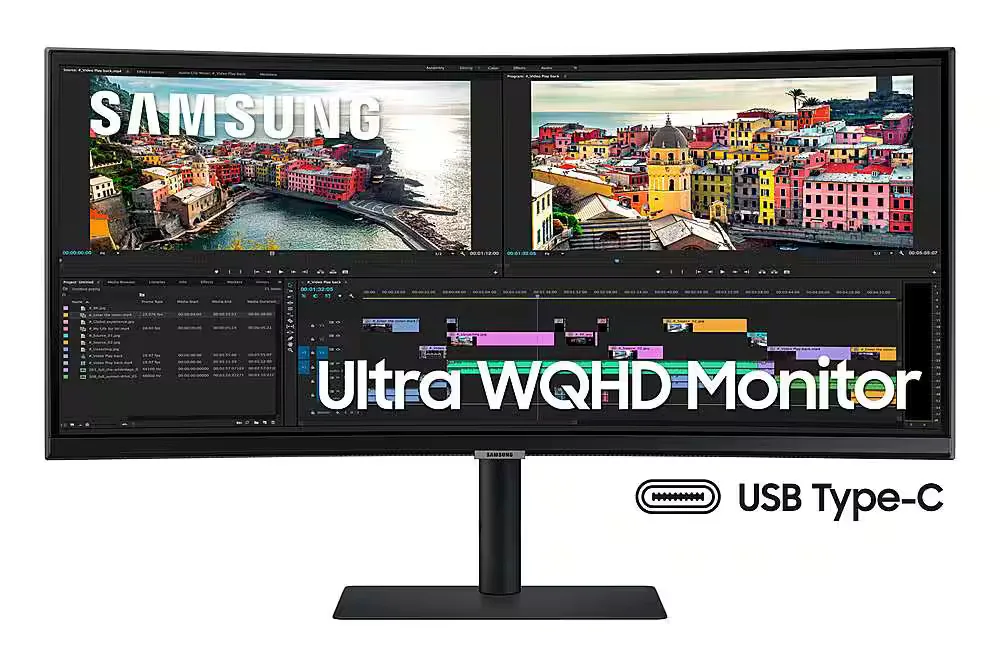
| Ultra-WQHD Resolution & 21:9 Aspect Ratio | Experience 3440 x 1440 resolution with a 21:9 ultrawide aspect ratio, providing 2.5x the pixel density of Full HD for expansive screen real estate and seamless multitasking without a dual-monitor setup. |
|---|---|
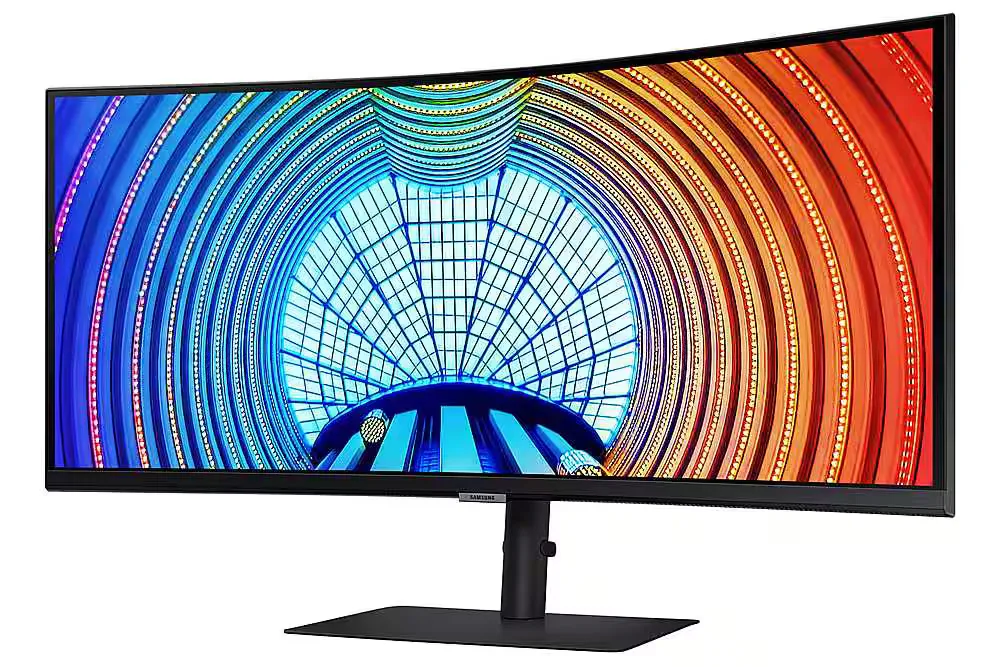
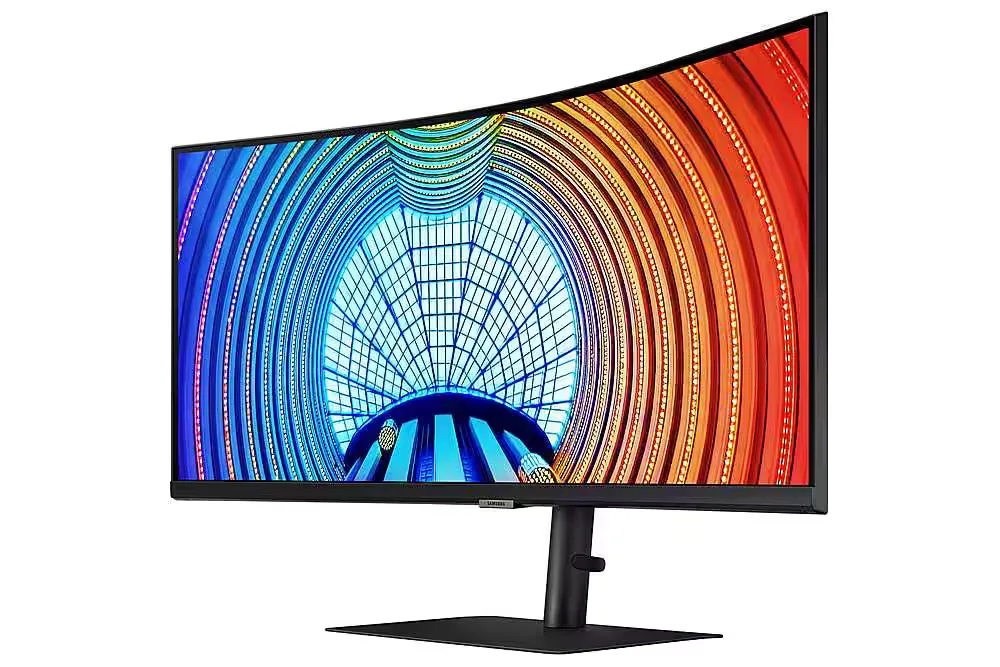
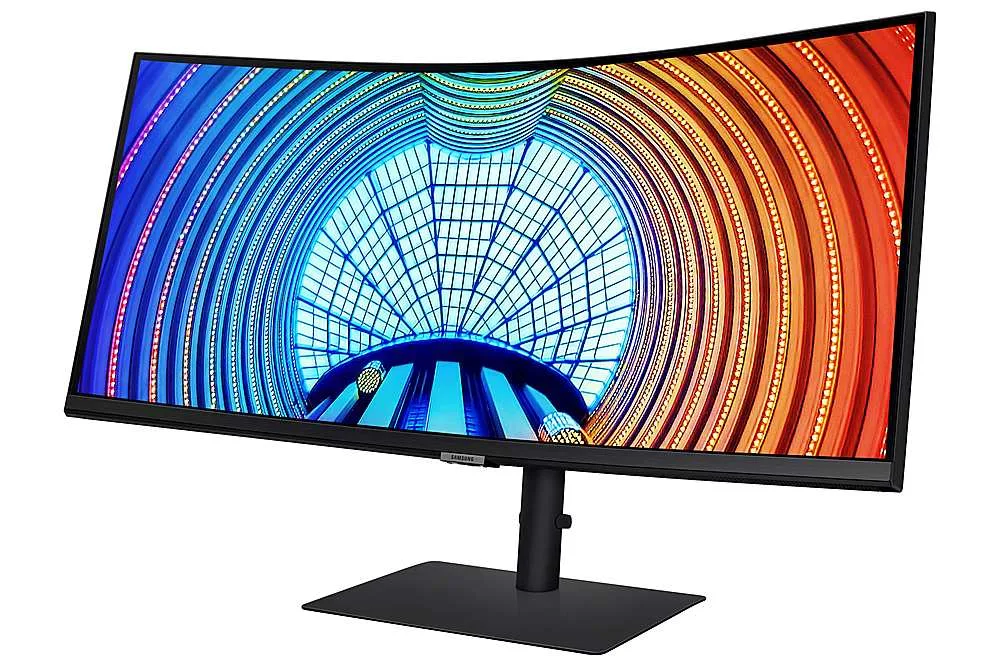
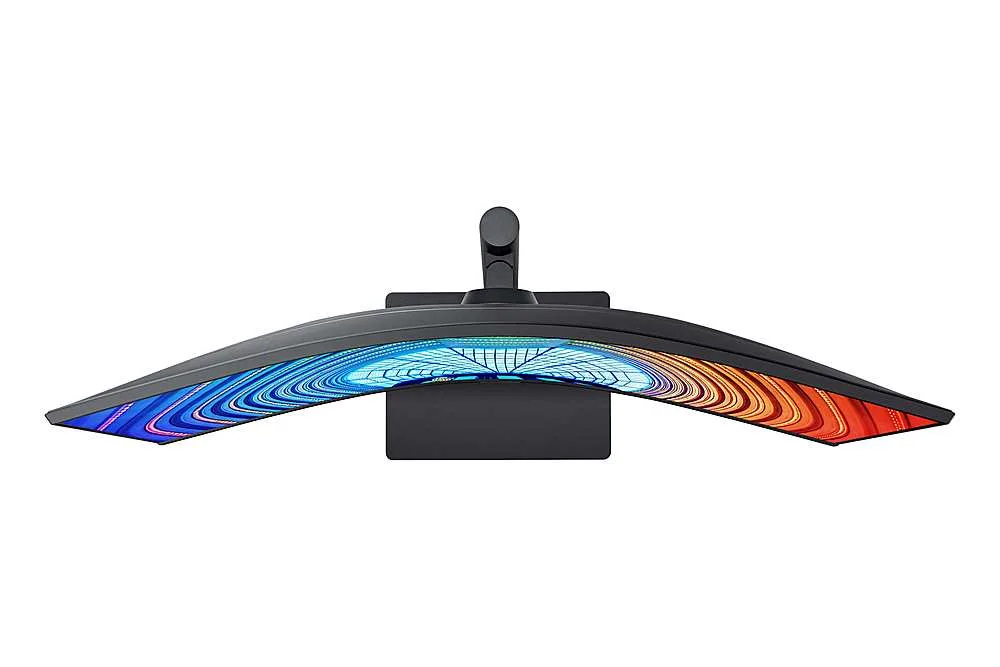
| Immersive 1000R Curvature | The 1000R curved display closely matches the natural human field of vision to reduce eye strain and increase concentration, allowing you to see the entire screen at a glance for a more comfortable viewing experience. |
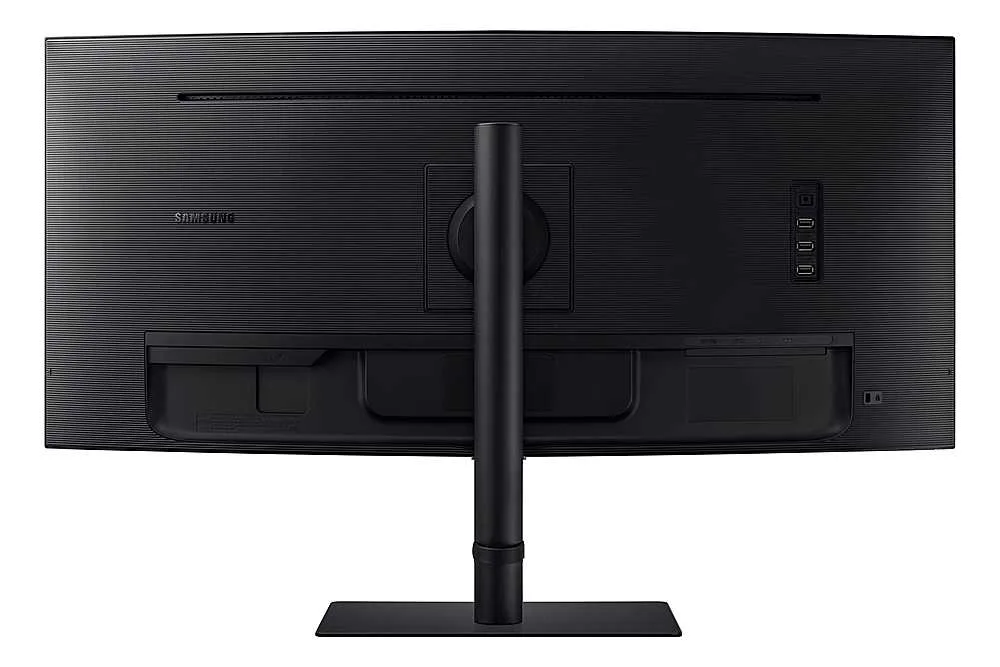
| USB-C Connectivity with 90W Charging | Streamline your workspace with a single USB Type-C cable that transmits data, display signals, and provides up to 90W of power to charge your laptop, complemented by a built-in LAN port for stable Ethernet connectivity. |
| 100Hz Refresh Rate & AMD FreeSync | Enjoy smooth, fluid motion with a 100Hz refresh rate that reduces stutter and lag. AMD FreeSync technology keeps the monitor and graphics card in sync to eliminate image tearing during fast-paced action. |
| HDR10 with 1 Billion Colors | With support for HDR10 and over a billion shades of color, this monitor delivers incredible depth and accuracy, making dark colors darker and the brightest colors even more vibrant for professional-grade visual detail. |
Pros & Cons
Pros
- Productivity and Multitasking: The 34-inch ultrawide curved display effectively replaces dual-monitor setups, making it ideal for viewing multiple windows, large spreadsheets, or financial documents simultaneously.
- USB-C Docking Functionality: The single-cable connection provides up to 90W power delivery, video, and data transfer, which simplifies desk setups and works seamlessly with modern laptops like the MacBook Pro.
- Immersive 1000R Curvature: The 1000R curve provides an immersive experience for both work and gaming, with users noting it aligns well with the natural field of view and reduces eye strain.
Cons
- Frequent Hardware Defects: Numerous reviewers reported significant quality control issues, including dead pixels appearing within days of use and spontaneous vertical cracks developing in the center of the screen.
- Poor Customer Support: Users frequently cited difficult experiences with Samsung's warranty service, noting that the company often refuses to cover screen damage as a defect and has a nightmarish support process.
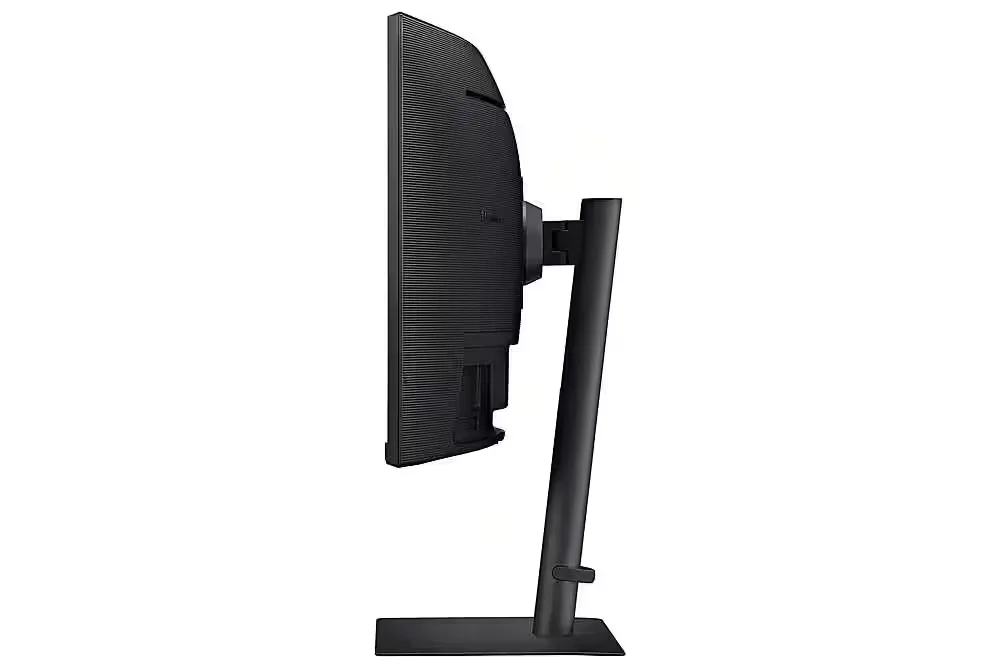
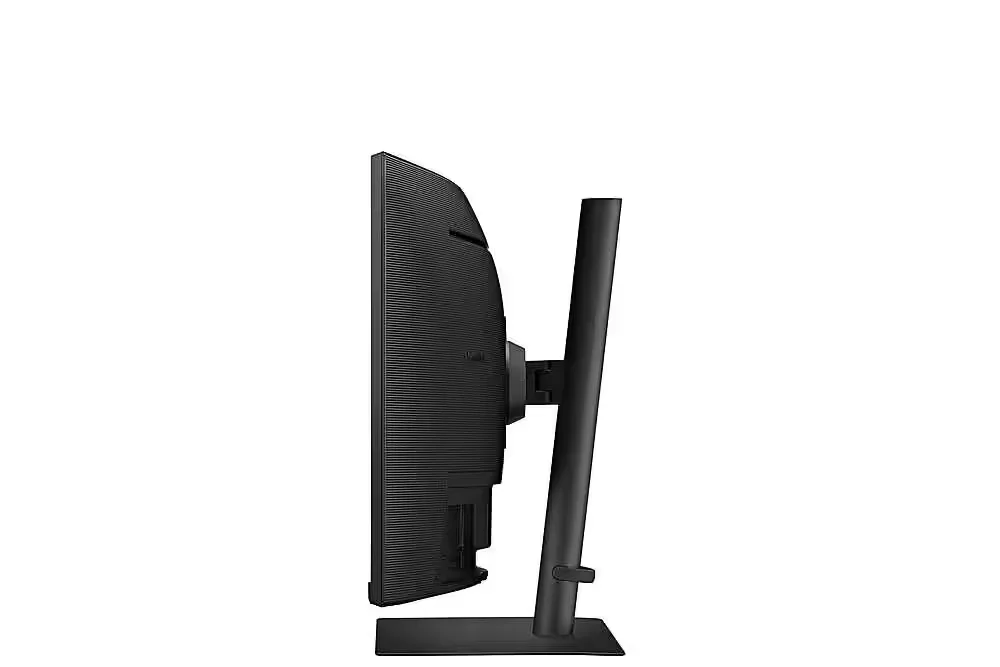
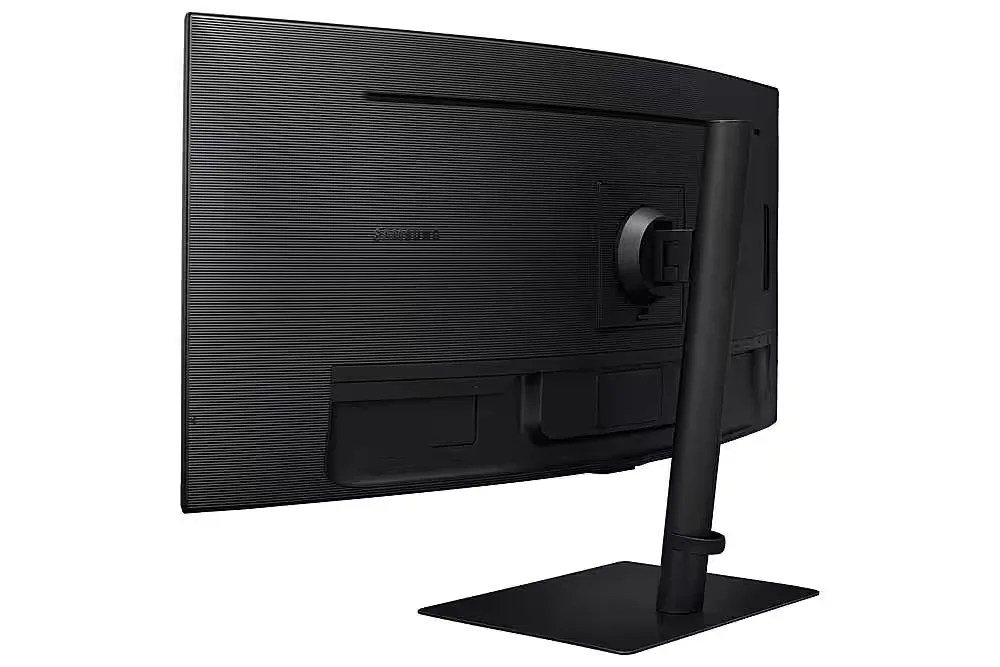
- Unstable Stand: The included stand is described as flimsy and lacking rigidity, causing the monitor to shake or vibrate significantly when the desk is bumped or even during typing.
You might also like










Customer Reviews
Showing reviews 101-103 of 103
-
"Optimized for professional work environments"
Incentivized Incentivized review: The reviewer received a benefit for sharing feedback.John April 22, 2023Review source: AmazonReview for: SAMSUNG Viewfinity S65UA Series 34-Inch Ultrawide QHD Curved Monitor
First of all, I couple of things that stand out that I wanted to mention:
This is a ‘Ultra WQHD’ display which has a resolution of 3440×1440 pixels/ It is wider and has more pixels than a standard QHD display. This increased pixel density provides even sharper and more detailed images than a QHD monitor, making it an excellent choice for professionals who require high accuracy and detail in their work, such as graphic designers, video editors, and gamers.
TUV-Certified Intelligent Eye Care means that a display or device has been tested and verified to meet certain criteria for eye safety and comfort, particularly in regard to blue light emissions and flicker. They automatically adjust the brightness, color temperature, and other display settings to reduce eye strain and fatigue, and promote a more comfortable viewing experience.
USB Charging Port – 90 watts of power to charge your laptop or transmit data. The Monitor also has a built-in LAN port, so if your computer is connected via the included USB-C cable, you would be able to use that Ethernet connection.
It seems that Samsung is gearing this monitor to laptop users. With just a single USB-C connection to your laptop, you get display, data transfer, Ethernet and 90 watts of charging power. (pretty convenient)
The picture quality is amazing. Text and fine lines are very crisp, and Samsung touts there are 1 Billion colors with HDR10. Very easy to assemble and I really like the centrally located menu control button – very easy to navigate the different menu’s and settings. It also includes AMD Free Sync but I don’t have an AMD video card. AMD FreeSync synchronizes the refresh rate of a monitor with the frame rate of a graphics card to eliminate screen tearing and stuttering during gaming or other graphics-intensive applications (Similar to NVIDIa’s G-Sync). Split Screen Picture by Picture could come in handy – connect two different devices and see them both on a split screen
So far I have used this monitor with several different types of lap tops, min computer and a Steam Deck – no problems when using any one of them.
Overall very impressed and pleased with this monitor
-
Terrific monitor
Incentivized Incentivized review: The reviewer received a benefit for sharing feedback.PRashu April 20, 2023Review source: AmazonI use the monitor mostly for work and not for gaming. I am not sure how it will be for fast action graphics that are specific to games. I am guessing that it should be good.
For work related activities like email, reading documents, browsing online for info, other applications etc. it is top-notch. It is a beautiful monitor. Text is very crisp and pleasing to the eye (you can play around with the sharpness setting for best results but the default should work just fine). As an example, for Google Maps browsing or street-view you can view it full screen which is awesome. The rendering of the map and street-view is fantastic in full-screen. I also briefly tested it out for Netflix streaming and you know what, it was still pretty awesome. I could not tell that the monitor is not flat screen. Colors were accurate and pleasing.
The real estate offered by this is really great but note that it will not be as big as two 27″ monitors side by side (48 linear inches on the long side in total, versus 32″ on this one, approximately) but then again with this monitor you will have elegance, and the advantage of the curved screen that puts everything equidistant to your eyes. With two flat monitors you end up positioning them in an odd angle with a gap in the middle that is less than ideal. I actually struggled with the awkward two monitor setup that this one handily solves for me and I found that there is more than adequate space for all sorts of windows and apps. Also takes up less stand room on my desk. It offers generous tilt and height adjustments that should suit most requirements like for a standing desk and so on.
Minor con: I couldn’t get the display to work on the included USB-C cable but I think that it is a bit of a overburdened Windows laptop issue tbh. This cable is also much too short and will require your laptop to be in close range. You will need the USB-C cable to power the service slots in the back, for instance to charge your phone and to connect other devices, but it is not a required setup. The included HDMI and other display cables worked just fine and should offer the same connectivity and resolution.
Also the accompanying manual/Quick set up guide with its small font and confusing multiple languages in one manual (English, Spanish, French, Portuguese etc.) is a pain to read.
There are some of these minor downsides but nonetheless I can still say that overall I am very happy with this monitor as functionally it is a great product.
-
Flickering Monitor…..
Incentivized Incentivized review: The reviewer received a benefit for sharing feedback.Kari Biggs April 19, 2023Review source: AmazonThe Samsung Viewfinity S65UA Series 34-Inch Ultrawide QHD Curved Monitor is an exceptional piece of technology that offers a great viewing experience.
With its 100Hz refresh rate, the monitor displays smooth and clear images, making it ideal for gaming and multimedia purposes.
The 34-inch ultrawide QHD curved screen provides an immersive experience that enhances the overall viewing experience,
which I found to be particularly great with my Playstaion 5.A great feature of this monitor is its USB-C connectivity, which allows for easy and fast data transfer between devices.
The HDR10 technology with 1 billion colors also ensures that the colors on the screen are vivid and true to life.
The height adjustable stand ensures that the monitor can be easily adjusted to the user’s preferred height, but it’s not as sturdy as it could be.
The TUV-certified intelligent eye care feature is a great addition to this monitor, as it reduces eye strain and fatigue caused by prolonged use which is appreciated.
The Samsung Viewfinity S65UA Series 34-Inch QHD Curved Monitor is nice but the flickering issue isn’t. I recommend another choice before settling with this monitor!