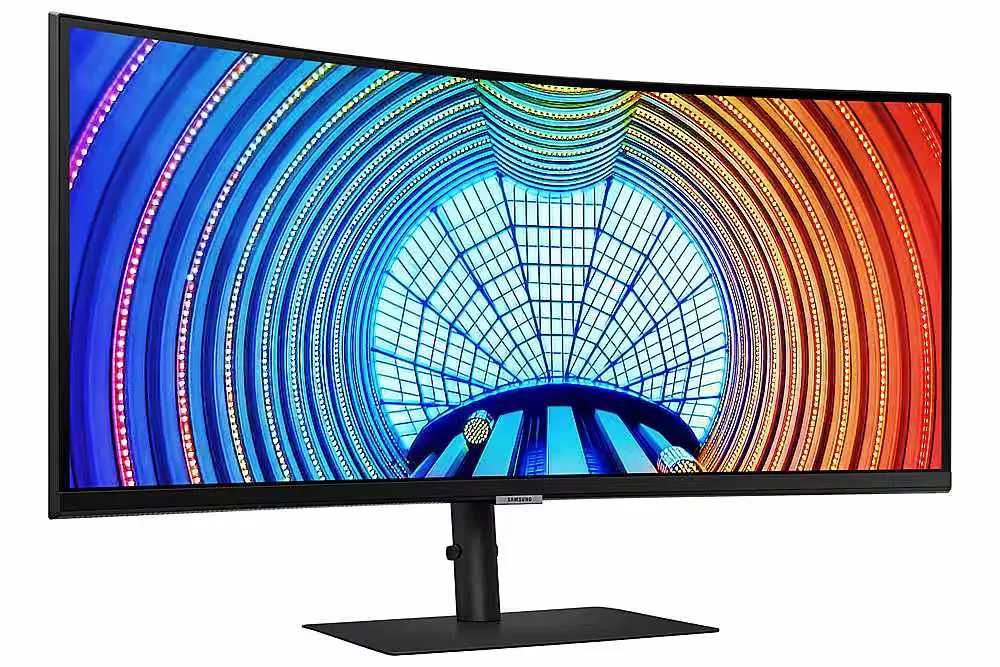
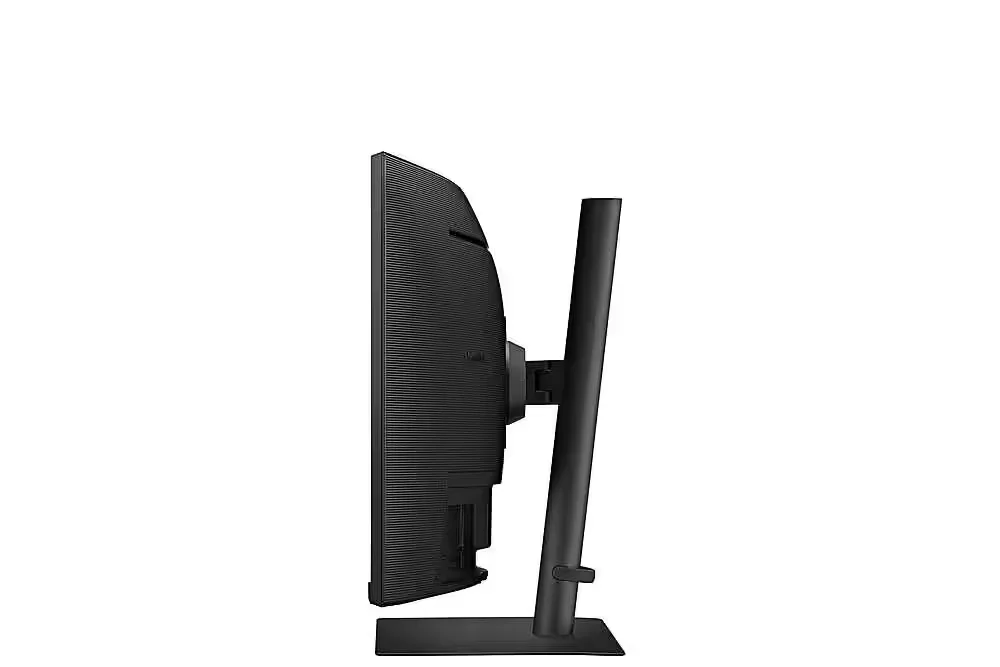
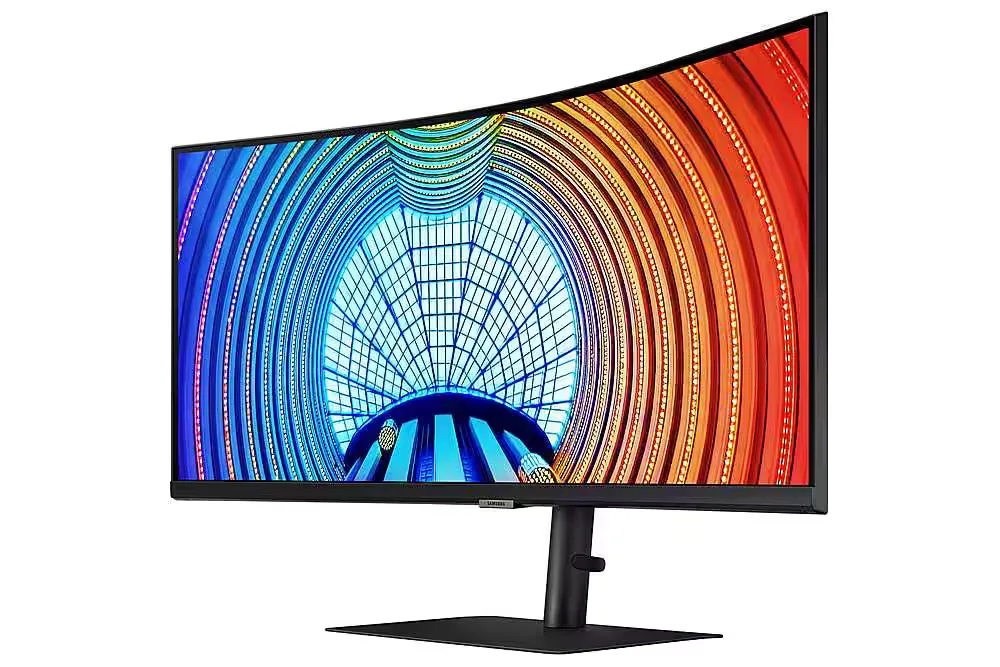
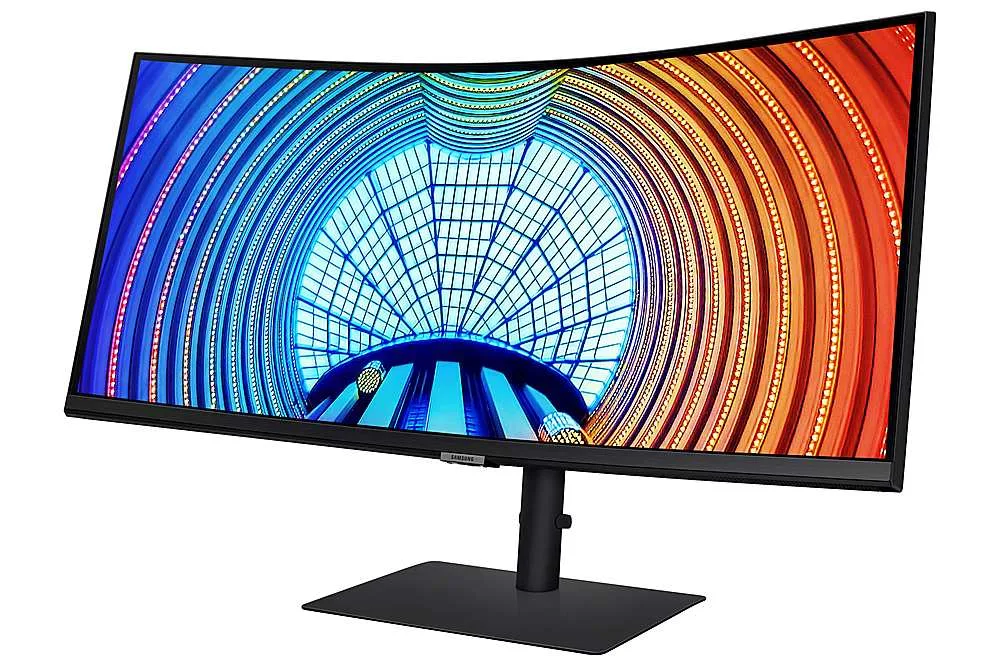
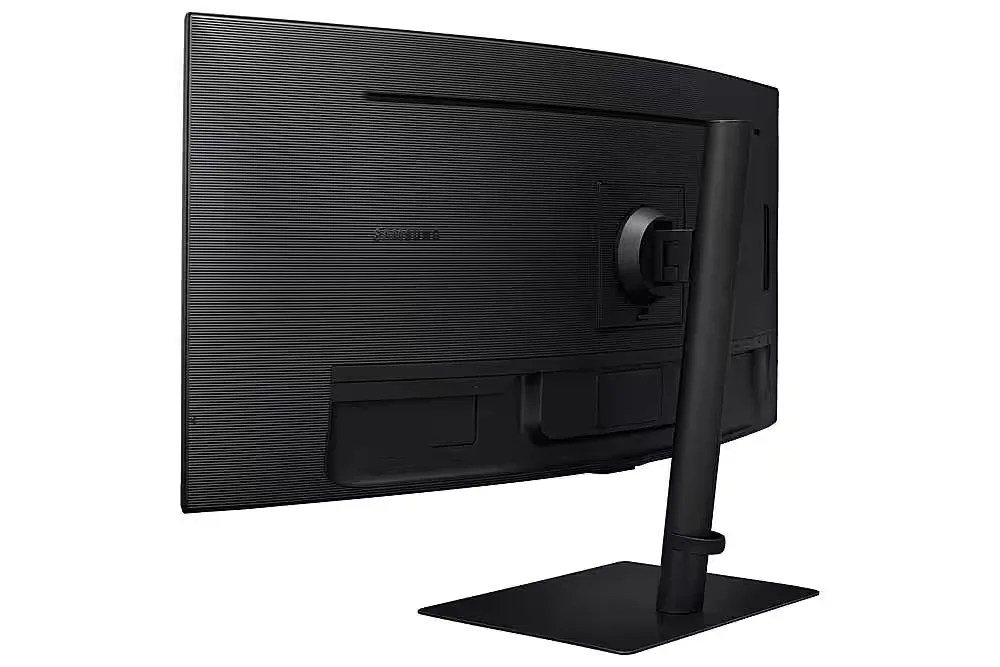
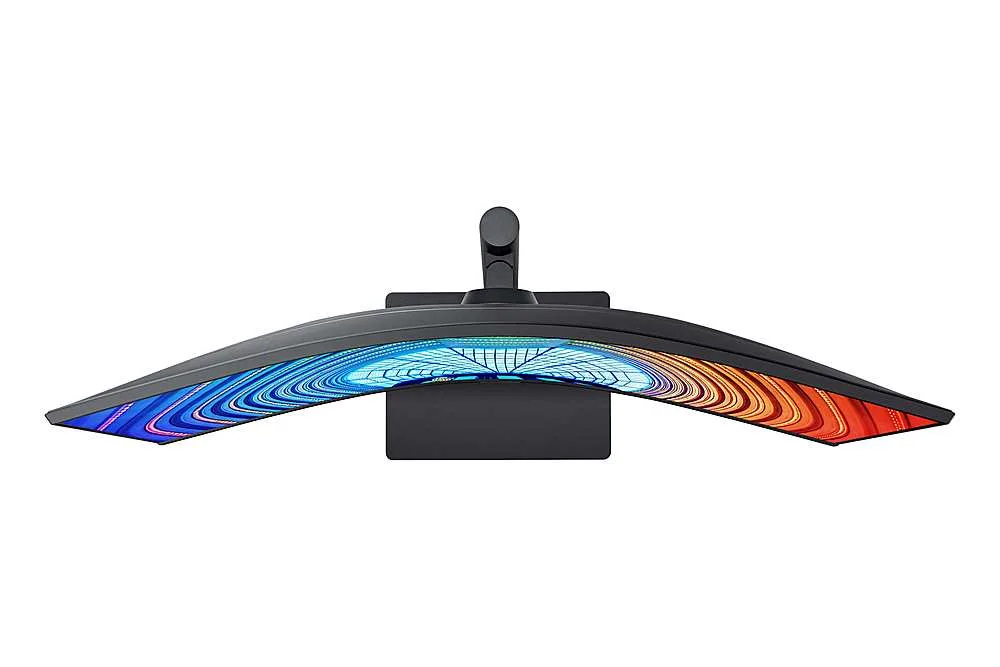
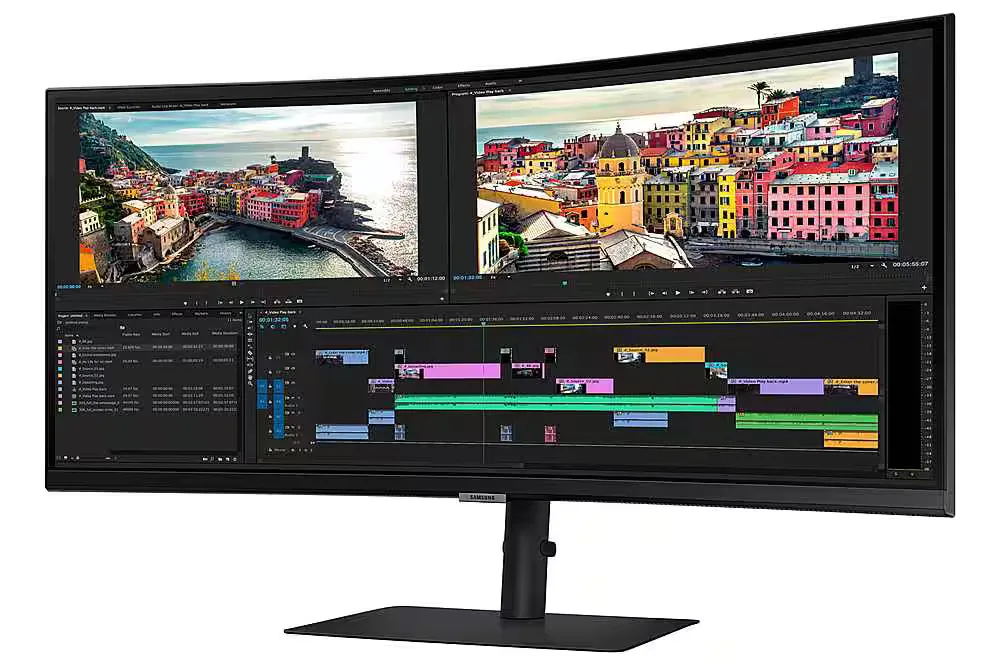
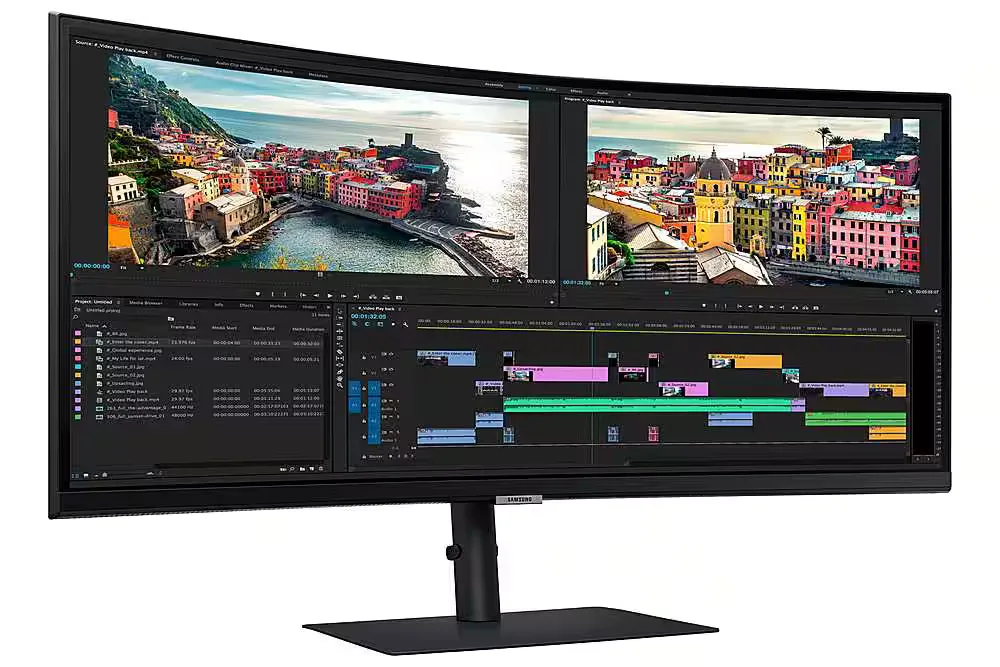
Customer Media
Highlights
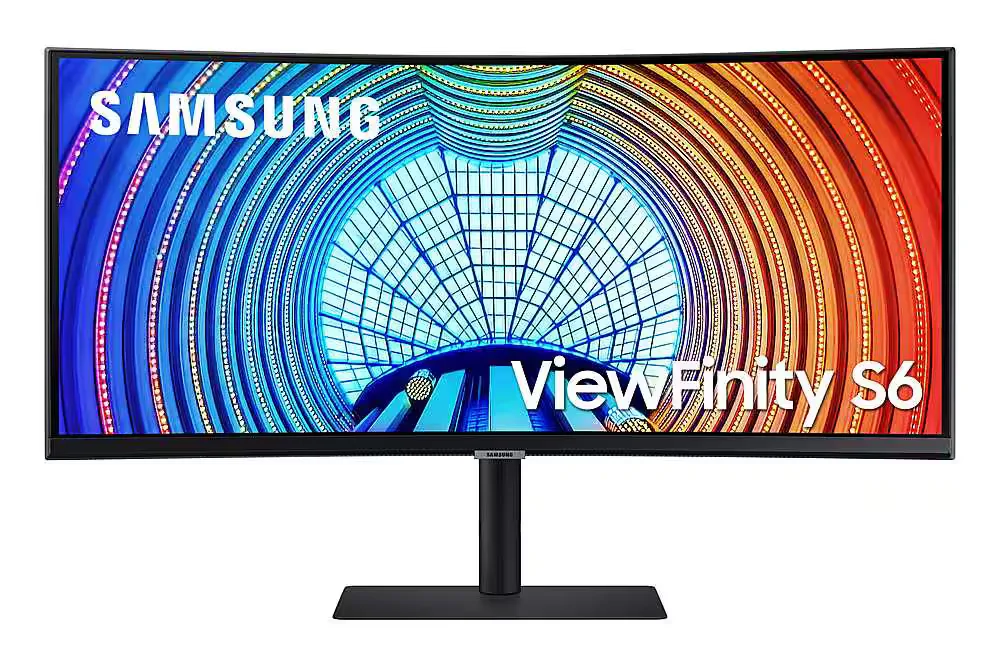
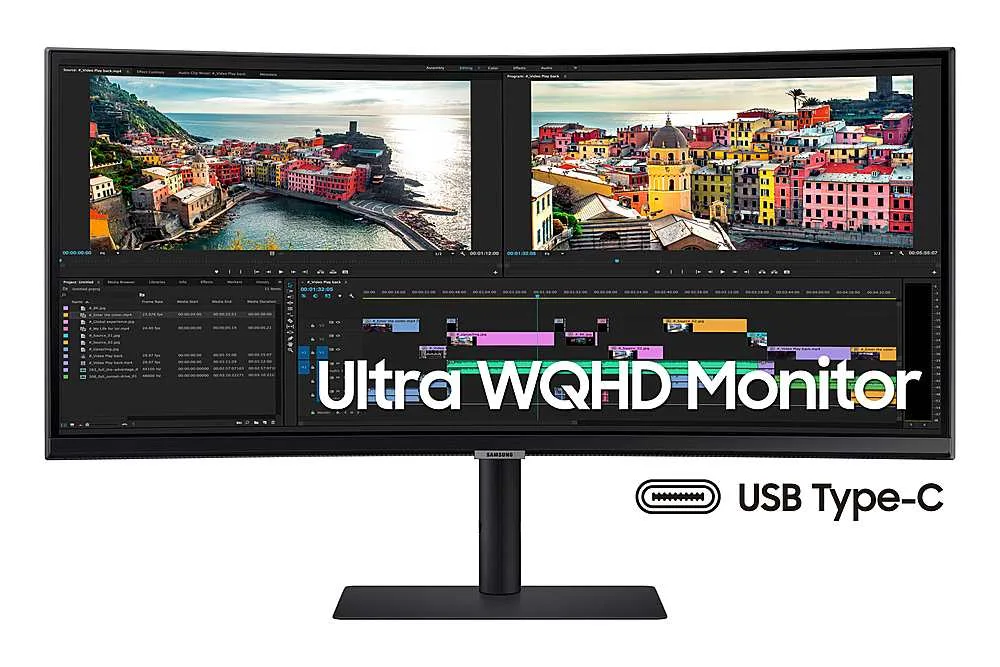
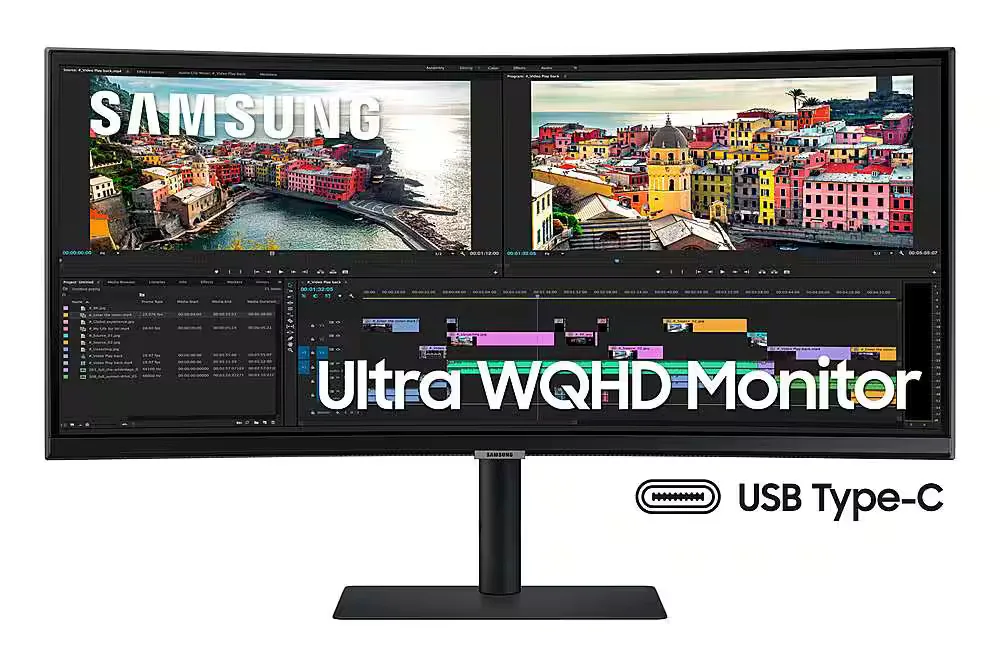
| Ultra-WQHD Resolution & 21:9 Aspect Ratio | Experience 3440 x 1440 resolution with a 21:9 ultrawide aspect ratio, providing 2.5x the pixel density of Full HD for expansive screen real estate and seamless multitasking without a dual-monitor setup. |
|---|---|
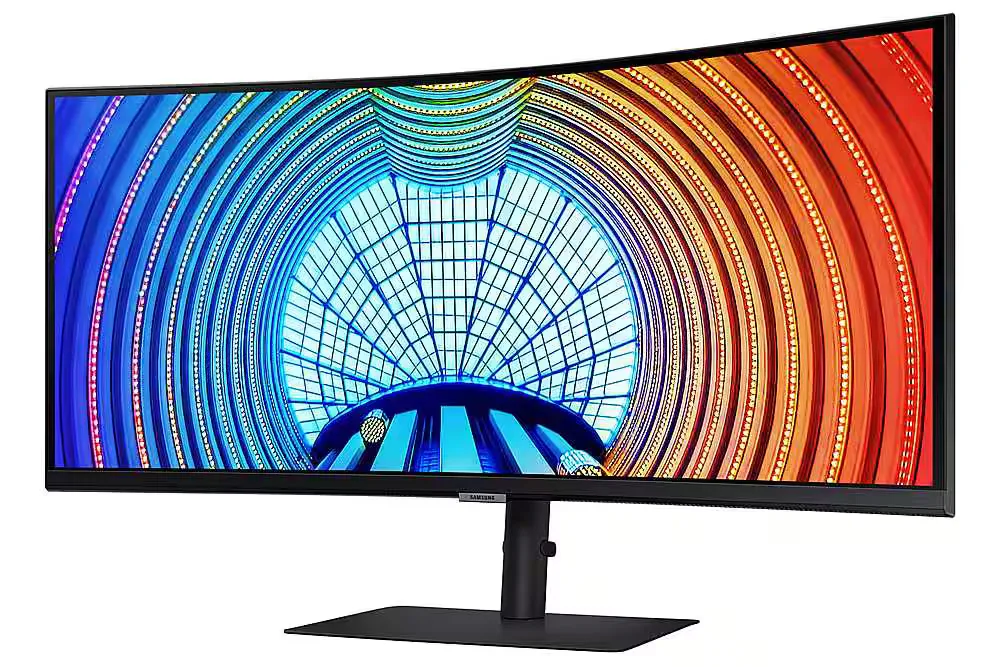
| Immersive 1000R Curvature | The 1000R curved display closely matches the natural human field of vision to reduce eye strain and increase concentration, allowing you to see the entire screen at a glance for a more comfortable viewing experience. |
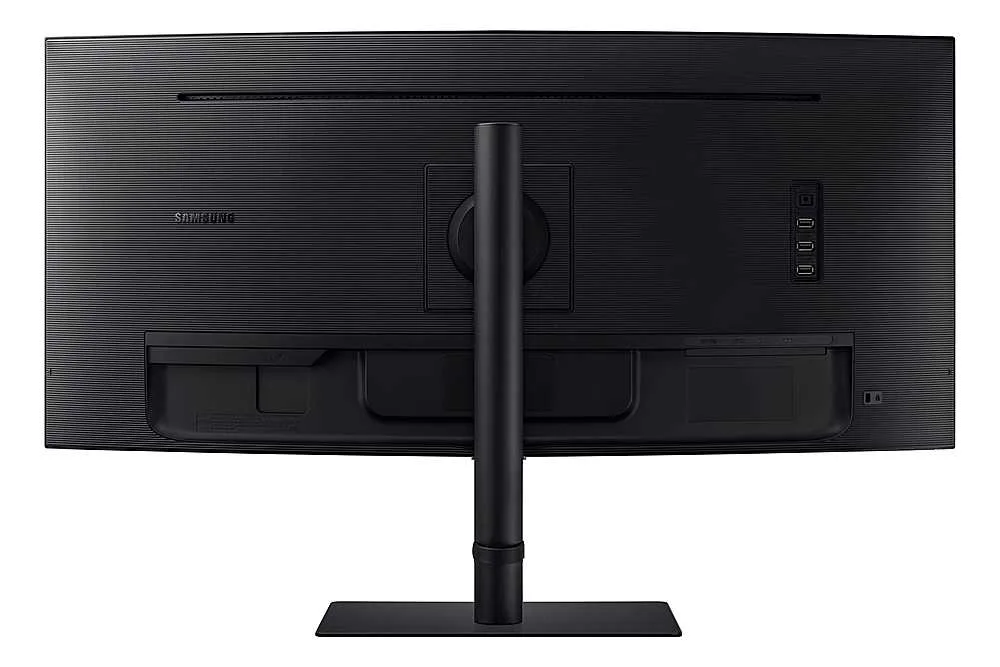
| USB-C Connectivity with 90W Charging | Streamline your workspace with a single USB Type-C cable that transmits data, display signals, and provides up to 90W of power to charge your laptop, complemented by a built-in LAN port for stable Ethernet connectivity. |
| 100Hz Refresh Rate & AMD FreeSync | Enjoy smooth, fluid motion with a 100Hz refresh rate that reduces stutter and lag. AMD FreeSync technology keeps the monitor and graphics card in sync to eliminate image tearing during fast-paced action. |
| HDR10 with 1 Billion Colors | With support for HDR10 and over a billion shades of color, this monitor delivers incredible depth and accuracy, making dark colors darker and the brightest colors even more vibrant for professional-grade visual detail. |
Pros & Cons
Pros
- Productivity and Multitasking: The 34-inch ultrawide curved display effectively replaces dual-monitor setups, making it ideal for viewing multiple windows, large spreadsheets, or financial documents simultaneously.
- USB-C Docking Functionality: The single-cable connection provides up to 90W power delivery, video, and data transfer, which simplifies desk setups and works seamlessly with modern laptops like the MacBook Pro.
- Immersive 1000R Curvature: The 1000R curve provides an immersive experience for both work and gaming, with users noting it aligns well with the natural field of view and reduces eye strain.
Cons
- Frequent Hardware Defects: Numerous reviewers reported significant quality control issues, including dead pixels appearing within days of use and spontaneous vertical cracks developing in the center of the screen.
- Poor Customer Support: Users frequently cited difficult experiences with Samsung's warranty service, noting that the company often refuses to cover screen damage as a defect and has a nightmarish support process.
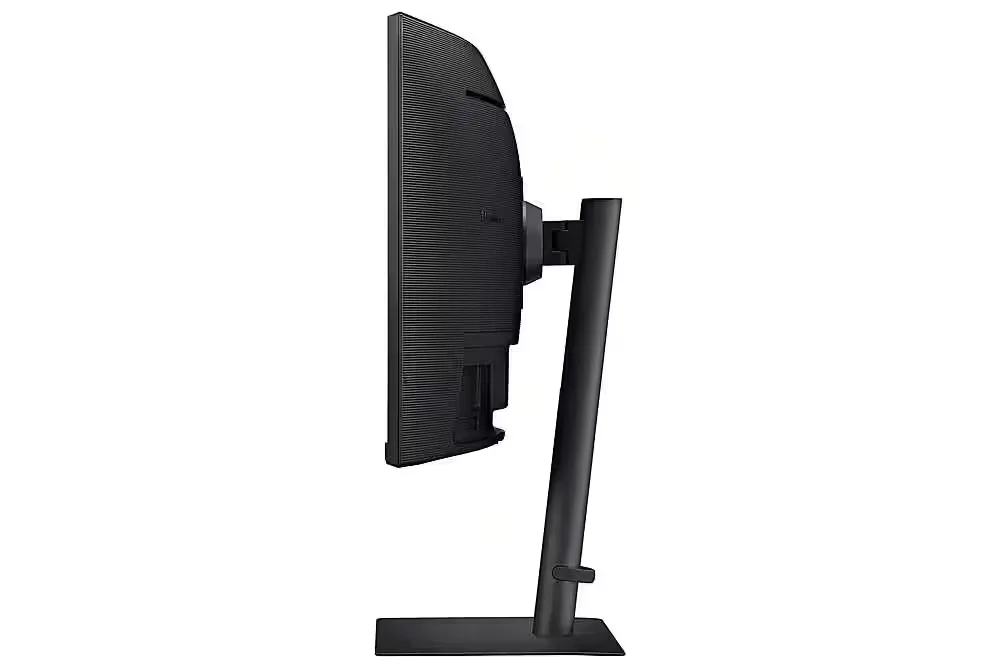
- Unstable Stand: The included stand is described as flimsy and lacking rigidity, causing the monitor to shake or vibrate significantly when the desk is bumped or even during typing.
You might also like










Customer Reviews
Showing reviews 61-70 of 103
-
The display failed after less than 7.5 months.
Verified purchase Verified purchase: This reviewer bought the product.Eric Biesecker November 11, 2024Review source: AmazonThe monitor was nice, but it did not last. The display completely failed after less than 7.5 months.
-
Great quality
Verified purchase Verified purchase: This reviewer bought the product.Herman Mist November 7, 2024Review source: AmazonLove the curvature and quality and mat finish
-
Good monitor
Verified purchase Verified purchase: This reviewer bought the product.Lois November 1, 2024Review source: AmazonLove this monitor. It’s like having two monitors in one. I am able to view two different programs at a time. With this monitor, I got rid of my two regular sized monitors, and the mounting arms. Plus I have less cords with fewer monitors. Color is good and I’ve had it 6 months with no display issues. Would def purchase again.
-
Terrible product!!!! Samsung customer service was awful.
Verified purchase Verified purchase: This reviewer bought the product.6FMG October 27, 2024Review source: AmazonI wanted to give zero stars but Amazon won’t let you do that. Purchased this from Amazon and didn’t open it for over 30 days because I was still building an office. Finally got around to opening it and the screen was cracked. So too late to return to Amazon and I contacted Samsung and they were terrible at their customer service, trying to get a live person. And of course they will not cover it under warranty. They say I have to pay for the repairs myself. I was a Samsung user and product guy, but not anymore!!
-
How DISAPPOINTING!
Verified purchase Verified purchase: This reviewer bought the product.Tam As October 14, 2024Review source: AmazonI bought the 34″ curved with USB-C connector. I’ll skip the nice things. Yes it’s a monitor. Yes it connects and works.
What absolutely maddens me:
– No way to change the image to full screen at any input resolution except the max 3440×1440. All other resolutions come with black bars on the sides, no possible stretching. My 10 years old monitors do that.
– When the signal is lost (PC sleep or off) the monitor absolutely never goes to sleep. Not even if I unhook the connection (so it’s not a signal that keeps it up). It shows the “no input signal” screen on forever.
– Every single time when turned on, a “set your optimal resolution 3440×1440” message is shown in the middle of the screen for about a minute. The input IS already set to 3440×1440, that’s what I’m using. The message is horrifying, absolutely disruptive and disgusting with no way to disable it permanently.
– Sound quality through the headset jack is very bad.
– The VESA connection in the back is recessed so deep that the frame around it is in the way for the adjustable monitor arm that I use, never had this issue through about 5-6 previous monitors.Will keep looking. This one is going back and will not buy another samsung. Thank you amazon prime for 30days free returns.
-
defective and unrepairable
Bill Therrien October 9, 2024Review source: AmazonI bought about 8 of these for my office. I eventually got a complaint that one had broken with a crack in the center. The only thing we could think is something dropped on it and I just set it aside.
A while later I got a second complaint. It had the EXACT SAME DAMAGE. A vertical crack dead center in the screen, with a “V” shaped crack at the top. Very specific and obviously a defect. Unfortunately I didn’t do my homework when I bought these (They broke 6-9 months after purchase), if I did I probably would have seen the issue.Samsung was pretty difficult to work with just getting support for them. Lots of hoops to jump through, and lots of things that just didn’t make sense. For instance, I was emailed the shipping label and told it was “valid for 7 days, unless I printed it, then it’s good for 30 days”. That’s weird, but it doesn’t matter anyway, because I learned what they do is spam your phone with messages the next day and I guess if UPS doesn’t have the package within 48 hours THEY CANCEL YOUR TICKET.
And of course, as others have stated, Samsung refuses to repair them under warranty, they wanted ~$300 to do so.
STAY AWAY FROM THIS OR SIMILAR SAMSUNG MODELS!!! -
Dissapointed
Verified purchase Verified purchase: This reviewer bought the product.ProductivityMonitor August 13, 2024Review source: BestbuyI bought this monitor and was disappointed. Its not very bright and even 2160 vidoes look faint. To make matters even worse, i had burn out after 2 weeks of use. Please see picture.
-
Baller
Verified purchase Verified purchase: This reviewer bought the product.Ryan August 7, 2024Review source: AmazonSize is perfect to replace a two monitor setup. The larger one seemed like it would be too much and glad I got the smaller one. Perfect for me.
-
If I could rate is a zero star I would
Verified purchase Verified purchase: This reviewer bought the product.Steve T. July 18, 2024Review source: AmazonBought the monitor in Feb of 2024. Worked and looked great, until July 16 of 2024. Went upstairs to get a cup of coffee, came back and there was a distinct 1/2 inch vertical black line down the entire screen. Based on in being 6 mos old, opened a case, packed it up and sent it back to Samsung. Got a call today saying that there was “physical damage” and they would not cover. In the end it ended up being a peice of junk and they wouldn’t stand behind it. Done with Samsung. Don’t buy one! Now the good news, Amazon saved the day and agreed to refund. TL;DR. Amazon service = amazing Samsung service = terrible
-
Good picture quality but issues with sound jack and built-in USB hub
Verified purchase Verified purchase: This reviewer bought the product.NorthFry July 3, 2024Review source: AmazonModel code: LS34A654UBNXGO
Software version: M-A6534SCZA-1004.1 (The Samsung website does not seem to have any FW listed for this monitor, so I assume this is the latest available)Pros: It has nice picture quality (with HDR off) and plays pretty well with a MacBook Pro laptop (tested with Intel)
Cons:
0. Picture
a. Not really a con for me, but make sure to turn HDR off (in MacOS X this is shown as an option – and defaults to on- in the system settings) when using it as a monitor (otherwise picture will look pixelized/washed out (and strange “glowing” effects will show up if one uses nightshift/f.lux type color adjustments)
b. For the 100Hz setting to be available in MacOS one has to select “High Resolution” option in the monitor’s system menu (vs. the default “High-Speed Data”): this could be affecting other USB devices on the hub (like sound, see below).1. Sound
Sound quality (via audio jack): Unbelievably noisy (analog-sounding static noise). Also the jack is extremely tight (ruined an adapter trying to pull it out), volume controls do not work via the Mac itself (only via the displays – clumsy (see point 3 below) – settings). Plus it does not support microphone input.
Would have been better off not adding this connection at all (and just adding an other USB port).
Also when using an USB-to-audio adapter in one of the USB ports, the sound will have no noise, and controls are then available via the computer, HOWEVER it will be crackling/popping (even more so when windows are moved on the display during sound output). I think this might be due to the USB hub mode (see below), but I did not experiment with various settings (i.e. if it is possible to resolve it). Increasing the sound output buffer in sw might help (unfortunately no such setting is available in MacOS X).2. USB hub
USB hub reports being 2.1 only (at least when “High Resolution” option is selected (as per 0/b, above)): This might be a reason the USB sound adapters plugged in to the monitor result in choppy/crackling/popping audio (at least on MacOS X)3. Controls
The controls (under the middle of the display) are awkward to use. At work a version of this same (?) monitor had the “nipple” control on the back, which would be much nicer. Fortunately it is not often that I need to interact with it (once it was set up the way I wanted it)