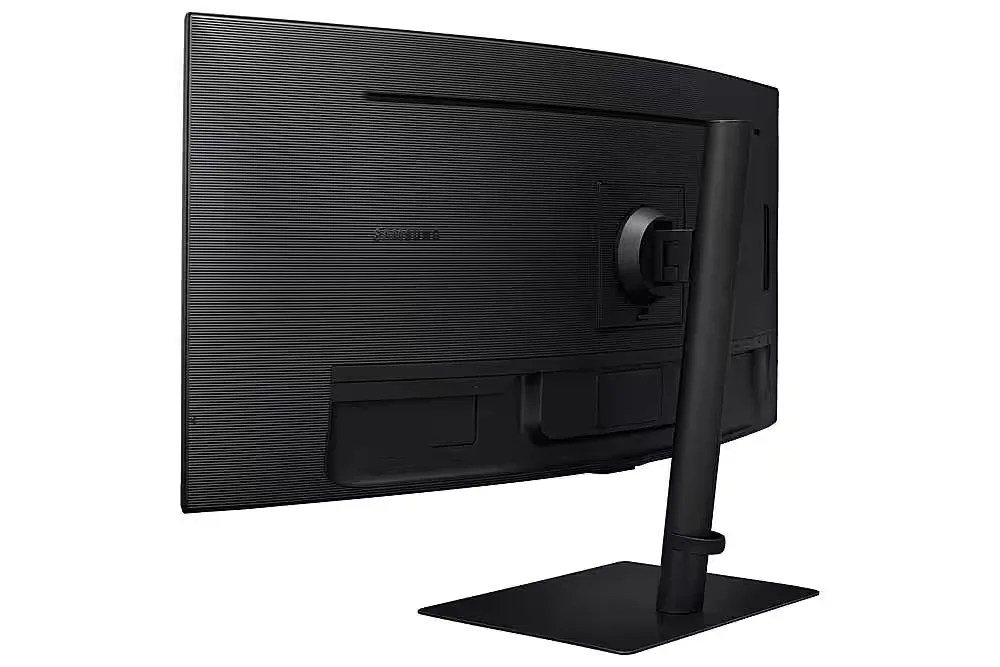
Customer Media
Highlights
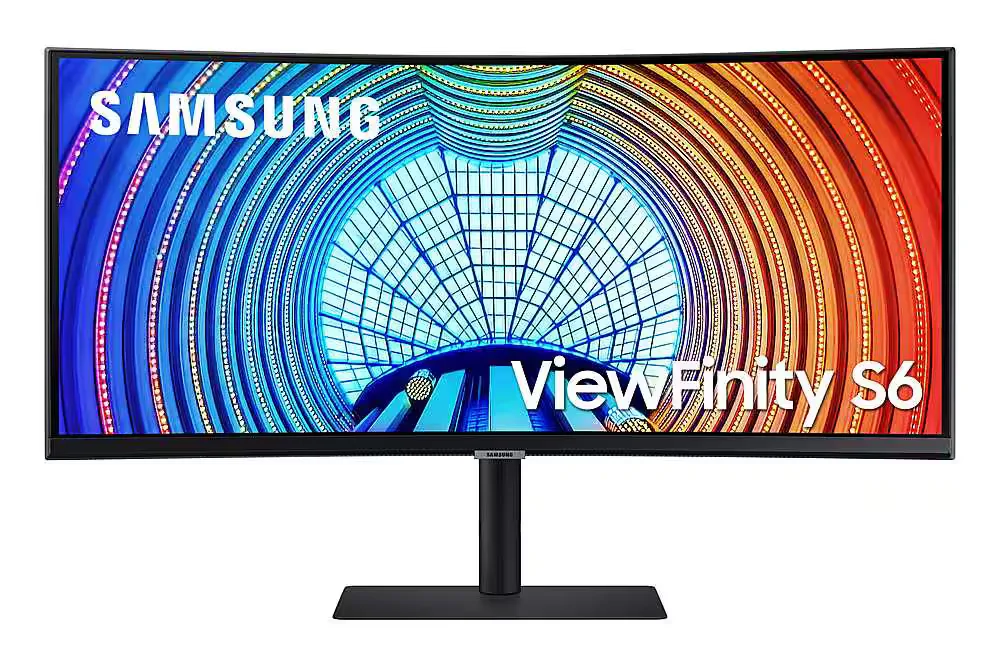
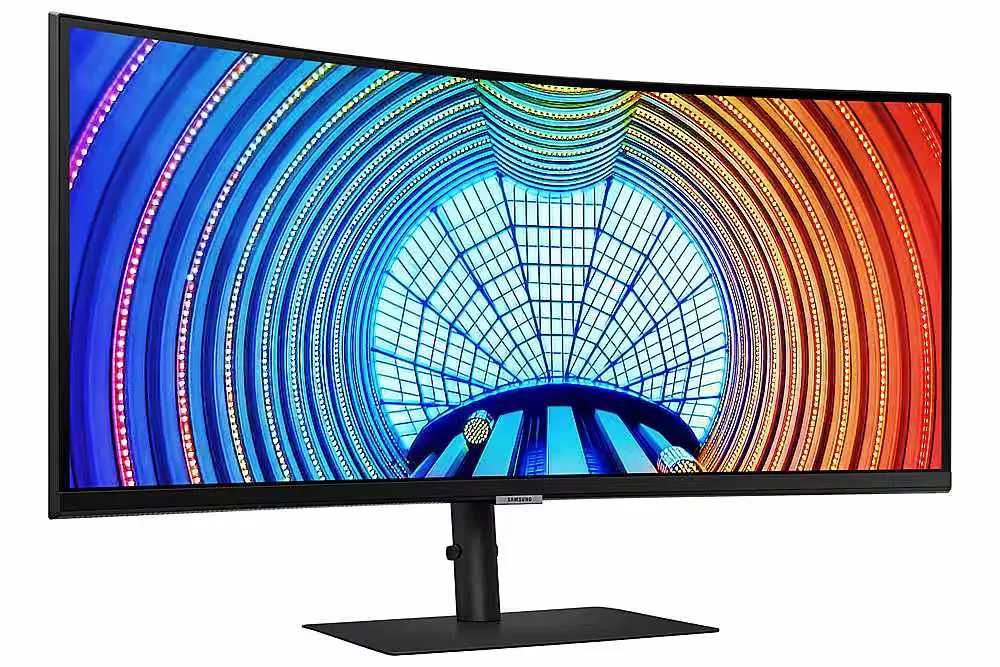
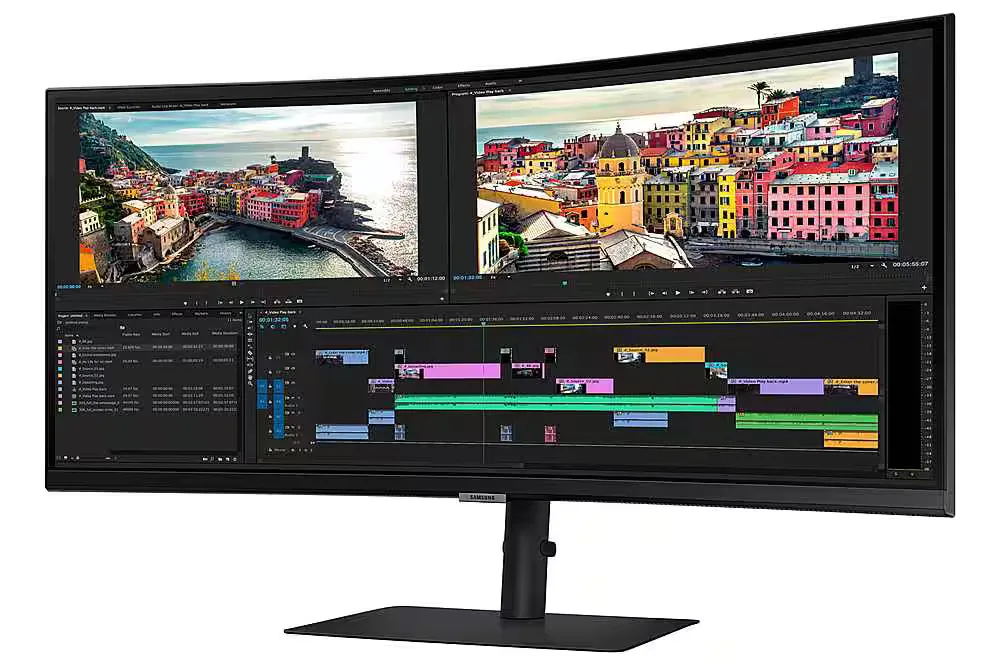
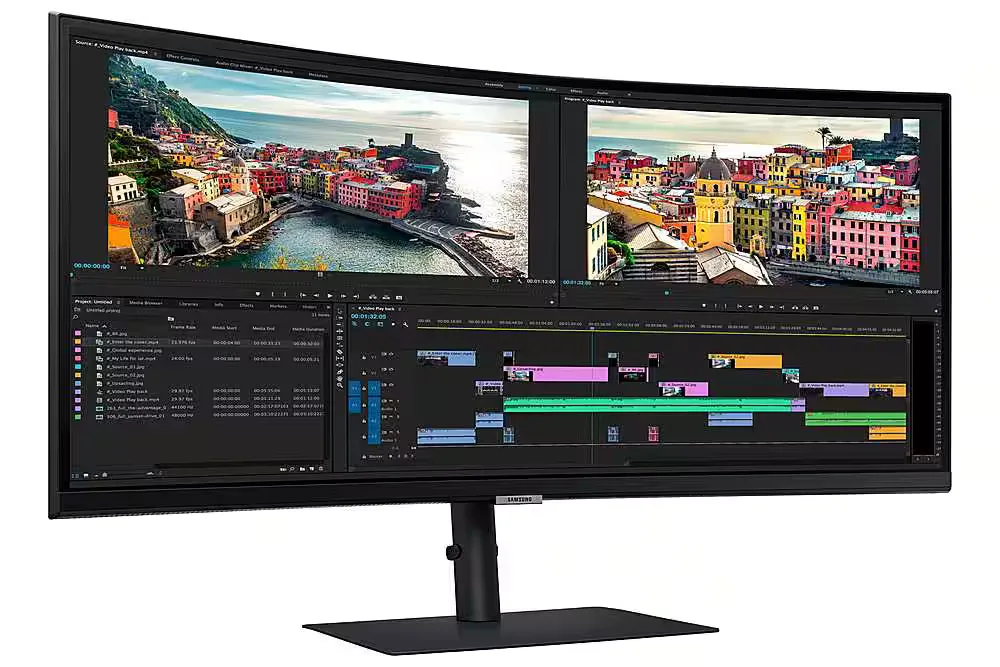
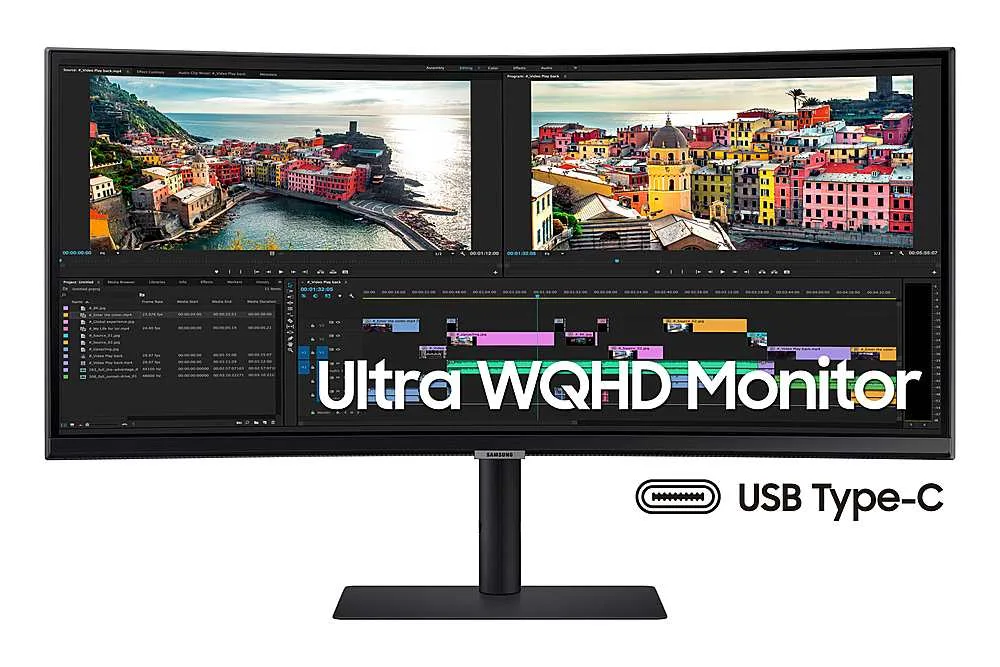
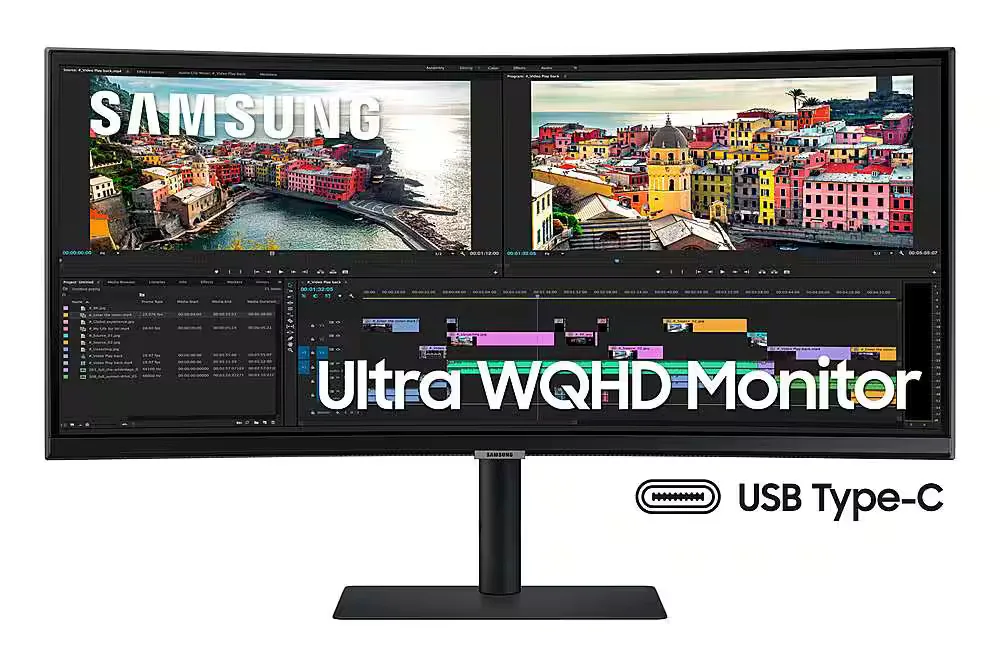
| Ultra-WQHD Resolution & 21:9 Aspect Ratio | Experience 3440 x 1440 resolution with a 21:9 ultrawide aspect ratio, providing 2.5x the pixel density of Full HD for expansive screen real estate and seamless multitasking without a dual-monitor setup. |
|---|---|
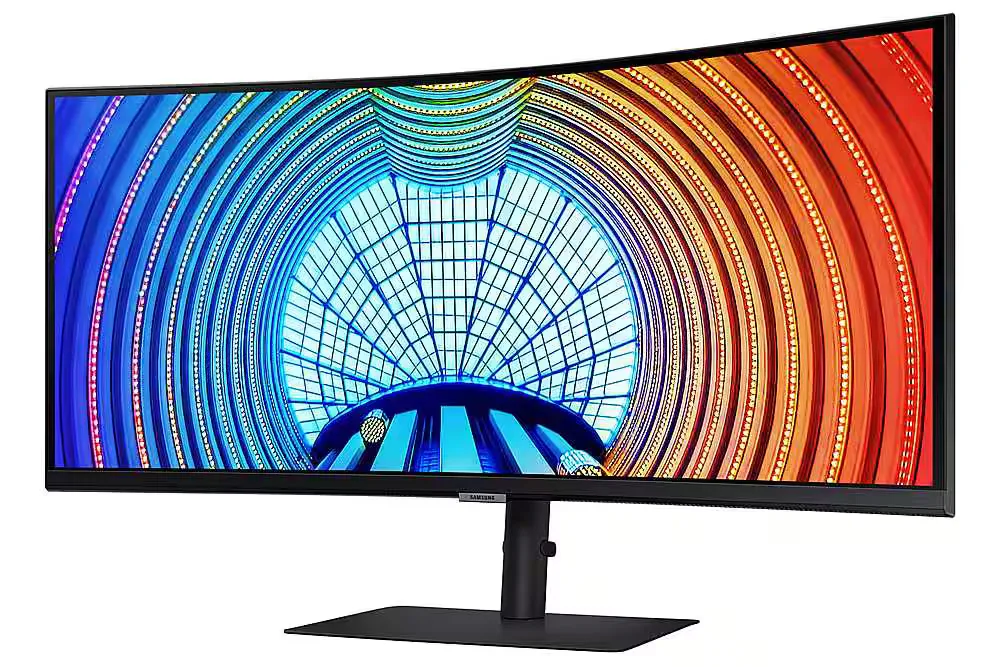
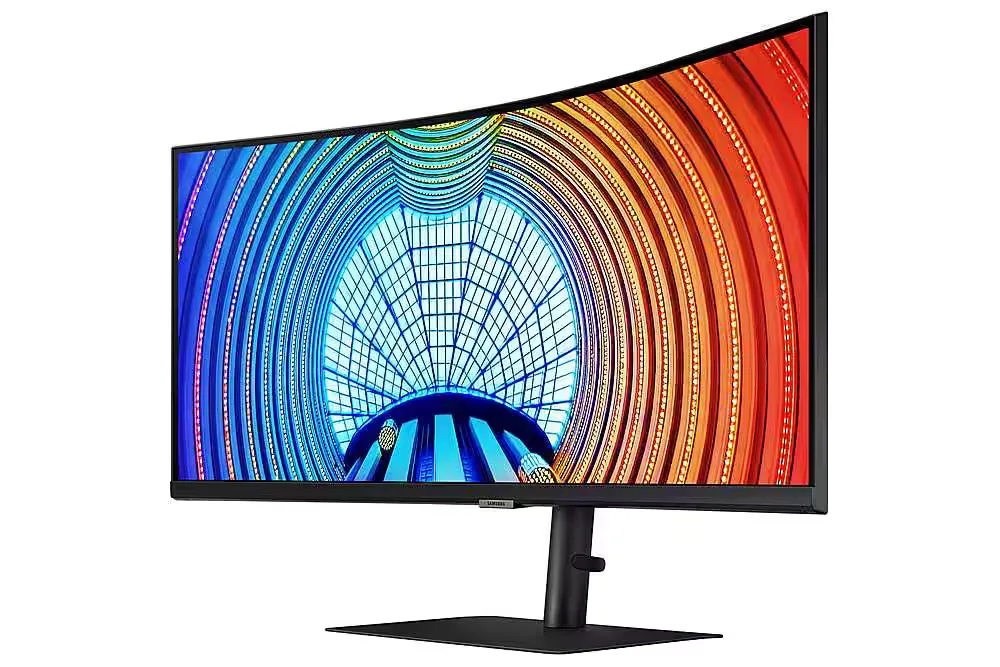
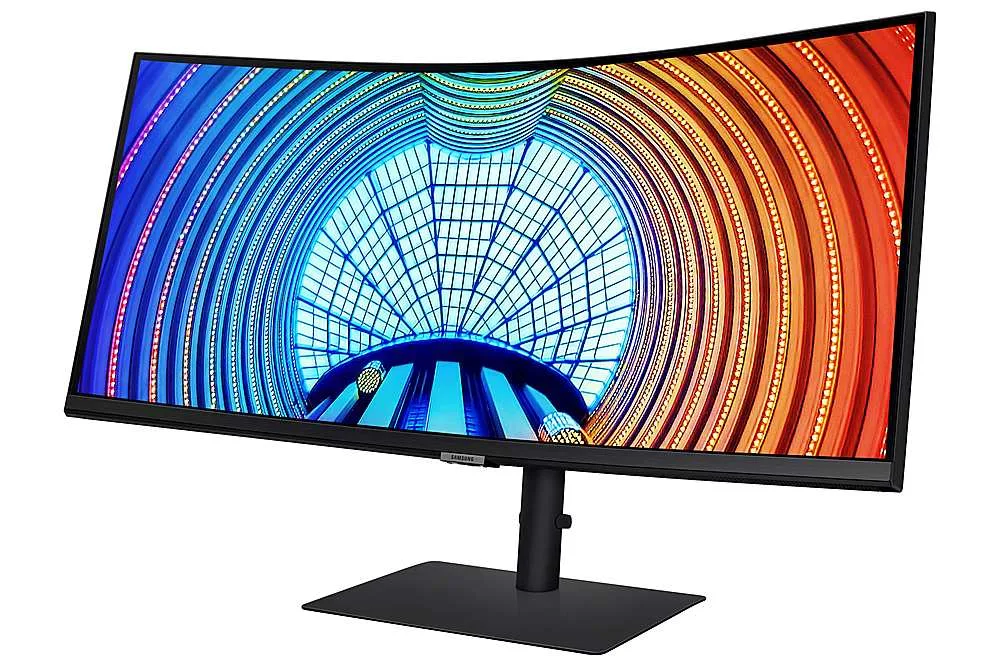
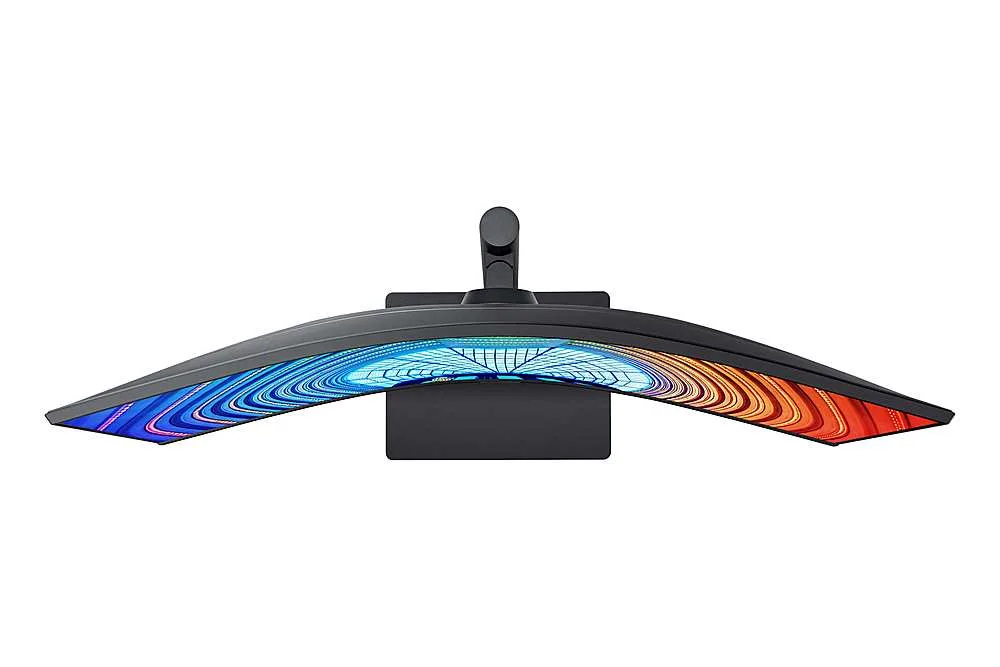
| Immersive 1000R Curvature | The 1000R curved display closely matches the natural human field of vision to reduce eye strain and increase concentration, allowing you to see the entire screen at a glance for a more comfortable viewing experience. |
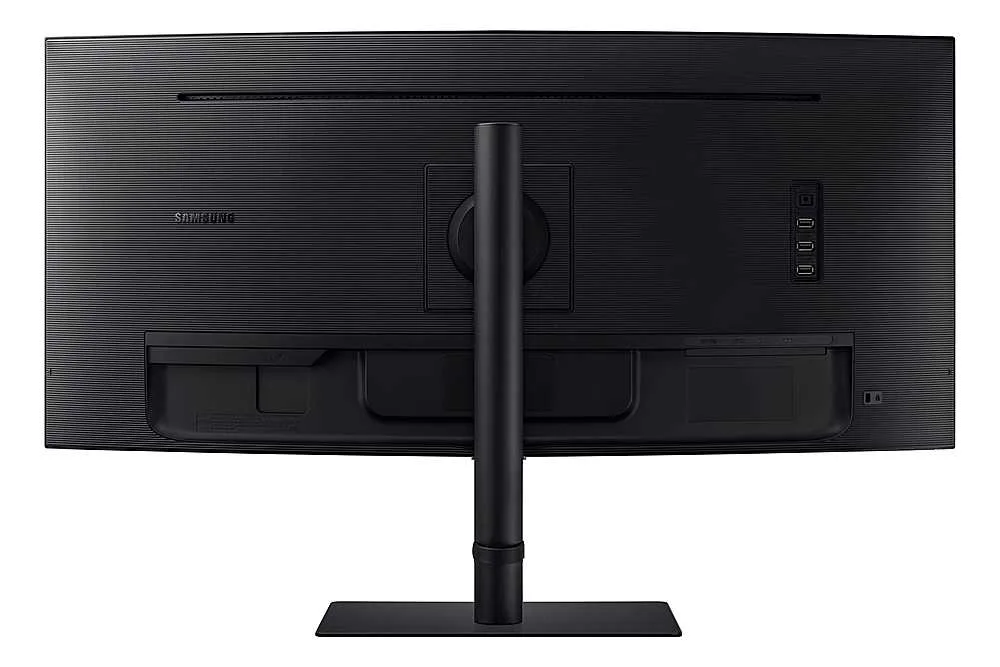
| USB-C Connectivity with 90W Charging | Streamline your workspace with a single USB Type-C cable that transmits data, display signals, and provides up to 90W of power to charge your laptop, complemented by a built-in LAN port for stable Ethernet connectivity. |
| 100Hz Refresh Rate & AMD FreeSync | Enjoy smooth, fluid motion with a 100Hz refresh rate that reduces stutter and lag. AMD FreeSync technology keeps the monitor and graphics card in sync to eliminate image tearing during fast-paced action. |
| HDR10 with 1 Billion Colors | With support for HDR10 and over a billion shades of color, this monitor delivers incredible depth and accuracy, making dark colors darker and the brightest colors even more vibrant for professional-grade visual detail. |
Pros & Cons
Pros
- Productivity and Multitasking: The 34-inch ultrawide curved display effectively replaces dual-monitor setups, making it ideal for viewing multiple windows, large spreadsheets, or financial documents simultaneously.
- USB-C Docking Functionality: The single-cable connection provides up to 90W power delivery, video, and data transfer, which simplifies desk setups and works seamlessly with modern laptops like the MacBook Pro.
- Immersive 1000R Curvature: The 1000R curve provides an immersive experience for both work and gaming, with users noting it aligns well with the natural field of view and reduces eye strain.
Cons
- Frequent Hardware Defects: Numerous reviewers reported significant quality control issues, including dead pixels appearing within days of use and spontaneous vertical cracks developing in the center of the screen.
- Poor Customer Support: Users frequently cited difficult experiences with Samsung's warranty service, noting that the company often refuses to cover screen damage as a defect and has a nightmarish support process.
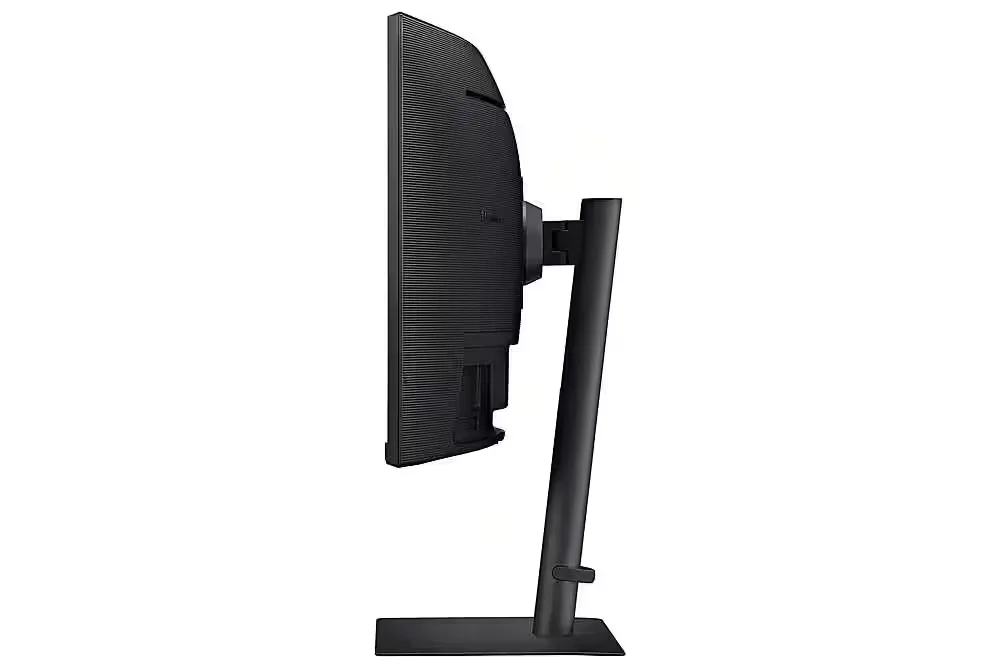
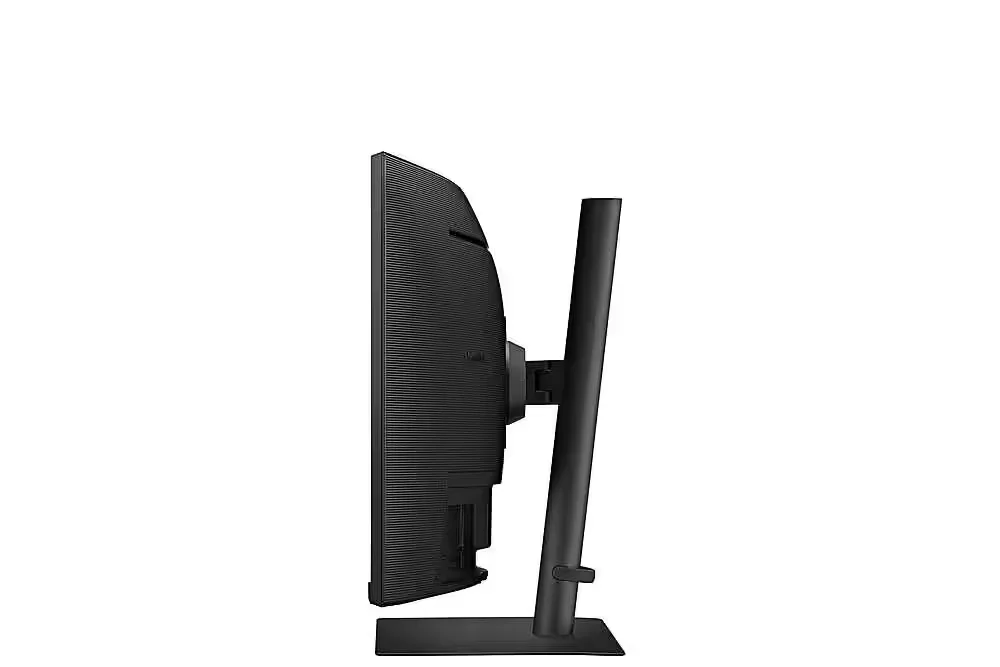
- Unstable Stand: The included stand is described as flimsy and lacking rigidity, causing the monitor to shake or vibrate significantly when the desk is bumped or even during typing.
You might also like










Customer Reviews
Showing reviews 71-80 of 103
-
Good if it works and connection is stable
Verified purchase Verified purchase: This reviewer bought the product.RP June 20, 2024Review source: AmazonProvides decent quality if it stays connected. The problem is the usb-c disconnects even on a very slight shake (keyboard strokes could shake the connection). Second thing is, hard to get the resolution correct when connected to macbook. Somehow mac can not detect the resolution correctly and it is very hard to get the right resolution back.
-
Easy on the Eyes
Verified purchase Verified purchase: This reviewer bought the product.Lucky1dft April 26, 2024Review source: BestbuyA great monitor at a great price! Has a lot of great features. Especially for the eyes! I use it for work and have had no issues with it. Graphics are great so I highly recommend this monitor!
-
Nothing Exciting
Verified purchase Verified purchase: This reviewer bought the product.Dino April 5, 2024Review source: BestbuyIt was my mistake. I wanted an ultra-wide monitor and this seemed to be a good one. The only thing special about it is it is curved. I bought into the hype that curved was better. Why? I don’t know. The 21:9 ratio is something that I don’t really care for. As I said, purchase was my mistake.
-
Perfection!
Verified purchase Verified purchase: This reviewer bought the product.Justin Bogart March 30, 2024Review source: AmazonYou can pay more for a 34, but you won’t get more! Incredible gaming monitor!
-
Arrived Broken
Verified purchase Verified purchase: This reviewer bought the product.Tanay Kothari March 13, 2024Review source: AmazonI order these on behalf of my company for new employees. By the time their first day rolls around it was too late to return.
-
Absolutely do NOT buy this monitor. It will break on you.
Verified purchase Verified purchase: This reviewer bought the product.odasker February 21, 2024Review source: AmazonAbsolutely do NOT buy this monitor. It will break on you. I’m not the only one this has happened to. We woke up one morning and turned on the computer and the screen look like this after only two months of owning it. We don’t even touch our monitor. It’s a bad design where the mounting bracket has too much weight and it’ll split down the middle. I personally like Samsung and have other products but this is not the one to buy. It’s a well-known issue and we tried to get Samsung to cover it under warranty and they will absolutely not. We completed wasted our money. Im just writing this to warn other people. Go with another monitor or another company.
-
Arrived damaged. Better or similar monitors out there for the price
Verified purchase Verified purchase: This reviewer bought the product.KJ February 4, 2024Review source: AmazonI knew it wouldn’t be good when I opened the box and the styrofoam was broken. When I plugged in the monitor and powered it up there was a huge crack and dead pixels. If I were to guess the box had too much weight on it at some point, because there were no visible drop signs to the box itself. I actually have this monitor at work so I thought it would be a good option at home since I’m used to it and have seen the performance. I would say if you bought this monitor for anything but serious gaming you would likely be happy with it, with one caveat. I bought this because it advertises multi-computer “kvm” – type switching. However, it’s not a true switch and only allows you to use the keyboard and mouse connected for the computer that is connected via the usb-c input. When I tried to hook up my work laptop, no matter how I tried to vary the connections, it would not recognize the keyboard/mouse. Not to mention it didn’t have an upstream usb input. It really only helps with cable management/clutter. So if you want a true built in KVM, I would not recommend this monitor. On the positive side, since it was broken I returned this monitor and got the Dell 3423DWC. not only was it $30 cheaper, the kvm worked as advertised. In the end for a single computer use-case I would’ve been completely satisfied. But honestly for the price, you would likely find the same performance in the mid-$300 range from competitors and even Samsung’s own offerings.
-
Great monitor, no speakers though
Verified purchase Verified purchase: This reviewer bought the product.Chad C. January 9, 2024Review source: AmazonGreat monitor, I like the size and the curvature. Super easy to assemble. My only complaint is that there aren’t built-in speakers, I thought it was advertised to have them, that the manual said that there are speakers, but tech support clarified that this monitor doesn’t have speakers.
UPDATE 11/11/24
The external keyboard and mouse I bought to use with the monitor no longer connect with it. The dongle for the wireless mouse/keyboard still works when connected to my laptop directly, but it isn’t registering when plugged into the back of the monitor now. I’ve tried the dongle with all three USB ports at the back, but no luck. I’m currently on the phone with Samsung Support, and may need to update the rating from 2 stars to 1 star. It was a good monitor, but started acting up in just these past few days. -
Work Monitor
Verified purchase Verified purchase: This reviewer bought the product.Noor December 28, 2023Review source: AmazonUse for work as my main screen connected to either a macbook pro/air. Quality is great! no dead pixels or issues so far.
-
Not Compatible for DisplayPort (DP) Connection
Verified purchase Verified purchase: This reviewer bought the product.J. Dooley December 7, 2023Review source: AmazonNever got the monitor to work with my Dell desktop (3 years old) which has DisplayPort (DP) only connection option. This monitor is supposed to offer HDMI, DP and USB-C connection options, and I got the monitor to work with my PC using USB-C. But no cigar with my desktop. Spoke to Samsung tech support, they indicated that the monitor may not work on DP setting with “older” desktop CPUs. They suggested I try an HDMI to DP cable (or an HDMI to HDMI with a DP converter on one end). Tried both, and neither worked. I see at least one other reviewer commented on DP connection not working. Wasted several hours on what should have benn simple plug and play. Had to return product.