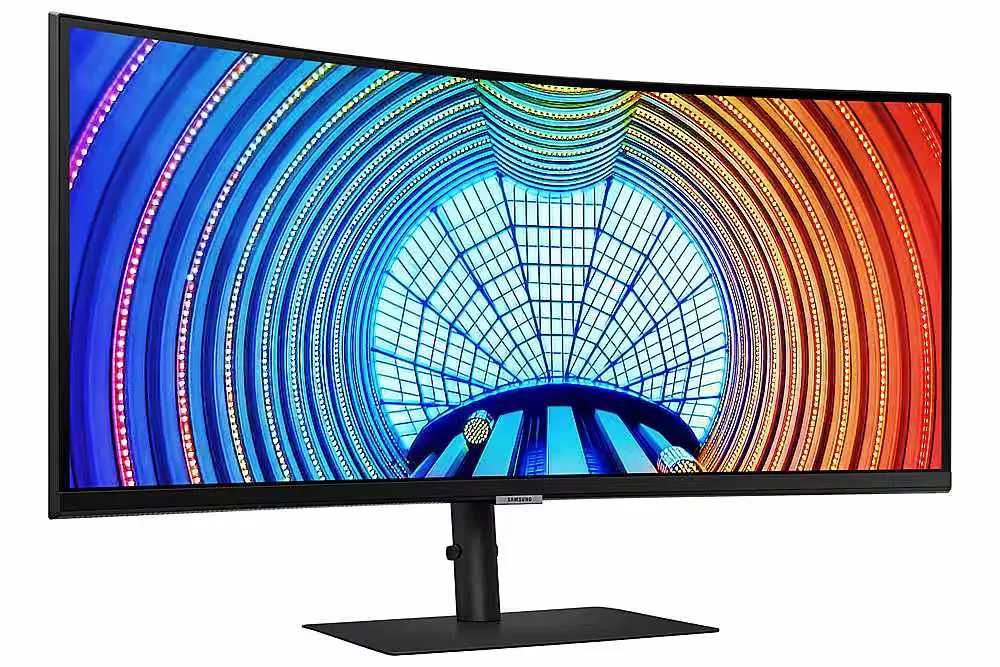
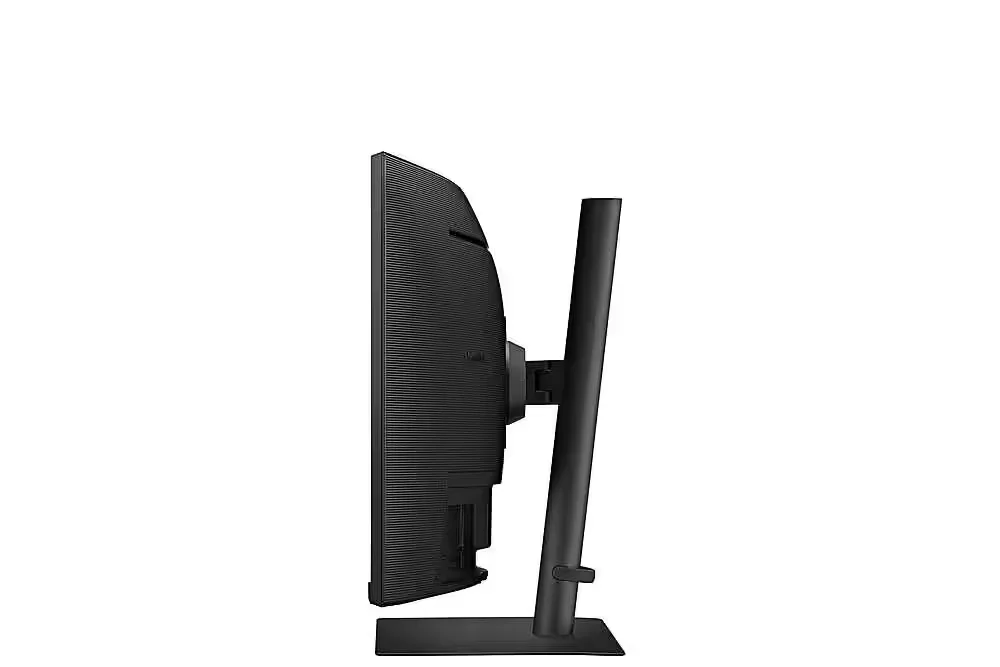
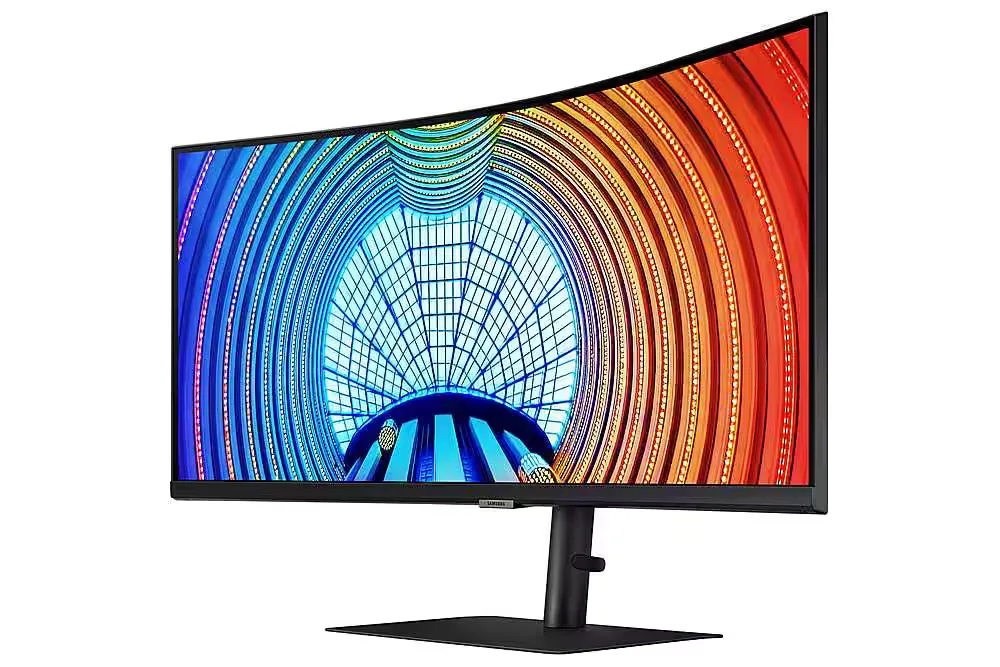
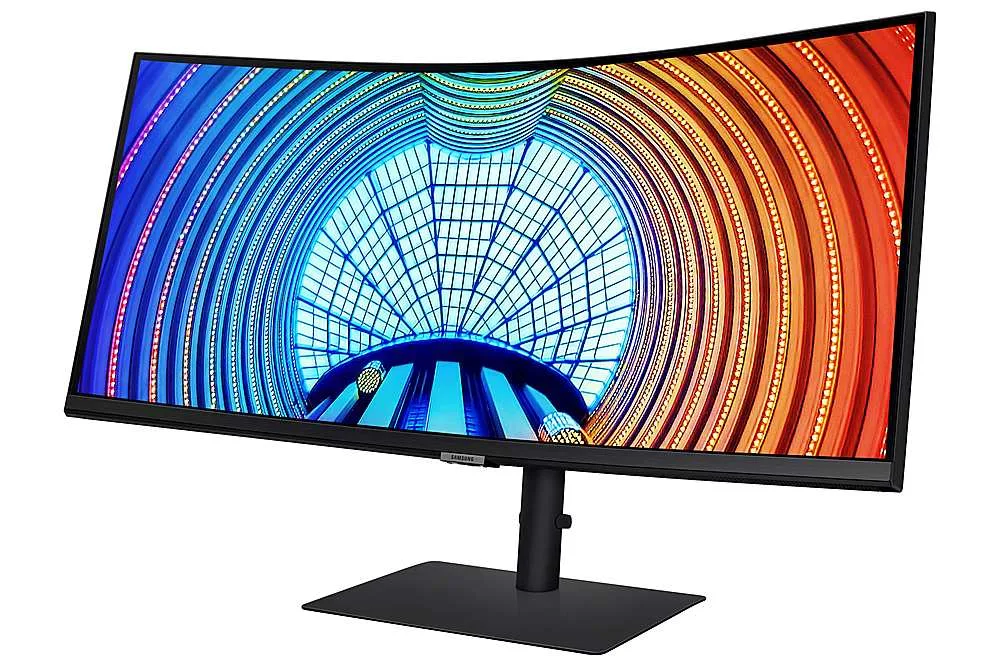
Customer Media
Highlights
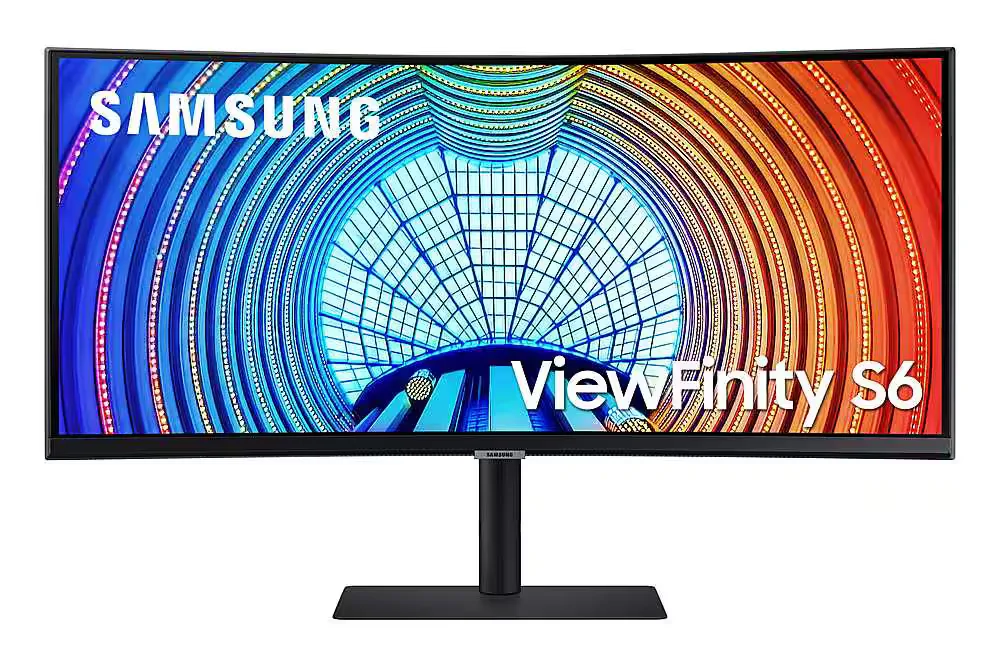
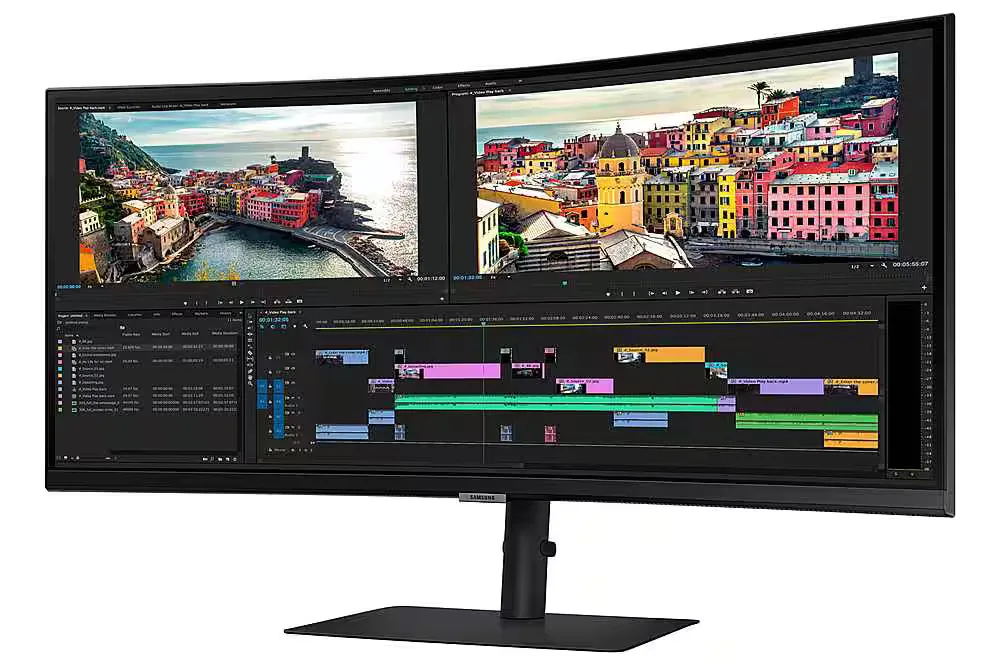
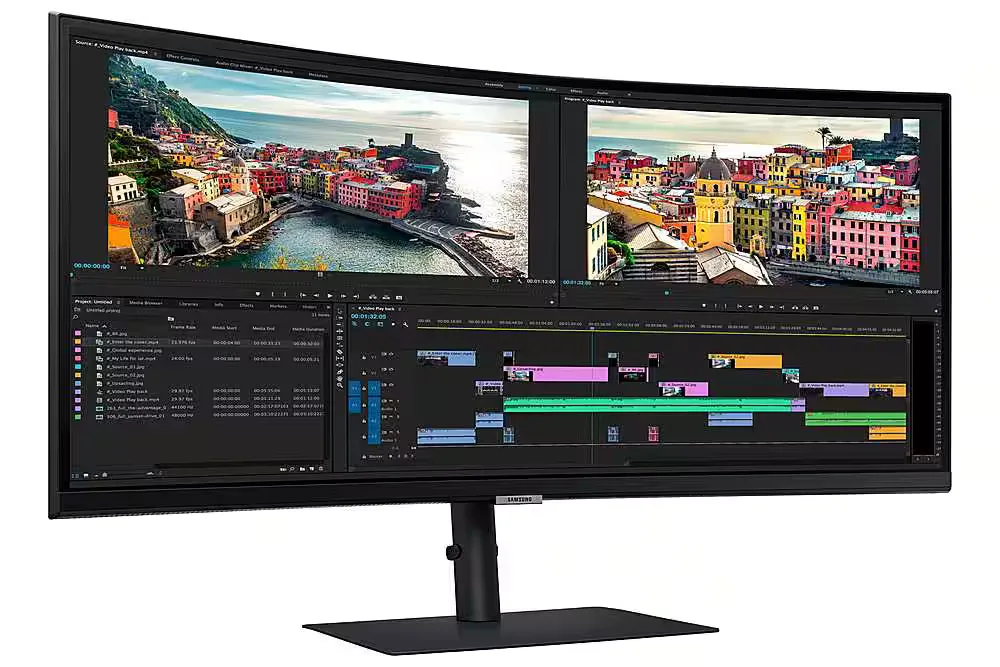
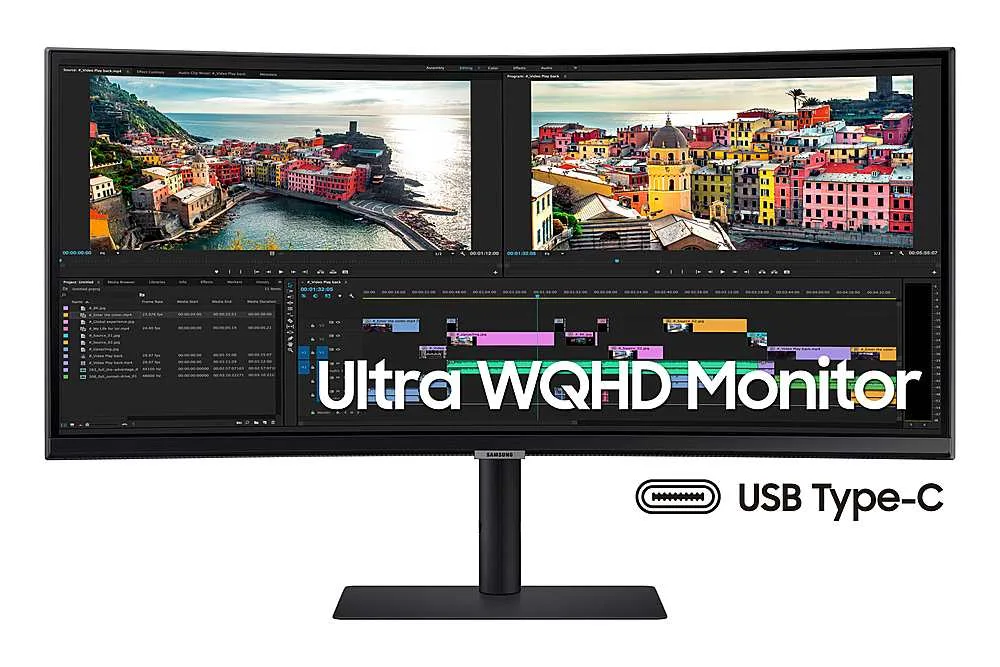
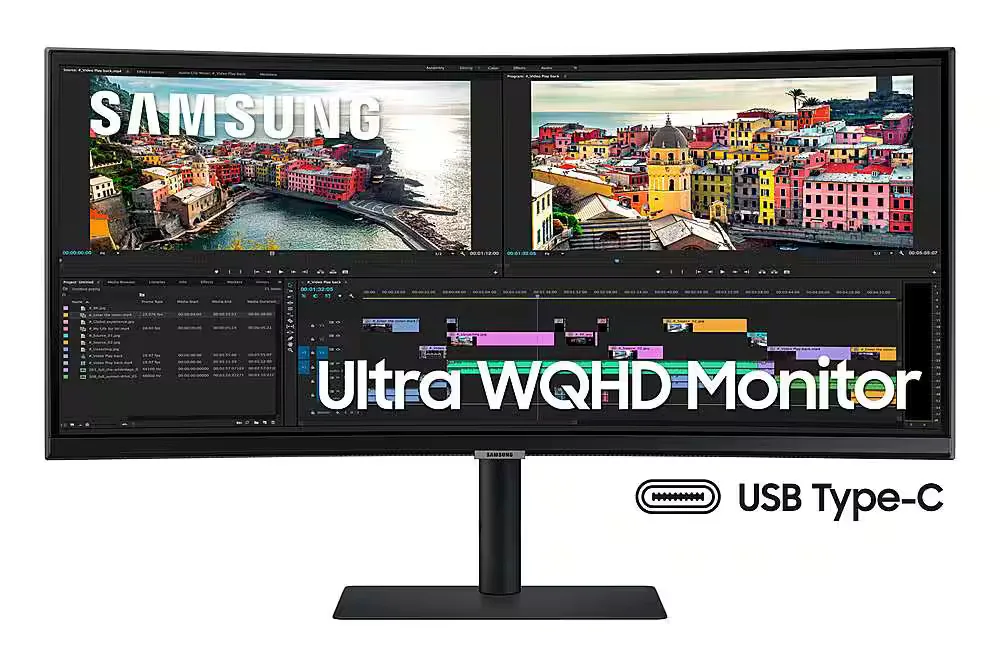
| Ultra-WQHD Resolution & 21:9 Aspect Ratio | Experience 3440 x 1440 resolution with a 21:9 ultrawide aspect ratio, providing 2.5x the pixel density of Full HD for expansive screen real estate and seamless multitasking without a dual-monitor setup. |
|---|---|
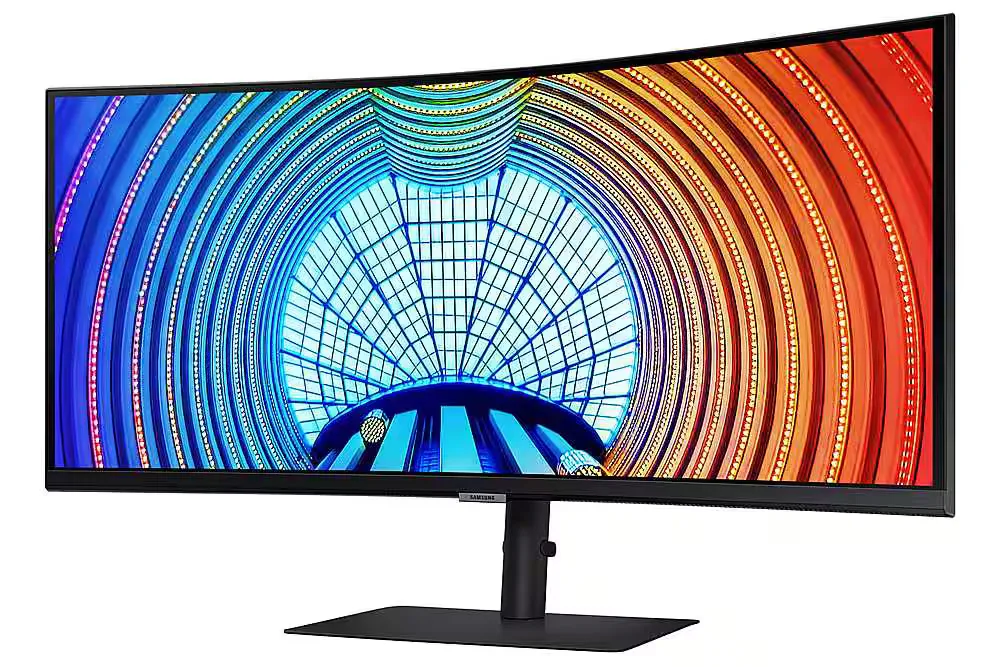
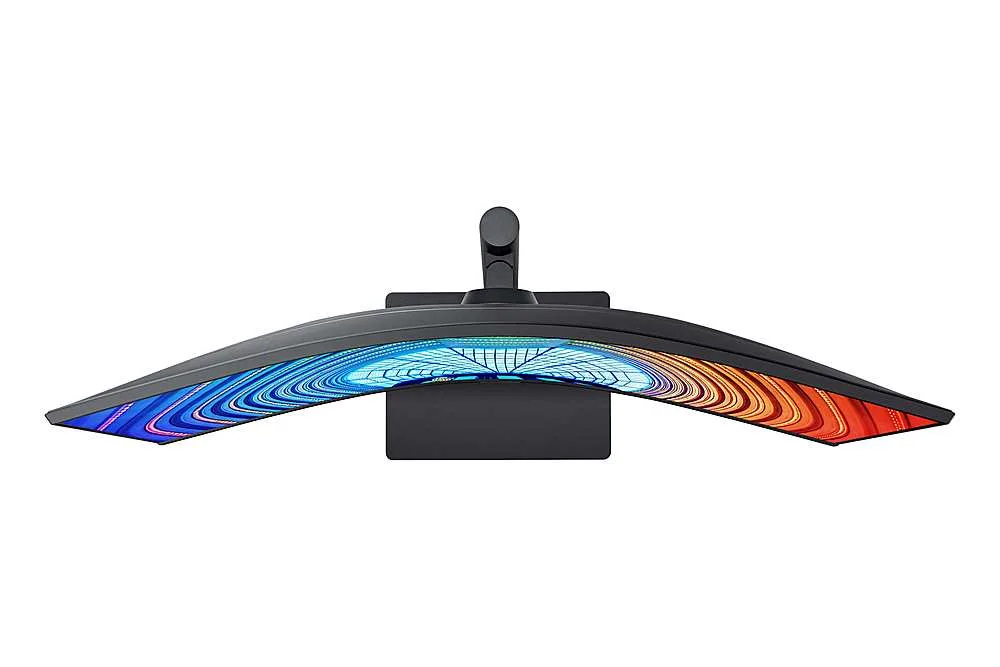
| Immersive 1000R Curvature | The 1000R curved display closely matches the natural human field of vision to reduce eye strain and increase concentration, allowing you to see the entire screen at a glance for a more comfortable viewing experience. |
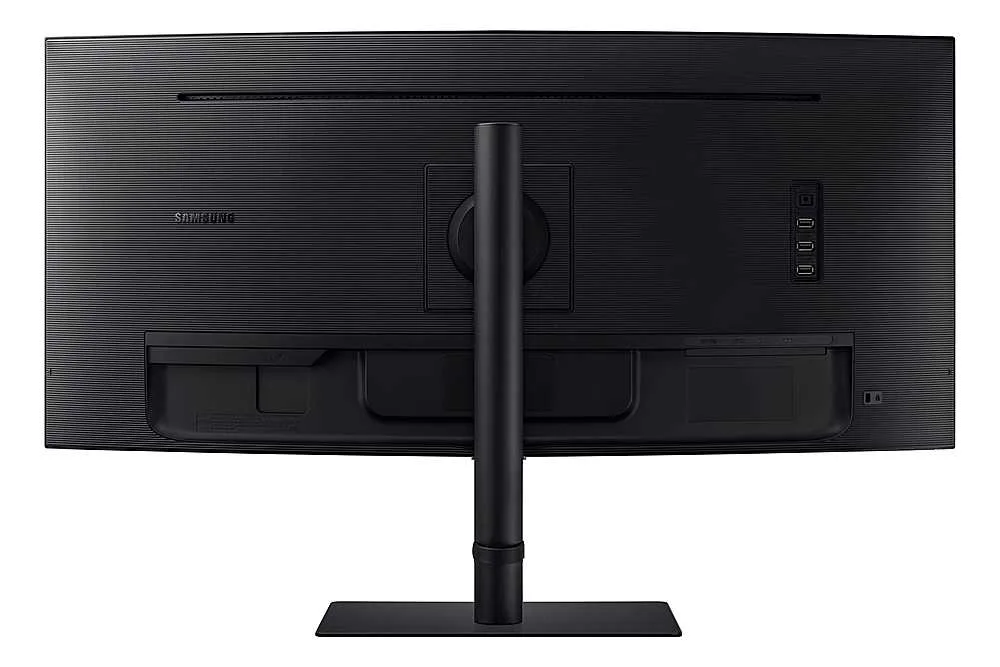
| USB-C Connectivity with 90W Charging | Streamline your workspace with a single USB Type-C cable that transmits data, display signals, and provides up to 90W of power to charge your laptop, complemented by a built-in LAN port for stable Ethernet connectivity. |
| 100Hz Refresh Rate & AMD FreeSync | Enjoy smooth, fluid motion with a 100Hz refresh rate that reduces stutter and lag. AMD FreeSync technology keeps the monitor and graphics card in sync to eliminate image tearing during fast-paced action. |
| HDR10 with 1 Billion Colors | With support for HDR10 and over a billion shades of color, this monitor delivers incredible depth and accuracy, making dark colors darker and the brightest colors even more vibrant for professional-grade visual detail. |
Pros & Cons
Pros
- Productivity and Multitasking: The 34-inch ultrawide curved display effectively replaces dual-monitor setups, making it ideal for viewing multiple windows, large spreadsheets, or financial documents simultaneously.
- USB-C Docking Functionality: The single-cable connection provides up to 90W power delivery, video, and data transfer, which simplifies desk setups and works seamlessly with modern laptops like the MacBook Pro.
- Immersive 1000R Curvature: The 1000R curve provides an immersive experience for both work and gaming, with users noting it aligns well with the natural field of view and reduces eye strain.
Cons
- Frequent Hardware Defects: Numerous reviewers reported significant quality control issues, including dead pixels appearing within days of use and spontaneous vertical cracks developing in the center of the screen.
- Poor Customer Support: Users frequently cited difficult experiences with Samsung's warranty service, noting that the company often refuses to cover screen damage as a defect and has a nightmarish support process.
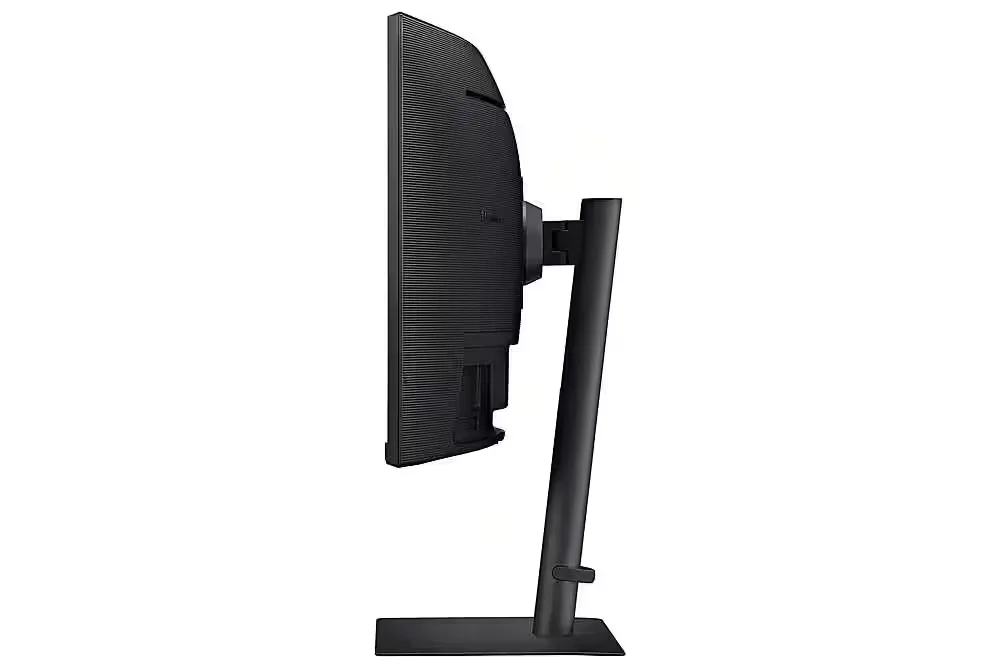
- Unstable Stand: The included stand is described as flimsy and lacking rigidity, causing the monitor to shake or vibrate significantly when the desk is bumped or even during typing.
You might also like










Customer Reviews
Showing reviews 81-90 of 103
-
Don’t ignore the 1 star reviews!
Verified purchase Verified purchase: This reviewer bought the product.Unutzer December 7, 2023Review source: AmazonThis screen randomly broke (line of dead pixel down the middle). Based on other people’s reviews about trying to use the warranty and failing in concert with the fact that I don’t have the box it came in, I’m not even going to bother trying to return. Out $500. Thanks Samsung.
-
Amazing monitor
Verified purchase Verified purchase: This reviewer bought the product.Francesco M November 3, 2023Review source: AmazonHave 2. They are great
-
Great for M2 Macbook Pro
Verified purchase Verified purchase: This reviewer bought the product.devin phillips October 21, 2023Review source: AmazonI had been searching for an external monitor for my M2 macbook pro for a little while, but the prices were insane….until the Samsung Viewfinity S6. It is as simple as plugging my macbook into the monitor via the supplied thunderbolt cable……that’s it. One cable to plug and go. For the price I think it’s hard to beat the combination of screen size and compatibility with my laptop. They’re also additional usb-a ports on the back of the monitor so you can easily plug a thumb drive in. Great monitor for design proffessionals who aren’t looking to break the bank.
-
Great for gamnig but not for reading
Verified purchase Verified purchase: This reviewer bought the product.SMC October 17, 2023Review source: AmazonThe monitor is AWESOME in in appearance and great for gaming but don’t expect to read text on it.
Text appears very fuzzy and cannot be corrected. So, you want to use Outlook, Excel, Word, forget about it. -
No built in sound
Verified purchase Verified purchase: This reviewer bought the product.laylaG September 18, 2023Review source: AmazonBe aware this one does not have build-in sound.
-
Audio doesnt work
Verified purchase Verified purchase: This reviewer bought the product.Ameerah September 6, 2023Review source: AmazonAudio doesnt work with usb c
-
Waste of Money
Verified purchase Verified purchase: This reviewer bought the product.Cameron August 7, 2023Review source: AmazonHad for just over a month. Came back home to find a random line right down the middle (if you pin a window to one side or the other you can clearly see that the crack is EXACTLY in the middle). This is clearly a defect in design. Mt theory is the constant stress of the screen possibly mixed with humidity? Not a scientist.
I tried contacting Amazon who told me I’m SOL because it’s been a month and Samsung refused to help me at all because their warranty doesn’t cover “physical damage” even though this is clearly a defect. I’m not the only one with this issue – look it up and you’ll see plenty of others.
So now I’m out $600 and there’s nothing that i can do about it. My advice, save your money and buy something else.
-
Great monitor!!
Verified purchase Verified purchase: This reviewer bought the product.Tony August 6, 2023Review source: BestbuyI WFH and this monitor works great with multitasking. Great monitor!!
-
BEST
Verified purchase Verified purchase: This reviewer bought the product.steveHry July 31, 2023Review source: Bestbuyit amazing that i using for my gaming on this screen is perfectly…
-
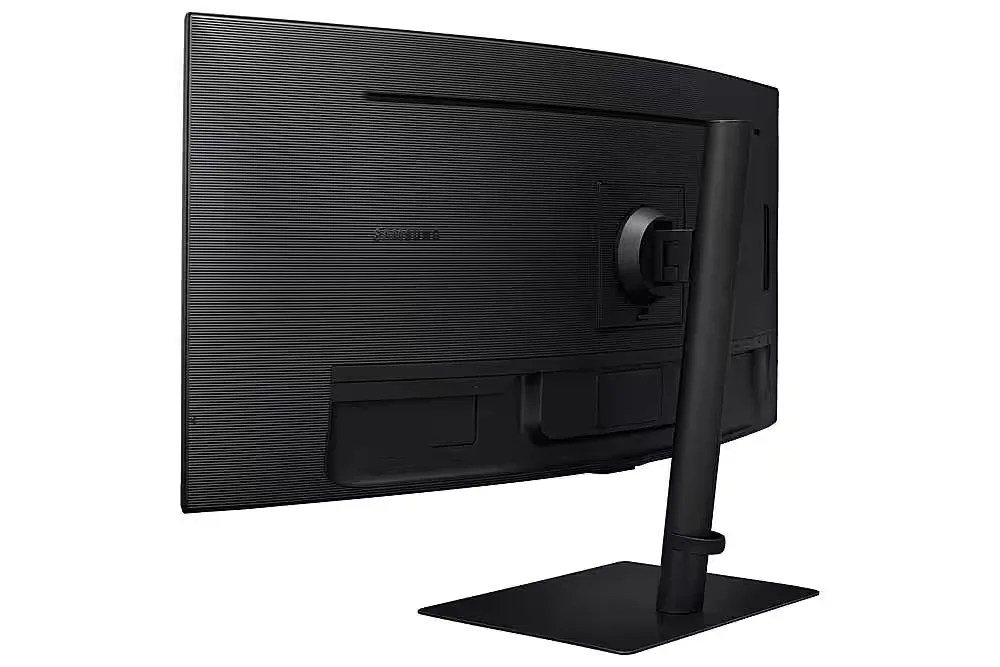
New model is pretty great, im happy they moved the control panel to a more accessible place
Verified purchase Verified purchase: This reviewer bought the product.Amaz0n User July 28, 2023Review source: AmazonSamsung moved the control panel to under the screen in the center under the logo. This is really helpful as the toggle button on the old model was a little annoying to use. I will say I think there is a design flaw, the cables get inserted in the back of the monitor pointing upward. Most people do not have a lot of space to access behind the monitor, I have to pull the screen out on my desk just to see back there and then you cant really see which input is which. It would be better if the input panel was rotated 180degrees so when youre looking at the back of the monitor from the front side you can look down and see the whole panel.