Customer Media
Highlights
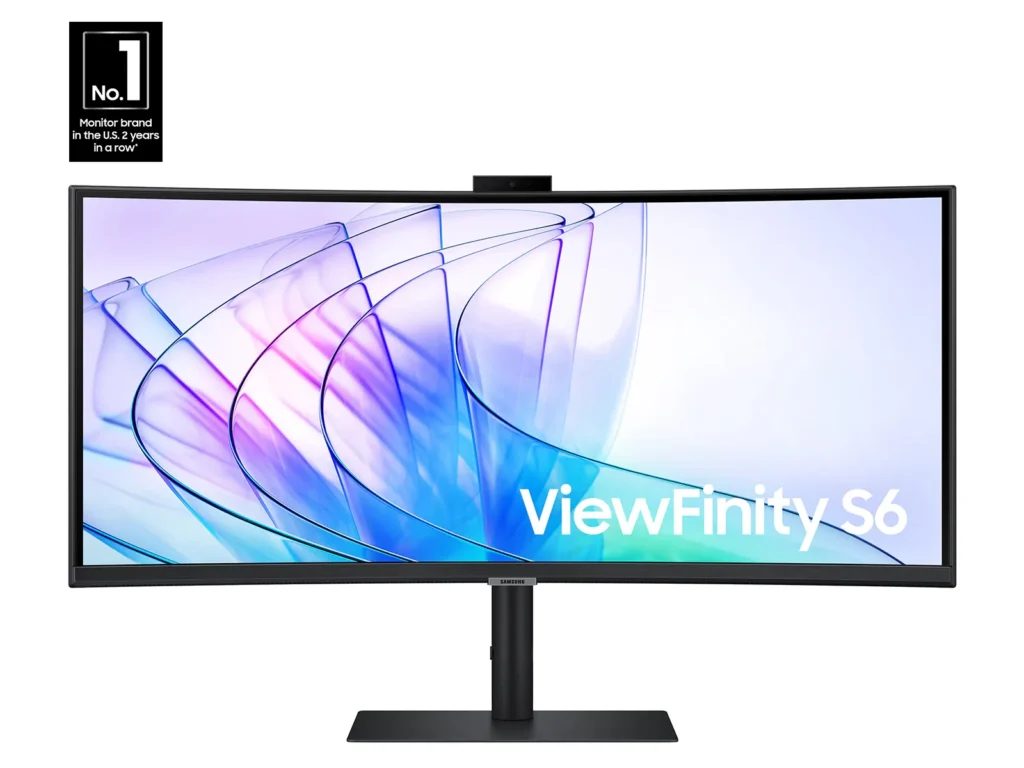
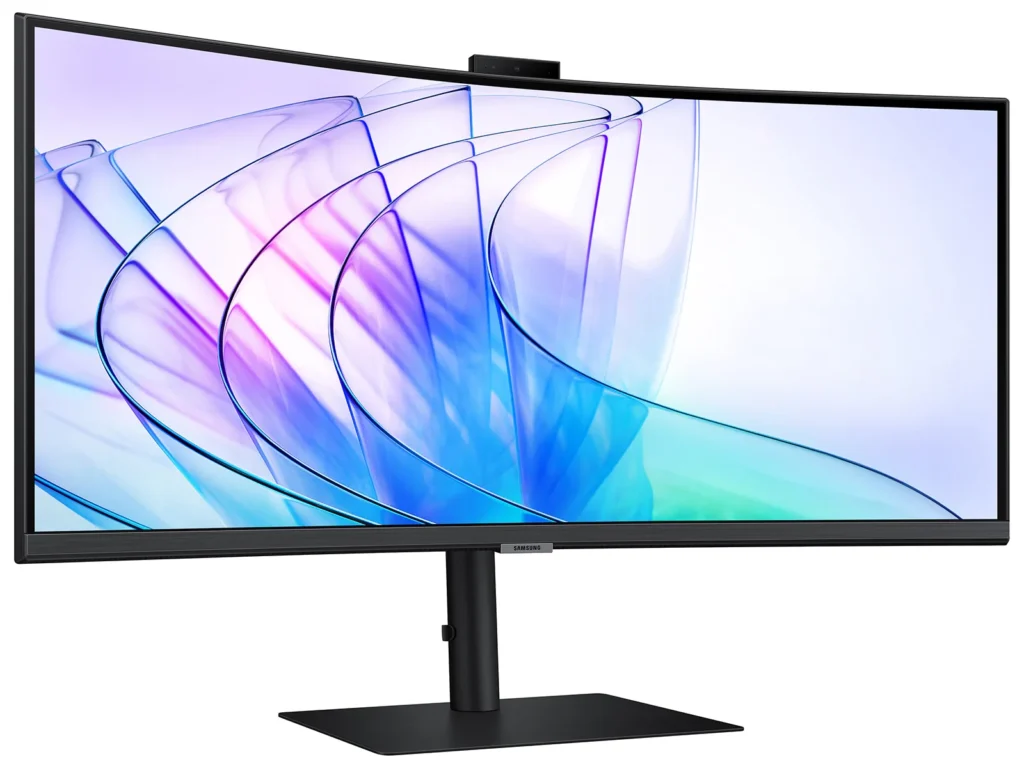
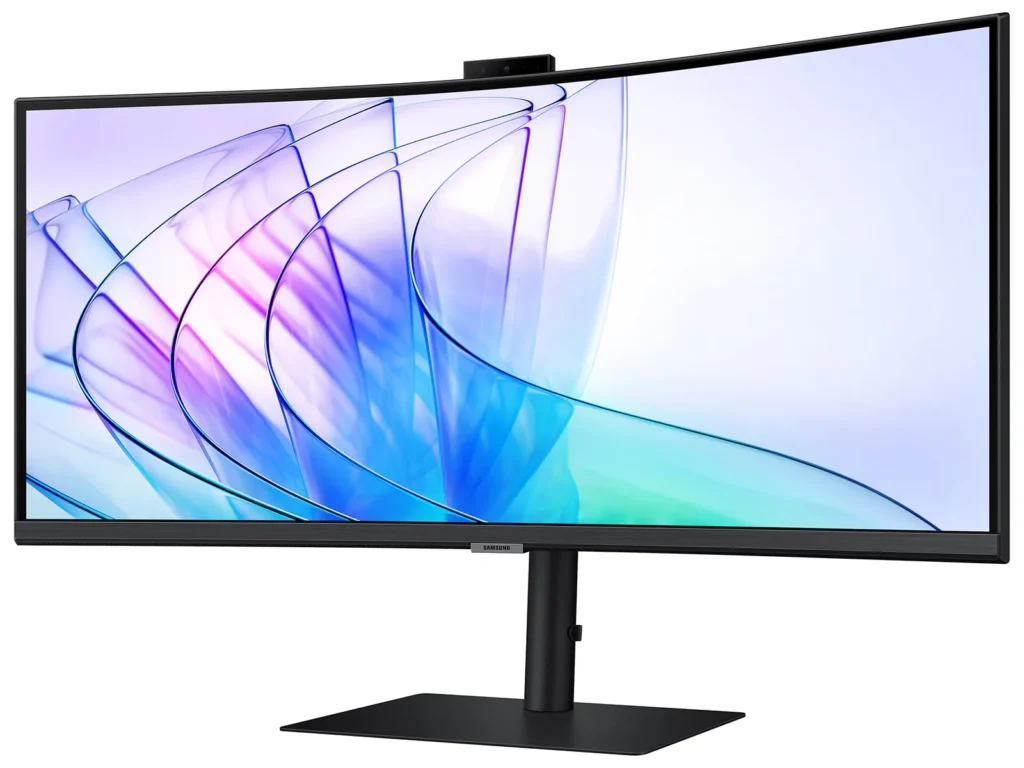
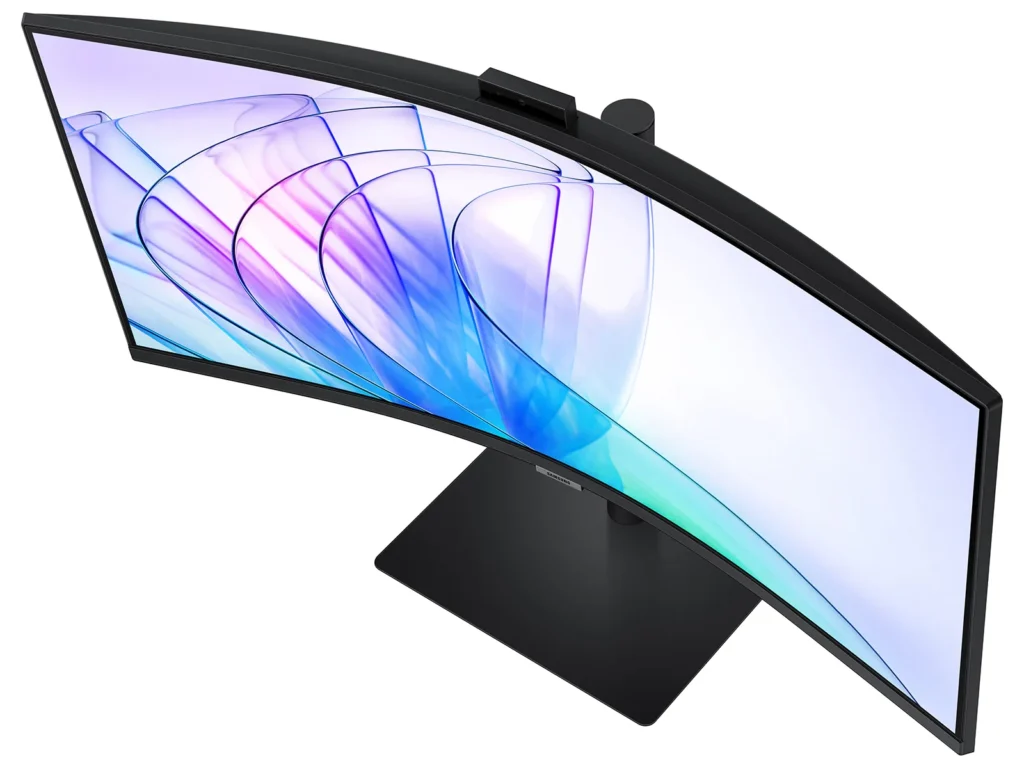
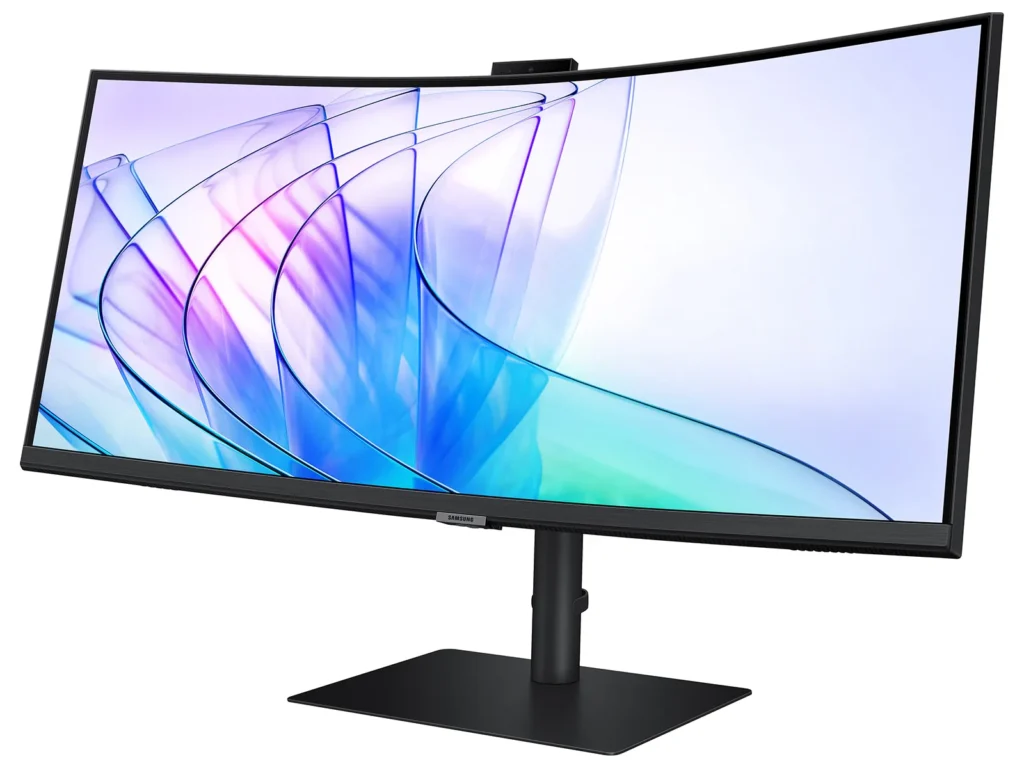
| Immersive Ultra-WQHD 1000R Curved Display | Experience unparalleled immersion with a 34-inch Ultra-WQHD (3440 x 1440) 1000R curved display, featuring a 21:9 aspect ratio that closely matches the human field of sight for maximized screen real estate and reduced eye strain during games, movies, or design projects. |
|---|---|
| Vivid Colors with HDR10 | Enjoy stunning visual fidelity with HDR10 technology, delivering 1 billion true-to-life colors, deeper darks, and brighter whites for a more dynamic and captivating viewing experience. |
| Smooth Performance with 100Hz Refresh Rate & AMD FreeSync™ | Achieve fluid and tear-free visuals with a 100Hz refresh rate and AMD FreeSync™ technology, which work together to eliminate screen stuttering and image tearing across all applications. |
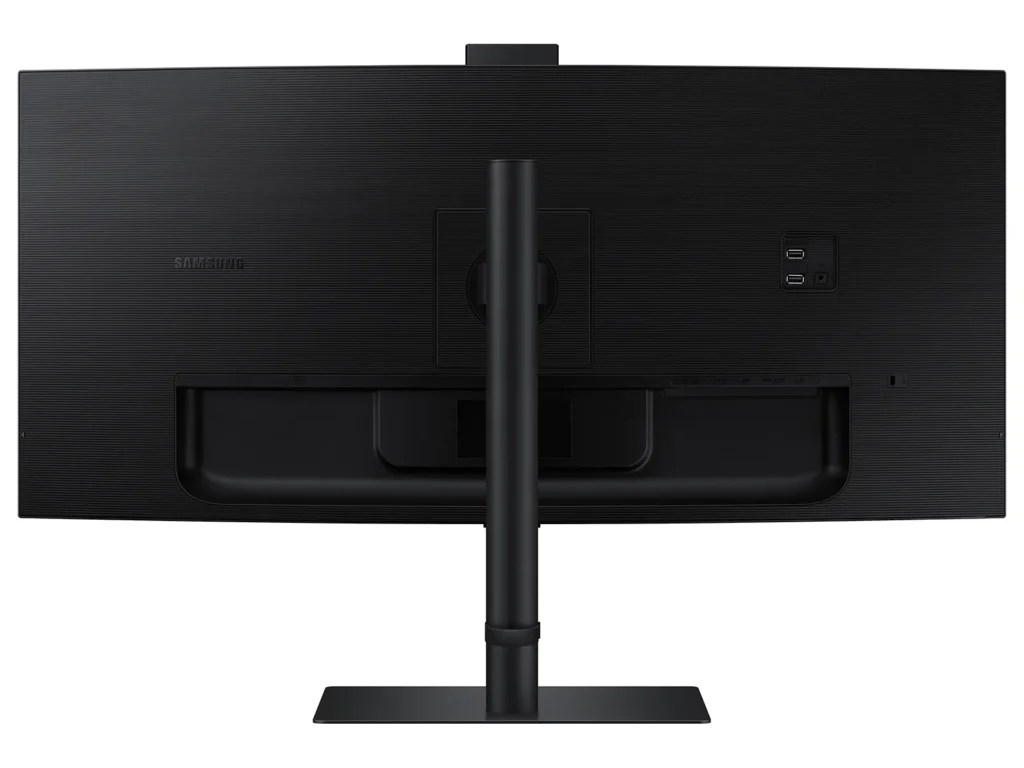
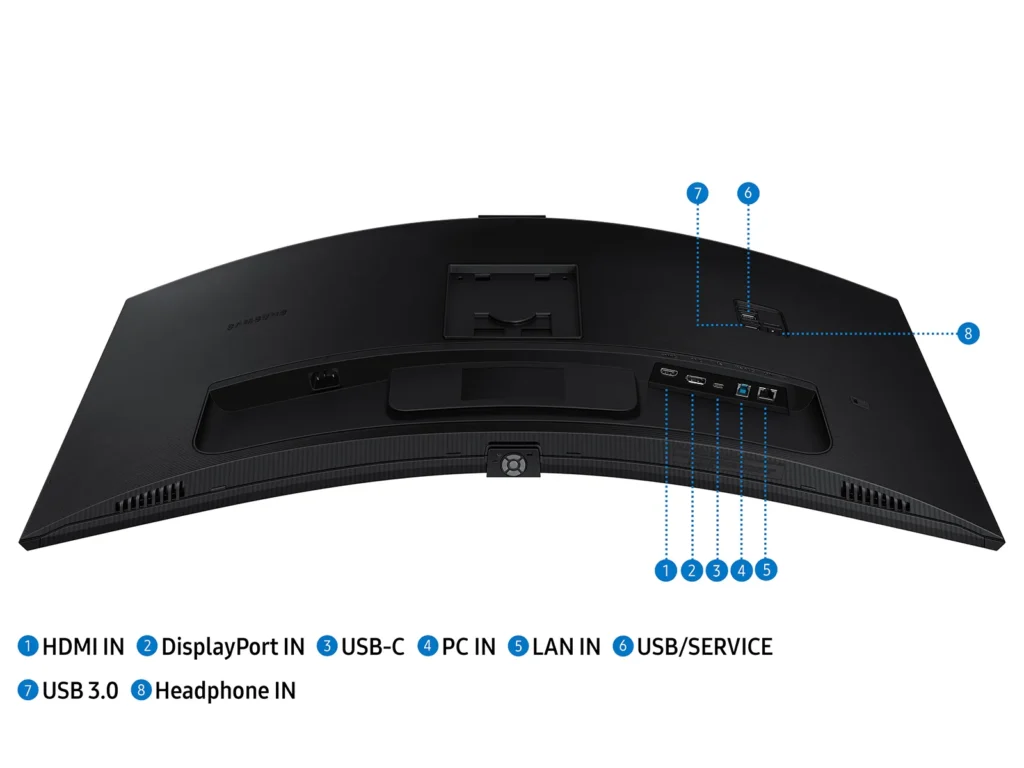
| All-in-One Connectivity & Integrated Features | Streamline your workspace with comprehensive connectivity, including a USB-C port with 90W charging, built-in speakers, a KVM switch for controlling multiple devices, and a secure 5MP IR webcam, all integrated into an ergonomic design. |
| Intelligent Eye Care | Protect your eyes with TUV-certified Intelligent Eye Care, which automatically adjusts screen brightness and color temperature in real-time to your environment, and includes Eye Saver Mode and Flicker Free technology to minimize eye strain. |
Pros & Cons
Pros
- Spacious and Clear Curved Display: The monitor is highly valued for its large, clear, and curved screen, which enhances viewing angles, reduces headaches from dual-screen setups, and provides ample space for multitasking and opening multiple windows.
- Integrated KVM Switch: The inclusion of an integrated KVM switch is a major advantage, allowing users to easily connect and switch between two computers while using a single keyboard and mouse.
- Good Picture Quality and Refresh Rate: Users report great colors, good brightness, and satisfactory response times and refresh rates (up to 100Hz for productivity), making it suitable for various tasks including work and light gaming.
Cons
- Defective and Poorly Designed Built-in Camera/Microphone: The built-in camera is frequently reported as not working, having poor video quality, or being non-adjustable, leading to awkward viewing angles. The microphone also suffers from reliability issues and feedback.
- Durability Issues and Screen Failures: A significant number of reviews mention screens spontaneously cracking, developing vertical bars, or experiencing backlight failures after only a few months of normal use, indicating potential quality control problems.
- Unsatisfactory Samsung Warranty and Customer Support: Customers consistently report negative experiences with Samsung's warranty service, stating that claims for screen defects are often denied as "physical damage" and that overall customer support is unhelpful or non-existent.
You might also like










Customer Reviews
Showing reviews 11-20 of 53
-
Stand is not adjustable–at all.
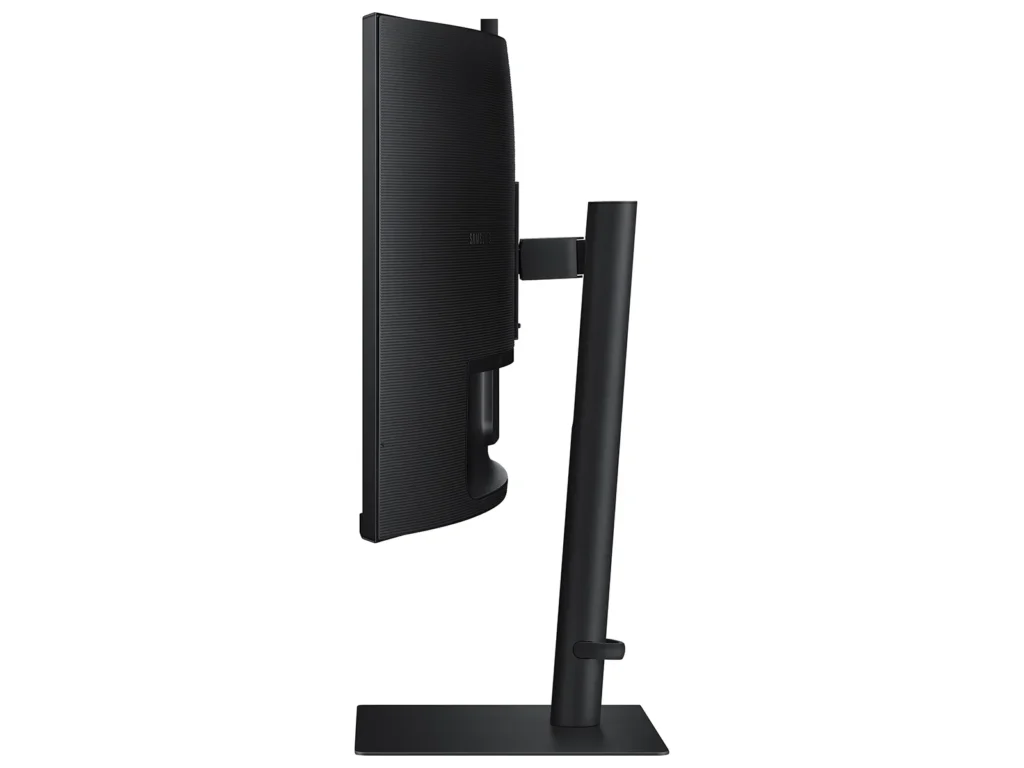
EdTech Girl September 30, 2025Review source: AmazonMonitor quality is okay, but, just like EVERY Samsung monitor I have ever owned, the stand is junk as it is not adjustable up or down. The advice of Samsung was to “buy a separate adjustable desk to put the monitor on.” Really?! How about his: Build a monitor stand that is adjustable. Pfffft.
-
Screen was not working
Verified purchase Verified purchase: This reviewer bought the product.Kiki Lin August 19, 2025Review source: AmazonThe screen was broken when I received it. The monitor screen was cut off, showing only half of the image. Had to rerun it right away. Good that the return process was considered to be smooth.
-
Excellent Product
Verified purchase Verified purchase: This reviewer bought the product. Incentivized Incentivized review: The reviewer received a benefit for sharing feedback.FerandoT August 15, 2025Review source: BestbuyPicture is awesome. Easy to set up. Quick response time.
-
KVM switch
Verified purchase Verified purchase: This reviewer bought the product.Mary Cecile August 10, 2025Review source: AmazonIncludes an integrated KVM switch, which to me was a huge selling point: lets you plug in two computers and switch with the touch of a button on the underside of the monitor. Switching sources is easy and fast. KVM also lets you use one keyboard+mouse for both computers. Very happy with the resolution and colors. Never had a curved screen before, and I was surprised that I didn’t notice it at all, after the first couple of minutes. The curve just makes it easier to see at the edges. Speaker sound is great. Screen size is perfect for two windows side-by-side (no need for two monitors). The camera is nice a bonus, but I prefer the higher quality of my external webcam. I’m super happy with this, but it’s definitely pricey. If you can afford it, it’s worth it. Notes:
– You can’t connect both computers via USB-C. One will be USB-C and the other will be HDMI.
– There are only 2 USB ports for peripherals. I use one for my keyboard/mouse (controls both devices) and the other for my webcam. I would have preferred one or two additional ports. -
Dont buy this monitor
Verified purchase Verified purchase: This reviewer bought the product. Incentivized Incentivized review: The reviewer received a benefit for sharing feedback.Fred August 9, 2025Review source: BestbuyI got this monitor openbox from BB in May 2024. The LCD went out in December 2024 and Samsung repaired it under warranty. Now, in June 2025, the monitor no longer powers on—1 month after the 12-month warranty expired. The estimated repair from Samsung is $330. From my view, BB and Samsung are at fault.
-
Samsung
Verified purchase Verified purchase: This reviewer bought the product. Incentivized Incentivized review: The reviewer received a benefit for sharing feedback.Helen August 8, 2025Review source: BestbuyOverall good product. The image quality may not be the best.
-
Super Screen Monitor!!!!!!
Verified purchase Verified purchase: This reviewer bought the product. Incentivized Incentivized review: The reviewer received a benefit for sharing feedback.JuanO August 3, 2025Review source: BestbuyPerfect to do HOME Office, I can open my 2D drawings and 3D Models and work perfectly without any issue..
-
Built-in camera poorly designed
Verified purchase Verified purchase: This reviewer bought the product.Andrea July 27, 2025Review source: AmazonRe-think buying the monitor with the built-in camera (also save some money since it’s more expensive than the monitor with the speakers); it is at a fixed position with no adjustable position/angle so if you have to look at your monitor and share screens, the other meeting attendees will see your face from the chin up and a lot of space overhead unless you lower the monitor so you’re at center view. Not ideal for you as you’d be looking down at your monitor. I had to opt for using an external webcam so I could adjust the angle to be centered for the other meeting attendees, and better viewing of the monitor for me. For someone in a lot of virtual meetings where we have to screen share, the camera is poorly designed.
Unfortunately didn’t pay enough attention to the reviews before purchasing during Prime Day and I’ve already set it up, otherwise I’d return it. Other than the camera issue, it’s working fine so far (only been a couple of weeks).
-
monitor for office
Verified purchase Verified purchase: This reviewer bought the product. Incentivized Incentivized review: The reviewer received a benefit for sharing feedback.KellyD July 4, 2025Review source: BestbuyBest monitor for the office with camera and speakers!
-
Cracked on the Curve After Normal Use after 6 months — Samsung Won’t Cover It
Verified purchase Verified purchase: This reviewer bought the product.BariatricPal June 24, 2025Review source: AmazonI bought this curved Samsung monitor expecting quality, but after just a few months of normal desk use, the glass cracked on its own — right where the curve bends. It was never dropped, bumped, or moved. I was even away from home when it happened.
I reached out to Samsung expecting support, since this is clearly a manufacturer defect, but they refused to cover it under warranty, calling it “physical damage.” If you look online, you’ll see other customers with the exact same issue.
Very disappointed. Poor quality and even worse customer service. Be warned: if something goes wrong, you’re on your own.