Customer Media
Highlights
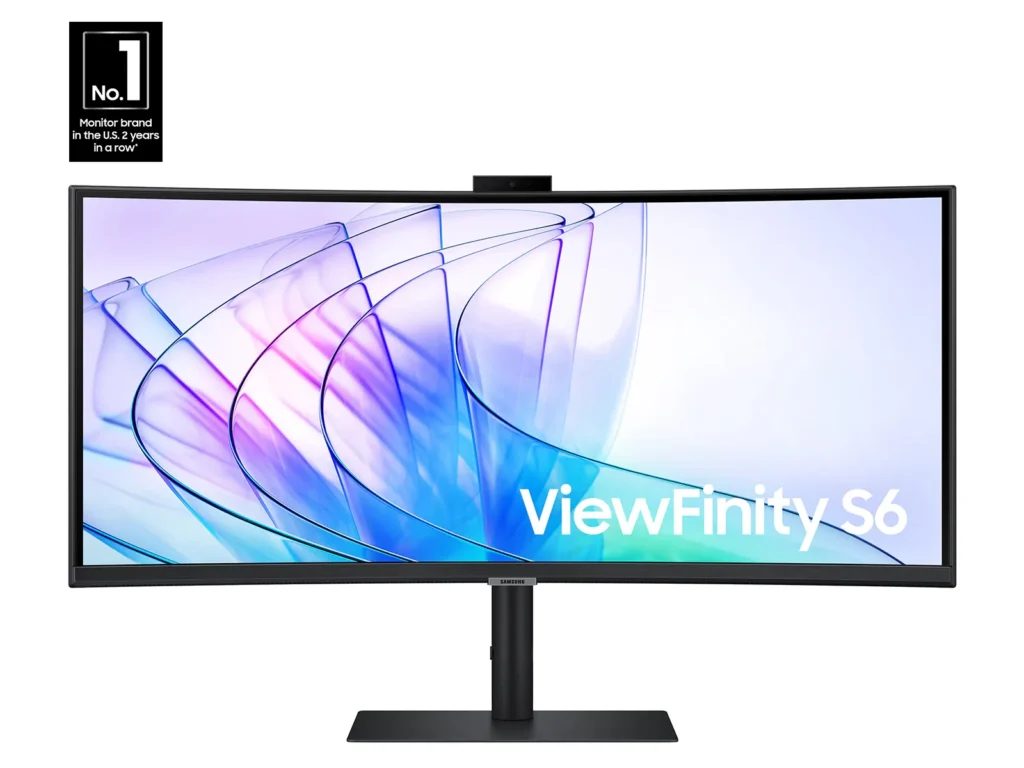
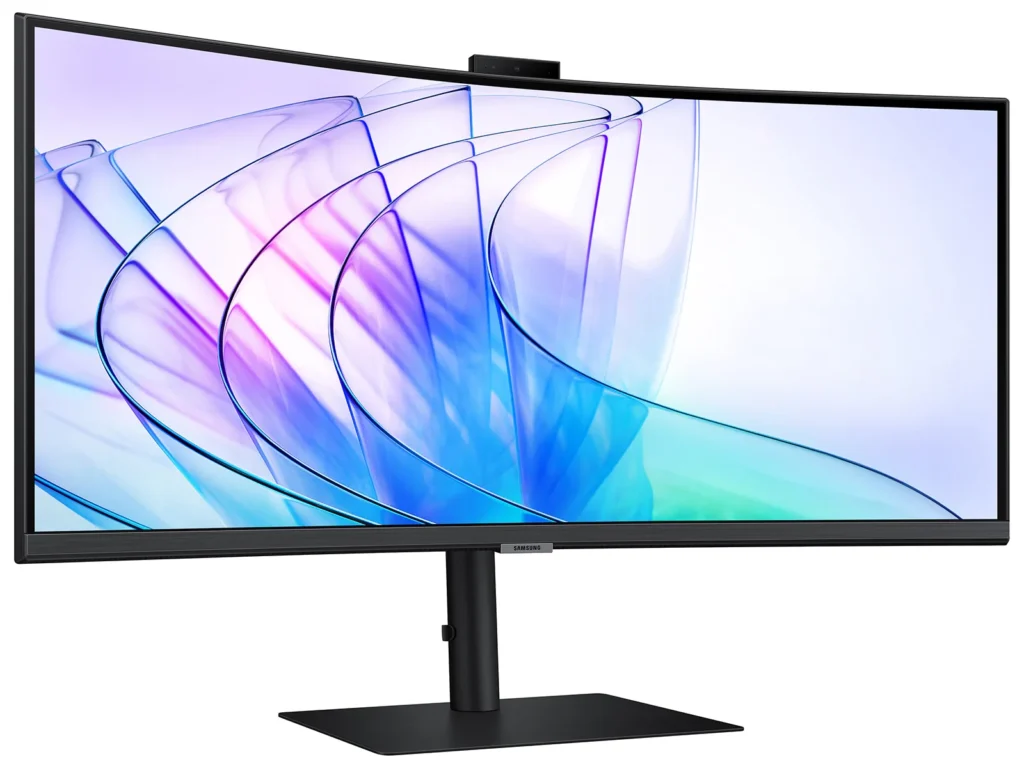
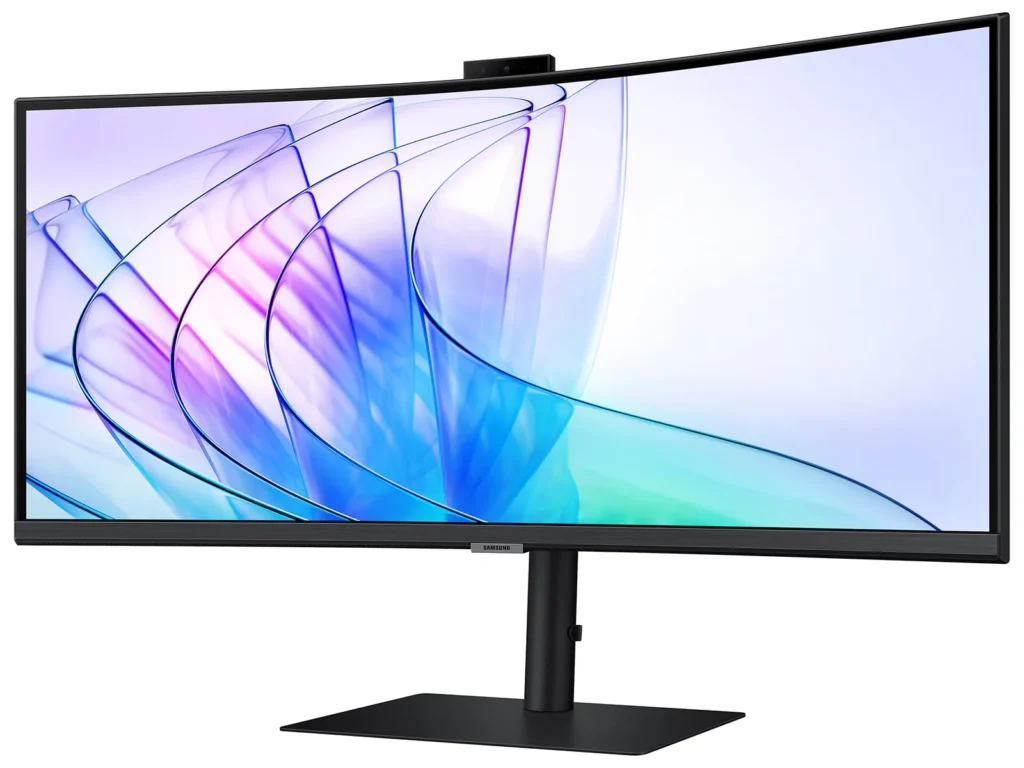
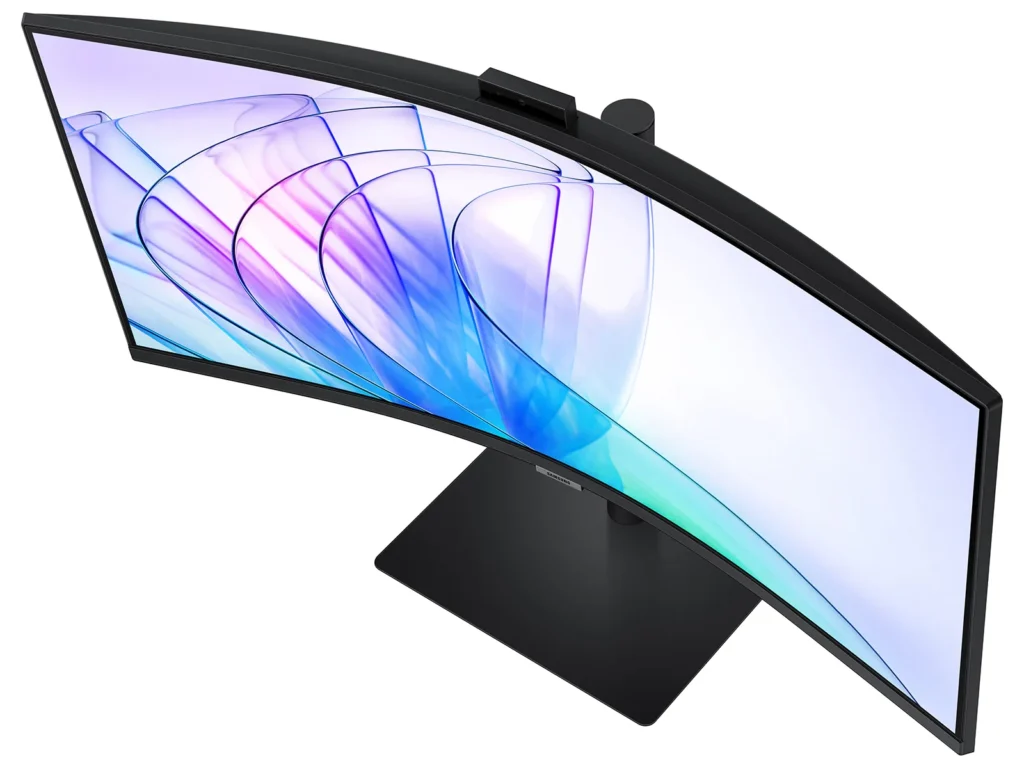
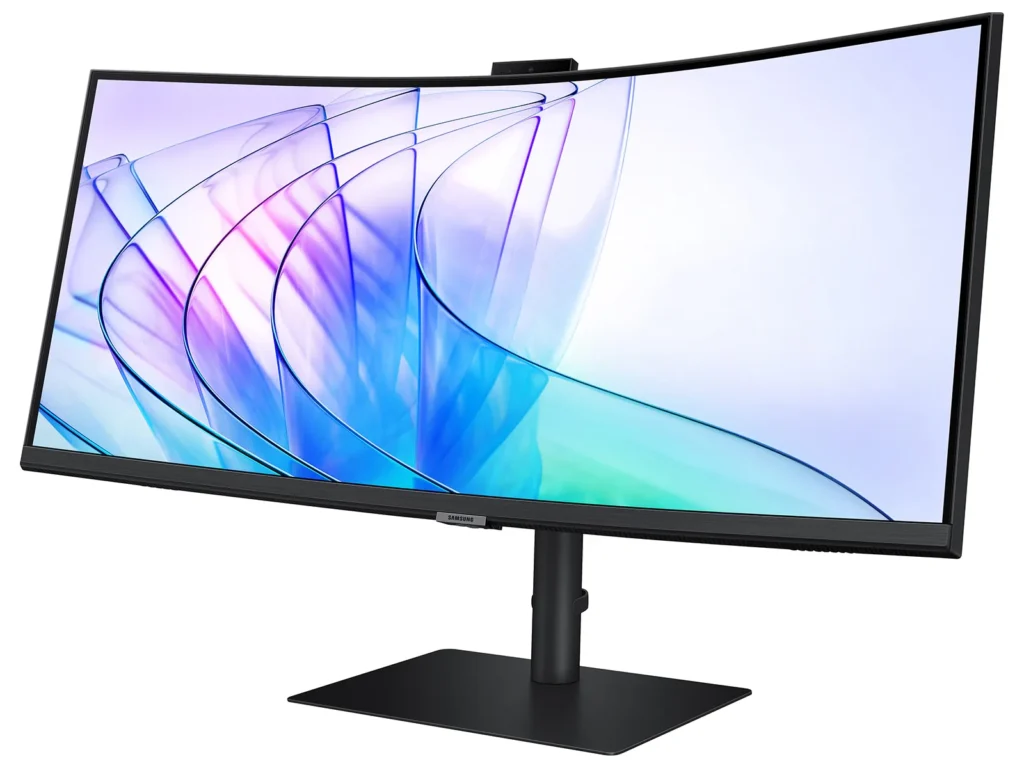
| Immersive Ultra-WQHD 1000R Curved Display | Experience unparalleled immersion with a 34-inch Ultra-WQHD (3440 x 1440) 1000R curved display, featuring a 21:9 aspect ratio that closely matches the human field of sight for maximized screen real estate and reduced eye strain during games, movies, or design projects. |
|---|---|
| Vivid Colors with HDR10 | Enjoy stunning visual fidelity with HDR10 technology, delivering 1 billion true-to-life colors, deeper darks, and brighter whites for a more dynamic and captivating viewing experience. |
| Smooth Performance with 100Hz Refresh Rate & AMD FreeSync™ | Achieve fluid and tear-free visuals with a 100Hz refresh rate and AMD FreeSync™ technology, which work together to eliminate screen stuttering and image tearing across all applications. |
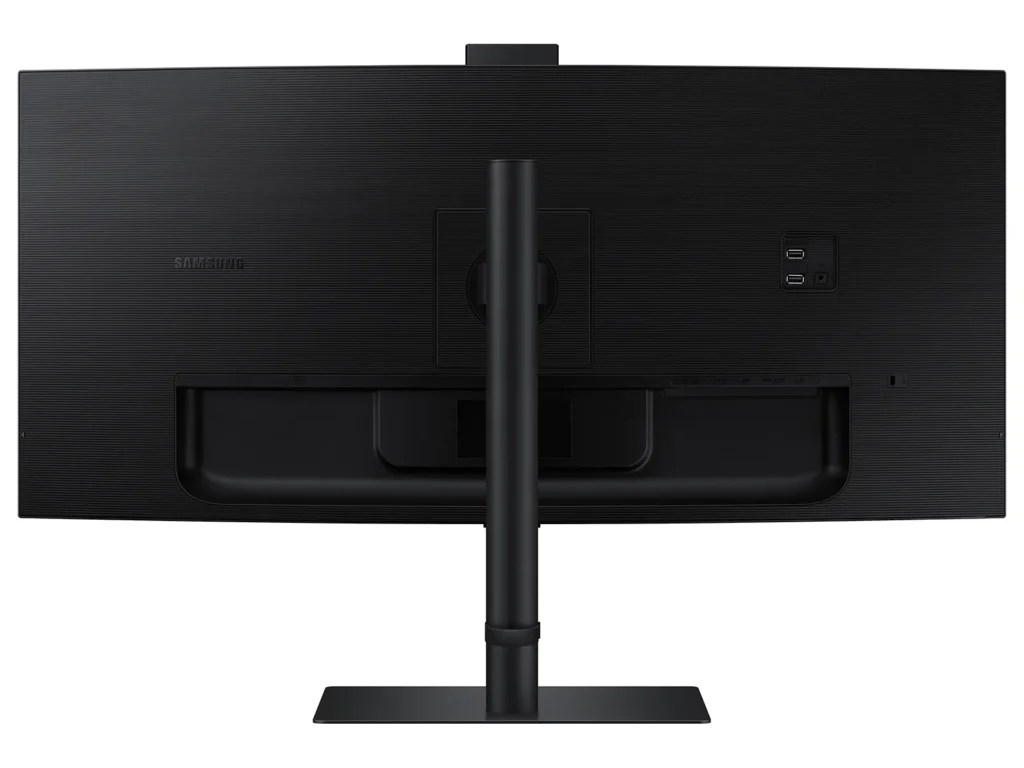
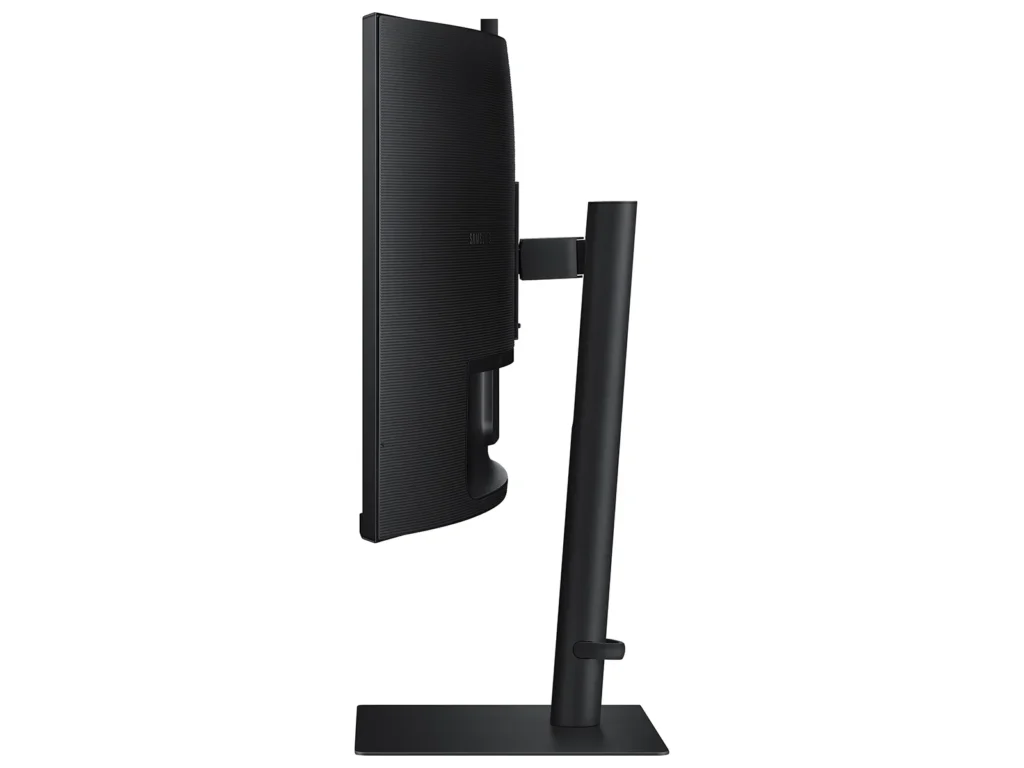
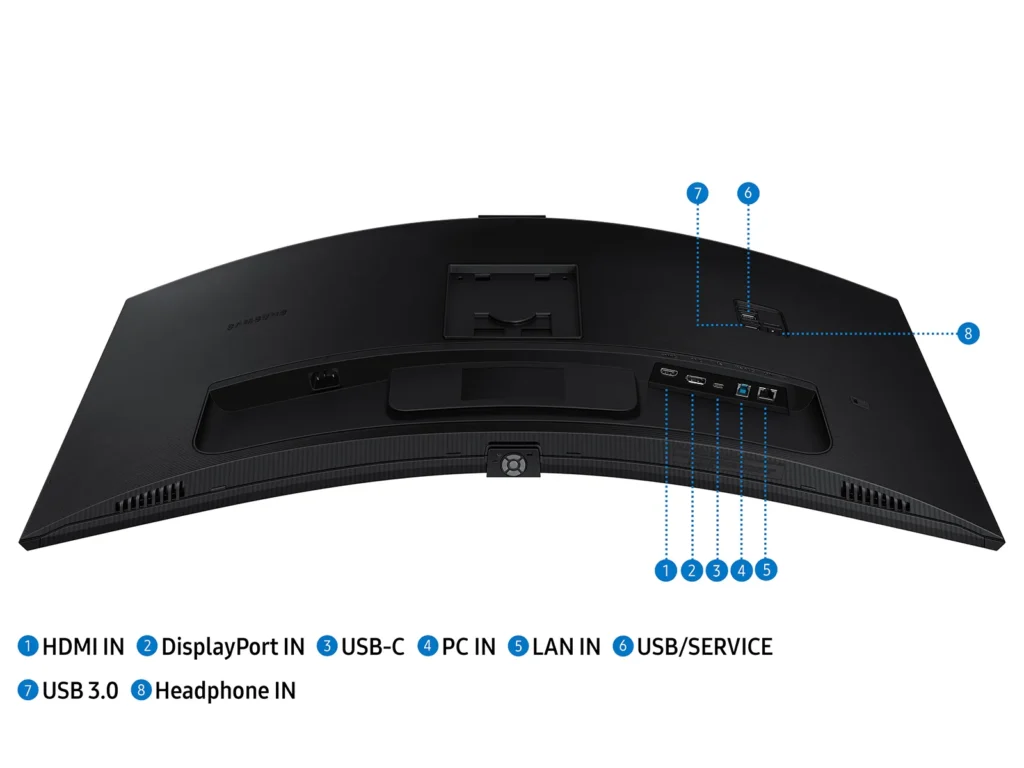
| All-in-One Connectivity & Integrated Features | Streamline your workspace with comprehensive connectivity, including a USB-C port with 90W charging, built-in speakers, a KVM switch for controlling multiple devices, and a secure 5MP IR webcam, all integrated into an ergonomic design. |
| Intelligent Eye Care | Protect your eyes with TUV-certified Intelligent Eye Care, which automatically adjusts screen brightness and color temperature in real-time to your environment, and includes Eye Saver Mode and Flicker Free technology to minimize eye strain. |
Pros & Cons
Pros
- Spacious and Clear Curved Display: The monitor is highly valued for its large, clear, and curved screen, which enhances viewing angles, reduces headaches from dual-screen setups, and provides ample space for multitasking and opening multiple windows.
- Integrated KVM Switch: The inclusion of an integrated KVM switch is a major advantage, allowing users to easily connect and switch between two computers while using a single keyboard and mouse.
- Good Picture Quality and Refresh Rate: Users report great colors, good brightness, and satisfactory response times and refresh rates (up to 100Hz for productivity), making it suitable for various tasks including work and light gaming.
Cons
- Defective and Poorly Designed Built-in Camera/Microphone: The built-in camera is frequently reported as not working, having poor video quality, or being non-adjustable, leading to awkward viewing angles. The microphone also suffers from reliability issues and feedback.
- Durability Issues and Screen Failures: A significant number of reviews mention screens spontaneously cracking, developing vertical bars, or experiencing backlight failures after only a few months of normal use, indicating potential quality control problems.
- Unsatisfactory Samsung Warranty and Customer Support: Customers consistently report negative experiences with Samsung's warranty service, stating that claims for screen defects are often denied as "physical damage" and that overall customer support is unhelpful or non-existent.
You might also like










Customer Reviews
Showing reviews 41-50 of 53
-
Nice picture but the camera did not work out of the box
Verified purchase Verified purchase: This reviewer bought the product.Nadeem May 21, 2024Review source: AmazonPicture is nice, but the built-in camera did not work. This item cannot be returned through Amazon. I had to register with Samsung, and contact the Customer Support. After three hours of chatting and following different options to resolve the issue, none of which worked, they created a ticket for a repair. Shipping is free both ways but there was no option to return it for a refund or a replaced one. All physical stores allow 14 days return policy.
Not all products come Dead on Arrival, but if they do, Samsung does not have a good policy when it comes to replacing or returning DoA products.
-
Great picture quality
Verified purchase Verified purchase: This reviewer bought the product.Amazon Customer May 17, 2024Review source: Amazon -
Most of the time, does a great job
Verified purchase Verified purchase: This reviewer bought the product.Erik May 15, 2024Review source: AmazonAuto-switching inputs isn’t 100% reliable, which isn’t a big deal. Panel has a couple hot-spots in the lower right corner, but they’re only noticeable if you’re looking for them. A solid “pretty good” in a world of garbage.
-
Screen cracked just sitting there, Samsung will not warrantee
Verified purchase Verified purchase: This reviewer bought the product.Andrat May 14, 2024Review source: AmazonI’m a professional software engineer who works from home. I liked this monitor just fine. One morning I turned it on to discover a vertical crack running through it. Its just been sitting here for my 5 months of ownership. I’m not a gamer, my kids are in college, and I am somewhat boring. After sending it to Samsung, they reply that they (a) do not have the parts, and (b) will not warrantee anyway due to “physical damage”. There is no physical damage to the monitor! (but it does have a cracked screen). There is no recourse (the denial email has a “do not reply”!). Please be aware of Samsung support policies before buying any Samsung monitor!
-
Great features for the price… but it's not "everything" it could be
Chris Ruch March 30, 2024Review source: AmazonAs a Mac user (using a Mac Studio primarily for video editing in Adobe Premiere, and also some design/photography in other Adobe Cloud applications), I went with this display due to the ultra-wide curved display and the price… and it seemed like it would be sufficiently Mac-Friendly. For the most part, I am satisfied but not 100% in love.
For starters, fellow Mac users, you might find that initially some text is blurry or otherwise not rendering properly – especially noticeable when web browsing and in Adobe InDesign. I did some digging online and found a suggestion to turn off HDR mode in the Mac’s display settings, and put the monitor in ECO mode (in the monitor’s picture settings), which seems to have helped improve the quality/clarity.
The built-in speaker is sub-par… quite tinny (almost as bad as the Mac Studio’s internal speaker). So I got the new Creative Pebble X Plus speakers (with subwoofer) to help beef up the sound a bit – and that system sounds fantastic.
There’s no built-in webcam, so I added a Logitech webcam. Just something to consider if you’re trying to save money but need those extra bells and whistles.
I also sometimes play games on this display (my game console connects via HDMI, while the Mac is connected via USB-C)…. and for some reason the monitor randomly switches between HDMI and USB-C even if my computer is remaining asleep. Thankfully when the console is off or asleep, Mac OS stays visible on screen without this random switching issue. Current Gen Game Consoles do not appear to support ultra-wide displays, so you have to either let the image stretch unnaturally wide, or crop it down (there’d be black bars on each side) so the gameplay screen is a true 16:9 ratio.
The under-screen menu buttons are not a great design choice… kind of inconvenient (and impossible to see without putting your head on your desk) and the options in the menu are quite limited. Takes a while to get used to using it. A software control panel for Mac would be greatly preferred.
Perhaps some models from Samsung can connect to WIFI And do updates without the computer’s OS being involved, but this monitor is “dumb” from that standpoint… needs Windows or a USB thumb drive to do any updates (as of this post, there’s been no updates since I purchased it).
IN SUMMARY: this is probably a better monitor for Windows users than Mac users, but it will work for Mac users if you don’t mind having some limitations. And I would not suggest this monitor for console gaming until consoles support ultra-wide displays natively
-
Great monitor with a few quirks.
Verified purchase Verified purchase: This reviewer bought the product.Gerald March 17, 2024Review source: Amazonpurchased this to use on a brand new Mac Mini. The monitor works great and I like the image quality. This is my first curved monitor and it took a bit of getting use to visually. Almost a little vertigo when moving from side to side.
Quirks:
#1 Sound quality is terrible. Plan on using other speakers if sound is important
#2 Like so many people have reported every time it wakes up from sleep the monitor’s MENU pops up on the screen for about 20 seconds or so. The good news is it goes away but on the Make it pops up in the place where you need to type your screen password.
#3 The camera works great on the mac but you cannot adjust the angle of the camera (or the monitor) so the image is from my neck UP only and no easy way to correct it. -
For work
Verified purchase Verified purchase: This reviewer bought the product. Incentivized Incentivized review: The reviewer received a benefit for sharing feedback.LanayeL February 19, 2024Review source: BestbuyHuge. Good quality pictures and very clear…………
-
Webcam doesn’t work!!
Verified purchase Verified purchase: This reviewer bought the product. Incentivized Incentivized review: The reviewer received a benefit for sharing feedback.DebbieK January 26, 2024Review source: BestbuyI wanted a larger monitor with built in sound and camera. A week after my purchase the price dropped $100, I ended up buying a new PC because the one I had the graphics card would not support this monitor. Graphics are nice! I still cannot get the built in web cam to work and Samsung support really provides none. So this was an expensive lesson just to get a bigger better monitor.
-
Love this monitor!
Verified purchase Verified purchase: This reviewer bought the product. Incentivized Incentivized review: The reviewer received a benefit for sharing feedback.DanOinOside January 3, 2024Review source: BestbuyBought this as a Christmas gift for my wife who replaced two separate monitors with this one and uses it with her Macbook Pro. Great colors and contrast and was easily connected. She loves it!
-
Camera will not work with Mac as Samsung said
Verified purchase Verified purchase: This reviewer bought the product.ptatum December 4, 2023Review source: AmazonThis monitor will not work with built in camera you will need to purchase a external camera
Very upset about this because I call Samsung and they told me it works with Mac – Not True