Customer Media
Highlights
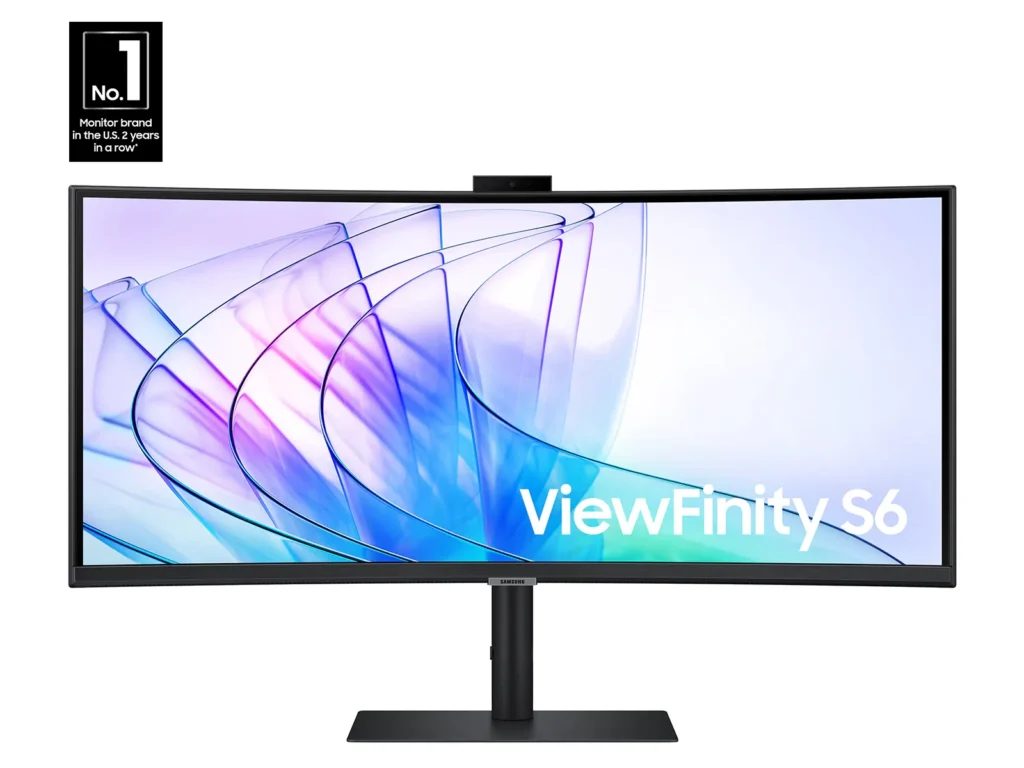
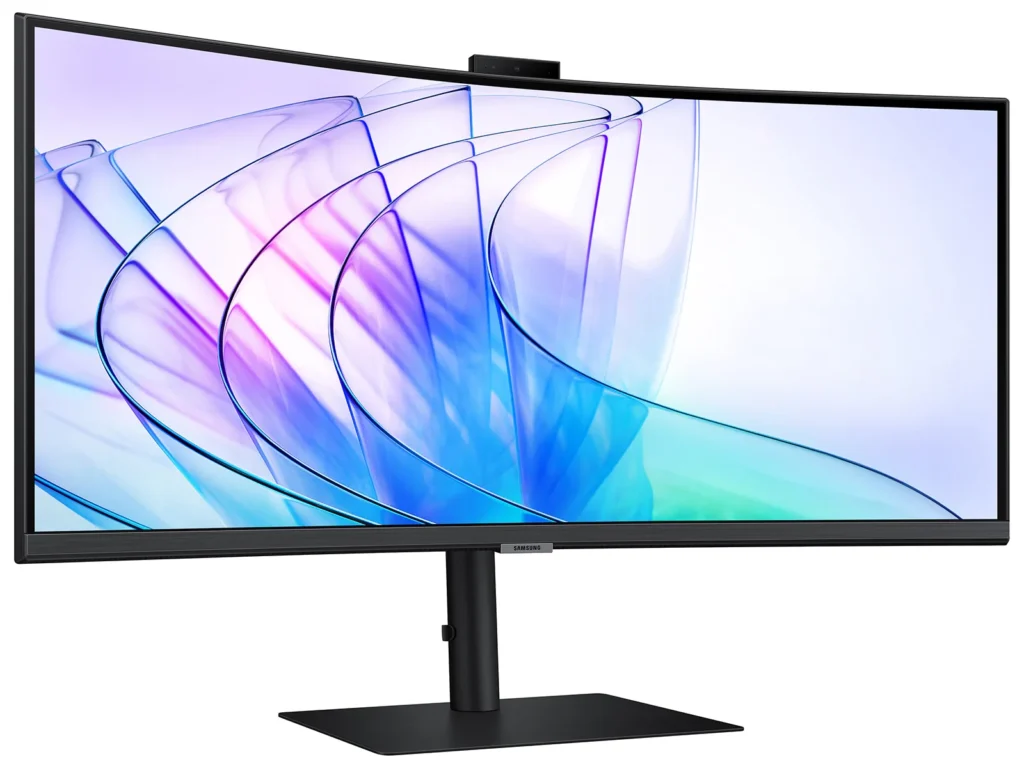
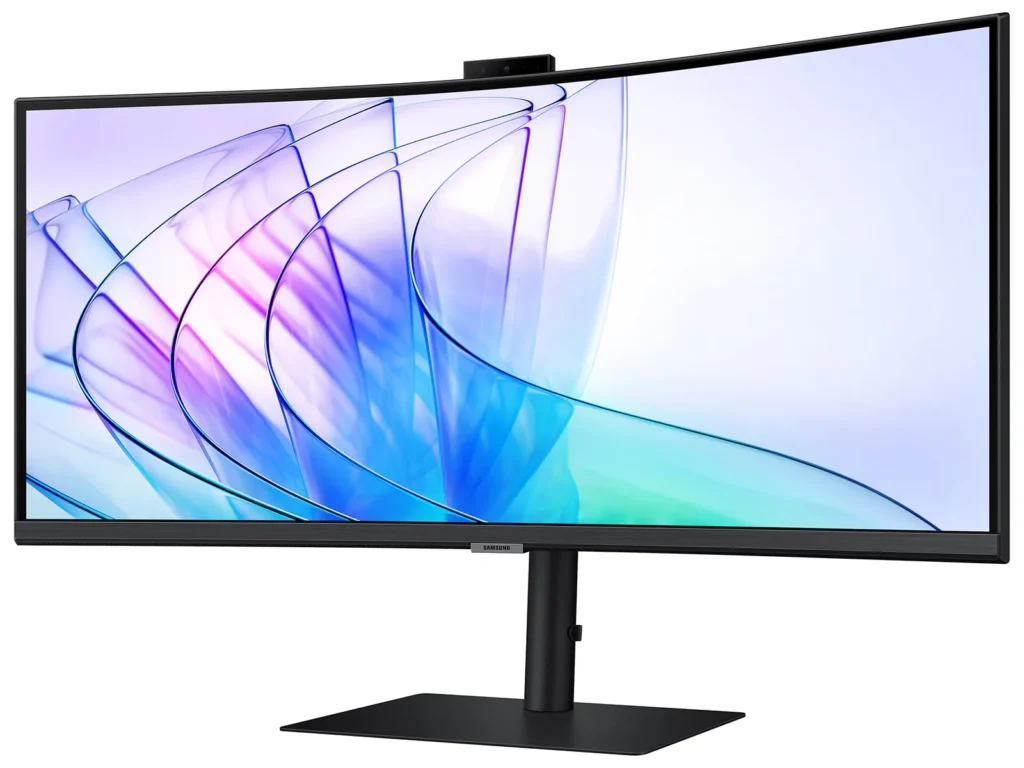
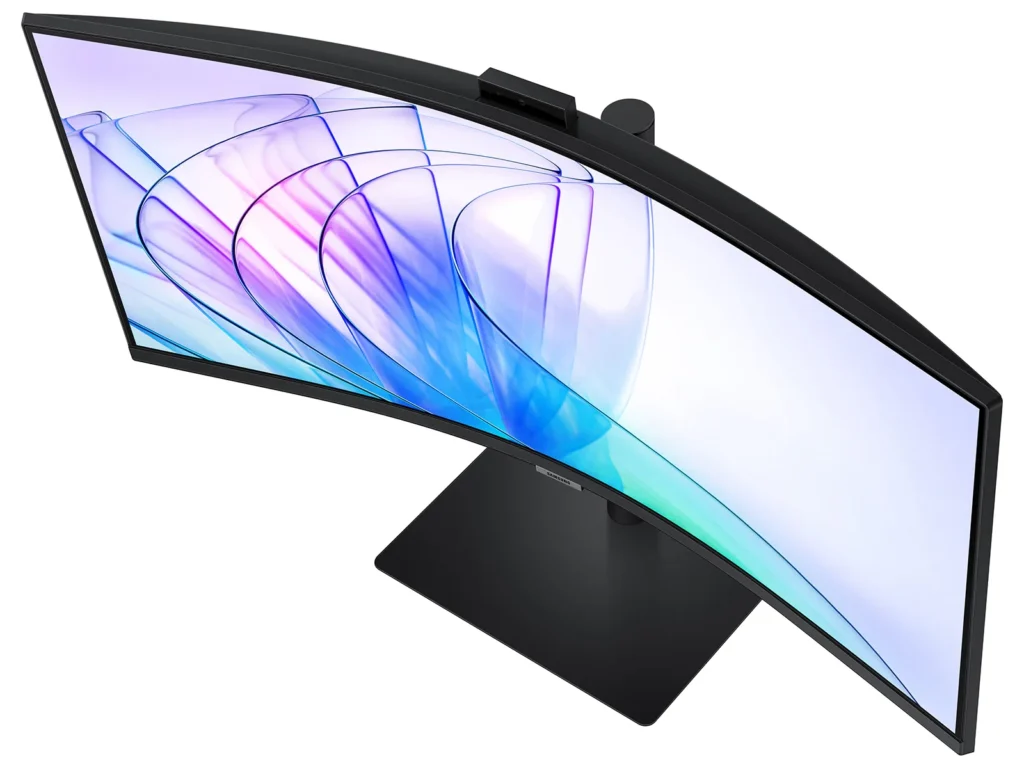
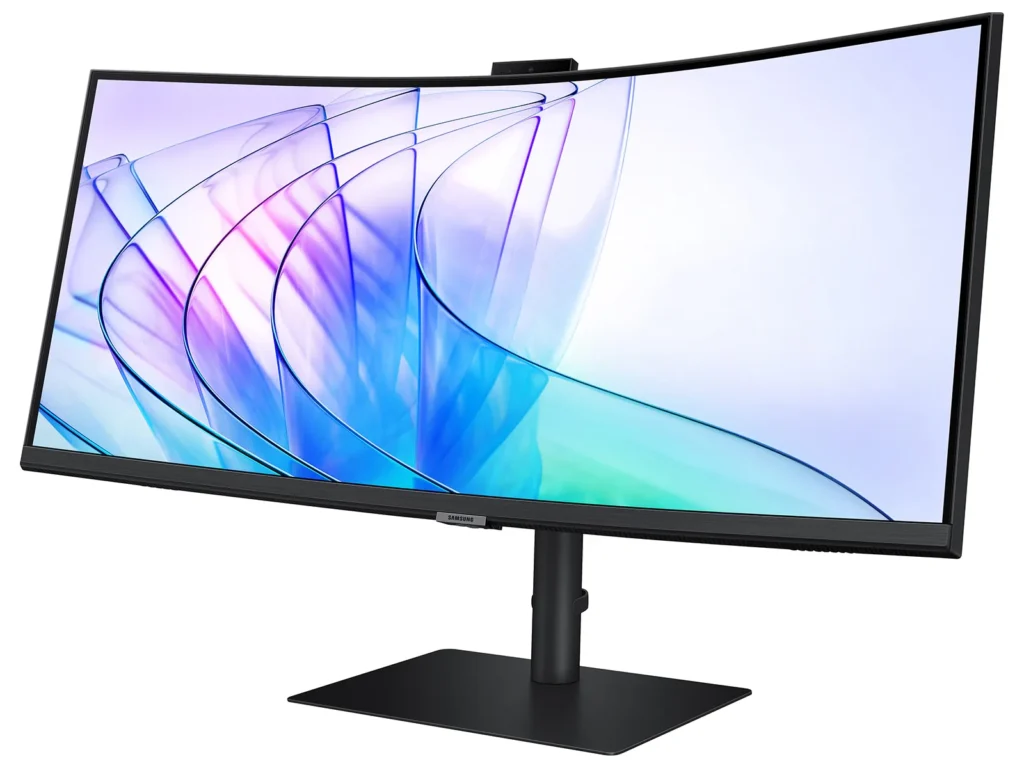
| Immersive Ultra-WQHD 1000R Curved Display | Experience unparalleled immersion with a 34-inch Ultra-WQHD (3440 x 1440) 1000R curved display, featuring a 21:9 aspect ratio that closely matches the human field of sight for maximized screen real estate and reduced eye strain during games, movies, or design projects. |
|---|---|
| Vivid Colors with HDR10 | Enjoy stunning visual fidelity with HDR10 technology, delivering 1 billion true-to-life colors, deeper darks, and brighter whites for a more dynamic and captivating viewing experience. |
| Smooth Performance with 100Hz Refresh Rate & AMD FreeSync™ | Achieve fluid and tear-free visuals with a 100Hz refresh rate and AMD FreeSync™ technology, which work together to eliminate screen stuttering and image tearing across all applications. |
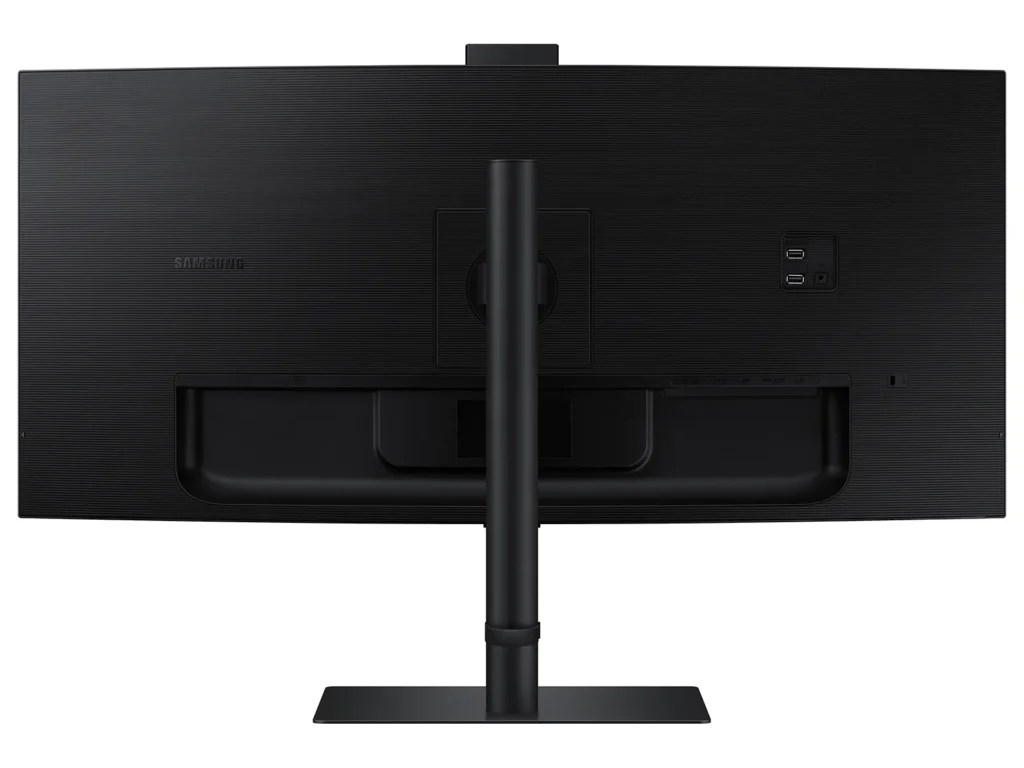
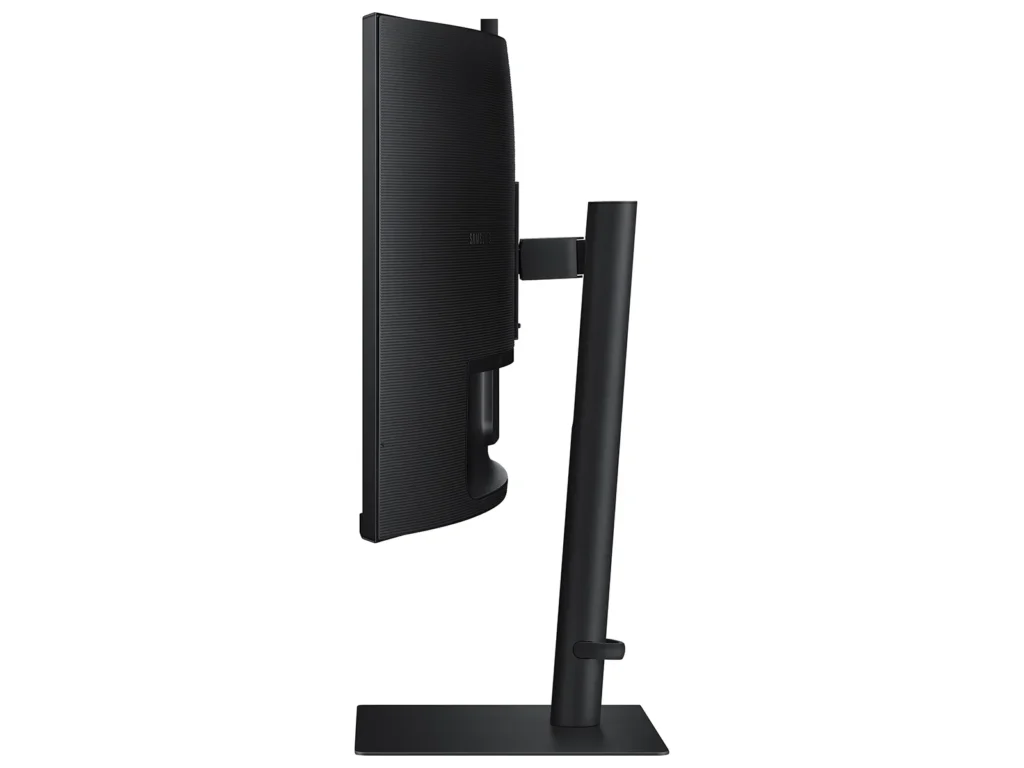
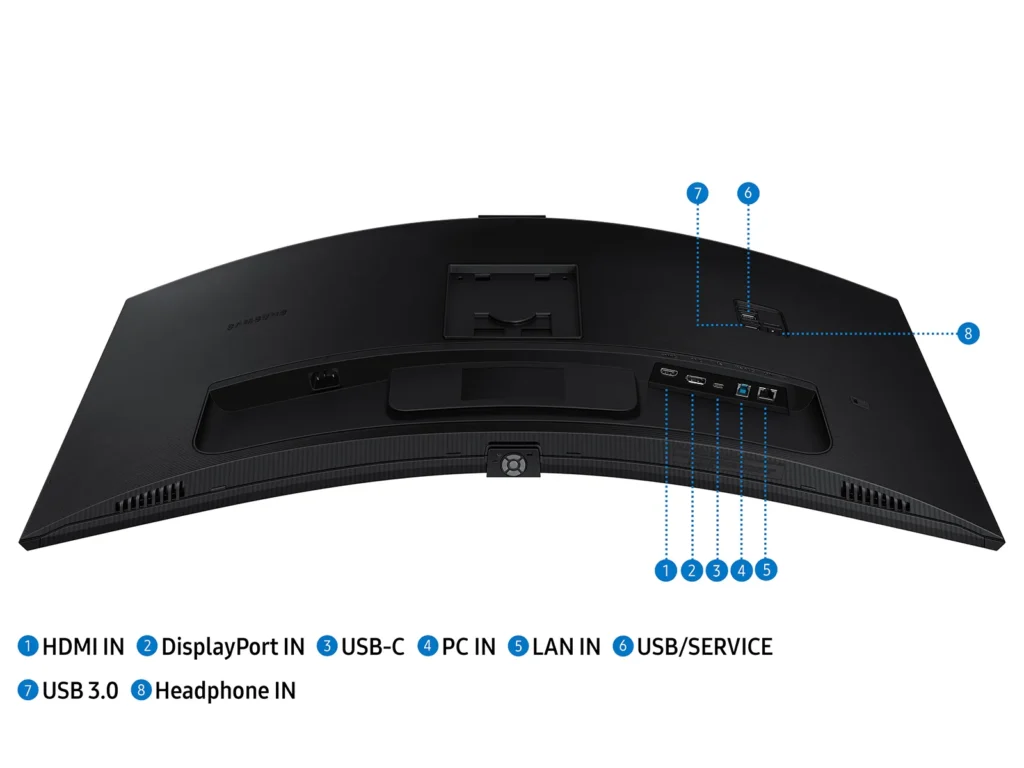
| All-in-One Connectivity & Integrated Features | Streamline your workspace with comprehensive connectivity, including a USB-C port with 90W charging, built-in speakers, a KVM switch for controlling multiple devices, and a secure 5MP IR webcam, all integrated into an ergonomic design. |
| Intelligent Eye Care | Protect your eyes with TUV-certified Intelligent Eye Care, which automatically adjusts screen brightness and color temperature in real-time to your environment, and includes Eye Saver Mode and Flicker Free technology to minimize eye strain. |
Pros & Cons
Pros
- Spacious and Clear Curved Display: The monitor is highly valued for its large, clear, and curved screen, which enhances viewing angles, reduces headaches from dual-screen setups, and provides ample space for multitasking and opening multiple windows.
- Integrated KVM Switch: The inclusion of an integrated KVM switch is a major advantage, allowing users to easily connect and switch between two computers while using a single keyboard and mouse.
- Good Picture Quality and Refresh Rate: Users report great colors, good brightness, and satisfactory response times and refresh rates (up to 100Hz for productivity), making it suitable for various tasks including work and light gaming.
Cons
- Defective and Poorly Designed Built-in Camera/Microphone: The built-in camera is frequently reported as not working, having poor video quality, or being non-adjustable, leading to awkward viewing angles. The microphone also suffers from reliability issues and feedback.
- Durability Issues and Screen Failures: A significant number of reviews mention screens spontaneously cracking, developing vertical bars, or experiencing backlight failures after only a few months of normal use, indicating potential quality control problems.
- Unsatisfactory Samsung Warranty and Customer Support: Customers consistently report negative experiences with Samsung's warranty service, stating that claims for screen defects are often denied as "physical damage" and that overall customer support is unhelpful or non-existent.
You might also like










Customer Reviews
Showing reviews 51-53 of 53
-
Good for business
Verified purchase Verified purchase: This reviewer bought the product. Incentivized Incentivized review: The reviewer received a benefit for sharing feedback.Anonymous December 3, 2023Review source: BestbuyGot for my manager so she could split screen QuickBooks and the management software. She also zoom calls every month with her management group. She seems to like it.
-
Nice Monitor, Bad Screen Lighting
Verified purchase Verified purchase: This reviewer bought the product.R.W.Koenig October 28, 2023Review source: AmazonInitially this monitor seemed fine. Less than 30 days after purchase the screen lighting went bad; some background lighting in the center section but very dark on right and left sides. Maybe just a single instance of a lemon, but the previous monitor I had to this one was also a Samsung flat screen whose electronics for screen lighting went bad as well. I can’t say enough good about Samsung TV’s, but the experience I’ve had with their computer monitors has been disastrous!
-
Sound just stopped working after 3 days
Verified purchase Verified purchase: This reviewer bought the product.Nabeeh D. October 10, 2023Review source: AmazonSound just stopped working after 3 days. Tried everything