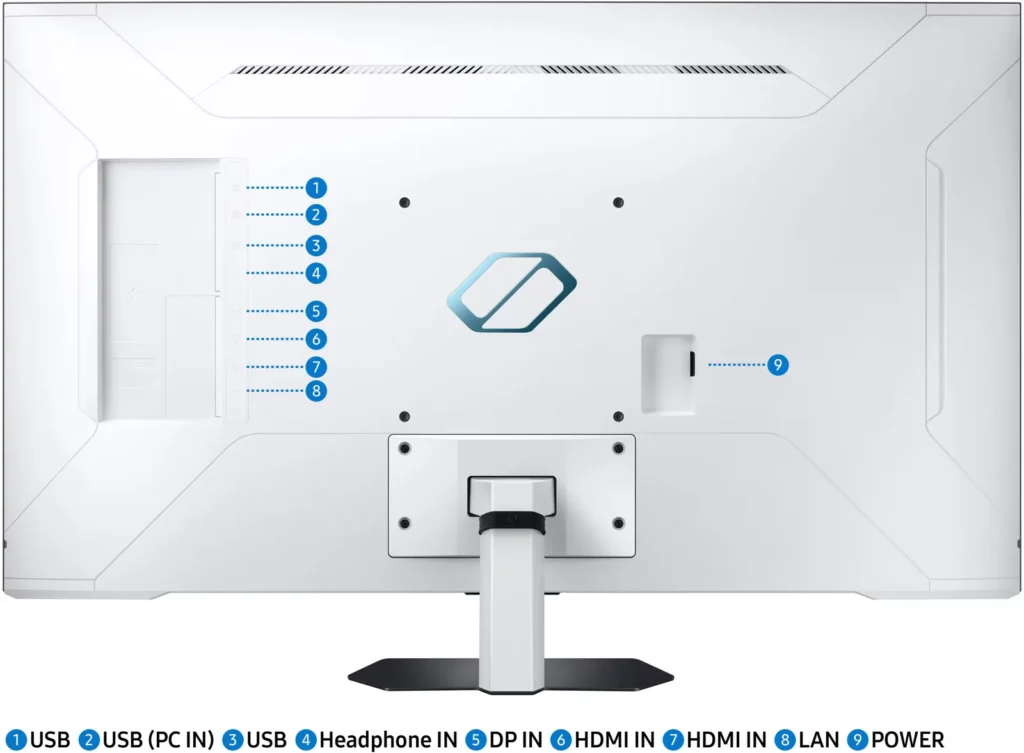

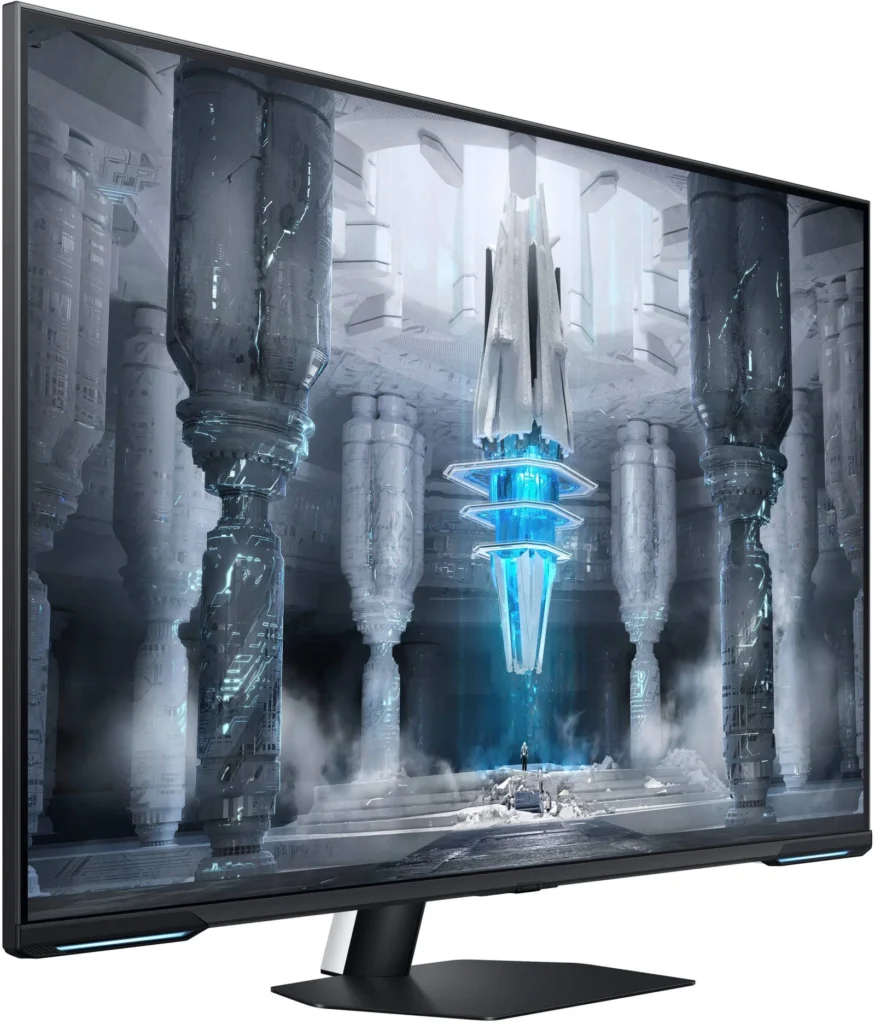
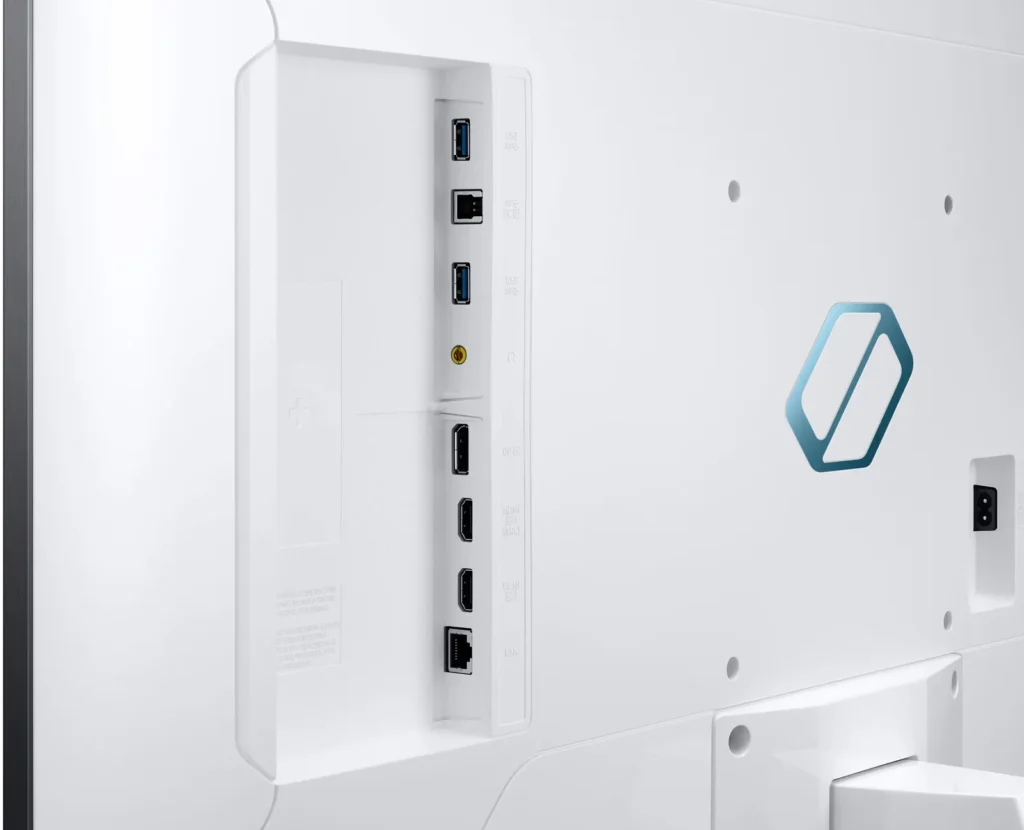
Customer Media
Highlights
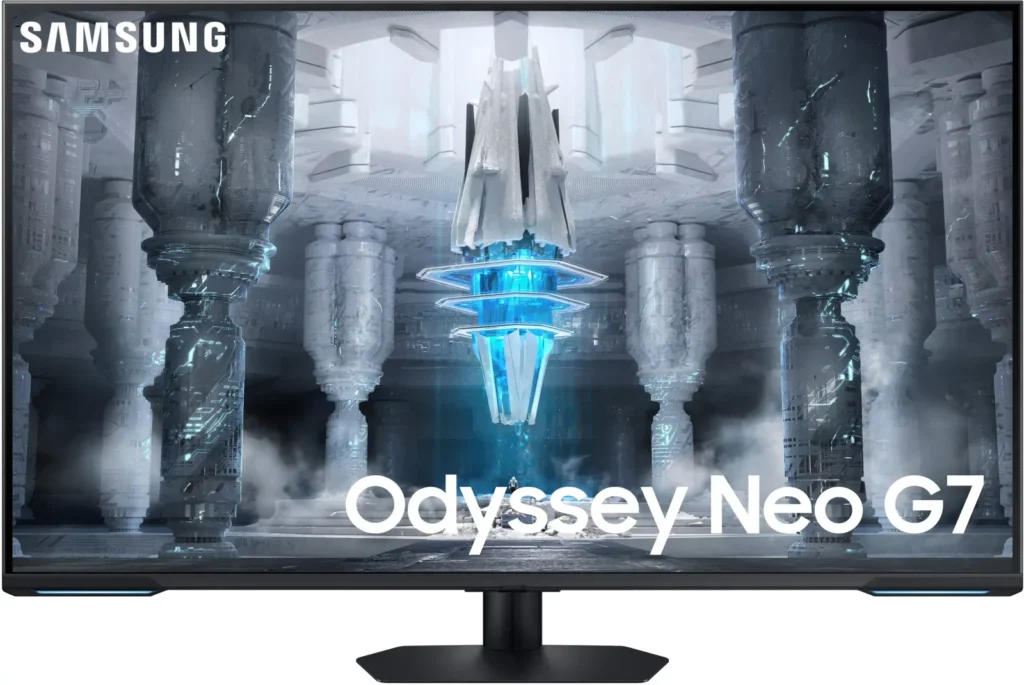
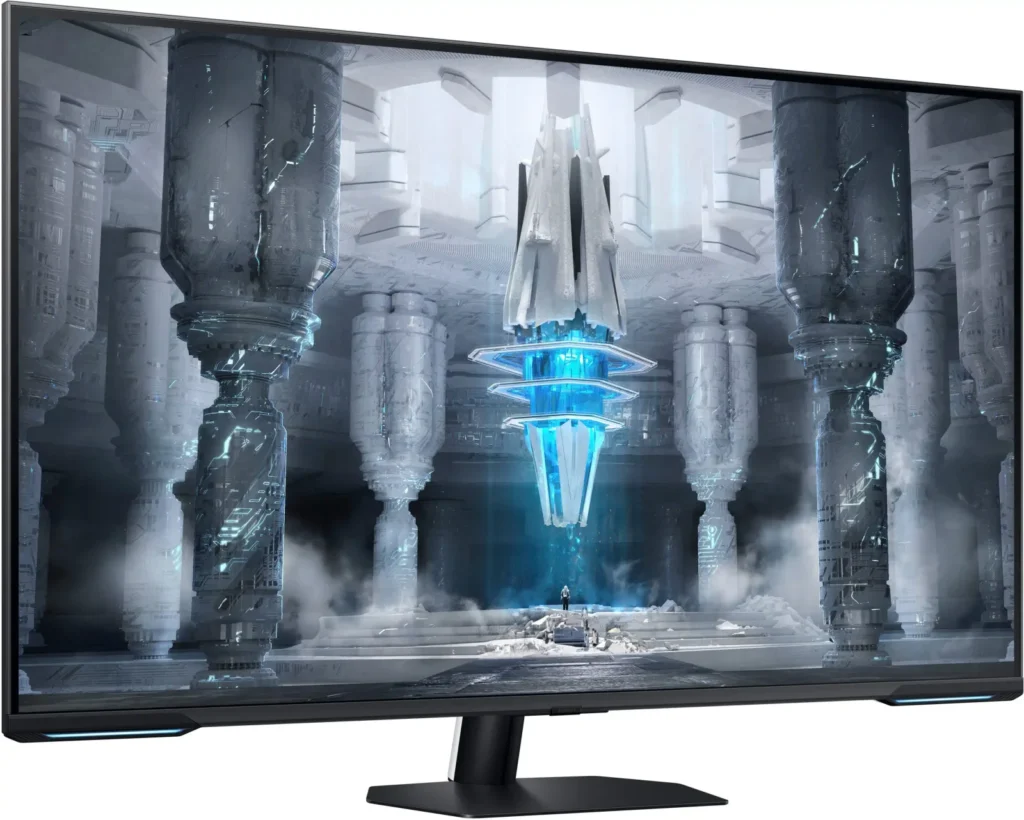
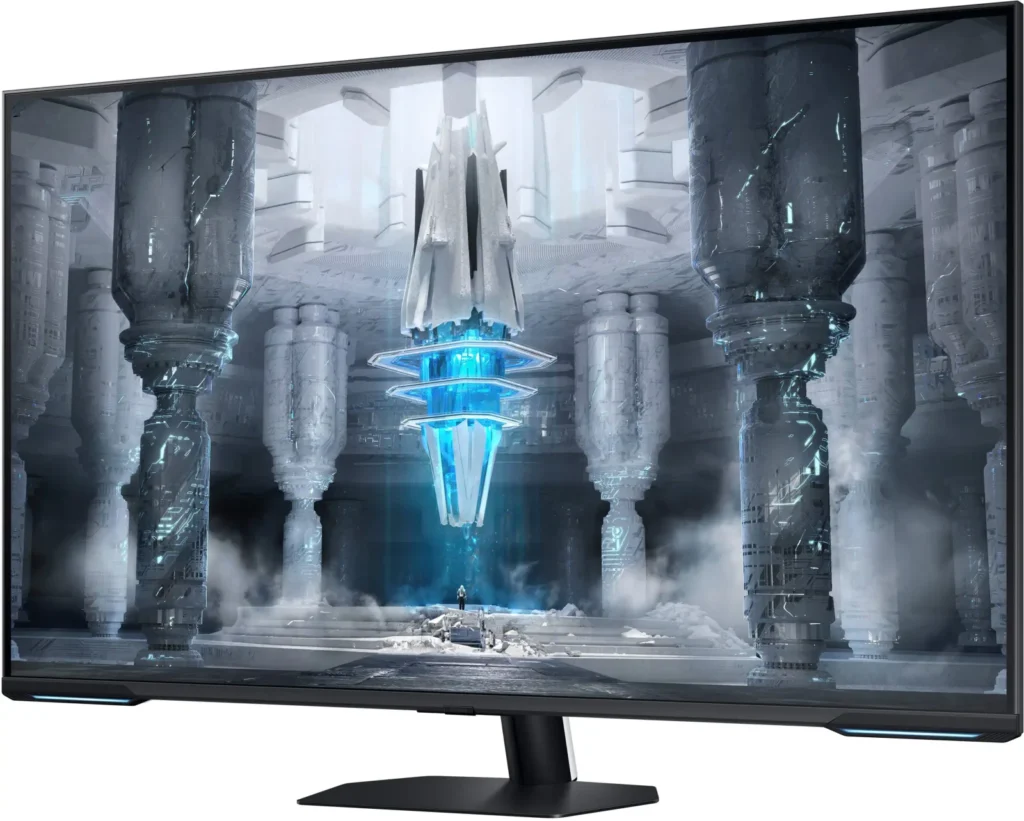
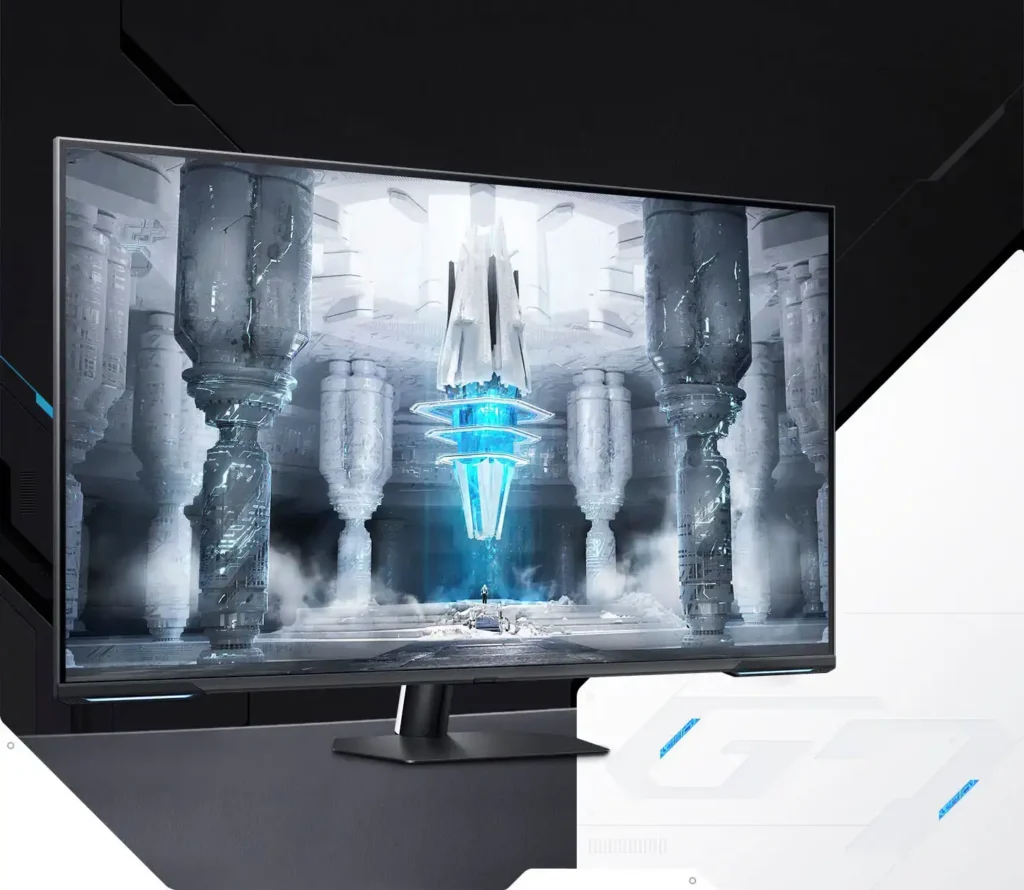
| Quantum Matrix Technology | Utilizes Quantum Mini LEDs with a 12-bit backlight unit to provide ultra-fine brightness control and incredible contrast, delivering deeper blacks and more detailed color expression in every scene. |
|---|---|
| 4K UHD & 144Hz Performance | Combines stunning 4K resolution with a 144Hz refresh rate and 1ms (MPRT) response time for ultra-smooth, high-definition gaming that eliminates lag and motion blur. |
| VESA DisplayHDR 600 | Features a 1,000,000:1 contrast ratio and VESA DisplayHDR 600 certification, ensuring life-like visuals with vibrant highlights and rich shadows for an immersive HDR experience. |
| Smart TV & Gaming Hub | Integrated Smart TV apps allow you to stream your favorite shows via Wi-Fi, while the Samsung Gaming Hub provides instant access to top cloud gaming services without needing a PC or console. |
| Flex Move Screen & Matte Display | The Flex Move Screen feature lets you adjust the on-screen size from 43 to 20 inches to suit different game genres, while the Matte Display minimizes reflections for focused, distraction-free gameplay. |
Pros & Cons
Pros
- Stunning Visual Performance: The 4K Quantum Mini-LED display provides vibrant colors, high brightness, and deep blacks that many reviewers compare favorably to OLED technology, making it excellent for HDR content.
- Excellent Gaming Features: With a 144Hz refresh rate, 1ms response time, and HDMI 2.1 support, it delivers a smooth and immersive experience for both high-end PC rigs and next-gen consoles like the PS5 and Xbox Series X.
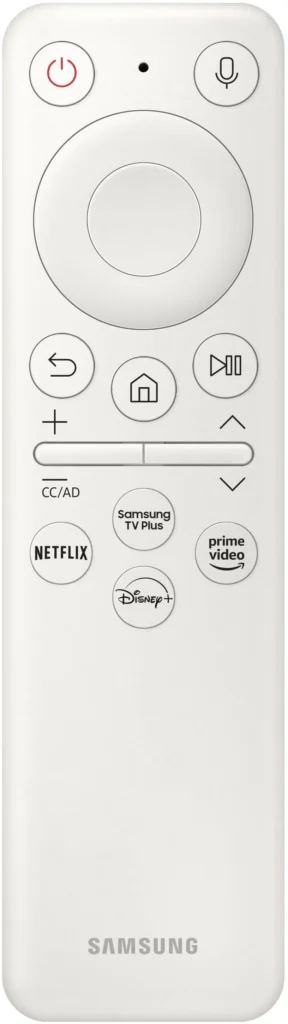
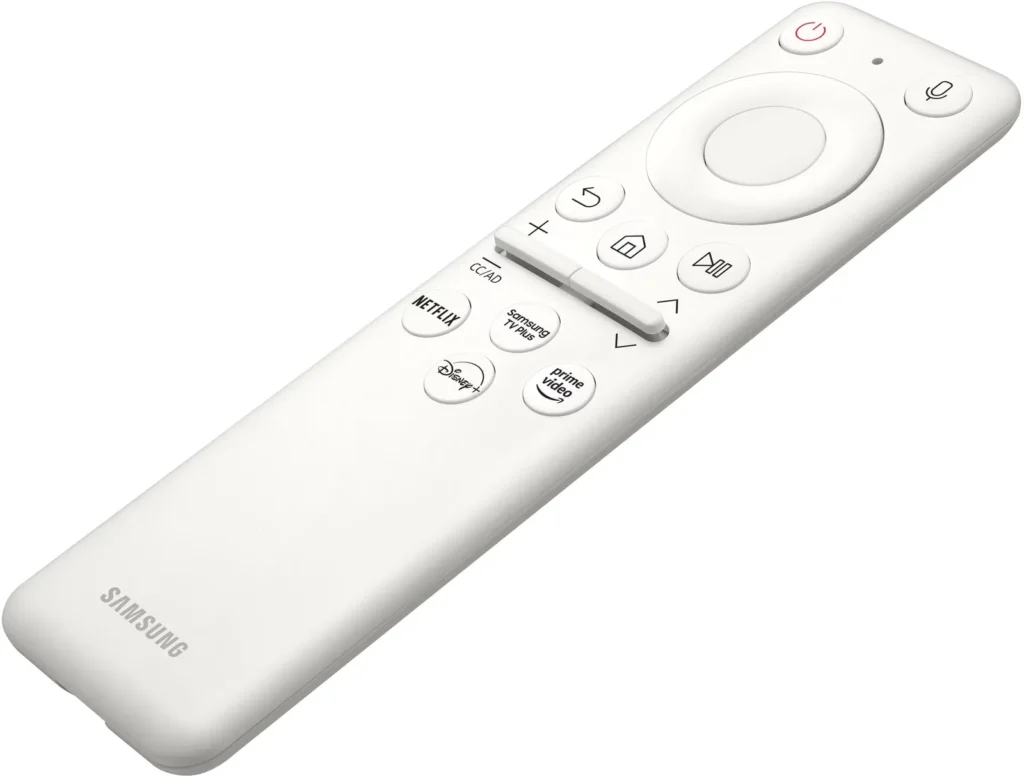
- Versatile Hybrid Functionality: It successfully bridges the gap between a high-end gaming monitor and a Smart TV, featuring built-in streaming apps, decent integrated speakers, and a convenient remote control for media consumption.
Cons
- Frustrating Software Interface: The Tizen OS is frequently described as slow, laggy, and overly complex, with users particularly annoyed by the lack of a dedicated input-switching button on the remote.
- Persistent Connectivity Bugs: Users report significant issues with the monitor failing to wake from sleep, losing signals on DisplayPort, and experiencing random flickering or artifacts that often require a hard reset.
- Noticeable Motion Artifacts: As a VA panel, it suffers from ghosting and black smearing during fast-paced scenes or when scrolling through text, and the viewing angles can cause color shifting at the edges of the large screen.
You might also like










Customer Reviews
Showing reviews 101-110 of 287
-
I love mine
Verified purchase Verified purchase: This reviewer bought the product.Andrew Hess June 13, 2024Review source: AmazonWell I have had my 43″ Odyssey Neo G7 Series 4K for about a month now. And I love it. I turn down the brightness a little due to the giant white screen when working.. but I have 0 complaints. It’s working just as expected and I can run any game in 4k over 120 fps also. Which is all I need when playing in 4k. I love having the remote I can sit back in my desk chair and watch TV if I want too.
-
Beautiful display, but lousy menu system and buggy standby on DisplayPort ruin it
Verified purchase Verified purchase: This reviewer bought the product.James Hemsing June 12, 2024Review source: AmazonBeautiful display, great price. It has mature and sleek chassis without any RGB rice I don’t mind having on my desk. The menu system stinks with annoying sounds and animations, and dumb separate “gamer” options with a different place to modify VRR and response time from the rest of the Picture options. The dealbreaker for me is a bug with its DisplayPort connection that causes it to constantly go in and out of stand-by mode even when the PC isn’t on. I’m going to try connecting it with HDMI to see if that fixes it, but if not, I’m going to send it back.
-
By far the BEST EVER TV or Monitor I've ever had
Verified purchase Verified purchase: This reviewer bought the product.Nicely Done June 7, 2024Review source: AmazonI frequently recommend this thing to friends family and colleagues; literally can’t recommend it enough. Waiting for the price to dip back to $499 so I can buy another one. Have nothing negative to say about this monitor as I purchased it for $499.
-
Office Use Monitor
AndrewMD June 1, 2024Review source: Amazon43″ Flat is not ideal for an office monitor. One of the biggest issues one will face is fading from your furthest point.
For gaming, one doesn’t need to worry about sharpness, but one’s experience will vary when attempting office work or web browsing.
This is where a curved monitor is highly recommended for folks looking for a mix-use monitor.
-
It’s ok
Verified purchase Verified purchase: This reviewer bought the product.Vinnie longon May 23, 2024Review source: AmazonColors. Oh the colors. Why are they so pungent? Nothing on this monitor is close to true to life. The high refresh rate doesn’t matter much since there is very noticeable smearing.
I can only recommend this display for office work. Anything more and you will be disappointed.
-
Great Color and Big screen
Verified purchase Verified purchase: This reviewer bought the product.Rhyck May 14, 2024Review source: BestbuyHuge screen with great color. Can also be used as a TV pretty much because it has all the capabilities of a TV and monitor
-
Perfect
Verified purchase Verified purchase: This reviewer bought the product.RichardW May 12, 2024Review source: BestbuyIt’s great, it’s perfect the size of 2 monitors combined
-
Simply wonderful Bixby sucks, though.
Verified purchase Verified purchase: This reviewer bought the product.JuanitaS May 11, 2024Review source: BestbuySamsung did a wonderful job on this monitor. I do have some issues from time to time with the refresh rate. Just remember the fast fastest.And extreme settings are a little weird To work with. Other than that I really think you’ll be happy with your decision. Smart monitor does everything a smart tv does with that extra benefit of 144 fps.
-
Tv monitor
Verified purchase Verified purchase: This reviewer bought the product.Danny May 7, 2024Review source: BestbuyGreat monitor! Big enough for tv which is why I got it, picture is amazing and you don’t even need the pc on to watch movies
-
Ghosting and Smearing has a simple fix
Verified purchase Verified purchase: This reviewer bought the product.Kyzel May 7, 2024Review source: AmazonJust stopping by to give a review on this one. Felt I had to. Ive seen alot of review on the Neo G7 43 and issues with ghosting and smearing. It is present on that panel by default as I also experienced it. However, settings tweaking completely eliminate it. I’ve found 2 fixes and led me to be very glas with the result I got.
First was the text trail ghosting. I eliminated it completely by setting the sharpness to 10 or less.
The ghosting on text in games when moving at high refresh rate was completely eliminated by turning off Local Dimming. Leaving on either low, standard or high will make the enviroment while gaming and texts all ghosty/fuzzy/blurry. However you want to call it.
With those 2 settings changed. The monitor is near perfect to me now. Specially considering the price.
If anyone out there has this screen and can please change these 2 settings and let me know if fixed for you, that will be great. Overall monitor is amazing guys. Dont hold back based on negative reviews and try for yourself. You wont regret.