
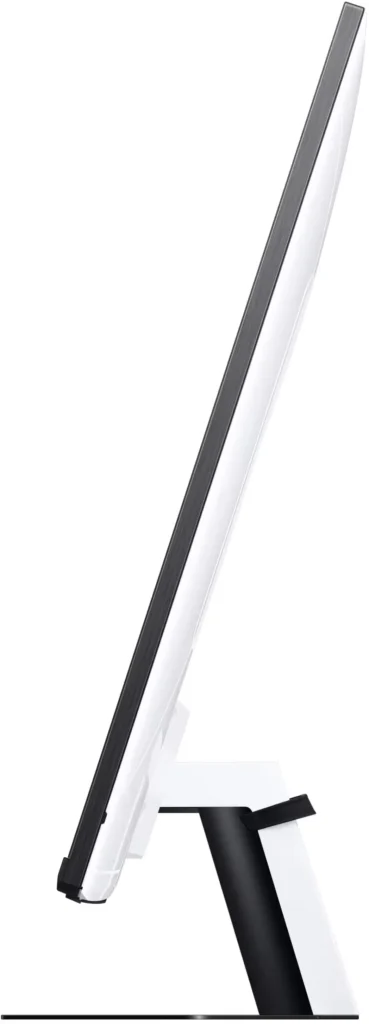
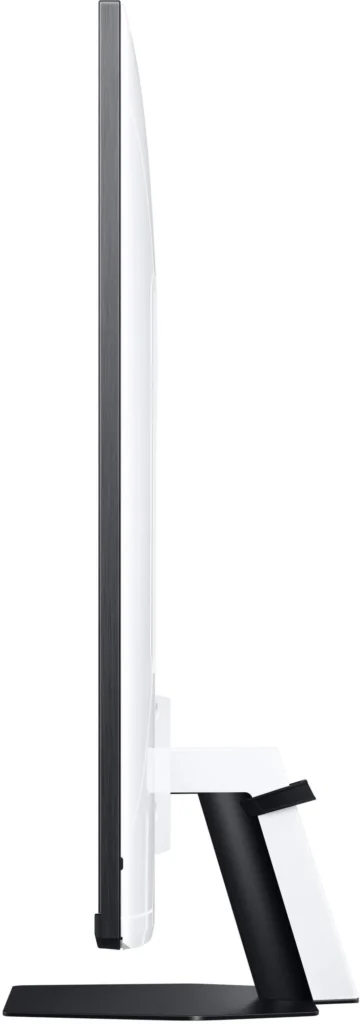
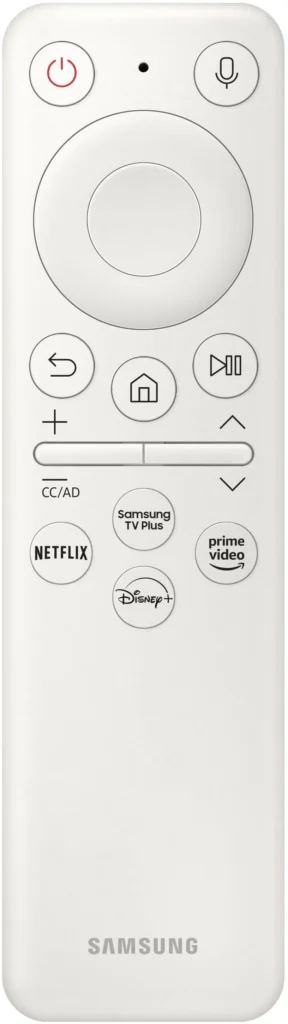
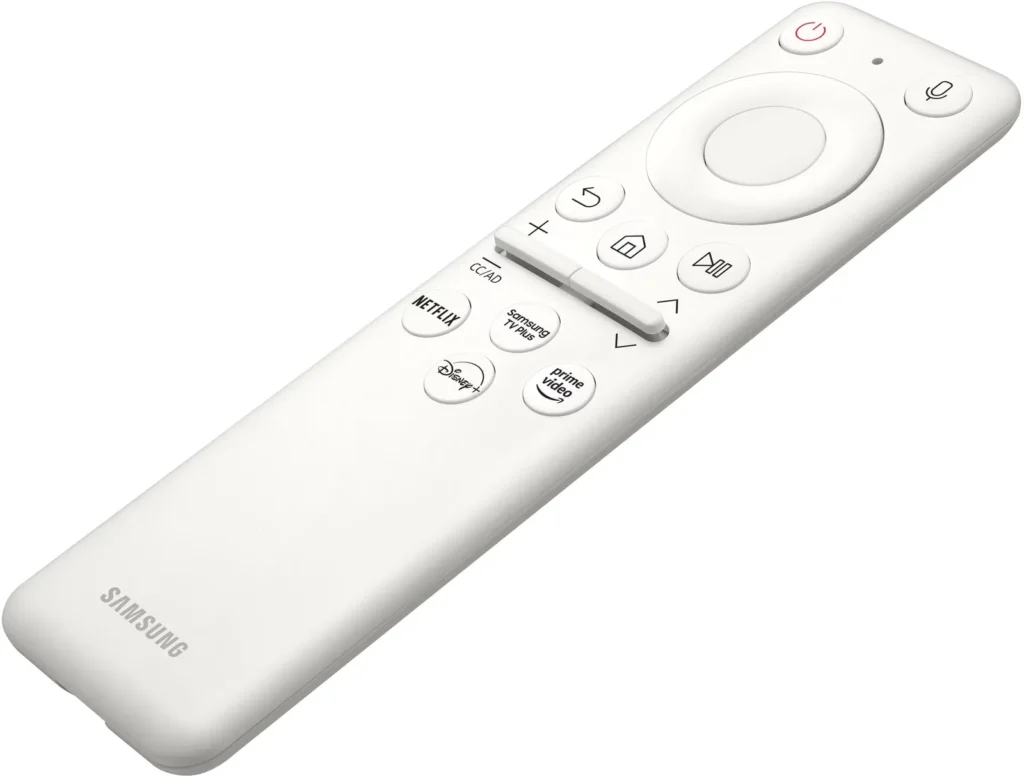
Customer Media
Highlights
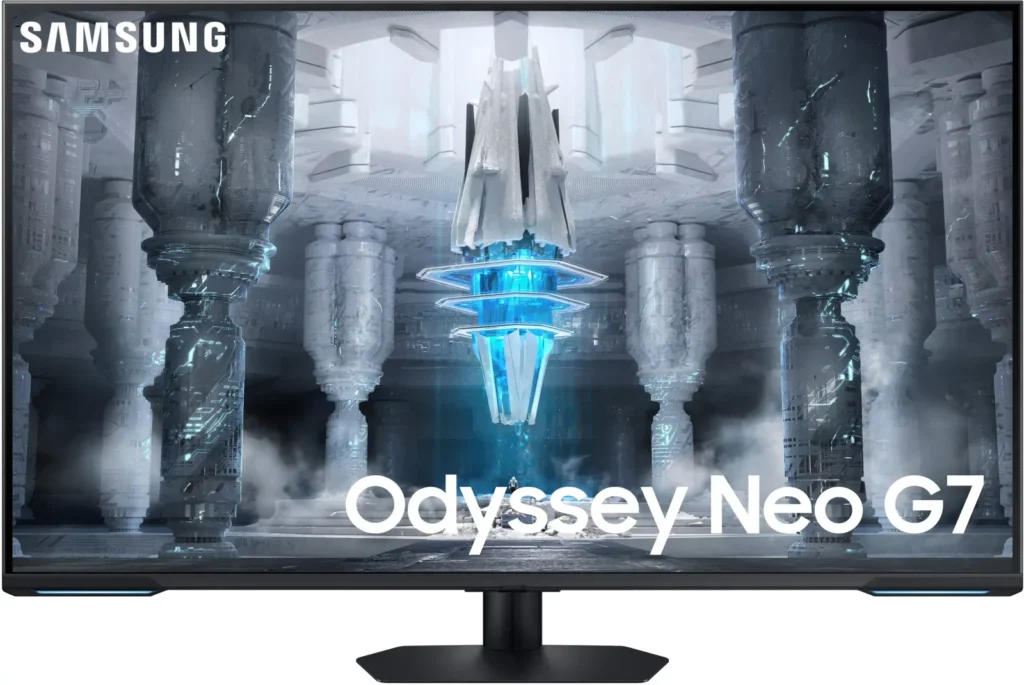
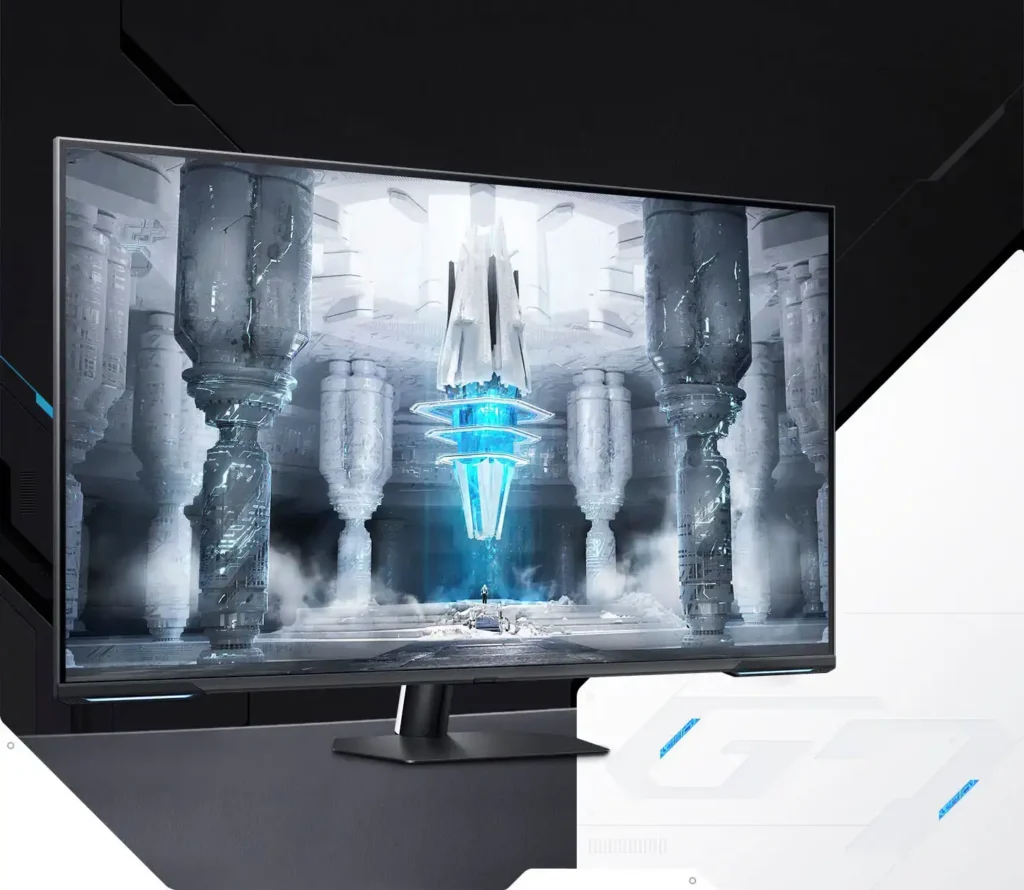
| Quantum Matrix Technology | Utilizes Quantum Mini LEDs with a 12-bit backlight unit to provide ultra-fine brightness control and incredible contrast, delivering deeper blacks and more detailed color expression in every scene. |
|---|---|
| 4K UHD & 144Hz Performance | Combines stunning 4K resolution with a 144Hz refresh rate and 1ms (MPRT) response time for ultra-smooth, high-definition gaming that eliminates lag and motion blur. |
| VESA DisplayHDR 600 | Features a 1,000,000:1 contrast ratio and VESA DisplayHDR 600 certification, ensuring life-like visuals with vibrant highlights and rich shadows for an immersive HDR experience. |
| Smart TV & Gaming Hub | Integrated Smart TV apps allow you to stream your favorite shows via Wi-Fi, while the Samsung Gaming Hub provides instant access to top cloud gaming services without needing a PC or console. |
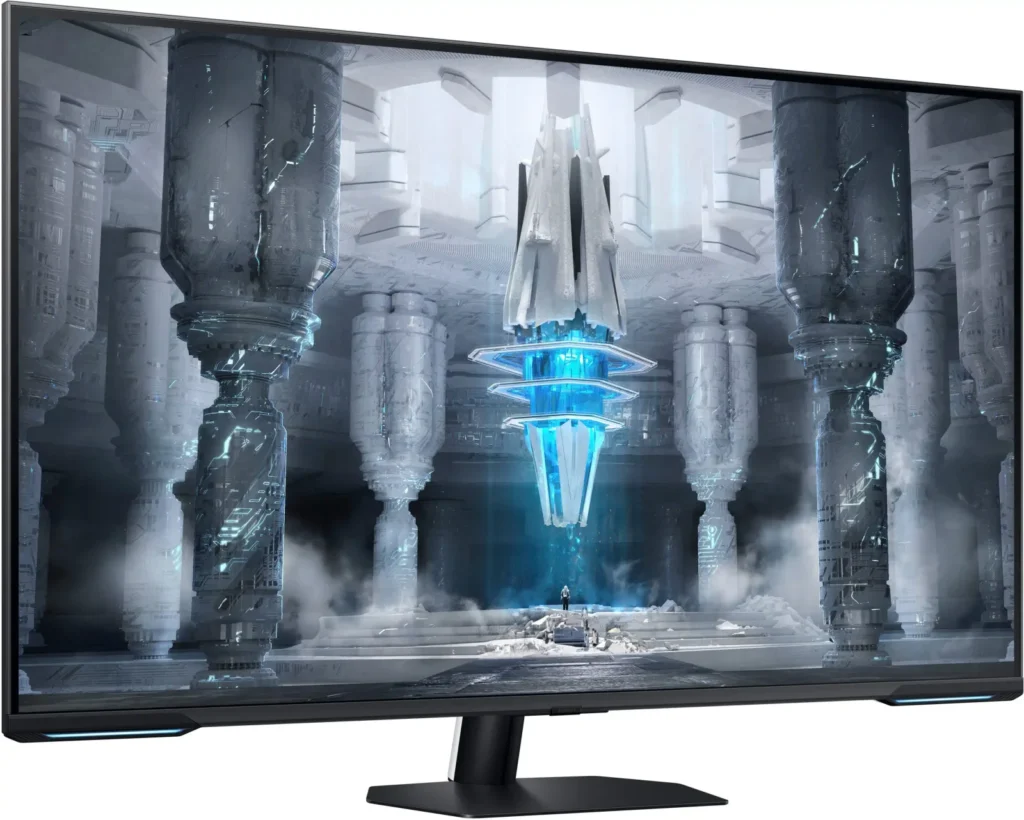
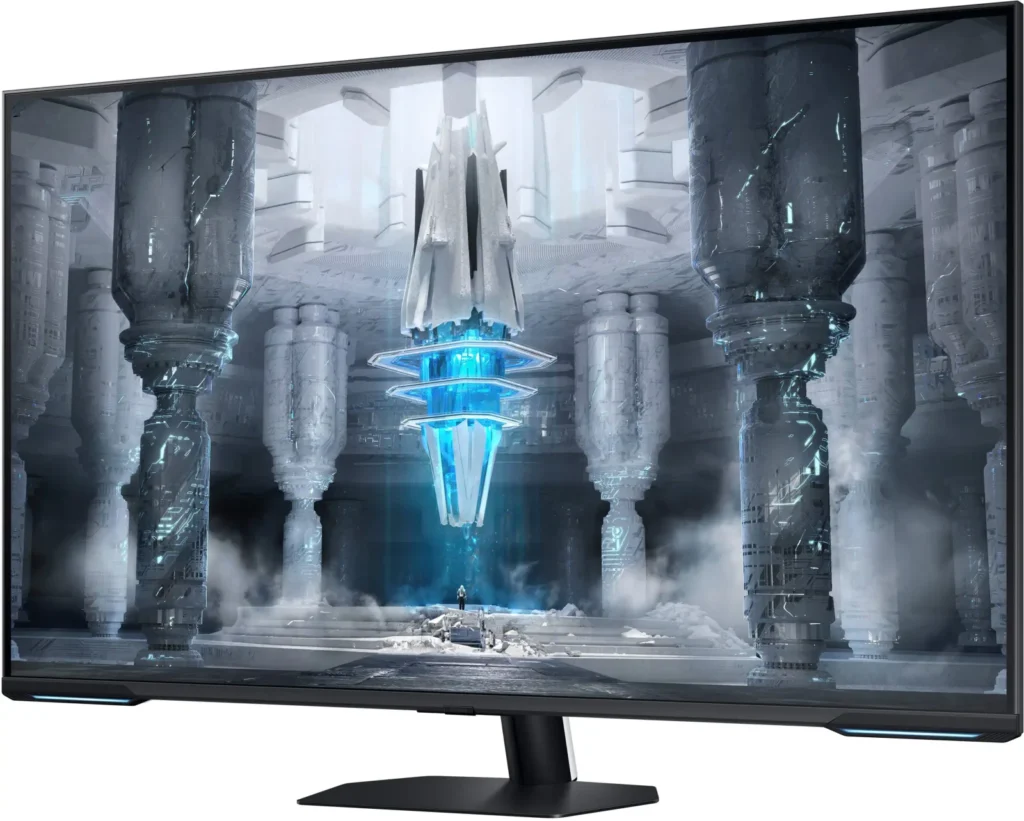
| Flex Move Screen & Matte Display | The Flex Move Screen feature lets you adjust the on-screen size from 43 to 20 inches to suit different game genres, while the Matte Display minimizes reflections for focused, distraction-free gameplay. |
Pros & Cons
Pros
- Stunning Visual Performance: The 4K Quantum Mini-LED display provides vibrant colors, high brightness, and deep blacks that many reviewers compare favorably to OLED technology, making it excellent for HDR content.
- Excellent Gaming Features: With a 144Hz refresh rate, 1ms response time, and HDMI 2.1 support, it delivers a smooth and immersive experience for both high-end PC rigs and next-gen consoles like the PS5 and Xbox Series X.
- Versatile Hybrid Functionality: It successfully bridges the gap between a high-end gaming monitor and a Smart TV, featuring built-in streaming apps, decent integrated speakers, and a convenient remote control for media consumption.
Cons
- Frustrating Software Interface: The Tizen OS is frequently described as slow, laggy, and overly complex, with users particularly annoyed by the lack of a dedicated input-switching button on the remote.
- Persistent Connectivity Bugs: Users report significant issues with the monitor failing to wake from sleep, losing signals on DisplayPort, and experiencing random flickering or artifacts that often require a hard reset.
- Noticeable Motion Artifacts: As a VA panel, it suffers from ghosting and black smearing during fast-paced scenes or when scrolling through text, and the viewing angles can cause color shifting at the edges of the large screen.
You might also like










Customer Reviews
Showing reviews 111-120 of 287
-
Two bad panels later…
Verified purchase Verified purchase: This reviewer bought the product.Izzy Wignall May 6, 2024Review source: AmazonFirst one had a dead pixel in the bottom right of the display. The second had some sort of panel defect in the center that looked like a gray blotch.
Also, ghosting was absolutely horrible, making scenes in games or movies with dark backgrounds look laggy and strange. Input/output lag was also substantial and way too high for a “gaming” monitor.
For this price, 2/2 bad panels is not acceptable. I returned them both and will avoid Samsung monitors moving forward.
-
Not just a TV, but a Monitor
Verified purchase Verified purchase: This reviewer bought the product.JustinT May 6, 2024Review source: BestbuyBest TV I’ve had the pleasure of using. Not only has it elevated my video content to the next level but it makes a great gaming monitor. It’s capable of 144hz and freesync. I didn’t even know about it’s gaming features until I plugged my pc in. I’d recommend to anyone looking for a TV, especially if they game
-
Built in software sucks
Verified purchase Verified purchase: This reviewer bought the product.Amazon Customer May 2, 2024Review source: AmazonI hate this monitor, but it is a pain to send it back. It’s a “smart TV” masquerading as a monitor. So when you turn it on, it wants to give you the same screen as a TV with all the options of Netflix, Prime Video, etc etc. When you finally get it to the PC input, you have to set it up to use a monitor, which it MAY or MAY NOT remember. Even if you have it turned completely off (using a secondary monitor so I don’t need it on all the time), it will still self power up to do some kind of transmission, which I didn’t ask it to do, and it causes my game to be interrupted on my other screen because windows says, “Oh look, a second monitor.” This is garbage. Do not buy this, I’m begging and warning you ahead of time. Don’t let them keep pushing this kind of garbage product out there so we have to struggle to get a monitor to just be a monitor. OH- and the setup? They want all of your info, and you need to register a Samsung account just to get through it all. IT IS A SCREEN. What do they need all of that for??? DO NOT BUY. Overall picture quality is fantastic. Quality of the screen seems great (my cat vomited on it while I was going to sent it back and had it laying on the sofa, so now I can’t return it, but it cleaned up perfectly). Great product if you don’t care about it being complete pain in the a $$ just to use it as the INTENDED use.
-
Terrible Monitor!
Verified purchase Verified purchase: This reviewer bought the product.AndrewMD May 1, 2024Review source: BestbuyAs a user of the Samsung Odyssey Neo G7 43″ monitor, I find it quite disappointing, particularly given its premium price and promising specifications. The HDR600 feature initially seemed impressive and delivers uneven brightness levels, resulting in a subpar HDR experience. This lack of depth and detail could be more impressive for a monitor of this caliber.
Moreover, the monitor’s advertised 1ms response time doesn’t match real-world use. I’ve noticed significant ghosting and motion blur during fast-paced gaming scenes, frustrating for a product marketed primarily toward gamers. Even with FreeSync Premium Pro, the screen often suffers from tearing and stuttering, which shouldn’t happen, especially in less intensive situations.
Additionally, the built-in Smart TV functionalities are rather disappointing. The interface could be clearer and faster, which detracts from my overall experience rather than enhancing it. These features were added as an afterthought rather than integral to the design.
Overall, I’m let down by this monitor’s performance and quality control. I’d suggest other options for anyone considering this model that provides more reliable performance and better value for money.Read More
-
Broke within a few months
Verified purchase Verified purchase: This reviewer bought the product.Alex Maturi April 30, 2024Review source: AmazonThis item completely broke in less than 6 months of minimal use. Outside of the return window. Do yourself a favor and don’t buy it.
-
144HZ 4K Perfect for PS5
Verified purchase Verified purchase: This reviewer bought the product.Chi April 21, 2024Review source: AmazonLove the clarity!
-
Terrible monitor
Verified purchase Verified purchase: This reviewer bought the product.Bryan April 20, 2024Review source: AmazonWorst monitor I’ve ever seen. Display quality was terrible. Worst motion control ever. I sent it back.
-
It's BIG
Verified purchase Verified purchase: This reviewer bought the product.DeputyDawg April 19, 2024Review source: BestbuyThis is more of a smart TV than a computer monitor IMHO, plus it’s almost TOO big. I don’t game much anymore, I just wanted a big monitor and boy, did I get it. I got it on a smoking sale, so it was a great deal, for my uses it’s just fine.
-
Love it
Verified purchase Verified purchase: This reviewer bought the product.GabrielG April 17, 2024Review source: BestbuyUse for COD and GT7. Got it for$500. Tried smaller monitors work high refresh rates. Butt just too small. This is perfect. Using on PS5. 4k and 120hz. For me it’s exactly what i was looking for and in the budget
-
DOESN'T WORK!
Verified purchase Verified purchase: This reviewer bought the product.Nicholas R. Pierce April 13, 2024Review source: AmazonDO NOT buy the G7 43″ monitor as a pc monitor!!! It has MASSIVE well documented problems with the display port. by massive I mean it took me 45 minutes to get it to work at all and to do it I had to plug and unplug the display port cable like 25 times after going through all the settings and other stuff. look at forums and of this monitor and search for does not recognize display port. If the computer is turned off or goes to sleep you are in for a nightmare getting it to turn back on. If your buying for a console it might be a different story but seriously don’t buy this for a PC or you WILL regret it.