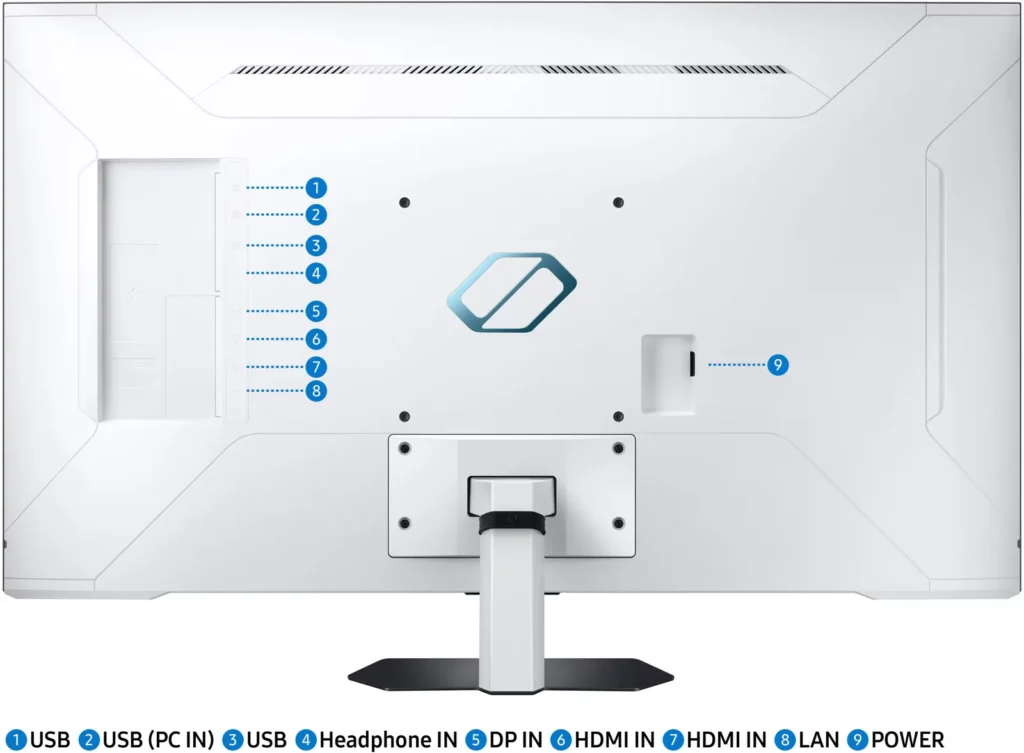

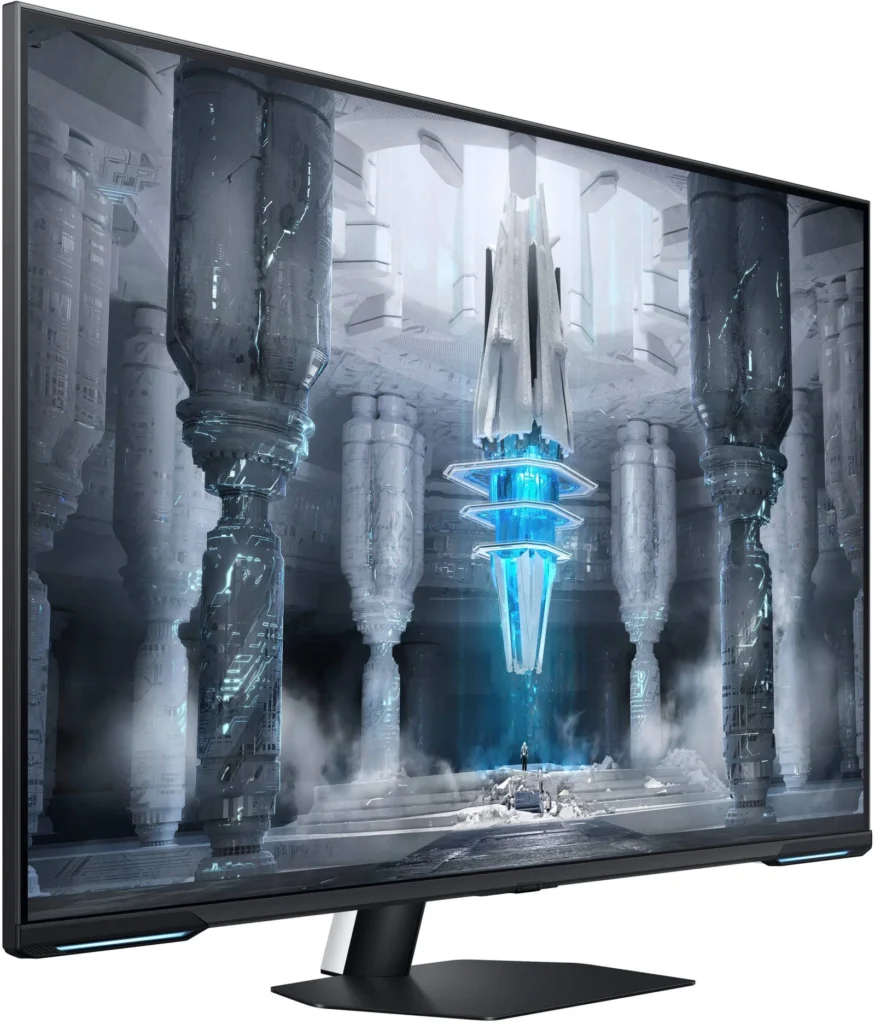
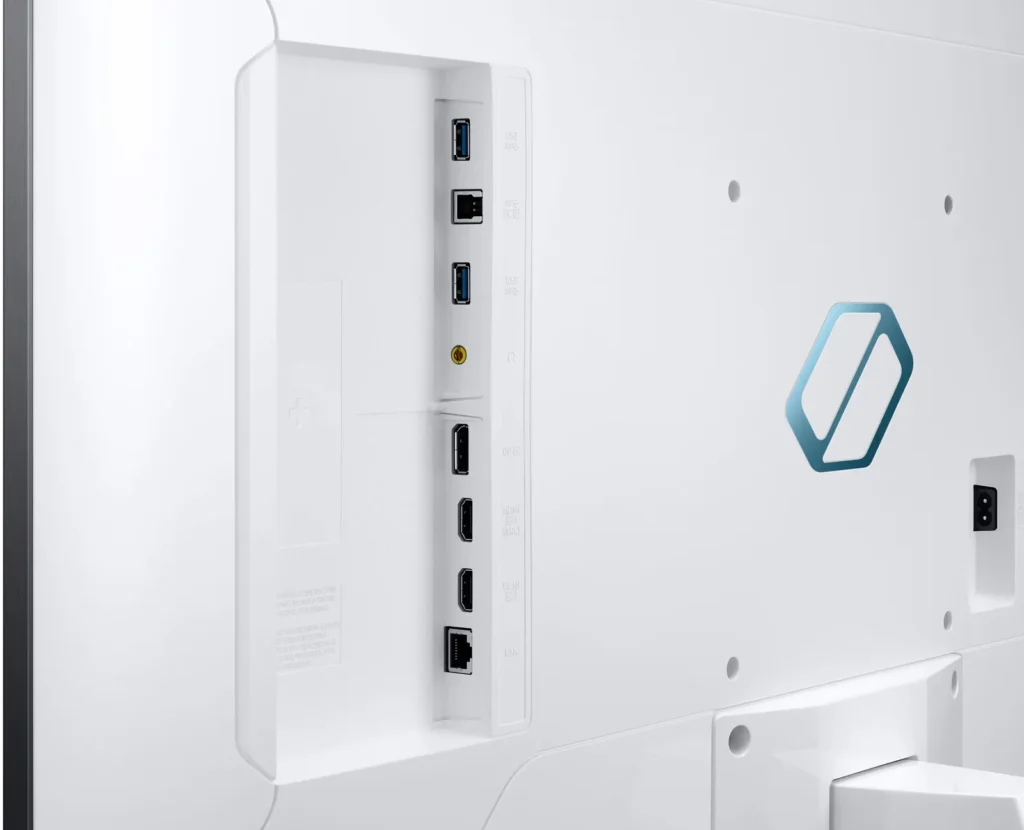
Customer Media
Highlights
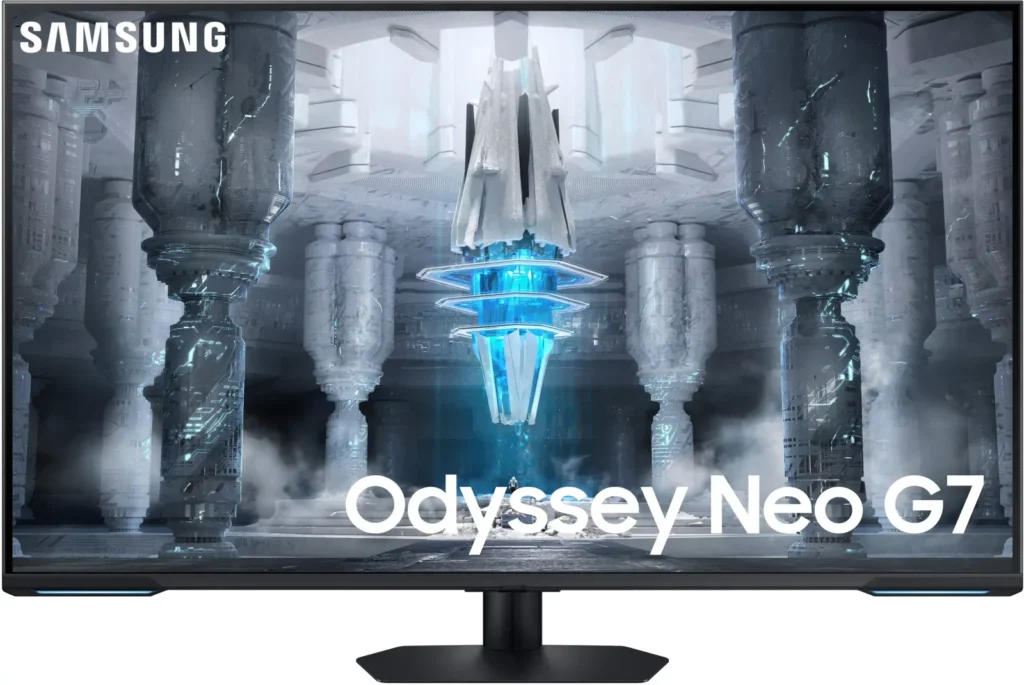
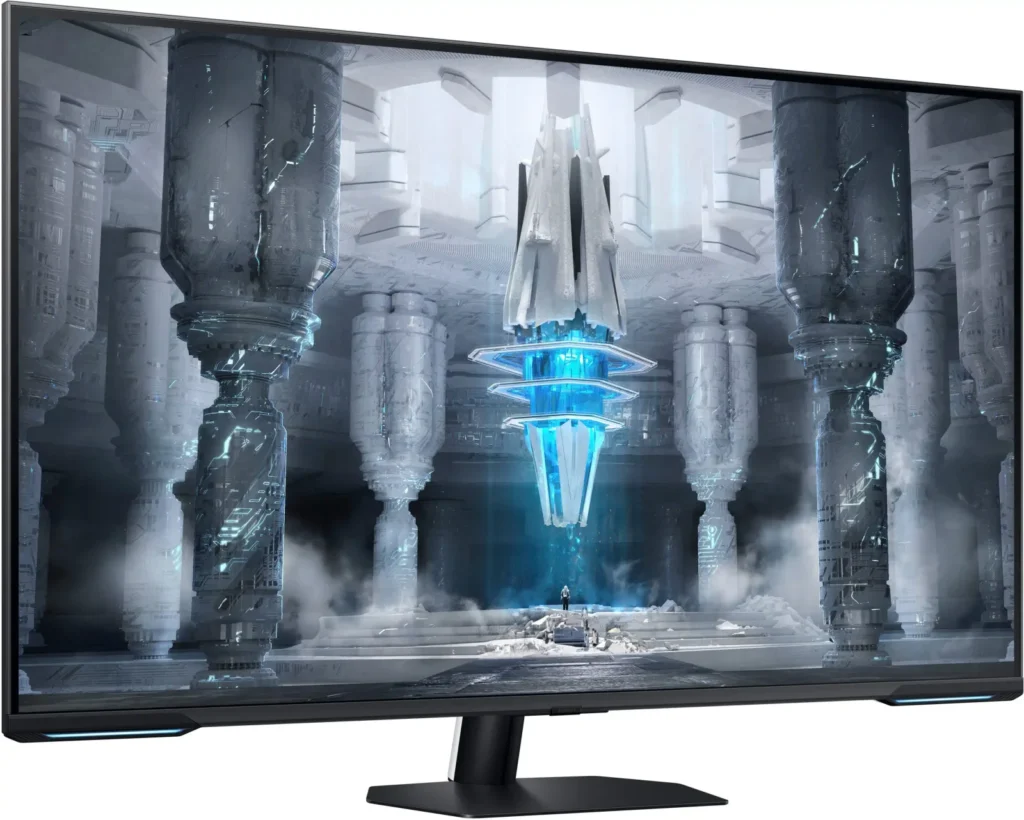
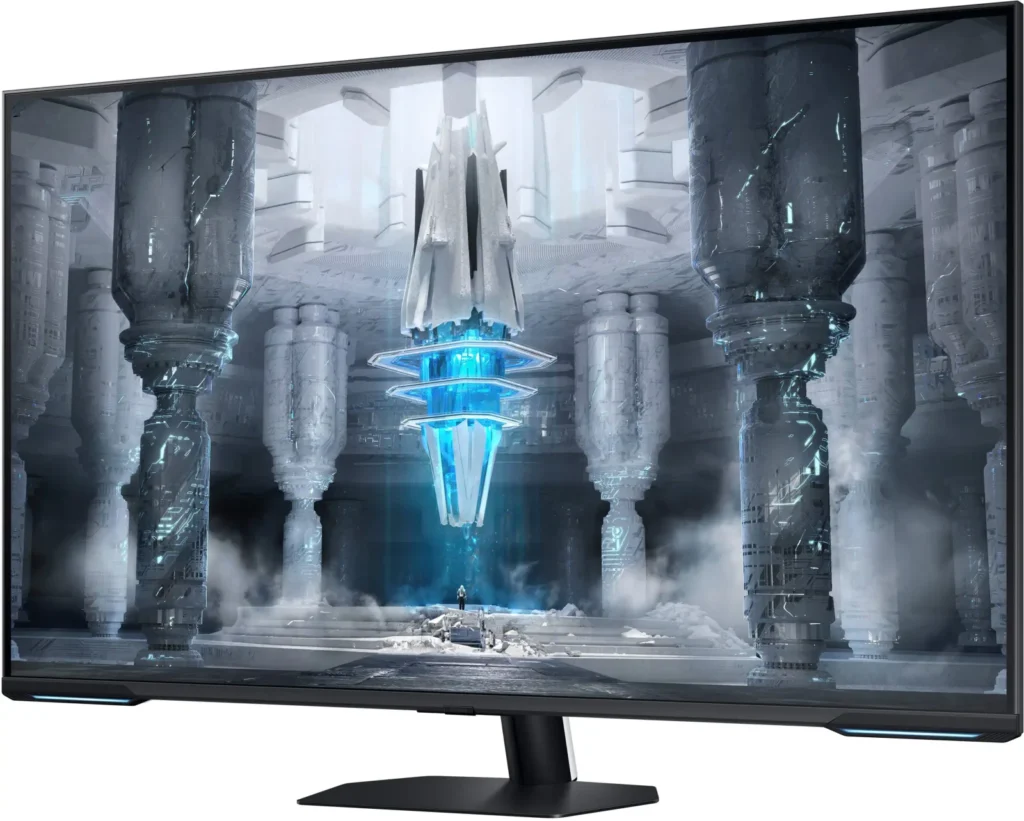
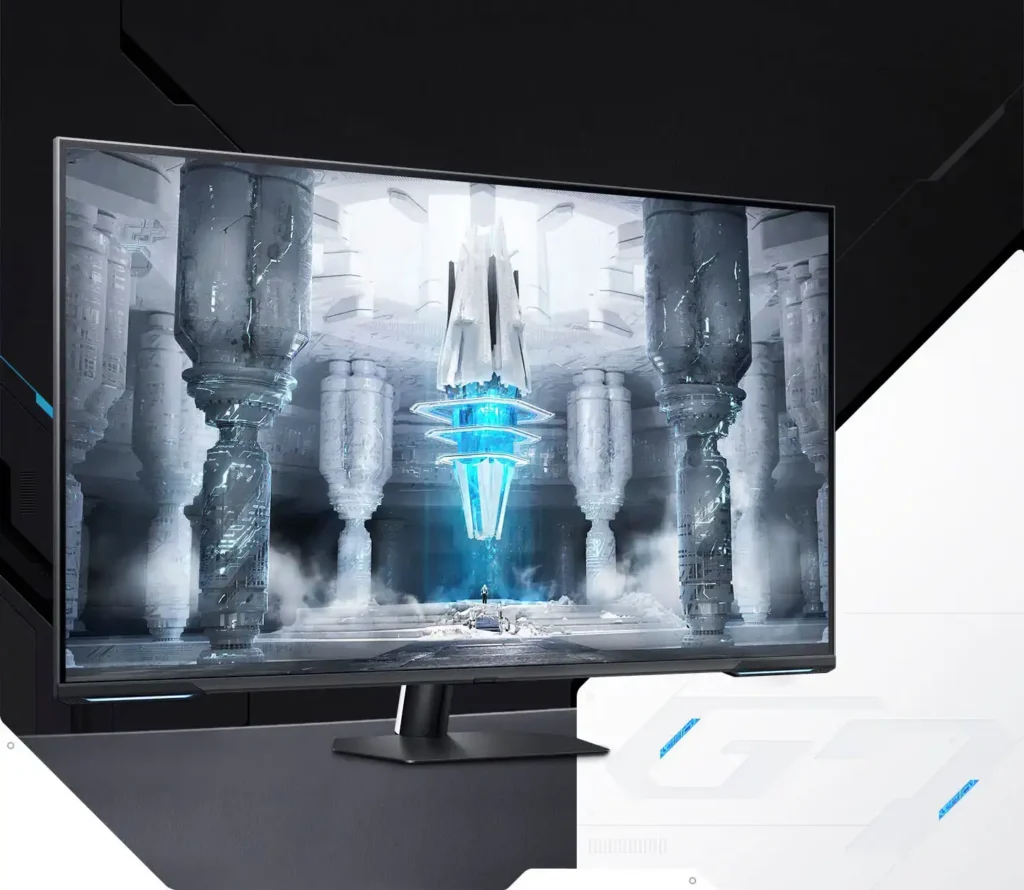
| Quantum Matrix Technology | Utilizes Quantum Mini LEDs with a 12-bit backlight unit to provide ultra-fine brightness control and incredible contrast, delivering deeper blacks and more detailed color expression in every scene. |
|---|---|
| 4K UHD & 144Hz Performance | Combines stunning 4K resolution with a 144Hz refresh rate and 1ms (MPRT) response time for ultra-smooth, high-definition gaming that eliminates lag and motion blur. |
| VESA DisplayHDR 600 | Features a 1,000,000:1 contrast ratio and VESA DisplayHDR 600 certification, ensuring life-like visuals with vibrant highlights and rich shadows for an immersive HDR experience. |
| Smart TV & Gaming Hub | Integrated Smart TV apps allow you to stream your favorite shows via Wi-Fi, while the Samsung Gaming Hub provides instant access to top cloud gaming services without needing a PC or console. |
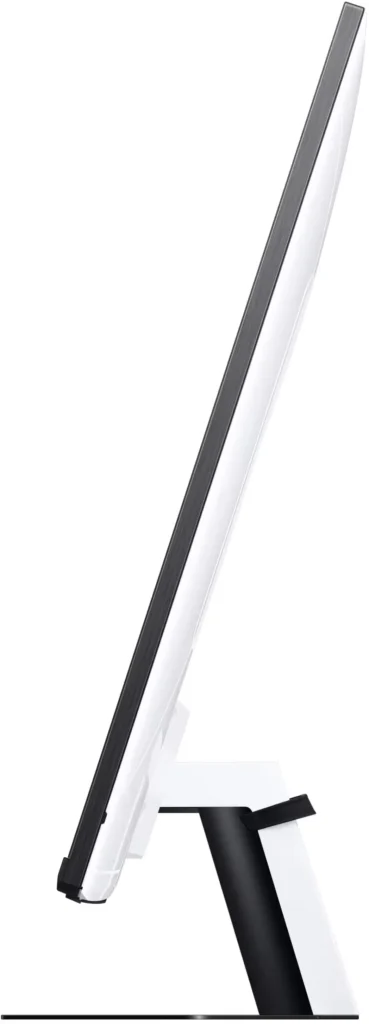
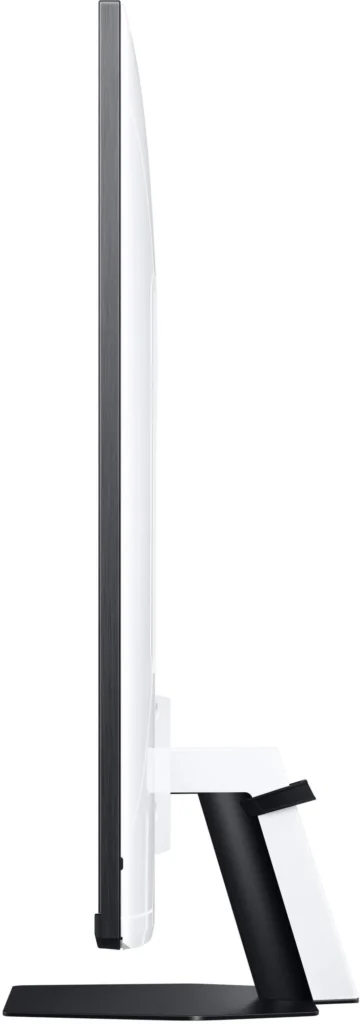
| Flex Move Screen & Matte Display | The Flex Move Screen feature lets you adjust the on-screen size from 43 to 20 inches to suit different game genres, while the Matte Display minimizes reflections for focused, distraction-free gameplay. |
Pros & Cons
Pros
- Stunning Visual Performance: The 4K Quantum Mini-LED display provides vibrant colors, high brightness, and deep blacks that many reviewers compare favorably to OLED technology, making it excellent for HDR content.
- Excellent Gaming Features: With a 144Hz refresh rate, 1ms response time, and HDMI 2.1 support, it delivers a smooth and immersive experience for both high-end PC rigs and next-gen consoles like the PS5 and Xbox Series X.
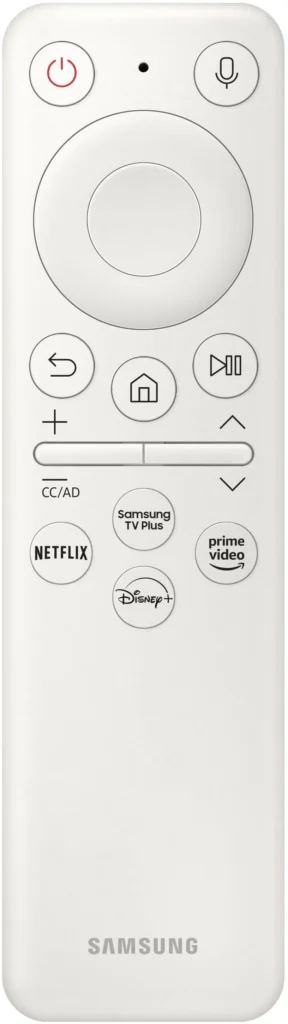
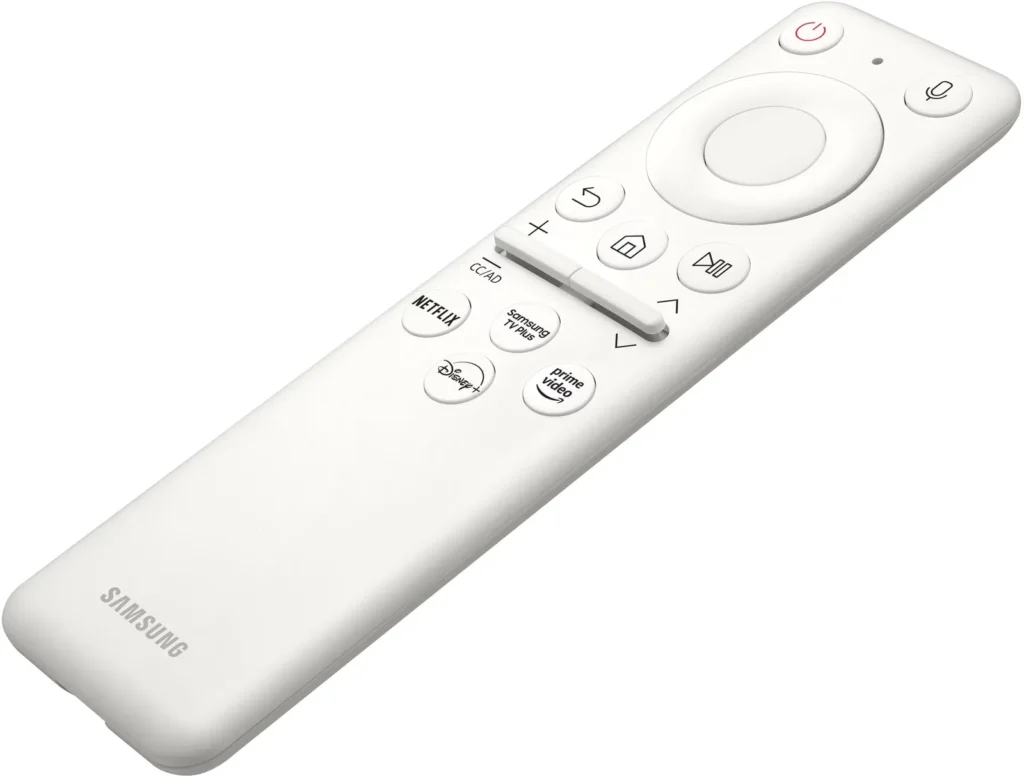
- Versatile Hybrid Functionality: It successfully bridges the gap between a high-end gaming monitor and a Smart TV, featuring built-in streaming apps, decent integrated speakers, and a convenient remote control for media consumption.
Cons
- Frustrating Software Interface: The Tizen OS is frequently described as slow, laggy, and overly complex, with users particularly annoyed by the lack of a dedicated input-switching button on the remote.
- Persistent Connectivity Bugs: Users report significant issues with the monitor failing to wake from sleep, losing signals on DisplayPort, and experiencing random flickering or artifacts that often require a hard reset.
- Noticeable Motion Artifacts: As a VA panel, it suffers from ghosting and black smearing during fast-paced scenes or when scrolling through text, and the viewing angles can cause color shifting at the edges of the large screen.
You might also like










Customer Reviews
Showing reviews 121-130 of 287
-
Very good large scale monitor
Verified purchase Verified purchase: This reviewer bought the product.MatthewR April 6, 2024Review source: BestbuyVery good smart screen monitor. Adapts well to different inputs and I have not had any trouble with fine tuning for various modes from games to movies to tv.
-
Broke
Verified purchase Verified purchase: This reviewer bought the product.Gabe Geissinger April 4, 2024Review source: AmazonPaid 600$ and in the middle left of the screen there is a little box of discolor right outta the box it’s on the screen and will not go away
-
Excellent 4k & 2K monitor | Resolution Experience
Verified purchase Verified purchase: This reviewer bought the product.Master March 27, 2024Review source: AmazonImplementation of monitor took time; however, I’m a technical admin that requires extensive, yet thorough resolve with technology. Note: Ensure you understand the differences between 4k and 2k; many confuse the two. Moreover, the 4k resolution emphasis is quite misleading – From experience, gaming in 4k is merely useless. The sweet spot for me tends to resolve around the 2k (1440p) rage. I get 120 frames (True frames) with 2k resolution with my i9-1300k paired with an RTX 4070ti.
Note: There is mode called game mode, which I recommend anyone who purchases this monitor to enable it. Otherwise, you be stuck with plain native 4k or 2k. What’s the difference?
Native is your basic input signalling while viewing plain text or GUI interfaces. The colors and gamma are very basic. However, one can spend the extra time changing picture quality settings, but I’ve never had a great outcome doing so. The HDR and gaming mode allows for only 1440p at 120hz, which is quite good. The 4k debate is misleading about the 144hz – We are not at that stage in technology yet. The most I could achieve with my system with 60hz (Not good enough for me). That’s why I say 1440p has the best overall quality and performance. The 144hz experience is only achieved with 1080p (Good to okay – Picture is a little fussy for gaming)
Games:
– Microsoft Flight Simulator
– Modern Warfare Series (All)
– Death Stranding
– X-Plane -
Great Monitor!!!
Verified purchase Verified purchase: This reviewer bought the product.JohnT March 26, 2024Review source: BestbuyThis monitor is amazing, I paired it with a ps5! Mostly playing sports games at the moment but I highly recommend!
-
The worst monitor I’ve ever purchased
Verified purchase Verified purchase: This reviewer bought the product.Amazon Customer March 24, 2024Review source: AmazonI don’t even know where to begin explaining how bad the neo G7 43 inch monitor really is. I keep thinking certainly there are settings I need to change since even websites look horribly bad. I’m sure there are settings somewhere in this Samsung software interface but even that is horribly bad and unusable without the horrible little remote that comes with it. Time to package up this disasaster and send it back. I now see why it was 40% reduced. I wouldn’t pay $20 for this monitor. Its that bad
-
Disappointing
Verified purchase Verified purchase: This reviewer bought the product.Nickname March 16, 2024Review source: BestbuySeems great on paper when you look at the specs, but once it is set up and running the image looked like it was actually curving away from me instead of being flat. I checked the physical screen itself and verified that everything looked straight (it did) but the internal image looked off. I have 2 stars for the impressive size and how nice the monitor itself looks, but the image for me was unusable and I returned it the same day i received it. Fyi- it is also extremely annoying to set up for the first time if you dont care about the smart features and only want to use it for gaming and work, since it forces you through a long setup process to set all the other stuff up first.
-
Beautiful display
Verified purchase Verified purchase: This reviewer bought the product.Yp March 15, 2024Review source: AmazonBeautiful monitor! Punchy colors and very well designed stand. This thing looks beautiful and is a real attraction grabber.
Resolution is slightly below 4k and monitor does not come with a built in speaker. -
Broken monitor
Verified purchase Verified purchase: This reviewer bought the product.Timothy renninger March 14, 2024Review source: AmazonNeed a replacement because it’s broke on arrival
-
Listing does not make it clear that these are refurbished units
Verified purchase Verified purchase: This reviewer bought the product.Gary K. Glenn March 5, 2024Review source: AmazonI received the 43″ monitor on Feb 22nd. I found it odd that it arrived in a plain brown box, rather than factory packaging. Turns out that these are refurbished units, not new. This can have implications for warranty coverage in the future, even if the device is good. I do not think the Amazon listing made this sufficiently clear.
I shrugged my shoulders and set the unit up, and was fairly happy with it for a week and a half. Then I started trying out the features. HDR, higher refresh, ect. I have two machine connected to the monitor, on via HDMI, and the other using Display Port. I was starting to notice periods where the screen would intermittently go black for 2-5 seconds, maybe once an hour or so. Could not figure out what at first, because it was working fine initially. It seems to be related to 120Hz refresh rate. If I set the refresh to 60Hz, the blackouts go away.
I was willing to entertain the idea that maybe my HDMI cable just wasn’t capable of HDMI 2.1 bandwidth, so I figured I would just swap in the HDMI cable that came with the monitor, sure that one would be up-to-scratch. Except there wasn’t one. The monitor came packaged with 4 cables: A Display Port cable, a two conductor power cable (needed to power the monitor), a standard 3-conductor power cable (of no use with this monitor), and a USB A/B cable (not USB-C as listed). I instead swapped in an extra HDMI cable I had lying around, but it is no better.
I have had a few other oddities occur with this monitor.
Once it got stuck at about half brightness. The settings menu said the screen was at full brightness. Changing ports, and turning the unit off/on did not resolve this. Only physically unplugging the unit from wall power and plugging it back in restored full brightness.
It locked up once at a black screen and would not respond to any controls. Would not enter setup menu or even power off. Again, physically unplugging the unit resolved the situation.
I have also had a few instances where it would say unrecognized signal. I think this only happens in 120Hz mode. Disconnecting and reconnecting the HDMI cable would fix this.
I’m not that familiar with HDR, but it seems really over-saturated, particularly the reds. Lots of neon red/orange/pink. Maybe that is just a calibration issue.
I guess I am going to have to attempt the return process, since it appears 120Hz mode is broken on this machine, and the bundled cables were incorrect. Not real excited about trying to return something this big and heavy.
-
Absolute Garbage
John Boyter February 23, 2024Review source: AmazonTo be clear, this is for the 43″ Odyssey Neo G7 LS43CG700NNXZA
I purchased this at Best Buy last year because I had missed out on the sale on Amazon.I’m tolerating keeping this “monitor” because the display itself is what you would expect from Samsung: Beautiful colors, sharp 4k, local dimming, silky smooth 144hz, and HUGE for a gaming monitor! Now I’ve almost returned the monitor numerous times. I bought it for around $500 around Black Friday.
Problem 1: It’s a TV. yes, its really just a TV and it has the absolutely worse garbage frontend interface. It tries to automatically start playing videos when you turn it on. It’s all designed to advertise to you and get you to subscribe to whatever streaming platforms Samsung is supporting. Luckily, there is an option just to go to the last input when turned on.
Problem 2: The frontend system is woefully underpowered. I just want to adjust the picture settings on occasion and it is PAINFULLY SLOW. I have to avoid the “gaming bar” feature because it regularly crashes. I’ve also had the regular menu outright freeze and I had to RESTART the display. (yes, unplug and plug back in). UNACCEPTABLE
Problem 3: Displayport is USELESS. I have a RTX 3080 that has no issue with any display I throw at it except this one. Using the DP input would crash the TV or just not display. Sometimes it would work.
Problem 4: HDMI barely works. It’s so bad that my computer literally freezes for several seconds when I plug in the monitor. I guess its trying to figure out what to do with it. I suspect the EDID info isn’t right.
Problem 5: Crashes in games. Starting some games will indeed cause my PC to freeze. THIS is the WORSE issue that I’ve never experienced in my life. Again, I think this is a resolution / EDID issue. Yes, I have researched and tried everything you can imagine. I’ve been in IT professionally for 17 years.
WHAT FINALLY WORKED…
I purchased a Monoprice Blackbird 8k 2-in, 2-out HDMI duplicator/switcher. In this way, the PC and monitor do not actually connect and my PC sees the display as an “HDMI SWITCHER”. It still isn’t perfect, but after playing around with settings, etc, I have a 90% stable monitor. Still getting some on/off flicker issues.Samsung, you should be ashamed of yourselves. Looks like this monitor might not be available anymore.. I wonder why.
If you ever wanted me to purchase Samsung products again, you would have to allow me to exchange this monitor for an upgraded model that actually works.