
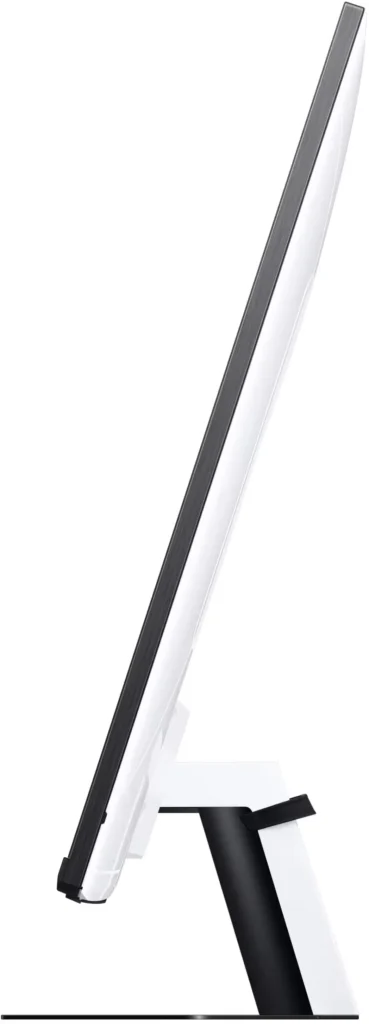
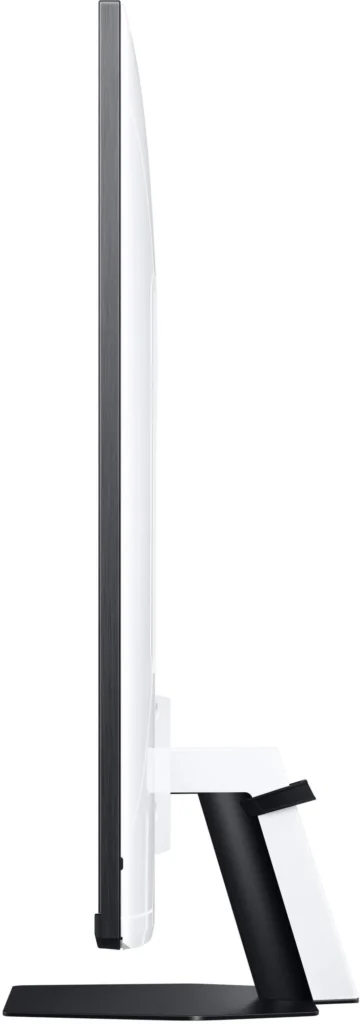
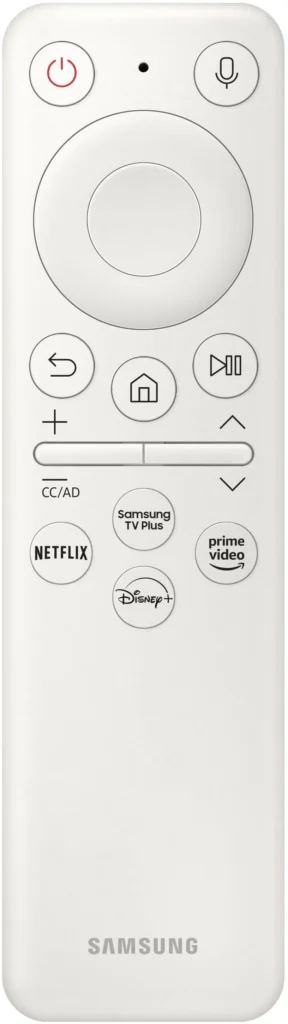
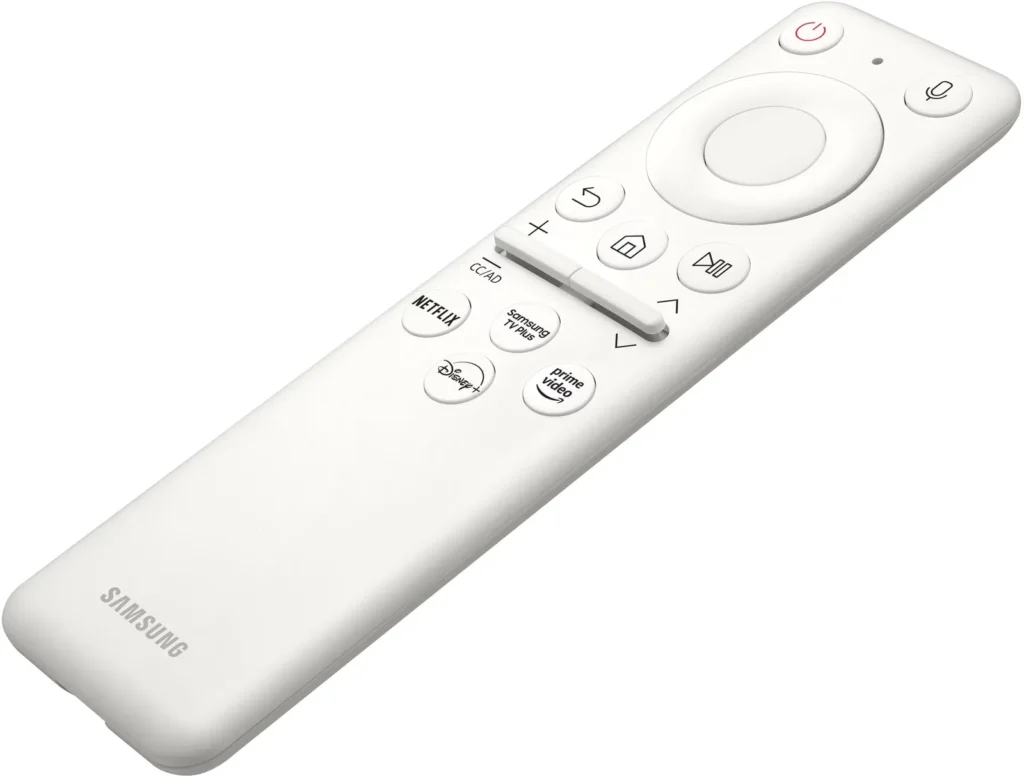
Customer Media
Highlights
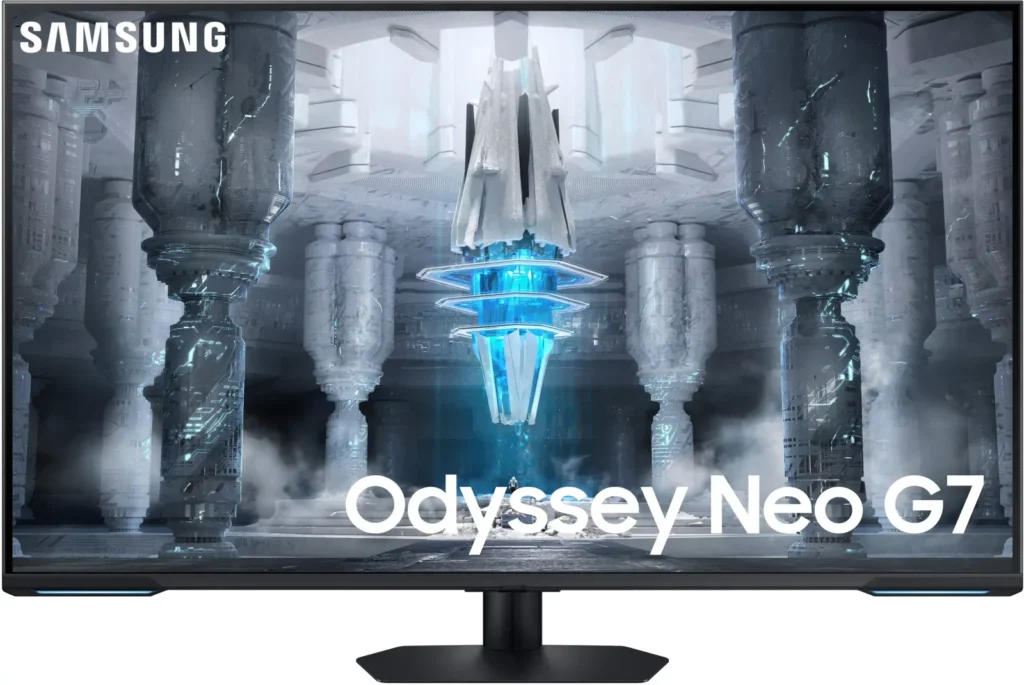
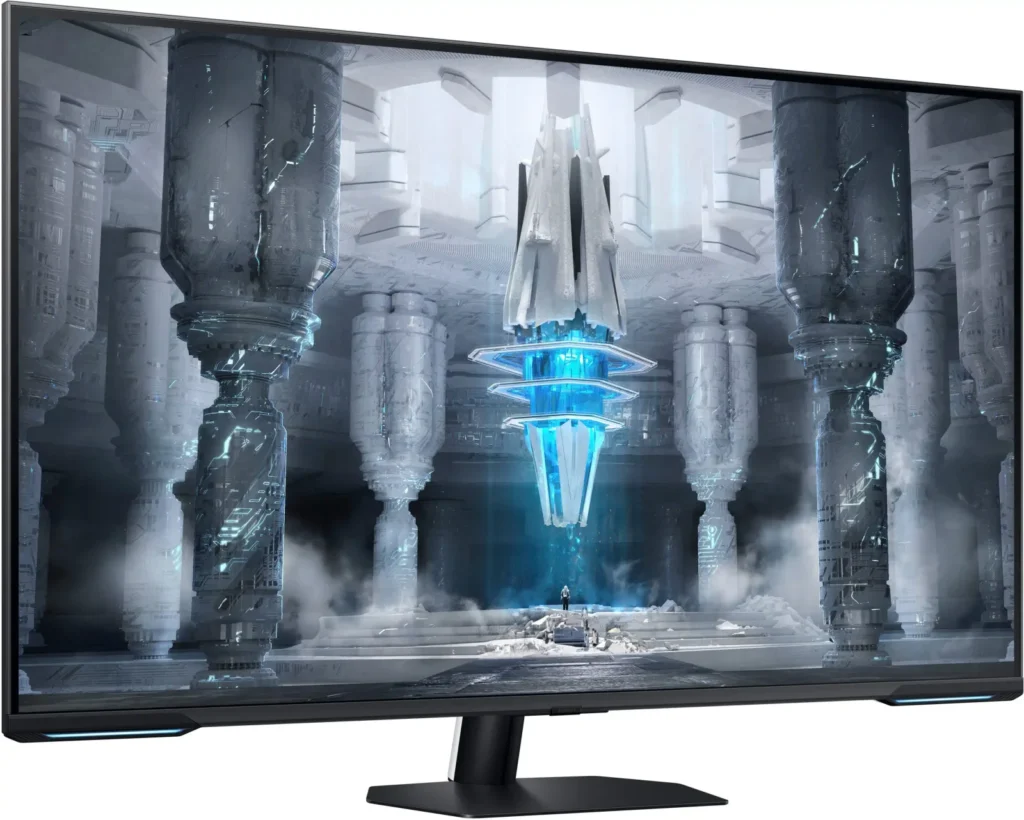
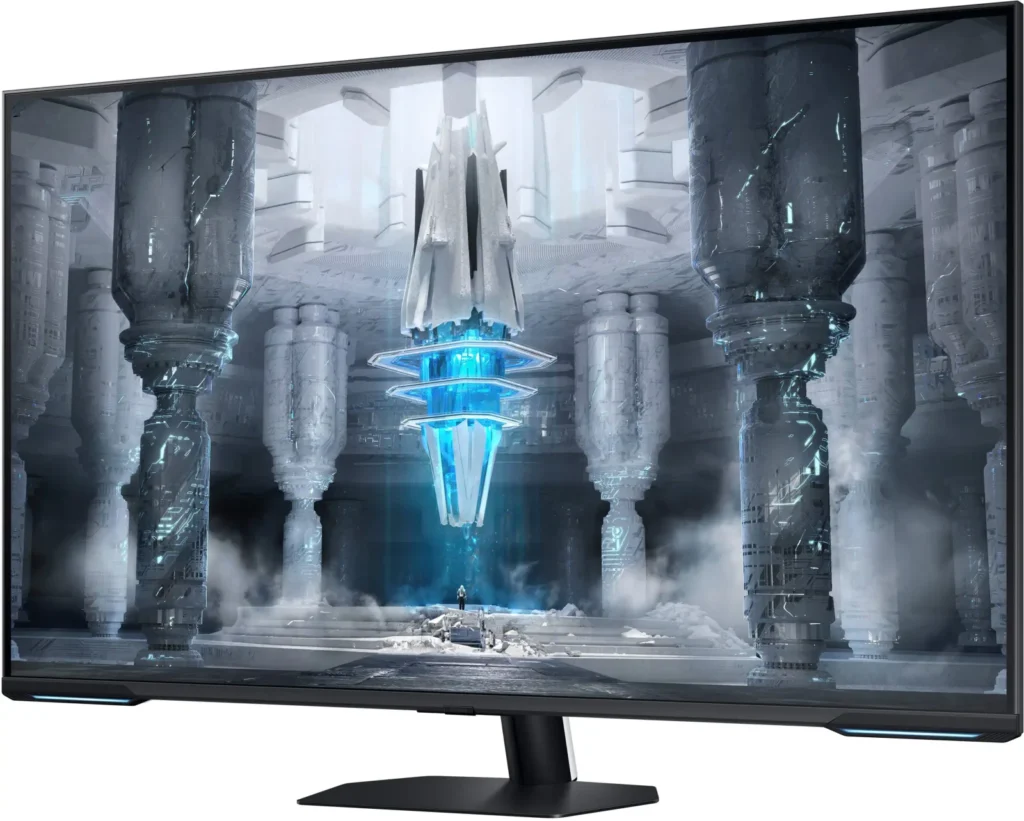
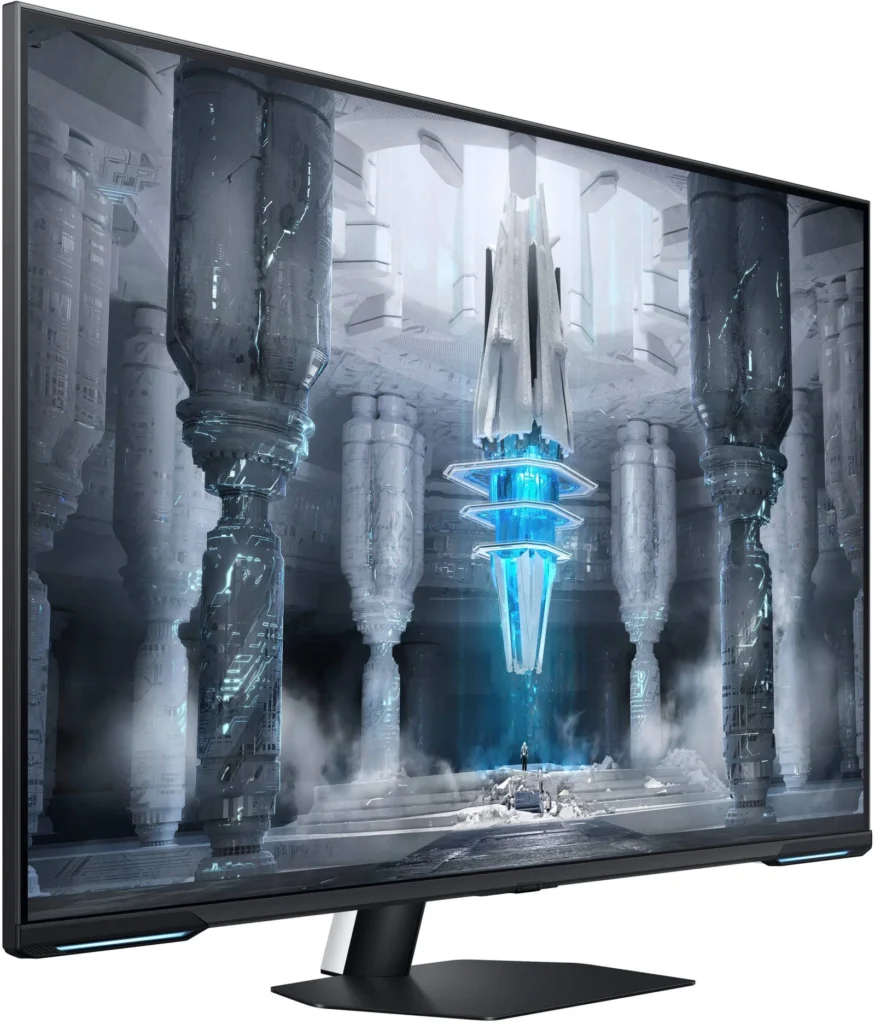
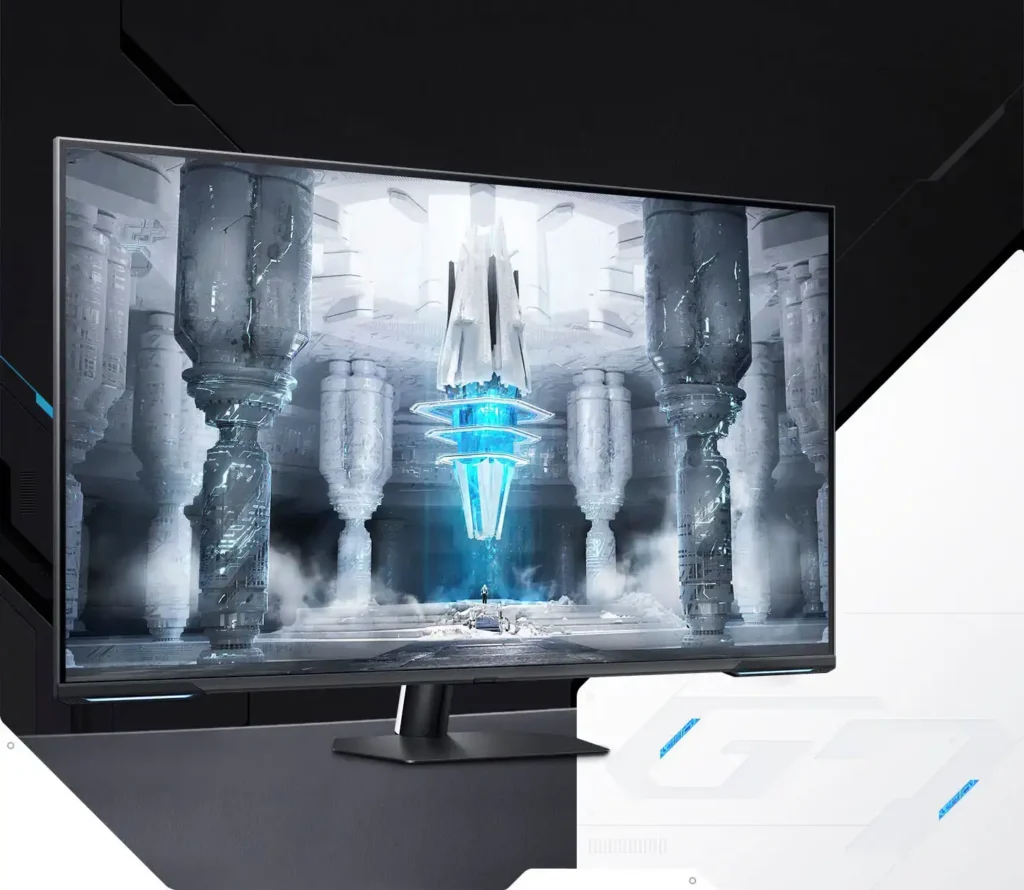
| Quantum Matrix Technology | Utilizes Quantum Mini LEDs with a 12-bit backlight unit to provide ultra-fine brightness control and incredible contrast, delivering deeper blacks and more detailed color expression in every scene. |
|---|---|
| 4K UHD & 144Hz Performance | Combines stunning 4K resolution with a 144Hz refresh rate and 1ms (MPRT) response time for ultra-smooth, high-definition gaming that eliminates lag and motion blur. |
| VESA DisplayHDR 600 | Features a 1,000,000:1 contrast ratio and VESA DisplayHDR 600 certification, ensuring life-like visuals with vibrant highlights and rich shadows for an immersive HDR experience. |
| Smart TV & Gaming Hub | Integrated Smart TV apps allow you to stream your favorite shows via Wi-Fi, while the Samsung Gaming Hub provides instant access to top cloud gaming services without needing a PC or console. |
| Flex Move Screen & Matte Display | The Flex Move Screen feature lets you adjust the on-screen size from 43 to 20 inches to suit different game genres, while the Matte Display minimizes reflections for focused, distraction-free gameplay. |
Pros & Cons
Pros
- Stunning Visual Performance: The 4K Quantum Mini-LED display provides vibrant colors, high brightness, and deep blacks that many reviewers compare favorably to OLED technology, making it excellent for HDR content.
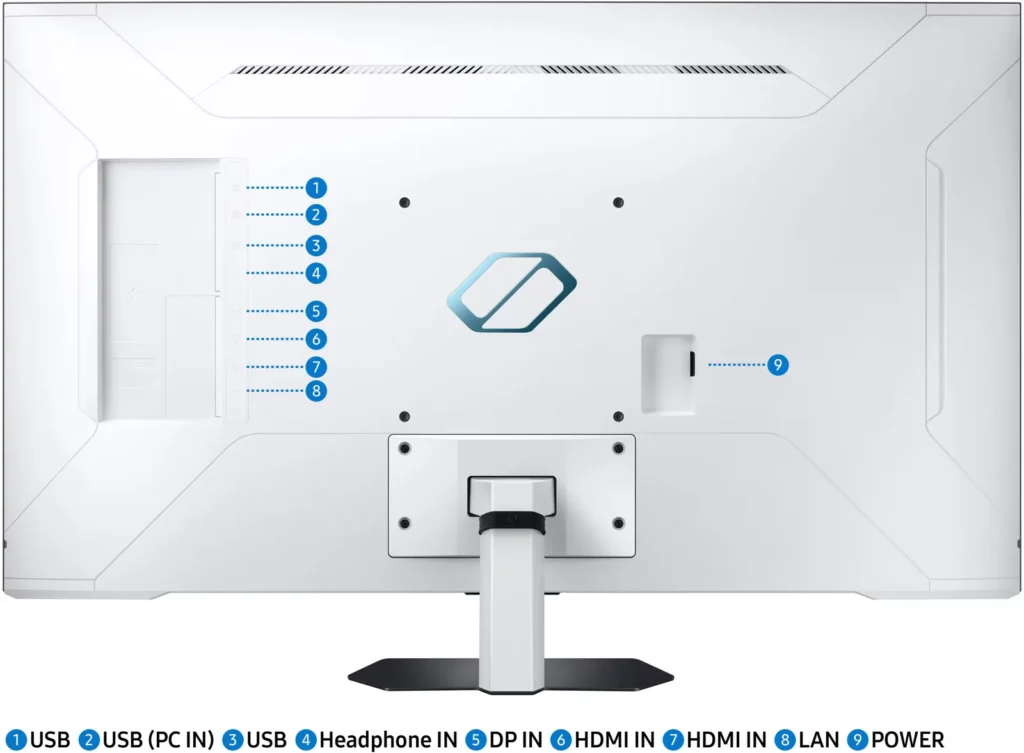
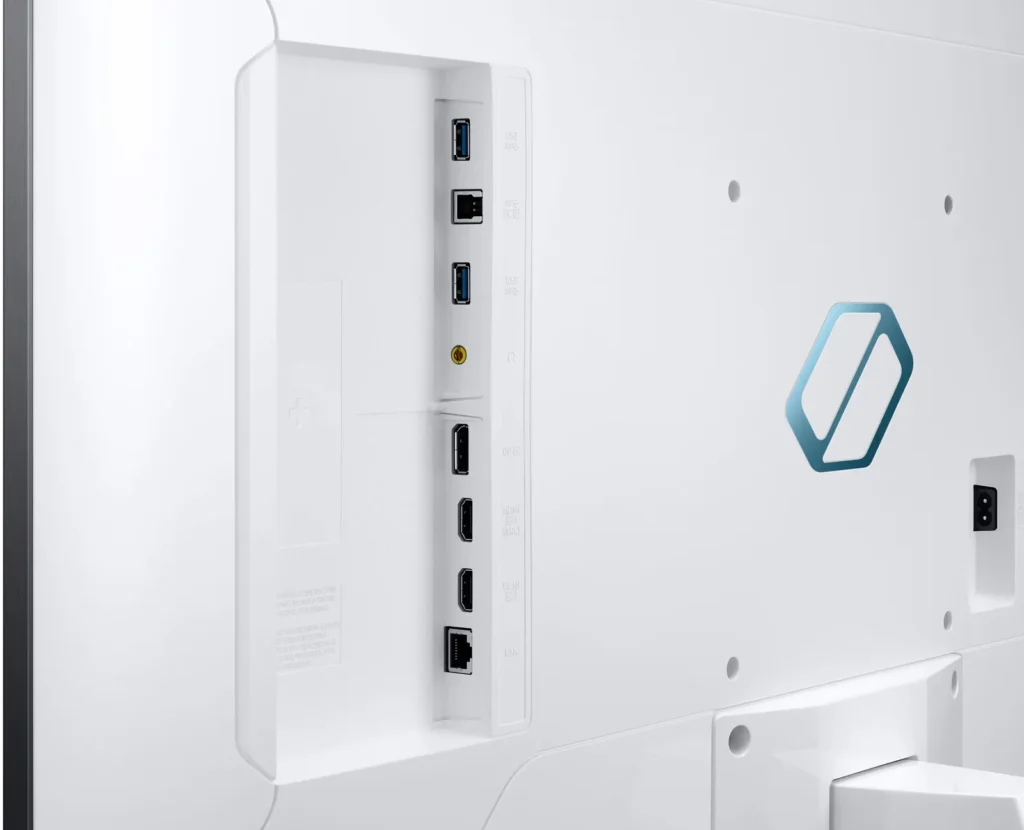
- Excellent Gaming Features: With a 144Hz refresh rate, 1ms response time, and HDMI 2.1 support, it delivers a smooth and immersive experience for both high-end PC rigs and next-gen consoles like the PS5 and Xbox Series X.
- Versatile Hybrid Functionality: It successfully bridges the gap between a high-end gaming monitor and a Smart TV, featuring built-in streaming apps, decent integrated speakers, and a convenient remote control for media consumption.
Cons
- Frustrating Software Interface: The Tizen OS is frequently described as slow, laggy, and overly complex, with users particularly annoyed by the lack of a dedicated input-switching button on the remote.
- Persistent Connectivity Bugs: Users report significant issues with the monitor failing to wake from sleep, losing signals on DisplayPort, and experiencing random flickering or artifacts that often require a hard reset.
- Noticeable Motion Artifacts: As a VA panel, it suffers from ghosting and black smearing during fast-paced scenes or when scrolling through text, and the viewing angles can cause color shifting at the edges of the large screen.
You might also like










Customer Reviews
Showing reviews 161-170 of 287
-
It flickers and lags I wasn't expecting a used monitor to arrive.
Verified purchase Verified purchase: This reviewer bought the product.Sunny November 20, 2023Review source: AmazonI would say more of a tv really not so much a monitor has flickering issues and lags while gaming good 4k picture quality once you get the settings right. Make sure to get a warranty.
-
For the console gamer. PC gamer will be annoyed.
Verified purchase Verified purchase: This reviewer bought the product.Candy Powell November 19, 2023Review source: AmazonIf i was a console gamer this would operate just like a smart tv and there would be no issues. Also being able to stream to the TV games and stuff is great. However I prefer to PC game and for that it’s not so great. Power saving does not work. When windows goes to sleep or decides to turn off the monitor to save power I have to unplug and plug the DisplayPort cable. This is horrible. So after working with Samsung support to get nowhere I discovered that if I disable the ability for my computer to sleep the screen then it’s not an issue. Samsung says it’s a problem with my PC however my Acer Predator gaming monitor says differently and when I change monitors I no longer have this issue. So in my opinion pass on this if you care about your power consumption. Also this monitor has ads in the menus. Placing my PC as the first input in the row only to see the button get shifted to the right so they can promote something I don’t care about. Smart features are totally unneeded if your on PC.
-
Amazing gaming monitor!
Verified purchase Verified purchase: This reviewer bought the product.Richard Tran November 18, 2023Review source: AmazonWent on YouTube to change some settings, now it’s perfect!
I set my computer to not sleep so it doesn’t give the no signal issue when the computer wakes up. Doesn’t bother me. If I don’t use the computer I turn it off.
-
On Sale at 500$, This monitor is amazing and is a great TV replacement too!
Hunter November 16, 2023Review source: AmazonOn sale for $500, This monitor is pretty great! If the price was much higher though, I’d probably consider picking out something else.
I wanted a 43″ SmartMonitor to upgrade and replace my aging TV, This Monitor is a great choice if you are looking for a smaller screen to put in your living room/gaming room or bedroom and expect to game on a Console or PC with, especially if you like high refresh rate. Any use-case where you have a desk though, Id get a 1440p IPS screen(or better) thats 27″(or 32″) and wouldn’t go any larger.
Ghosting by far was the biggest issue I had read of while looking up reviews on this SmartMonitor, However at least the Monitor I received has almost no Ghosting at all at 60hz+. The Alien test 144hz had almost no noticeable ghosting at all, 60hz was decent/tolerable for a VA panel, However the ghosting at 24hz (expectedly) was horrible. In actual gaming, The ghosting is actually barely noticeable at 60fps as well.
For gaming & for watching video/movies, The screen quality and motion of the image is actually incredibly good. I was pleasantly surprised, It looks smooth and crisp with colors that pop and actually fairly decent black levels that seem fairly uniform.
The Smart(“TV”) Samsung functions of the Monitor work fairly well and are mostly reliable, And the smart system is typically pretty responsive as of Firmware/Update 1520
Pros:
The remote DOES have a Mute button, Push straight down on the Volume button on the remote.
Speaker Audio is fairly decent
Contrast and Blacks are great for a VA panel
No backlight bleed
Well built with small RGB accents on front bottom panel
Colors out of the box for the one I received were actually very decent
Freesync works great
High Refresh Rate works very well
Text and rendered objects are clear and look great
Tons of customization
Has HDR that seems ok, Not great but I haven’t messed with it or the brightness settings much yet with HDR.Cons:
This is the biggest problem I have by far and I’ve heard it only happens when using the DisplayPort however I have not test for the issue using HDMI yet.
My monitor works great for everything I’ve wanted, sometimes during normal use I get some odd display artifacts or bugs which I may have to contact support about.This got especially bad though when I had tried playing Halo MCC with Nucleus Co-Op with my GF, the display artifacts, drops all fps, and stutters like crazy when the game windows are put into Fullscreen.
This problem is fixed by turning off Game mode, Freesync & HDR. However, Game mode, Freesync & HDR are also enabled by default and RE-enabled during screen setting changes and more often than not, The game bar (Holding the Play/Pause button) will disable itself from being pulled up while the screen is glitching out.Eventually I can reliably get it working, But its a very odd issue directly related to (I believe) sing the displayport and the fact that this Monitor always Defaults Game mode, Freesync & HDR to being ON when not every input or setting on your PC may even have the settings turned on.
These settings should on most any monitor be turned OFF by default unless requested from the connected system or device or from being turned on in the settings. Its backwards and seems to cause compatibility issues. VRR also doesn’t work for the Xbox One, for some reason it makes the game lag like crazy even at the main menu.Other than the few major issues presented, I have been blown away by this monitor in general. I wish that the displayport worked a little better and that Game mode wasn’t enabled with Freesync and HDR by default whenever something is plugged in. This and the fact that the monitor artifacts every rare now and then randomly. Which is more a concern I have being as the Warranty is only 1 year.
I think Samsung needs to take another crack at this and they really could have an amazing Monitor/TV Hybrid if they could either fix these issues with software or make a better, newer model. As-Is I would never buy this monitor for more than 500$ like what I got it for on sale since other companies have better large sized monitors for only a few hundred more.
-
Nice but Display Port connectivity doesn't work
Verified purchase Verified purchase: This reviewer bought the product.teara November 14, 2023Review source: AmazonUpdate: Its working fine for now…2nd day I have had it. could not use it the whole first day because display port does not work atleast with my rtx 3070. Nice deep blacks and vibrant colours.
-
Arrived used, poorly boxed
Verified purchase Verified purchase: This reviewer bought the product.Venecular November 13, 2023Review source: AmazonRidiculous. Item is clearly used, NOT New, box was retaped, items inside not in original packages, box damaged.
-
Big Low Quality Screen
Verified purchase Verified purchase: This reviewer bought the product.Jordan Harnach November 13, 2023Review source: AmazonClumsy menu, terrible local dimming, terrible color uniformity, heavy fringing, and features more like a TV than a monitor.
-
Great TV
Verified purchase Verified purchase: This reviewer bought the product.MaraL November 11, 2023Review source: BestbuyWe really liked our samsung TV. The graphics were great especially with games that were highly saturated.
-
Do not buy this monitor
G. Chu November 10, 2023Review source: AmazonRandom things are wrong with it. You cannot operate it with sleep mode as the display port shuts off and you have to restart your computer or unplug the monitor. Trying to use my scanner randomly made it blink. The stand is unstable. The cord strap in the back broke. Watching videos, it would timeout and shut off. It has an on screen display that pops up every time it turns on that blocks the bottom of the screen.
-
Response time is bad, viewing angle bummer HORRID UX
Verified purchase Verified purchase: This reviewer bought the product.Jerry November 2, 2023Review source: AmazonWith darker elements the response time is appallingly bad. It gets very noticably blurry and smug, based on the stats I thought it would be much better.
The monitor is so big that the poor viewing angle harms the perceived color at normal monitor distances.
Find a different monitor.Edit 7/2/2025: I could have wrote this at any point in the last year or so but the interface is a DISASTER
I don’t have the lexicon to describe how utterly horrible it is to simply change the input. You have to DIG through the slow UI and FIND devices. It’s pushing an endless list if absolutely useless nonsense at you with every screen. Not enough room on the remote for an input button but there’s buttons for Disney+ Netflix and Prime Video.
I like most samsung products, I have several. This is the worst thing they ever produced and I write that with the exploding Samsung Galaxy S8 in mind.
I get flamed every time I have to use this trash and tell people to not get near me when I have to navigate it. I’m not exaggerating at all. My 5 y/o nephew literally asked me not to throw him through the wall when I was setting it up for him.