
Customer Media
Highlights
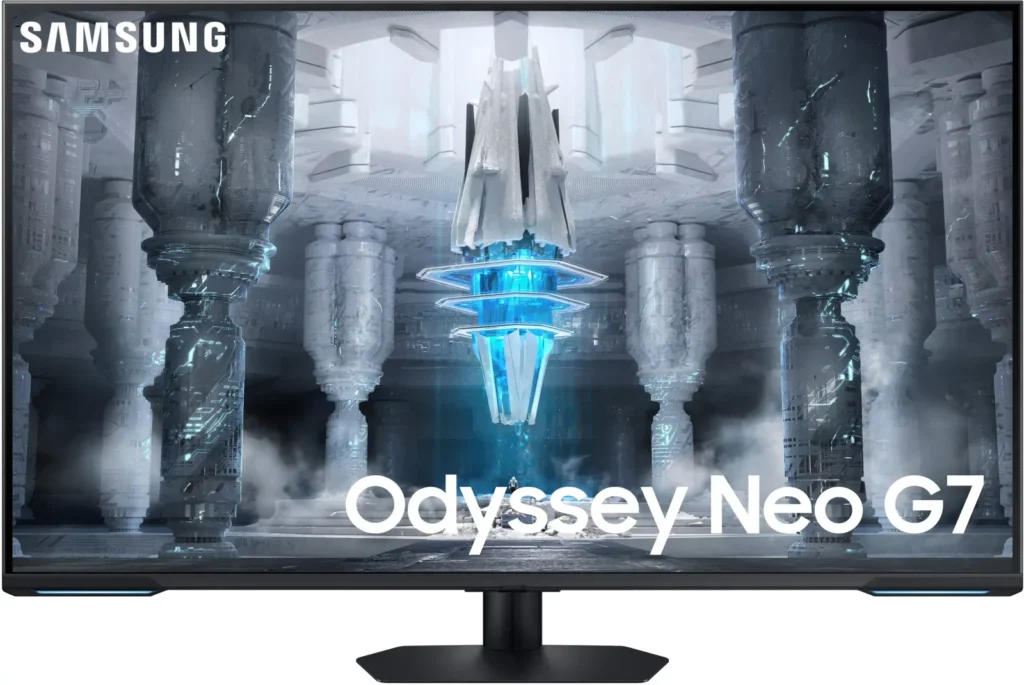
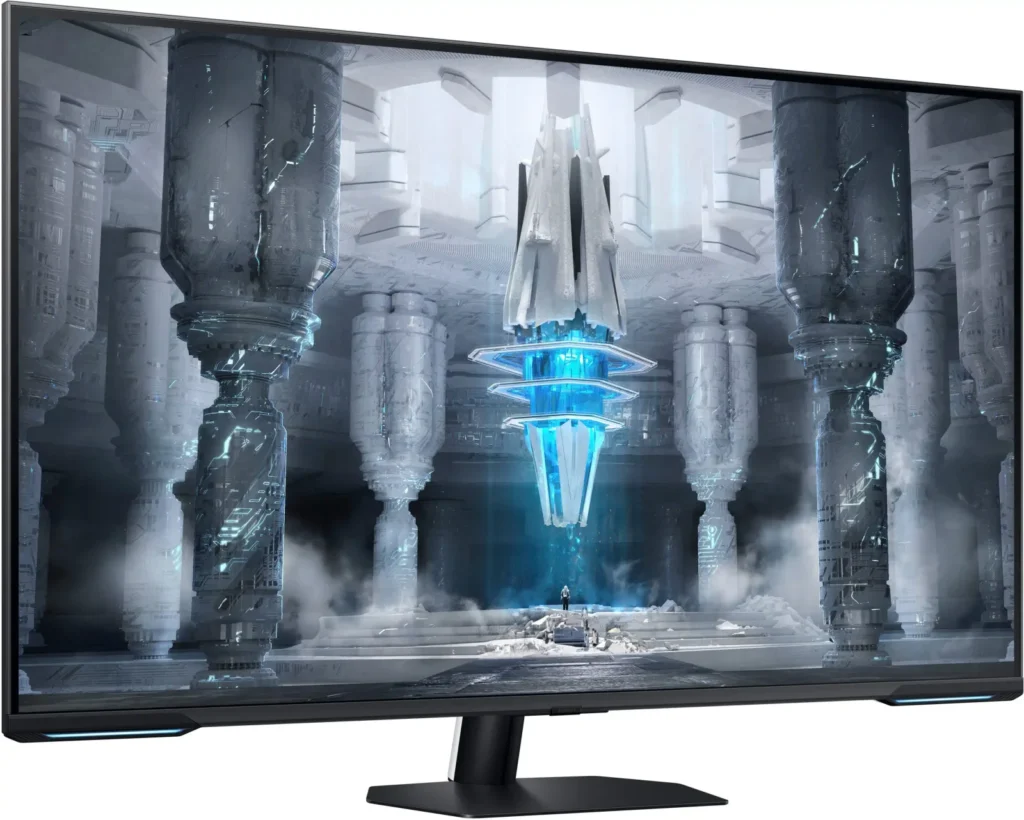
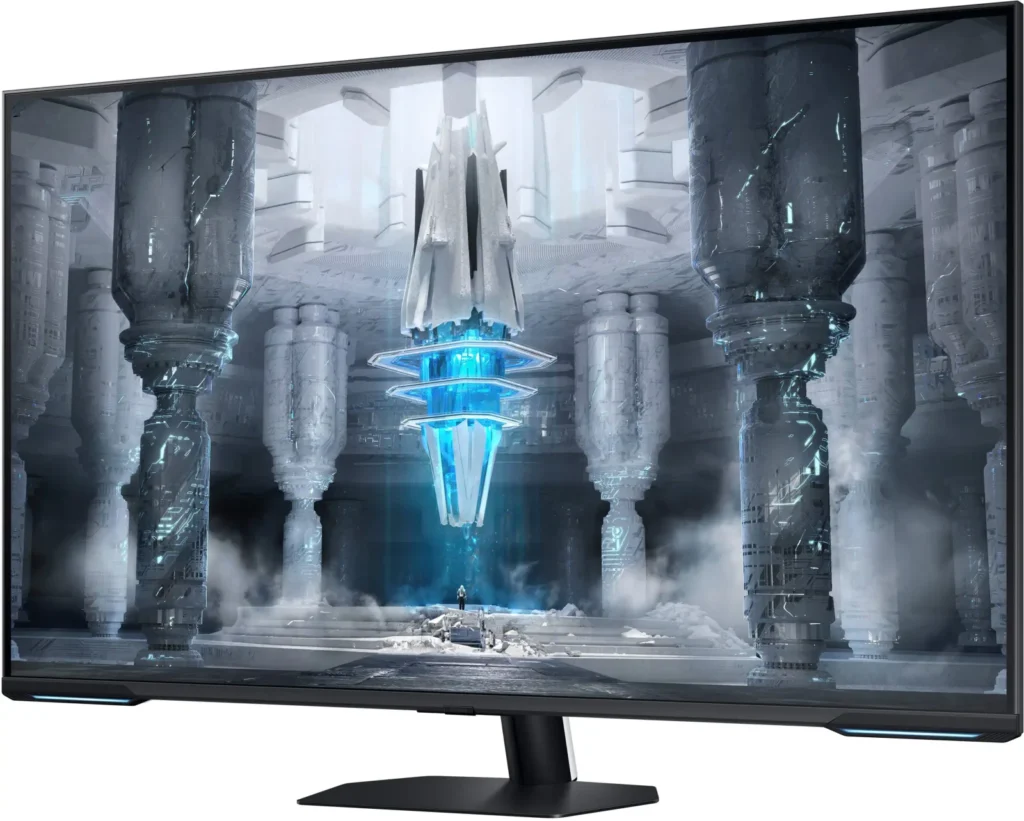
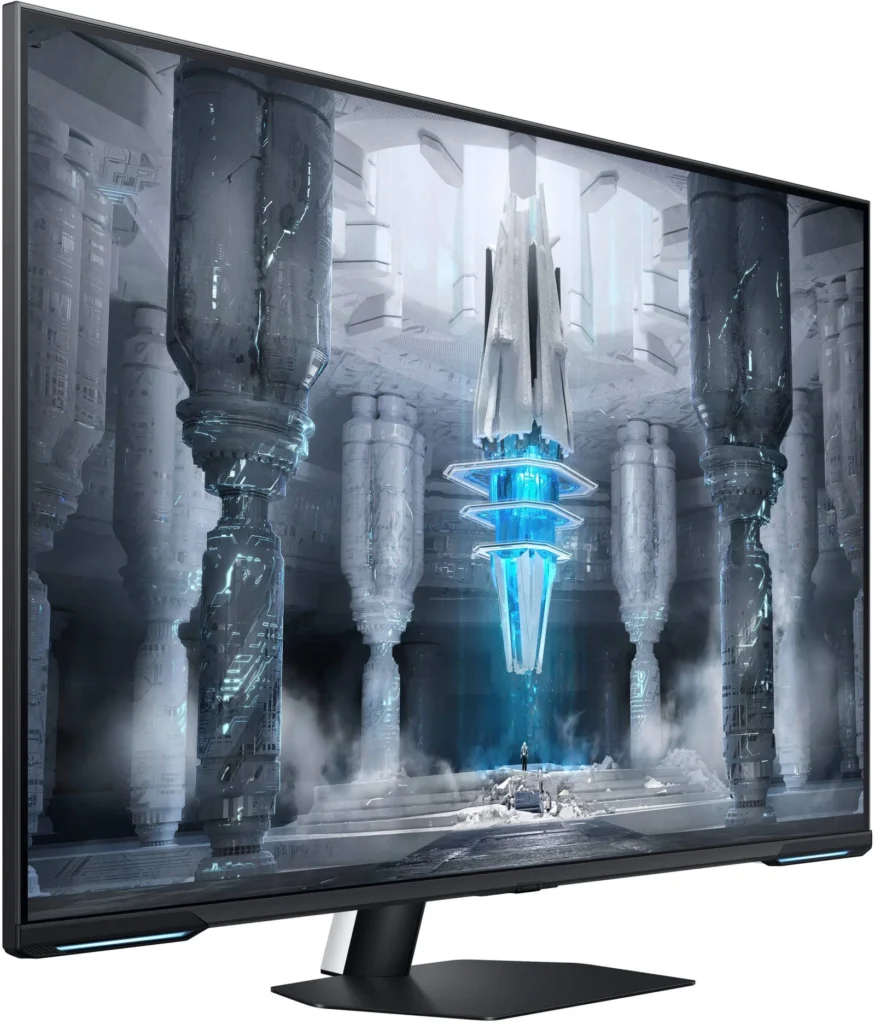
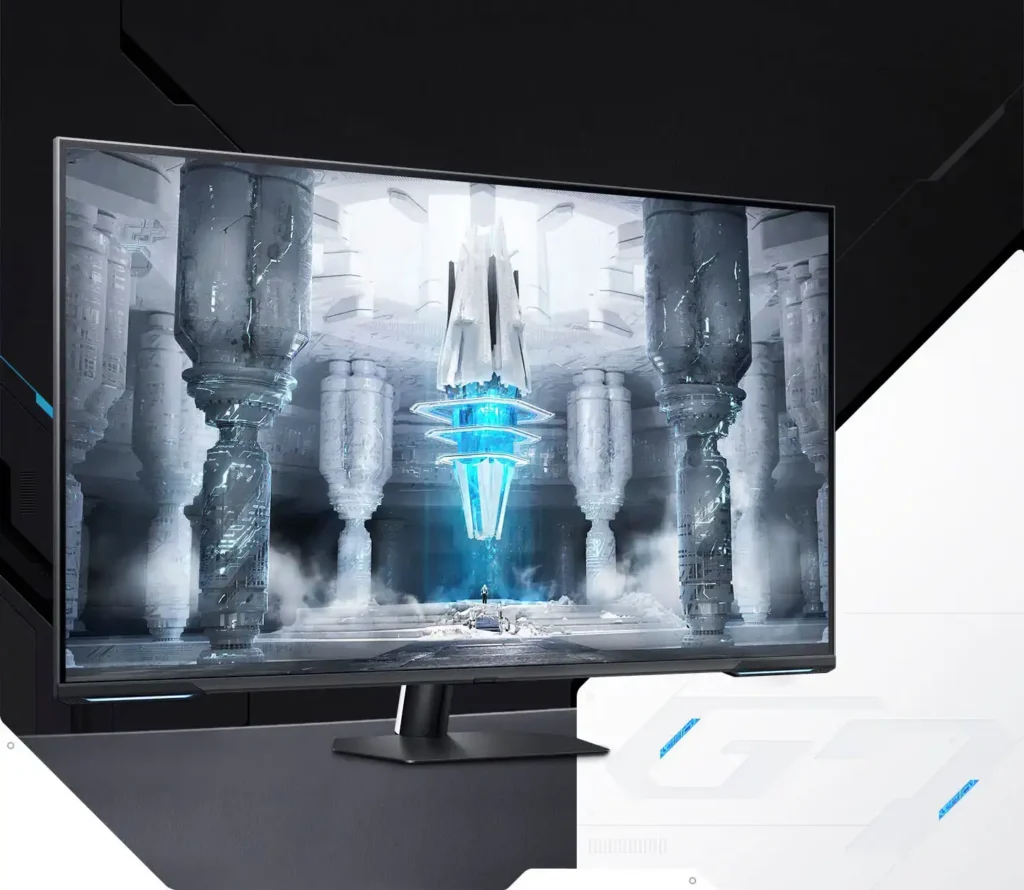
| Quantum Matrix Technology | Utilizes Quantum Mini LEDs with a 12-bit backlight unit to provide ultra-fine brightness control and incredible contrast, delivering deeper blacks and more detailed color expression in every scene. |
|---|---|
| 4K UHD & 144Hz Performance | Combines stunning 4K resolution with a 144Hz refresh rate and 1ms (MPRT) response time for ultra-smooth, high-definition gaming that eliminates lag and motion blur. |
| VESA DisplayHDR 600 | Features a 1,000,000:1 contrast ratio and VESA DisplayHDR 600 certification, ensuring life-like visuals with vibrant highlights and rich shadows for an immersive HDR experience. |
| Smart TV & Gaming Hub | Integrated Smart TV apps allow you to stream your favorite shows via Wi-Fi, while the Samsung Gaming Hub provides instant access to top cloud gaming services without needing a PC or console. |
| Flex Move Screen & Matte Display | The Flex Move Screen feature lets you adjust the on-screen size from 43 to 20 inches to suit different game genres, while the Matte Display minimizes reflections for focused, distraction-free gameplay. |
Pros & Cons
Pros
- Stunning Visual Performance: The 4K Quantum Mini-LED display provides vibrant colors, high brightness, and deep blacks that many reviewers compare favorably to OLED technology, making it excellent for HDR content.
- Excellent Gaming Features: With a 144Hz refresh rate, 1ms response time, and HDMI 2.1 support, it delivers a smooth and immersive experience for both high-end PC rigs and next-gen consoles like the PS5 and Xbox Series X.
- Versatile Hybrid Functionality: It successfully bridges the gap between a high-end gaming monitor and a Smart TV, featuring built-in streaming apps, decent integrated speakers, and a convenient remote control for media consumption.
Cons
- Frustrating Software Interface: The Tizen OS is frequently described as slow, laggy, and overly complex, with users particularly annoyed by the lack of a dedicated input-switching button on the remote.
- Persistent Connectivity Bugs: Users report significant issues with the monitor failing to wake from sleep, losing signals on DisplayPort, and experiencing random flickering or artifacts that often require a hard reset.
- Noticeable Motion Artifacts: As a VA panel, it suffers from ghosting and black smearing during fast-paced scenes or when scrolling through text, and the viewing angles can cause color shifting at the edges of the large screen.
You might also like










Customer Reviews
Showing reviews 231-240 of 287
-
Not even close
Verified purchase Verified purchase: This reviewer bought the product.ewendorf July 17, 2023Review source: BestbuyFirst of all, this is not a true monitor. It is a TV converted to a monitor. Screen times out all the time. Does not wake up when PC does. Does not switch resolutions easily. It always wants to go back to its TV roots for some reason. Picture is ok, does have alot if ghosting.
-
How is it rated so low?!??
Verified purchase Verified purchase: This reviewer bought the product.MattN16 July 17, 2023Review source: BestbuyThis monitor was delivered to me 5 days ago now and I have nothing but a great experiences to share. Before I provide my feedback with you, it’s important you know I’m a ps5 console gamer and my computer is a mac mini m1. Firstly- the video on this monitor is absolutely stunning. It does need slight tweeking out of the box for both the hdr and standard picture settings. That’s easy and there is a pretty awesome step by step video available on youtube university. The tyzen interface isnt nearly as slow as everyine made it seem. Is it snappy? Not exactly but it defeinetly isnt a terrible experience at all. The sixe of this monitor is massive. For a computer display i was a little intimidated at first but now i absolutely love it and wouldn’t return it if for anything smaller. There are ufo tests out there for ghosting tests etc. not really something i even noticed so far. Like i said, overall amazing monitor. Friends csme over yesterday to check it out and they agree islts a fanrastic monitor. Stoked i got it at such a great price also! Highly recommend!
-
It’s good. But quirky.
Verified purchase Verified purchase: This reviewer bought the product.Scott Yager July 17, 2023Review source: AmazonI would say I almost love the monitor. This was a prime day upgrade from a 40” Zisworks setup that I built. First off the image is great. It’s exactly what I expected for a former $1000 monitor. What doesn’t sell it for me is the OSD and menu system. Both are absolutely horrible to use. I get everything is multi purpose these days. But I do miss just straight dumb electronics. Speakers are fine for regular use when I’m doing non gaming things. I hate that the monitor has to wait 60 seconds before it will go into standby (still looking for a setting) the game menu it advertises is a pia to get to when you want to.
Overall for $500 it does it’s main purpose well. But outside of that purpose it’s 30 seconds of pain to get it running and turning it off.
-
Update: Its becoming a nightmare
Verified purchase Verified purchase: This reviewer bought the product.UberTechie2000 July 16, 2023Review source: AmazonUpdate: This monitor has turned into a nightmare of sorts. The remote is unreliable at best, as sometimes it won’t work at all. The screen will randomly take on a green color, which can only be fixed by literally unplugging the monitor. I have had to do this multiple times so far. To make things worse, I have actually had the smart hub OS freeze on me as well, requiring the same hard reset approach. Samsung, you need to fix this ASAP with a firmware update. This is unacceptable.
When the Samsung Neo G7 43″ went on sale, I decided to take a chance with it. It’s main competitor in the 43″ VA panel space is Gigabyte’s FV43U, which was largely liked back when it came out around 2 years ago.
I went in with low expectations, but to my surprise the screen looks amazing. There were some scenes I looked at that looked better than my Alienware 34″ QD-OLED monitor. I am impressed.
The GOOD:
-Beautiful and Vibrant VA Panel
-Well Built
-Mini-LED Backlighting
-Great Gaming Experience
-Great Contrast ratio + Above Average Brightness Levels.The Meh:
– Motion blur. It’s definitely there, but you really don’t notice it much when gaming or watching content. Sweet spot for this panel seems to be 120hz with fastest response rate selected.
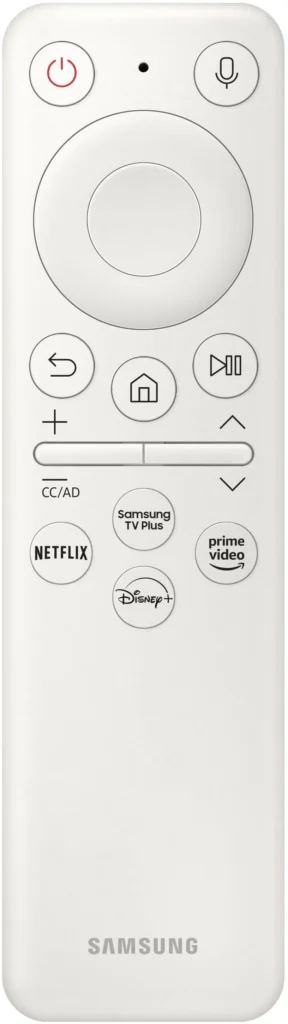
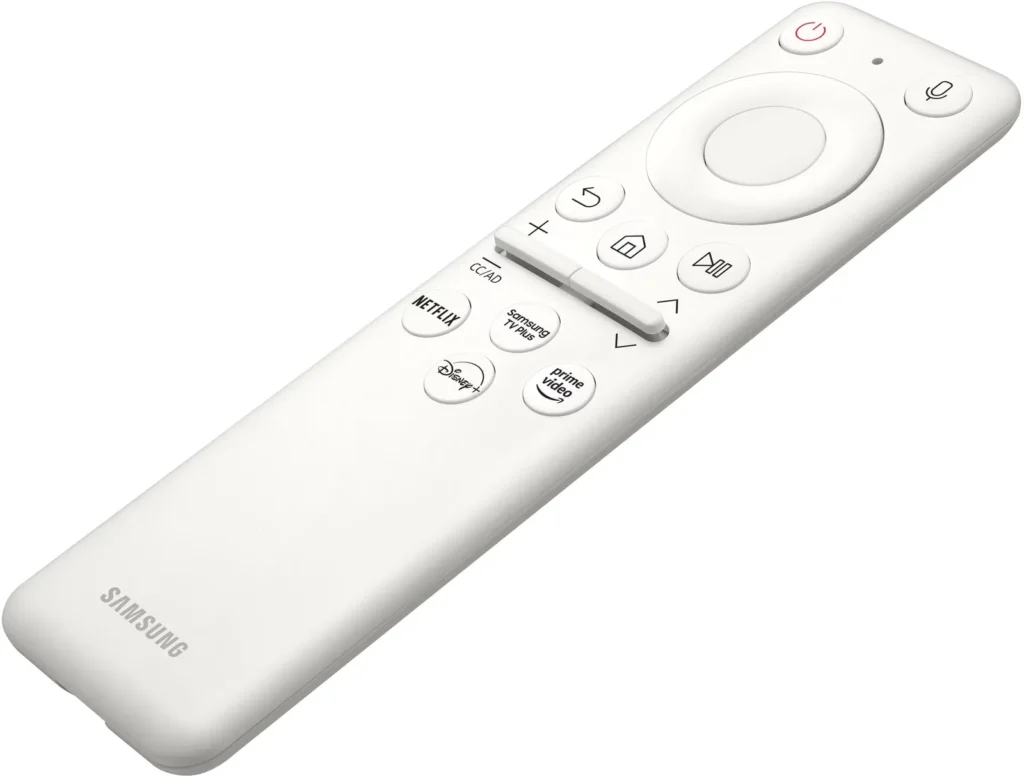
– The Remote is not designed well for computer monitor usage, also feels cheap.The UGLY:
– The TV settings and “Smart HUB” are atrocious. It is so bad, that its probably the biggest reason to avoid these Samsung “smart” displays. The layout is convoluted and unnecessary for use as a computer monitor, as a TV it seems ok-ish. Samsung really should have given the option to have a traditional OSD, much like the Gigabyte FV43U. The image presets are incredibly limited as well.
Its less bad if you use only one input and leave it that way, but you will still be forced to go through the hub for most things, and you will NOT like it.If Samsung is committed to this line, I hope they roll out an update that can revamp the current monitor “smart hub”/OS, otherwise expect it to be the worst part about this monitor.
-
Poor OS, difficult to adjust
Verified purchase Verified purchase: This reviewer bought the product.Melo July 14, 2023Review source: BestbuyIt sucks when try to adjust very customized brightness, contrast, swithcing on and off the eye protection model. Seems like you canno really tune the eye protection model. Great to have a controller. Better to have one more HDMI 2.1. Speakers are just fine. Screen quality is just okay.
-
WAY TOO COMPLICATED!
Verified purchase Verified purchase: This reviewer bought the product.STEVEN A ROSS July 14, 2023Review source: AmazonI cannot recommend this if you just want a monitor. It does way to many other things and you will spend hours just trying to set it up, or worse yet, you have it set up and it decides to change modes on you. The remote control is very tiny, hard to use and has a latency so long you will often get into the wrong place. The picture looks great but it thinks it’s a home entertainment system (with, apparently, no way to NOT use it in this mode). It is VERY frustrating to use. BTW, you MUST use the remote control, you have no option so you had better not EVER lose it. UPDATE: It seems every time I turn on my computer,. this monitor has a different problem! Now it ALWAYS turns off its audio!!!
-
This is a TV first, not a PC monitor
Verified purchase Verified purchase: This reviewer bought the product.Blake Saindon July 13, 2023Review source: AmazonAS described in the title, this is a smart TV first before a computer monitor. Does it work? Yes, very well. However, the overall smart interface is clunky, slow, and requires a Samsung account to use. It also defaults back to primarily a TV first. Im satisfied with this in its current setup but do not be misinformed, if you use this primarily as a PC monitor, you will frequently have to deal with slow, cumbersome, poorly navigated UI that will only get slower and worse as time goes on. You also cannot opt out of advertising or selling your information without accessing a website.
-
i payed full price for a used monitor?
Verified purchase Verified purchase: This reviewer bought the product.dwayne July 12, 2023Review source: Amazoni payed full price for a new monitor but was sent a used repackage monitor with scuff marks and the plastic on back was missing this is used smh.
-
See why I like the 43 inch G7 Odyssey monitor
JohnnybeGood July 12, 2023Review source: AmazonI have Samsung Neo QLED QN90A and S95B OLED TV’s and they are two of the best TV’s in the world, if not the best. I wanted something smaller that I can use as PC monitor but also use it as TV to watch videos and movies.
For me the problem with 43 inch monitor is that it is a bit too big as a PC monitor. The great thing is this monitor has Flex Screen feature which can adjust the PC screen size from 43 to 20 inches. As seen on one of the pics, you can reduce the size which is perfect for me.
When I want to watch movies, I increase the size to 43 inches. The 4K is super sharp and mini-LED screen is bright, colorful and has great contrast.
Before I tried the 43 inch Q60 and Q90 TV’s, but didn’t have good skin tone, people’s face would look more orange. But this G70 has the right color tones. Also with the normal TV’s you cannot reduce the PC screen size and it’s a bit too big as computer monitor.
Some reviewers mentioned the monitor not detecting inputs but I never had issues. It detected the PC and streaming stick that I connected to the 2 HDMI inputs.
Also because the remote is simple, you have to go through some steps to change the input. Instead of using the remote, use the physical button on bottom of the unit to bring up the input as seen on the picture. See pic of the input control.
Overall, I love this 43 G7 monitor, I like that I can reduce the screen size as PC monitor, and it’s an awesome TV with great contrast, brightness with mini-LED and nice colors. It’s great gaming monitor also, I connected my PS4 to it.
-
Awesome monitor
Verified purchase Verified purchase: This reviewer bought the product.ABLJ July 3, 2023Review source: BestbuyLooks amazing been playing diablo 4 on it very smooth.