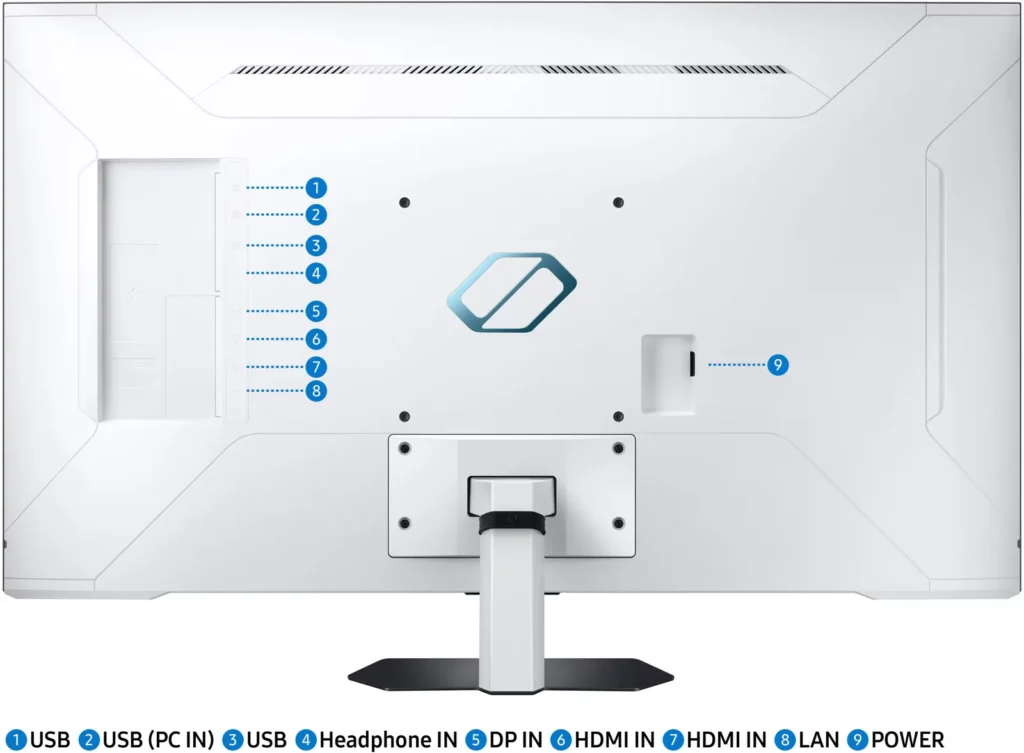

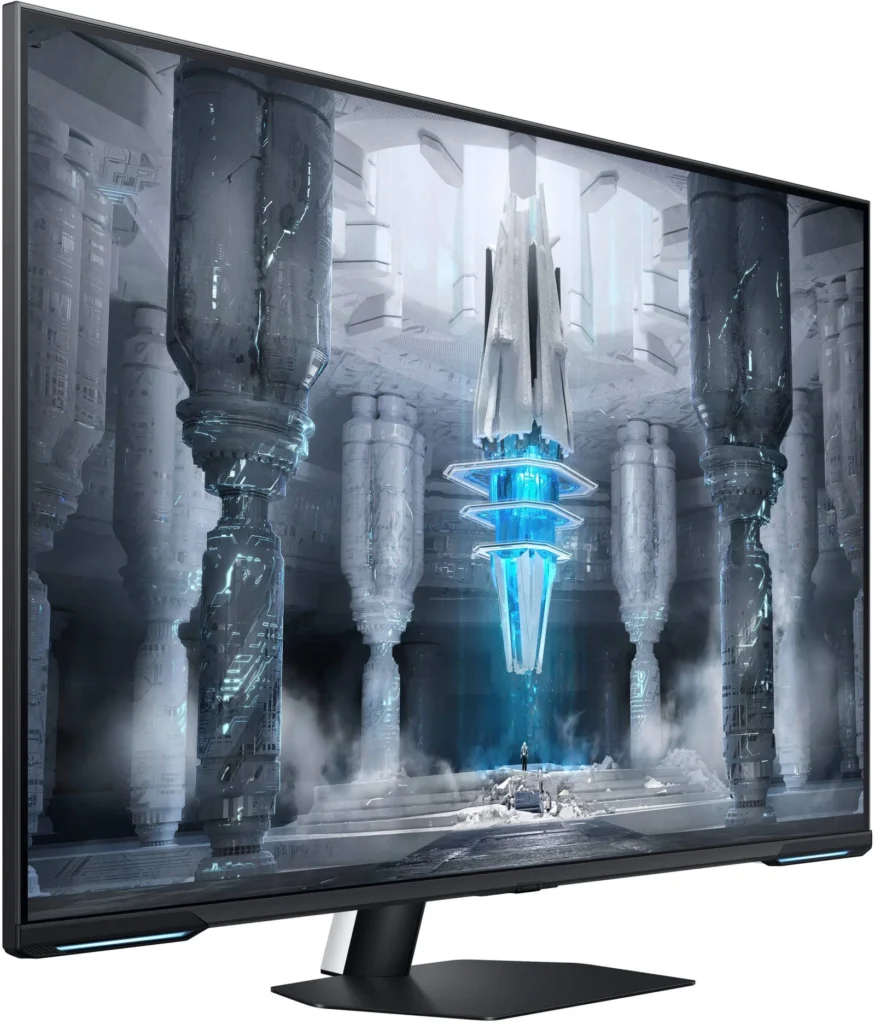
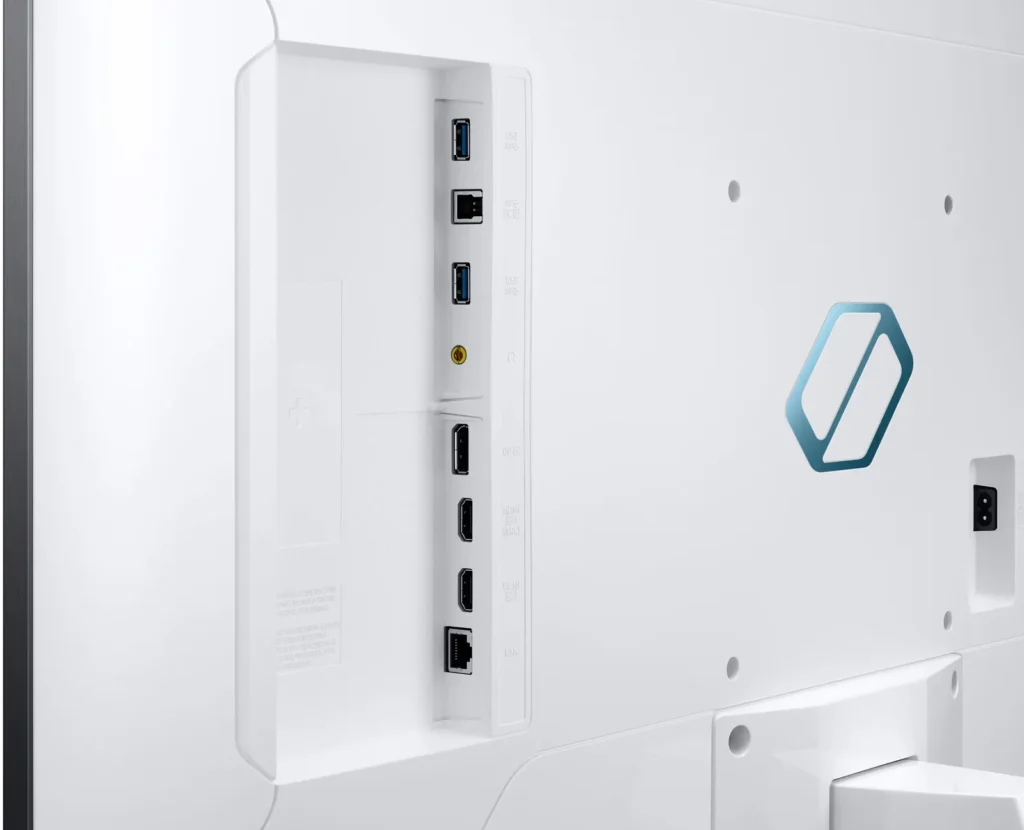
Customer Media
Highlights
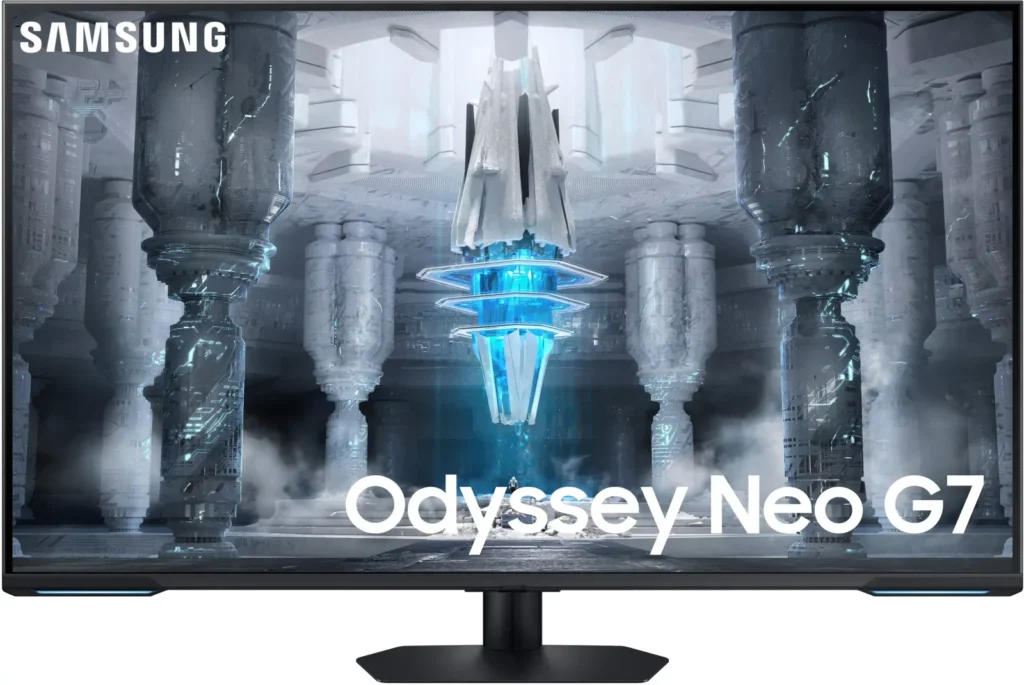
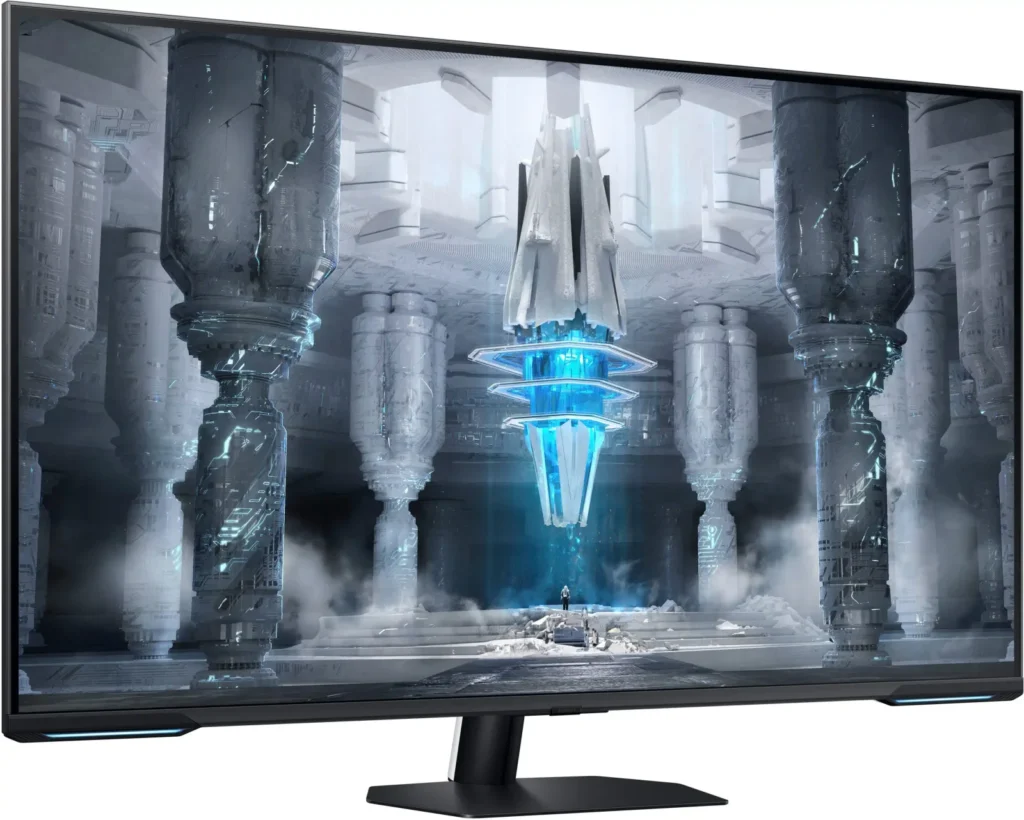
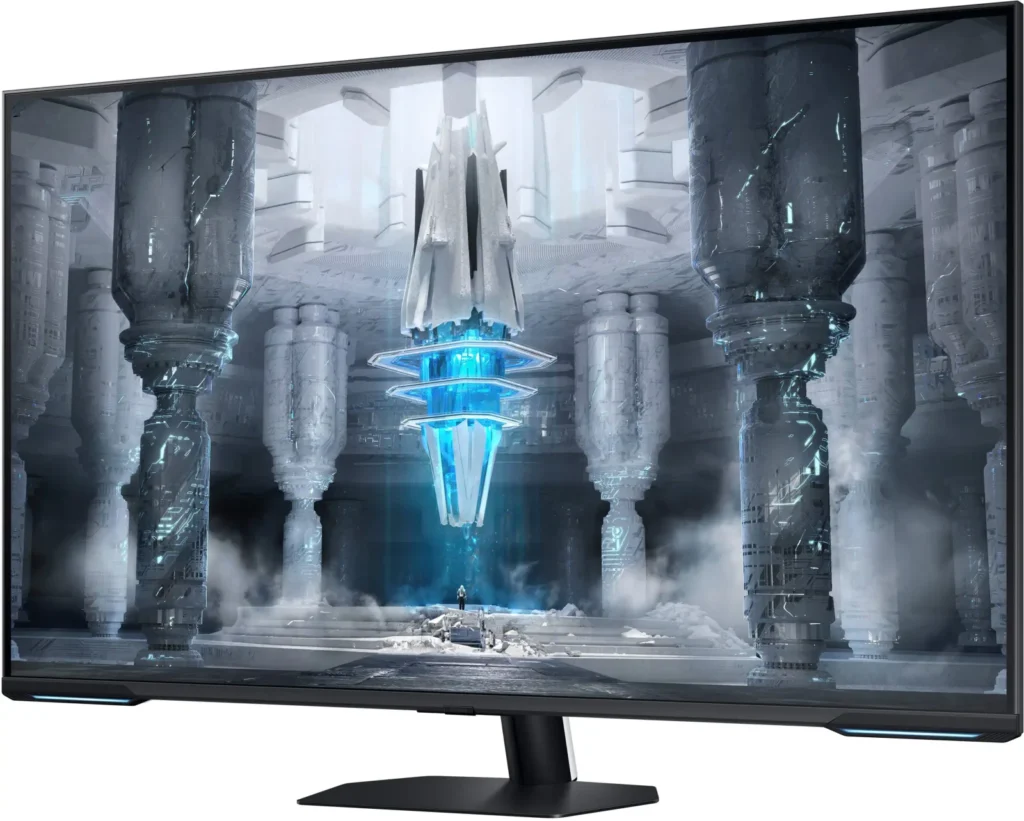
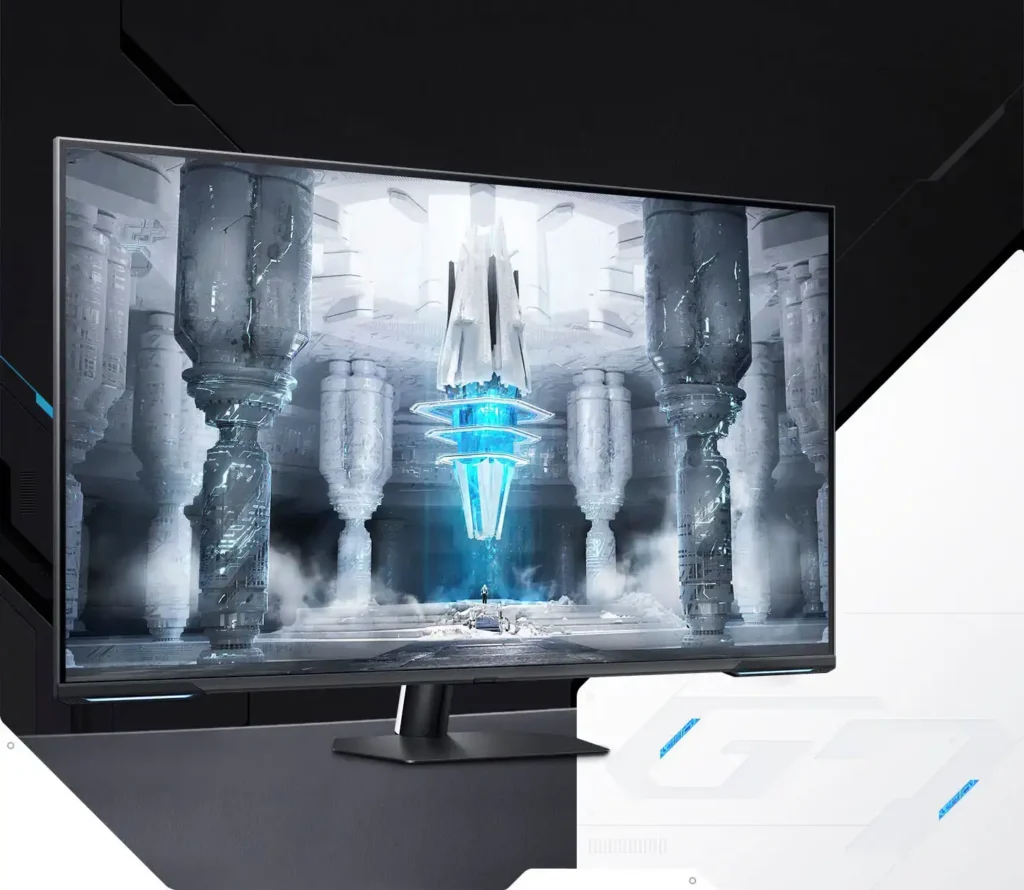
| Quantum Matrix Technology | Utilizes Quantum Mini LEDs with a 12-bit backlight unit to provide ultra-fine brightness control and incredible contrast, delivering deeper blacks and more detailed color expression in every scene. |
|---|---|
| 4K UHD & 144Hz Performance | Combines stunning 4K resolution with a 144Hz refresh rate and 1ms (MPRT) response time for ultra-smooth, high-definition gaming that eliminates lag and motion blur. |
| VESA DisplayHDR 600 | Features a 1,000,000:1 contrast ratio and VESA DisplayHDR 600 certification, ensuring life-like visuals with vibrant highlights and rich shadows for an immersive HDR experience. |
| Smart TV & Gaming Hub | Integrated Smart TV apps allow you to stream your favorite shows via Wi-Fi, while the Samsung Gaming Hub provides instant access to top cloud gaming services without needing a PC or console. |
| Flex Move Screen & Matte Display | The Flex Move Screen feature lets you adjust the on-screen size from 43 to 20 inches to suit different game genres, while the Matte Display minimizes reflections for focused, distraction-free gameplay. |
Pros & Cons
Pros
- Stunning Visual Performance: The 4K Quantum Mini-LED display provides vibrant colors, high brightness, and deep blacks that many reviewers compare favorably to OLED technology, making it excellent for HDR content.
- Excellent Gaming Features: With a 144Hz refresh rate, 1ms response time, and HDMI 2.1 support, it delivers a smooth and immersive experience for both high-end PC rigs and next-gen consoles like the PS5 and Xbox Series X.
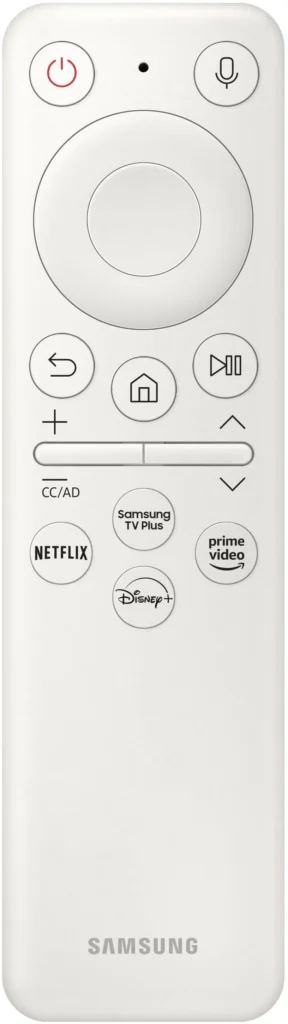
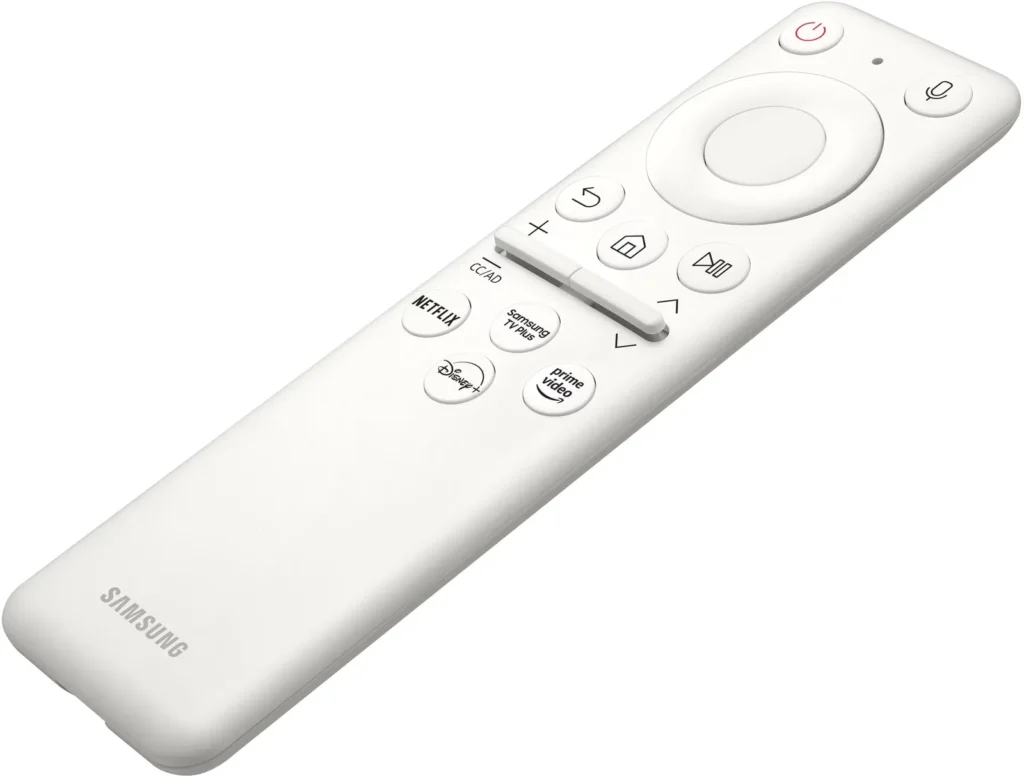
- Versatile Hybrid Functionality: It successfully bridges the gap between a high-end gaming monitor and a Smart TV, featuring built-in streaming apps, decent integrated speakers, and a convenient remote control for media consumption.
Cons
- Frustrating Software Interface: The Tizen OS is frequently described as slow, laggy, and overly complex, with users particularly annoyed by the lack of a dedicated input-switching button on the remote.
- Persistent Connectivity Bugs: Users report significant issues with the monitor failing to wake from sleep, losing signals on DisplayPort, and experiencing random flickering or artifacts that often require a hard reset.
- Noticeable Motion Artifacts: As a VA panel, it suffers from ghosting and black smearing during fast-paced scenes or when scrolling through text, and the viewing angles can cause color shifting at the edges of the large screen.
You might also like










Customer Reviews
Showing reviews 251-260 of 287
-
A good monitor at a very good price, when on sale.
Verified purchase Verified purchase: This reviewer bought the product.Sgt337 May 28, 2023Review source: BestbuyI had a high-end LG 34″ ultrawide that broke after 2 years and I was looking for an upgrade that was reasonable. I have other computers with OLED monitors but I didn’t want one for my primary PC as I work from home I started looking at LCD monitors and although you can find them cheap, the good ones are still expensive. I wanted a mini-led monitor and found this open box for $600 and at that price, this is an awesome deal. I am very happy with this monitor which has some blooming but looks good and has the option to use this as an ultrawide monitor, cutting off the top and bottom of the screen, and even in that mode is much larger than most others monitors and I think maybe the equivalent of a 38 ultrawide. Also has built-in streaming apps and can use as a tv but without the tuner.
-
Disappointed – expected far more from mini led
Verified purchase Verified purchase: This reviewer bought the product.Gabbiani May 23, 2023Review source: AmazonI was ecstatic when the 43″ G7 went on sale. I knew walking in that the Samsung OS is annoying on the best of days, but thought I was ordering a desk size version of my main tv.
For comparison I have an 85″ Samsung qn90b for TV and my old monitor is the original Acer Predator x34.
Color on the G7 is bland. Using same settings as my qn90b and also tweaking following others suggested settings. The qn90b pops.
Viewing angles are painful. You can’t sit at monitor distance without having the outer third of the screen wash out. If I’m going to sit across the room I’ll use my tv.
Brightness doesn’t really stand out. X34 is capable of similar perceived brightness. G7 pales to the qn90b in brightness.
Black levels are the only area this monitor succeeds in. Blacks in mini led are amazing with just a tiny bit of blooming.
Samsungs OS is the absolute worse. Notifications that can’t be disabled. Multiple menu clicks to change inputs.
Returning and continuing to my x34.
-
Great smart monitor for the price
Verified purchase Verified purchase: This reviewer bought the product.Sidwali May 20, 2023Review source: BestbuyVery nice I use it for both monitor and gaming . Nice options with huge size .
-
Fantastic monitor, but fussy
Verified purchase Verified purchase: This reviewer bought the product.Mike M May 19, 2023Review source: AmazonPaired with my new rtx 4080, I’ve had some mind blowing visuals thrown at me. I can’t praise the picture quality of this monitor enough, if only…
It’s hit or miss whether it’ll turn itself back on after the PC goes into standby mode. When it doesn’t you either need to yank the DP cable out and plug it back in, or reboot the PC. And there are a few other minor irritants similar to that.
But, nothing bad enough to make me ever want to send it back. Grab it, ESPECIALLY if it’s on sale.
EDIT: Bumping up to 5 stars because subsequent updates have eliminated all issues. Fantastic product.
-
Great Monitor
Verified purchase Verified purchase: This reviewer bought the product.Daniel May 15, 2023Review source: BestbuyWas initially looking to purchase a TV(LG C2), however, once I saw this monitor, I knew it can provide all my needs with Smart TV features. Great for Home Offices!
-
Great Value
Verified purchase Verified purchase: This reviewer bought the product.PatPat May 13, 2023Review source: BestbuyGreat value, I really love it. Just wish it was easier to switch between inputs.
-
Dead pixel upon arrival
Verified purchase Verified purchase: This reviewer bought the product.Kush May 12, 2023Review source: AmazonDid a dead pixel test as soon as I set the monitor up and immediately found a dead pixel in the bottom left quadrant of the screen. Looking at my current options, but will most likely return due to the poor QC from Samsung.
-
Perfect
Verified purchase Verified purchase: This reviewer bought the product.JuicyJay May 12, 2023Review source: BestbuyI have tried many moniter in this category and this one was the best out of them all.
-
Dead pixel upon arrival
Verified purchase Verified purchase: This reviewer bought the product.KingKash789 May 12, 2023Review source: BestbuyDid a dead pixel test as soon as I set the monitor up and immediately found a dead pixel in the bottom left quadrant of the screen. Looking at my current options, but will most likely return due to the poor QC from Samsung.
-
It's a great big monitor, good for gaming, but OS sucks.
Verified purchase Verified purchase: This reviewer bought the product.Yujie Zhang April 30, 2023Review source: AmazonYou cannot change brightness/contract/sharpness when Eye Care mode is one, which sucks. The Eye Care mode is based on your ‘General’ picture settings. But you cannot customize it. The OS sucks, UI is not very user friendly. 2 HDMI 2.1 ports are fine, really want to have another one.
It is a good gaming monitor, but not great experience when shifting among different tasks like editing, writing, general daily work, web browsing, watching videos, watch live sports, etc. Since the OS sucks, and you cannot change the picture settings easily.