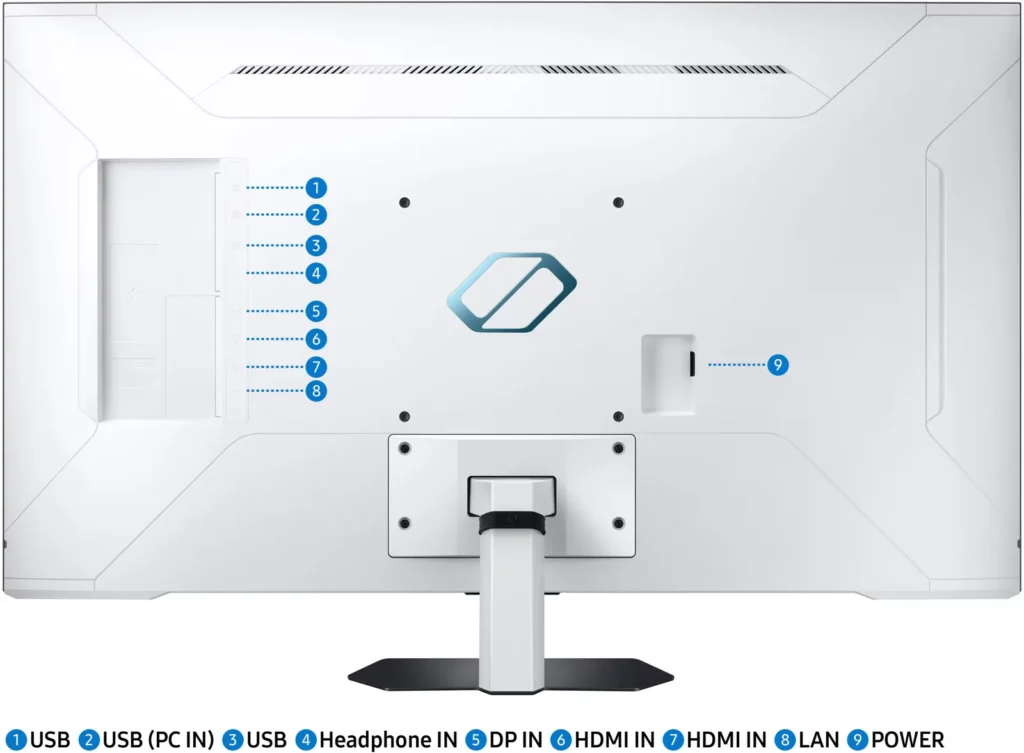

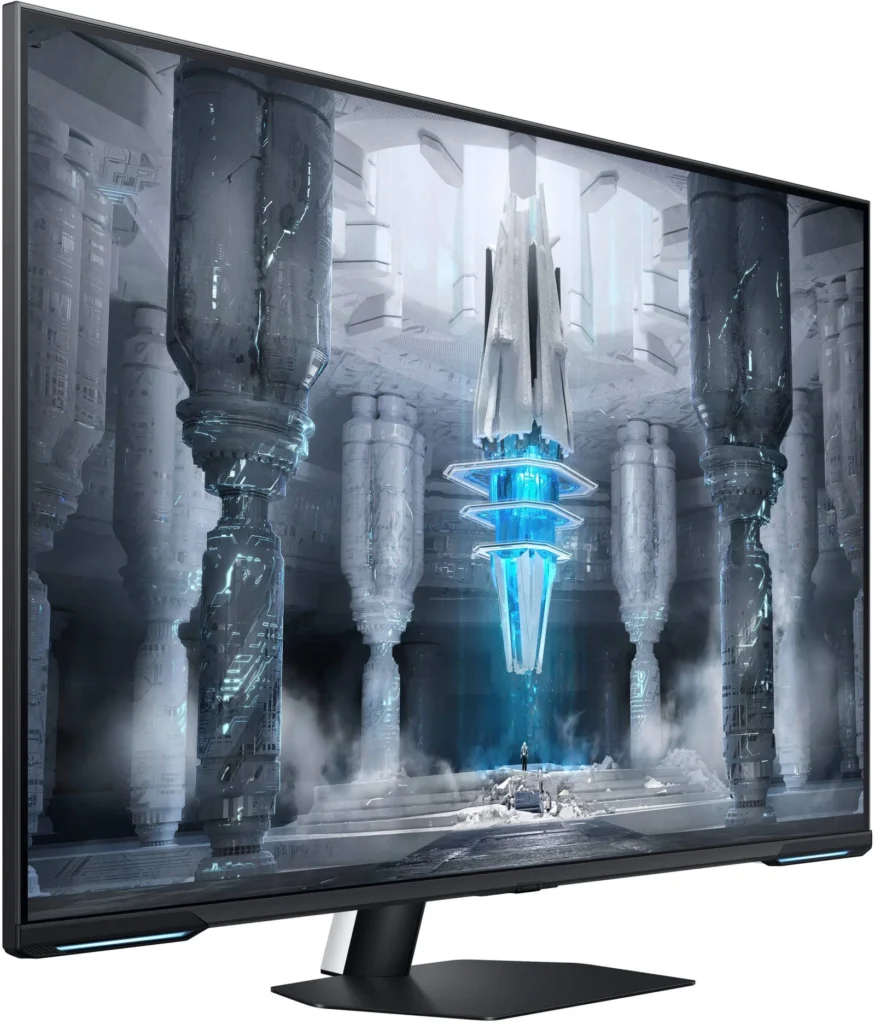
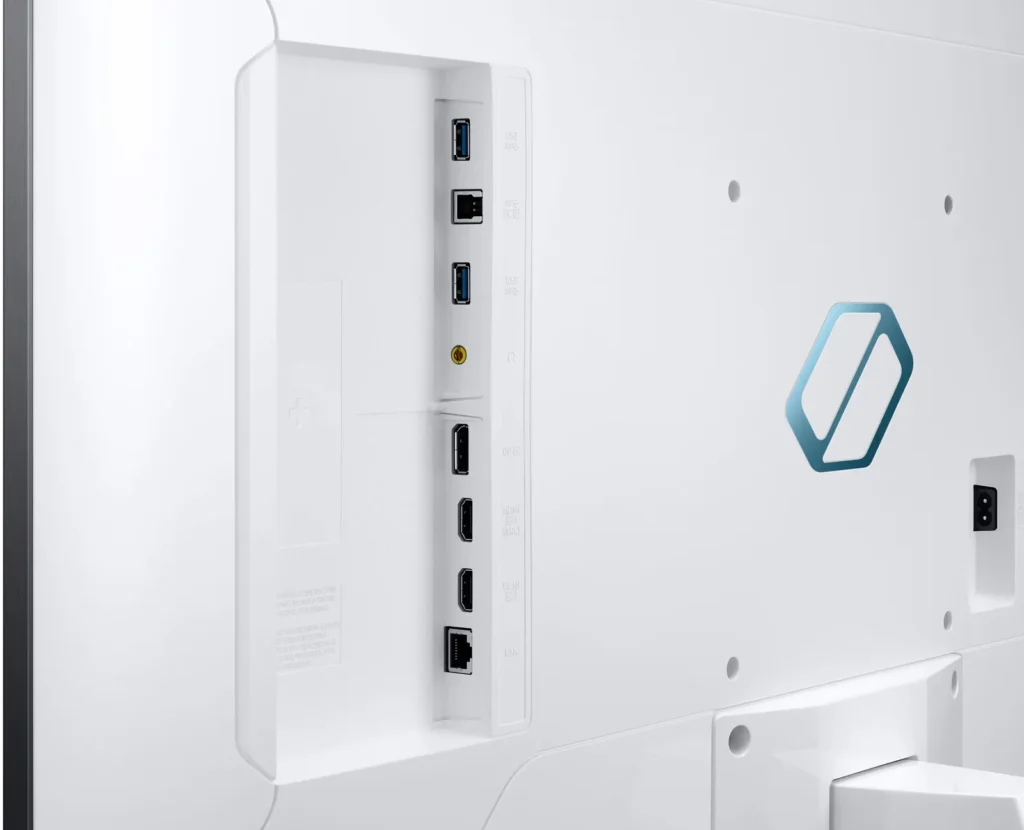
Customer Media
Highlights
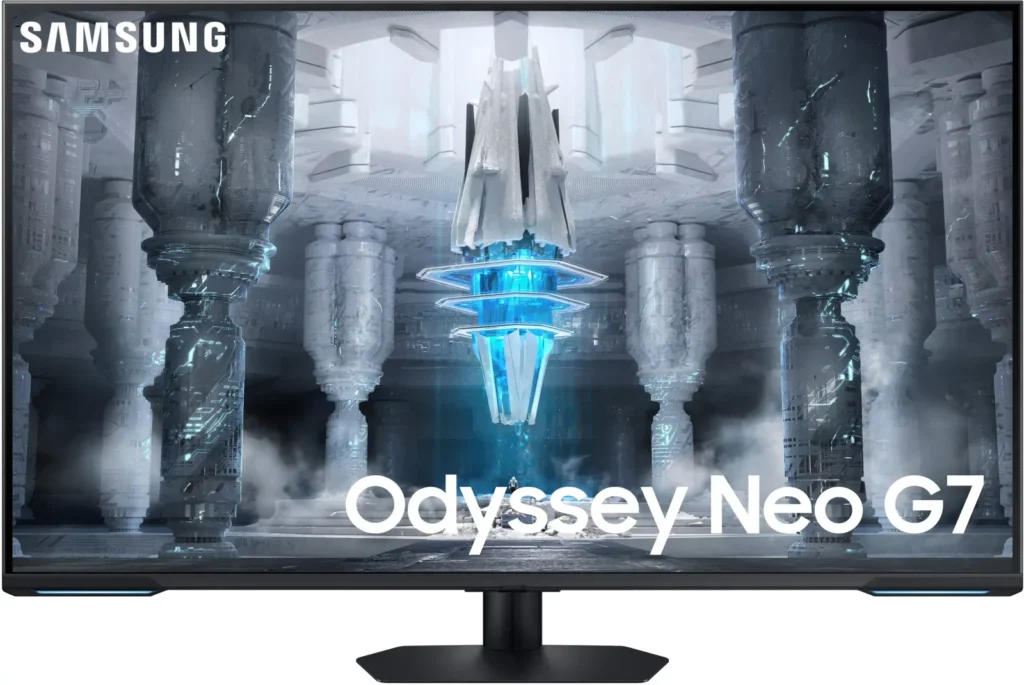
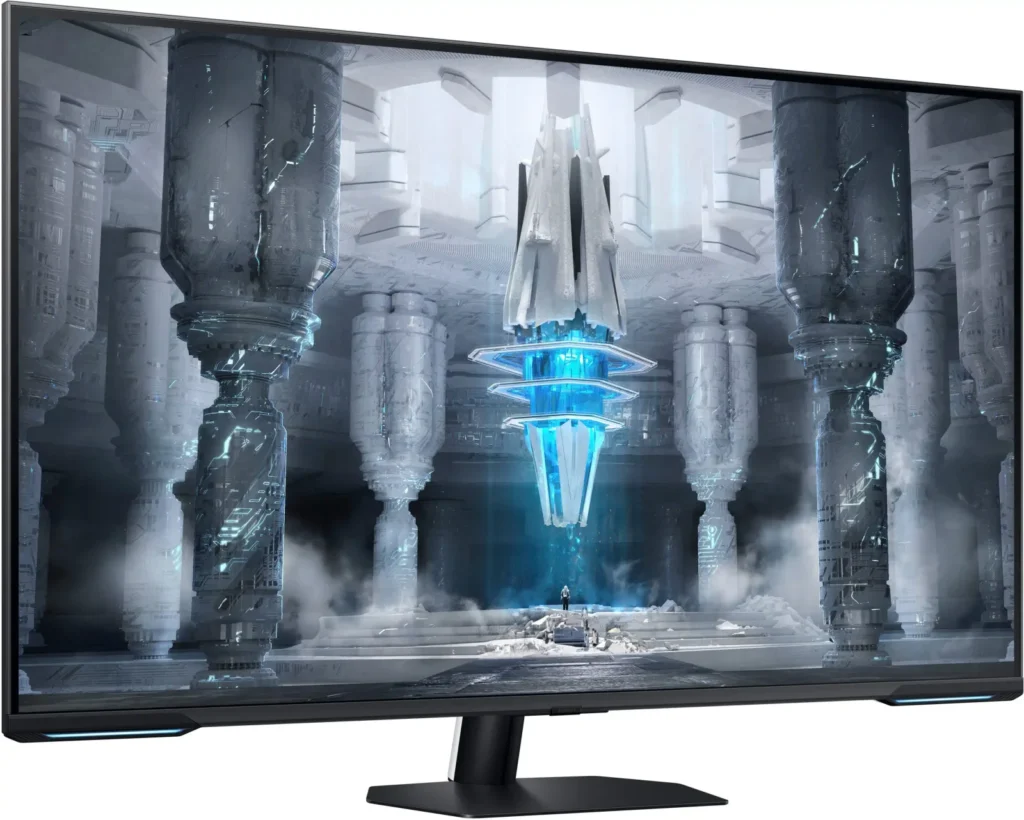
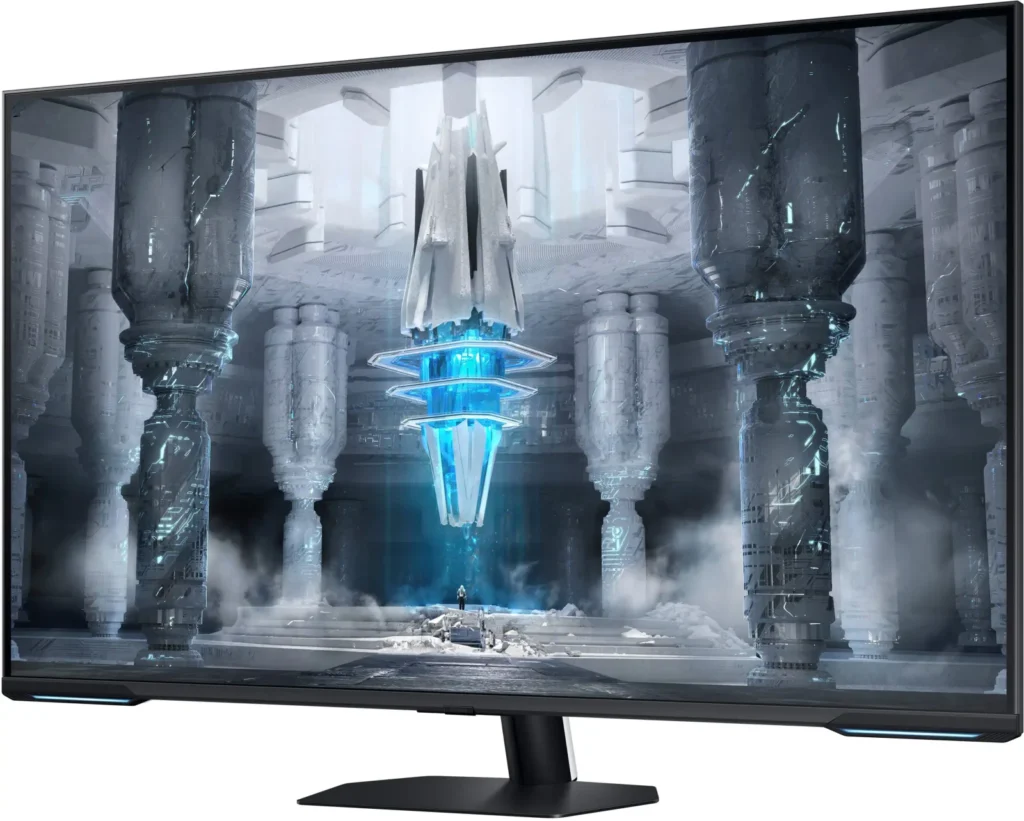
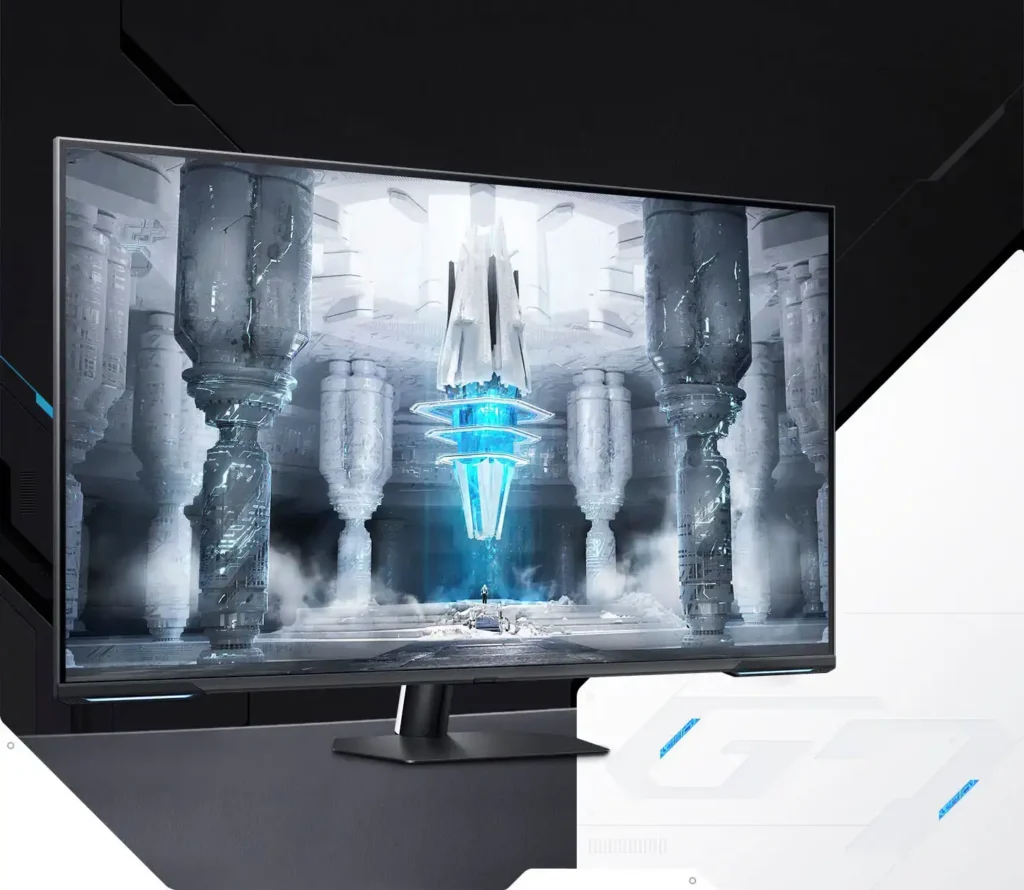
| Quantum Matrix Technology | Utilizes Quantum Mini LEDs with a 12-bit backlight unit to provide ultra-fine brightness control and incredible contrast, delivering deeper blacks and more detailed color expression in every scene. |
|---|---|
| 4K UHD & 144Hz Performance | Combines stunning 4K resolution with a 144Hz refresh rate and 1ms (MPRT) response time for ultra-smooth, high-definition gaming that eliminates lag and motion blur. |
| VESA DisplayHDR 600 | Features a 1,000,000:1 contrast ratio and VESA DisplayHDR 600 certification, ensuring life-like visuals with vibrant highlights and rich shadows for an immersive HDR experience. |
| Smart TV & Gaming Hub | Integrated Smart TV apps allow you to stream your favorite shows via Wi-Fi, while the Samsung Gaming Hub provides instant access to top cloud gaming services without needing a PC or console. |
| Flex Move Screen & Matte Display | The Flex Move Screen feature lets you adjust the on-screen size from 43 to 20 inches to suit different game genres, while the Matte Display minimizes reflections for focused, distraction-free gameplay. |
Pros & Cons
Pros
- Stunning Visual Performance: The 4K Quantum Mini-LED display provides vibrant colors, high brightness, and deep blacks that many reviewers compare favorably to OLED technology, making it excellent for HDR content.
- Excellent Gaming Features: With a 144Hz refresh rate, 1ms response time, and HDMI 2.1 support, it delivers a smooth and immersive experience for both high-end PC rigs and next-gen consoles like the PS5 and Xbox Series X.
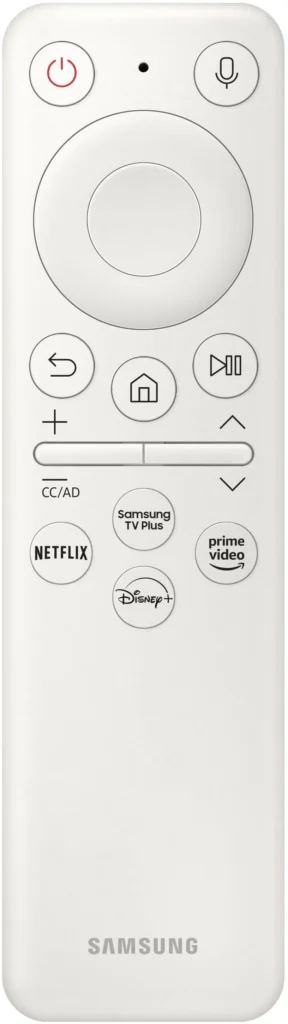
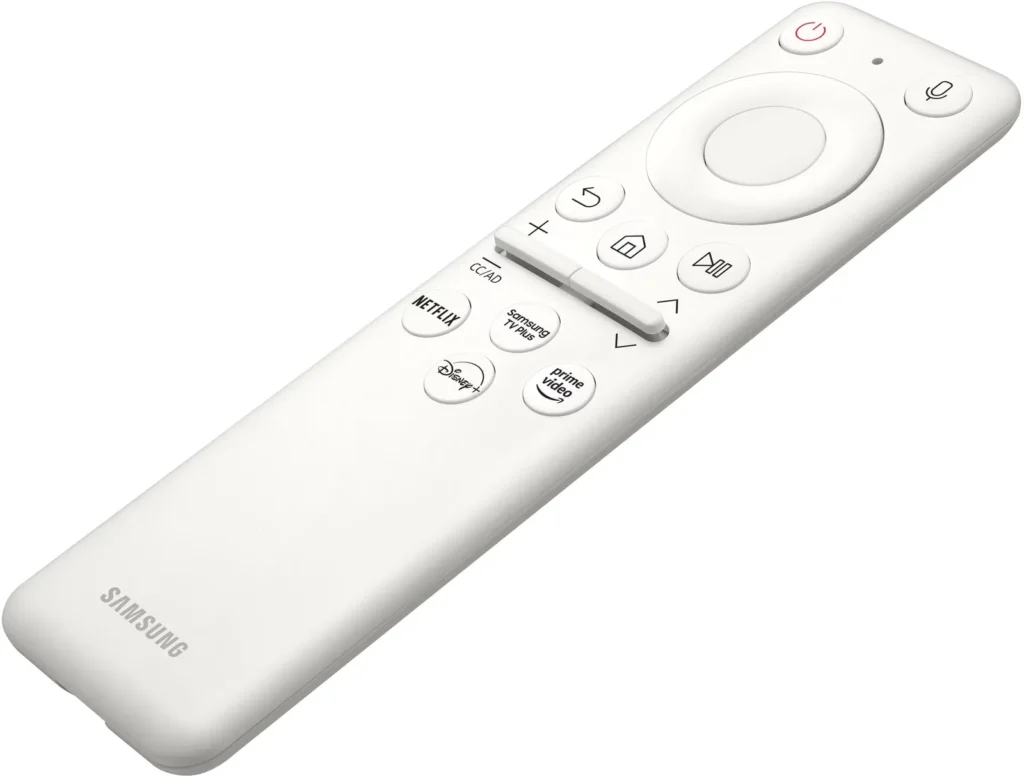
- Versatile Hybrid Functionality: It successfully bridges the gap between a high-end gaming monitor and a Smart TV, featuring built-in streaming apps, decent integrated speakers, and a convenient remote control for media consumption.
Cons
- Frustrating Software Interface: The Tizen OS is frequently described as slow, laggy, and overly complex, with users particularly annoyed by the lack of a dedicated input-switching button on the remote.
- Persistent Connectivity Bugs: Users report significant issues with the monitor failing to wake from sleep, losing signals on DisplayPort, and experiencing random flickering or artifacts that often require a hard reset.
- Noticeable Motion Artifacts: As a VA panel, it suffers from ghosting and black smearing during fast-paced scenes or when scrolling through text, and the viewing angles can cause color shifting at the edges of the large screen.
You might also like










Customer Reviews
Showing reviews 21-30 of 287
-
Product longevity not gauranteed
Verified purchase Verified purchase: This reviewer bought the product.Sokamarint Chak October 3, 2025Review source: AmazonLess than 6 months since purchase and the display ports and hdmi ports all die. Product has essentially become a 43 diagonal inch paperweight that I’m going to have to pay to dispose of…
-
BACKLIGHT IS HORRIFIC TRASH
Verified purchase Verified purchase: This reviewer bought the product.Two2Down September 29, 2025Review source: AmazonThe panel might be okay, but if you are sensitive at all to flickering – this monitor is basically like staring at an old fluorescent tube. It’s absolutely horrible. It gave me headaches to use for more than a few minutes. I’ve been staring at monitors almost all day every day since the CRT days. This is absolutely the worst one by far. Flickering is unbearable.
Unfortunately, its the only large format “monitor” with display port. But there actually are now some excellent “tv” options if you want a lot of screen real-estate. HDMI can do 120Hz+ @4k. Don’t be sucked in by the marketing. This monitor is complete garbage.
-
Is this a Monitor or a TV?
Verified purchase Verified purchase: This reviewer bought the product.Gultar September 16, 2025Review source: BestbuyI have waited a little over a year to write this review. I did this see if firmware updates would fix the issues I was having or to see if I could get use to the Changes Samsung made to this model. Neither of these things came to pass. I own both the Neo G8 32″ and this Neo G7 43″. I would like to start off by saying this “Monitor” does everything it clams. The two issues I have with this “Monitor” are really bad Over Shoot and a Terrible User Interface. Over Shoot is when colors deviate from their intended color during fast motion scenes. The simple act of walking in games like Path of Exile or Diablo is enough to trigger the over shoot on this monitor. I can live with this issues and only deduct 1 star for it. The bigger issues is this UI that Samsung used on this model. Its not the same UI that is on the Neo G7 32″ or the Neo G8 32″. The UI that is on those monitors is a proper monitor UI. The UI on this unit is meant for TV’s and it causes all kinds of problems. I hate it. I deduct 3 stars for having to deal with it. The monitor can take an entire minute to wake from sleep. It Identifies console machine incorrectly, or maybe it just has really stupid commands that tell it to try to “Stream” the console instead of displaying what the console is out putting? Why would I want to stream my console machine that I just connected with a HDMI cable? that only adds latency and lowers the screen resolution. Why do I need streaming apps built into a Monitor that I already has a PC or Console connected to it that will be able to run those same apps? Lastly is setup. Setting this “Monitor” up is a nightmare. It took me 5 minutes to cherry out my Neo G8, it took over an hour to get this unit to simply be acceptable. Simple settings lock you out of advanced settings and there is not explanation on why the setting is grayed out. Finally I would like to ends this on an up note. I give 1 star back because this model supports eARC while the normal Neo G7 and G8 do not. Having eARC allows me to connect a sound bar to the monitor instead of having to buy a sound card to install in my PC so that I can have a Optical Connection. With newer mother boards ditching Optical Sound Ports more monitors will need to start providing eARC.Read More
-
Great monitor after settings change
Verified purchase Verified purchase: This reviewer bought the product.J September 14, 2025Review source: AmazonGreat monitor, but I almost had to send it back. For that reason only I dropped this from five stars to four. I had to get into the settings for two things before it worked. First, I have a KVM with three computers attached, and it was just not recognizing one. The monitor would complain that there was no signal and then shut itself off after a minute. The solution was to go into the “Input Signal Plus” setting, and turn it off for HDMI1. After that it displayed the computer just fine.
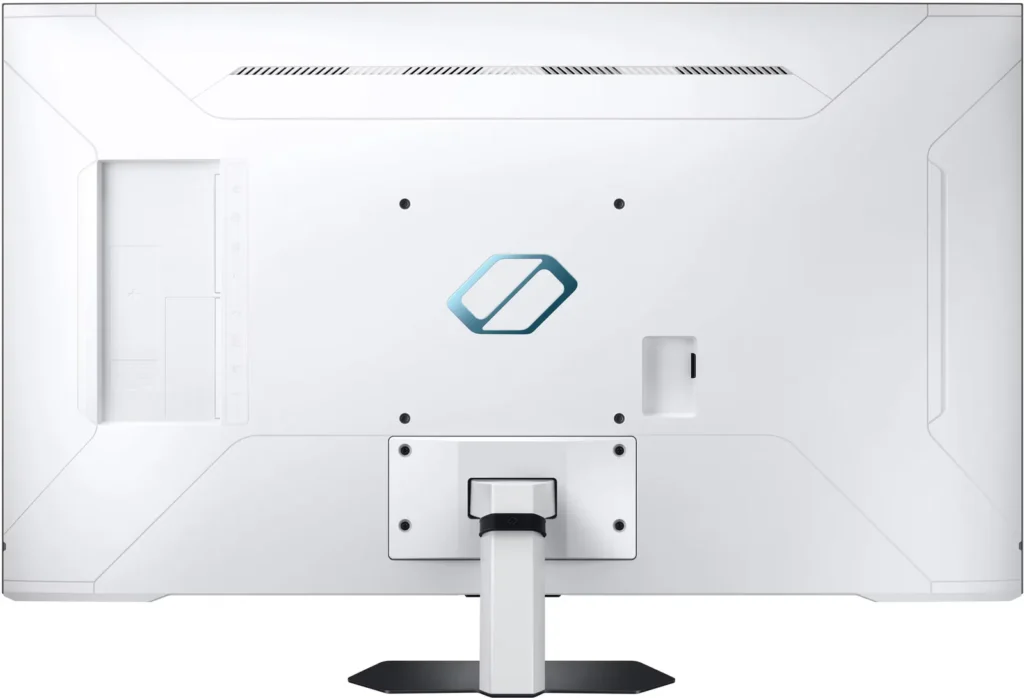
The second problem was that the USB ports were not passing the signal through. The solution was to go into “External Device Manager,” then “USB Source Setup” and change it from Auto to USB Hub. -
DO NOT BUY
Verified purchase Verified purchase: This reviewer bought the product.xd September 12, 2025Review source: Amazon$200 display panel with complete garbage OS that ruins everything. The color is off, the backlit is uneven, but whatever, it’s a 500 display so it is expected.
But the operating system is ultra trash. It’s a display, so how about you just make it, idk, display? NOOOOOOOOOO if you are asking Samsung products to do its basic job, you might as well hoping for free healthcare and immediate world peace.
-
Too "smart" for it's own good
Verified purchase Verified purchase: This reviewer bought the product.Andy G. August 28, 2025Review source: AmazonThe monitor is absolutely gorgeous…when I can get it to work. It’s extremely temperamental depending on which computer I have it plugged into. In order to swap between laptops, I have to spend a few minutes finding the right settings that makes it useable. Samsung has tried to make this thing WAY too “smart”. It’s a monitor. the things I plug INTO IT are “smart.” If I was only ever going to use it on one computer, I’d probably keep it. But for my purposes, it won’t work (I need to be able to hot swap between 2-3 laptops)
-
Price
Verified purchase Verified purchase: This reviewer bought the product.James Sirmans August 22, 2025Review source: Amazonworked great and good price
-
Broken HDR.
Verified purchase Verified purchase: This reviewer bought the product.Fletcher S. August 16, 2025Review source: AmazonHDR is a mess; colors from one side of screen to the other are mismatched in HDR. Changing DP cables had no effect.
-
great 4k tv but slow interface.
Verified purchase Verified purchase: This reviewer bought the product.phillip August 15, 2025Review source: AmazonI love this TV rather im playing 4k on xbox one / ps5 pro or max setting gaming on my pc, its a great TV but the home screen is very slow. I wish its GPU was better to be faster but i only use it for pc/gaming so im not with its offers for TV.
-
Probably not worth it.
Verified purchase Verified purchase: This reviewer bought the product.console2PCconvert August 14, 2025Review source: BestbuyGreat picture. The User Interface is really frustrating. I’ve had this for less that a year and the HDMI ports are going bad.