
Customer Media
Highlights
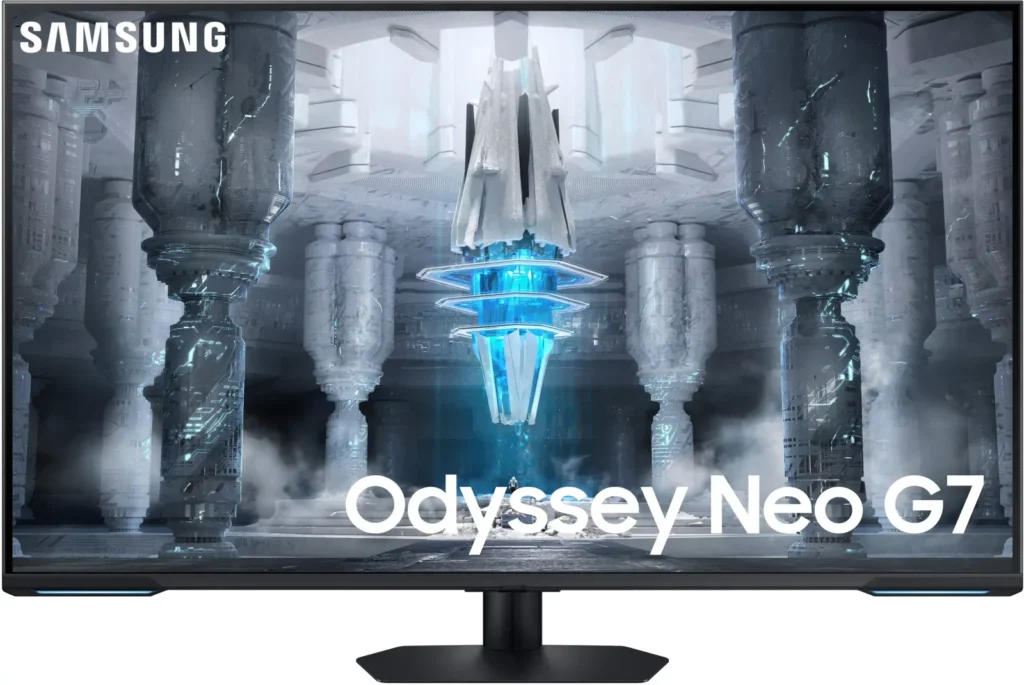
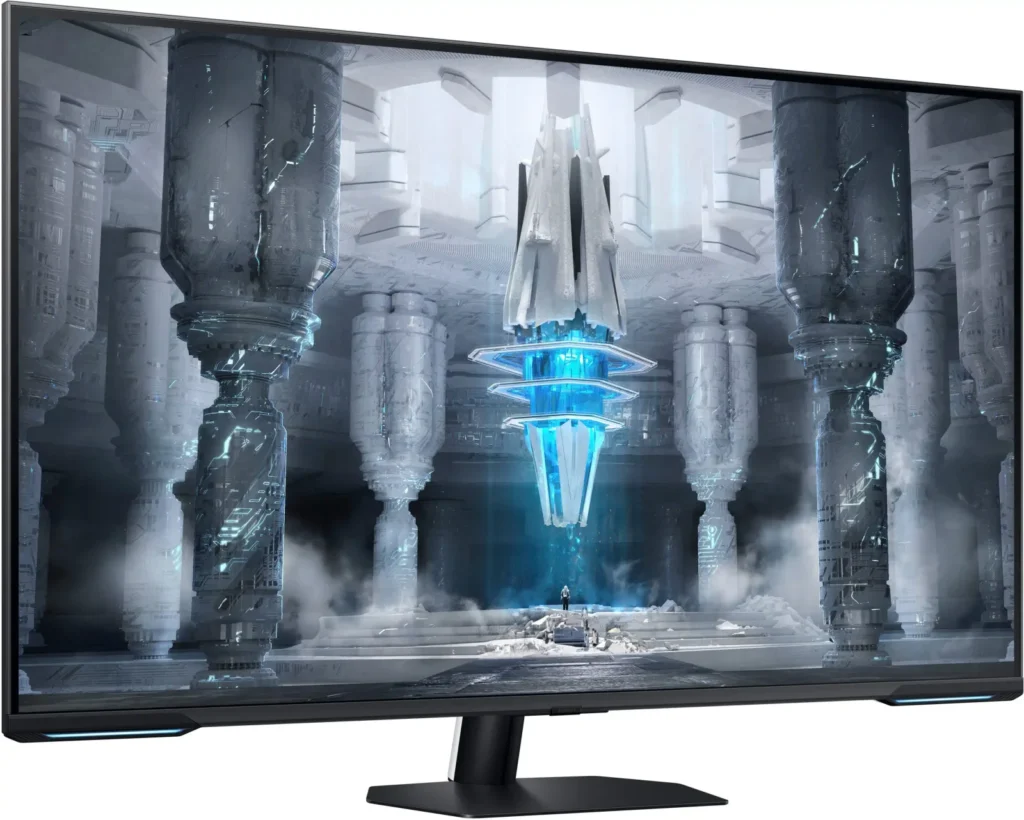
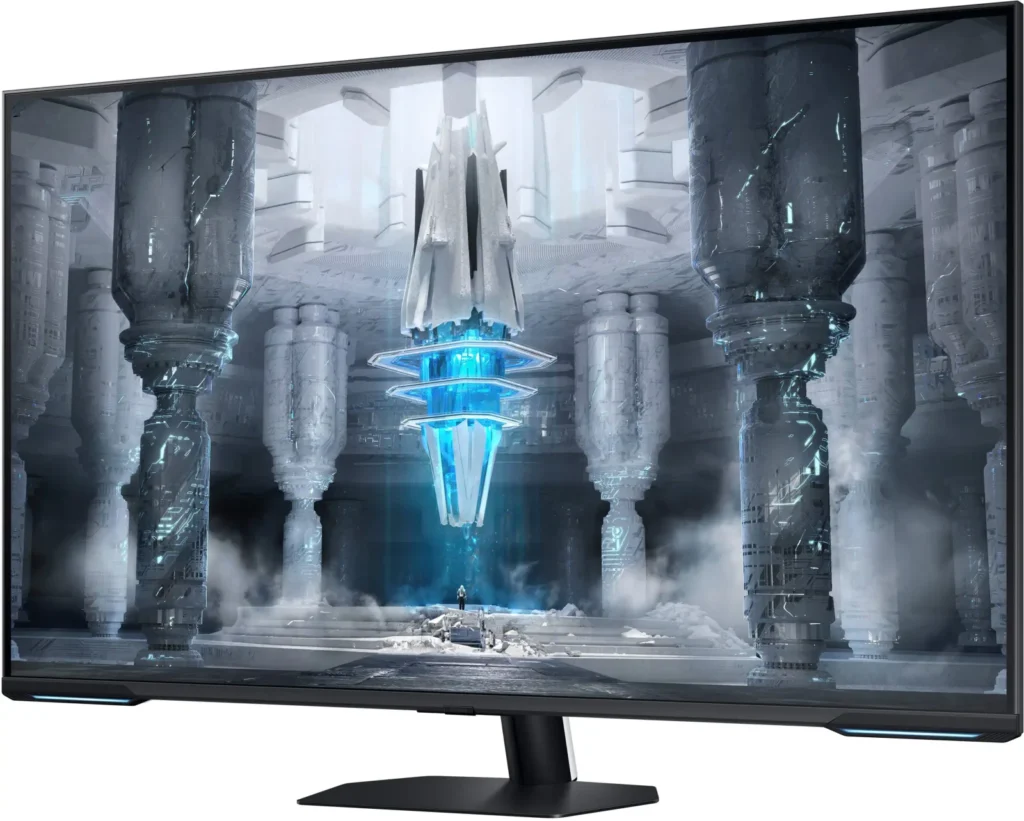
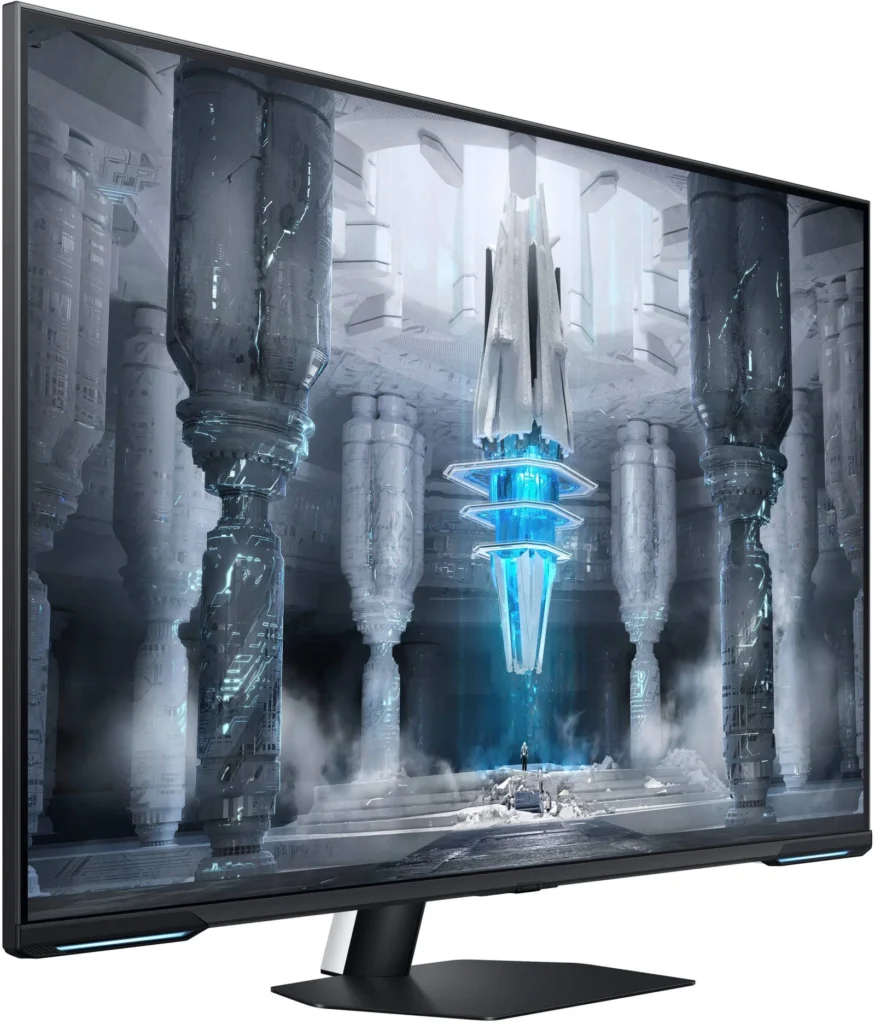
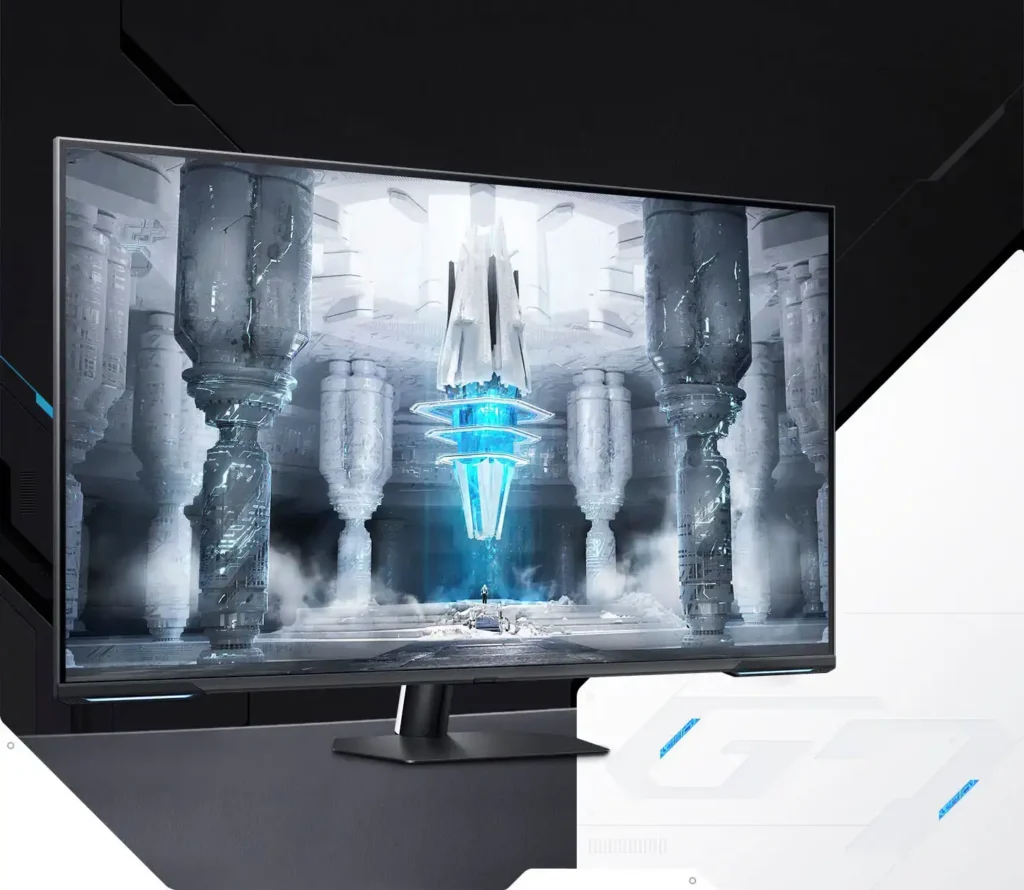
| Quantum Matrix Technology | Utilizes Quantum Mini LEDs with a 12-bit backlight unit to provide ultra-fine brightness control and incredible contrast, delivering deeper blacks and more detailed color expression in every scene. |
|---|---|
| 4K UHD & 144Hz Performance | Combines stunning 4K resolution with a 144Hz refresh rate and 1ms (MPRT) response time for ultra-smooth, high-definition gaming that eliminates lag and motion blur. |
| VESA DisplayHDR 600 | Features a 1,000,000:1 contrast ratio and VESA DisplayHDR 600 certification, ensuring life-like visuals with vibrant highlights and rich shadows for an immersive HDR experience. |
| Smart TV & Gaming Hub | Integrated Smart TV apps allow you to stream your favorite shows via Wi-Fi, while the Samsung Gaming Hub provides instant access to top cloud gaming services without needing a PC or console. |
| Flex Move Screen & Matte Display | The Flex Move Screen feature lets you adjust the on-screen size from 43 to 20 inches to suit different game genres, while the Matte Display minimizes reflections for focused, distraction-free gameplay. |
Pros & Cons
Pros
- Stunning Visual Performance: The 4K Quantum Mini-LED display provides vibrant colors, high brightness, and deep blacks that many reviewers compare favorably to OLED technology, making it excellent for HDR content.
- Excellent Gaming Features: With a 144Hz refresh rate, 1ms response time, and HDMI 2.1 support, it delivers a smooth and immersive experience for both high-end PC rigs and next-gen consoles like the PS5 and Xbox Series X.
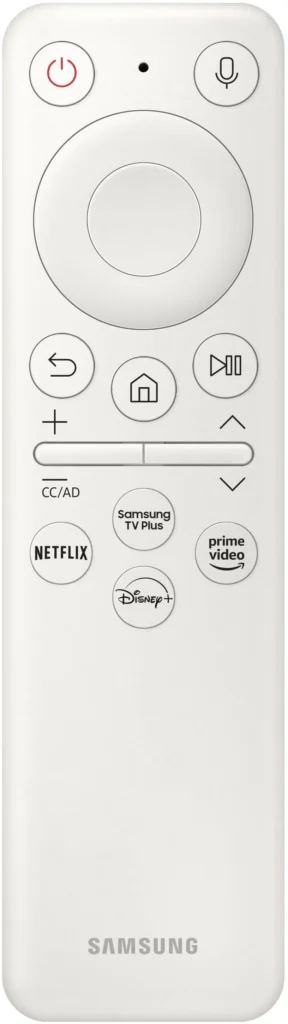
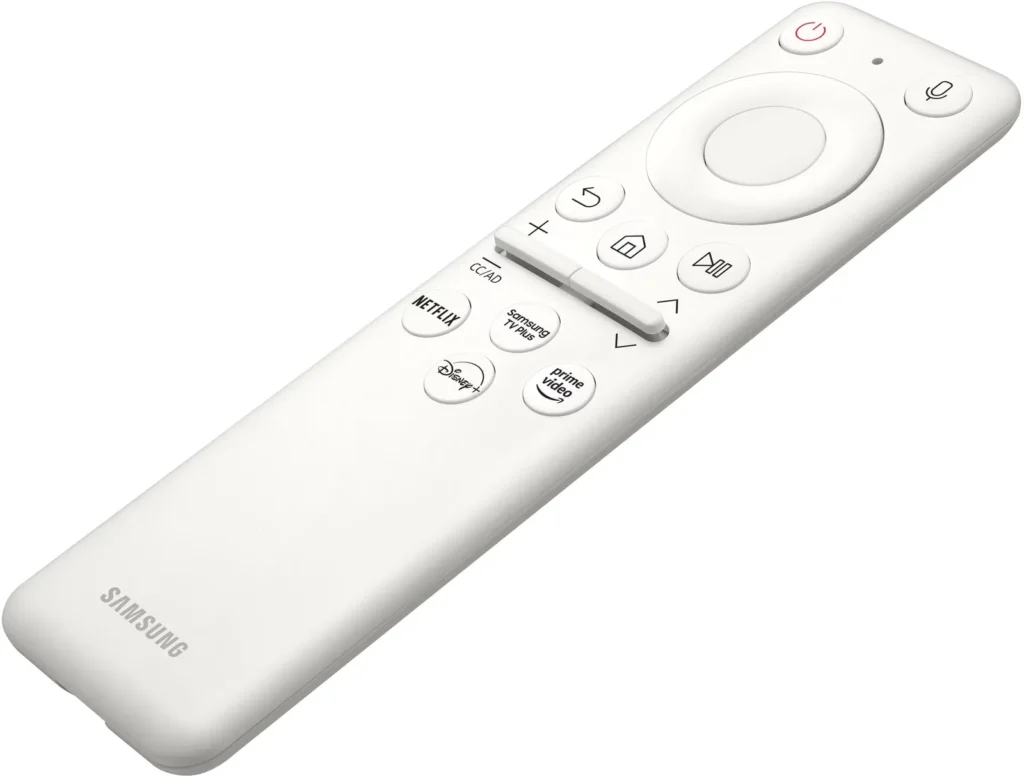
- Versatile Hybrid Functionality: It successfully bridges the gap between a high-end gaming monitor and a Smart TV, featuring built-in streaming apps, decent integrated speakers, and a convenient remote control for media consumption.
Cons
- Frustrating Software Interface: The Tizen OS is frequently described as slow, laggy, and overly complex, with users particularly annoyed by the lack of a dedicated input-switching button on the remote.
- Persistent Connectivity Bugs: Users report significant issues with the monitor failing to wake from sleep, losing signals on DisplayPort, and experiencing random flickering or artifacts that often require a hard reset.
- Noticeable Motion Artifacts: As a VA panel, it suffers from ghosting and black smearing during fast-paced scenes or when scrolling through text, and the viewing angles can cause color shifting at the edges of the large screen.
You might also like










Customer Reviews
Showing reviews 51-60 of 287
-
Worth every penny.
Verified purchase Verified purchase: This reviewer bought the product.John316 March 24, 2025Review source: AmazonBeyond my expectations as a 4K/144Hz monitor. The settings available allowed me to perfect the picture. It also supports both AMD and Nvidia features, and displays HDR beautifully.
-
Hard to setup and get working
Verified purchase Verified purchase: This reviewer bought the product.KWALDENWOOD March 9, 2025Review source: AmazonUnless you are using this monitor for gaming…DO NOT BUY IT!!!!! If you have any USB wireless devices, it messes with the workings. I have yet to figure out why!!!! I will likely return this monitor.
-
Avoid.
Midwestern Review March 6, 2025Review source: AmazonTerrible embedded software. Absolutely terrible. If you plan on using this monitor to switch between inputs, you will be disappointed. There is no “source” or “input” selector on the remote. Nope, you have to click several times on the remote to choose an input source. THEN if the other input source isn’t quick to “wake up” the monitor will shut itself down within seconds. FURTHER, once the input does switch you have to see the annoying game bar popup that you cannot disable. That lingers for several seconds on the screen, obscuring a big chunk of the view.
Next complaint: The hardware. Using the display port input (but not the HDMI port inputs) will result in crackle and pop audio and instant screen blanking a couple times a minute. Why? who knows! When? who knows! But it will happen. I don’t know if it’s caused by the length of the DisplayPort cable or something else but none of my other monitors exhibit this behavior using the same setup. It got so bad that the popping eventually blew the speakers. I had to send the monitor in for replacement, which turned into a massive ordeal.
So why 2 stars? When I got it back and the speakers worked again but now there was a large circular spot in the center of the screen. It seemed the repair tech had laid the monitor down on something in the center of the display, damaging it. After months of fighting for a replacement I gave up and demanded a refund. For perspective, I got the refund check about 3-4 months after the speakers blew. But hey, at least Samsung stuck by the product even if it took far longer than it should. So props to their customer care team for sluggishly following through. Hence, the 2 stars instead of 1.
-
Just get it
Verified purchase Verified purchase: This reviewer bought the product.Noahs March 5, 2025Review source: BestbuyIf you can wait til it goes on sale (which it often is) please do yourself the favor and pick it up. It’s basically a 4K tv built for gaming and it excels so well at it. It’s large, great picture, high refresh rate, and good performance. I can’t recommend it enough.
-
Love it!
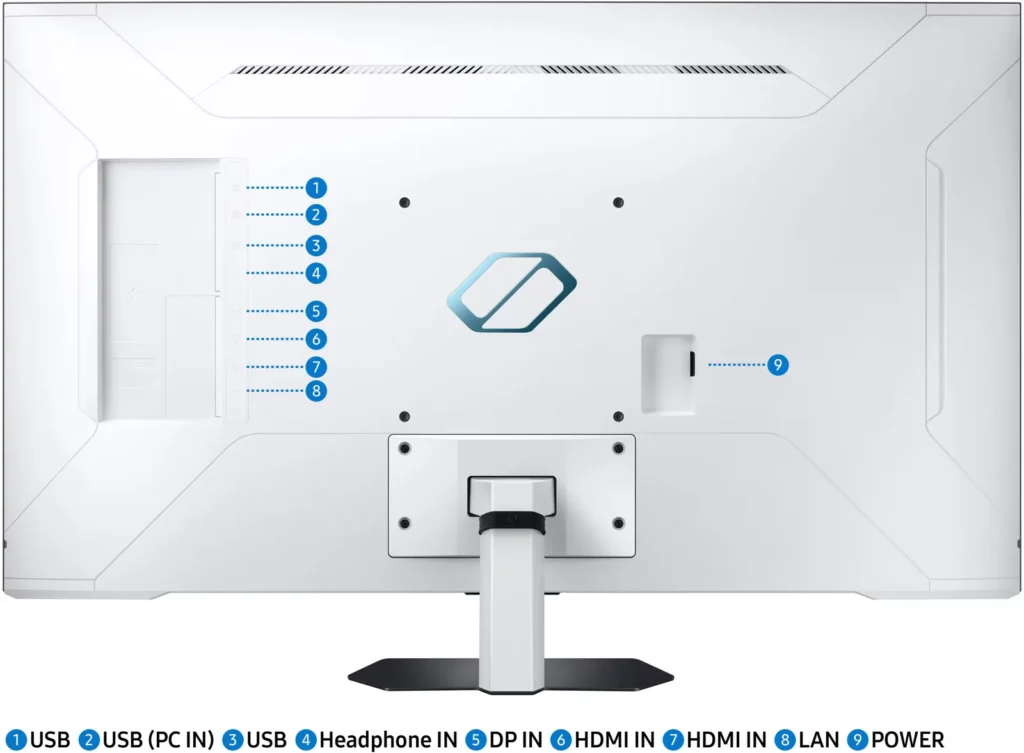
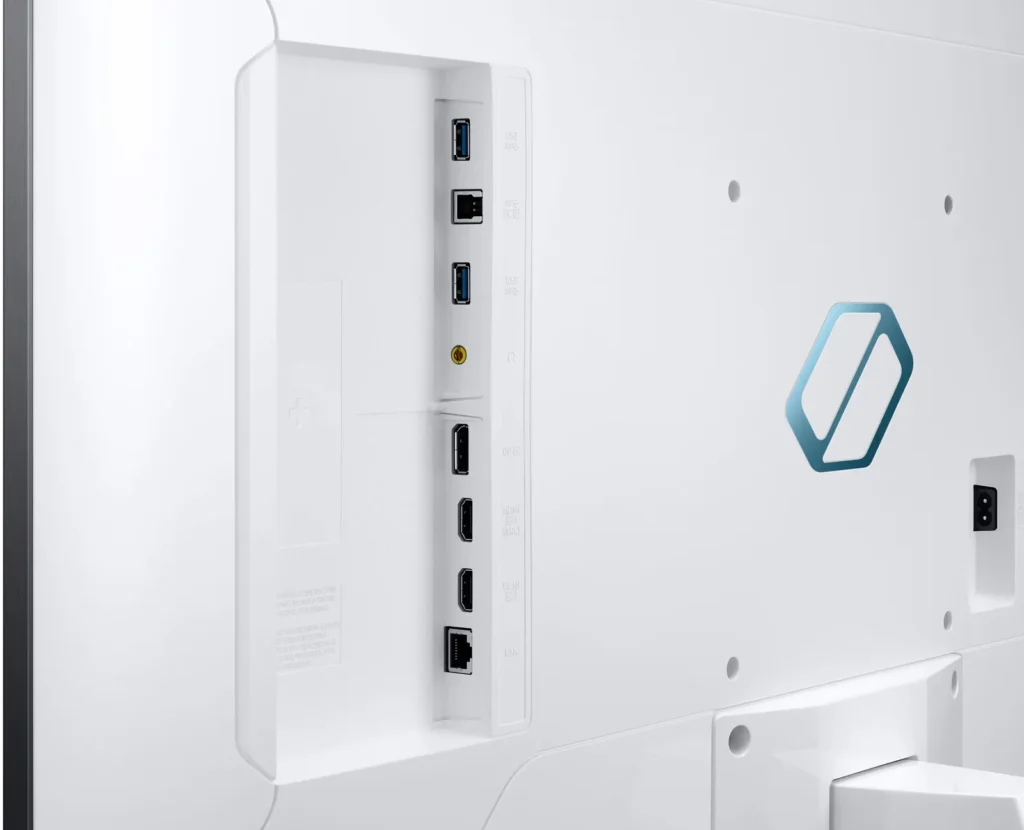
Verified purchase Verified purchase: This reviewer bought the product.Gamet March 2, 2025Review source: AmazonUse the monitor every day. It has amazing viewing angles. It has an amazing port selection and it can play the role of an all-in-one PC with light use. Love the HDMI 2.1 port for PS5 and adjustable screen ratio for PC gaming.
-
Good tv, would like to turn off the smart stuff for use as a 4K monitor.
Verified purchase Verified purchase: This reviewer bought the product.John D March 2, 2025Review source: AmazonThis is a good quality smart tv. owever, it is also positioned as a 4K monitor, and the smart features are pretty annoying when one just wants a screen, without all the added ‘features’.
I would be very happy if the manufacturer would just let uses turn off all the stuff that, I realize, is revenue-generation for them, but which makes this a significantly less attractive product. The industry has moved in this direction, and I couldn’t find any alternative that doesn’t inlude the cr*p, so I’ll live with this.
The actual picture quality, and the available ports are satisfactory for use, and the quality of the tv is acceptable.
-
Not mountable AT ALL
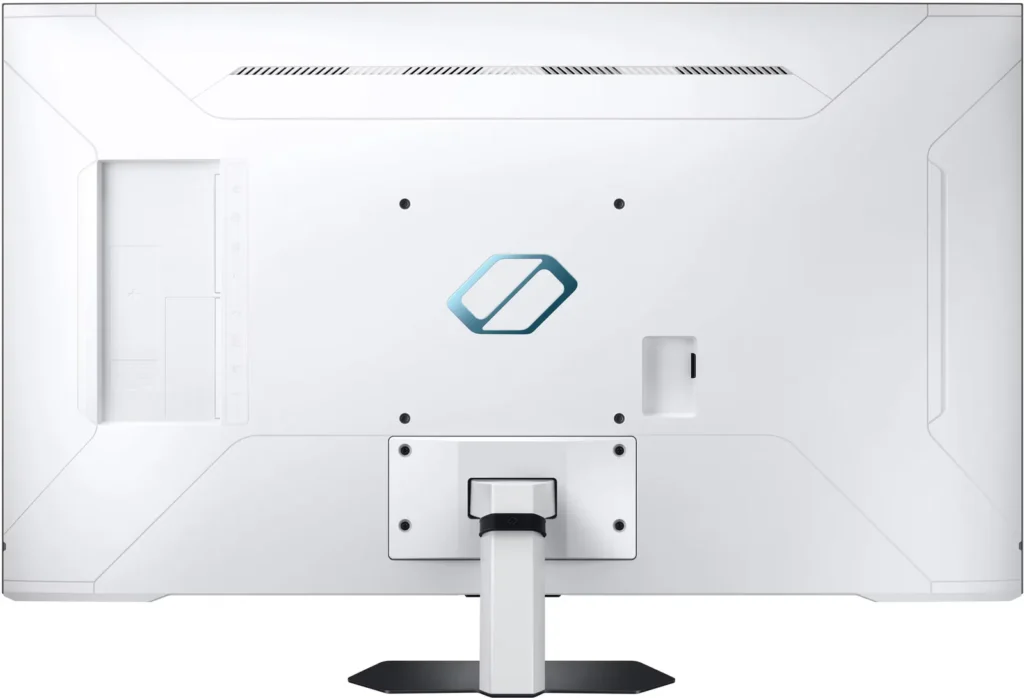
Wrene Robyn February 12, 2025Review source: AmazonDon’t ever, ever buy this monitor if you intend to mount it. It is impossible. They way it is designed, there is a deep rectangular recession where the stand (and vesa holes) sit that NO adapter fits into and Samsung will try to sell you the round adapter for a G7, NOT the neo G7
-
Poor QC
Verified purchase Verified purchase: This reviewer bought the product.Vince February 1, 2025Review source: AmazonWasn’t going to write a review until I got a “washer cycle complete” notification. Wtf? Look at settings and someone (not me) was signed in on their Samsung account. Ok…..
-
2 years with the G70NC: great hardware, terrible software
M.L. January 31, 2025Review source: AmazonThis is a review of almost 2 years of living with the Samsung Odyssey G70NC bought new for professional coding use. The display is great and the size definitely feels “large” at first, but you quickly get used to it and appreciate it. I’ve run it at 4k @ 120 Hz the entire time, even though the monitor does go up to 144 Hz. The size of the display combined with the 120 Hz refresh rate is easy on the eyes for extended pro use with a mouse. Works just fine from an Ubuntu machine with an RTX 3060 and a triple-head setup. I run it in offline mode only, except for brief periods to update its firmware.
Now the downside: the monitor firmware / on-screen software and controls will actively get in your way each and every time you switch on the monitor without adding any value. Automatically switching between active inputs is laughably bad compared to my 6+ year old Samsung monitors. When multiple inputs are actually detected, they will *both* be called “PC” and you will not be able to rename either of them. Switching inputs takes multiple seconds, once again inexplicably slower than my older Samsungs. Sometimes it think its a TV, and will make me hunt through menus for “Connected Devices”, and then my (only two) computer input sources. Some and only some nights around midnight it threatens to shut itself off for power saving while I’m actively using it. Sometimes it threatens to become a TV unless my “input is a computer” and I press the down button immediately. What you get on any given day is determined randomly.
There is no way to switch off some degree of “game mode”, so take the “Smart Gaming Monitor” part of the product name seriously. Each time the monitor powers on, I get a game-style UI overlay that takes up the lower 3rd of my monitor for a few seconds.
120 Hz caveat: physical HDMI/DP cable quality seems to matter a lot more than before for 60/75 Hz refresh rates. Make sure you have the latest version of the cables, the connectors are physically pushed in, etc.
-
worth it
Verified purchase Verified purchase: This reviewer bought the product.dave January 28, 2025Review source: Amazonso far so good, no real complaints. makes ya feel like your in a theatre when its movie time on the pc. sound is decent but the speakers are a little on the quiet side.