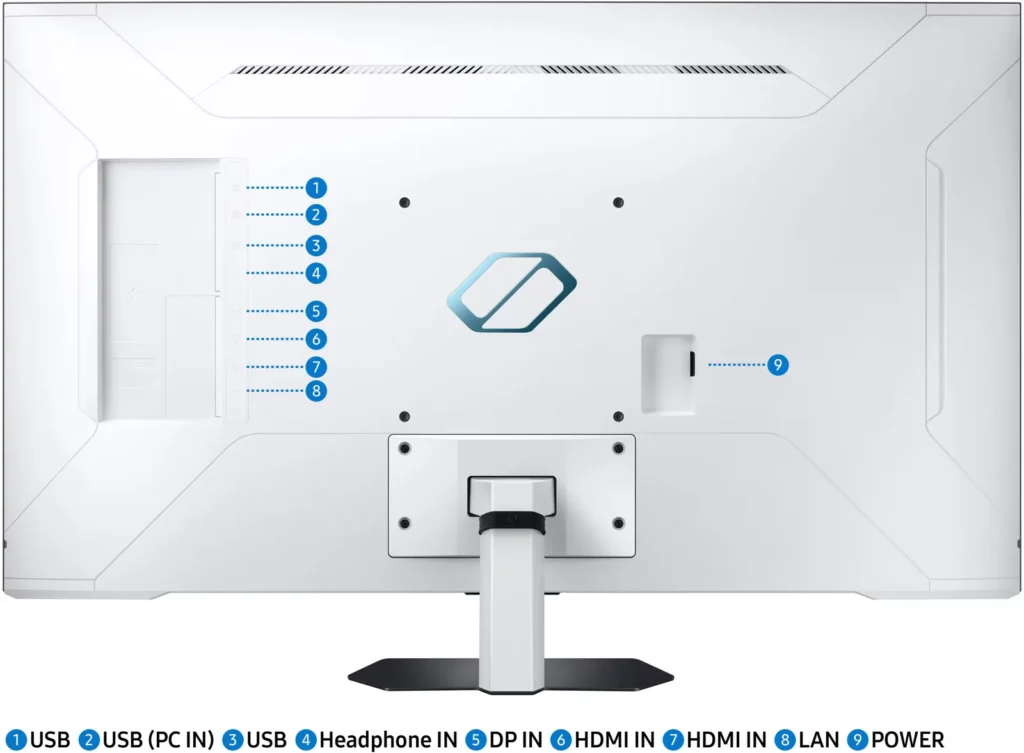

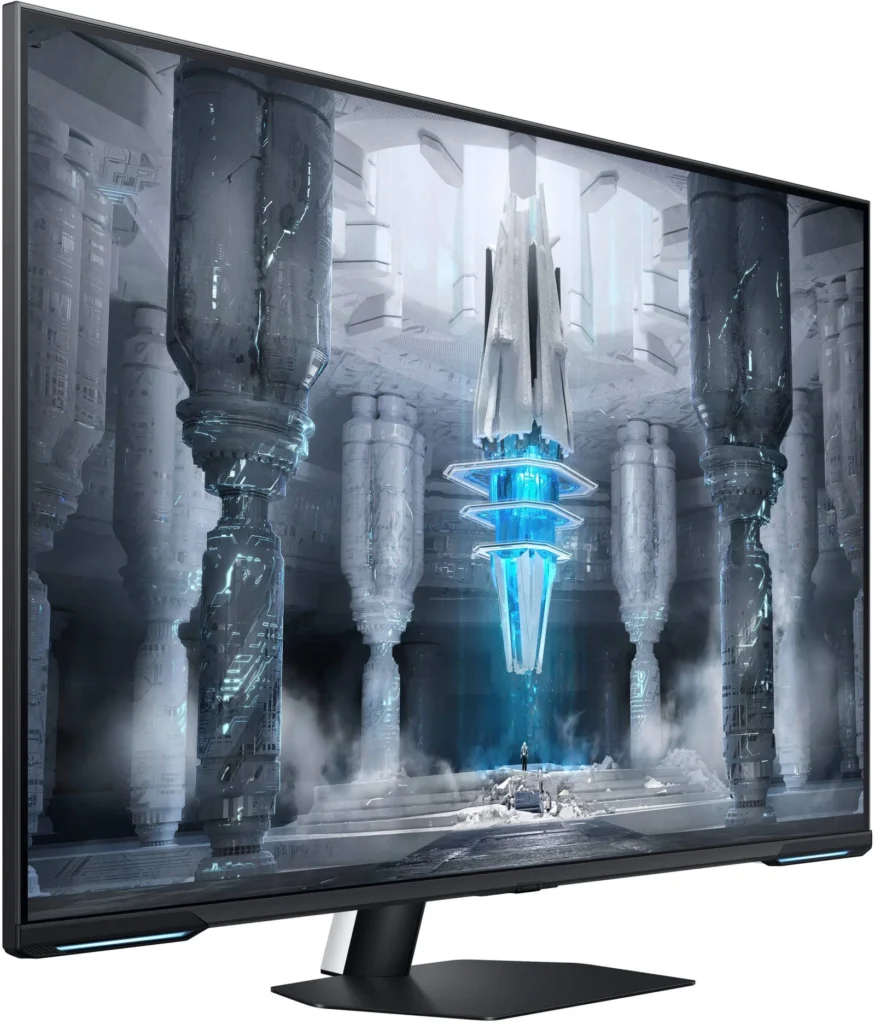
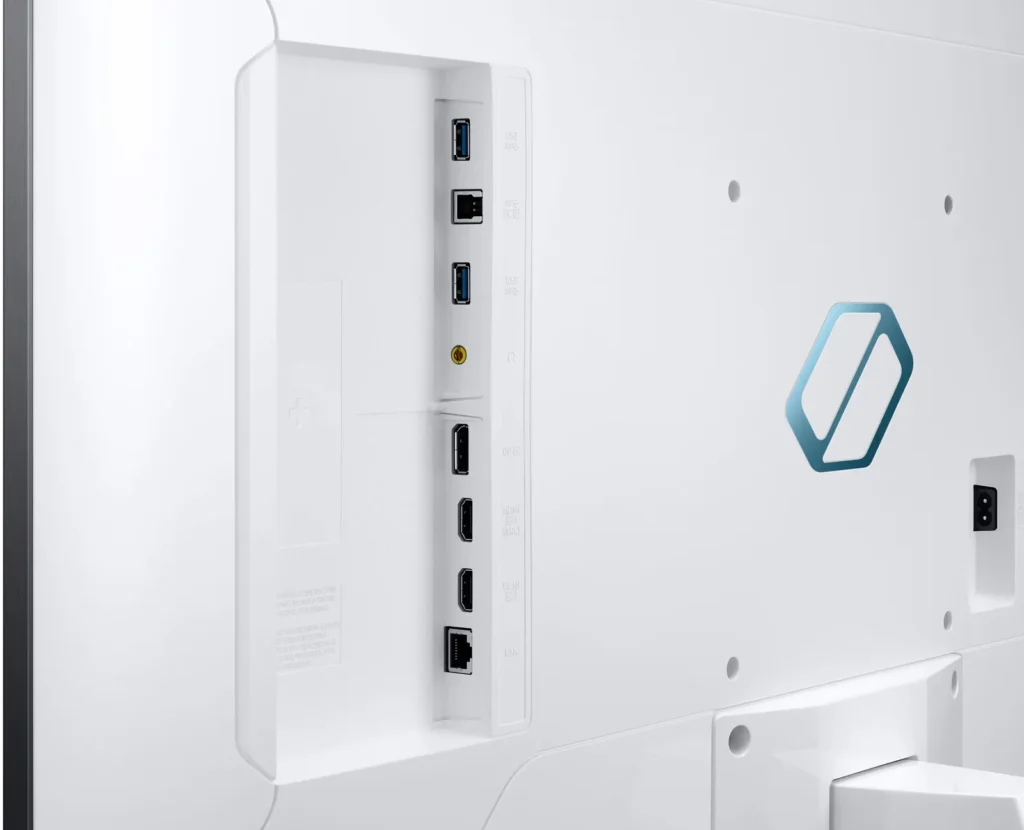
Customer Media
Highlights
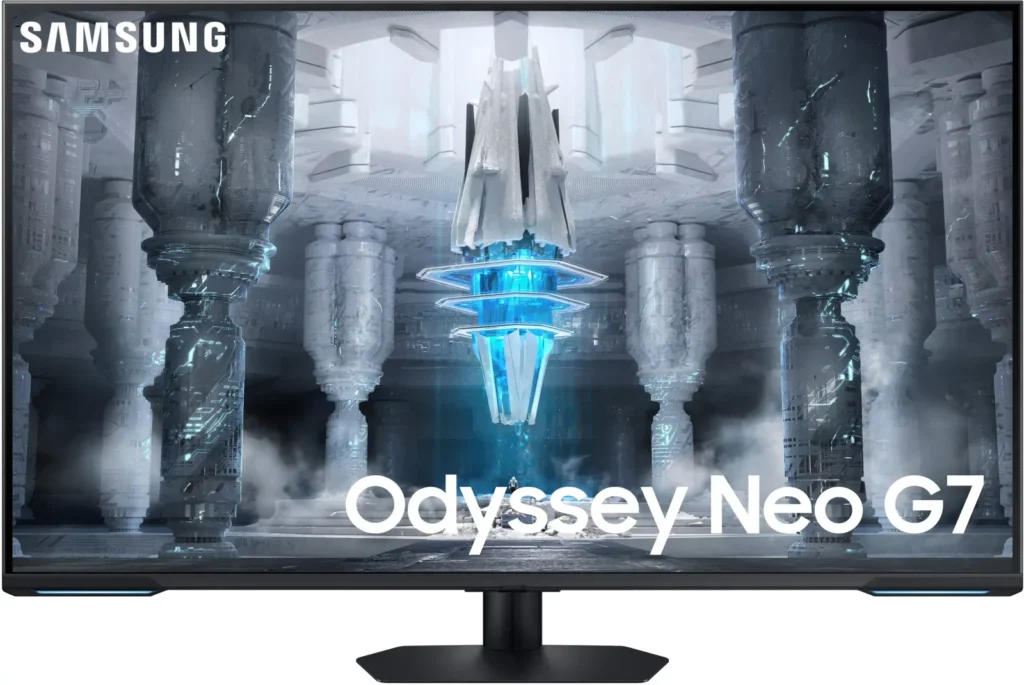
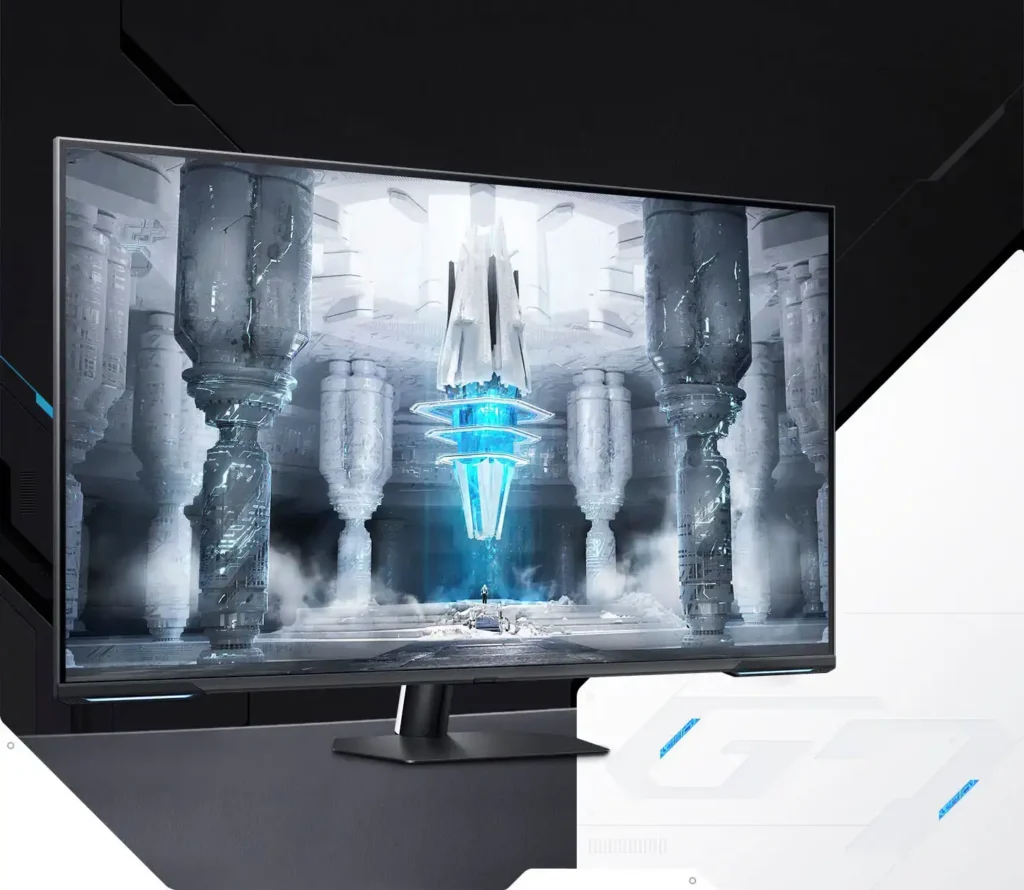
| Quantum Matrix Technology | Utilizes Quantum Mini LEDs with a 12-bit backlight unit to provide ultra-fine brightness control and incredible contrast, delivering deeper blacks and more detailed color expression in every scene. |
|---|---|
| 4K UHD & 144Hz Performance | Combines stunning 4K resolution with a 144Hz refresh rate and 1ms (MPRT) response time for ultra-smooth, high-definition gaming that eliminates lag and motion blur. |
| VESA DisplayHDR 600 | Features a 1,000,000:1 contrast ratio and VESA DisplayHDR 600 certification, ensuring life-like visuals with vibrant highlights and rich shadows for an immersive HDR experience. |
| Smart TV & Gaming Hub | Integrated Smart TV apps allow you to stream your favorite shows via Wi-Fi, while the Samsung Gaming Hub provides instant access to top cloud gaming services without needing a PC or console. |
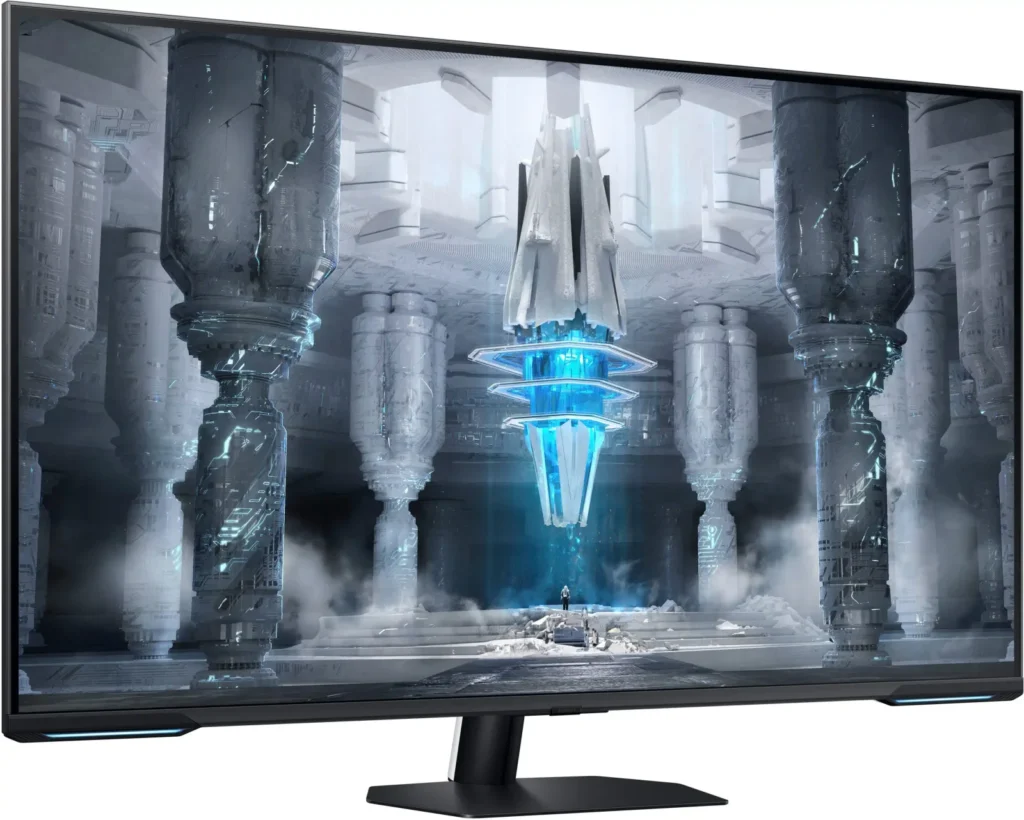
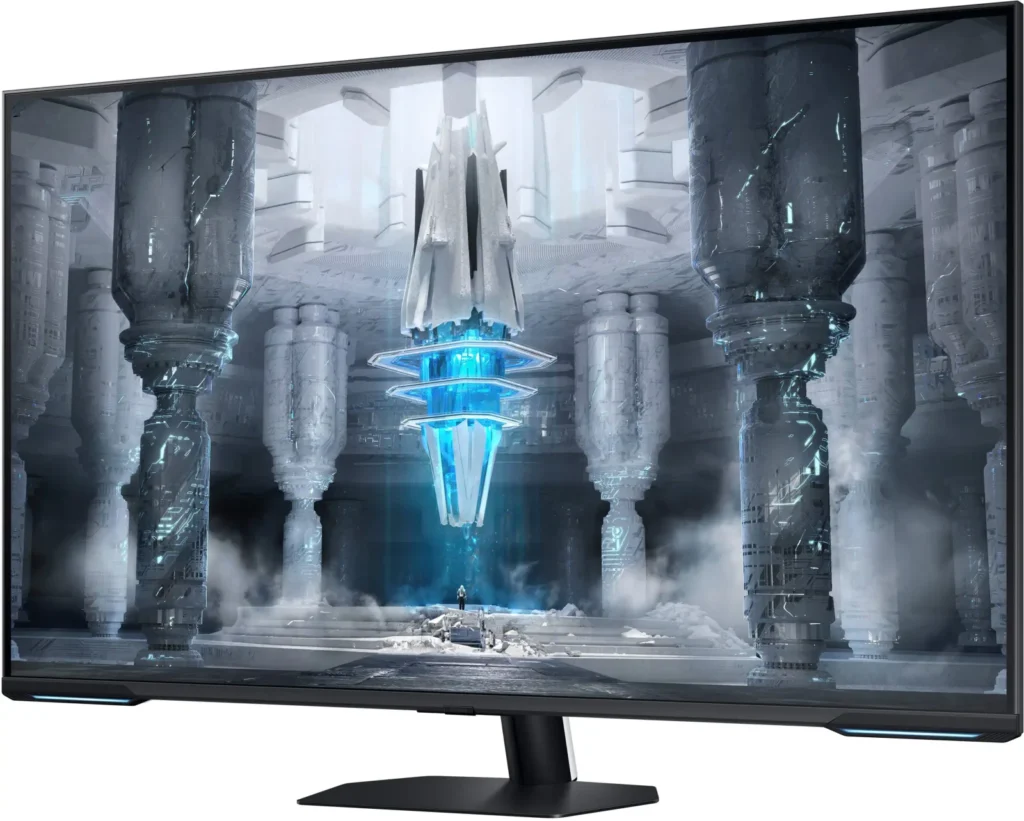
| Flex Move Screen & Matte Display | The Flex Move Screen feature lets you adjust the on-screen size from 43 to 20 inches to suit different game genres, while the Matte Display minimizes reflections for focused, distraction-free gameplay. |
Pros & Cons
Pros
- Stunning Visual Performance: The 4K Quantum Mini-LED display provides vibrant colors, high brightness, and deep blacks that many reviewers compare favorably to OLED technology, making it excellent for HDR content.
- Excellent Gaming Features: With a 144Hz refresh rate, 1ms response time, and HDMI 2.1 support, it delivers a smooth and immersive experience for both high-end PC rigs and next-gen consoles like the PS5 and Xbox Series X.
- Versatile Hybrid Functionality: It successfully bridges the gap between a high-end gaming monitor and a Smart TV, featuring built-in streaming apps, decent integrated speakers, and a convenient remote control for media consumption.
Cons
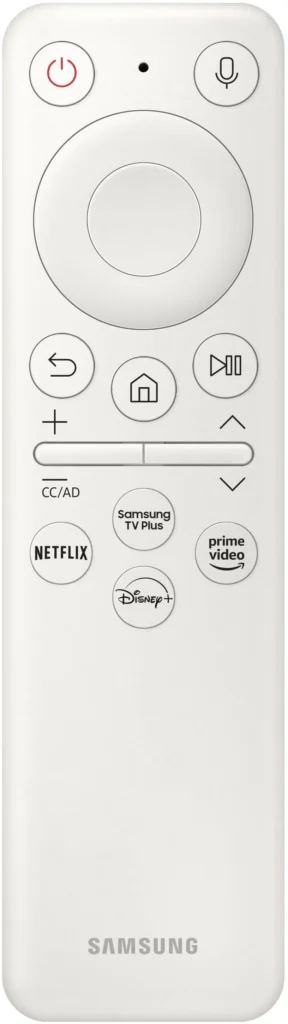
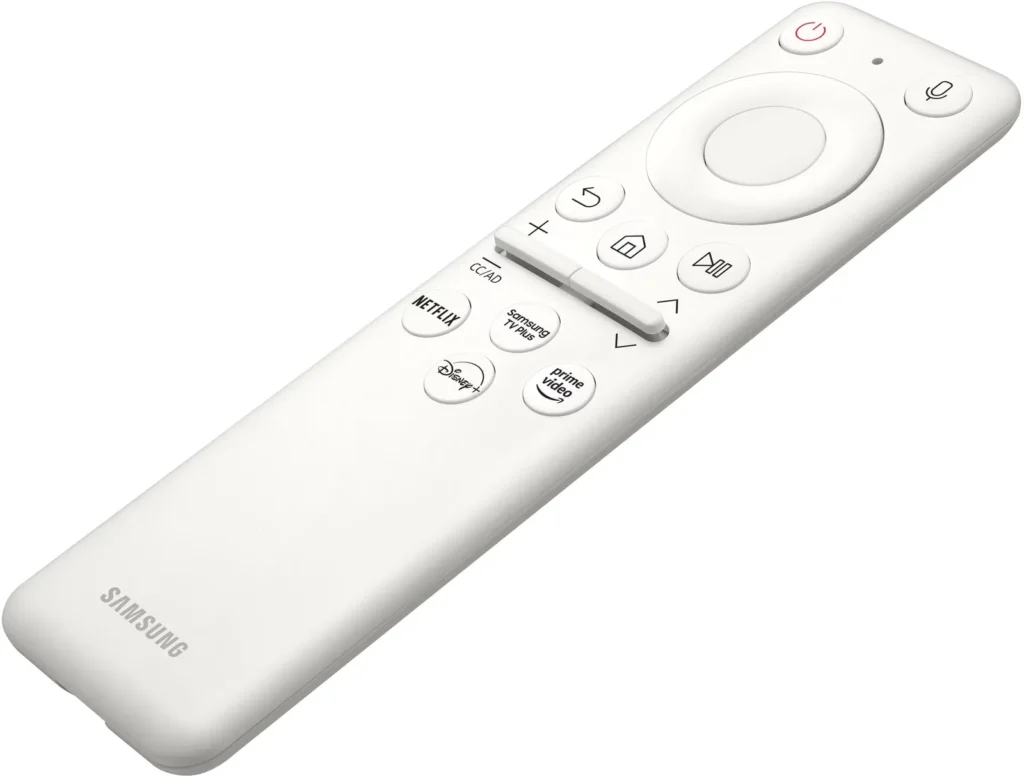
- Frustrating Software Interface: The Tizen OS is frequently described as slow, laggy, and overly complex, with users particularly annoyed by the lack of a dedicated input-switching button on the remote.
- Persistent Connectivity Bugs: Users report significant issues with the monitor failing to wake from sleep, losing signals on DisplayPort, and experiencing random flickering or artifacts that often require a hard reset.
- Noticeable Motion Artifacts: As a VA panel, it suffers from ghosting and black smearing during fast-paced scenes or when scrolling through text, and the viewing angles can cause color shifting at the edges of the large screen.
You might also like










Customer Reviews
Showing reviews 61-70 of 287
-
Fantastic monitor
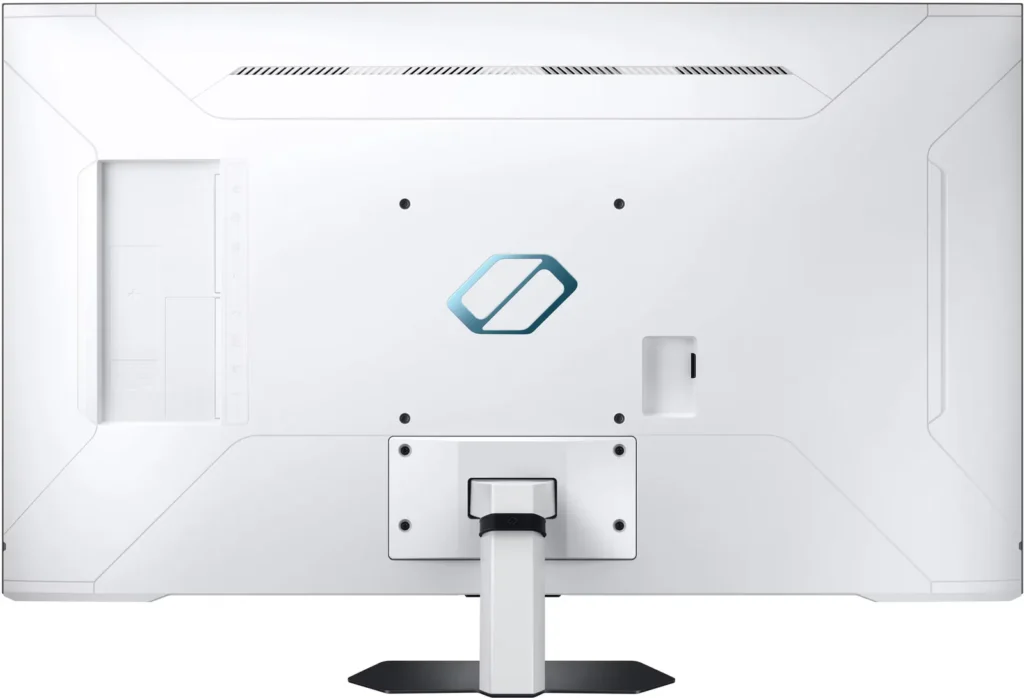
Verified purchase Verified purchase: This reviewer bought the product.Pat Patterson January 5, 2025Review source: AmazonIt feels like this monitor doesn’t quite know what it wants to be. It runs the same OS and software as a typical Samsung smart tv, but functions primarily as a computer monitor. It is a wonderful piece of equipment for the price. Setting it up couldn’t be easier. I’ve used it for many games so far amd the frame rates/v-sync have been buttery smooth. The color accuracy is spot on. It is very capable for gaming. It isn’t super heavy, at 25lbs. It is not compatible with typical computer monitor mounts and looks to need a tv mount instead.
-
Pass on this Samsung monitor. This is a very poor smart TV trying to be gaming monitor. Terrible.
Verified purchase Verified purchase: This reviewer bought the product.Brandon Beisner January 3, 2025Review source: AmazonI don’t know where to start on this disappointment of a monitor. It tries to be three things and does them all poorly. The remote, the menu structure, the colors are terrible and take a ton of manipulation to even get them normal in a PC environment. Input selection is ridiculous requiring full navigation of the smart TV menu to make a simple switch. Even the USB hub functionality only works when it wants to. The biggest downfall of this monitor is it trying to be a smart TV and computer all on it’s own. It does it all poorly. I wanted a gaming monitor and what I got was a smart TV meant to be used with a gaming console I think. Either way if you are used to a certain standard in monitors, like a quality Dell, you will hate this Samsung smart TV. Stay away. Samsung, Amazon… I would like my money back. Huge regerts buying this lol.
-
Once you figure out its quirks, it's a really pleasant monitor to use
Verified purchase Verified purchase: This reviewer bought the product.esterundimation December 30, 2024Review source: AmazonUPDATE – 8/26/2025:
The problems I was having with my laptop crashing were all related to connecting my laptop to the monitor via HDMI. Once I figured that out and purchased a Display Port KVM so I could toggle between work and personal laptops, the crashing ceased entirely. Love this monitor and have no regrets in buying it. I hate to give things five stars since nothing is perfect but I’d certainly give it 4.5 if I could.I purchased this monitor because I only wanted to use one monitor for work and play, so it needed to have better than 60hz refresh rate and I wanted a larger 4k monitor because my eyes are not getting any better as I age.
The PPI is about the same as a 27″ 1440p monitor, and I find myself not having to squint any more than I used to have to with them. For work, I use the full 4K resolution and for gaming, I use the 3840×1600 resolution which leaves horizontal bars at the top and bottom of the screen. I have a laptop with an RTX 4080 and while it can do true 4K in demanding games, I prefer to get a few more frames out of it and run in ultrawide. It’s also easier to use in this aspect ratio when sitting up close and using a mouse and keyboard. The monitor remembers which input is using which setting so there is never a problem when switching inputs. The only huge issue I have with the inputs is that when launching a game on my laptop, if the game is in full screen mode, it will disable my laptop’s ability to output to the monitor and I can’t even switch back to the laptop’s native screen which causes me to have to cold boot the laptop. I have to run all games in borderless fullscreen, and that has to be configured before trying to launch the game while this monitor is inactive. Additionally, I can’t make any screen related configuration changes, like activating HDR on my laptop without the same result.
I briefly had an OLED monitor of the same size (which I accidentally broke in a freak wardrobe malfunction accident involving a belt after just a few weeks of owning it). I replaced that monitor with this one. I was concerned I wasn’t going to find the picture quality to be comparable. I guess I don’t believe it is but I find there are definitely positives to this monitor. For one, I don’t have to obsess over potential burn-in, and because of that I can run this monitor with much higher brightness. This isn’t even an issue, I as I run the monitor at 10/50 brightness while working and 20/50 on my personal laptop for gaming. The colors are vivid and while I notice bloom from time to time due to the auto dimming backlight zones, the blacks are very black and the image is pleasing to me. One day I’d like to calibrate the monitor, but so far I’ve just tuned it to what looks good enough and I roll with it. There’s supposed to be some crazy smearing going on with this monitor and when I first got it I could swear it was horrible and I was going to return the monitor… but I don’t even notice it anymore. It looks and plays fine to me. I’ve been playing Jedi Survivor recently on all high settings at the ultrawide resolution I mentioned above with DLSS quality and frame gen on and I’m getting about 100 – 110 fps consistently and it looks awesome.
The biggest surprise to me about this monitor is how much I’m using the smart TV features. My desk for work is in my bedroom and if I’ve ever had a TV in the bedroom before, it would collect dust. With this monitor, I find my wife and I watching movies/TV shows/relaxing youtube videos using the smart TV features. The smart TV interface is slow and clunky, but functional.
Finally, the sound is adequate. It’s not bad, it’s not great but it gets the job done.
Cheers, if you can get this monitor for $500 and nothing I’ve mentioned is a deal breaker, then it may not be a bad purchase for you!
-
Big for a computer Monitors
Verified purchase Verified purchase: This reviewer bought the product.Edward P. Whitman December 21, 2024Review source: AmazonRemote works but sucks cheap hard to work. It’s really to large for a computer monitor
-
Returned because I was unable to get it to work with my computer setup
Verified purchase Verified purchase: This reviewer bought the product.Raymond Merriam December 17, 2024Review source: AmazonSadly, I had to return this after almost a month of trying to get it to work with my computer setup. I’ve been building my own computers since 1995 so I am not a neophyte to this sort of thing, but this one just frustrated me no end and could not get any good advice/tips on how to get it to work. I’m sure it’s a good product – I buy Samsung stuff all the time (monitors, SSDs, phones, etc) and up until this item I have never had any complaints or issues.
-
This monitor is not worth the effort or money.
Verified purchase Verified purchase: This reviewer bought the product.Daniel A. Nolan December 15, 2024Review source: AmazonOf the 10+ monitors I’ve owned, this is the most difficult to get a quality image across multiple platforms. Picture adjustments are a myriad of choices. Each one affecting different programs differently. Perfect the picture quality for streaming movies and adversely impact your gaming apps. I cannot find a balance between the two and find it frustrating to have to make complex adjustments each time I want to load a different app. I was expecting something great after spending almost twice the amount for this monitor but am sadly disappointed. Once you get the adjustment to your liking, the picture is just okay, not as spectacular as I expected. Trying to get rid of a washed-out image is the basic problem. Who wants to constantly make adjustments every time you change a program?
-
Una muy Buena Compra
Verified purchase Verified purchase: This reviewer bought the product.Amazing service thank you December 12, 2024Review source: AmazonFue el regalo perfecto para mi Hijo el esta Feliz 👍👍
-
Great but careful
Verified purchase Verified purchase: This reviewer bought the product.Gera December 5, 2024Review source: AmazonGreat monitor looks amazing great price but theres an issue with the display port going into deep sleep and it took me 1 month to fix so yeah
-
Pretty bad
Verified purchase Verified purchase: This reviewer bought the product.C.skunk December 5, 2024Review source: AmazonBought this as a large format monitor for desk work. Viewing angles are pretty bad. Contrast is pretty bad. Stand is pretty bad. Stupid on screen display is pretty bad. 60 second time out is pretty bad. Overall not a buy.
-
Amazing Desplay
Verified purchase Verified purchase: This reviewer bought the product.NorbertoR November 25, 2024Review source: BestbuyAmazing display and easy controls. I am a mechanical designer and use inventor and Acad program.