Customer Media
Highlights
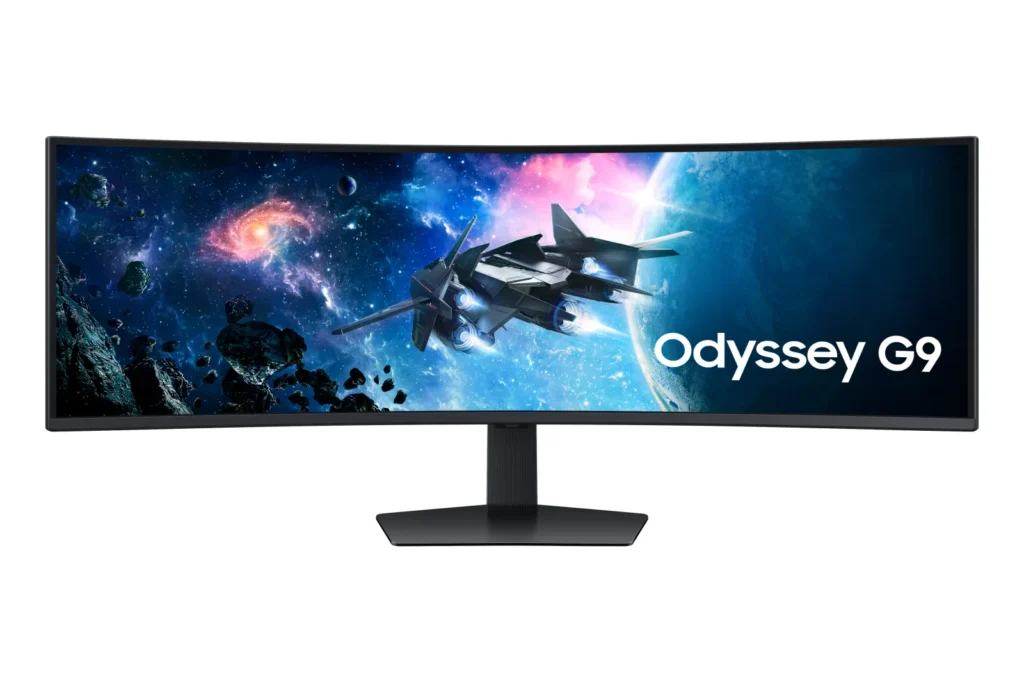
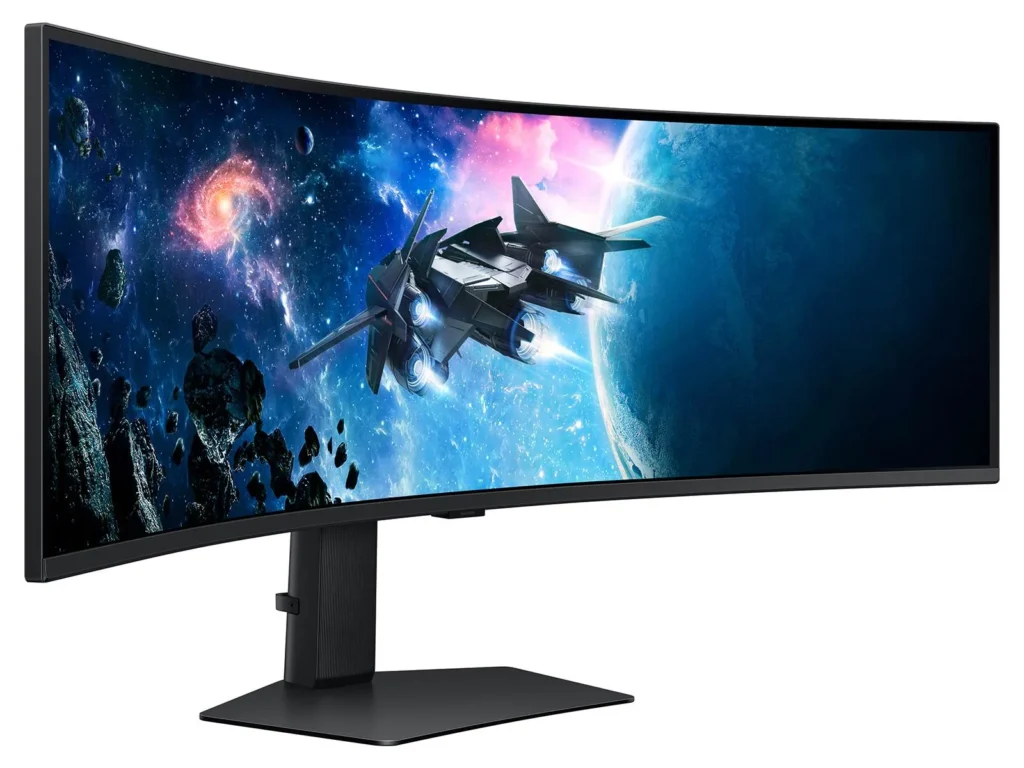
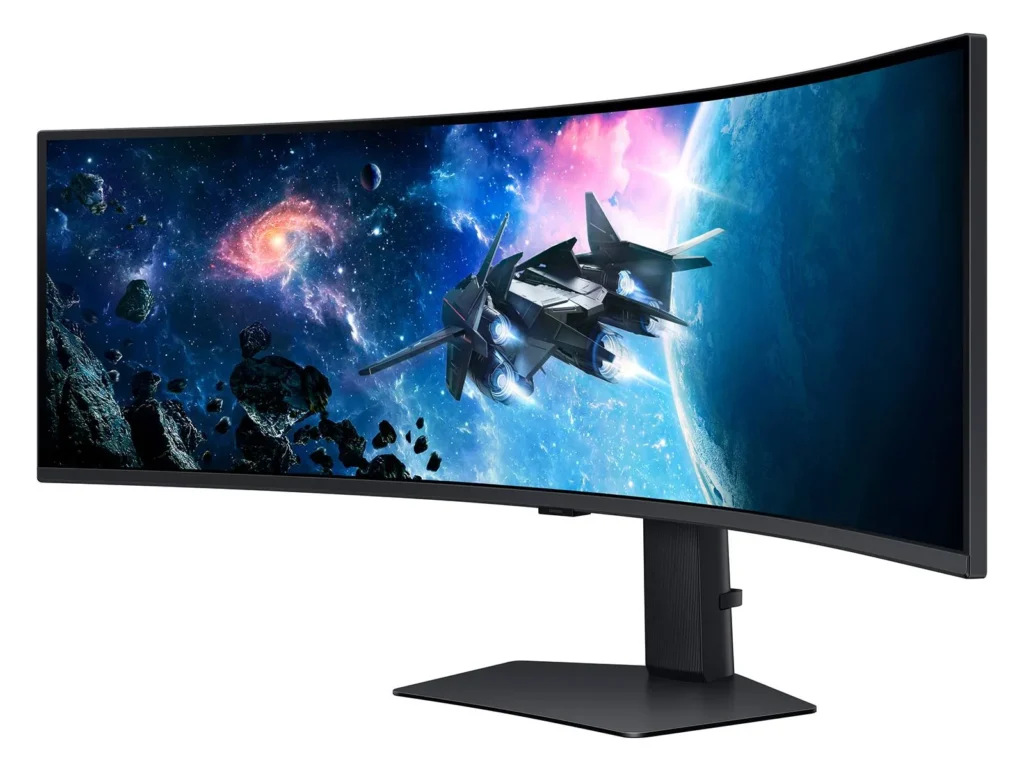
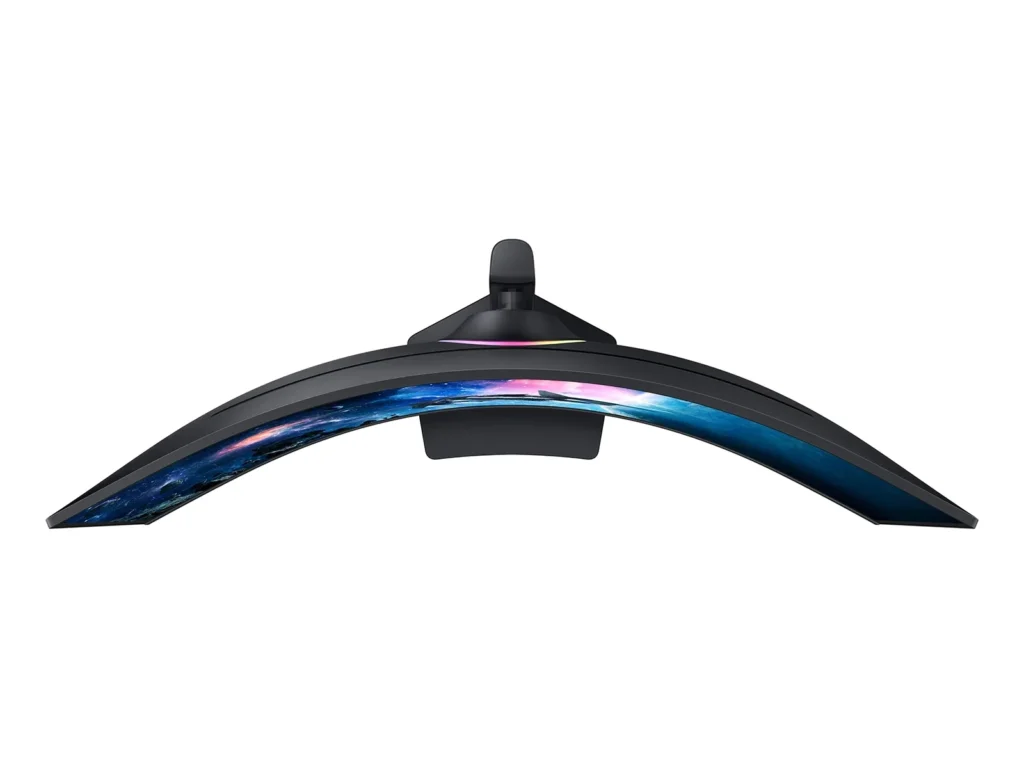
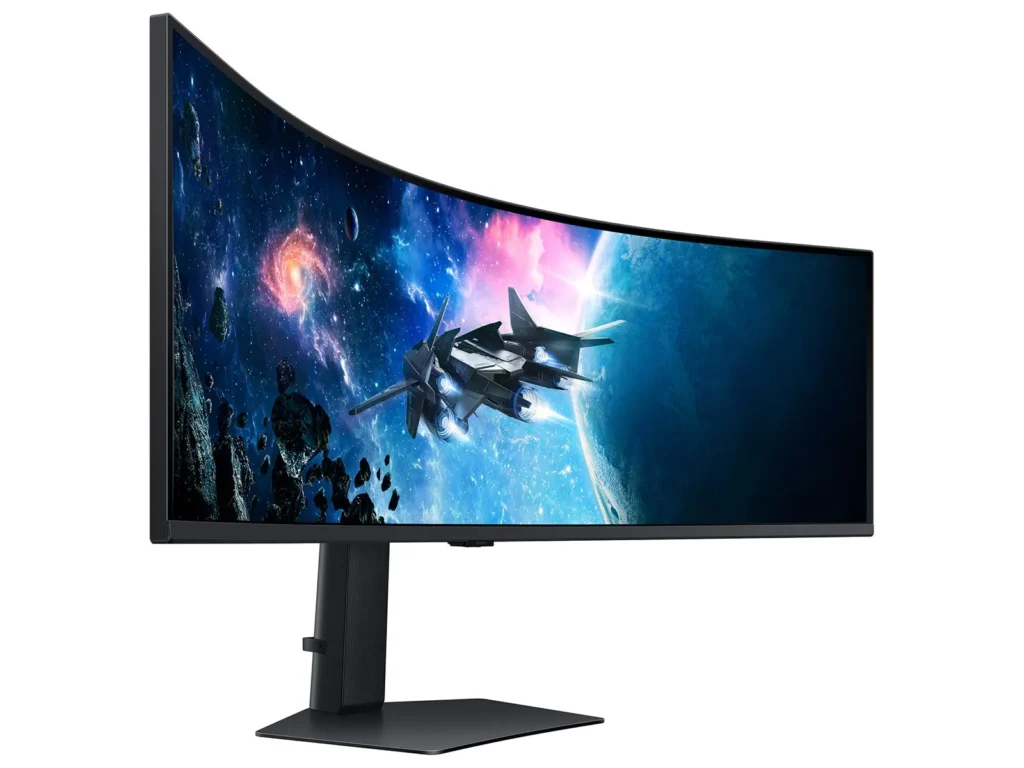
| Immersive 1000R Curvature | The 49-inch super ultrawide screen features a 1000R curvature that matches the natural field of the human eye, wrapping around your vision to provide deep immersion and reduced eye strain during long gaming sessions. |
|---|---|
| Dual QHD Resolution | With a 5120 x 1440 resolution and a 32:9 aspect ratio, this monitor provides the screen real estate of two 27-inch QHD monitors side-by-side, delivering pin-sharp detail and a massive workspace for gaming or productivity. |
| 240Hz Refresh Rate & 1ms Response Time | Experience ultra-smooth action with a lightning-fast 240Hz refresh rate and a 1ms (GtG) response time, which virtually eliminates lag and motion blur for a competitive edge in fast-paced titles. |
| VESA DisplayHDR 1000 | Boasting a 1,000-nit peak brightness and a 1,000,000:1 contrast ratio, this monitor brings every detail to life with vivid colors, deep blacks, and enhanced depth for a truly cinematic visual experience. |
| AMD FreeSync Premium Pro | Complex and fast-moving game scenes are projected smoothly and stutter-free with AMD FreeSync Premium Pro, ensuring a stable and tear-free performance even during the most intense gameplay. |
Pros & Cons
Pros
- Immersive Ultrawide Experience: The 49-inch screen with a 1000R curve provides an unparalleled immersive experience for gaming and effectively replaces multi-monitor setups. Users appreciate the massive screen real estate that allows for seamless multitasking without the distraction of bezels.
- High-End Performance Specs: With a 240Hz refresh rate and 1ms response time, the monitor delivers buttery-smooth visuals that are ideal for competitive gaming. The DQHD resolution ensures that text and graphics remain sharp, making it a powerful tool for both play and professional productivity.
- Versatile Multitasking Features: The Picture-in-Picture (PIP) and Picture-by-Picture (PBP) options are highly praised for allowing users to display multiple inputs simultaneously. This is particularly valued by traders and office workers who need to manage several applications or computers at once.
Cons
- Reliability and Power Failures: A significant number of reviewers reported the monitor suddenly dying or failing to power on after only a few months of use. Many users experienced these failures shortly after the one-year warranty expired, leading to frustrations over repairability and product longevity.
- Quality Control Issues: Many units arrived with or developed defects such as dead pixels, horizontal scan lines, and significant backlight bleed. Some customers had to go through multiple exchanges before receiving a unit that met acceptable quality standards.
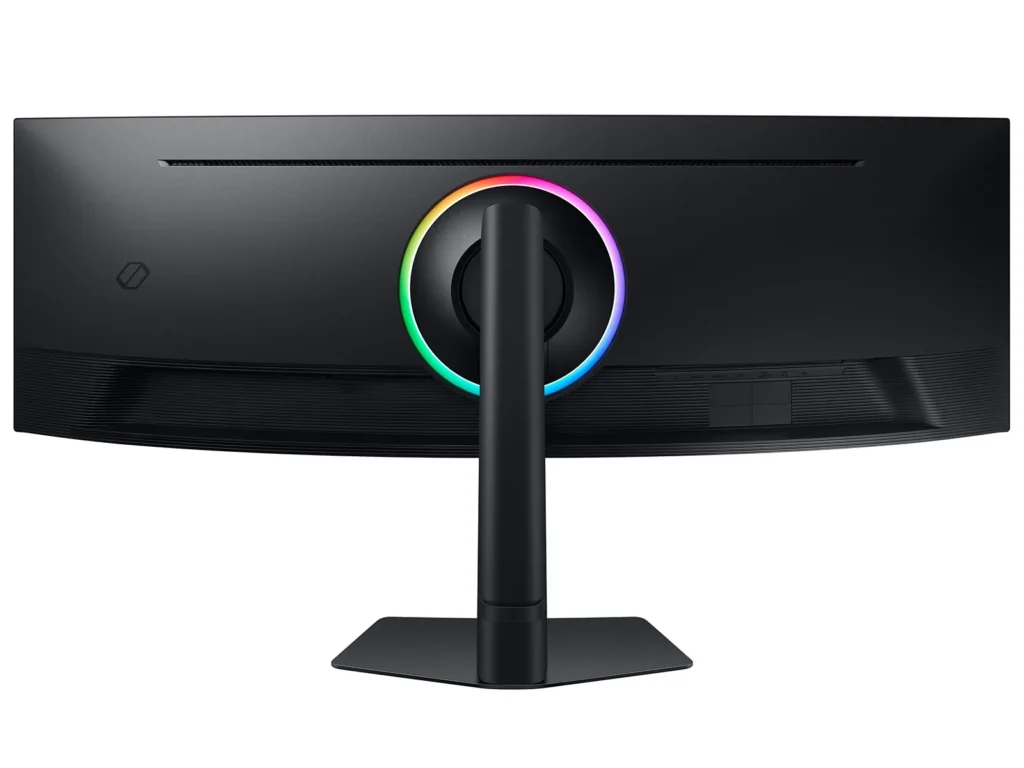
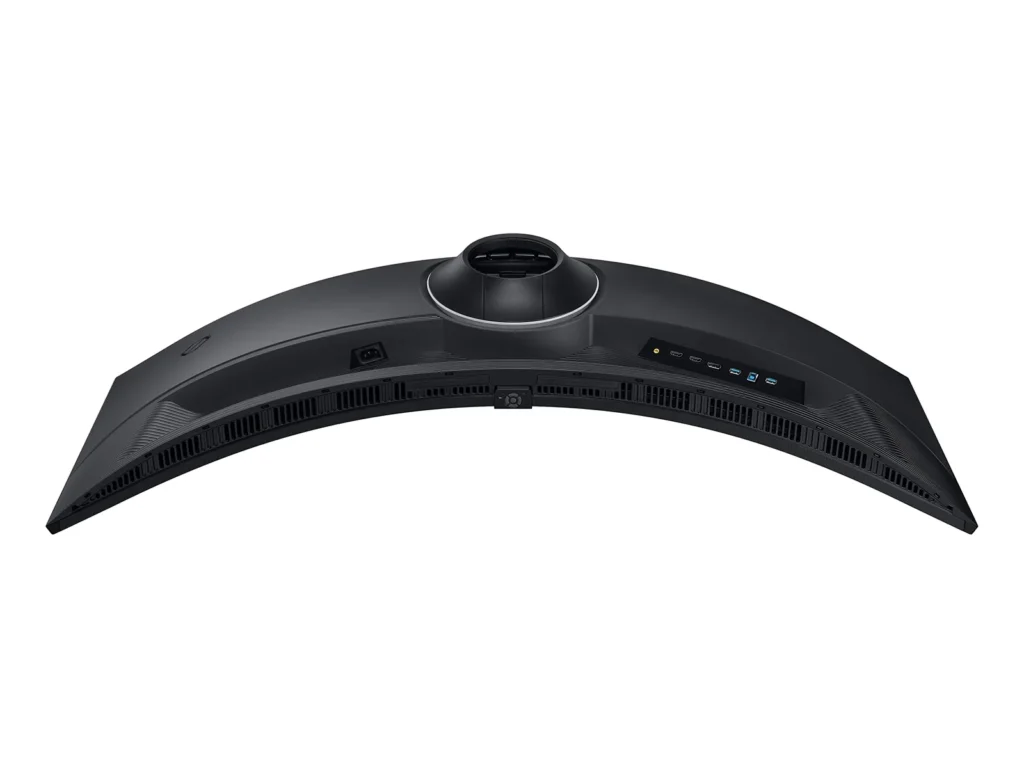
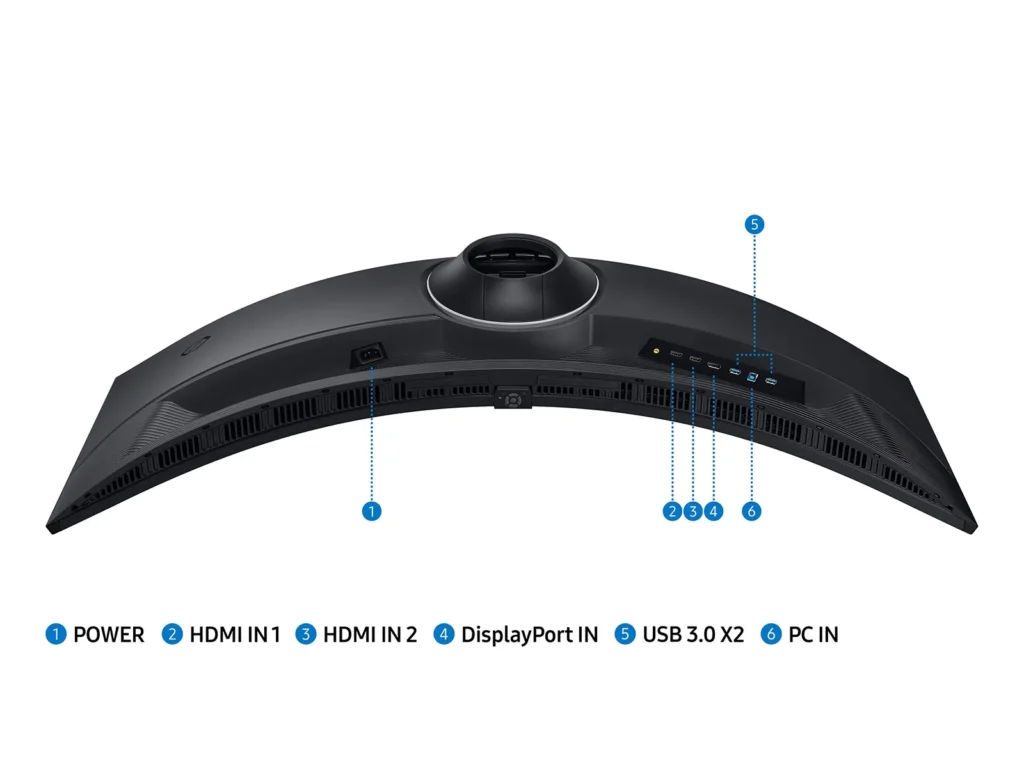
- Design and Ergonomic Flaws: The included stand is noted for being extremely large and deep, consuming a significant amount of desk space. Additionally, the port placement is criticized for being difficult to access and requiring cables to be bent at awkward angles to fit.
You might also like










Customer Reviews
Showing reviews 11-20 of 433
-
Great upgrade to my last Samsung 49" curved
Verified purchase Verified purchase: This reviewer bought the product.KristianT December 24, 2025Review source: BestbuyThis is my second Samsung curved 49″ monitor. This certainly is an upgrade to the first one that started getting retrace lines through it so bad I couldn’t even use it anymore. This new one refreshes at a much faster rate although for what I do, it’s undetectable. this monitor seems to have more of a tighter curve radius than the last one which is a good thing. Also the stand is much better than on the last one. The last one had to legs that basically parralleled the monitors profile on the desk, taking up room and getting in the way of being able to use the desk top. They have completely redesigned the stand to where it is now just a black steel plate, and although that doesn’t sound attractive, it certainly is much better than the old style and a lot more functional.
-
Amazing
Verified purchase Verified purchase: This reviewer bought the product.Good product December 24, 2025Review source: AmazonAmazing Monitor. Great for gaming. I love it. I use it all the time. Easy to set up.
-
Don't think just buy it if you use two monitors
Verified purchase Verified purchase: This reviewer bought the product.thevenus December 23, 2025Review source: AmazonI should have bought this years ago
-
Great monitor but not ideal for all setups
Verified purchase Verified purchase: This reviewer bought the product.Kris Hinds December 23, 2025Review source: AmazonThis is a great screen but everything isn’t better or built for ultra wide. I don’t regret buying it but I went from 3 screens (left, center, right vertical) to two screens (this and a left vertical) and I kinda miss my old setup. It’s hard to explain but it’s like you lose your true center screen. Also, some games don’t work on ultra wide screen.
-
Love it!
Tommy December 23, 2025Review source: AmazonI owned the OLED version of this monitor for a little over a year and loved the image quality, but the OLED panel gave me migraines. Sold it and picked up this VA panel version (not from Amazon, however). I share this info for anyone who may be on the fence between OLED or VA.
This VA version has a more extreme curve to it (1000R instead of 1800R on the OLED), which I very much enjoy.
The OLED one I had was the one with the “smart” functions on it, which I hated. Software was slow, bloated, had menu overlays that obscured the screen which took forever to time out, and took about 6 clicks to change inputs on. I’m happy to report that the menu on this VA version is 1000X better. It’s minimal, non intrusive, fast, and has only the settings you’d need.
Image quality – I was expecting a huge downgrade in quality compared to the OLED. Thankfully this was not the case. As expected, blacks are not true blacks. However the colors are still vibrant, text is much more legible due to the superior pixel arrangement on the VA when compared to OLED, and the image just overall looks fantastic.
For gaming, it’s amazing. If you haven’t gamed on a 5120x1440p screen, you are in for an absolute treat. Beware, once you get one, you’ll never be able to go back. Just be aware of the fact that this monitor has roughly 92% of the pixels of a 4K monitor, and therefore should be considered equivalent to one when estimating what kind of frame rates you can accomplish with your graphics card. I have a new build for 2025 – an RTX 5090 paired with a Ryzen 9800X3D. In ARC Raiders, I get about 160 FPS with all settings maxed out and DLSS set to quality. In Battlefield 6, I get about 140 fps on Overkill settings with DLSS set to quality. Personally I use MFG at either 2X or 3X depending on the game to get the frame rates up. This is on a 5090 system with settings on max, so if you have a less powerful card you’ll either need to lean on MFG even more (which adds latency) or reduce visual quality settings to be able to max out the refresh rate of this monitor.
For office/productivity use, this monitor is incredible. Text clarity is great, it’s easy on the eyes, doesn’t trigger migraines like an OLED can. Just make sure you plan for the massive width of this monitor when it comes to your desk space: it is fairly deep, and that’s before you consider the curve. I’d estimate that the front of the panel in the center is approximately 6-8” in front of the back of the stand. So if you’re on a shallow desk pushed up against a wall, this may take up more desk space than you’re thinking. I’d argue this monitor works better with an L shaped desk if you need more workable desk space aside from just the monitor, keyboard and mouse (say for a laptop, notebook, other peripherals, etc.
Why did I buy this from Microcenter and not Amazon? When I originally purchased my OLED version, I received a wooden shelf in a similarly sized box as the monitor. Was a customer service nightmare to get them to send me another $1200 monitor. Even then, the box was banged up in shipping. Also, Microcenter is just a better store.
For reference on my photo, above it is an old DarkMatter screen that’s 21:9 1440p, approximately 32 or 34” if I recall. The smaller 32:9 monitor at the bottom is the new Corsair Xeneon Edge touchscreen monitor (highly recommend this little thing). The Odyssey G9 VA is the middle monitor.
These monitors go on sale all the time. I purchased mine in December 2025 for $750. Don’t overpay!
-
Monitor has a serious defect Samsung is aware of
Verified purchase Verified purchase: This reviewer bought the product.MikePellegrini December 21, 2025Review source: BestbuyIn March 2024, I bought my son a Samsung Odyssey 49” G9 monitor, model LS49CG954ENXZA. The price with tax, was just under $1,000. It failed a year and nine months later – nine months after the one-year warranty expired.
The problem with the monitor, was that when you turn it on you just got a black screen. No on screen display no nothing, except the backlight. Windows recognized that the monitor was there.
Doing a Google search for “Samsung Odyssey 49” G9 turns on but only black screen” brings up a whole raft of threads on the problem. Dozens and dozens of threads, with hundreds and hundreds of posts on the very exact same problem.
Apparently, the problem traces back to Samsung’s use of a thermistor in providing overheating protection.
The problems began to surface as early as 2020 and at that time, Samsung was offering a three year warranty with the product.
Apparently, when the many problems with the thermistor began to surface, Samsung quietly changed the warranty to one year. On a Reddit post, a person described how in 2022, he submitted a warranty claim to Samsung and they rejected it because they had changed the warranty period to one year. The person described how, using the Internet archive, he was able to find the original webpage which spelled out the three year warranty and using that, he was able to get Samsung to honor the warranty claim. Do a Google search for Samsung Odyssey Q9 three year warranty to find that Reddit thread.
Many people have found that by removing the thermistor, it solves the problem. Unfortunately, my son’s Q9 monitor has a different T-con board and we were unable to find the thermistor. So basically, my son’s $1,000 monitor is unrepairable junk.
As I said, there are hundreds and hundreds of videos online describing this problem. Samsung’s action, in shortening the warranty is unconscionable. Clearly, this is a design problem or a problem caused by faulty parts. A responsible business would admit that they screwed up and make it right with the customers.
I will never buy another Samsung product, ever.Read More
-
Monitor
Verified purchase Verified purchase: This reviewer bought the product.PatriciaI December 20, 2025Review source: BestbuyGreat quality, brightness, efficiency, easy to manage
-
Killer monitor!!
Verified purchase Verified purchase: This reviewer bought the product.Josh A. December 13, 2025Review source: AmazonI’m in love with this monitor. Pro tip: use a display port cable. HDMI from my laptop was not good. No good resolution options. Display port cable is where it’s at!
-
Great for Work/Gaming
Verified purchase Verified purchase: This reviewer bought the product.Kenny December 12, 2025Review source: BestbuyGreat for gaming or for work. I was using a 3 monitor setup for work previously and just having 1 ultra wide monitor makes a huge difference.
-
Perfect for traders
Verified purchase Verified purchase: This reviewer bought the product.Raining December 7, 2025Review source: Amazonif you’re a trader, do yourself a favor and get 2 of these. you’ll thank yourself later. i’m blown away how awesome this dual setup is. it makes my trading feel alive. each monitor is essentially a 3-in-1, curved. so I’m getting the equivalent of 6 monitors which is god-mode for trading. Besides trading. I also use these monitors for social media, and working from home, which has been an amazing experience
If you’re connecting a laptop, then depending on your graphics device, you might have to close the lid of your laptop in order to get dual display. I’m getting 5124×1440 on both monitors, but I have to close the lid of my laptop because the graphics device in my laptop isn’t that strong. And also because of that, I’m only getting 240hz on 1 of the monitors, and 59Hz on the other monitor. Honestly I don’t even notice the difference. I’m not using any HDMI. I’m using DP, which came with the monitor
the only reason i give it 4 stars instead of 5, is because instead of putting the menu/volume controls on the side (or the rear) of the monitor, samsung stupidly put the menu/volume controls on the bottom of the monitor, which prevents you from stacking the top monitor flush on top of the bottom monitor without setting off the menu. it also makes it difficult to access the menu and volume controls on the top monitor without reorienting the monitors. so if you’re stacking one on top of the other, then you have to leave a gap between the 2. not a deal breaker, but an annoyance.