Customer Media
Highlights
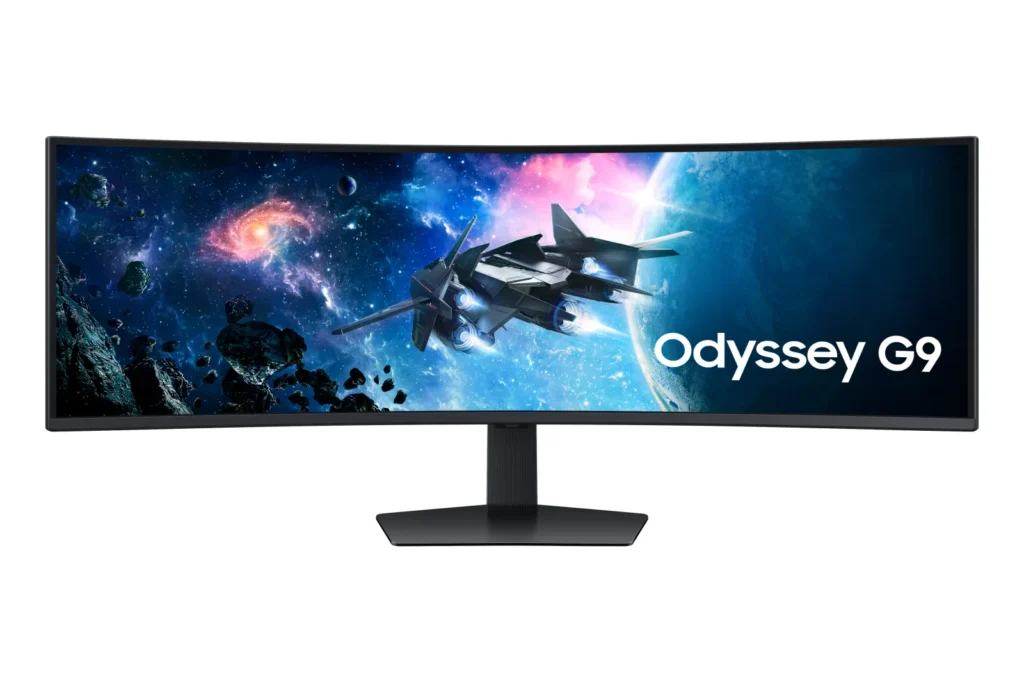
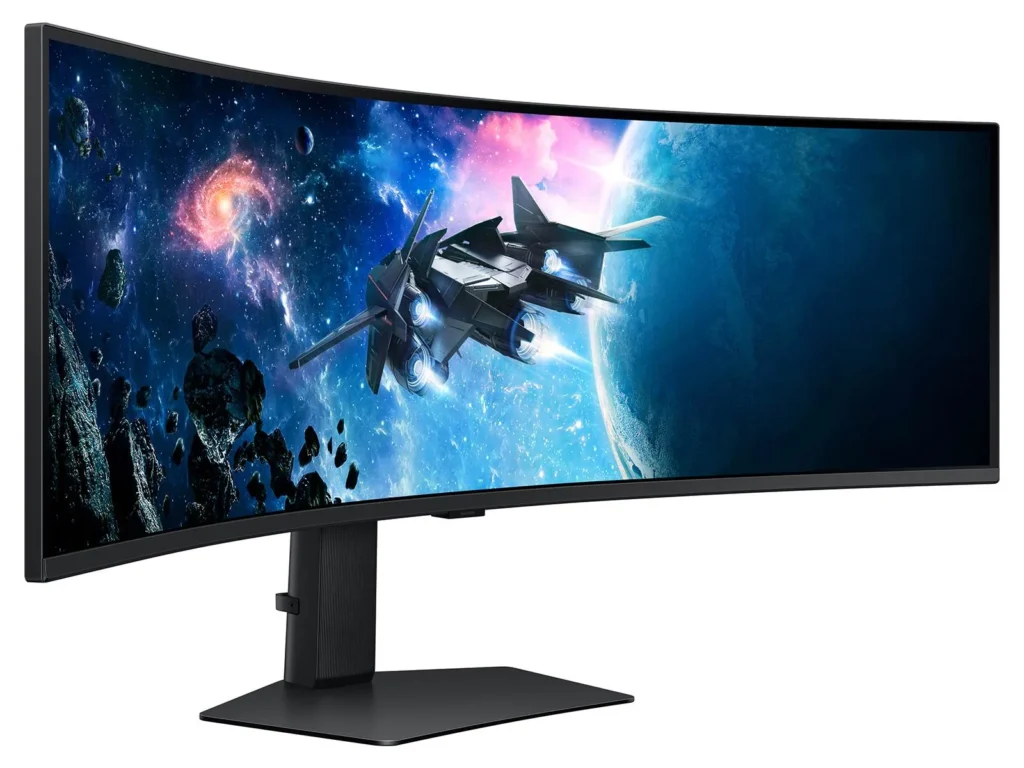
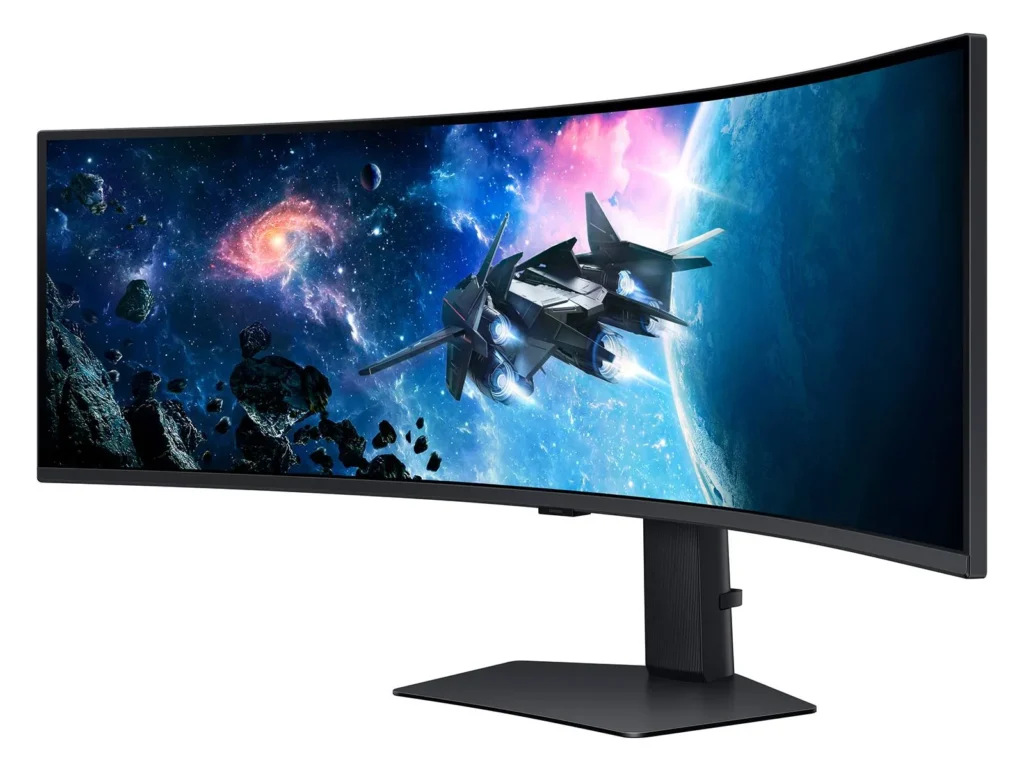
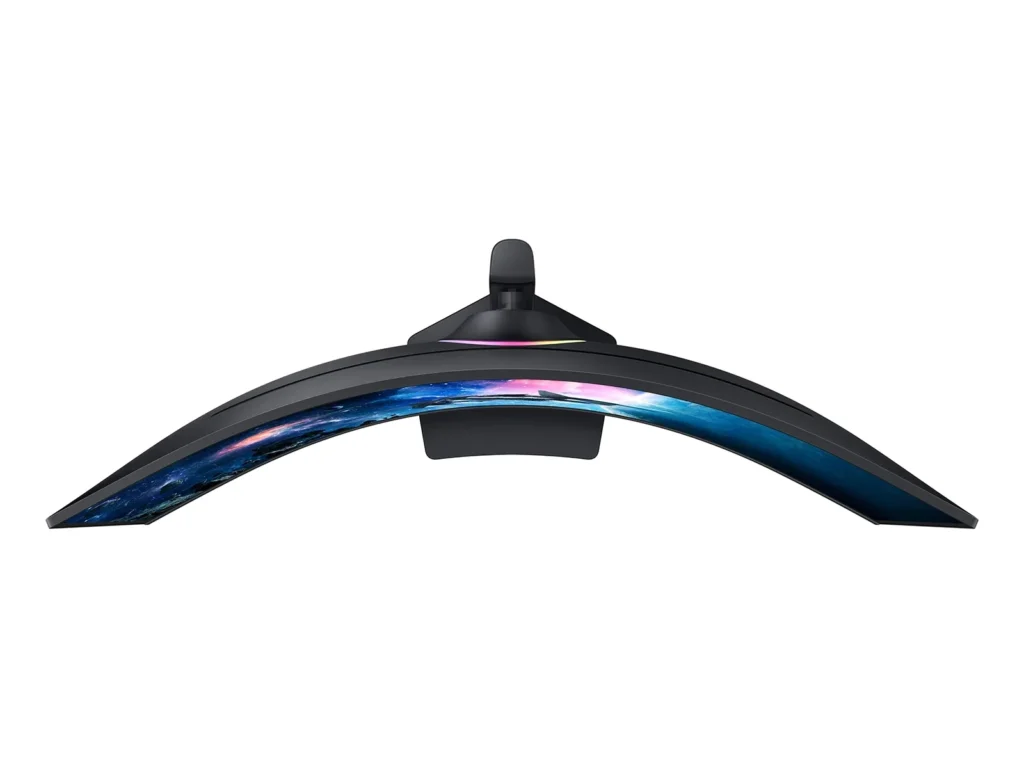
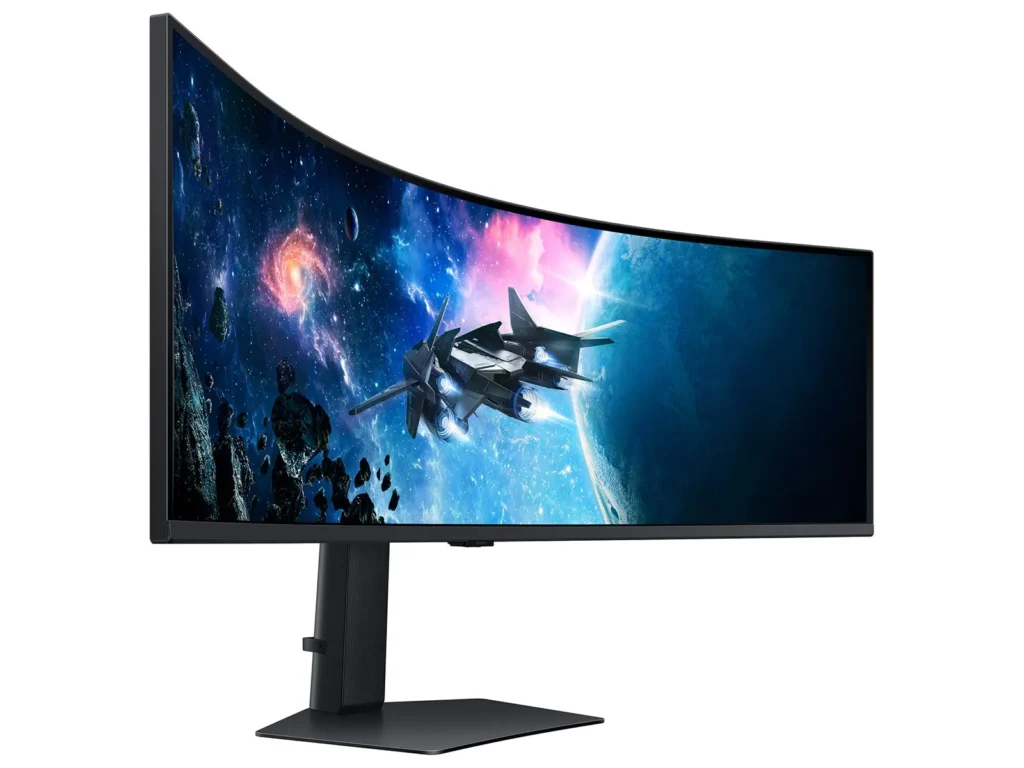
| Immersive 1000R Curvature | The 49-inch super ultrawide screen features a 1000R curvature that matches the natural field of the human eye, wrapping around your vision to provide deep immersion and reduced eye strain during long gaming sessions. |
|---|---|
| Dual QHD Resolution | With a 5120 x 1440 resolution and a 32:9 aspect ratio, this monitor provides the screen real estate of two 27-inch QHD monitors side-by-side, delivering pin-sharp detail and a massive workspace for gaming or productivity. |
| 240Hz Refresh Rate & 1ms Response Time | Experience ultra-smooth action with a lightning-fast 240Hz refresh rate and a 1ms (GtG) response time, which virtually eliminates lag and motion blur for a competitive edge in fast-paced titles. |
| VESA DisplayHDR 1000 | Boasting a 1,000-nit peak brightness and a 1,000,000:1 contrast ratio, this monitor brings every detail to life with vivid colors, deep blacks, and enhanced depth for a truly cinematic visual experience. |
| AMD FreeSync Premium Pro | Complex and fast-moving game scenes are projected smoothly and stutter-free with AMD FreeSync Premium Pro, ensuring a stable and tear-free performance even during the most intense gameplay. |
Pros & Cons
Pros
- Immersive Ultrawide Experience: The 49-inch screen with a 1000R curve provides an unparalleled immersive experience for gaming and effectively replaces multi-monitor setups. Users appreciate the massive screen real estate that allows for seamless multitasking without the distraction of bezels.
- High-End Performance Specs: With a 240Hz refresh rate and 1ms response time, the monitor delivers buttery-smooth visuals that are ideal for competitive gaming. The DQHD resolution ensures that text and graphics remain sharp, making it a powerful tool for both play and professional productivity.
- Versatile Multitasking Features: The Picture-in-Picture (PIP) and Picture-by-Picture (PBP) options are highly praised for allowing users to display multiple inputs simultaneously. This is particularly valued by traders and office workers who need to manage several applications or computers at once.
Cons
- Reliability and Power Failures: A significant number of reviewers reported the monitor suddenly dying or failing to power on after only a few months of use. Many users experienced these failures shortly after the one-year warranty expired, leading to frustrations over repairability and product longevity.
- Quality Control Issues: Many units arrived with or developed defects such as dead pixels, horizontal scan lines, and significant backlight bleed. Some customers had to go through multiple exchanges before receiving a unit that met acceptable quality standards.
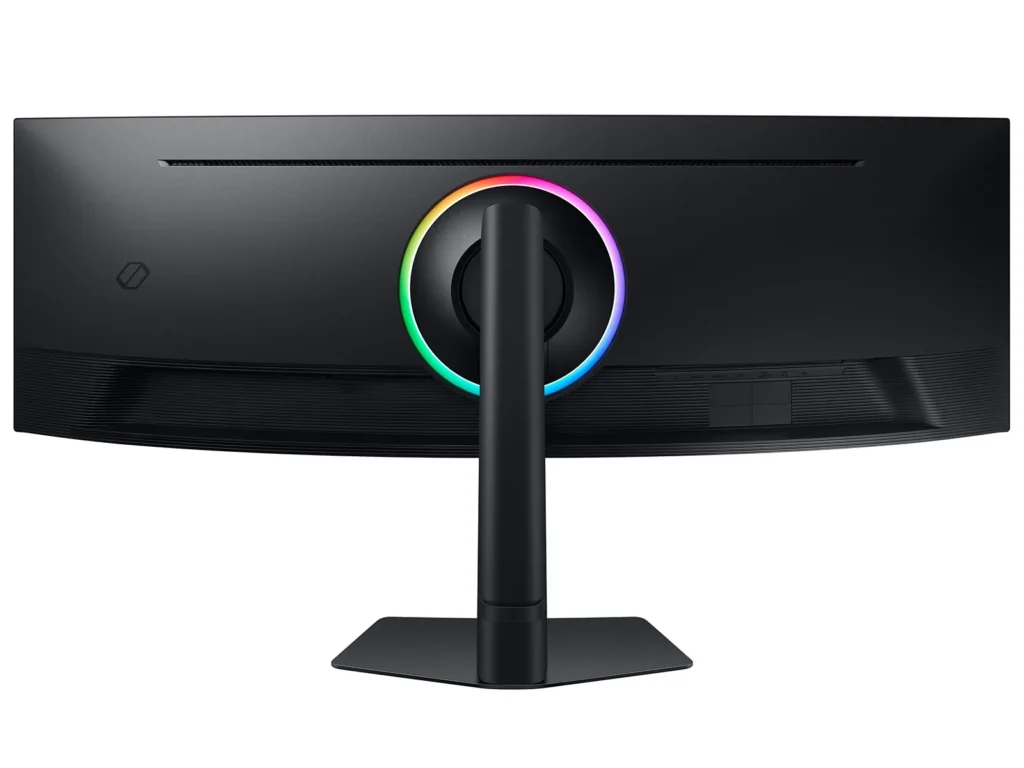
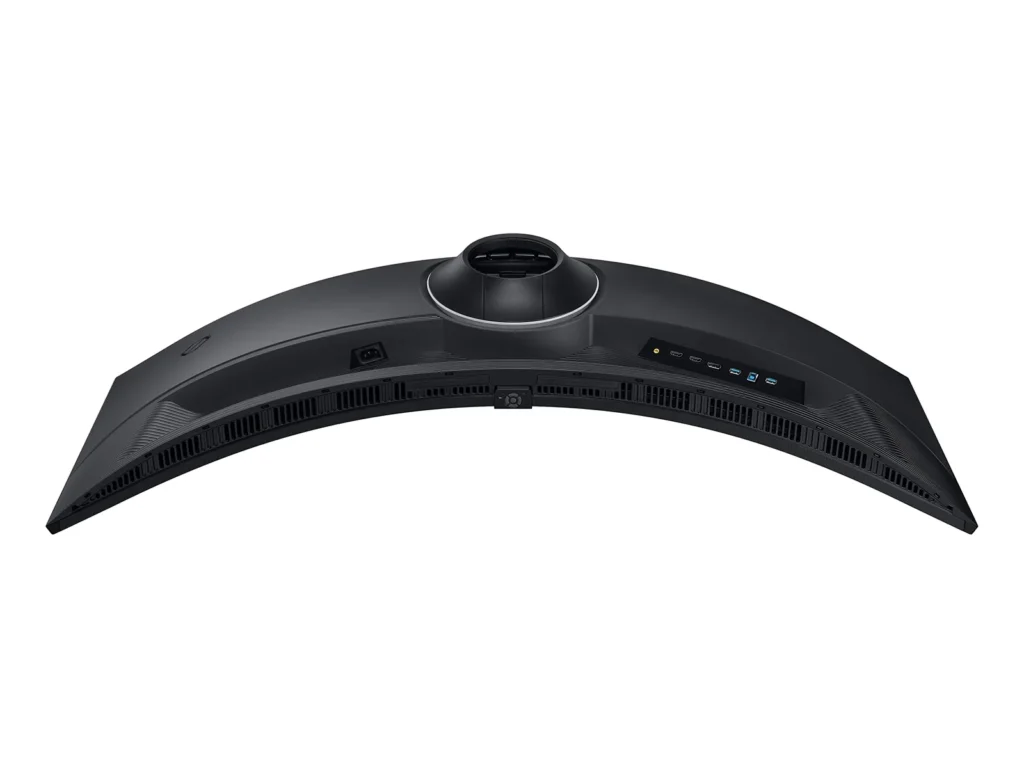
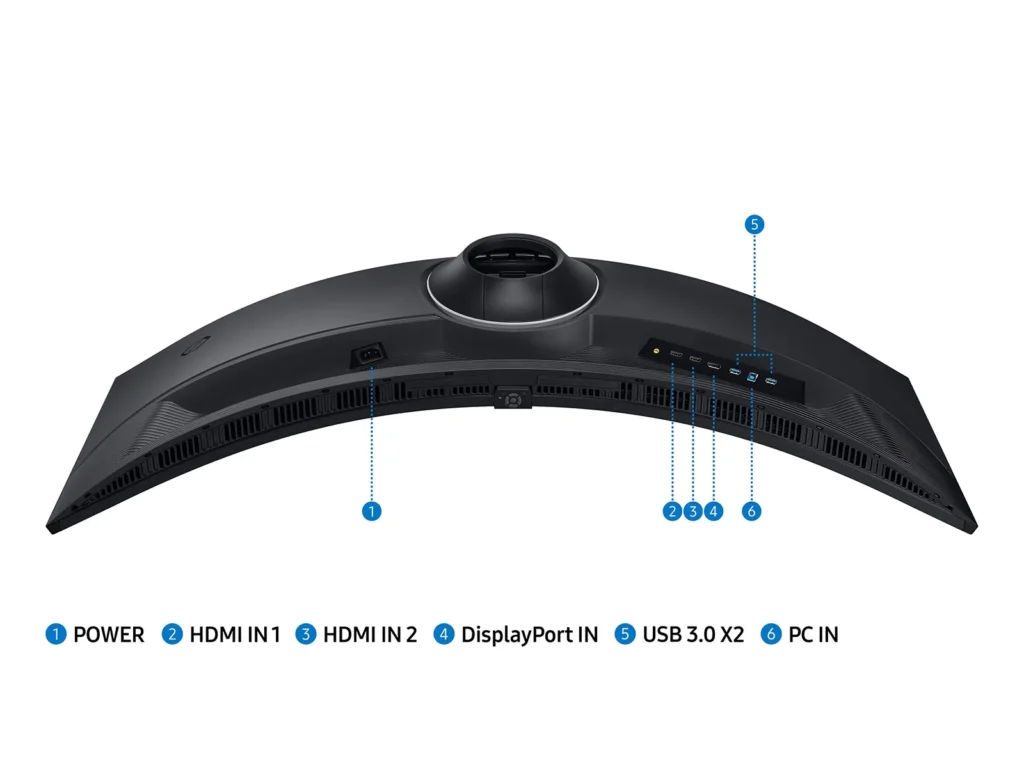
- Design and Ergonomic Flaws: The included stand is noted for being extremely large and deep, consuming a significant amount of desk space. Additionally, the port placement is criticized for being difficult to access and requiring cables to be bent at awkward angles to fit.
You might also like










Customer Reviews
Showing reviews 201-210 of 433
-
Amazing.
Verified purchase Verified purchase: This reviewer bought the product.Boyerfam December 26, 2024Review source: BestbuyAmazing product. Perfect size for the price . And great colors.
-
Best purchase in a long time!
Verified purchase Verified purchase: This reviewer bought the product.Richard Stokes December 25, 2024Review source: AmazonI do finance spreadsheets and access multiple systems. Not sure how I managed without this monitor for so many years! The quality and picture is amazing. Love it! Great value!
-
Great!!
Verified purchase Verified purchase: This reviewer bought the product.PeytonH December 24, 2024Review source: BestbuyAbsolutely love it. I bought this solely to see the whole pitch playing FC25 and I love it. I’ve played Marvel Rivals and Black ops 6 on it. It works great very cool to use and I’m so satisfied with this Monitor!
-
Samsung G9 49inch curve
Verified purchase Verified purchase: This reviewer bought the product.Edward December 23, 2024Review source: BestbuySamsung G9 bought monitor on Black Friday for $799.99 amazing monitor was happy using monitor for gaming and Computer loved the option of having a huge screen instead of multiple monitors but unfortunately vertical lines started to show 30 days after purchase, Had to return it to get the same monitor hopefully no issues with the new one.
-
I regret my purchase.
Verified purchase Verified purchase: This reviewer bought the product.Raymond Stolarek December 17, 2024Review source: AmazonThis monitor was great for about two months. It just powered down out of no where today and will not power back up. Samsung has not been helpful so far in getting the situation resolved. I will update this review If I ever get my product replaced or my money back. I guess that will determine if I ever buy another samsumg product again.
-
Ugh. What can I say. This thing is gorgeous.
Verified purchase Verified purchase: This reviewer bought the product.Andrew December 17, 2024Review source: AmazonNew base stand makes raising and lowering easy. Picture is crisp. Definitely better at a $799 price point than a $1300 one. Weighs a bit, but functions well.
-
Excellent monitor for gaming and productivity!
Verified purchase Verified purchase: This reviewer bought the product.Curt December 16, 2024Review source: BestbuyExcellent monitor! I use it for a little bit of everything, i.e. play games, software development, video editing, etc. The monitor is excellent for gaming, and very nice and clear for textual use (i.e. programming for me). What I didn’t like initially was apps that would full screen if maximized, and most apps are not usable this way. To make it “behave” like two monitors, I purchased the pro version of “Display Fusion” (does a bunch of other things too), and now I can maximize to the left or right side of the monitor, and turn it off when playing games. Initially I thought the monitor was huge, but now that I’m used to it, I’m considering getting a second one and mounting above this one for a total of “4” virtual monitors (in place of the 2 – 27″ monitors I have above this one). While programming, I almost always need to see 3 things at a time, and not having to flip between them is very nice.
When I initially got the monitor, it got pretty warm, then I realized that there’s a setting in the menu that sets the refresh at 240hz. Way overkill for day to day use. Since I’ve turned that off, the monitor barely warms up. The base is very nice, it’s flat (some monitors have legs that spread out and get in your way), so you can put things on it. Also the height and tilt adjustment works well. Highly recommended if you have the space -
Best screen
Verified purchase Verified purchase: This reviewer bought the product.C December 15, 2024Review source: AmazonBest screen for both work and video game
-
Great monitor
Verified purchase Verified purchase: This reviewer bought the product.JoshuaS December 14, 2024Review source: BestbuyVery clear and plenty of room for multiple windows. I use this as my primary screen and my other screen for gaming and this works great
-
Terrible customer support
Verified purchase Verified purchase: This reviewer bought the product.P December 13, 2024Review source: AmazonSo far (only 2 days) since it arrived. Had terrible time getting the aspect ratio fixed. The online IT person was useless. Ultimately, just about when I was ready to give up and send it back, I saw a good short video online that explained how to fix this. Since fixing it, has performed well so far.
Without that online video I would have definitely returned it. Amazing just how bad Samsung’s online support was. Simply terrible and that was AFTER I got through the IT bots and to a real person. The guy simply could not/did not know how to fix the problem. I couldn’t have been the first person to experience stretched text/images on the machine’s default settings.