Customer Media
Highlights
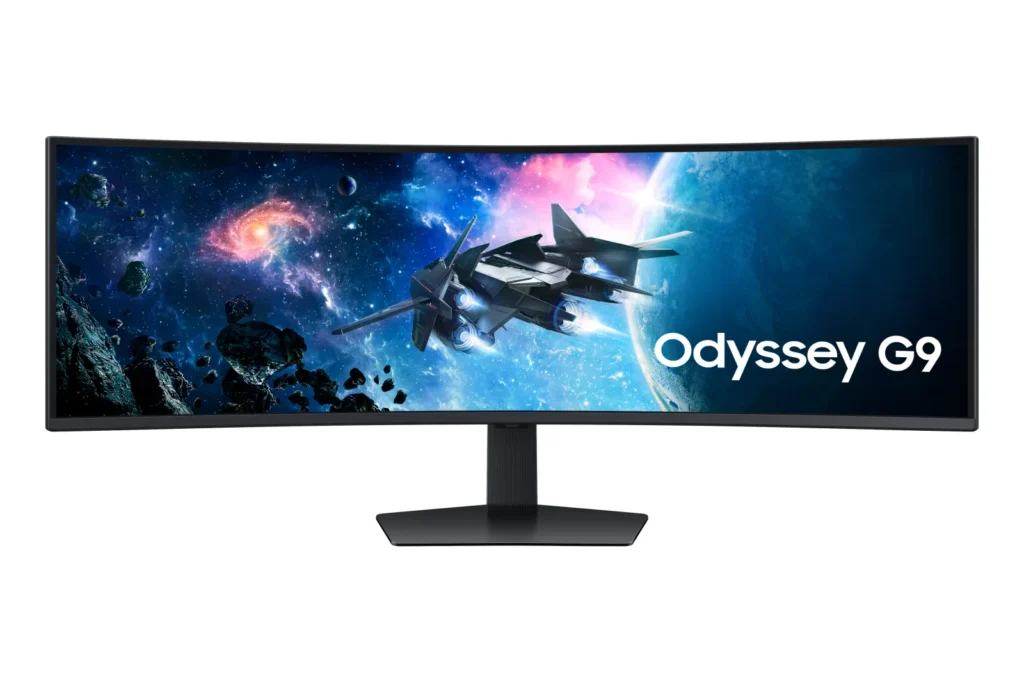
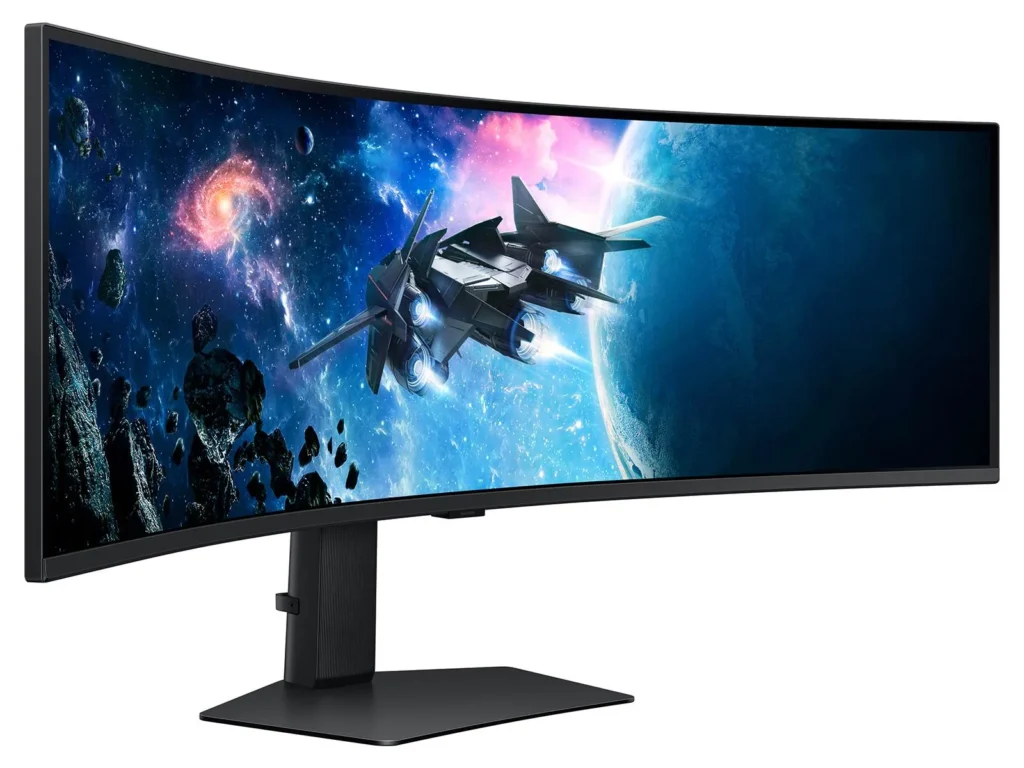
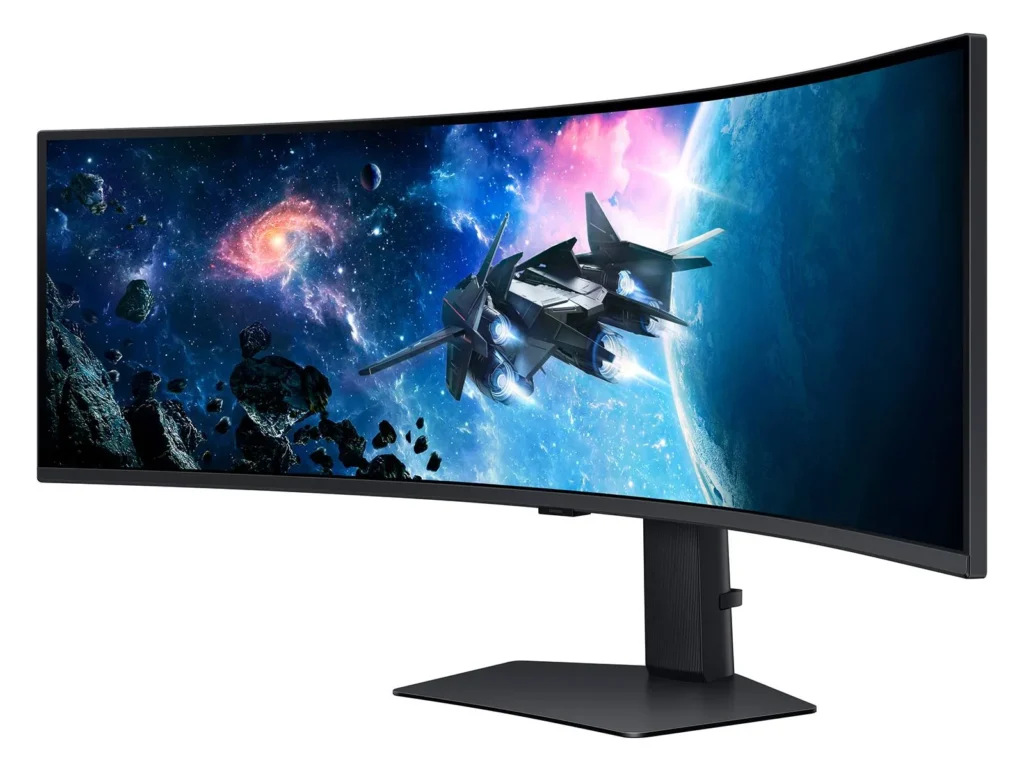
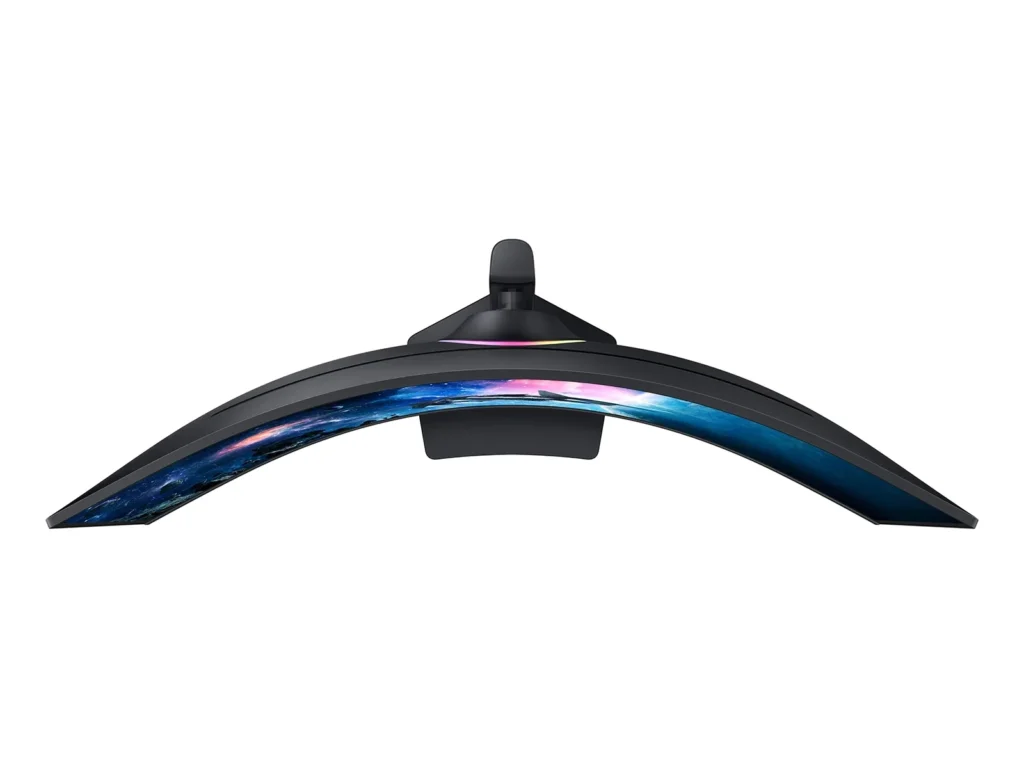
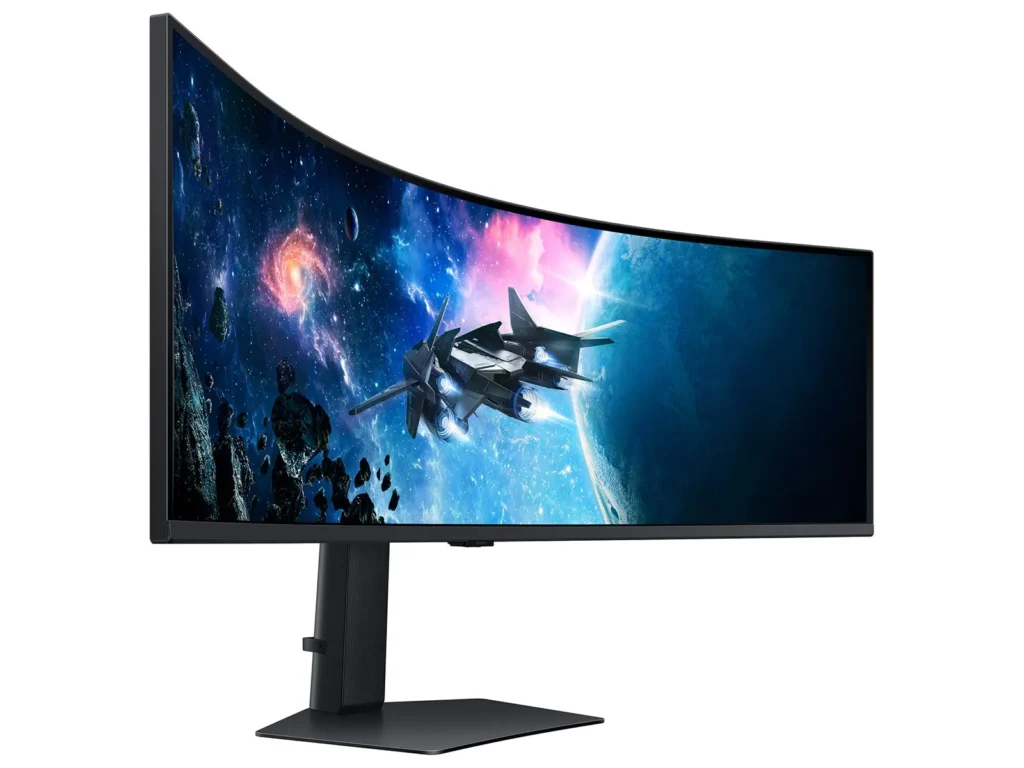
| Immersive 1000R Curvature | The 49-inch super ultrawide screen features a 1000R curvature that matches the natural field of the human eye, wrapping around your vision to provide deep immersion and reduced eye strain during long gaming sessions. |
|---|---|
| Dual QHD Resolution | With a 5120 x 1440 resolution and a 32:9 aspect ratio, this monitor provides the screen real estate of two 27-inch QHD monitors side-by-side, delivering pin-sharp detail and a massive workspace for gaming or productivity. |
| 240Hz Refresh Rate & 1ms Response Time | Experience ultra-smooth action with a lightning-fast 240Hz refresh rate and a 1ms (GtG) response time, which virtually eliminates lag and motion blur for a competitive edge in fast-paced titles. |
| VESA DisplayHDR 1000 | Boasting a 1,000-nit peak brightness and a 1,000,000:1 contrast ratio, this monitor brings every detail to life with vivid colors, deep blacks, and enhanced depth for a truly cinematic visual experience. |
| AMD FreeSync Premium Pro | Complex and fast-moving game scenes are projected smoothly and stutter-free with AMD FreeSync Premium Pro, ensuring a stable and tear-free performance even during the most intense gameplay. |
Pros & Cons
Pros
- Immersive Ultrawide Experience: The 49-inch screen with a 1000R curve provides an unparalleled immersive experience for gaming and effectively replaces multi-monitor setups. Users appreciate the massive screen real estate that allows for seamless multitasking without the distraction of bezels.
- High-End Performance Specs: With a 240Hz refresh rate and 1ms response time, the monitor delivers buttery-smooth visuals that are ideal for competitive gaming. The DQHD resolution ensures that text and graphics remain sharp, making it a powerful tool for both play and professional productivity.
- Versatile Multitasking Features: The Picture-in-Picture (PIP) and Picture-by-Picture (PBP) options are highly praised for allowing users to display multiple inputs simultaneously. This is particularly valued by traders and office workers who need to manage several applications or computers at once.
Cons
- Reliability and Power Failures: A significant number of reviewers reported the monitor suddenly dying or failing to power on after only a few months of use. Many users experienced these failures shortly after the one-year warranty expired, leading to frustrations over repairability and product longevity.
- Quality Control Issues: Many units arrived with or developed defects such as dead pixels, horizontal scan lines, and significant backlight bleed. Some customers had to go through multiple exchanges before receiving a unit that met acceptable quality standards.
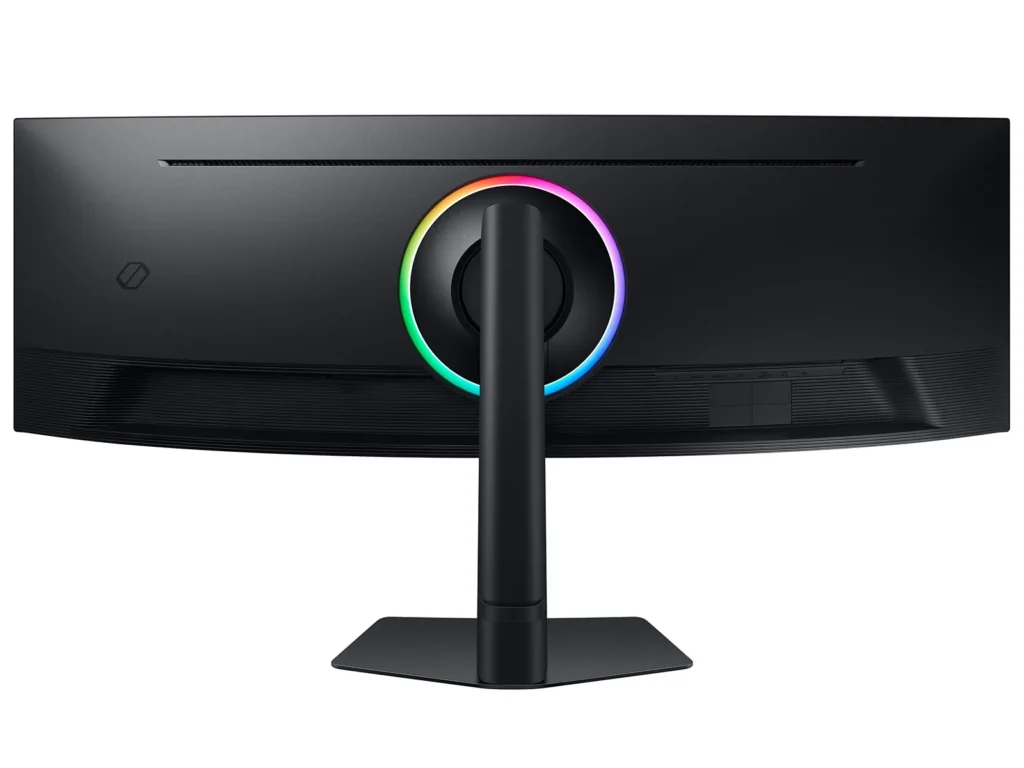
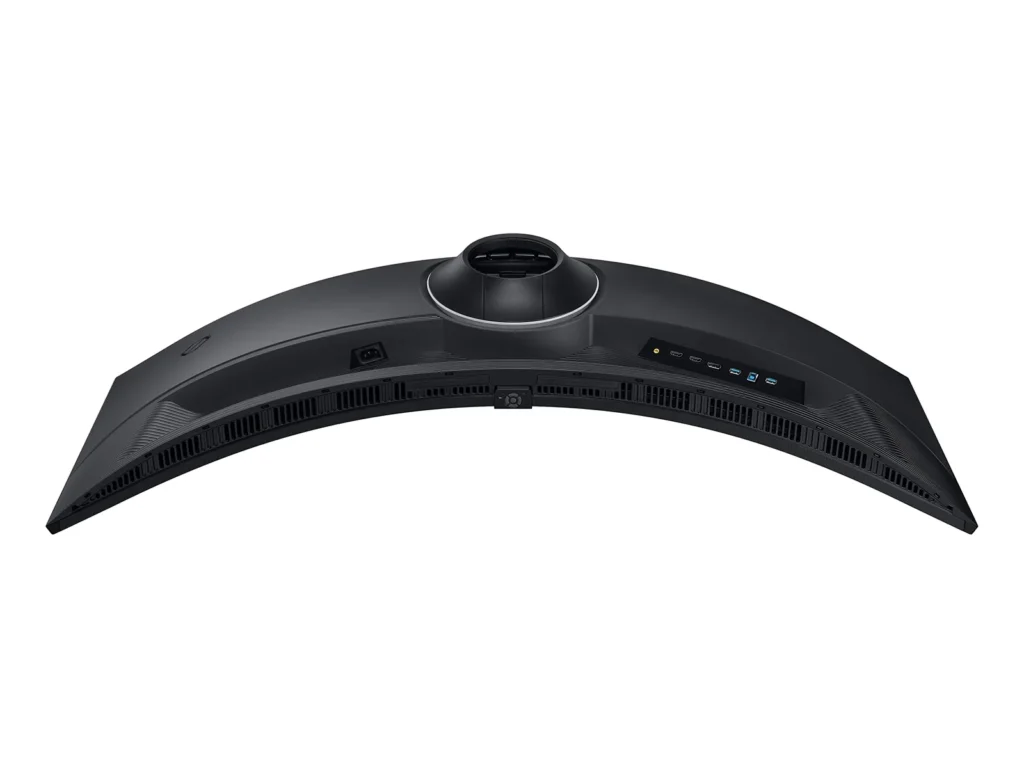
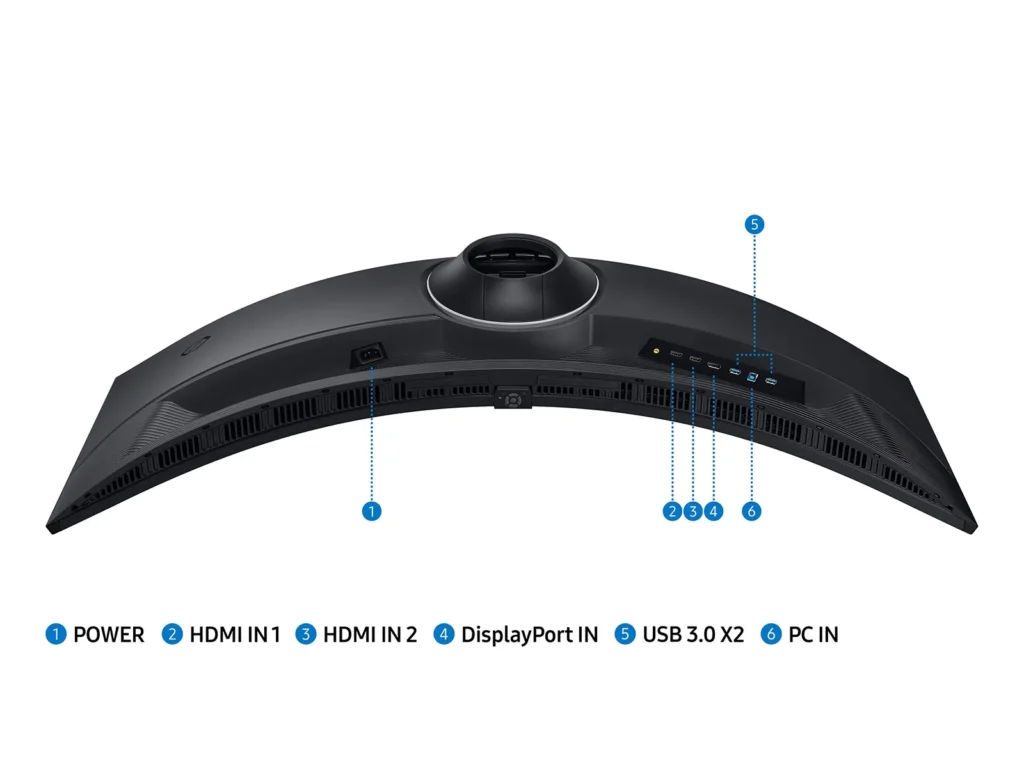
- Design and Ergonomic Flaws: The included stand is noted for being extremely large and deep, consuming a significant amount of desk space. Additionally, the port placement is criticized for being difficult to access and requiring cables to be bent at awkward angles to fit.
You might also like










Customer Reviews
Showing reviews 421-430 of 433
-
a must for ultrawide users (:
Verified purchase Verified purchase: This reviewer bought the product.RomeT March 17, 2024Review source: BestbuyMonitor is a freaking BEAST!!! gaming on this is so immersive. i actually feel like im in the game lol
-
Loved the monitor, but….
Verified purchase Verified purchase: This reviewer bought the product.Amazon Customer March 15, 2024Review source: AmazonI loved this monitor, but I had to send it back because it had a dead pixel, and for $900 dollars, this is not acceptable in my opinion. Though I will order another one once Amazon gives me refund.
The Pros of this monitor:
– Very bright
– High contrast
– Very colorful
– Big screen real estate for work
– Fast (240 Hz) Refresh Rate
– Response times are fast too (for a VA), it does not compare to an OLED nor a TN panel though.
– 1000R curve is really good, I thought it was going to be a problem, but no, I love it.
– The Picture-in-Picture and Picture-by-Picture feature is awesome! Being able connect both my work computer and personal laptop at the same time is great. Love it!The Cons of this monitor:
– It came with a dead pixel, but hopefully yours will arrive without that issue.
– Sound quality of the monitor is below average, but most people have their own speaks or headsets for audio, so it will not be a problem for most.Here is my recommended settings for the monitor, to make everything look bright, colorful and easy to see, specifically text:
Game => Refresh Rate => 240 Hz
Game => Adaptive-Sync => On
Game => Black Equalizer => 0
Picture => Picture Mode => Game Standard
Picture => Brightness => 50
Picture => Contrast => 40
Picture => Sharpness => 15
Picture => Color => 30
Picture => Tint => 0
Picture => Local Dimming => High
Picture => Contrast Enhancer => High
System => SeeColor Mode => Off
System => Save Energy => Off
System => DisplayPort Ver. => 1.4
System => Auto Switch Source+ => OnAlso, make sure to turn on “G-Sync” or “FreeSync” on the software (nVidia or AMD) for your video card or GPU, so the Adaptive Sync can work properly.
In conclusion, I recommend this monitor for work and play, and at $900 is a great buy. Hopefully yours will have no dead pixels, but you can always return it and get another one. Good luck!
-
Great performance and Quality
Verified purchase Verified purchase: This reviewer bought the product.Juan March 10, 2024Review source: BestbuyOverall satisfied, the quality in build and performance is there for the value. My biggest issue now is finding a background wide enough for it.
-
Fabulous Monitor!
Verified purchase Verified purchase: This reviewer bought the product.Rourke March 9, 2024Review source: BestbuyFabulous monitor. Really feel in the game. Crisp and very responsive. I wish it didn’t say USB in the title as it is deceptive making one think that the input is also USB when it is not. USB means USB 2 port hub.
-
Immersive
Verified purchase Verified purchase: This reviewer bought the product.JohnP March 9, 2024Review source: BestbuyBright and clear. Have to run a newer GPU to get the 240.
-
Awesome Monitor
Verified purchase Verified purchase: This reviewer bought the product.Phil D. March 2, 2024Review source: AmazonI just received this monitor so I cannot speak to its longevity, but my initial impression is – I love it! I replaced a 36″ widescreen monitor with this one and the difference is significant. I multitask quite a bit and have a lot of windows open all the time and now I can have a lot more on the screen real estate. The ease of viewing is excellent due to the curvature. I will note that this thing is heavy for a monitor. It arrived in a large box inside of another large box. Setup was relatively easy, took me about 10 minutes from unboxing to having it online though I must admit that it took me a minute or two to figure out how to turn it on and select the correct input. Bottom line – I love it despite the relatively high cost. Note that I am not a gamer so I can’t speak to the gaming quality, but as a person who works in the IT industry and has to stare at a screen 12 hours a day, this thing is worth it to me.
-
Ok monitor
Verified purchase Verified purchase: This reviewer bought the product.Anonymous March 2, 2024Review source: BestbuyGood monitor — not the greatest with Mac however.
-
One of the best!
Verified purchase Verified purchase: This reviewer bought the product.AlbianS February 28, 2024Review source: BestbuyGreat for gaming, quality and image is pretty crazy. I would recommend this monitor to any and everyone!
-
GAMING
Verified purchase Verified purchase: This reviewer bought the product.SoulO February 18, 2024Review source: BestbuyThis monitor is amazing.. For pc gaming!! XBOX Series X hasn’t made the ultrawide monitors fully accessible. If u use the whole screen it strectes everything and makes enemies and teammate short and stubby. You can change to “auto” setting and it uses about 23in of the middle of screen. Huge black bars on both sides.
-
Perfect monitor for work and gaming
Verified purchase Verified purchase: This reviewer bought the product.Damian February 17, 2024Review source: BestbuyThis monitor is a minor refresh to the original Odyssey G9 that came out a few years ago. The new stand takes up less space on my desk. The back of the monitor is now black instead of white. 49”ultra wide at 240hz is fantastic. I highly recommend.