Customer Media
Highlights
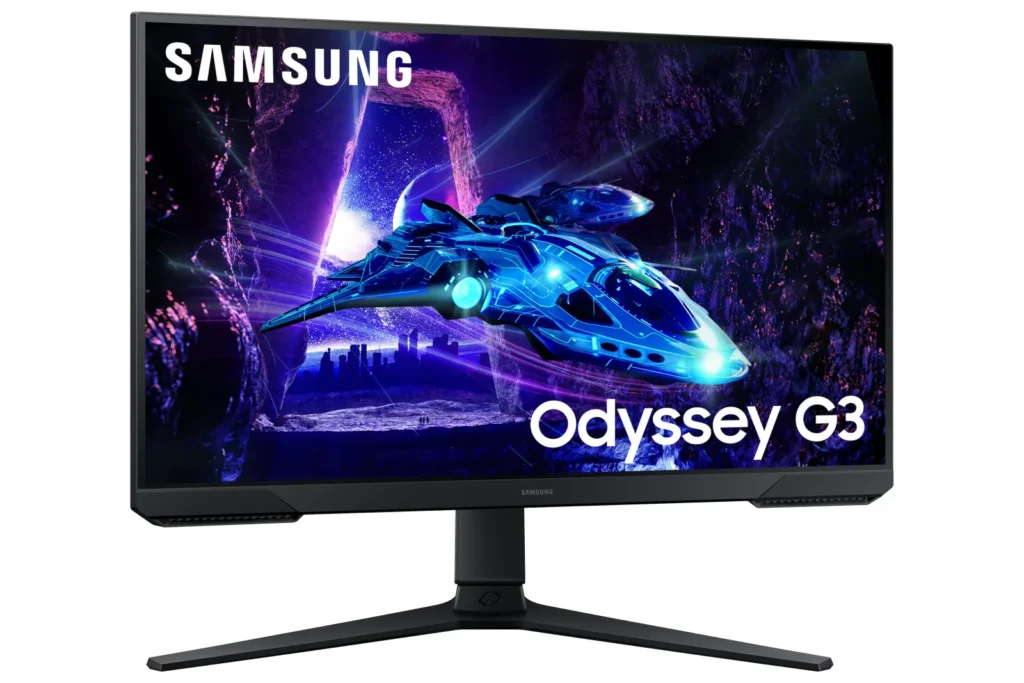
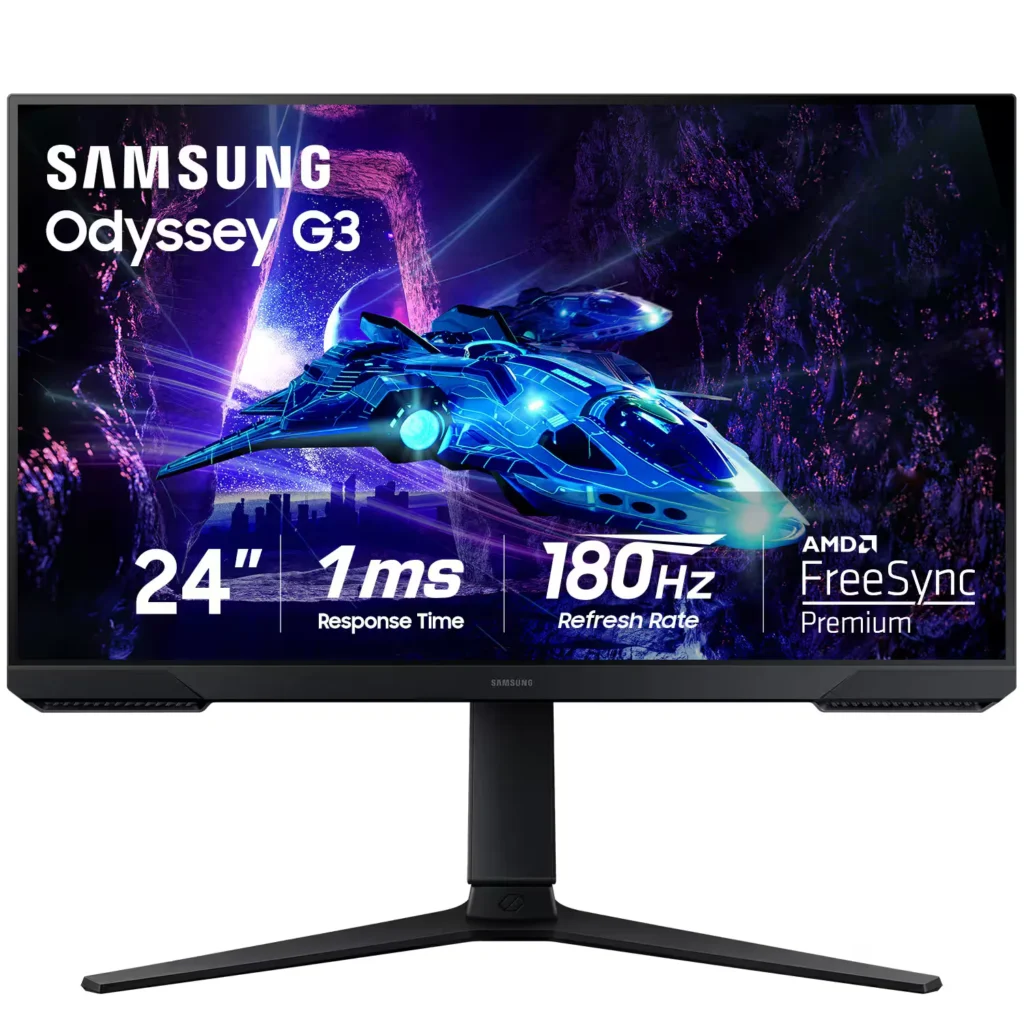
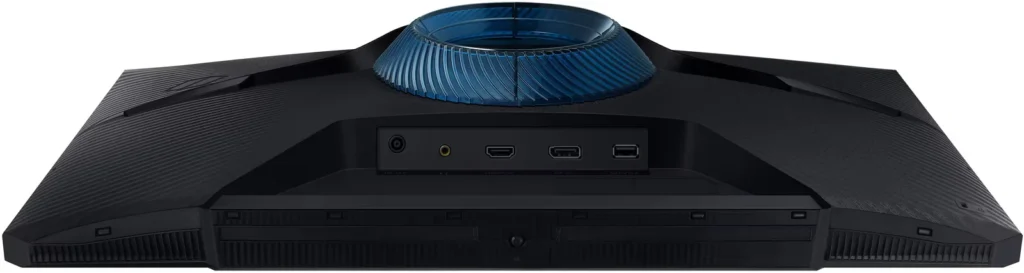
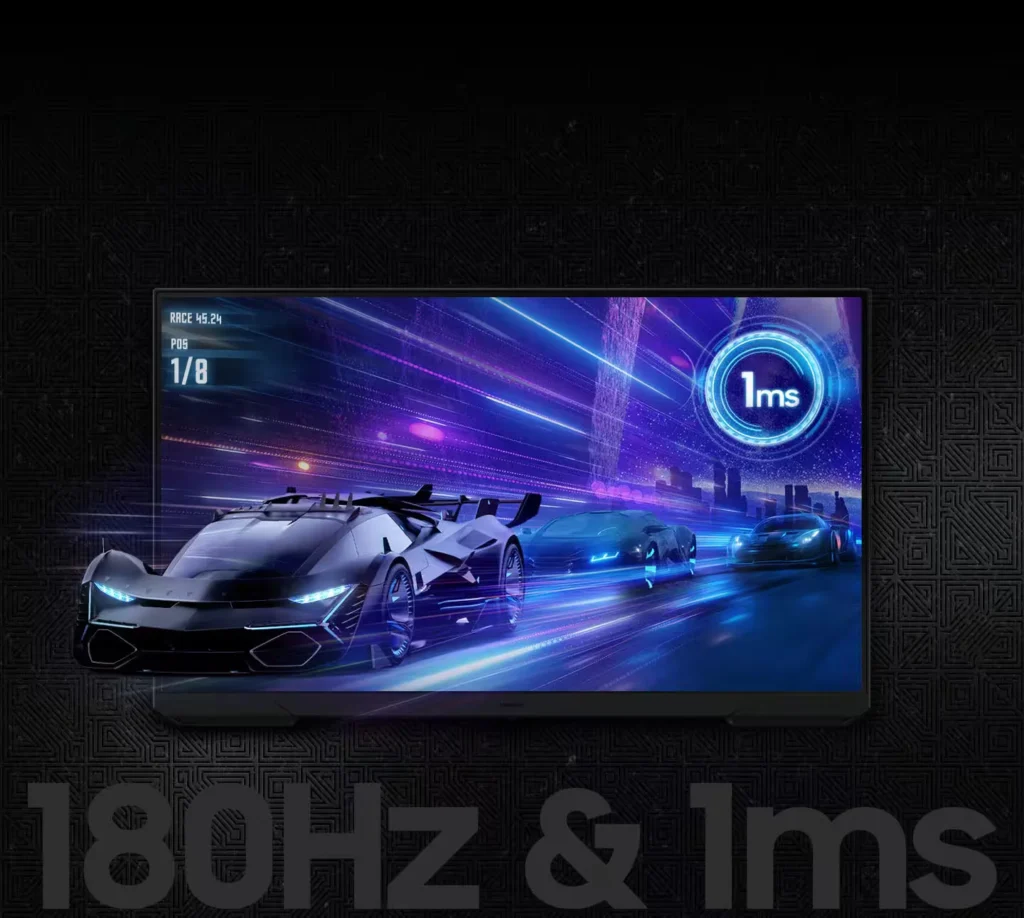
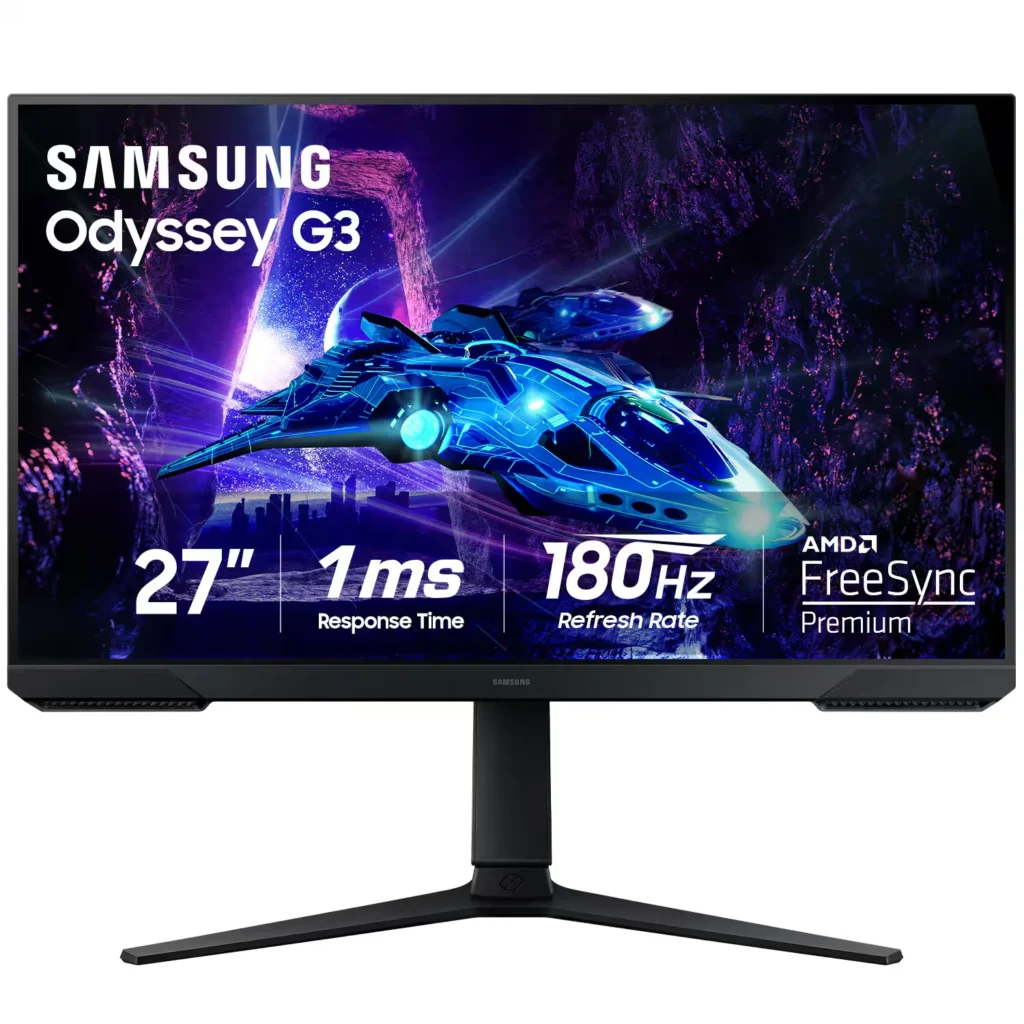
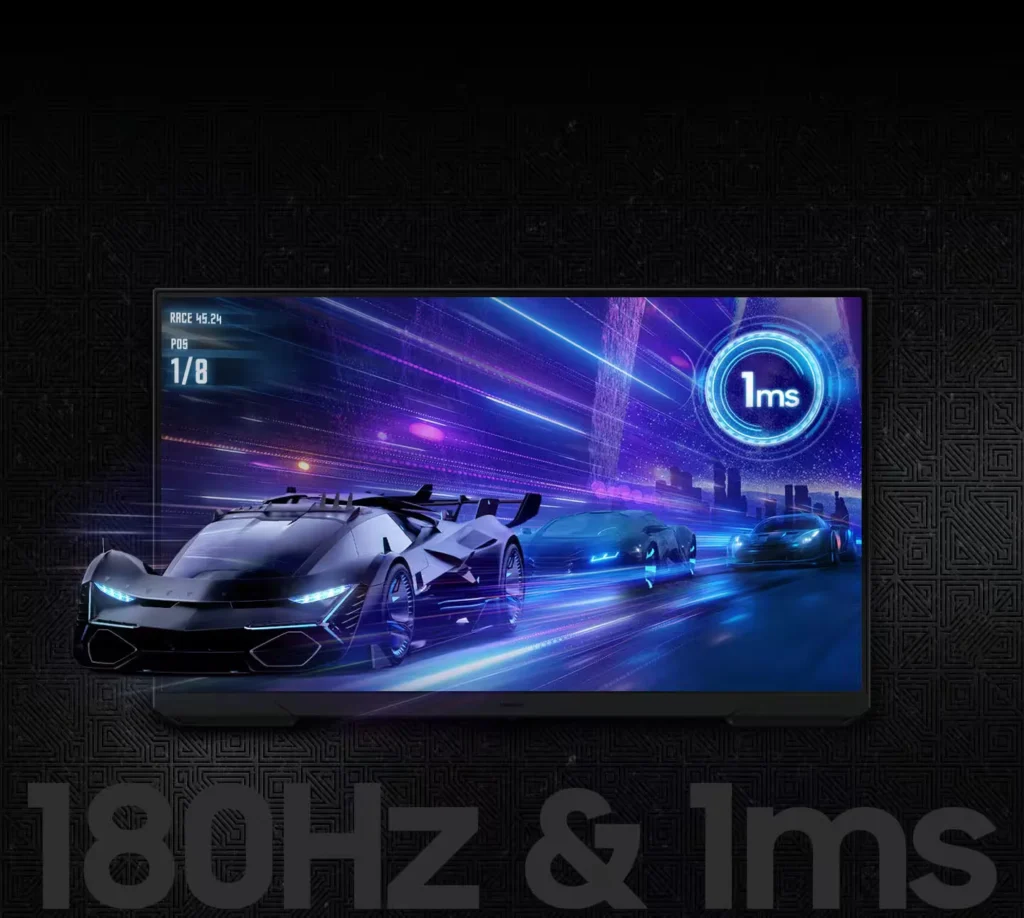
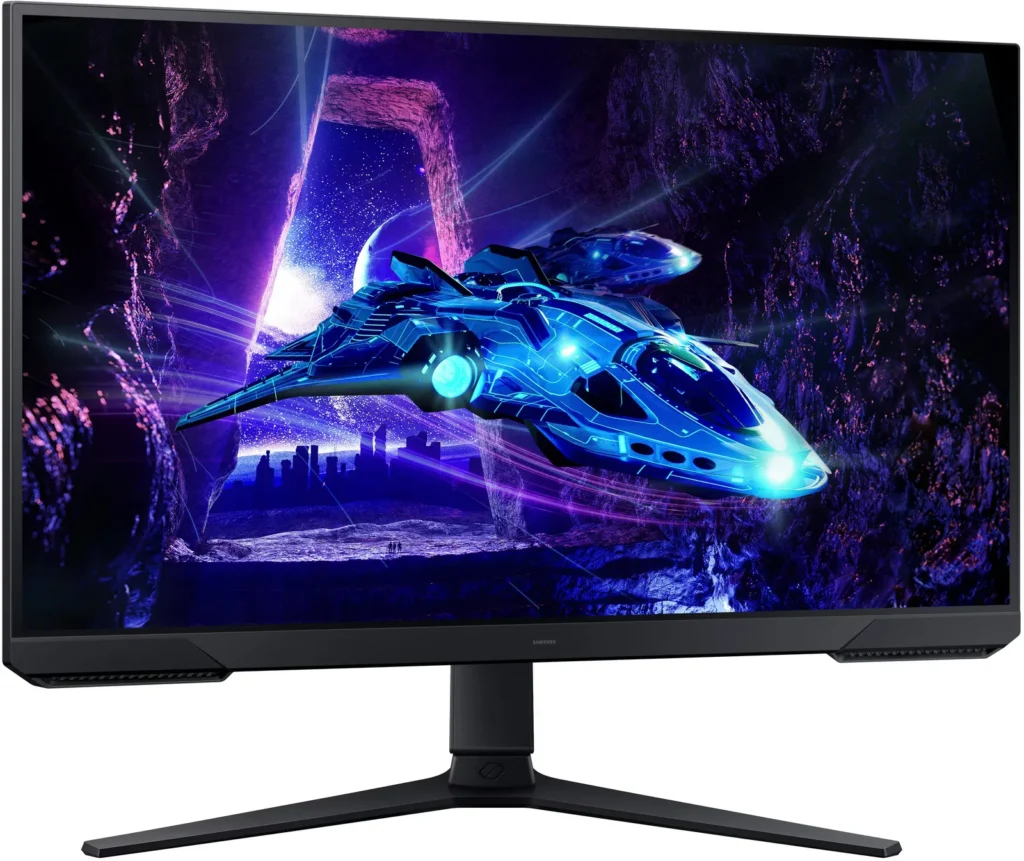
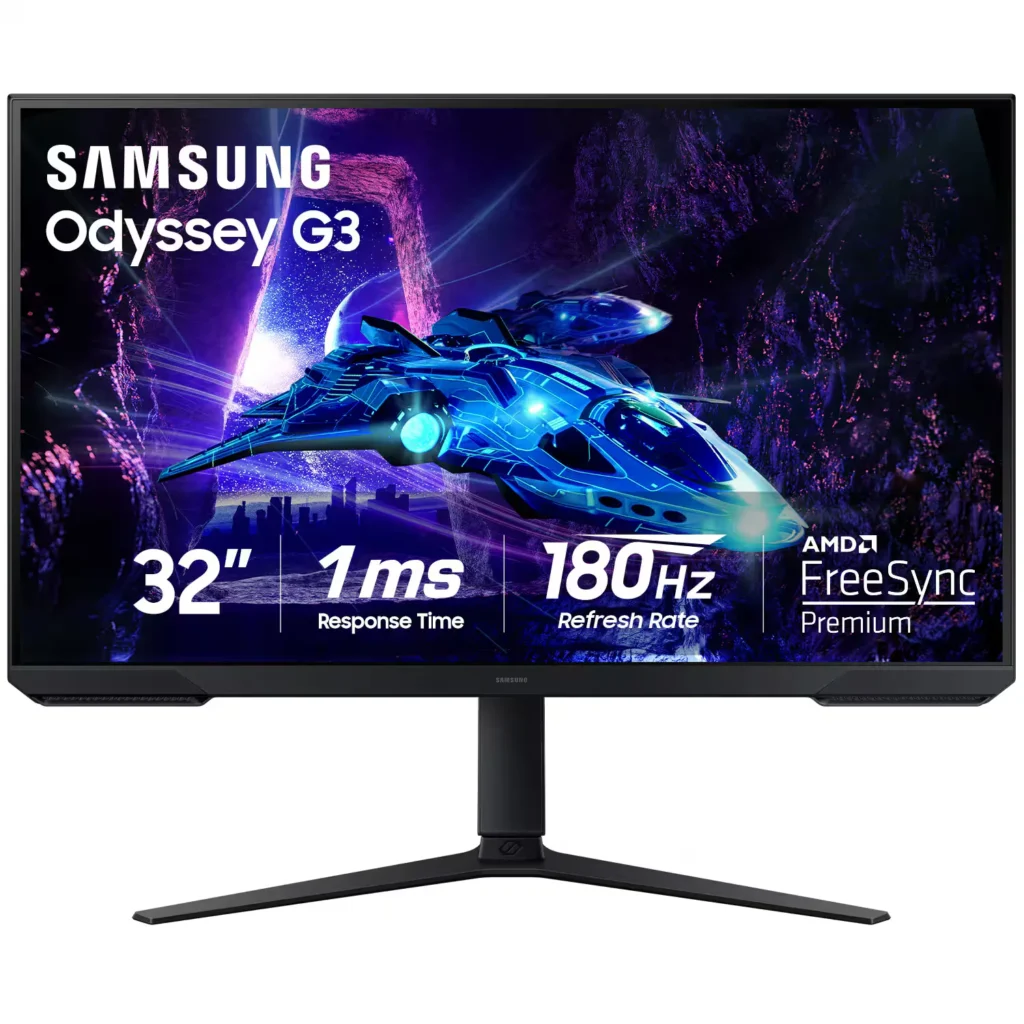
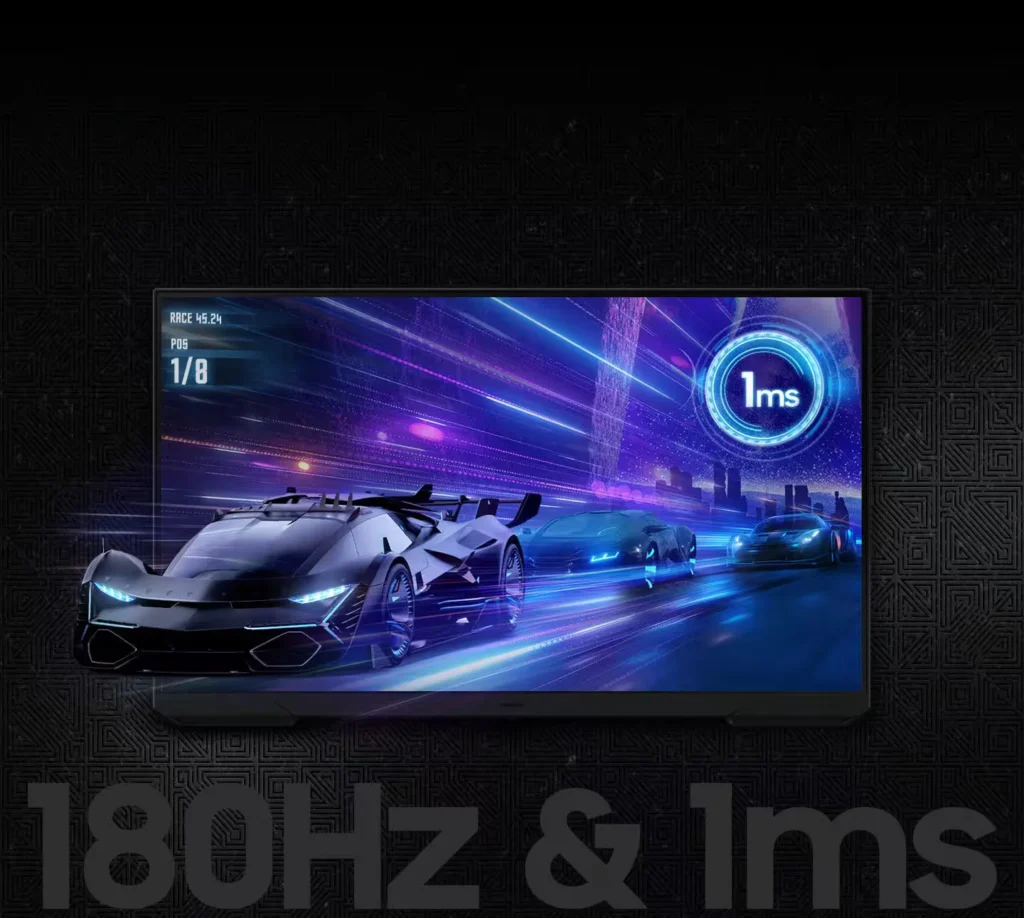
| 180Hz Refresh Rate & 1ms Response Time | Experience ultra-smooth gameplay with a 180Hz refresh rate that eliminates lag and a 1ms (MPRT) response time that minimizes motion blur for precise, real-time reactions. |
|---|---|
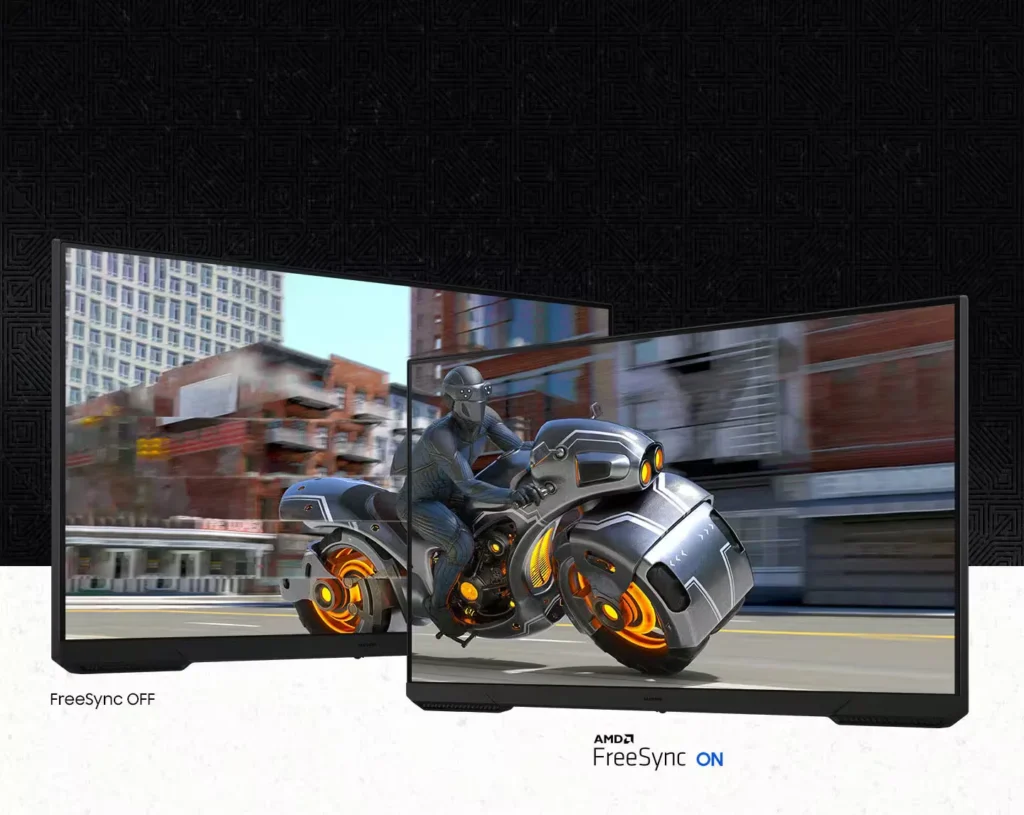
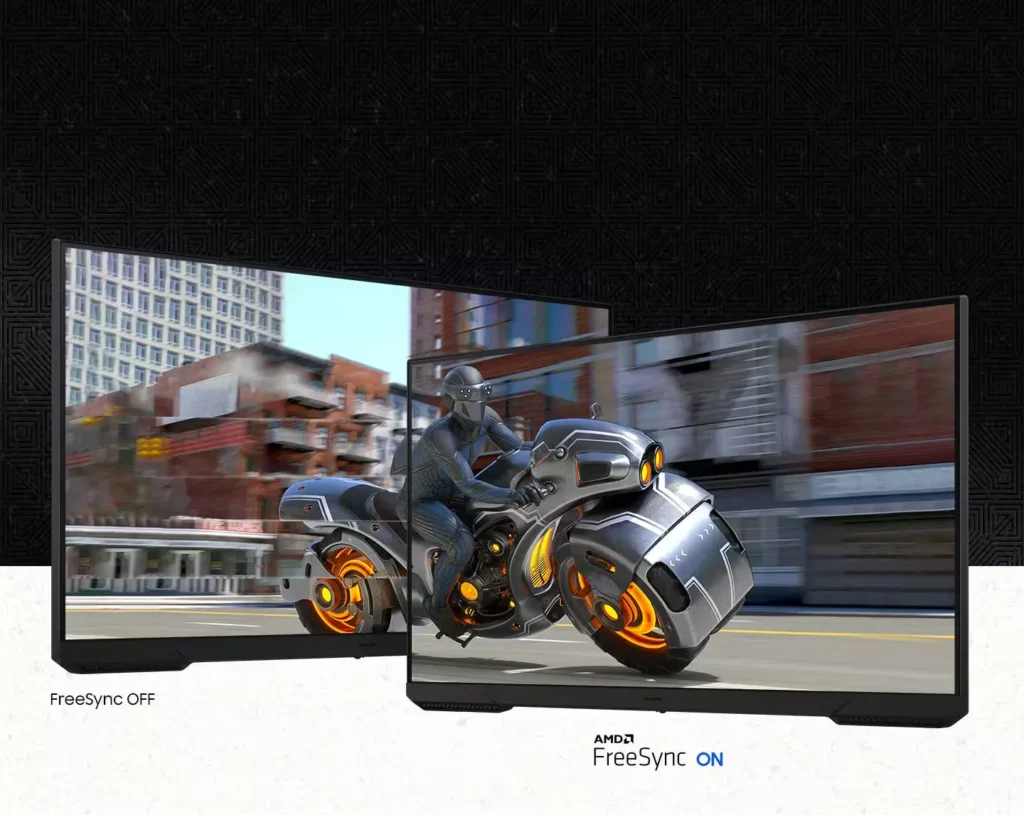
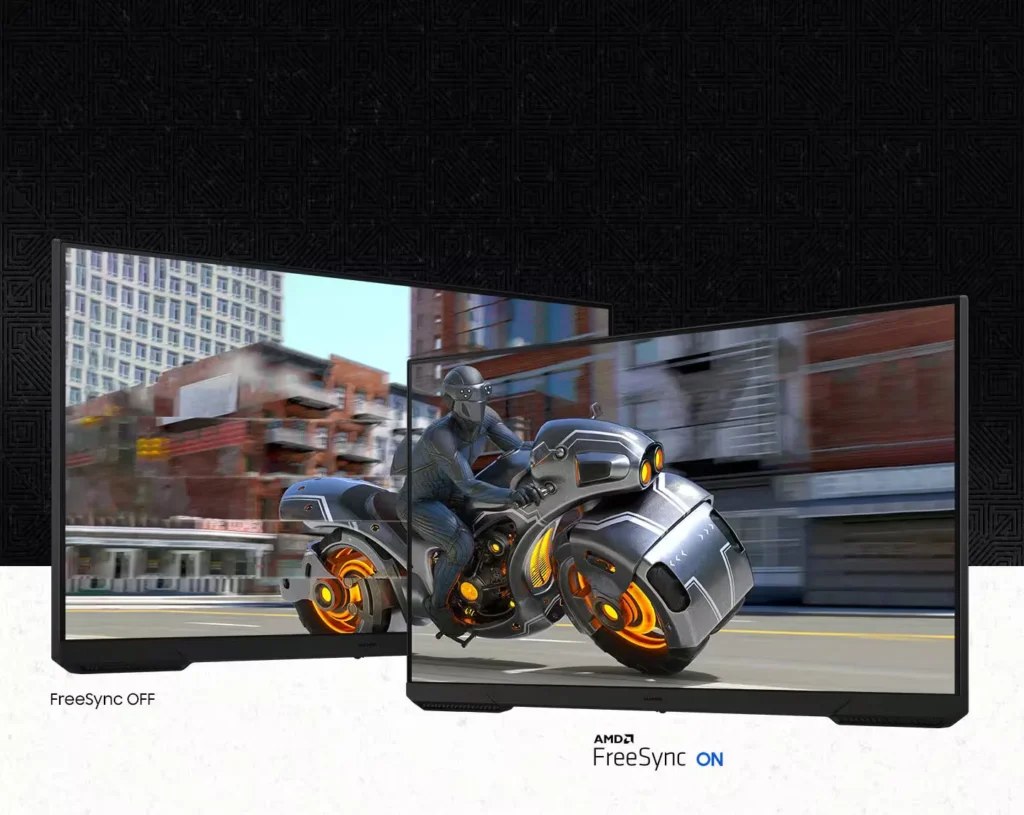
| AMD FreeSync Technology | Keep your monitor and graphics card in sync to reduce image tearing, stutter, and input latency, ensuring seamless and fluid action even during fast-paced scenes. |
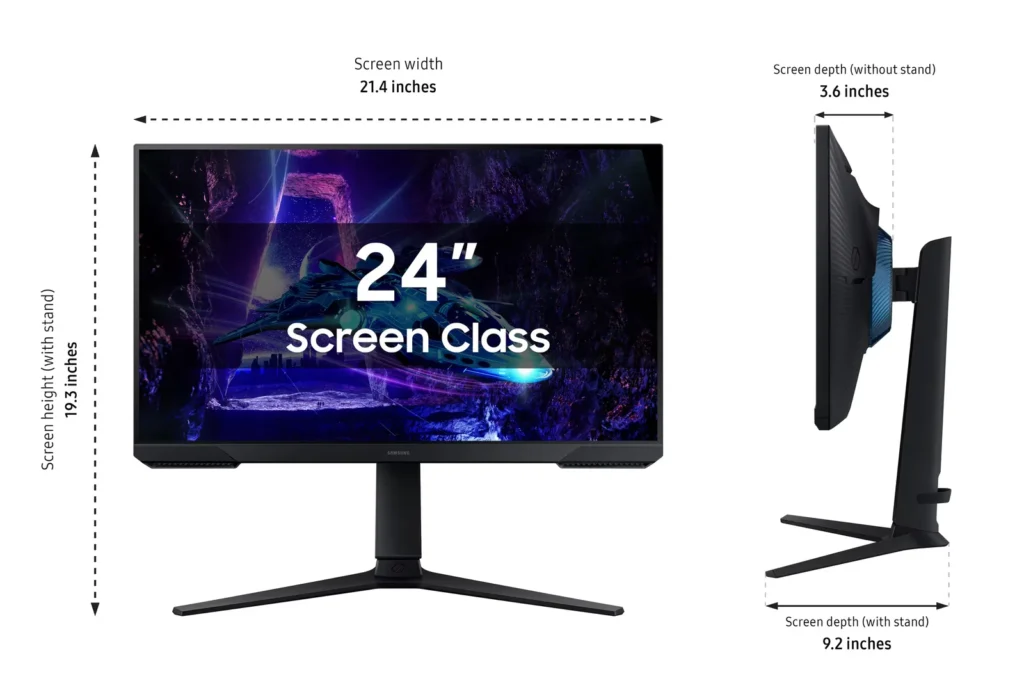
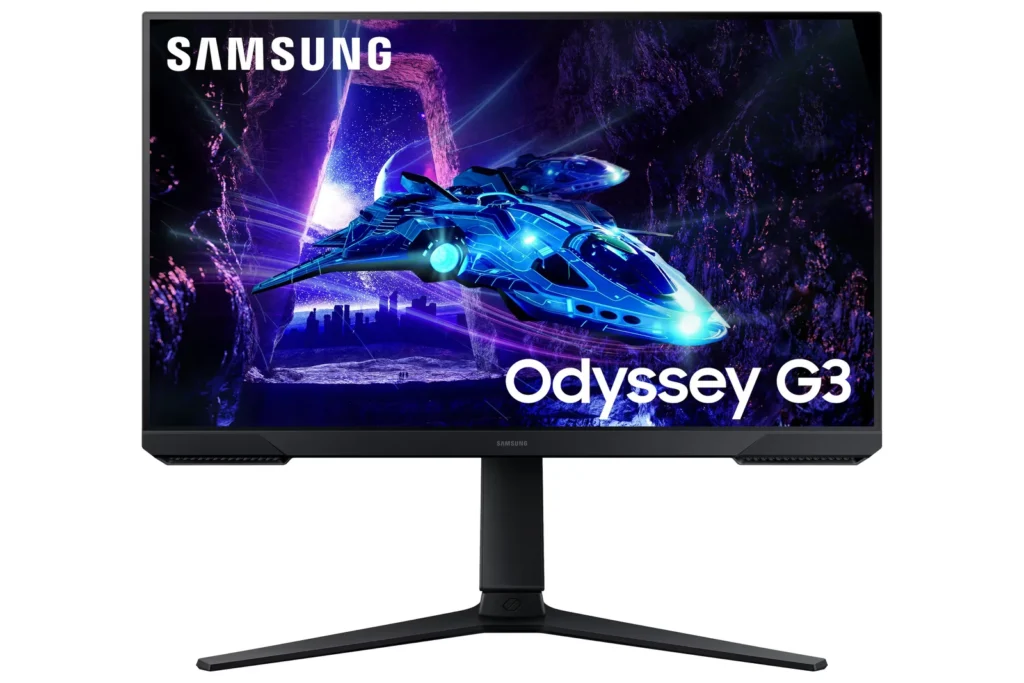
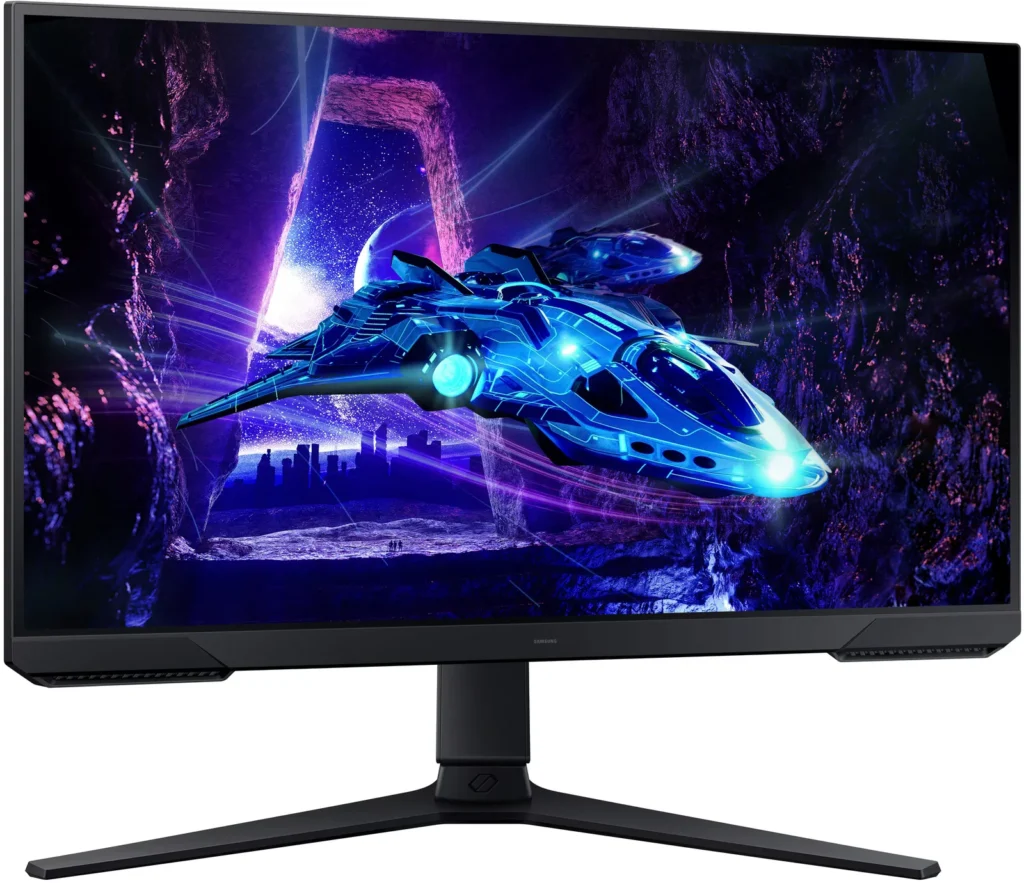
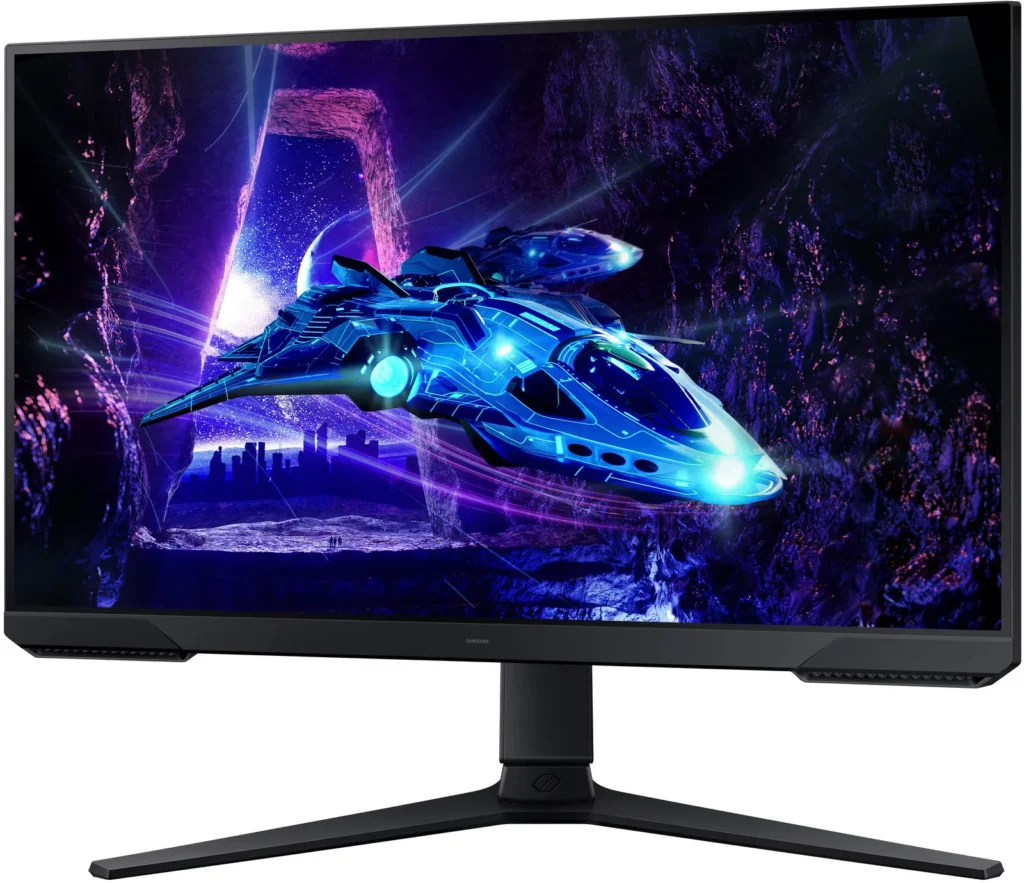
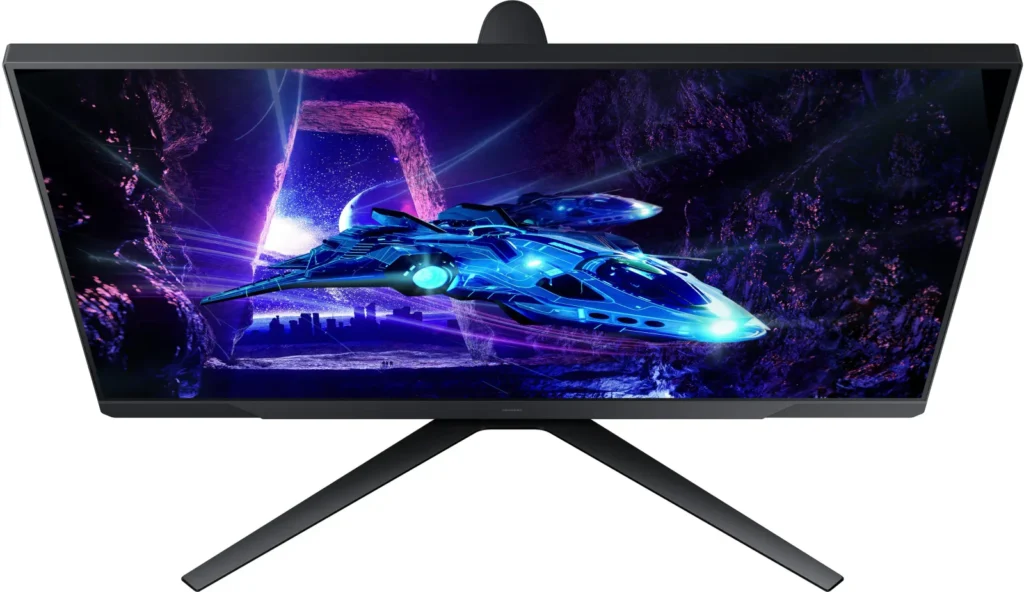
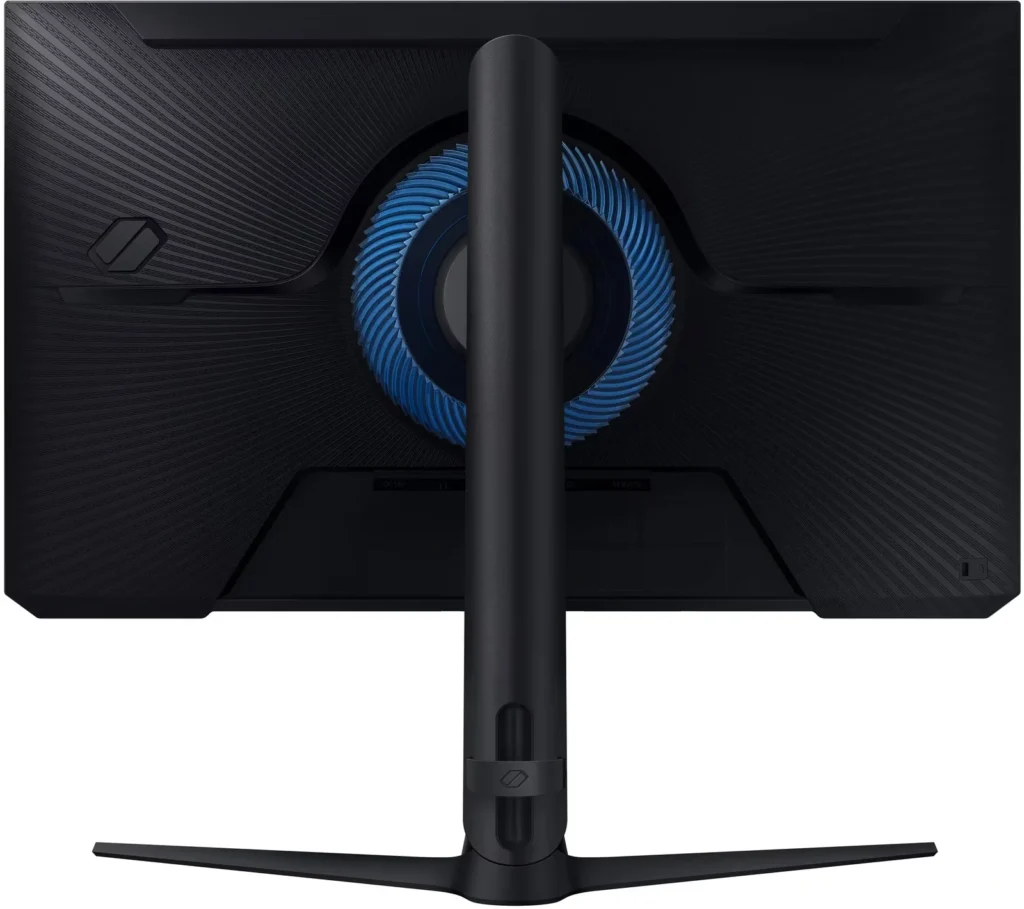
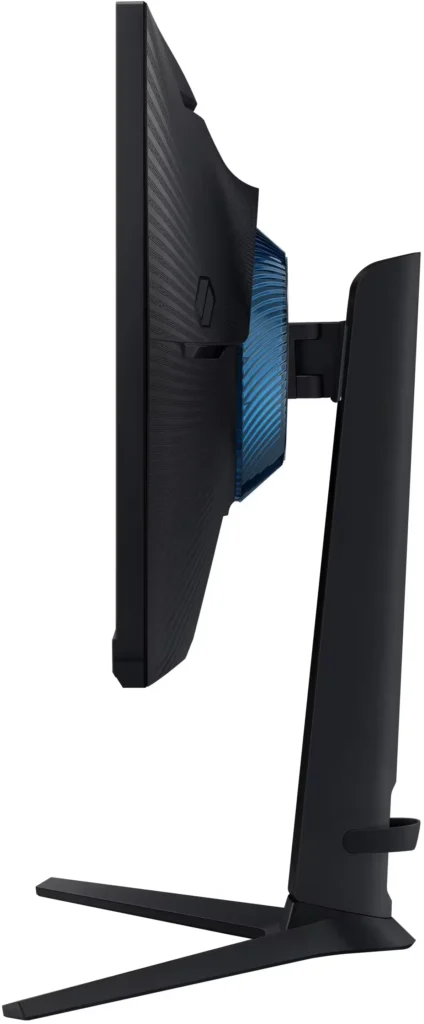
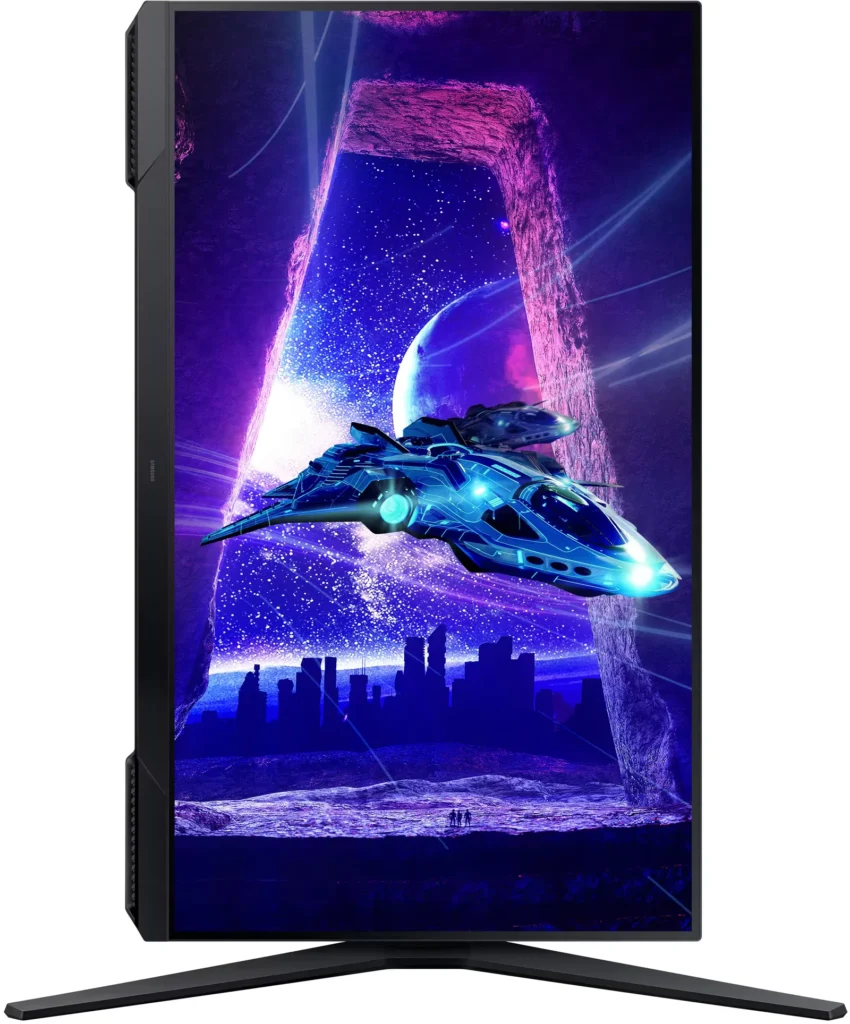
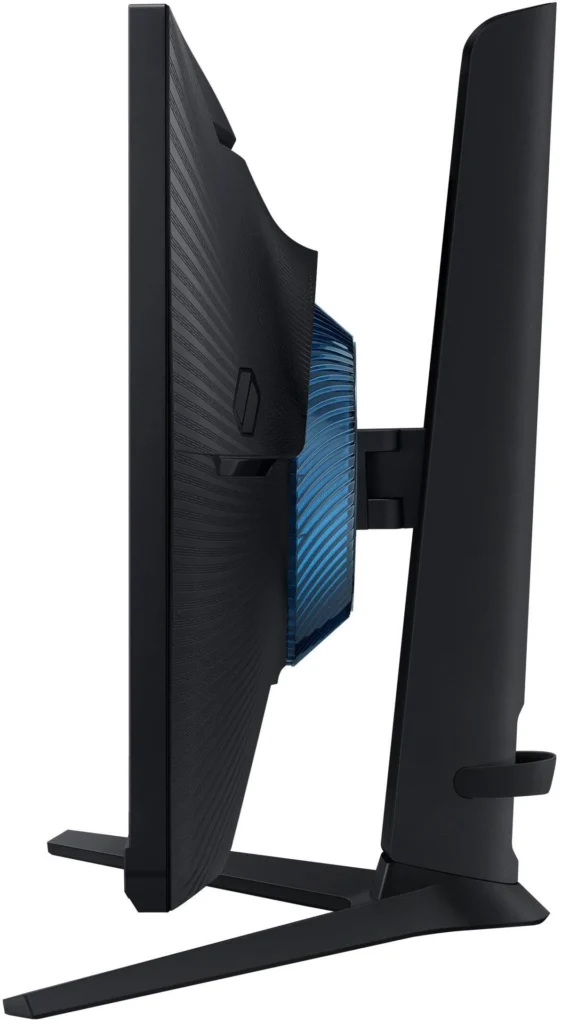
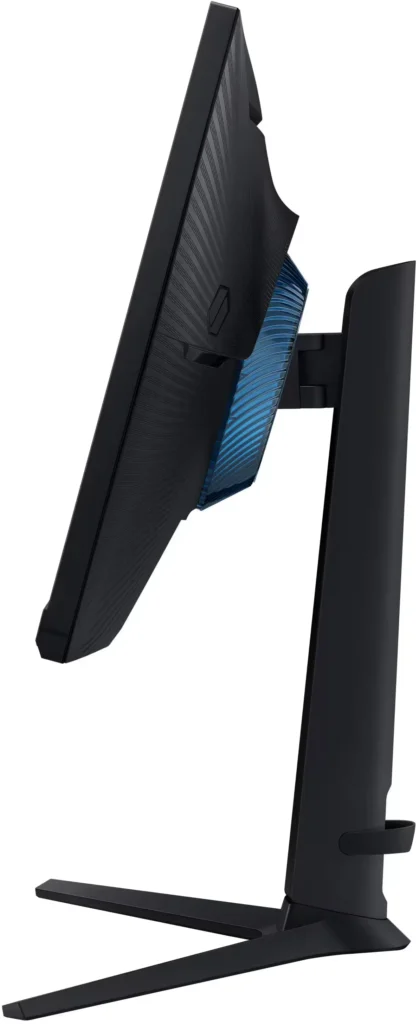
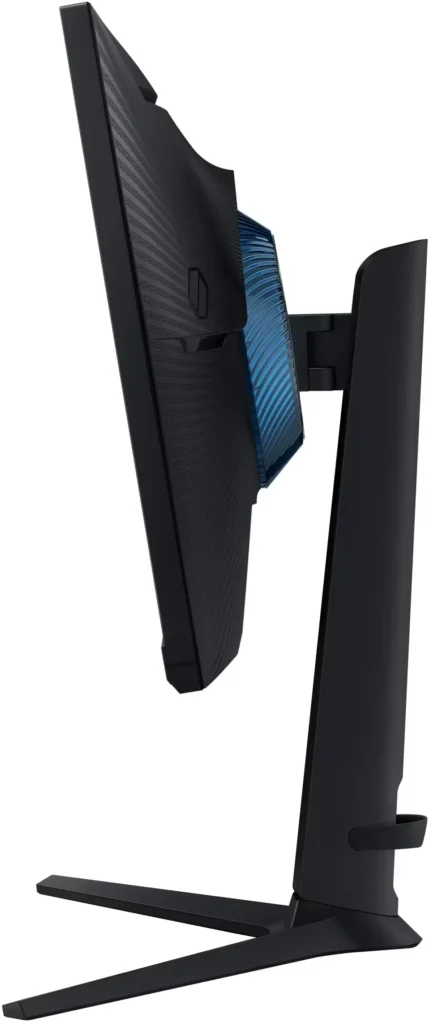
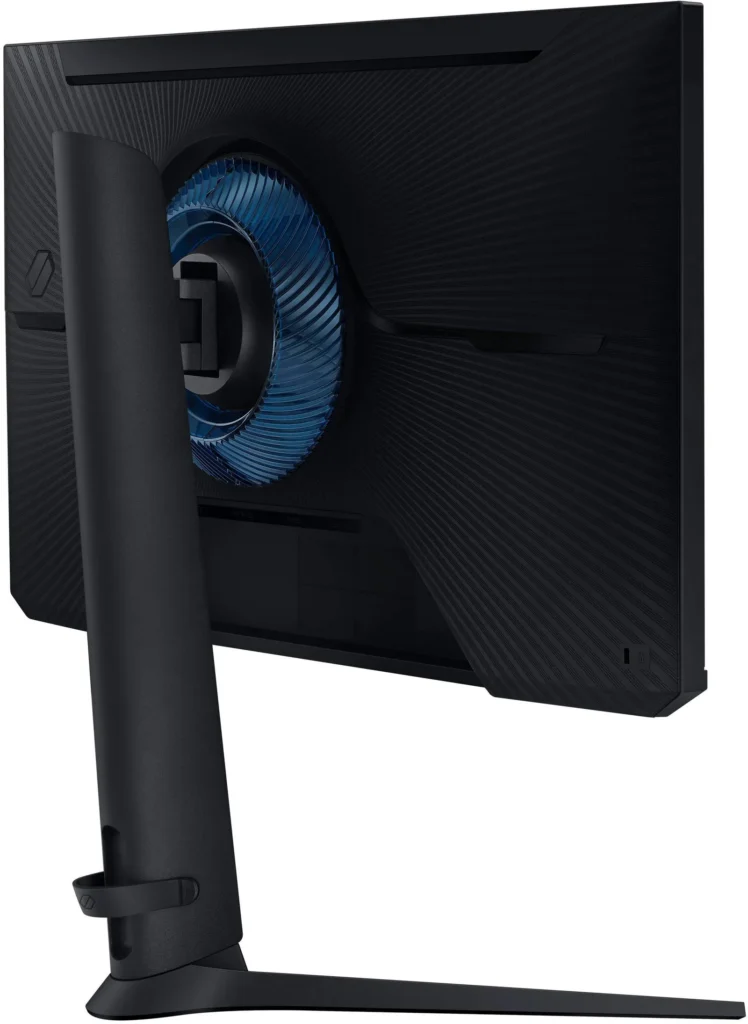
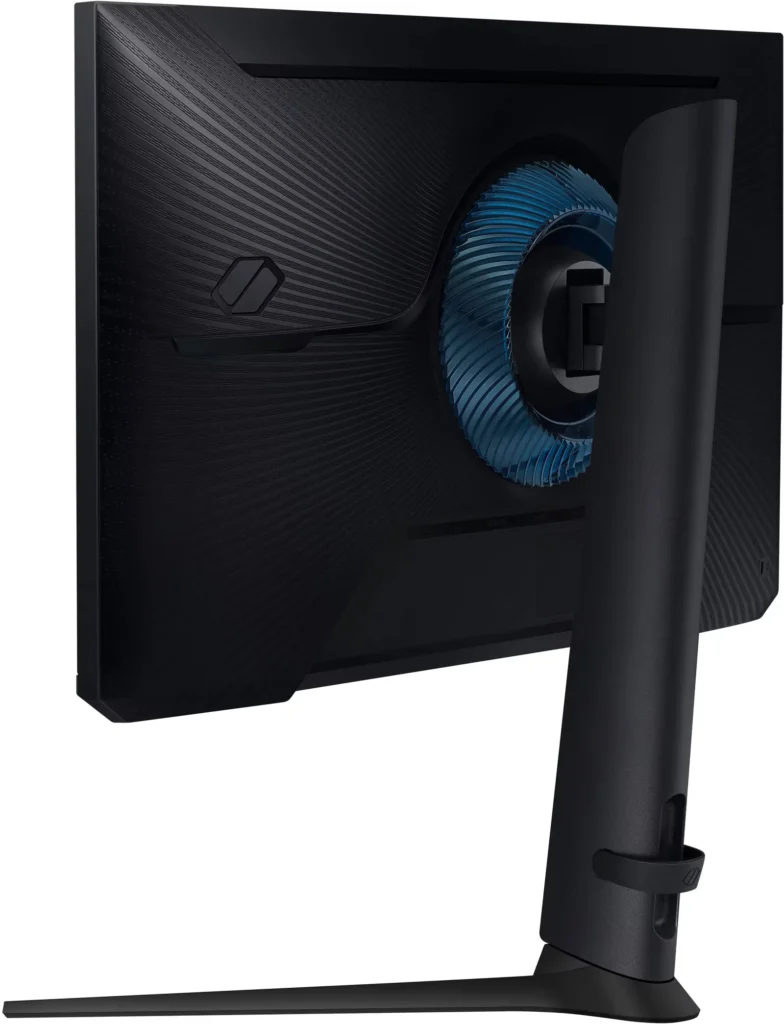
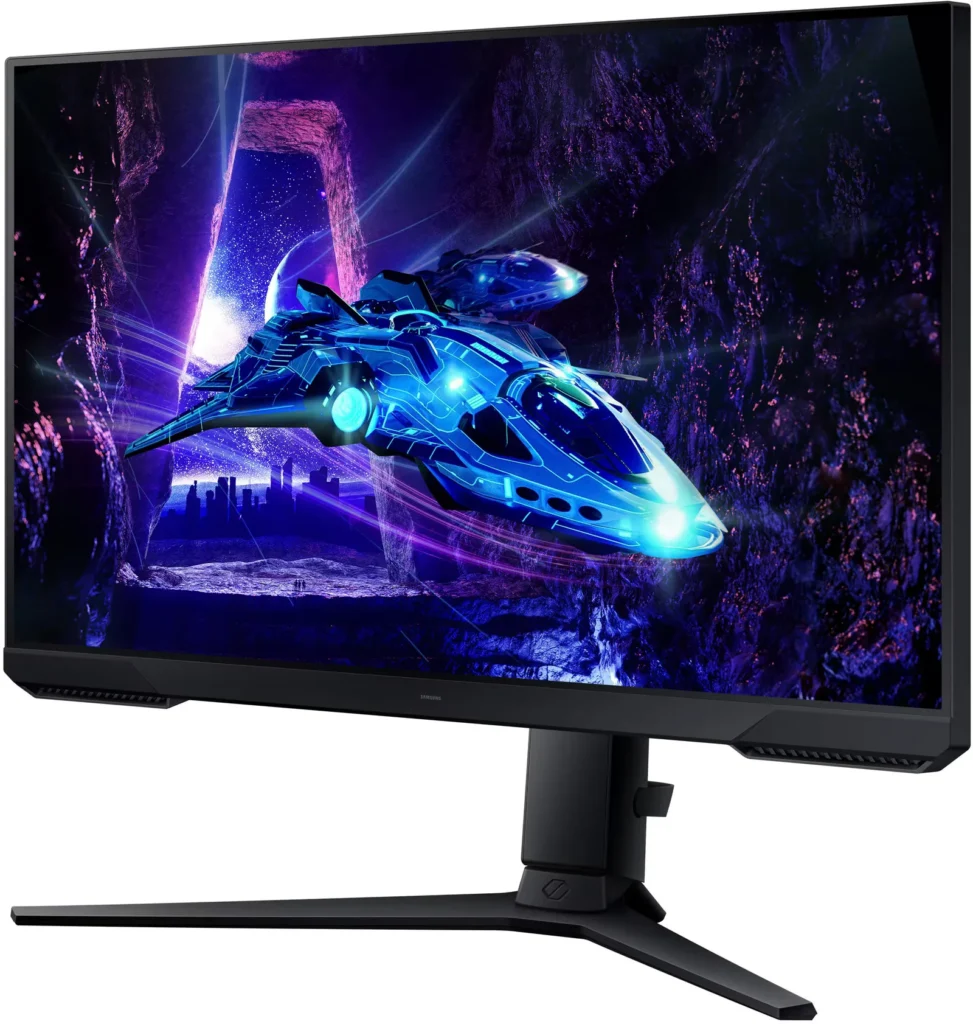
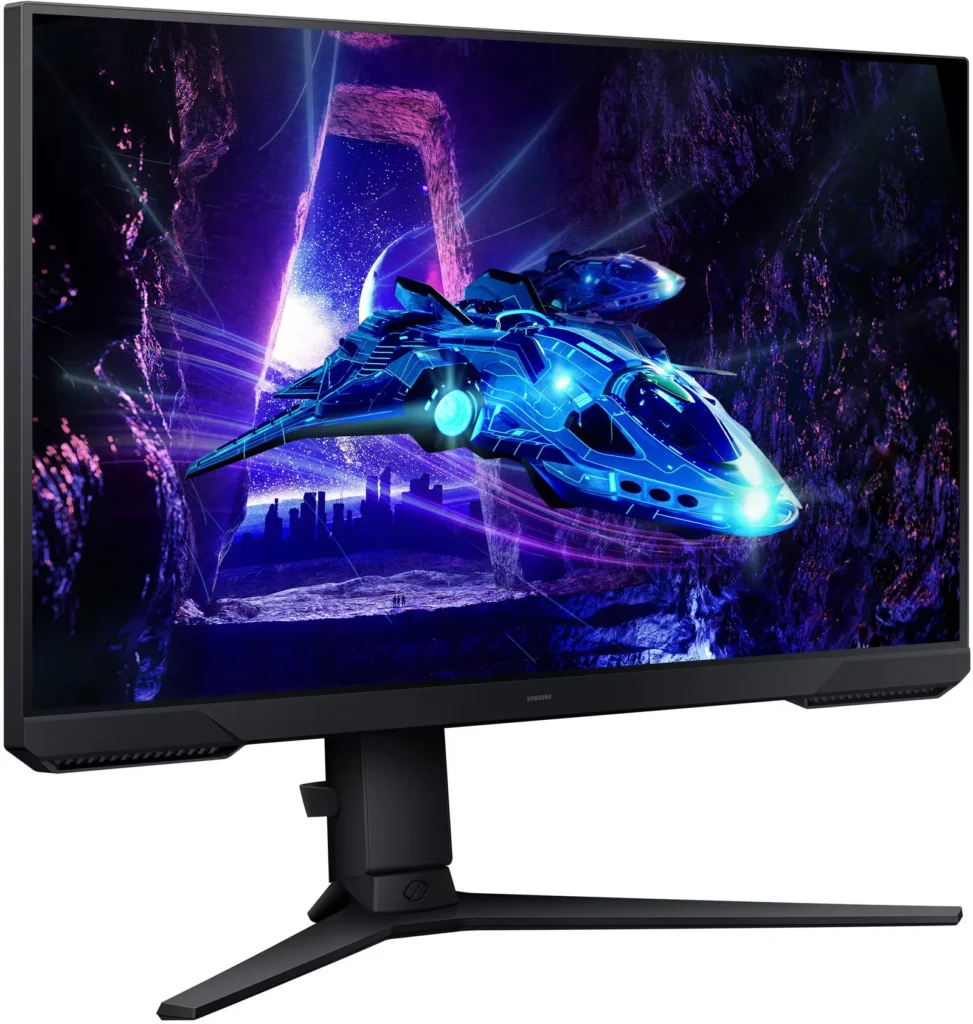
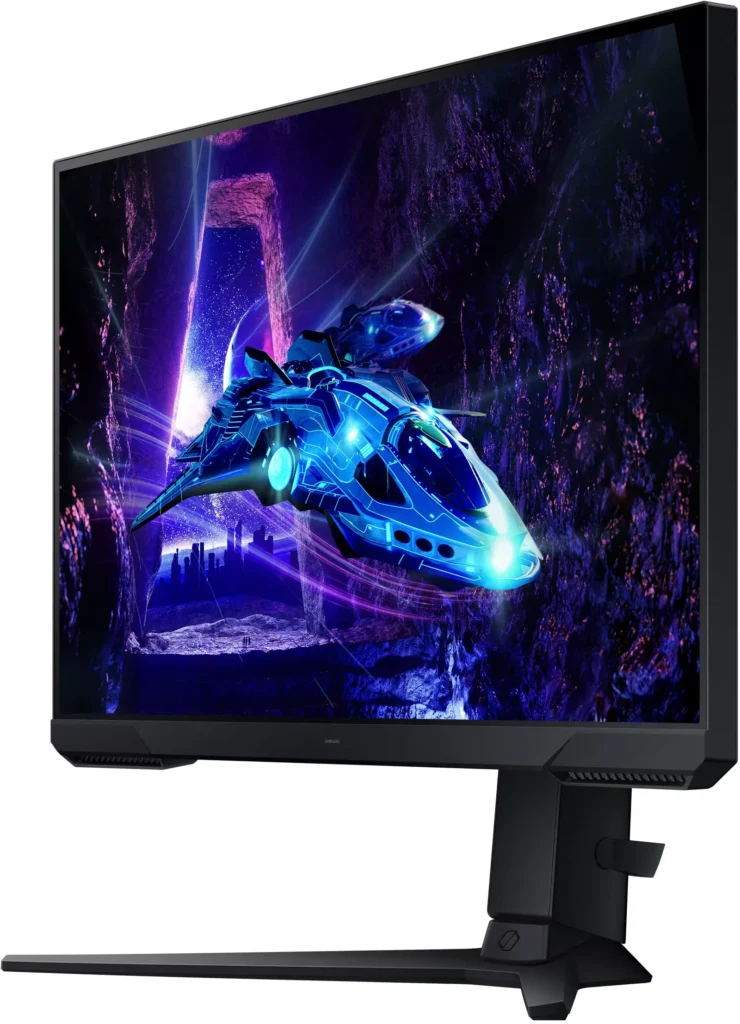
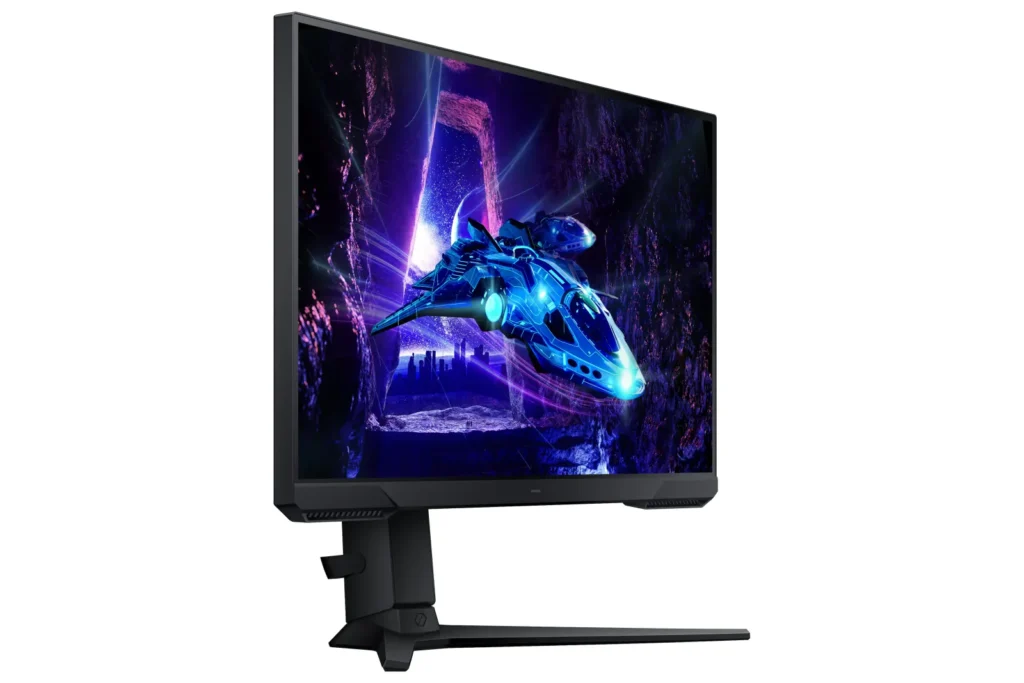
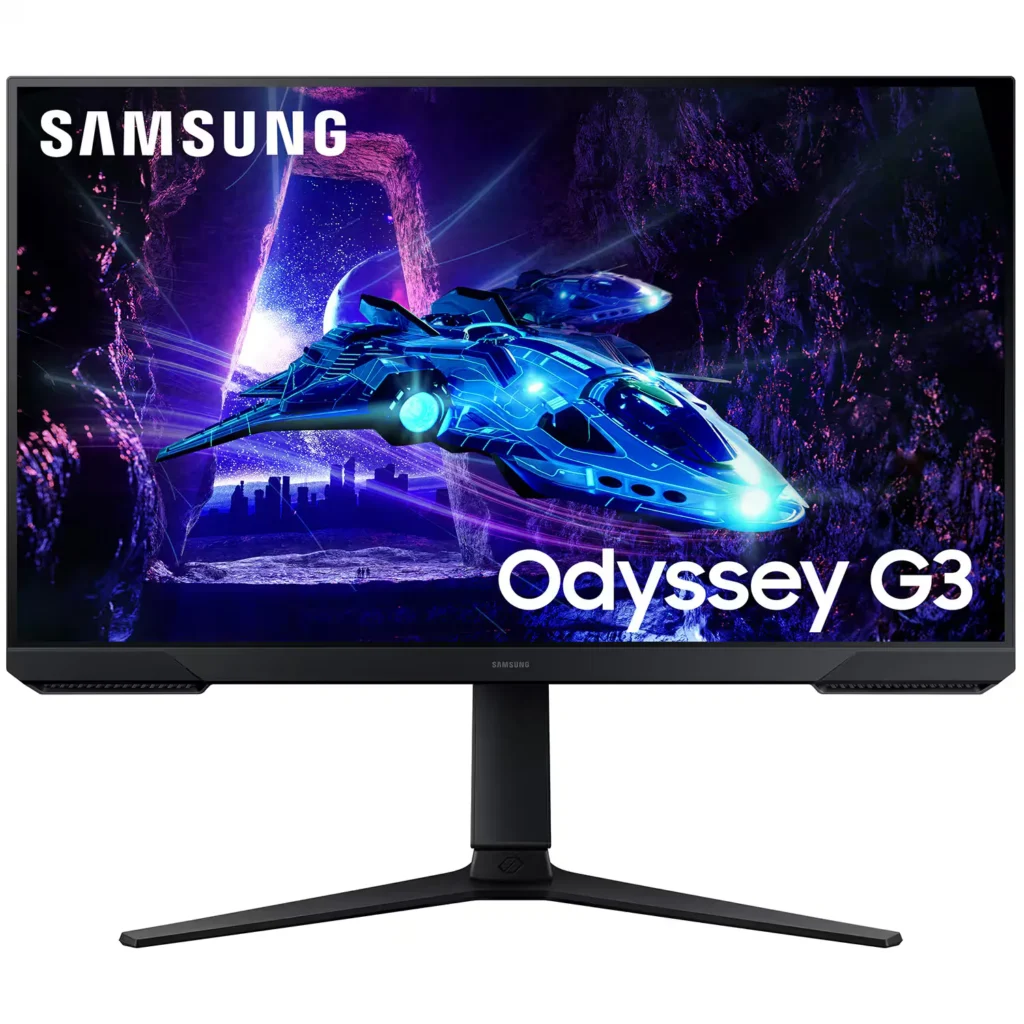
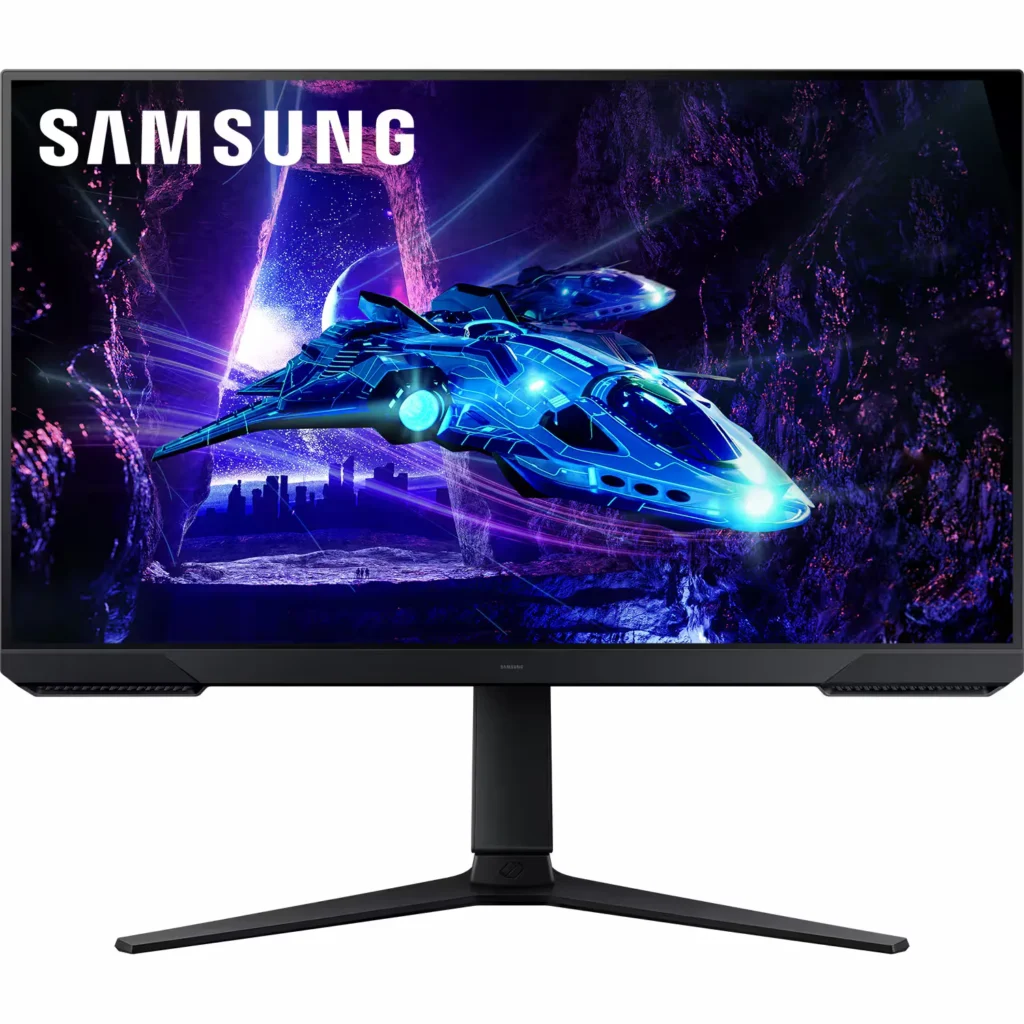
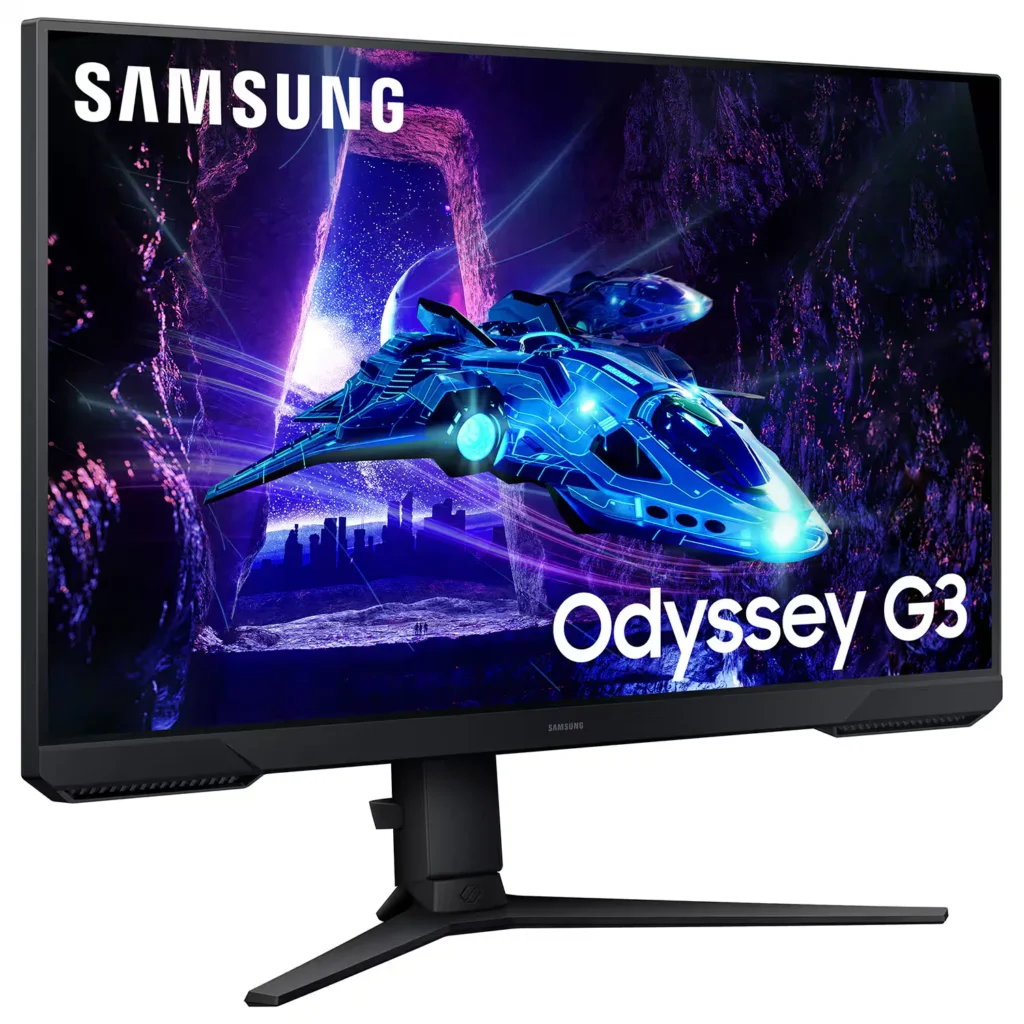
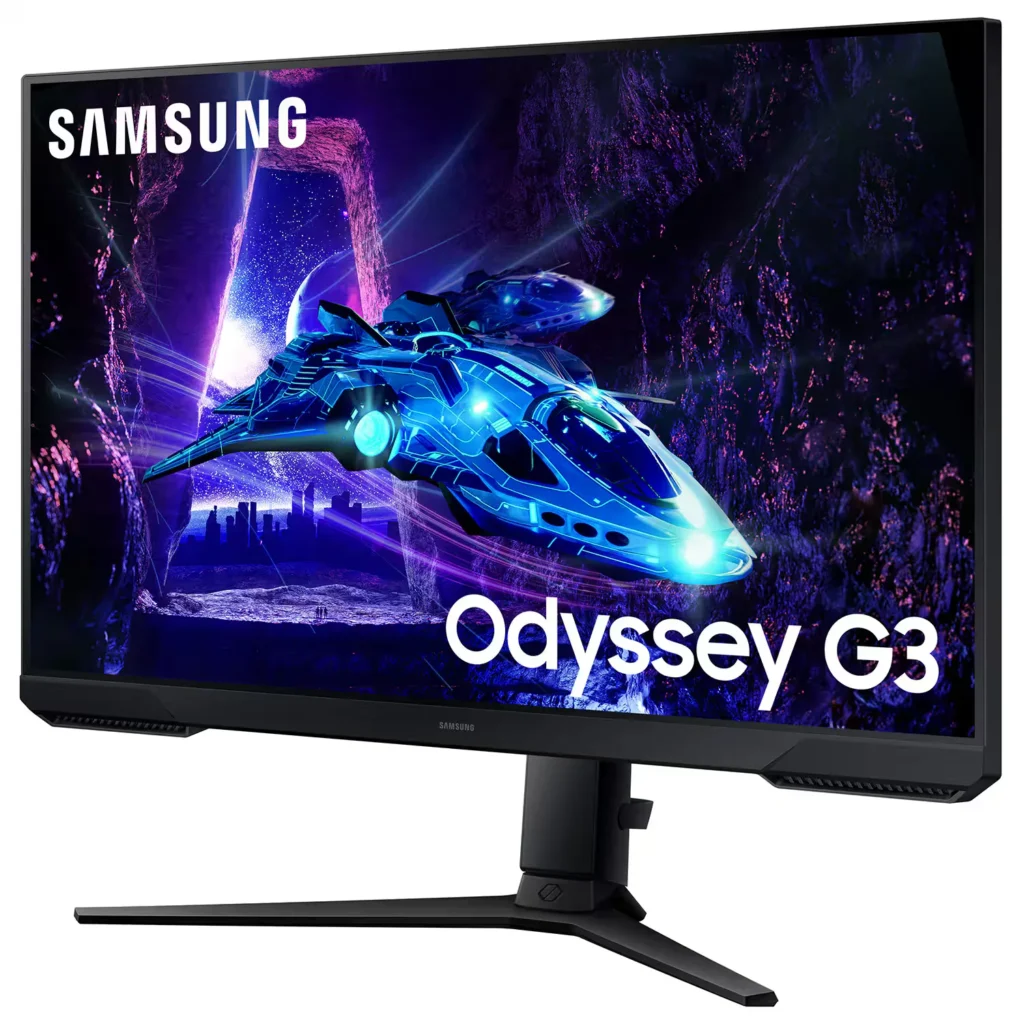
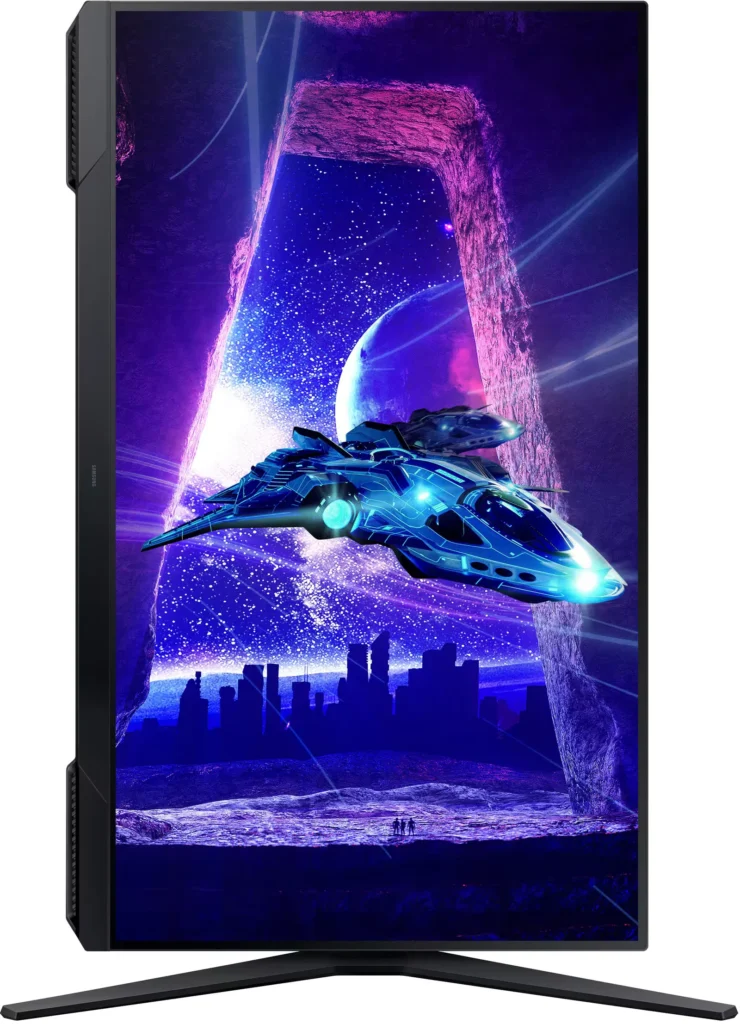
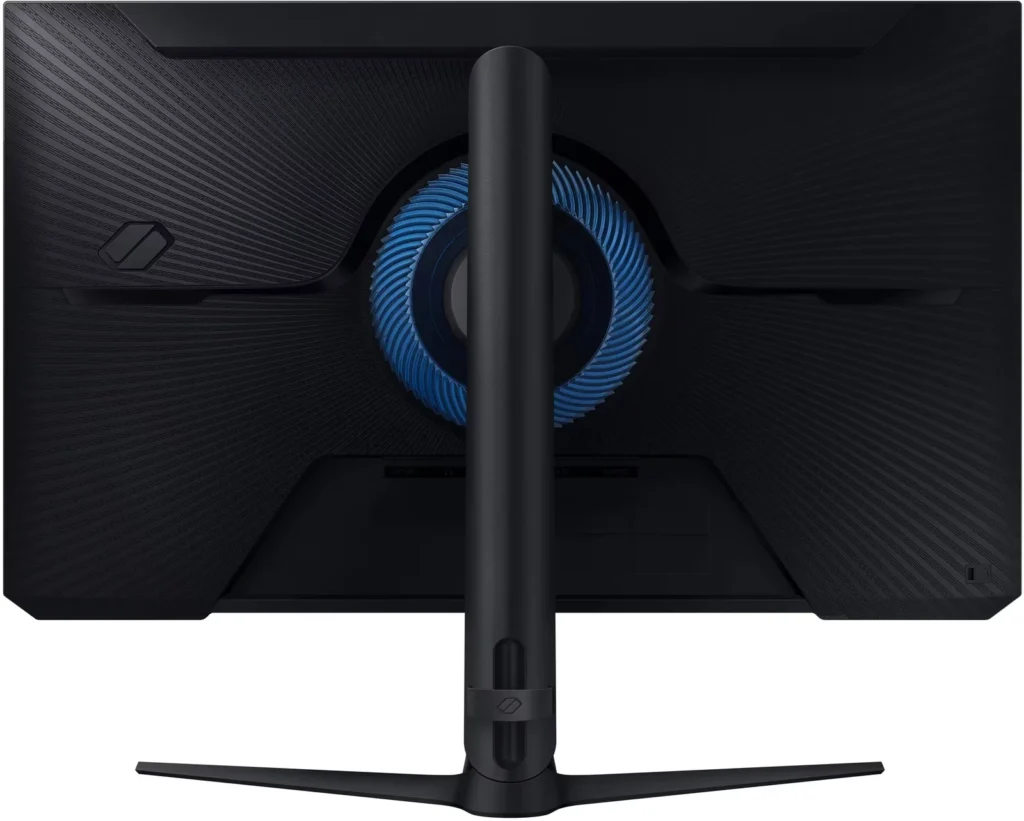
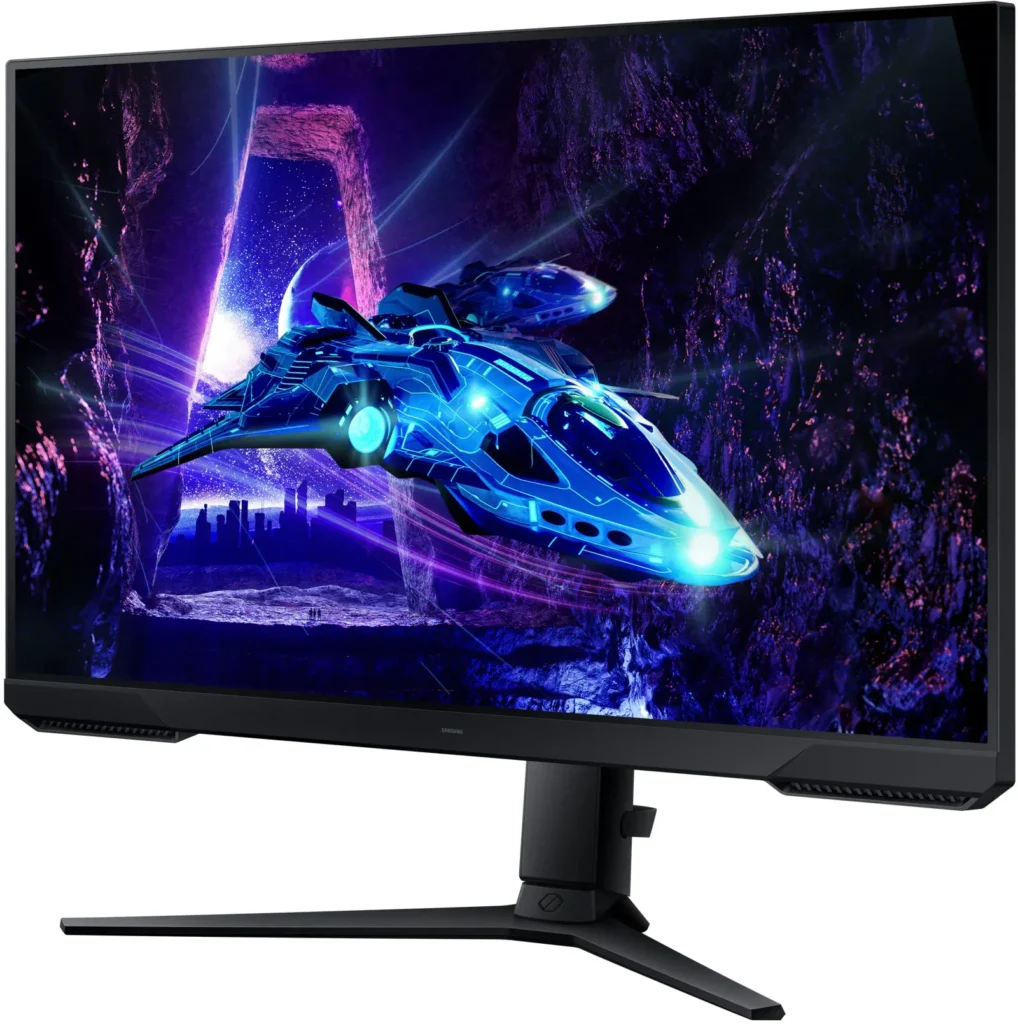
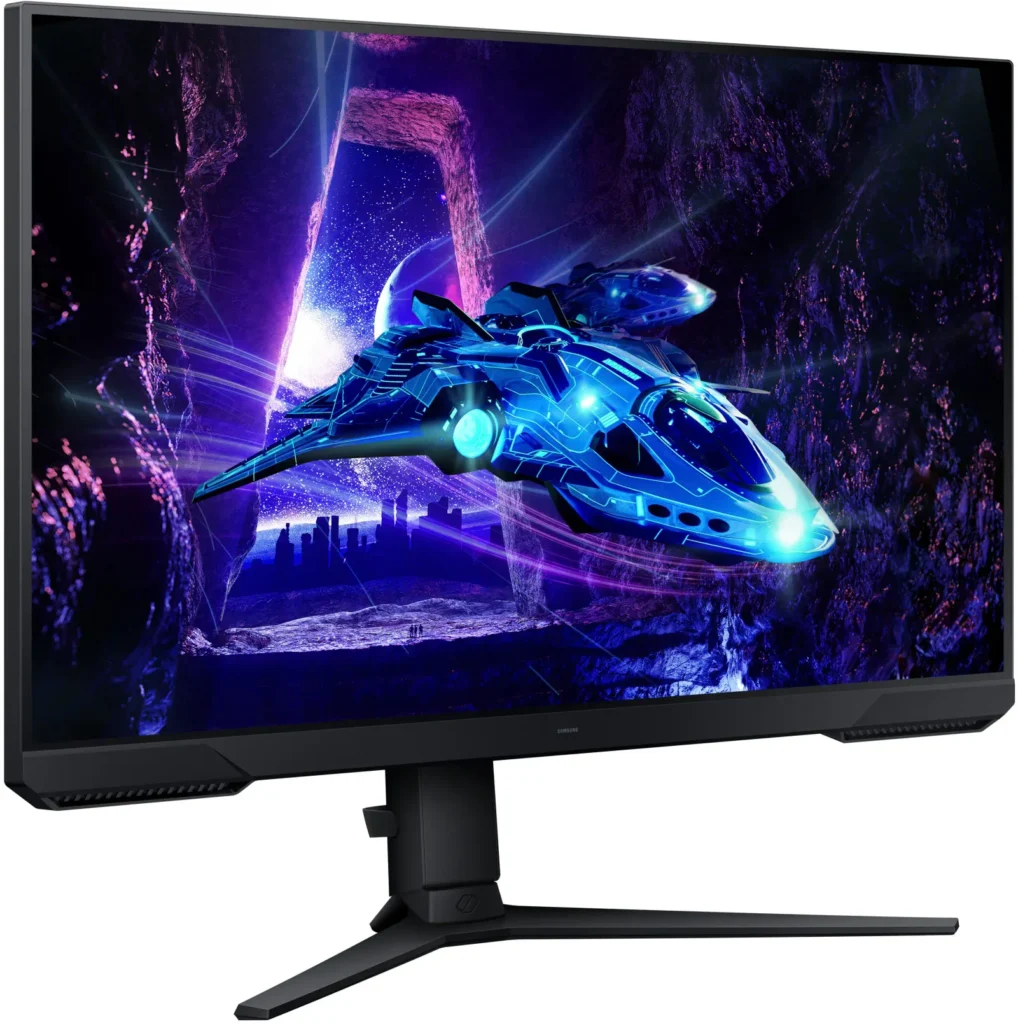
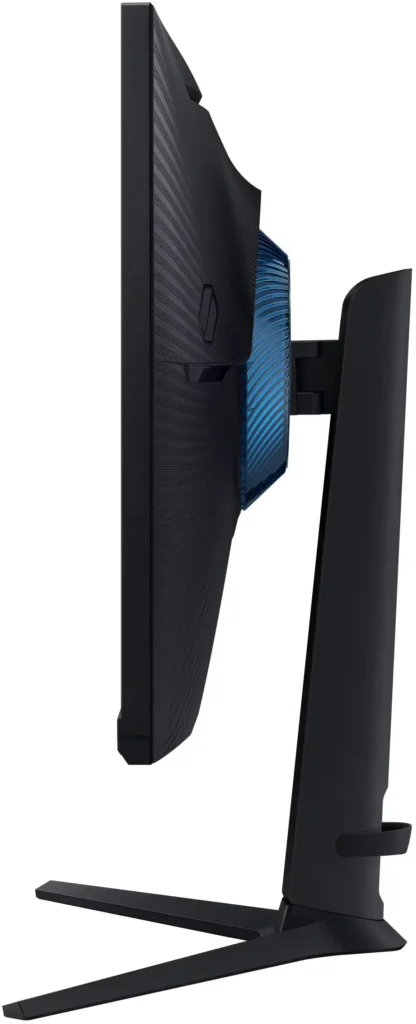
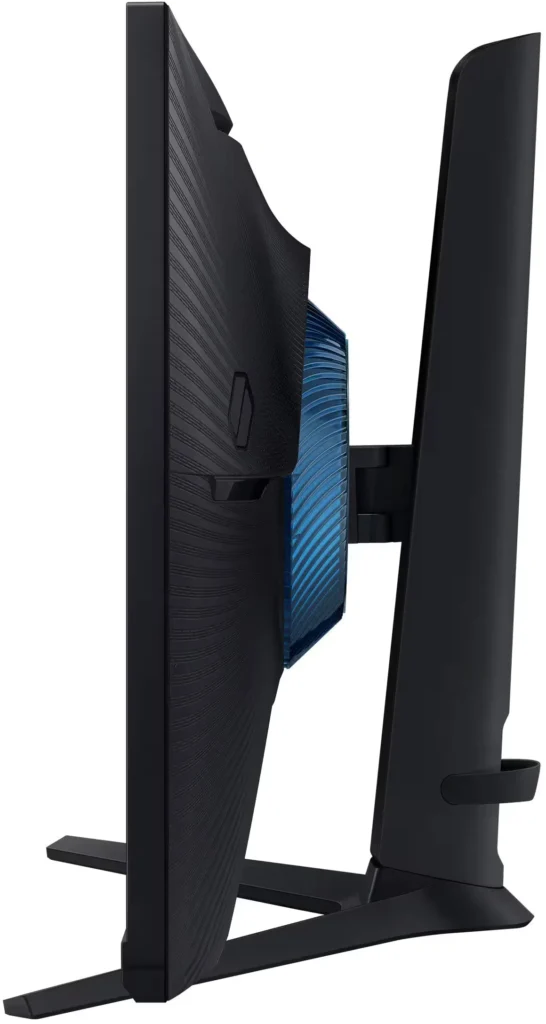
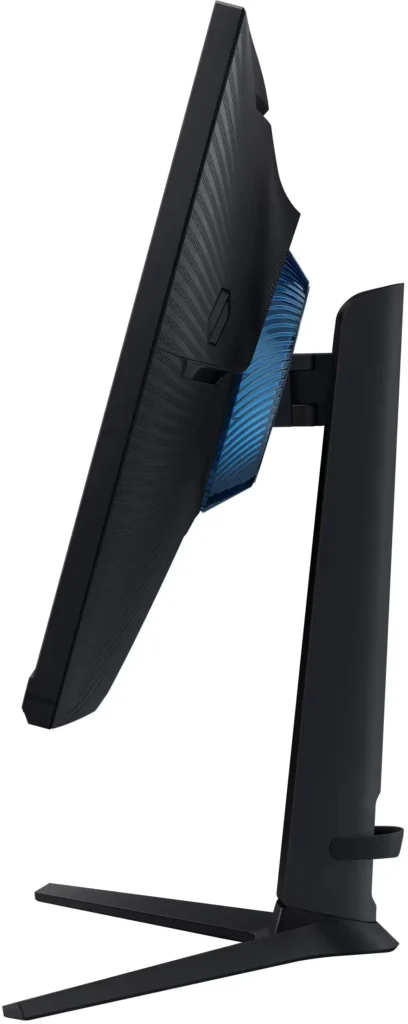
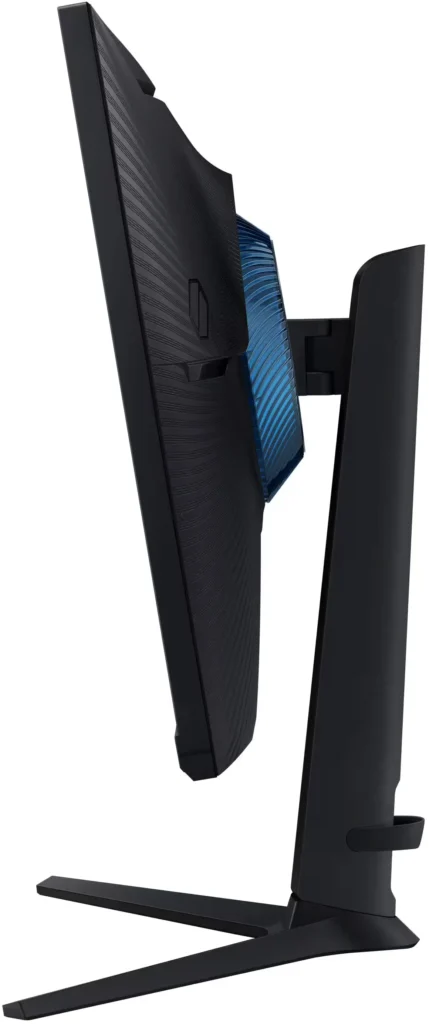
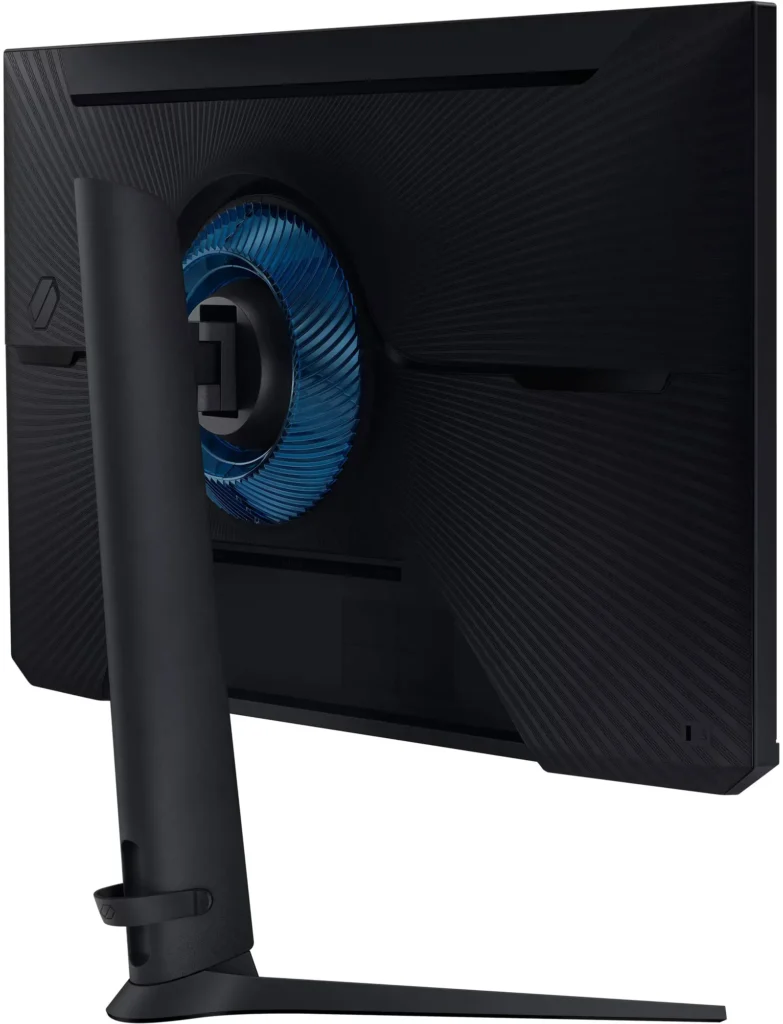
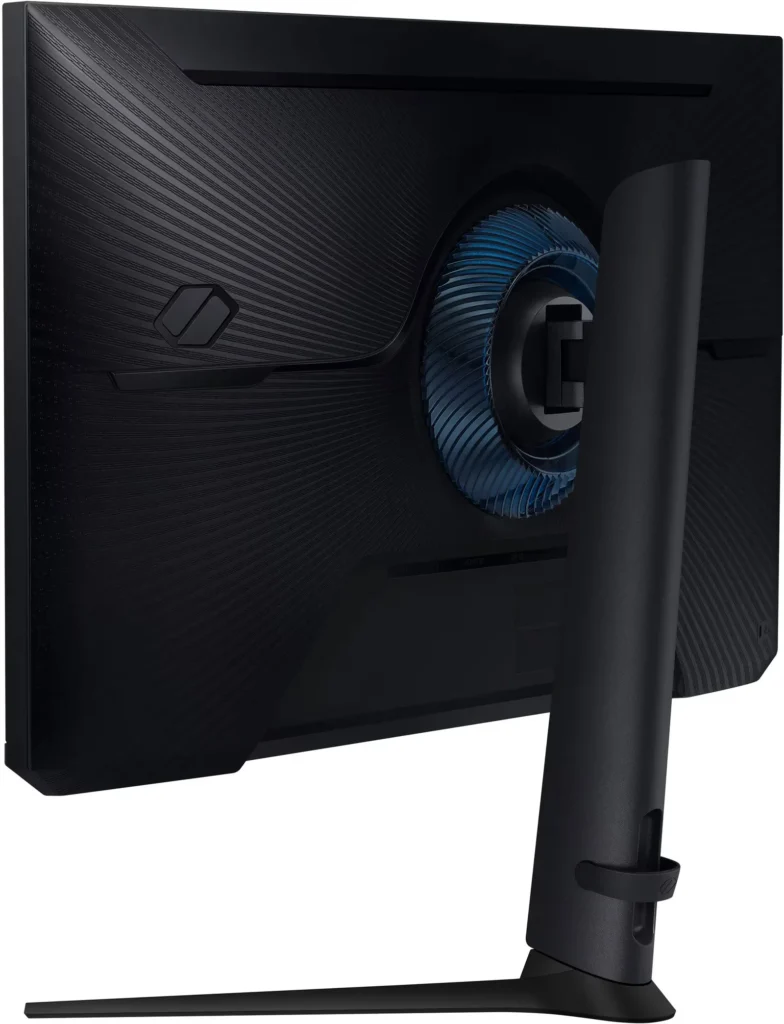
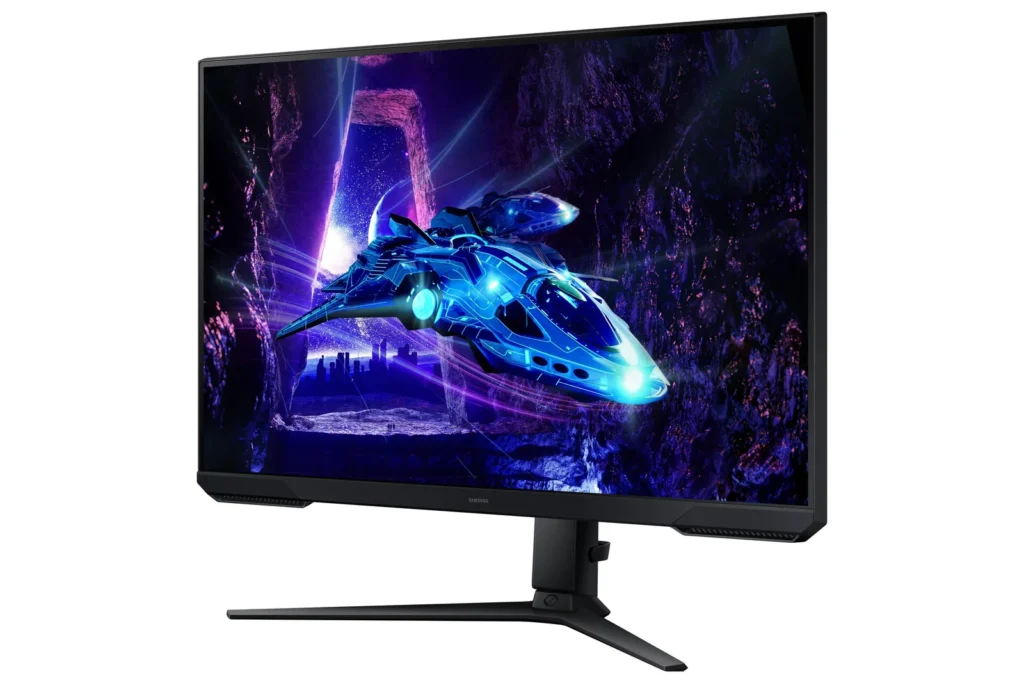
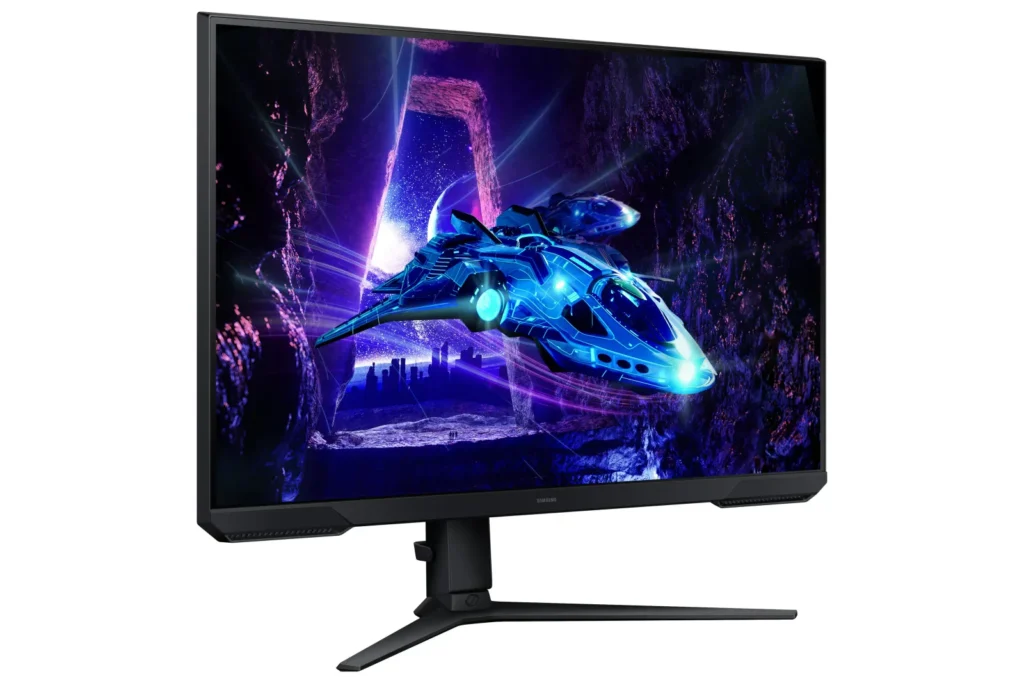
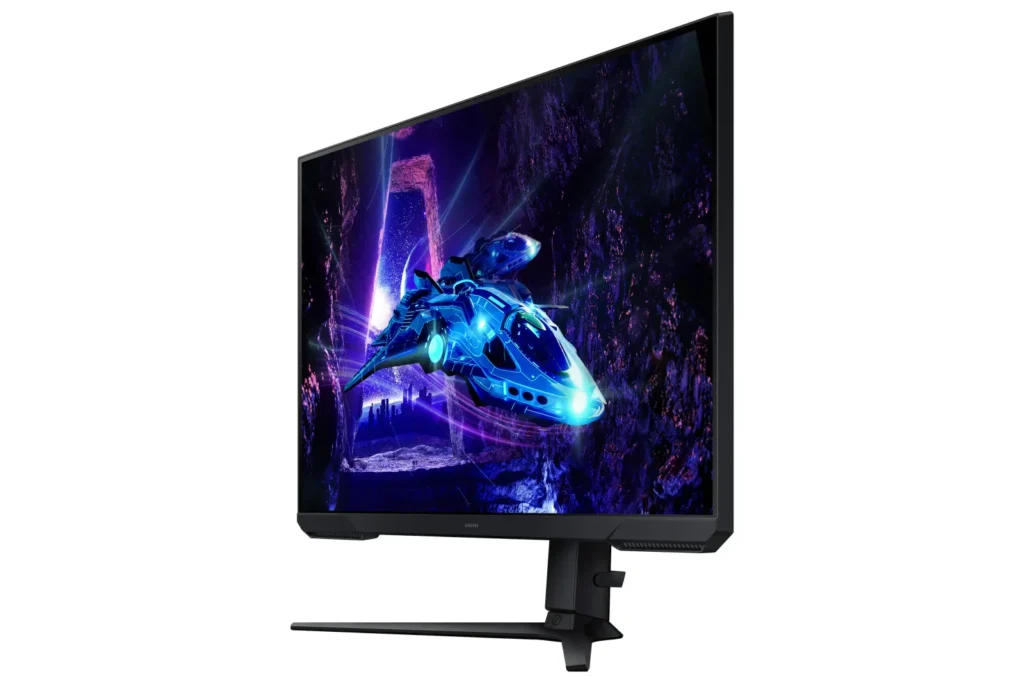
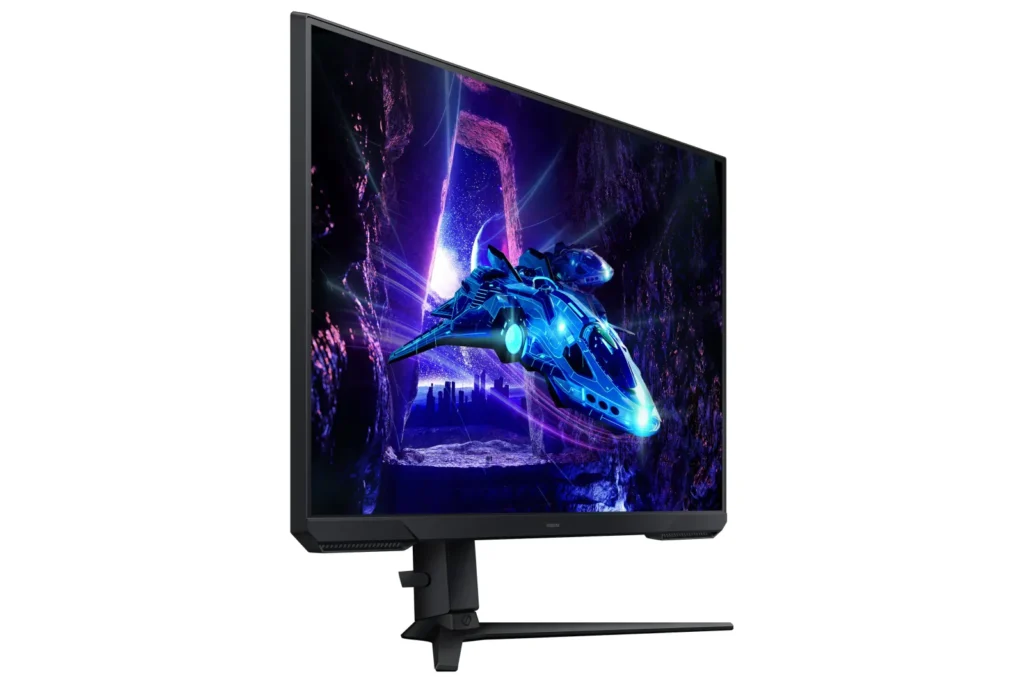
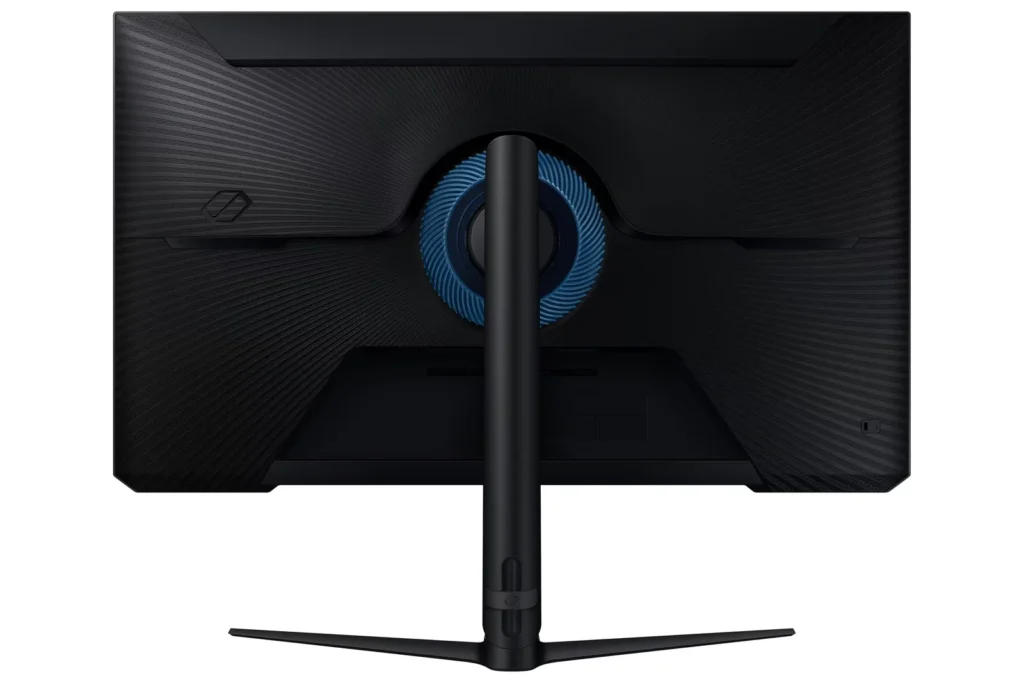
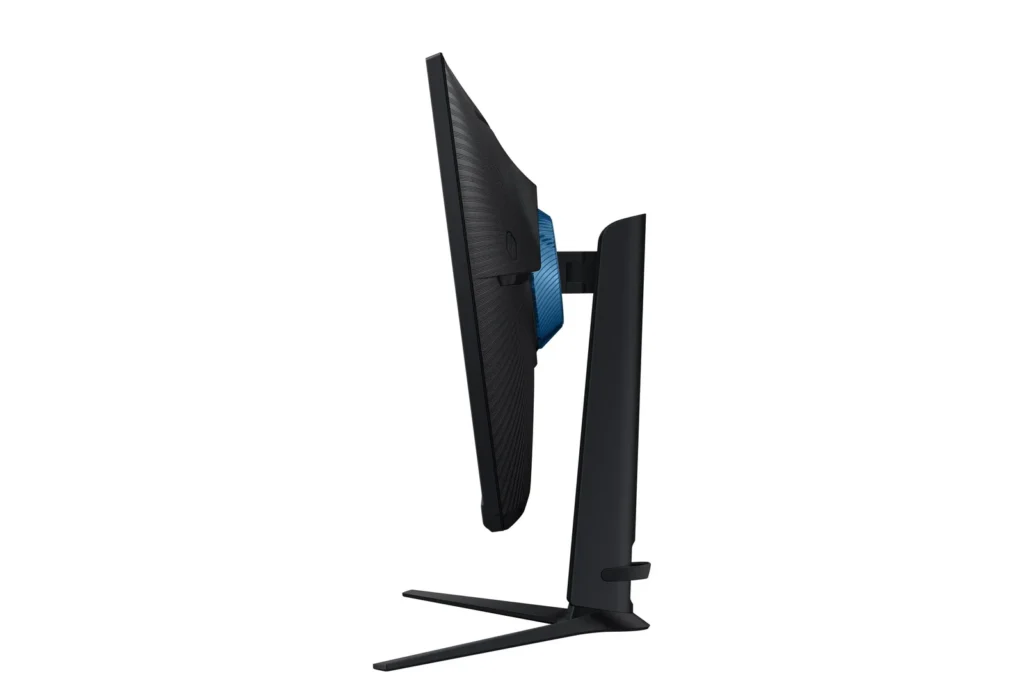
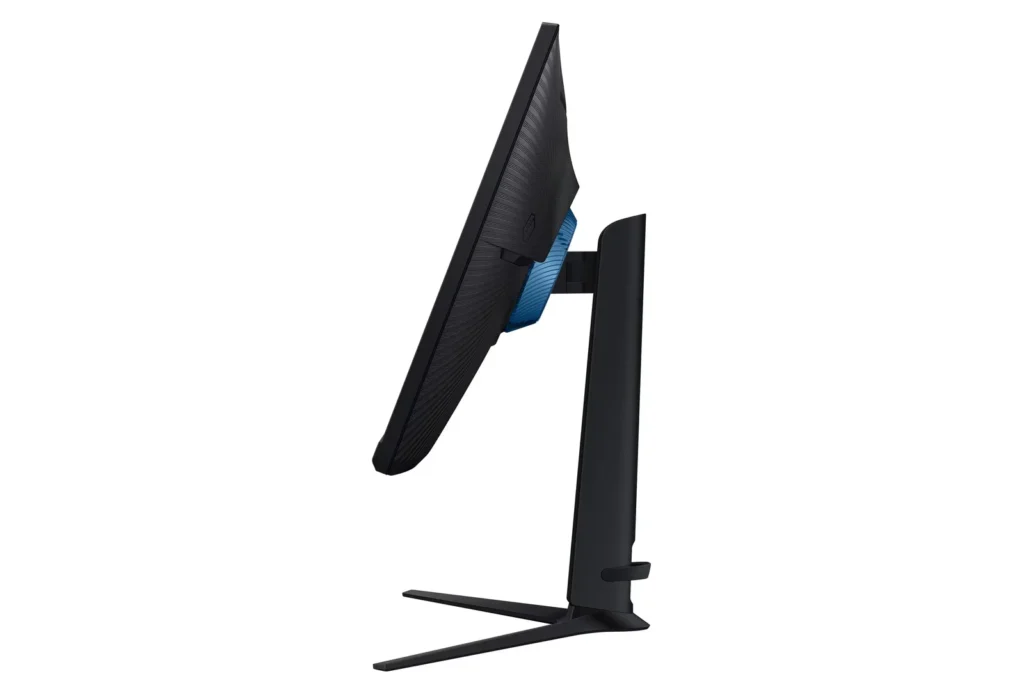
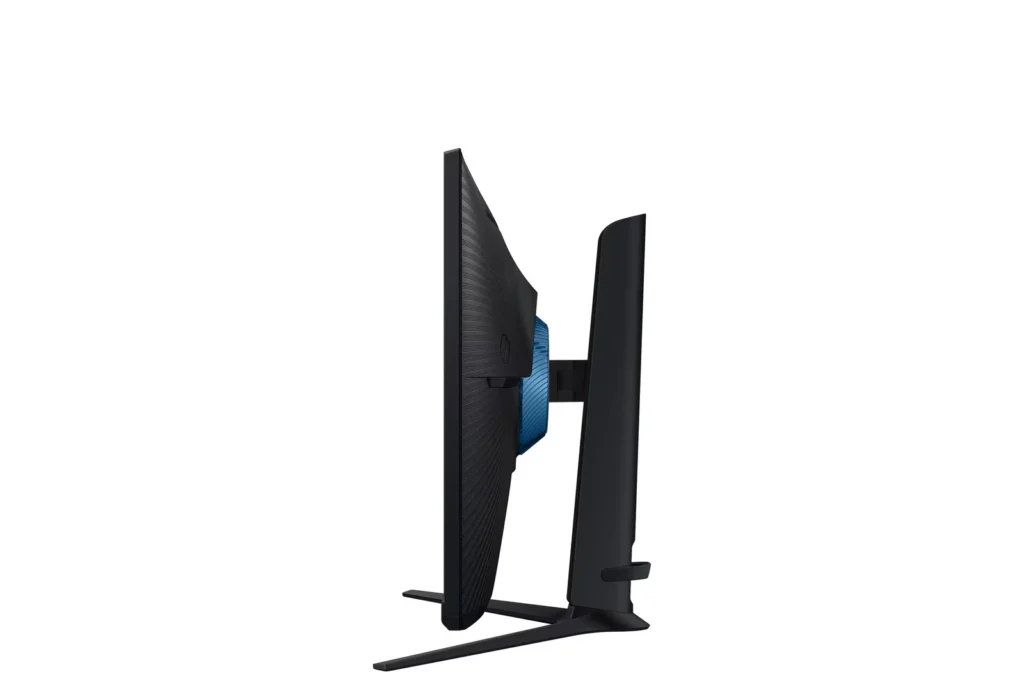
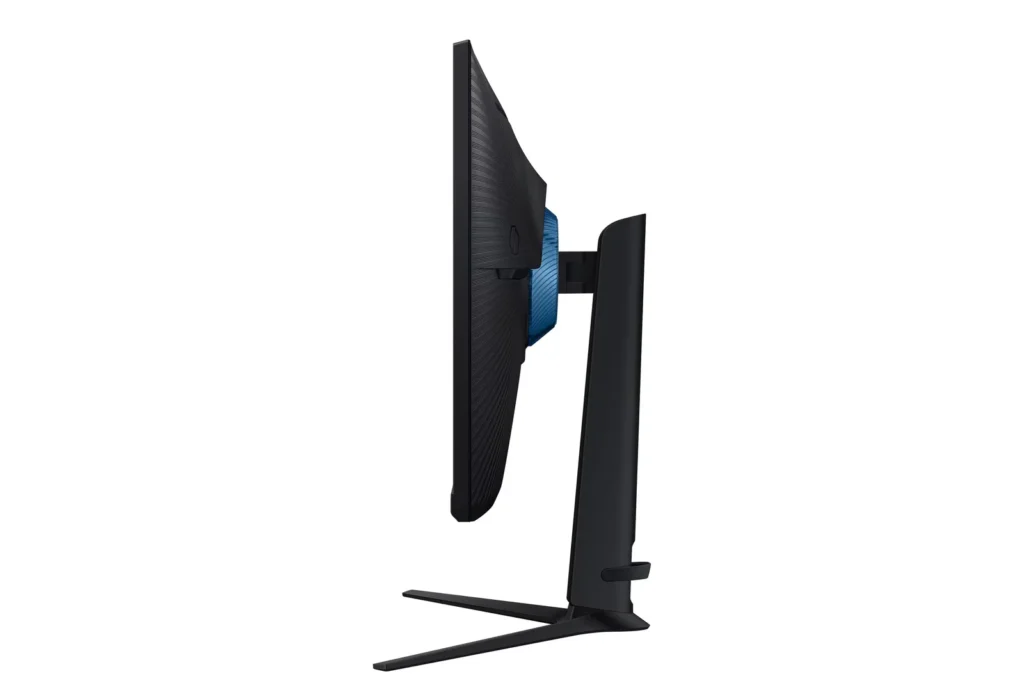
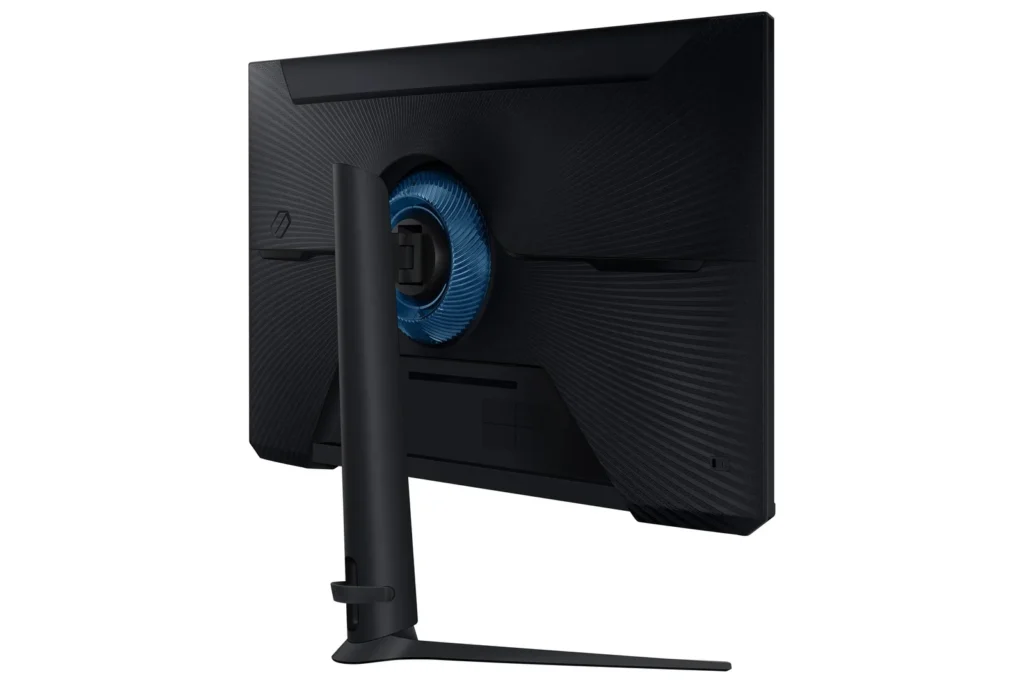
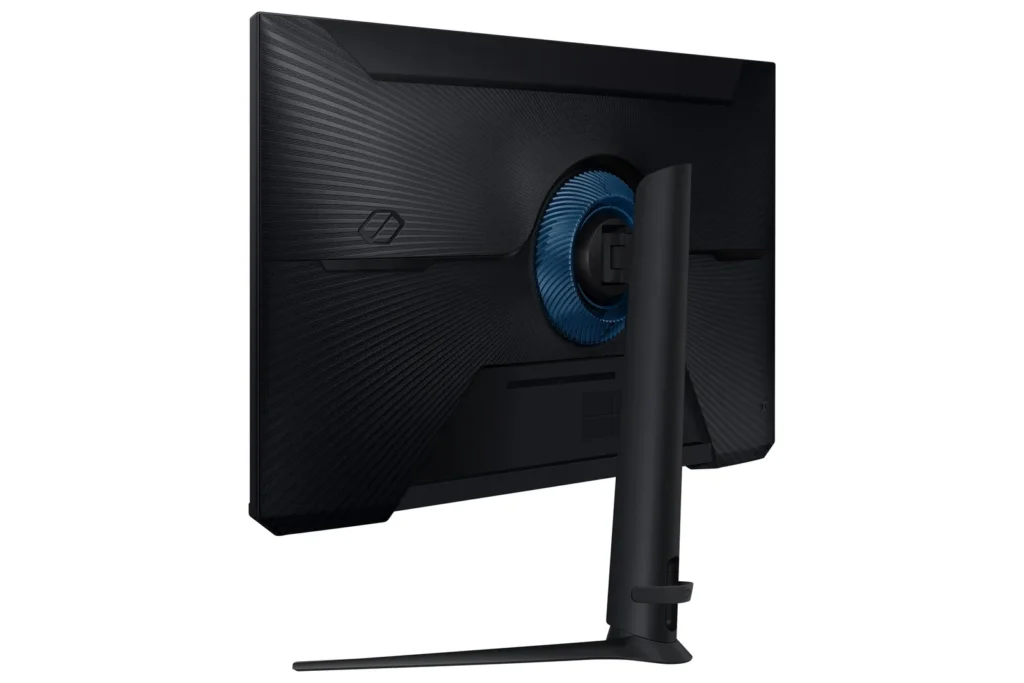
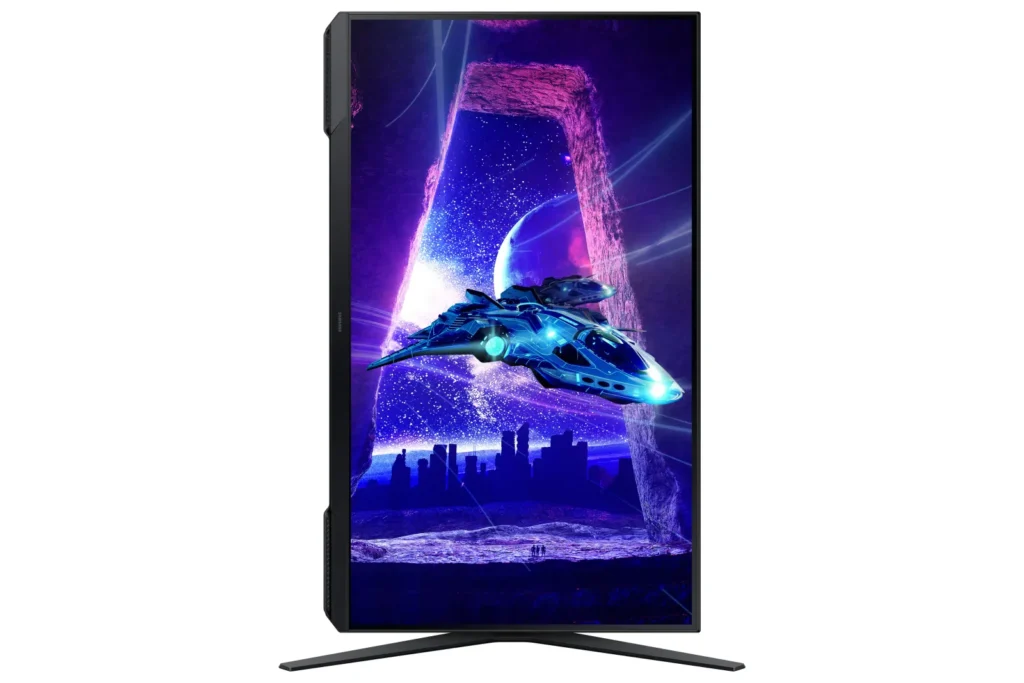
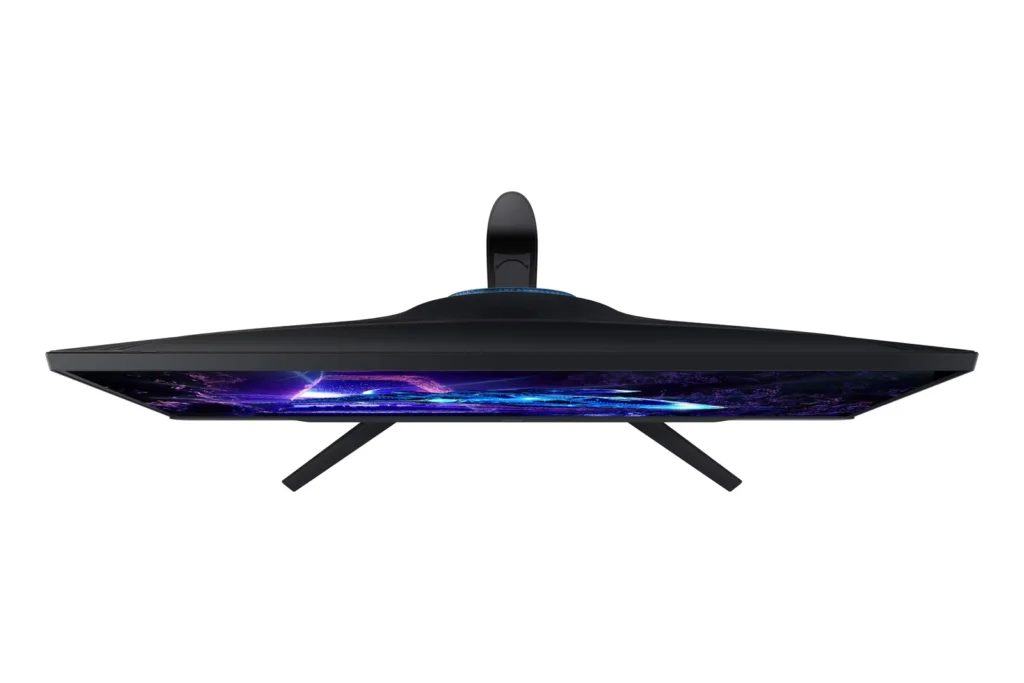
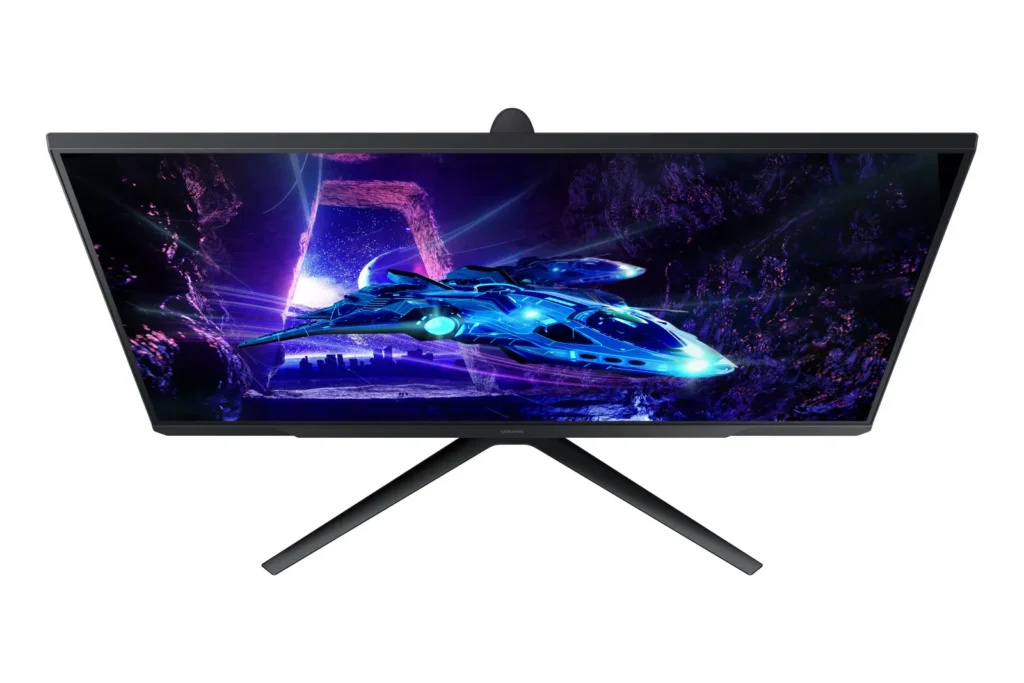
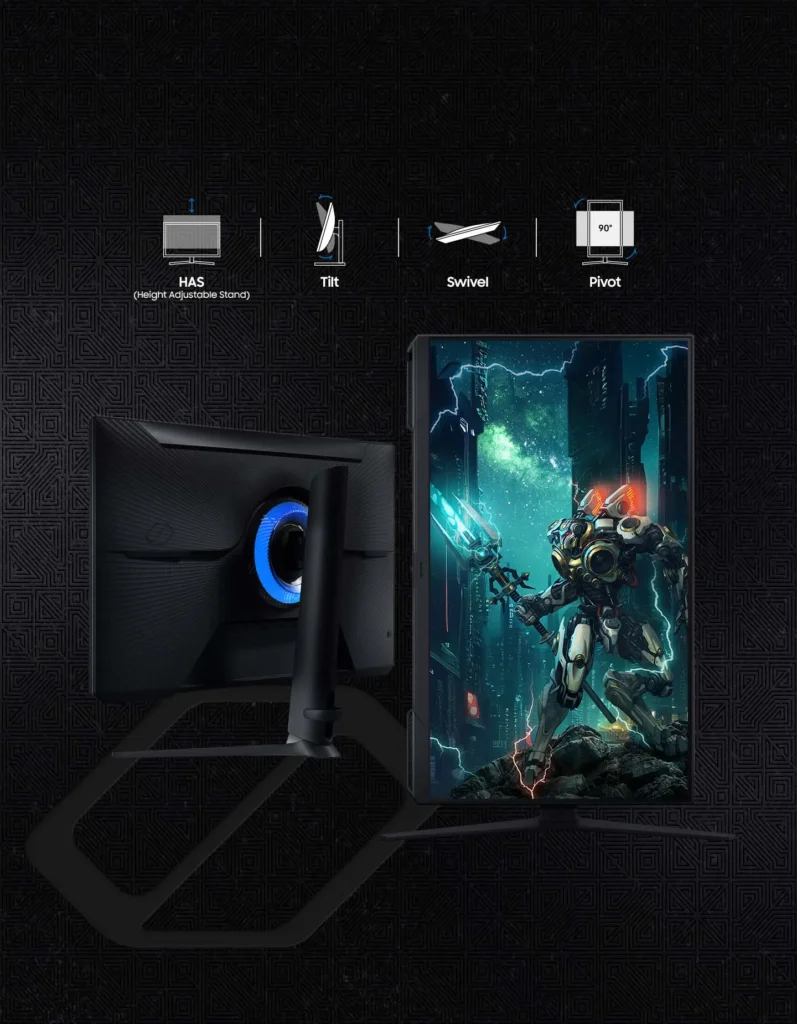
| Fully Ergonomic Stand | Find your perfect viewing angle with a versatile stand that allows you to swivel, tilt, pivot, and adjust the height, providing maximum comfort for extended gaming sessions. |
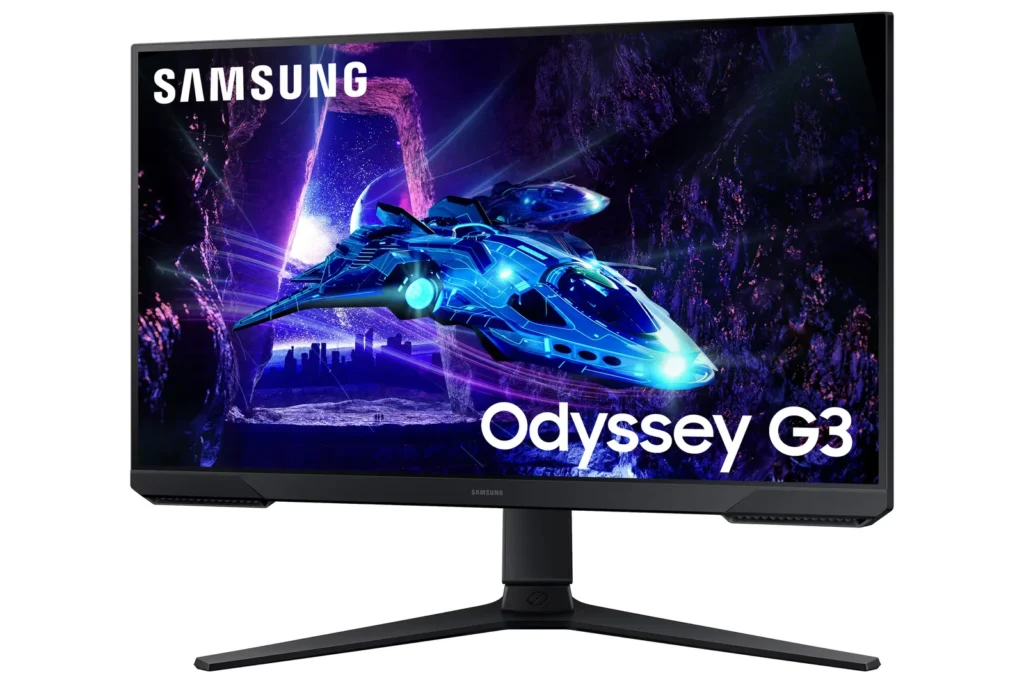
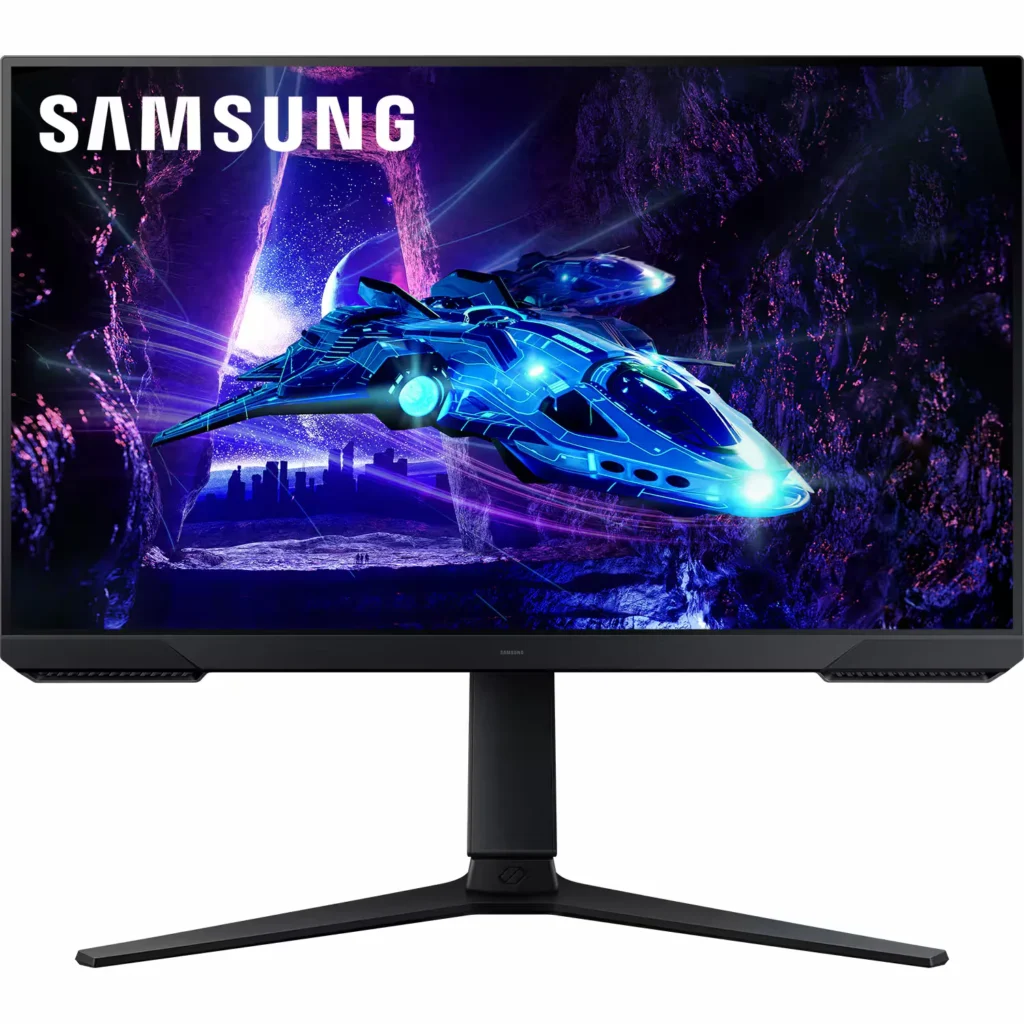
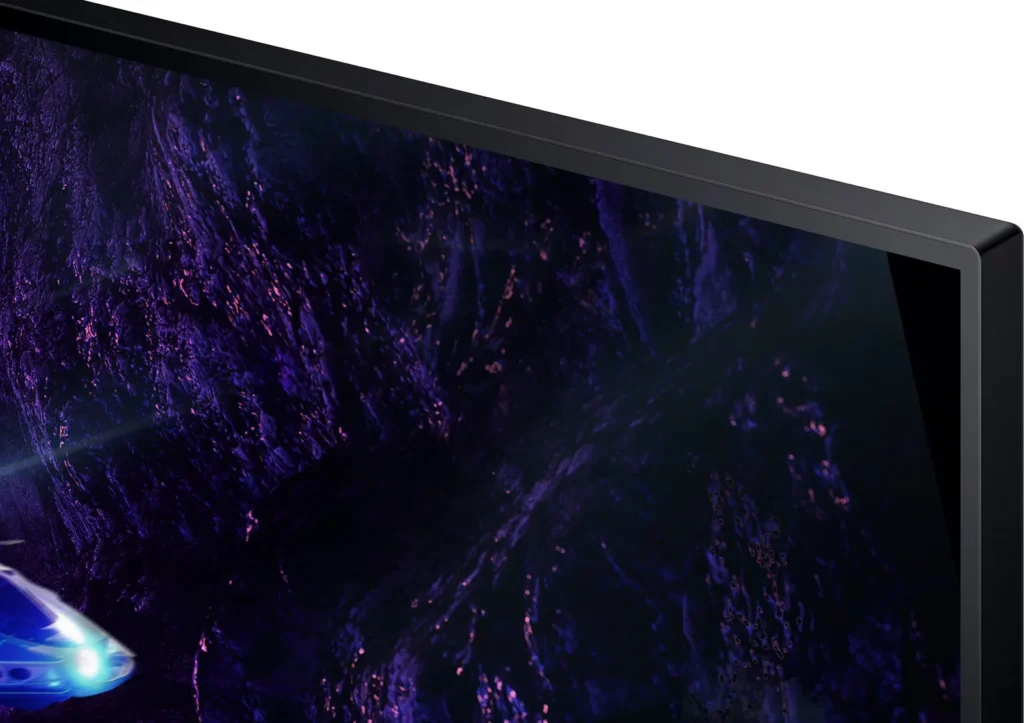
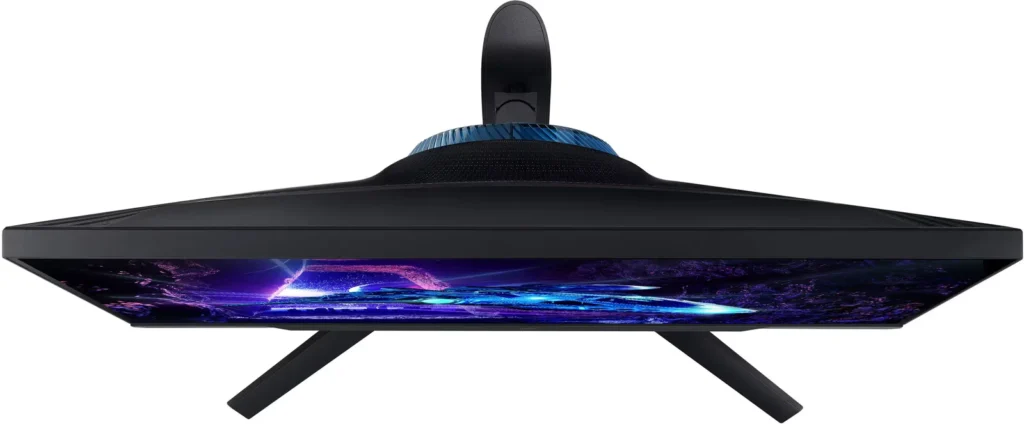
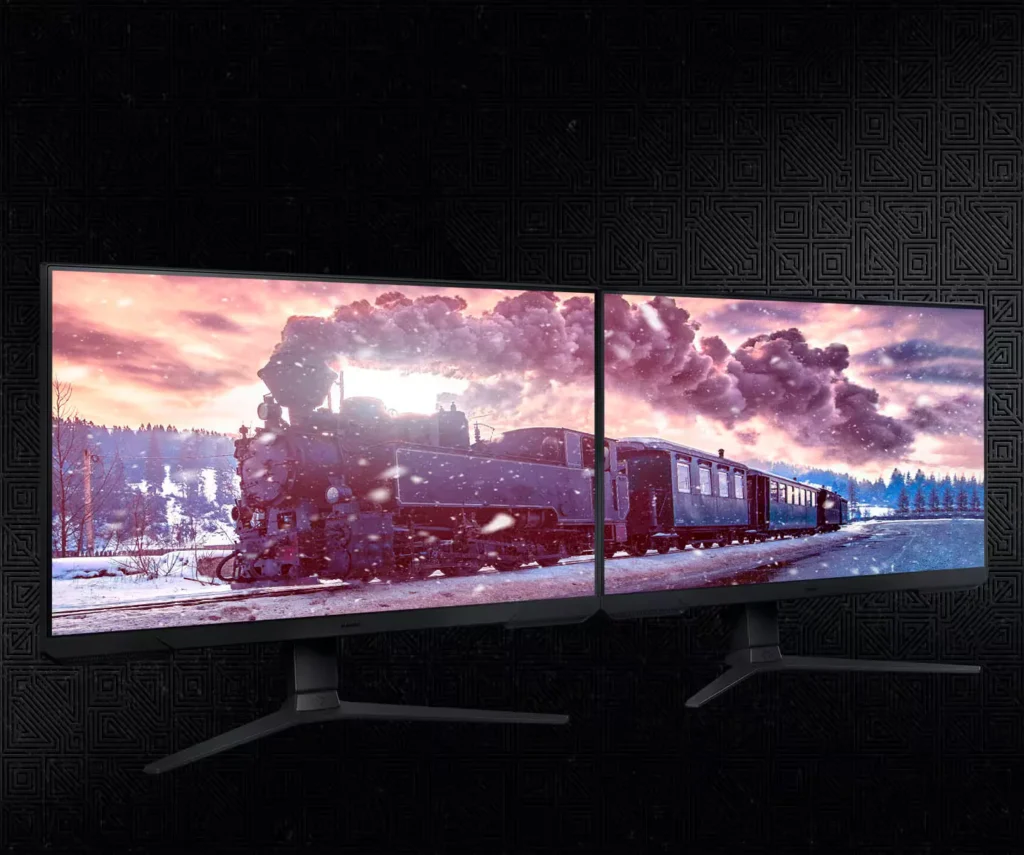
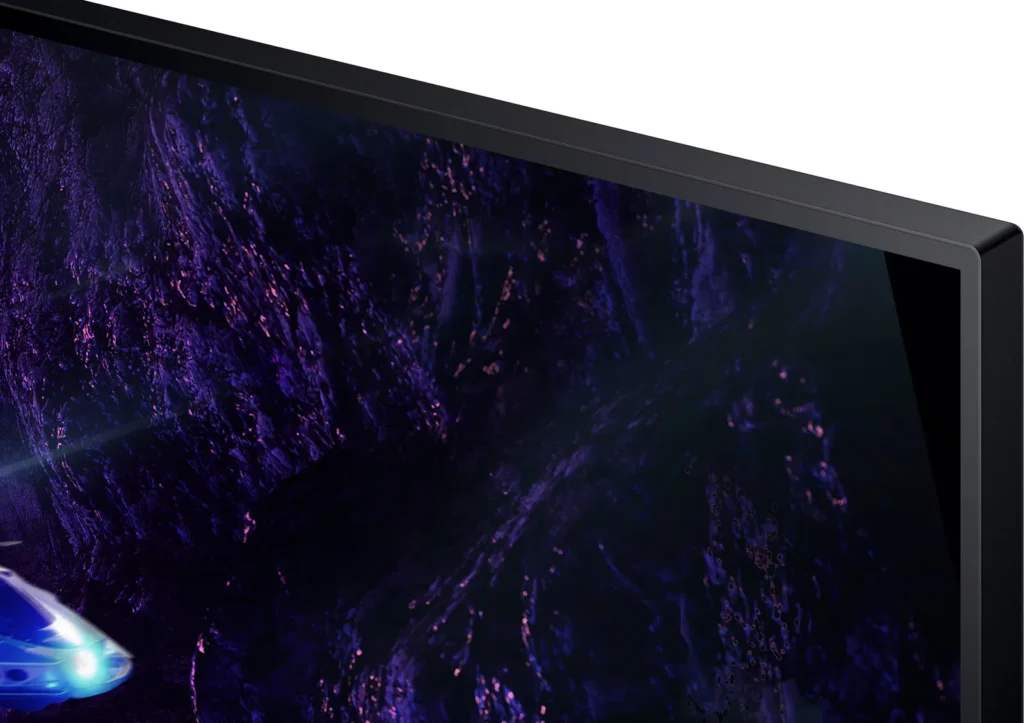
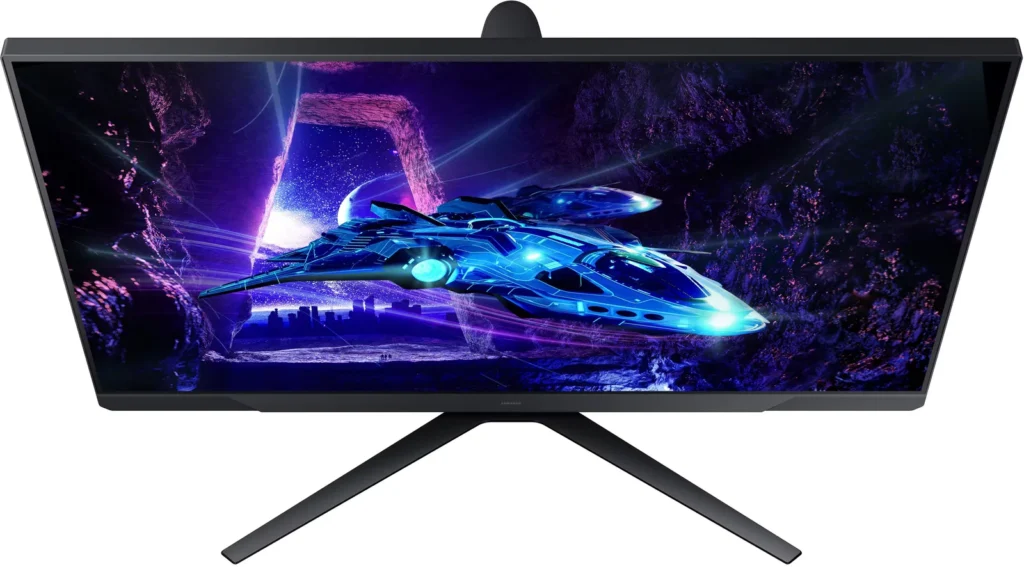
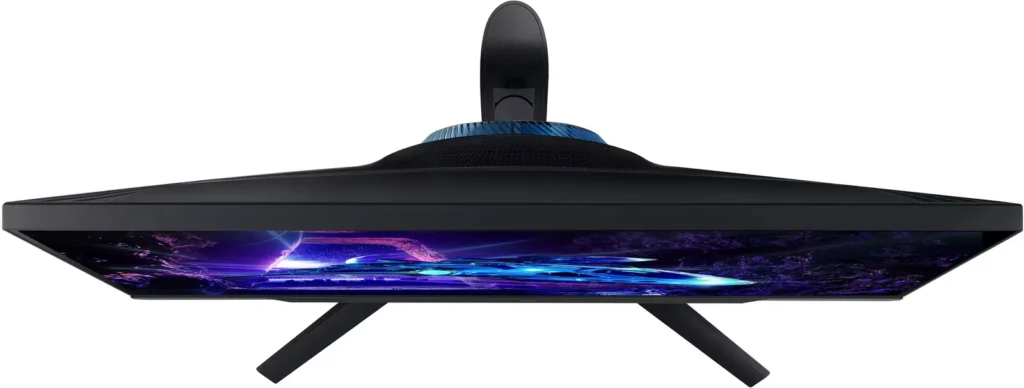
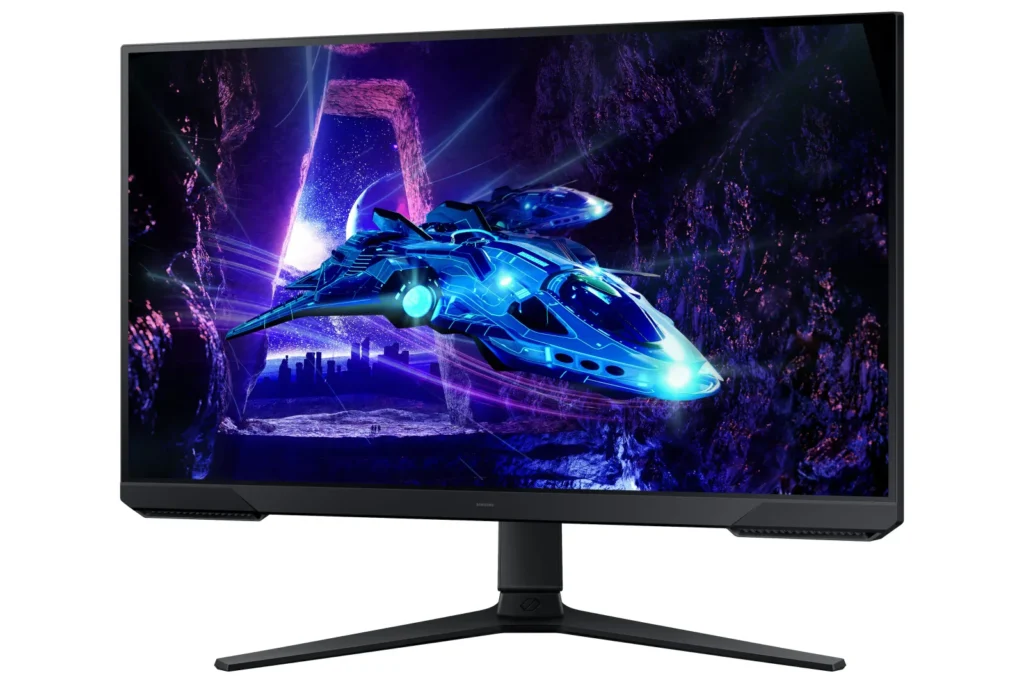
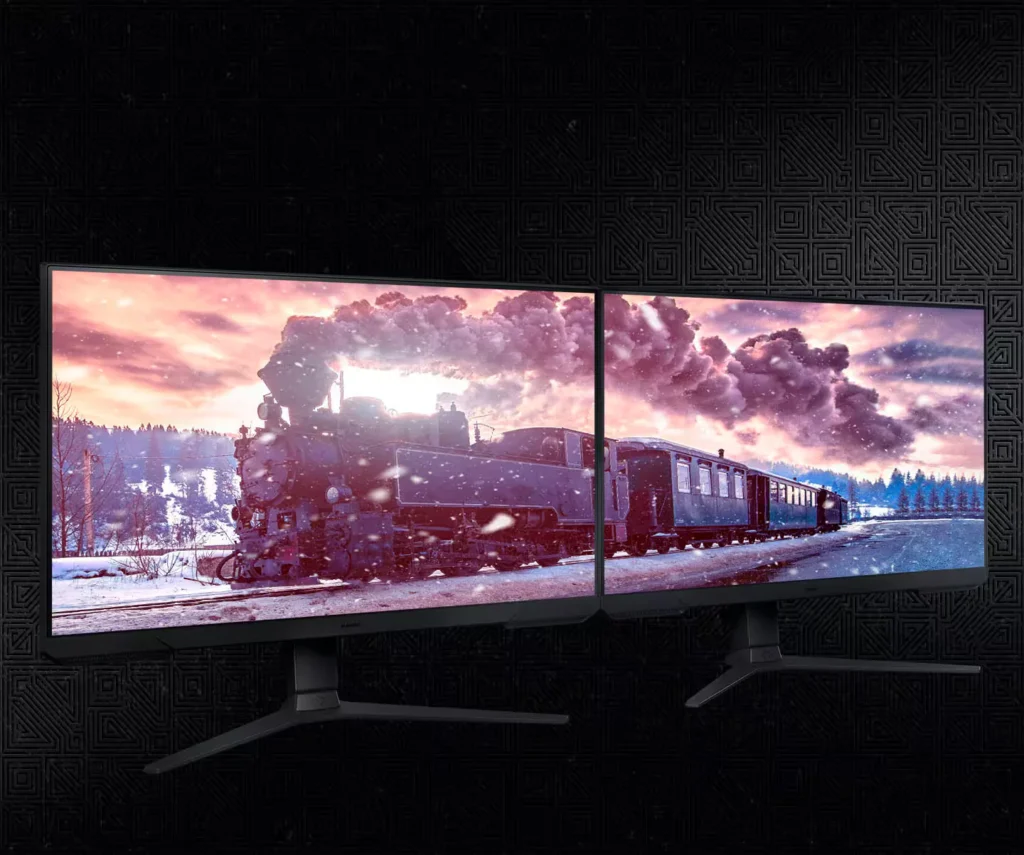
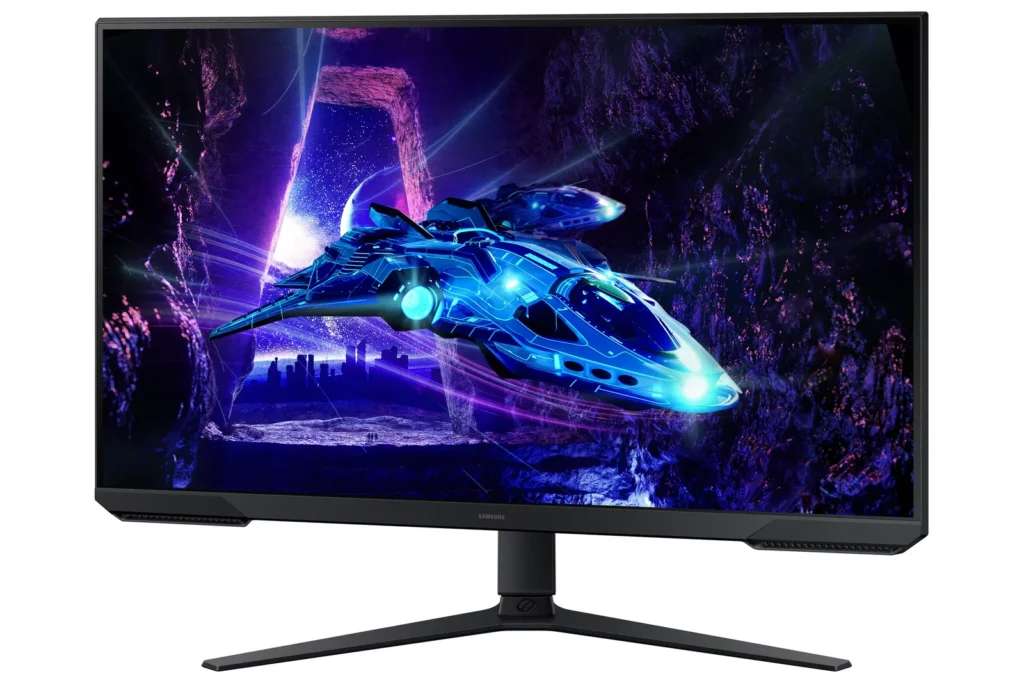
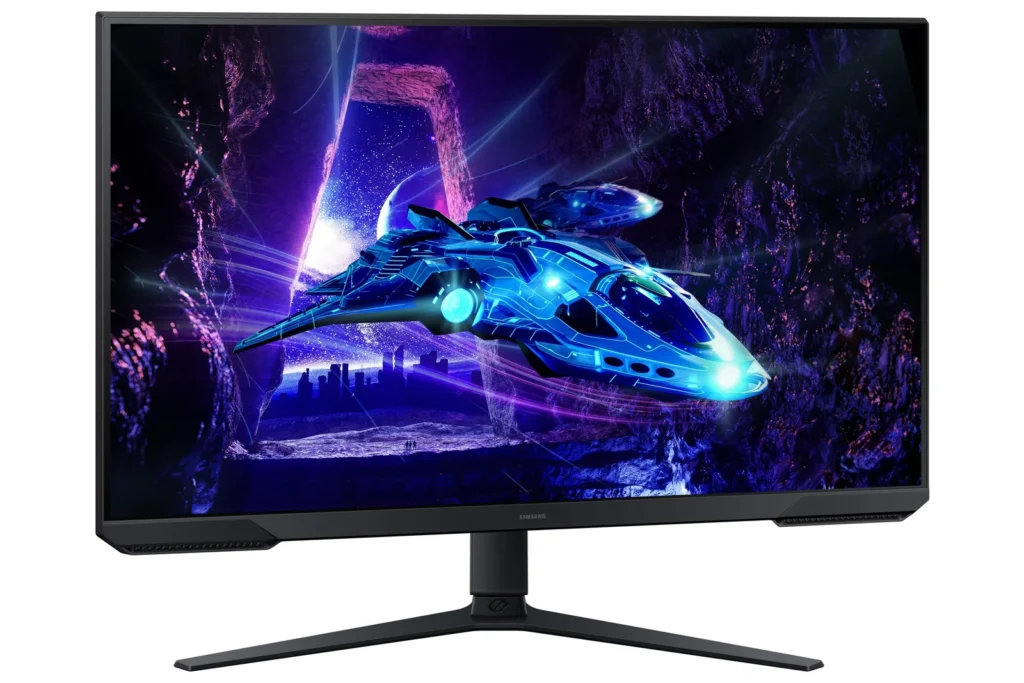
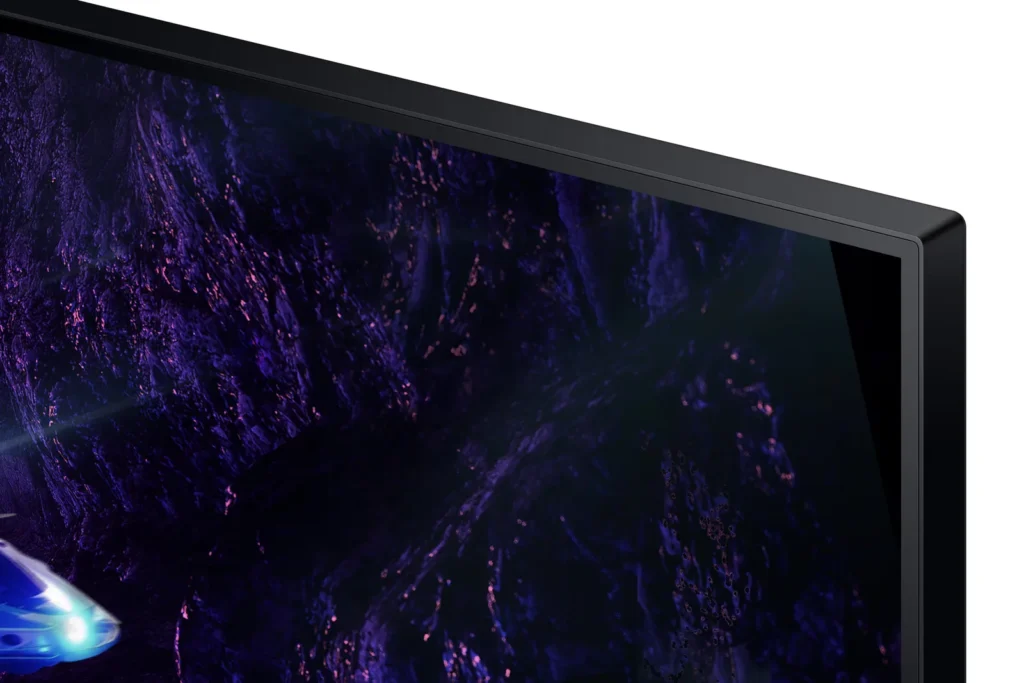
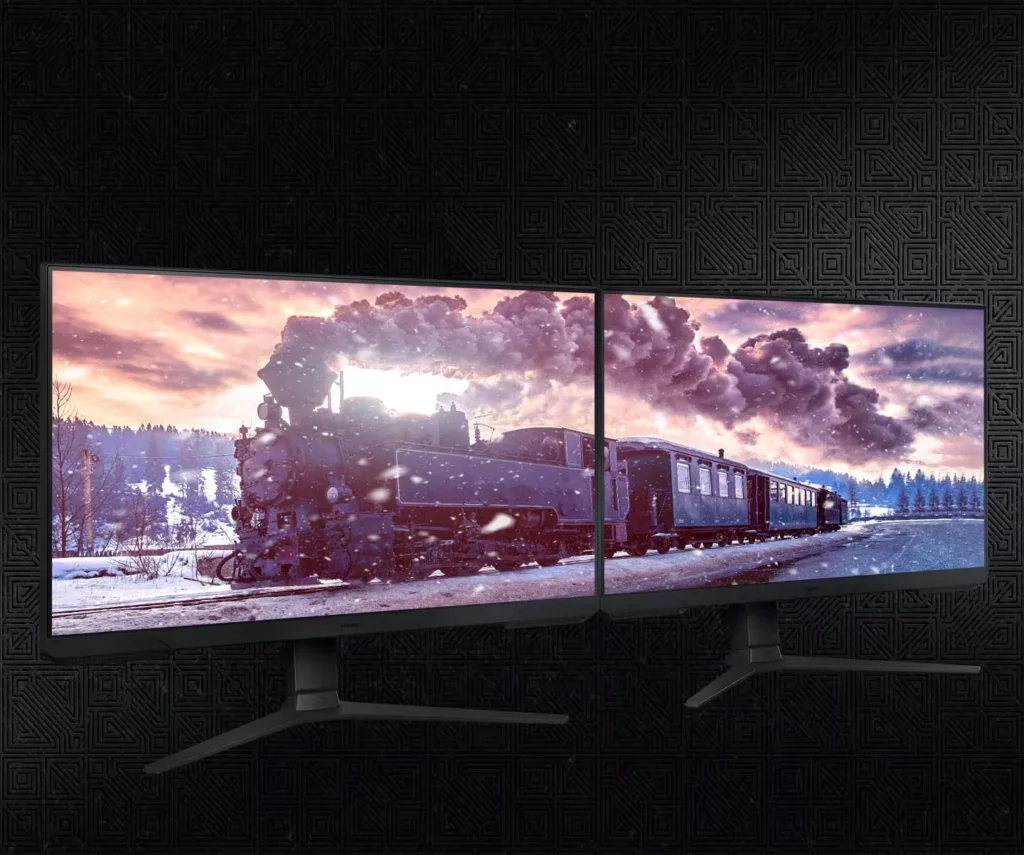
| 3-Sided Borderless Design | The minimalist, 3-sided borderless design maximizes screen real estate for an immersive experience and allows for a virtually seamless dual-monitor setup. |
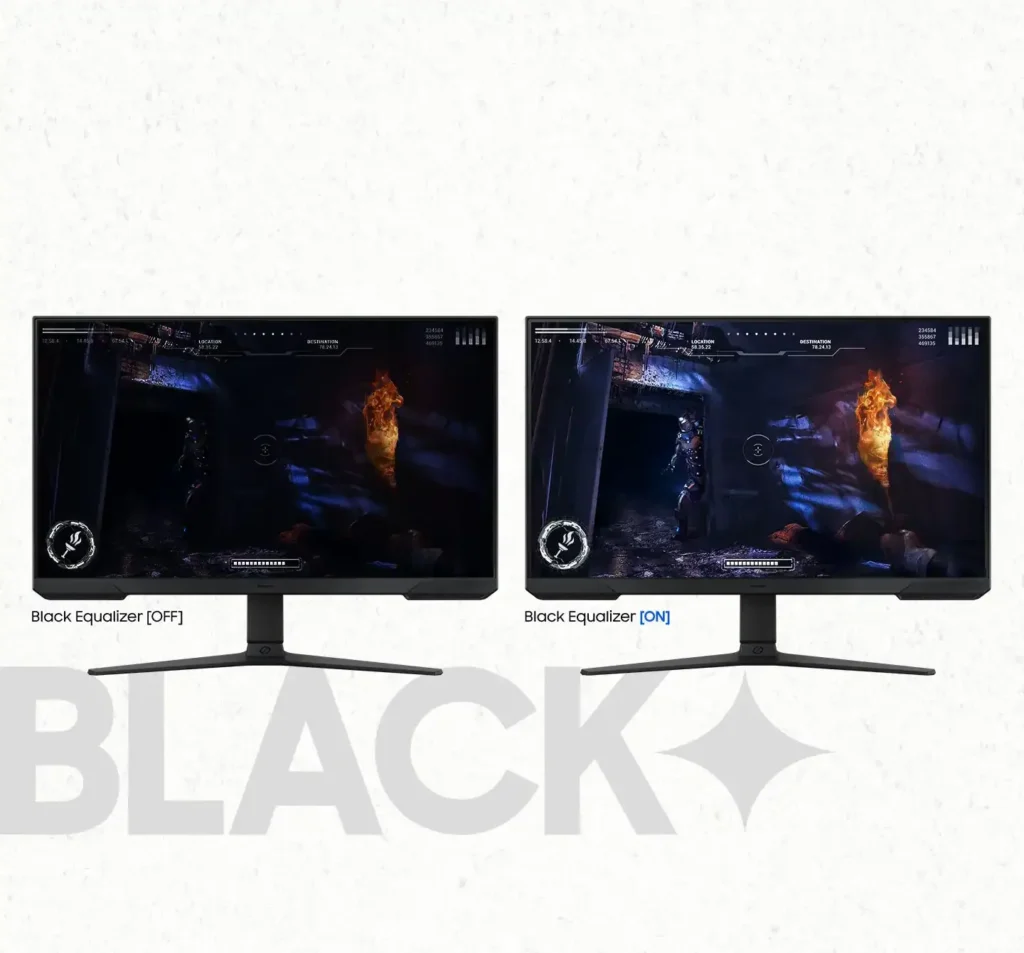
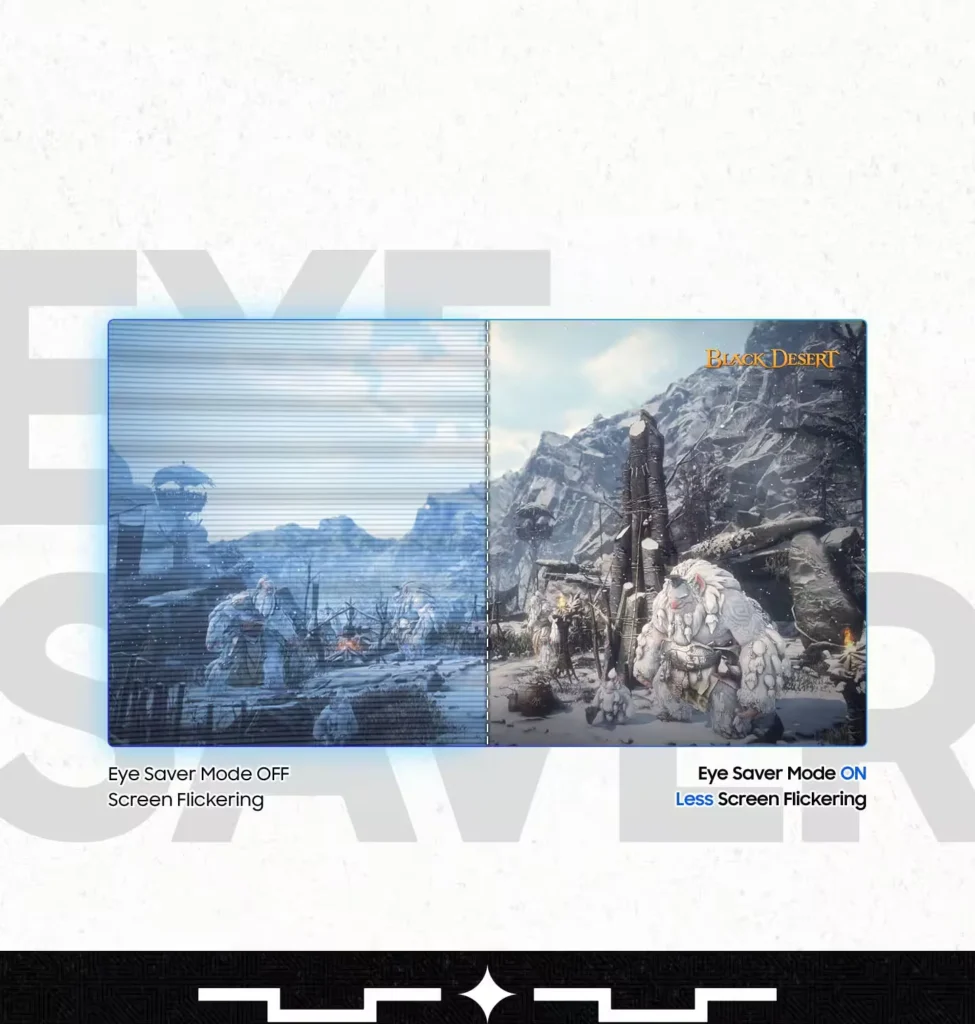
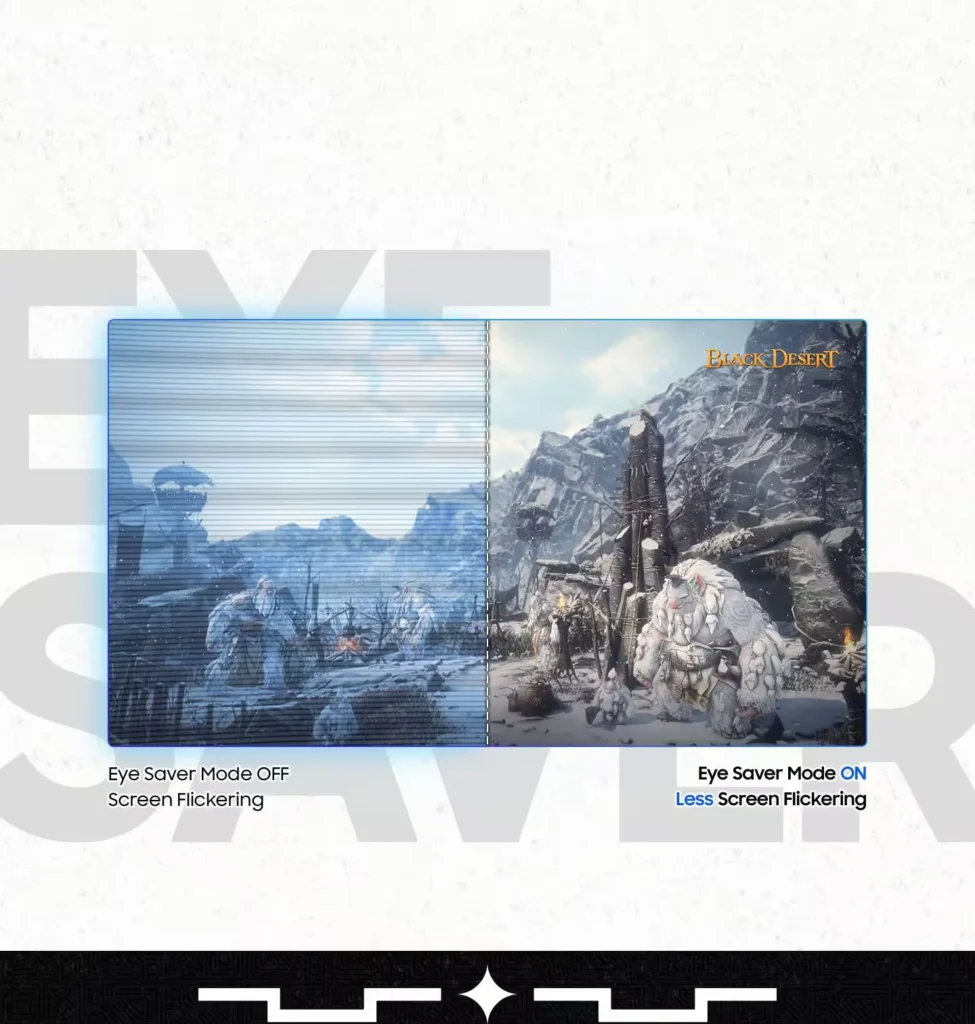
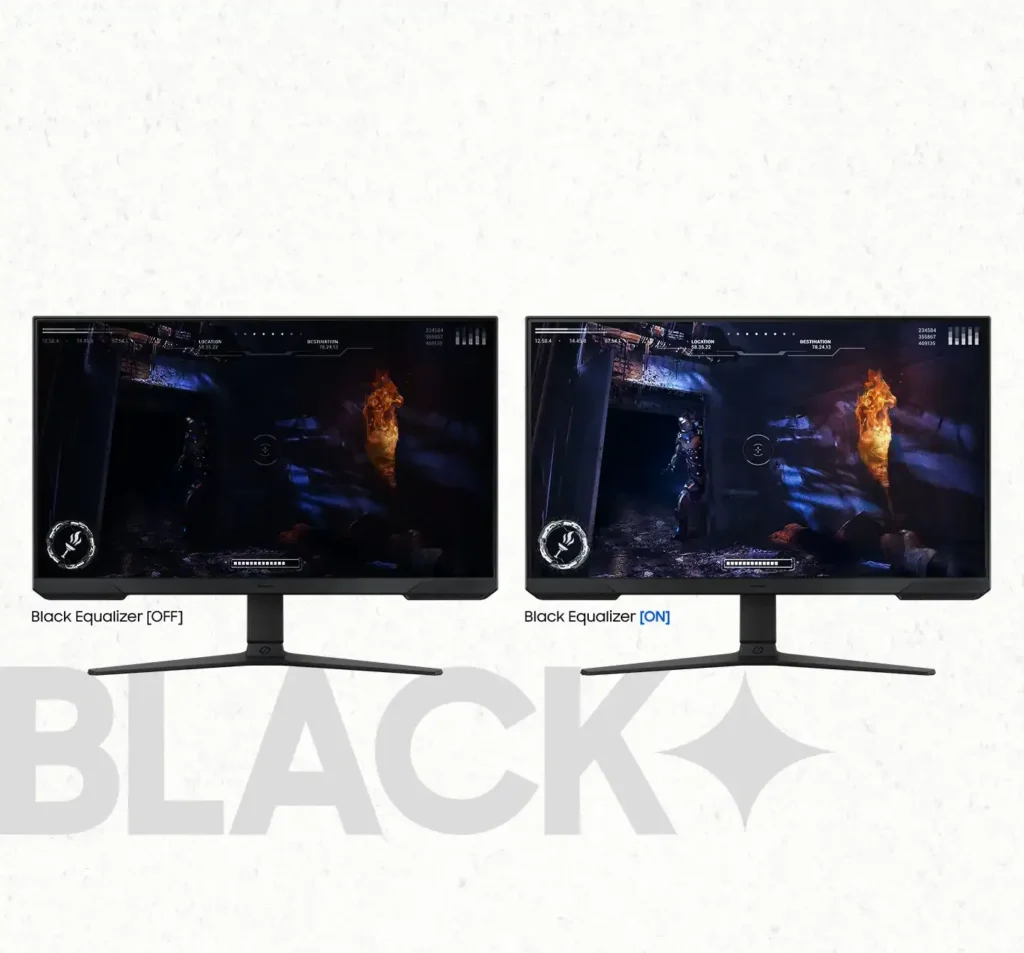
| Black Equalizer & Eye Saver Mode | Spot enemies hiding in the shadows with Black Equalizer, while Eye Saver Mode and Flicker Free technology reduce blue light and screen flicker to protect your eyes from strain. |
Pros & Cons
Pros
- High Refresh Rate and Smoothness: The 180Hz refresh rate and 1ms response time are frequently cited as major upgrades, providing a buttery smooth and responsive experience for competitive gaming and fast-paced titles.
- Highly Adjustable Ergonomic Stand: The stand is a standout feature, offering height, tilt, swivel, and pivot adjustments that allow users to easily rotate the screen into portrait mode without needing an external monitor arm.
- Exceptional Budget Value: Reviewers consistently describe the monitor as a 'steal' or 'bargain,' noting that it delivers high-end gaming features and solid build quality at a very accessible price point, especially when on sale.
Cons
- Lack of Built-in Speakers: Many users were disappointed to find the monitor has no integrated audio, requiring the purchase of external speakers or the use of headphones for any sound output.
- Ghosting and Motion Smearing: Several reviews mention noticeable ghosting and motion blur, particularly in dark scenes or when scrolling text, which can detract from the visual clarity during fast movement.
- Low Pixel Density at Larger Sizes: On the 27-inch and 32-inch models, users noted that the 1080p resolution can result in pixelated text and a lack of sharpness compared to higher-resolution displays.
You might also like










Customer Reviews
Showing reviews 521-530 of 923
-
Great for the Price
Verified purchase Verified purchase: This reviewer bought the product.DanaM June 20, 2025Review source: BestbuyThe monitor is everything I want it to be. Great for coding, gaming, and looks great!
-
Nice One
Verified purchase Verified purchase: This reviewer bought the product.TonyaC June 20, 2025Review source: BestbuyI really like this monitor it has great color and I like how it rotates to all different angles!!! I would recommend this to anyone.
-
Samsung Monitor
Verified purchase Verified purchase: This reviewer bought the product.DanielC June 20, 2025Review source: BestbuyIt is not compatible with PS5 at 120Hz and does not have audio.
-
Flickering
Verified purchase Verified purchase: This reviewer bought the product.Dean Mook June 19, 2025Review source: AmazonI bought two of these for work. One has recently started flickering. Of course it’s right after my return window closed…
-
Can't disable auto-switch feature, beware
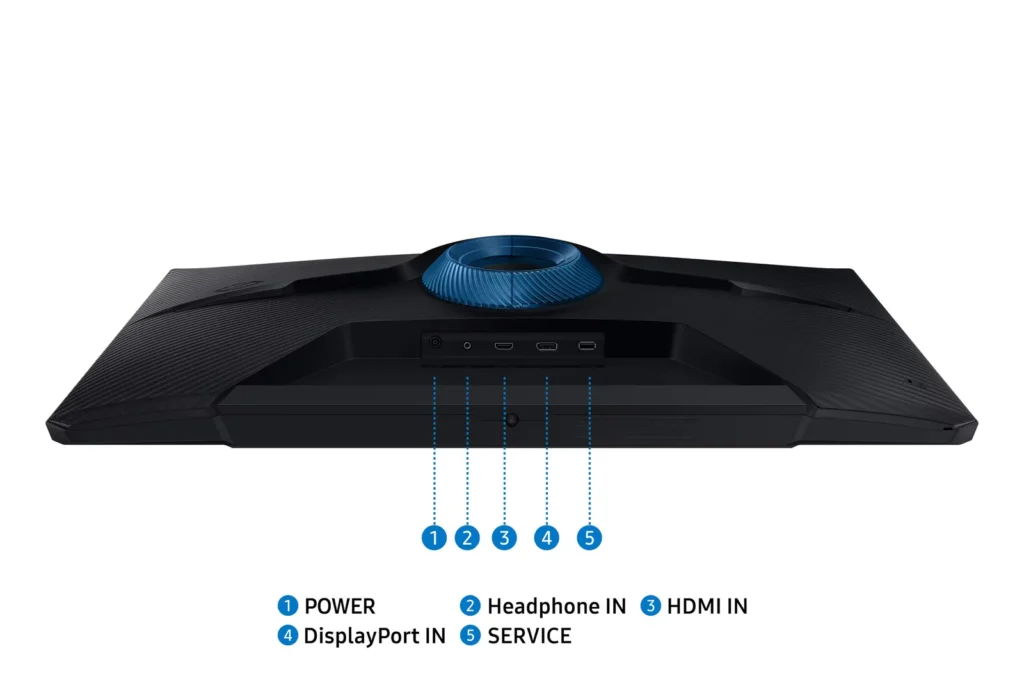
Verified purchase Verified purchase: This reviewer bought the product.Josh B. June 17, 2025Review source: AmazonI have multiple computers on a KVM, all of which connect to the monitor via DisplayPort. I have tried disabling settings like “auto switch input” none of which have improved/resolved the issue.
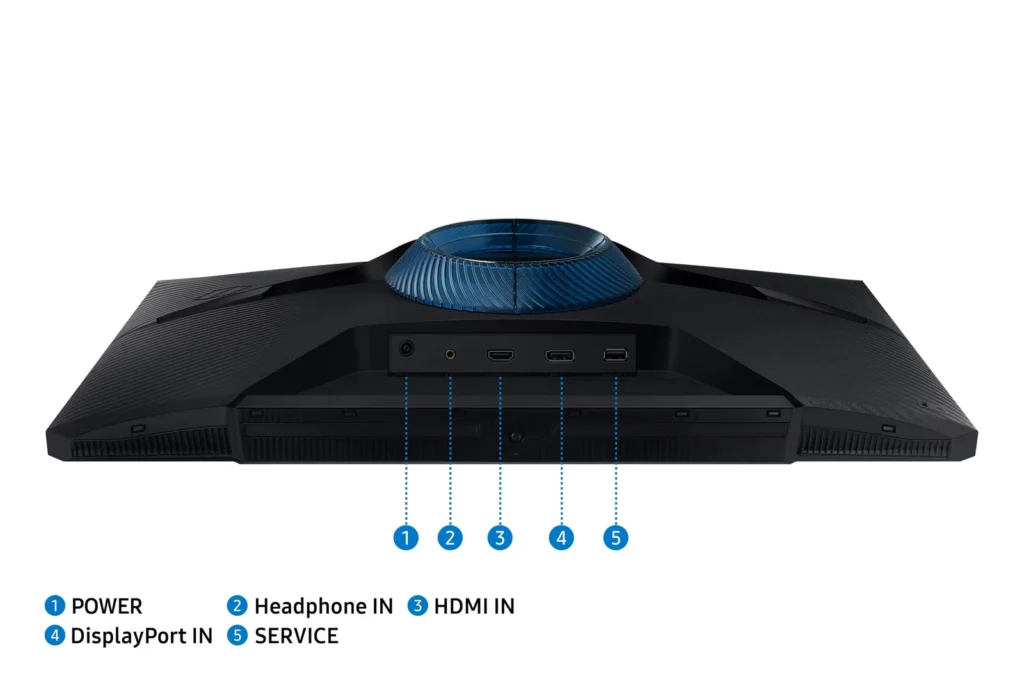
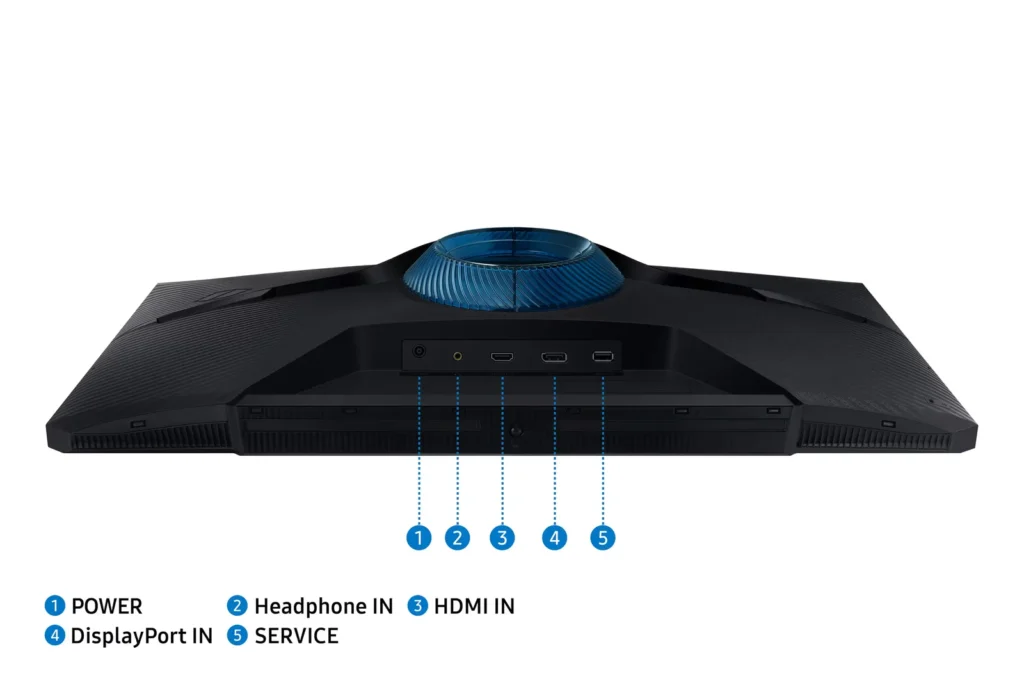
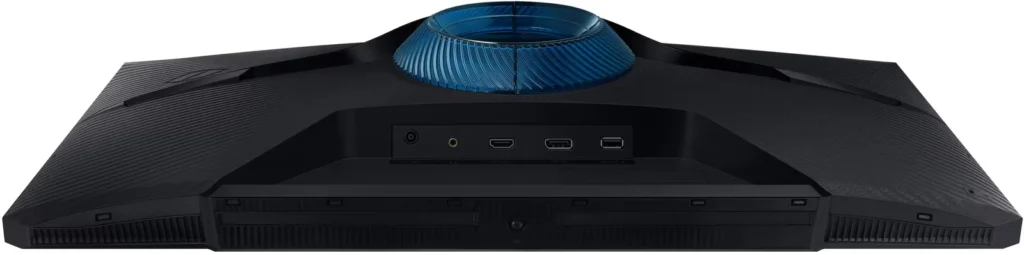
This monitor has both HDMI and DP ports. I only need DP. I have nothing connected to HDMI.
The issue is that when I switch to another PC, the monitors immediately switch to HDMI although nothing is connected to HDMI. It appears that the monitors are trying to find a valid signal after the DP signal is interrupted. Eventually the monitors switch back to DP and all is well. Not a big deal if you do it once in a while but imagine if switching PCs is frequent. Now, I have a solid 15 second delay for something that should be instantaneous.
This seems like such a strange feature. Why does it seek an input when one is shut off? If I shut down a device, what makes Samsung think my intention is to switch to another input? I see there is an Auto-switch feature, but that appears to be for something completely different.
I am rambling at this point, and its mostly because I came here to return the monitors and saw my return window closed last week. That sucks. And these monitors suck too.
-
good monitors for gaming
Verified purchase Verified purchase: This reviewer bought the product.Eric June 15, 2025Review source: AmazonSharp, clear picture and high FPS for gaming.
-
Great monitor lovin it so far!!
Verified purchase Verified purchase: This reviewer bought the product.Dave June 15, 2025Review source: BestbuyThis was a purchase i needed a decent monitor and ive never had a samsung product like this and wow i luv it already and well worth it there were many to cjoose from but hey its tuff to get good value like this so yes its a keeper i recomendbit
-
Good
Verified purchase Verified purchase: This reviewer bought the product.Theo June 15, 2025Review source: AmazonVerry good
-
Worth the price !
Verified purchase Verified purchase: This reviewer bought the product.bobbster79 June 15, 2025Review source: AmazonPerfect for my sons room!
-
🙂
Verified purchase Verified purchase: This reviewer bought the product.Floyed21 June 14, 2025Review source: AmazonGreat color easy set up. Nice buttons very happy