Customer Media
Highlights
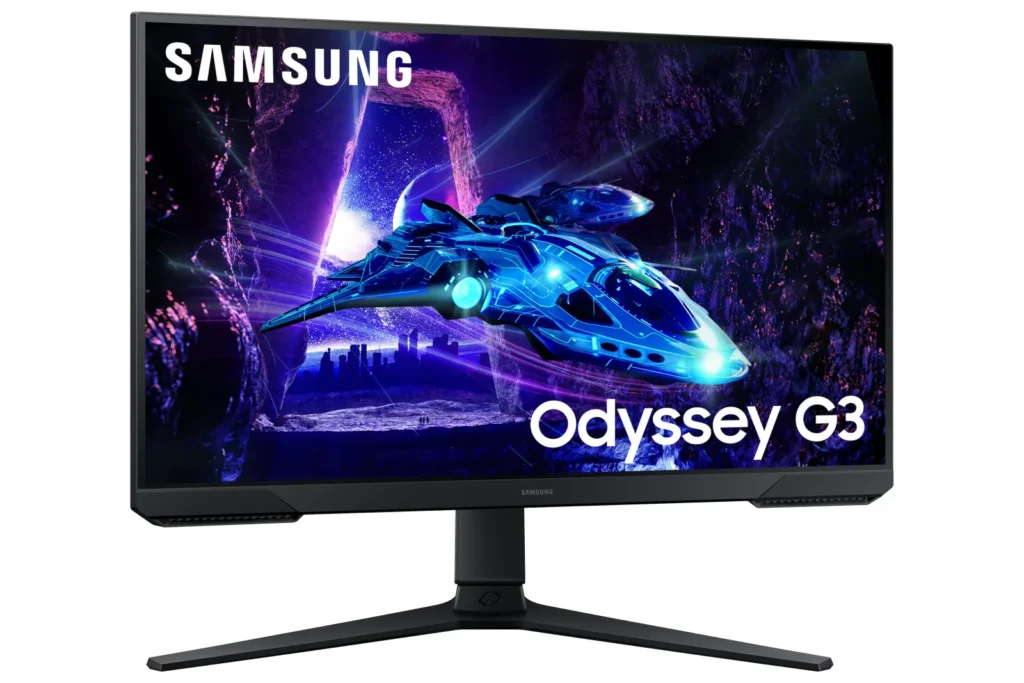
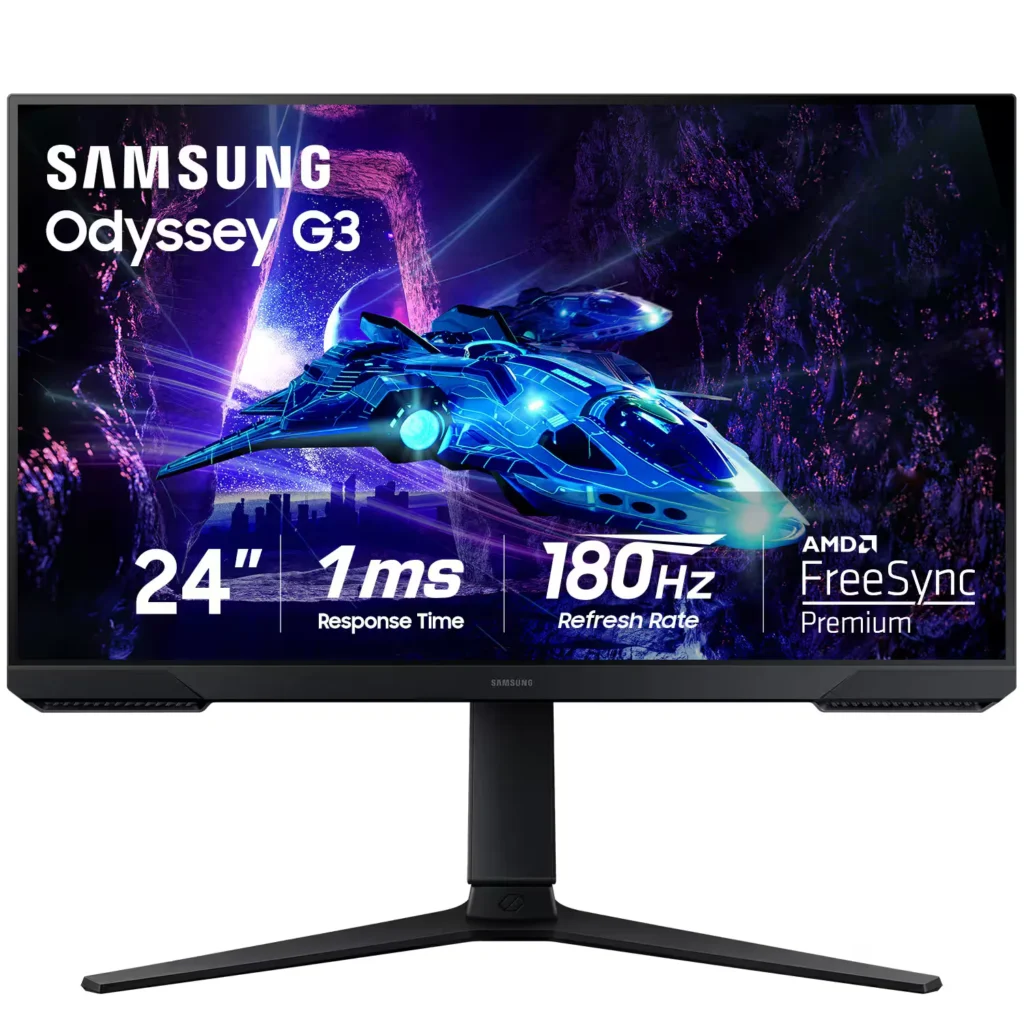
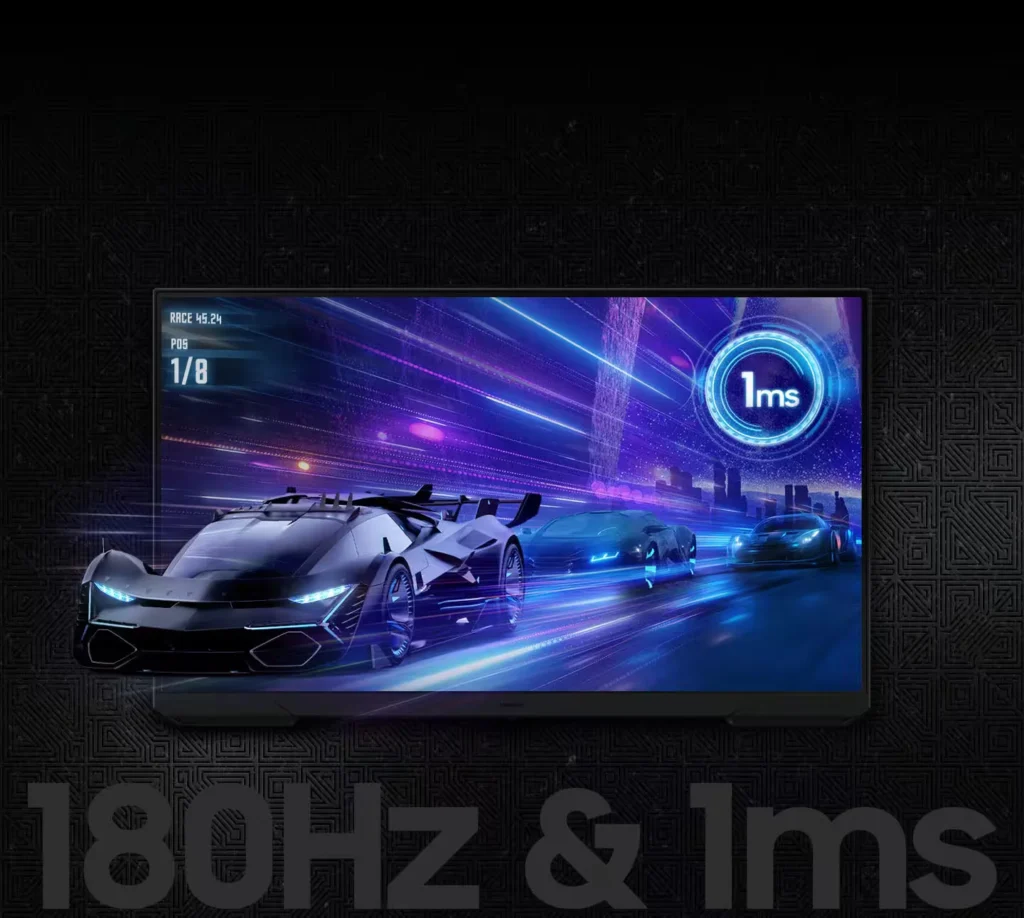
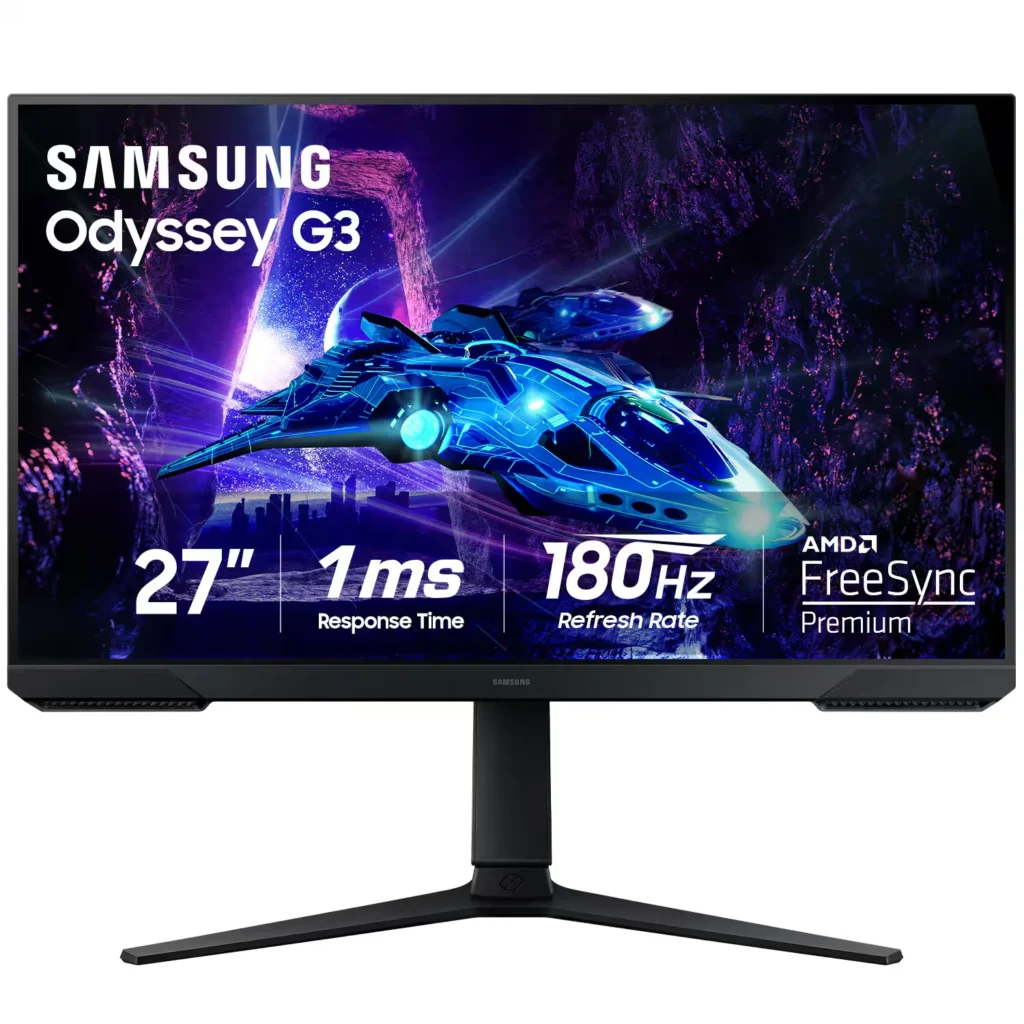
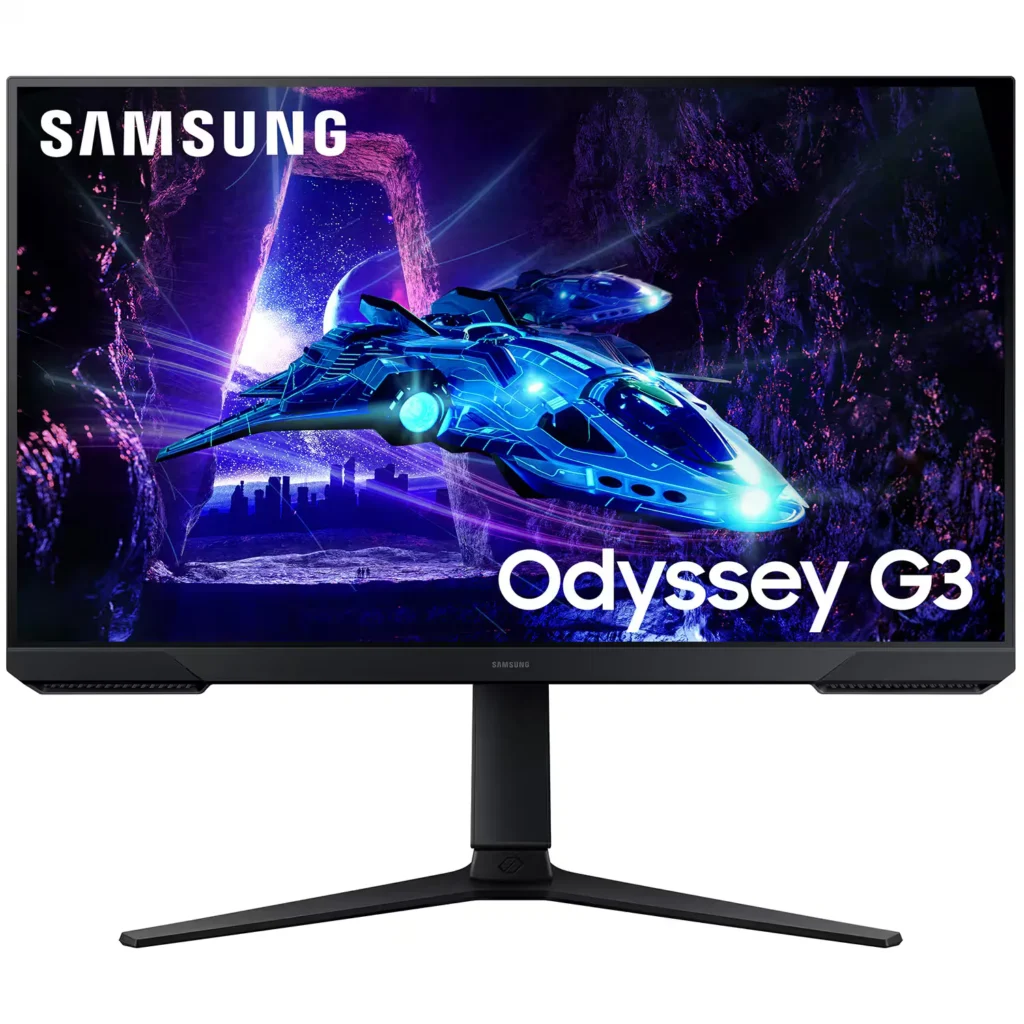
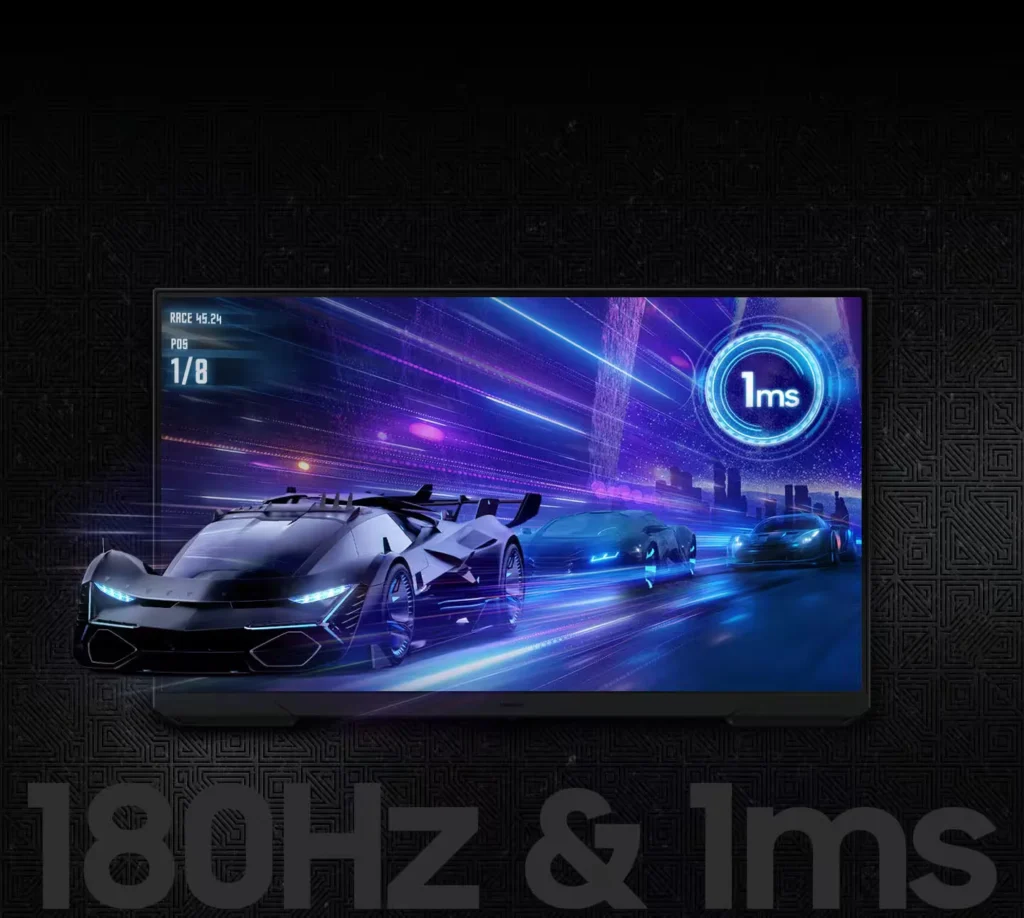
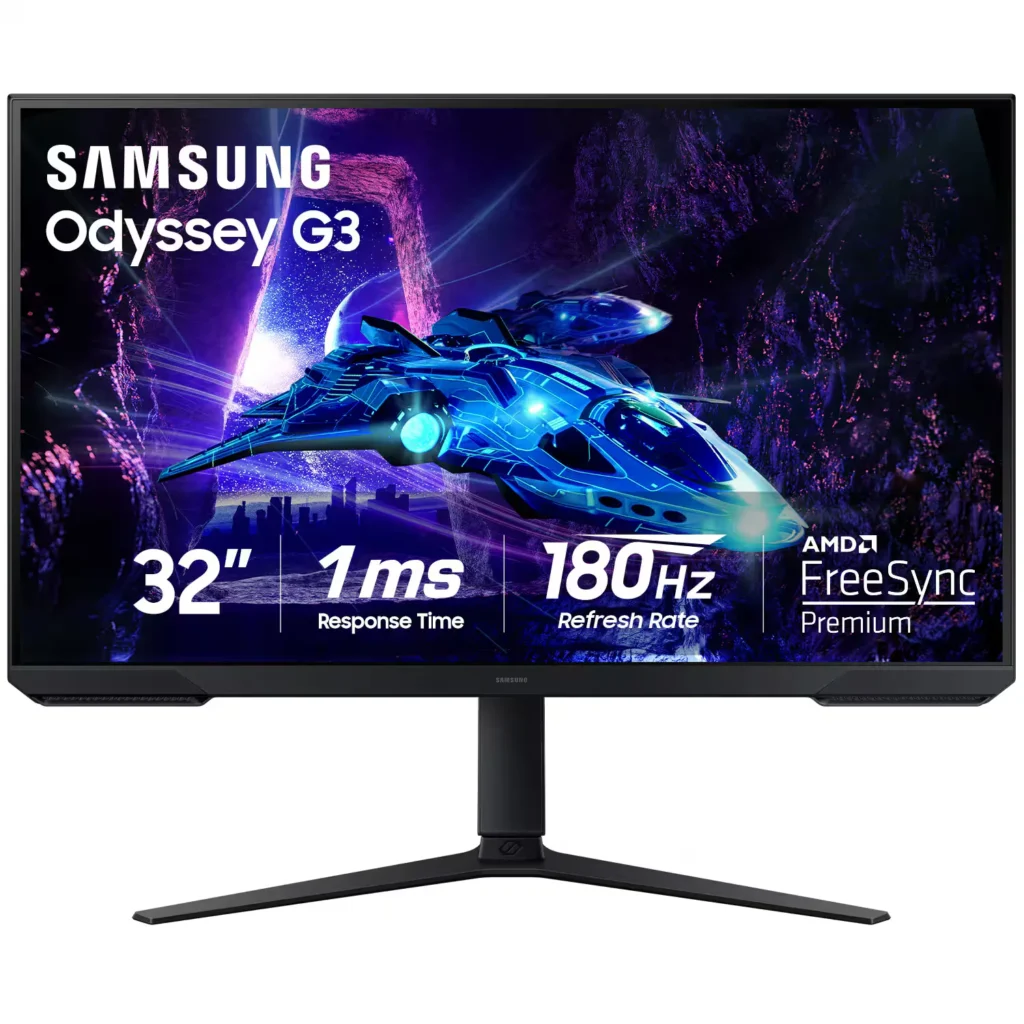
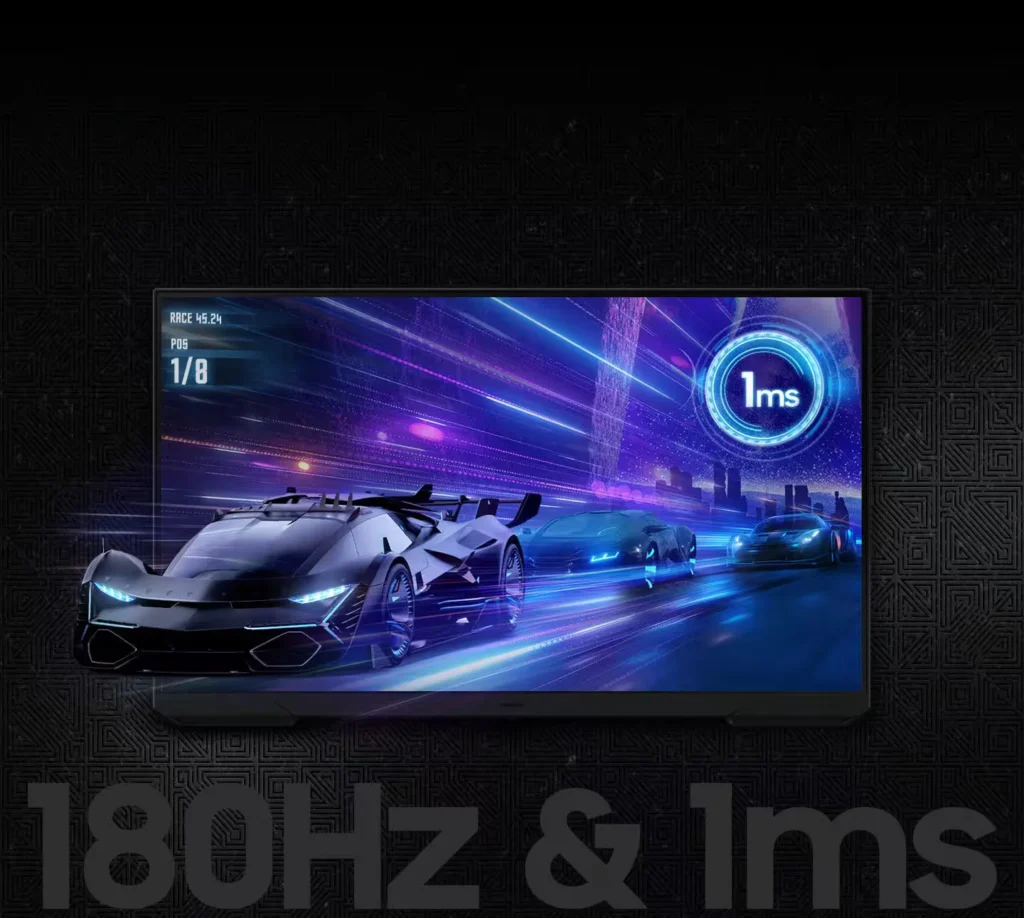
| 180Hz Refresh Rate & 1ms Response Time | Experience ultra-smooth gameplay with a 180Hz refresh rate that eliminates lag and a 1ms (MPRT) response time that minimizes motion blur for precise, real-time reactions. |
|---|---|
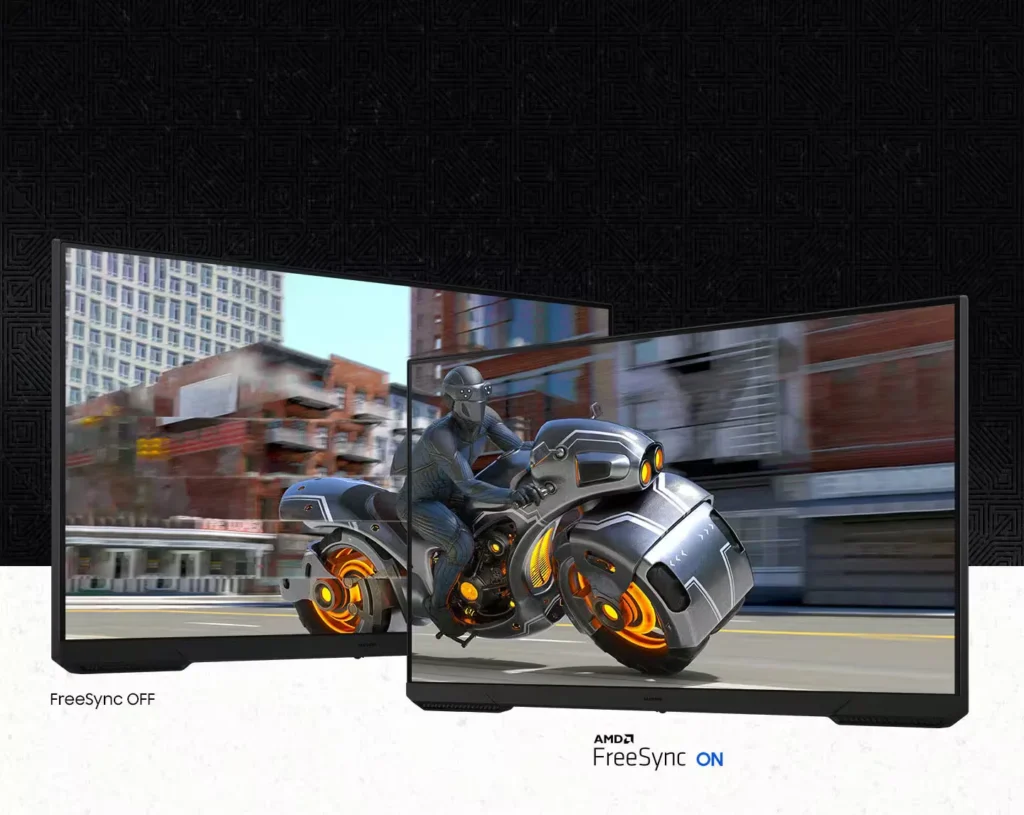
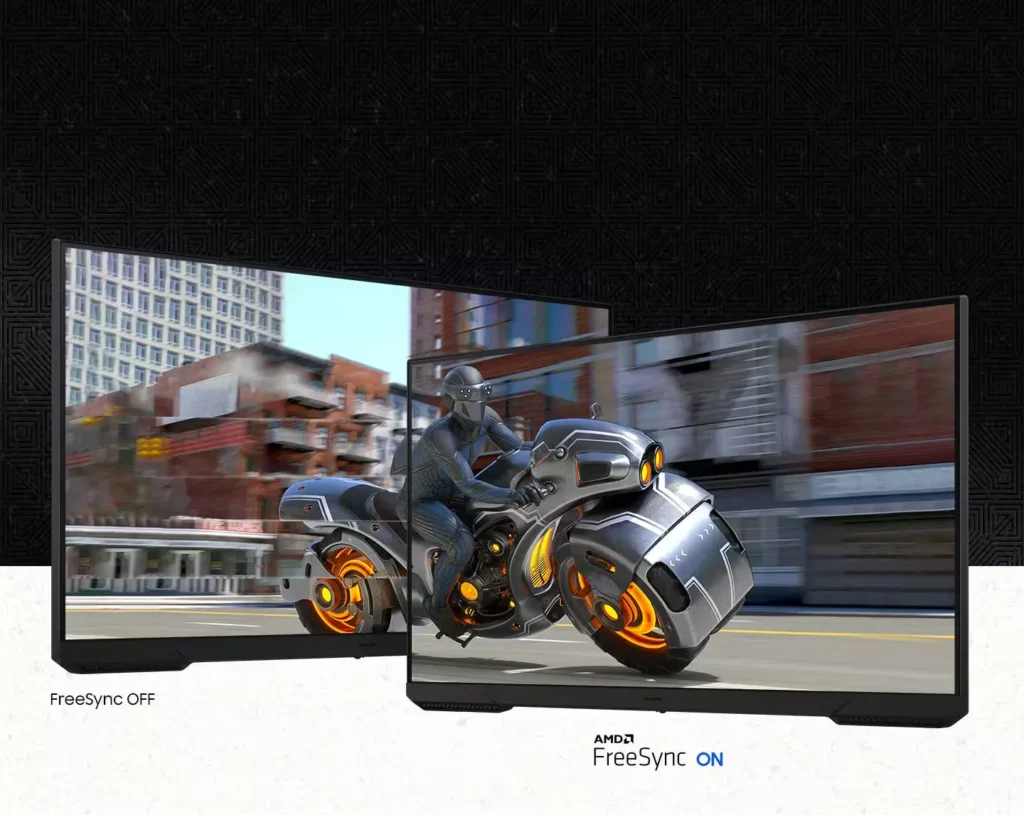
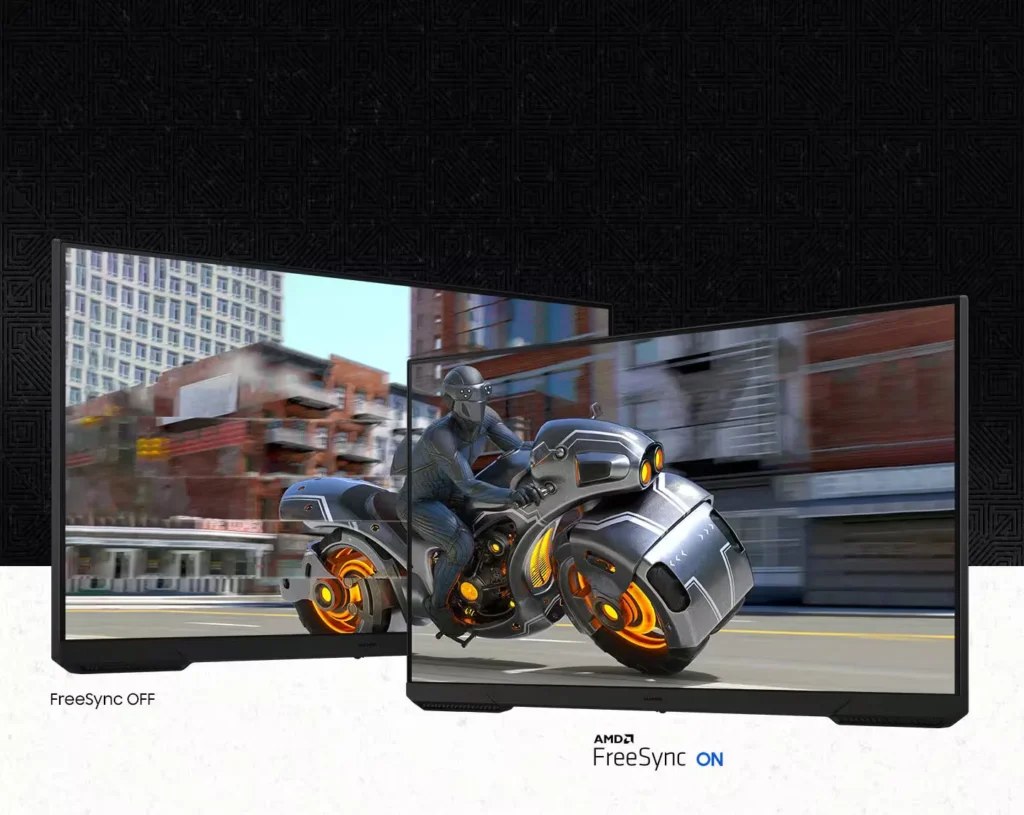
| AMD FreeSync Technology | Keep your monitor and graphics card in sync to reduce image tearing, stutter, and input latency, ensuring seamless and fluid action even during fast-paced scenes. |
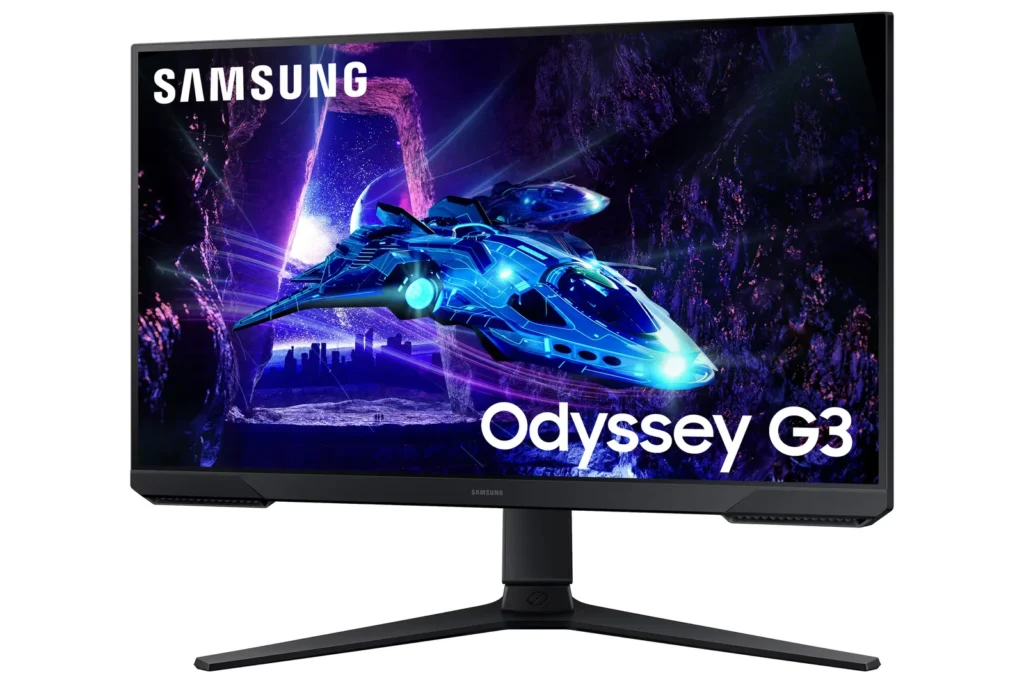
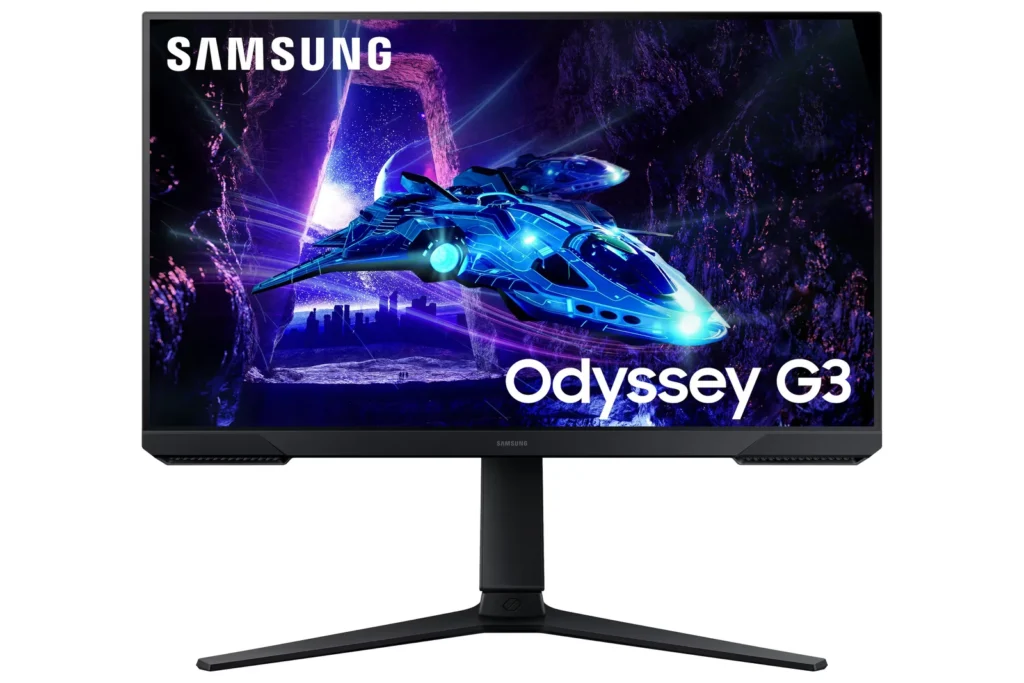
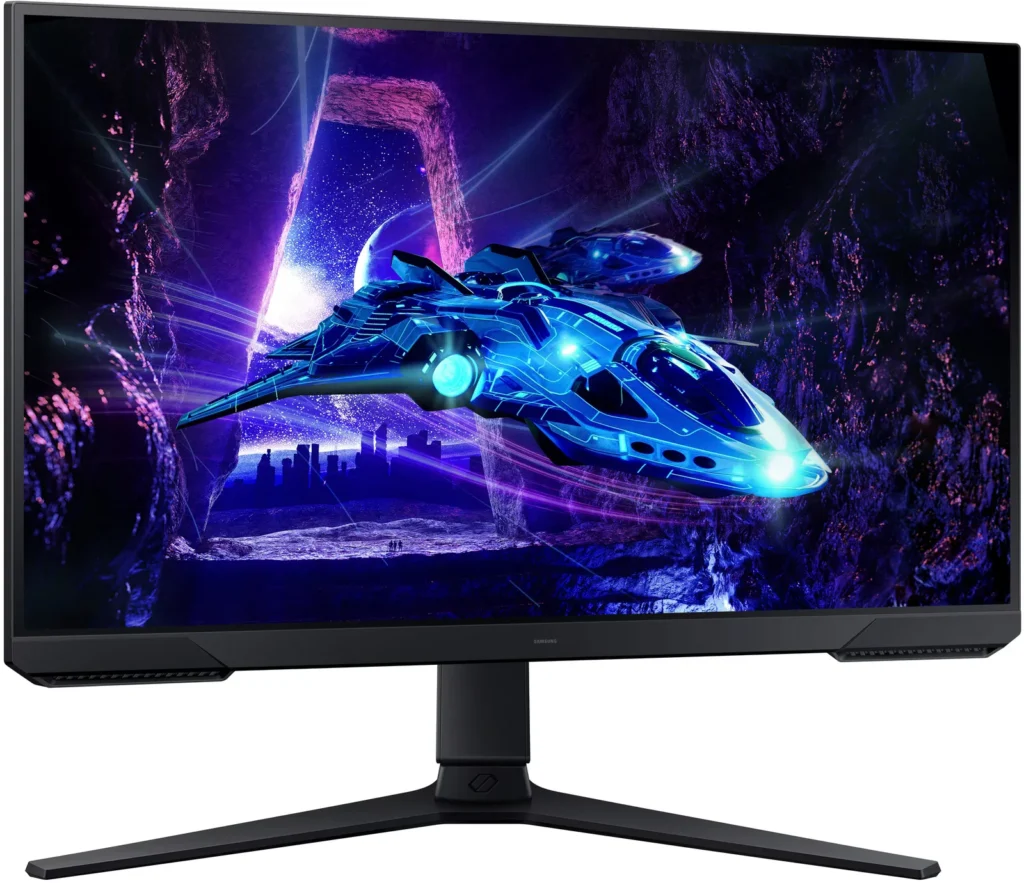
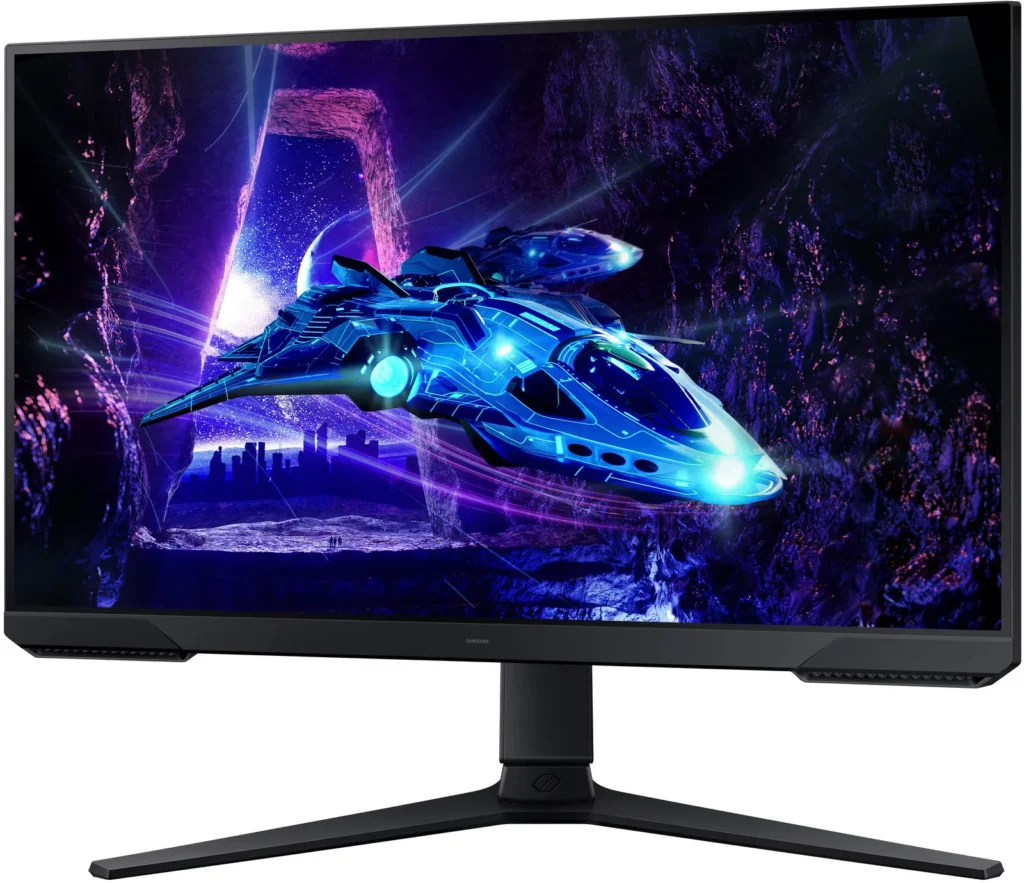
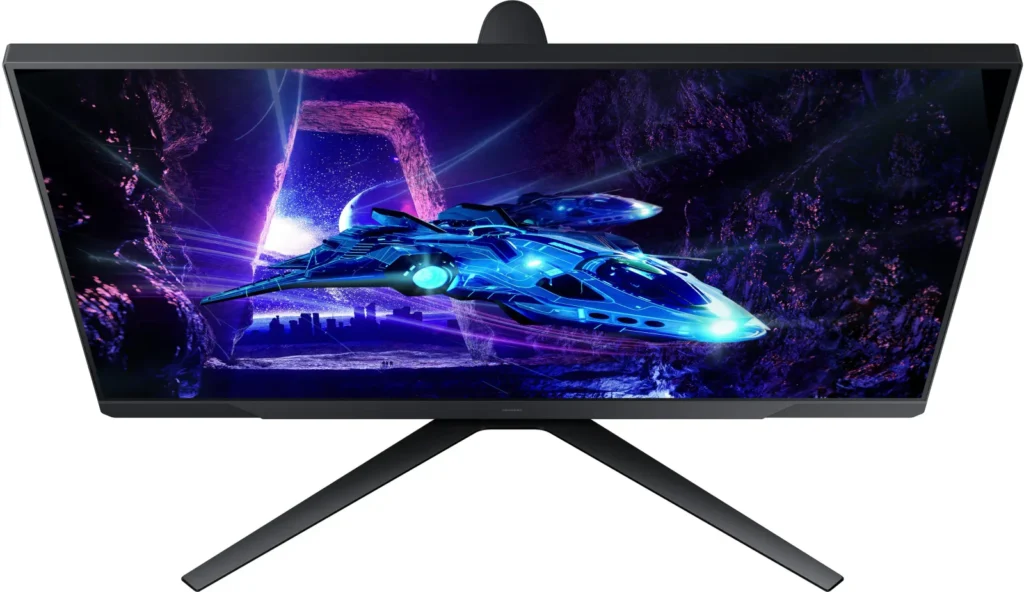
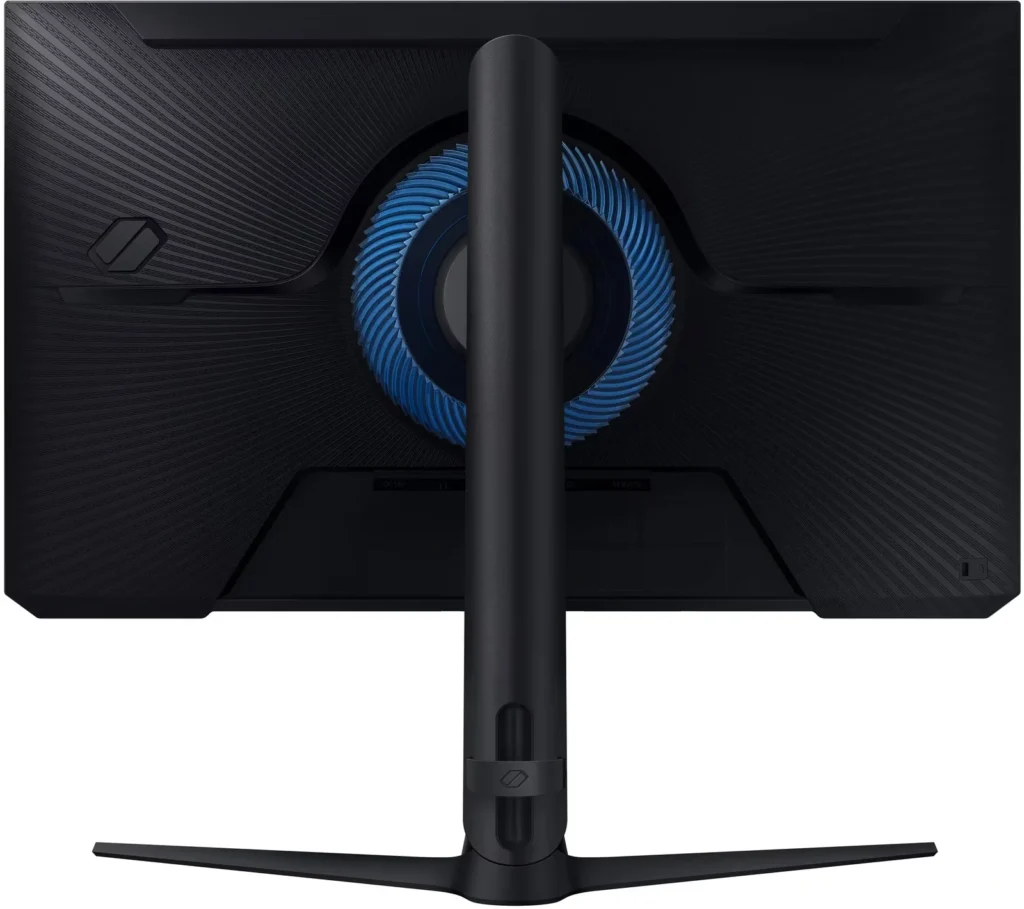
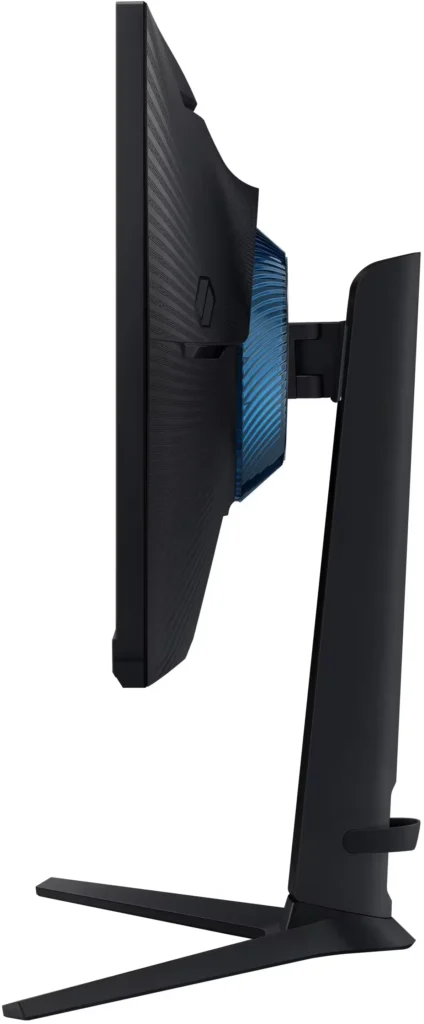
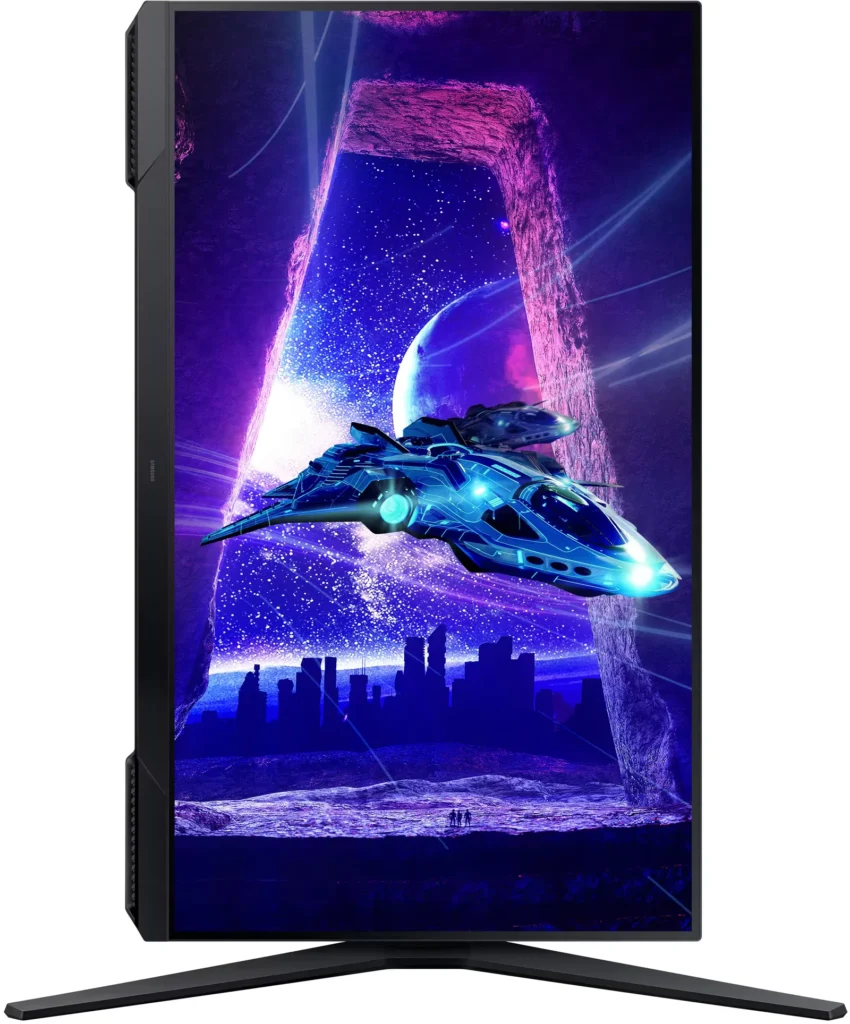
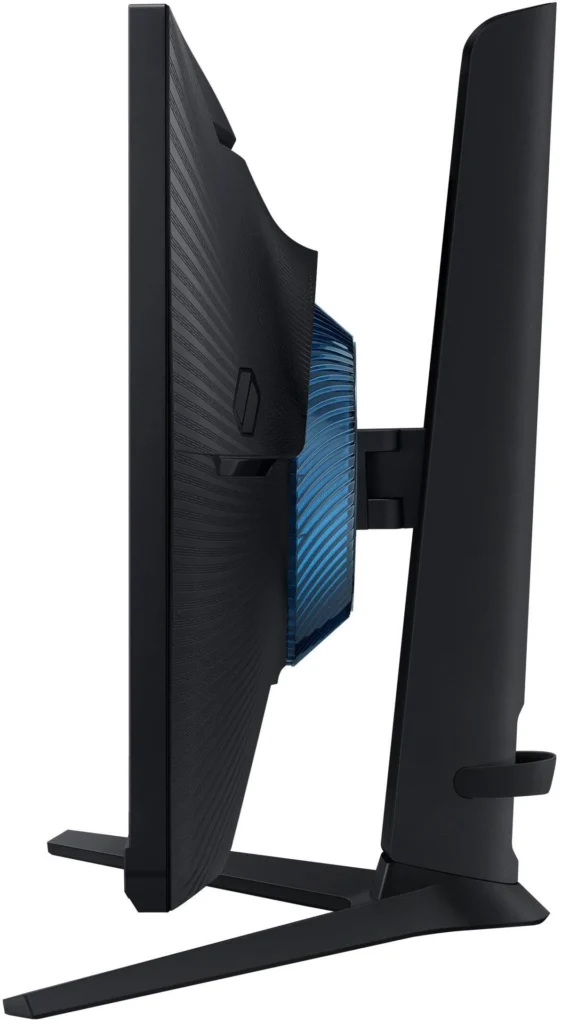
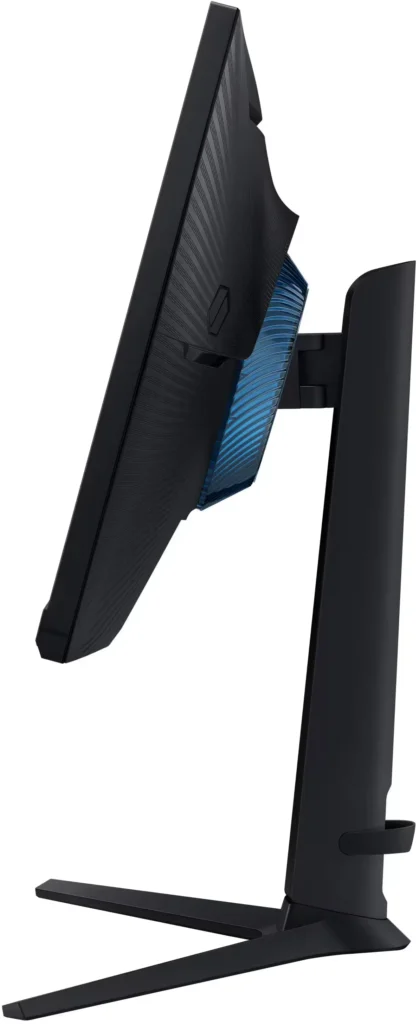
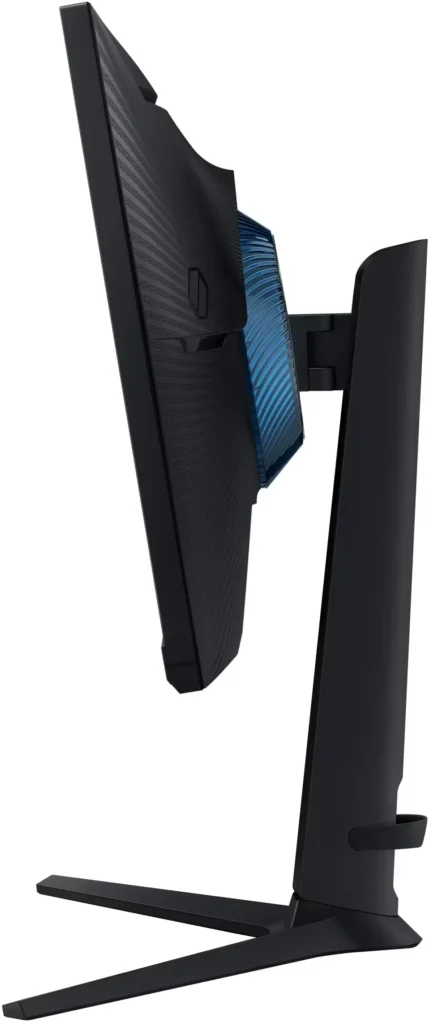
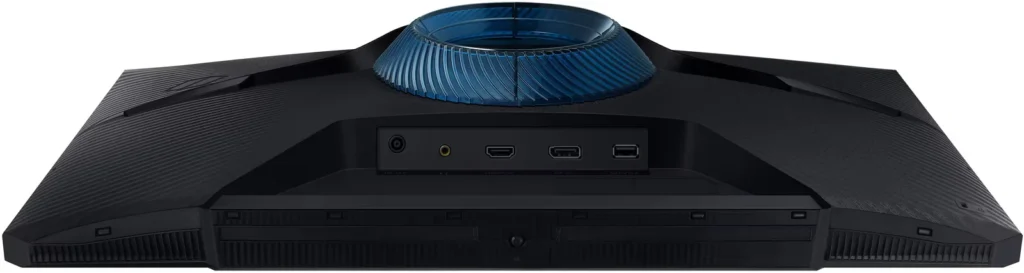
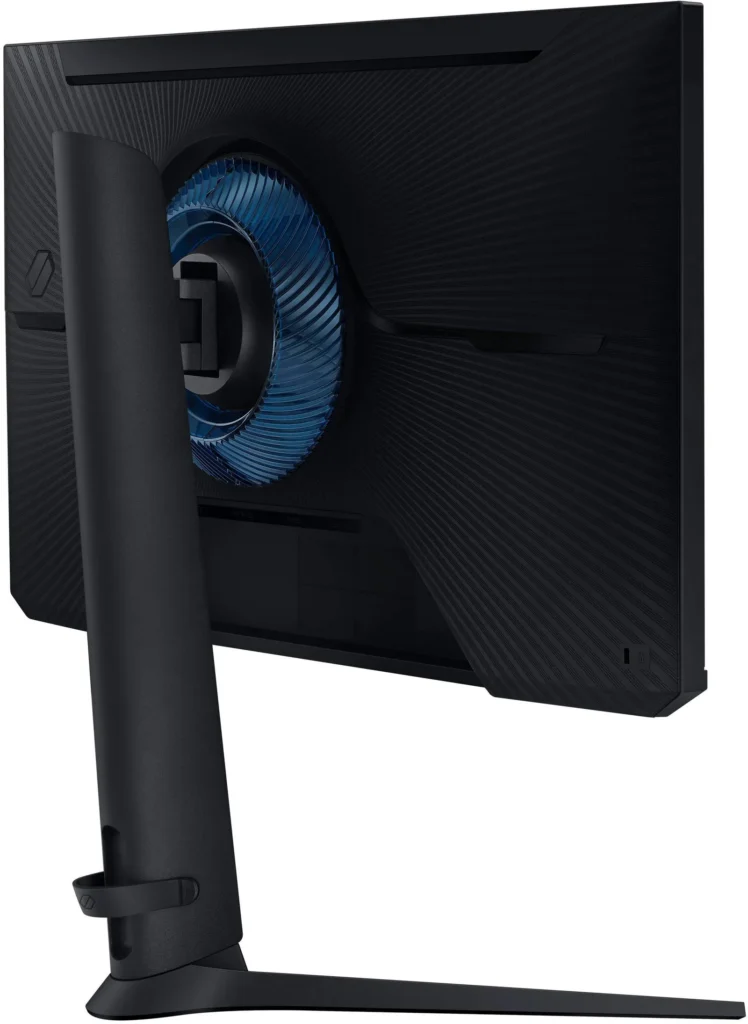
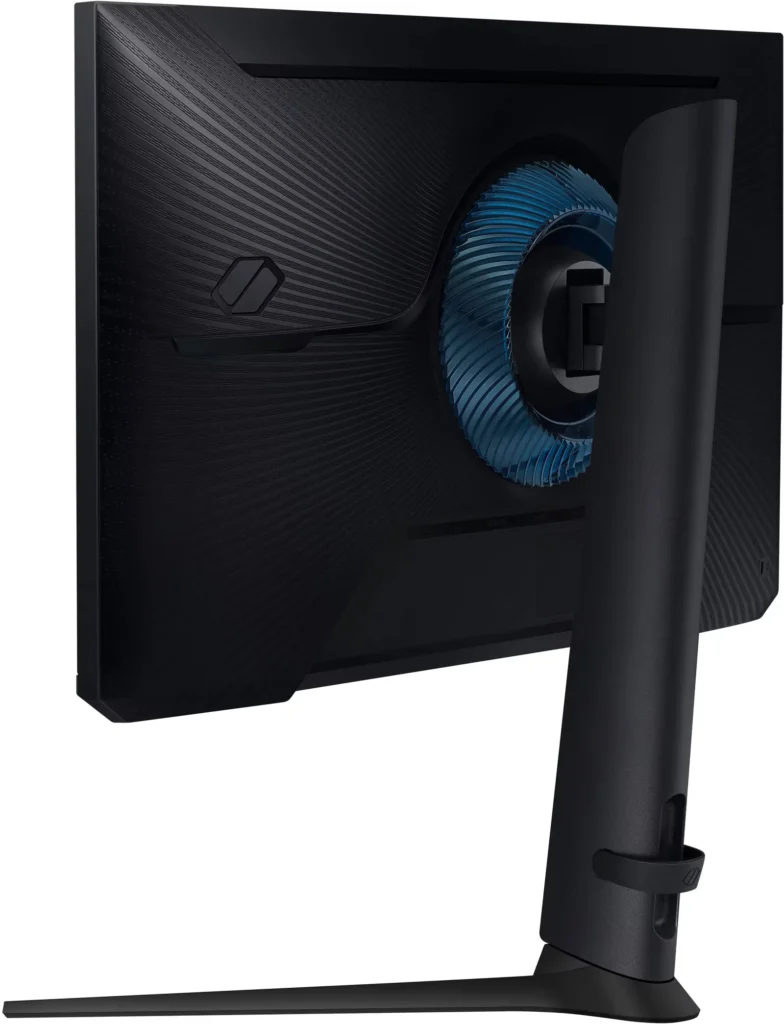
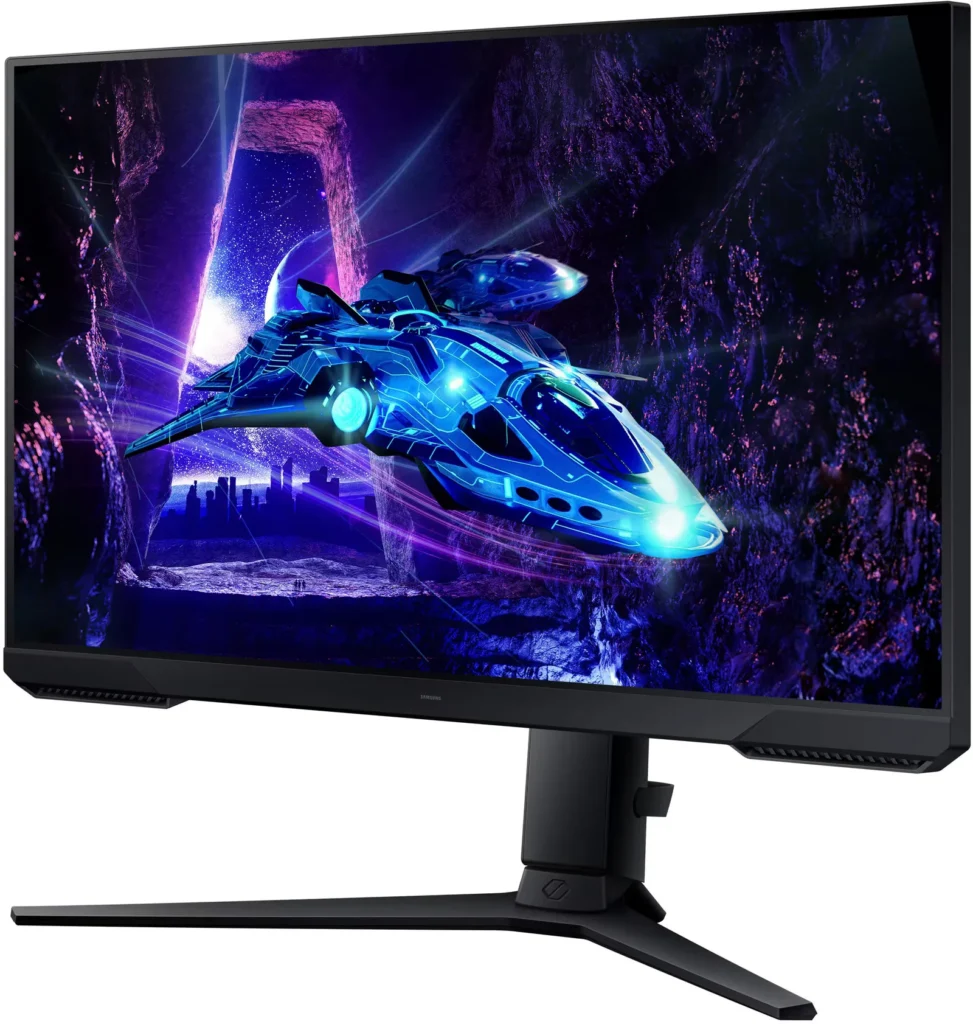
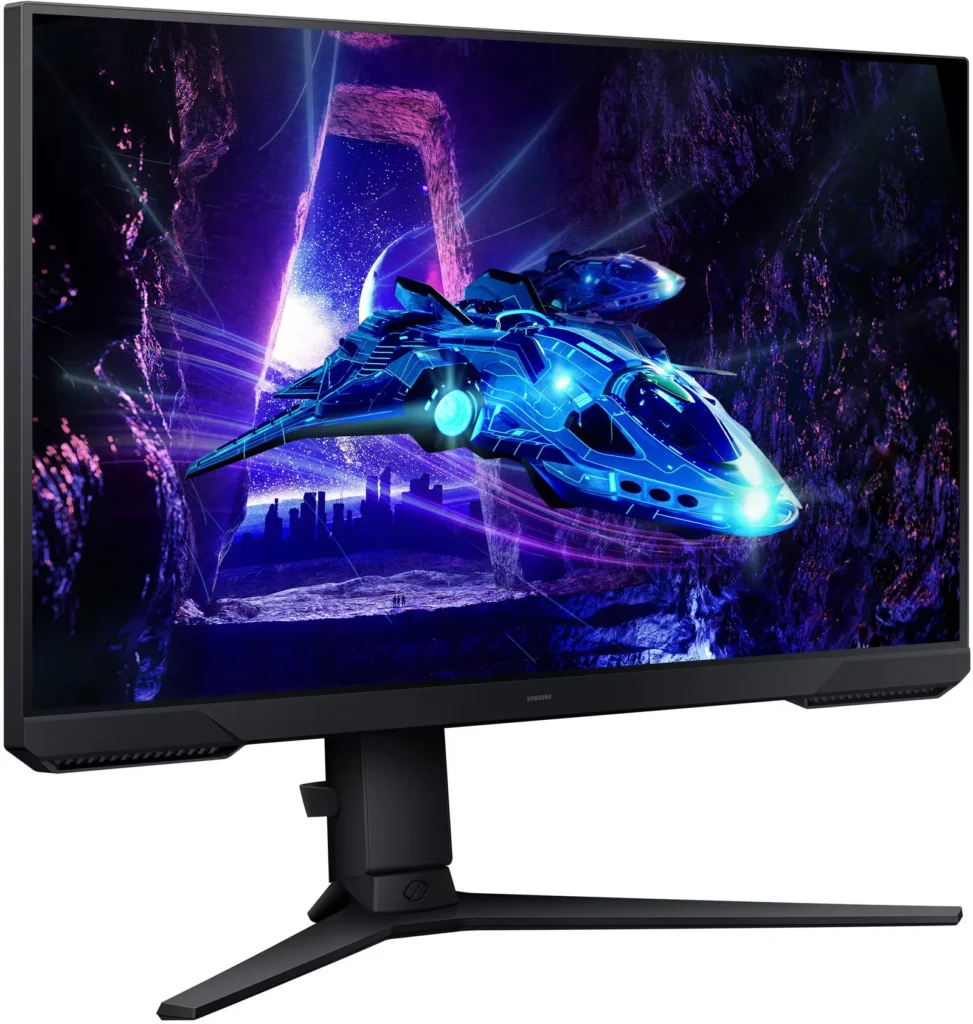
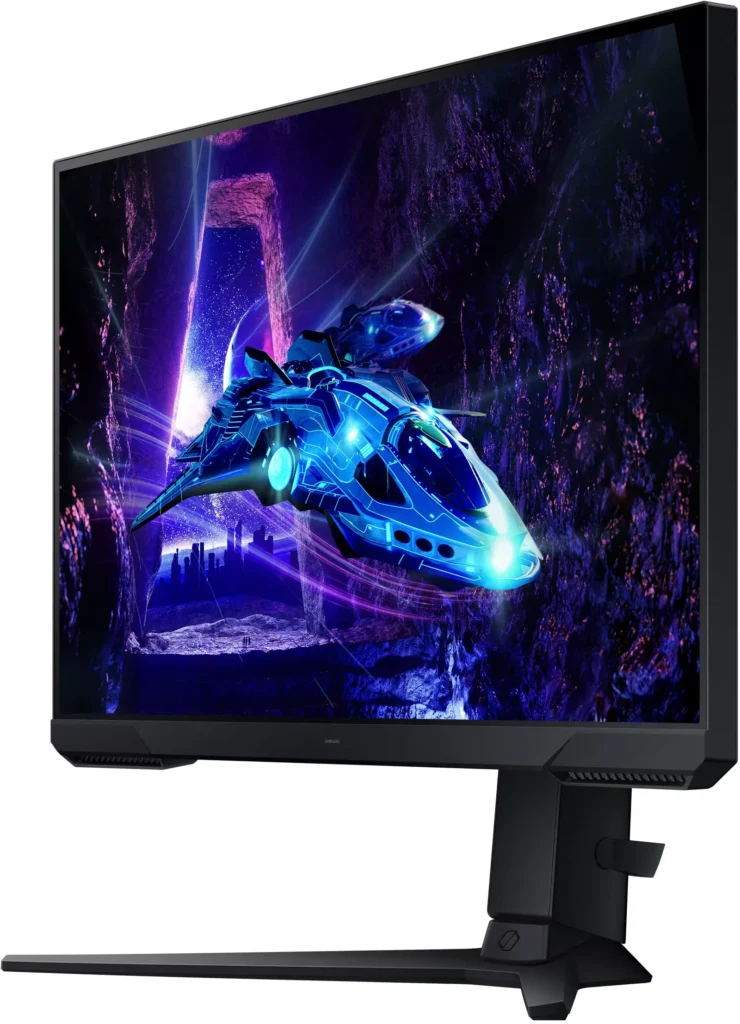
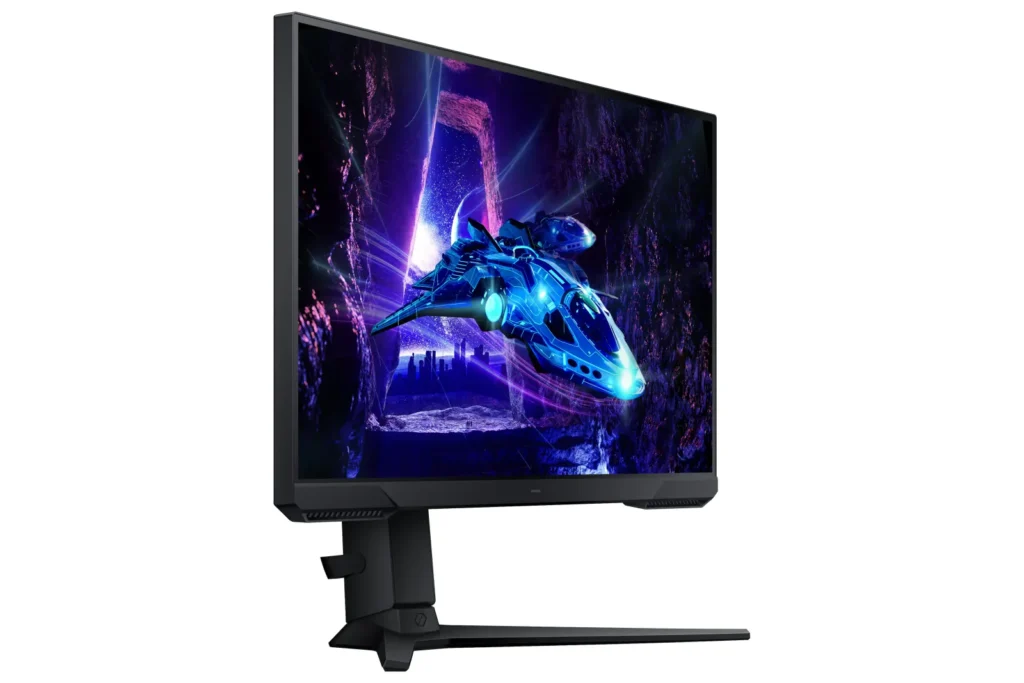
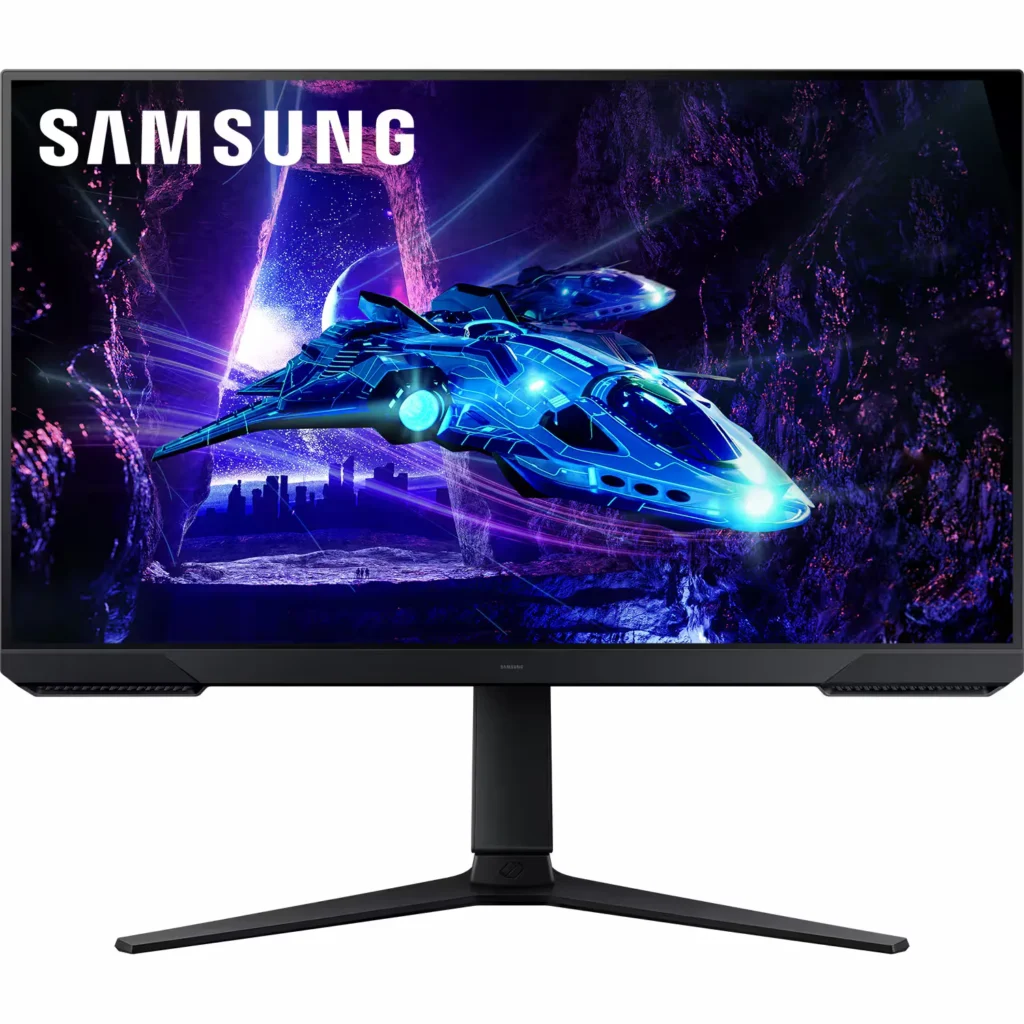
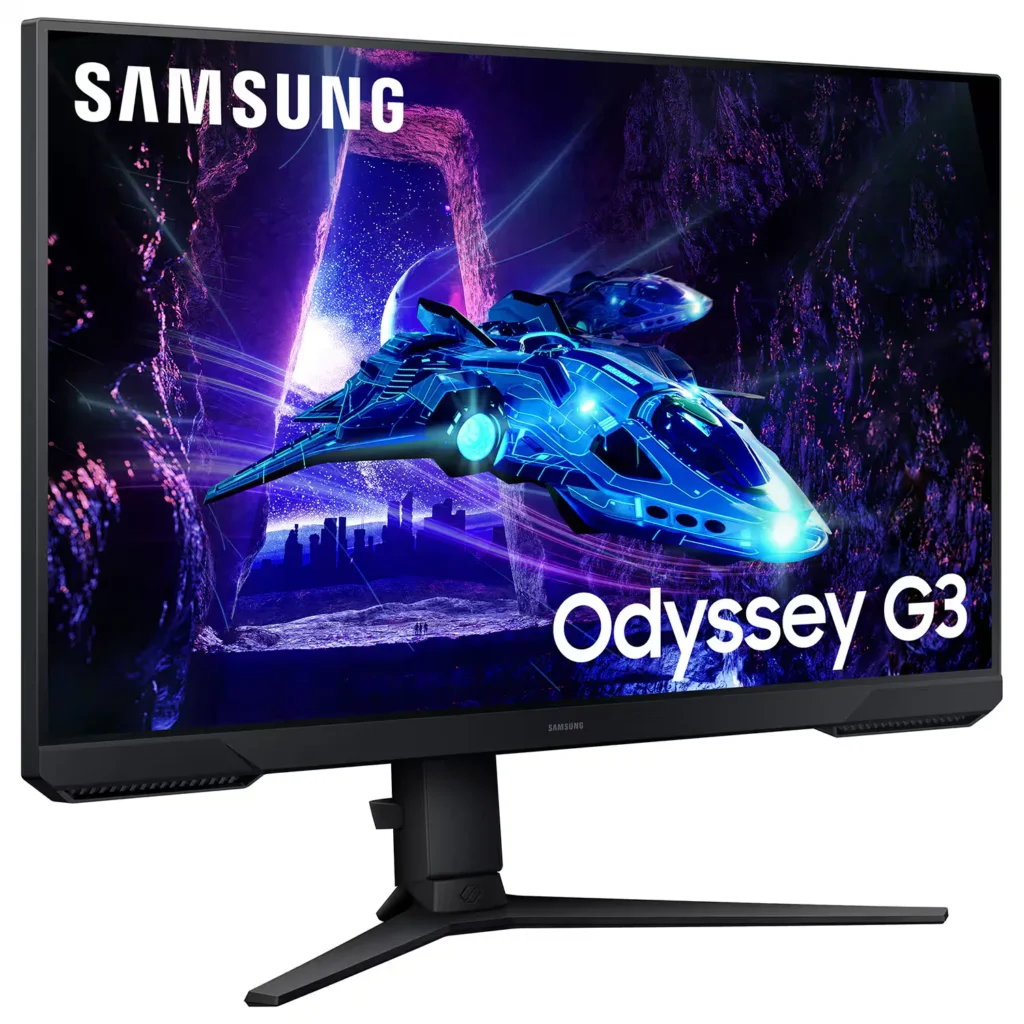
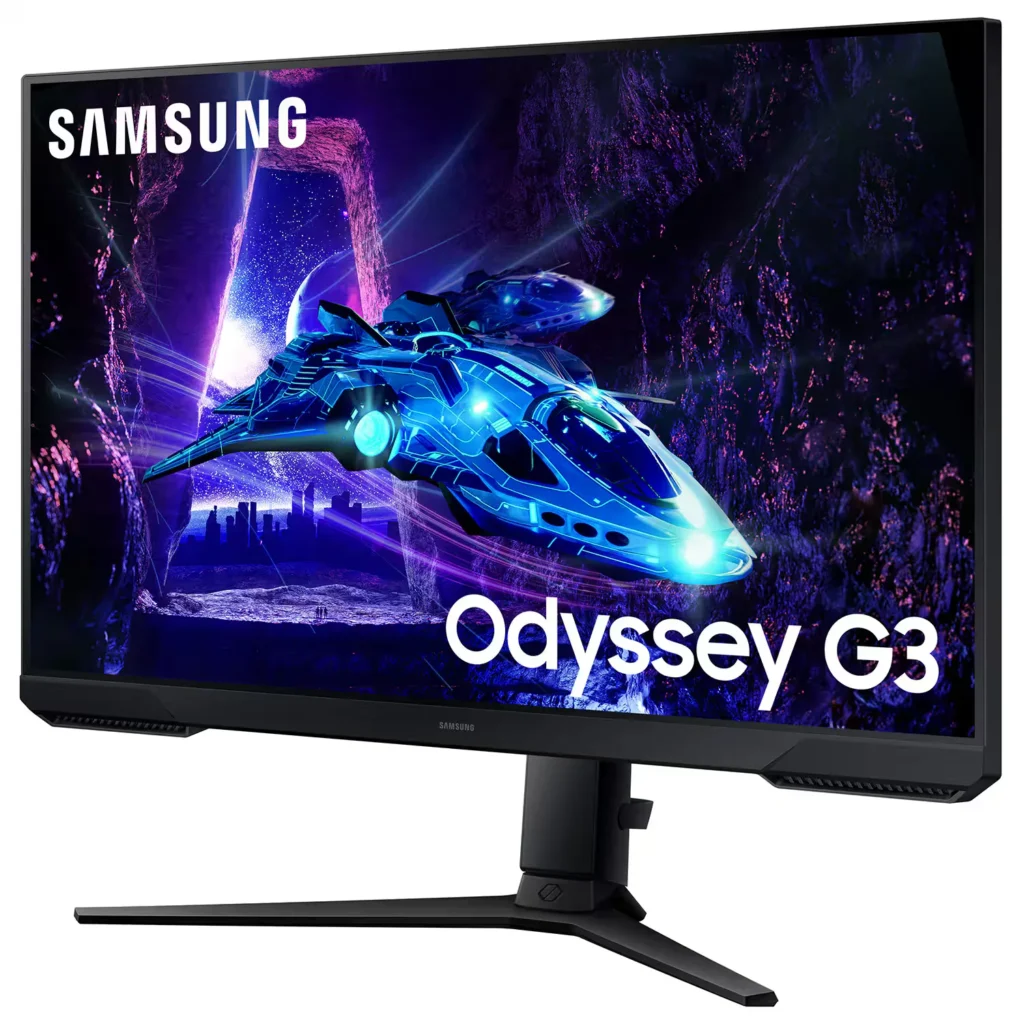
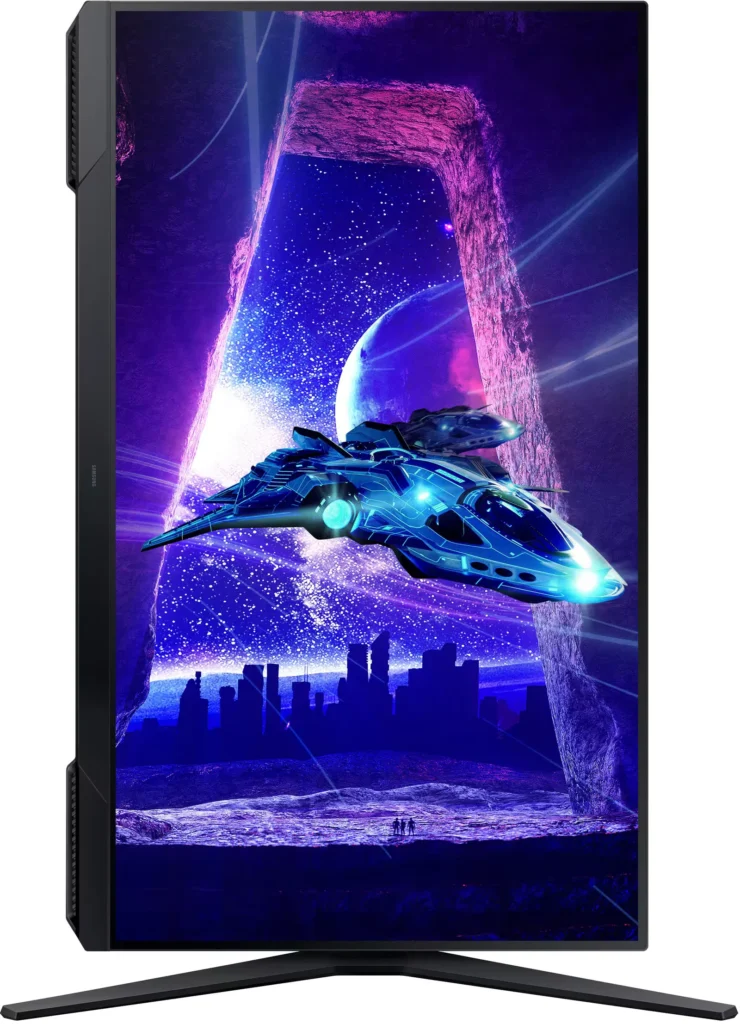
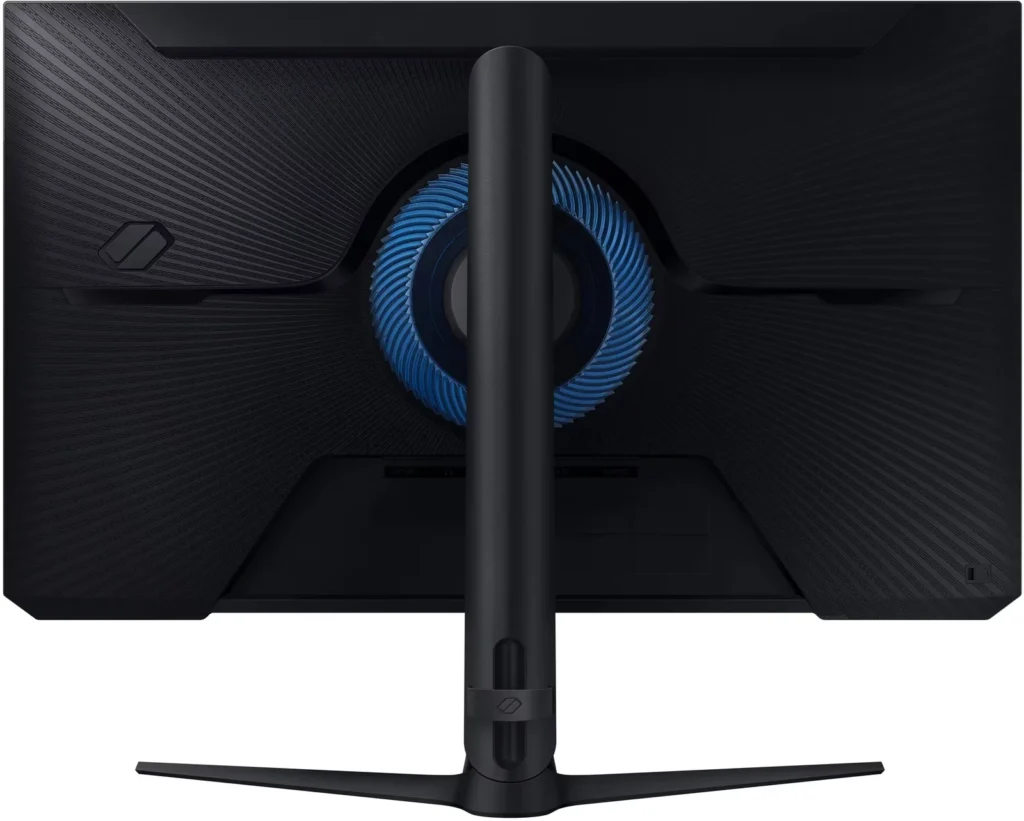
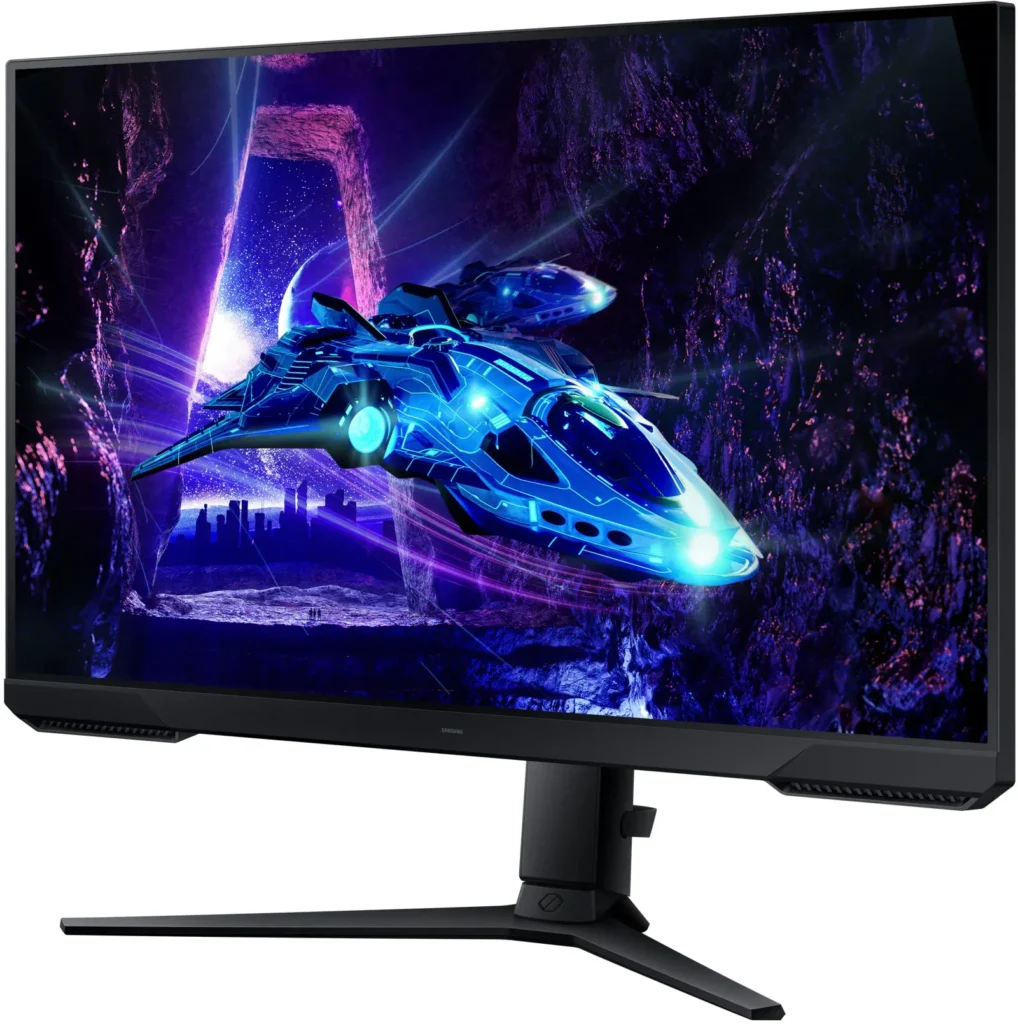
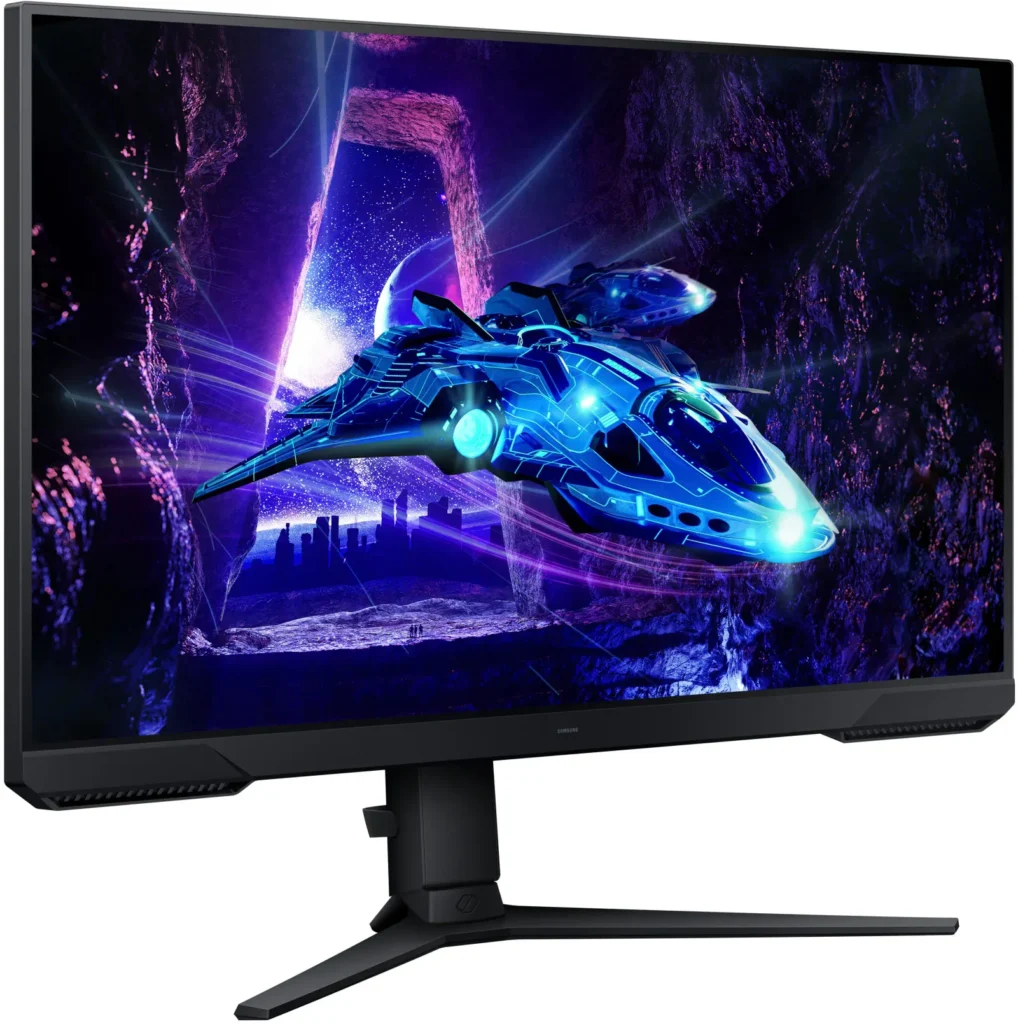
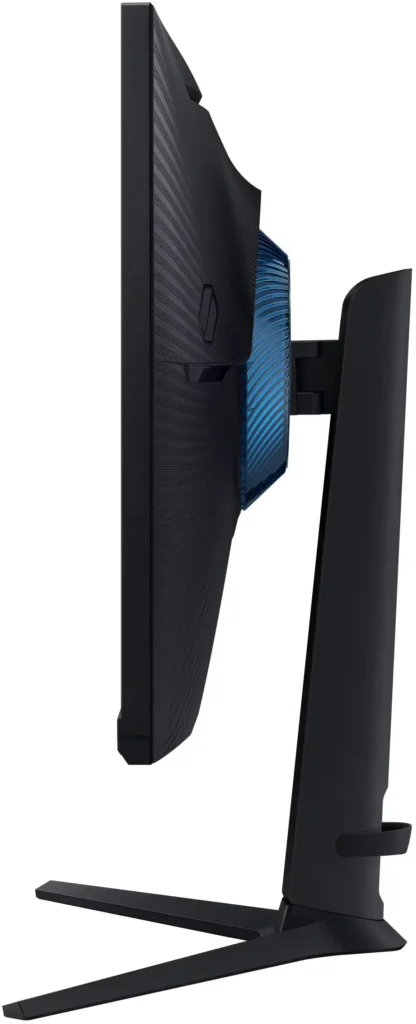
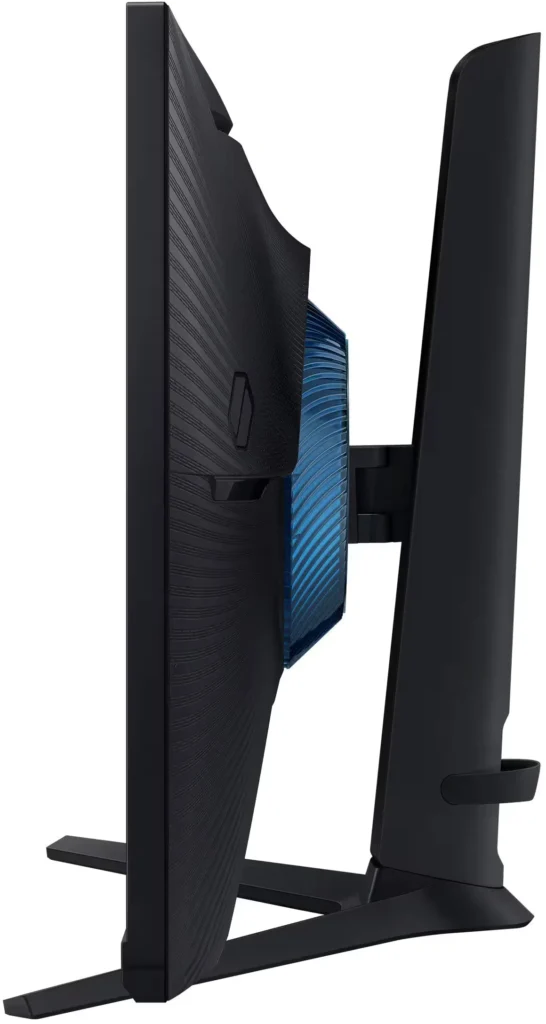
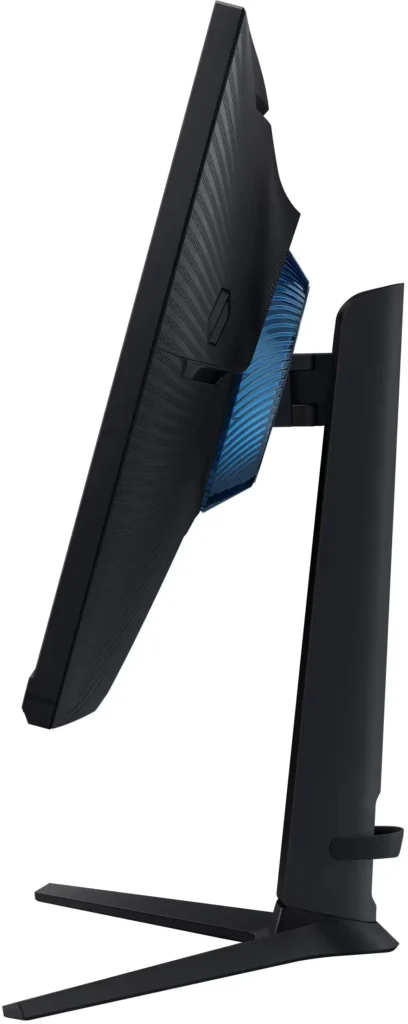
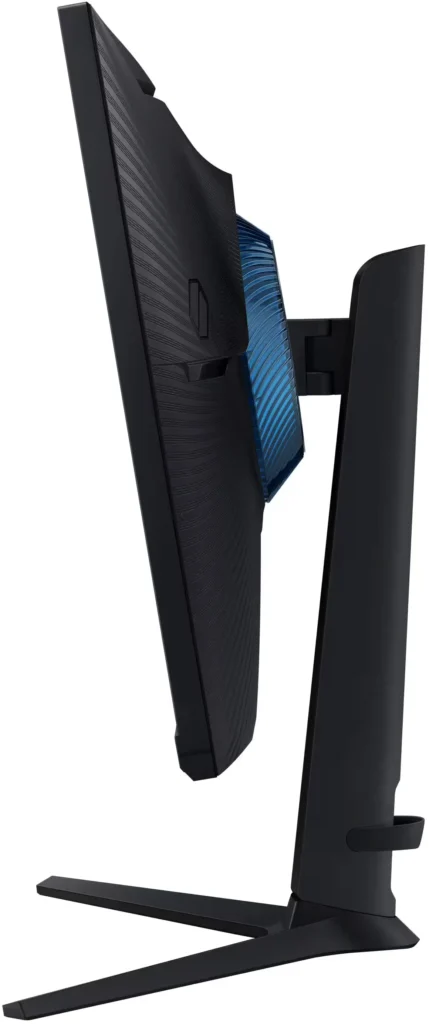
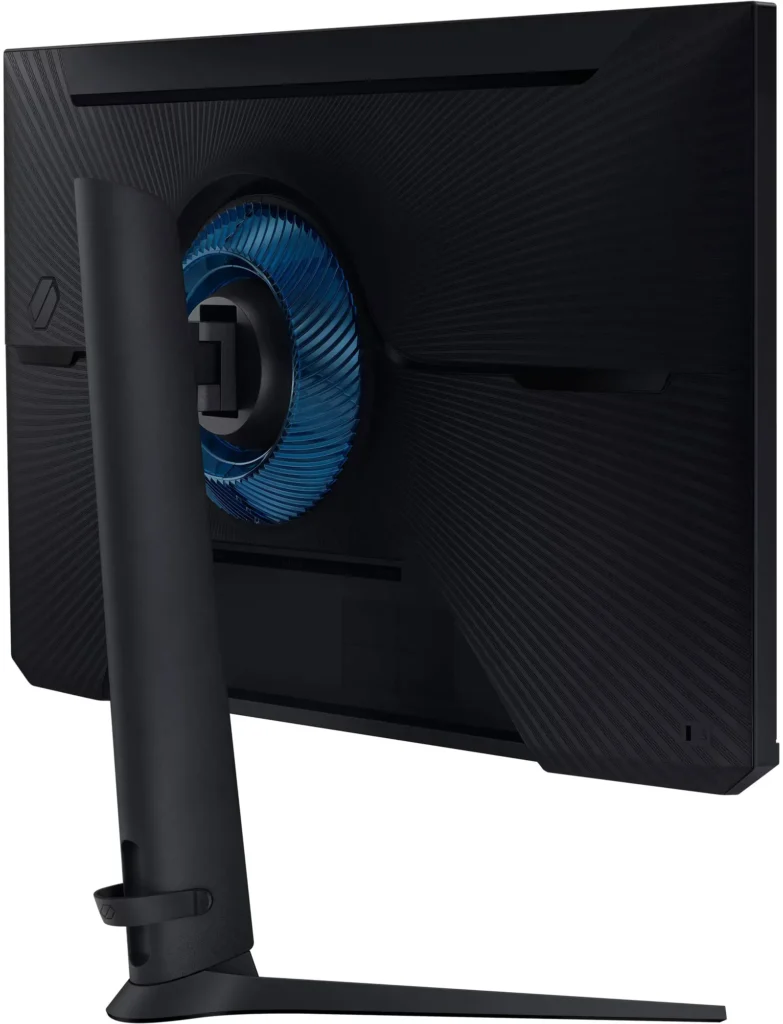
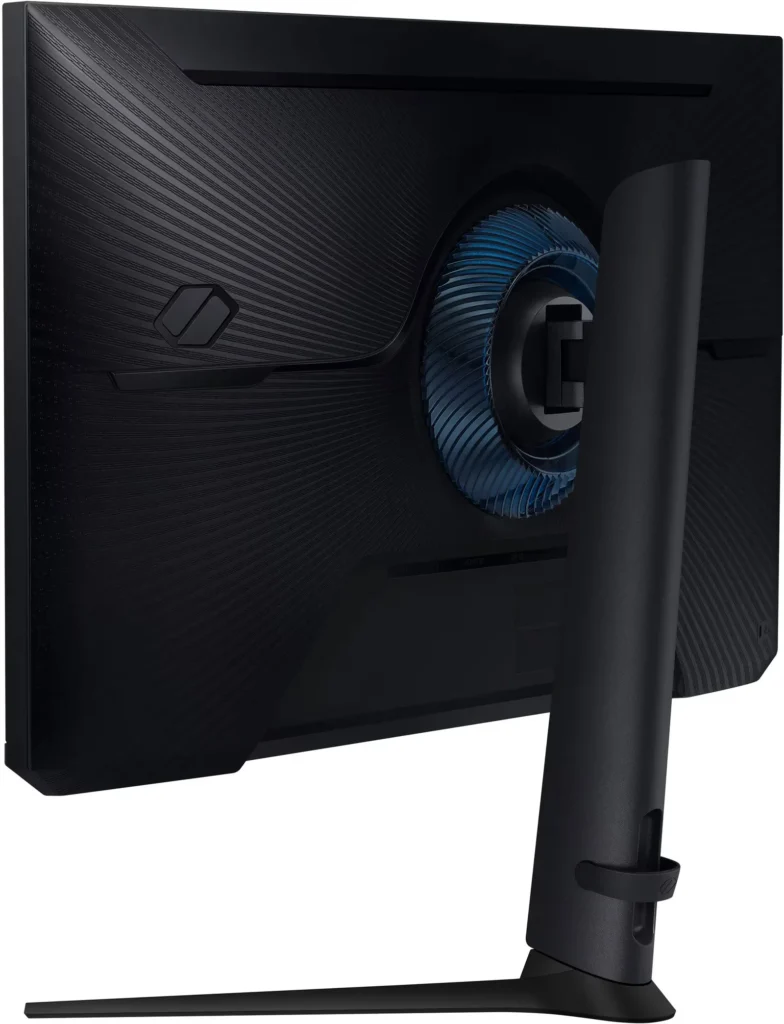
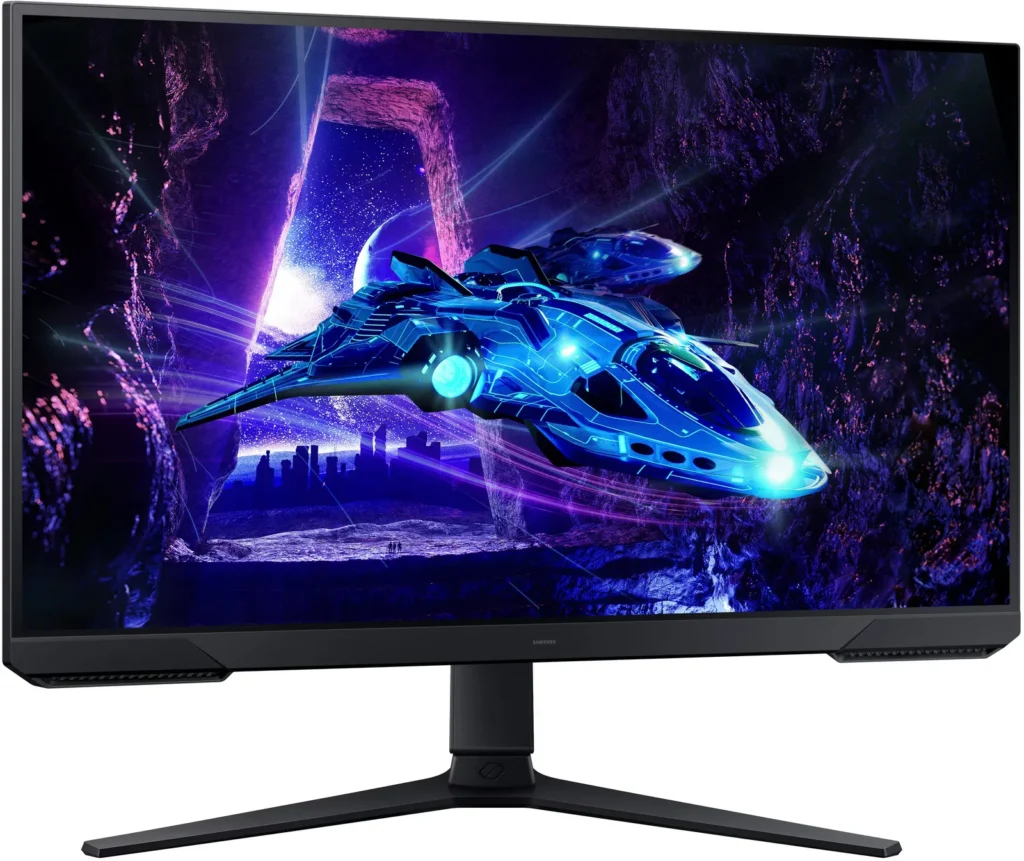
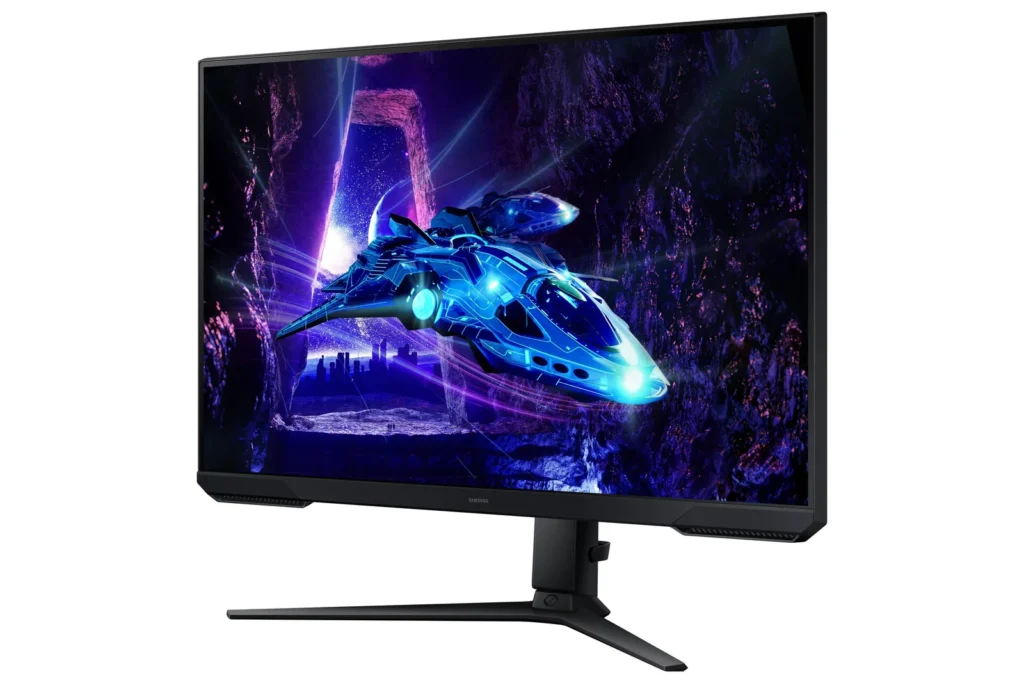
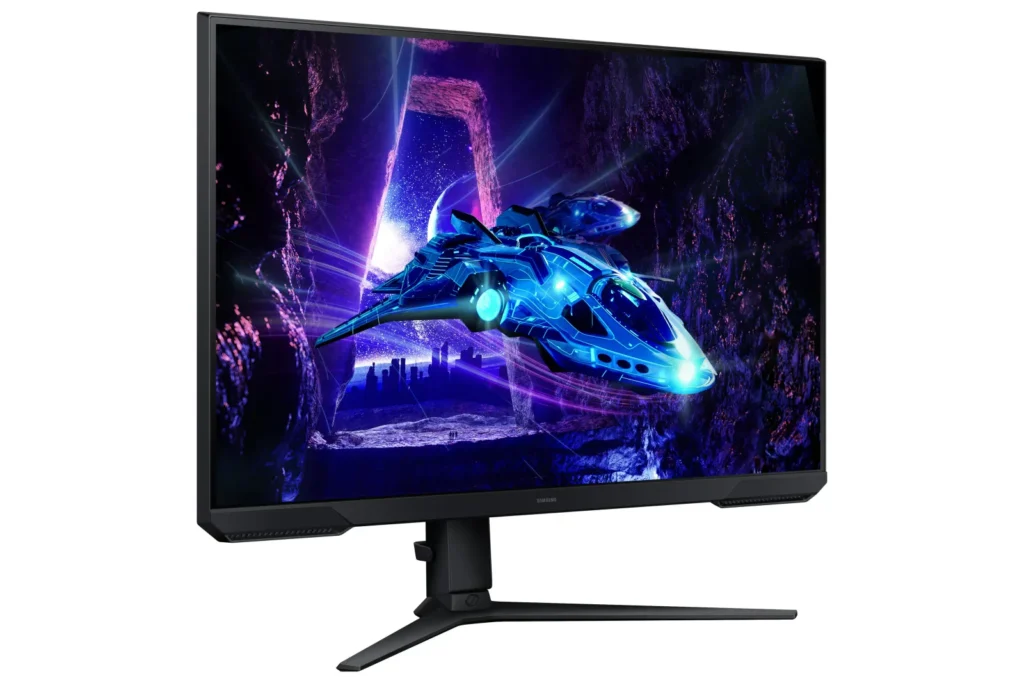
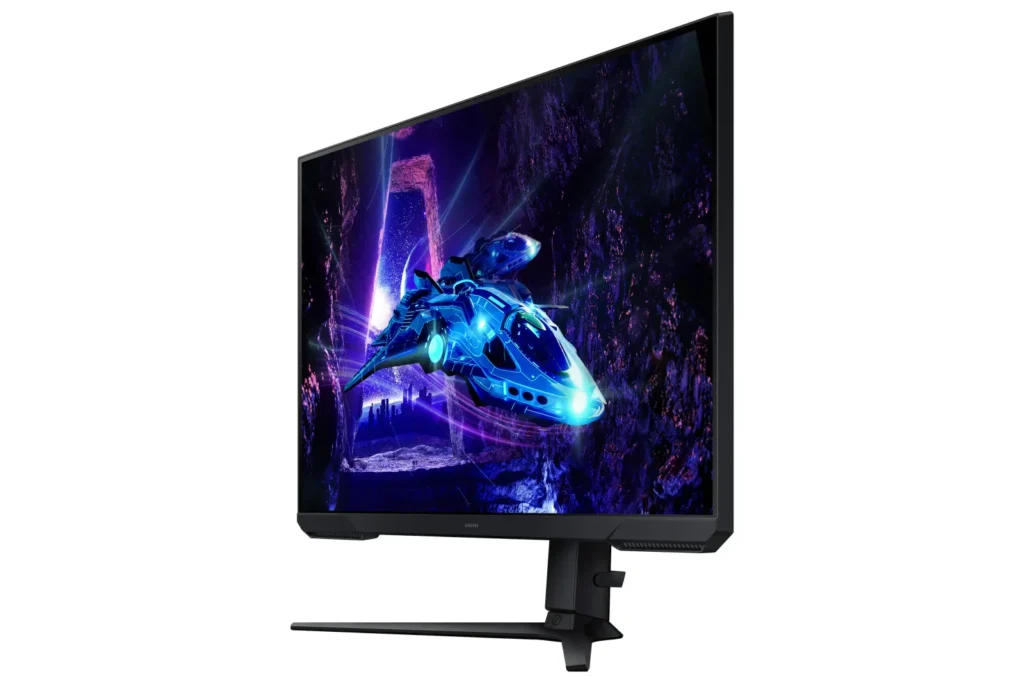
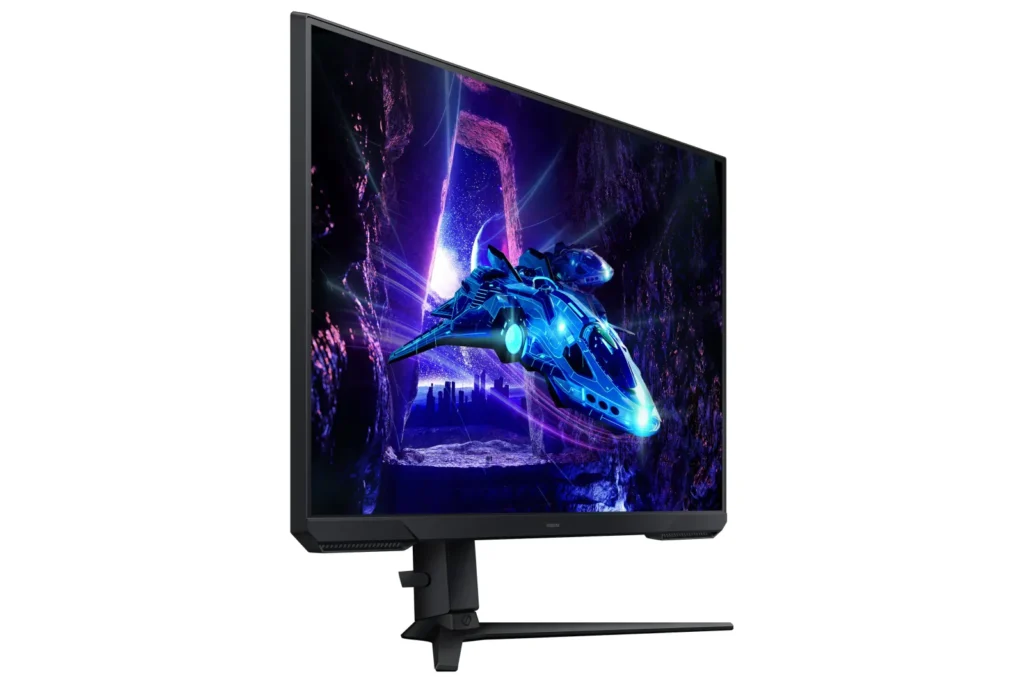
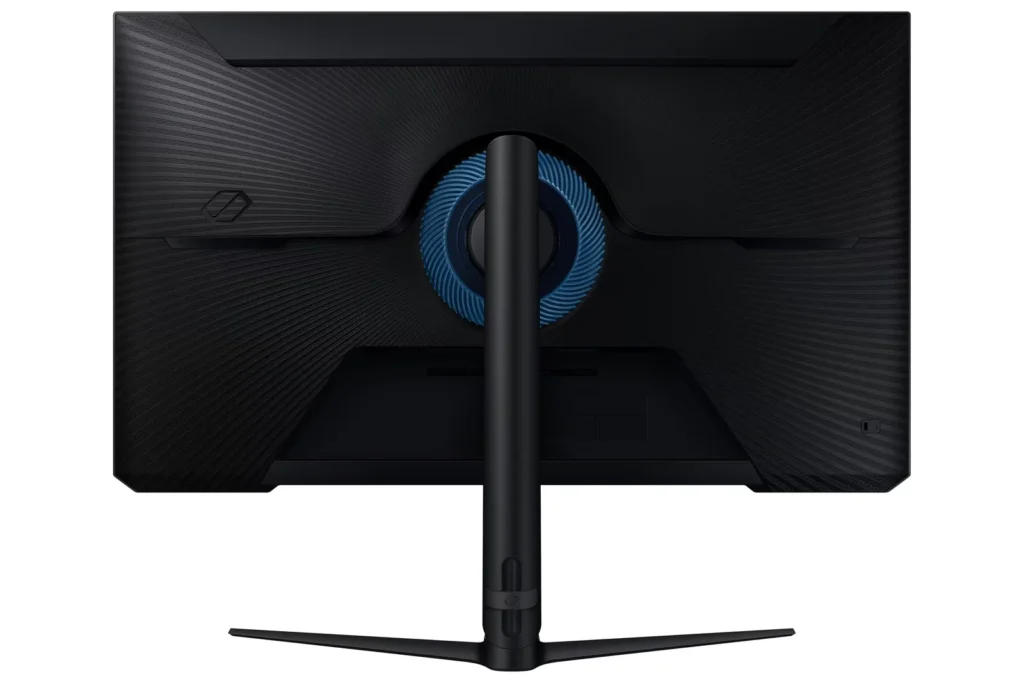
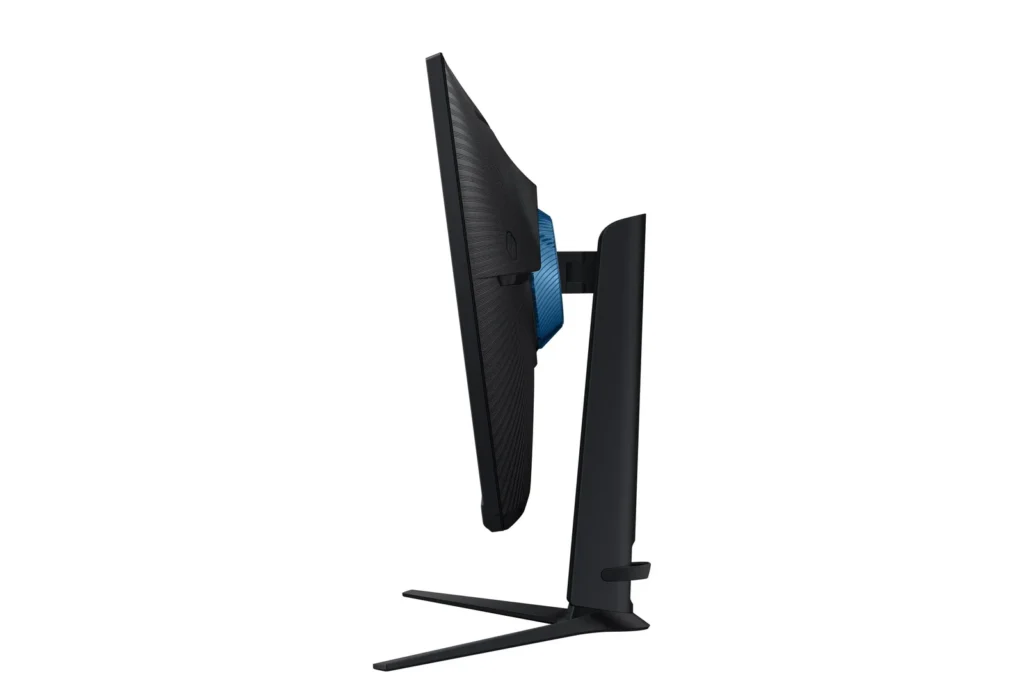
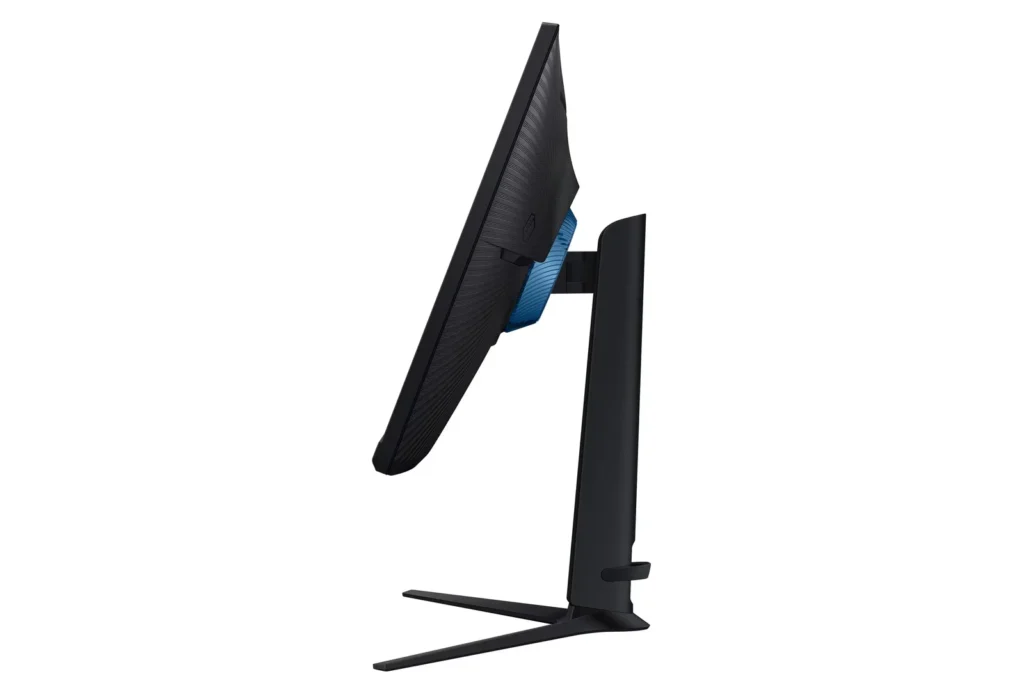
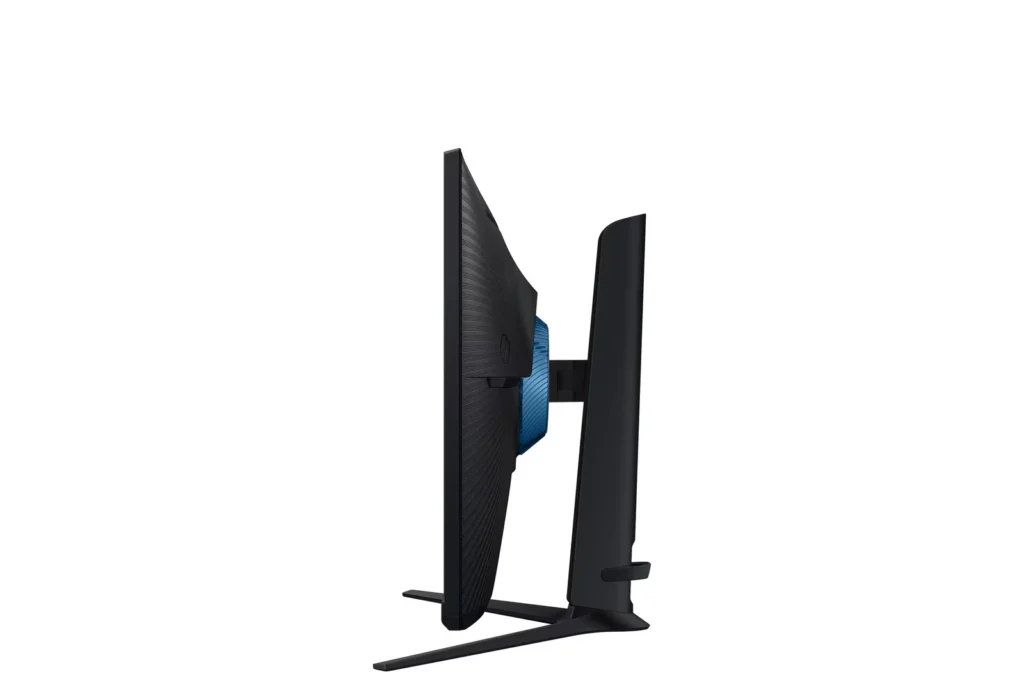
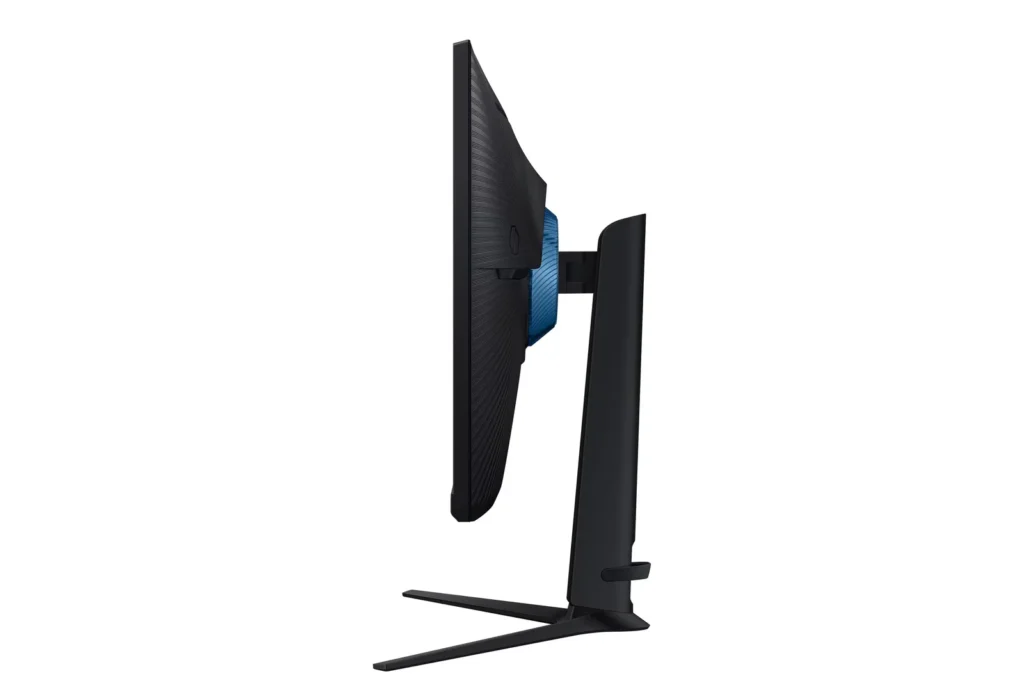
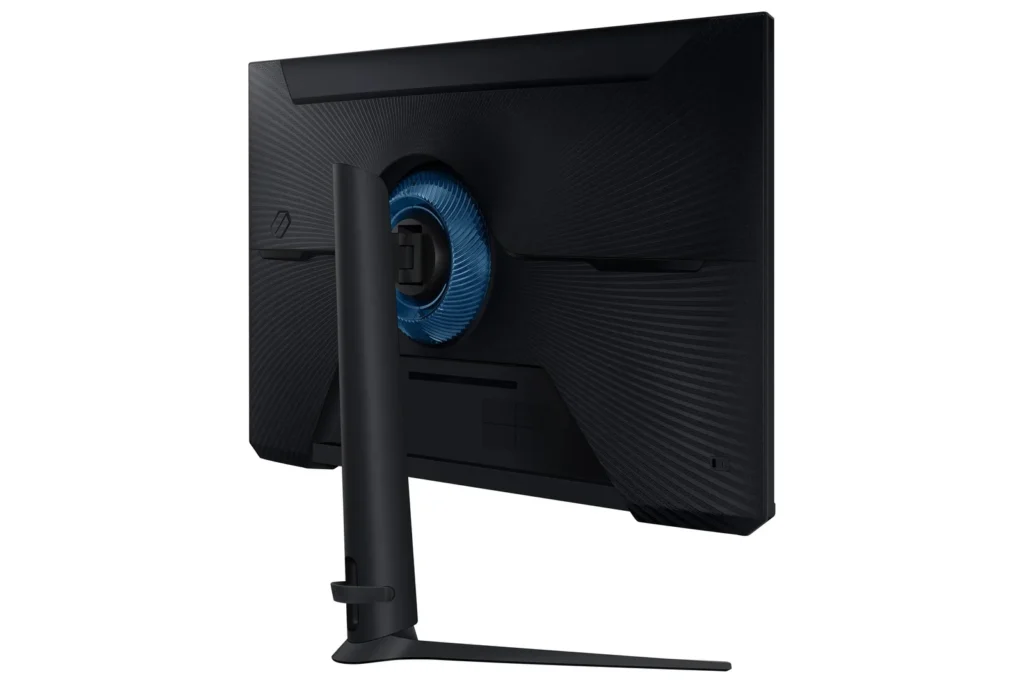
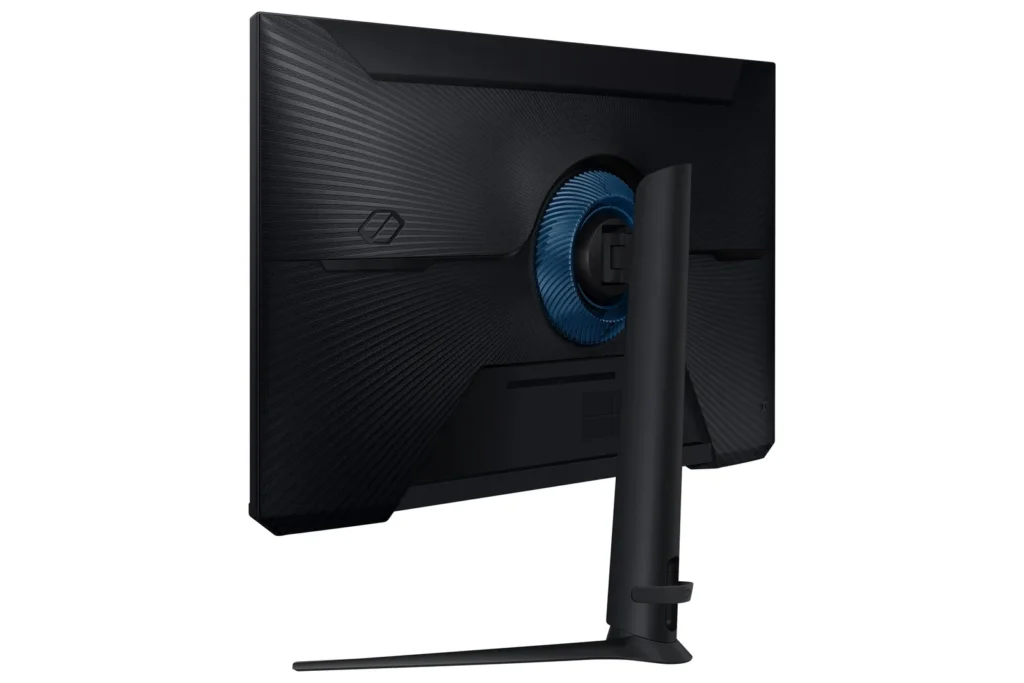
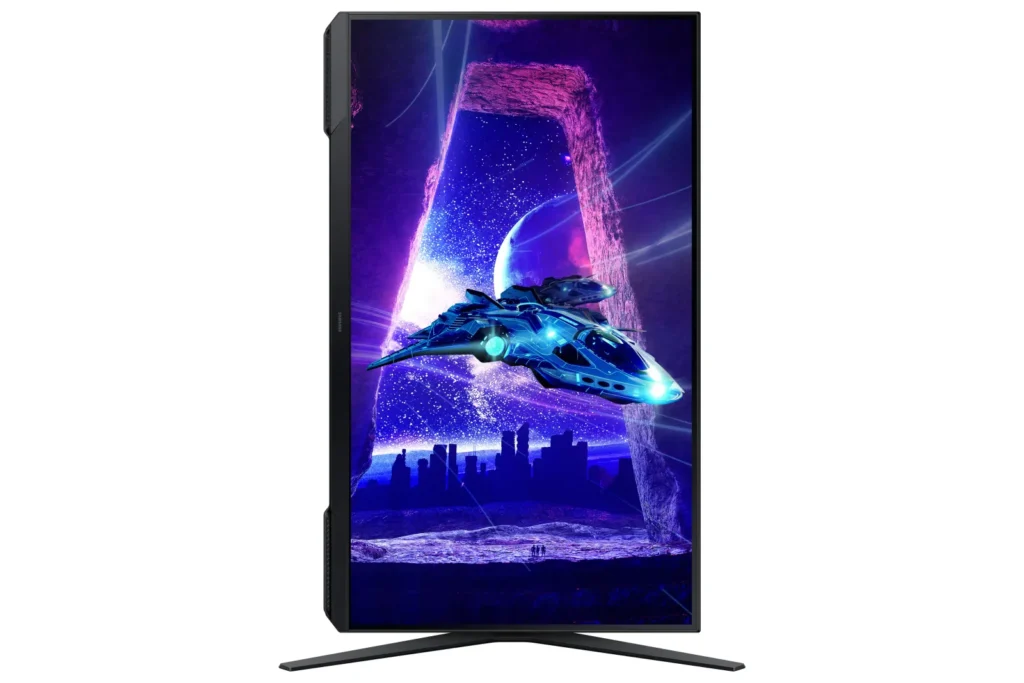
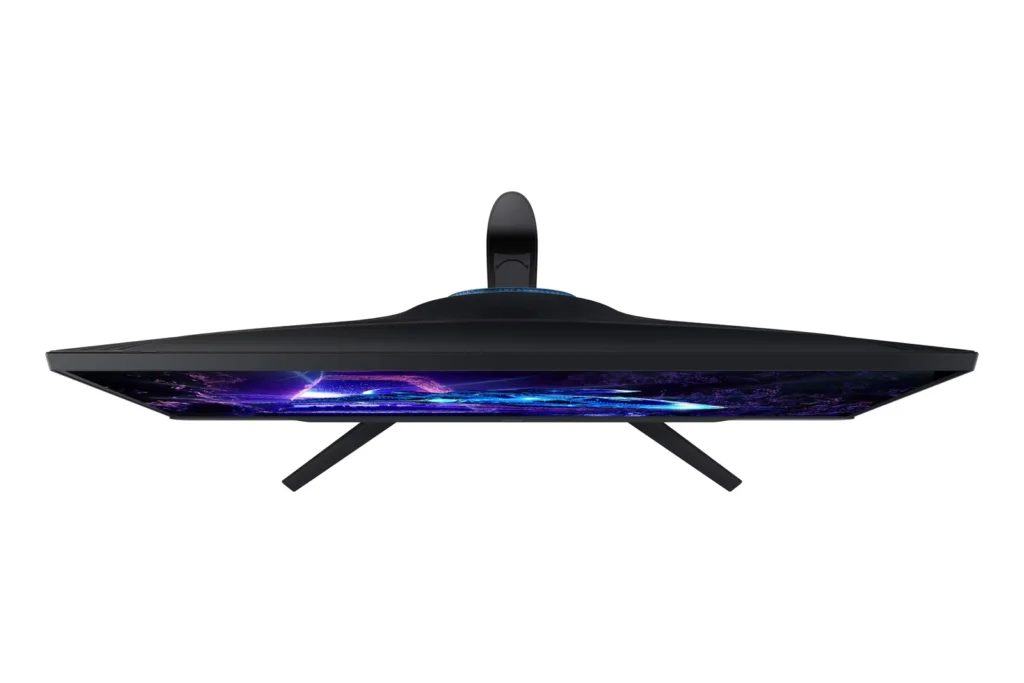
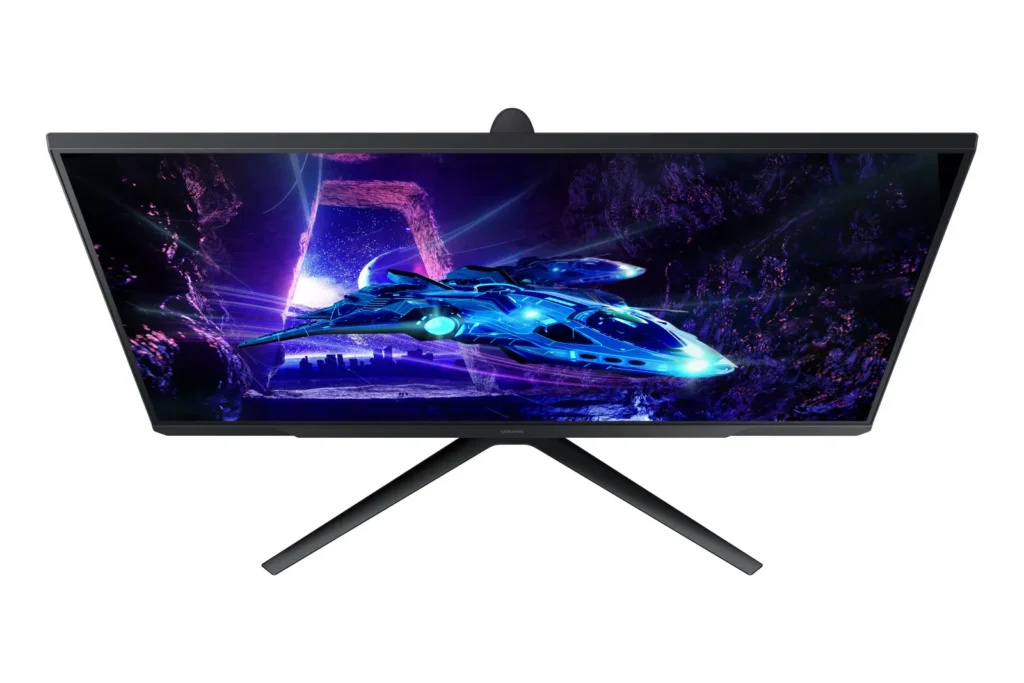
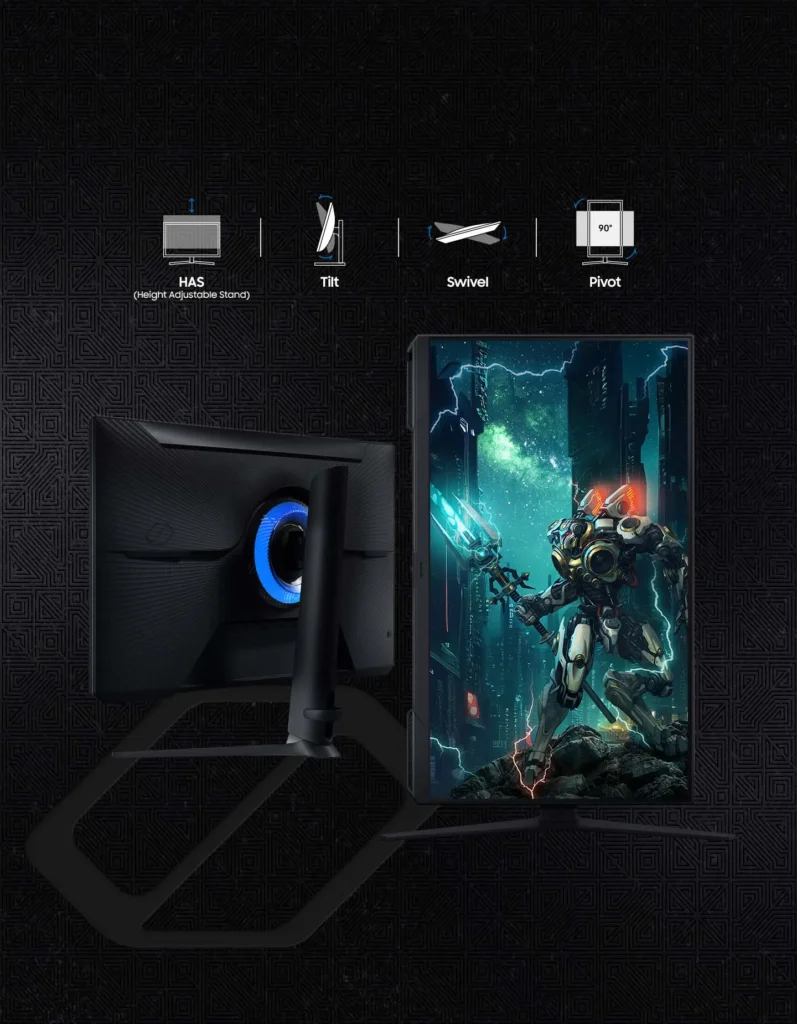
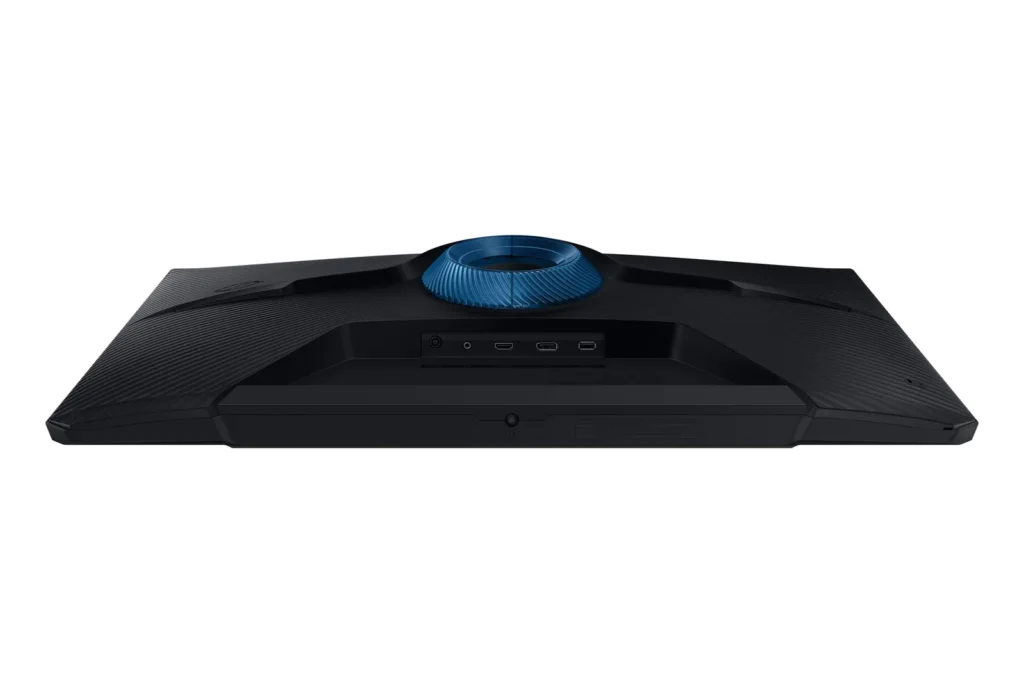
| Fully Ergonomic Stand | Find your perfect viewing angle with a versatile stand that allows you to swivel, tilt, pivot, and adjust the height, providing maximum comfort for extended gaming sessions. |
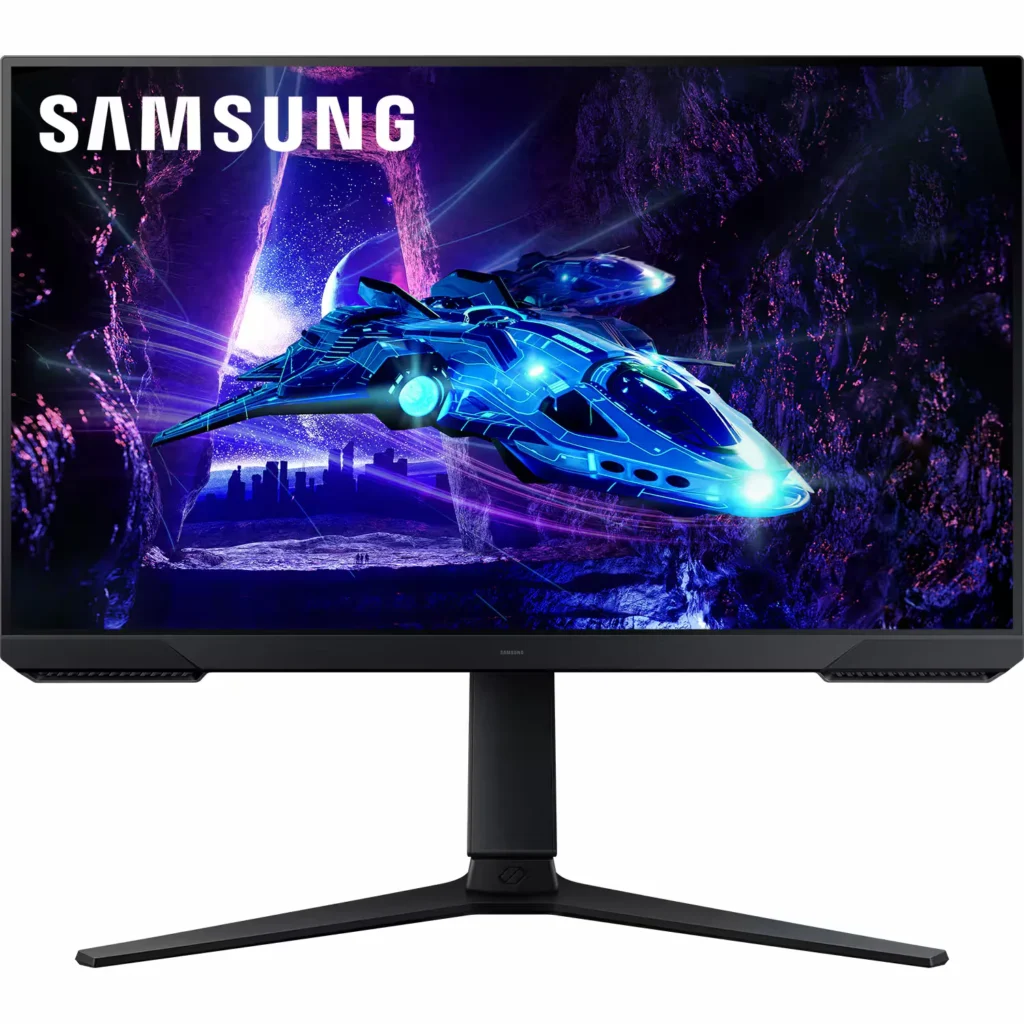
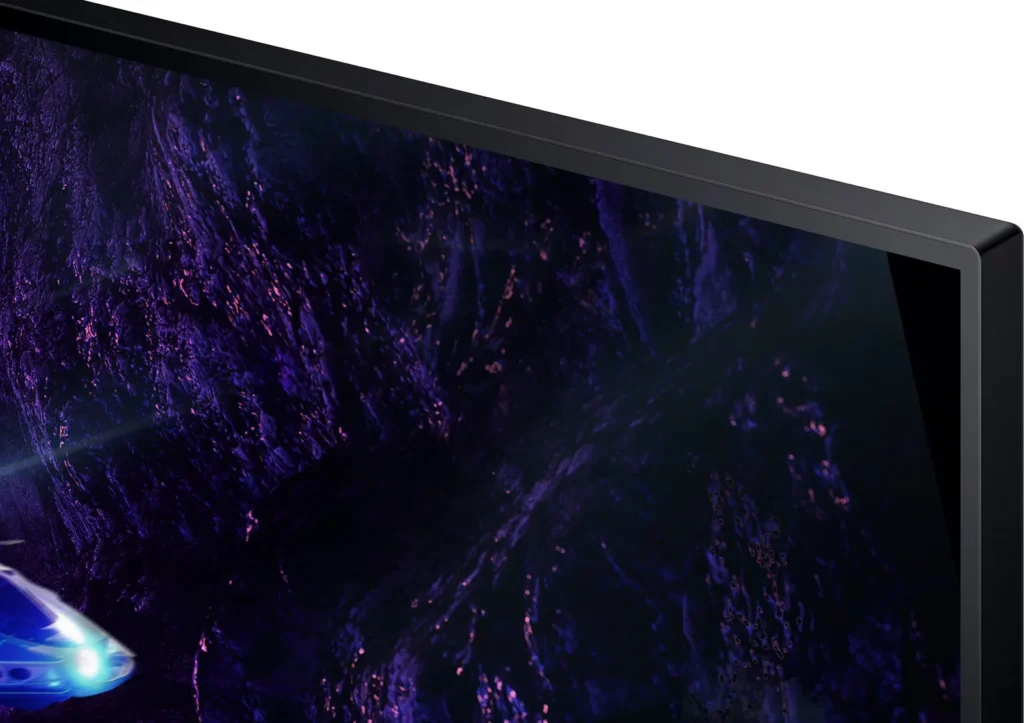
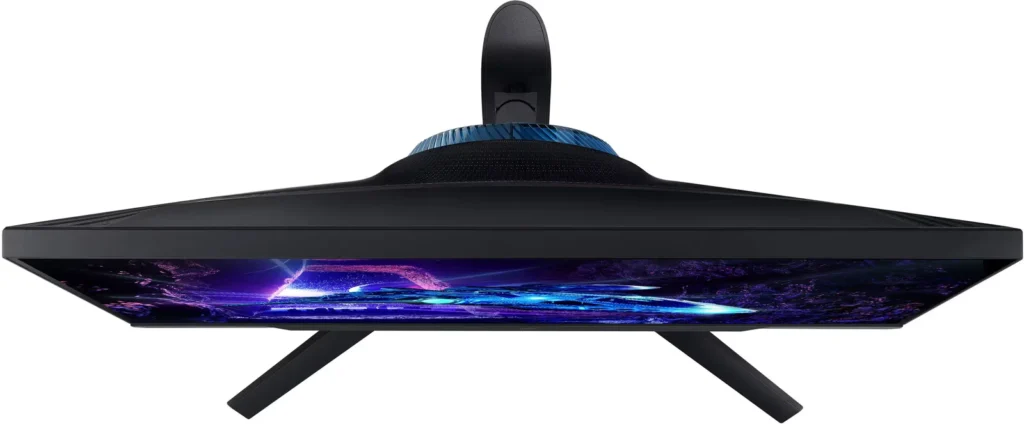
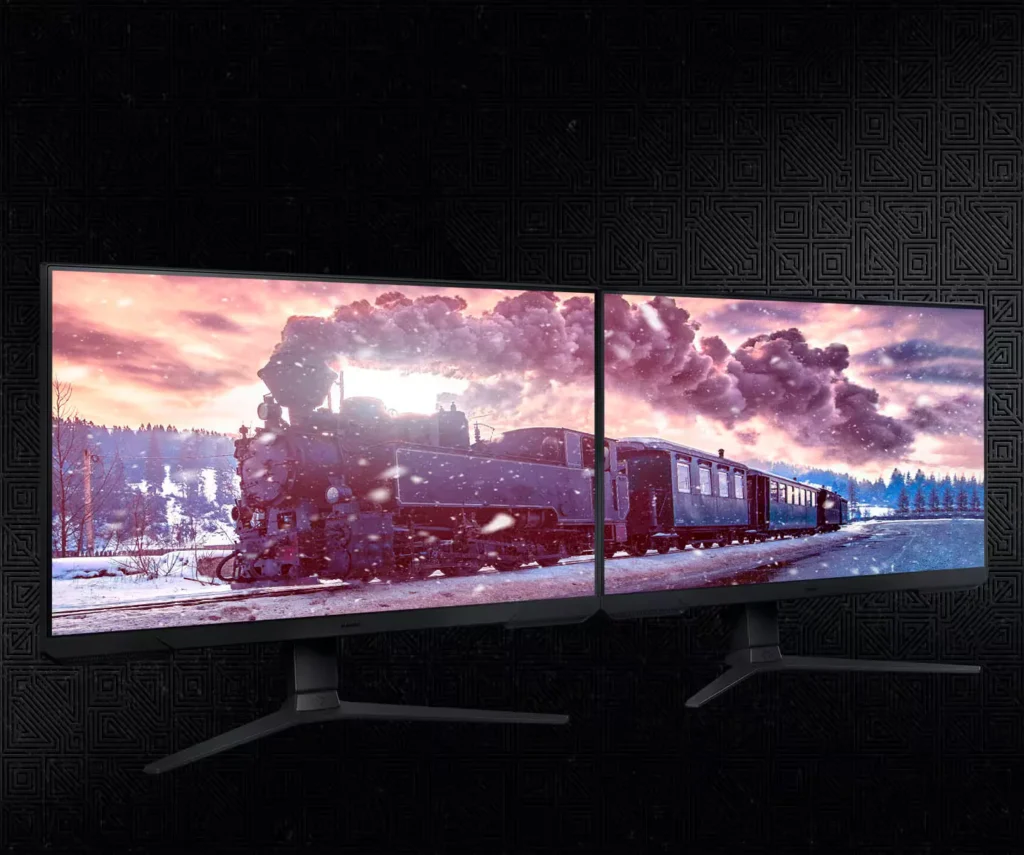
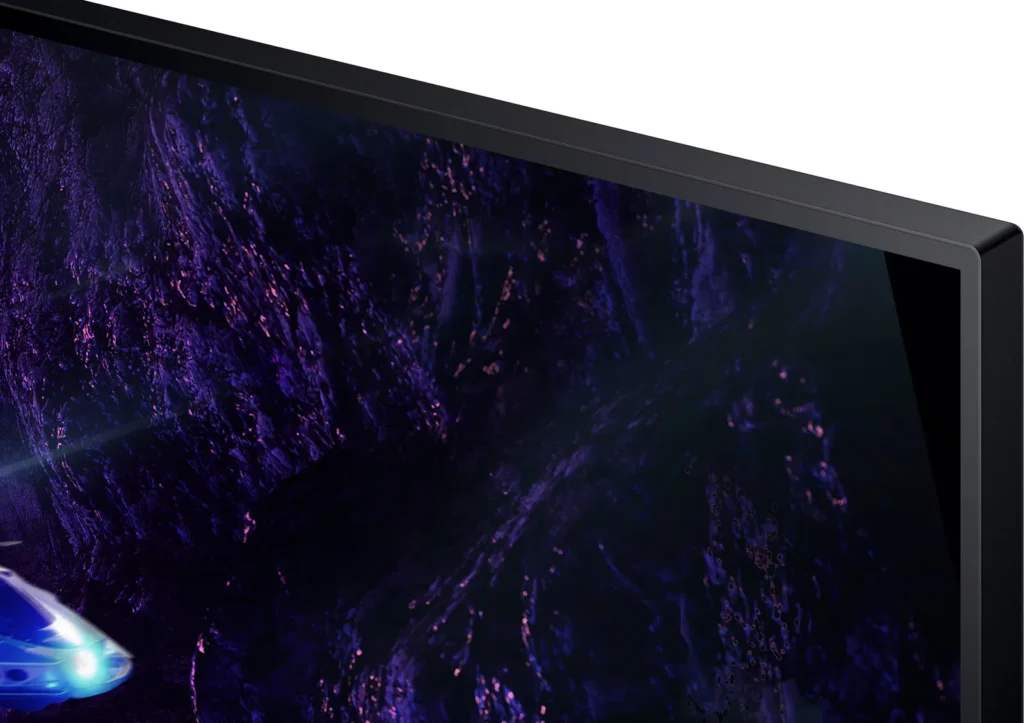
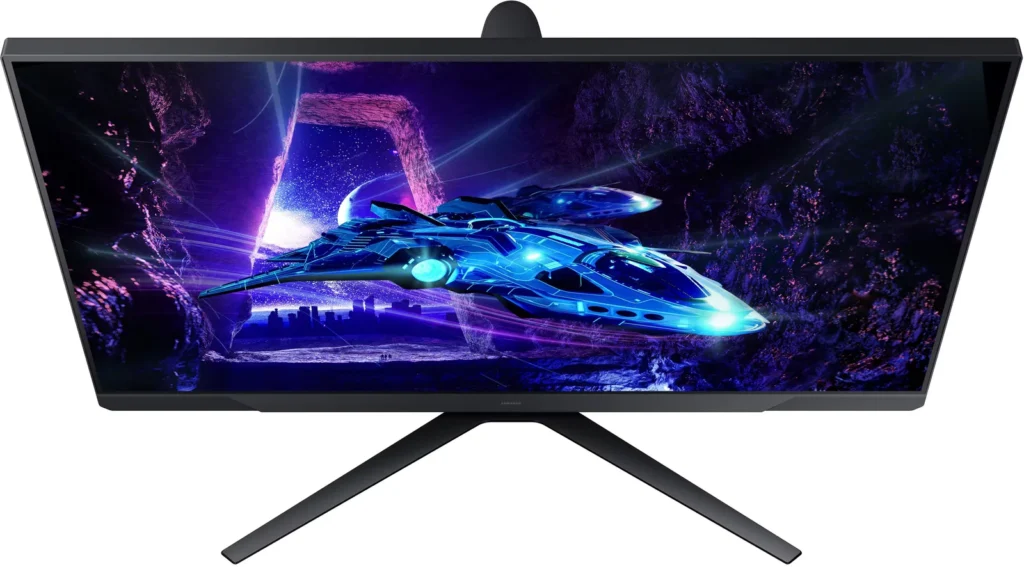
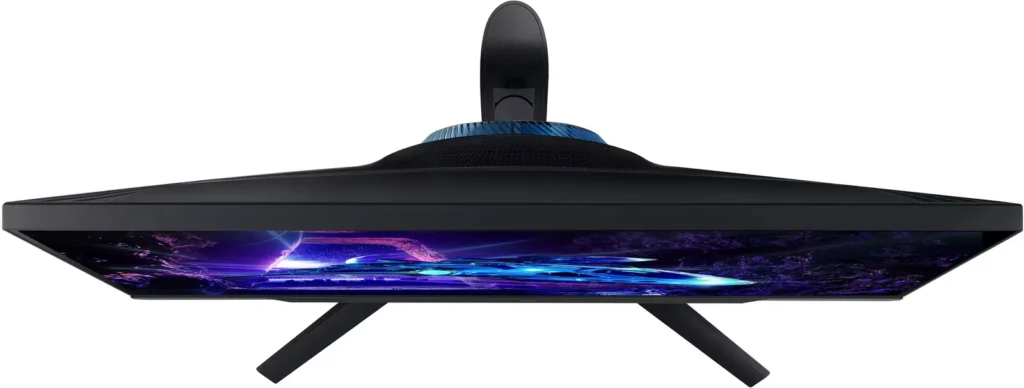
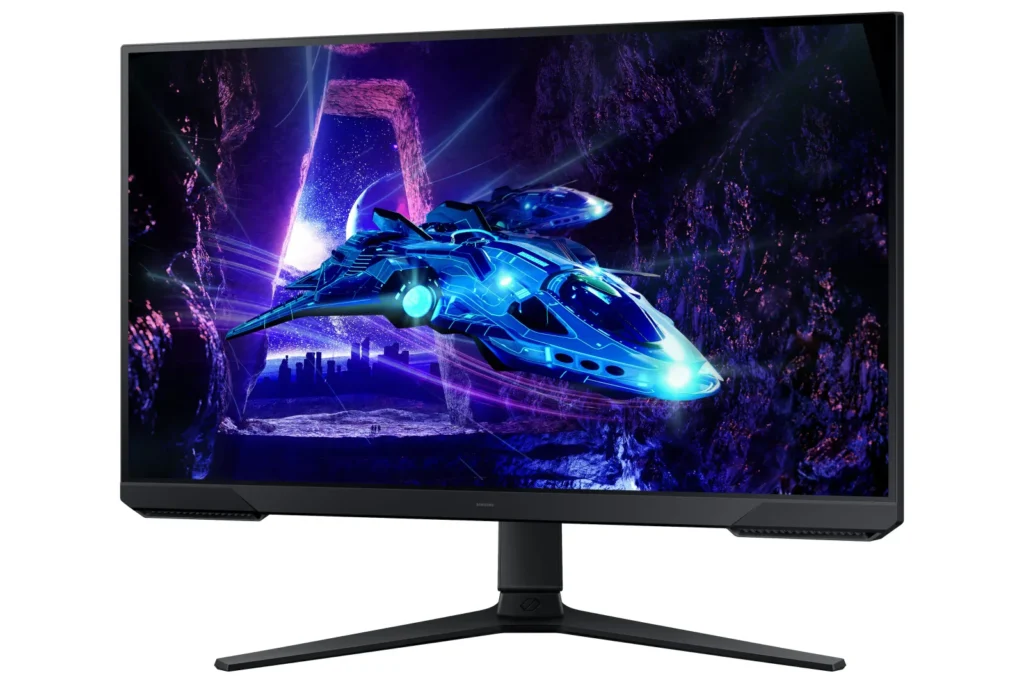
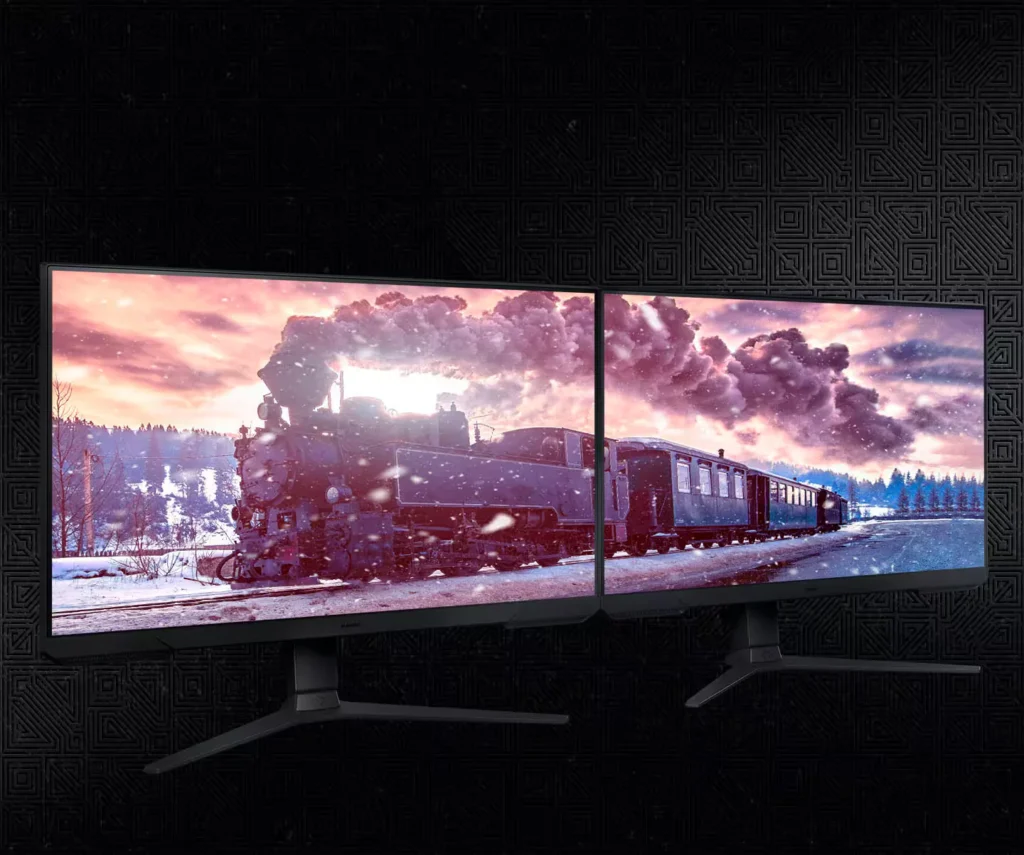
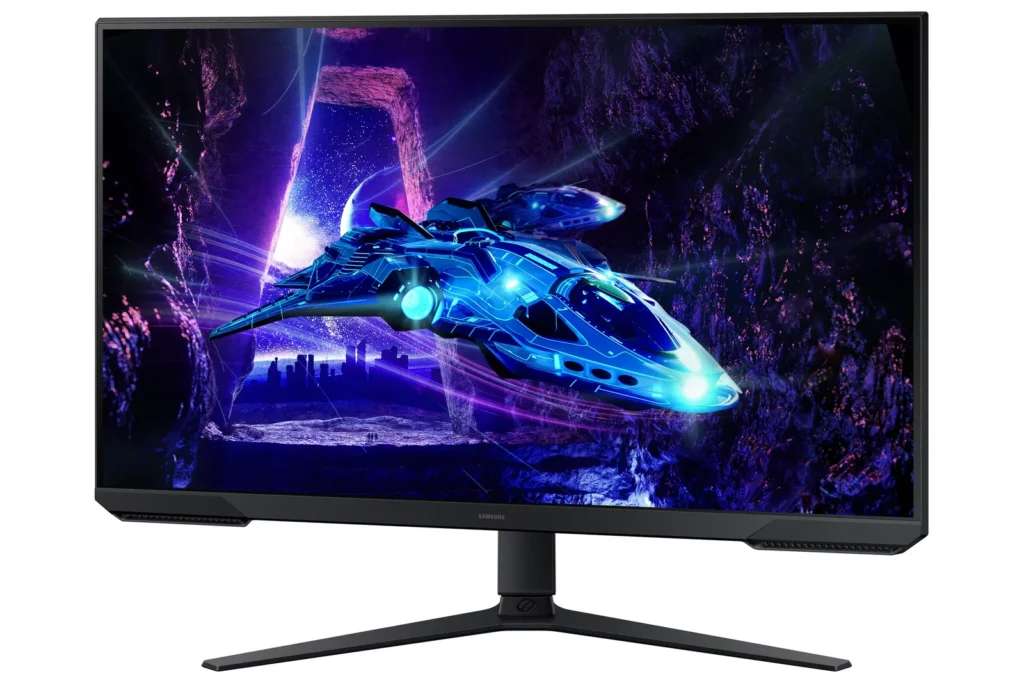
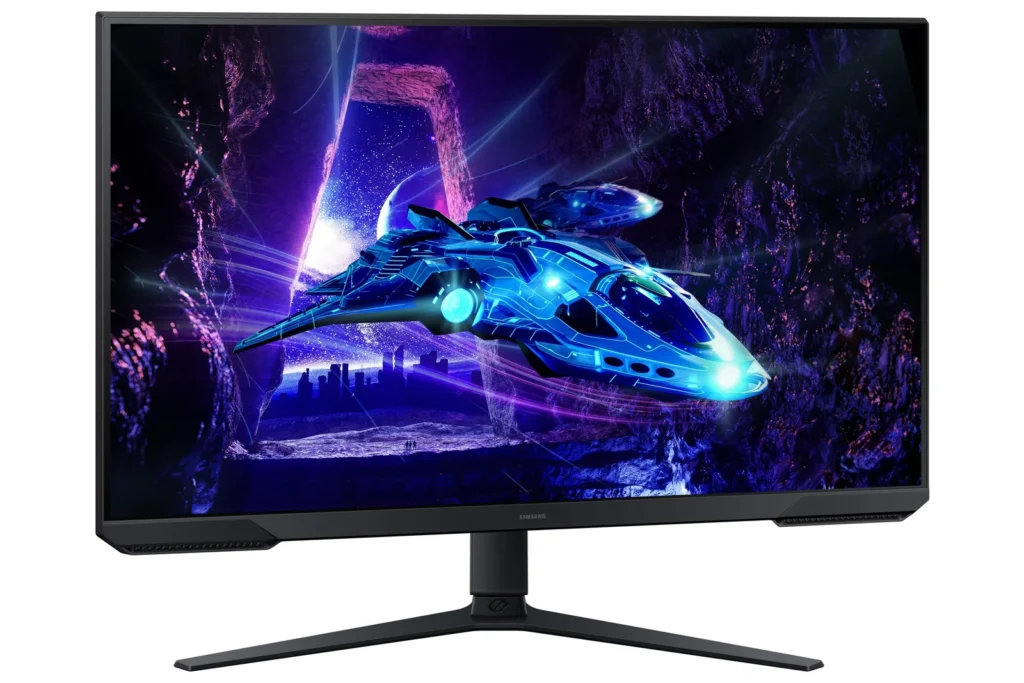
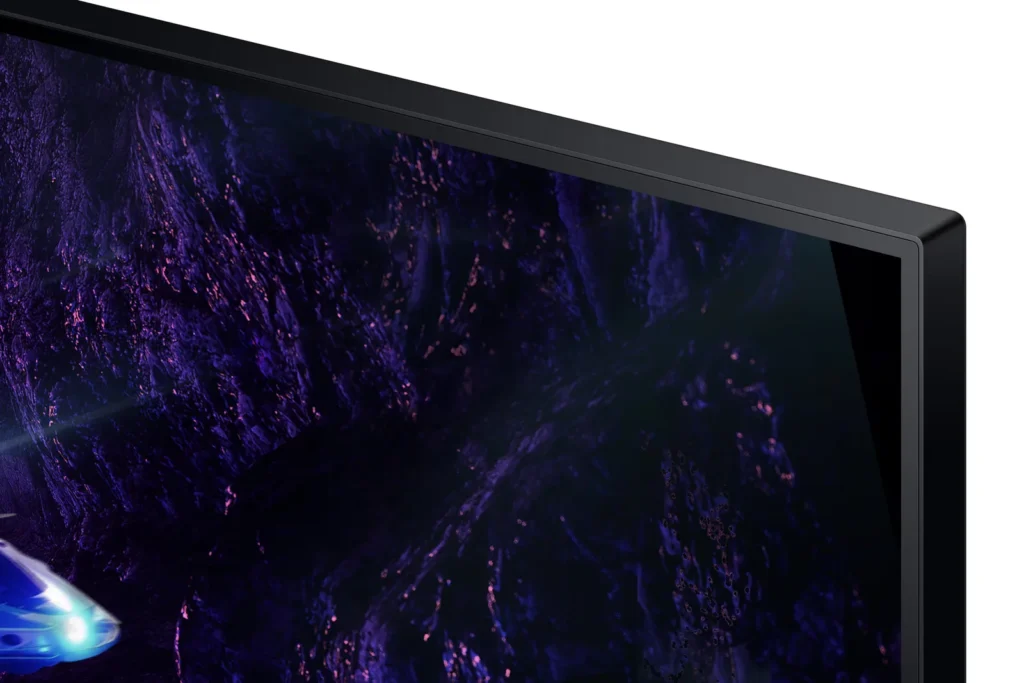
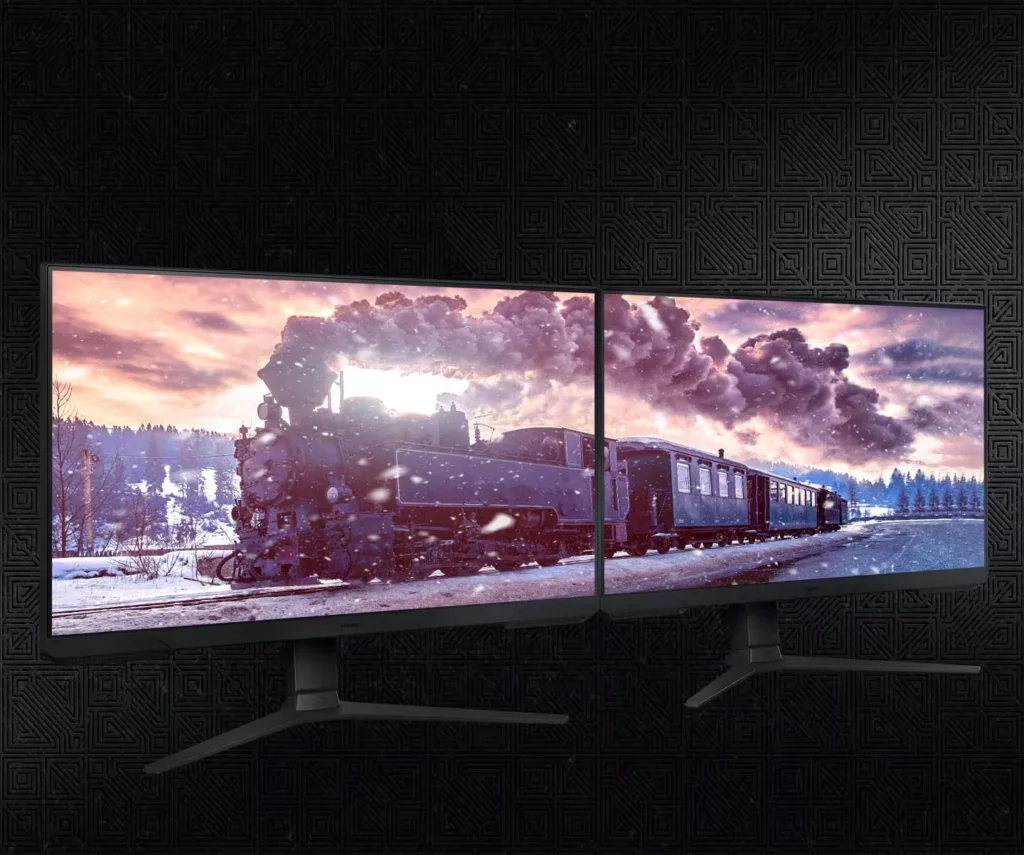
| 3-Sided Borderless Design | The minimalist, 3-sided borderless design maximizes screen real estate for an immersive experience and allows for a virtually seamless dual-monitor setup. |
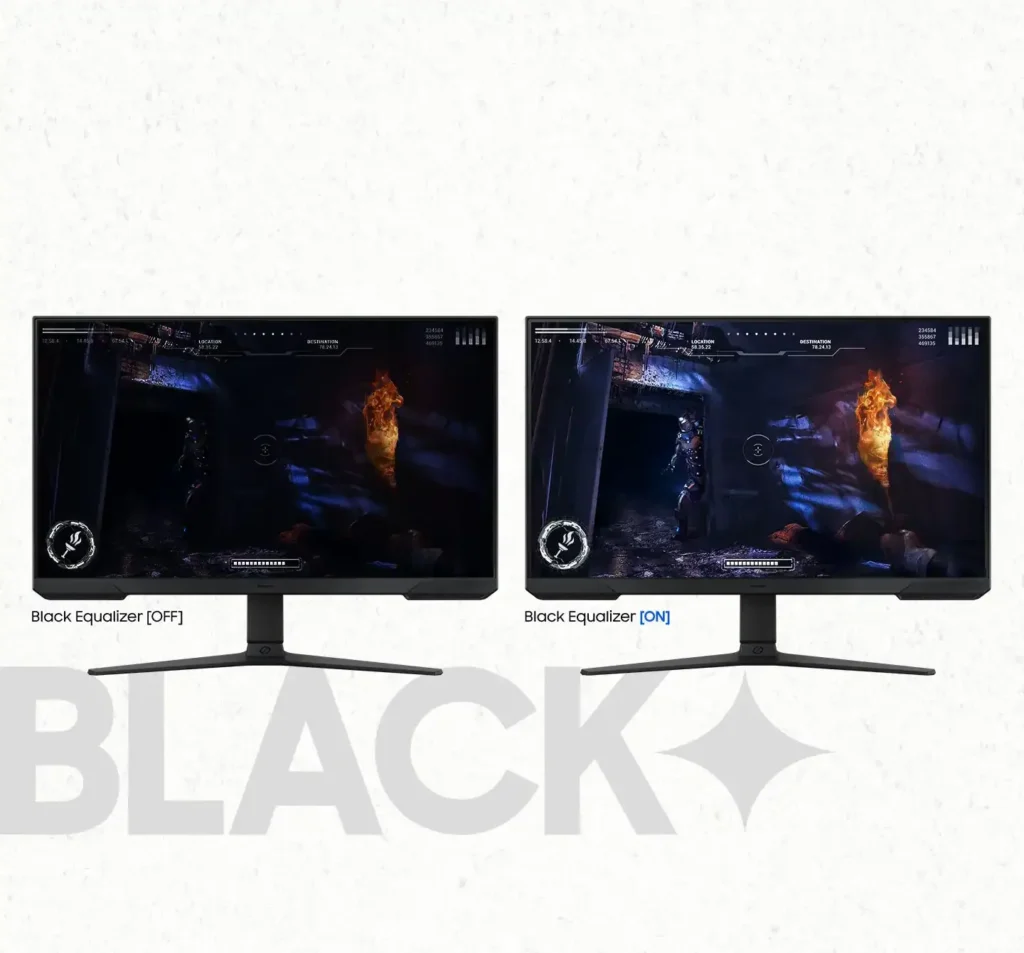
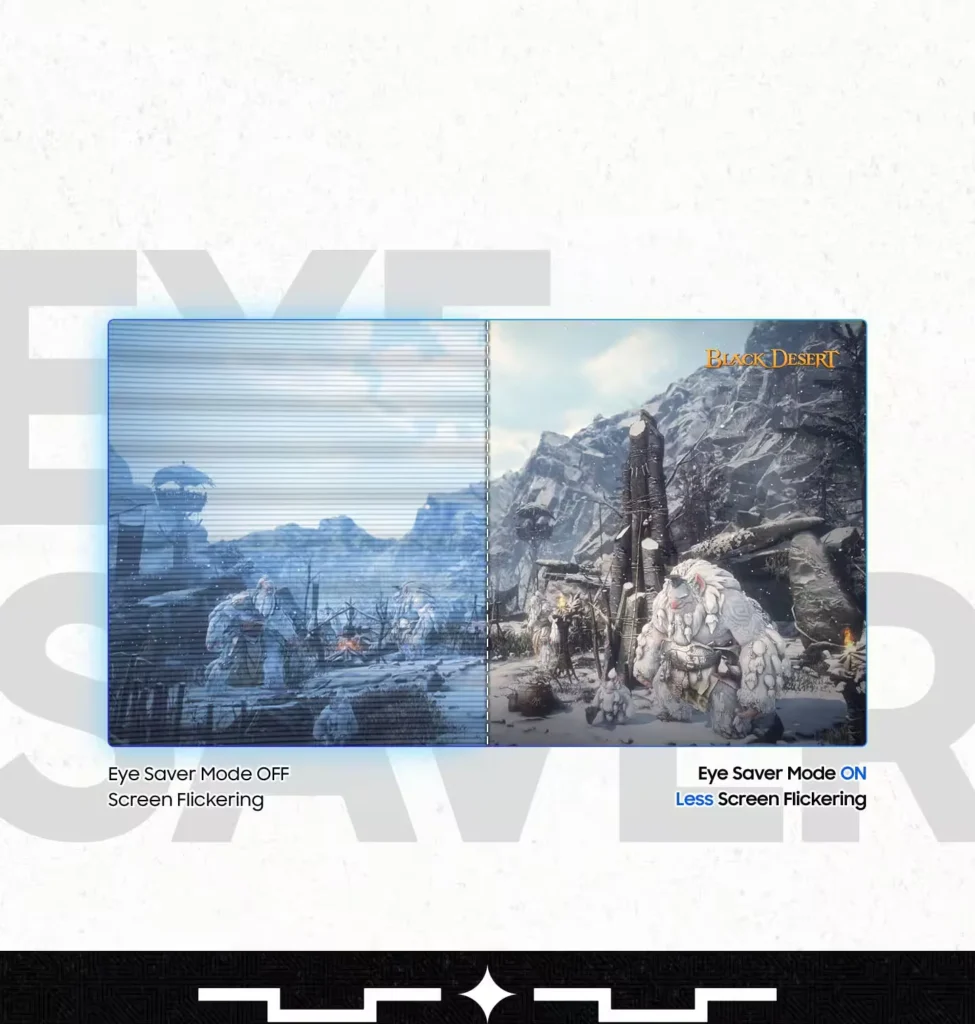
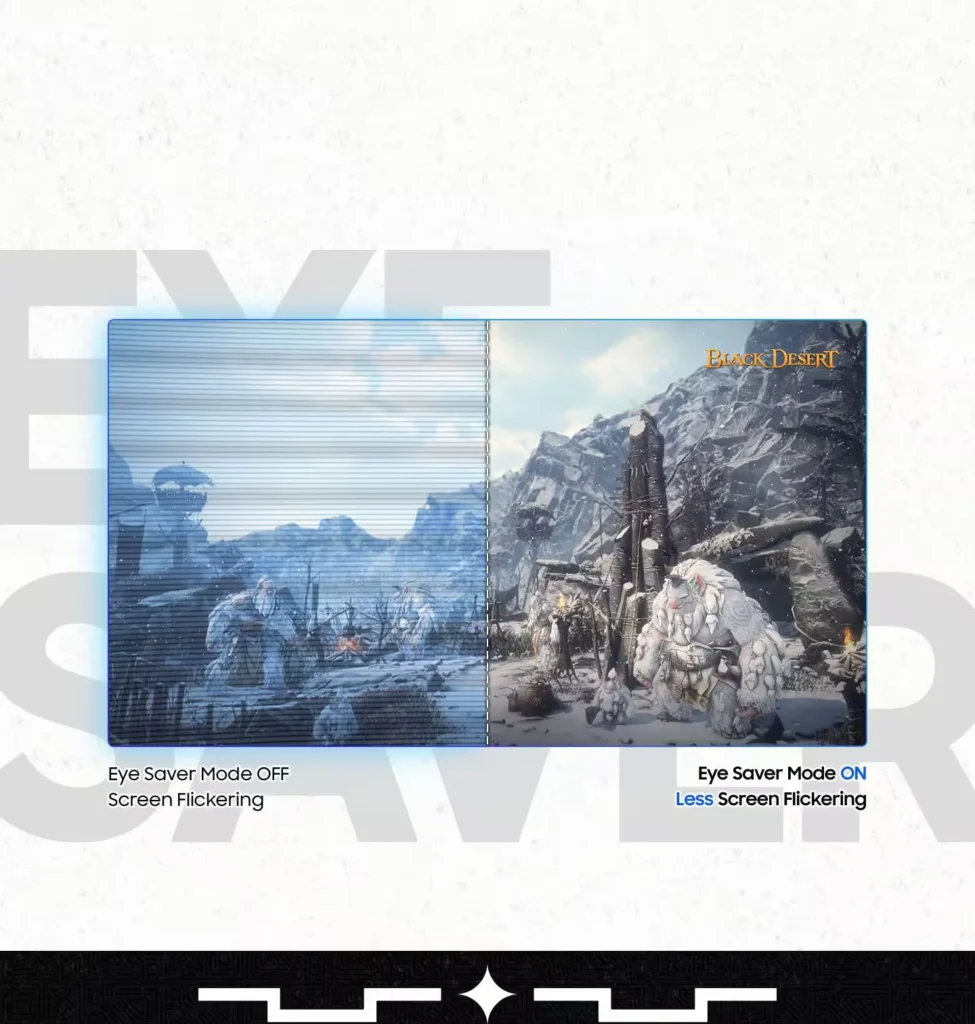
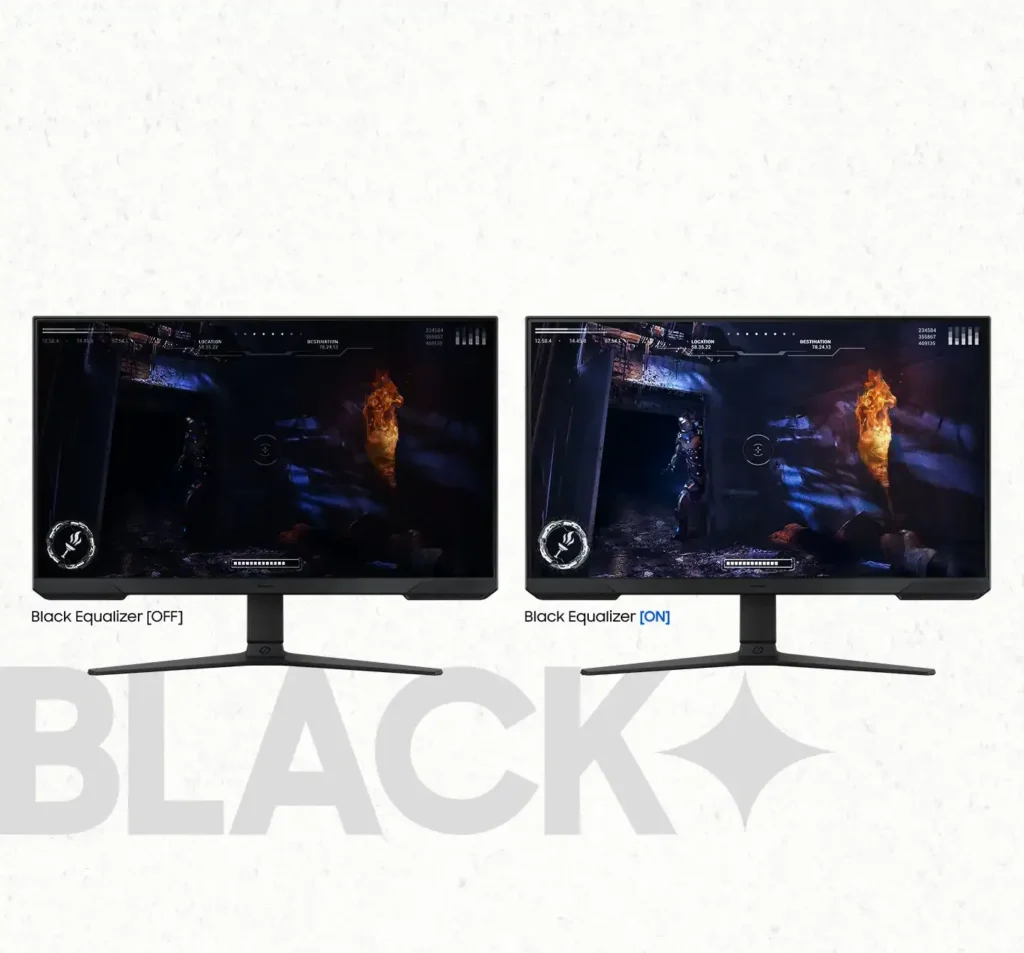
| Black Equalizer & Eye Saver Mode | Spot enemies hiding in the shadows with Black Equalizer, while Eye Saver Mode and Flicker Free technology reduce blue light and screen flicker to protect your eyes from strain. |
Pros & Cons
Pros
- High Refresh Rate and Smoothness: The 180Hz refresh rate and 1ms response time are frequently cited as major upgrades, providing a buttery smooth and responsive experience for competitive gaming and fast-paced titles.
- Highly Adjustable Ergonomic Stand: The stand is a standout feature, offering height, tilt, swivel, and pivot adjustments that allow users to easily rotate the screen into portrait mode without needing an external monitor arm.
- Exceptional Budget Value: Reviewers consistently describe the monitor as a 'steal' or 'bargain,' noting that it delivers high-end gaming features and solid build quality at a very accessible price point, especially when on sale.
Cons
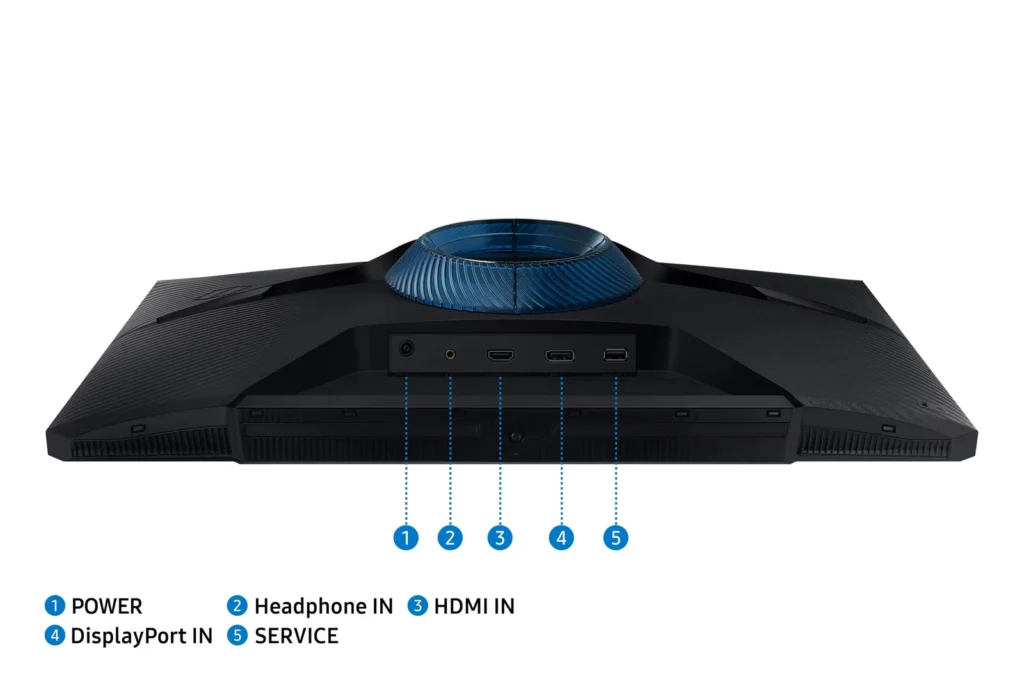
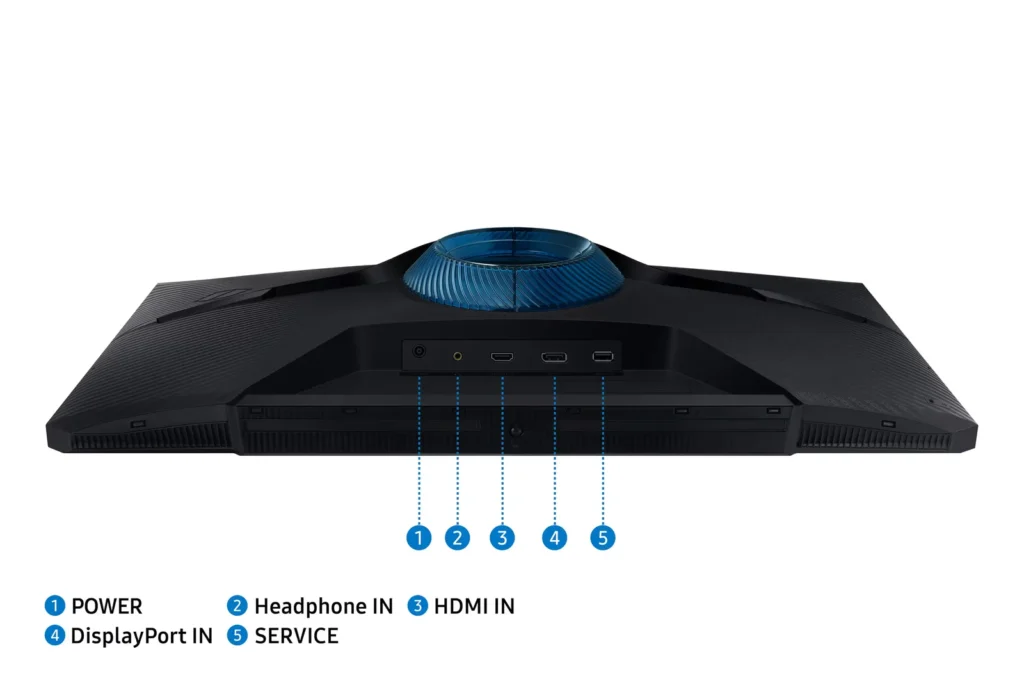
- Lack of Built-in Speakers: Many users were disappointed to find the monitor has no integrated audio, requiring the purchase of external speakers or the use of headphones for any sound output.
- Ghosting and Motion Smearing: Several reviews mention noticeable ghosting and motion blur, particularly in dark scenes or when scrolling text, which can detract from the visual clarity during fast movement.
- Low Pixel Density at Larger Sizes: On the 27-inch and 32-inch models, users noted that the 1080p resolution can result in pixelated text and a lack of sharpness compared to higher-resolution displays.
You might also like










Customer Reviews
Showing reviews 581-590 of 923
-
Should you buy it? Yes!!!!!
Verified purchase Verified purchase: This reviewer bought the product.Henok Asrat May 20, 2025Review source: AmazonWorth my money.
-
Gaming monitor
Verified purchase Verified purchase: This reviewer bought the product.AhmedINC May 19, 2025Review source: BestbuyPerfect to carry around anywhere you go , great for gaming and get work done , for half the price when I got it , was a steal
-
I Love This Monitor!
Verified purchase Verified purchase: This reviewer bought the product.Deborah Windham May 19, 2025Review source: AmazonI waited for this monitor to go on sale and when it did, I snatched it up. It’s a great addition to my set up. It’s a sleek nice looking piece of equipment. It’s also very versatile with its ability to adjust the height, tilt and turn the screen as needed. The picture quality is fantastic!
-
Product that knows you’re a gamer..
Verified purchase Verified purchase: This reviewer bought the product.Daniel Mills May 18, 2025Review source: AmazonAs Im unpacking, panic sets in… Crap, I should’ve bought extra HDMI cables… as I continue, oh here’s ur cord plus extra cause yea.. Samsung, keep winning bro. The monitor is clean, this changed my setup immediately, I love it. But honestly them going that extra mile with that cord.. chef’s kiss 🤌🏽
-
Cancel and refund, please. Uo
Verified purchase Verified purchase: This reviewer bought the product.HalF May 17, 2025Review source: BestbuyBest Buy is awful. To ask me to review an item that has never arrived is the height of stupidity. Ordered a paid for on April 22…as of May 16, the item has never arrived!!!
-
Great with Xbox
Verified purchase Verified purchase: This reviewer bought the product.Slideruleracer 897 May 17, 2025Review source: AmazonMy son love his with his Xbox
-
Nice Monitor
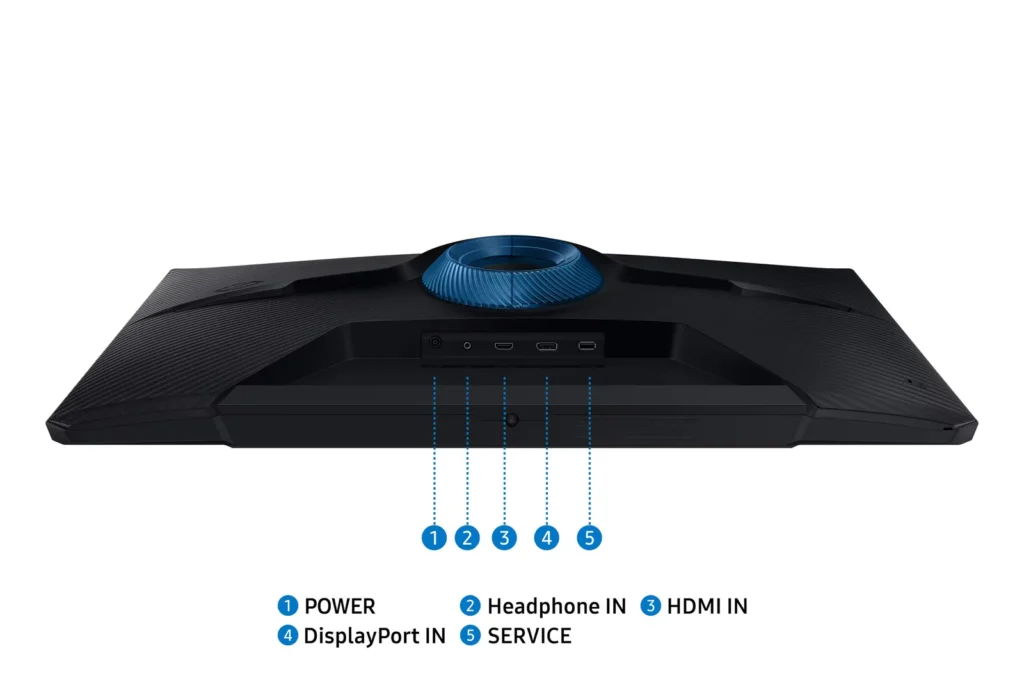
Verified purchase Verified purchase: This reviewer bought the product.ramesess May 17, 2025Review source: AmazonI got this monitor for my wife’s new computer. It has good resolution, is sharp, and colors are great. I’m running it on the DP cable, but it can also be run HTMI. The monitor sits on a stand with a “V” shaped feet. The monitor slides up/down and can be tilted and rotated to some extent.
The settings are a bit funky and are controlled by a single button on the bottom. Push the button up for ON, but you have to navigate to the shutdown setting using the button and a 4 position push sideways on the button. (UP turns on Menu, Towards you selects Shutdown, then Push button up to turn off.) If you don’t turn the monitor off when you shut down the PC, an annoying blue LED under the monitor flashes until the PC turns back on. (Annoying because I can see it from the bedroom when all is dark.)
-
Great value
Verified purchase Verified purchase: This reviewer bought the product.BillJ May 16, 2025Review source: BestbuyGreat value for the money. It is built well, has a very good refresh rate , and good color
-
A good introductory monitor
Verified purchase Verified purchase: This reviewer bought the product.DanielN May 16, 2025Review source: BestbuyBeautiful monitor that has served me well this past month. It’s easy on the easy, has variable settings, and I’ve yet to run into an issue of screen tearing.
-
Beautiful HDR, but the VA panel at 27" ruins it.
Verified purchase Verified purchase: This reviewer bought the product.Lenna Adler May 16, 2025Review source: AmazonWhile the color depth feels absolutely amazing, buyer beware on VA panels at 27″ 1080p, I guess. The text on this thing is shimmery and blurry at absolutely any configuration. Tried everything (every combination of monitor and video card settings, multiple cables, even multiple ClearType adjustments) and I’m only able to mitigate it slightly. The color depth and HDR looks beautiful on here, and things look pretty decent in motion especially with the response rate on Extreme, but text, especially bold text, just looks so bad that I can’t recommend it as a primary monitor. If you are wanting 1080p specifically at this size, do yourself a favor and make sure to get an IPS panel.